Swimming Pool Side Towel Mockup Scene Creator Set
Creatsy in Mockups / Beach Towels
Product Details
Swimming Pool Side Towel Mockup Scene Creator Set
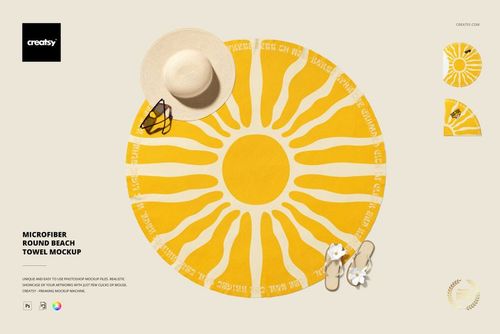
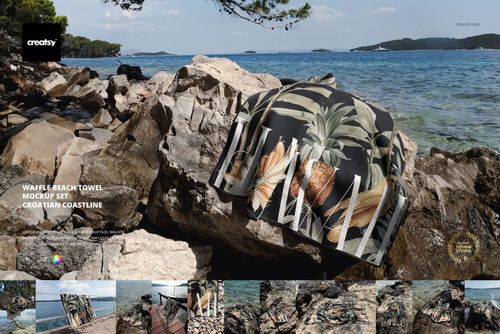
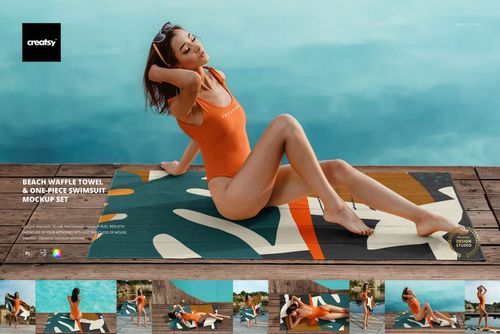
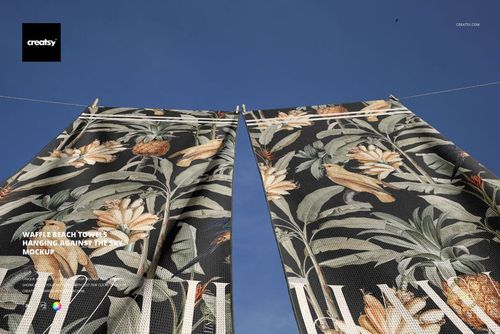
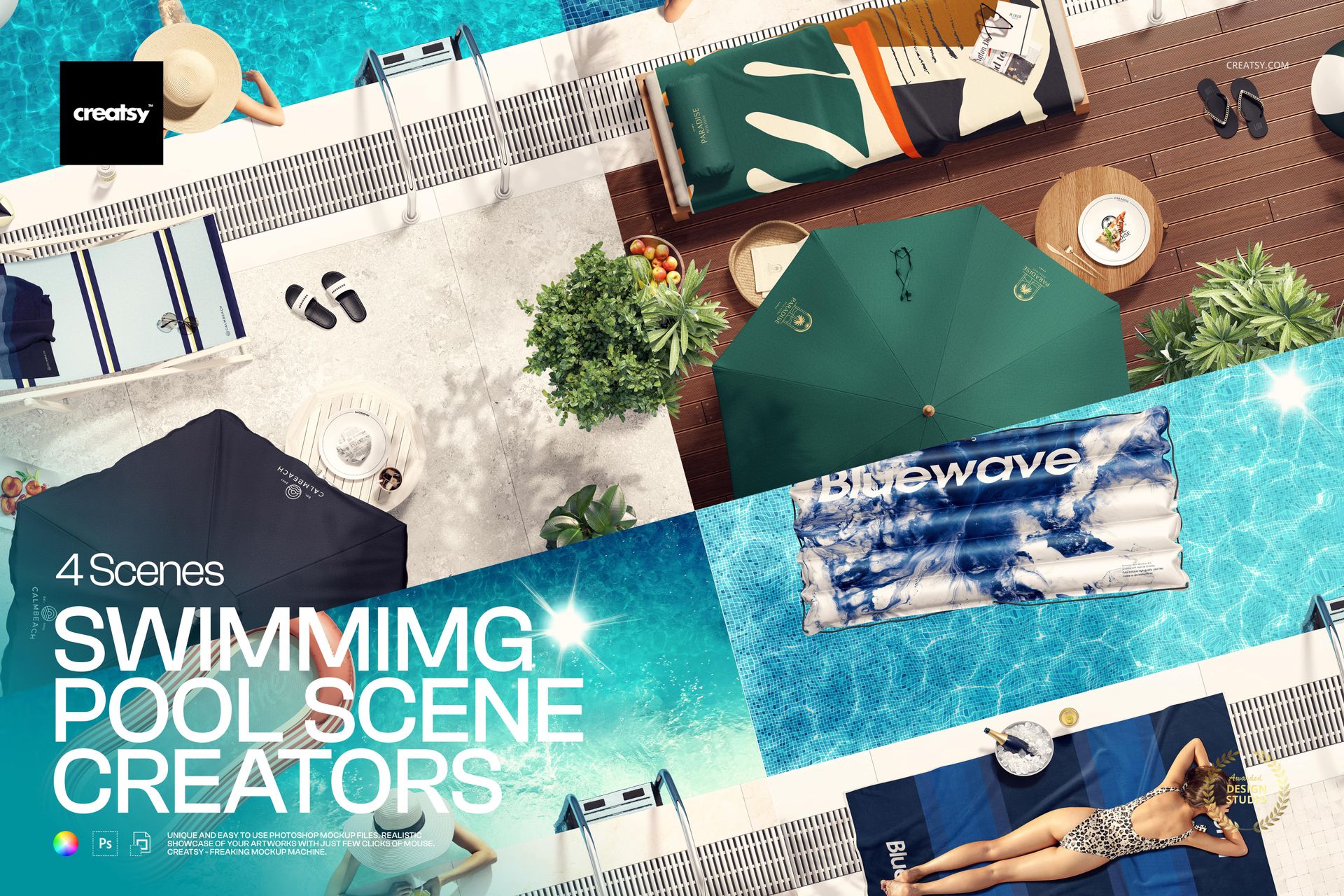
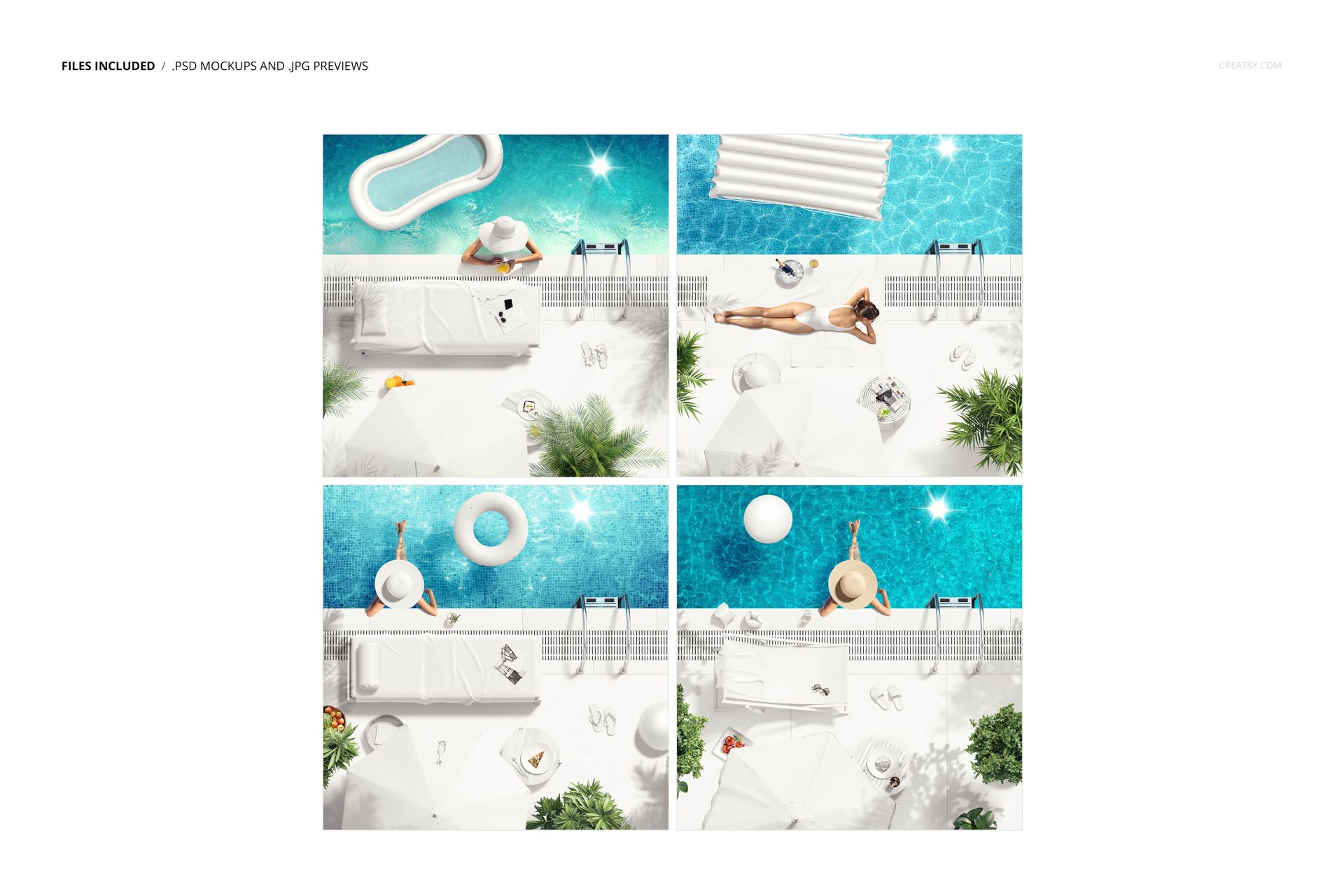
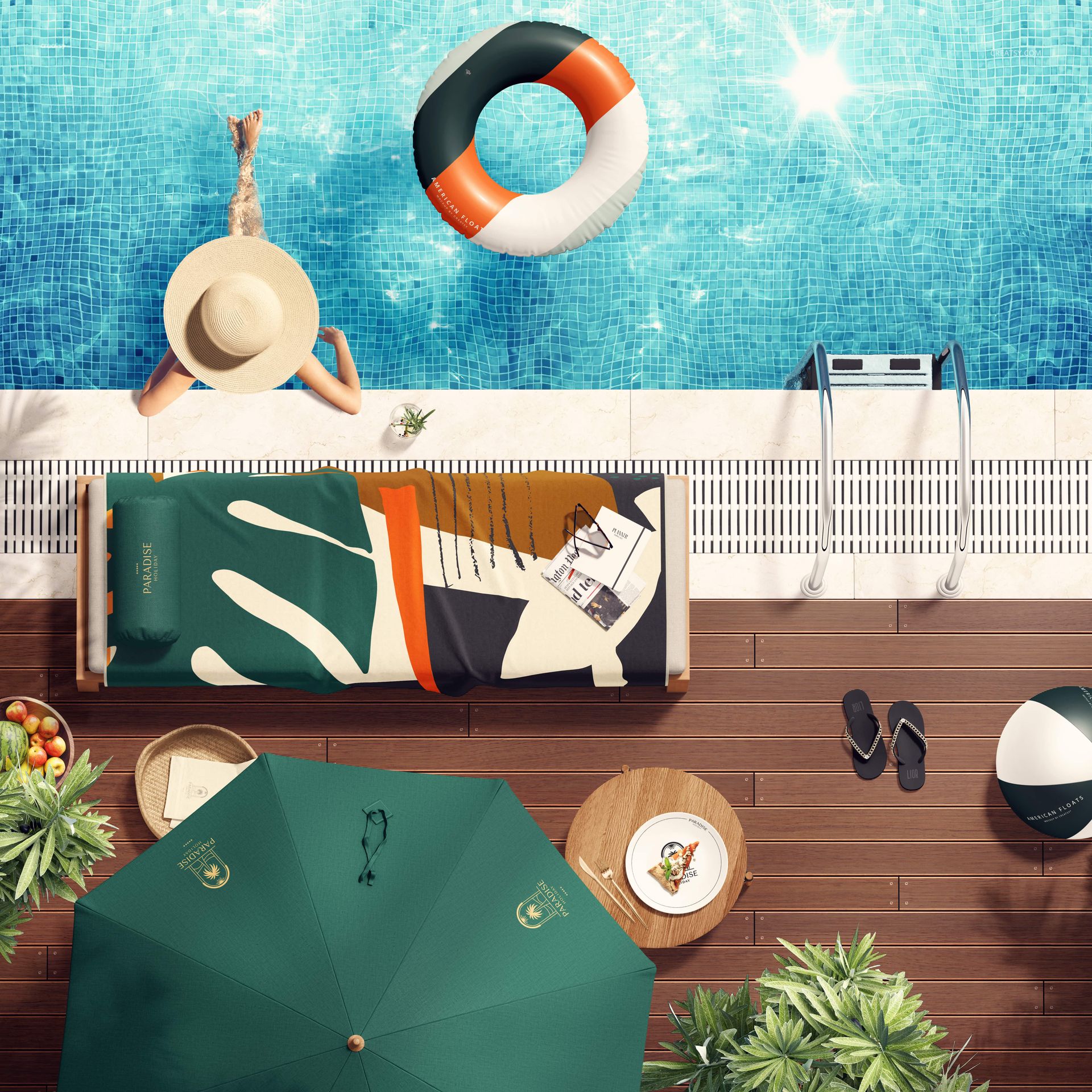
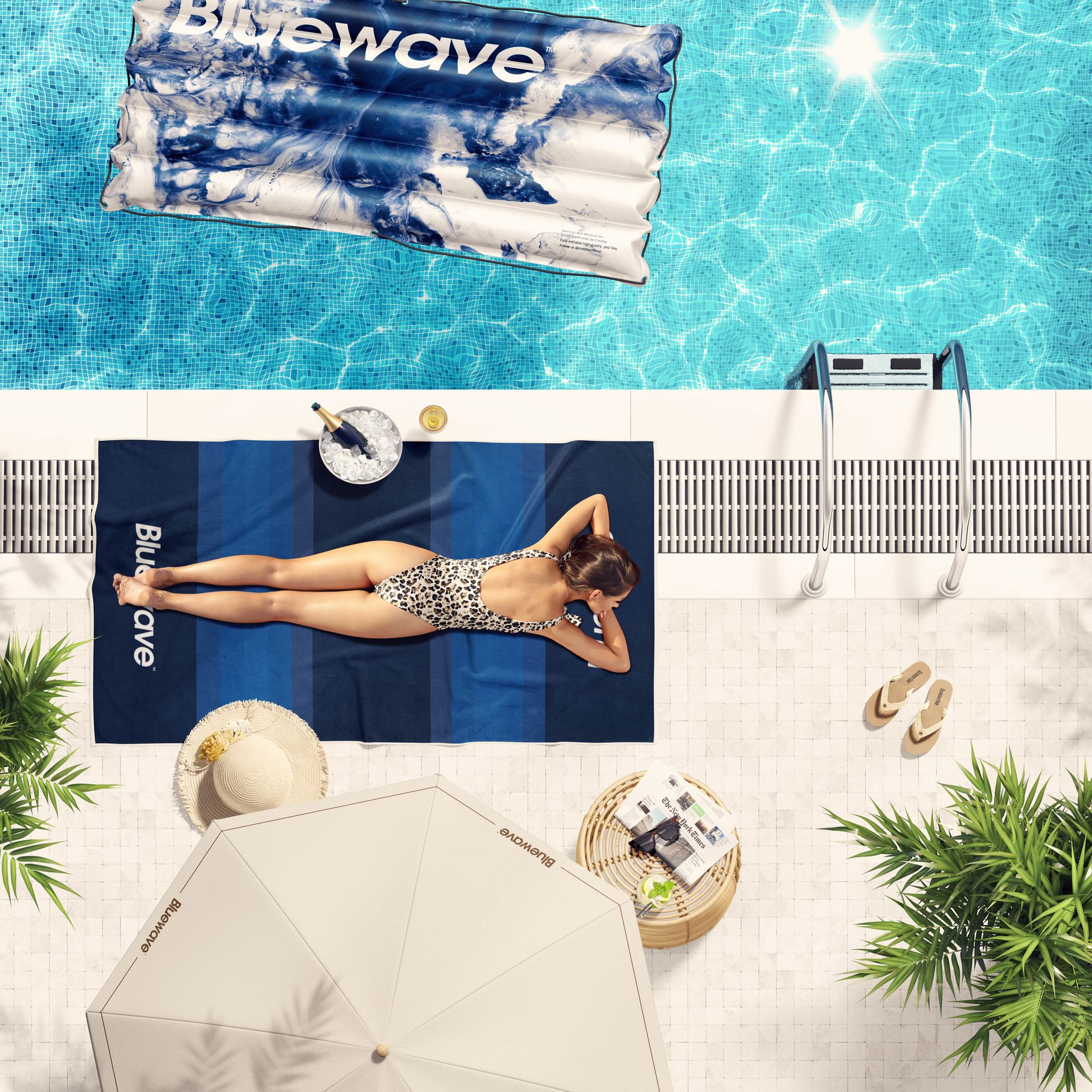
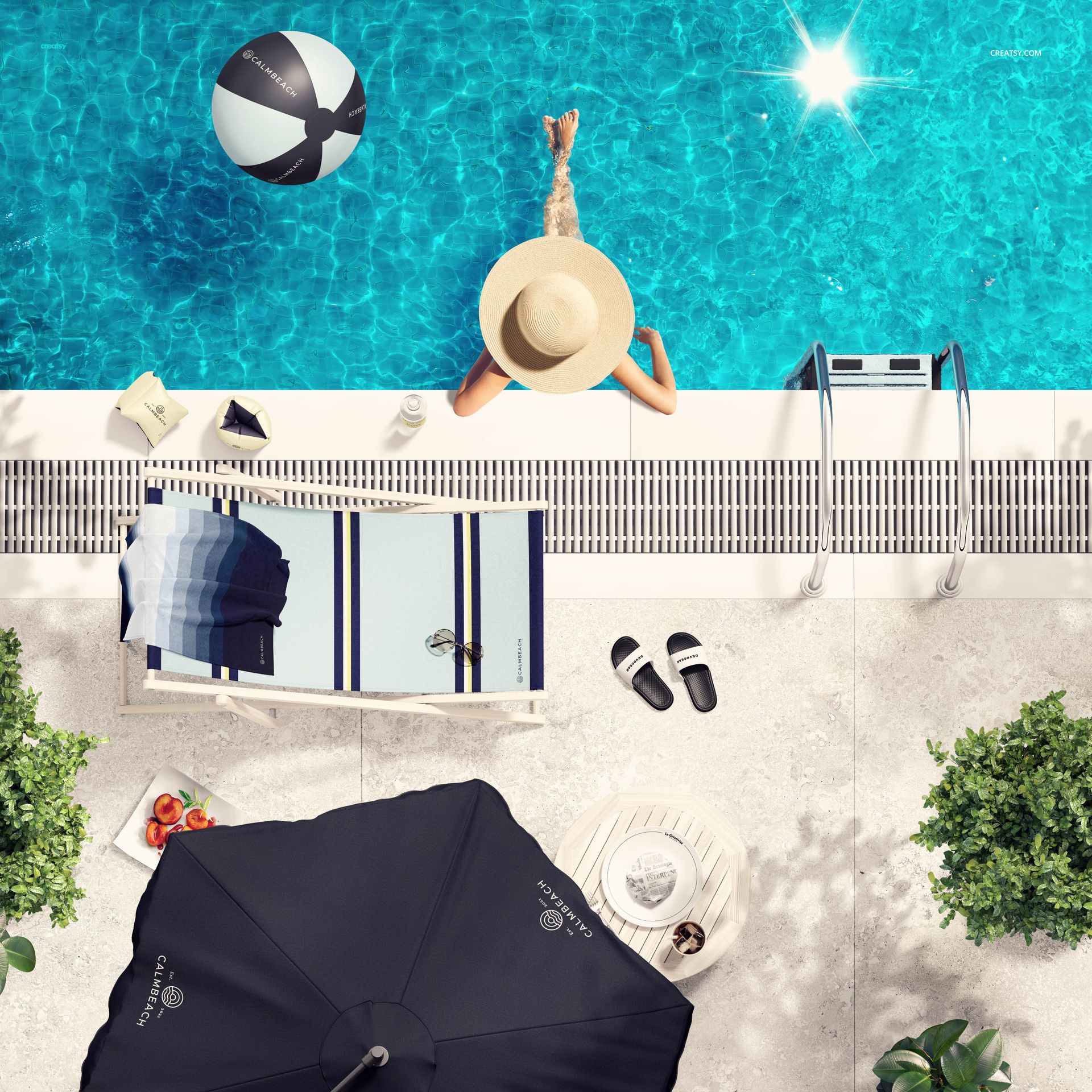
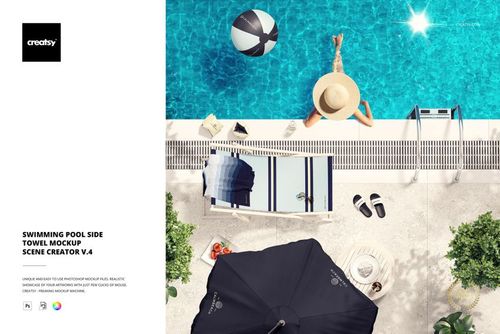
Showcase towel artwork in a complete set of four square, top-view poolside scenes. This bundle brings together versions 1 through 4, giving designers a consistent summer visual system for product launches, resort concepts, lookbooks, client approvals and portfolio presentations.
What's Included
4 well-organized PSD mockups, one from each included product
4 JPG reference files
6000 x 6000 px canvas per scene at 300 DPI
Standard PSD format with no PSB files
Designed for Adobe Photoshop CC 2020 or later
Four Distinct Poolside Compositions
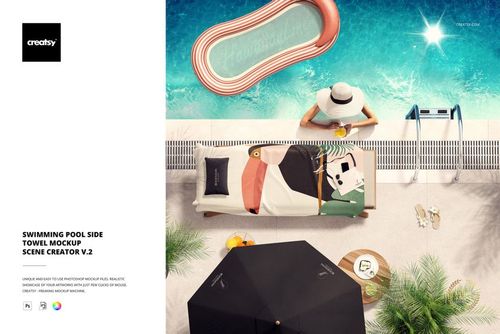
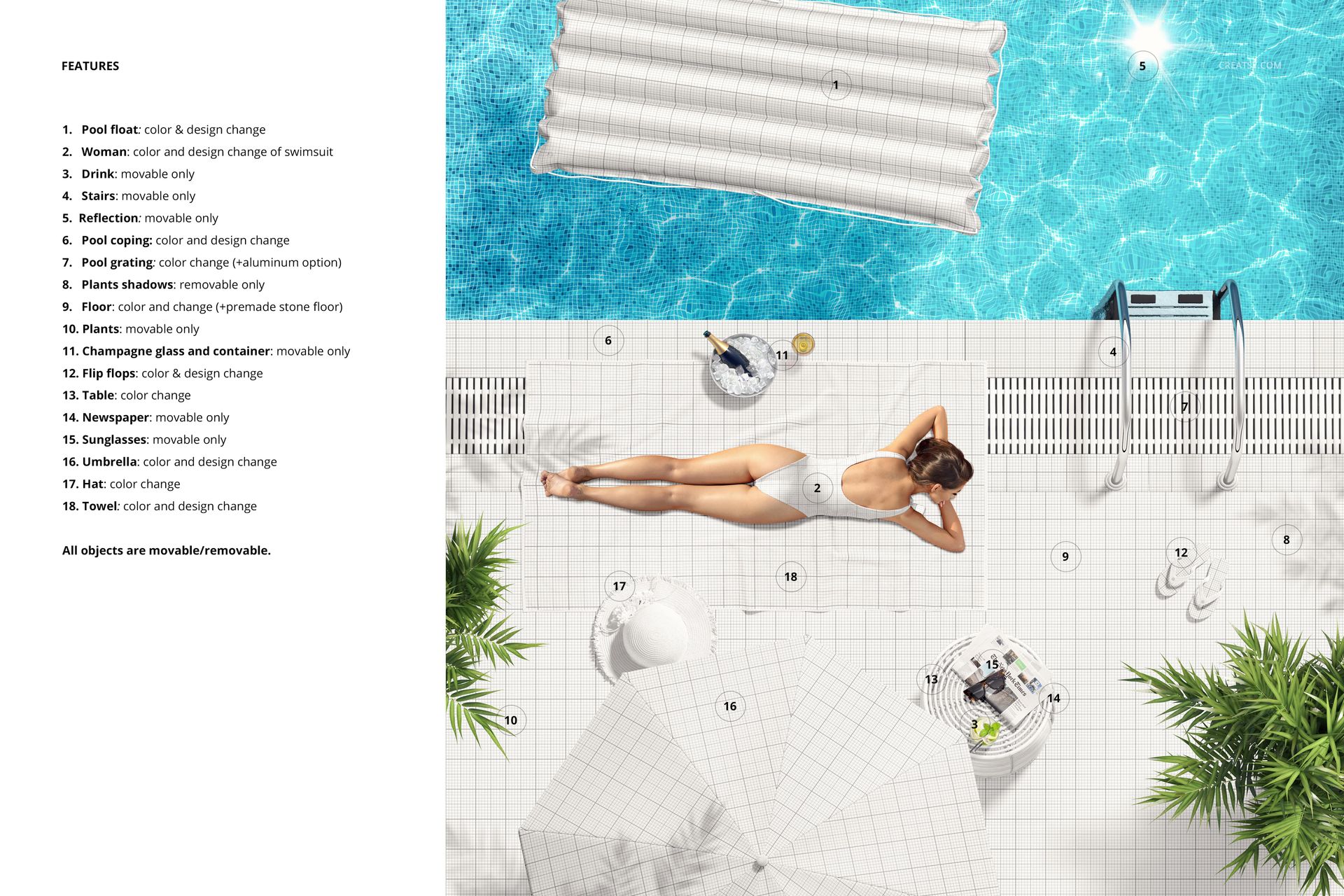
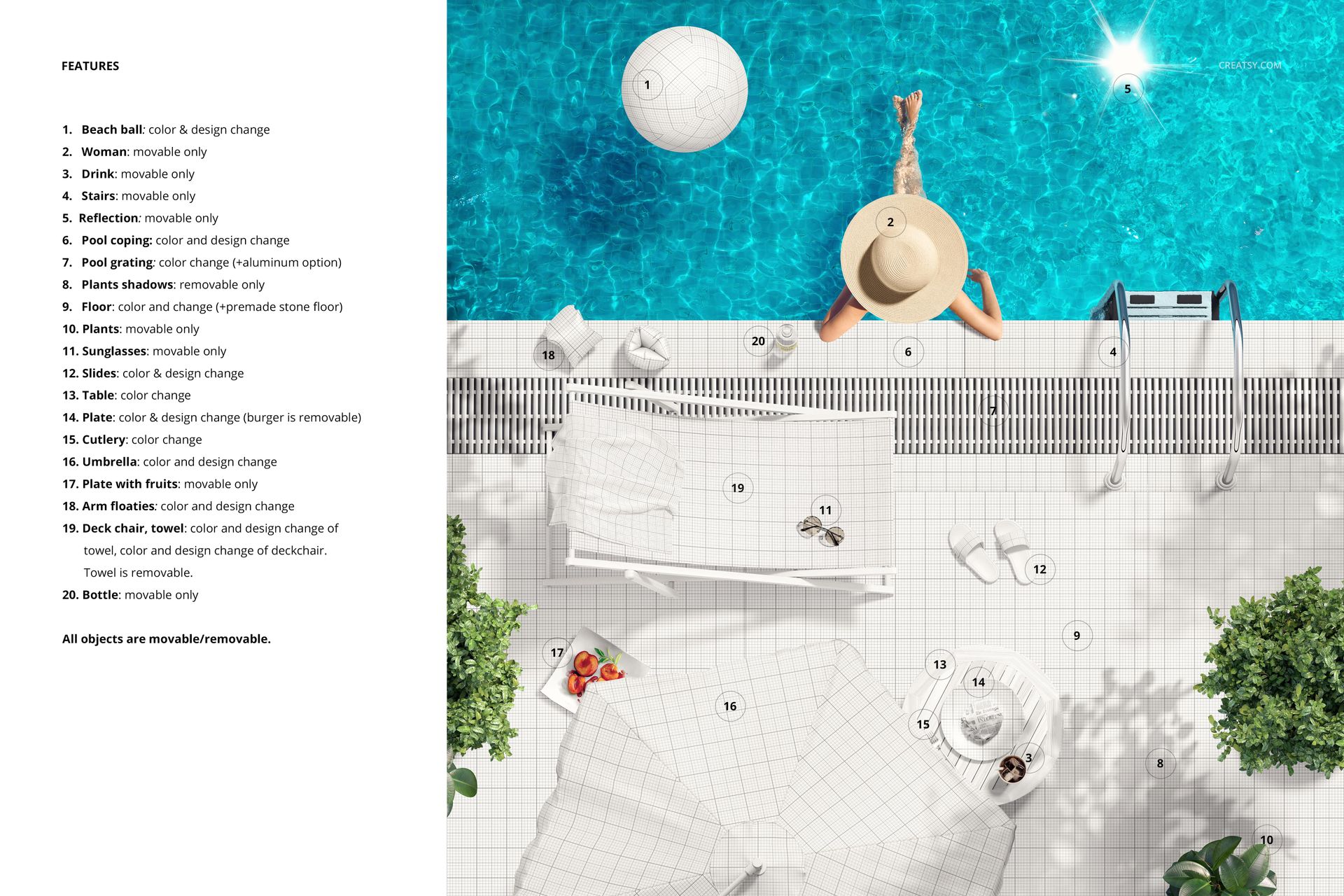
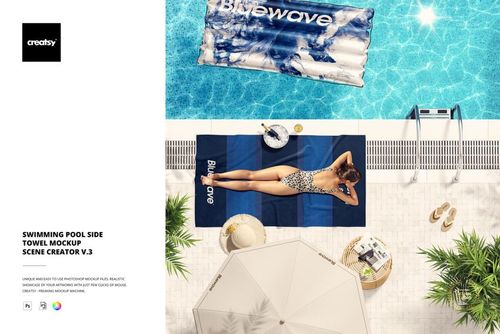
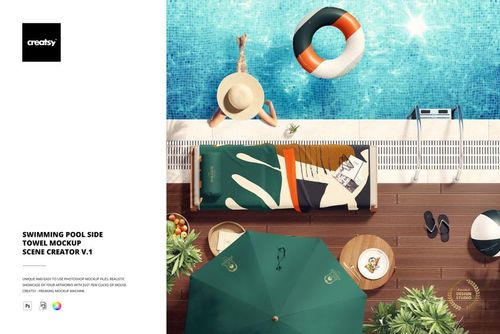
The set covers lounge-chair, tiled-deck, pool-edge and in-water towel placements. Across the four compositions, the styling features bright blue water, umbrellas, pool floats, sunhats, sandals, tropical greenery and relaxed lifestyle details. Some scenes include people, helping a pattern presentation communicate scale and real-world context.
A Flexible Presentation Toolkit
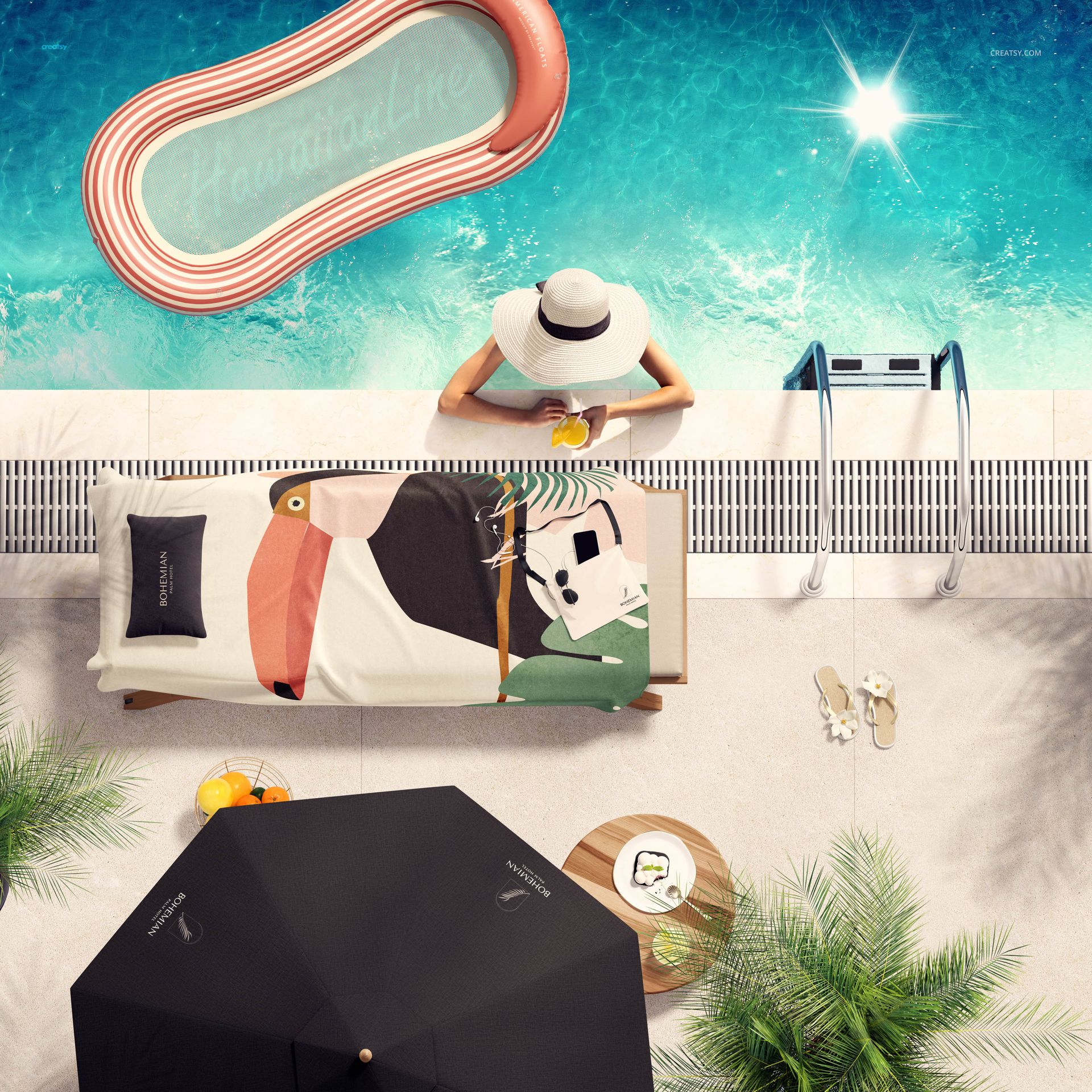
Use the scene variety to compare pattern scale, color balance and motif direction across different poolside settings. The bundle works especially well for towel collections, surface pattern portfolios, textile presentations, resort or hotel branding concepts and seasonal summer campaigns. A four-image sequence can provide a campaign hero, a focused product view, a lifestyle scene and a complementary follow-up without repeating the same composition.
Editing Notes
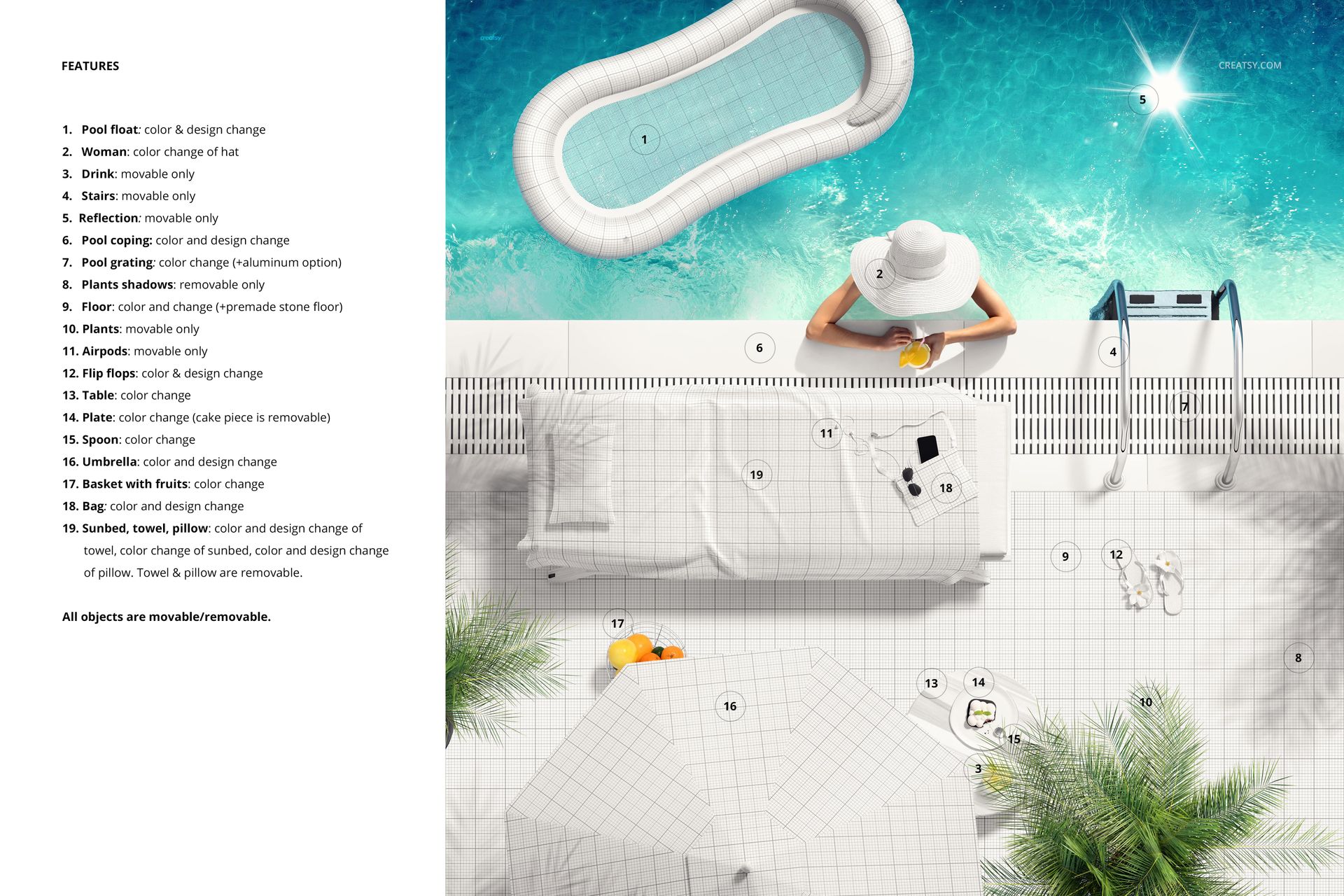
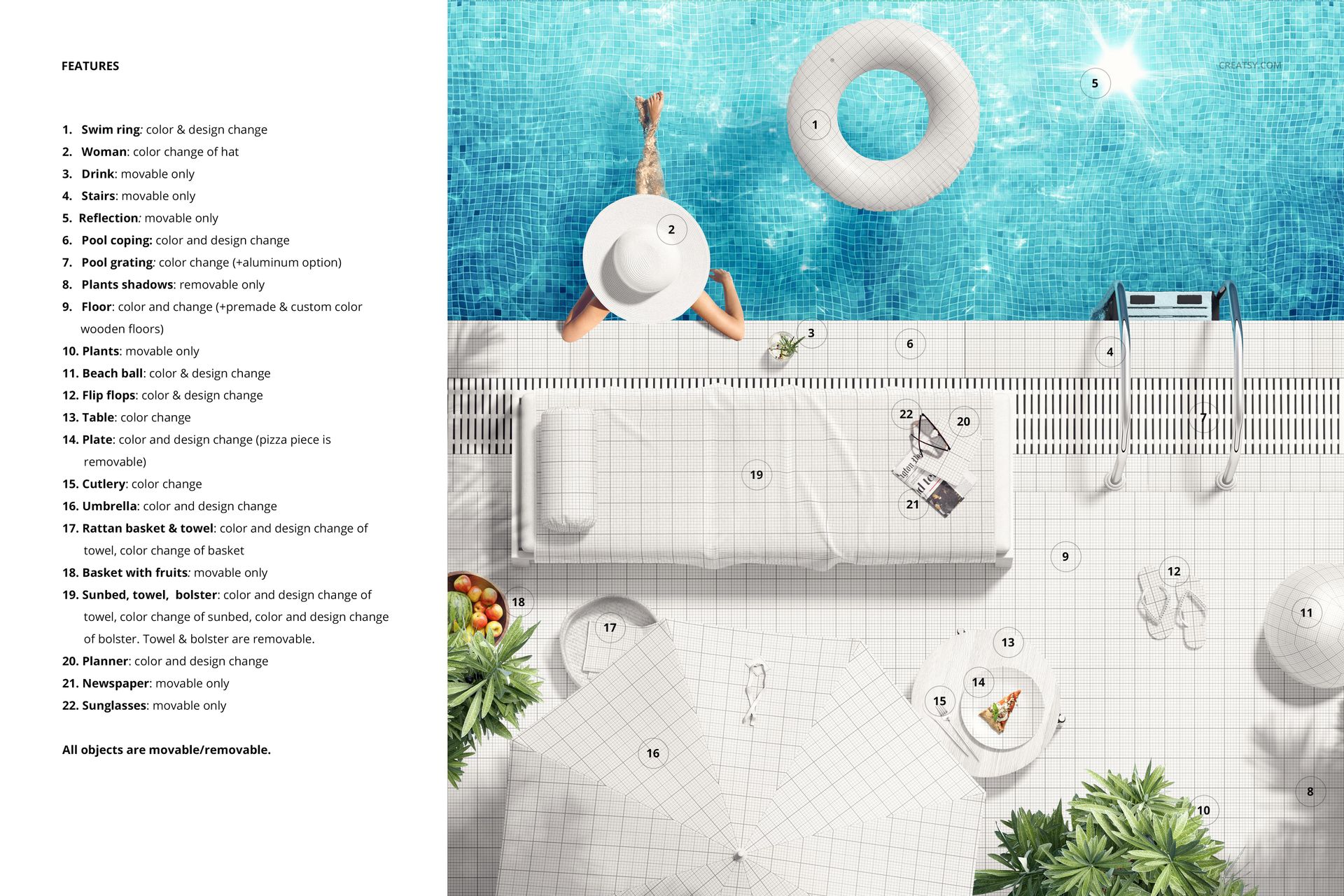
The people, floats, umbrellas, furniture, water, plants and accessories are part of each prepared scene composition. Treat them as scene styling unless the layer panel in a particular PSD clearly provides an additional editing option.
Design Credits
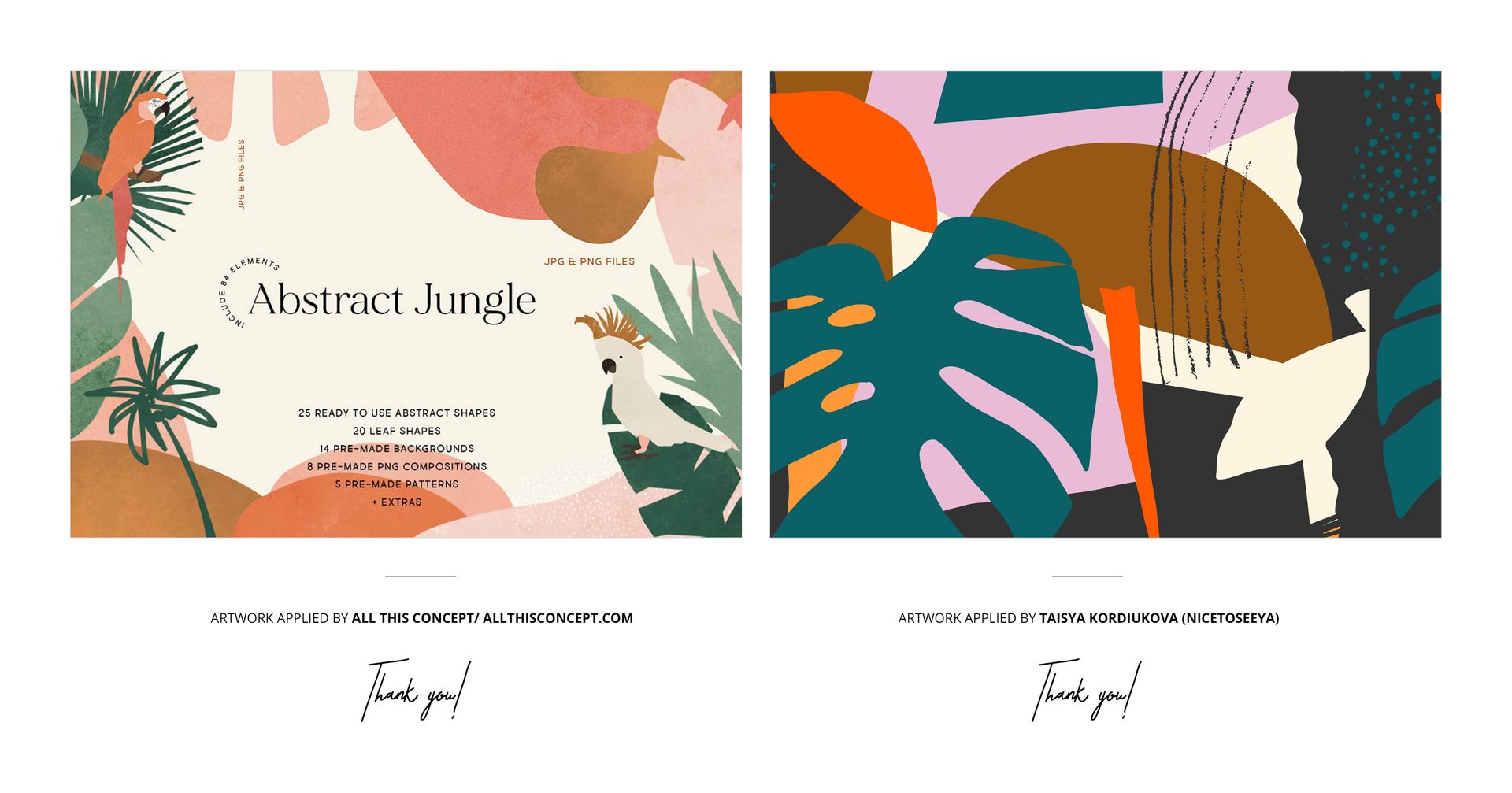
Sample artwork credited to All This Concept and Taisya Kordiukova / Nicetoseeya is shown for presentation purposes and is not included with the mockup files.
File details
- Compatibility


- Products in bundle
- 4
- Package size
- 739 MB
 |774 MB
- Files type
- .psd, .jpg, .pdf
- Files size
- 6000x6000
INCLUDED/4
MEET THE SHOP

Creatsy
Poland
Bring your ideas to life.
We're a family-run studio in Katowice, Poland, making PSD mockups by hand since 2016. Everything in this shop starts in our own studio. We shoot the photography, build the 3D, and put together every Smart Object PSD ourselves - then we test it, organize the layers, and only ship it once it actually works...
 15$2550$30.00
 15$1870$22.00
 15$1615$19.00
 15$2040$24.00

HOW IT WORKS
3 clicks. That's it.
No tutorial needed. If you can copy-paste, you can use this.
- 1OpenDouble-click the smart object inside the PSD - in Adobe Photoshop, or free in your browser with Photopea.
- 2PasteDrop in your pattern, print, or artwork. Any design, any style.
- 3SaveHit save and the mockup wraps it in for you - shadows, folds, and lighting included.
FROM IDEA TO IMAGE
Built for real workflows
Skip the photo shoot Show your artwork on the real product type for approvals or listings - no studio, no model, no sample.
See it on the product, not a swatch Drop your file into the smart object and the scene's lighting and folds wrap around it, so you judge the real thing before you commit.
Smart Objects
Edit once and you're done. Your artwork drops into a smart object and the mockup updates itself - no masking, no warping by hand.
Perfectly Organized
Named layers and folders you can actually navigate. Find what you need, change what you want, and get out fast.
Print-Ready
High-resolution files built to hold up on screen and in print. Exact size and DPI are in this product's Details above.