Waffle Beach Towel Mockup Set - Outdoor Edition
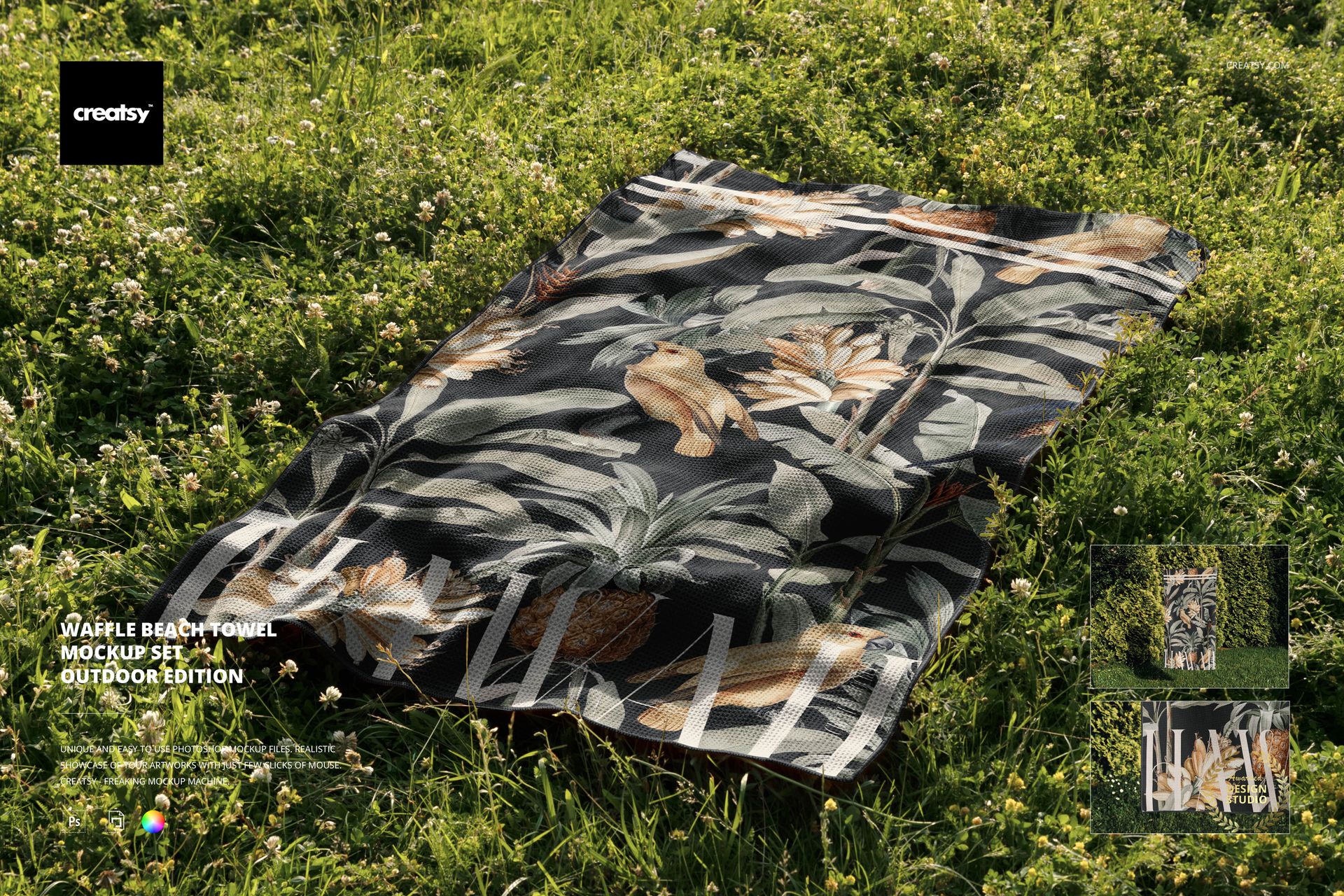
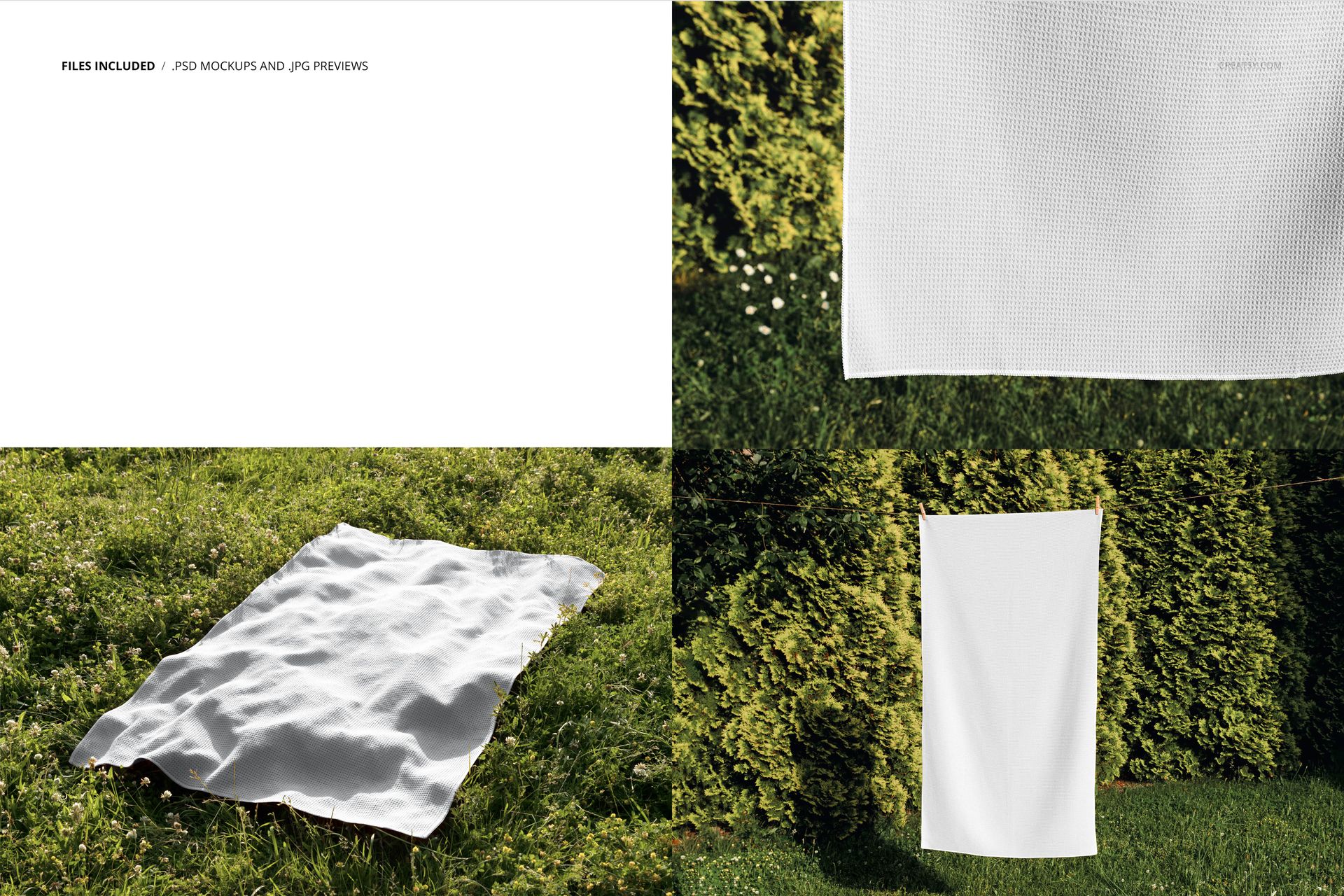
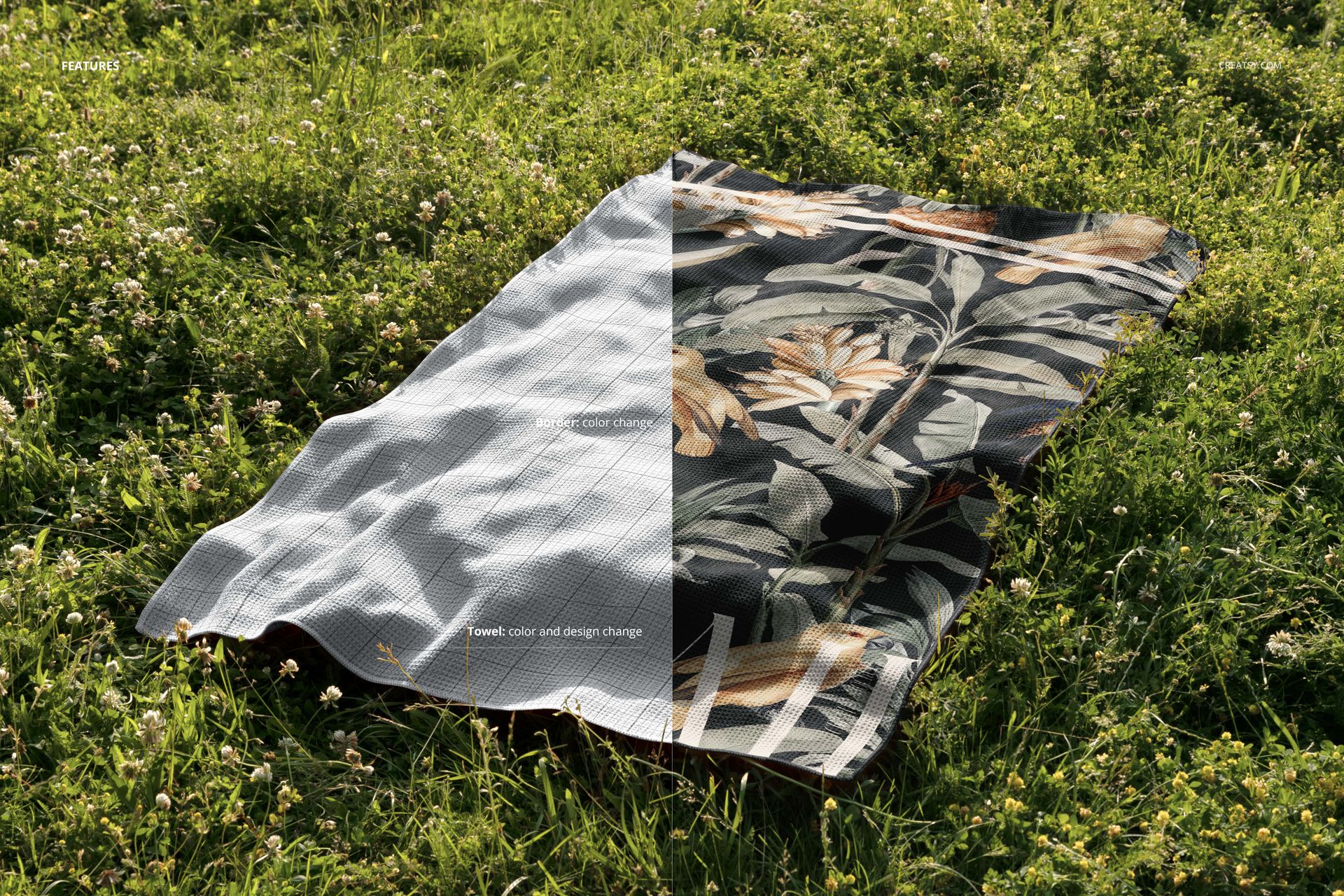
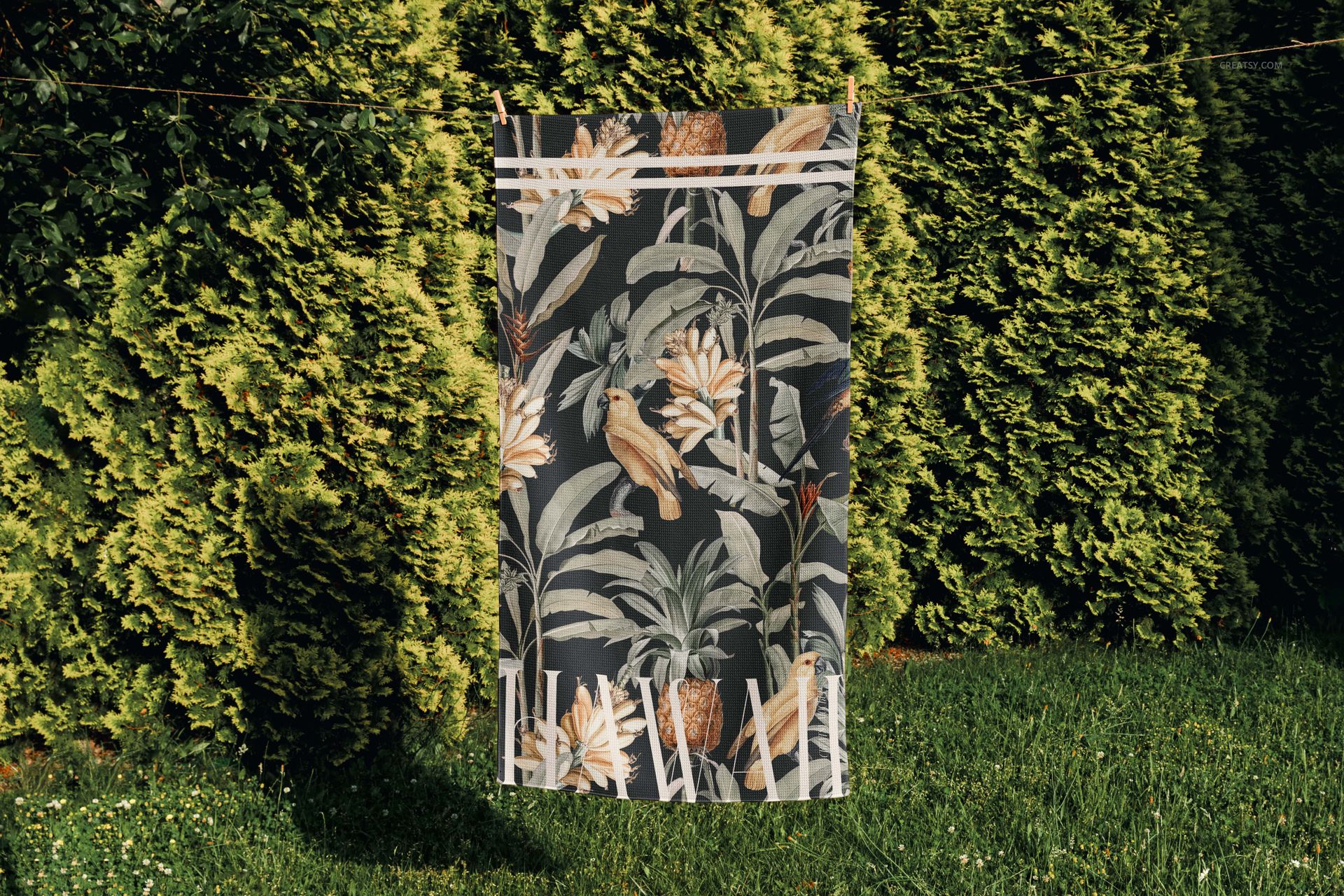
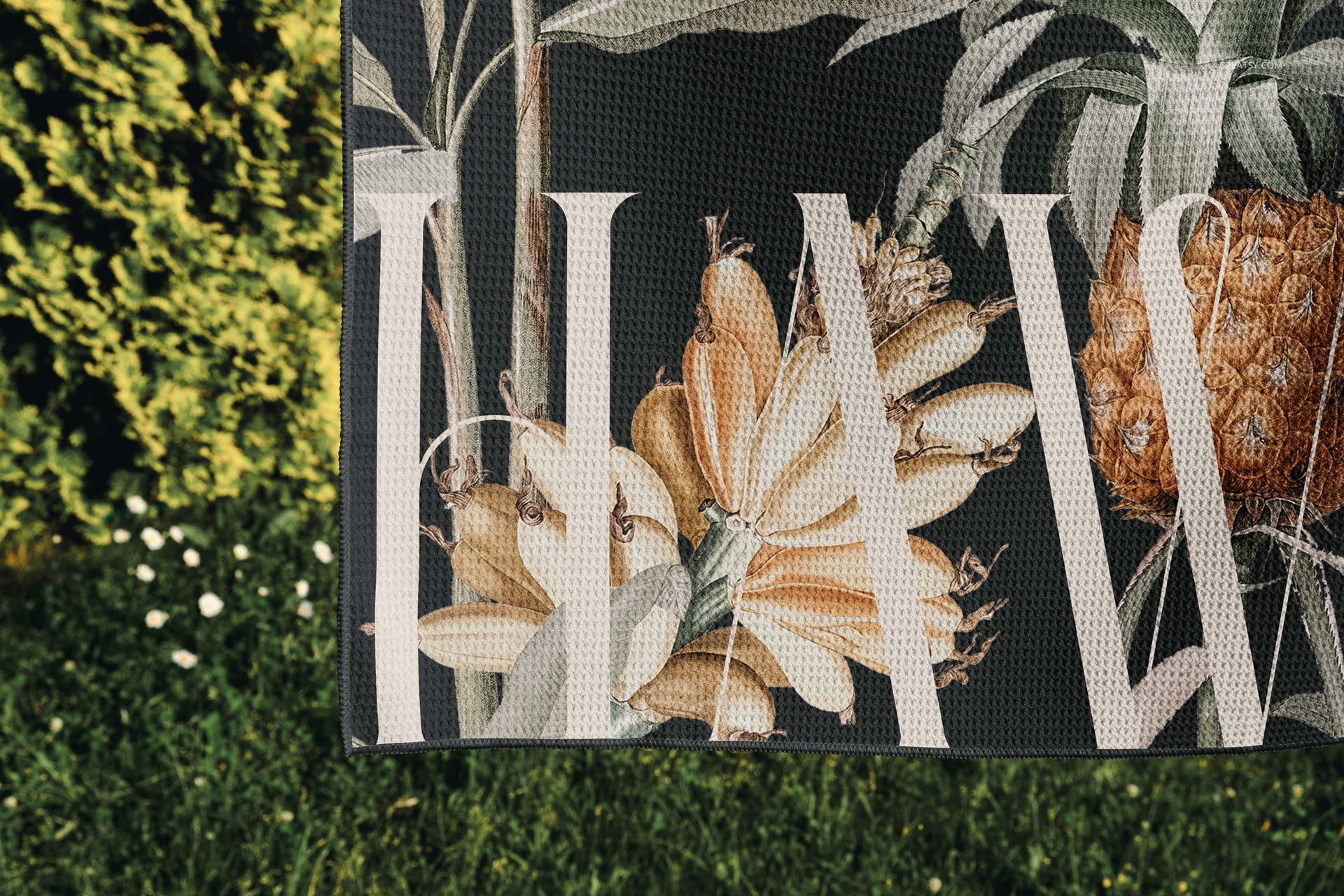
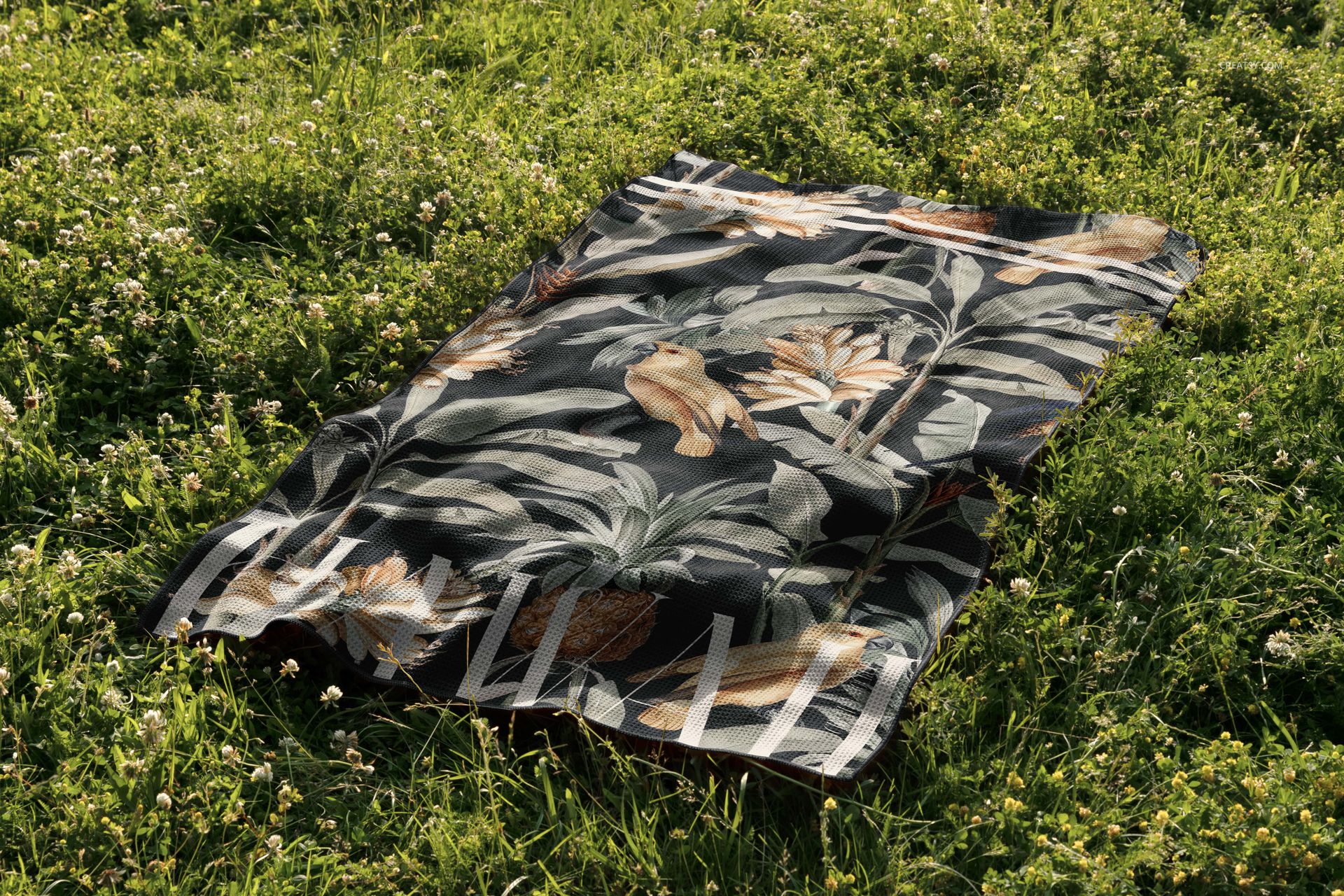
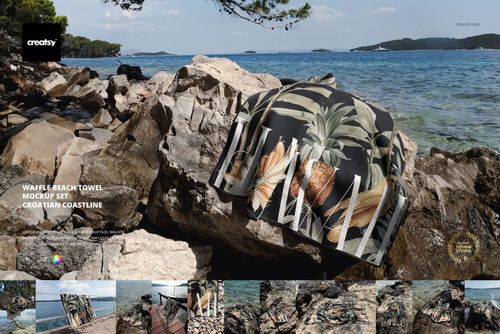
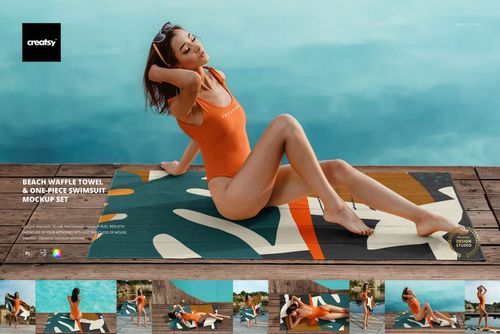
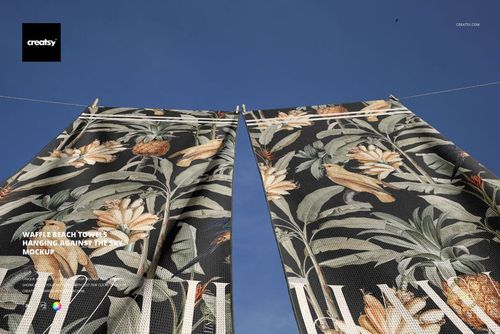
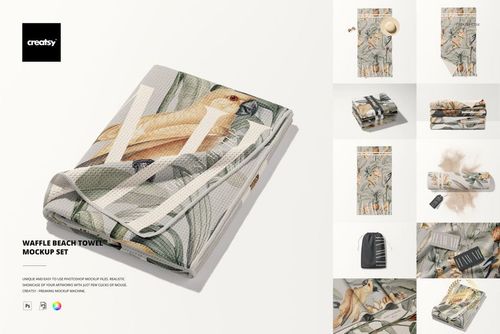
Present surface patterns and textile artwork in three high-resolution outdoor scenes. The set places a rectangular waffle beach towel among grass, clover, and tall garden greenery, combining laid-out and upright presentations with natural folds, visible waffle texture, daylight, and realistic shadows.
The varied compositions help you review more than a flat pattern tile. Compare repeat scale at different viewing distances, check directional motifs in horizontal and upright towel presentations, and see whether colors remain clear against a richly green environment.
What Is Included
3 standard PSD mockup files
Each PSD measures 6000 x 4000 px in landscape format
300 DPI resolution
3 JPG previews: two at 256 x 171 px and one at 256 x 185 px
1 User Manual PDF
7 files in total
No PSB files
Three Outdoor Ways to Read a Pattern
Across the set, the towel is shown lying or spread on grass and clover, positioned upright beside tall garden greenery, and viewed closely enough to reveal folds and raised waffle texture. These scenes support full-repeat evaluation, directional checks, detail review, and comparison against both sunlit and shaded green surroundings.
Straightforward PSD Workflow
Follow the included User Manual for the exact artwork placement workflow. The photographed grass, clover, plants, lighting, and shadows are fixed parts of the outdoor scenes, so the set is intended for presenting towel artwork rather than rebuilding the environment.
Suitable Uses
Surface pattern and textile design portfolios
Beach, resort, and summer collection concepts
Client presentations and colorway reviews
Lookbooks, campaign graphics, and online product galleries
Repeat-scale and directional pattern evaluation
Pre-production product visualization
Digital Product and Preview Artwork
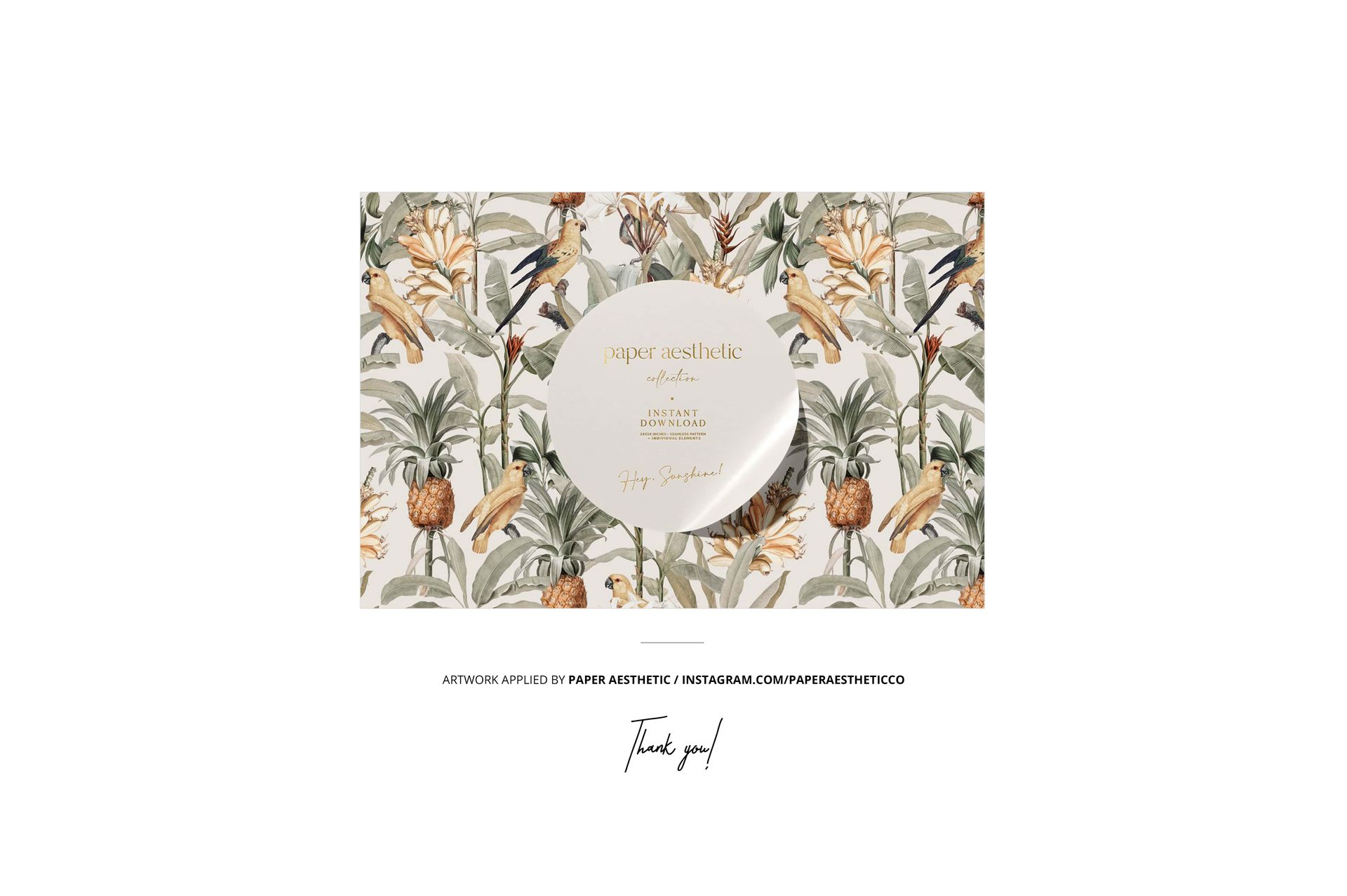
This is a digital mockup set and no physical towel is supplied. The sample pattern shown in the previews is credited to paper aesthetic and is not included in the product files.