Beach Towel Mockup Set
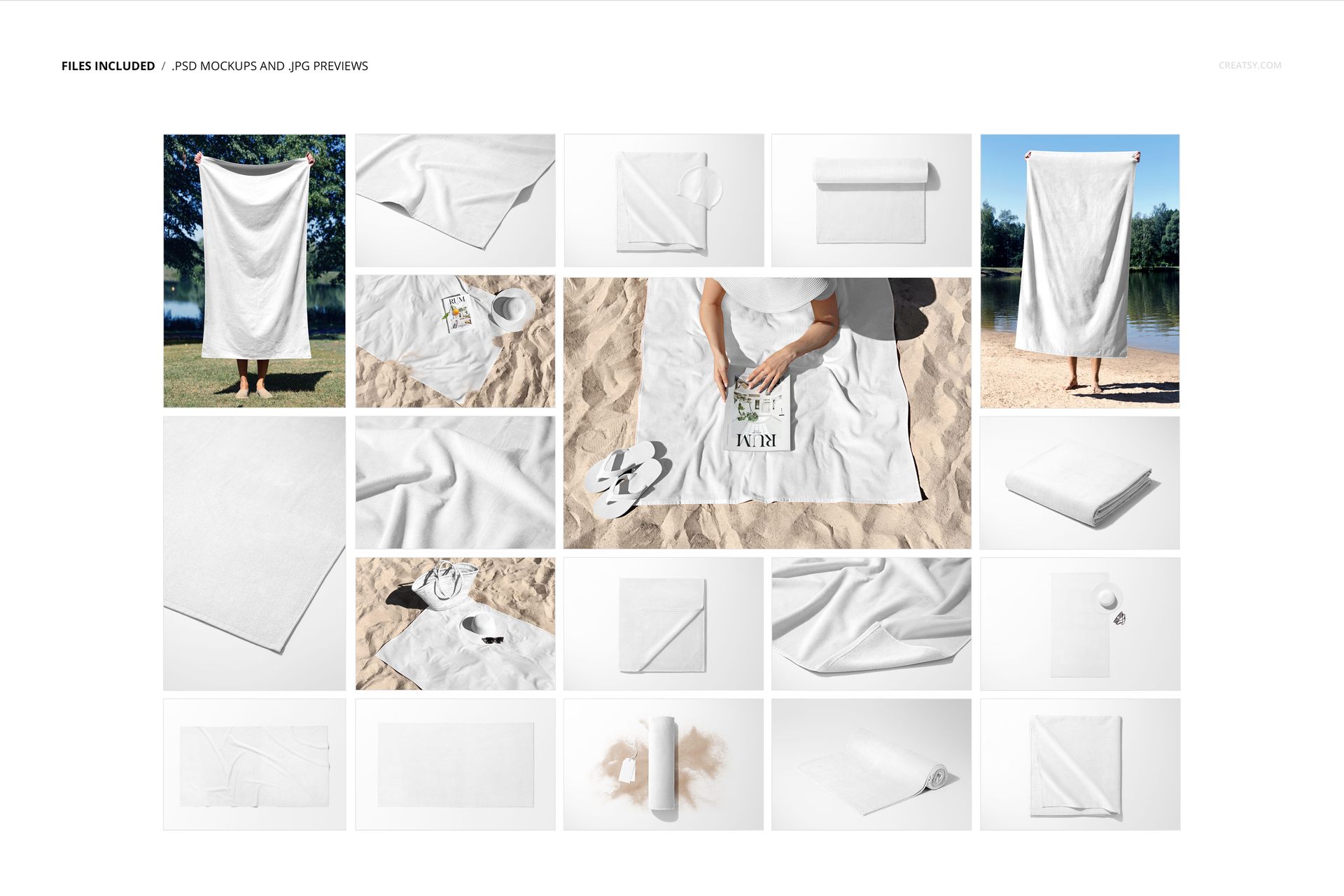
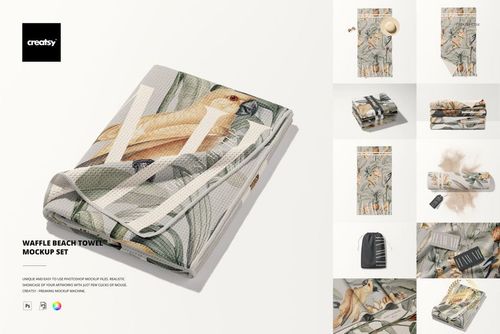
Turn one full-size towel design into a connected 18-scene presentation. This set pairs clean top views with folded, rolled, close-up, outdoor, and person-held compositions, so you can show both the overall pattern and the details that matter at realistic 100 x 180 cm towel proportions.
Why Eighteen Views Matter
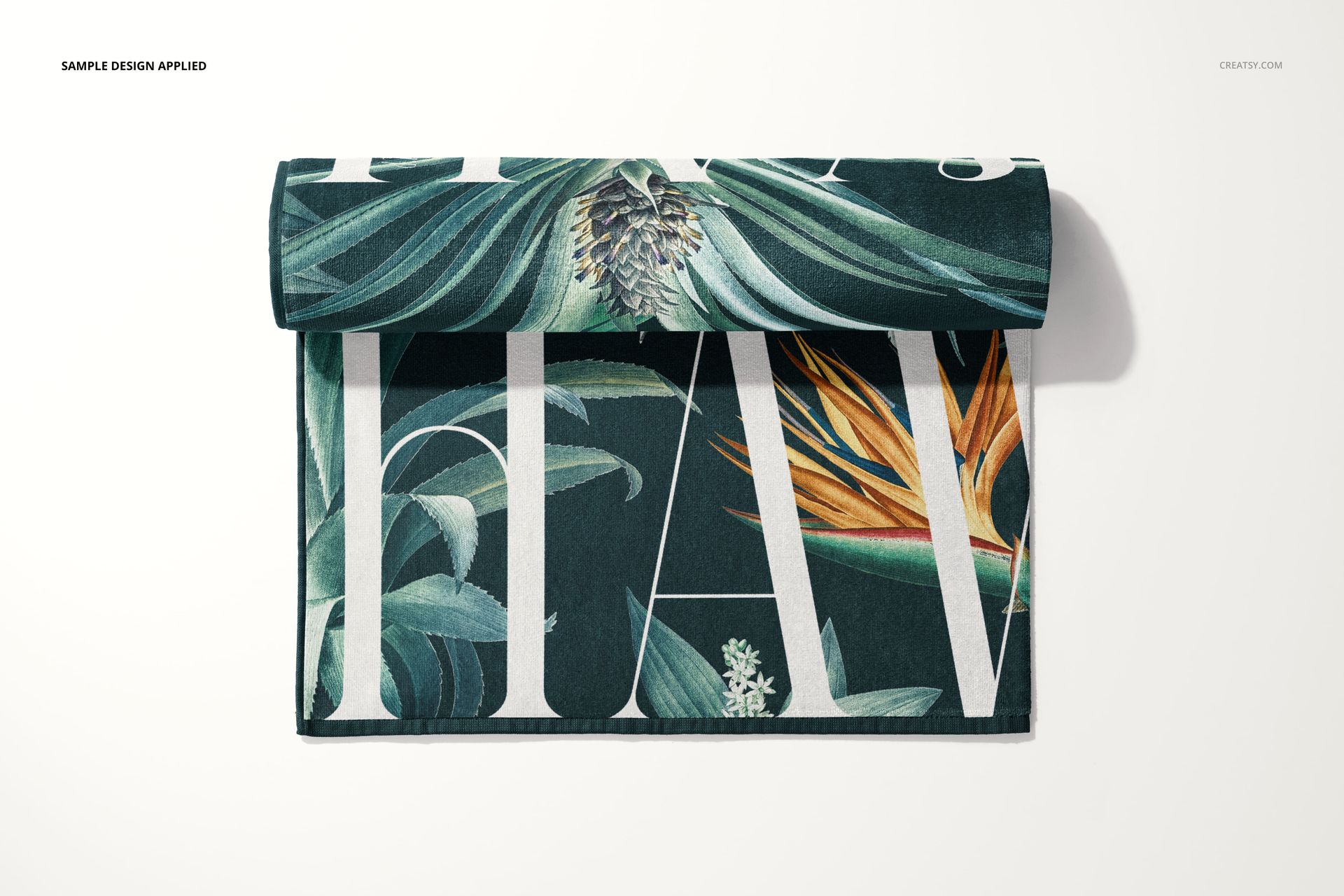
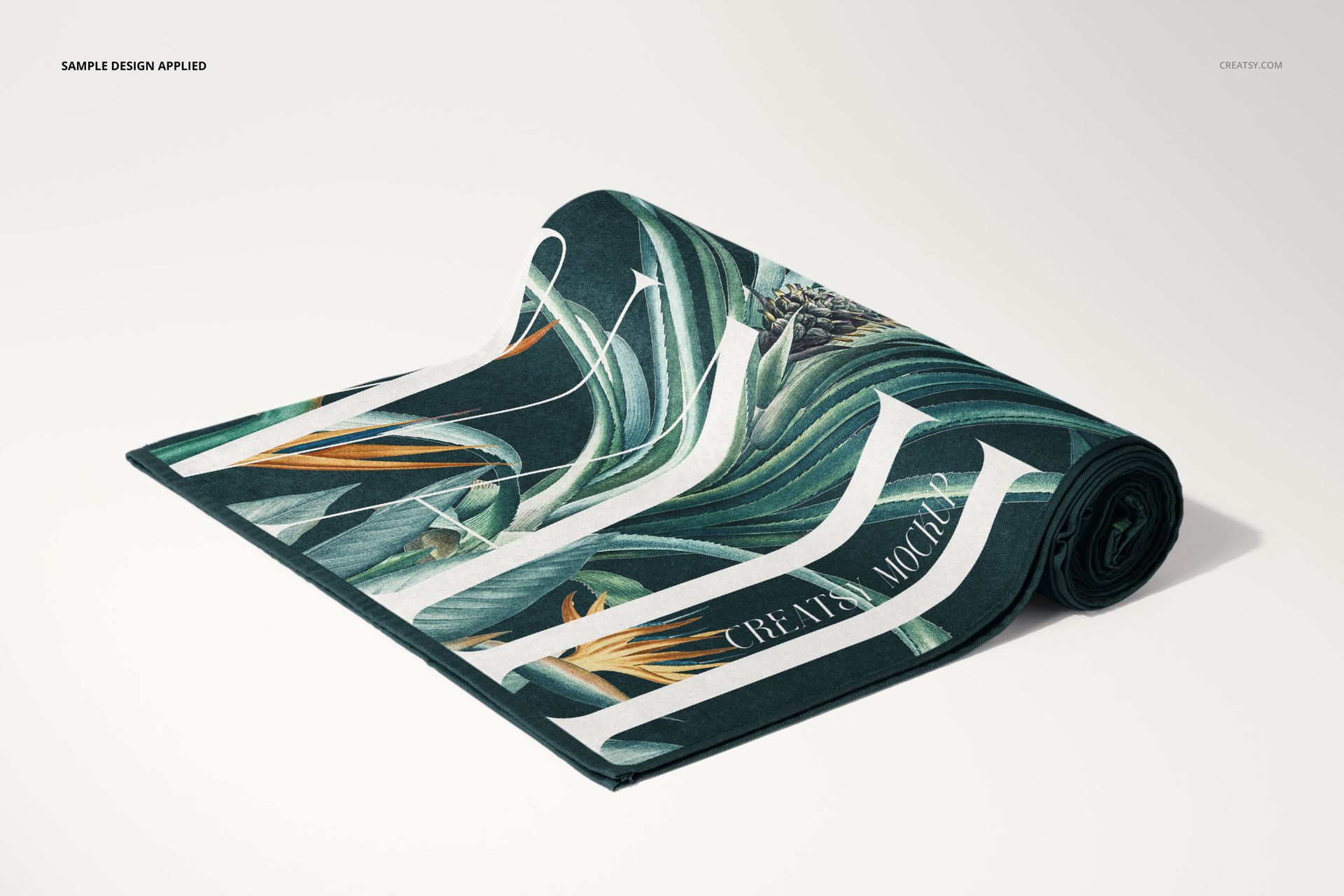
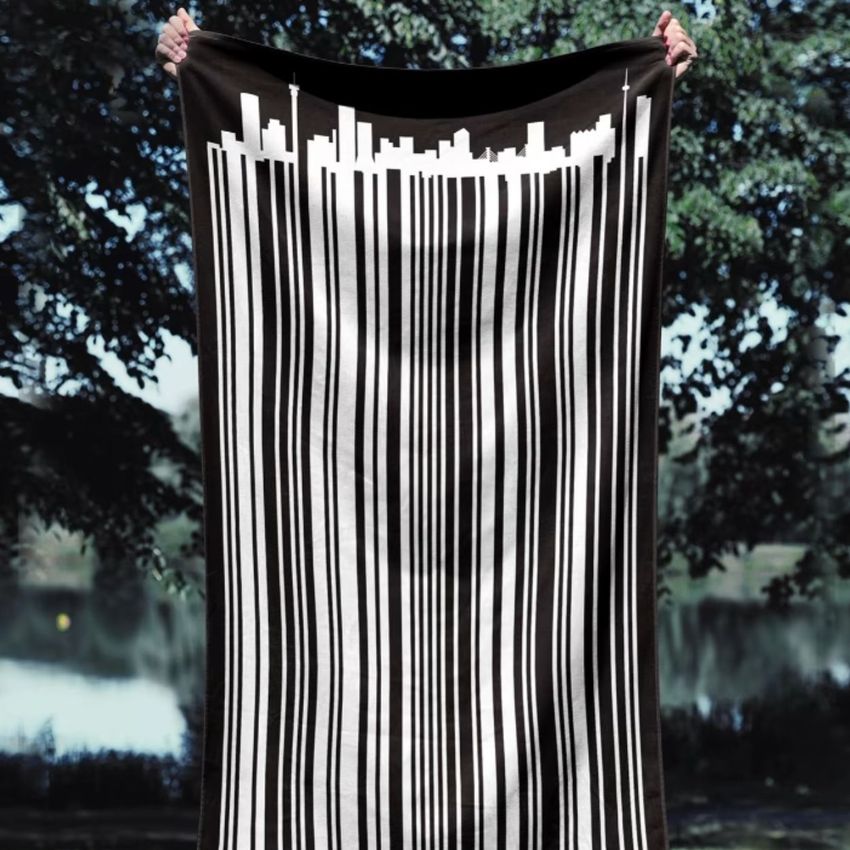
A flat view explains the complete repeat, a folded or rolled towel reveals how artwork behaves around curves and creases, and a person-held scene gives buyers an immediate sense of scale. The coordinated selection lets you build a varied gallery without relying on several nearly identical images.
What Is Included
18 layered PSD mockup files
18 JPG preview images
1 PDF user manual
37 files in total
6000 x 4000 px per PSD
300 DPI resolution
Towel proportions of 100 x 180 cm
Standard PSD format with well-organized layers
Confirmed Editing Options
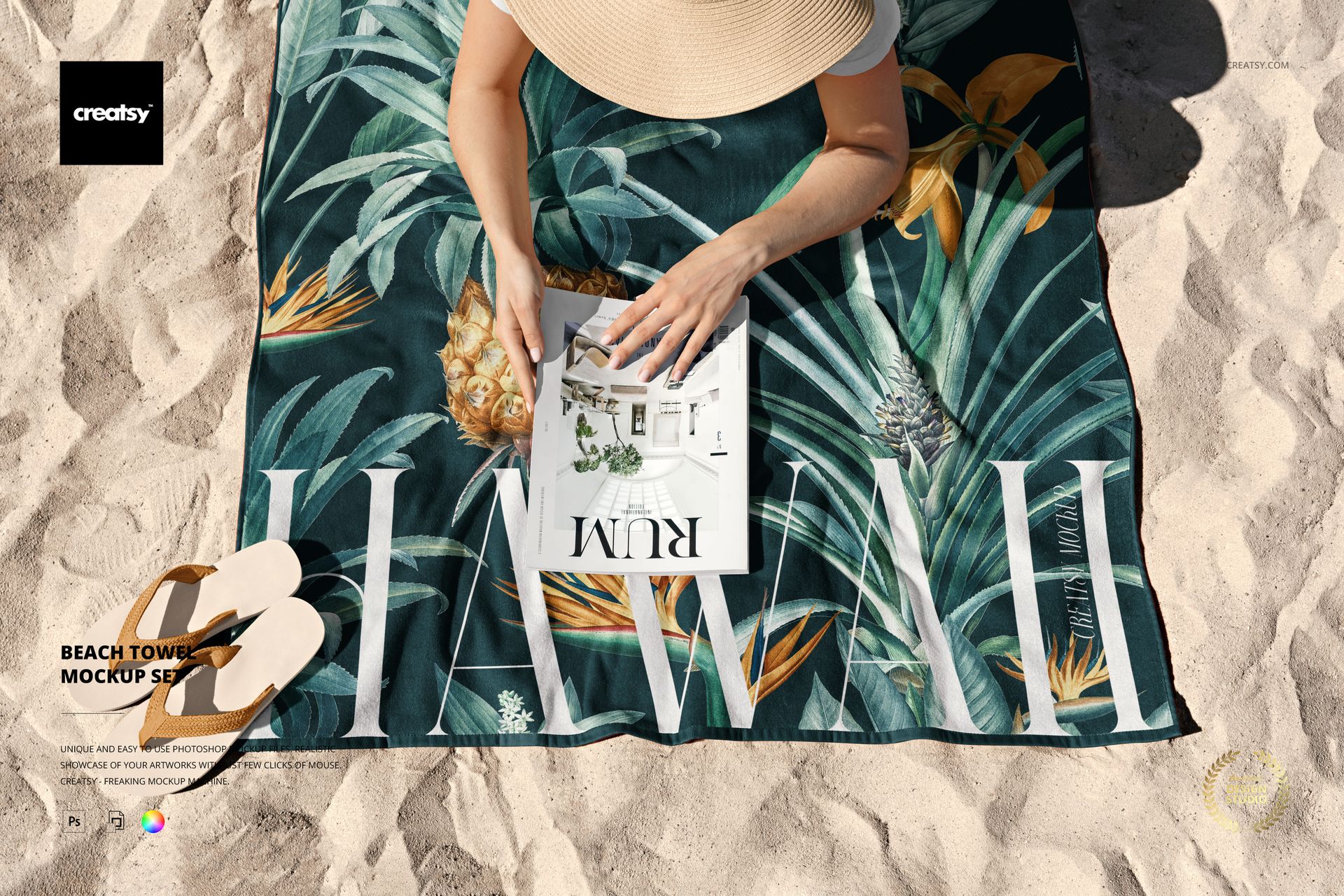
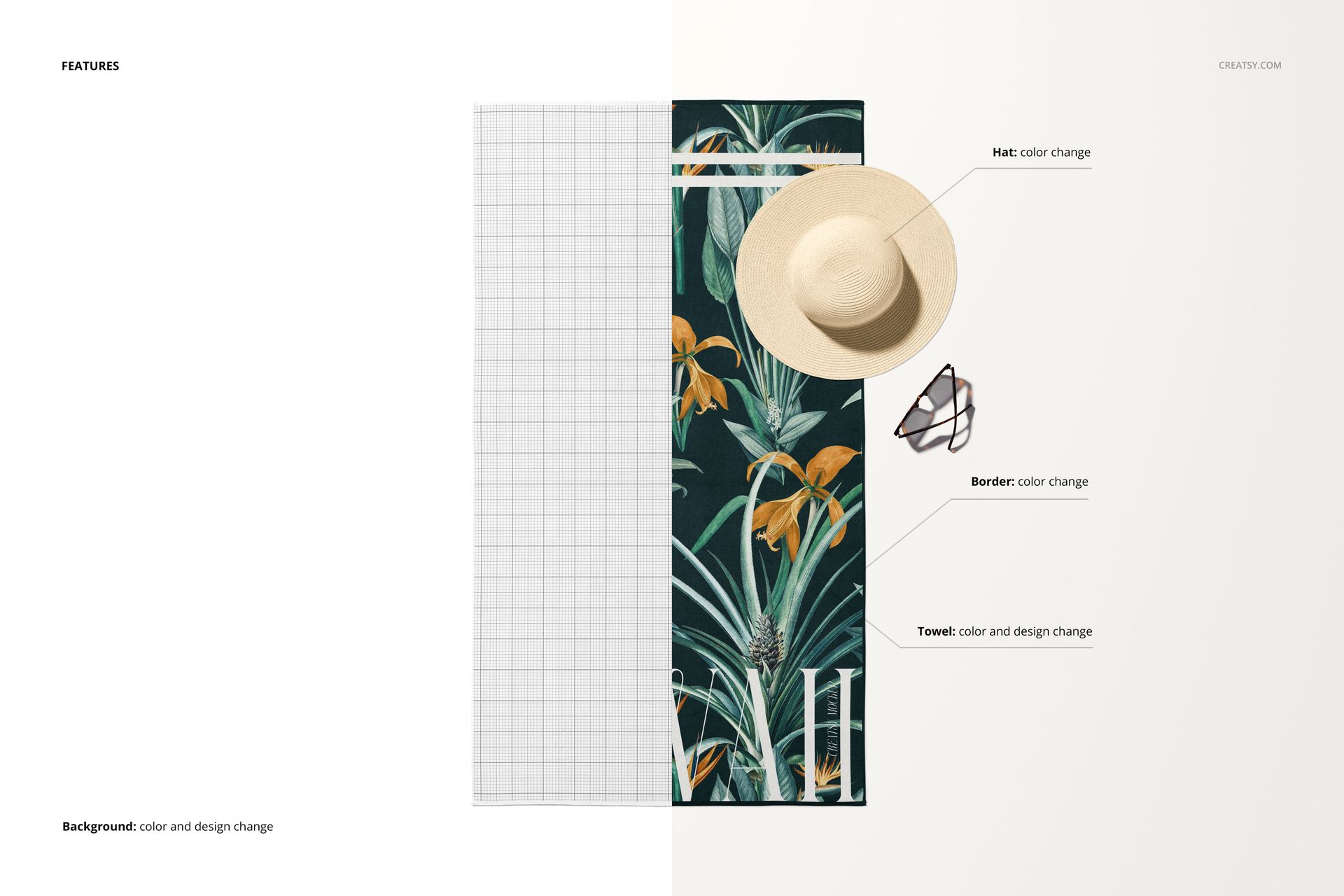
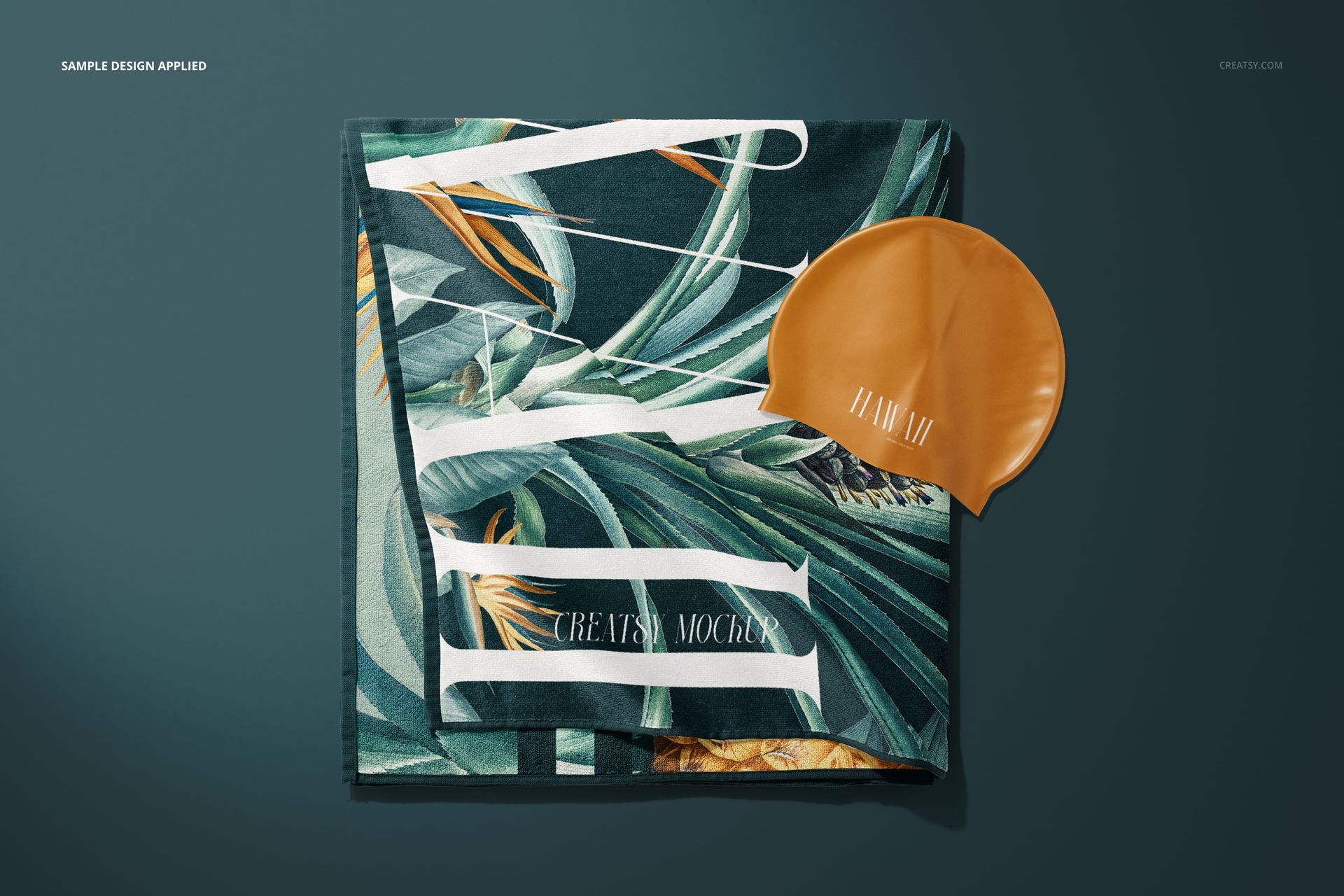
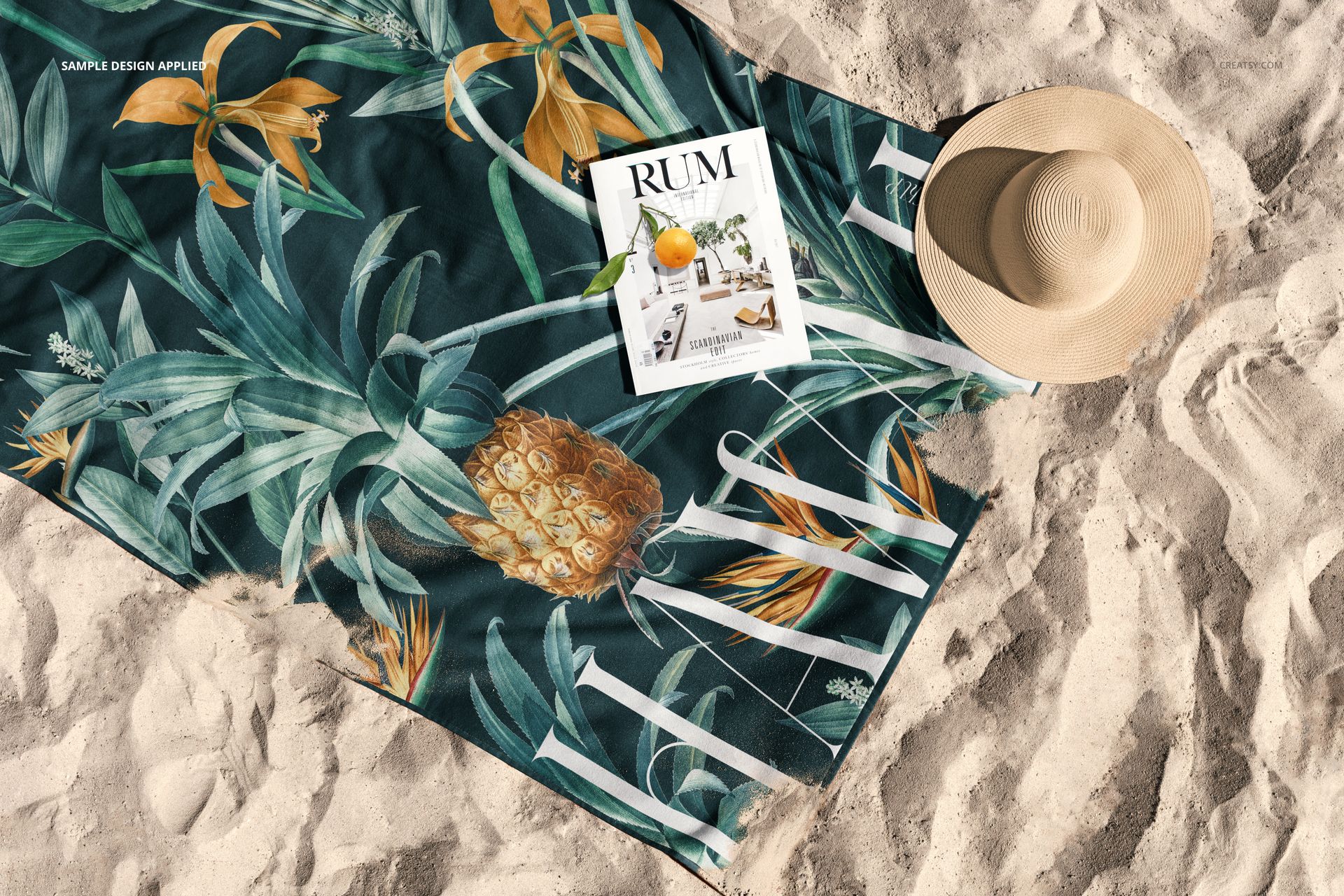
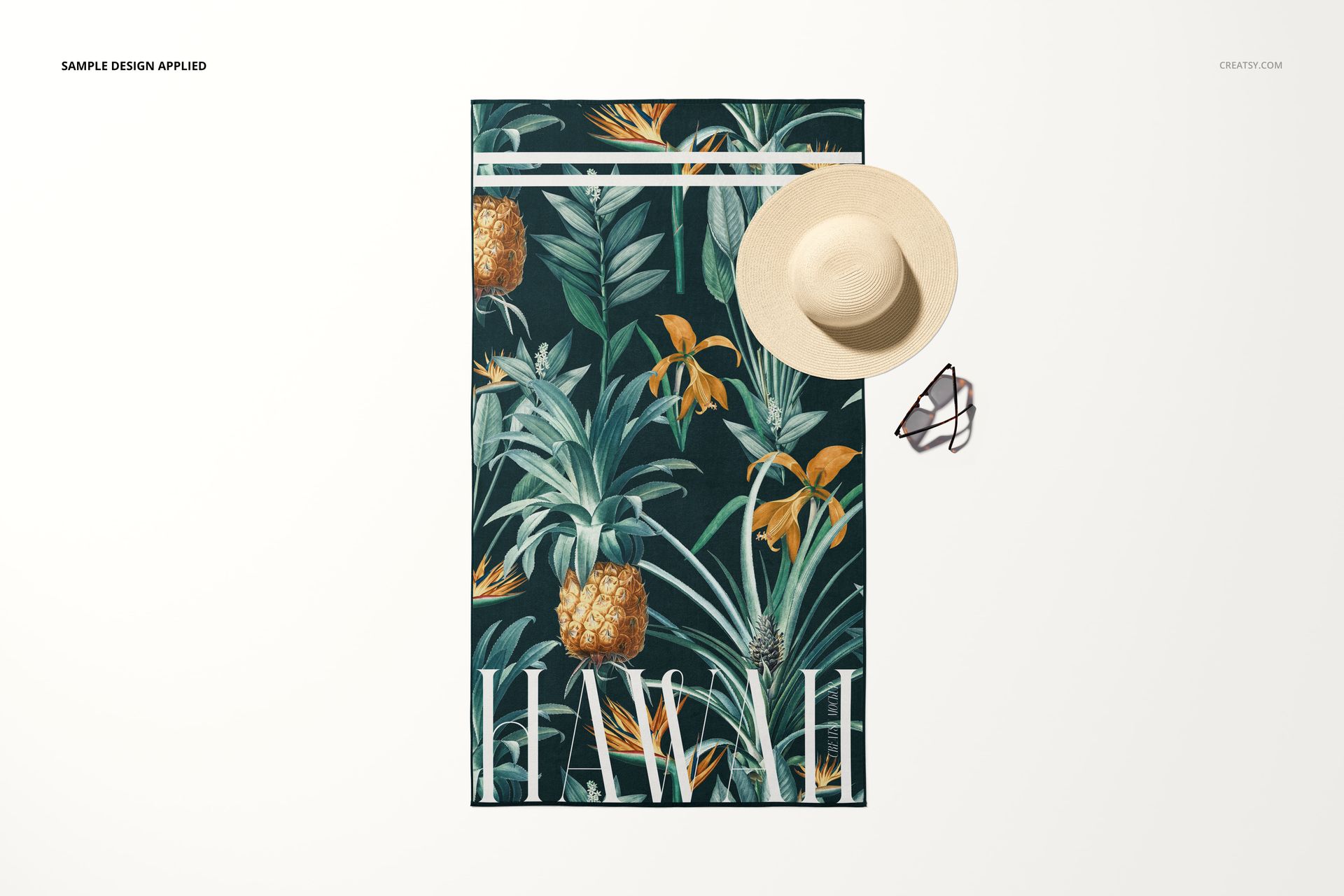
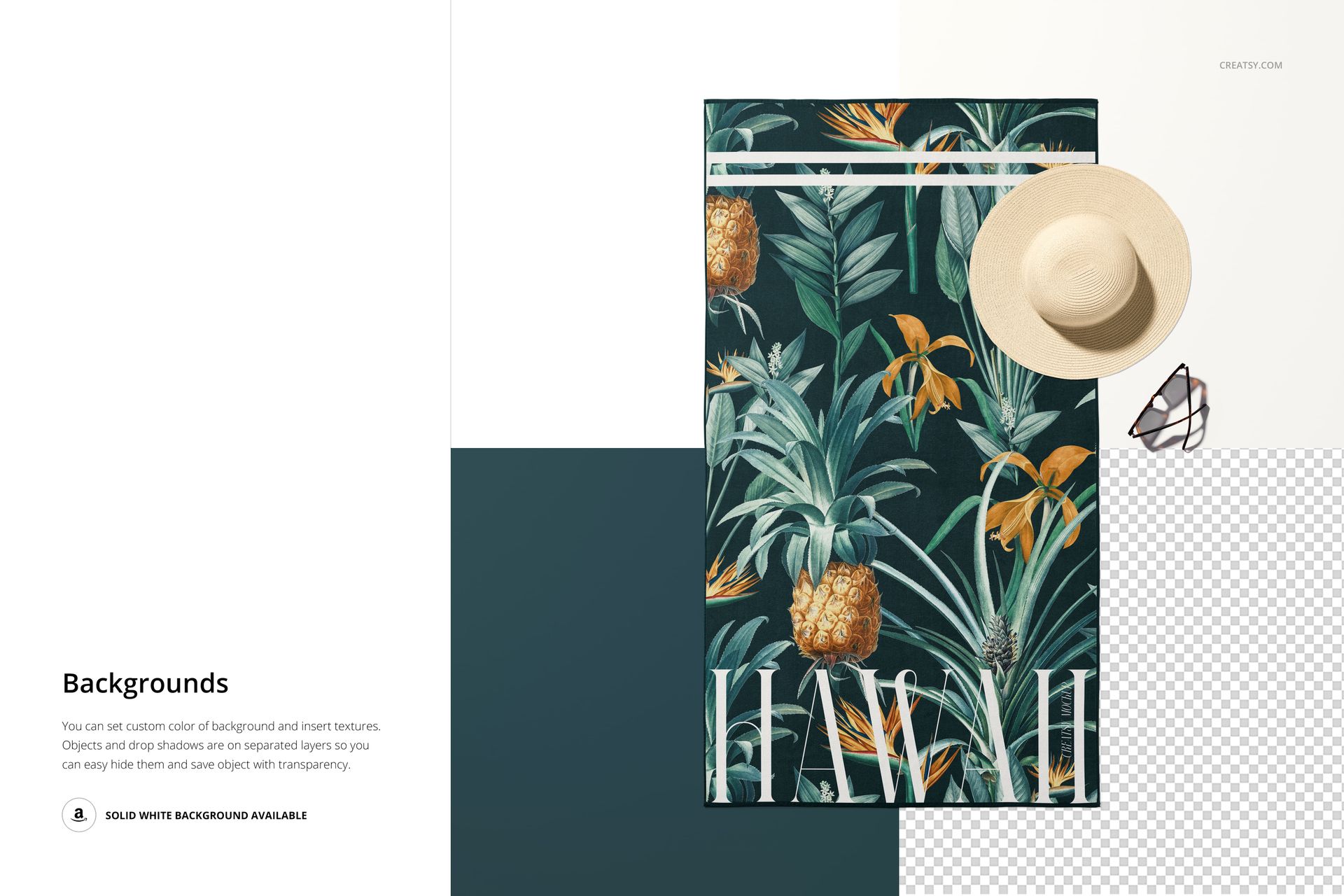
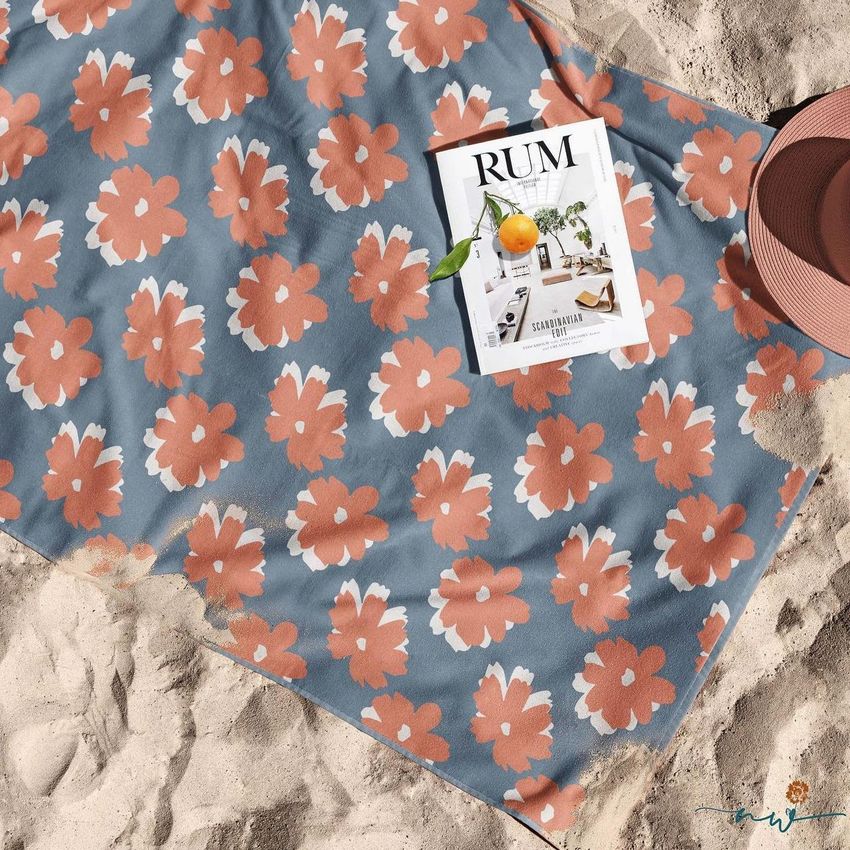
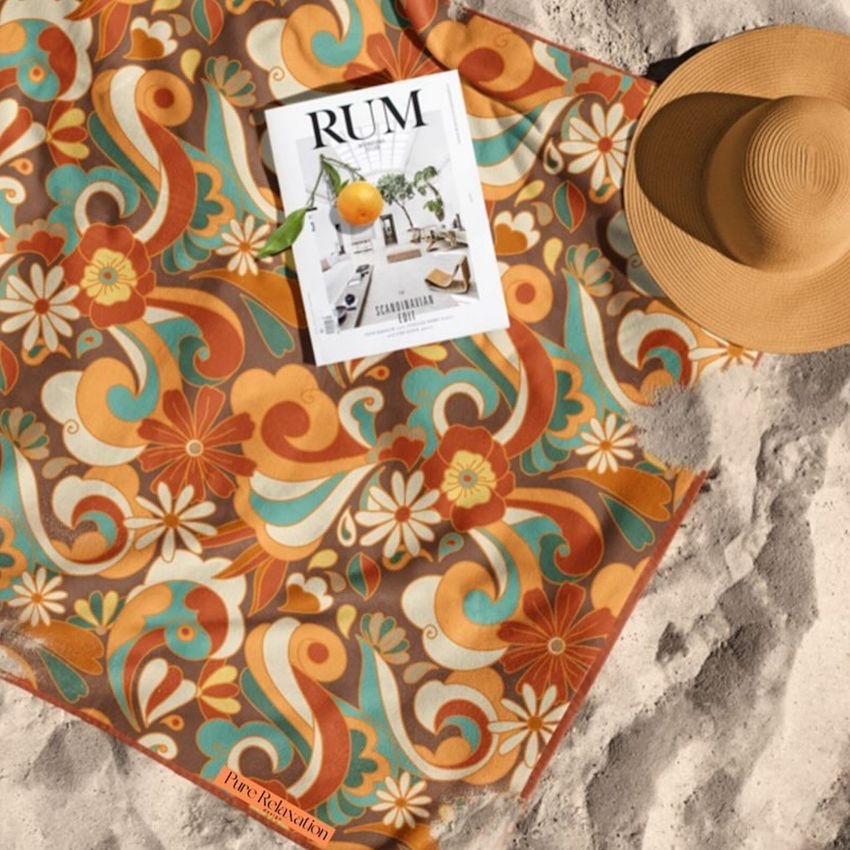
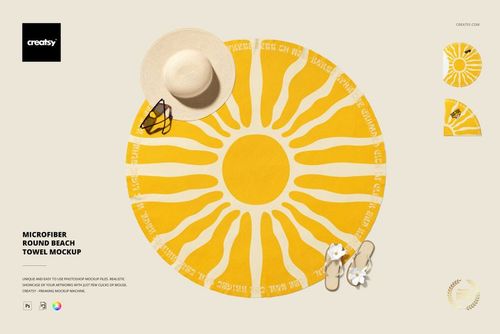
Use the organized Photoshop layers to place a custom design and adjust the towel color. The featured top-view scene also demonstrates separate color controls for the hat and towel border. Custom background colors and textures are supported in the set, while the exact layer options can vary between compositions.
Scene Variety
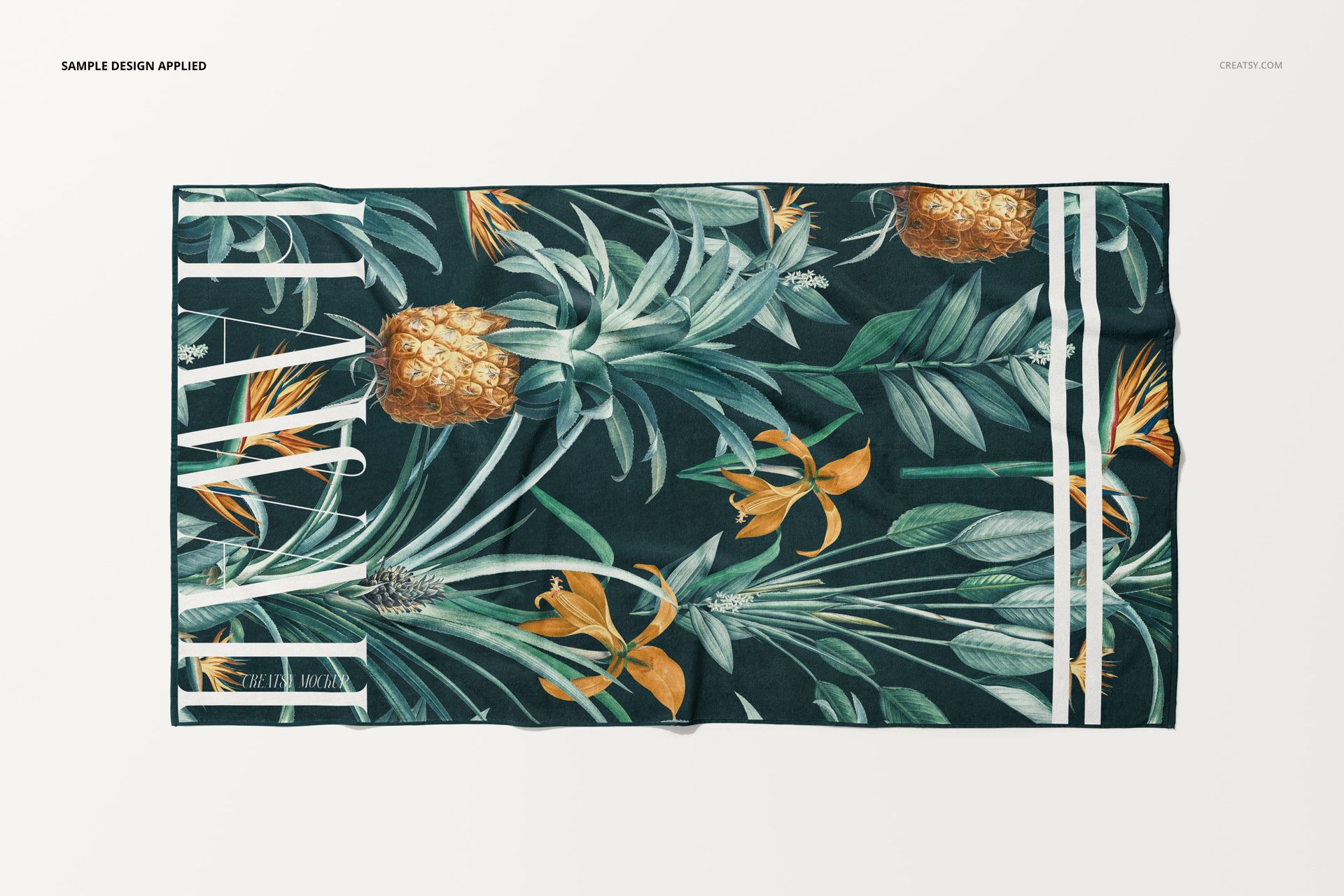
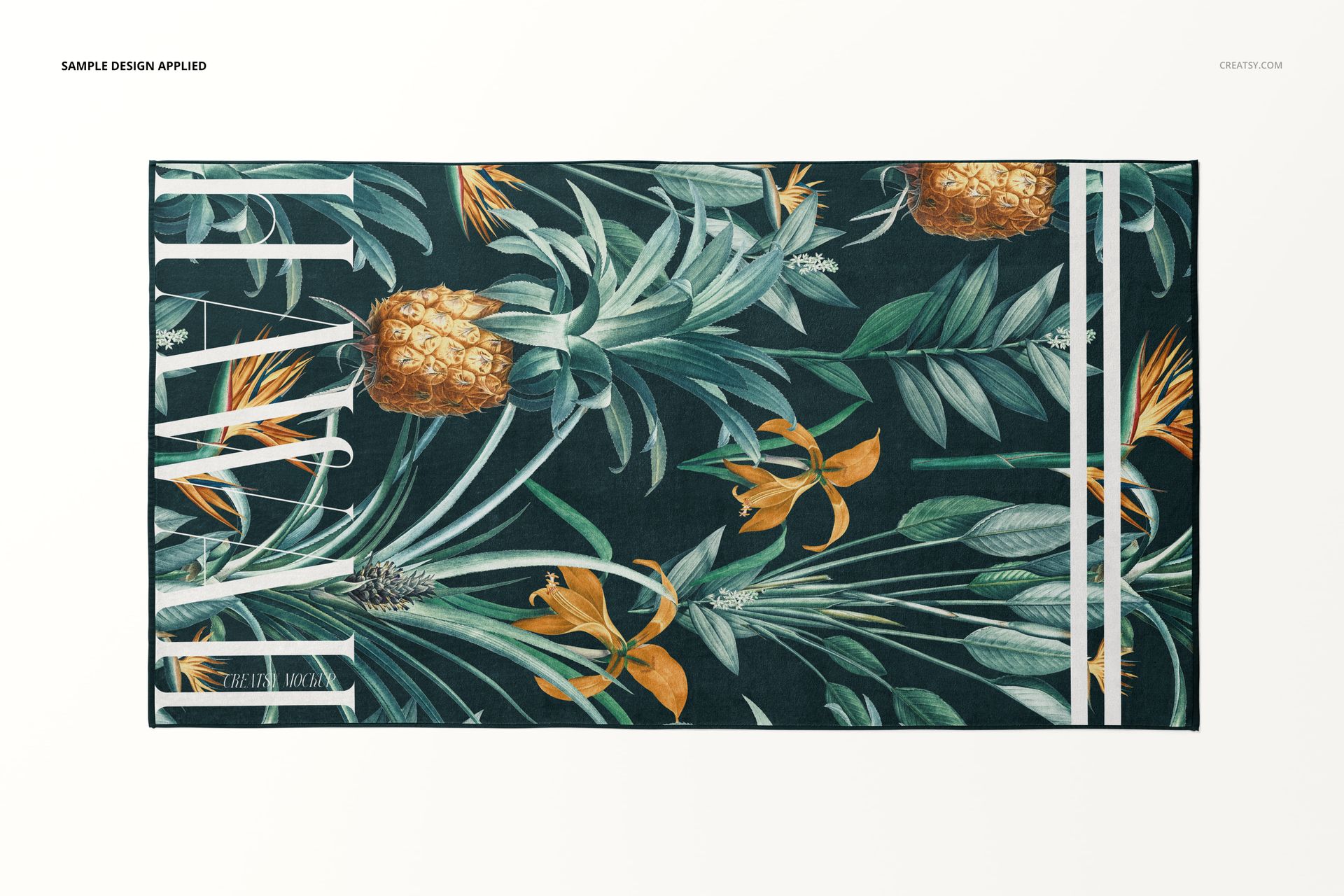
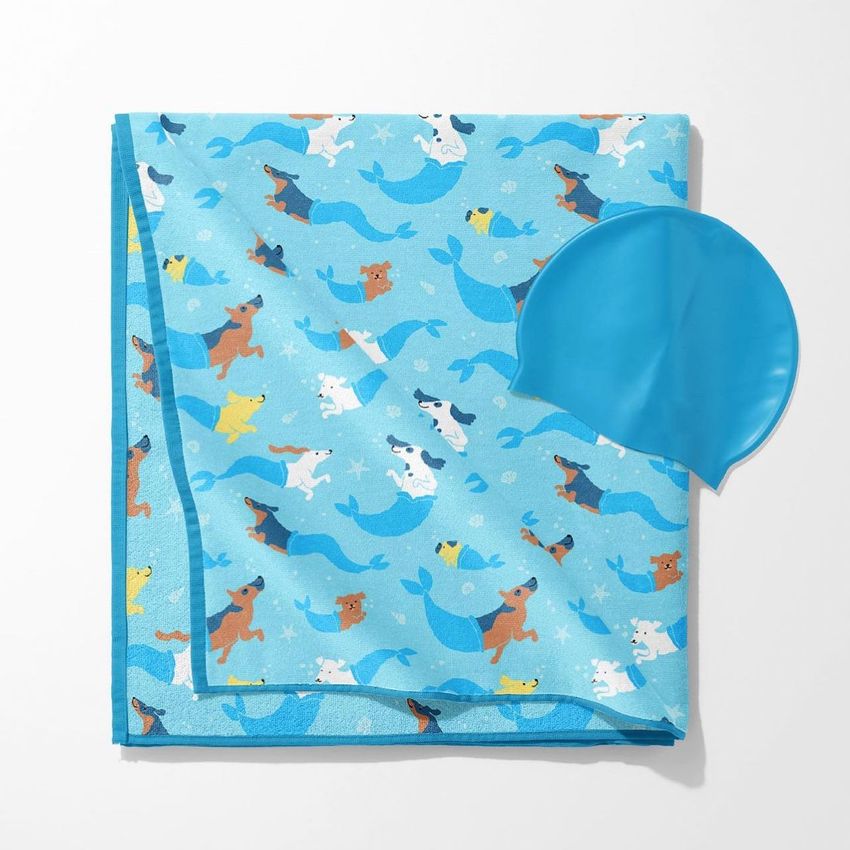
Full flat and top views for checking the complete pattern
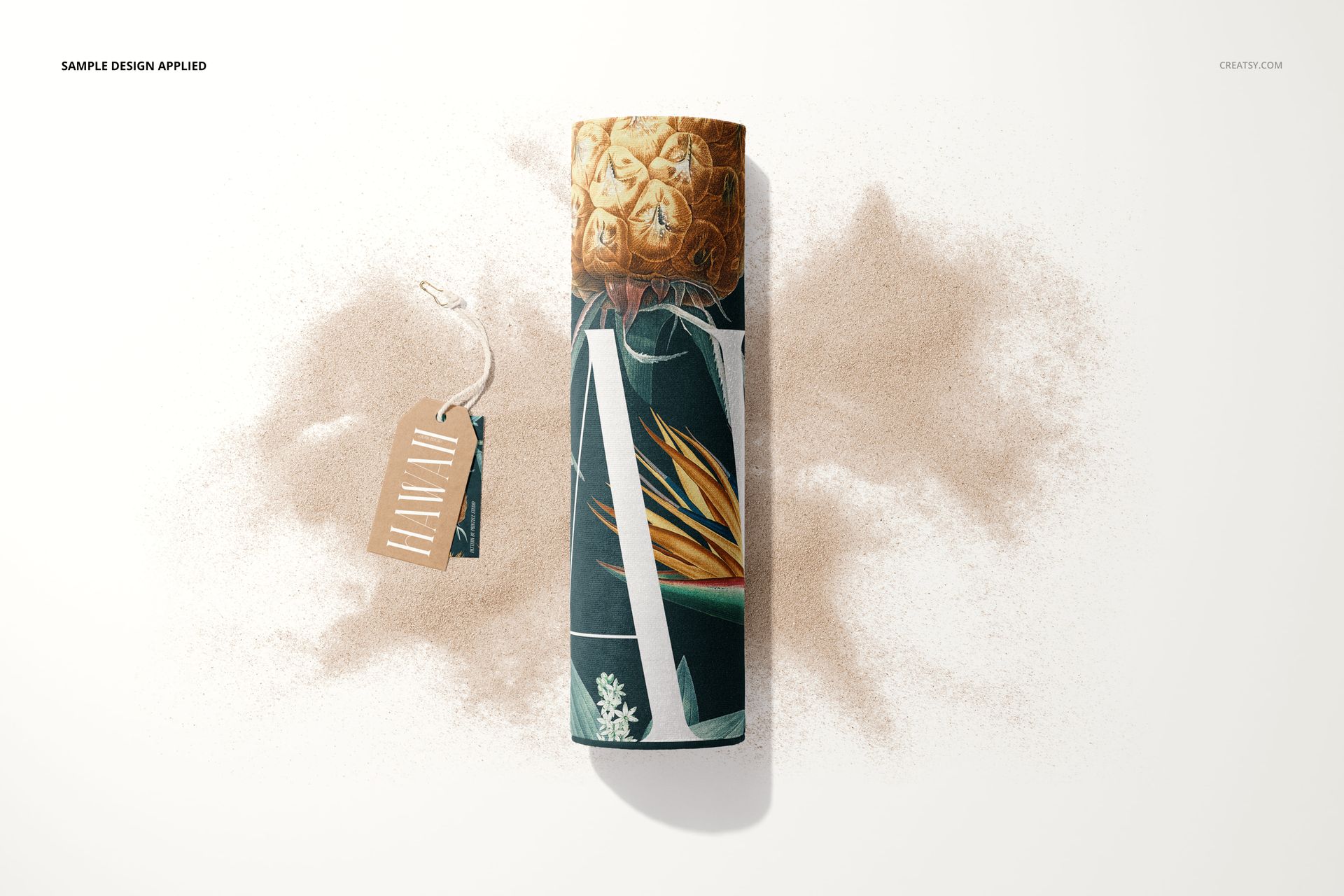
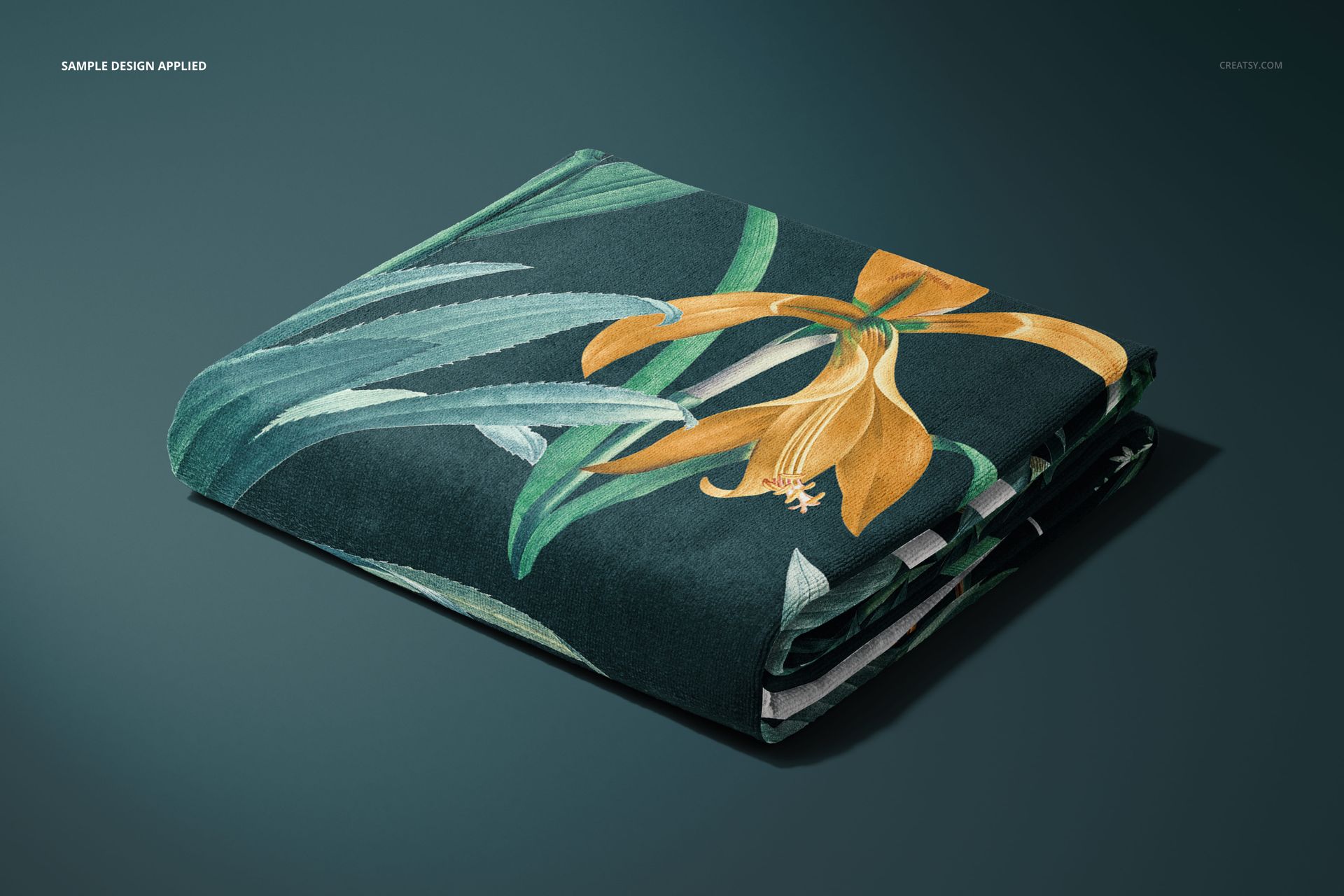
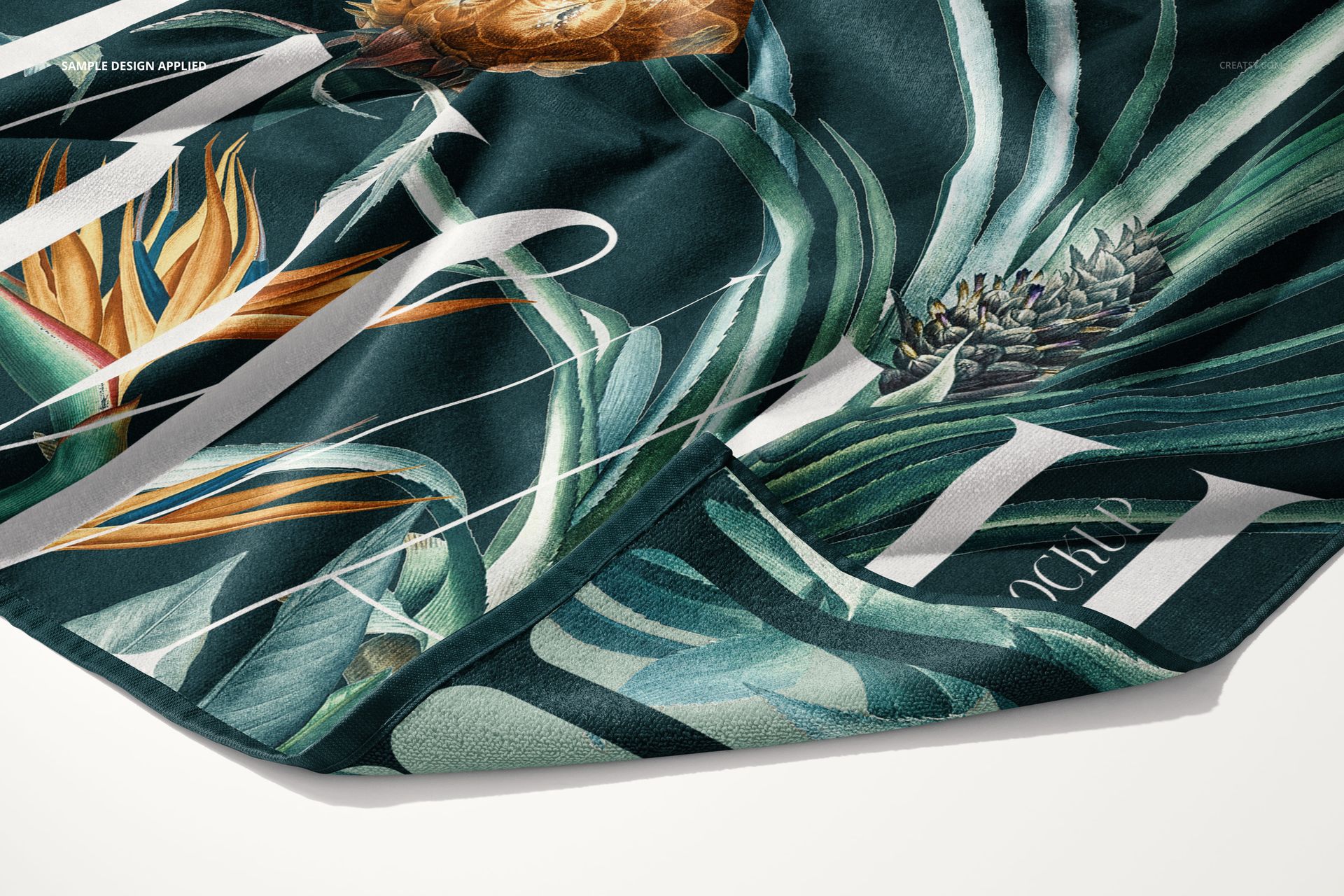
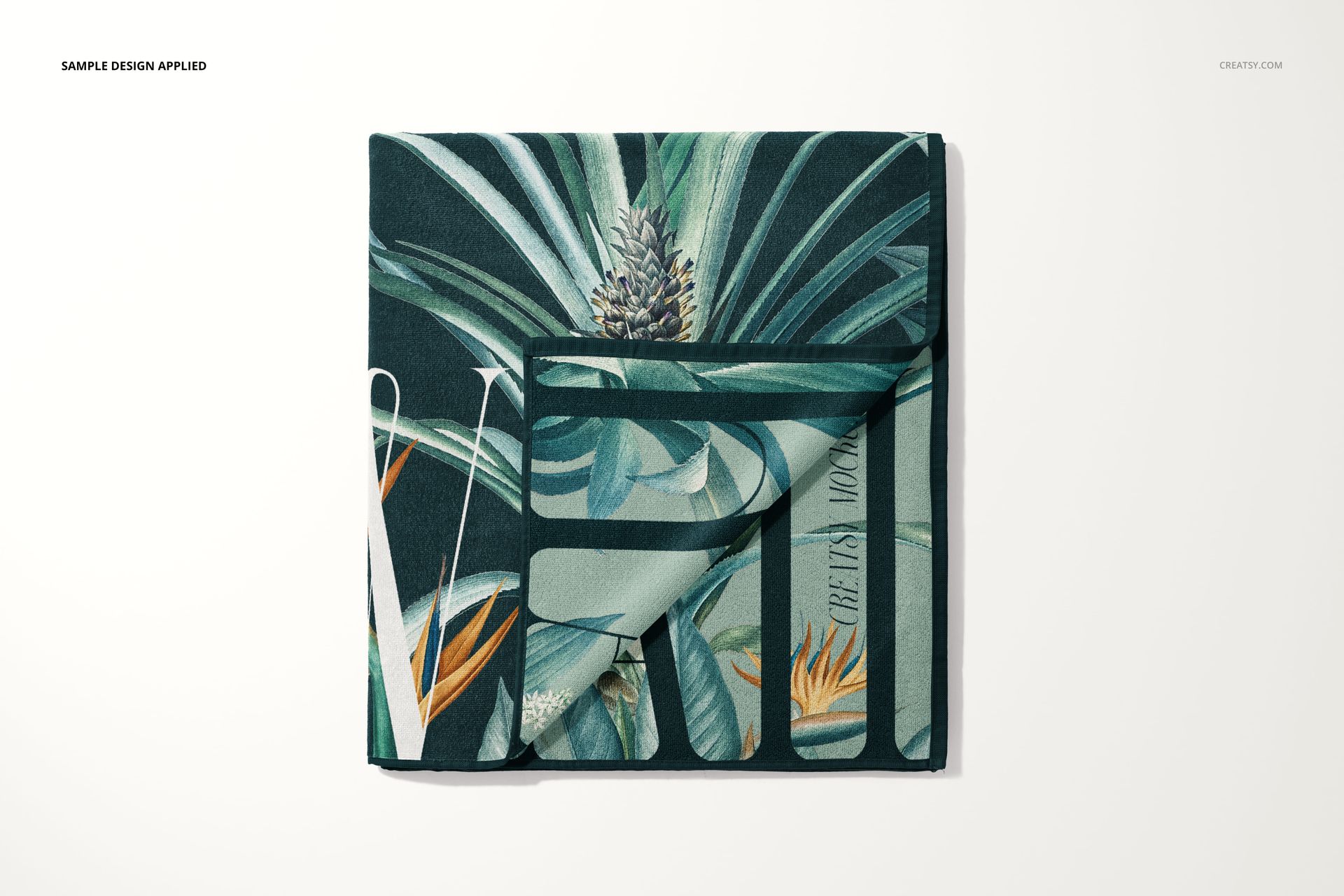
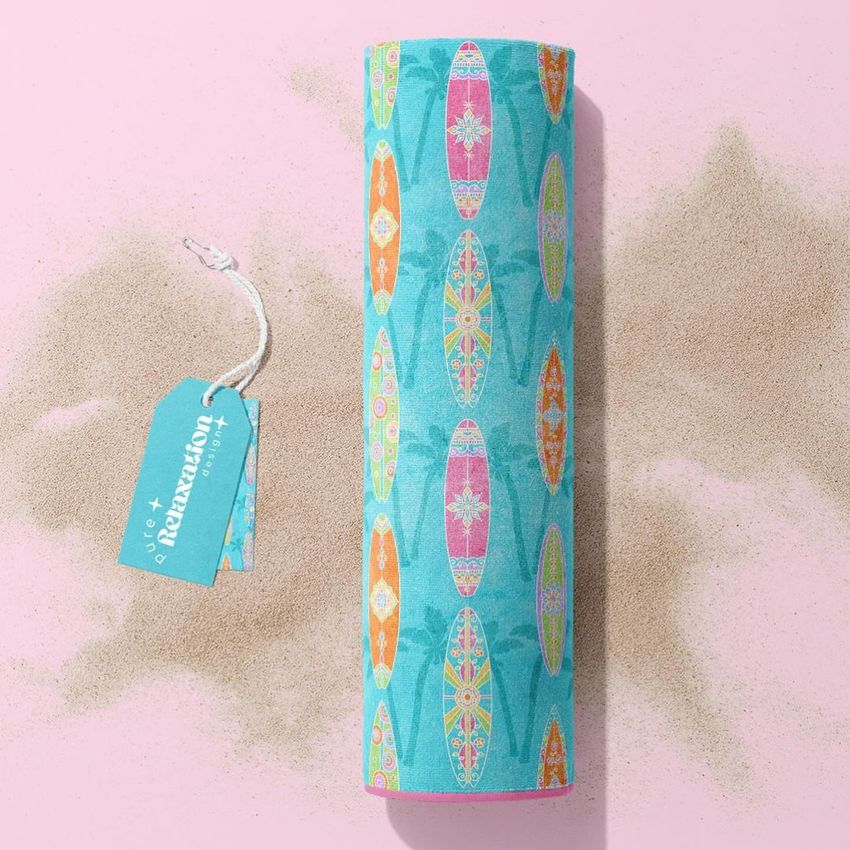
Folded and rolled arrangements for showing pattern continuity
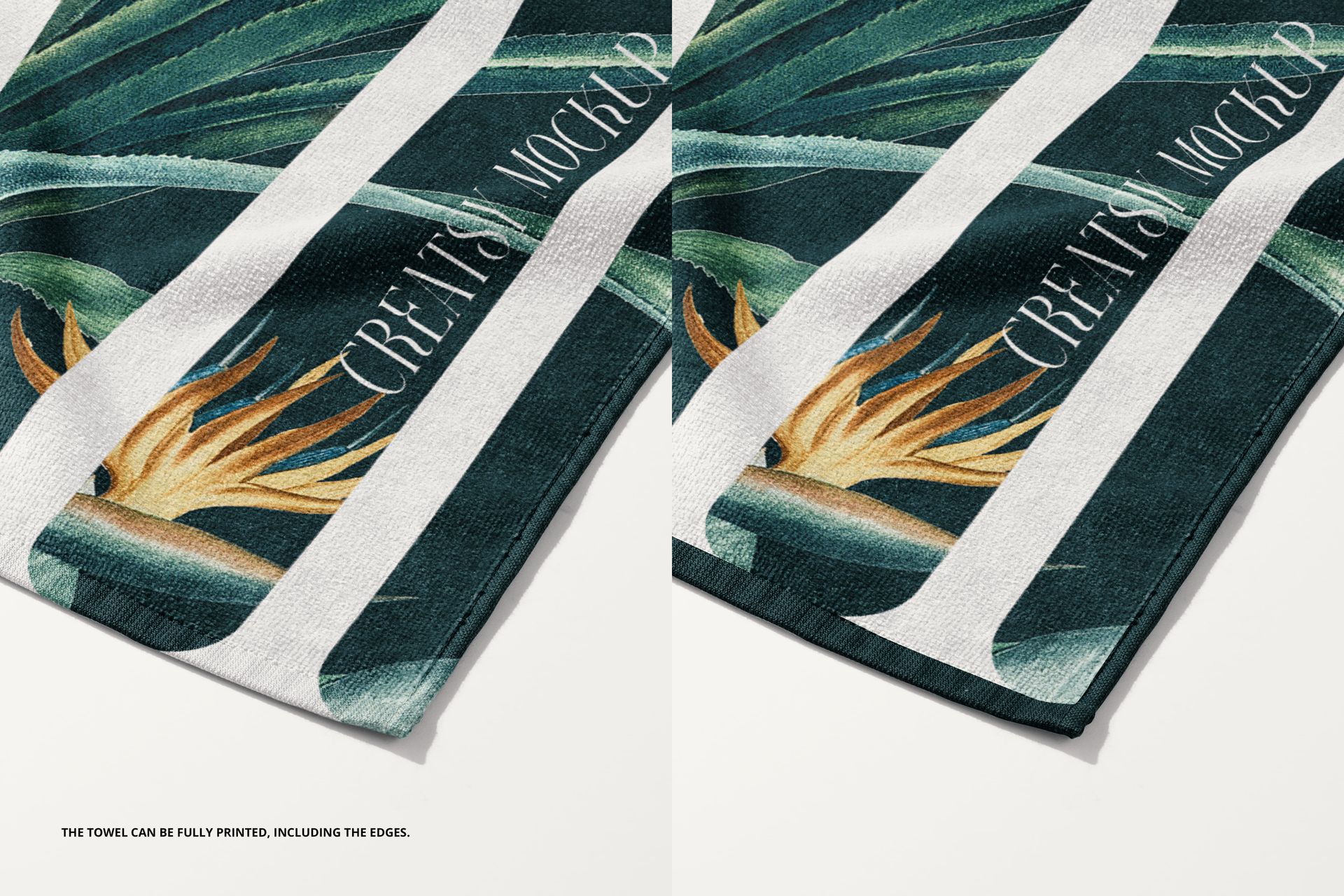
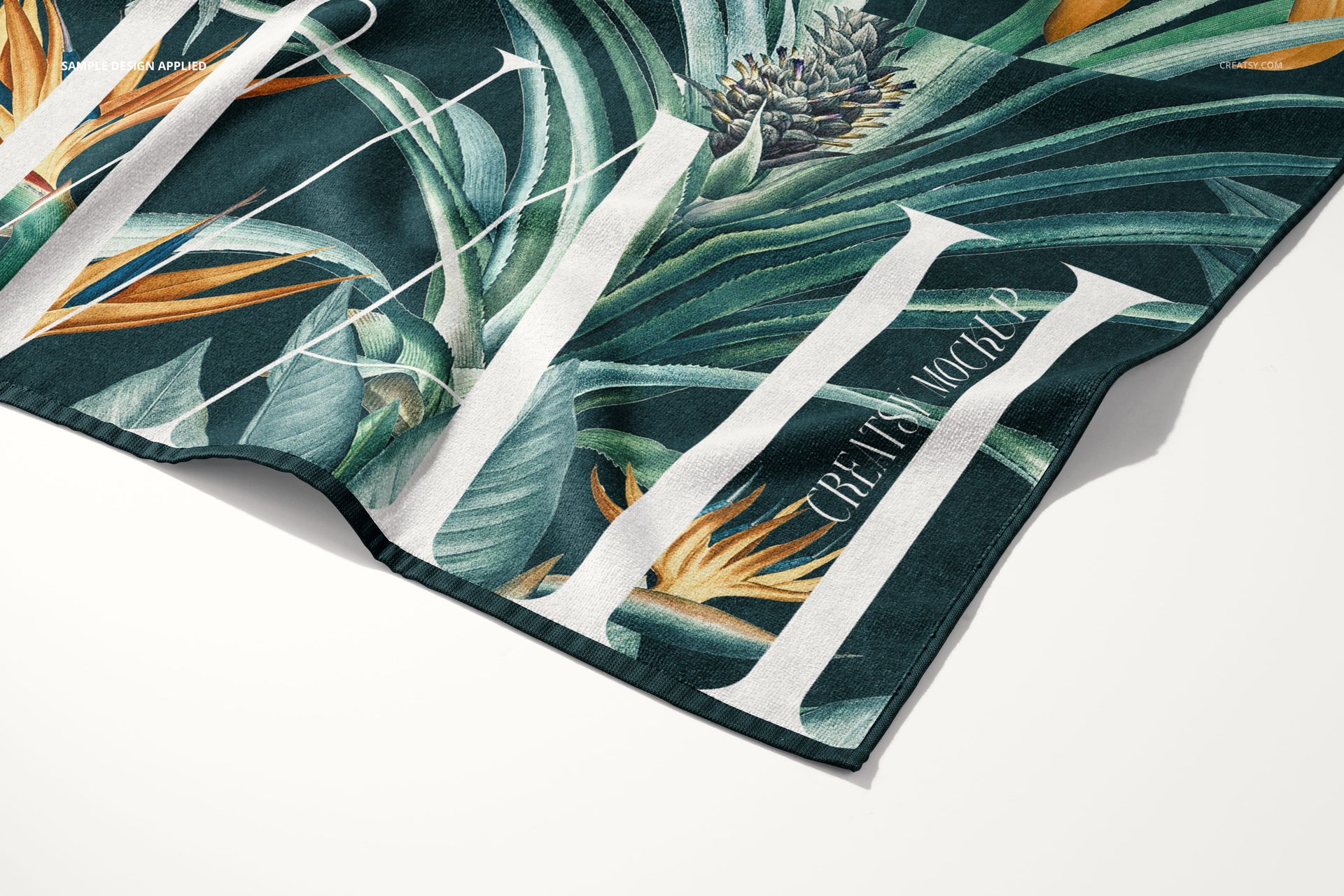
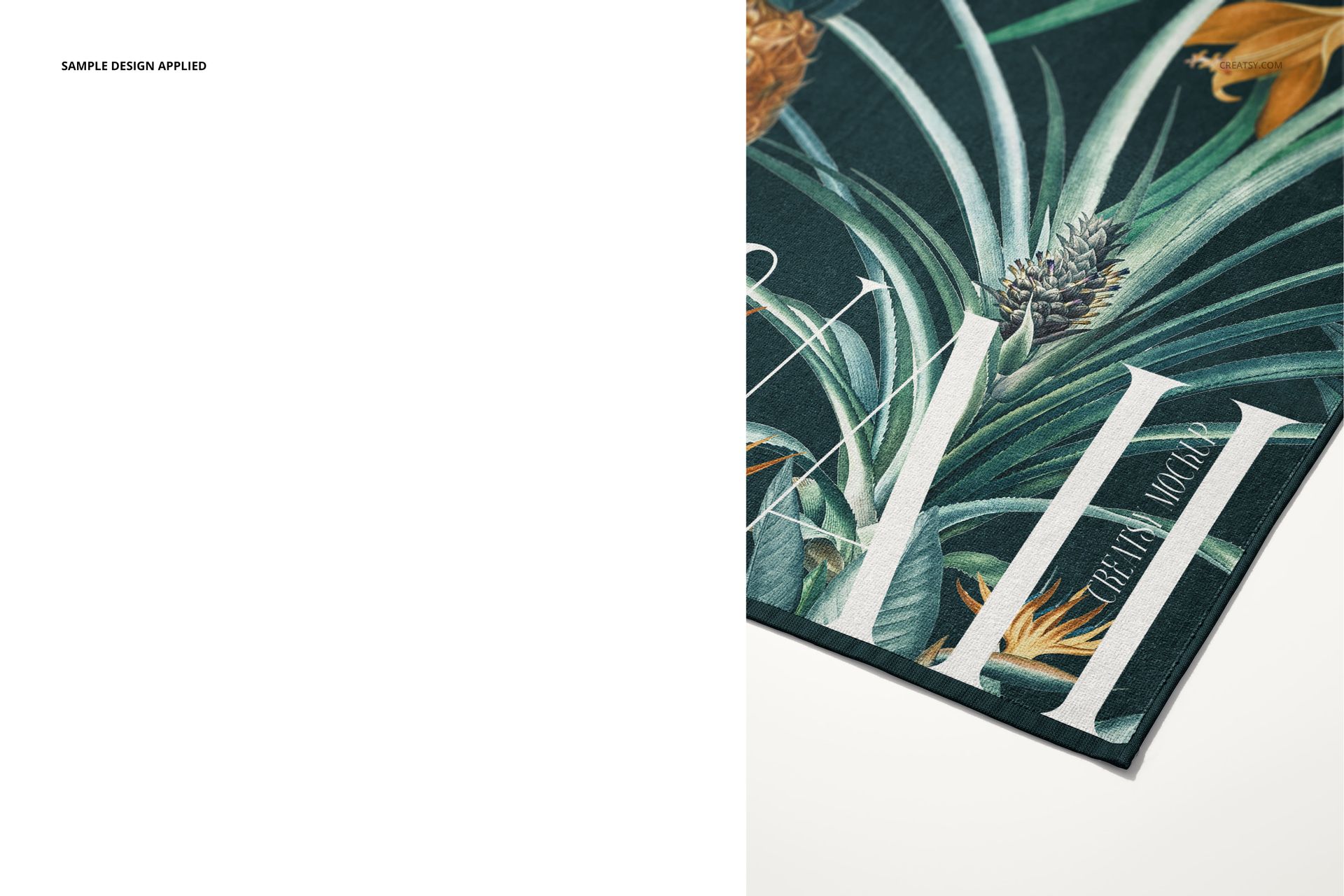
Close-up and corner views for reviewing small motifs and edge details
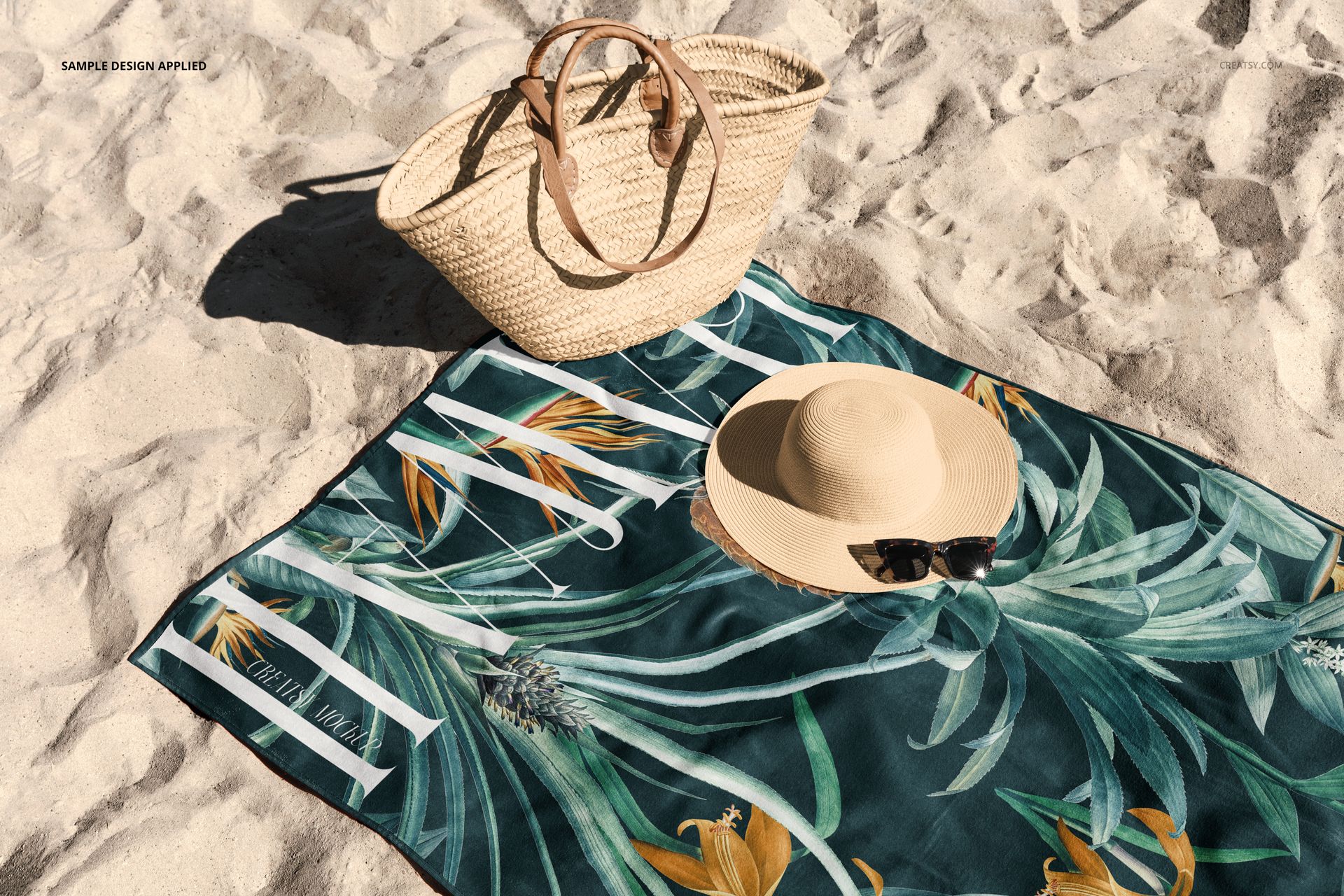
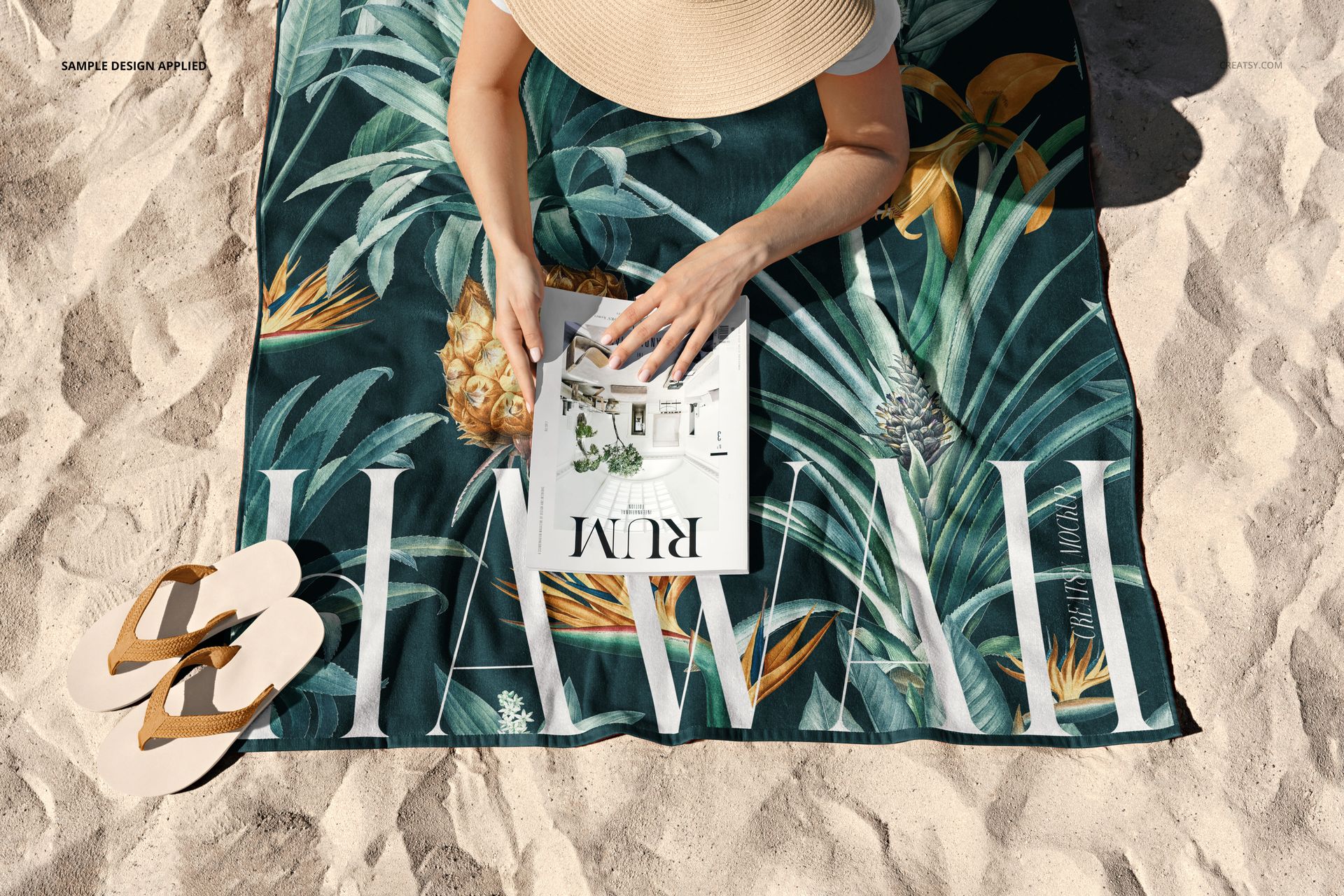
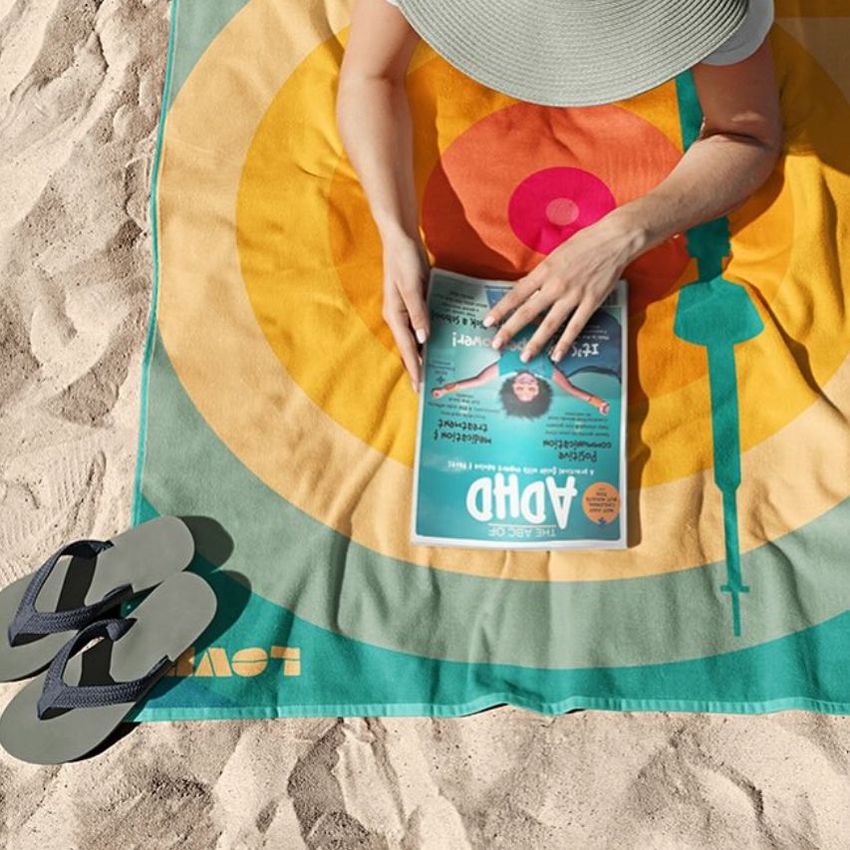
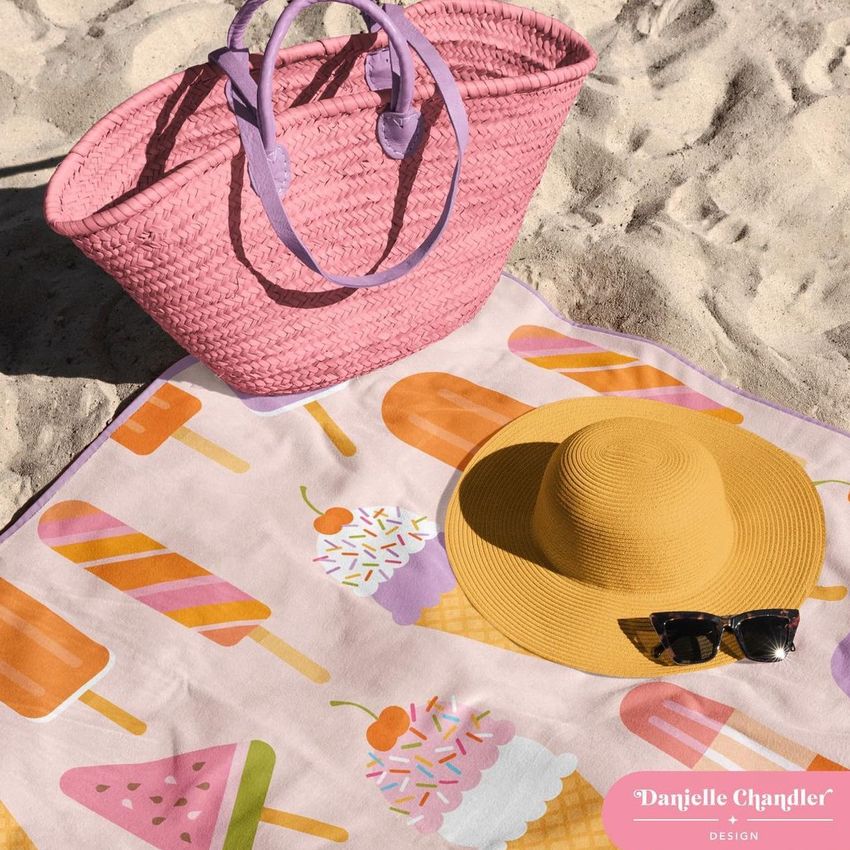
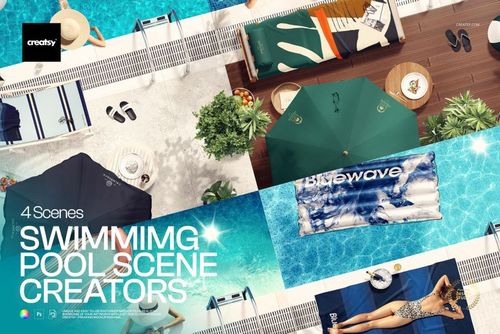
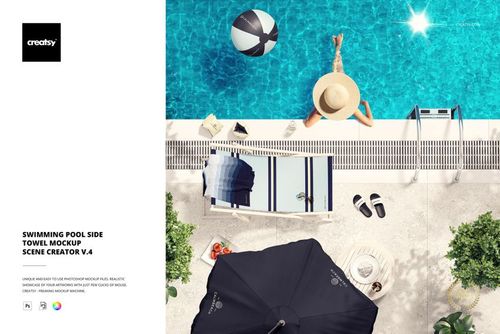
Sand scenes styled with summer accessories
A lifestyle composition with a person reading
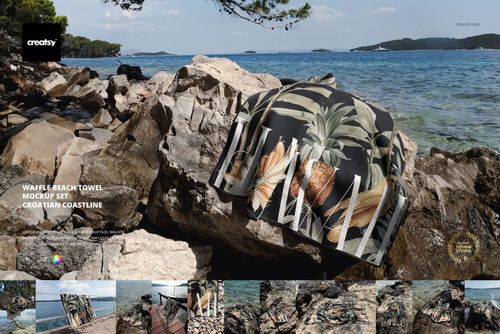
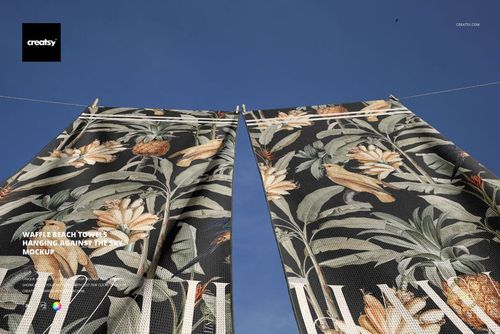
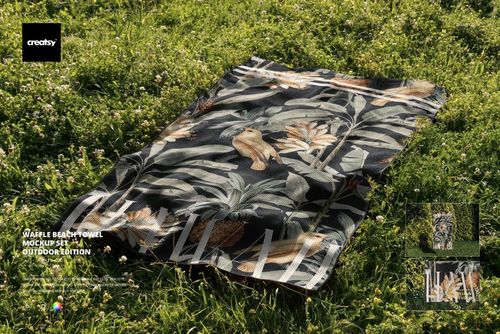
Lake and park settings for outdoor campaign imagery
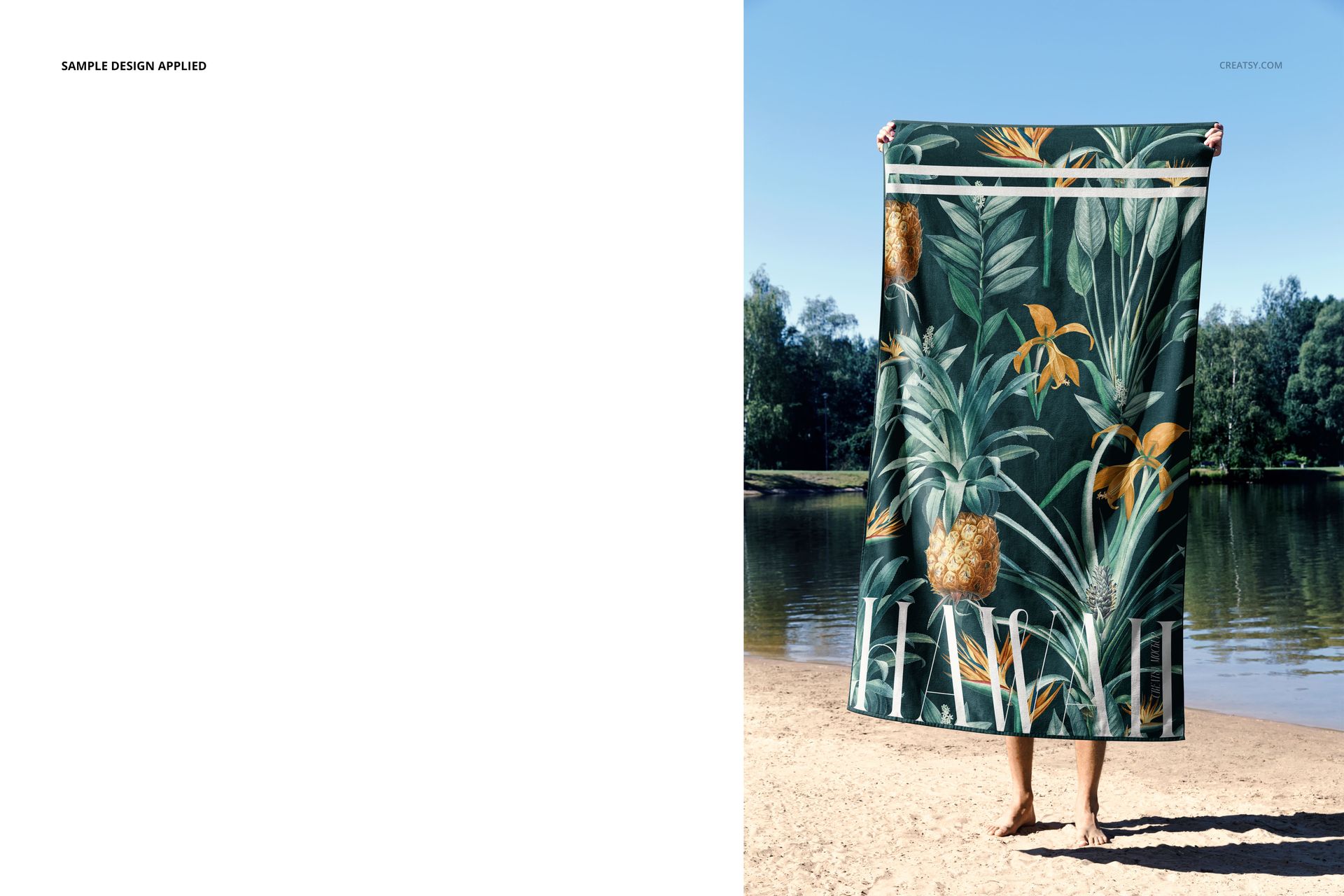
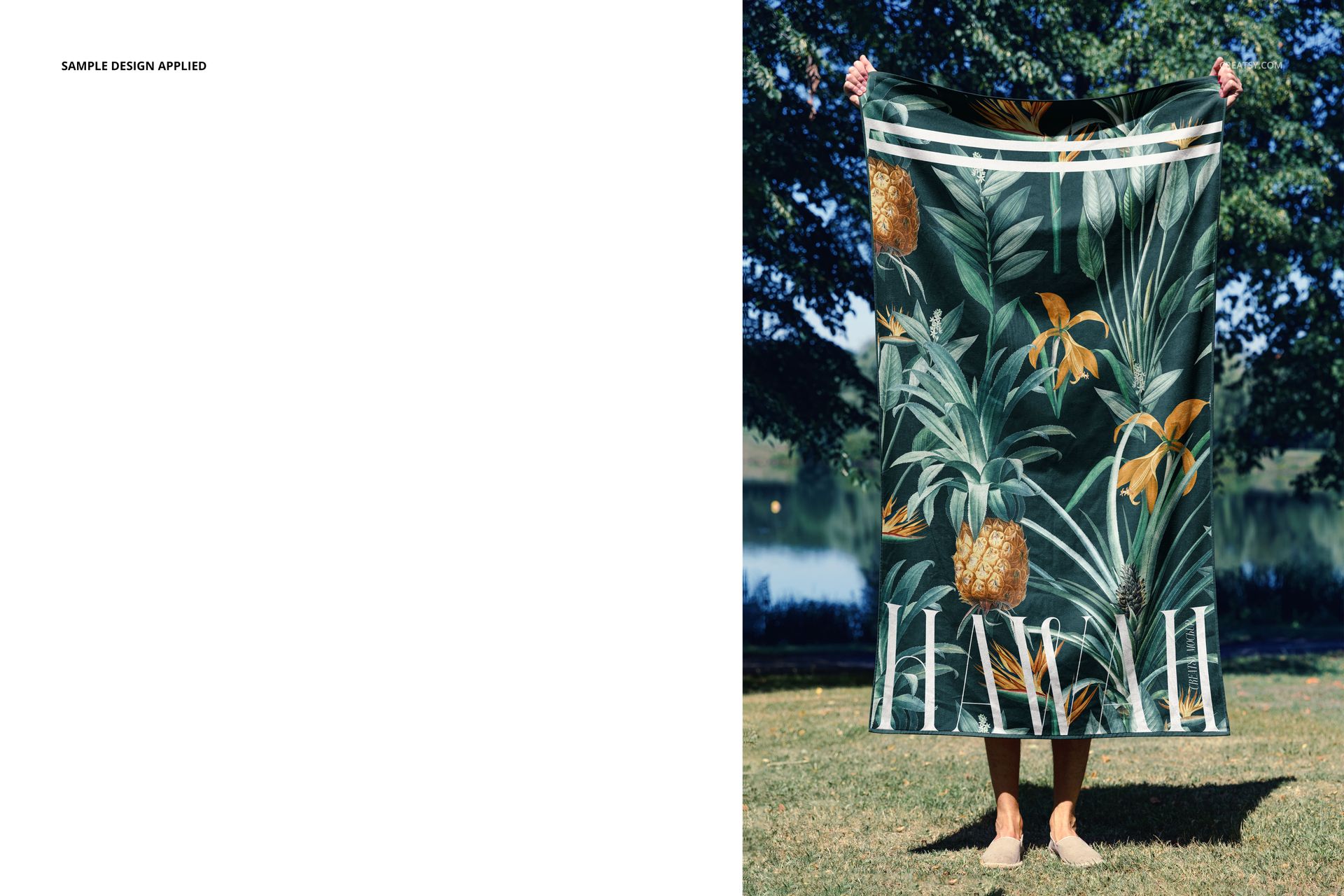
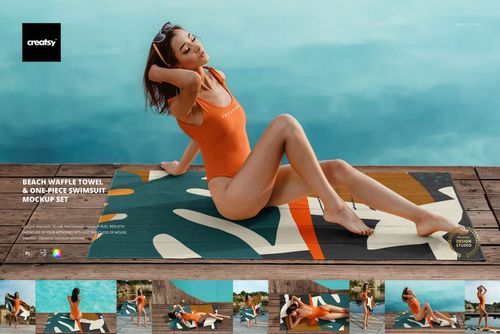
Person-held views for communicating realistic scale
Dark and light backgrounds for comparing contrast
Useful for Design and Sales Reviews
Surface pattern and textile design portfolios
Beach towel and resort accessory collections
Client approvals and colorway comparisons
Ecommerce galleries with multiple product angles
Summer, travel, and outdoor campaign concepts
Preview Artwork Credit
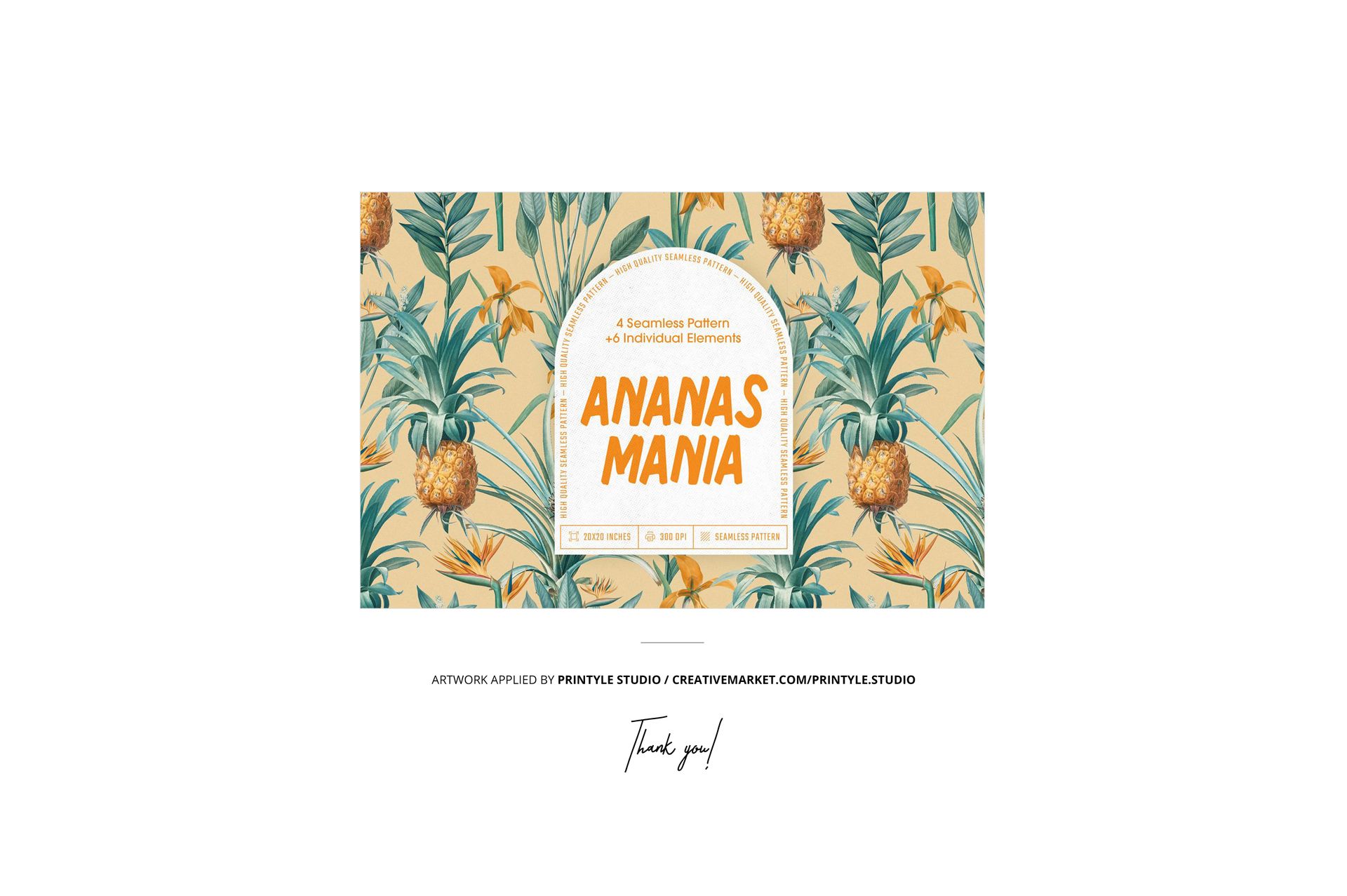
The example design featured in the product previews is by:
Printyle Studio
Explore more of the studio's work on Creative Market. The artwork is used for presentation purposes only and is not included with the mockup files.
This is a digital mockup product. No physical towel is included.













high quality mockup
Thank you! :)