Round Fringed Beach Towel Mockup Set
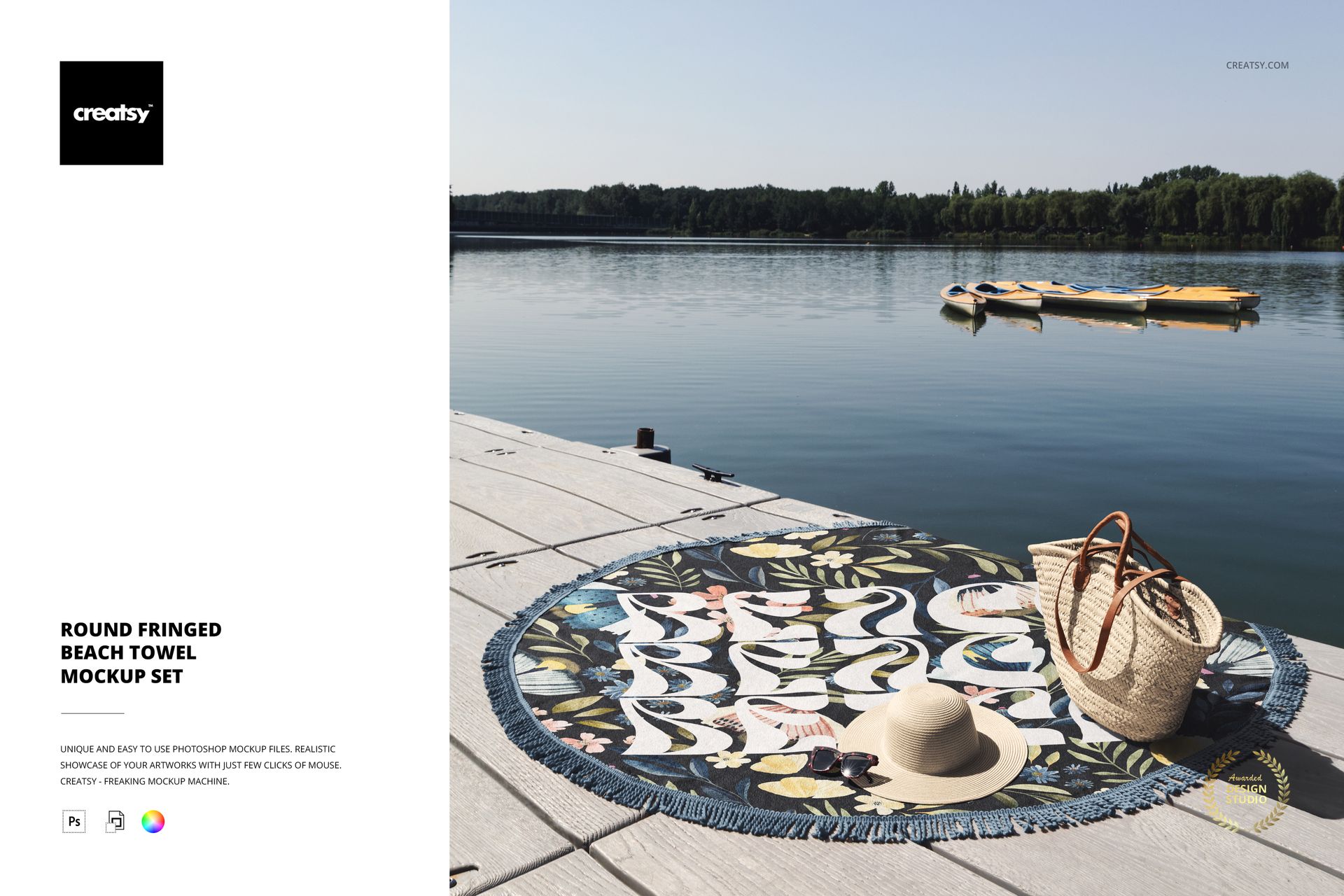
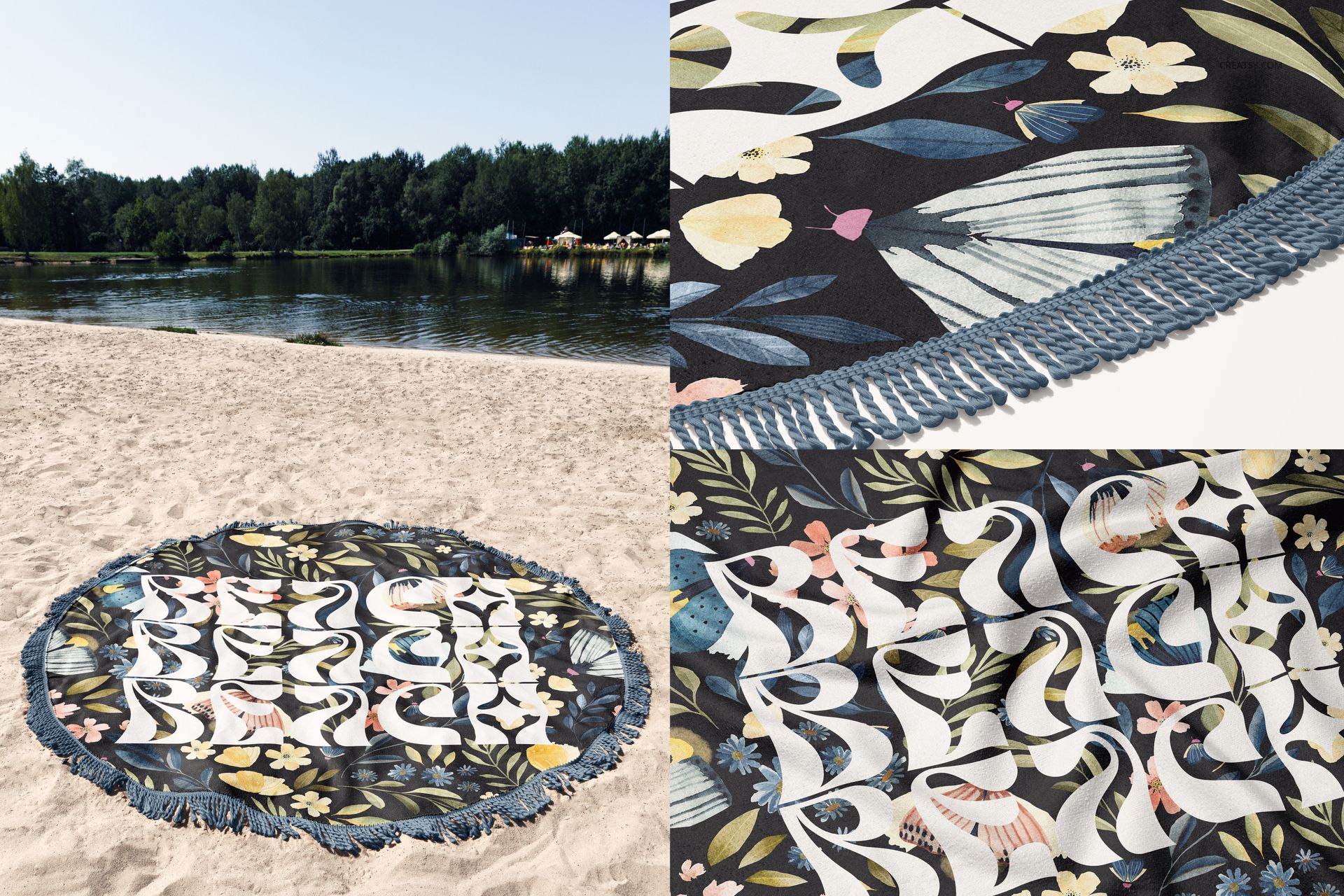
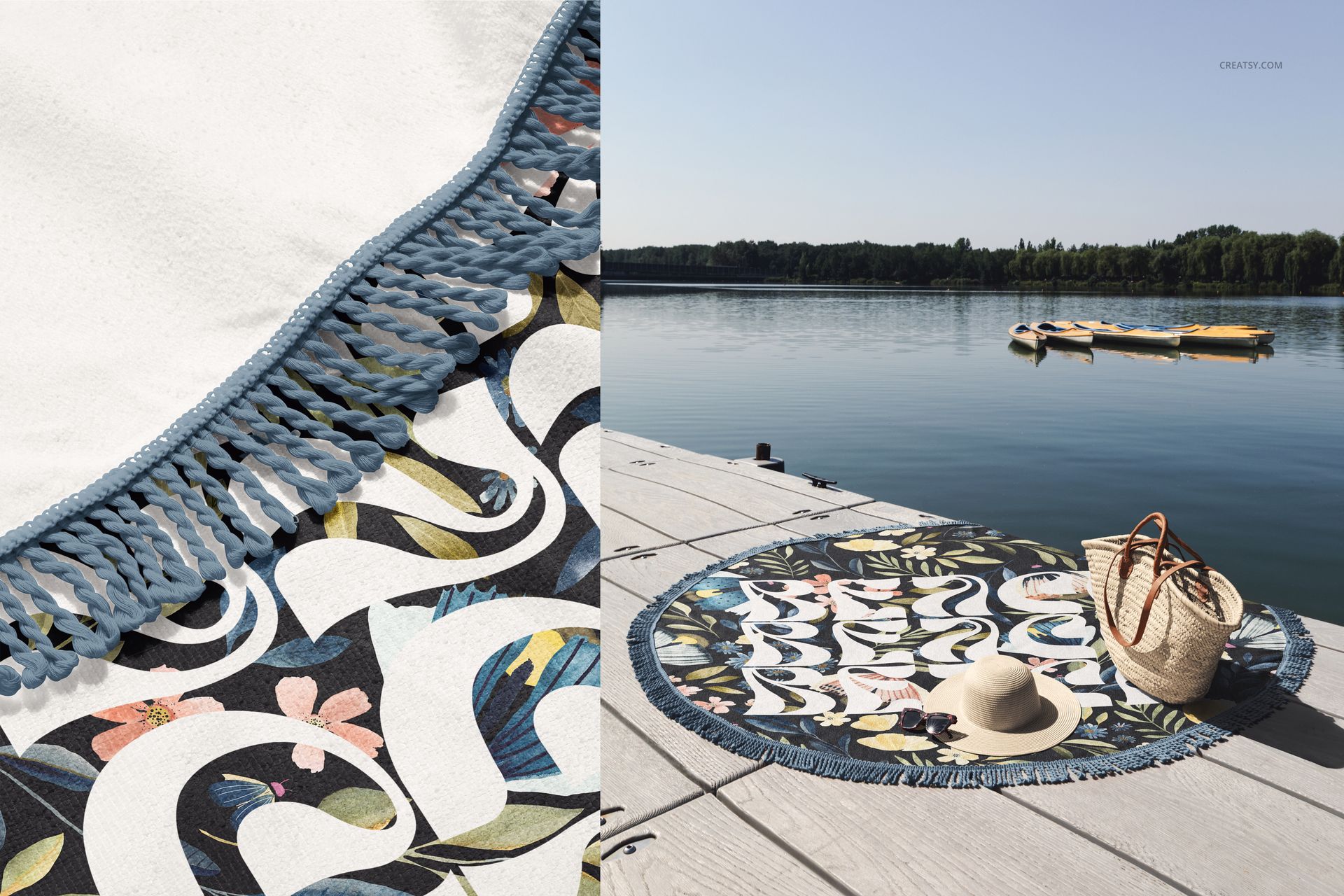
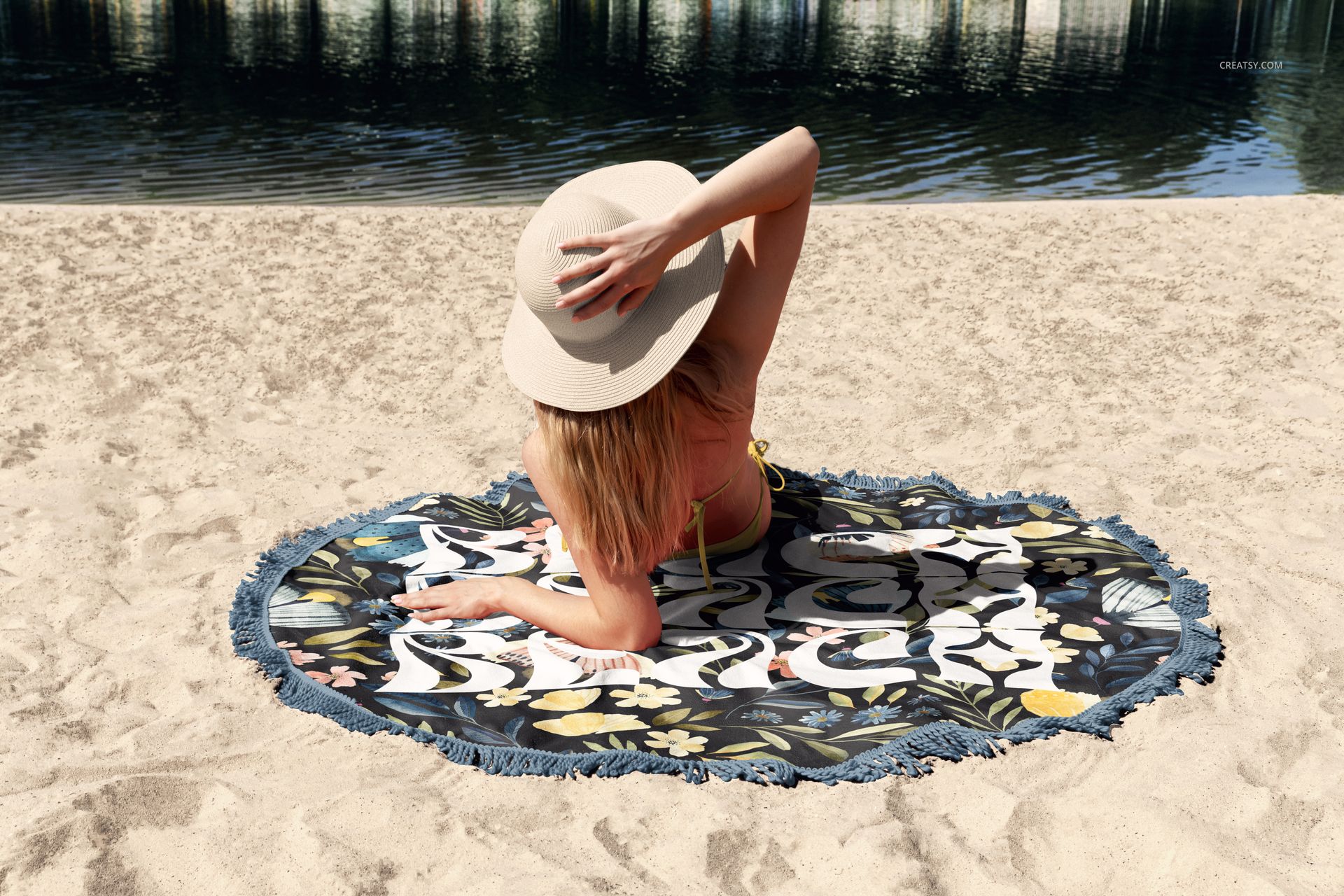
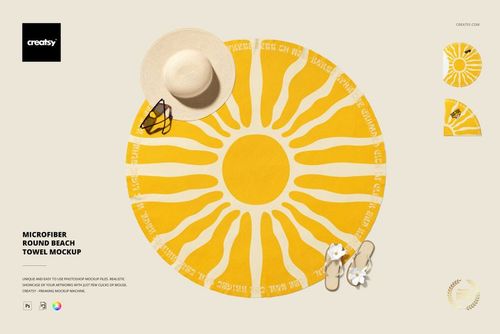
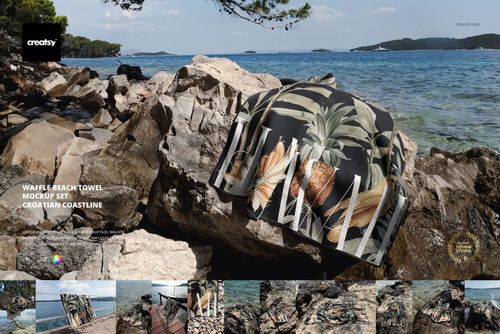
Create a varied outdoor presentation for one circular textile design with 15 coordinated round fringed beach towel mockup scenes. The set combines sand, a lakeside setting, a wooden dock, water and shoreline views, giving surface pattern designers, textile brands and resort marketers a ready-made visual story instead of a single repeated angle.
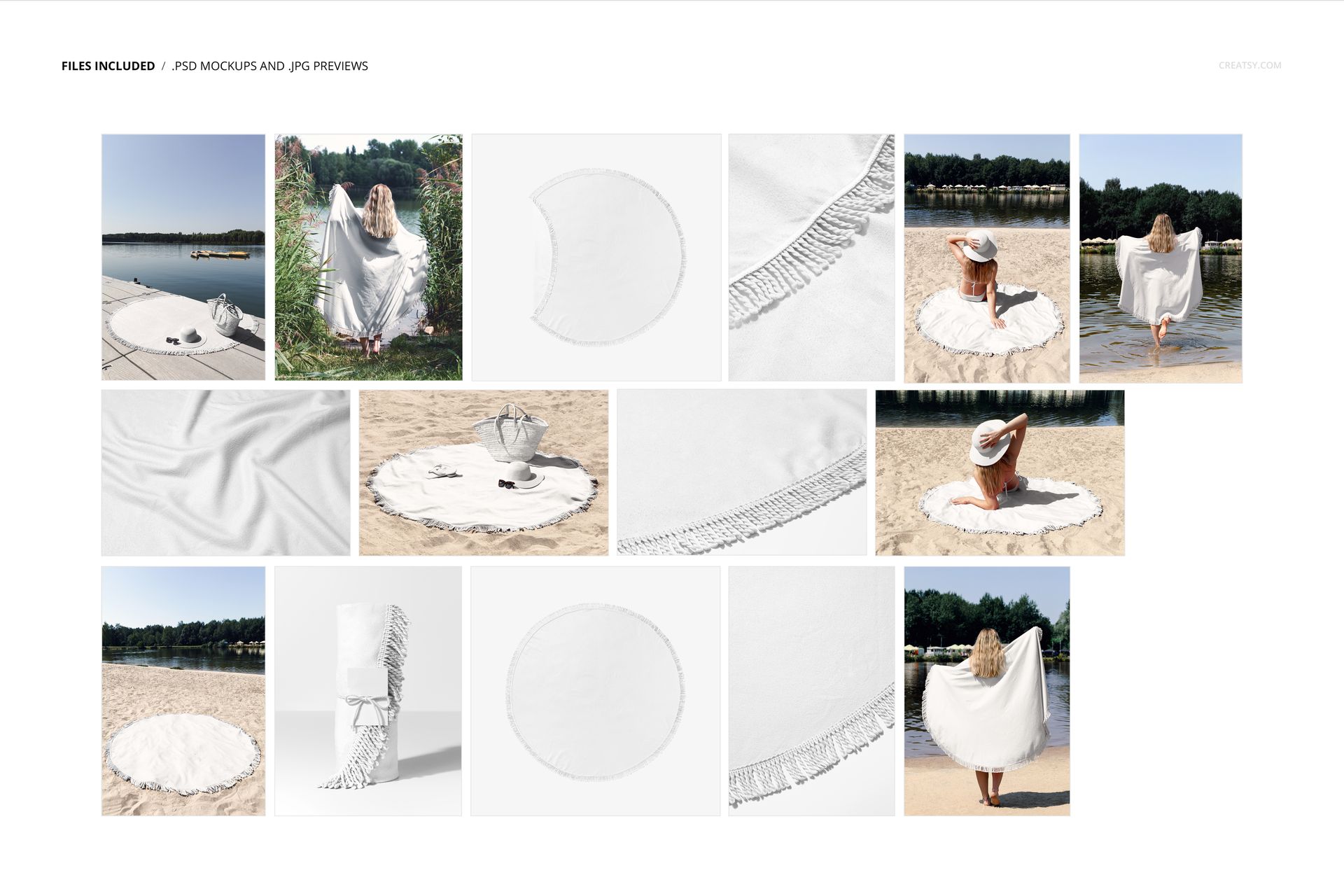
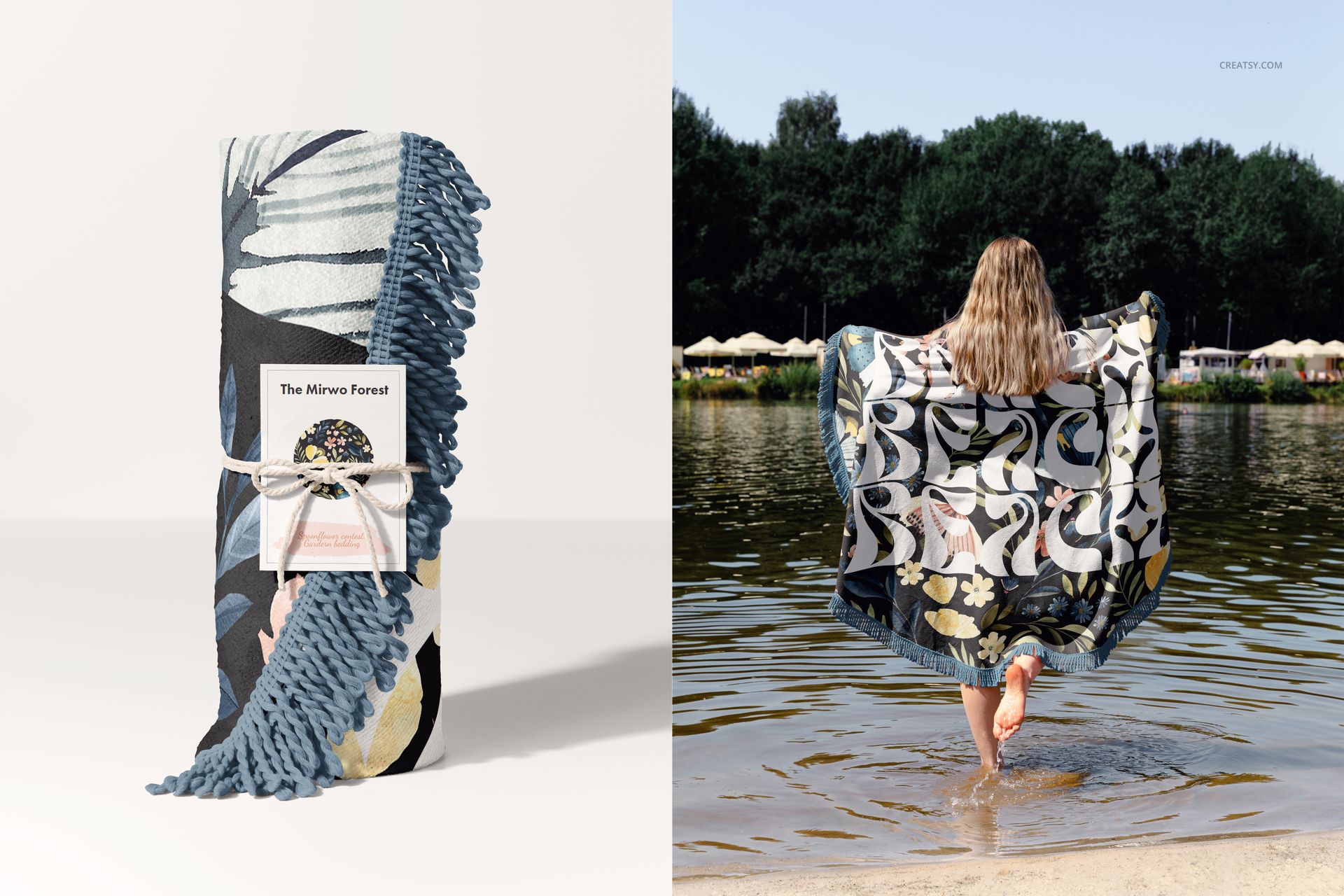
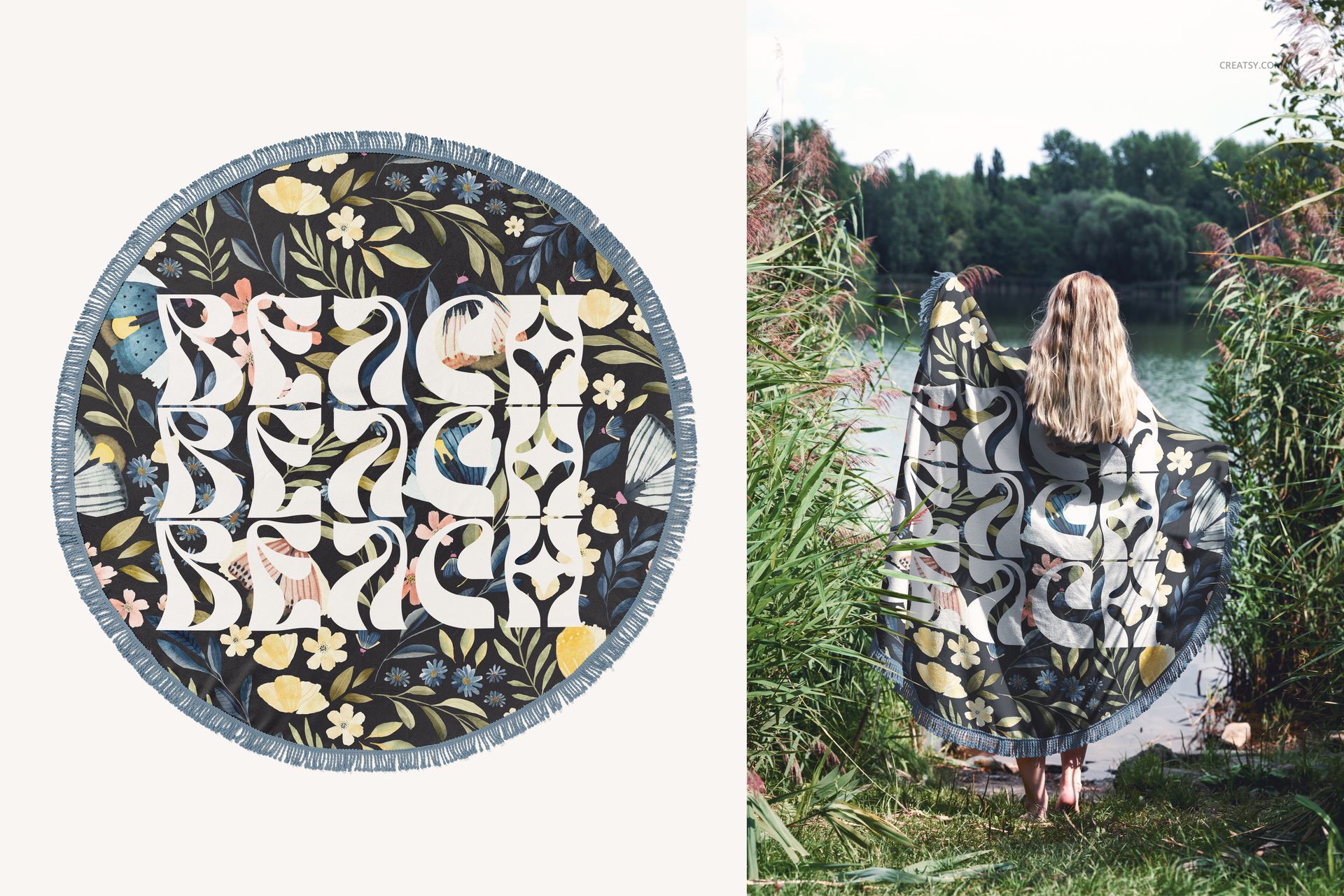
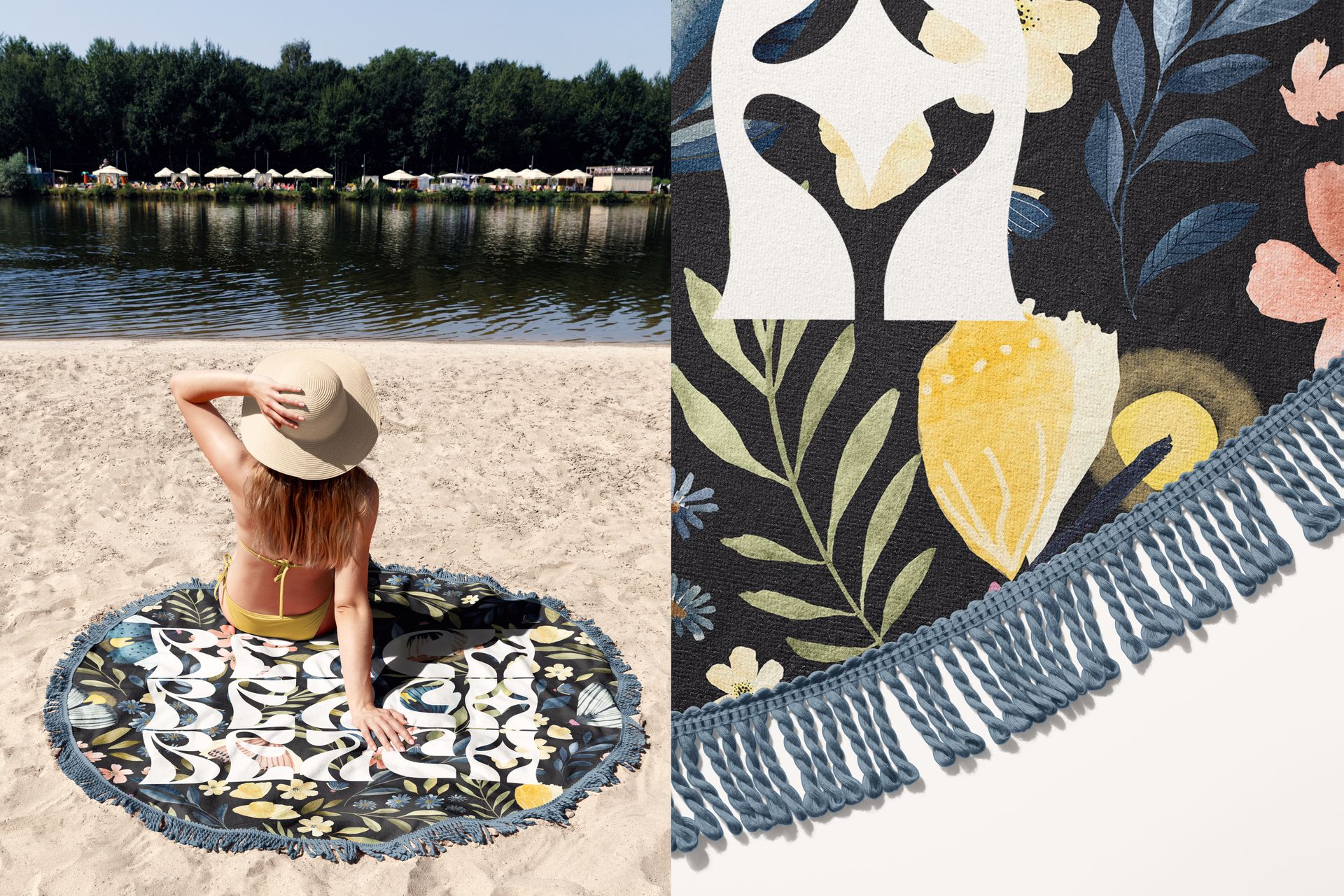
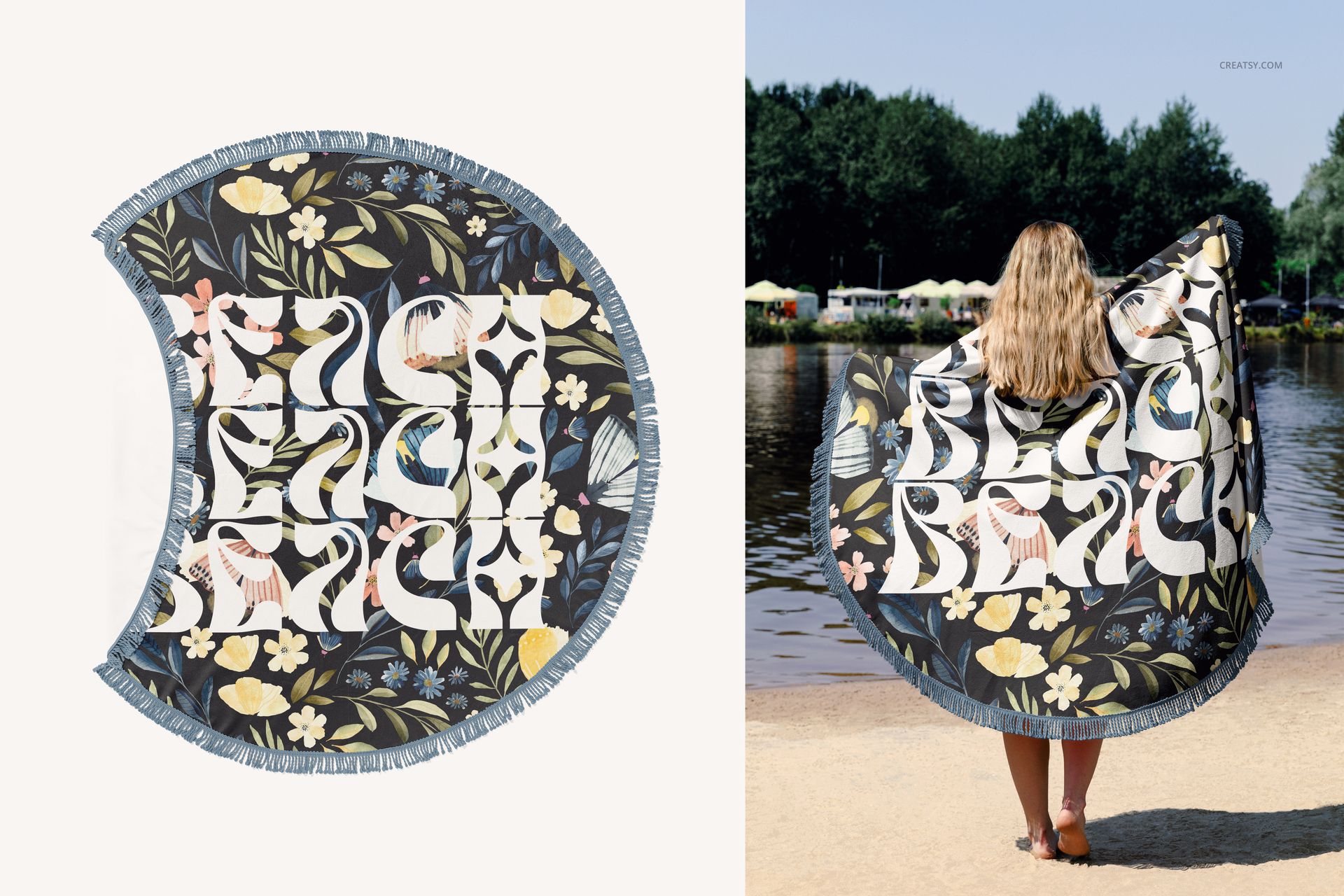
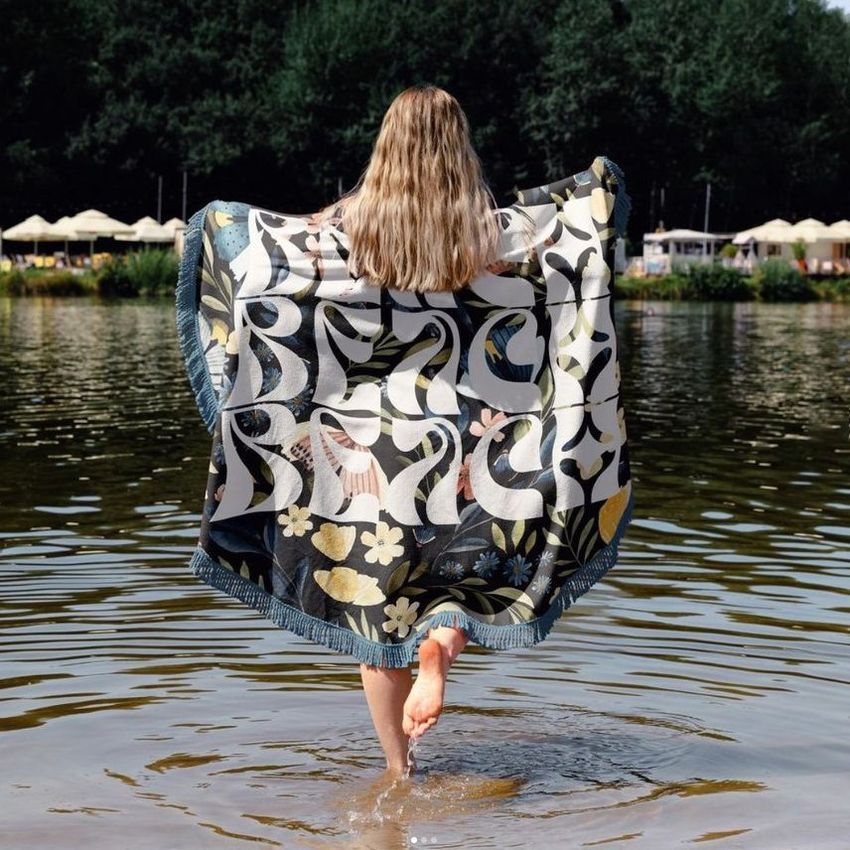
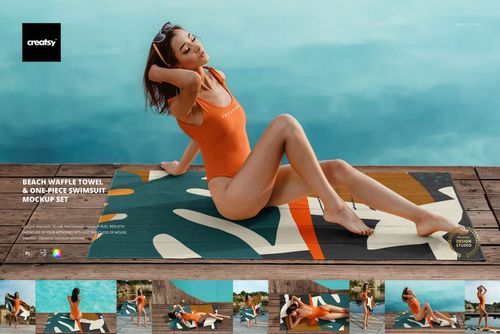
Show the towel flat, rolled, draped, held by a woman or placed beneath a seated model. Product-focused and lifestyle compositions help communicate full pattern placement, fringe detail, realistic human scale and the way artwork reads when the towel is used outdoors.
Fifteen Views for One Cohesive Collection
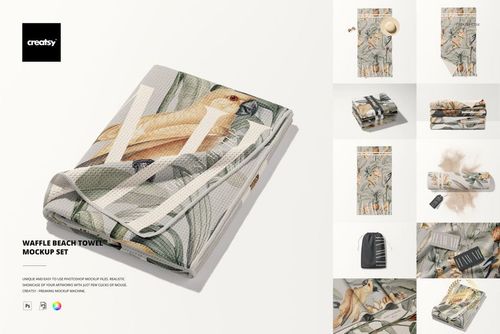
Use a clean top view as the main pattern presentation, close-ups for fringe and fold detail, rolled or draped arrangements for texture, and model scenes for scale. Sand, dock, lakeside and water-edge settings let the same artwork move naturally from a portfolio image to a seasonal campaign, client presentation or online shop gallery.
What Is Included
15 layered and editable PSD mockup files
15 JPG preview images
1 PDF user manual
31 files in total
6000 x 4000 px landscape format for every PSD
300 DPI resolution
Standard PSD format, with no PSB files
Well-organized layers for a clearer editing workflow
Smart Object and Color Editing
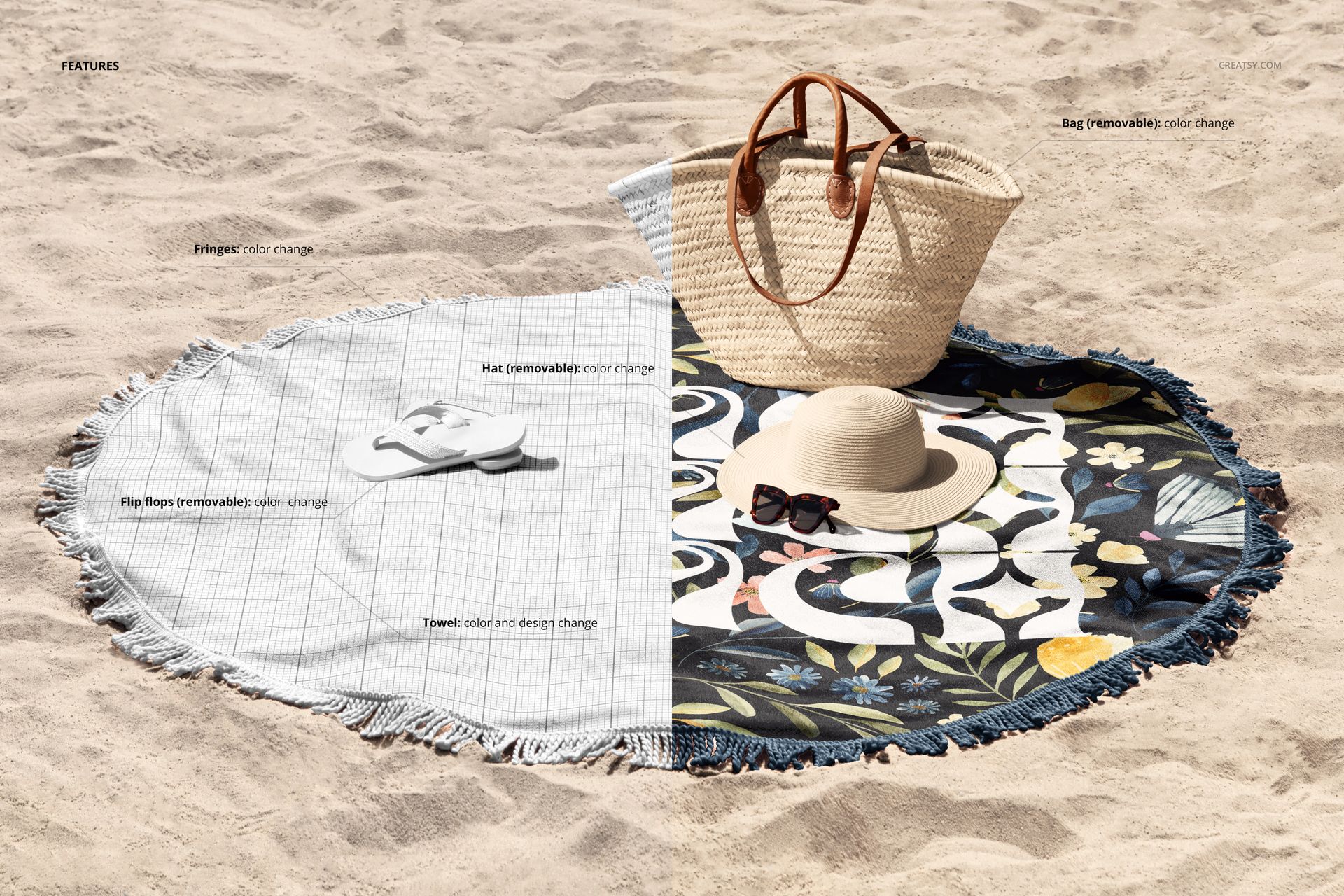
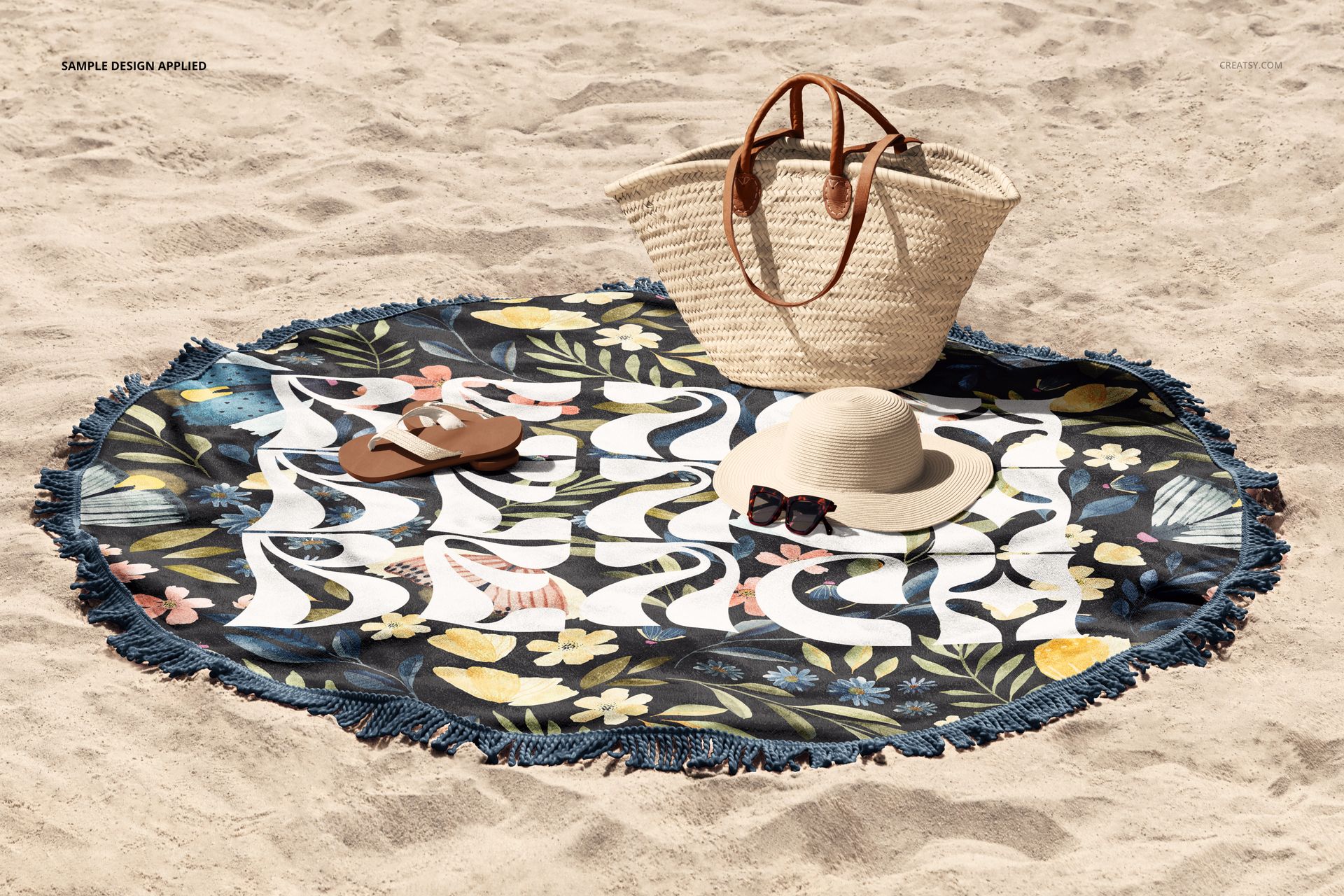
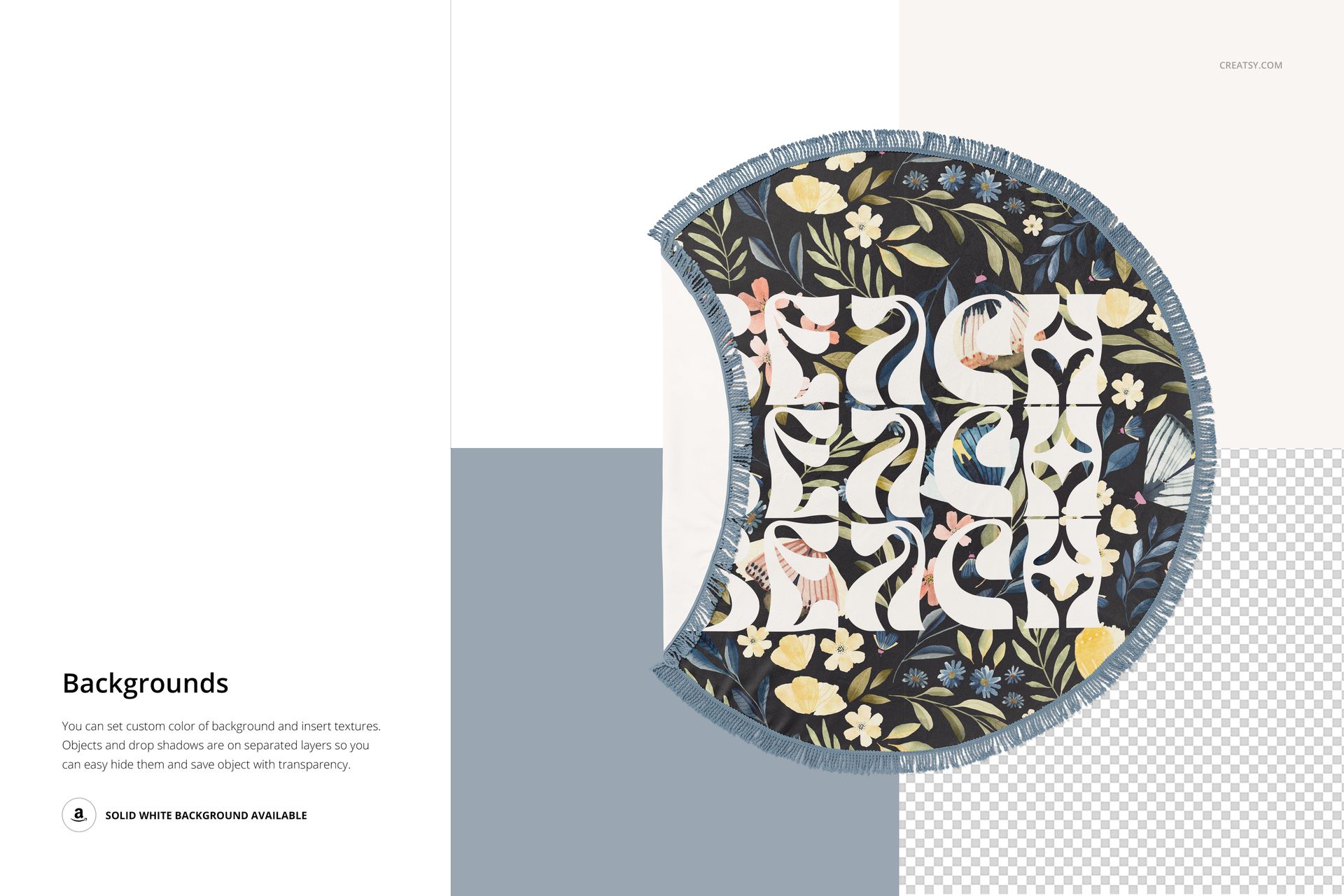
Place artwork through Smart Objects and use the available color layers to coordinate each presentation with your design. This workflow preserves the photographed perspective, folds, shadows and highlights while you focus on pattern scale, placement and color direction. Layer options can vary between scenes, so review the controls inside each PSD before planning a specific prop adjustment.
Editable Details in the Featured Sand Scene
The documented sand scene confirms controls for the following elements:
Designed for Complete Visual Campaigns
The scene mix supports both design evaluation and customer-facing marketing. Use it for:
Round towel and textile pattern collections
Resort, pool club and lakeside branding
Summer catalog and lookbook imagery
Client approvals and portfolio case studies
Social media, advertising and online shop graphics
Comparing pattern scale across product and lifestyle views
Preview Artwork Credit
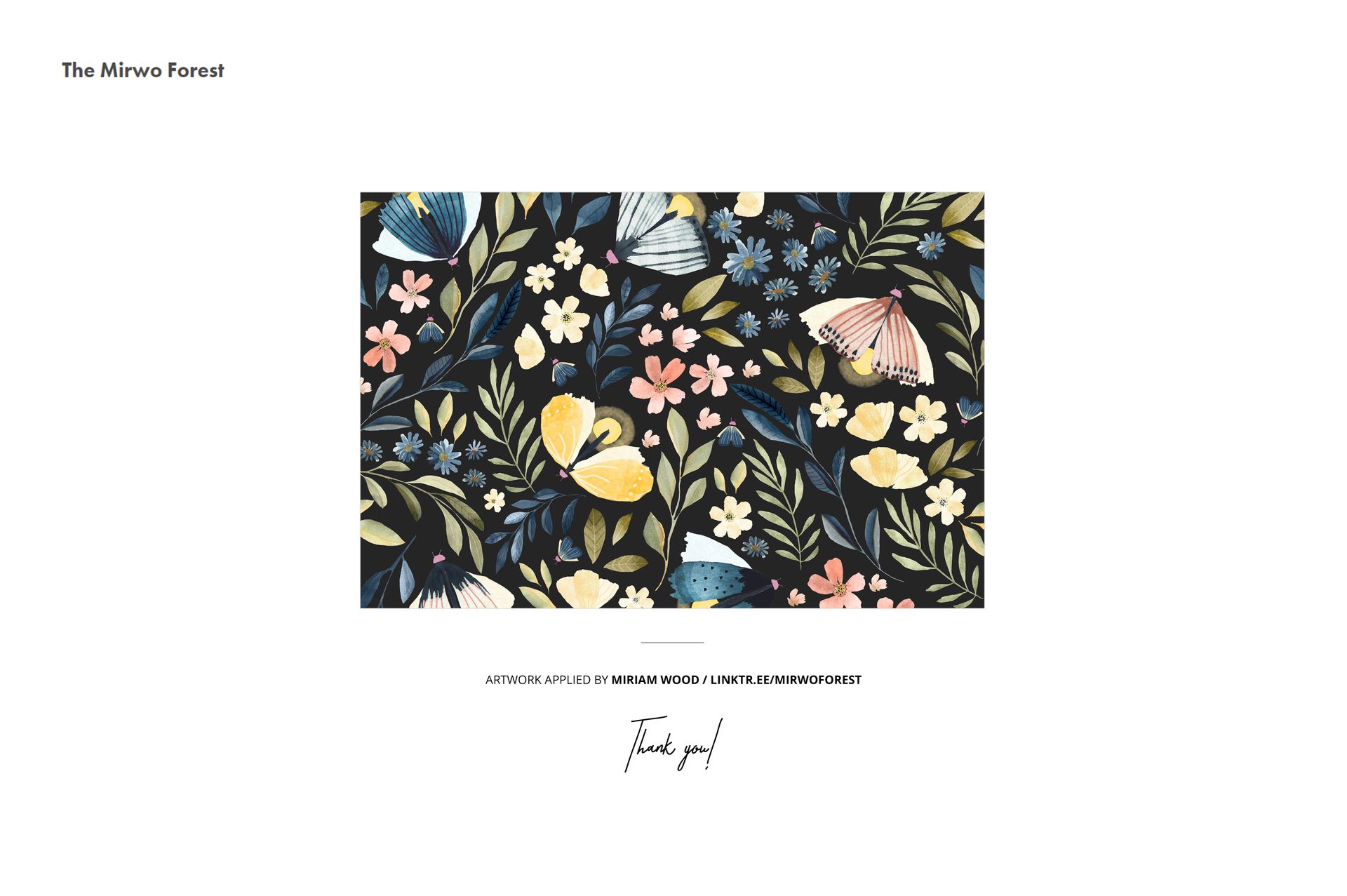
Miriam Wood / The Mirwo Forest
The artwork shown in the preview images is by Miriam Wood, also known as The Mirwo Forest. It is presented for demonstration purposes only and is not included in the download.
This is a digital product. No physical towel or accessory will be shipped.