Swimming Pool Side Towel Mockup Scene Creator v.2
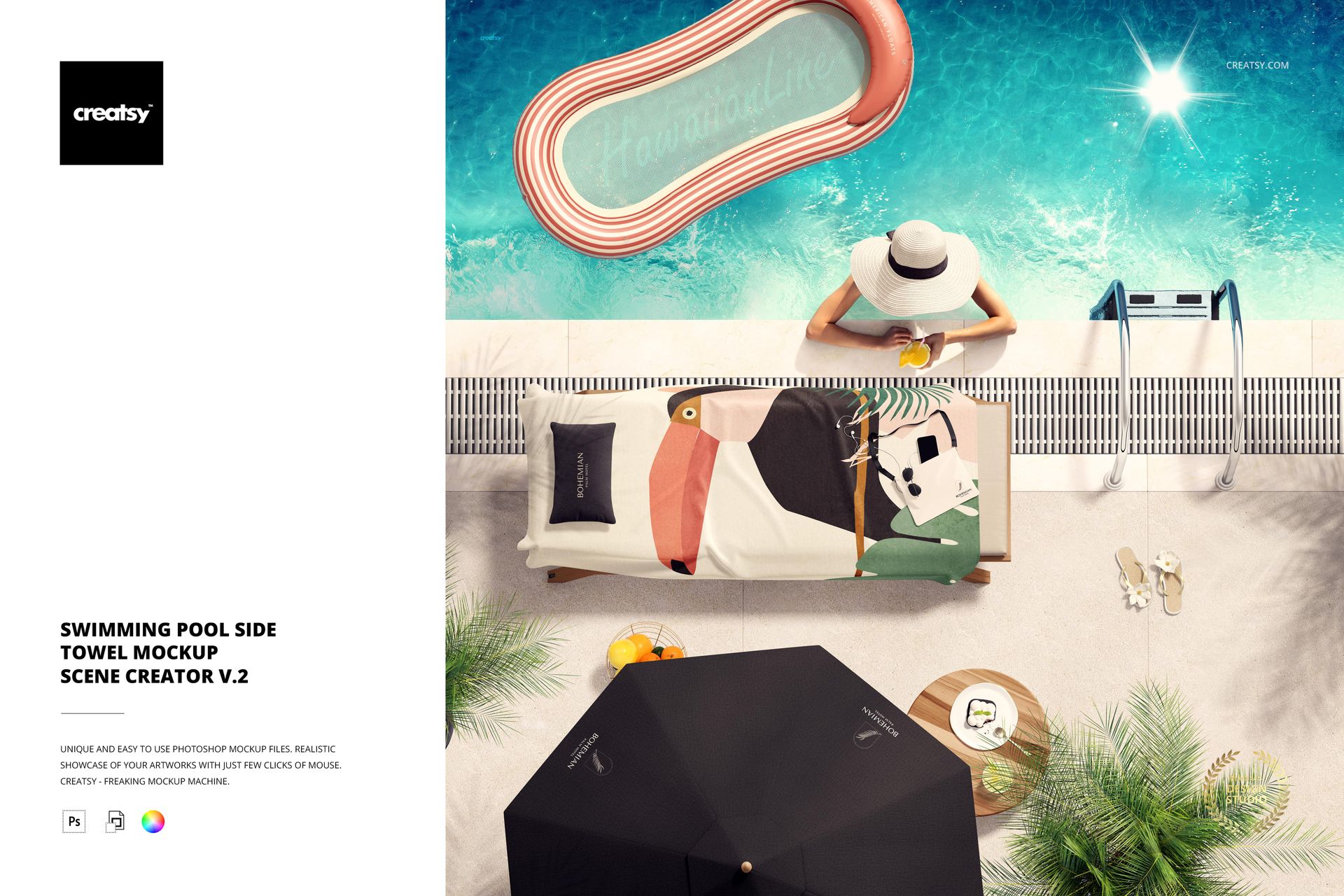
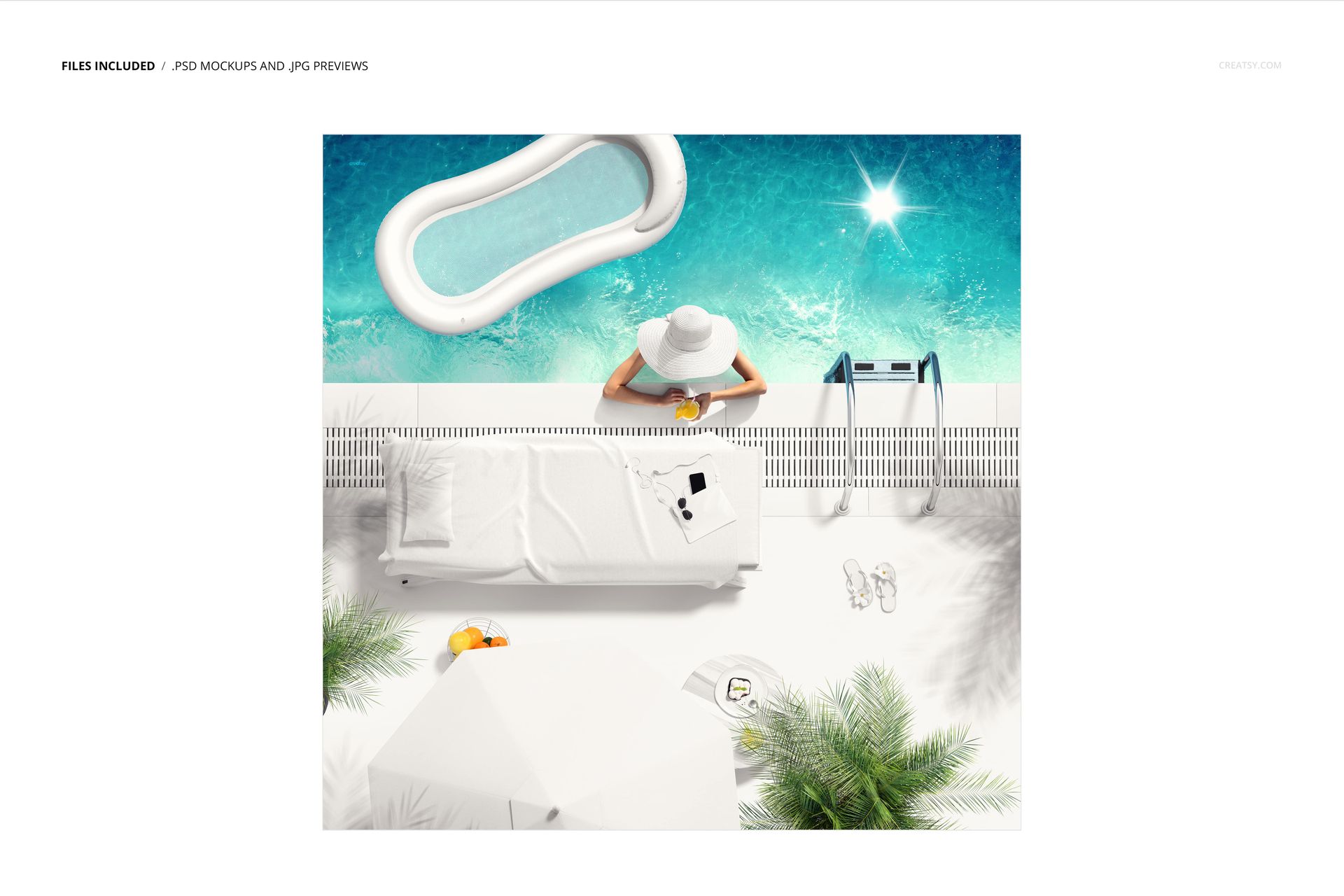
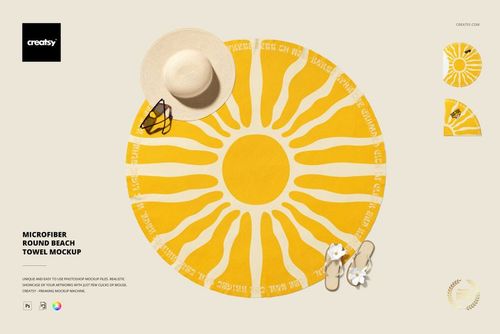
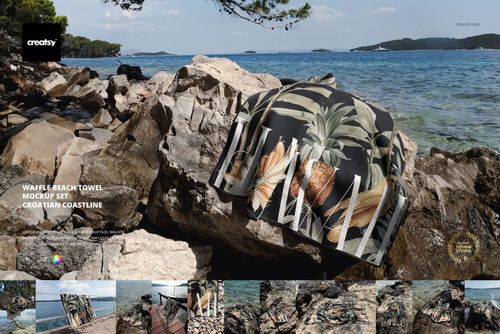
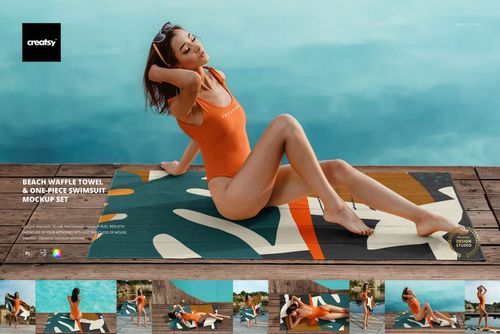
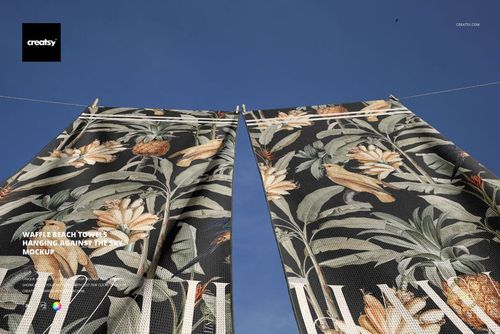
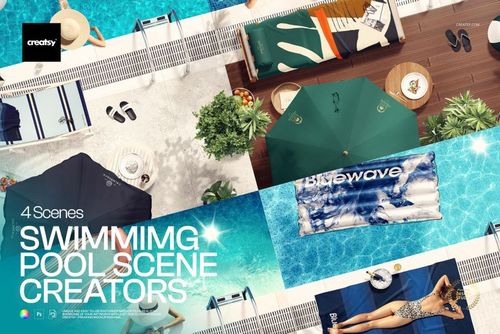
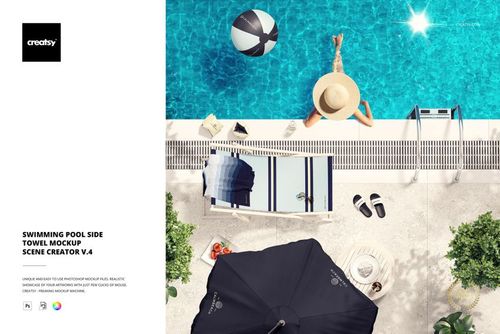
Give towel artwork a sunlit resort setting with a square poolside scene built around clear blue water, light pool steps and relaxed summer styling. The gallery shows patterned and white towel variations beside a woman in a sunhat, an umbrella and an inflatable pool float, so customers can understand both the artwork and its real-world scale.
The lifestyle context makes this poolside towel mockup useful for more than a decorative preview. It helps you judge repeat size, motif direction, border placement and color contrast before presenting a textile collection to a client or audience.
A Poolside Story With Human Scale
The woman, sunhat and visible pool steps provide immediate scale references, while the water and summer accessories communicate a hotel, resort or leisure atmosphere. Use the full composition for campaign storytelling, then crop closer to the towel for product-focused images.
What Is Included
1 standard layered PSD mockup with Smart Object artwork editing
1 JPG reference image
2 files in total
6000 x 6000 px square canvas
300 DPI resolution
Adobe Photoshop CC2020 or newer
Well-organized layers
Easy Smart Object Editing
Open the designated Smart Object, place your towel artwork, save the change and return to the main PSD to review the result in the finished scene. The supplied folds, shadows and lighting keep the presentation grounded while your pattern remains the visual focus.
Perfect For
Surface pattern and textile portfolio presentations
Hotel, resort and pool club branding concepts
Summer lifestyle campaigns and social media graphics
Client approvals for towel artwork and colorways
High-resolution ecommerce and lookbook imagery
Clear Editing Scope
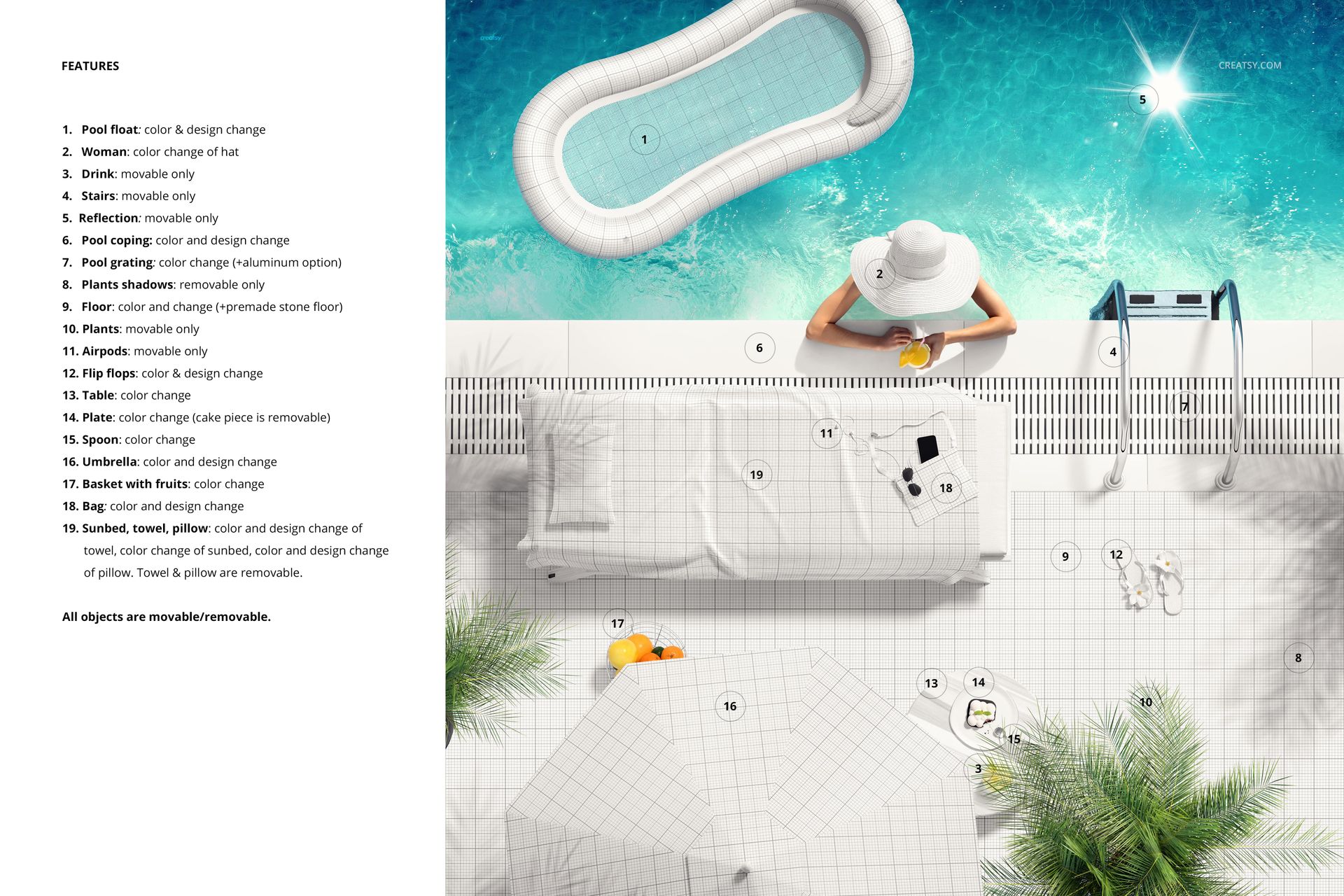
The confirmed editing workflow covers replacement of the towel artwork through a Smart Object. The person, umbrella, float, pool steps and water form the supplied scene styling, so independent control of those elements should not be assumed unless the included layer structure provides an additional option.
Preview Artwork Credit
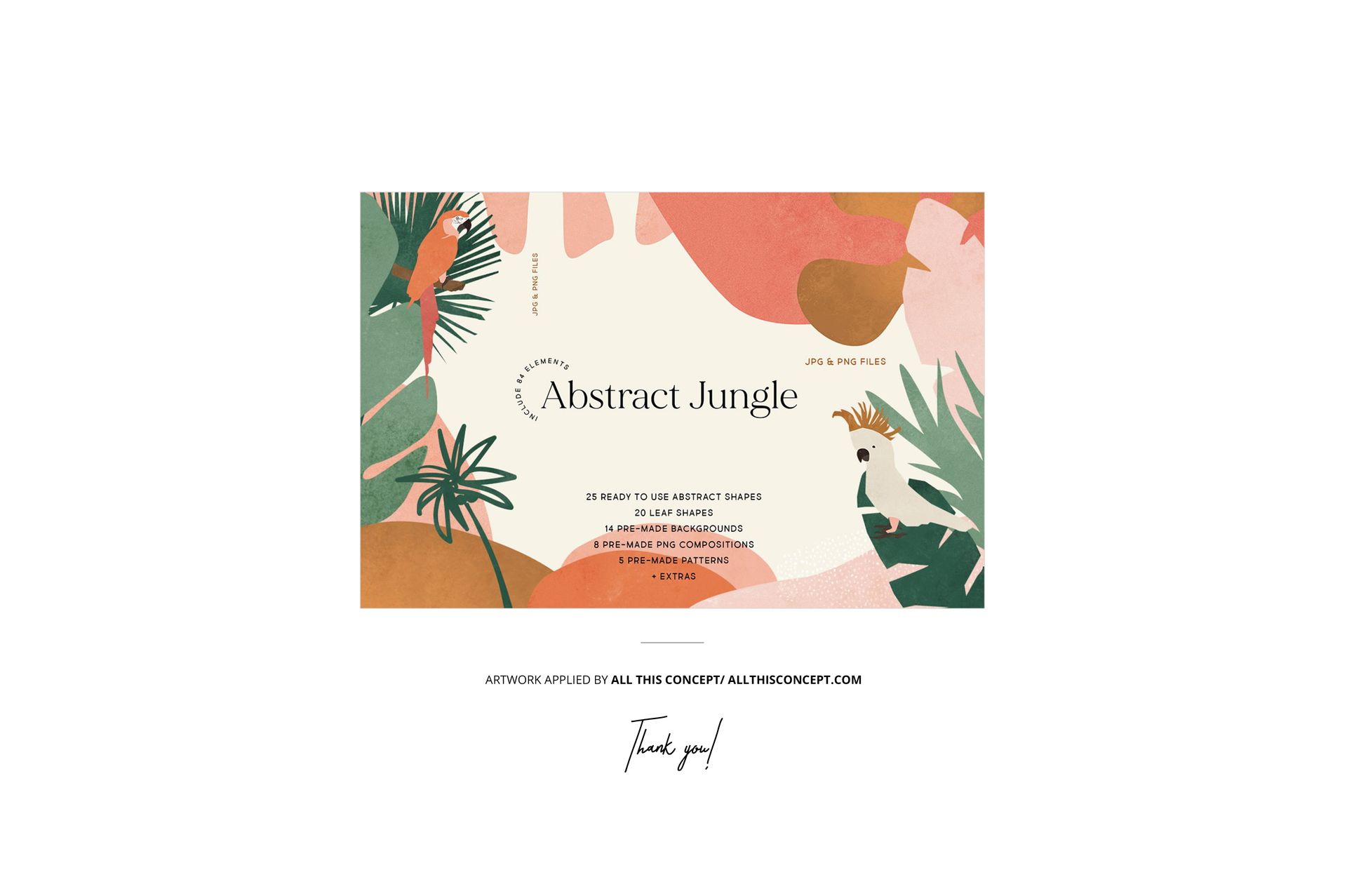
The example towel design shown in the product previews is credited to All This Concept. It is used for presentation purposes only and is not included with the mockup files.
This is a digital mockup product. No physical towel or printed item will be shipped.