Fringed Beach Towel Mockup Set
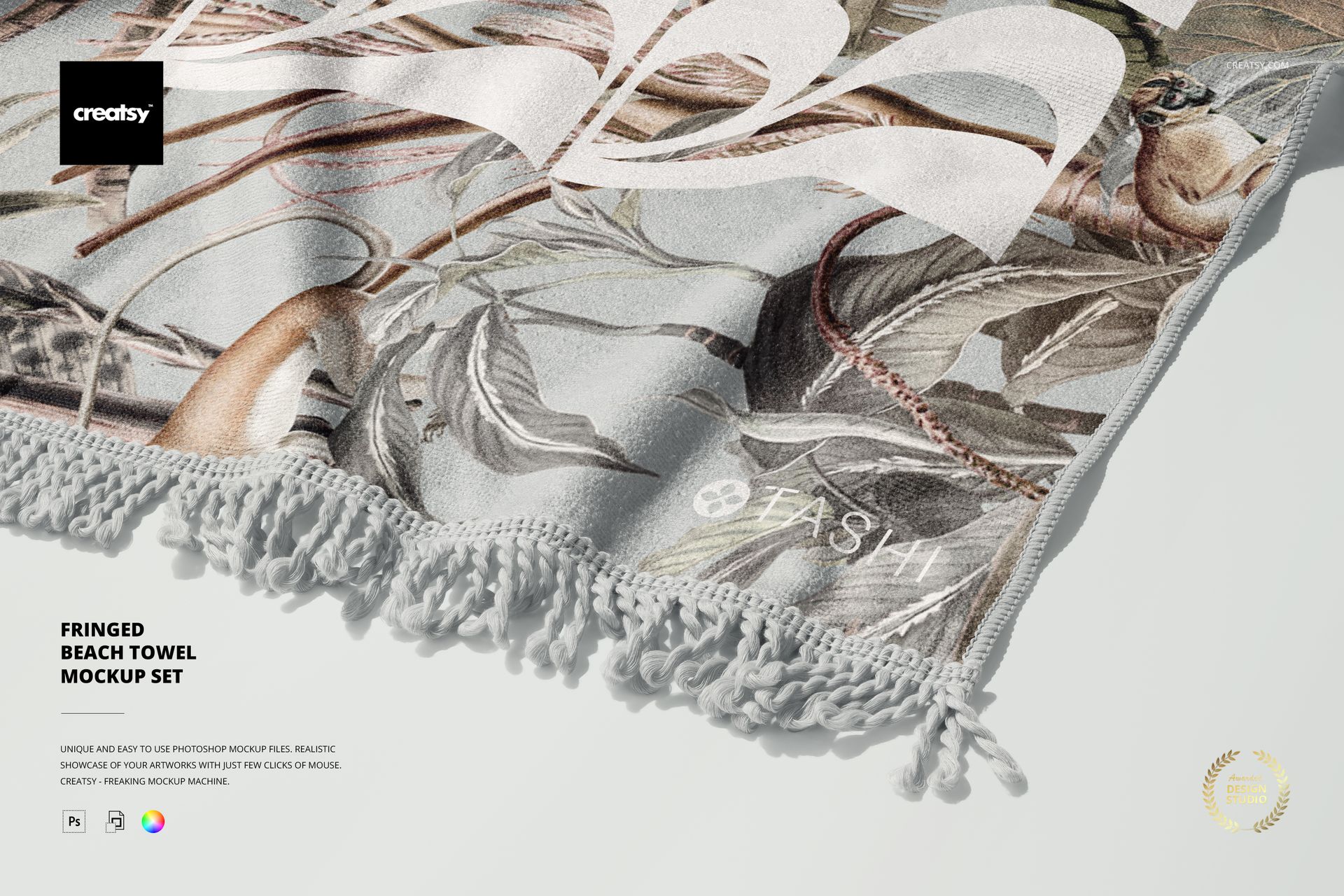
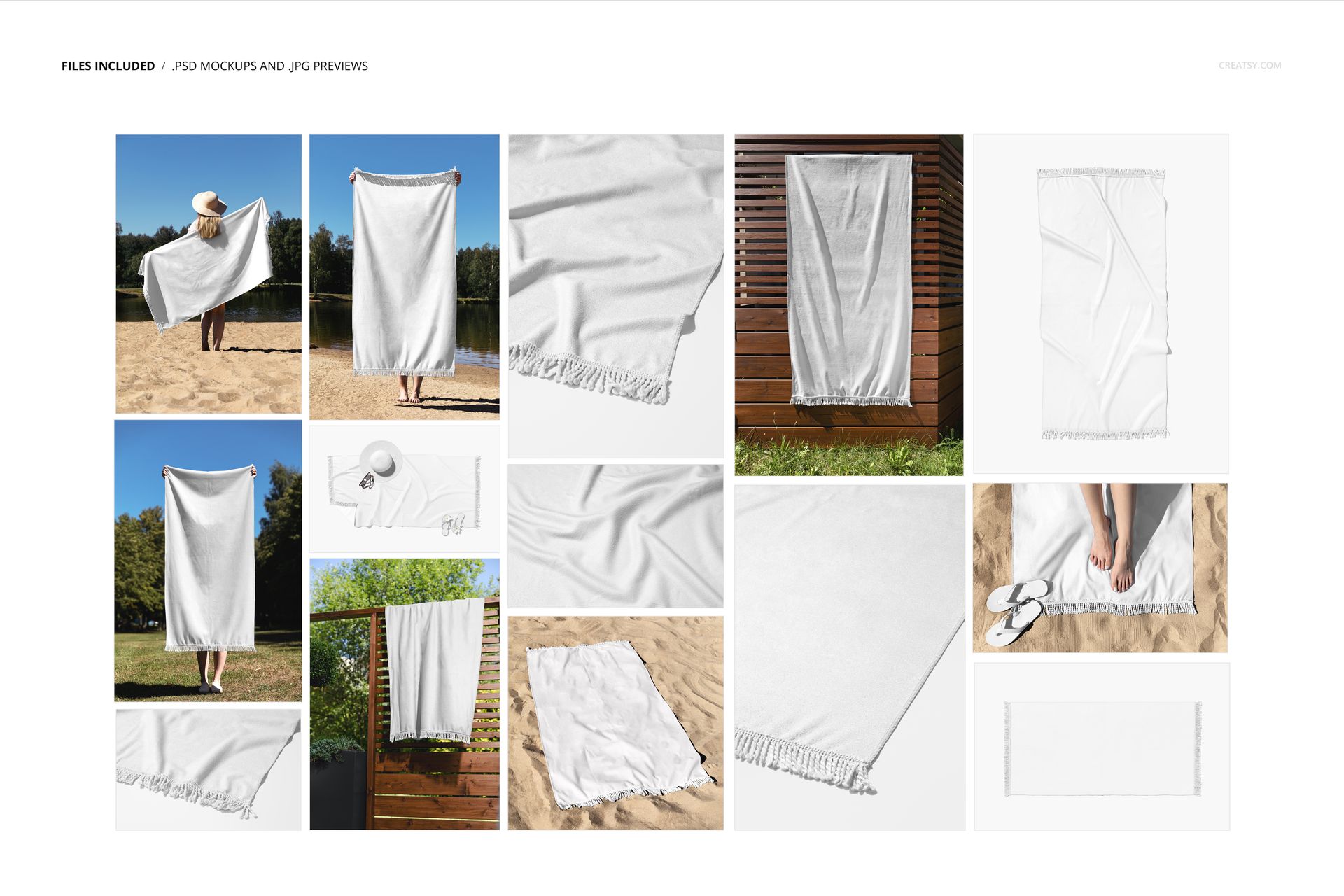
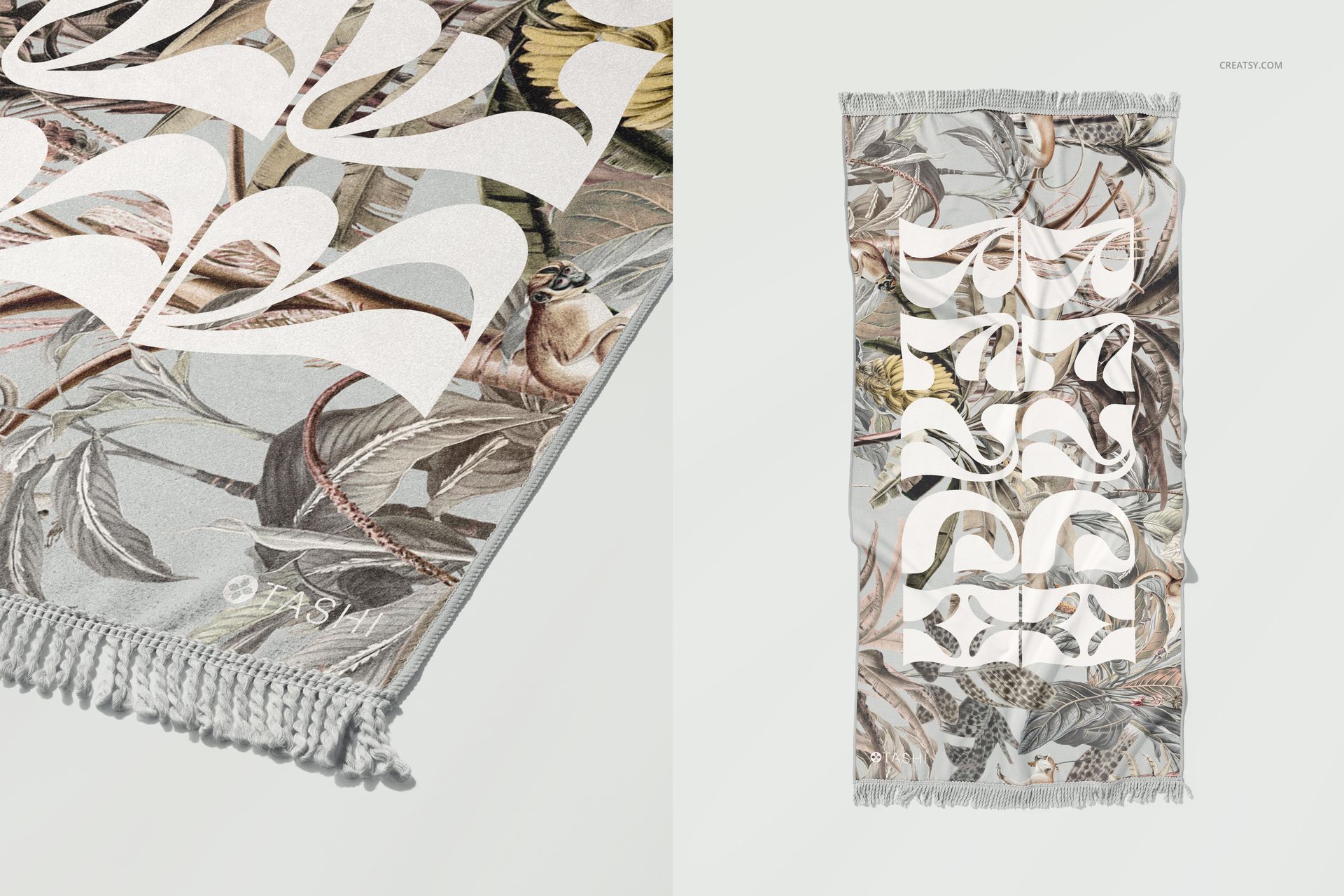
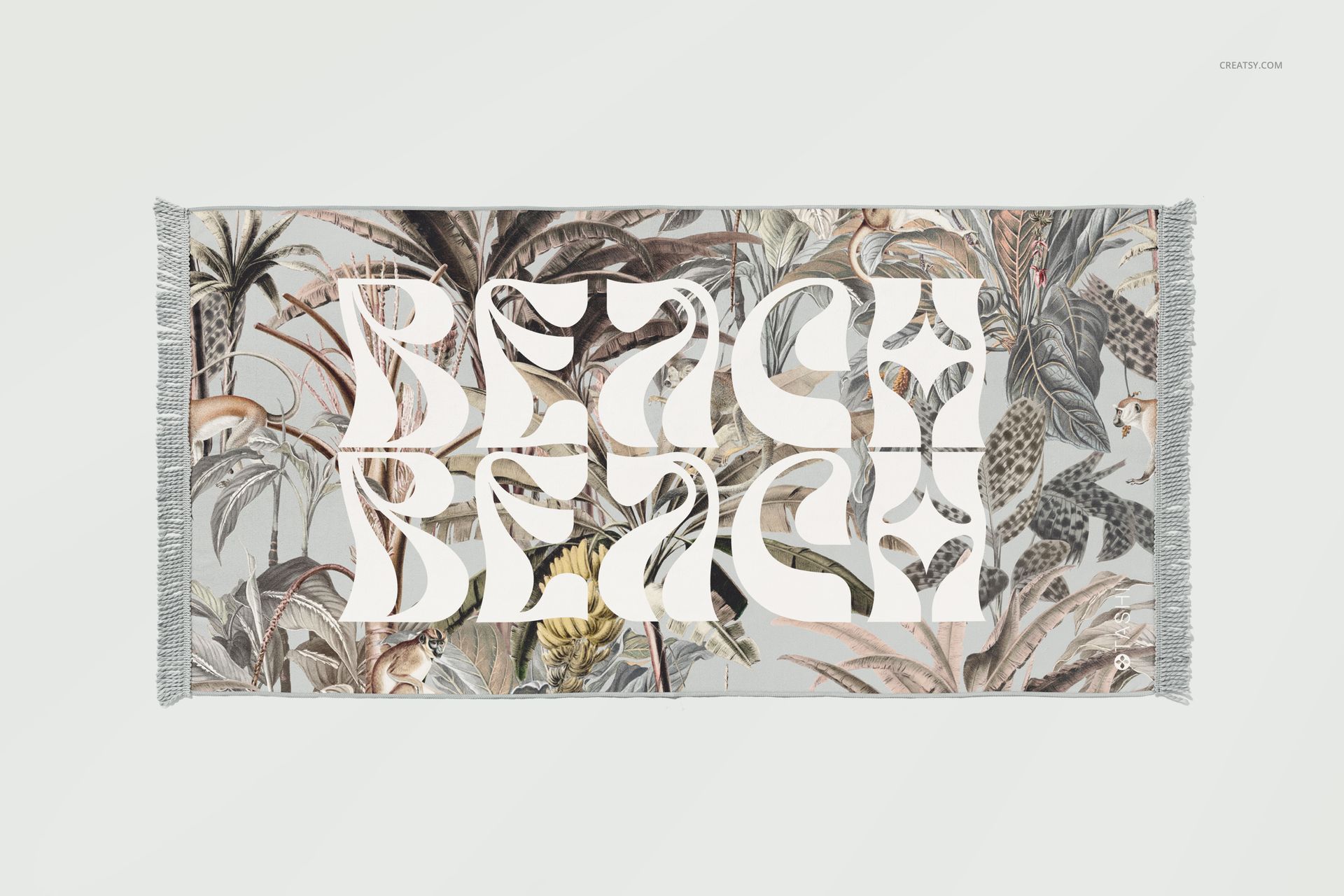
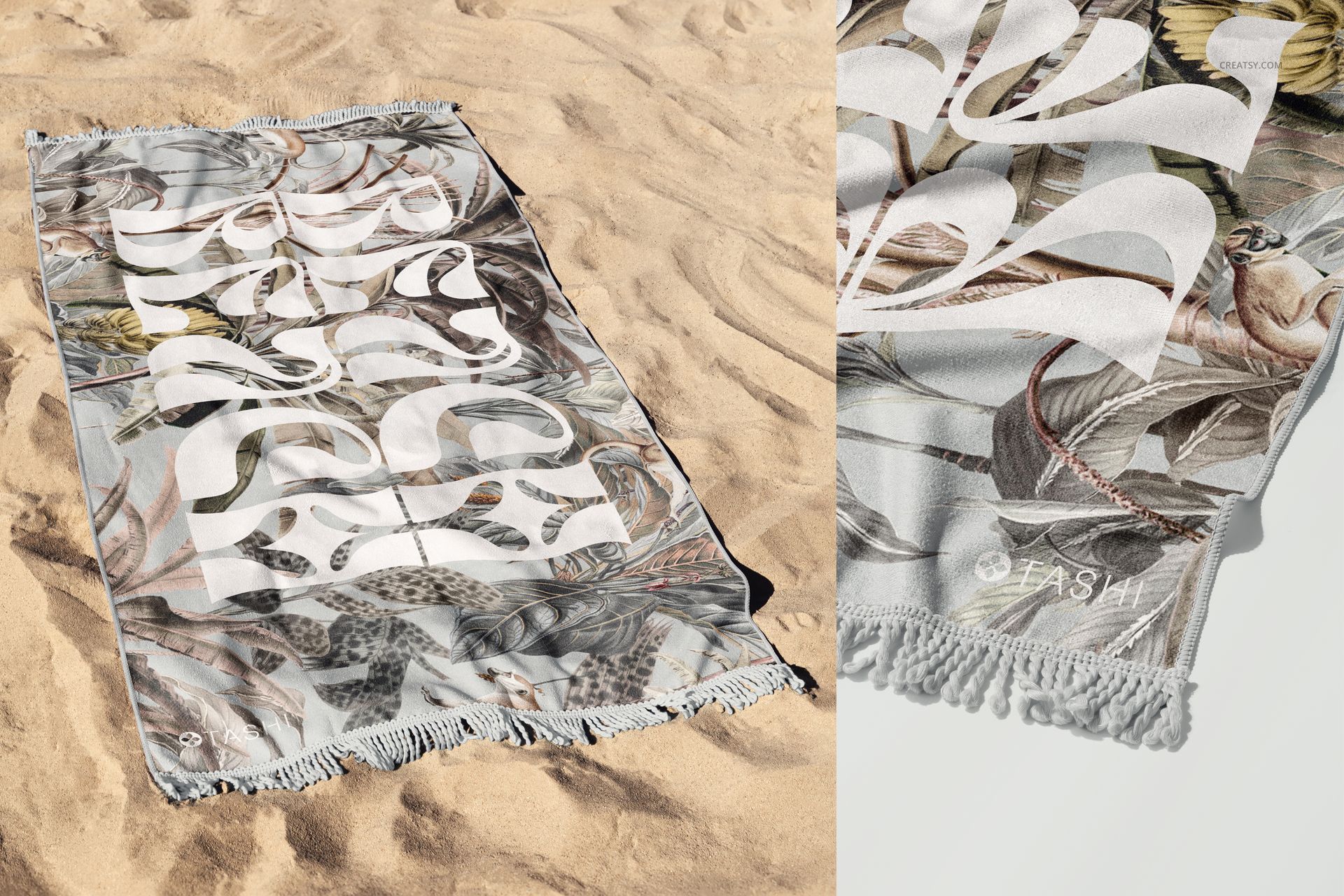
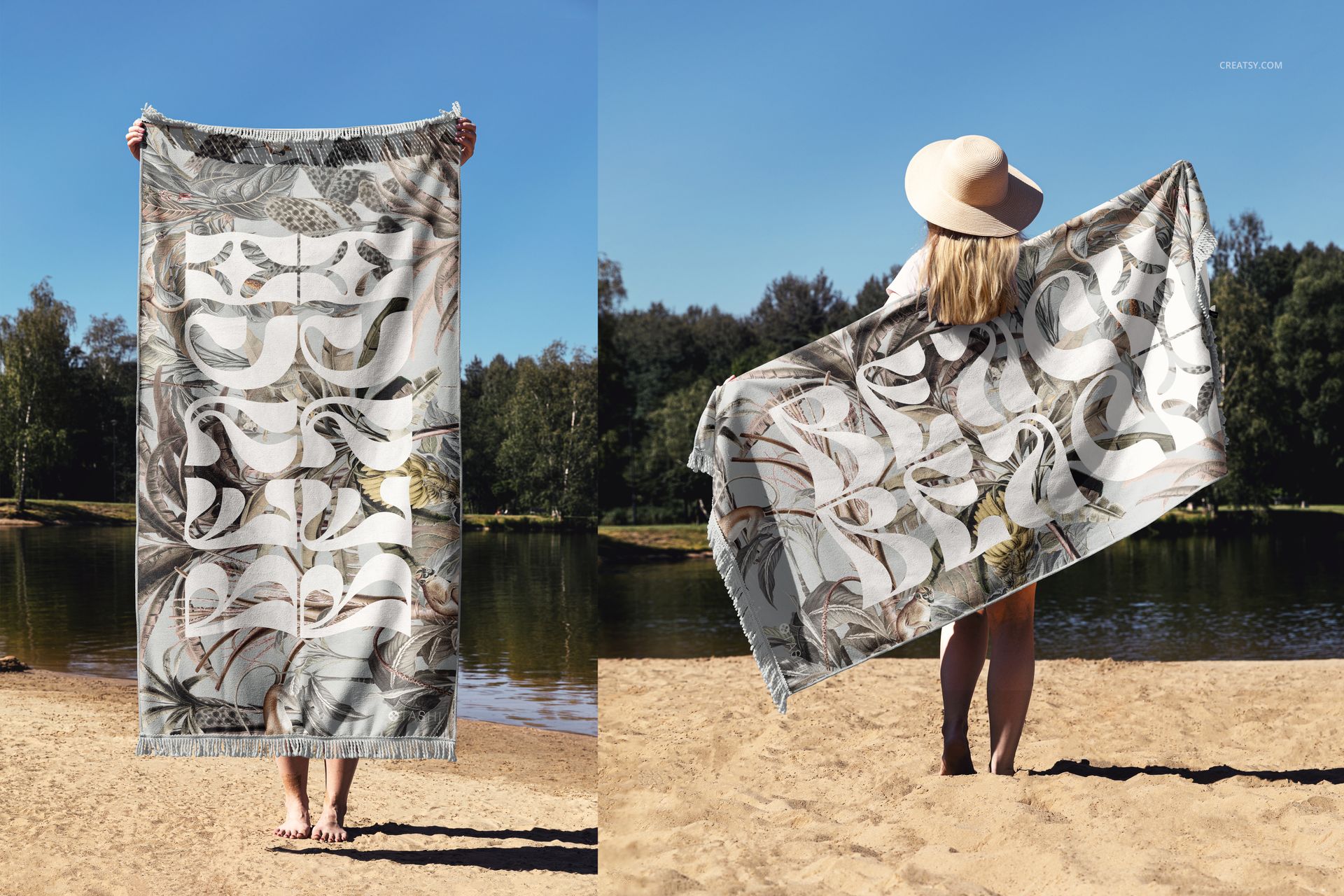
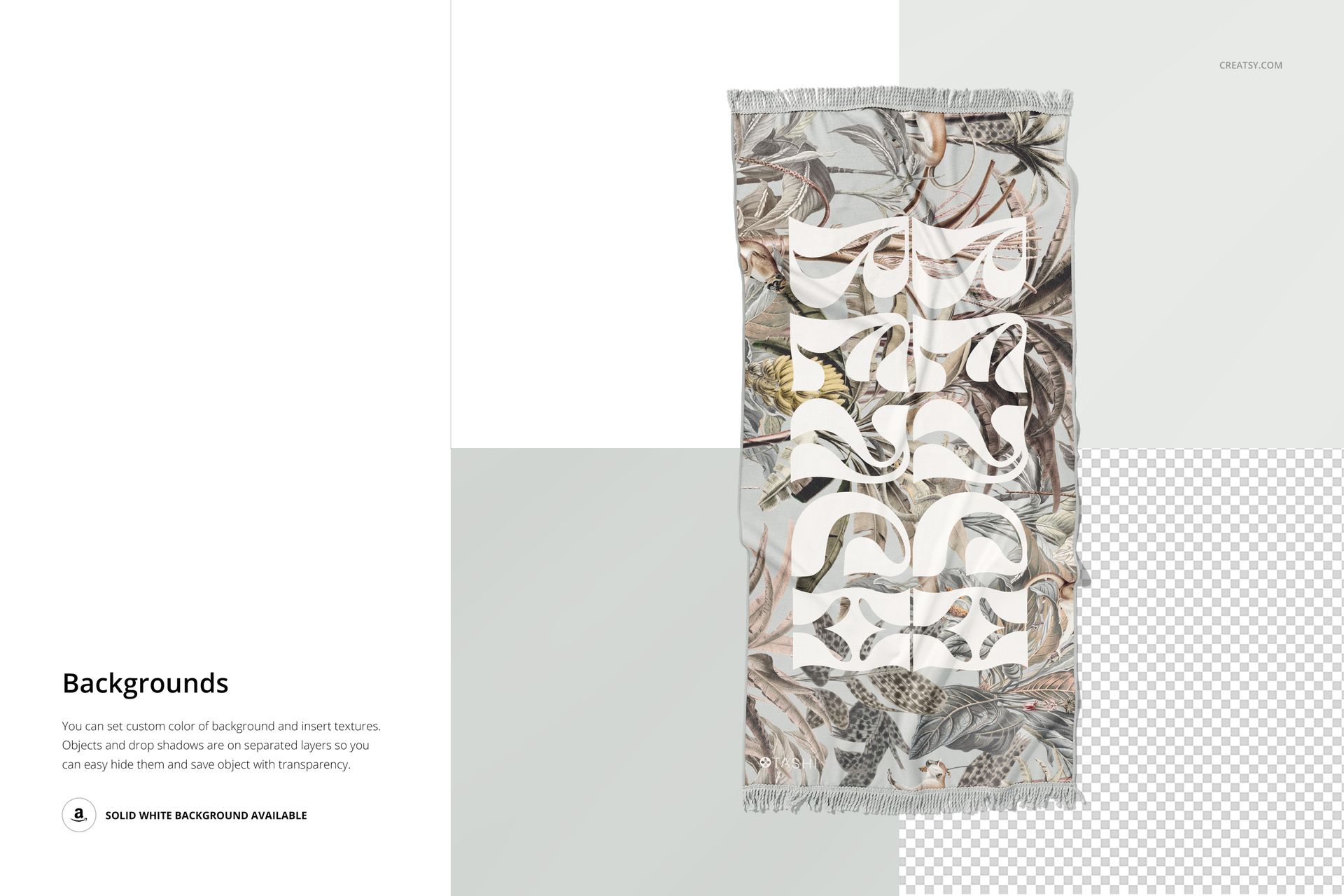
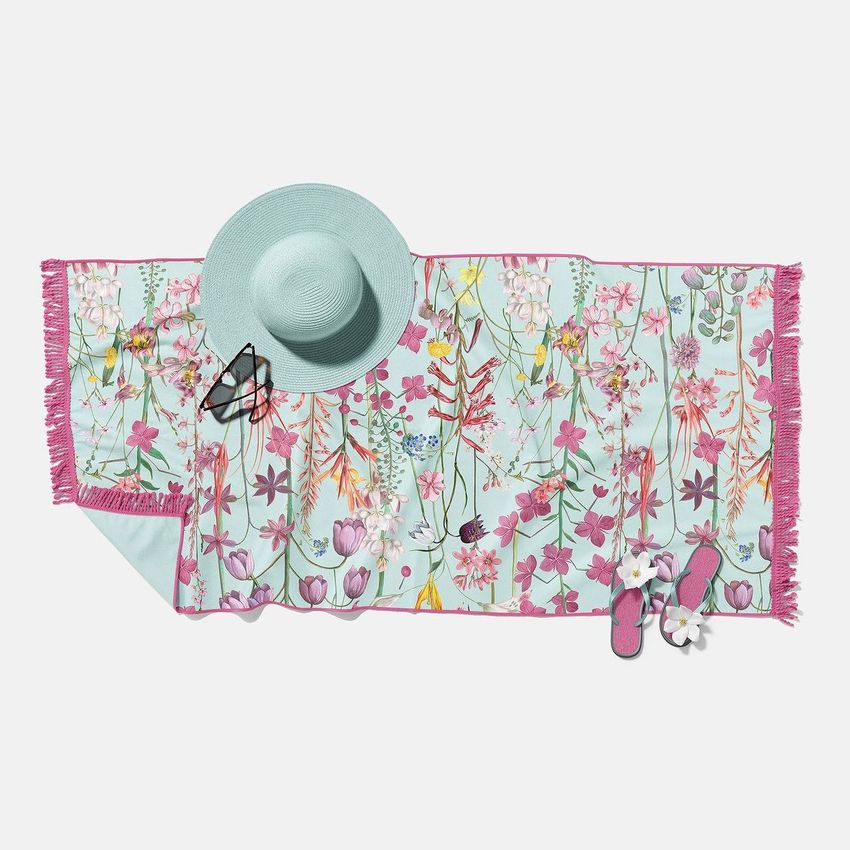
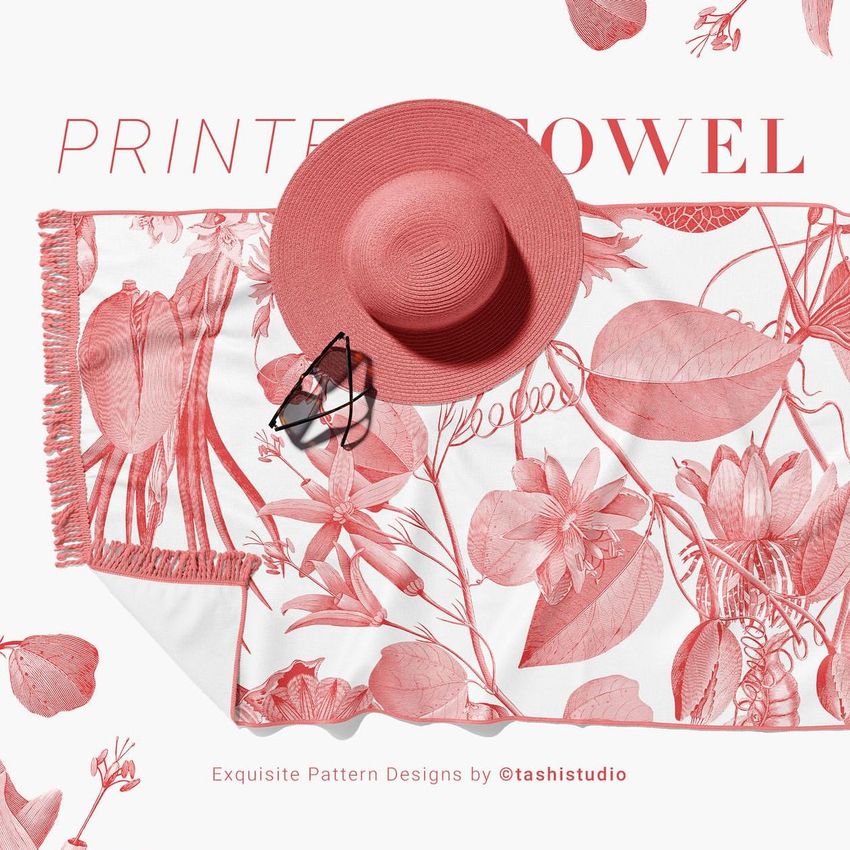
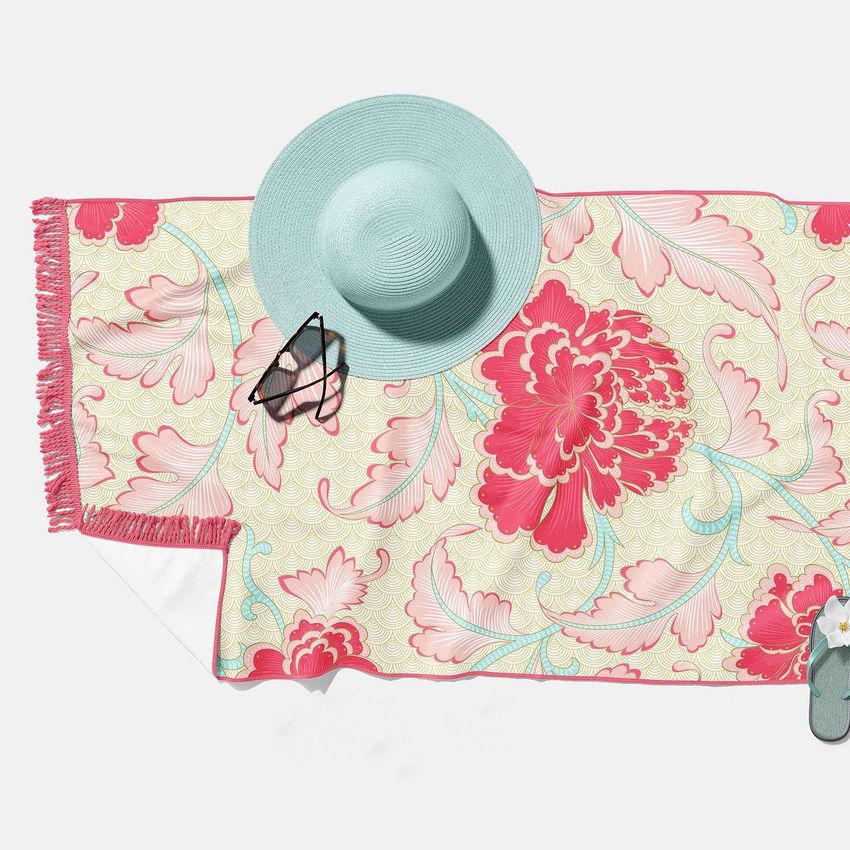
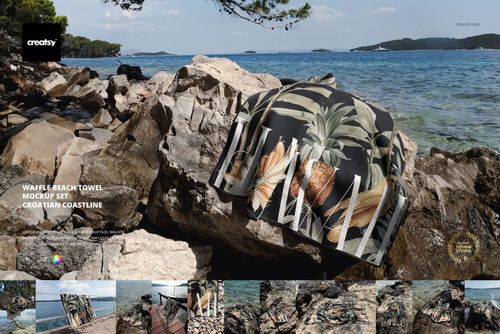
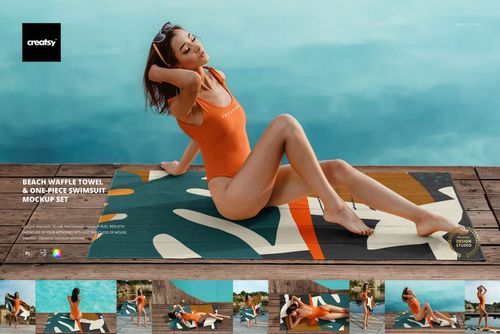
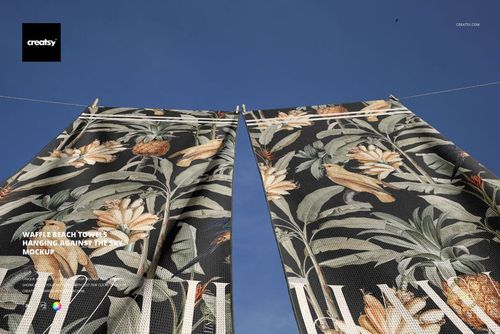
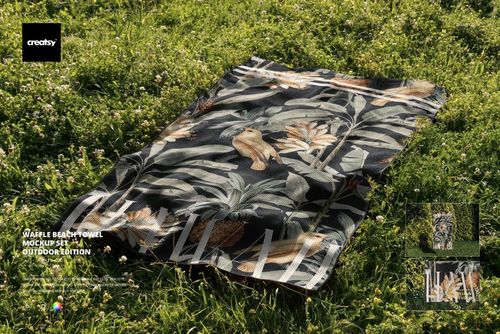
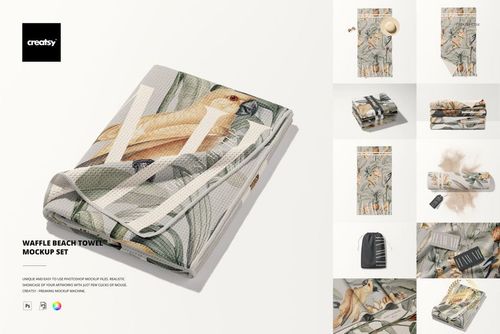
Present a rectangular beach towel collection across 14 coordinated outdoor and product-focused scenes. The set combines full top views, detailed close-ups, sandy settings, lakeside compositions, a towel displayed on a wooden fence, and person-held views in horizontal and vertical orientations.
The varied perspectives help surface pattern designers, textile brands and resort marketers show how one design reads from a distance, at human scale and around the fringed edges. Use the files to build a consistent gallery without repeating the same composition.
Fourteen Views for One Cohesive Presentation
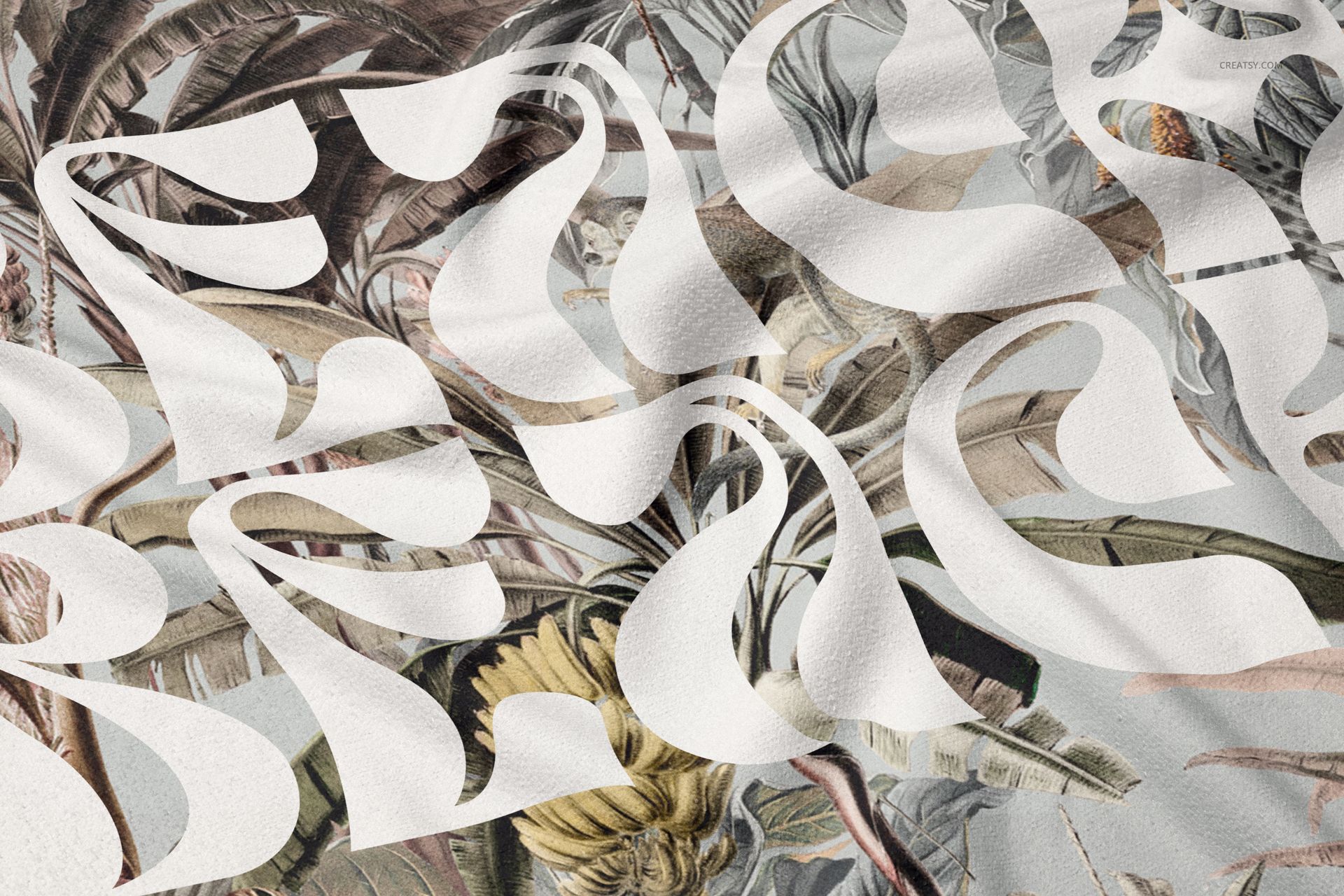
A single hero image rarely answers every design question. Full views communicate the complete repeat, close-ups reveal edge and fringe details, and lifestyle scenes add scale and context. Moving from a clean layout view to an outdoor composition creates a useful visual sequence for portfolios, client approvals and product launches.
What Is Included
14 layered and editable PSD mockup files
14 small JPG preview images
1 PDF user manual
29 files in total
6000 x 4000 px canvas listed for each PSD
300 DPI resolution
Standard PSD format, with no PSB files
Well-organized layers for a clearer editing workflow
Smart Object and Color Editing
Place artwork through Smart Objects, then use the available color layers to coordinate the presentation with your design. The photographed folds, shadows, highlights and perspective remain in place while you evaluate pattern scale, motif direction and color balance.
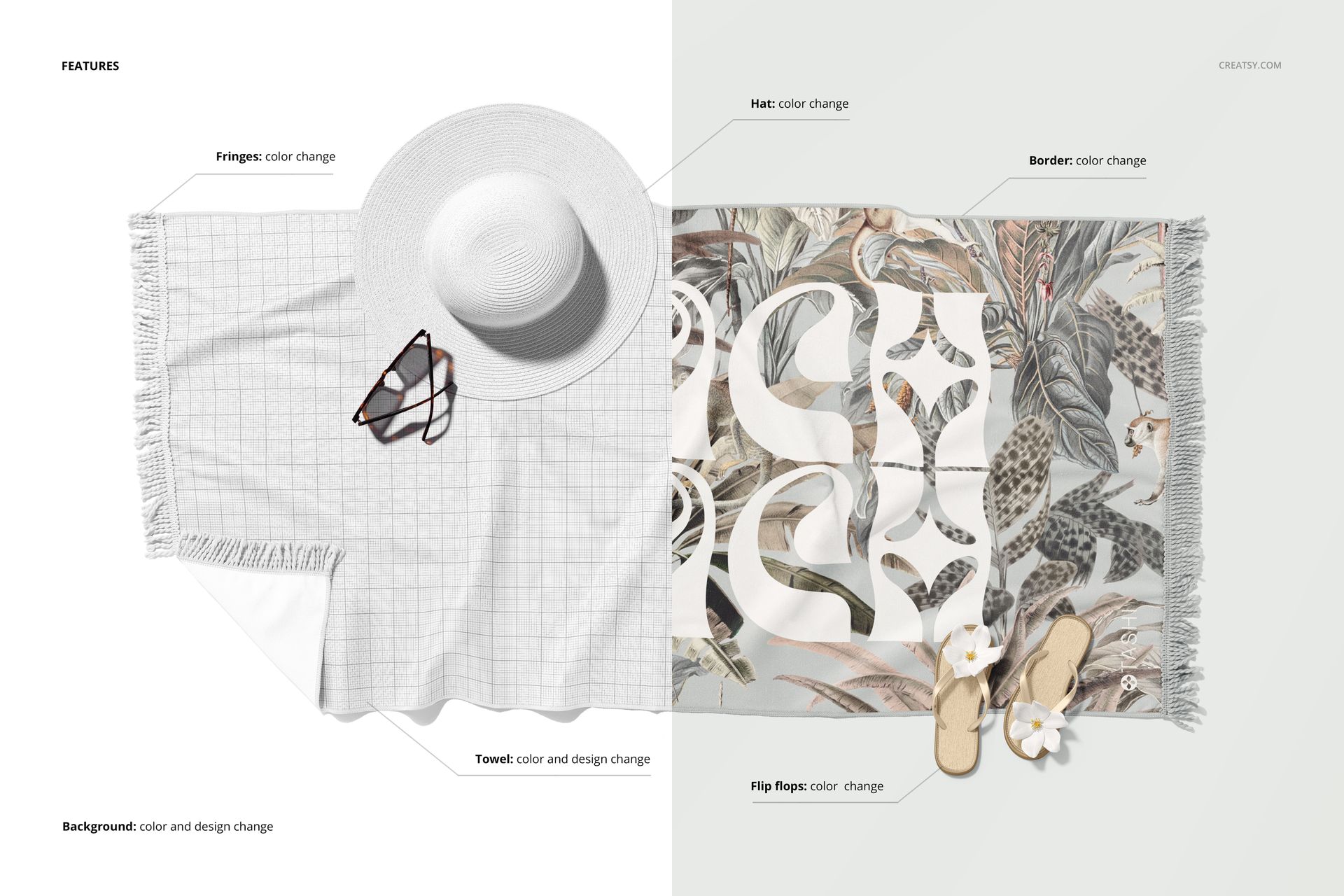
Verified Controls in the Featured Top View
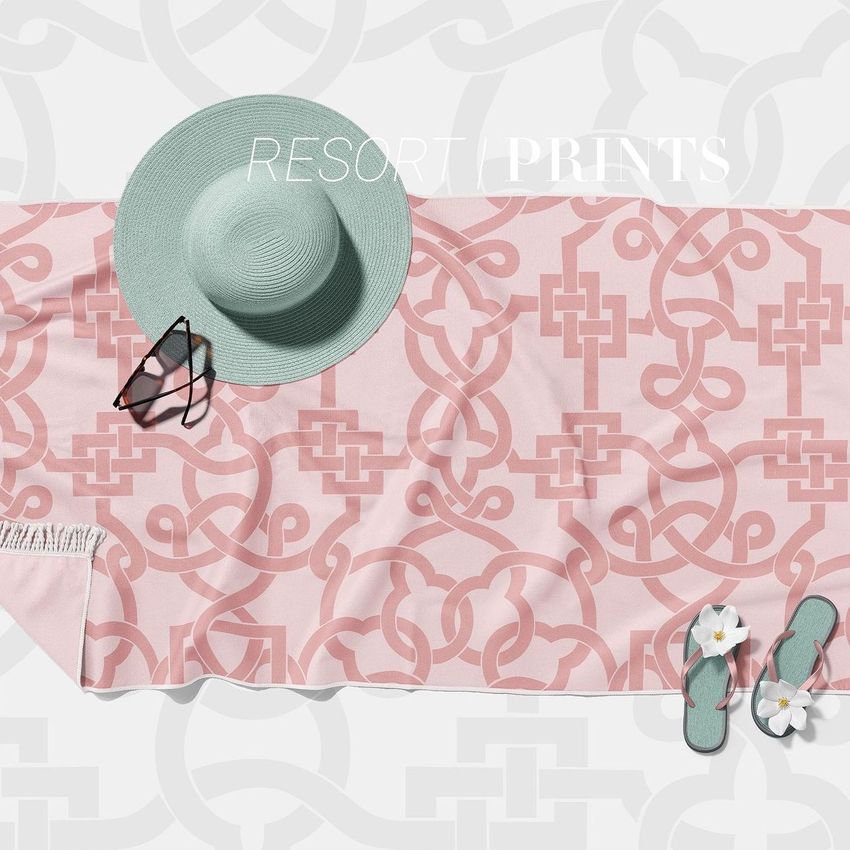
The product feature board confirms the following controls in its styled top-view scene:
Layer options may differ across the remaining PSD files, so review each organized layer panel before planning a specific accessory adjustment.
Scene Coverage
Flat and top-view towels for checking the complete pattern layout
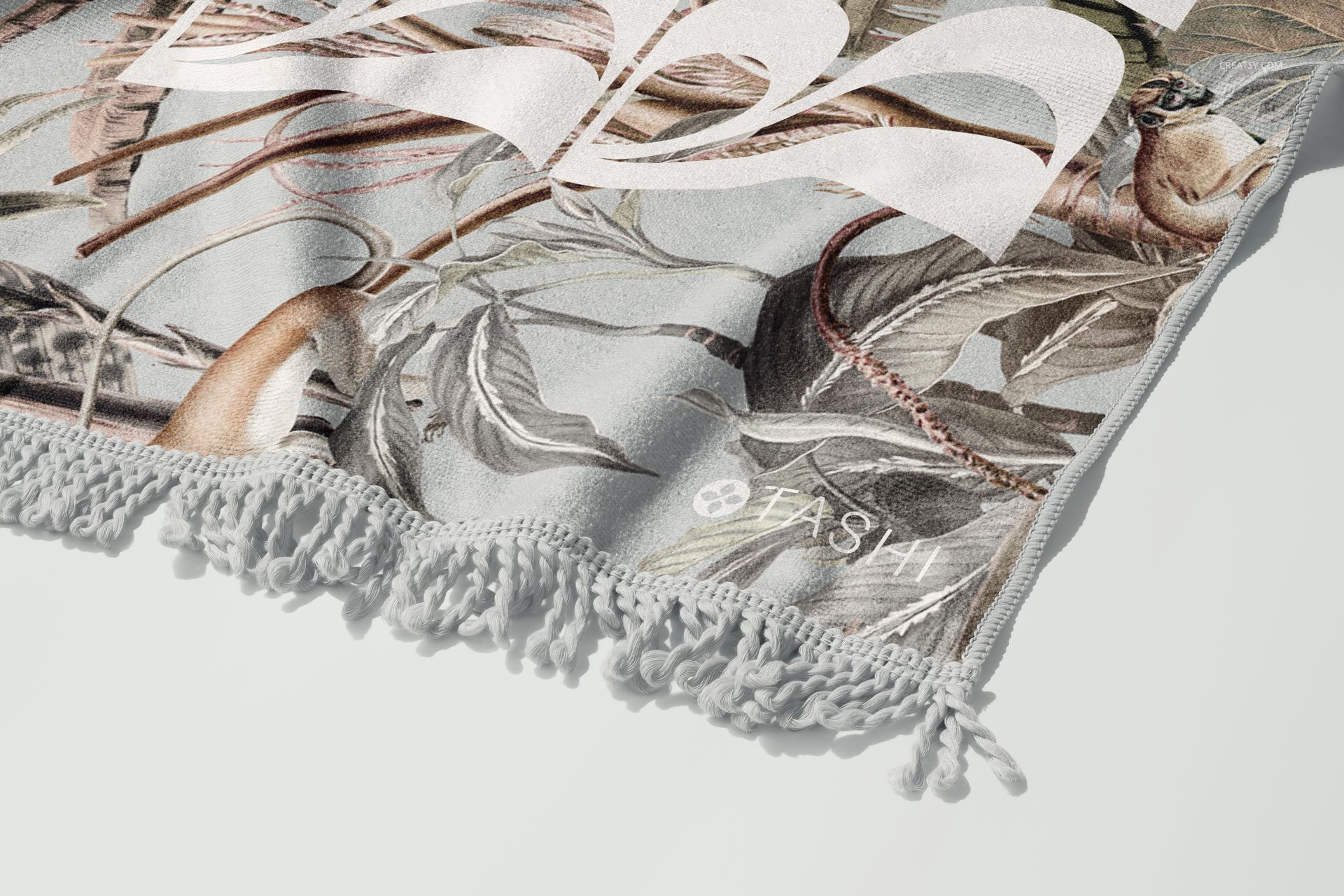
Close-up compositions for reviewing fringe, border, folds and print detail
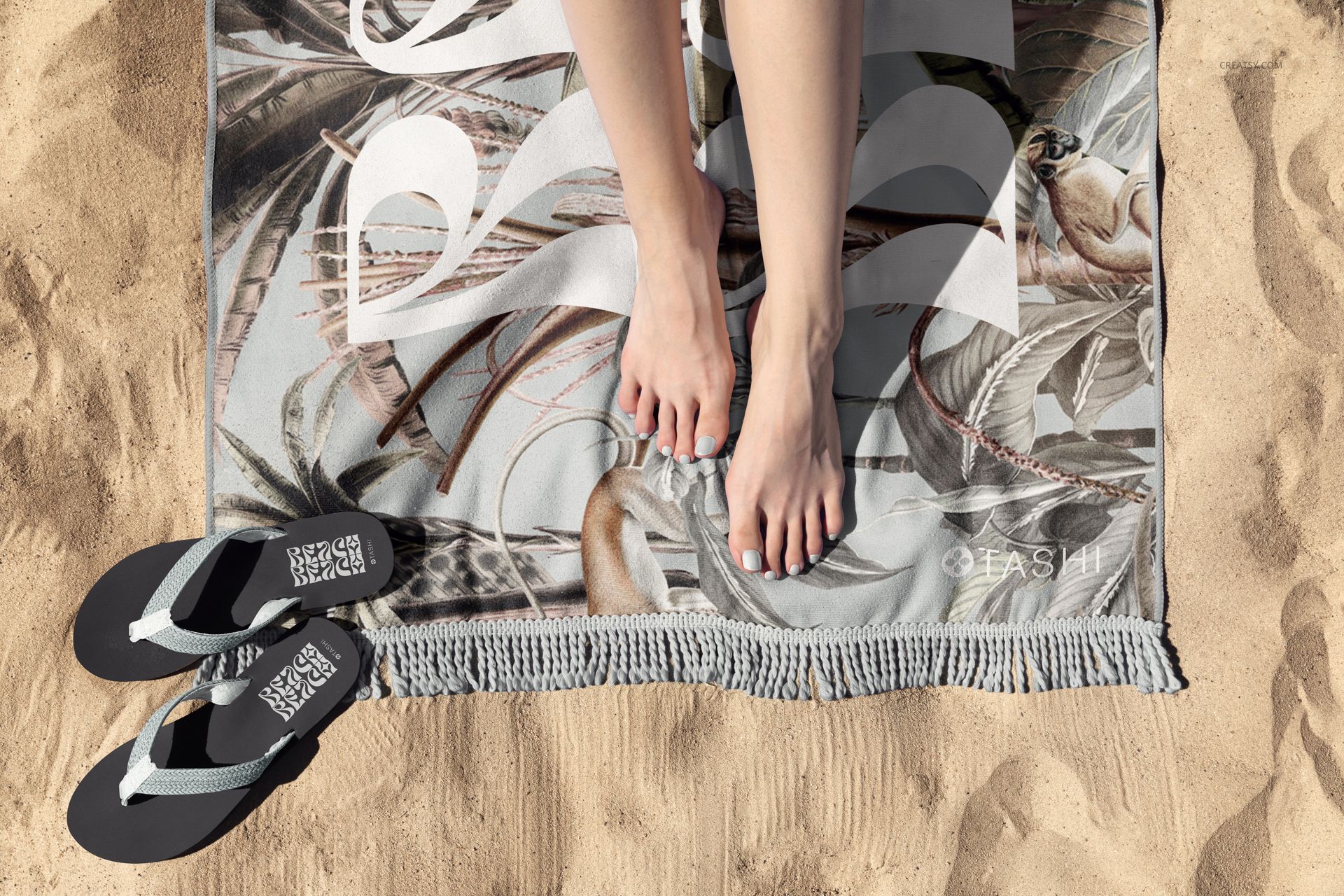
Sand and lakeside scenes for natural outdoor context
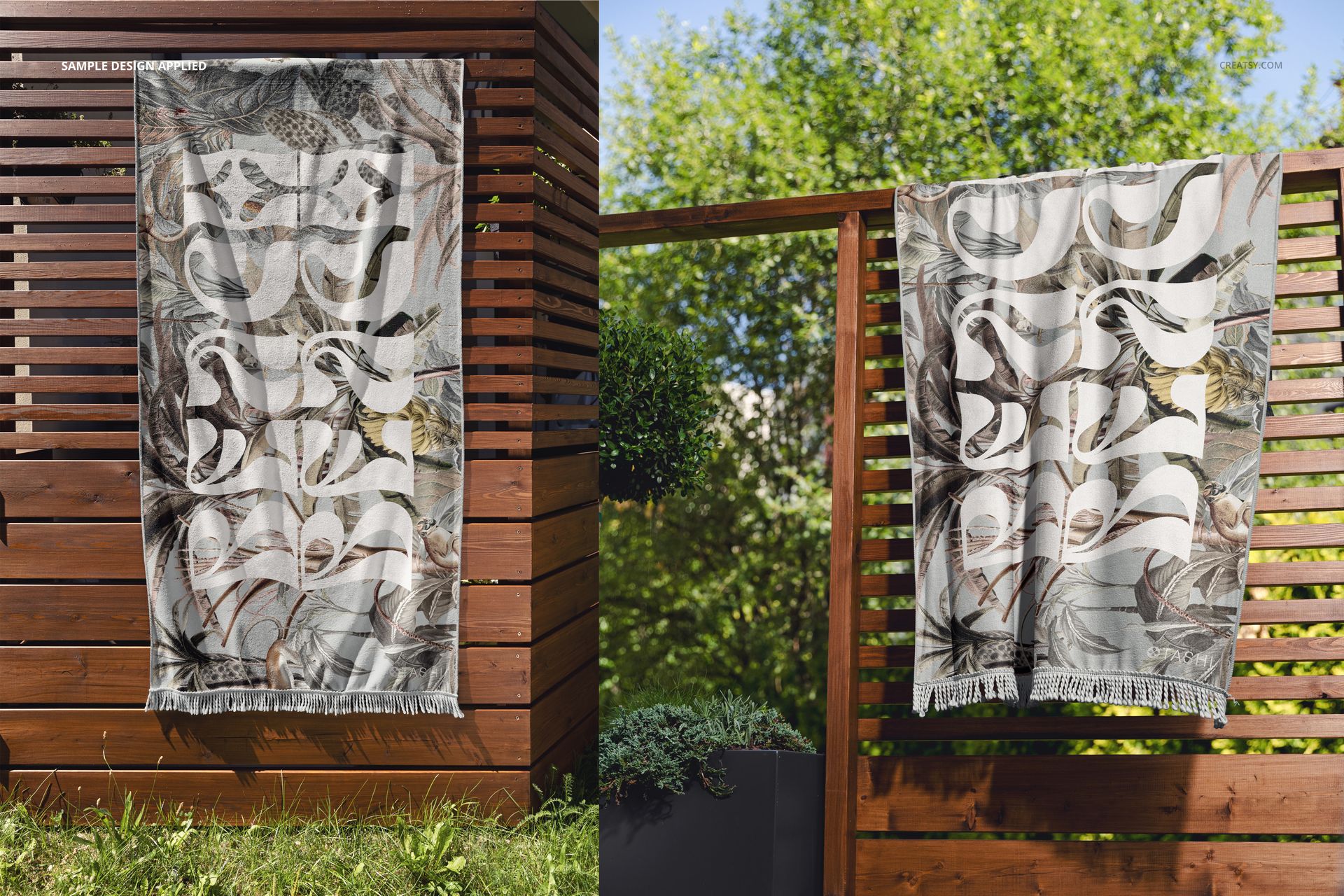
A towel displayed on a wooden fence for a vertical presentation
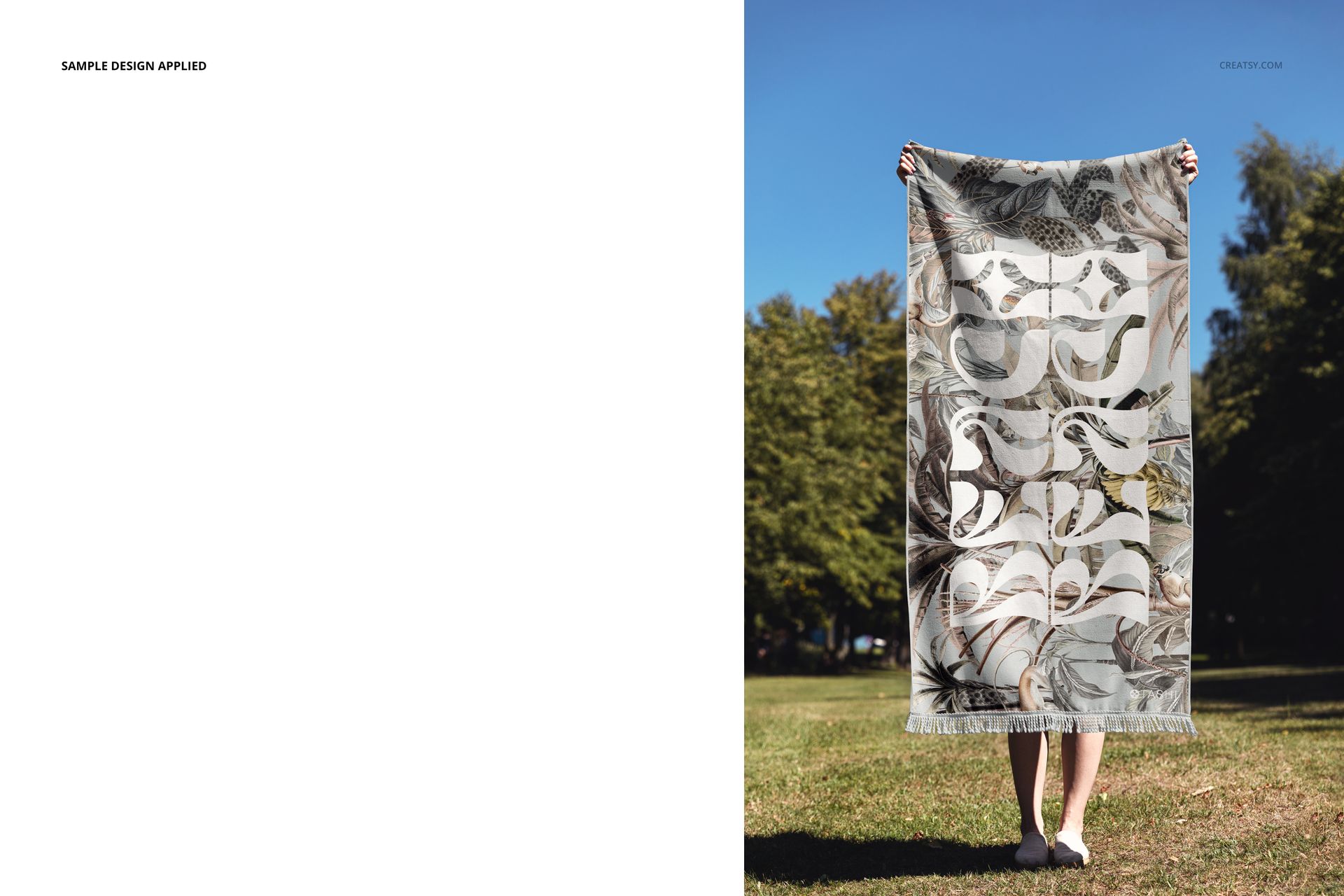
Person-held horizontal and vertical views for communicating realistic scale
Useful For
Surface pattern and textile design portfolios
Beach towel and resort accessory collections
Client reviews of pattern scale and colorways
Ecommerce product galleries and seasonal campaigns
Brand presentations before producing physical samples
Preview Artwork Credit
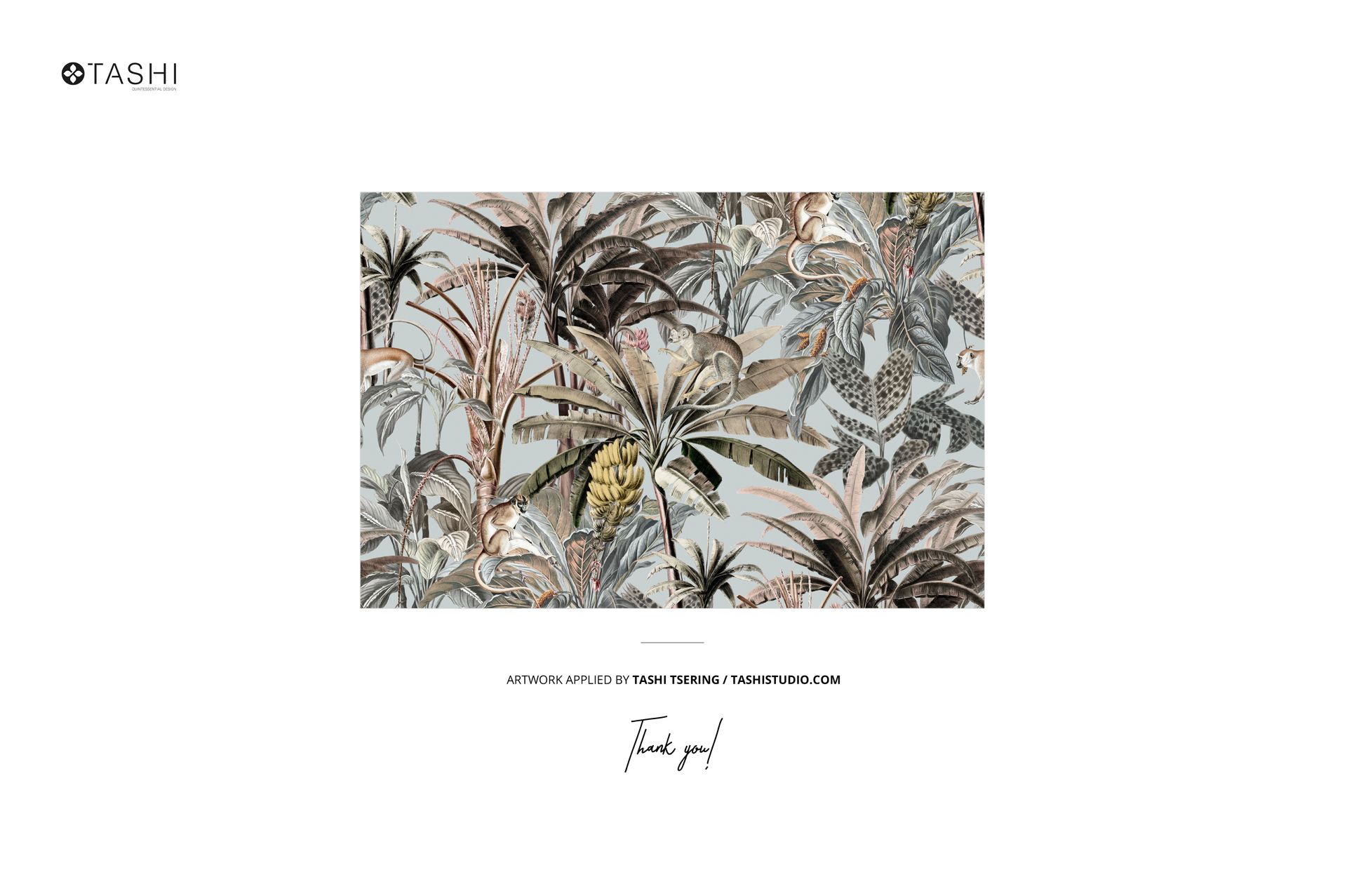
Tashi Tsering / Tashi Studio
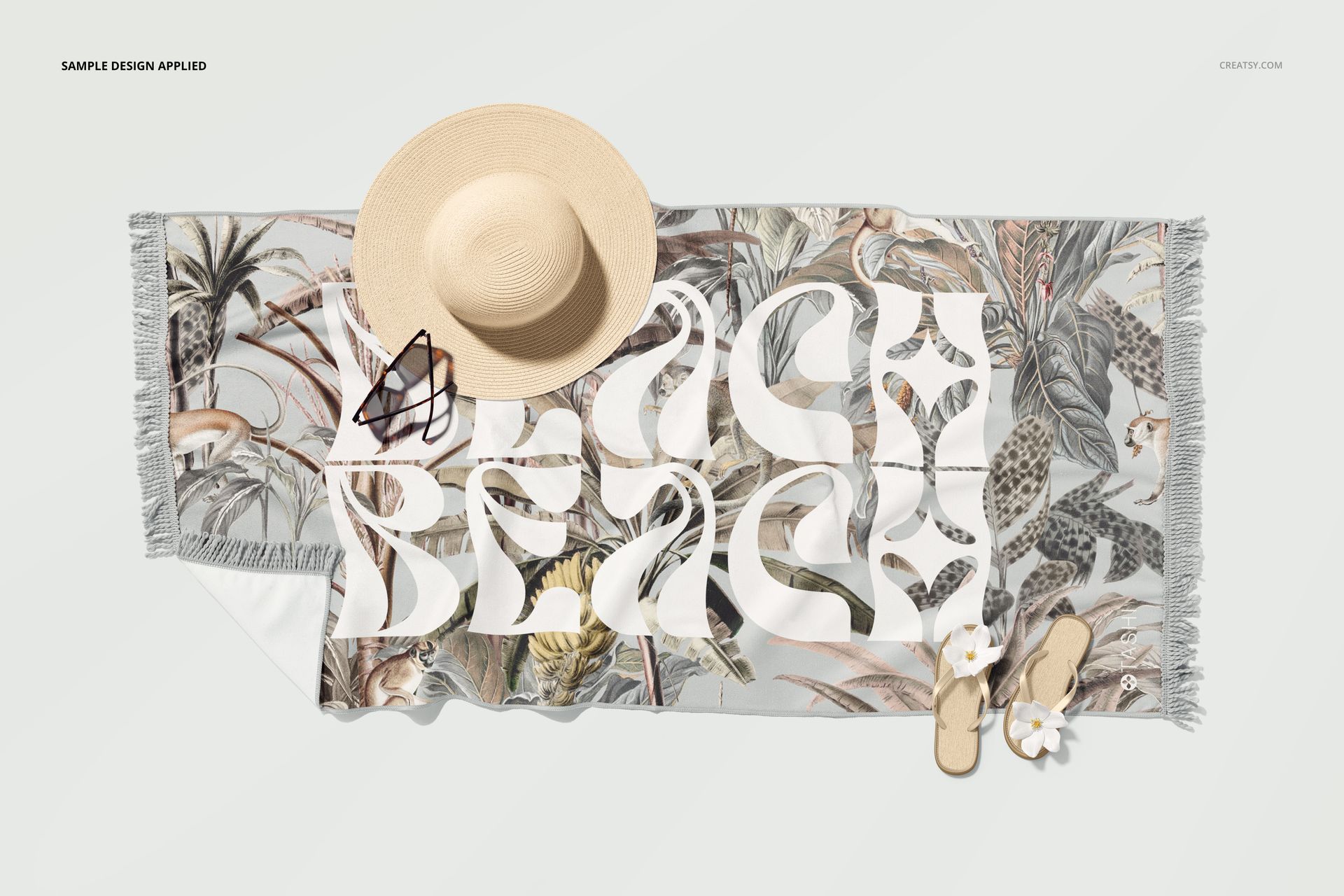
The artwork used in the preview images is credited to Tashi Tsering of Tashi Studio, a print design studio focused on pattern licensing. The sample artwork is shown for presentation only and is not included in the download.
This is a digital product. No physical towel or accessory will be shipped.