Swimming Pool Side Towel Mockup Scene Creator v.3
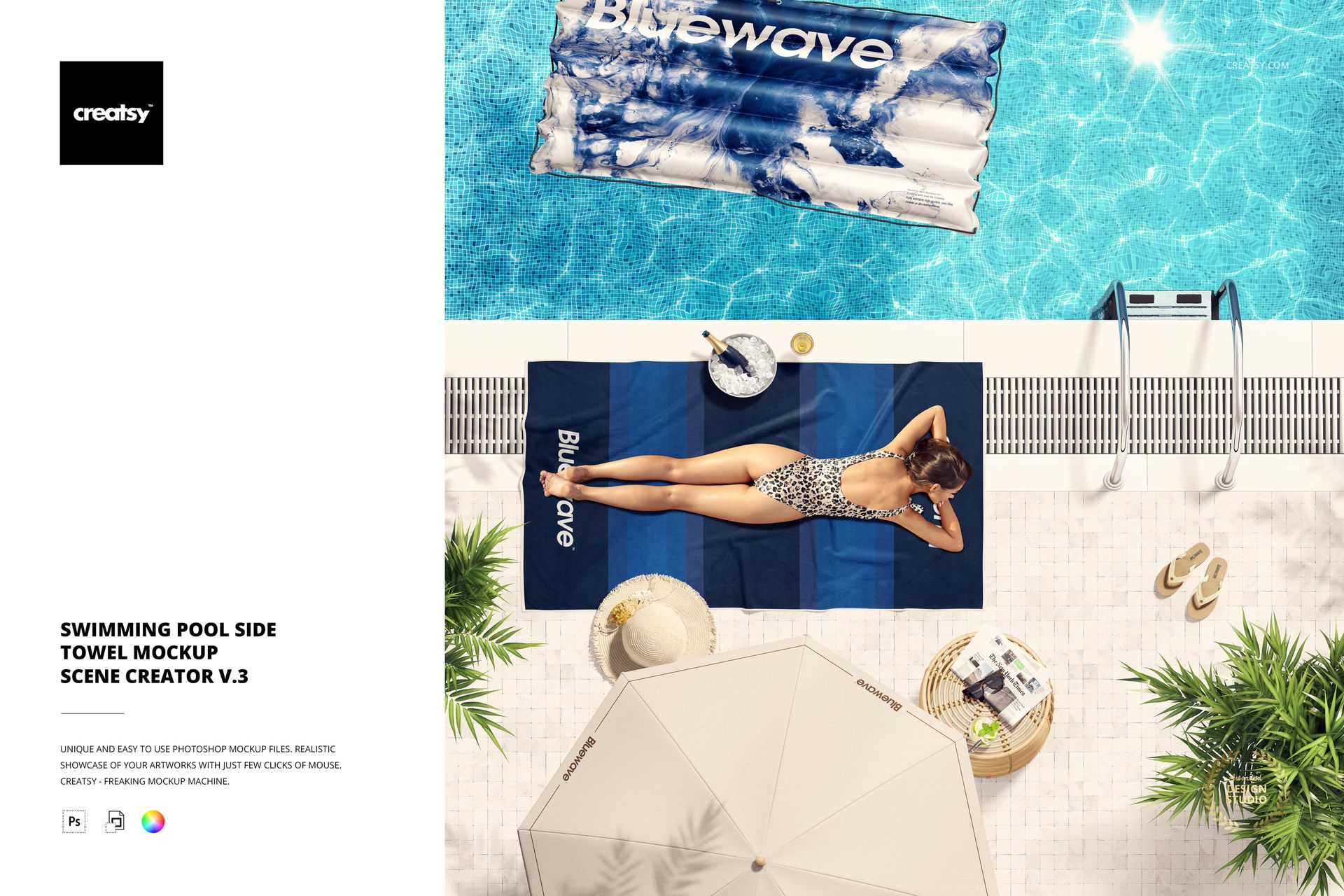
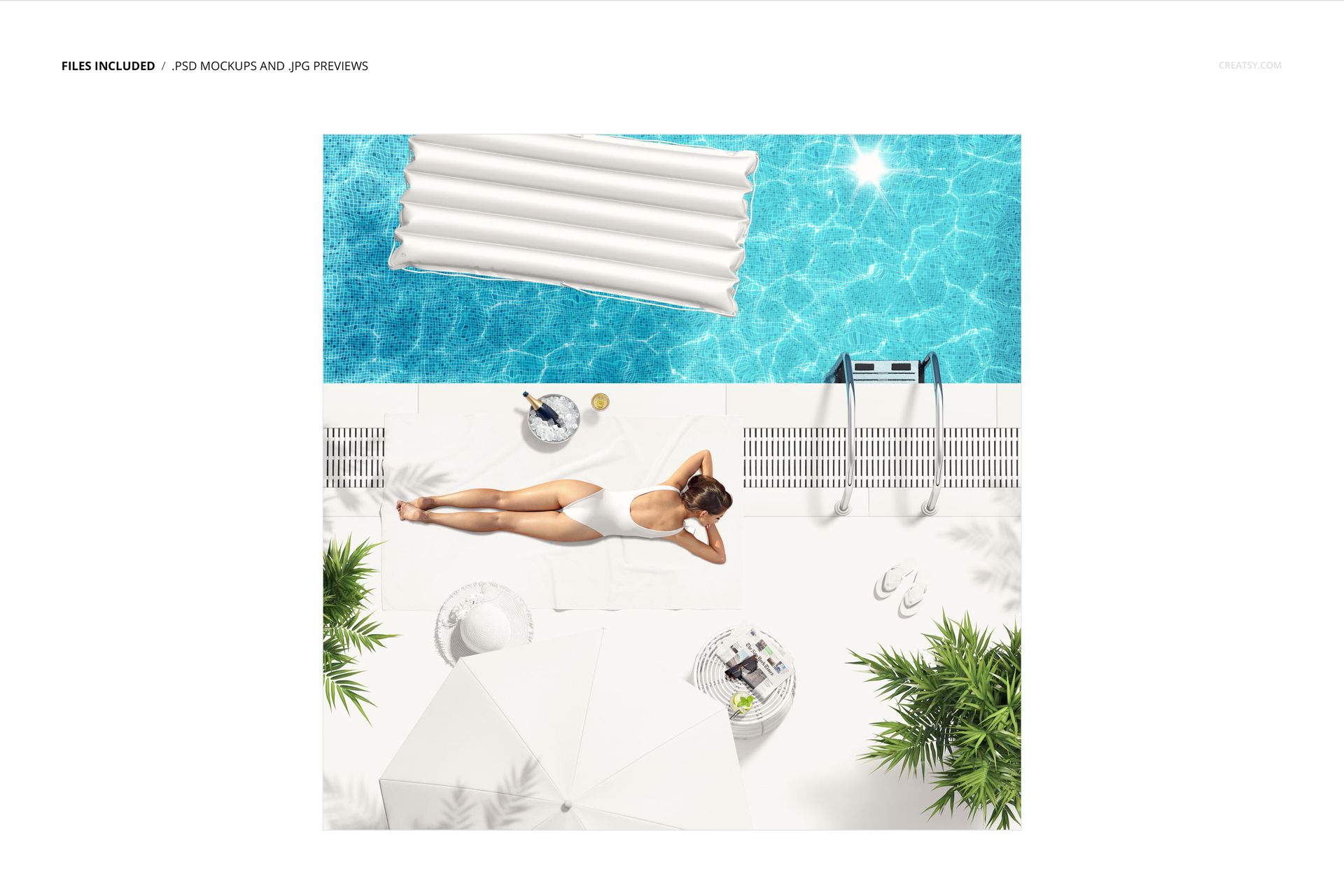
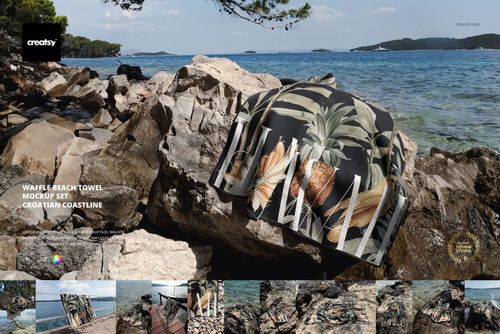
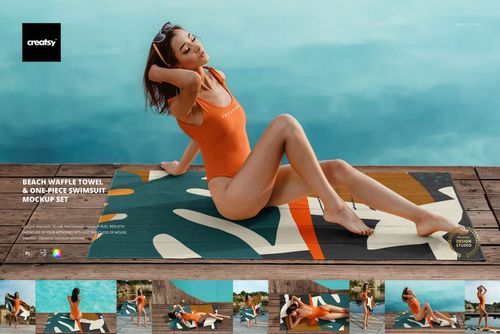
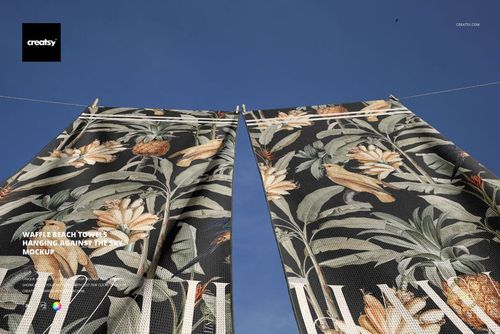
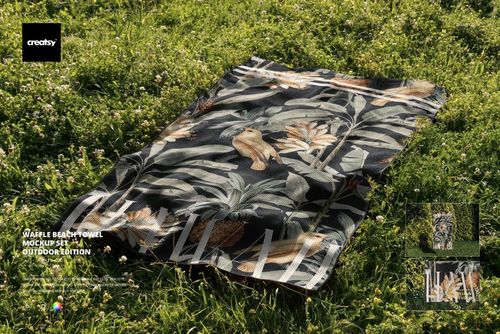
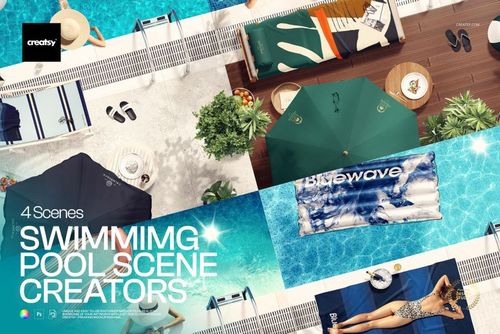
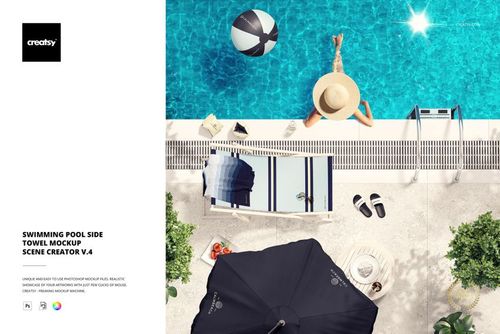
Give a towel pattern two distinct contexts within one square poolside composition. The gallery shows one towel on a tiled deck and another in turquoise water, joined by a sunbather, inflatable float and summer accessories. This overhead layout builds a complete leisure story while keeping the textile design central.
Why the Two-Placement View Is Useful
Dry tile and blue water act as contrasting backgrounds for the same product category. The scene helps designers judge pattern visibility, motif density and color balance in a setting that immediately communicates resort, pool club and summer lifestyle use.
Fast Smart Object Editing
Open the designated Smart Object, place your artwork and save to update the mockup. The confirmed workflow preserves the prepared shadows, folds and lighting, while well-organized layers make the file easier to navigate in Photoshop CC2020 or newer.
What Is Included
1 layered PSD mockup with a Smart Object workflow for towel artwork
1 JPG reference image
2 files in total
6000 x 6000 px square canvas
300 DPI resolution
Standard PSD format, not PSB
Well-organized layers
Ideal for Poolside Textile Campaigns
Surface pattern and textile design presentations
Resort, hotel and pool club branding
Summer lookbooks and leisure campaigns
Client approvals and portfolio case studies
Towel artwork checks before sampling or print
Clear Editing Scope
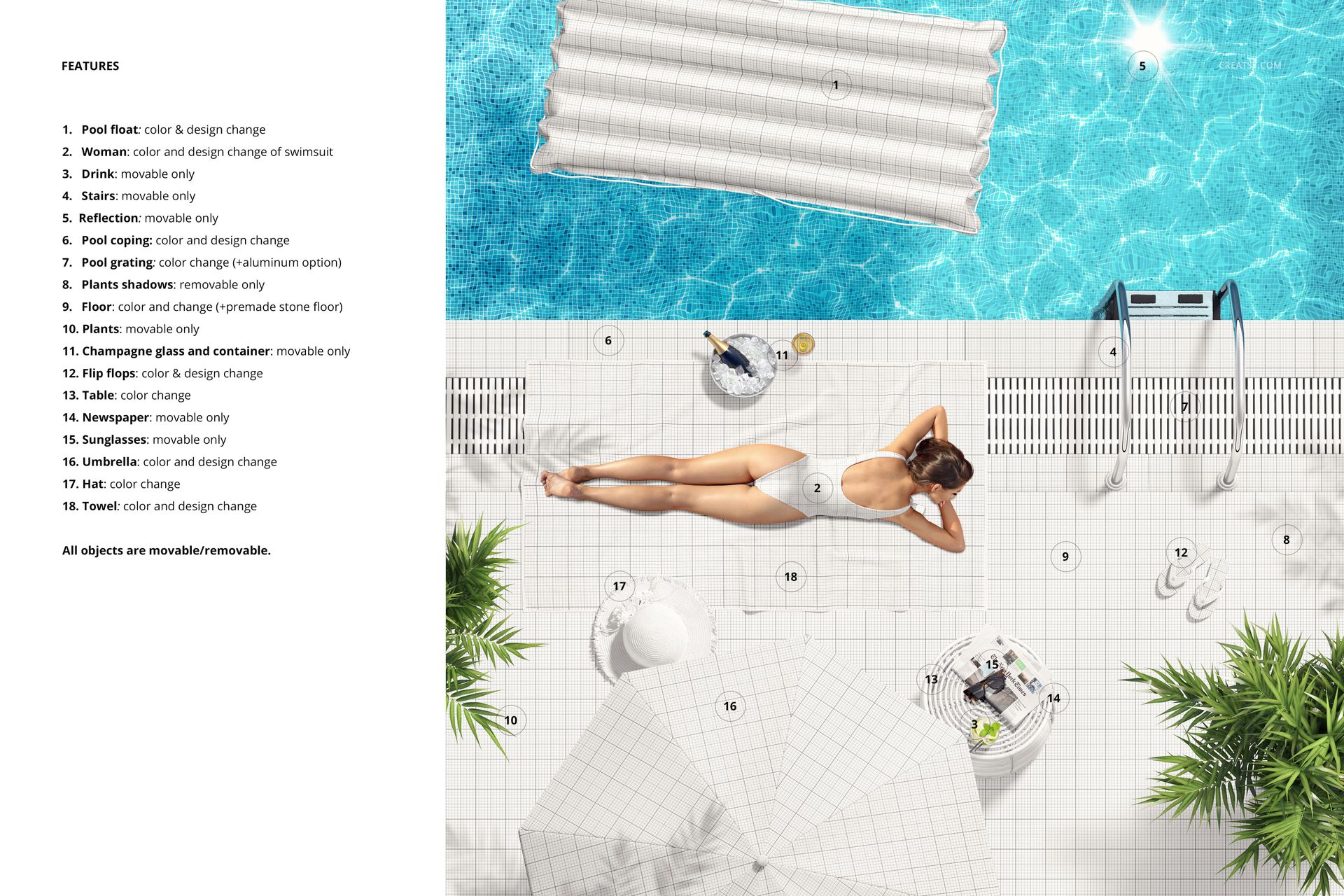
The confirmed editable focus is the towel artwork through the supplied Smart Object workflow. Treat the sunbather, tiled deck, pool, inflatable float and accessories as scene styling unless the PSD layer structure identifies an element as separately adjustable.
Digital Product Note
This is a downloadable digital mockup, and no physical towel is shipped. Sample artwork visible in the previews is used for demonstration only and is not included with the product files.