ID: 1718821205 | Updated: Aug 6, 2023

Product Details

Swimming Pool Side Towel Mockup Scene Creator v.4

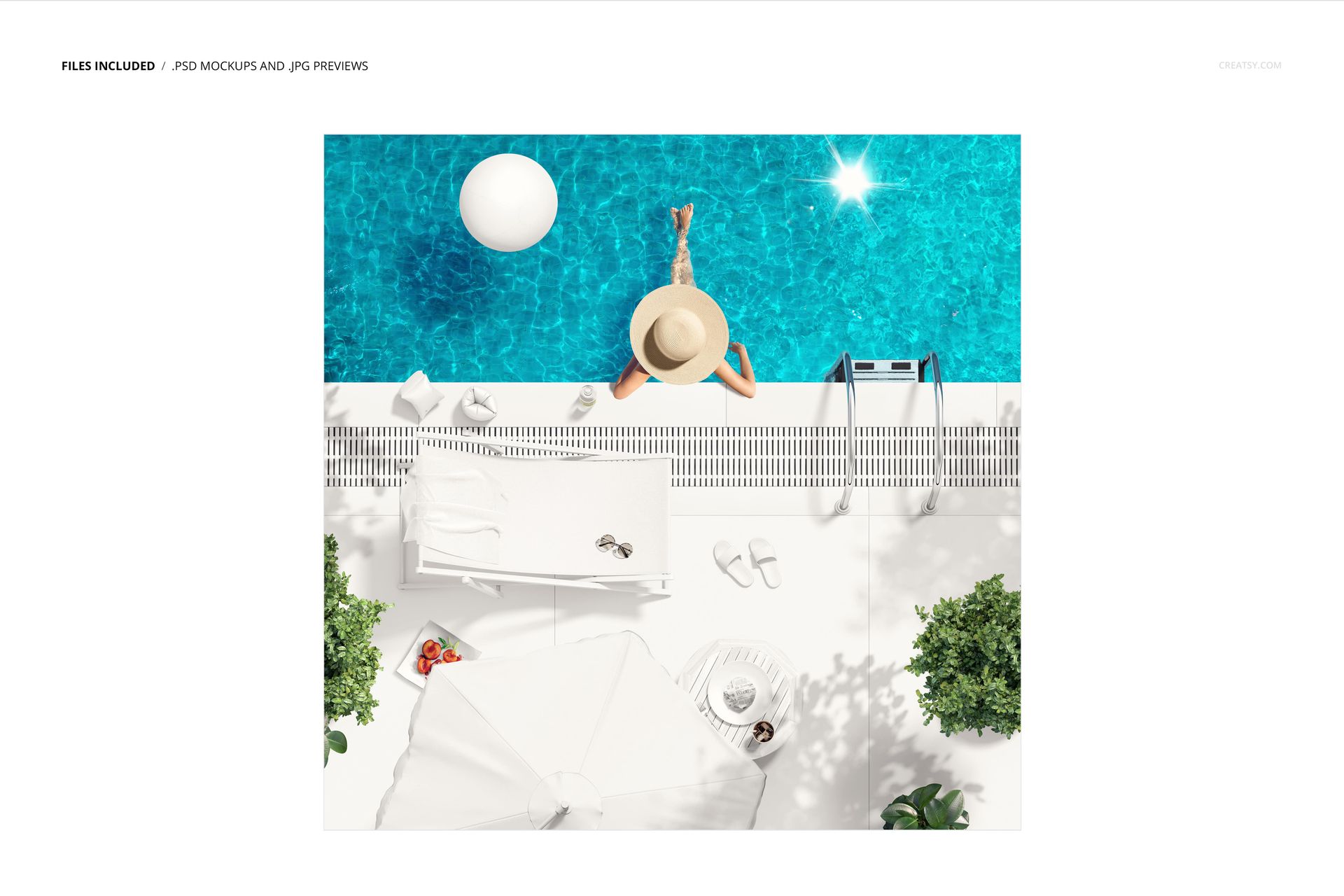
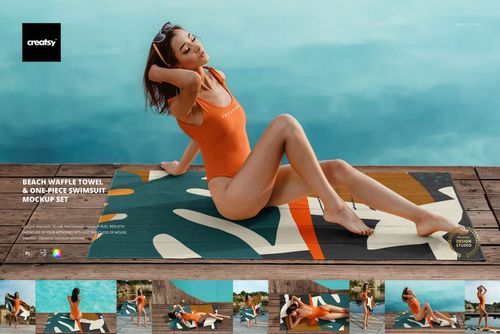
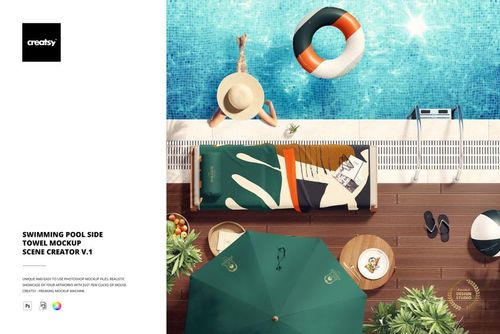
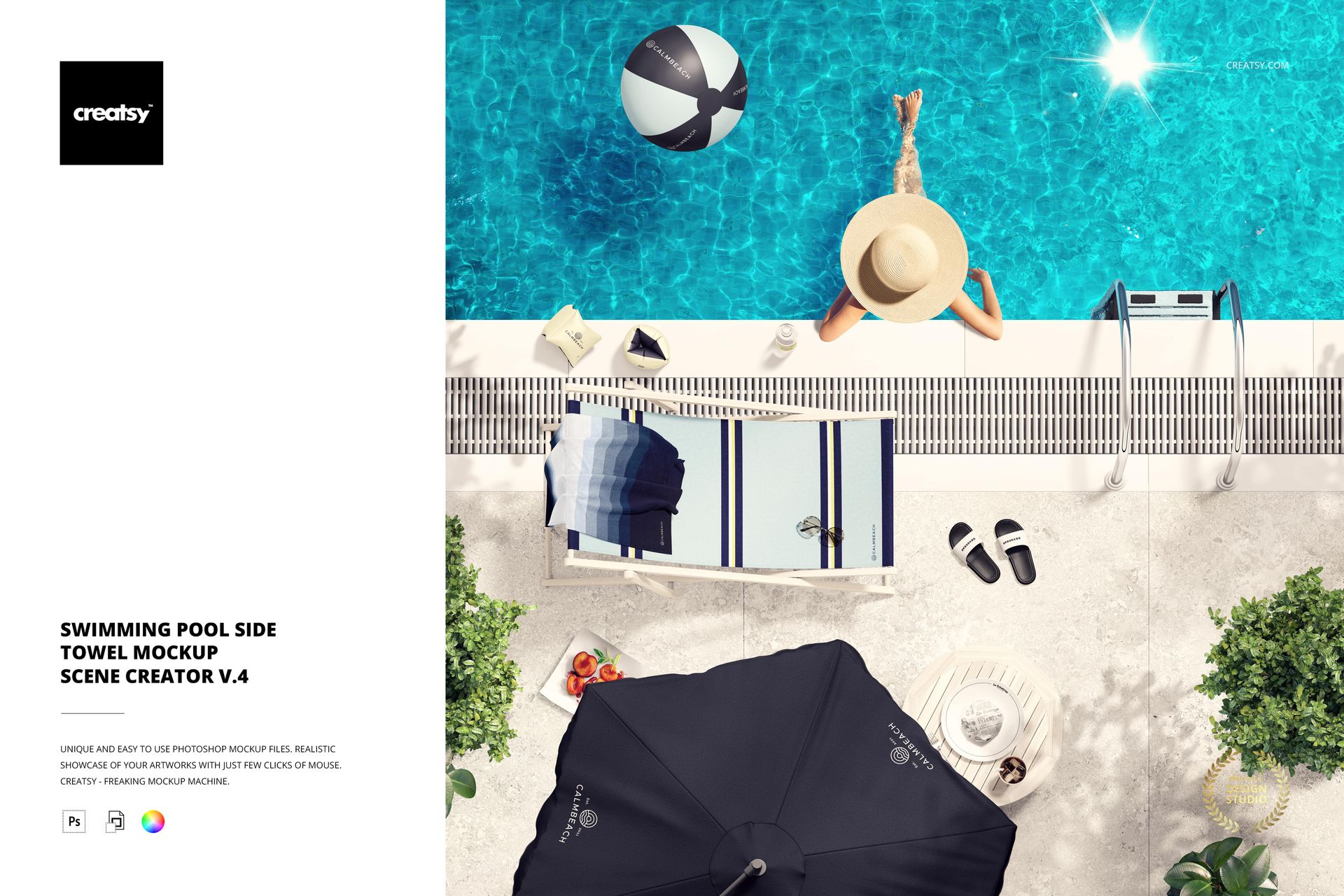
Frame towel artwork in a relaxed summer setting with a square overhead poolside composition. The main preview places the towel beside turquoise water, a sun umbrella and a person relaxing by the pool, giving a repeat pattern, illustration or branded graphic a clear lifestyle context.

A Focused Poolside Story

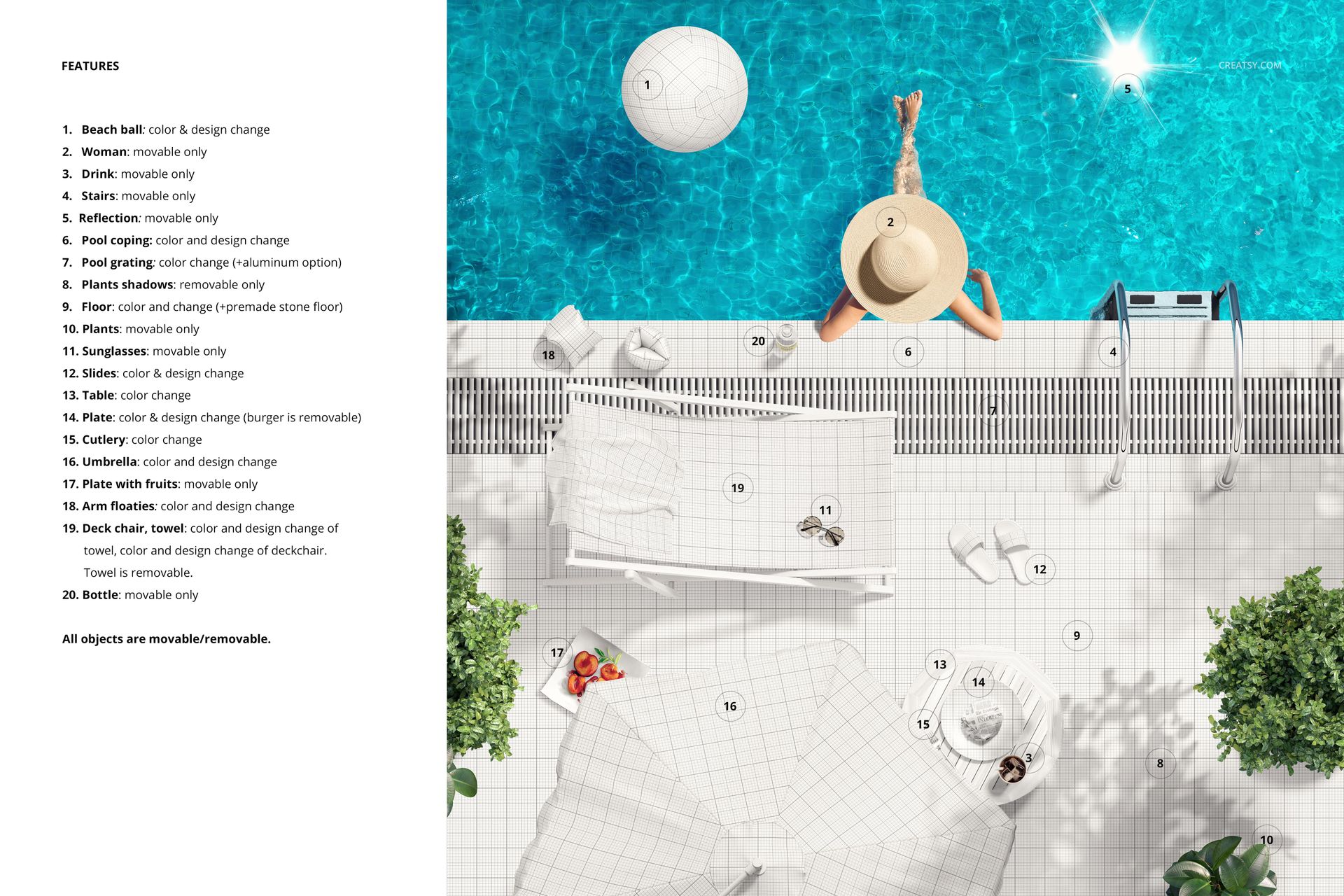
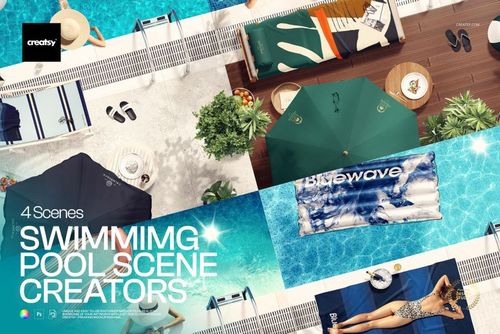
The gallery expands the visual story with lounge-chair, greenery, pool-float and summer-prop details. These cues make the mockup useful for resort, hospitality and seasonal campaign concepts while keeping the towel as the main product.

Fast Smart Object Editing

Open the designated Smart Object, place your artwork and save to review the finished composition. The confirmed workflow preserves the prepared lighting and folds, while well-organized layers make the PSD easier to navigate in Photoshop CC2020 or newer.

What Is Included

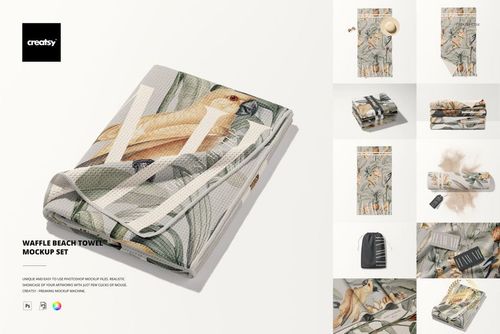
  • 1 layered PSD Smart Object mockup

  • 1 JPG reference image

  • 2 files in total

  • 6000 x 6000 px square canvas

  • 300 DPI resolution

  • Standard PSD format, not PSB

  • Well-organized layers

Useful For

  • Surface pattern and textile presentations

  • Resort, hotel and pool club branding concepts

  • Summer campaign and social media visuals

  • Client approvals, portfolio case studies and product launch imagery

  • Testing pattern scale, direction and color beside blue water

Digital Product Note

This is a downloadable digital mockup, and no physical towel is shipped. The sample artwork shown in the previews is for demonstration only and is not included. The person, umbrella, pool, lounge chair and other summer styling should be treated as part of the composition unless a layer in the supplied PSD explicitly allows adjustment.

File details

Compatibility
PhotopeaAdobe Photoshop
Package size
156 MB156 MB|163 MB163 MB
Files type
.psd, .jpg, .pdf
Files size
6000x6000
TEST FOR FREE

MEET THE SHOP

Creatsy logo

Creatsy

Poland
4.7 (679)

Bring your ideas to life.

We're a family-run studio in Katowice, Poland, making PSD mockups by hand since 2016. Everything in this shop starts in our own studio. We shoot the photography, build the 3D, and put together every Smart Object PSD ourselves - then we test it, organize the layers, and only ship it once it actually works...
GO TO SHOP

HOW IT WORKS

3 clicks. That's it.

No tutorial needed. If you can copy-paste, you can use this.

  1. 1OpenDouble-click the smart object inside the PSD - in Adobe Photoshop, or free in your browser with Photopea.
  2. 2PasteDrop in your pattern, print, or artwork. Any design, any style.
  3. 3SaveHit save and the mockup wraps it in for you - shadows, folds, and lighting included.

FROM IDEA TO IMAGE

Built for real workflows

Skip the photo shoot Show your artwork on the real product type for approvals or listings - no studio, no model, no sample.

See it on the product, not a swatch Drop your file into the smart object and the scene's lighting and folds wrap around it, so you judge the real thing before you commit.

Smart Objects

Edit once and you're done. Your artwork drops into a smart object and the mockup updates itself - no masking, no warping by hand.

Perfectly Organized

Named layers and folders you can actually navigate. Find what you need, change what you want, and get out fast.

Print-Ready

High-resolution files built to hold up on screen and in print. Exact size and DPI are in this product's Details above.