Microfiber Round Beach Towel Mockup for Circular Artwork
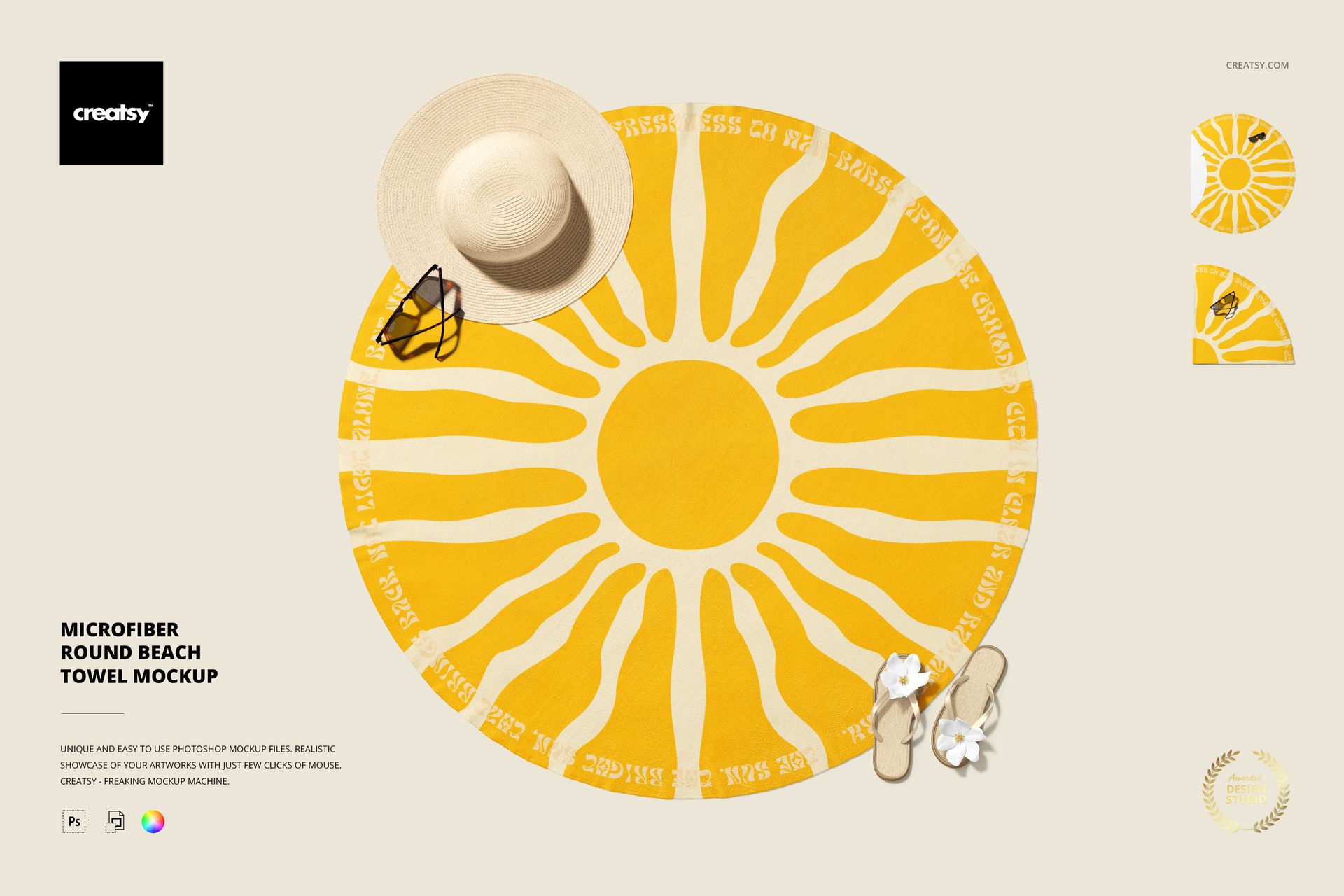
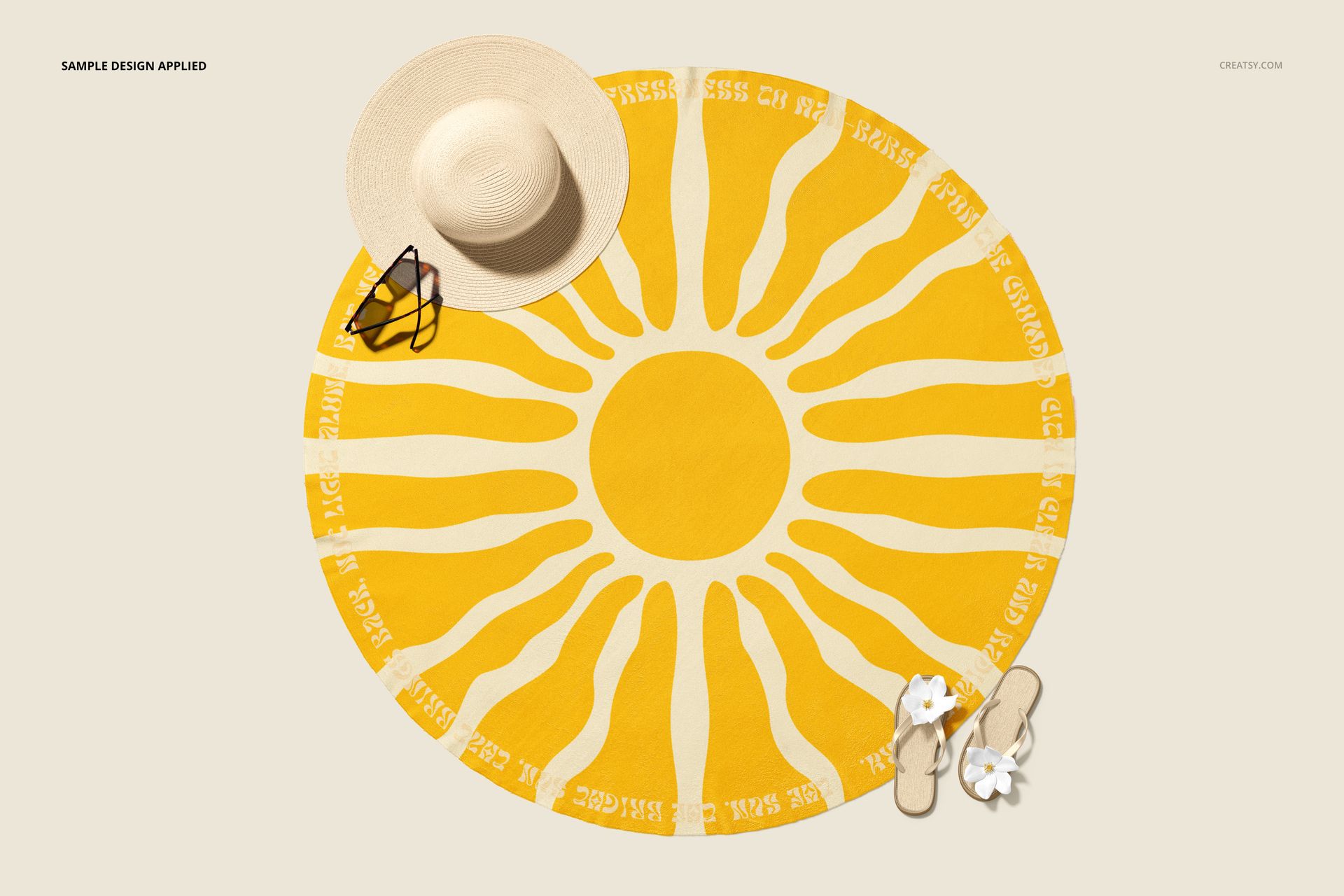
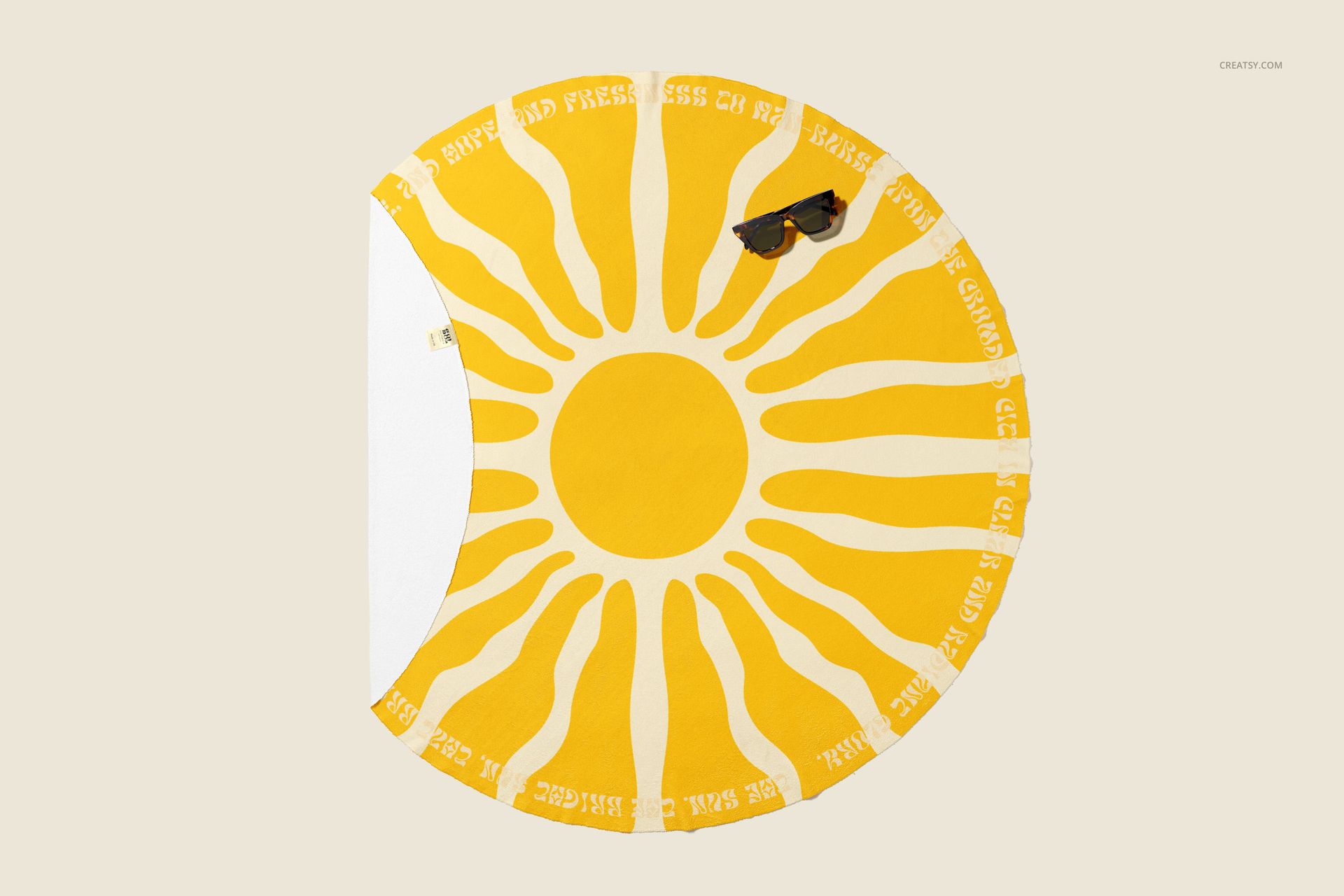
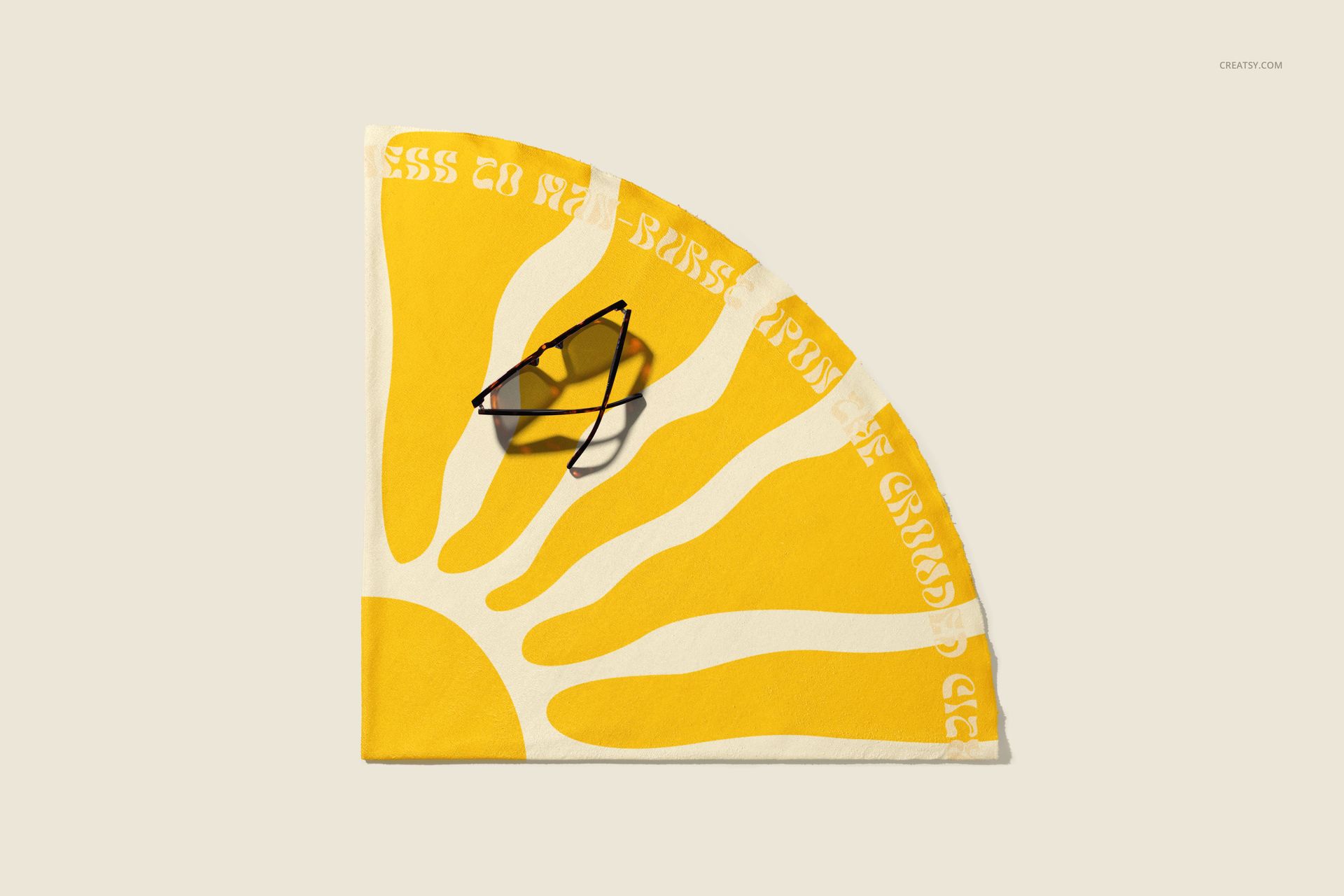
Present all-over patterns, radial compositions, illustrations, and coordinated colorways on a round beach towel. Three high-resolution PSD scenes show the design both folded and fully open, making it easier to compare the complete circular layout with the way artwork reads when only part of the towel remains visible.
Included files and specifications
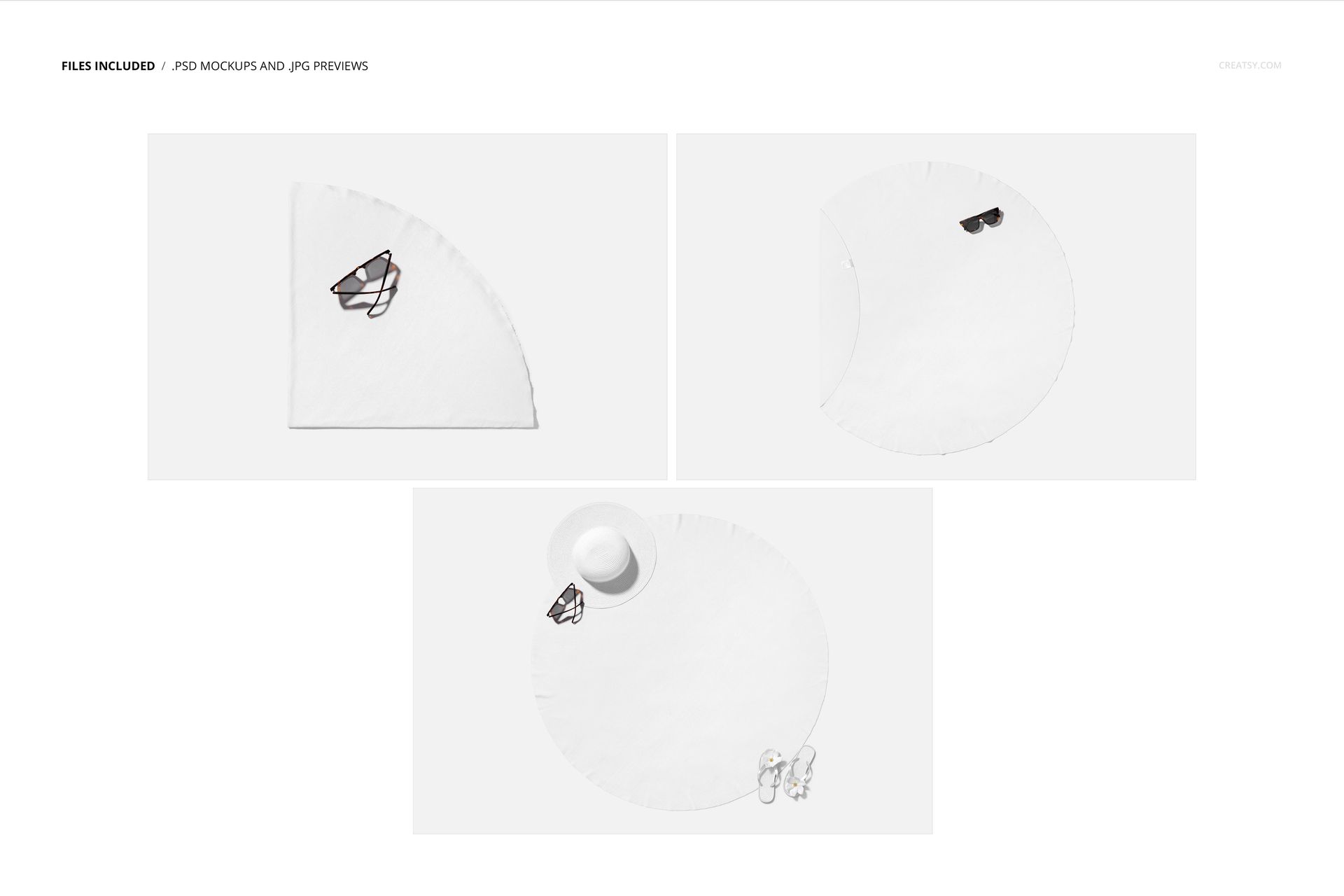
3 editable, layered PSD working files
3 JPG preview files, 6 files in total
PSD canvas size of 6000 x 4000 px at 300 DPI
Individual PSD sizes from approximately 175 MB to 285 MB
Smart Objects for artwork placement
Adobe Photoshop CC 2015 or later and Photopea
Standard PSD format with no PSB files
Reference towel specifications
Round format with a 150 cm diameter
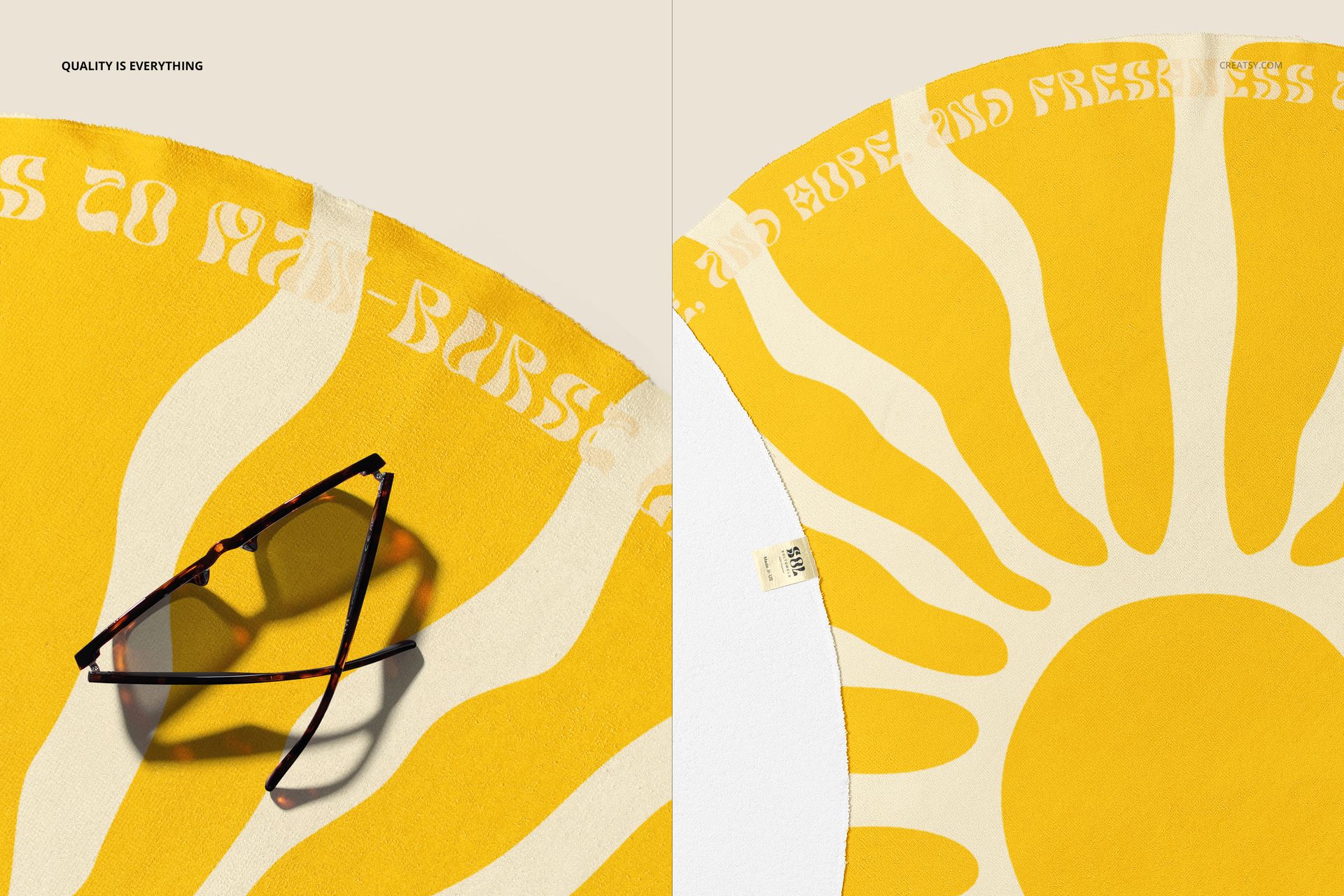
Fabric weight of 400 g/m²
Front made from 100% Microfiber PE
White reverse made from 100% cotton terry
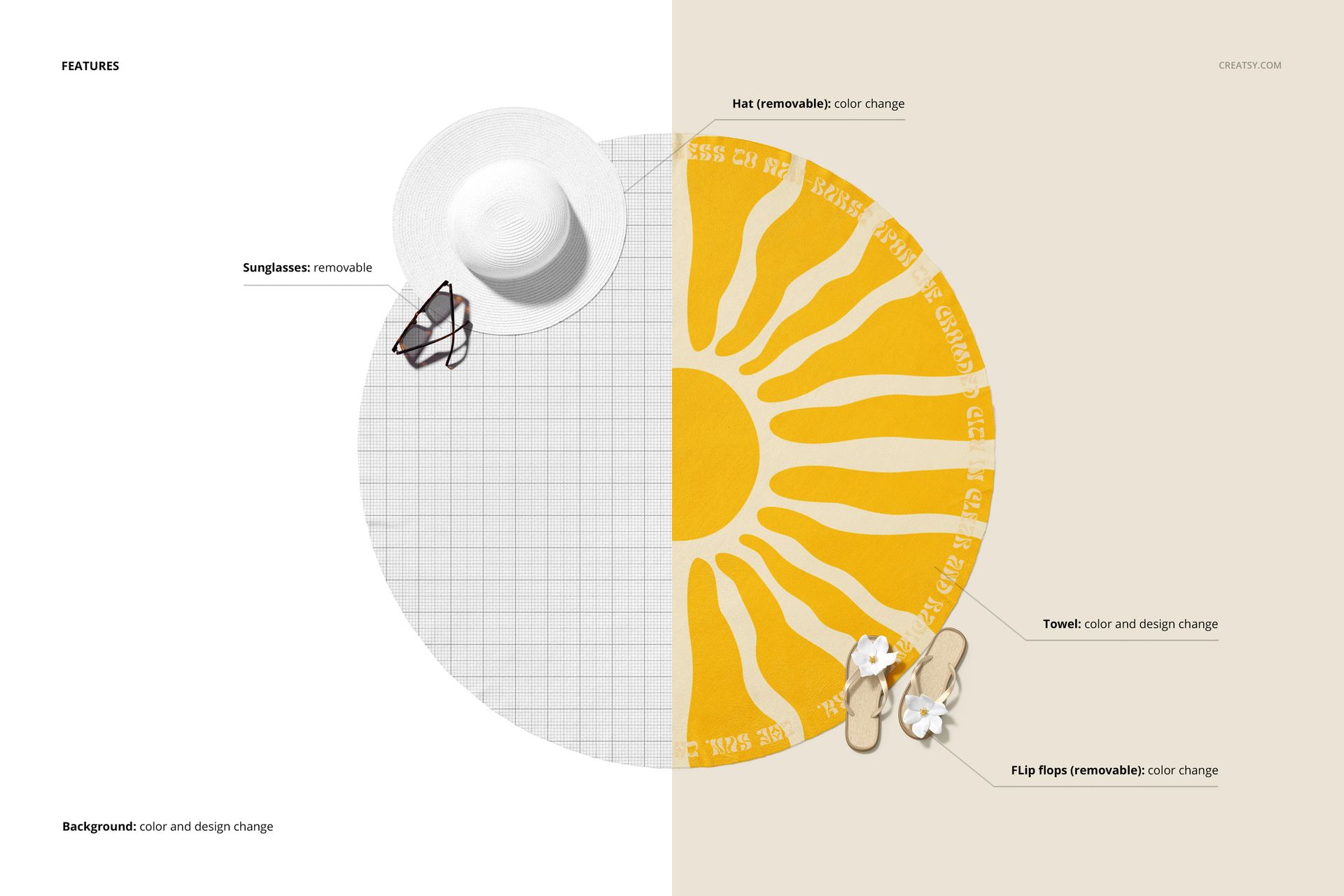
Editable scene elements
Change the towel color and design
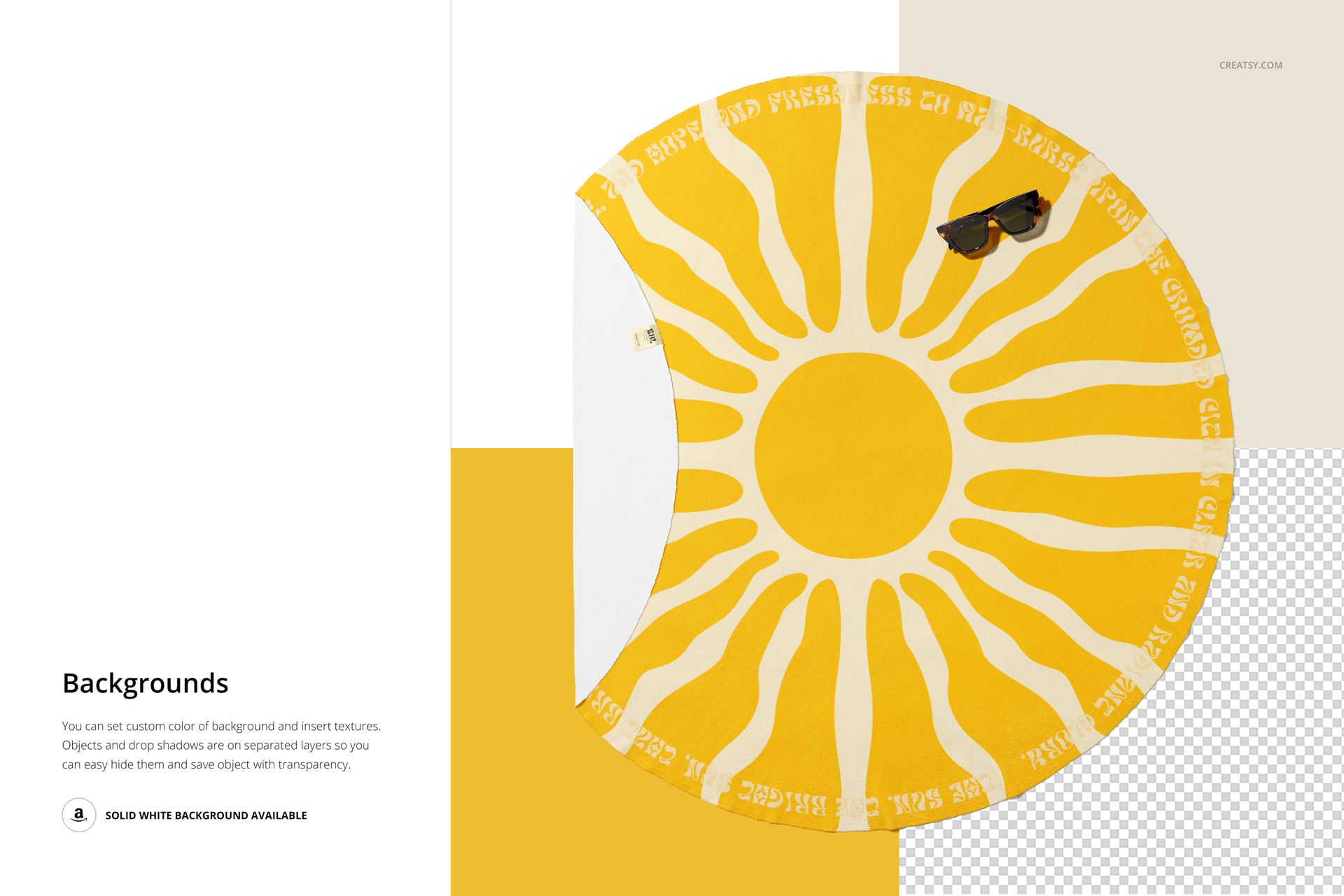
Change the background color and design
Remove the sunglasses for a cleaner composition
Remove the hat or change its color
Remove the flip flops or change their color
Three presentation scenes
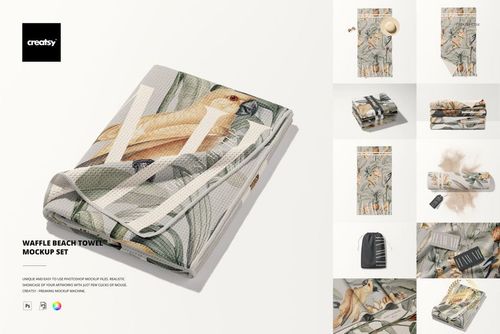
A towel folded into a quarter with sunglasses
A fully open, flat round towel with sunglasses
A complete beach styling with a hat, sunglasses, and flip flops
This is a digital PSD mockup product. No physical towel is included.