Beach Waffle Towel Mockup & One-piece Swimsuit Mockup Set
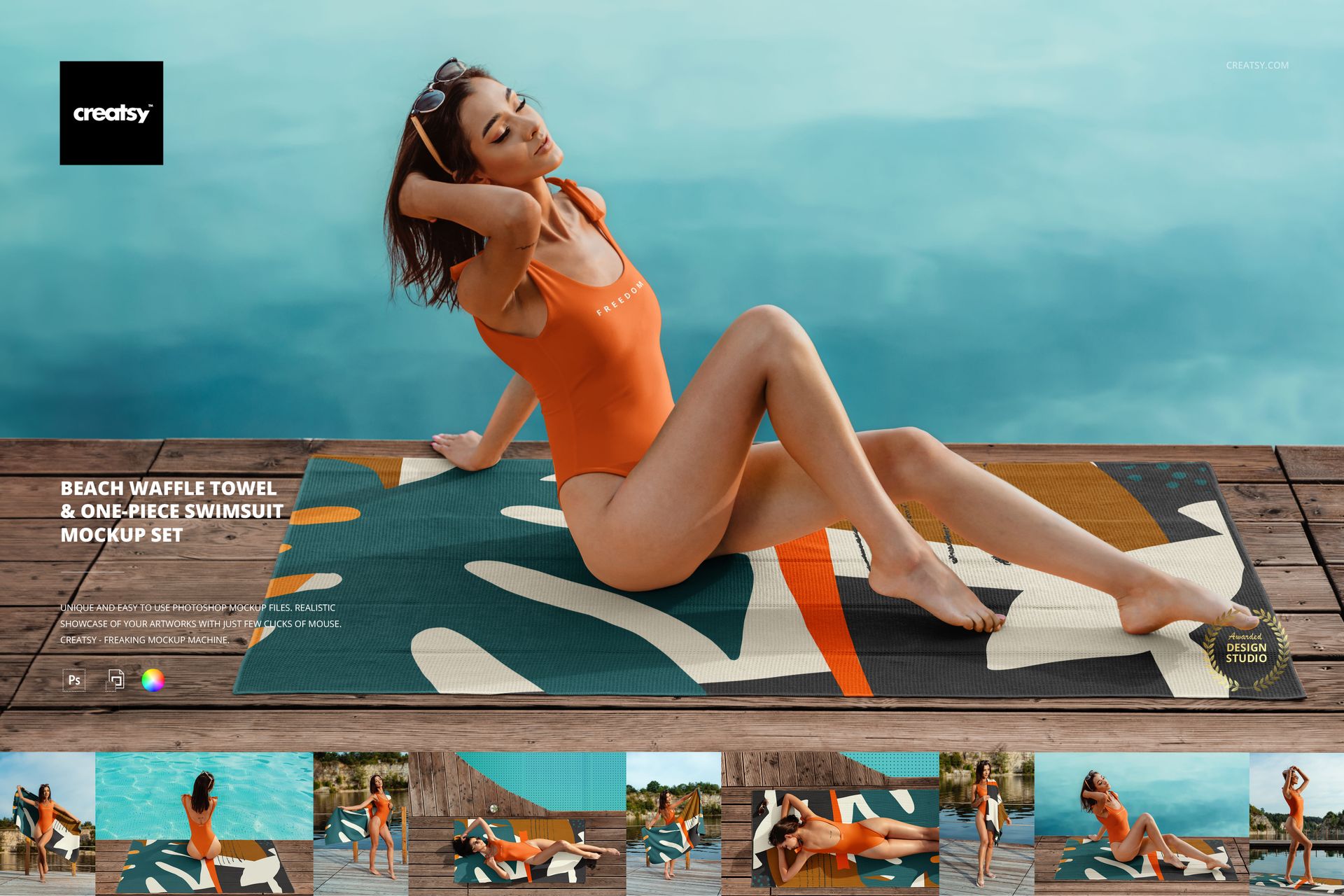
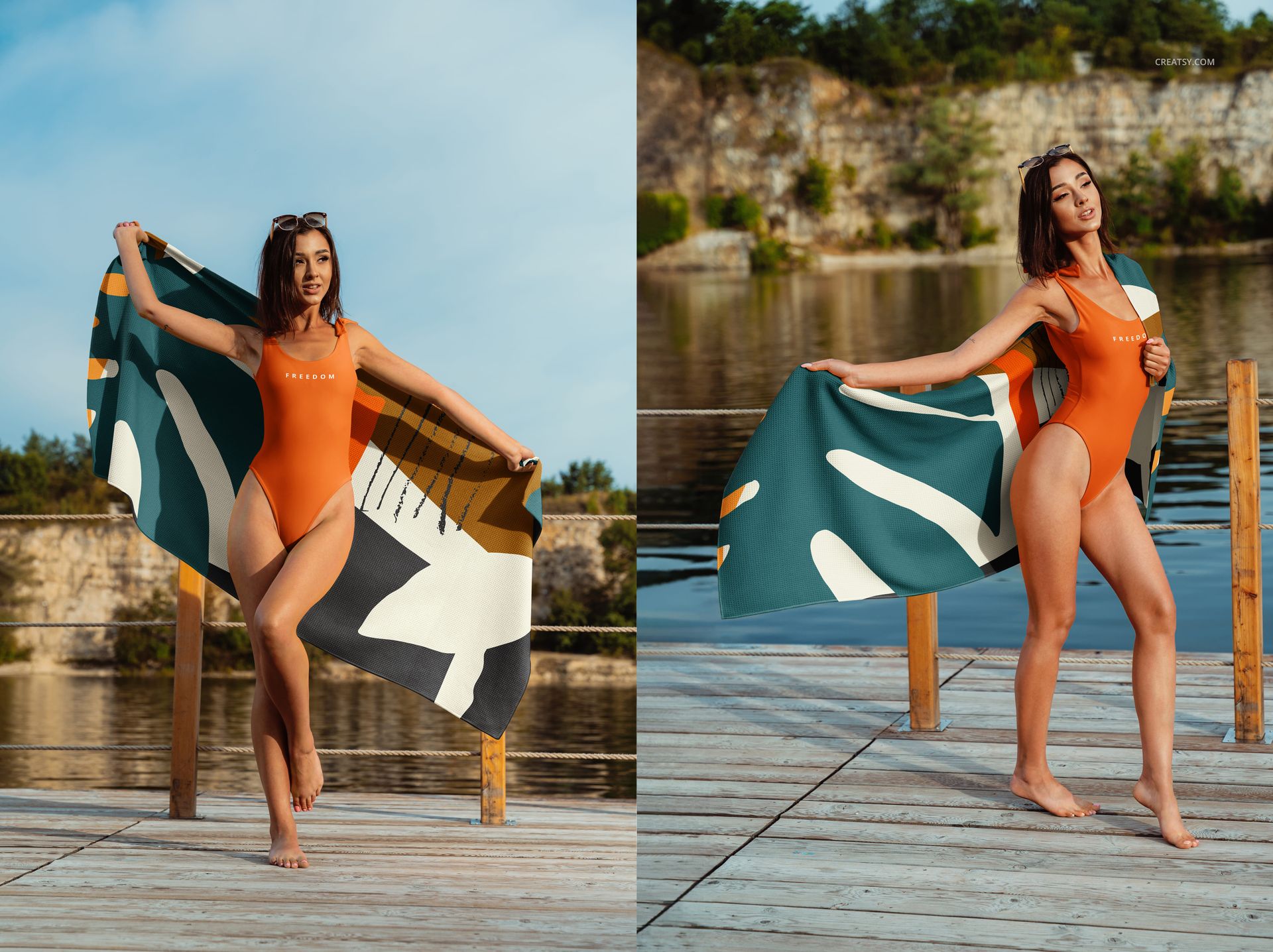
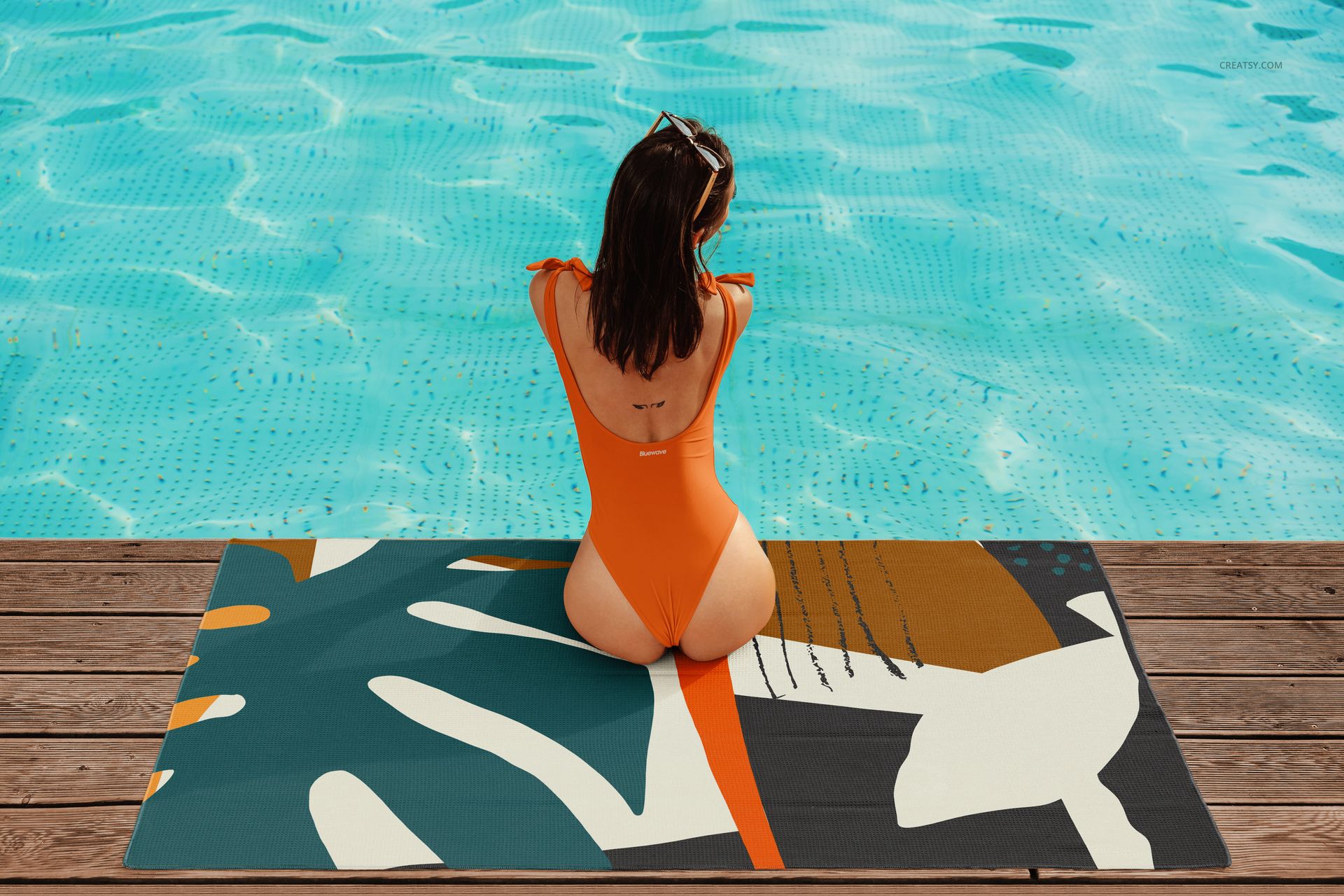
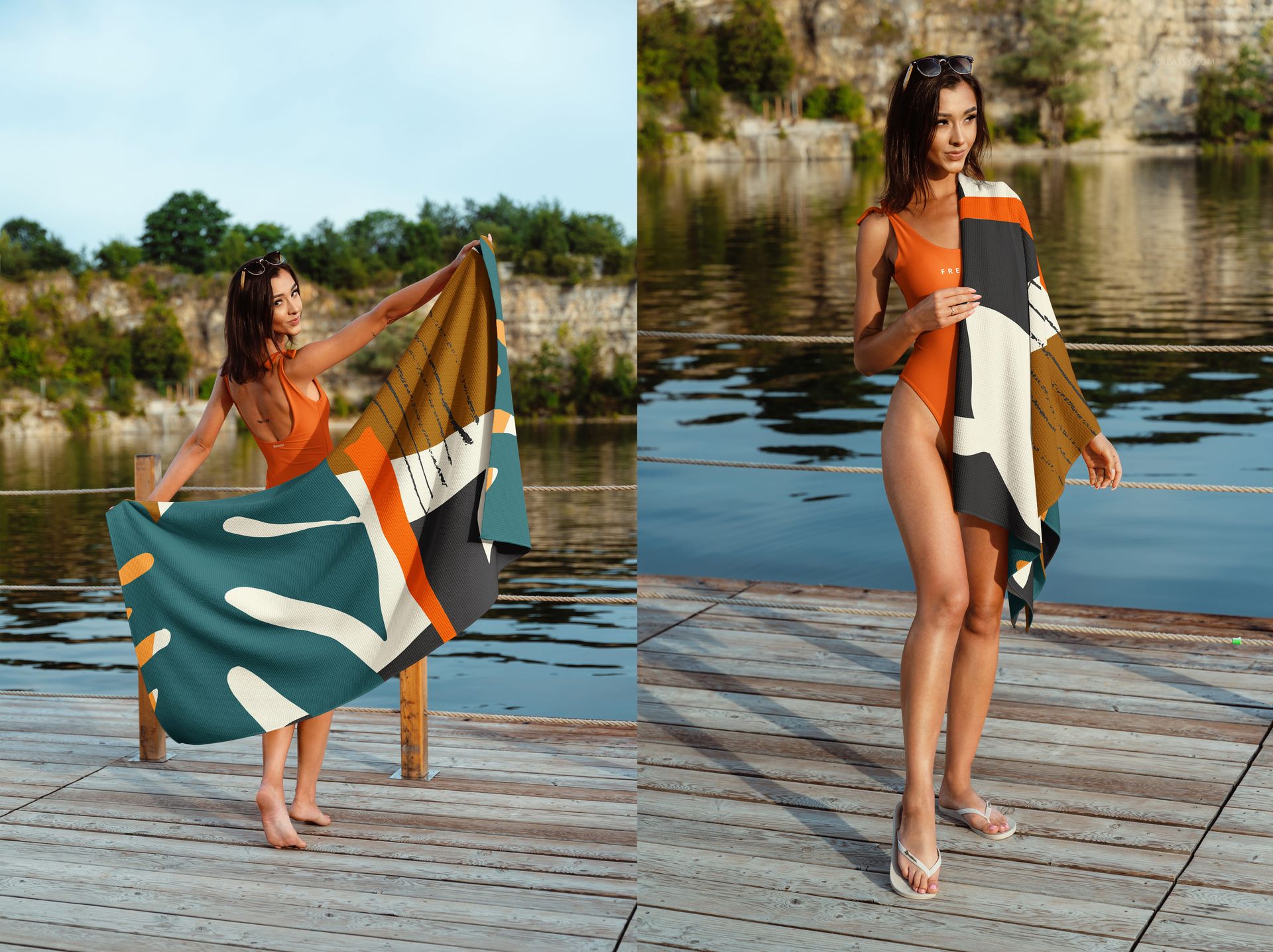
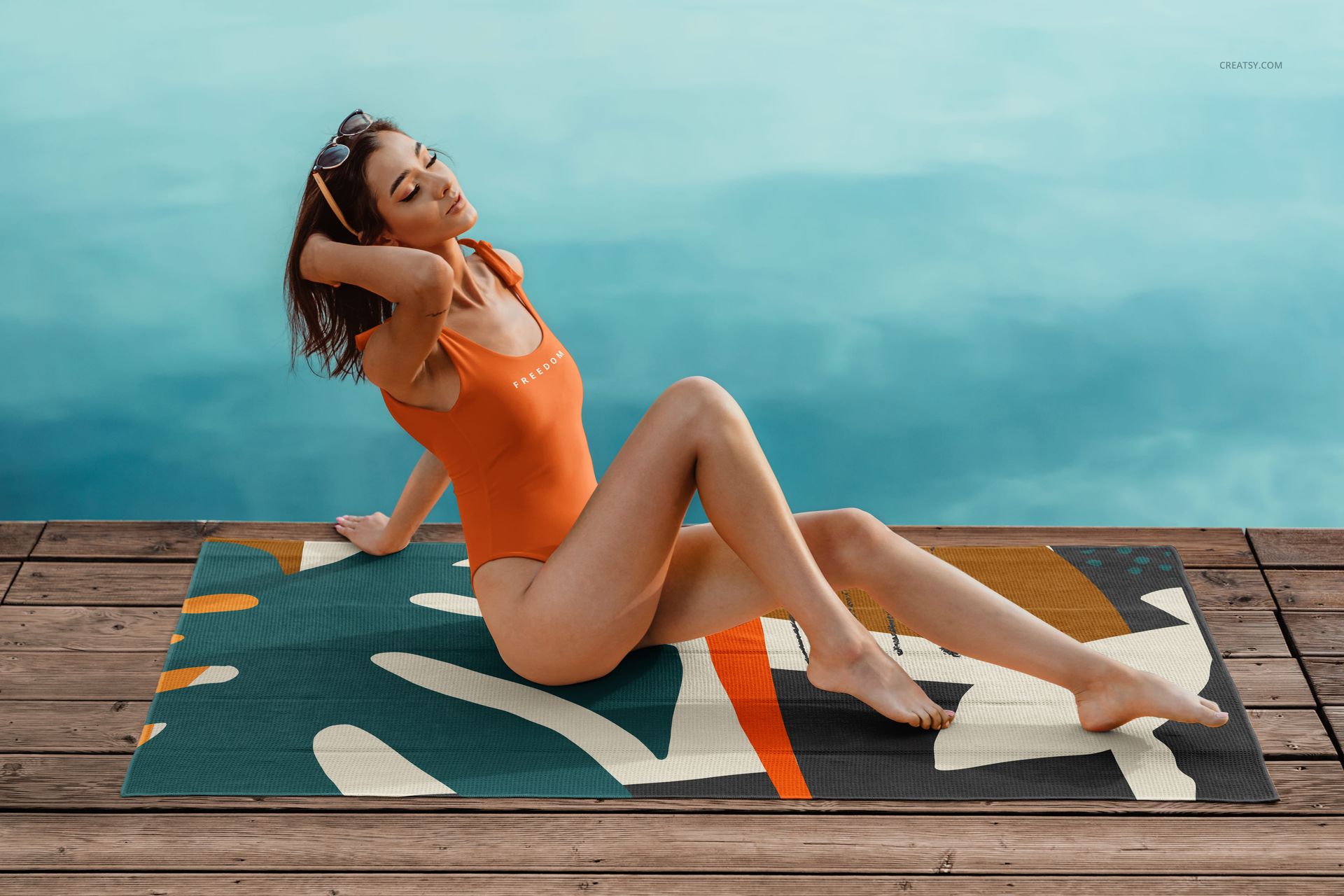
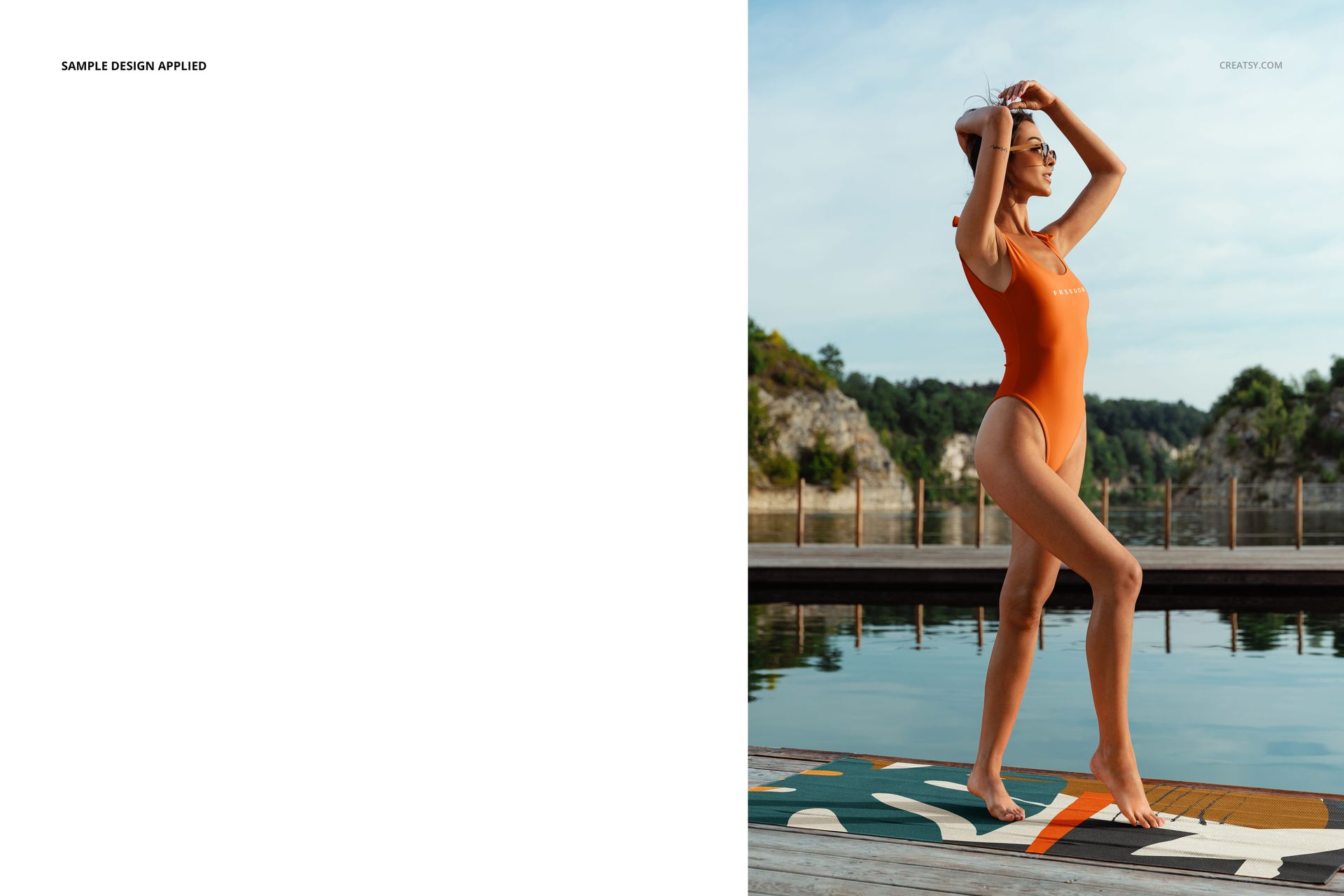
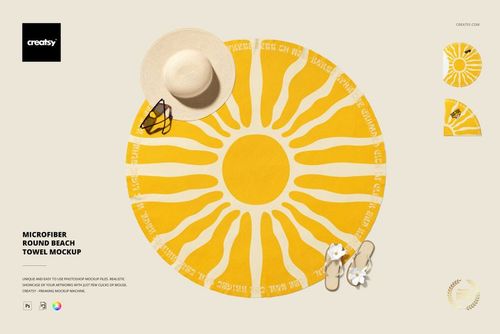
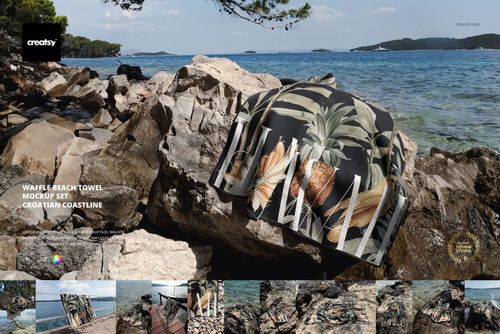
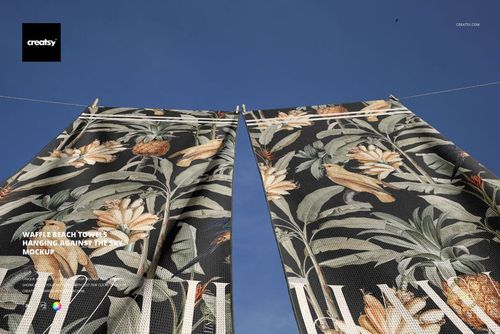
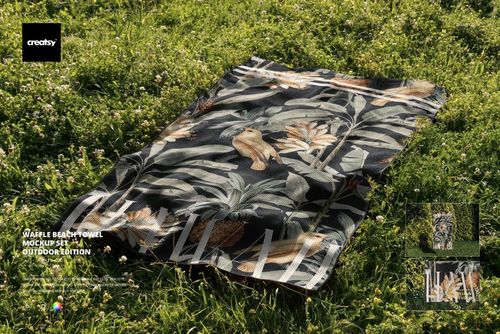
Present coordinated patterns through a beach towel mockup and one-piece swimsuit mockup within one consistent poolside and lakeside story. Nine photographed scenes feature a model, a waffle beach towel, and a one-piece swimsuit, allowing one design direction to be compared across two textile products and both portrait and landscape compositions.
What Is Included
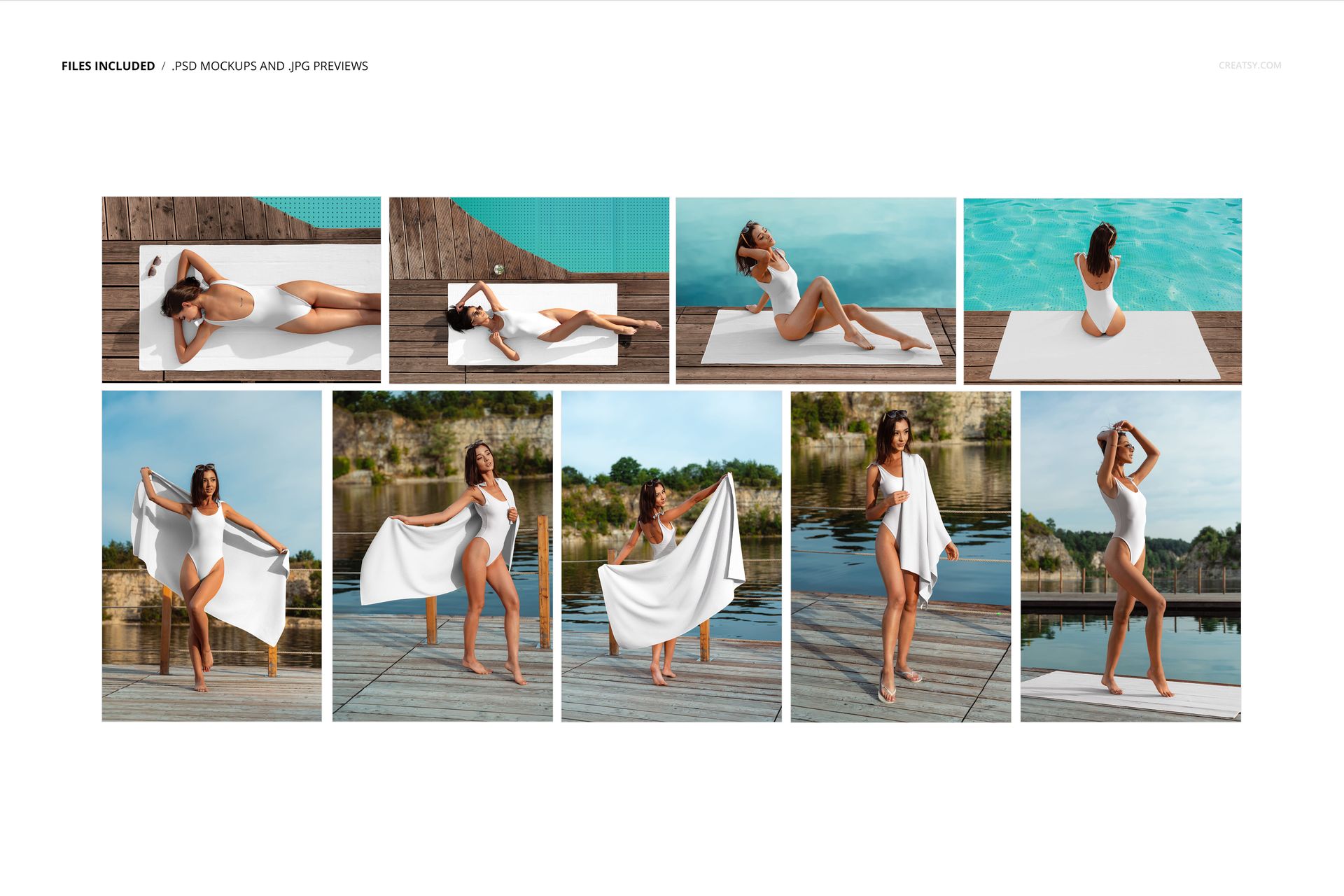
9 layered PSD working files
9 JPG preview files
18 files in total
5 portrait scenes at 4000 x 6000 px
4 landscape scenes at 6000 x 4000 px
300 DPI resolution
Individual PSD sizes of approximately 200 MB to 414 MB on Windows
Package size of approximately 597 MB on Windows and 626 MB on macOS
Admin ZIP size of 597.33 MB
Standard PSD format with no PSB files
Adobe Photoshop CC 2020 or later
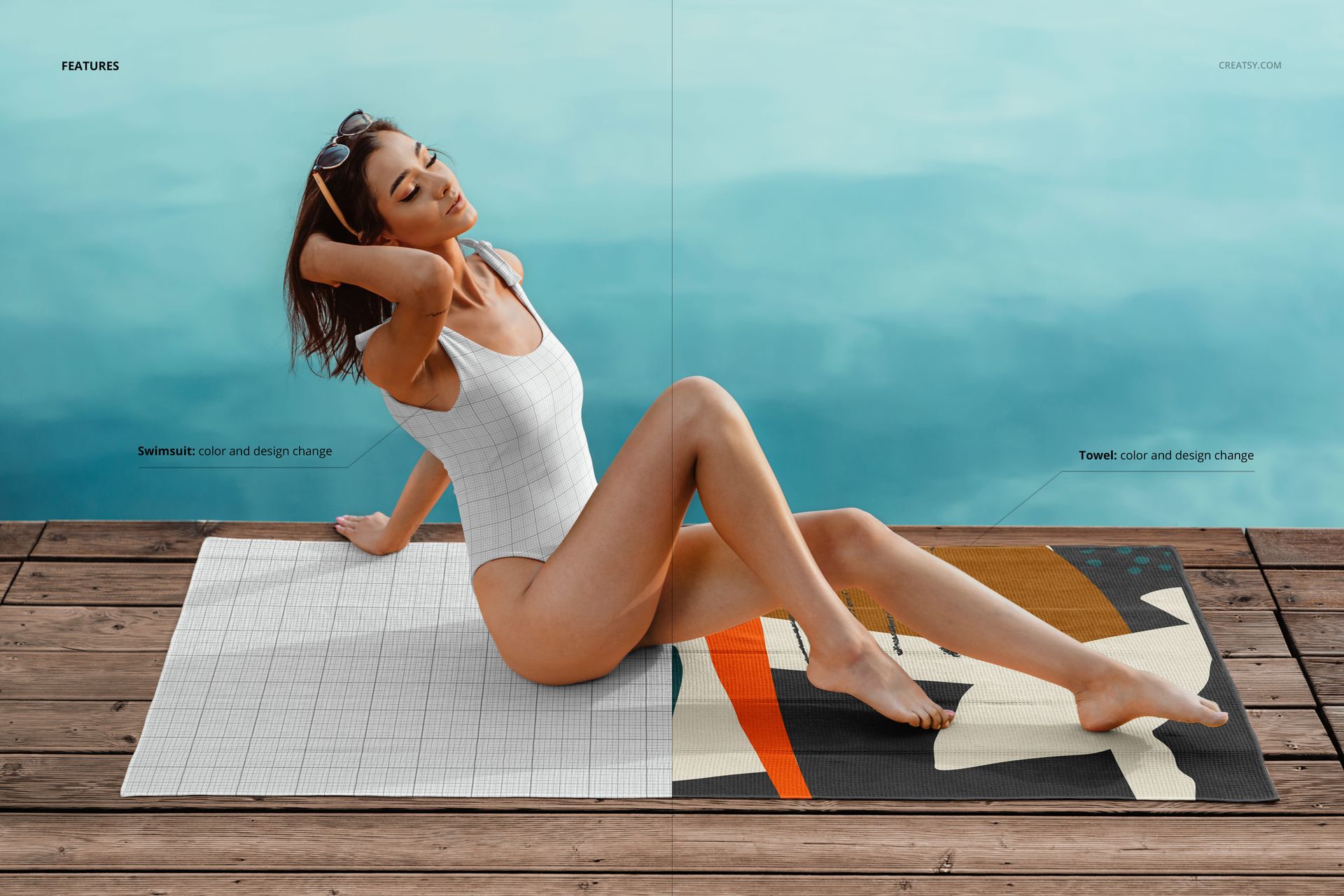
Edit the Towel and Swimsuit Separately
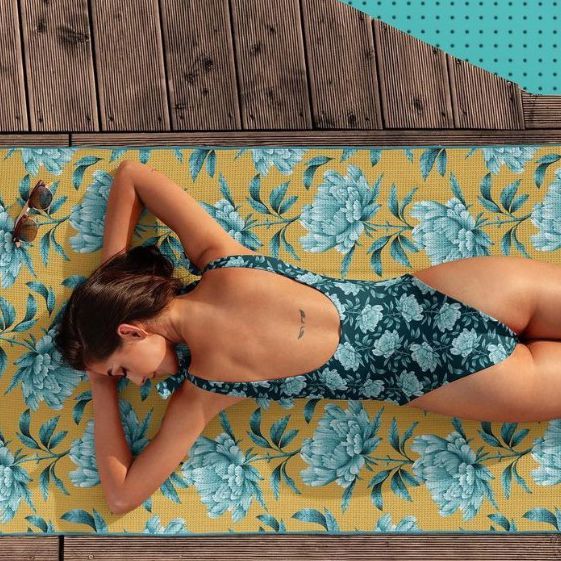
The towel and one-piece swimsuit use separate Smart Objects, so each product can display its own artwork while remaining part of a coordinated collection. Match both items with one repeat, adapt a motif at two scales, use related colorways, or combine complementary designs.
Replace the towel artwork through its Smart Object
Replace the swimsuit artwork through a separate Smart Object
Compare one pattern at two different product scales
Coordinate colorways across swimwear and beach textiles
Nine On-model Lifestyle Compositions
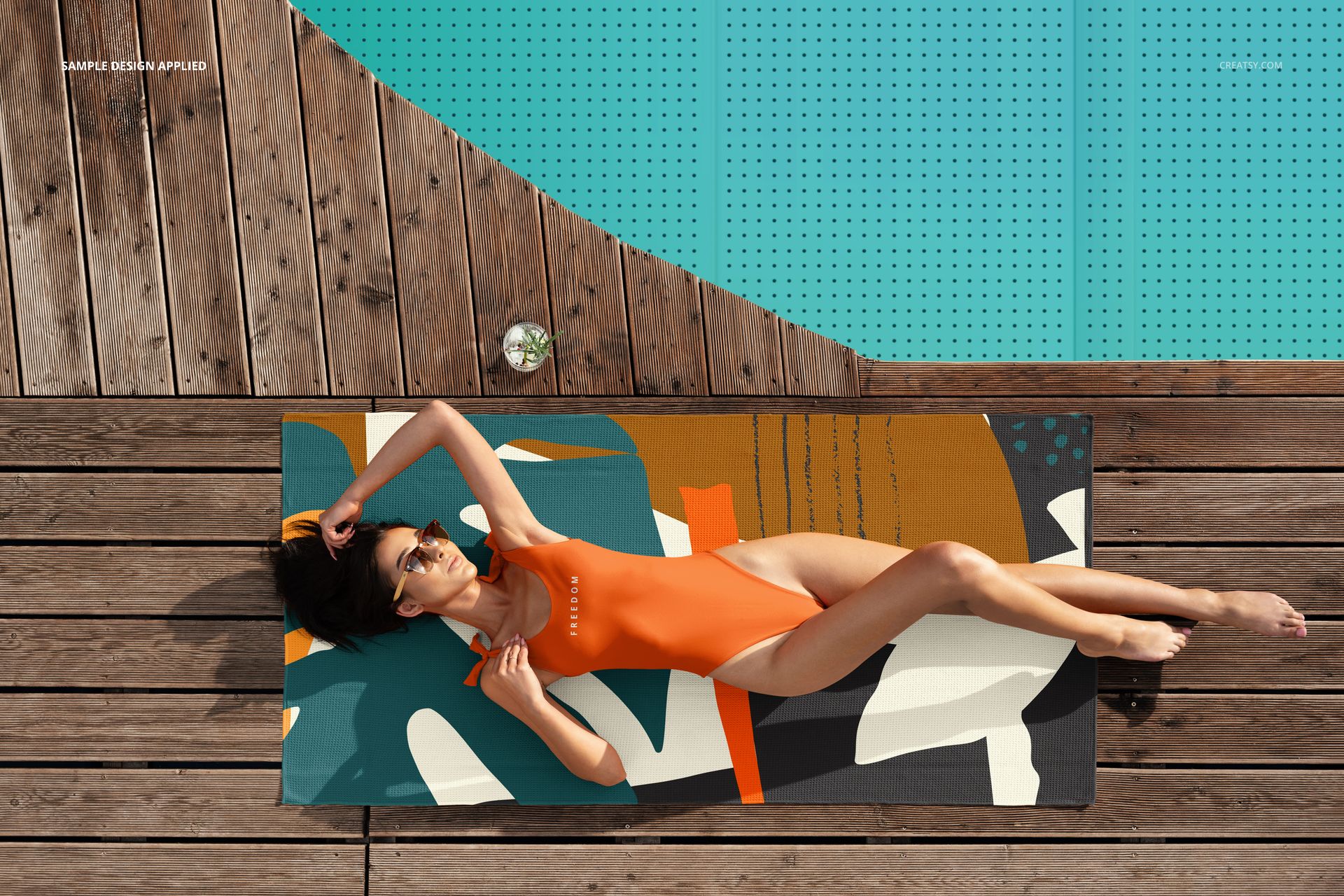
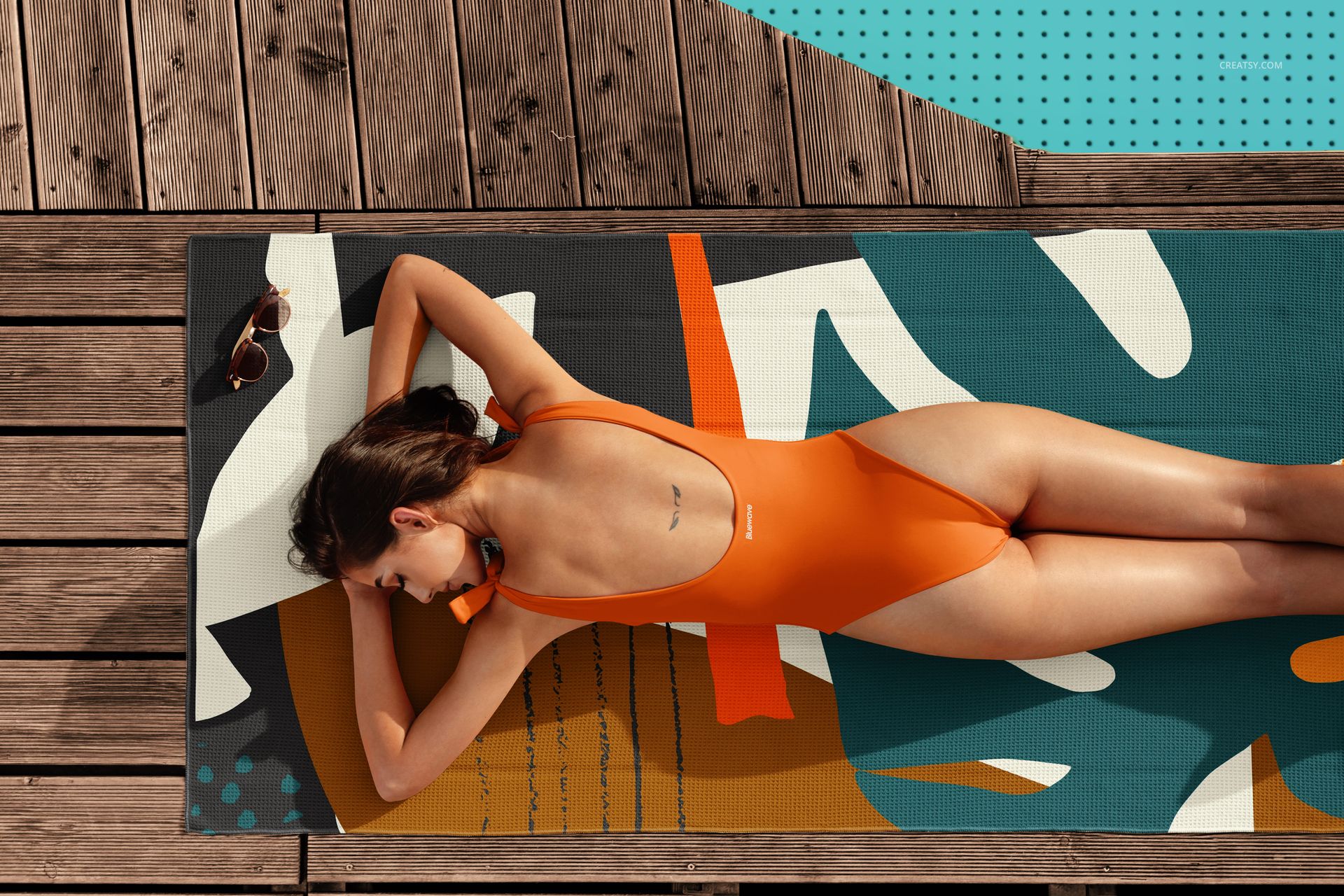
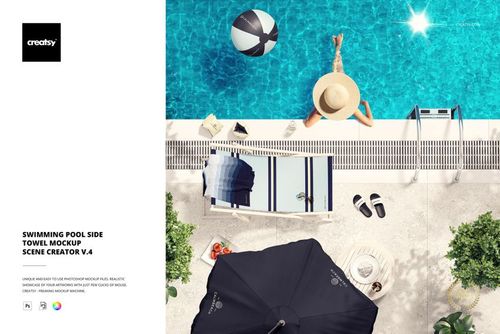
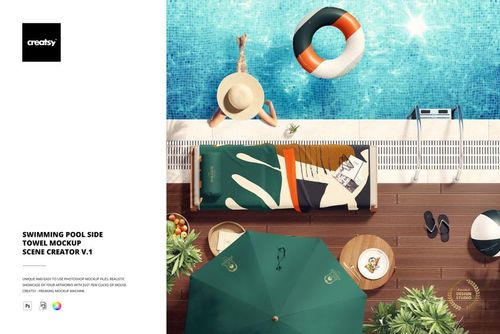
All nine scenes place the model, swimsuit, and waffle beach towel in a consistent outdoor poolside or lakeside setting. The set moves between clear overhead views, reclining and seated poses on a flat towel, and standing views with the towel held or draped.
5 portrait layouts for vertical collection stories
4 landscape layouts for wider environmental context
Top and angled views for checking pattern coverage
Standing, seated, and reclining poses
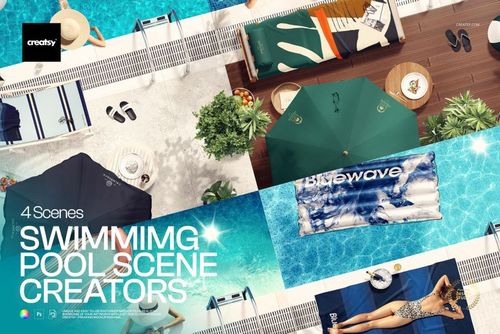
Pool water, wooden decking, and natural outdoor surroundings
Easy Smart Object Workflow
Open a PSD, place artwork in the towel and swimsuit Smart Objects, save each update, and review both products together in the photographed scene. The model, background, water, deck, and surrounding environment remain fixed.
Perfect For
Surface pattern design mockups for portfolios and licensing presentations
Swimwear, beachwear, and resort collection concepts
Coordinated colorway and motif-scale reviews
Ecommerce galleries, lookbooks, and client presentations
Pre-production campaign images before physical samples are available
Digital Product and Preview Artwork
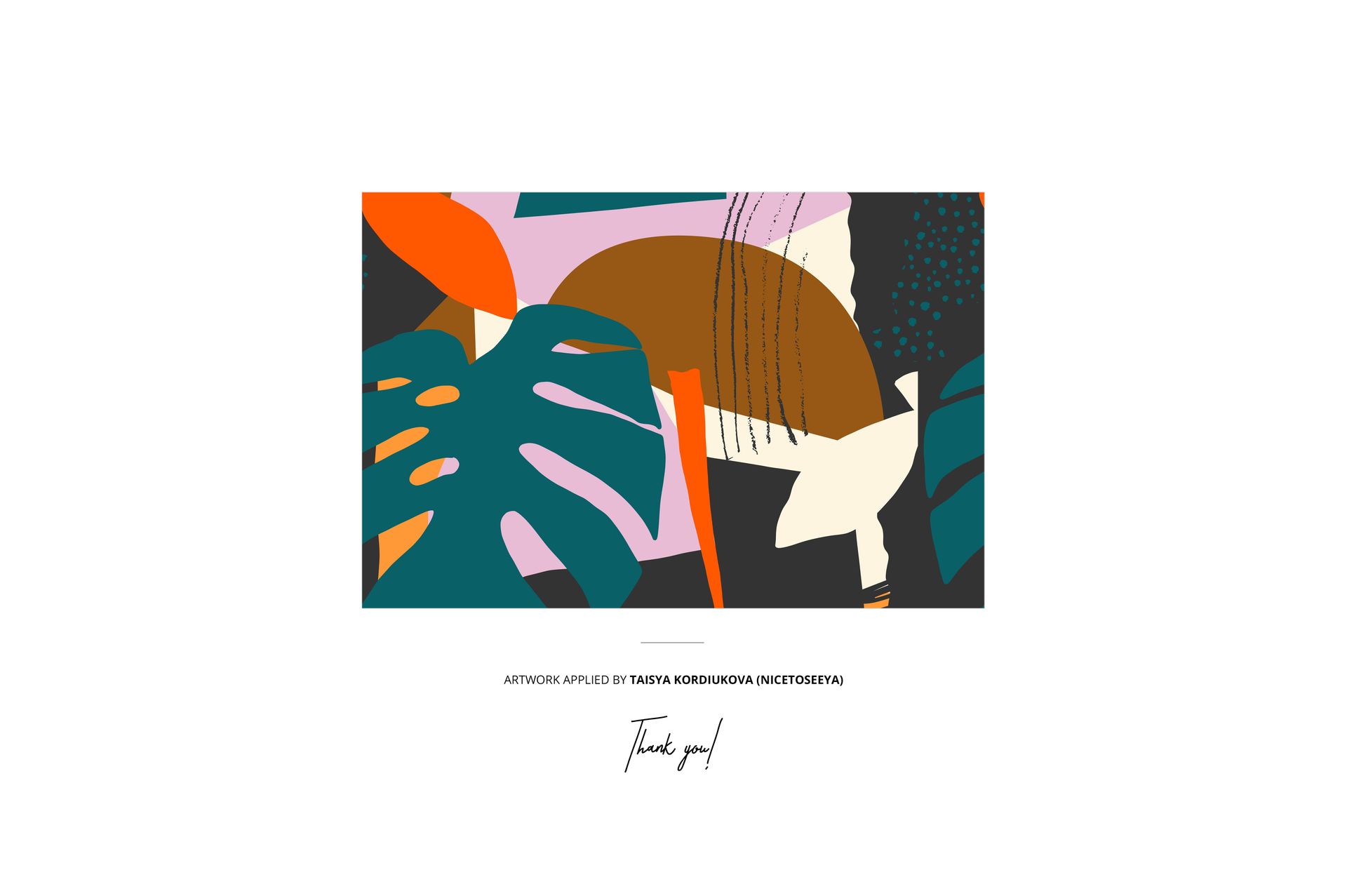
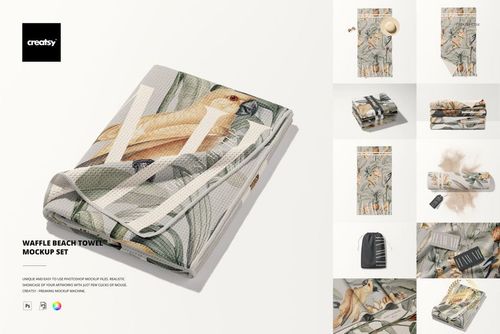
This is a digital mockup set and no physical towel or swimsuit is included. The example towel pattern shown in the previews is credited to Taisya Kordiukova / Nicetoseeya and is not included with the mockup files.