Waffle Beach Towel Mockup Set
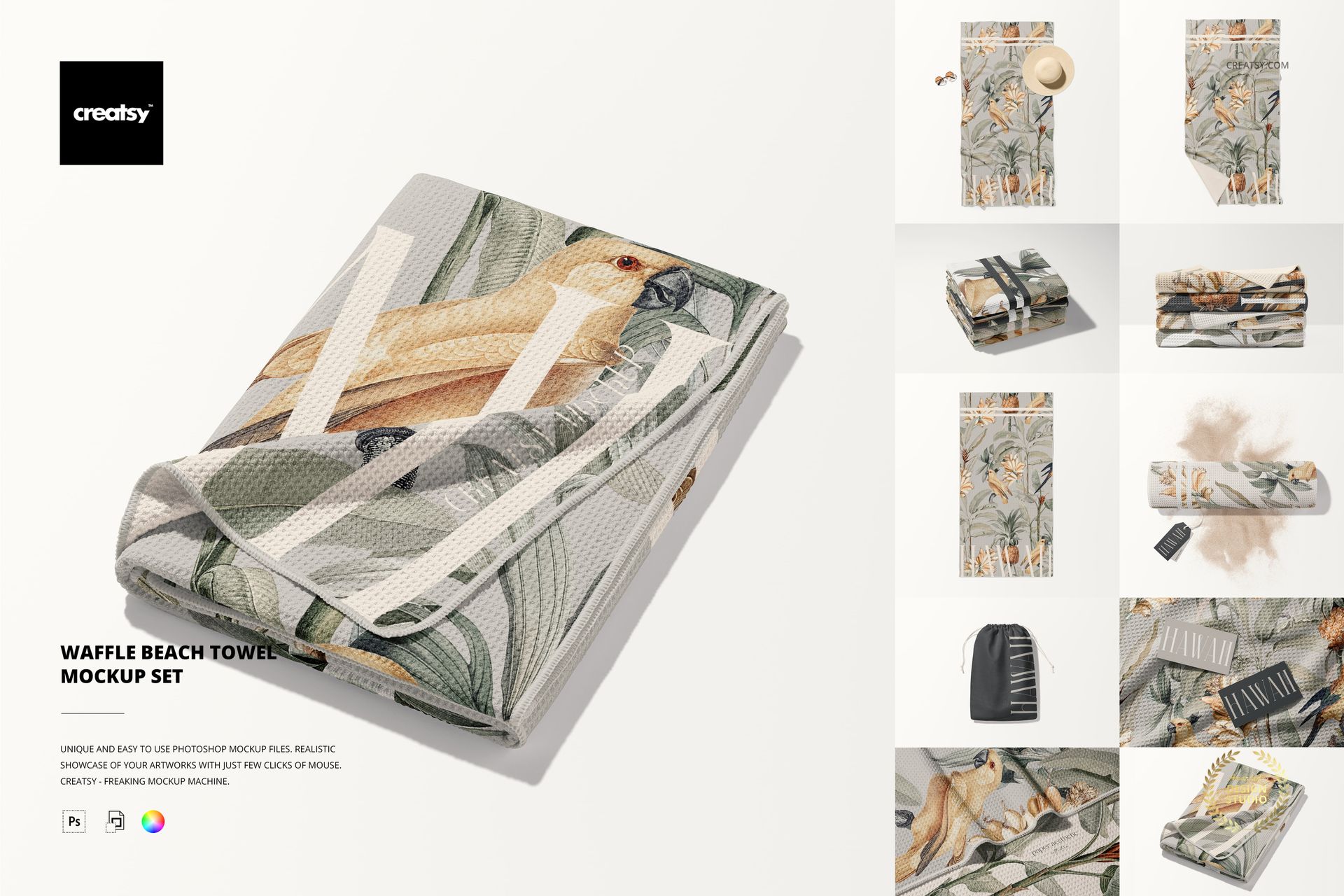
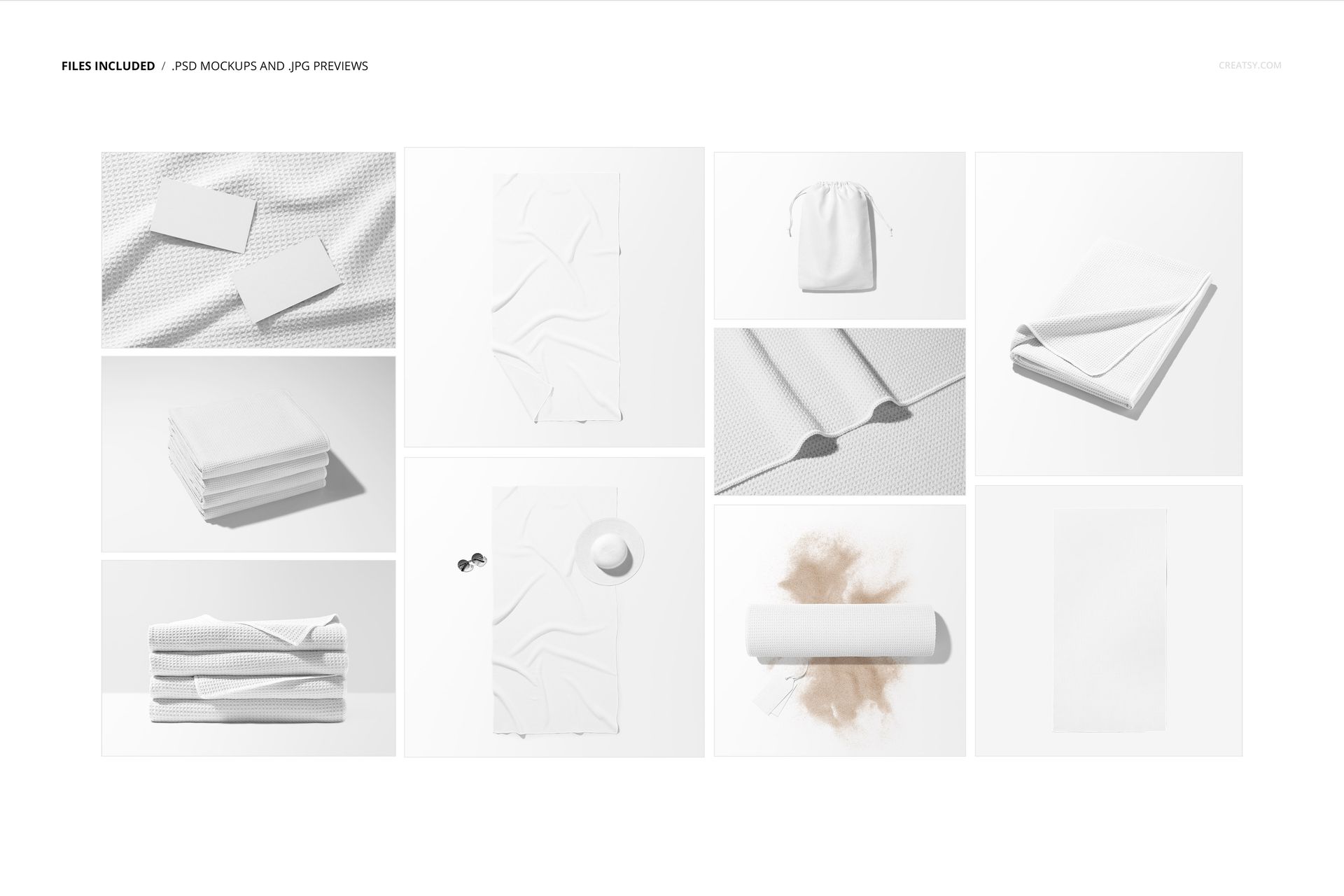
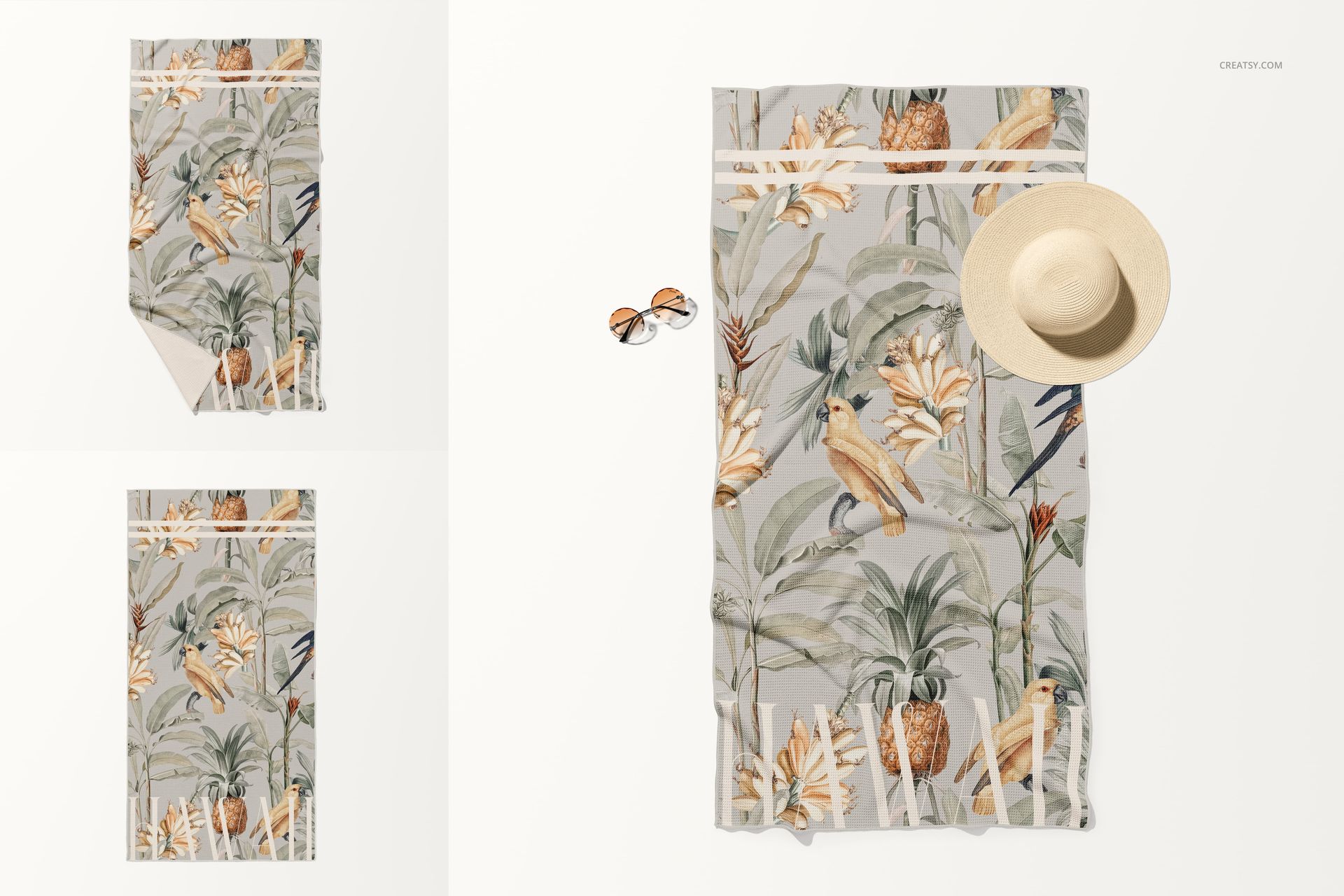
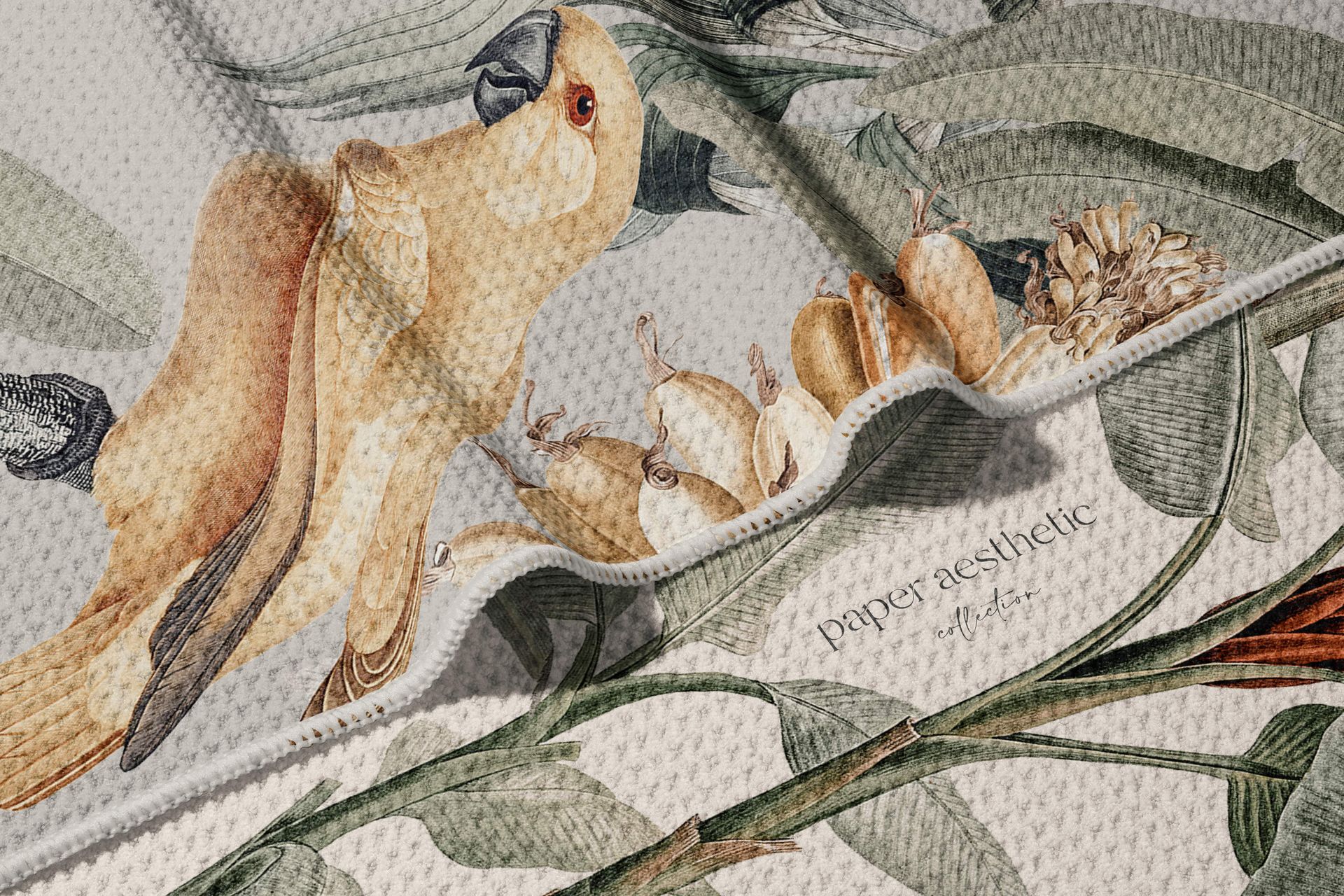
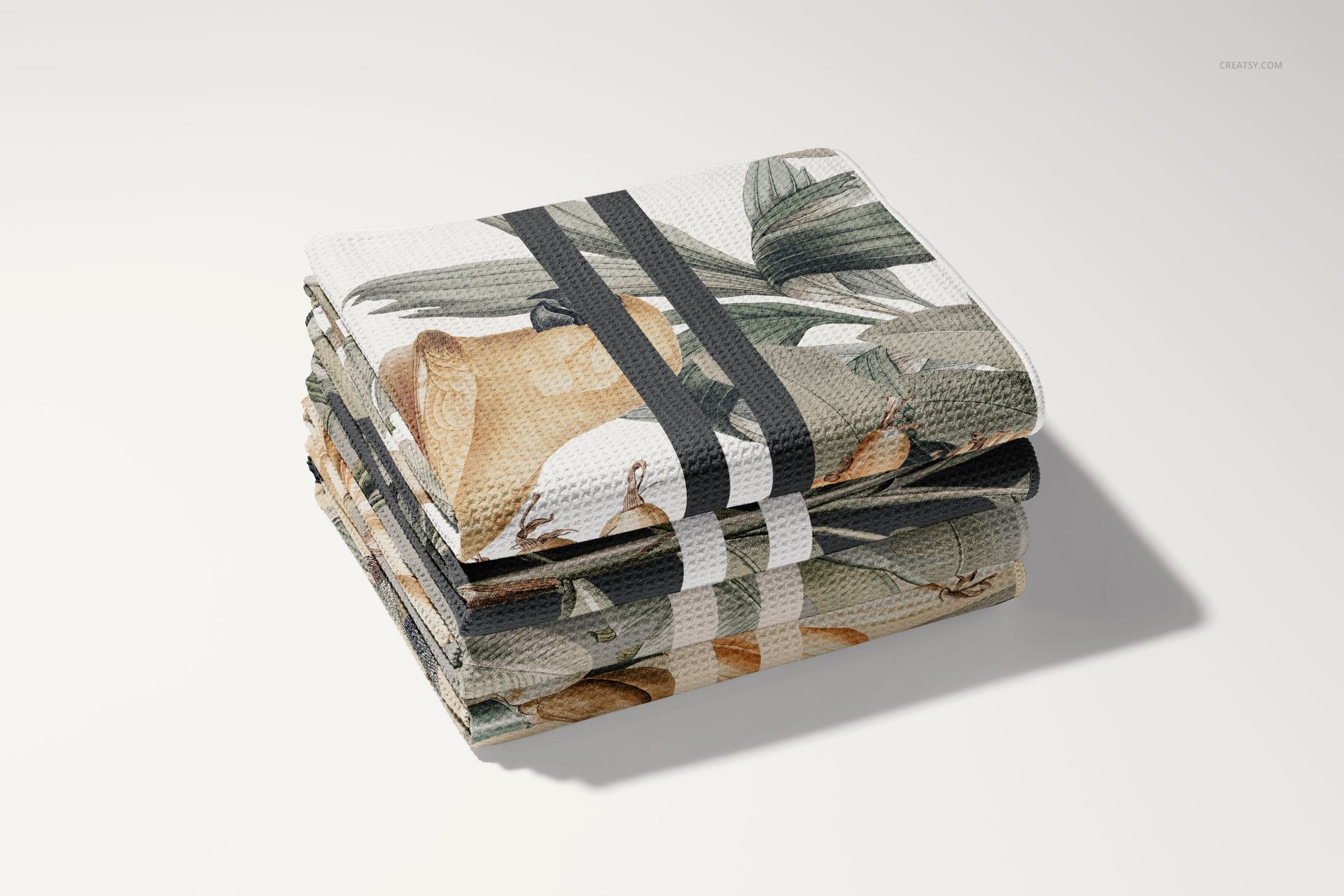
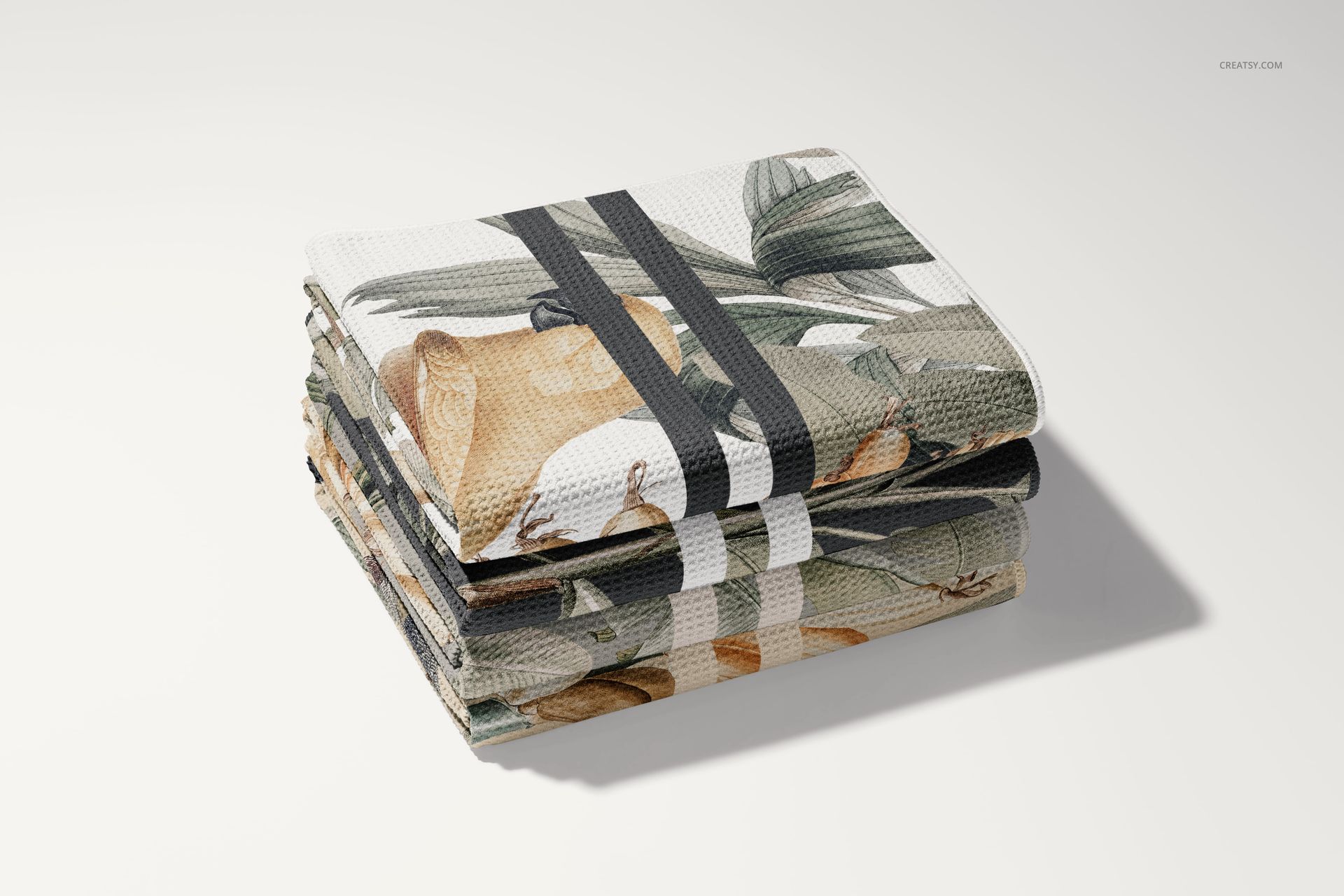
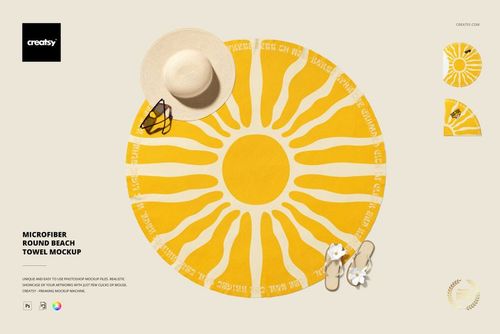
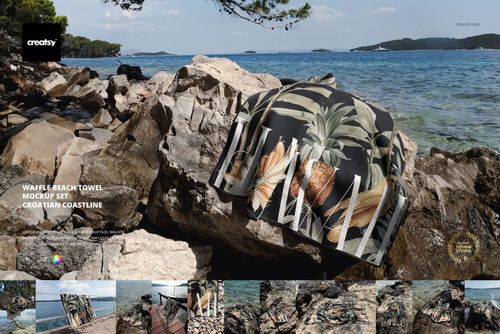
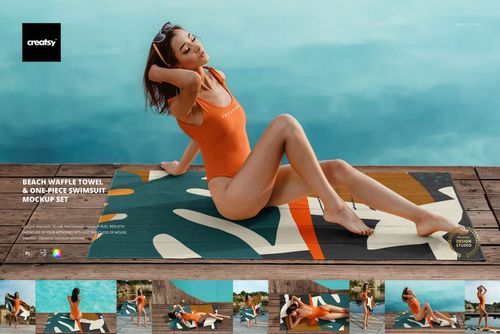
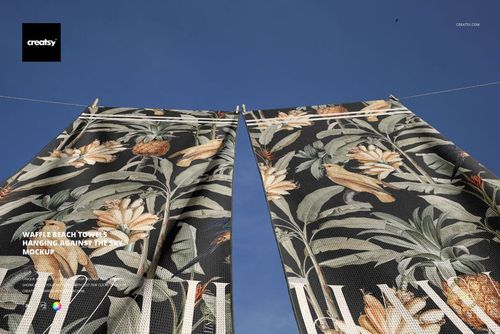
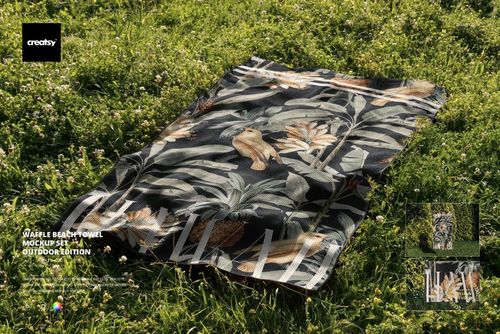
Build a varied product gallery with 10 studio-style PSD scenes covering full towel presentations, top views, folded and draped arrangements, angled folds, stacked towels, a rolled towel on sand, and close details of the waffle weave.
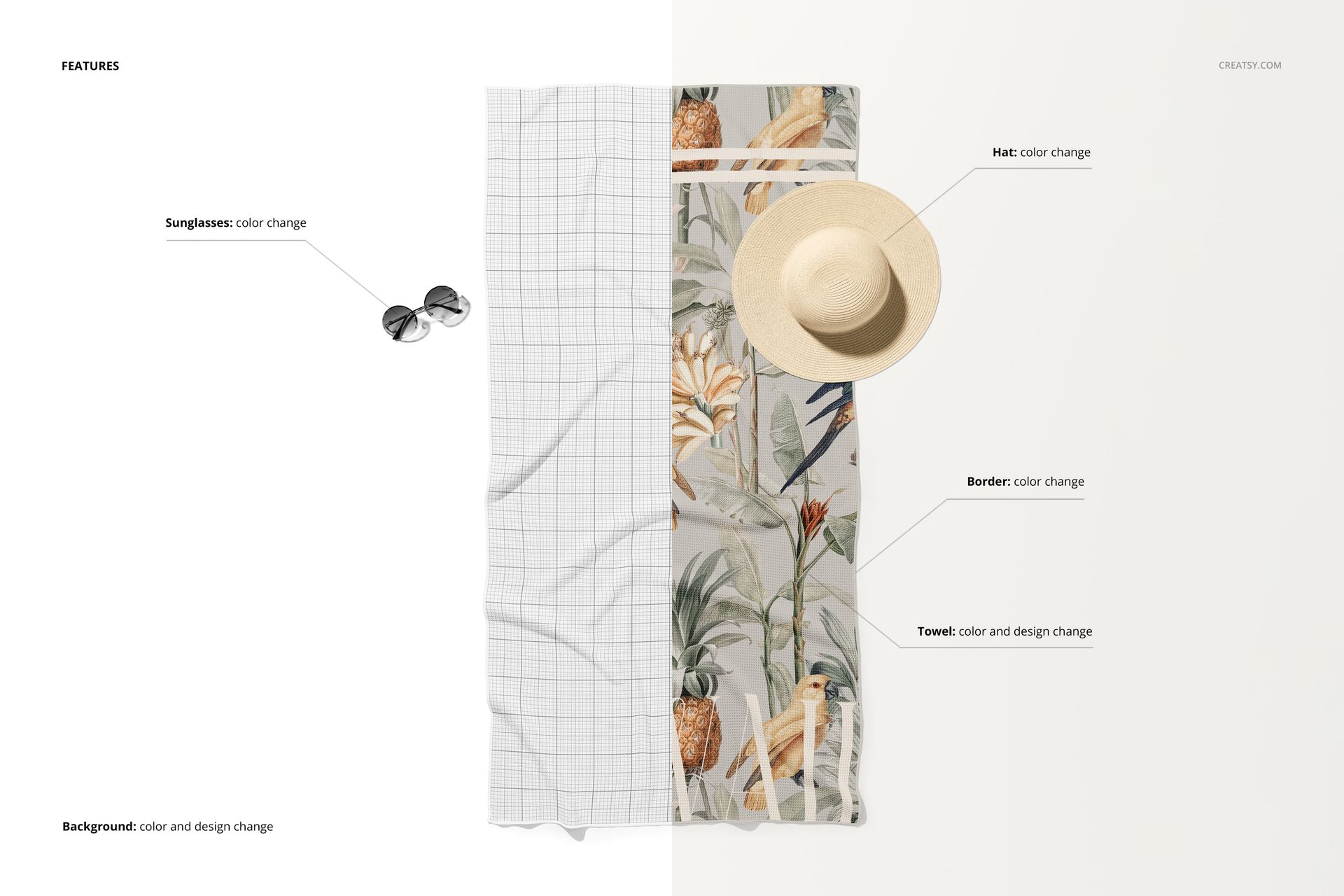
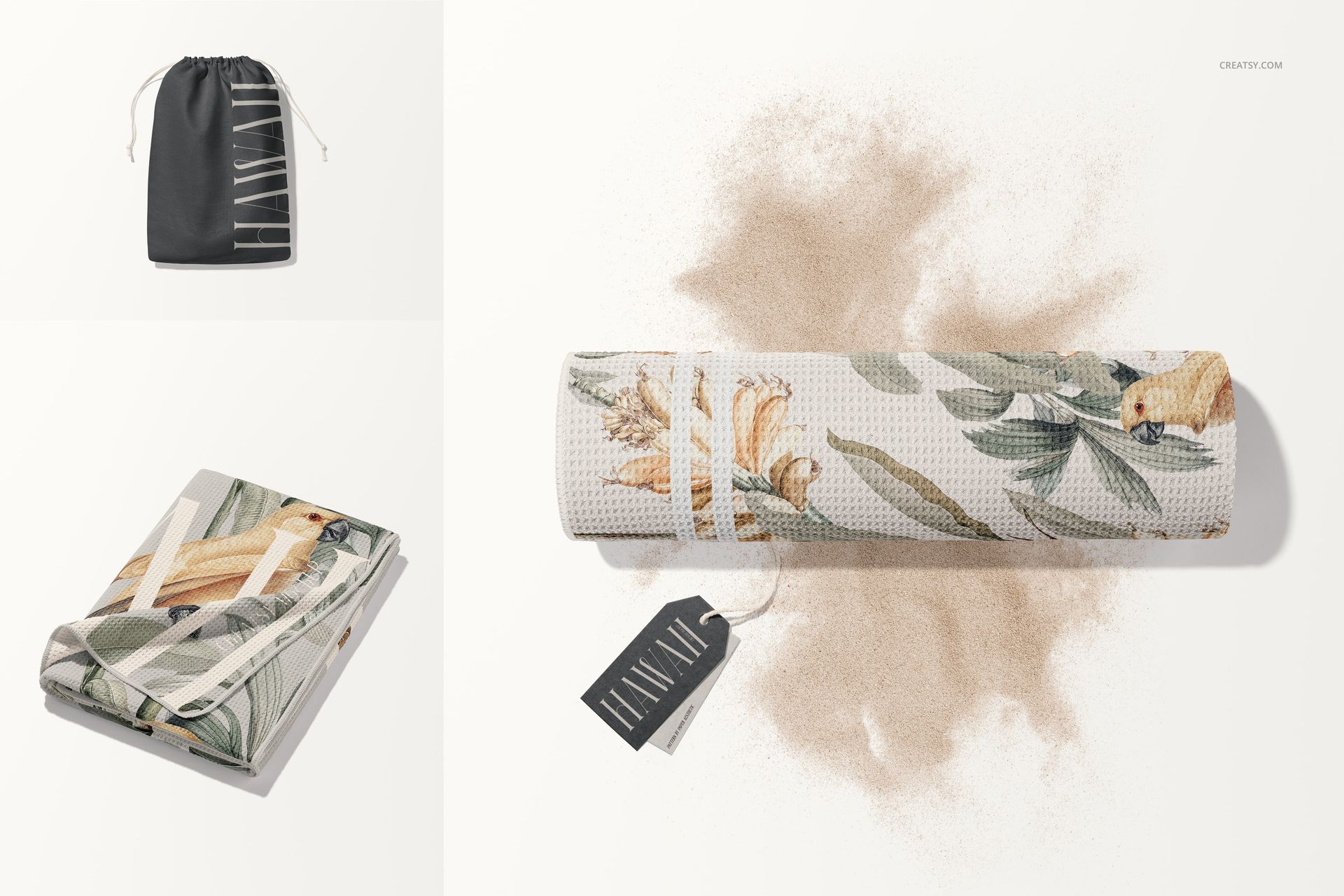
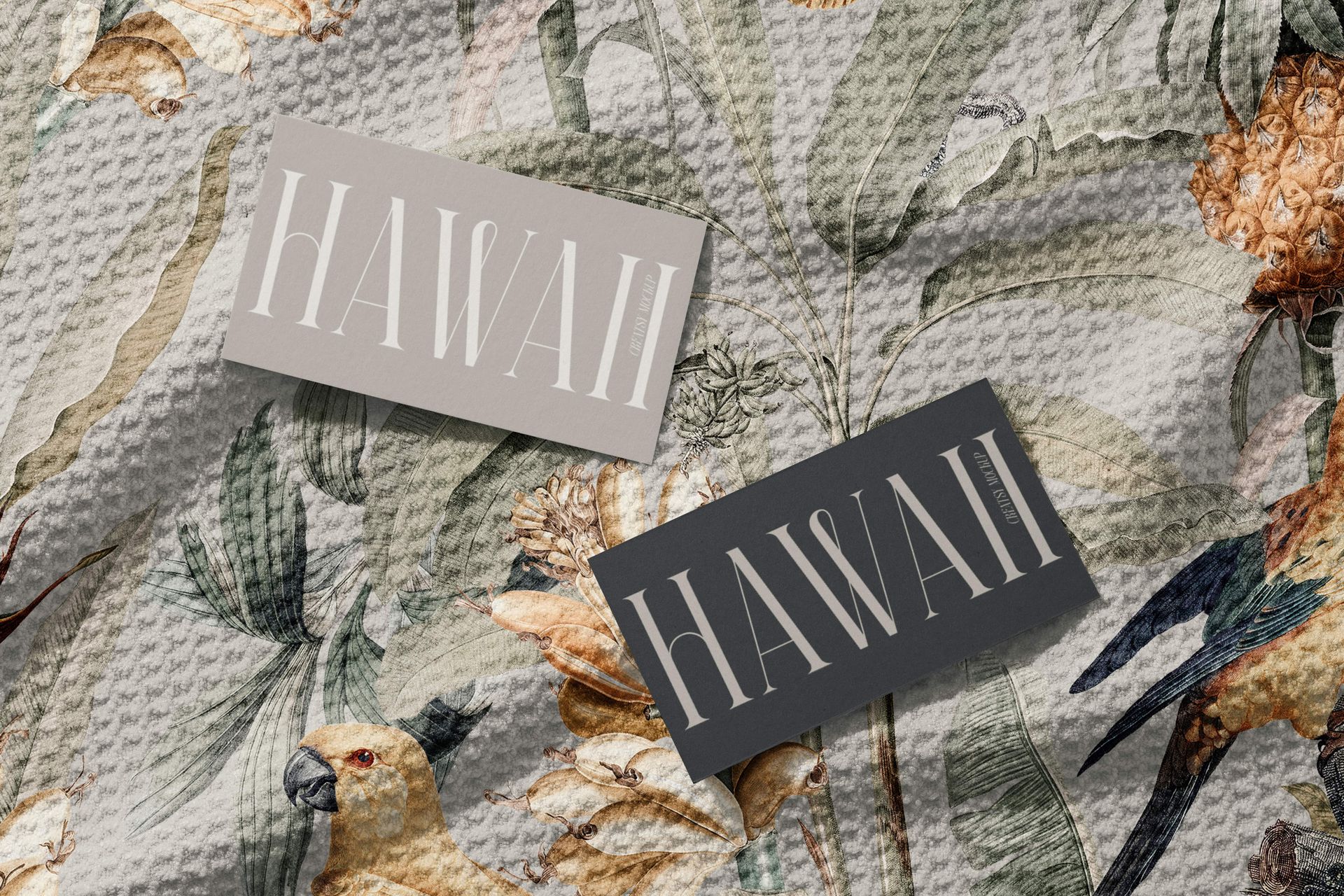
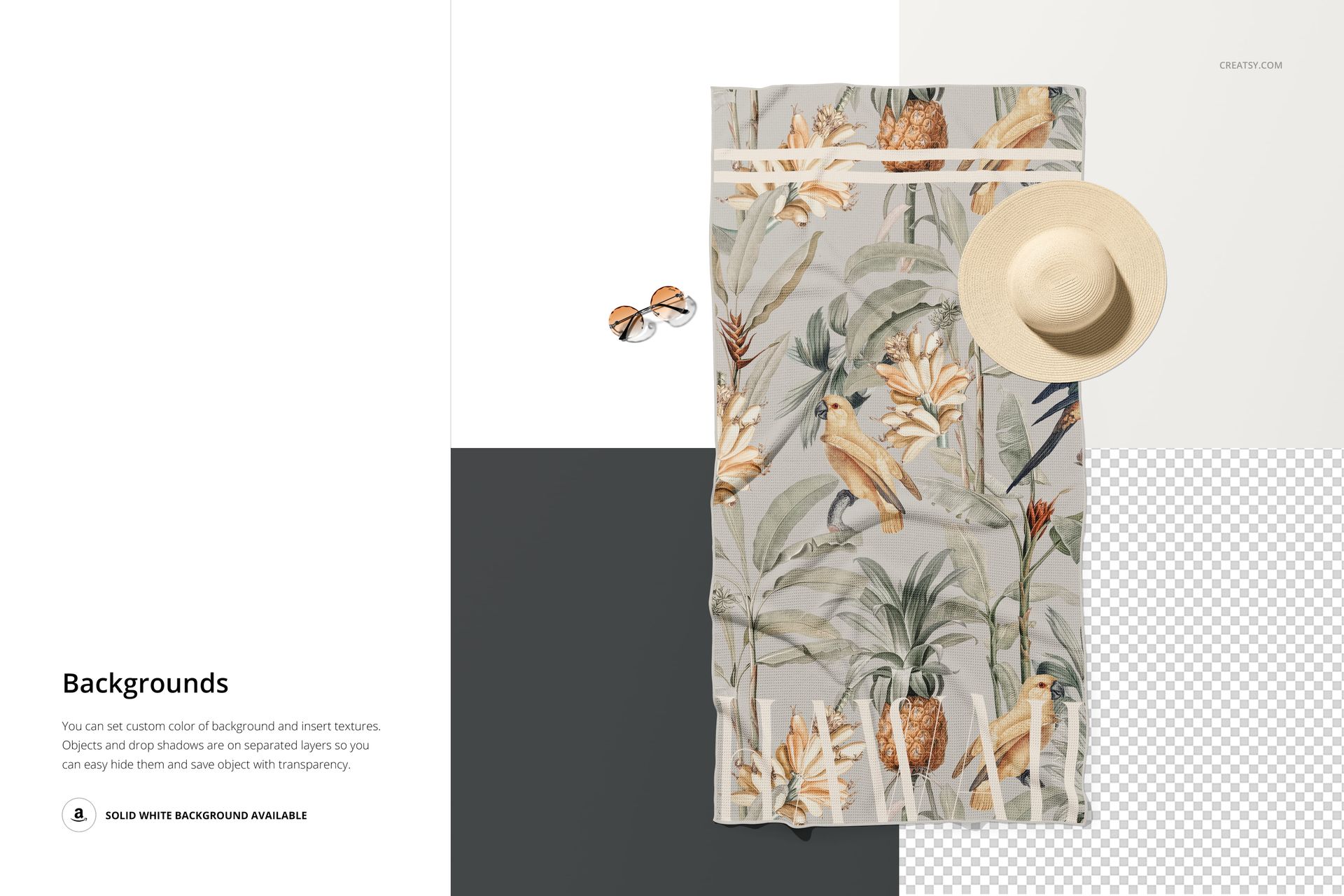
The range supports different roles within one visual sequence. Use a full towel or top view as the hero image, folded and draped scenes to show how a repeat responds to form, and texture-focused views to inspect scale and readability. Prop-styled compositions with a hat, sunglasses, cards, and a drawstring pouch add summer context without replacing a clear product view.
What Is Included
10 standard PSD mockup files
10 JPG preview files
1 User Manual PDF
21 files in total
PSD specifications listed at 6000 x 4000 px and 300 DPI
Adobe Photoshop CC2020 or newer confirmed
No PSB files
Ten Presentation Styles
Full towel and clear top-view compositions
Relaxed draped and folded towel arrangements
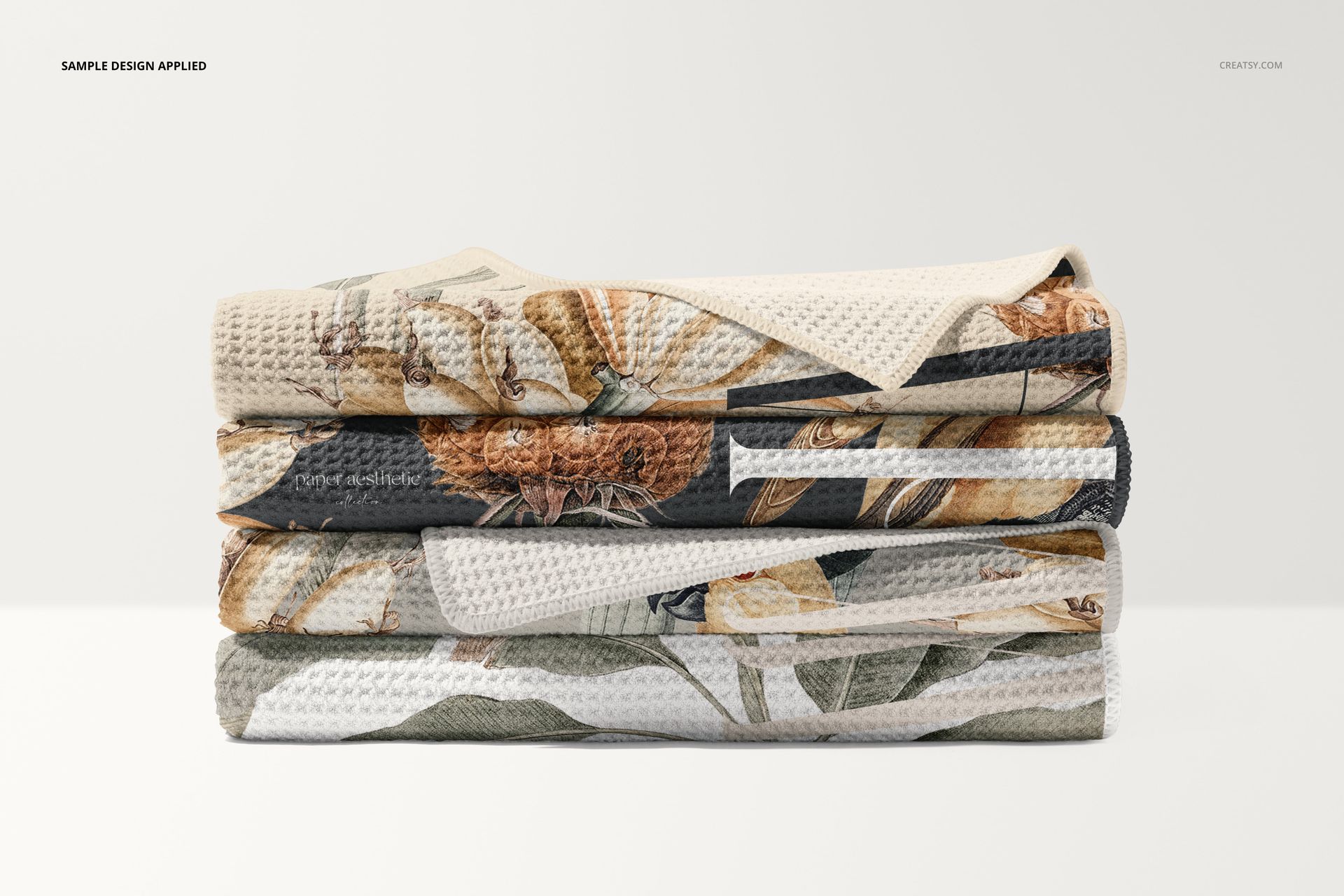
Angled folds and stacks of three or four towels
A rolled towel placed on neutral sand
Close views of the waffle weave and folded edge
Styled scenes featuring beach accessories as scene elements
The photographed backgrounds, sand, accessories, lighting, folds, and shadows should be treated as parts of the supplied scenes. Follow the included User Manual for the exact artwork placement workflow.
Build a Coherent Product Gallery
A broad hero view, one texture detail, one folded or stacked composition, and one beach-styled scene create a useful progression from product overview to material detail and context. This makes the set suitable for presenting a single pattern consistently across client decks, portfolios, lookbooks, and product galleries.
Intended Uses
Surface pattern and textile design portfolios
Beach, travel, resort, and summer collection concepts
Client approvals and repeat-scale reviews
Towel branding and product presentation
Lookbooks, campaign graphics, and online product galleries
Color, contrast, and texture evaluation
Digital Product and Preview Artwork
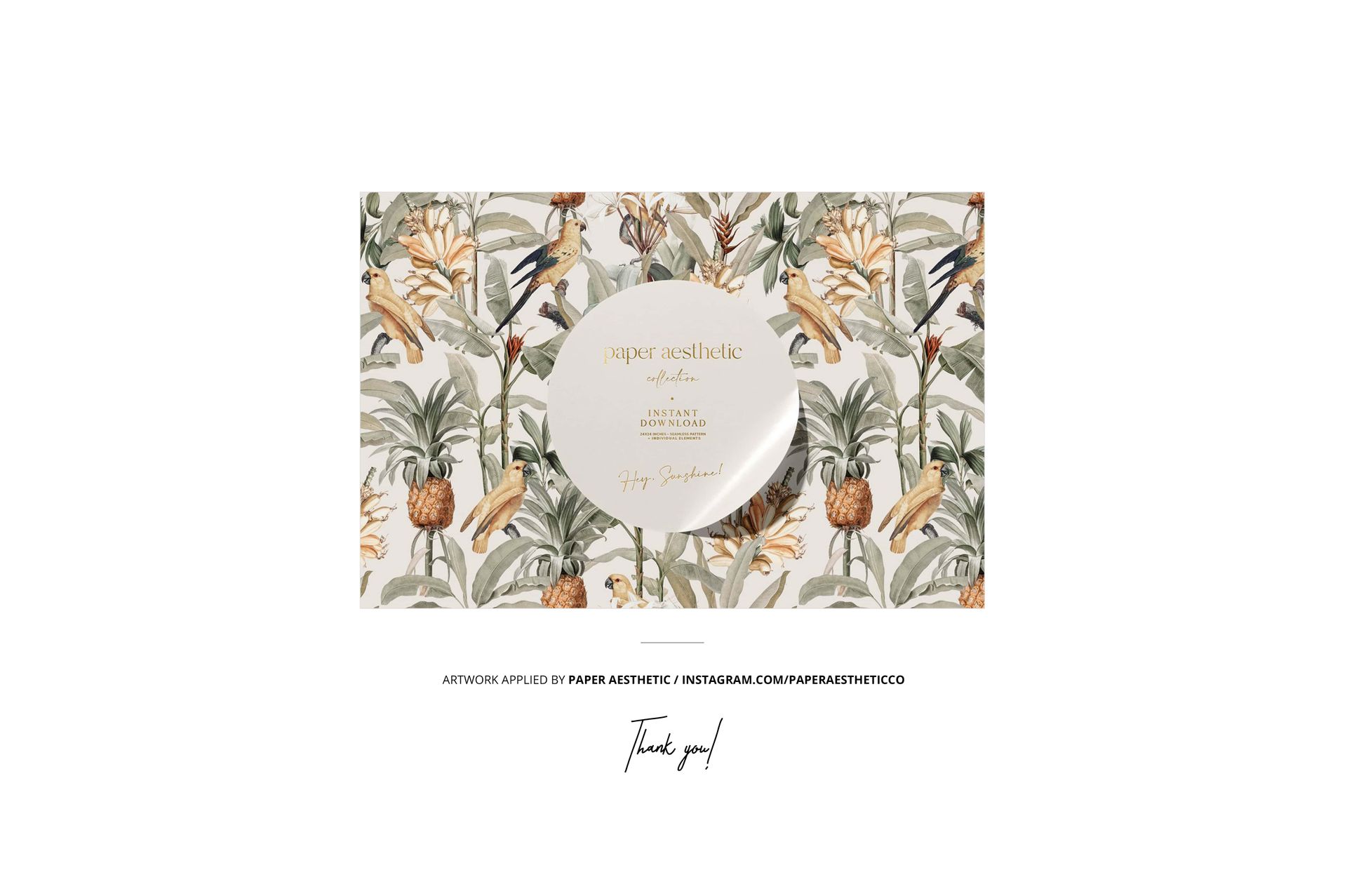
This is a digital mockup set and no physical towel is supplied. The sample pattern shown in the previews is credited to paper aesthetic and is not included in the product files.












I've used lots of Creatsy mockups and they are all excellent.
Thank you so much for your kind words and for using so many of our mockups! We’re delighted they’ve worked well for your projects, and we truly appreciate your continued support.