Tassel Fringe Round Beach Towel Mockup
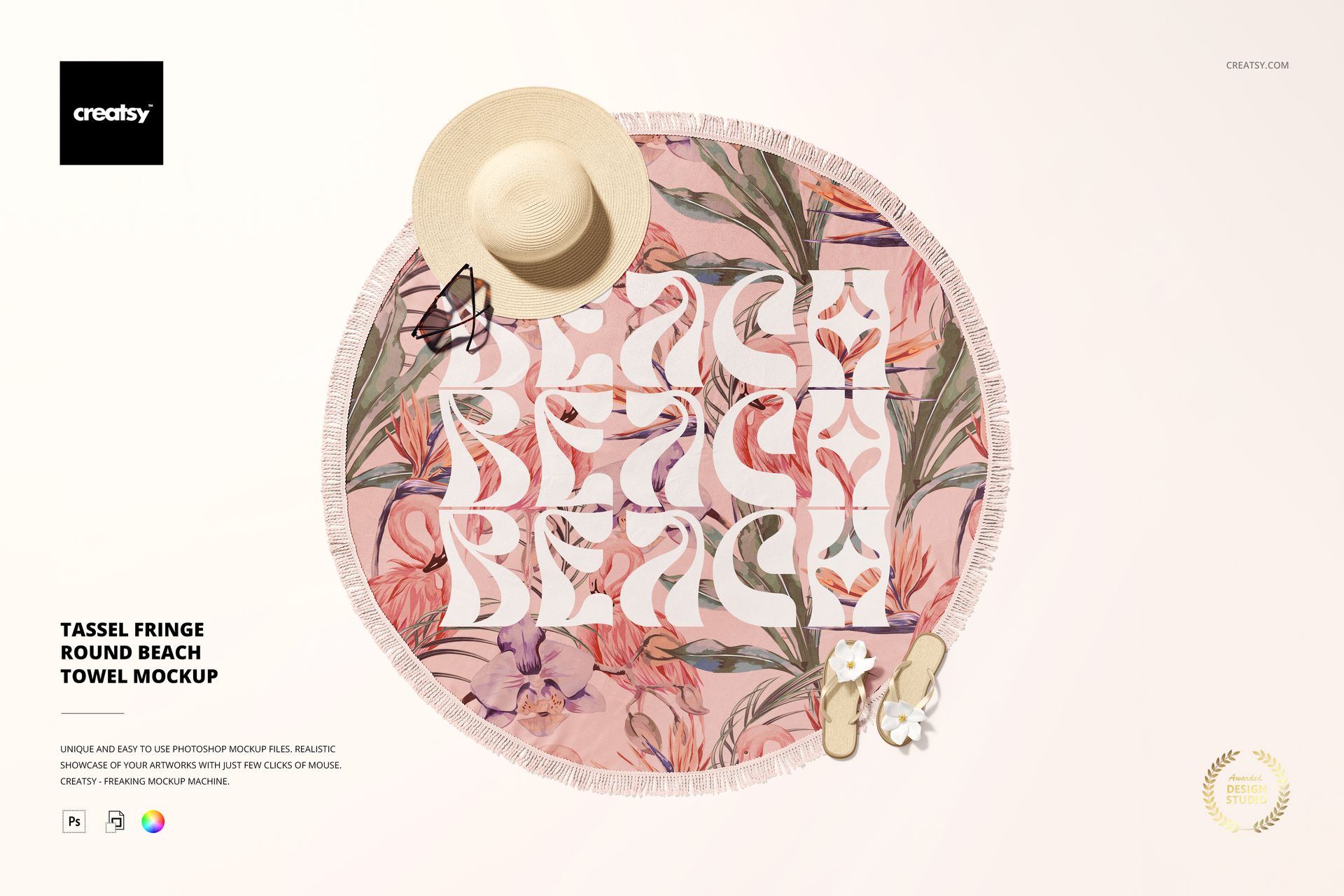
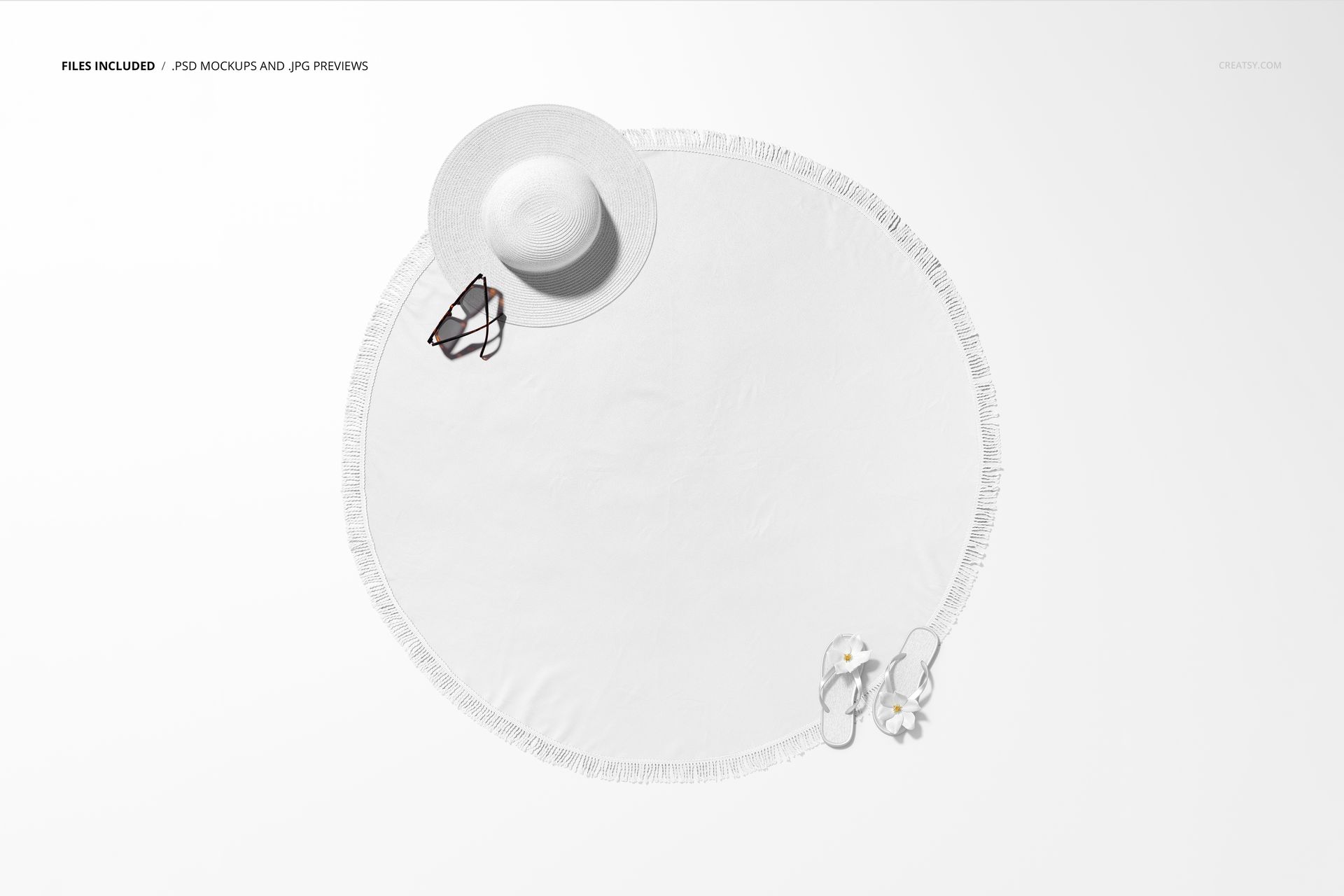
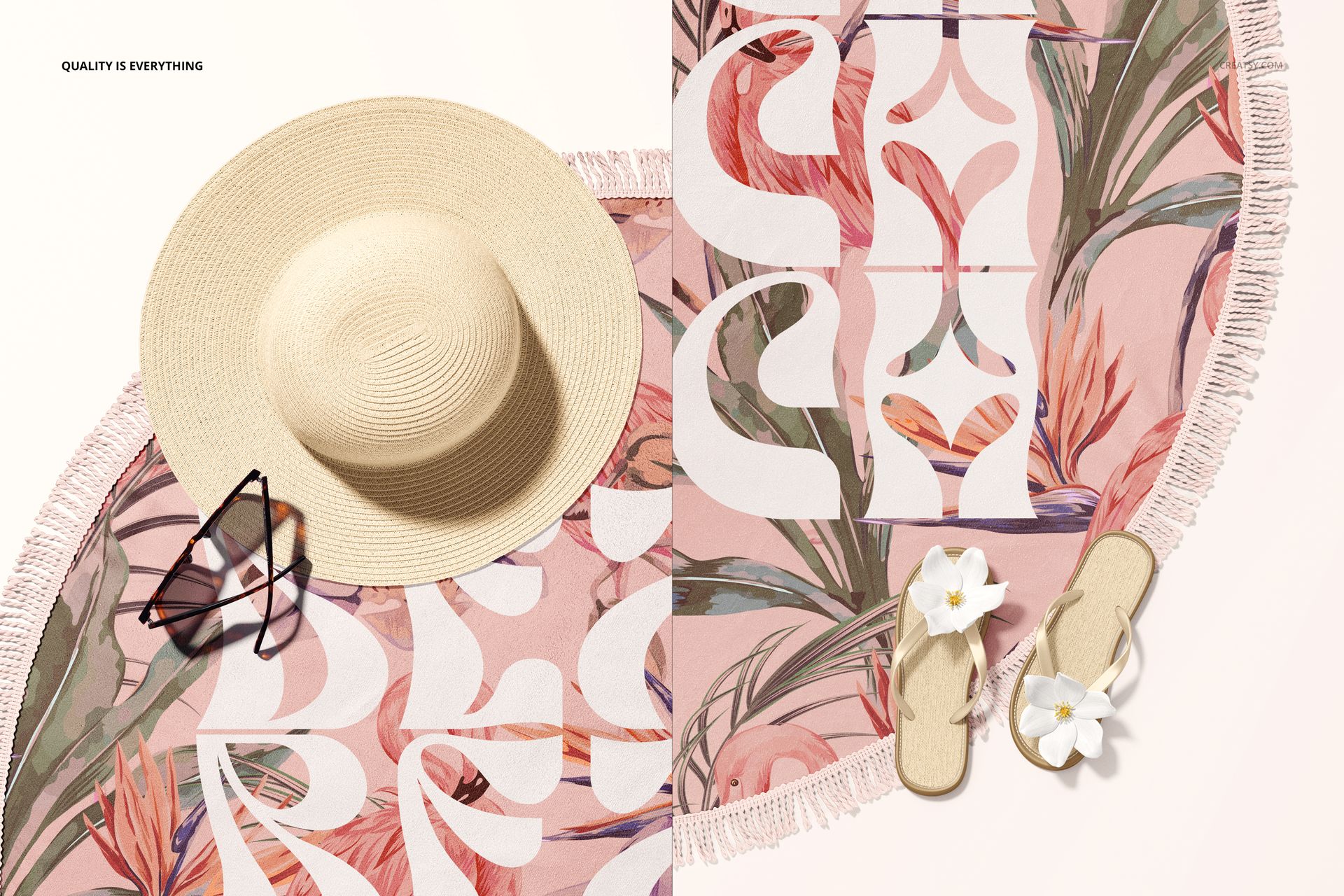
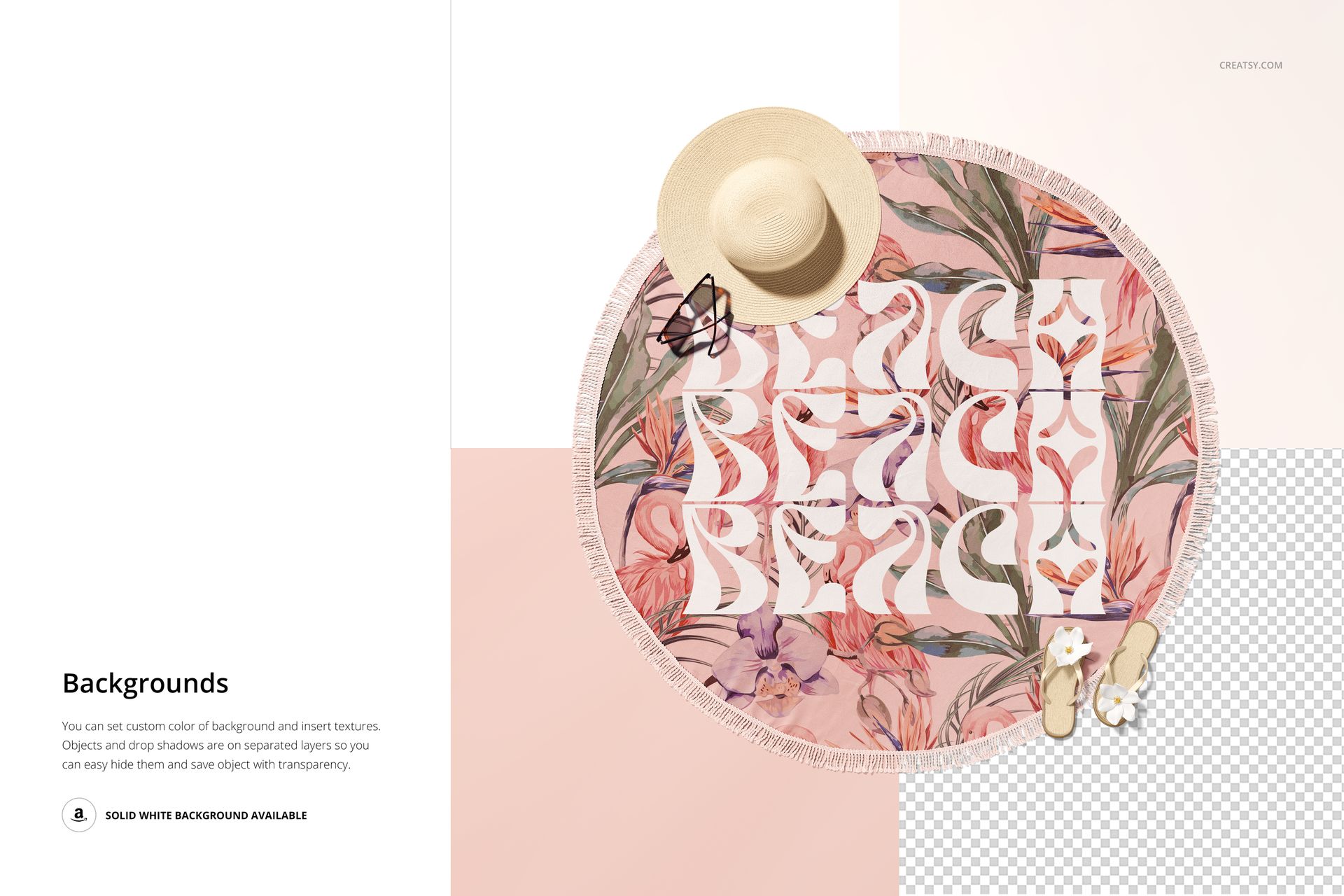
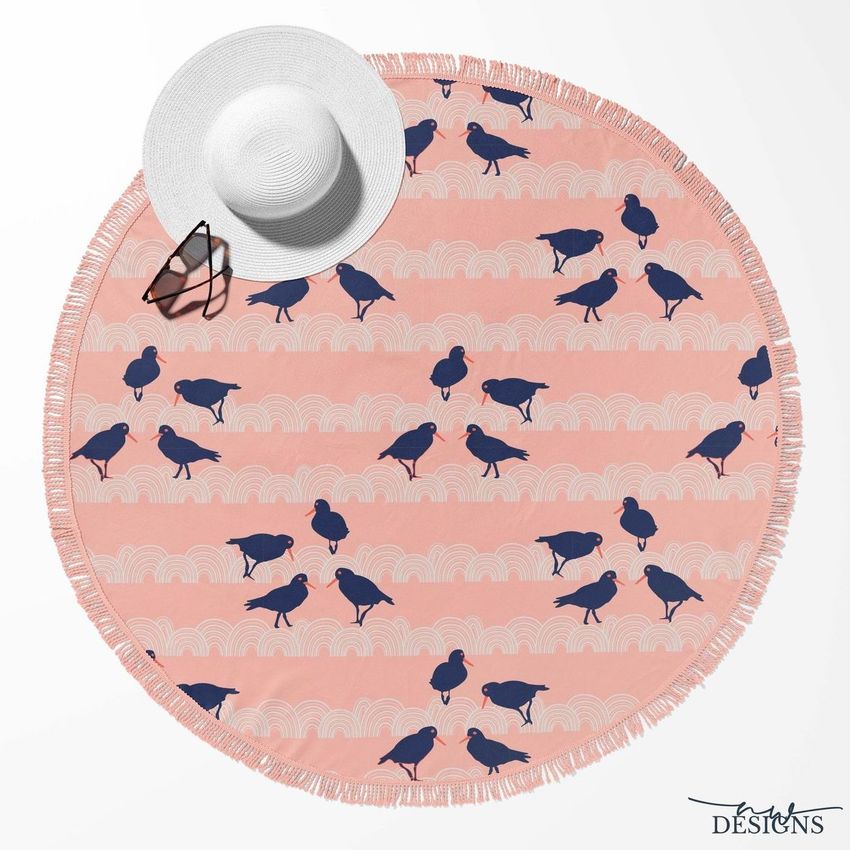
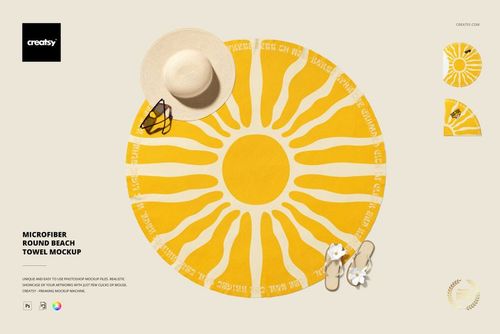
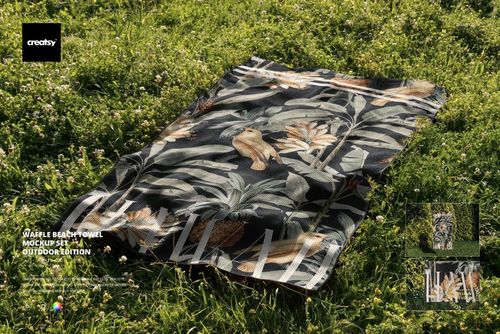
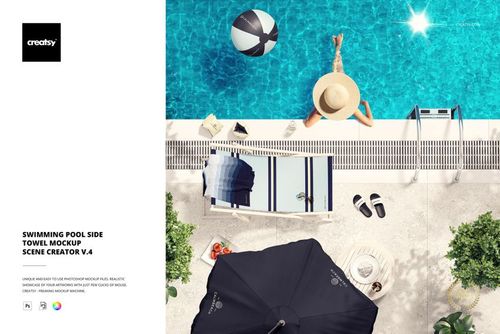
Show a complete circular surface pattern on a realistic 150 x 150 cm, approximately 60 inch, towel photographed from above. This single high-resolution scene preserves the round silhouette, fabric texture, tassel fringe, and summer styling while keeping the artwork easy to evaluate.
A Clear Top View for Complete Pattern Presentation
The overhead composition gives large repeats, placement prints, and centered graphics room to read without being hidden by folds. It is especially useful for comparing pattern scale, checking edge spacing, and presenting coordinated colorways to clients or licensing partners.
What Is Included
1 layered PSD mockup with well-organized layers
1 JPG preview image
1 PDF user manual
3 files in total
6000 x 6000 px square canvas
300 DPI resolution
Towel size of 150 x 150 cm, approximately 60 inches
Standard PSD format
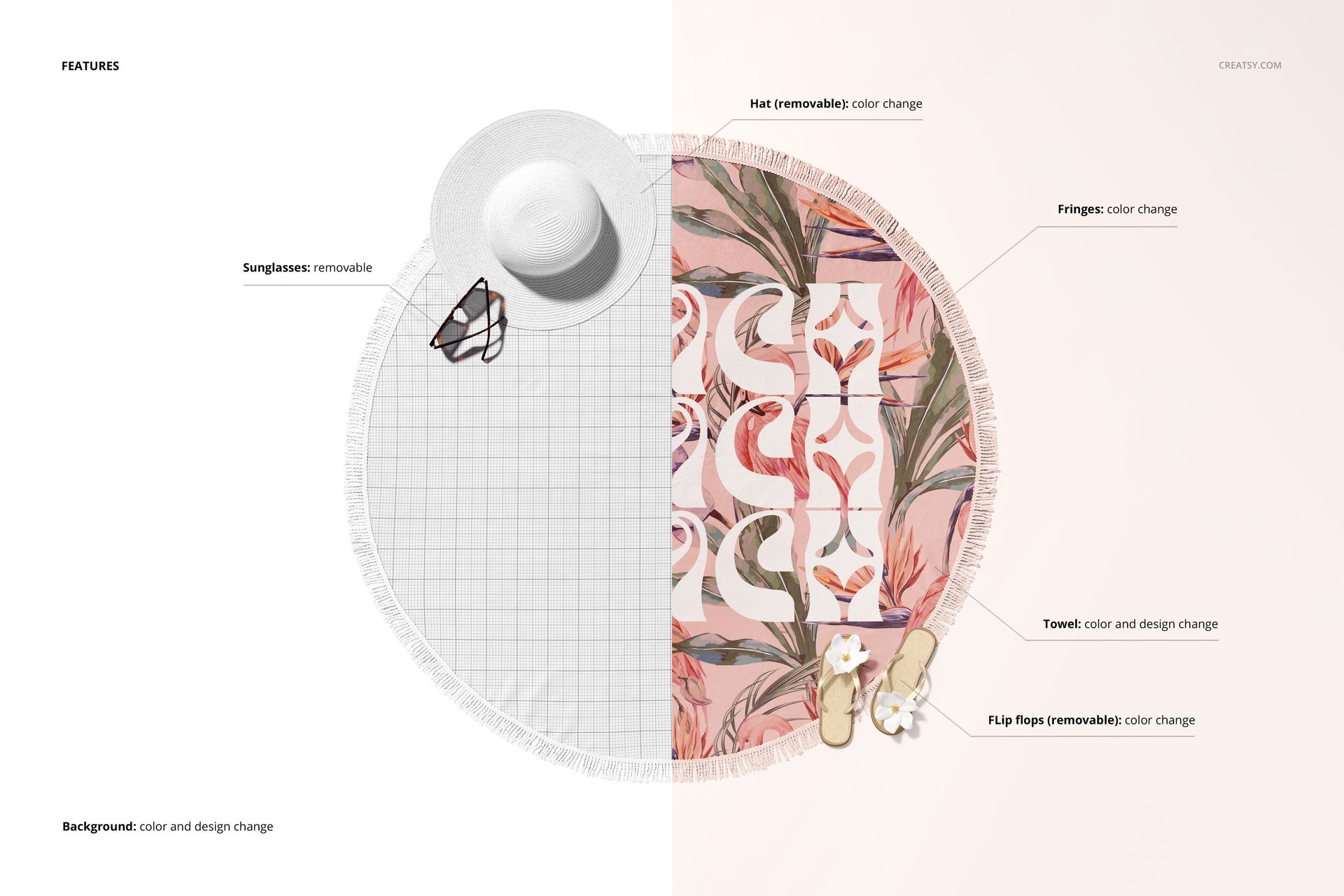
Confirmed Editing Options
Replace the towel artwork through a Smart Object
Change the towel base color
Recolor the tassel fringe
Change the background color and design
Remove the hat or change its color
Remove the flip-flops or change their color
Remove the sunglasses
Built for Circular Layout Review
Use the unobstructed round shape to inspect radial balance, border spacing, motif direction, and the relationship between the printed area and the tassel edge. The same controlled composition also makes before-and-after color comparisons easier to understand.
Adobe Photoshop Workflow
Open the Smart Object, place the artwork, save it, and return to the main PSD to review the result. Dedicated color and visibility layers help coordinate the towel, fringe, background, and selected accessories. Confirmed compatibility is Adobe Photoshop CC2015 or later.
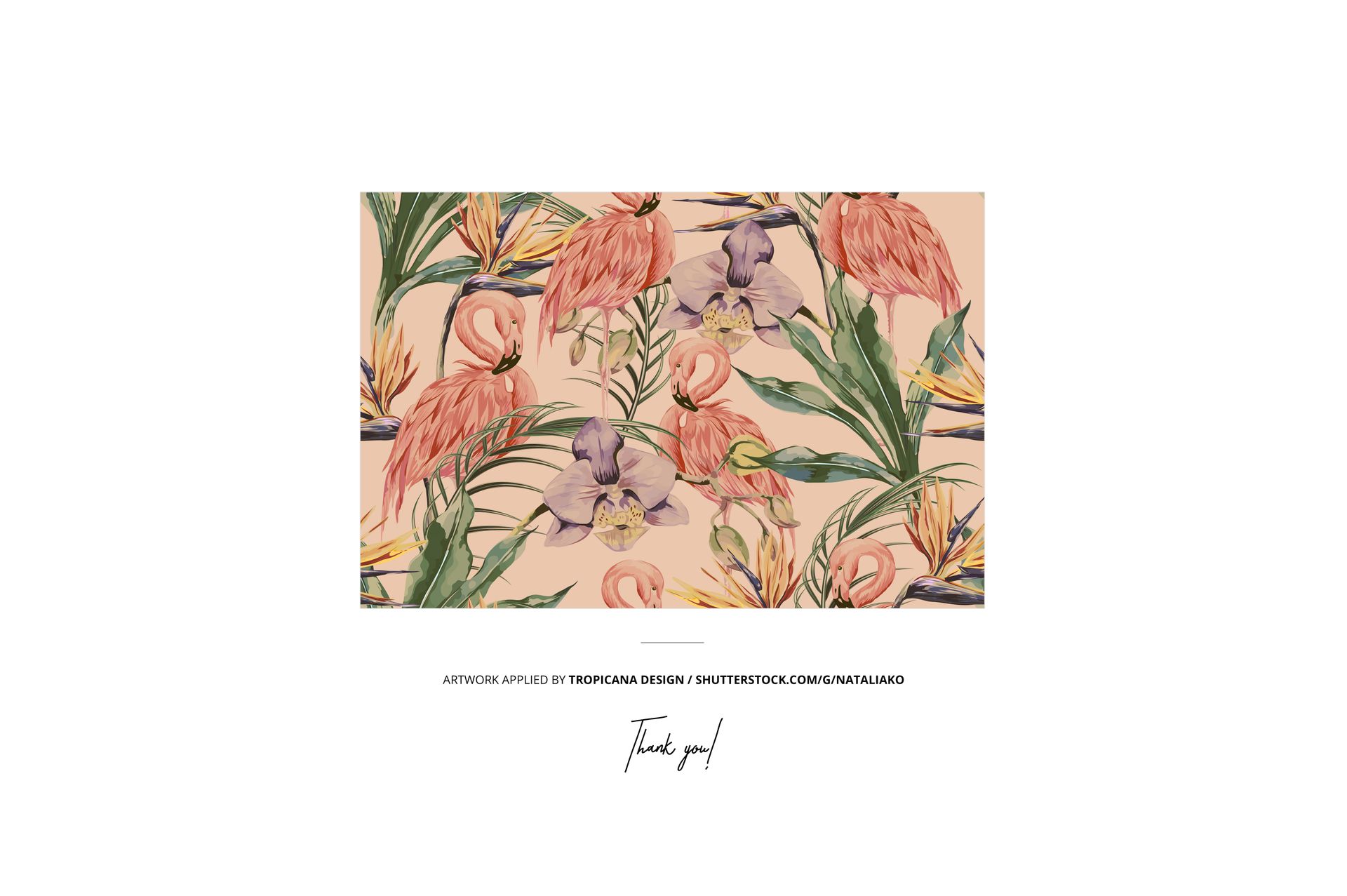
Preview Artwork Credit
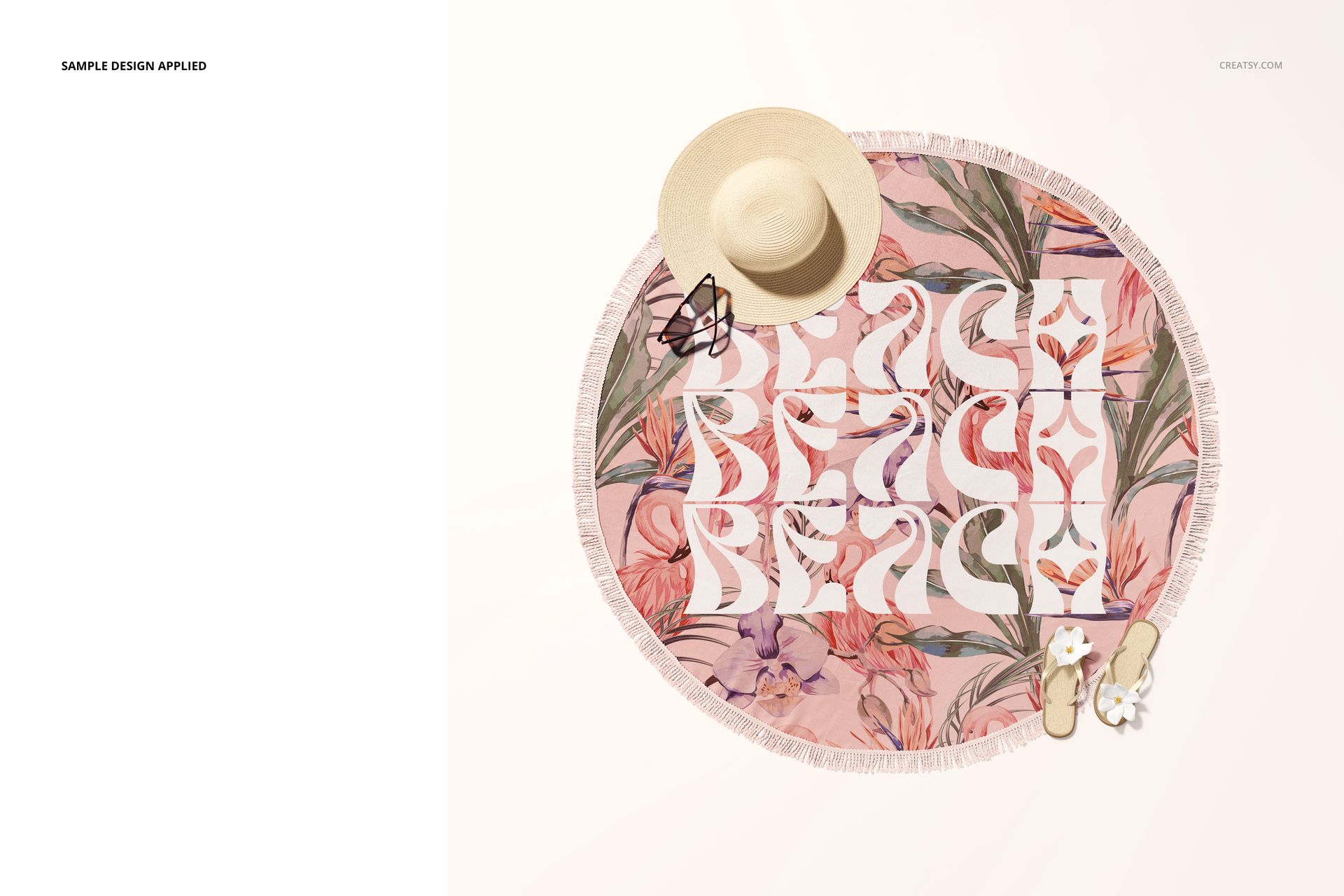
Tropicana Design / NataliaKo
The tropical sample artwork is used for presentation purposes only and is not included with the mockup files.
This is a digital product. No physical towel or accessories will be shipped.