Swimming Pool Side Towel Mockup Scene Creator v.1
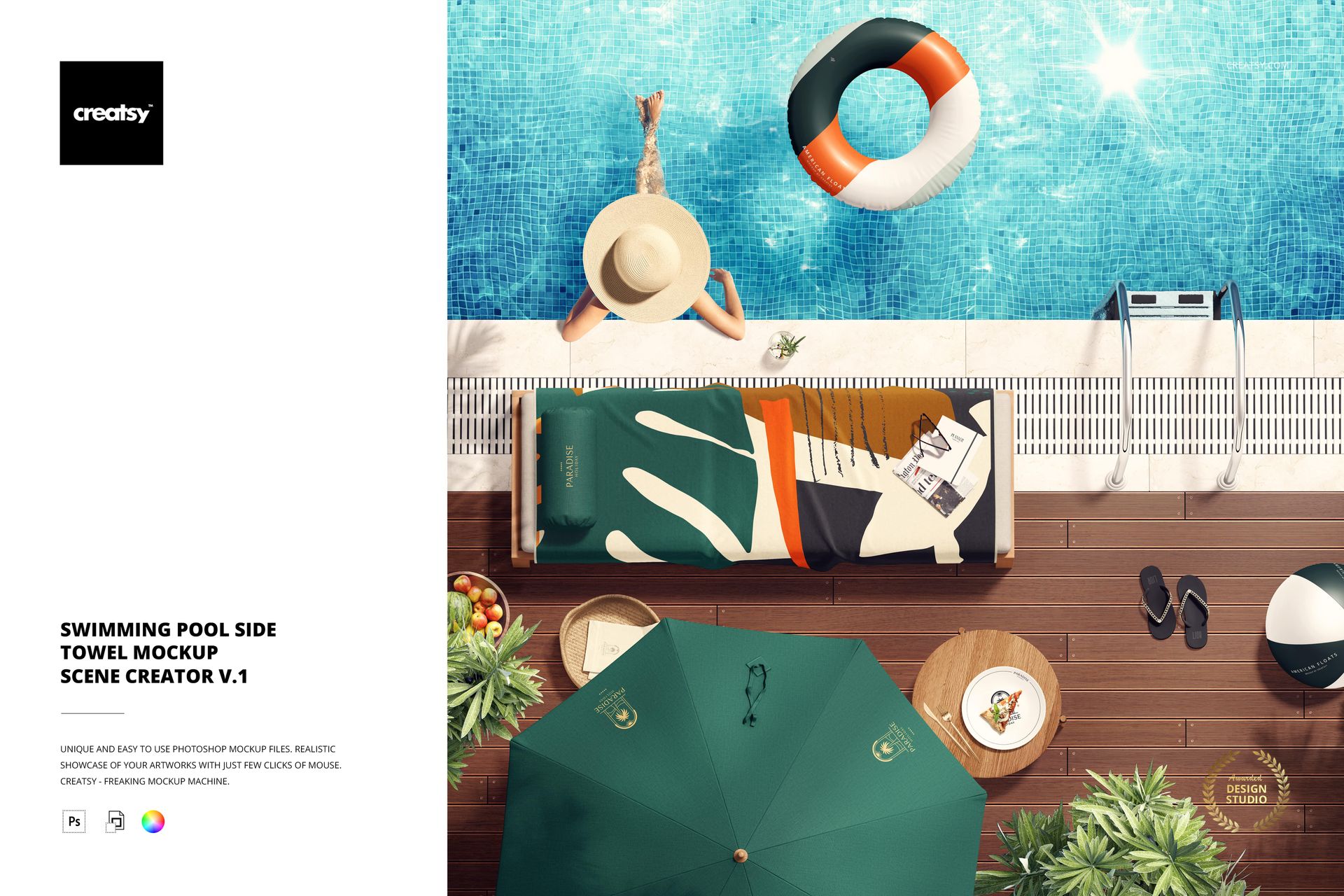
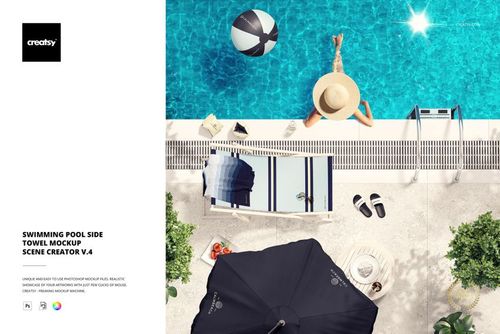
Present towel artwork in a bright poolside setting without organizing a full photo shoot. This high-resolution Smart Object mockup places the towel on a lounge chair beside an umbrella and blue swimming pool, giving surface patterns and brand graphics an immediate summer context.
A Focused Top-View Poolside Composition
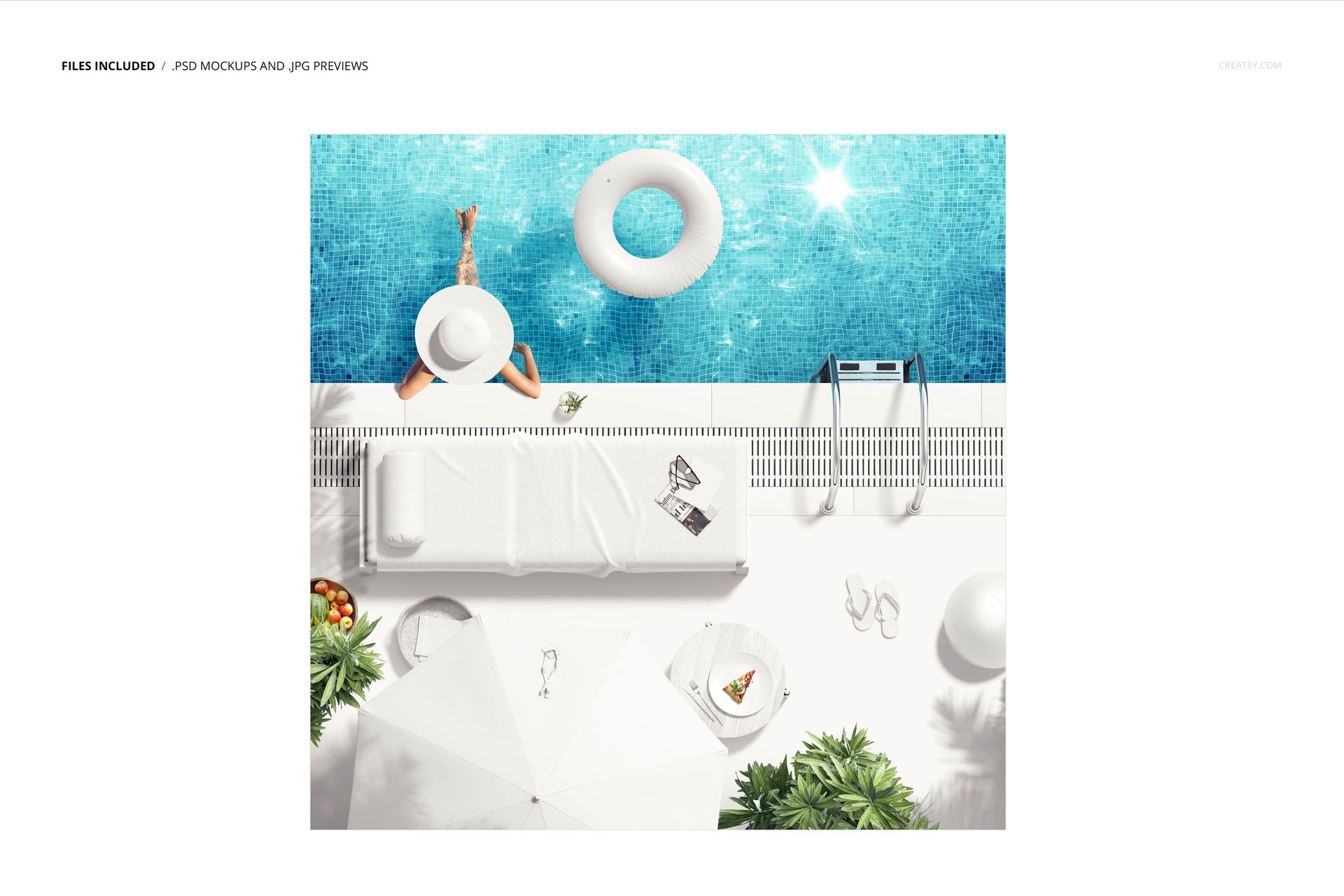
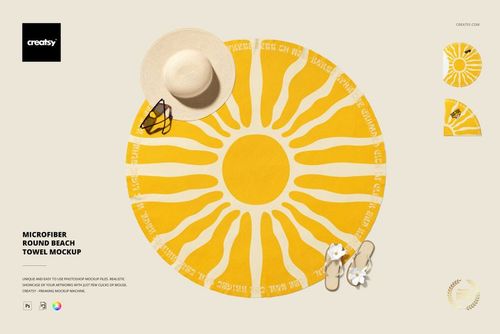
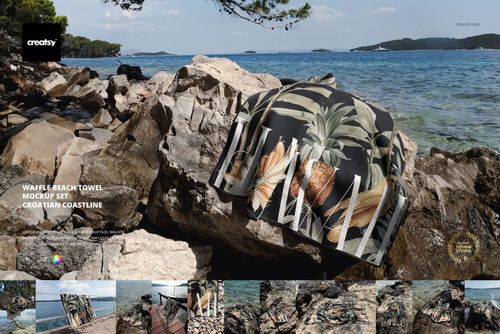
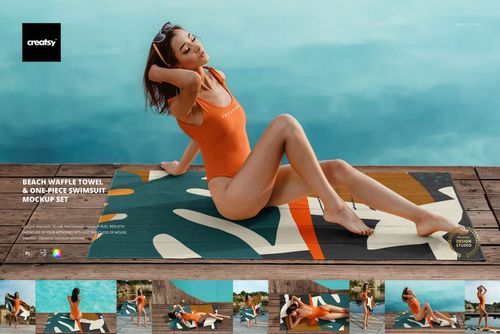
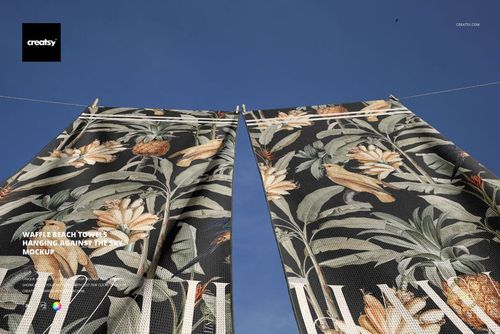
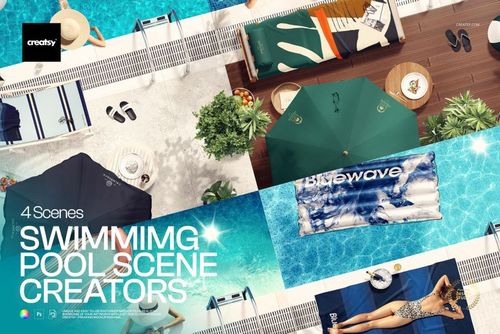
The overhead viewpoint keeps the towel easy to evaluate while the lounge chair, pool edge, umbrella and seasonal accessories establish a relaxed resort atmosphere. Gallery examples show a patterned towel, a clean white towel, vivid abstract artwork and a lifestyle variation featuring a woman seated by the pool.
Fast Smart Object Editing
Open the designated Smart Object, place your artwork and save to review the finished composition. The confirmed workflow preserves the prepared lighting and folds, while well-organized layers make the PSD easier to navigate in Photoshop CC2020 or newer.
What Is Included
1 layered PSD mockup with a Smart Object workflow for the towel artwork
1 JPG reference image
2 files in total
6000 x 6000 px square canvas
300 DPI resolution
Standard PSD format, not PSB
Well-organized layers
Useful for Textile and Hospitality Design
Use the mockup to present beach towel collections, repeat patterns, resort or hotel branding, pool club campaigns, summer lookbooks, portfolio case studies and client approval concepts. The square format works especially well for campaign tiles, presentation covers and social media previews.
Clear Editing Scope
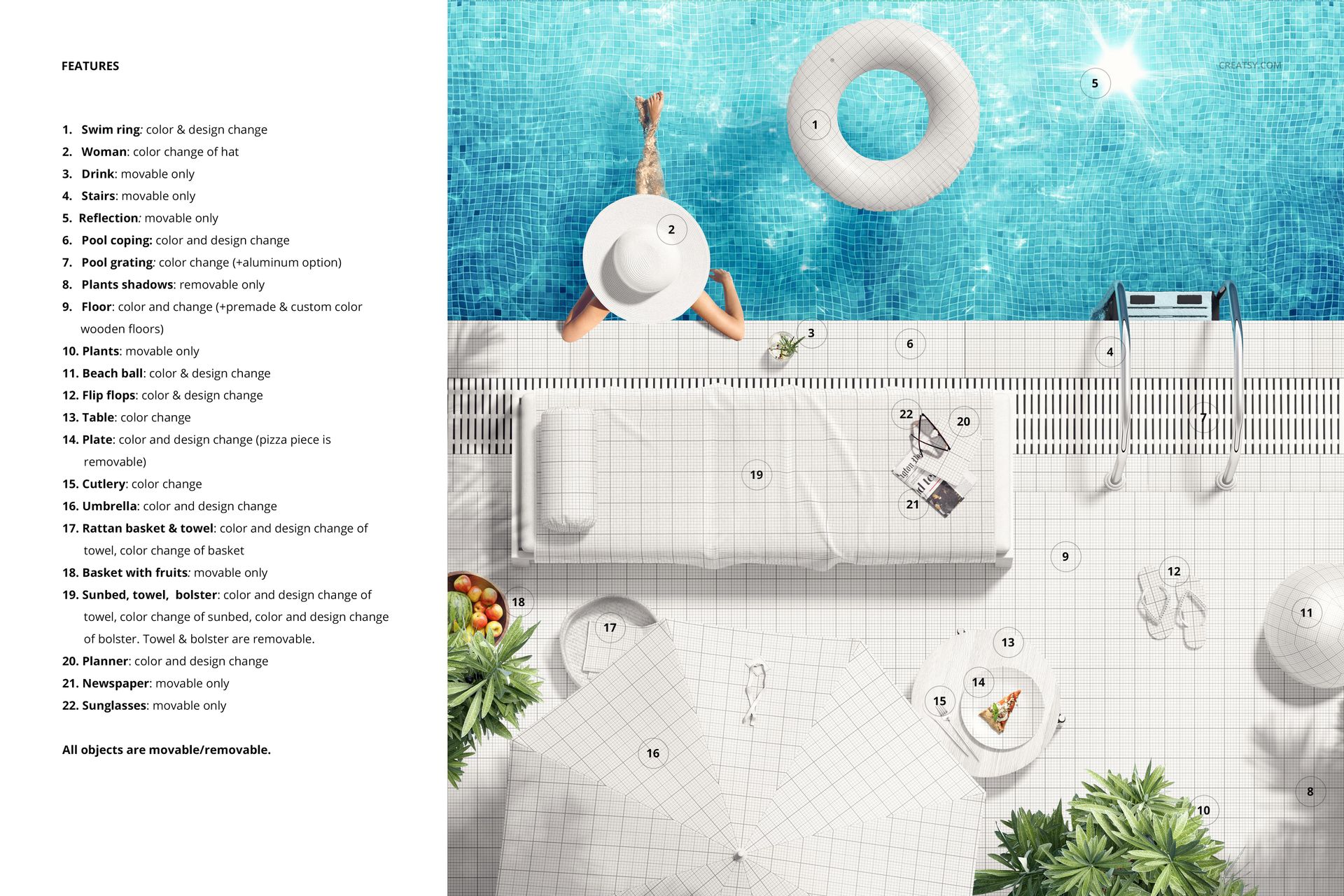
The editable focus is the towel artwork through the supplied Smart Object workflow. Treat the woman, lounge chair, pool, umbrella and accessories as scene styling unless the PSD layer structure identifies an element as separately editable.
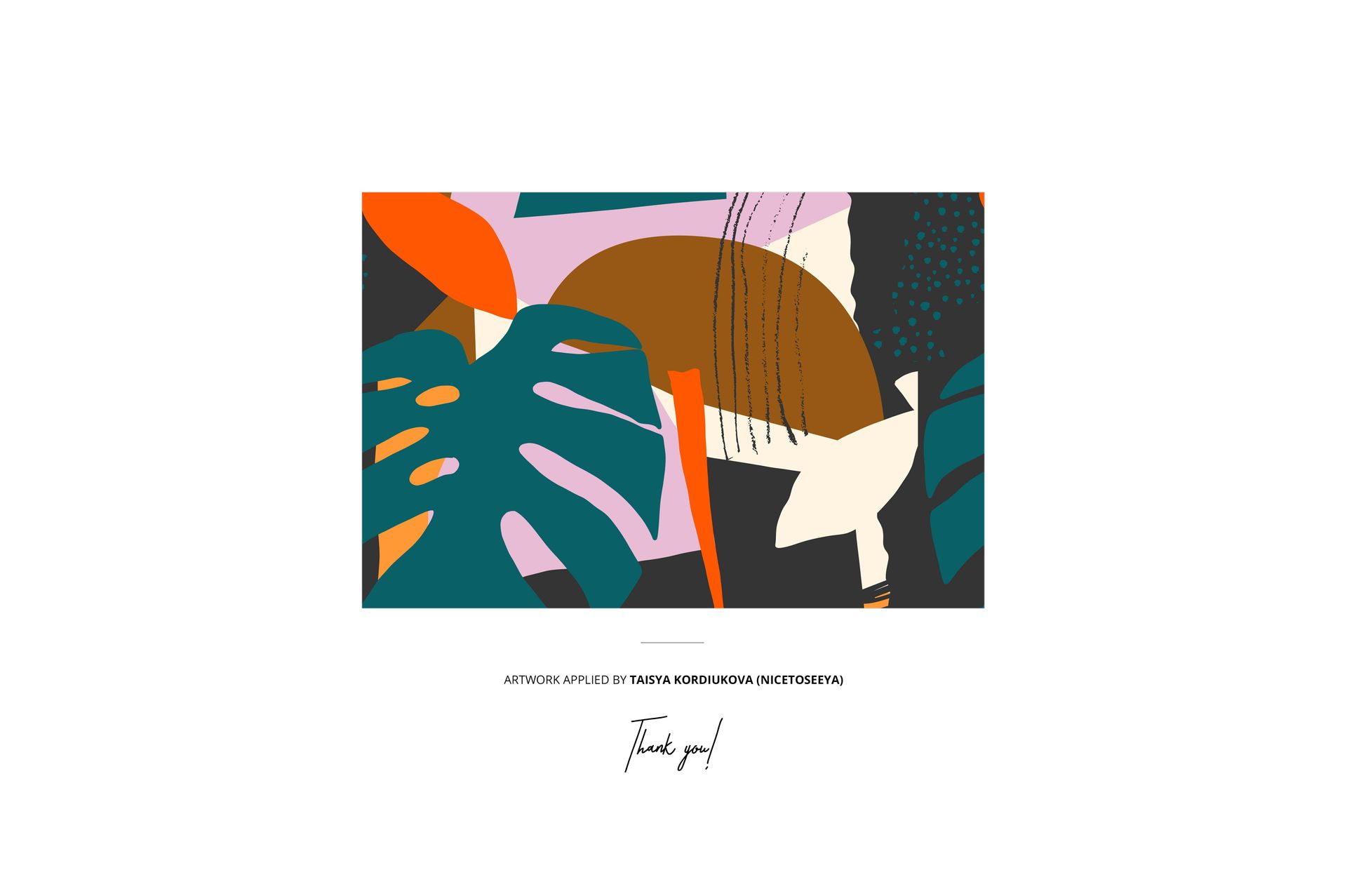
Preview Artwork Credit
The pattern shown in the previews is credited to Taisya Kordiukova / Nicetoseeya. It is used for demonstration purposes and is not included with the product files.