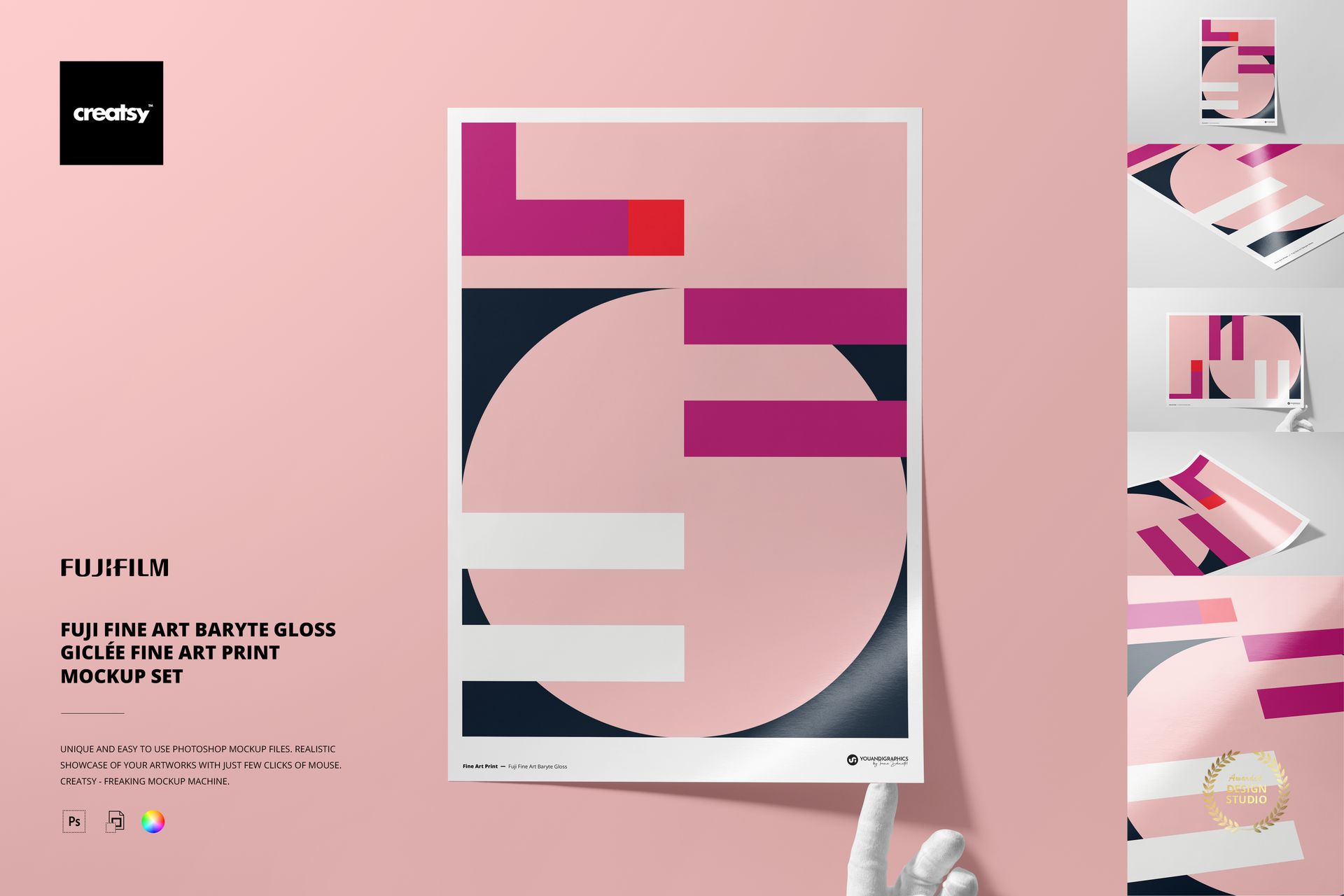
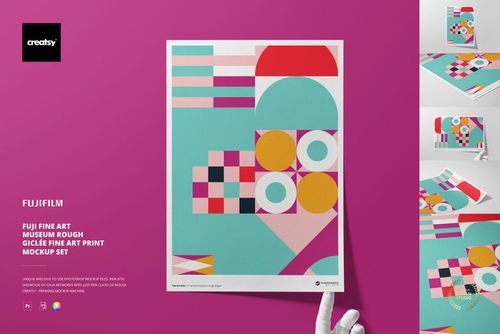
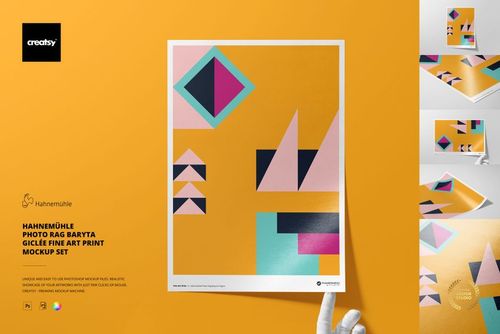
Fuji Baryte Gloss A3 Fine Art Print Mockup Set
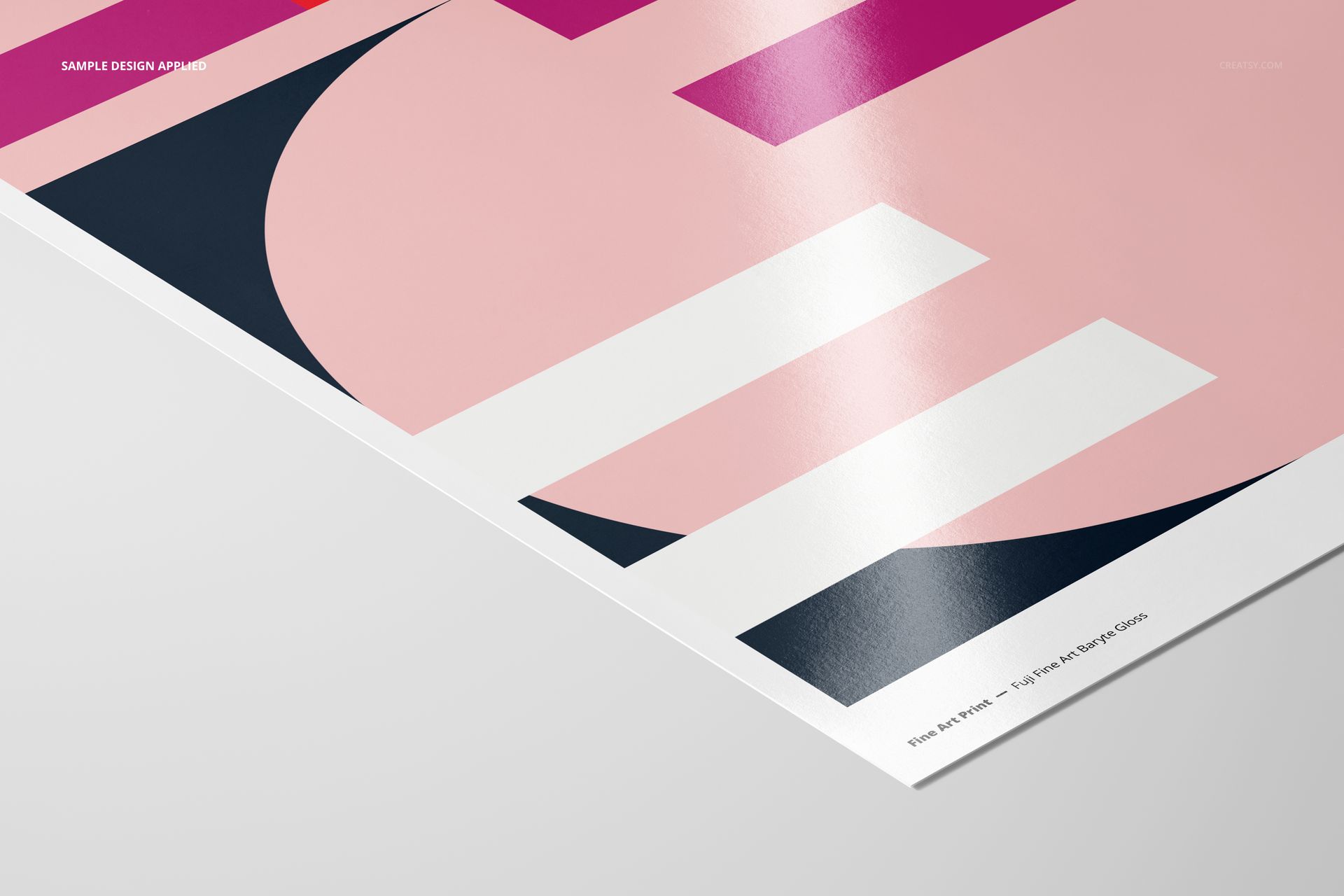
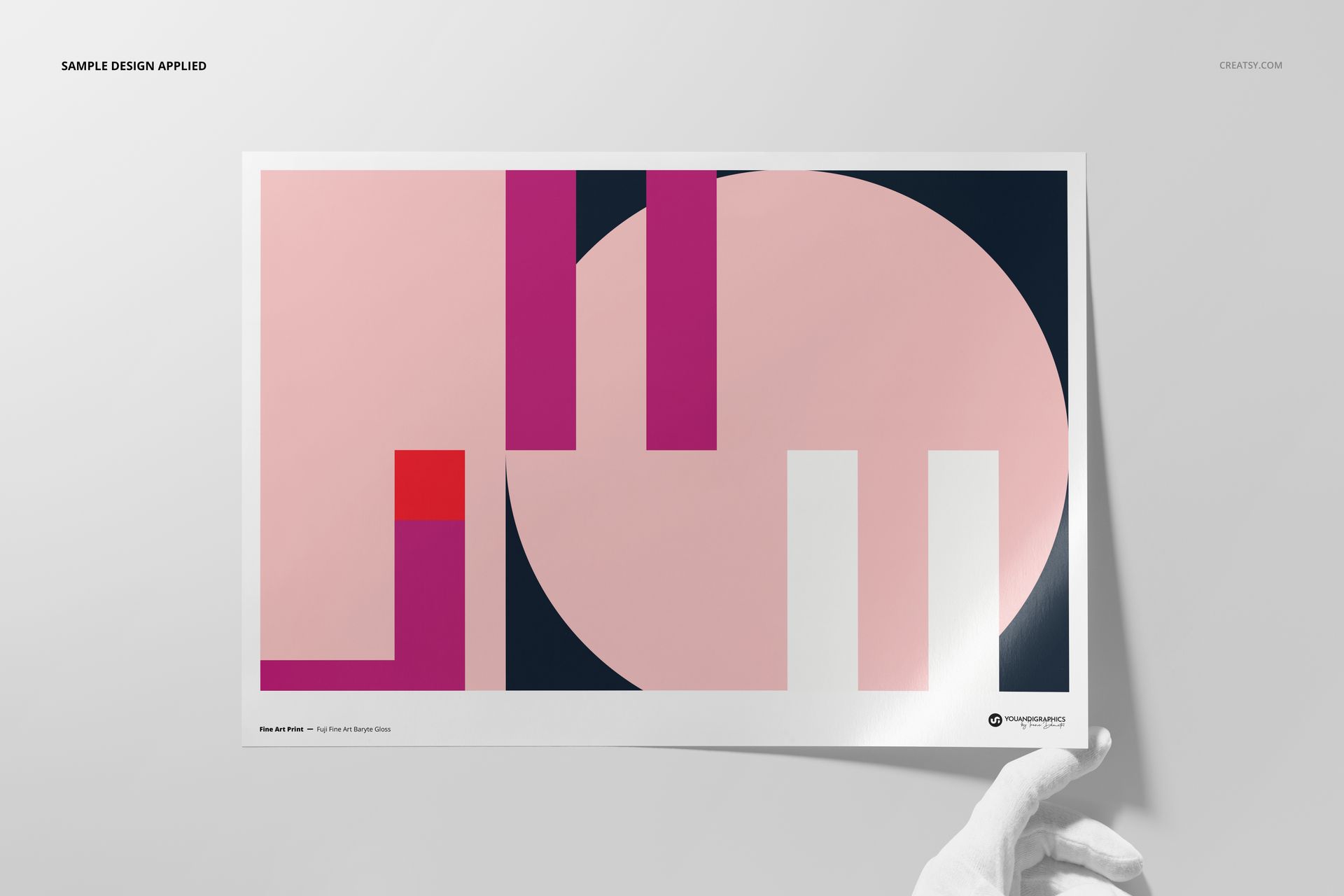
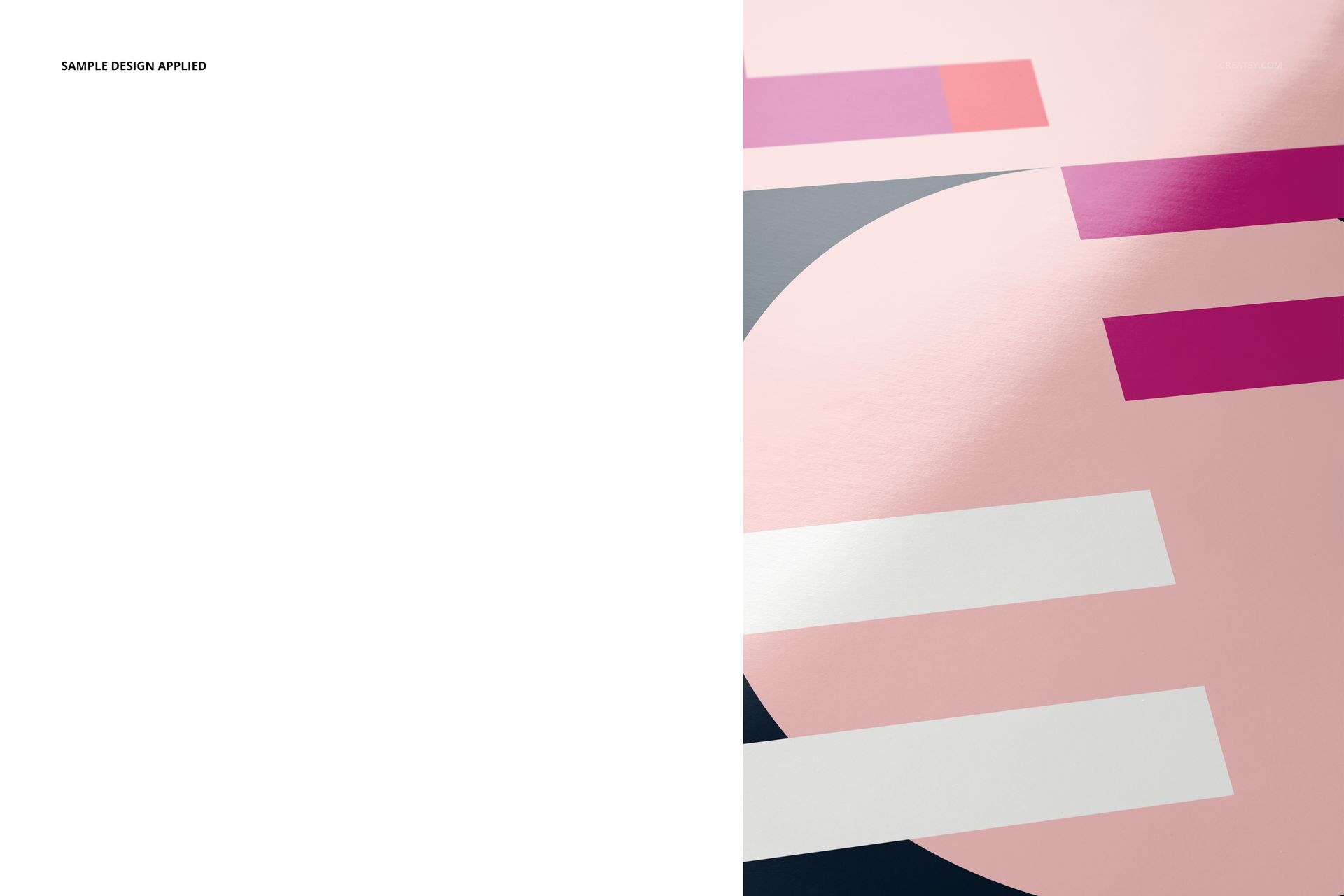
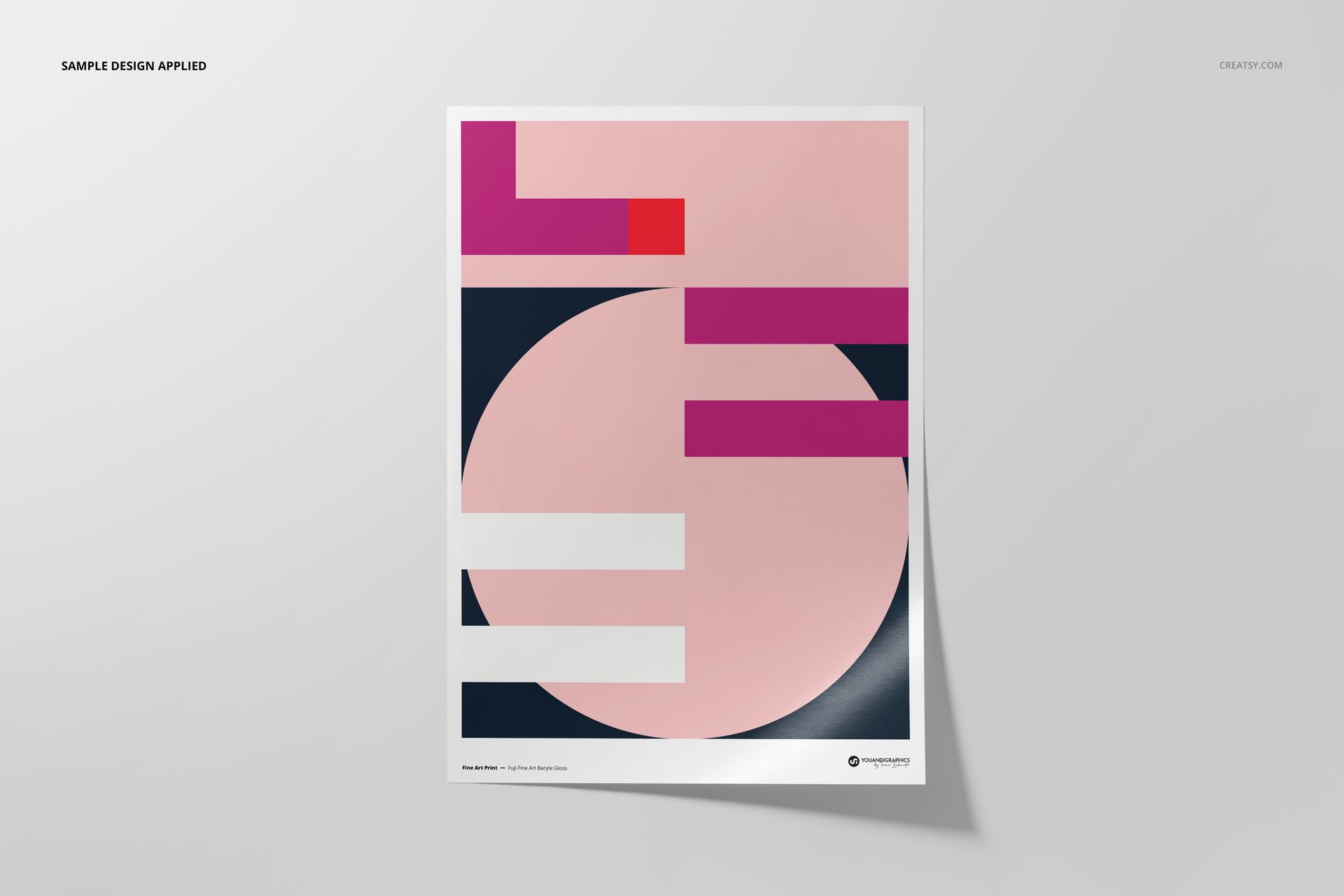
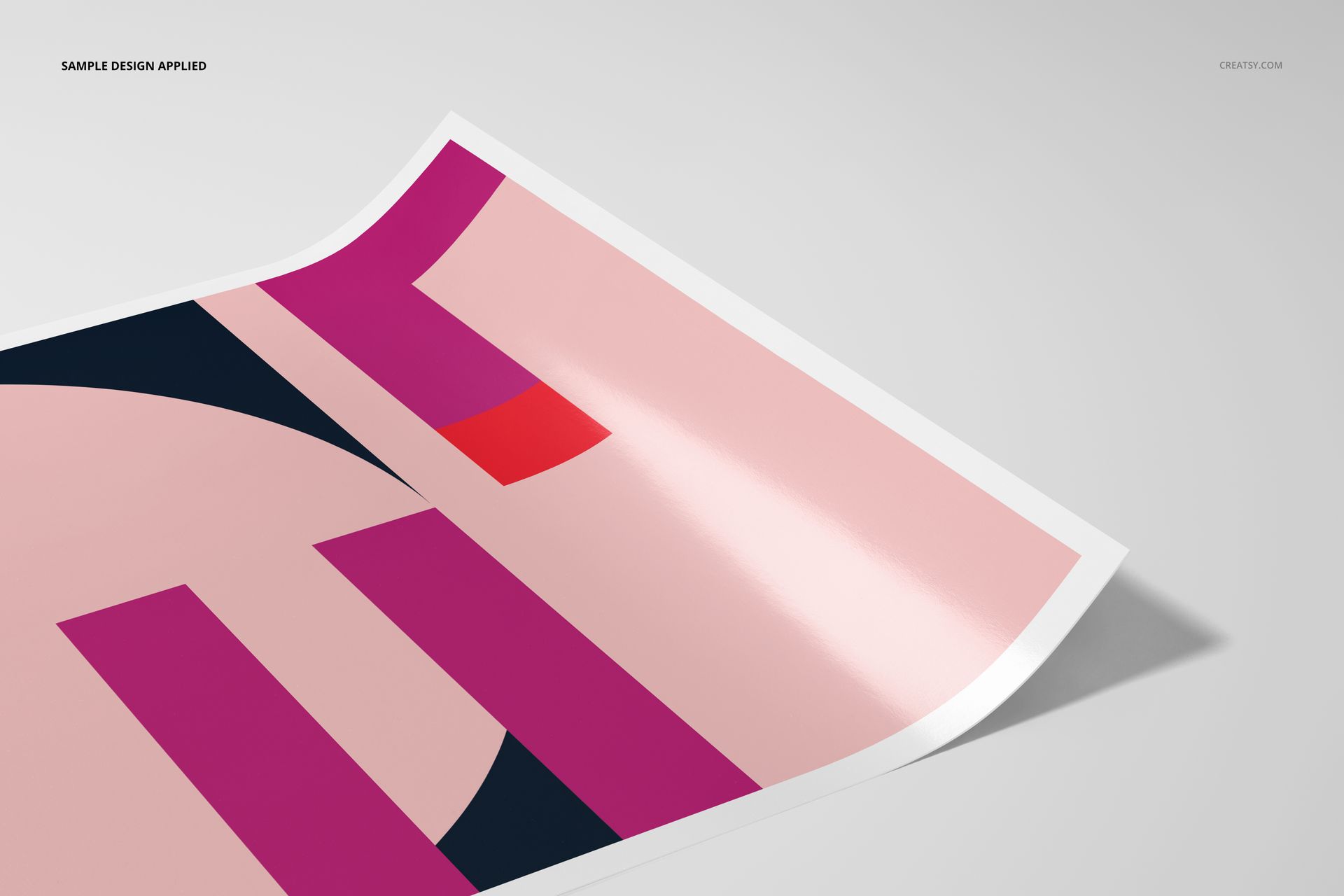
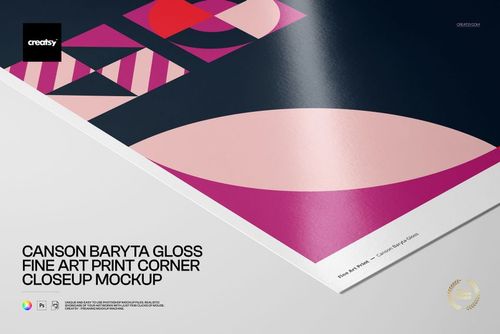
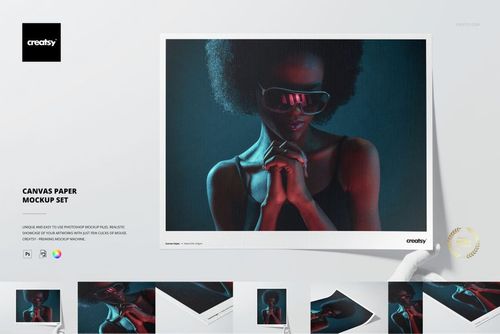
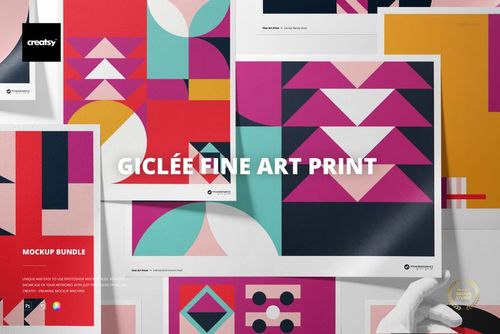
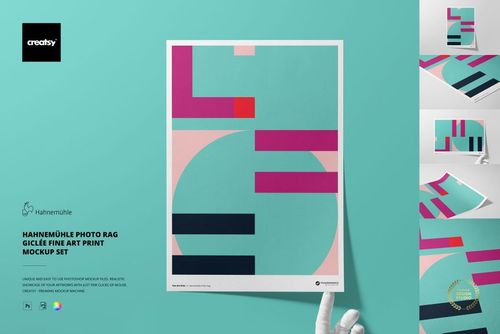
Present photography, illustration and limited-edition artwork on the glossy surface of Fuji Fine Art Baryte Gloss 310 gsm paper. Five coordinated A3 scenes combine front, top, angled, close-up and optional gloved-hand views.
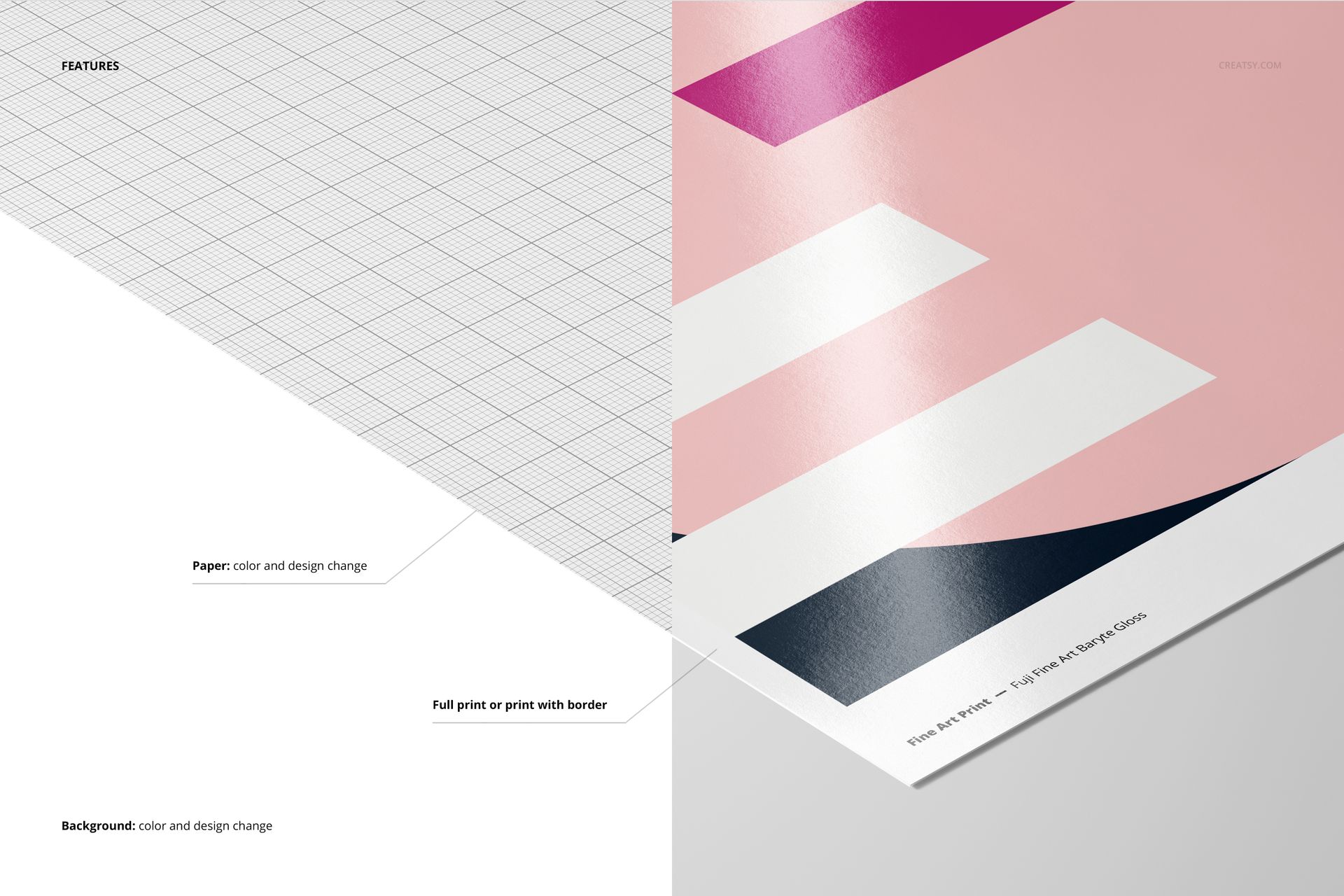
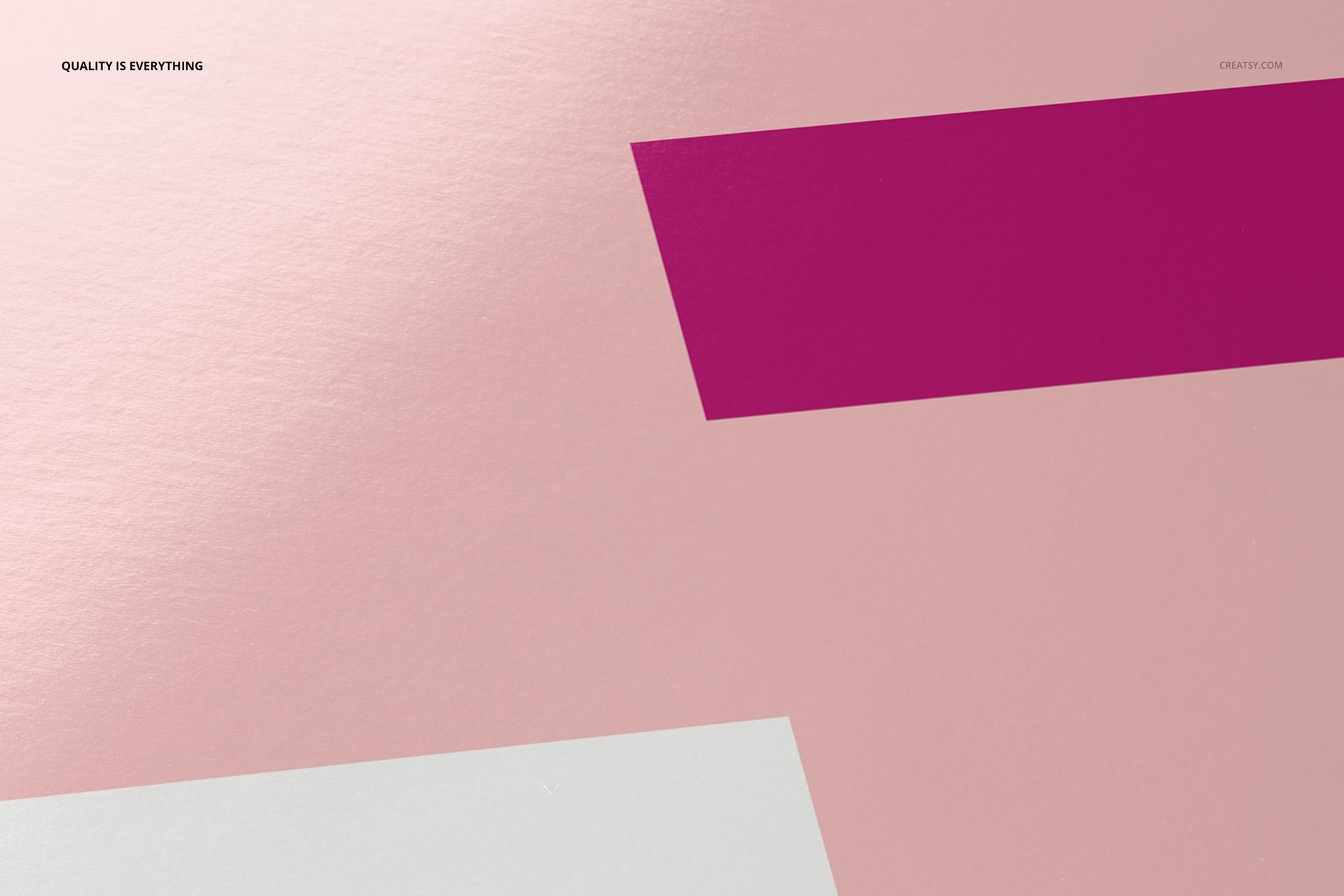
The controlled sheen and fine surface detail help explain how color, contrast and highlights read on baryta paper, while full-print and bordered options support different gallery and shop presentations.
Five Layered Presentation Scenes
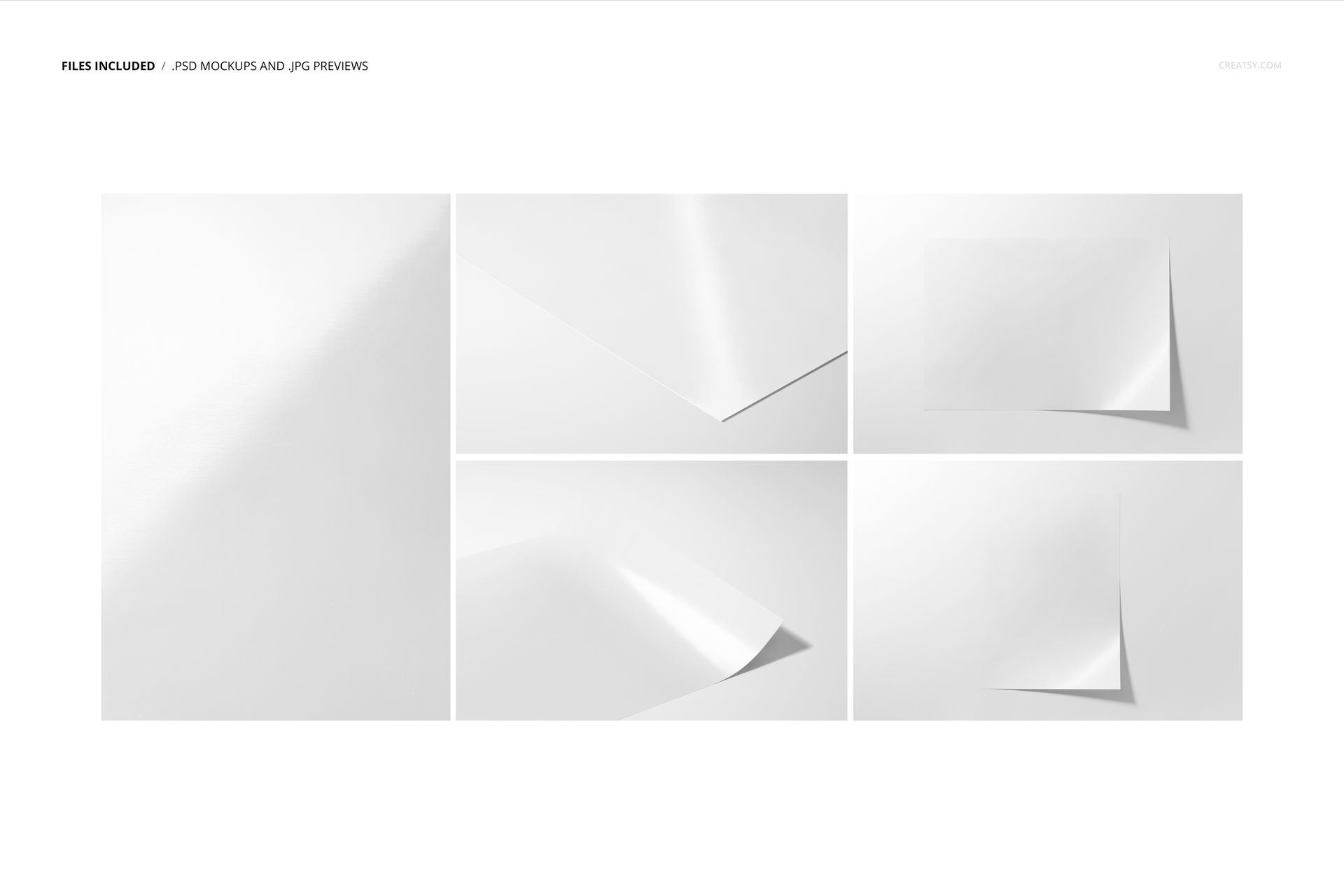
5 layered PSD mockup files with Smart Object placement
5 matching JPG reference images, 10 files in total
Four landscape JPG files at 6720 × 4480 px
One portrait JPG file at 4480 × 6720 px
A3 presentation format prepared at 300 dpi
Fuji Fine Art Baryte Gloss 310 gsm paper appearance
Gloss, Border and Background Controls
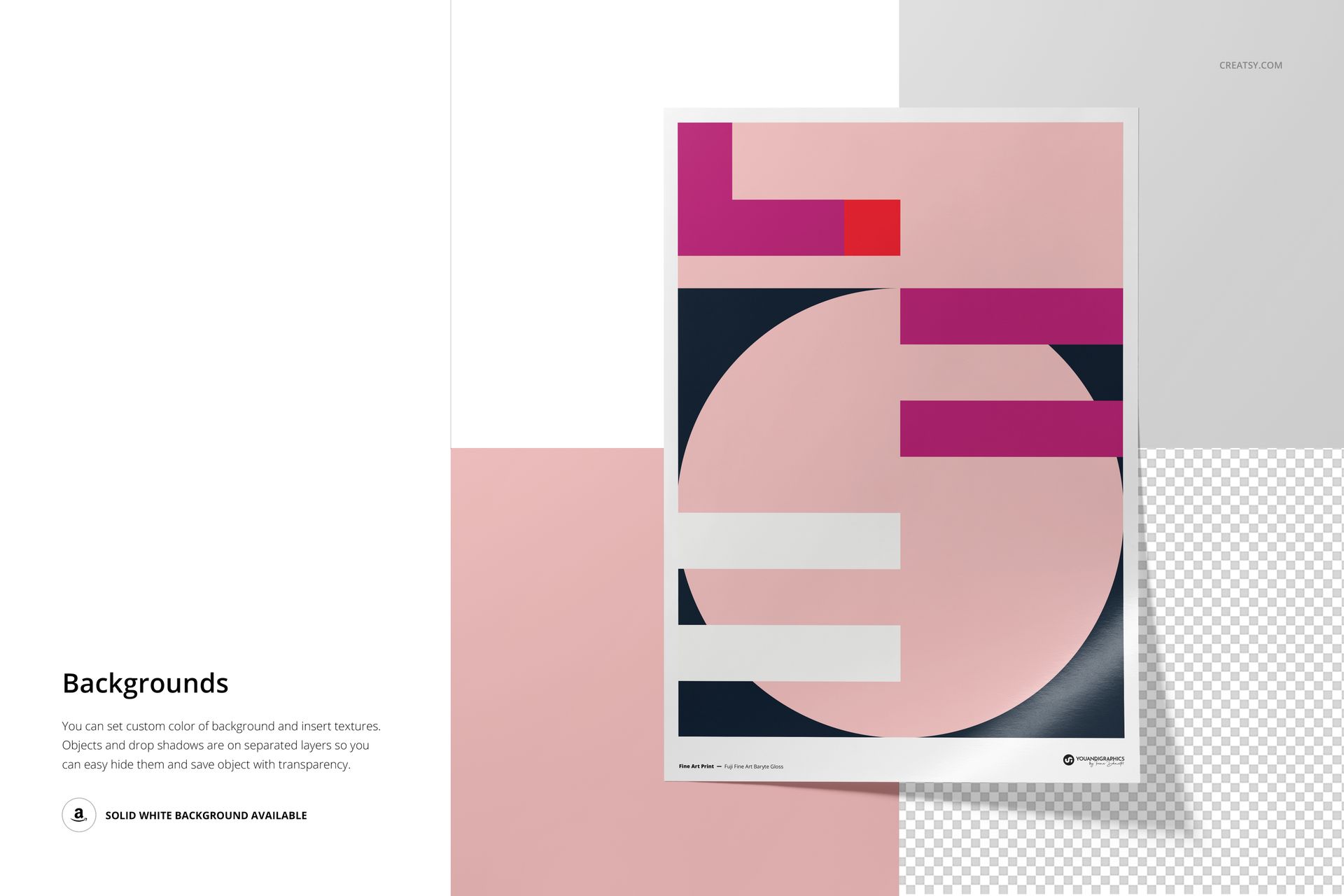
Replace the artwork, change the paper color or design, and choose a full print or a print with a border. Background color and design controls help coordinate each scene with photographs, posters or gallery editions.
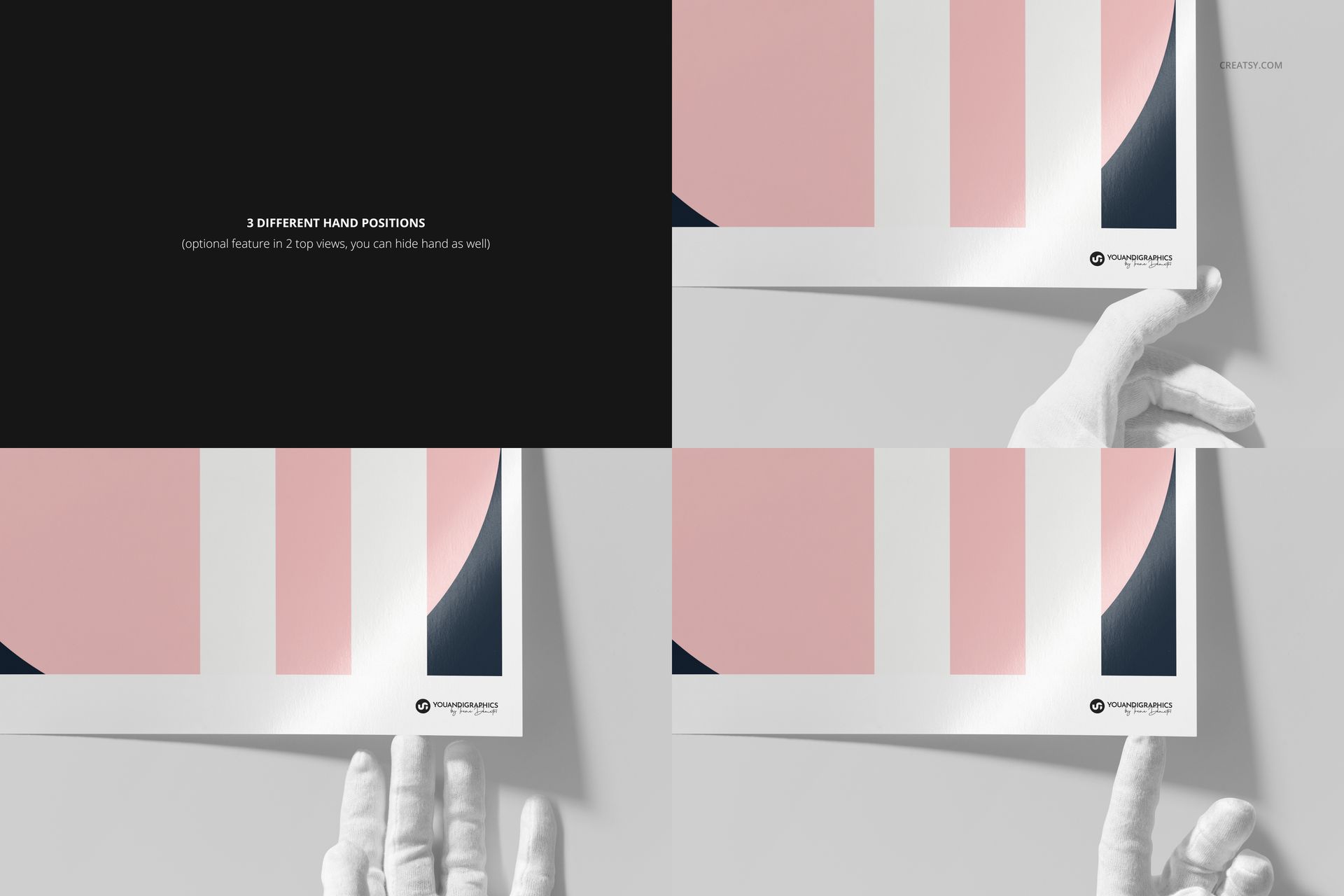
Two top-view scenes offer three optional gloved-hand positions, and the hand can be hidden for a cleaner surface study. Front, angled and close-up views show both the finished composition and the reflective paper character.
Smart Object Editing
Open the marked Smart Object, insert your artwork, save it and return to the composed PSD. Organized layers make it straightforward to adjust paper and background treatments without rebuilding the photographed scene.
Software Compatibility
Adobe Photoshop CC2020 or newer is the primary supported application. The package contains PSD files and no PSB files, so Photopea can also open the mockups. Individual PSD files range from approximately 369 to 563 MB on Windows and 387 to 590 MB on Mac, so sufficient browser memory is required.
Useful For
Fine art photography and limited-edition prints
Illustration, poster and gallery artwork
Print studio and photo lab previews
Portfolio case studies and client approvals
Ecommerce galleries for A3 art prints
This is a digital presentation mockup. The sample artwork, patterns and printed product are not included.