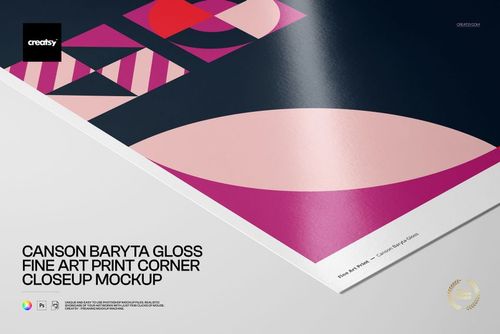
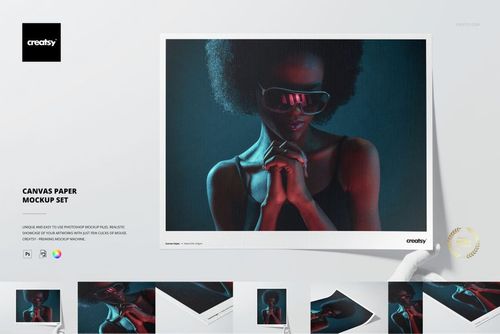
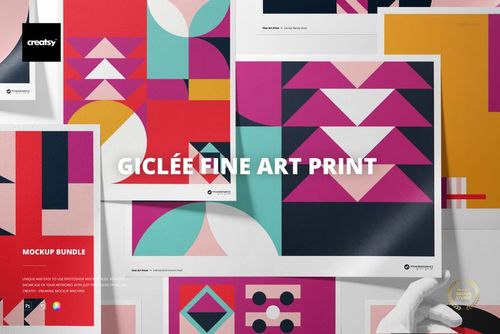
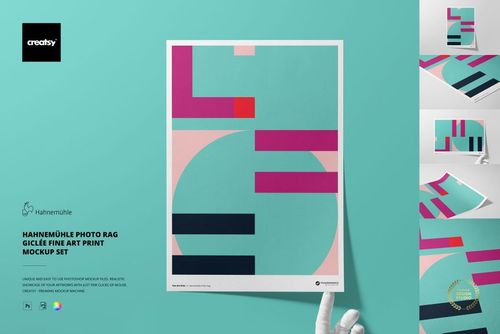
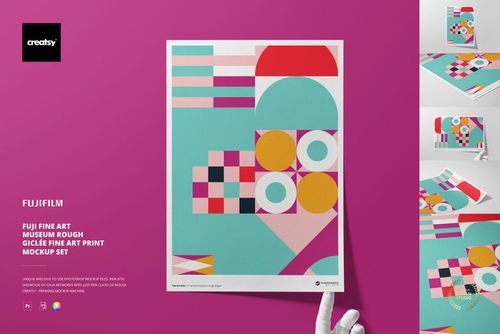
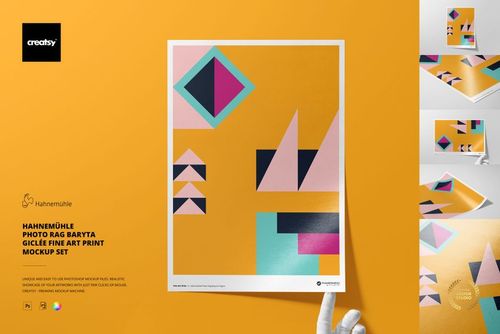
Hahnemühle Fine Art Pearl Giclée Fine Art Print Mockup Set
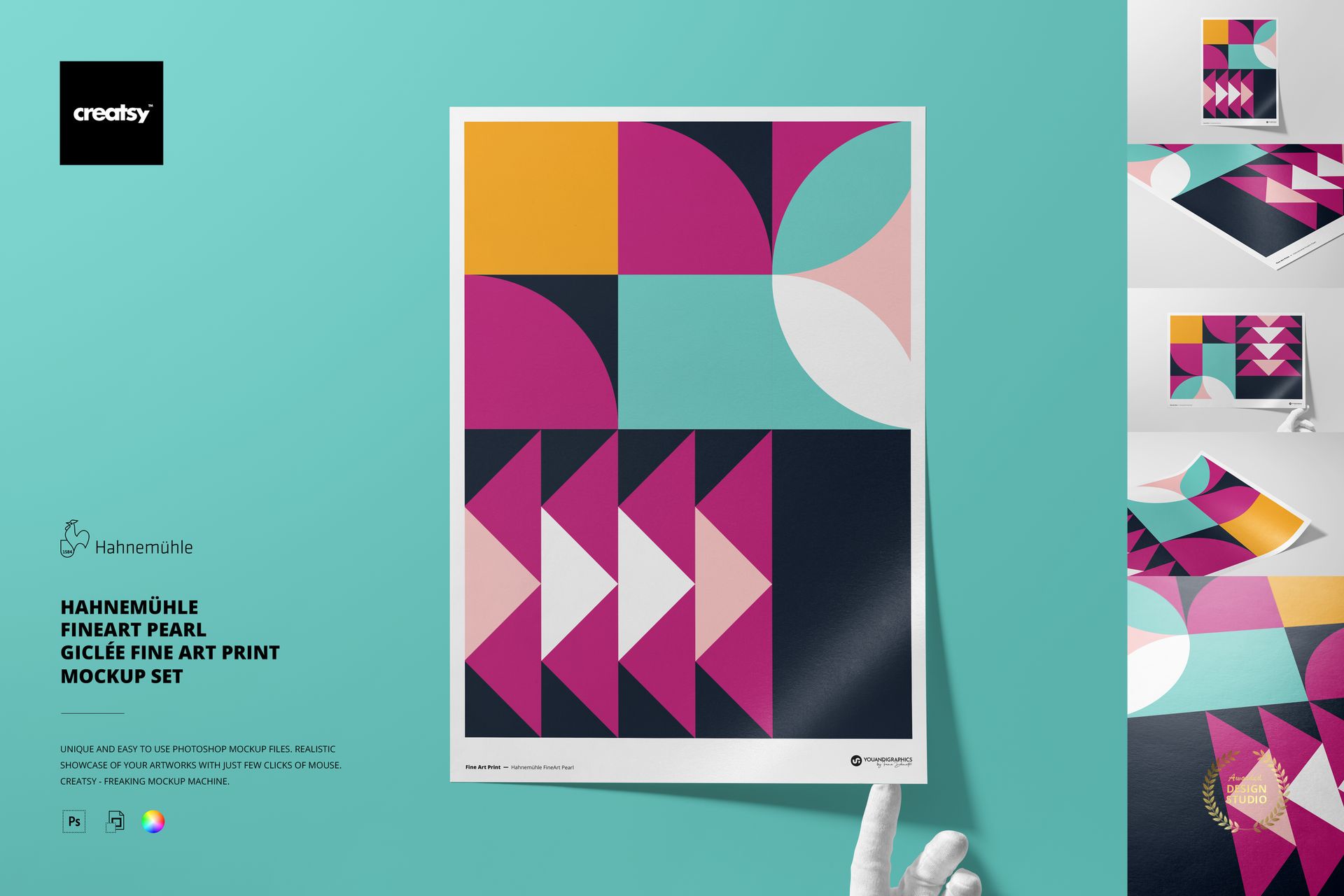
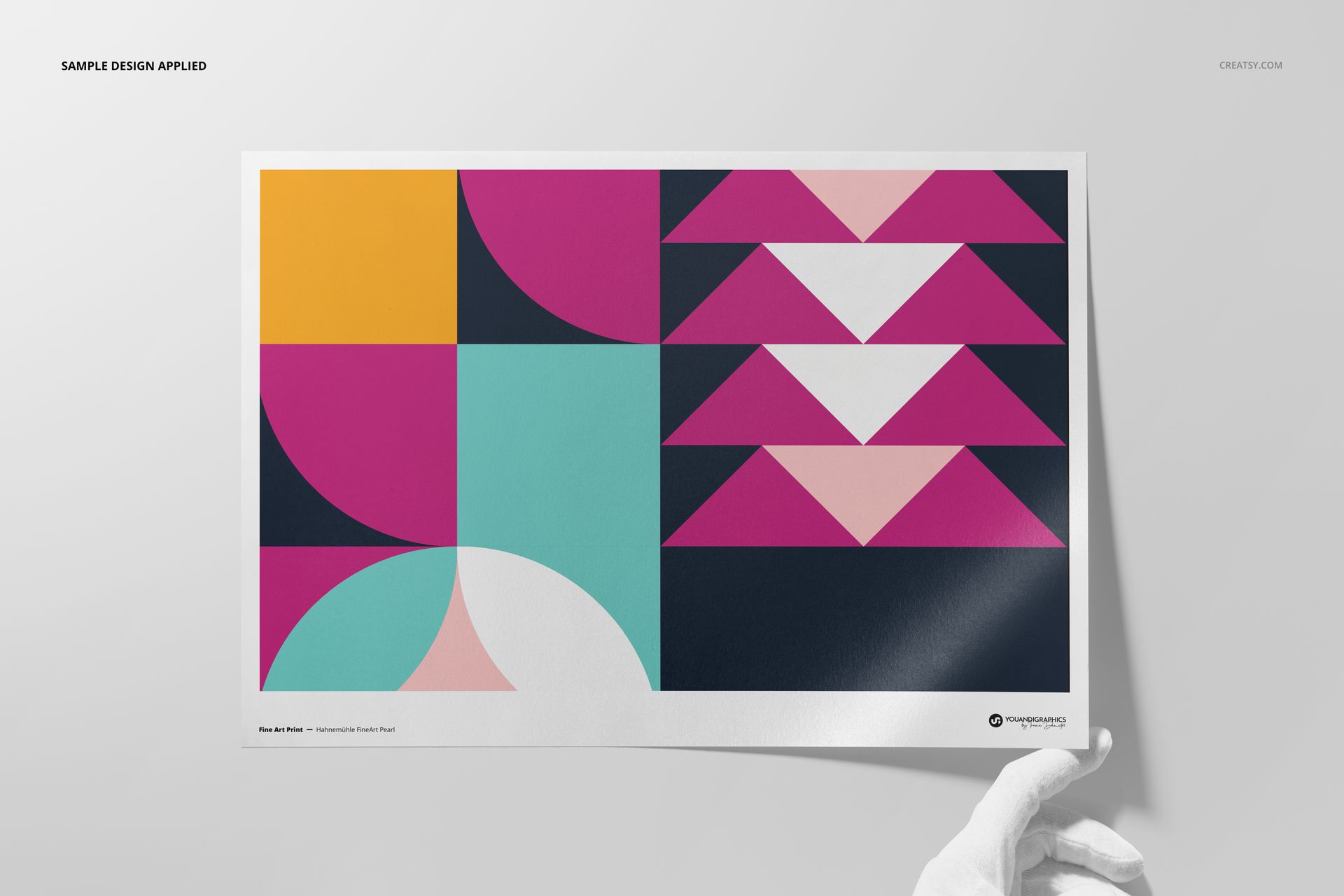
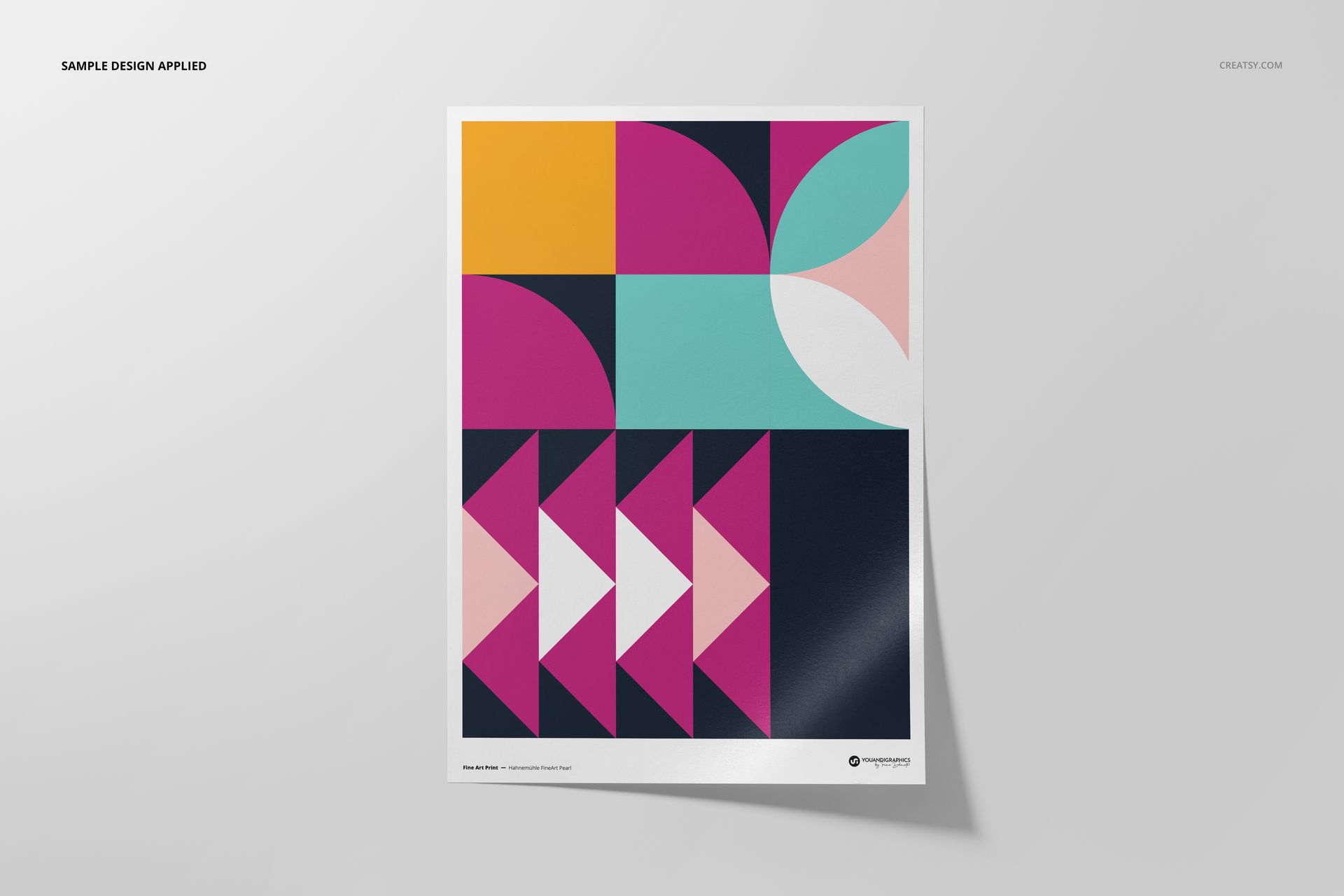
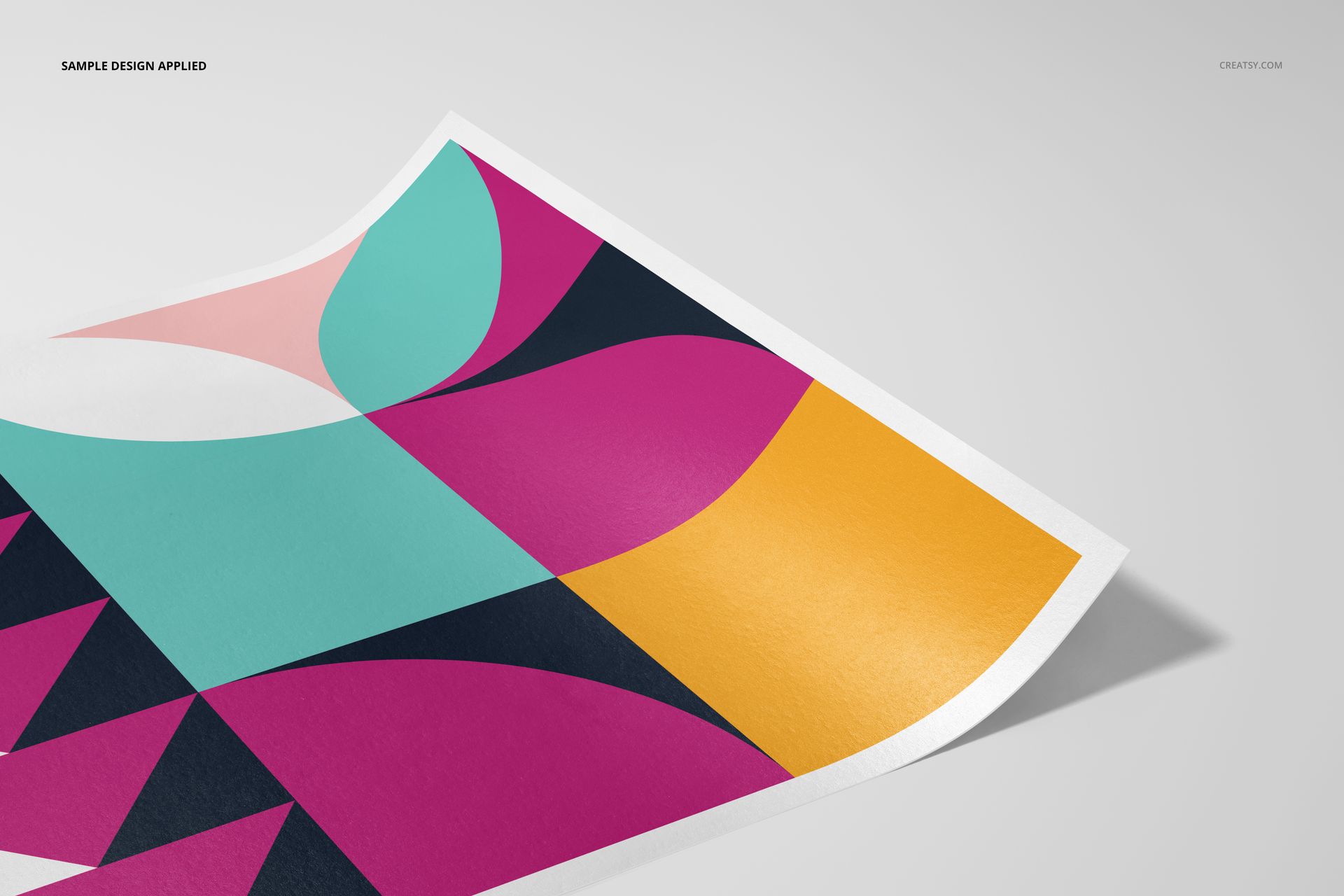
Present giclée artwork on the distinctive surface of Hahnemühle FineArt Pearl paper. Five high-resolution A3 scenes move from clean front-facing views to angled, close-up and hand-held compositions, so you can show both the complete design and the paper's subtle pearl character.
The set helps artists, photographers and print studios prepare polished product galleries, portfolio pages and client proofs. Place artwork through Smart Objects, choose a full-print or bordered presentation, and adjust the paper and background colors or designs to suit the project.
What Is Included
5 layered PSD mockup files with well-organized layers
5 matching JPG preview files and 1 PDF user manual, 11 files in total
A3 paper format shown in landscape and portrait compositions
High-resolution scene files at 300 DPI, with 6720 px on the long side
Adobe Photoshop CC2020 or newer and Photopea compatibility
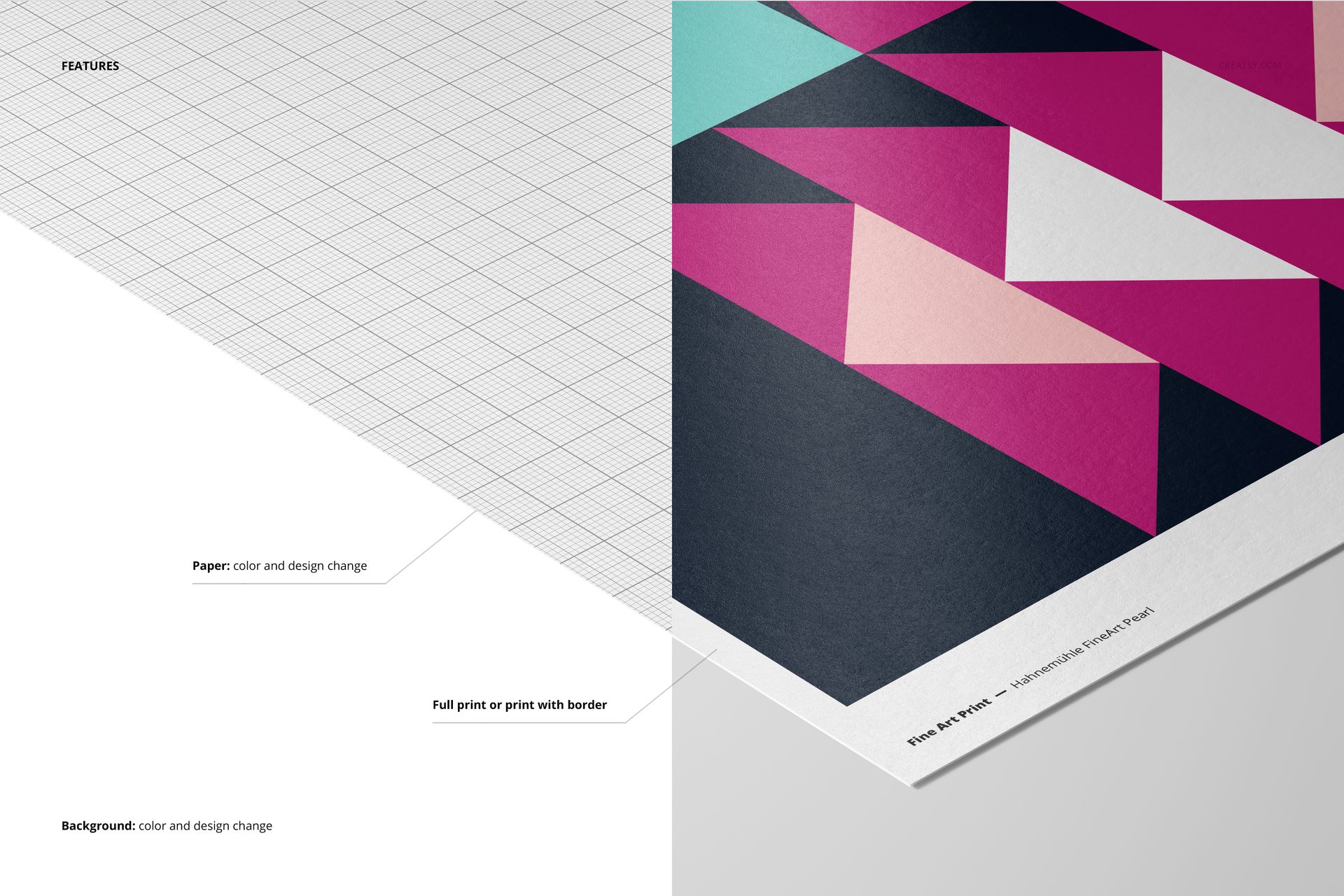
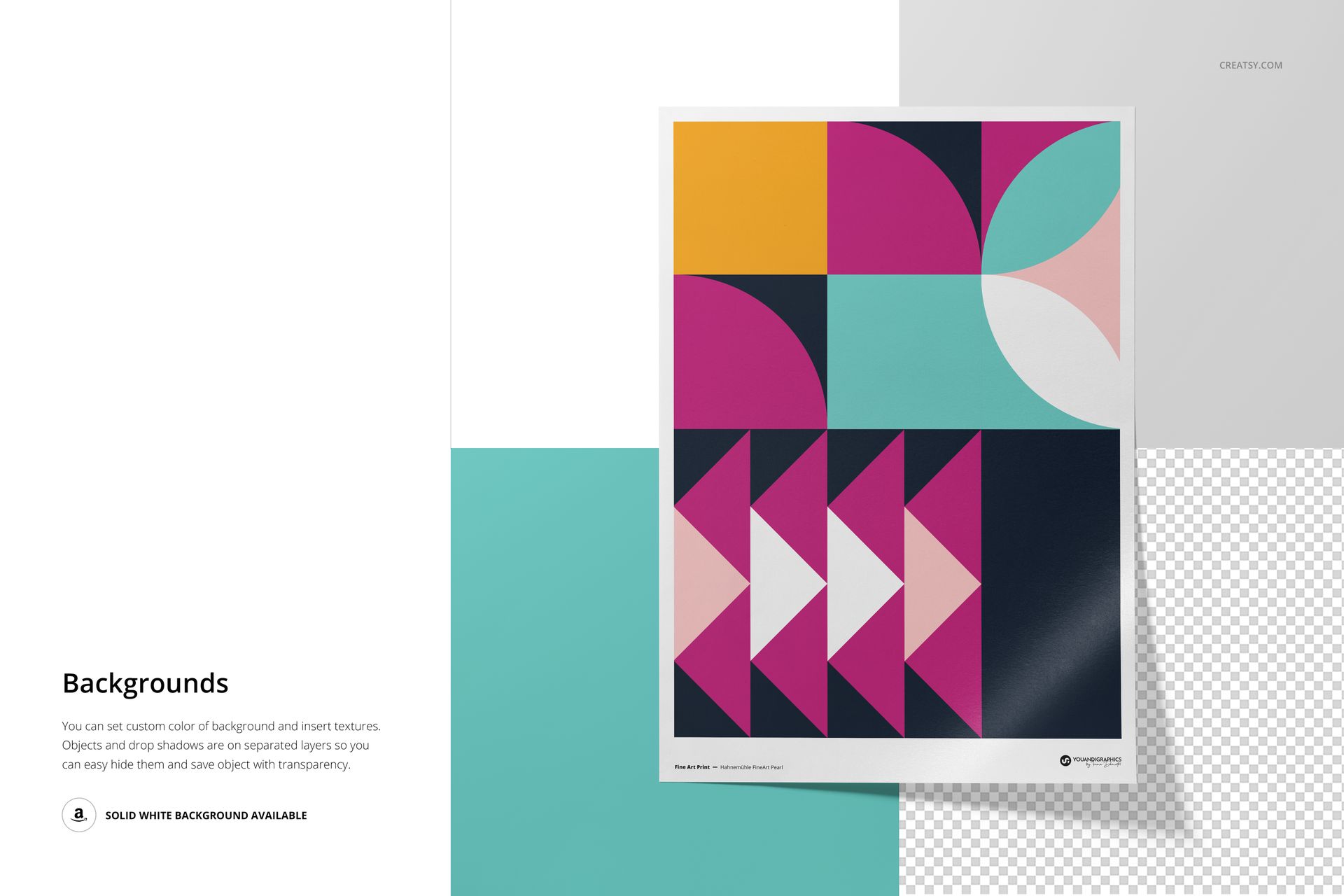
Smart Object artwork placement, editable paper color and design, editable background color and design, plus full-print or bordered presentation options
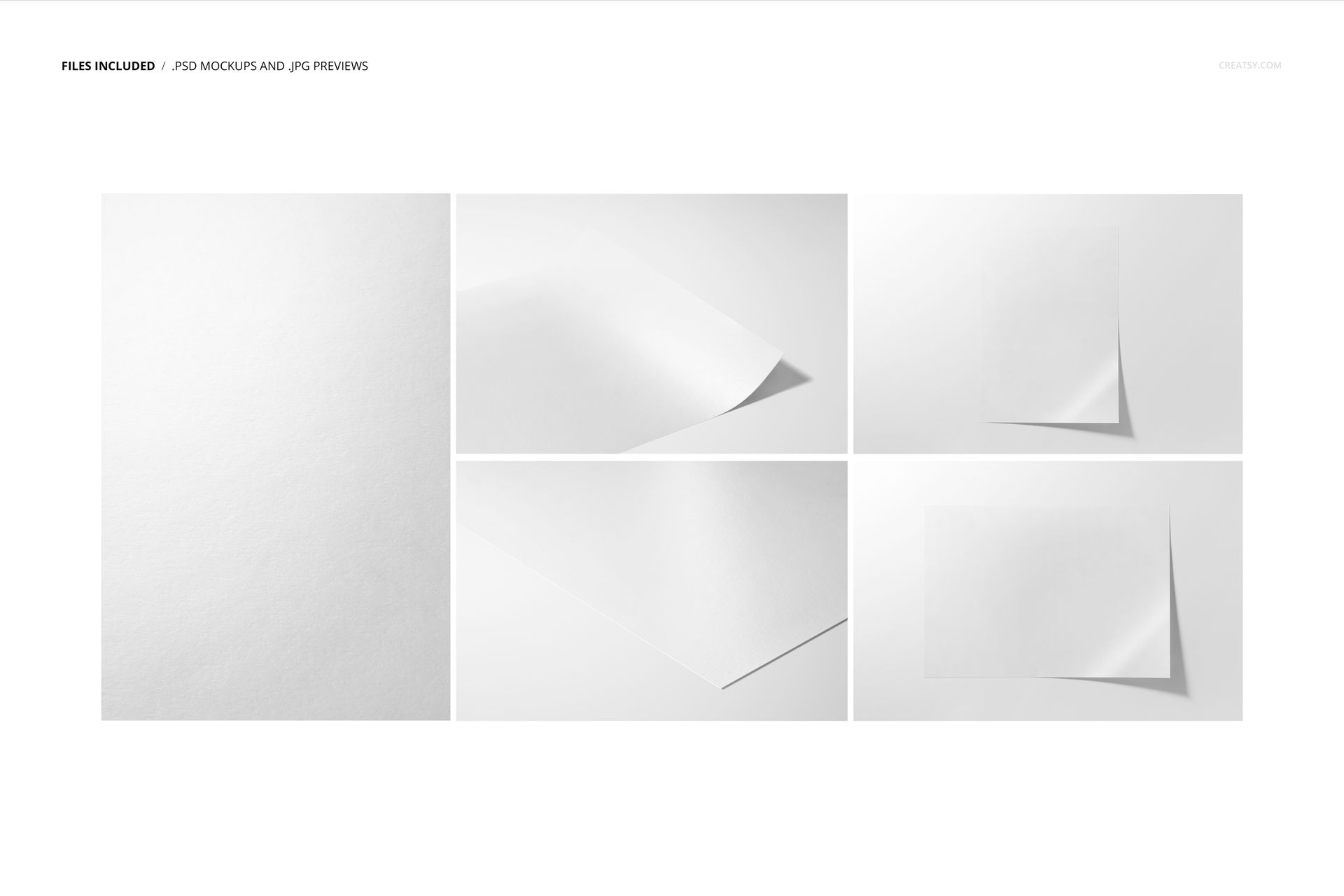
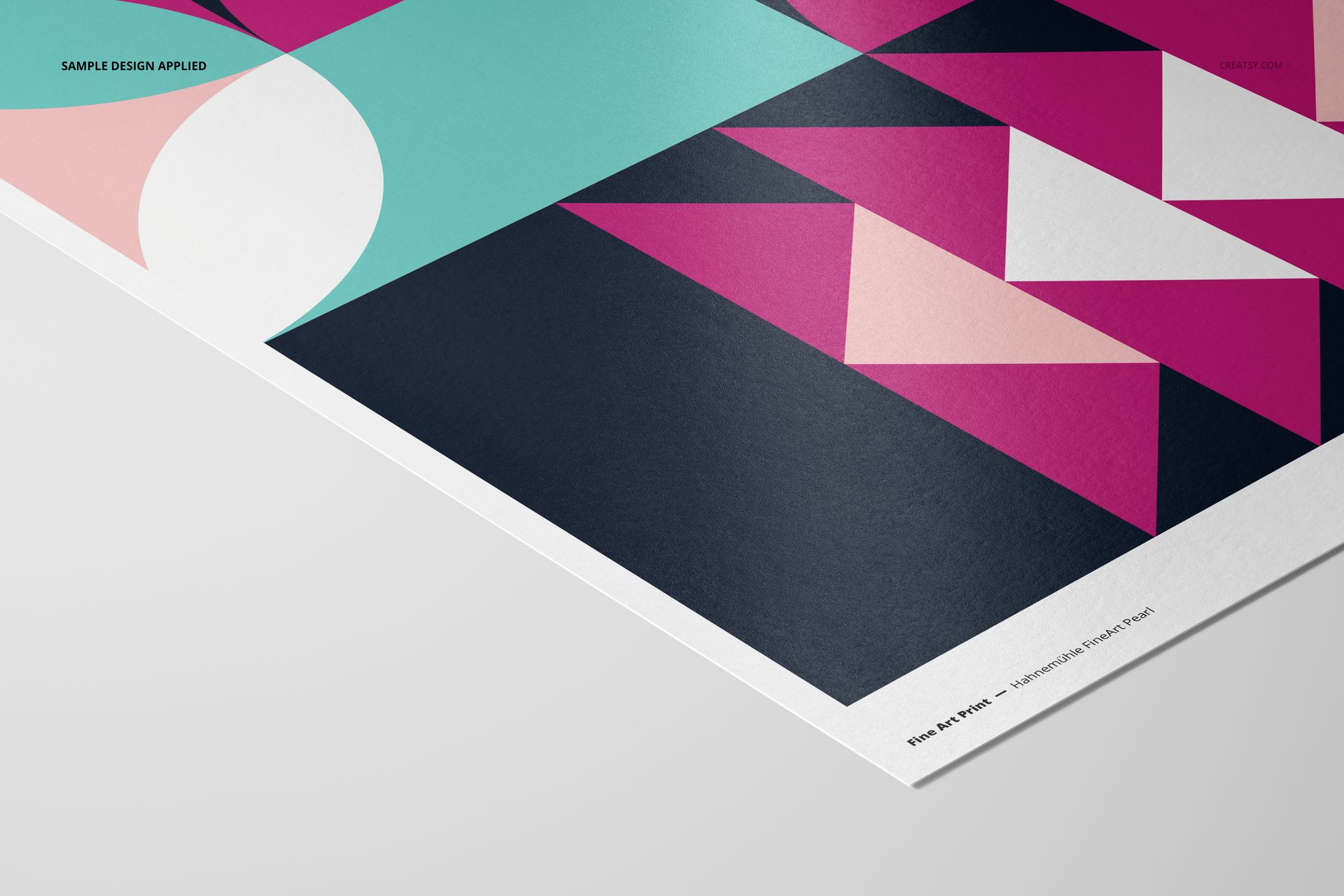
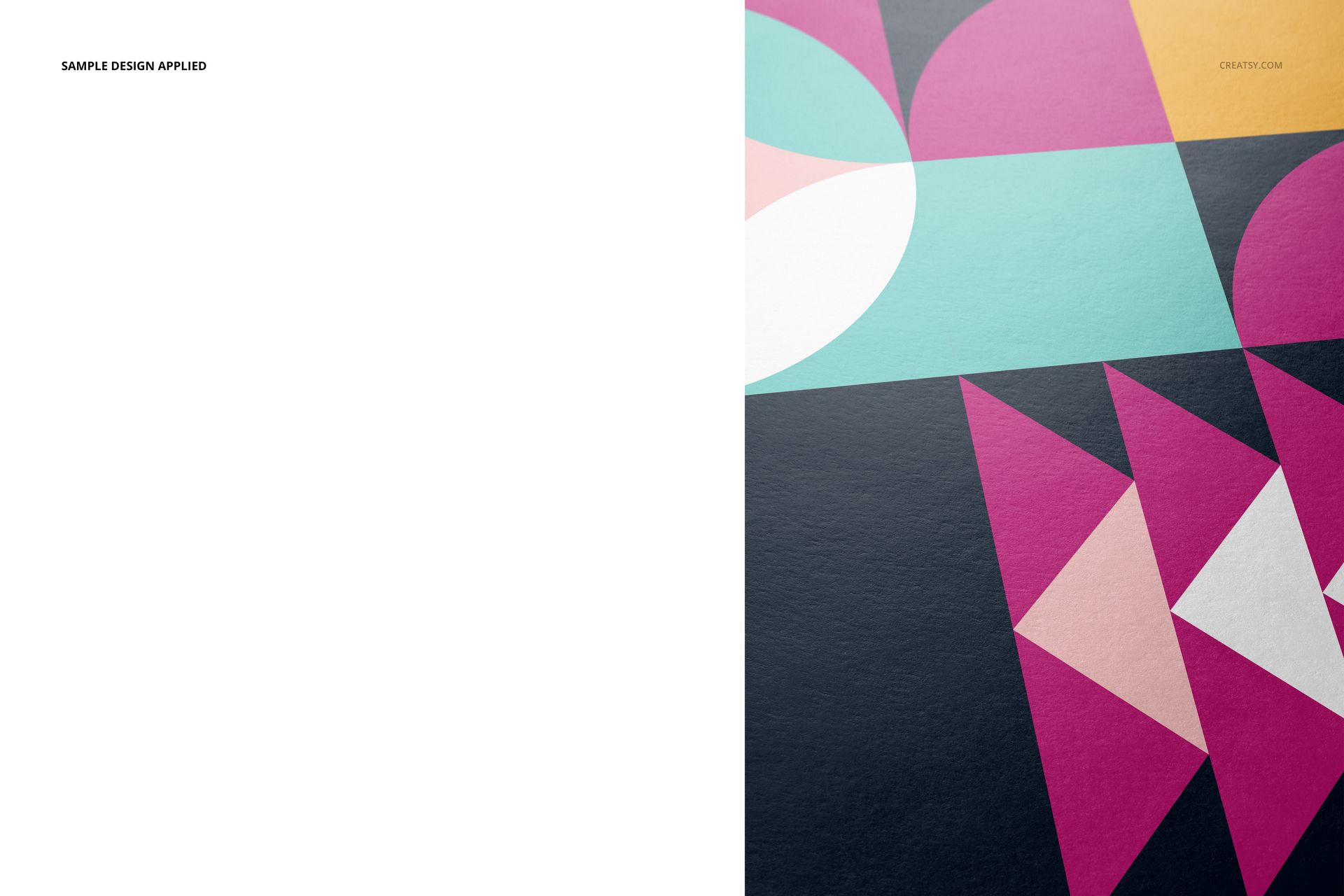
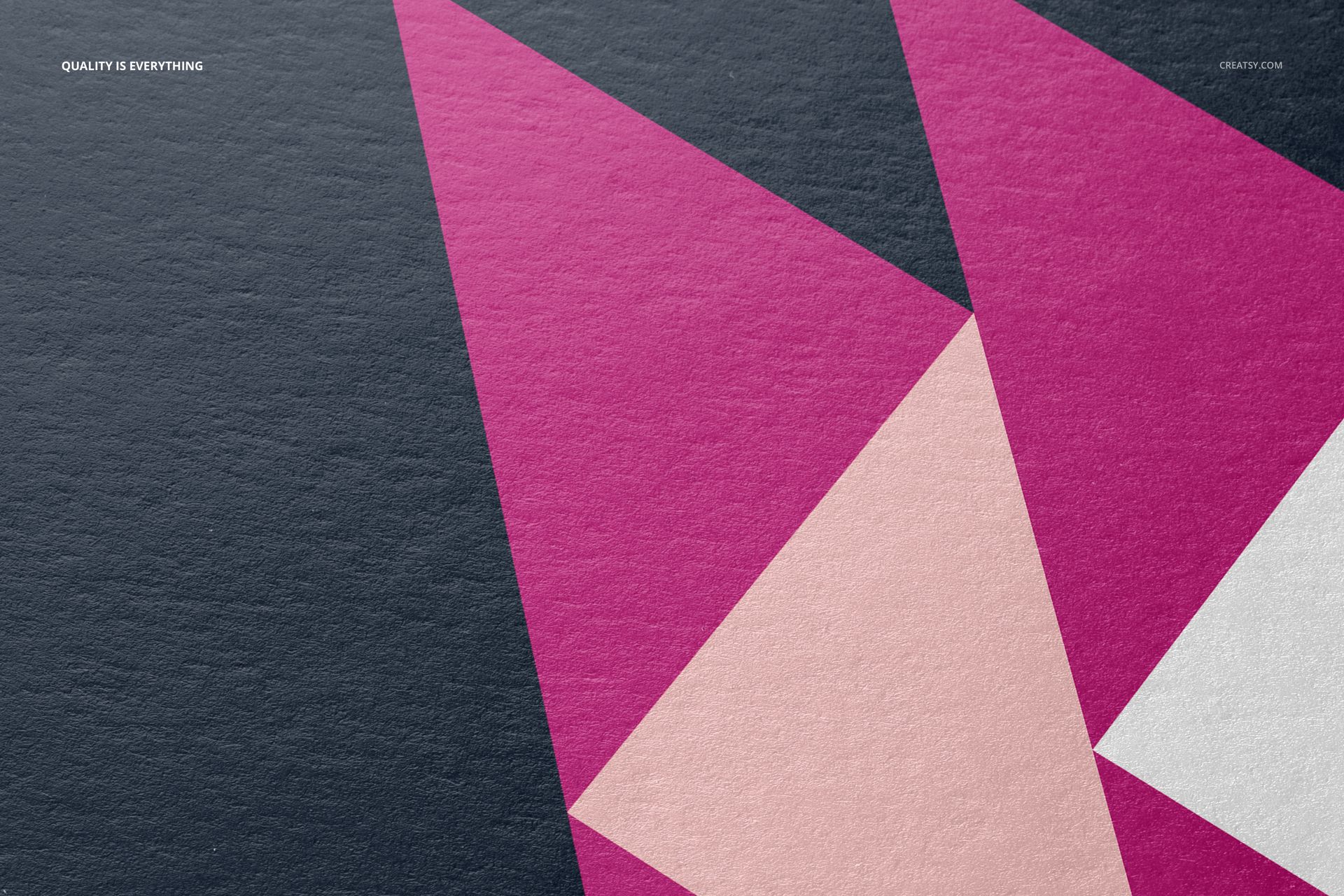
Pearl Paper Detail Across Five Perspectives
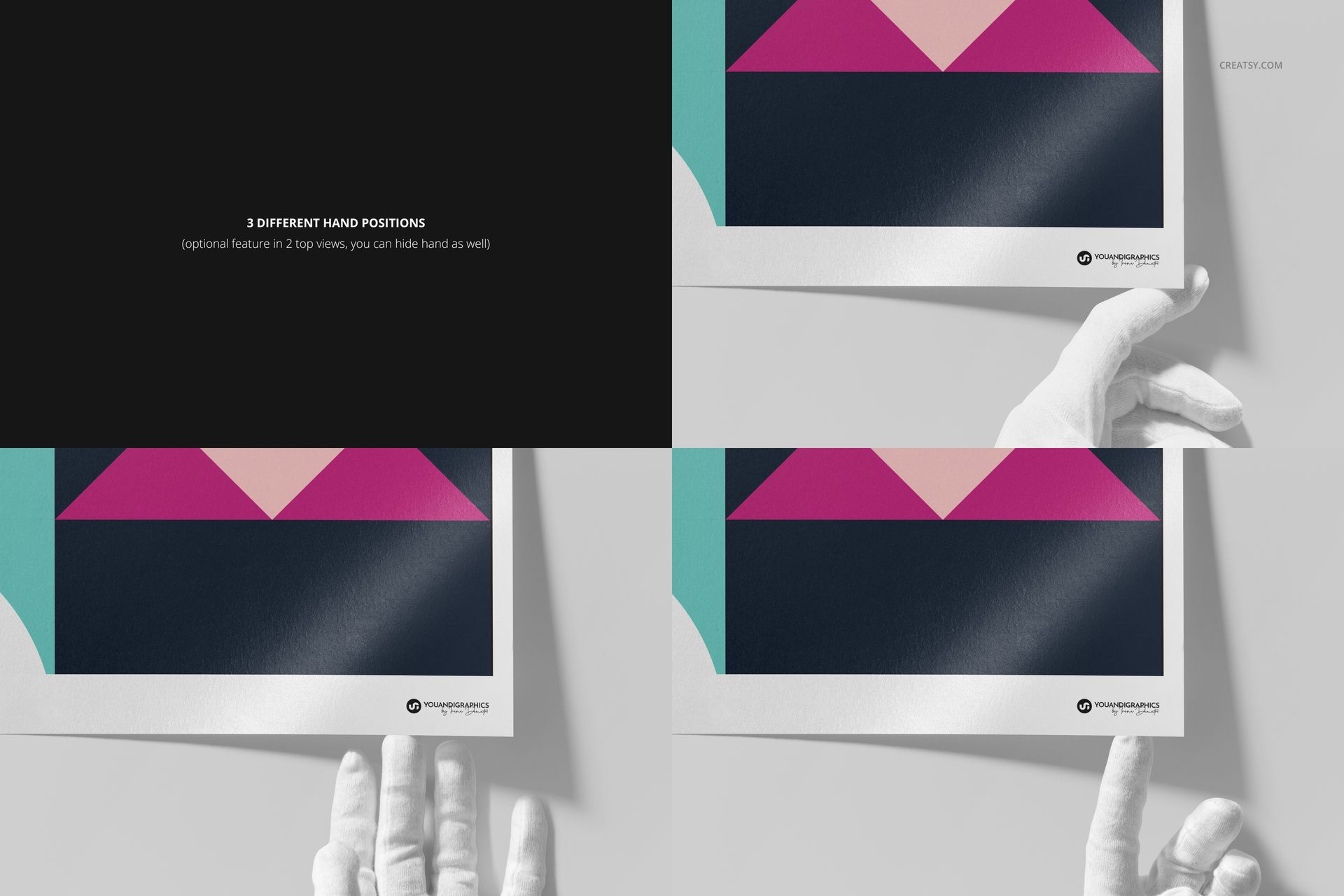
Close-up and angled scenes bring the paper surface into focus, while frontal and hand-held views keep the full composition easy to read. Use the varied perspectives to show artwork detail, edge treatment and scale without photographing a physical sample.
Easy Smart Object Editing
Open the Smart Object, place your artwork, save, and return to the scene. Organized layers also let you change the paper color or design, adjust the background, and switch between a full-print layout and a print with a border.
Perfect For
Giclée print launch images and online shop galleries
Fine artists and illustrators presenting limited-edition prints
Photographers and print studios preparing client proofs
Portfolio case studies and gallery proposals
Comparing artwork scale, borders and colorways before printing
This is a digital mockup product. The sample geometric artwork and patterns shown in the previews are for demonstration only and are not included.