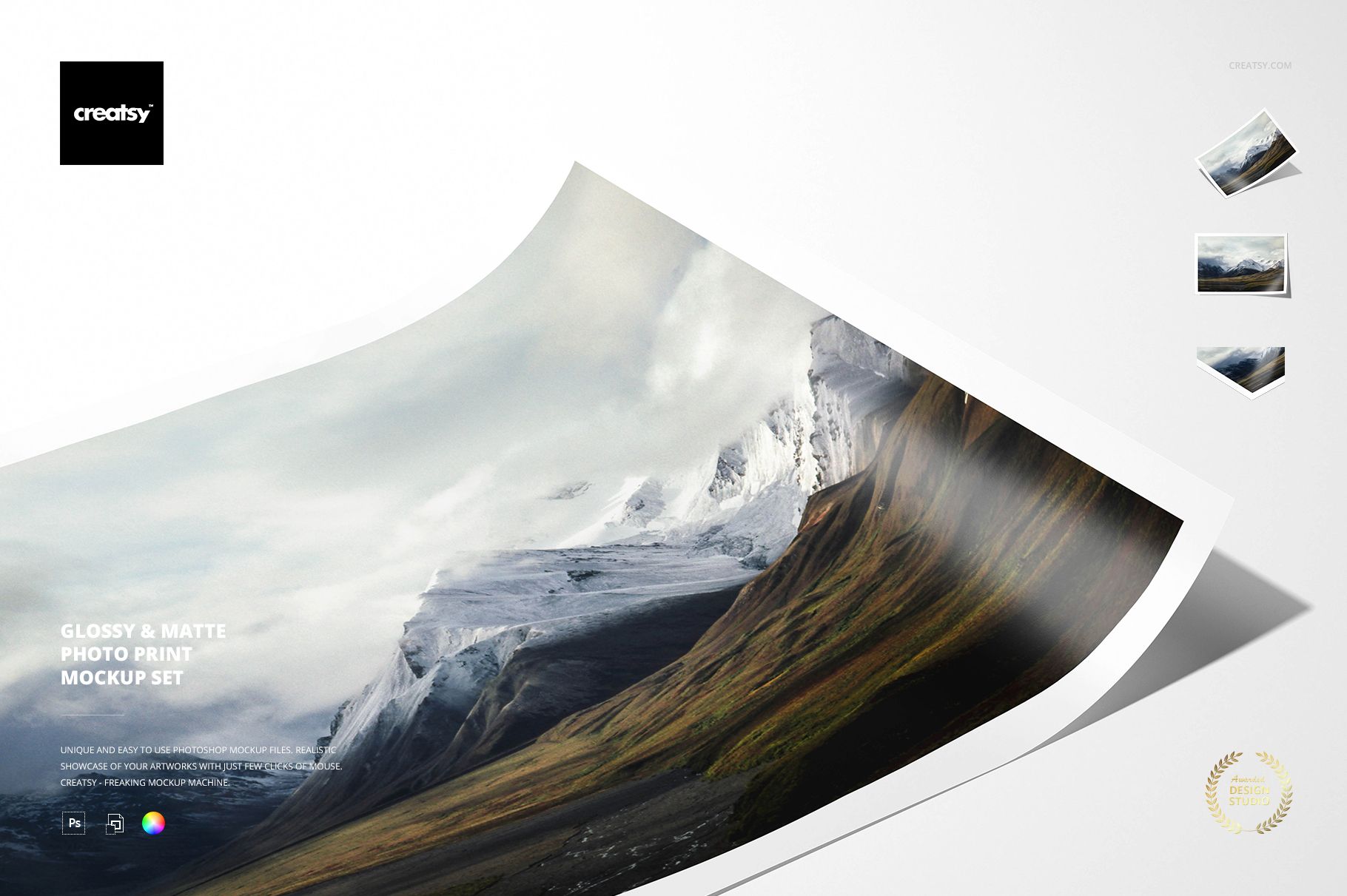
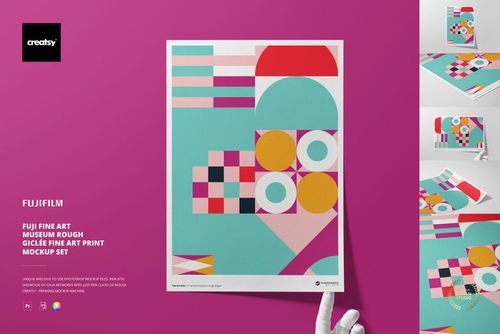
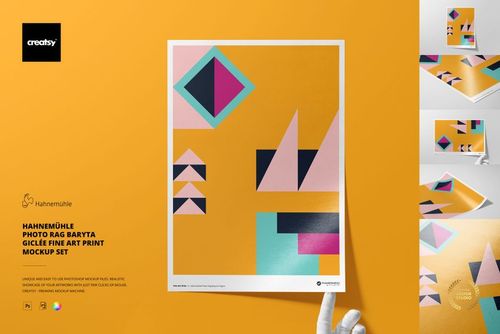
Glossy & Matte Photo Print Mockup Set
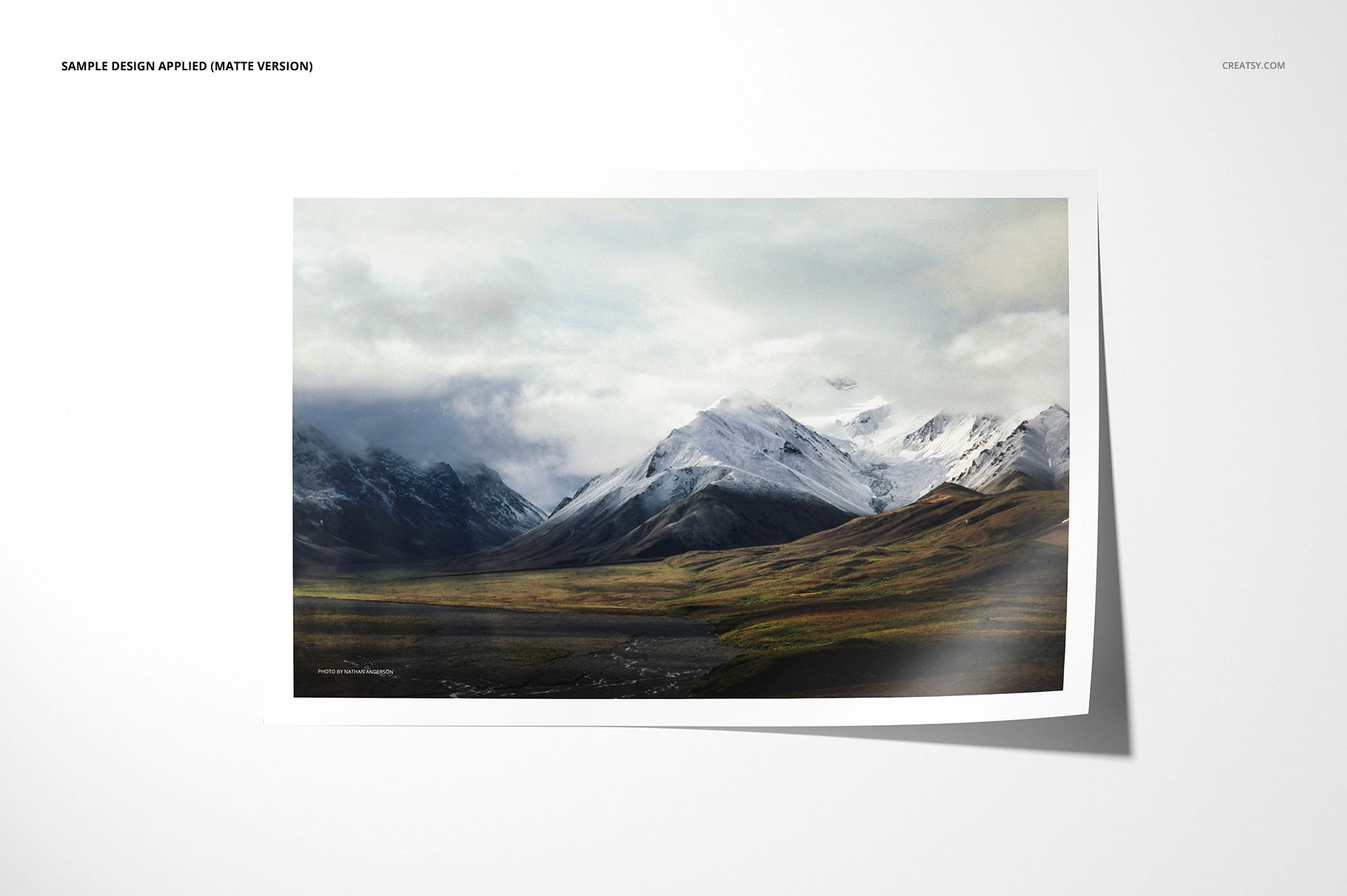
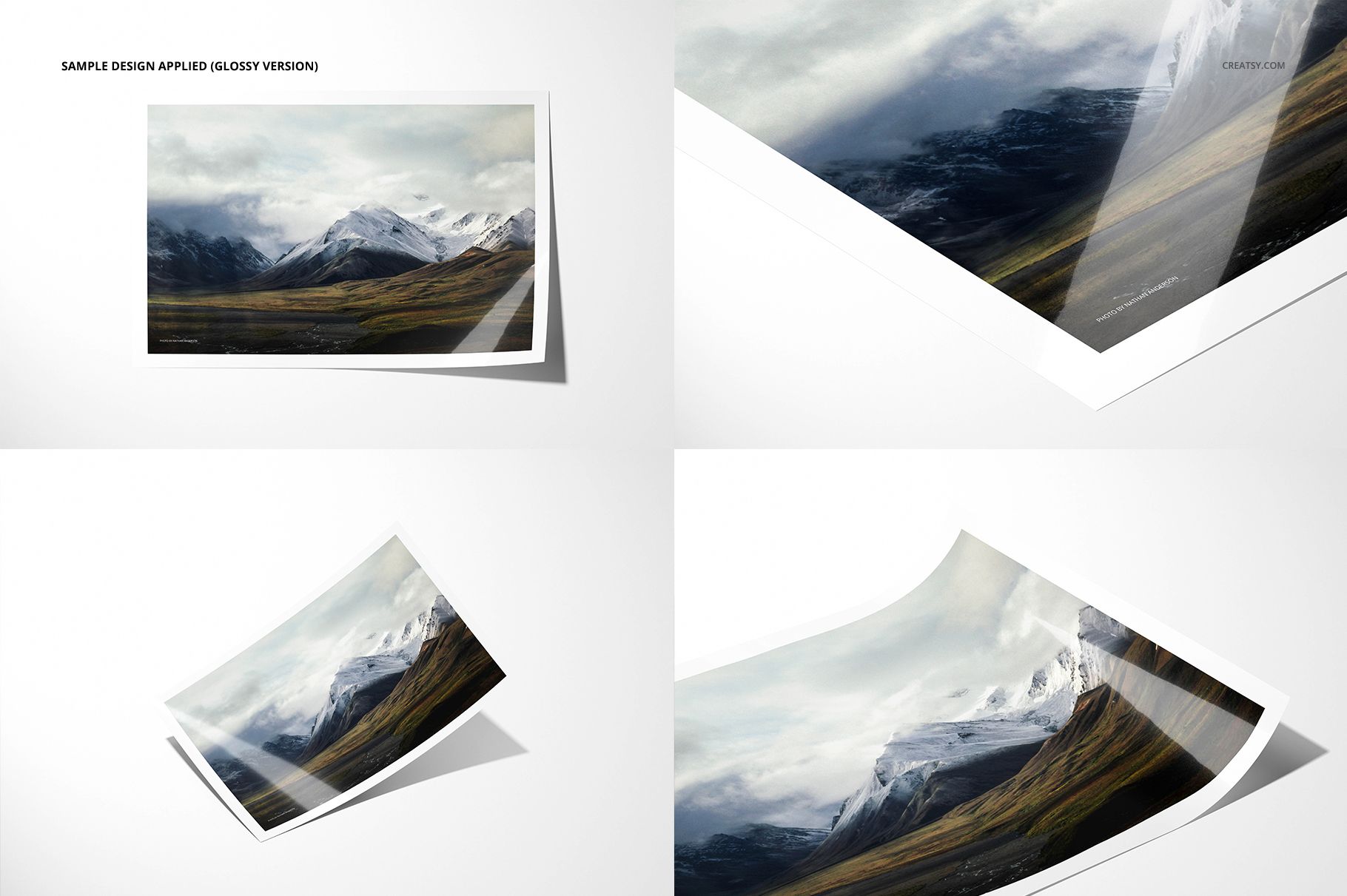
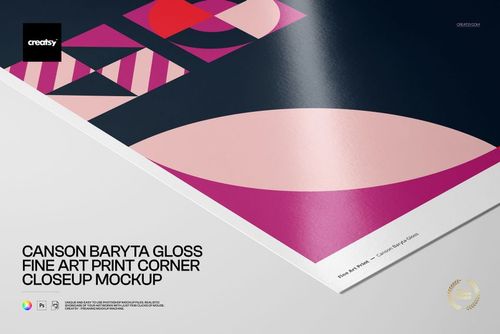
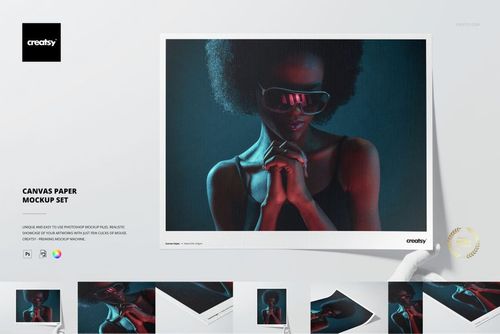
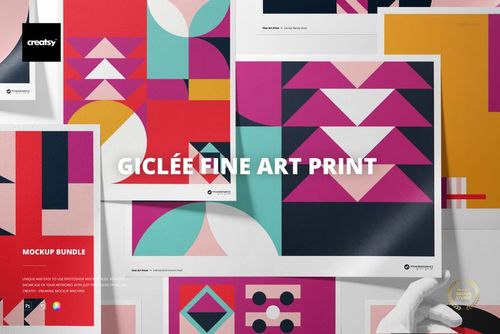
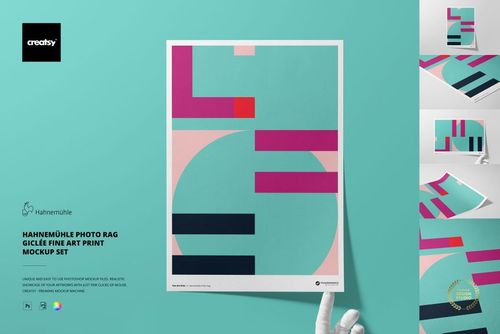
Show the same photograph or artwork with two distinct paper finishes in one coordinated set. Eight high-resolution scenes pair glossy directional reflections with a clean matte surface, making finish comparisons clear without arranging two separate photo shoots.
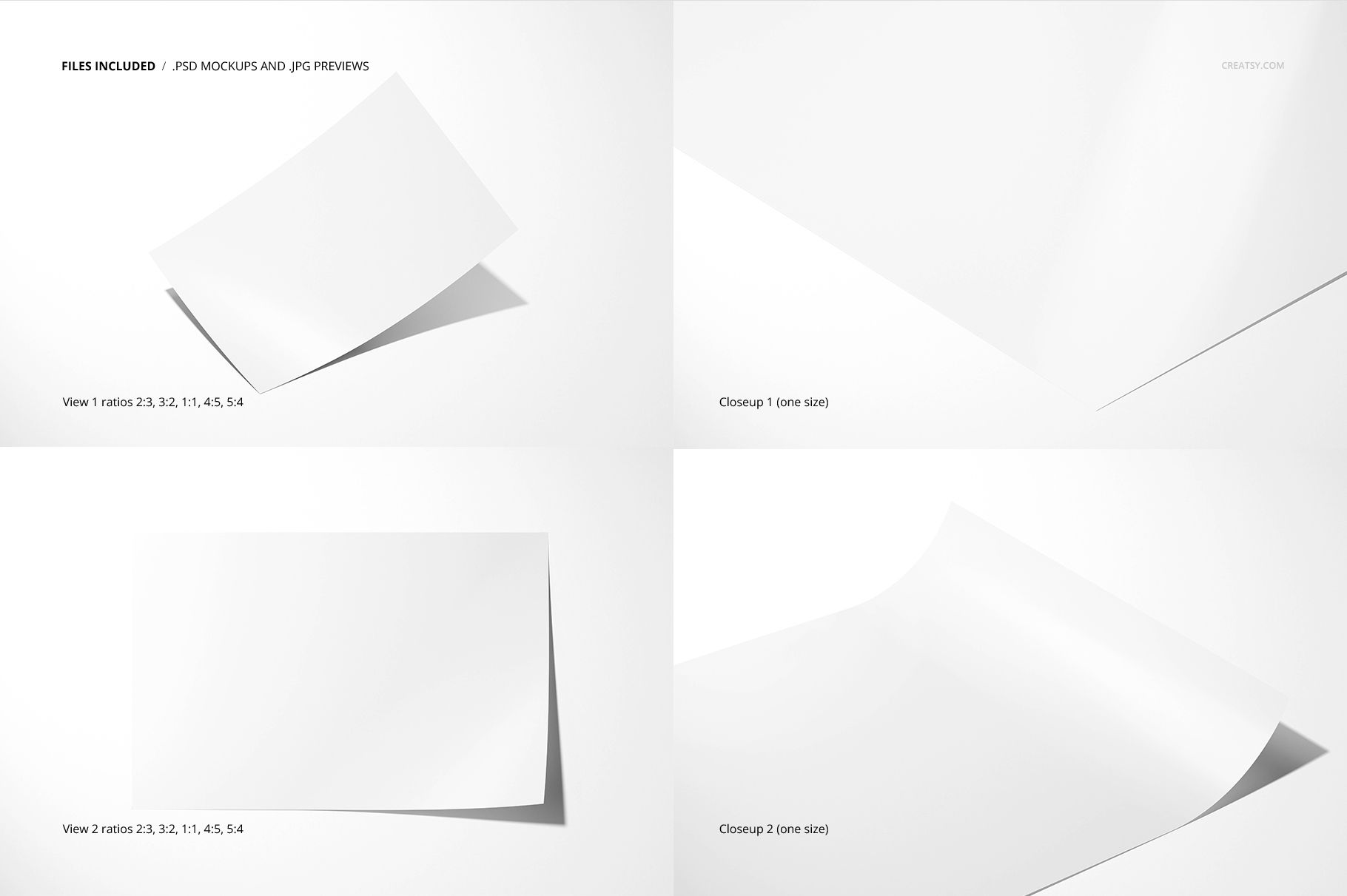
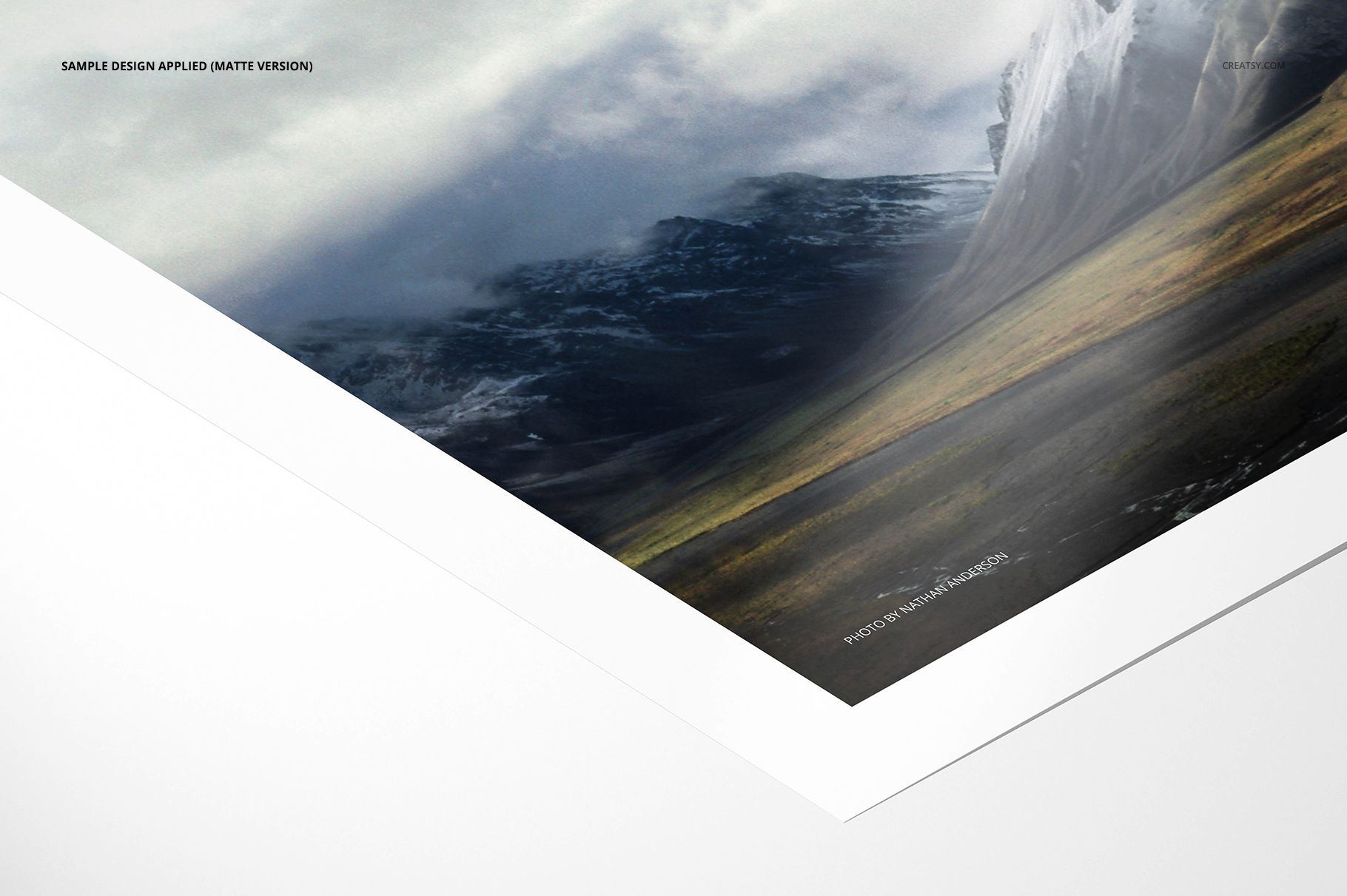
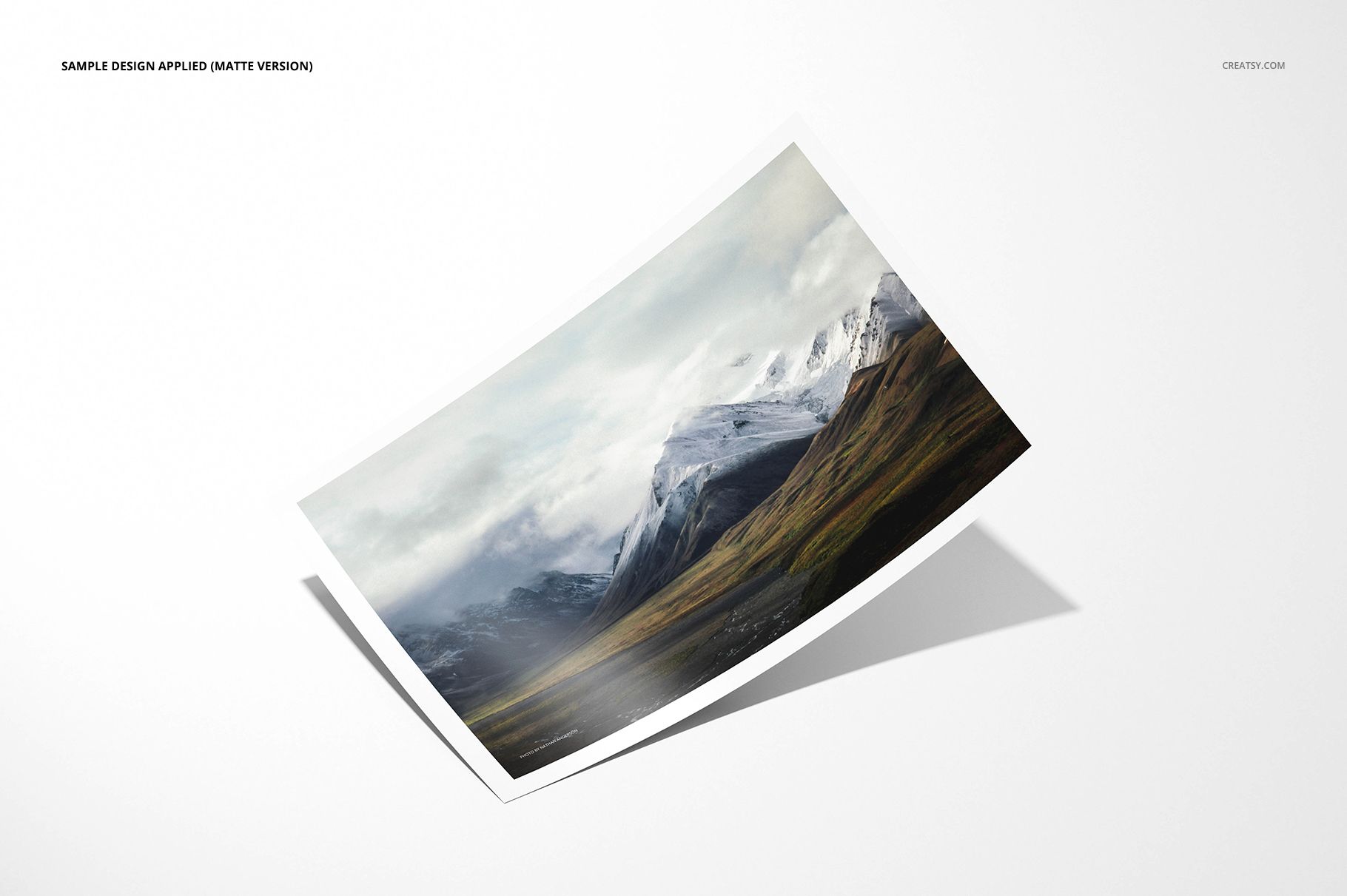
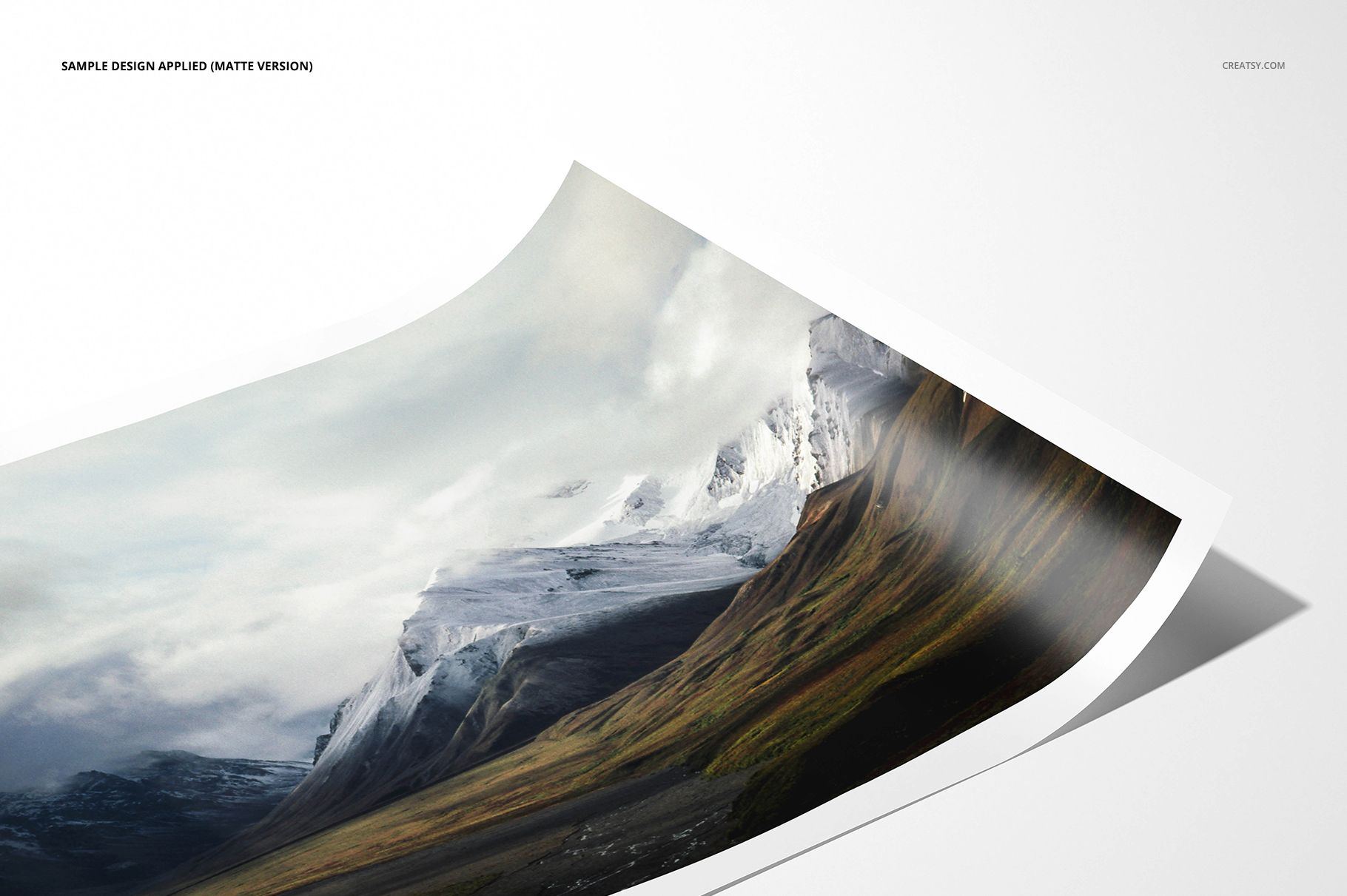
Four scenes per finish cover broad front and angled views plus two closeups. The main views support seven aspect ratios, while editable print, border, background, object and shadow controls help build a complete photo print gallery.
What Is Included
4 layered glossy photo print PSD mockups
4 layered matte photo print PSD mockups
8 matching JPG previews, 1 PDF user manual and 2 desktop.ini system files
19 extracted files in total
6000 × 4000 px at 300 DPI
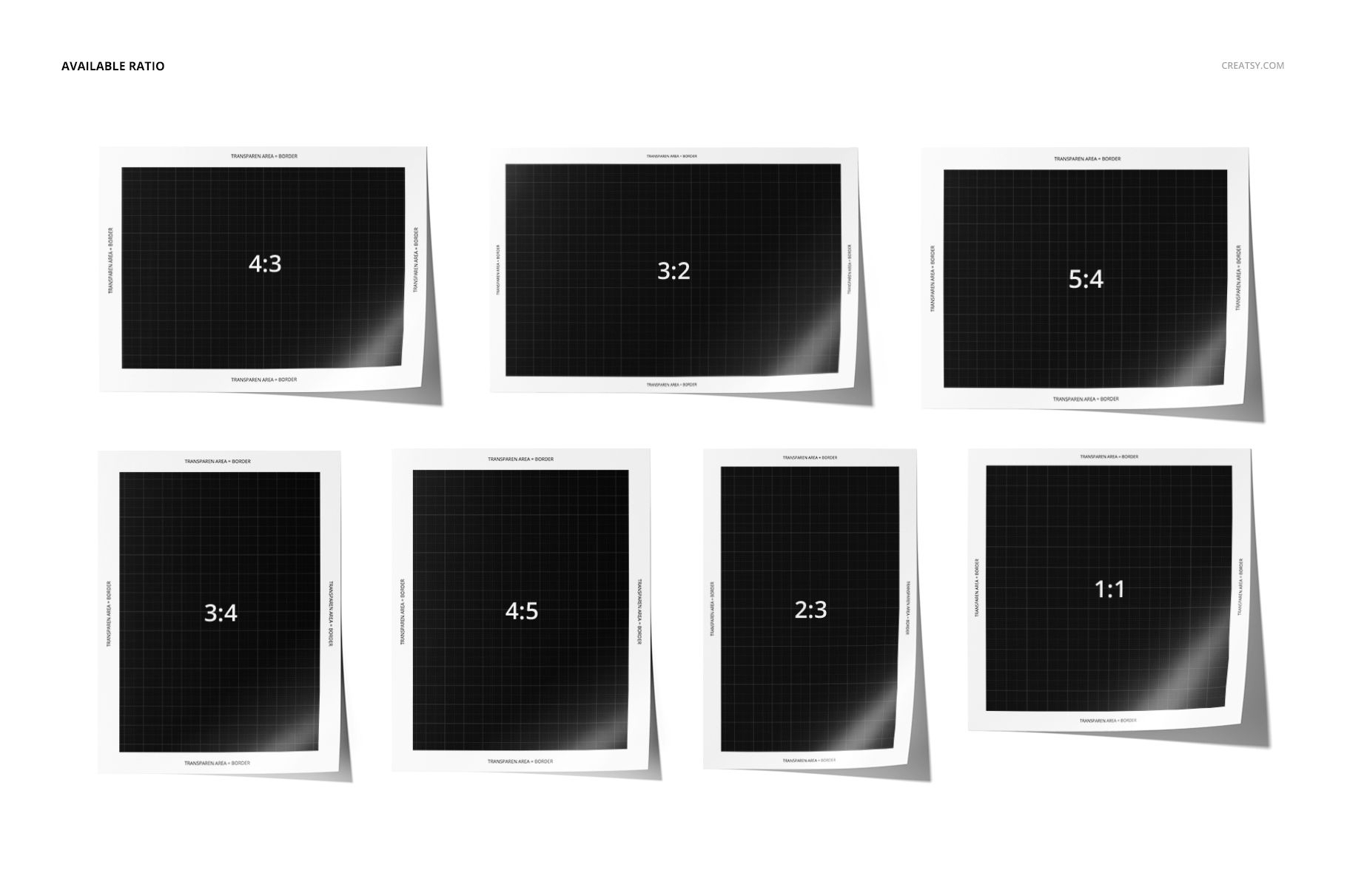
Seven ratios in the front and angled views: 2:3, 3:2, 4:5, 5:4, 4:3, 3:4 and 1:1
Adobe Photoshop CC2018 or newer and Photopea compatibility
Compare Glossy and Matte Surfaces
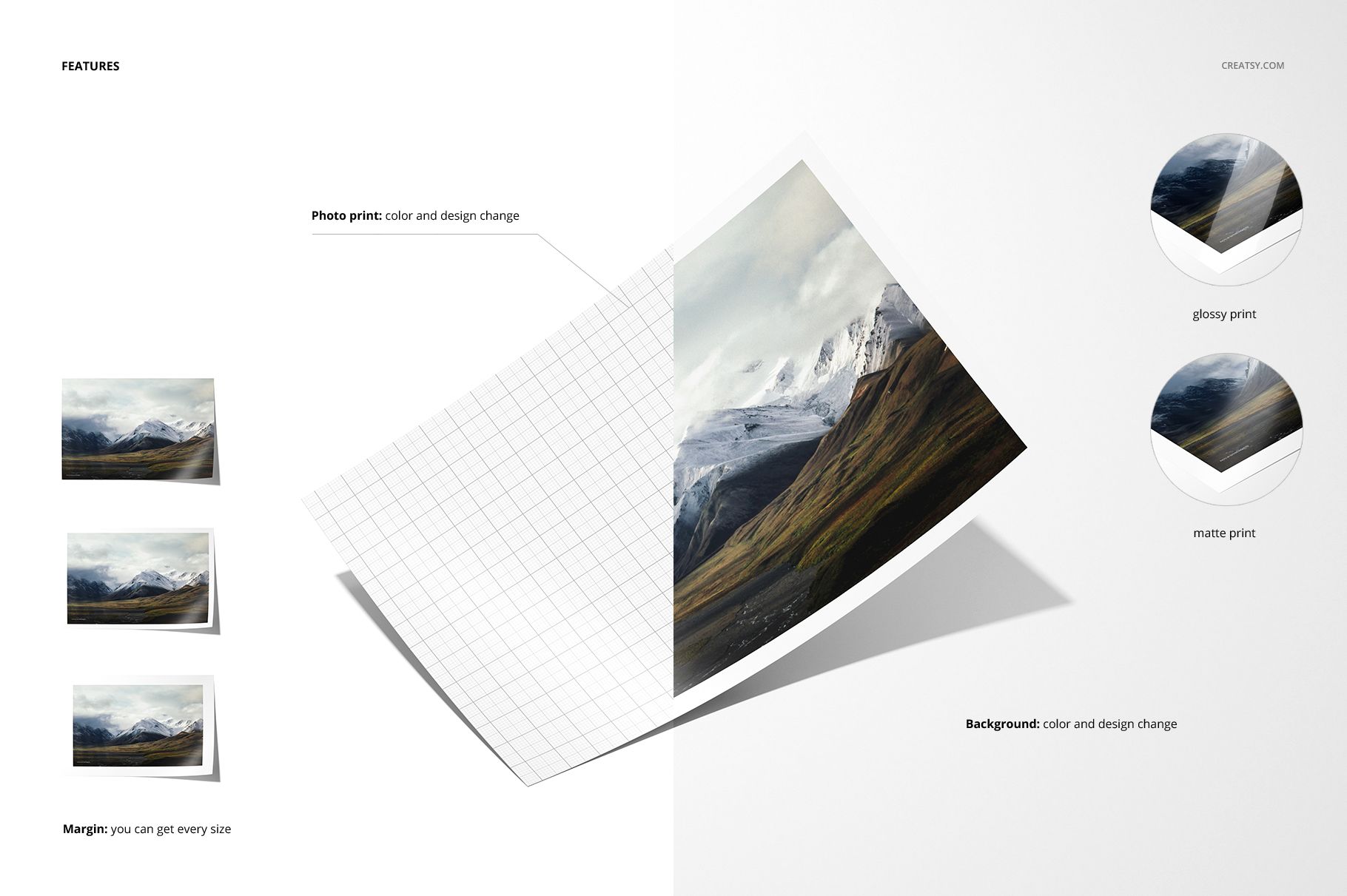
Use the matte scenes for a soft, reflection-free presentation and the glossy scenes when directional highlights should communicate a polished finish. Matching viewpoints make it easier to compare how the same artwork reads across both surfaces.
Seven Ratios and Flexible Border Control
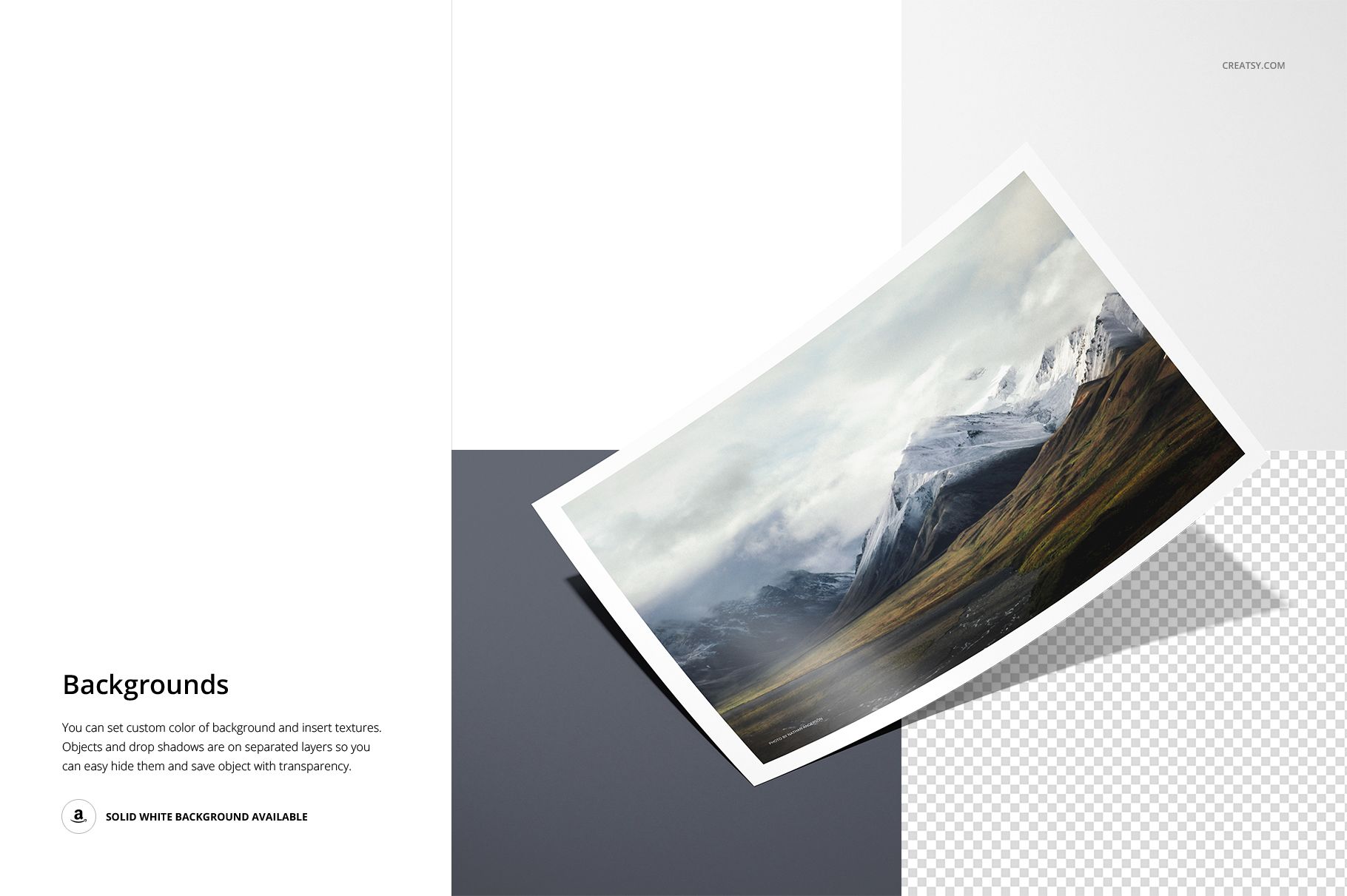
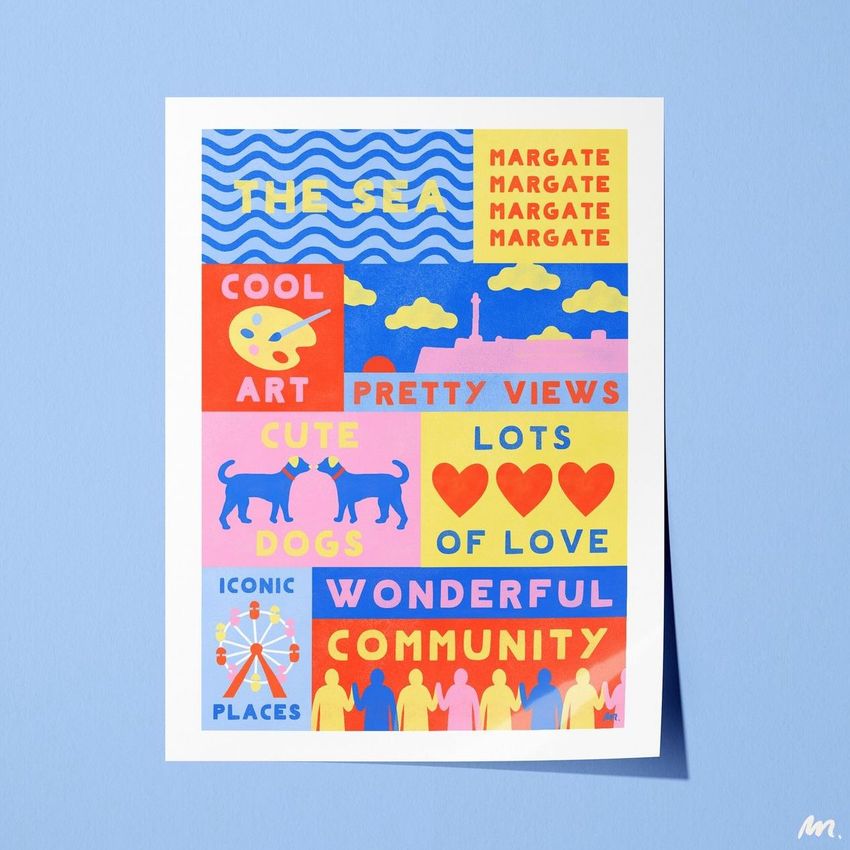
The front and angled views accommodate seven common ratios, from portrait and landscape formats to square prints. Change the print color and design, then adjust the border shape, width and color to test full-print and bordered directions.
Easy Smart Object Editing
Open a PSD in Adobe Photoshop CC2018 or newer, or in Photopea, replace the artwork inside the Smart Object and save. The package contains no PSB files, but individual PSDs reach 1.07 GB on Mac, so Photopea requires substantial free browser memory.
Perfect For
Photographers comparing matte and glossy print editions
Artists preparing multi-ratio print collections
Print studios presenting finish and border options
Ecommerce sellers building detailed photo print galleries
Portfolio and client presentations that need surface closeups
This is a digital mockup set. Physical prints, sample patterns and the artwork shown in the previews are not included.