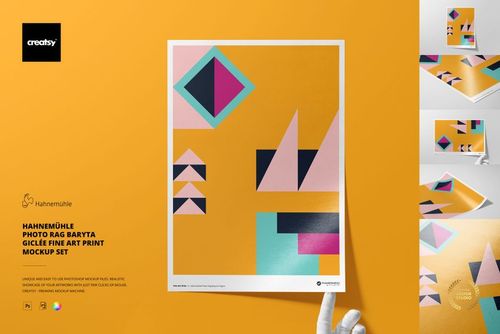
Hahnemühle Albrecht Dürer Giclée Fine Art Print Mockup Set
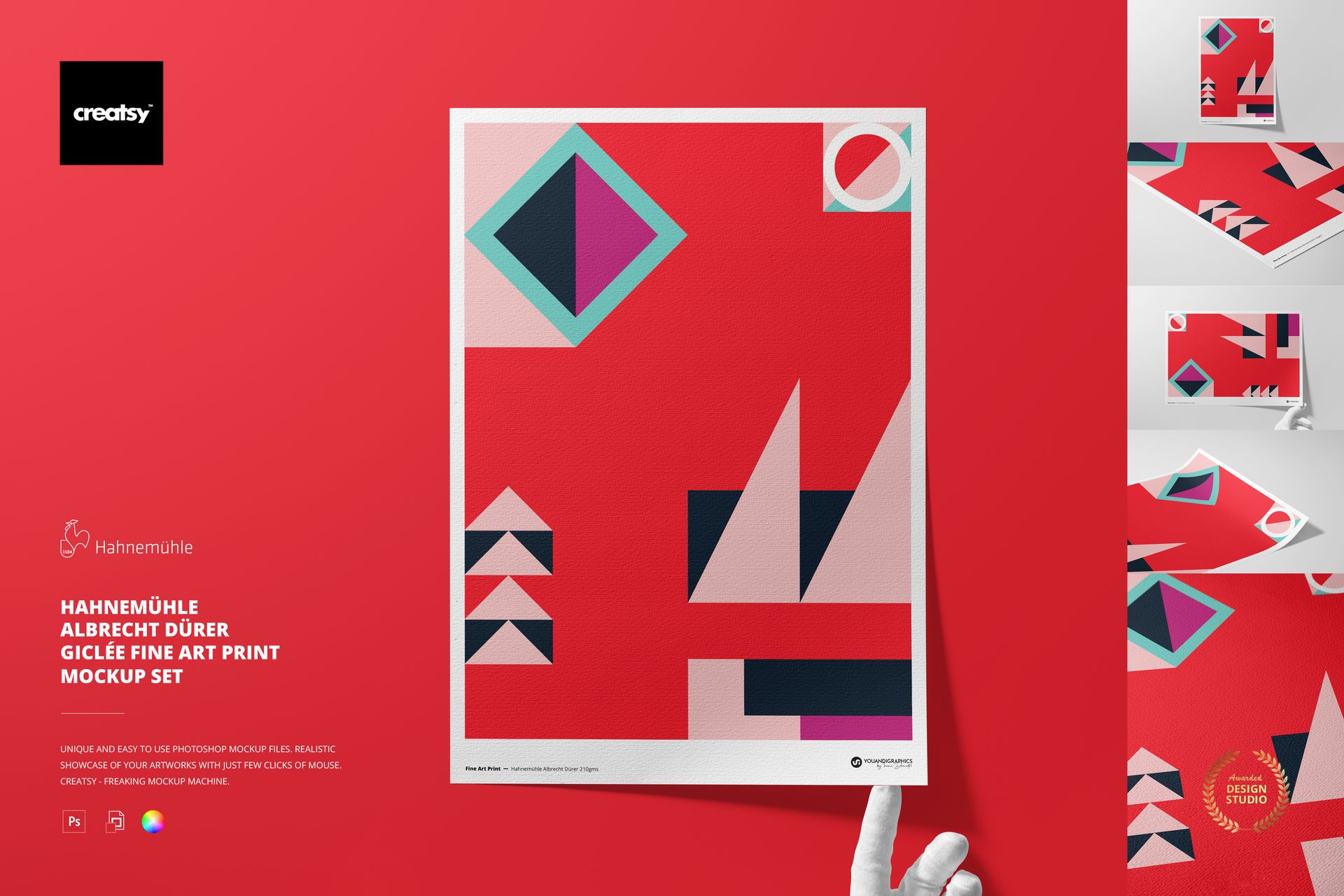
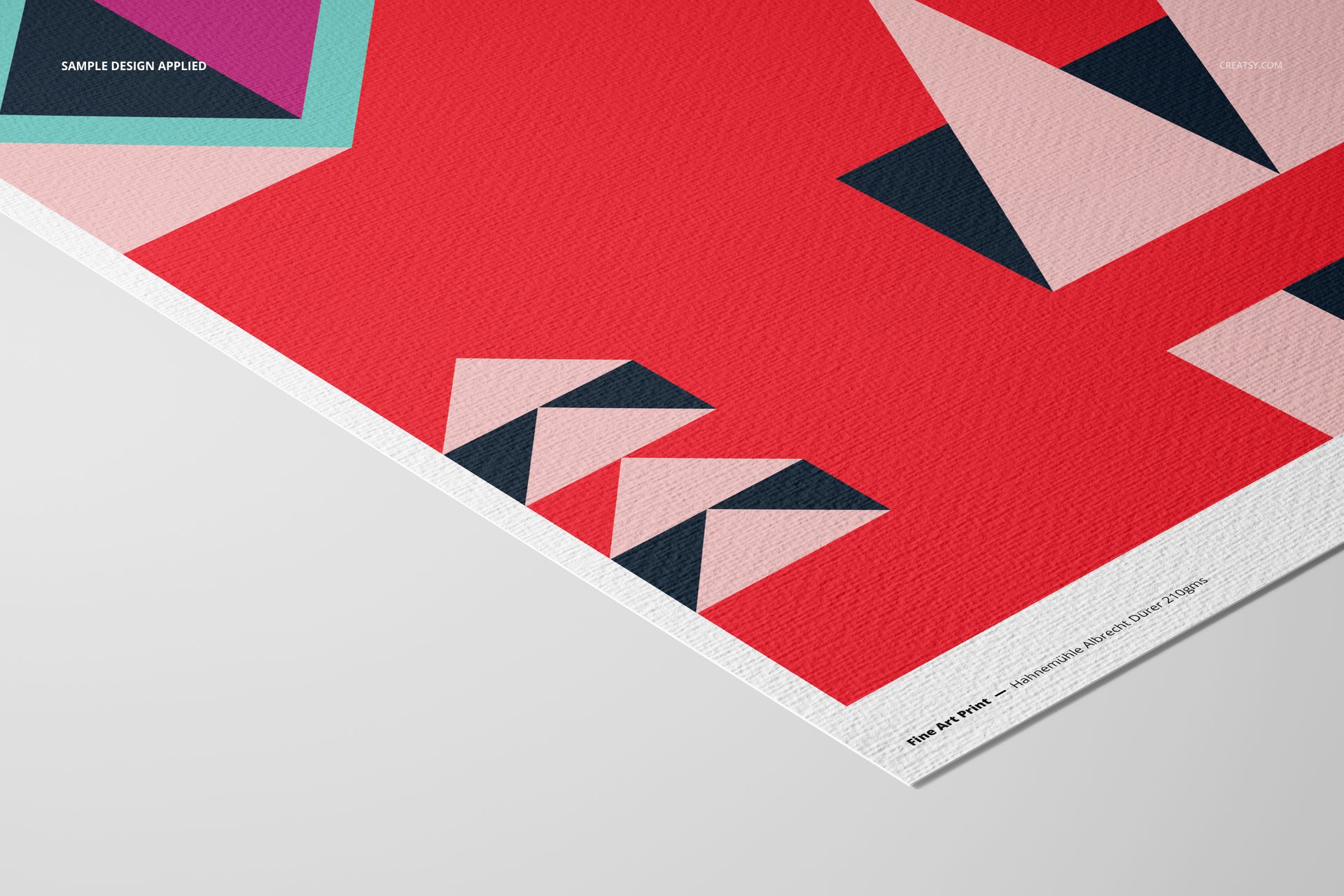
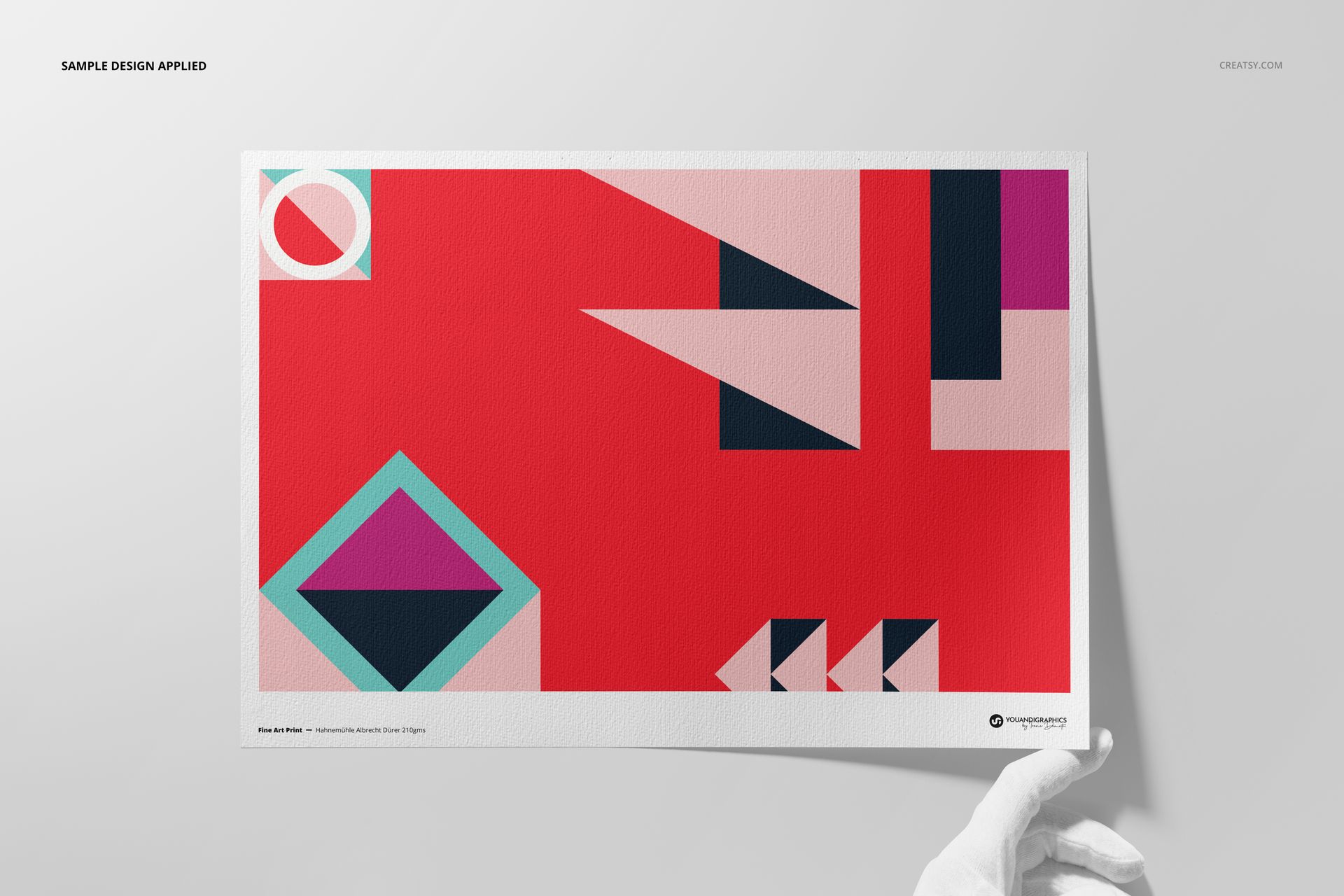
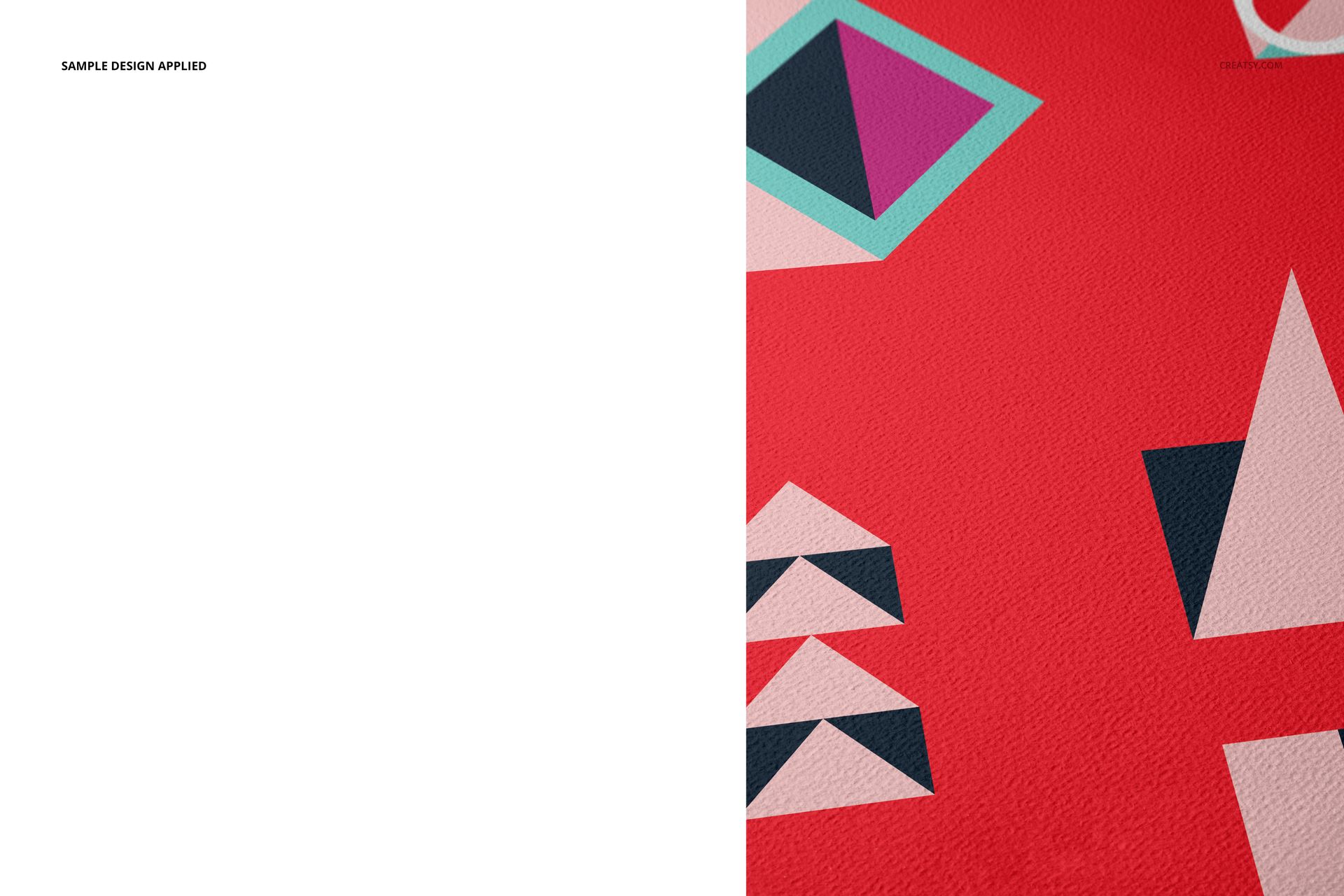
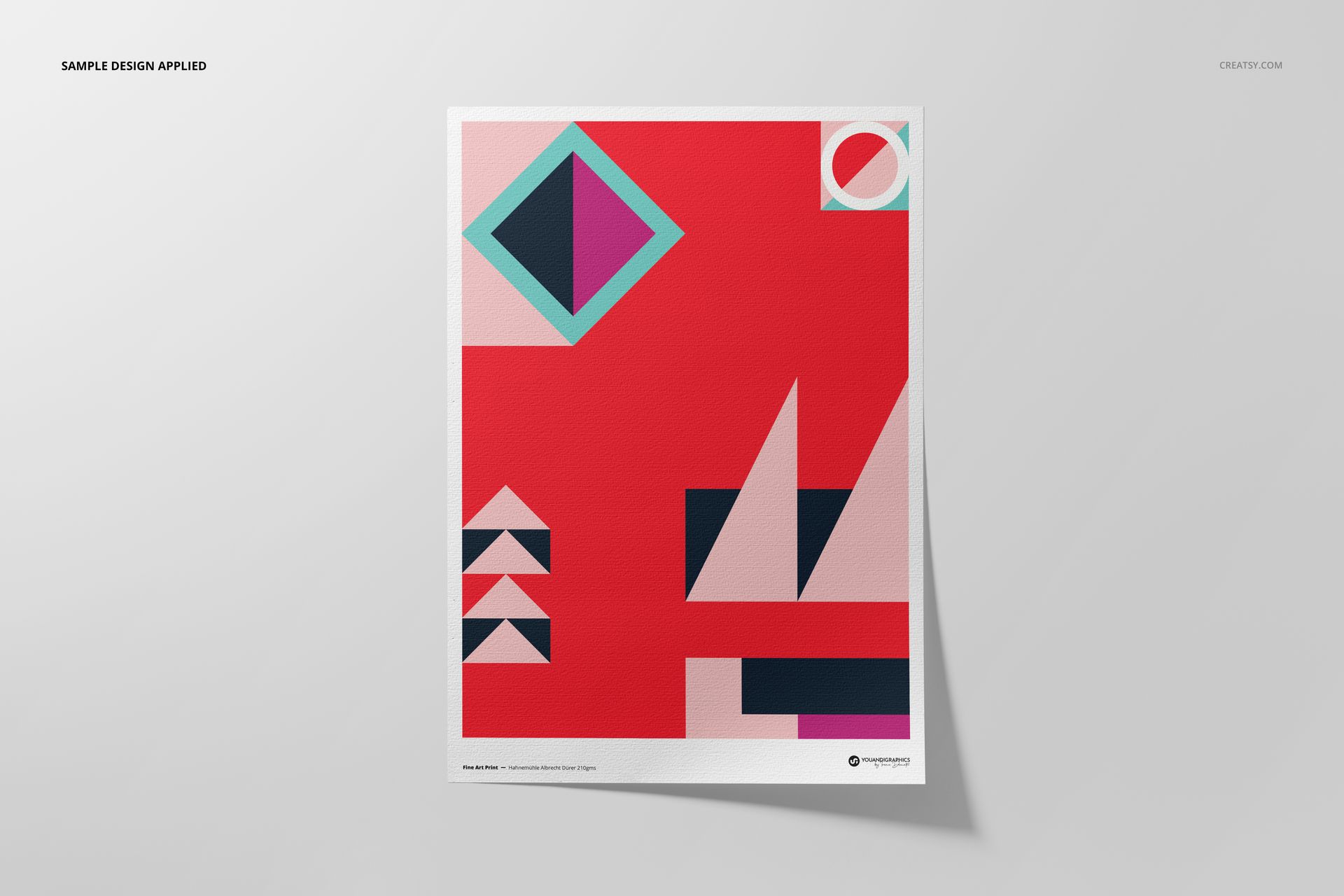
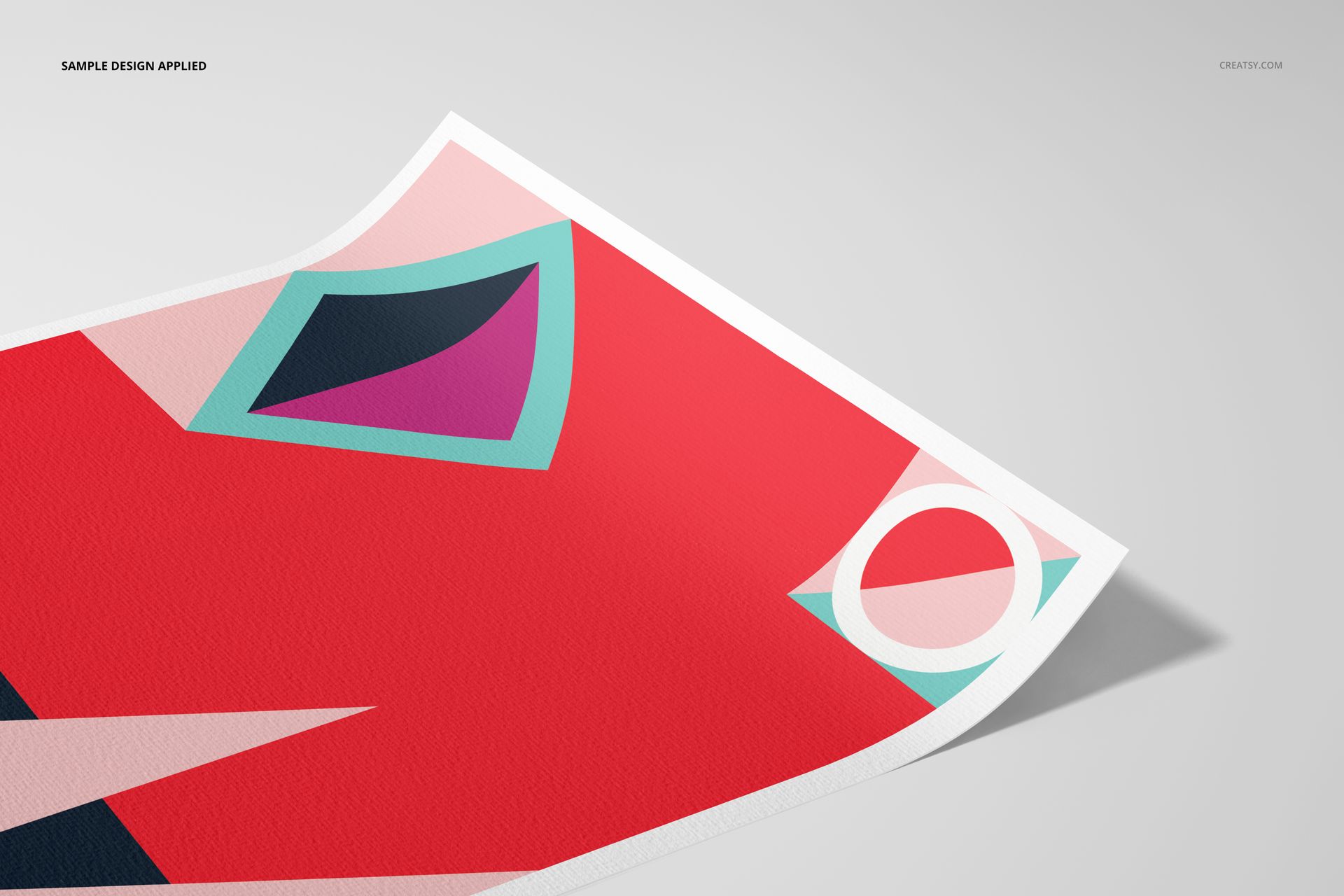
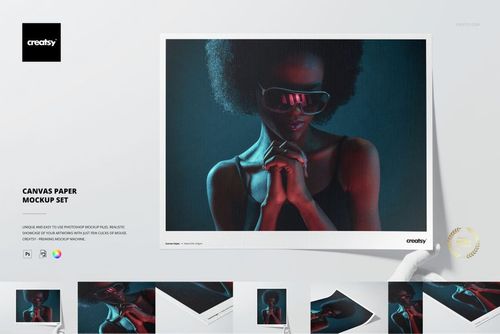
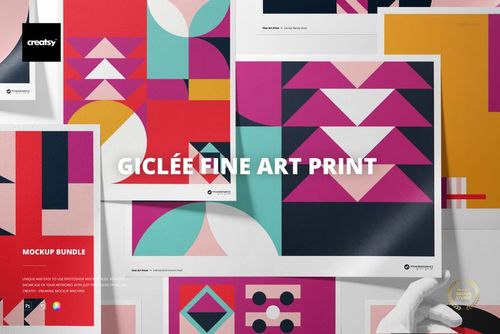
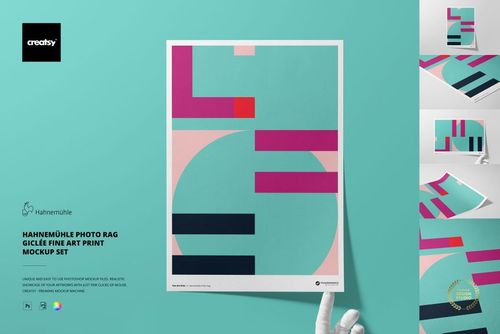
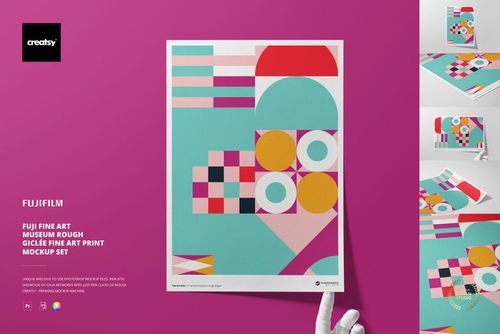
Give artwork the character of a traditional mould-made surface with this A3 Hahnemühle Albrecht Dürer mockup set. Five layered PSD scenes combine full-sheet views, close-up details, angled perspectives, and gloved-hand presentations, helping artists show how color and fine detail interact with a boldly defined watercolor texture.
This paper is made from 50% cotton and 50% alpha cellulose, contains no optical brighteners, and has a premium matte inkjet coating. The realistic surface detail is especially useful when a flat digital preview cannot communicate the tactile quality of a giclée print.
What Is Included
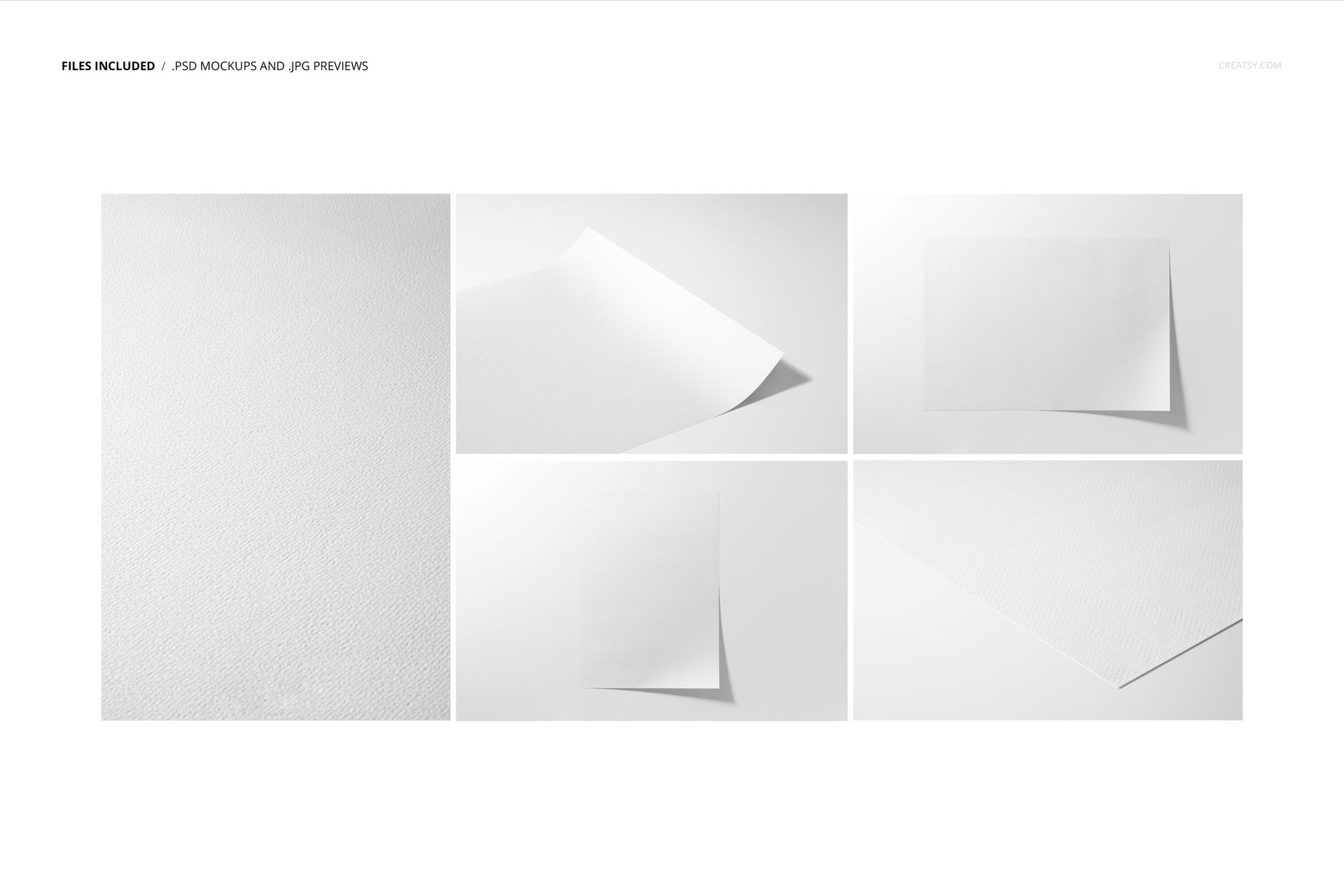
5 layered PSD mockup files representing five editable scenes
5 JPG previews, four landscape and one portrait
1 PDF user manual, 11 files in total
A3 Hahnemühle Albrecht Dürer paper presentation
PSD files listed at 6720 × 4480 px and 300 DPI
1.32 GB Windows / 1.42 GB macOS package
Reveal the Watercolor Paper Character
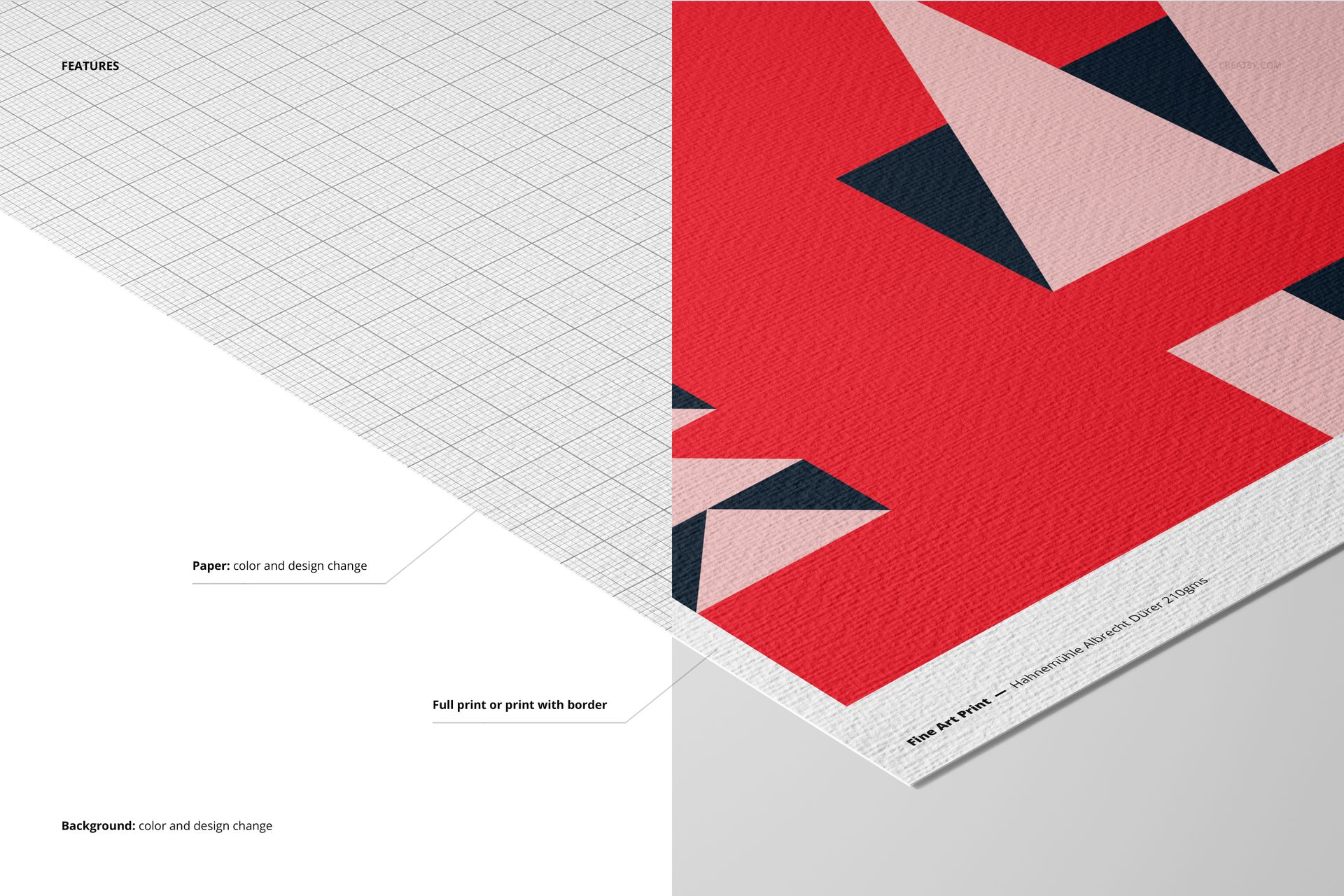
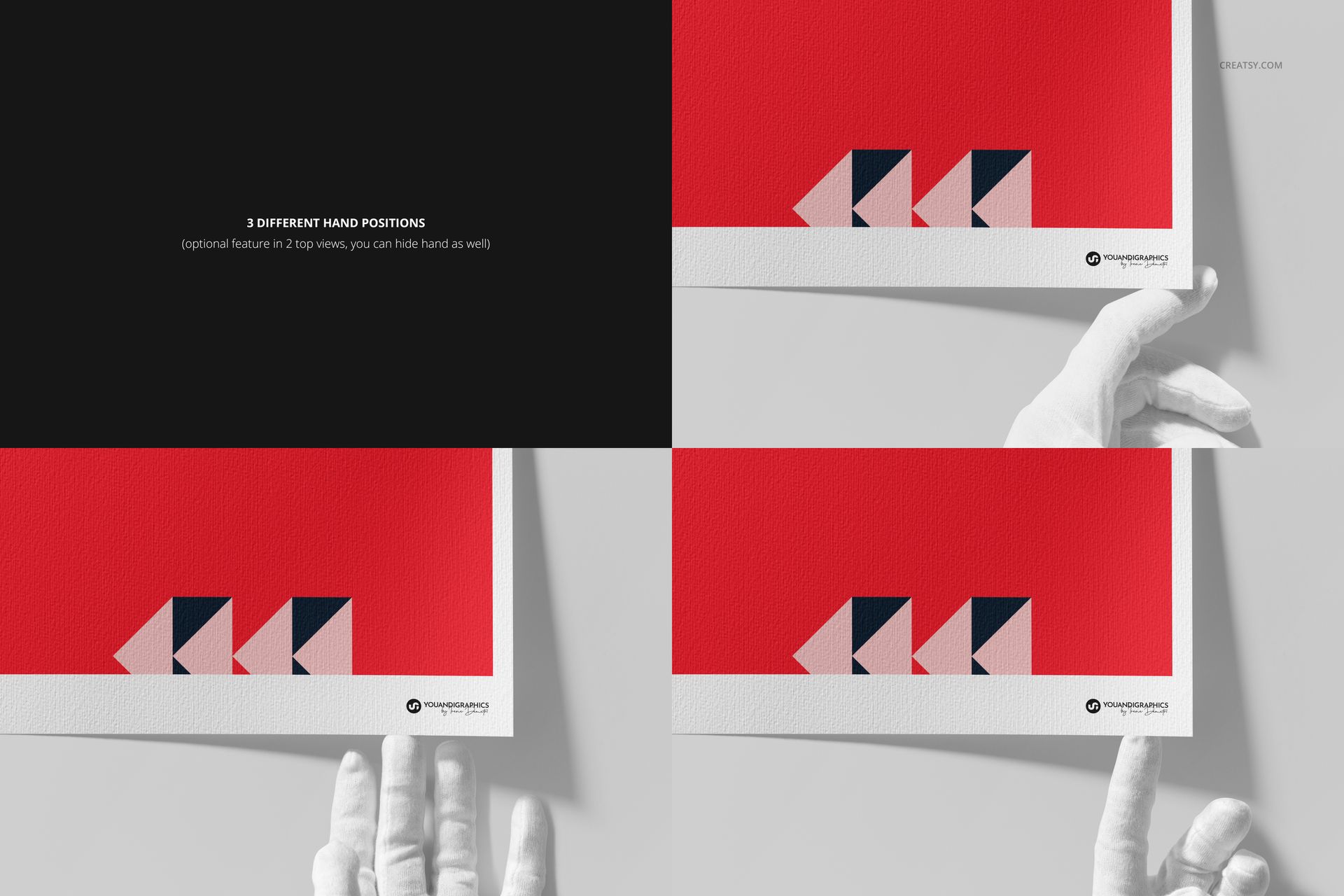
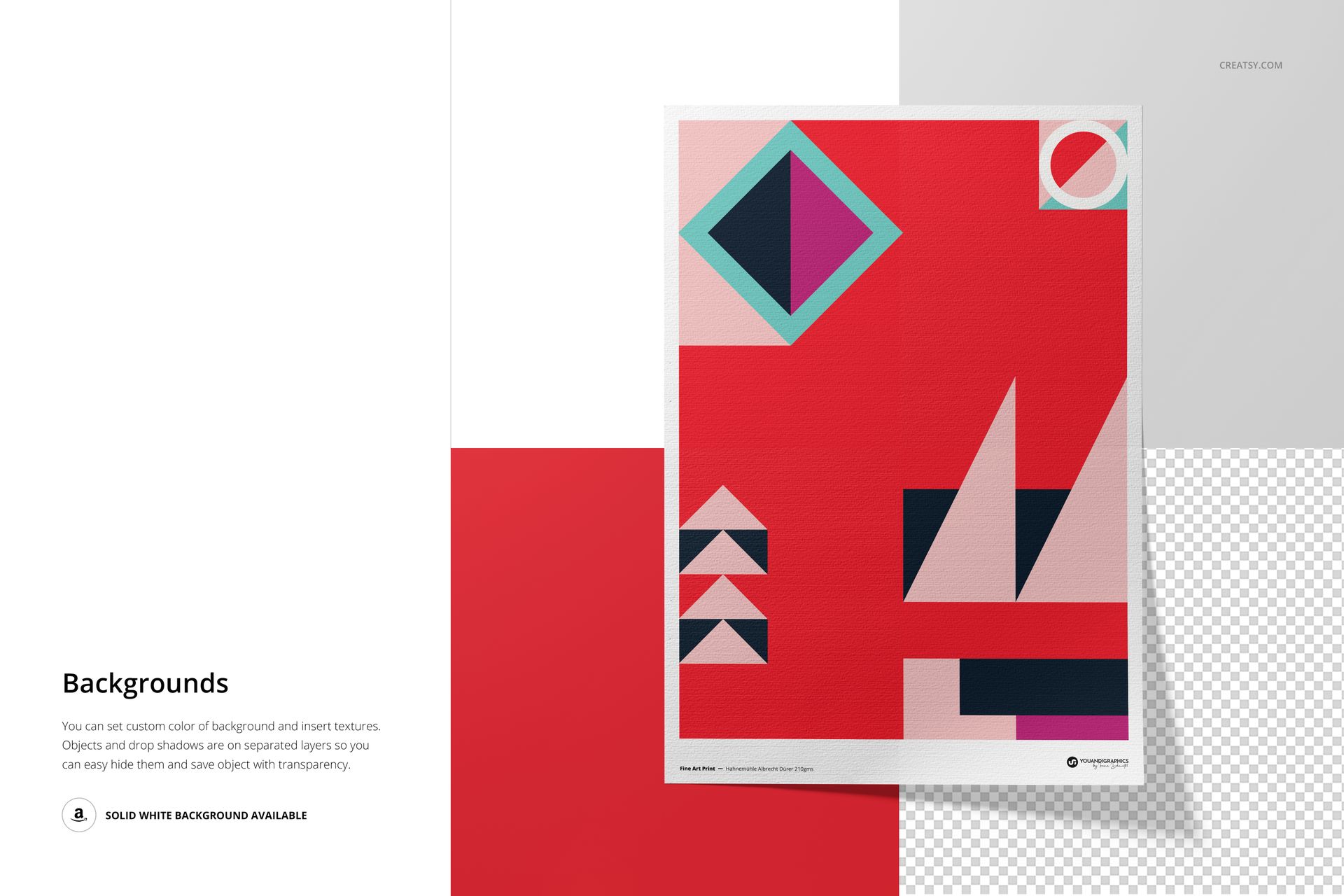
Use full-sheet compositions, detailed texture views, curled-corner angles, and three hand positions to present the print from several complementary perspectives. Switch between full-print artwork and a white border, change the paper color and design, then adjust the background color or design to suit the collection.
Easy Smart Object Editing
Place artwork through Smart Objects in Adobe Photoshop CC2020 or newer or Photopea. The well-organized layers keep the paper, artwork, and background controls easy to locate while preserving the natural lighting, shadows, and pronounced surface texture.
Perfect For
Fine artists and illustrators presenting limited-edition prints
Photographers preparing giclée collections
Print studios creating client previews
Portfolio case studies and online product galleries
Comparing artwork with and without a border before printing
This is a digital mockup product. The geometric sample artwork shown in the previews is not included, and the files are not a technical print-production template.