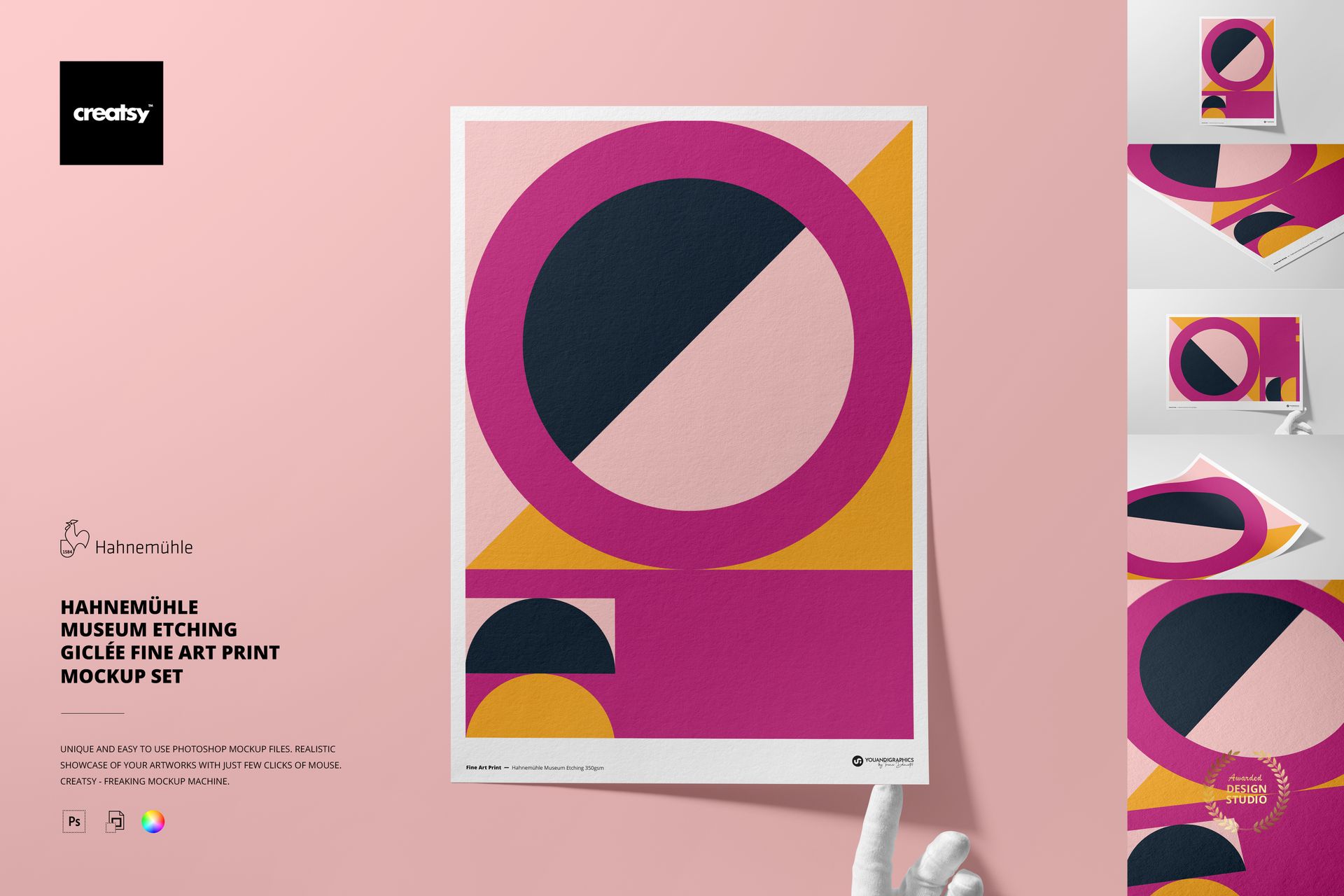
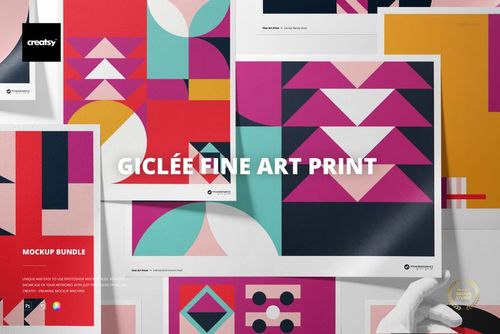
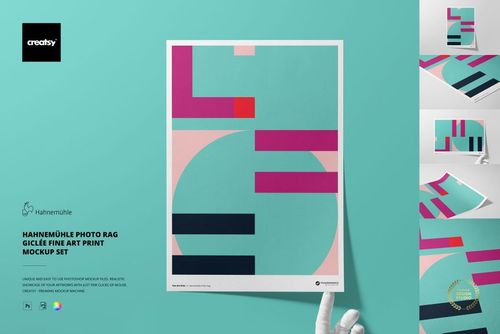
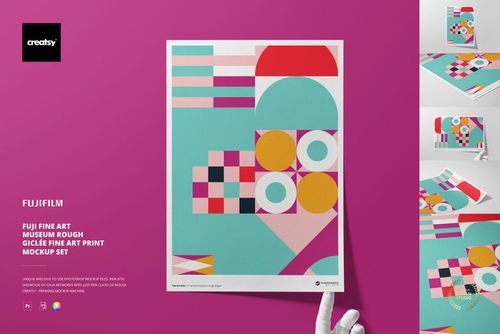
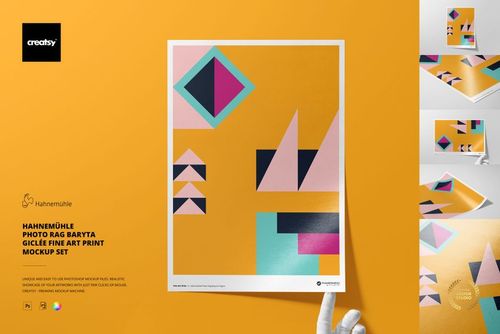
Hahnemühle Museum Etching A3 Print Mockup Set
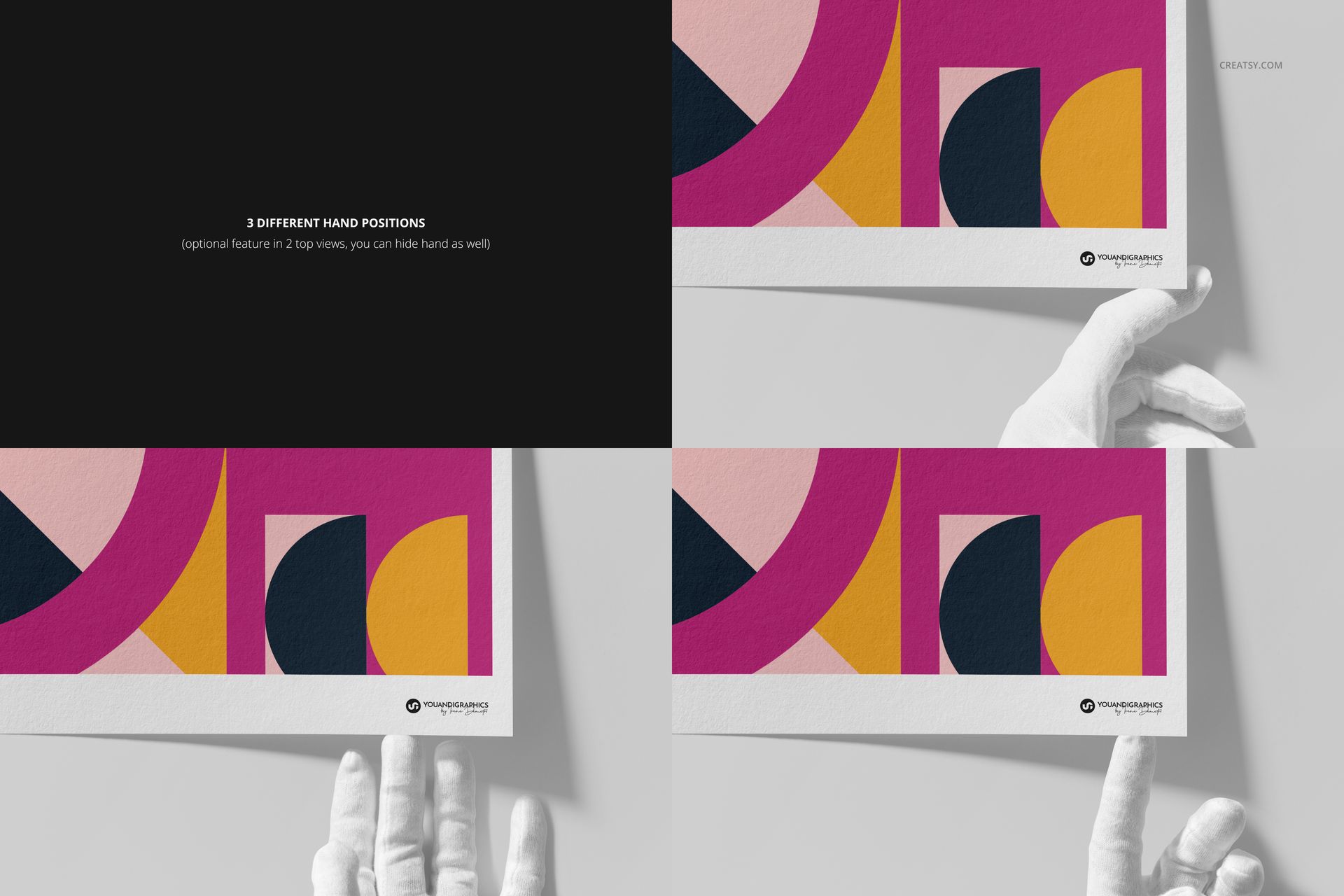
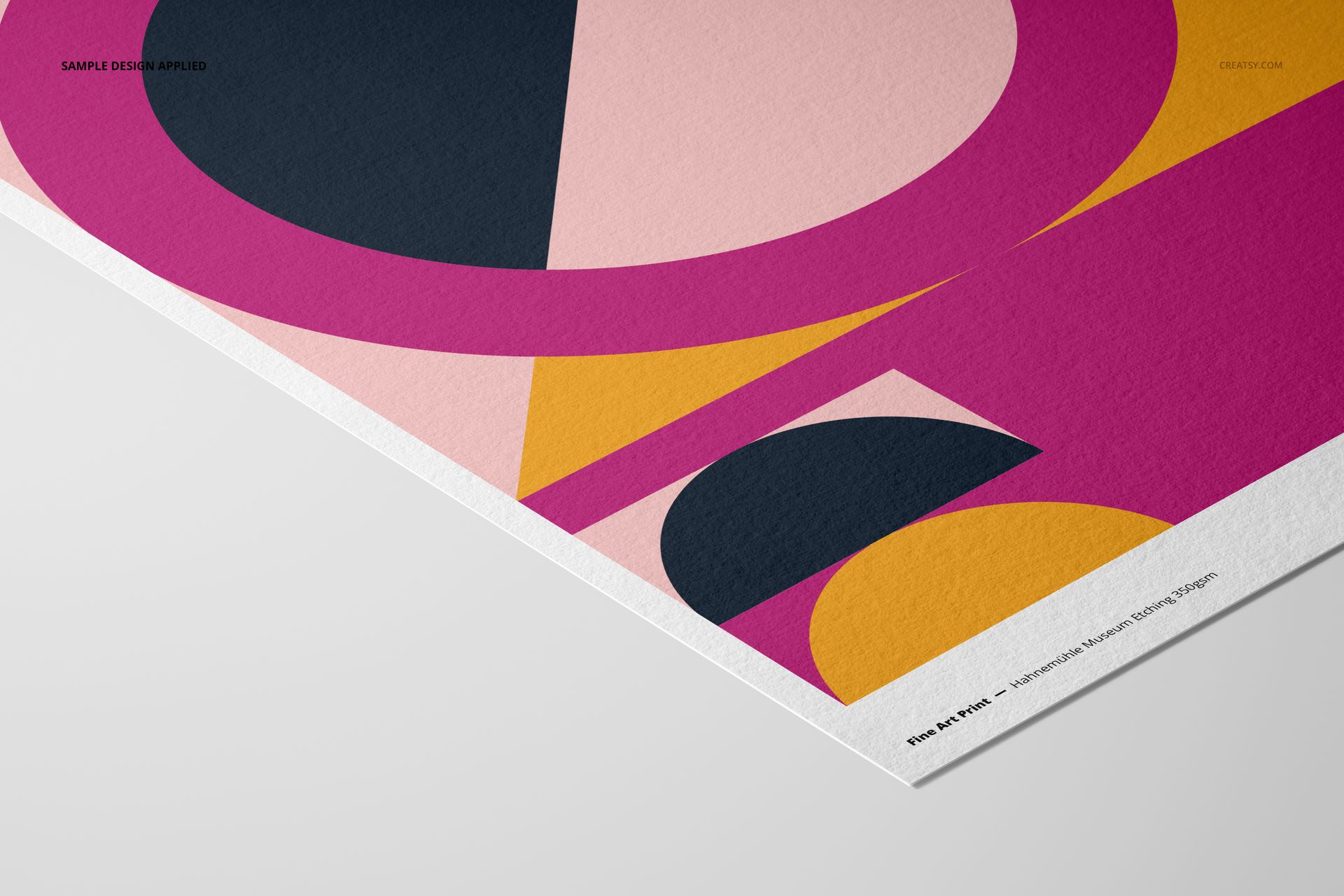
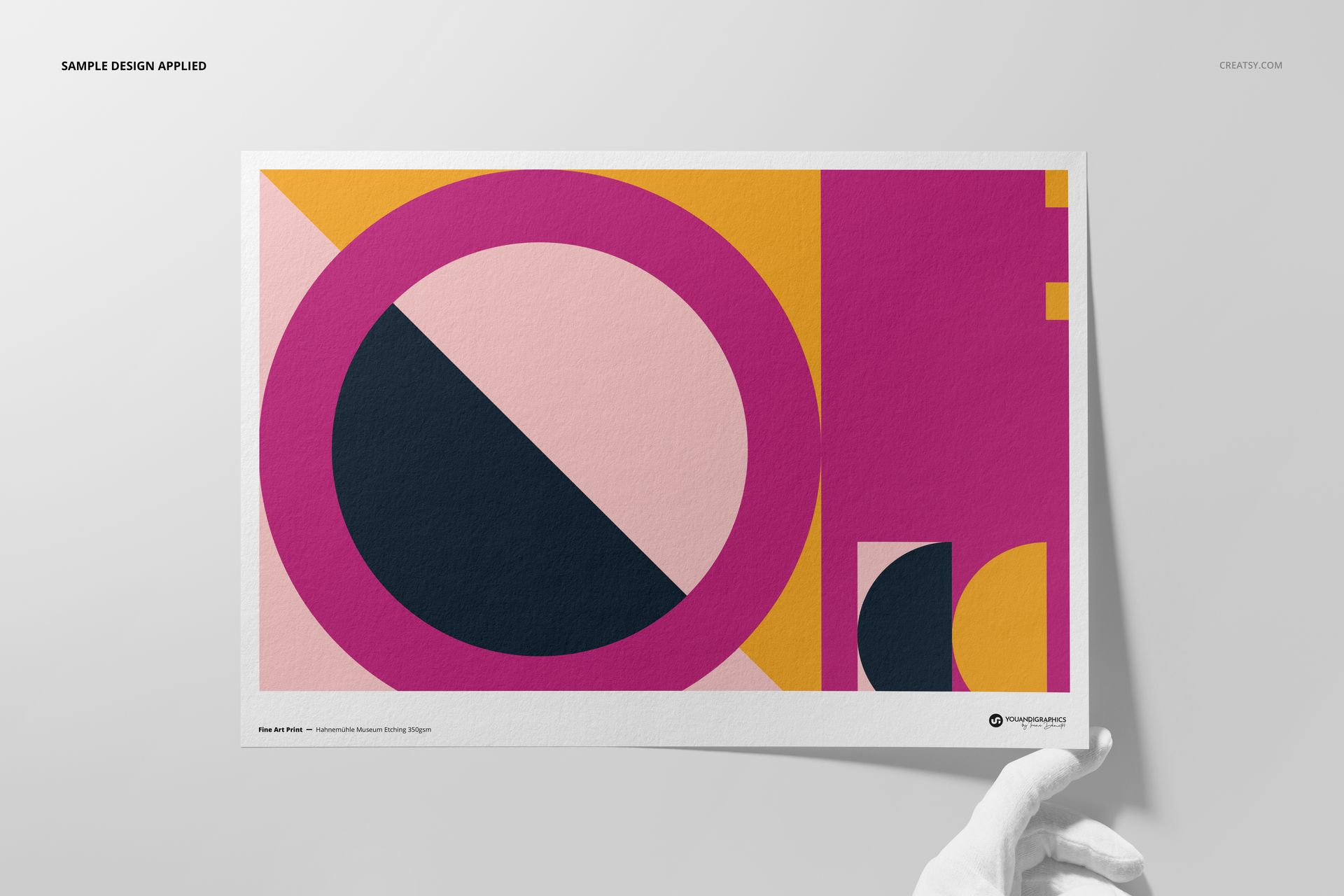
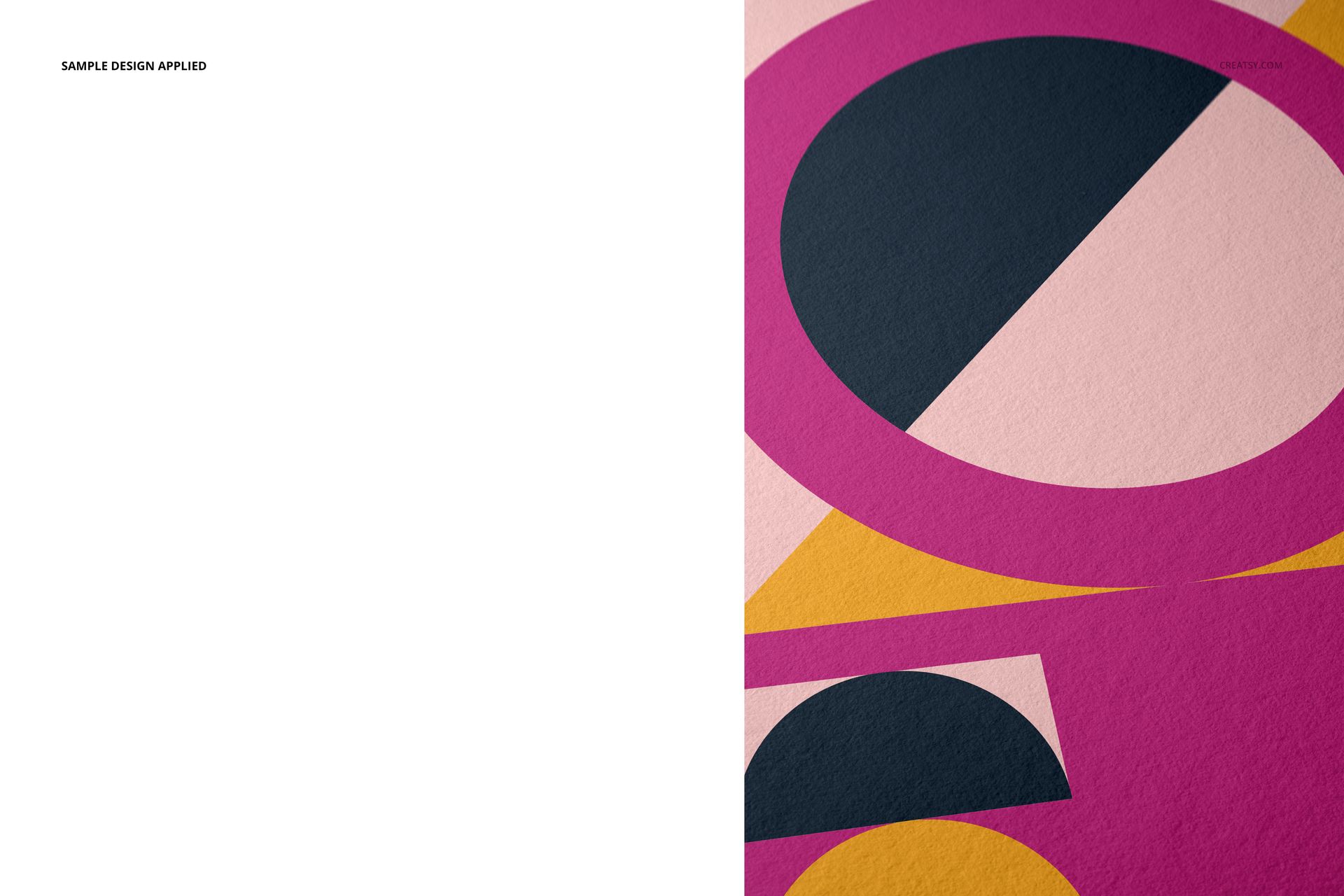
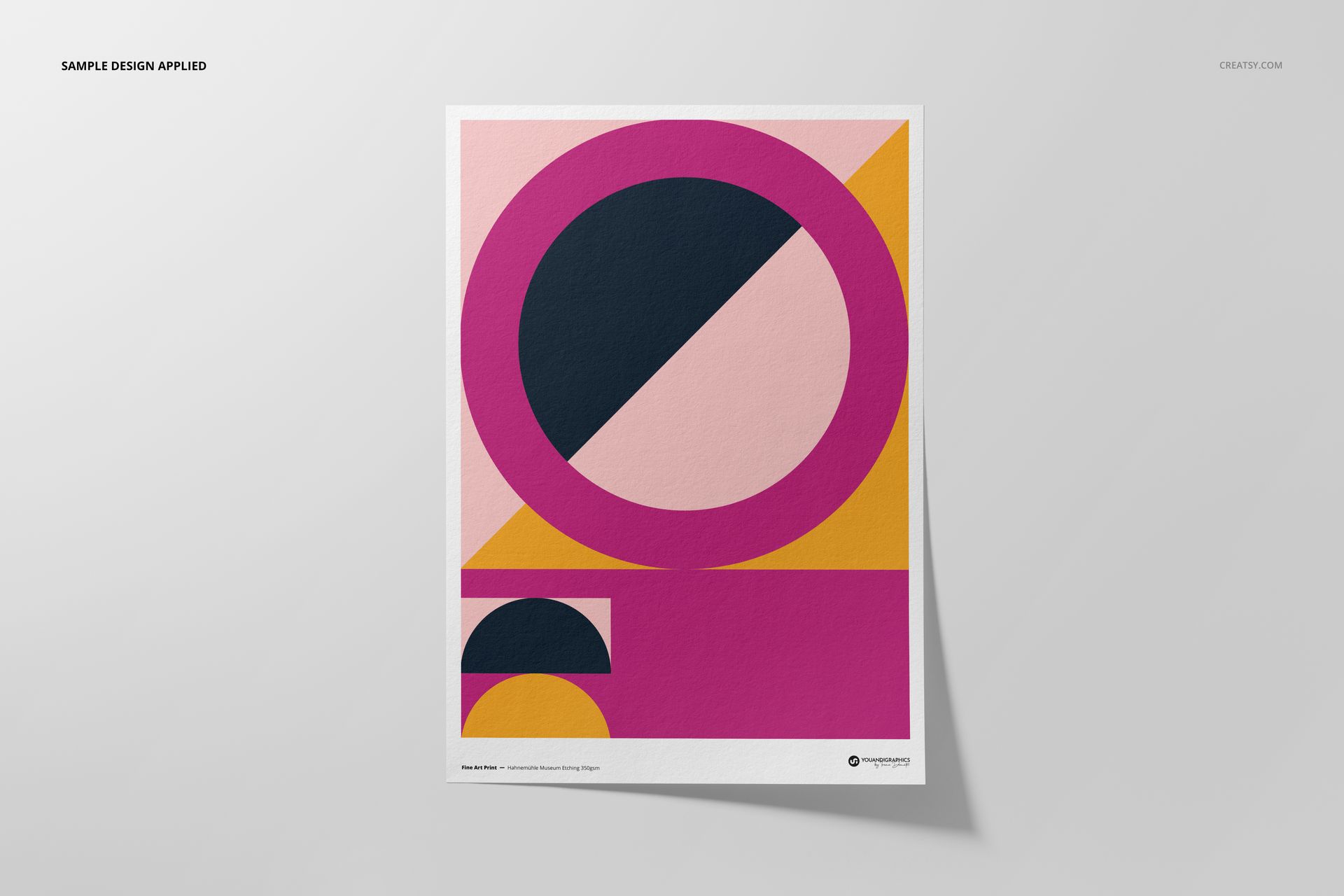
Present fine art, photography and illustration on the pronounced, finely textured surface of Hahnemühle Museum Etching 350 gsm paper. Five coordinated scenes frame a portrait A3 artwork area in front, hand-held, angled, top and close-up views.
The set is designed for product listings, portfolio pages, paper comparisons and client approvals where the character of an etching paper matters as much as the complete artwork.
Five Layered Presentation Scenes
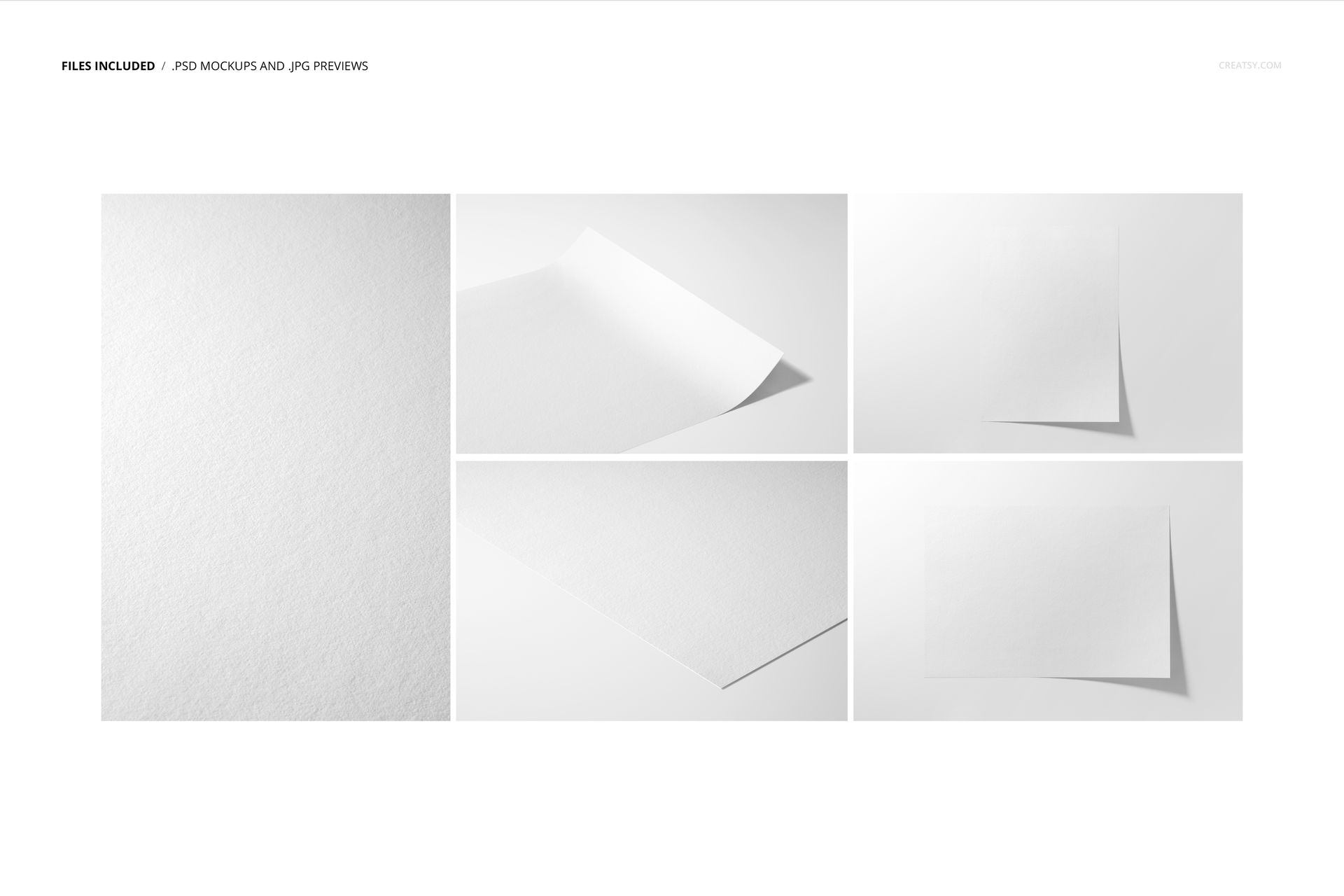
5 layered PSD mockup files
5 corresponding JPG reference images
1 PDF user manual, 11 files in total
Portrait A3 artwork presentation within landscape scene documents
High-resolution documents at 6720 × 4480 px and 300 dpi
Public package preview of 1.35 GB on Windows and 1.45 GB on Mac
Museum Etching Surface Detail
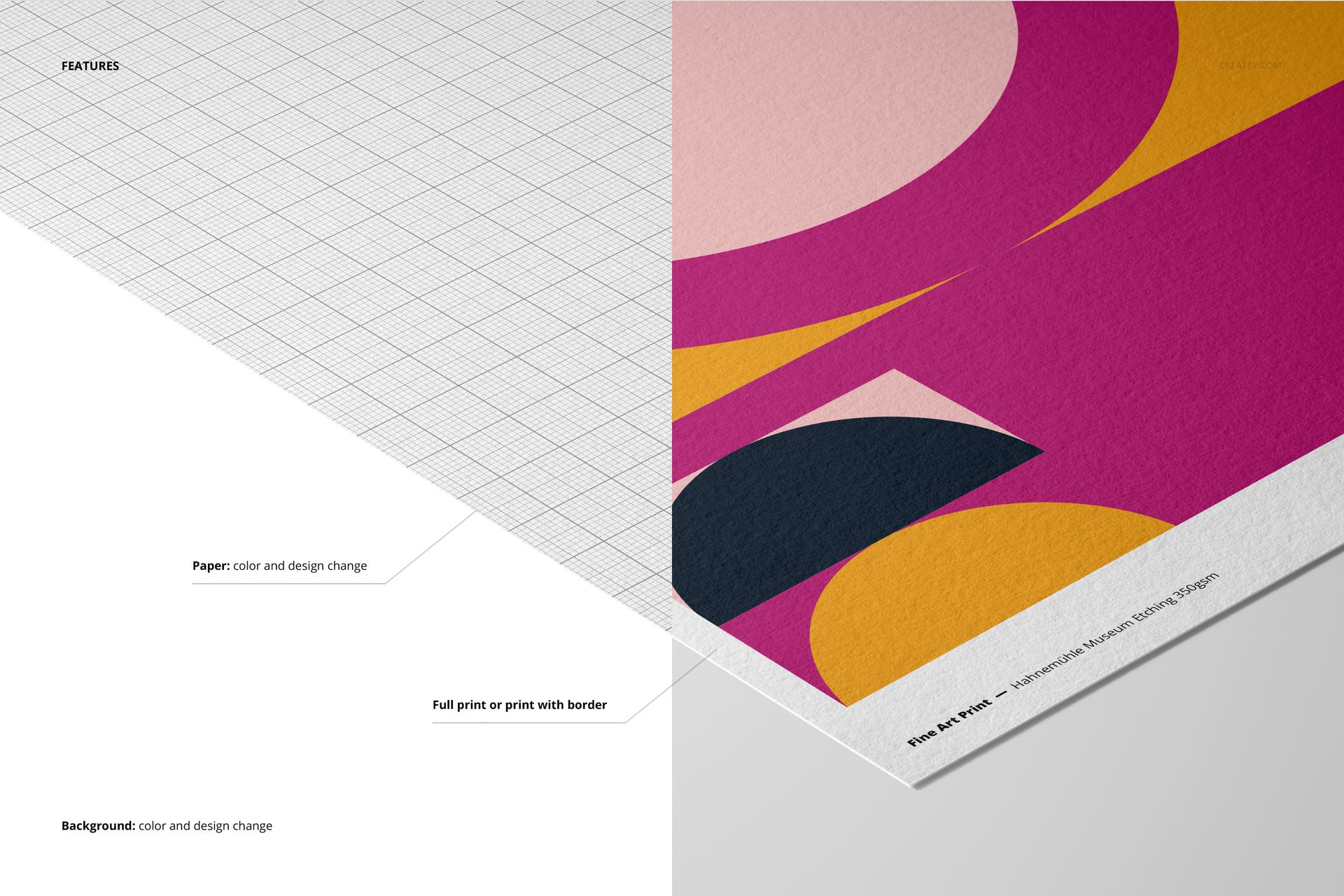
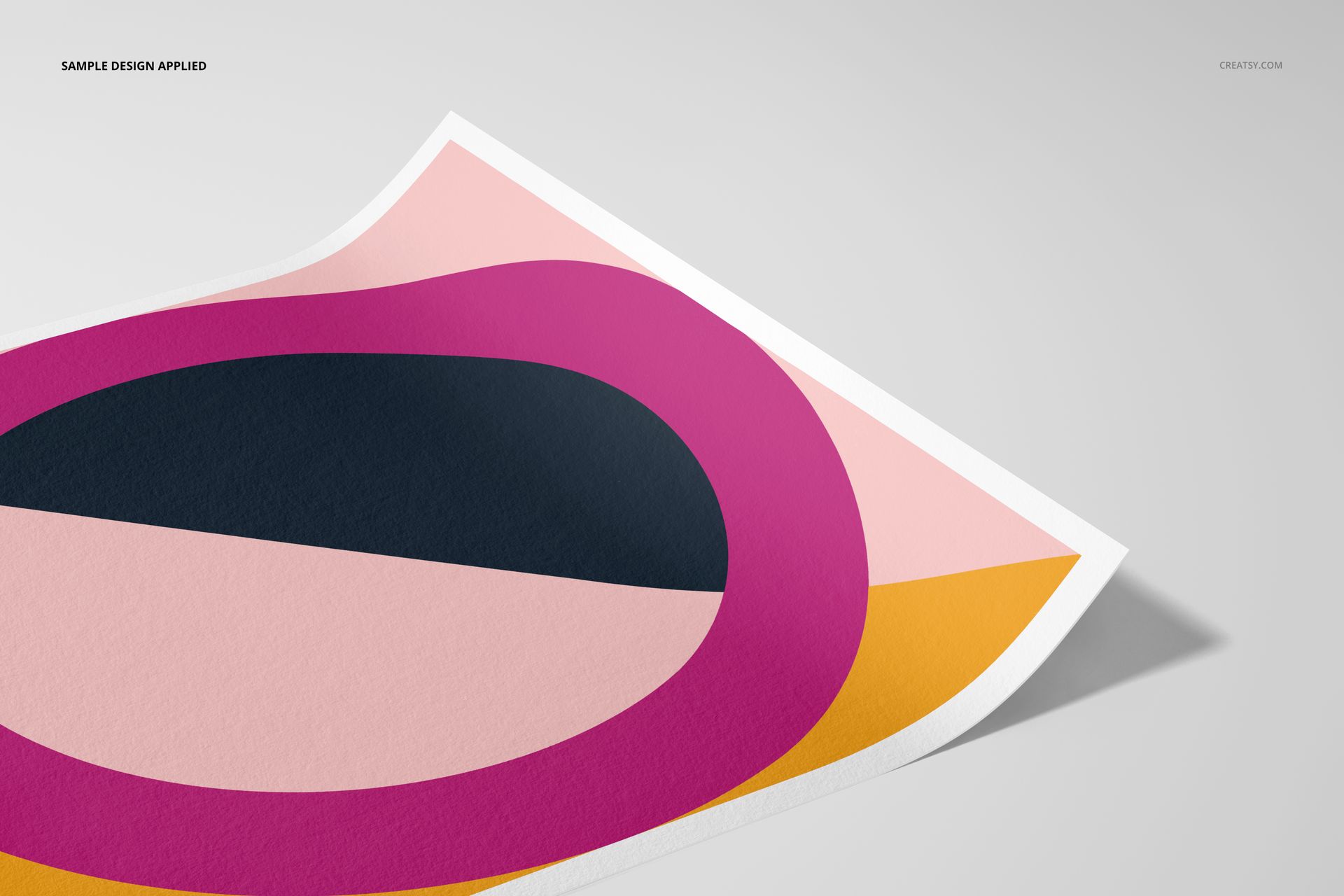
Use the straight-on views to show the complete design, then add the angled and macro scenes to reveal paper tooth, edge shape, lighting and shadows. The 350 gsm paper reference gives the gallery a distinct, tactile fine art context.
Editable PSD Workflow
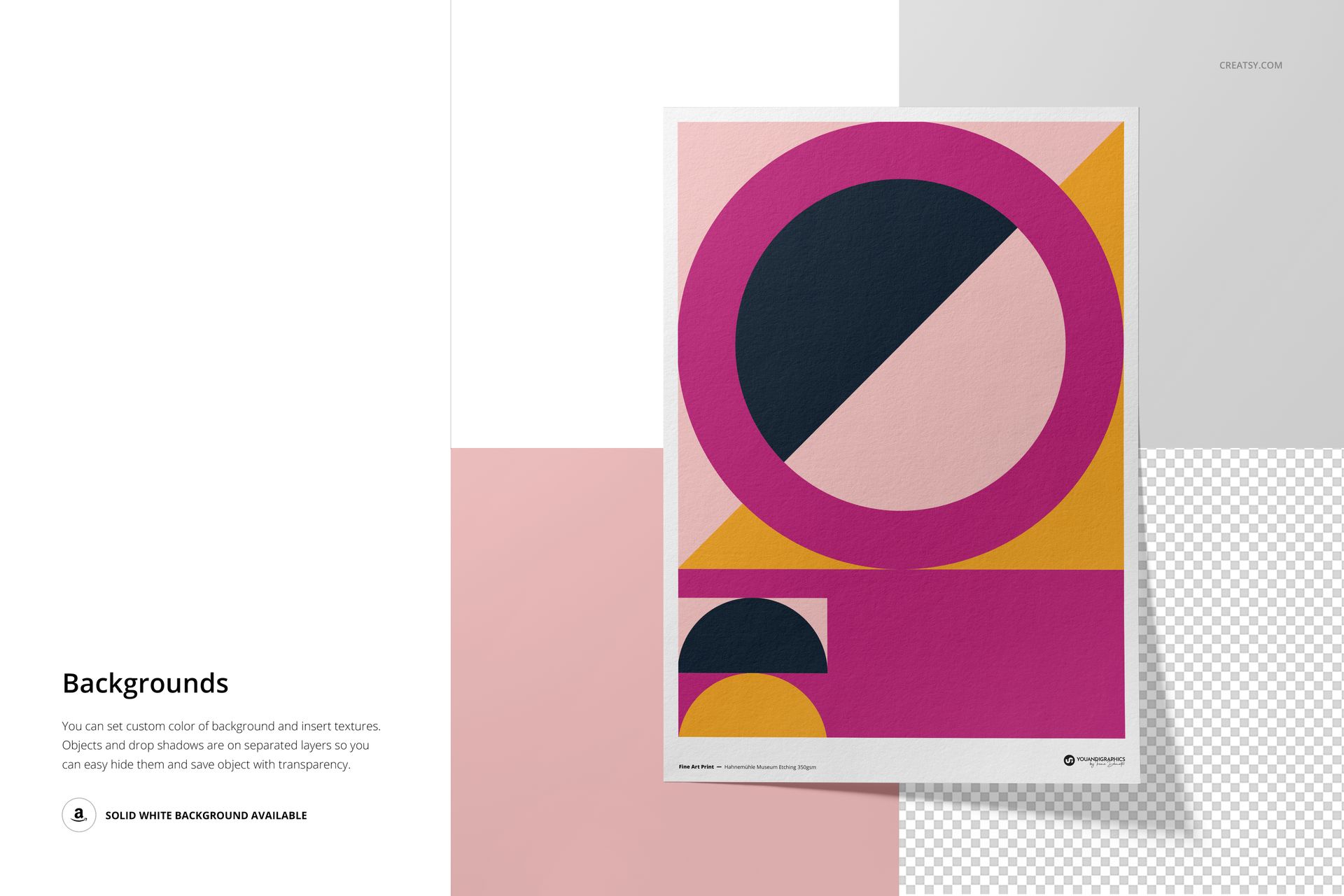
Replace artwork through Smart Objects and work with organized layers and folders. Available paper, color and background controls shown in the previews help coordinate the scene while retaining the photographed texture and natural shadow detail.
Software Compatibility
Adobe Photoshop CC2020 or newer is the primary supported application. The archive contains PSD files and no PSB files, so the mockups can also be opened in Photopea. Individual PSD files are approximately 379 to 644 MB on Windows and 397 to 675 MB on Mac, so Photopea performance depends on browser memory and device resources.
Useful For
A3 giclée and fine art print listings
Etching paper and surface comparisons
Illustration and photography portfolios
Gallery, print shop and client presentations
Close-up texture details for ecommerce galleries
The geometric sample artwork is used for demonstration only and is not included. This mockup provides a visual presentation, not technical print production measurements.