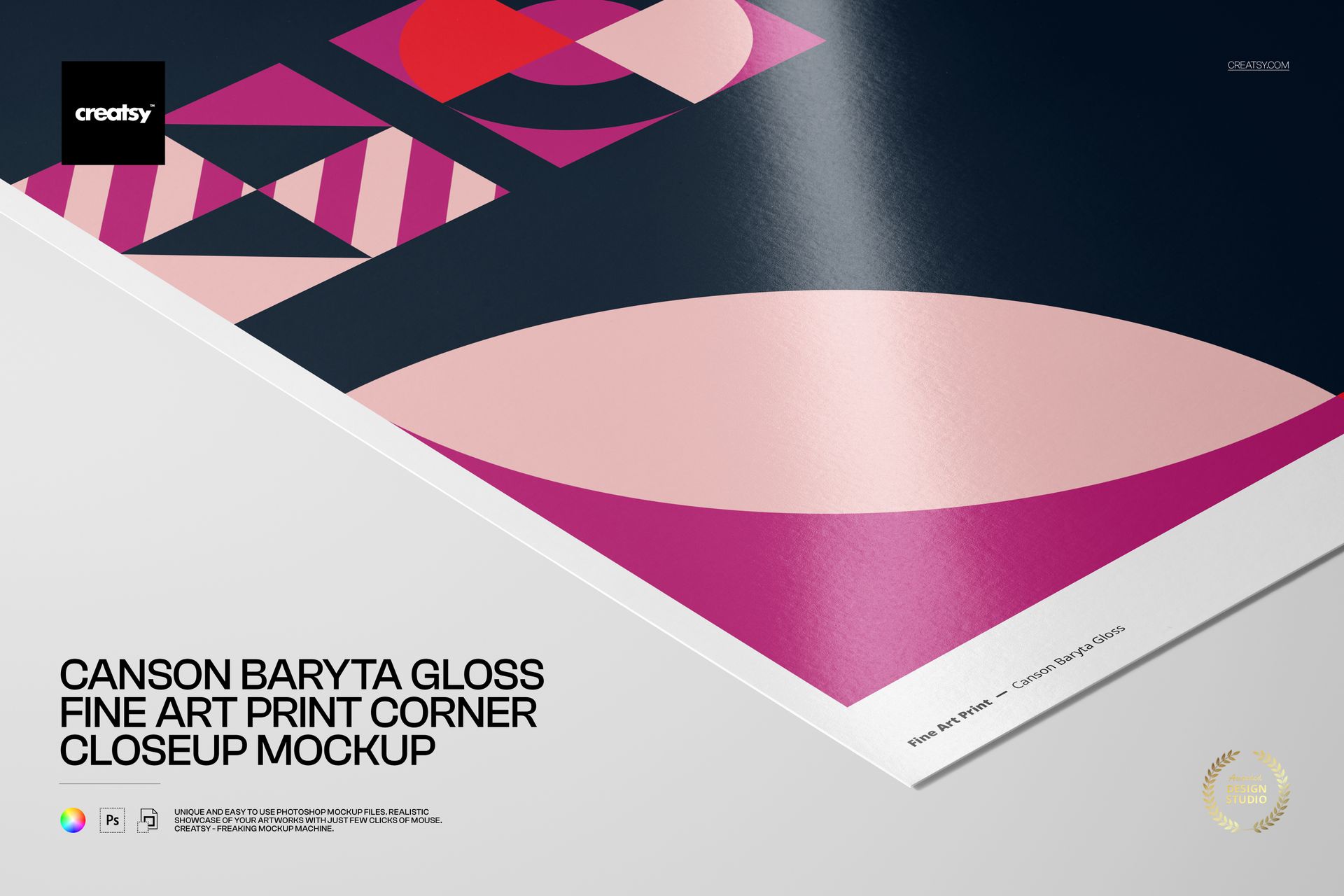
Canson Baryta Gloss Fine Art Print Corner Closeup Mockup
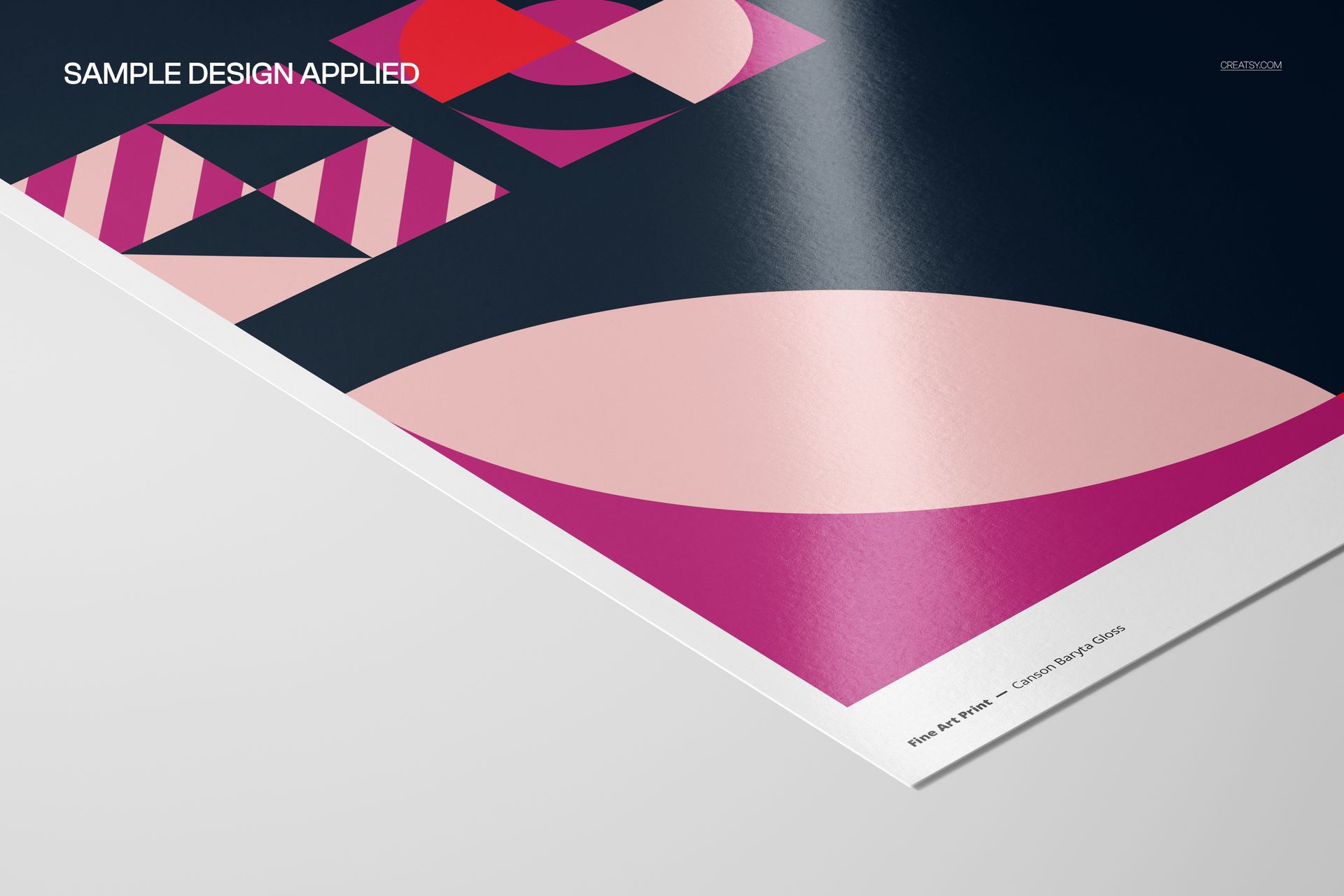
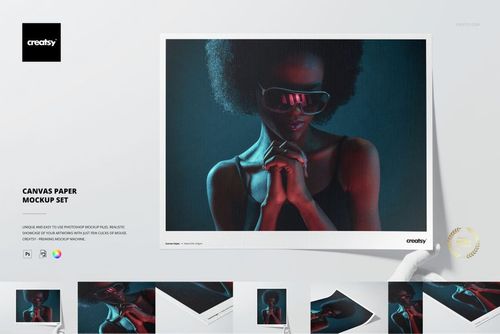
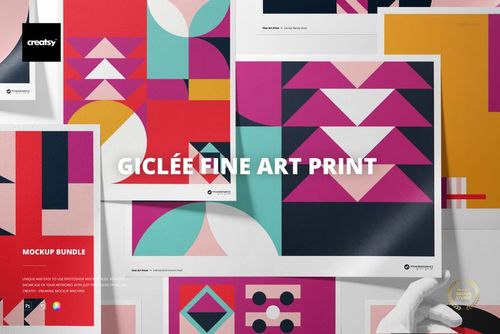
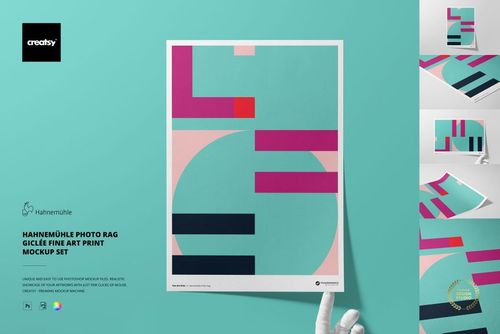
Bring viewers close to the paper surface with a focused A3 corner composition. This landscape mockup highlights the glossy baryta finish, the print edge, and the relationship between artwork and background without a styled room or distracting props.
Use the scene to present photography, illustration, poster art, or geometric work when material detail matters as much as the full image. It is a practical way to show a border treatment, emphasize surface reflections, and give clients a polished preview before arranging a physical sample.
What Is Included
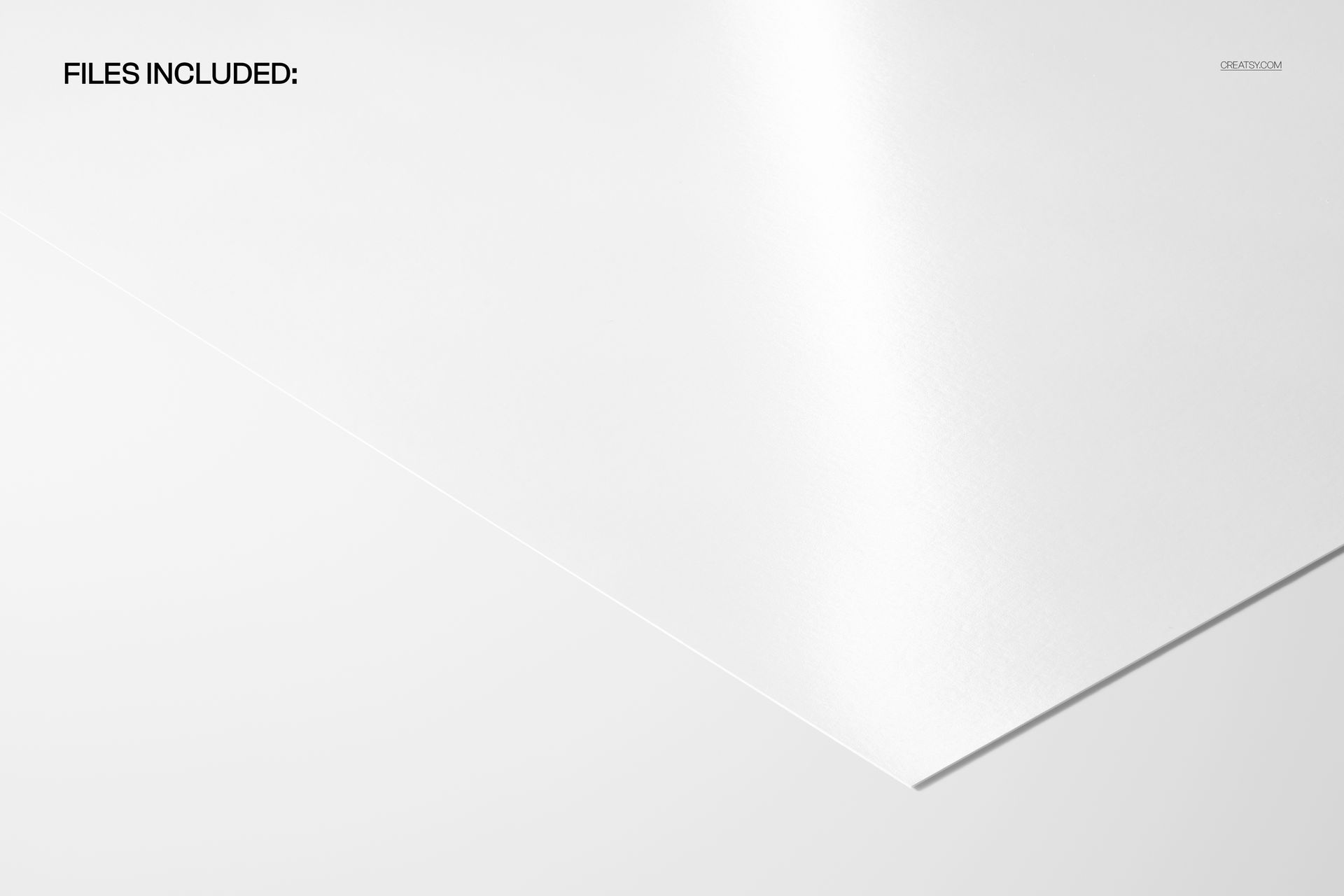
1 layered PSD mockup file, 6720 × 4480 px at 300 DPI
1 JPG preview, 6720 × 4480 px
2 files in total
1 landscape corner closeup scene featuring an A3 fine art print
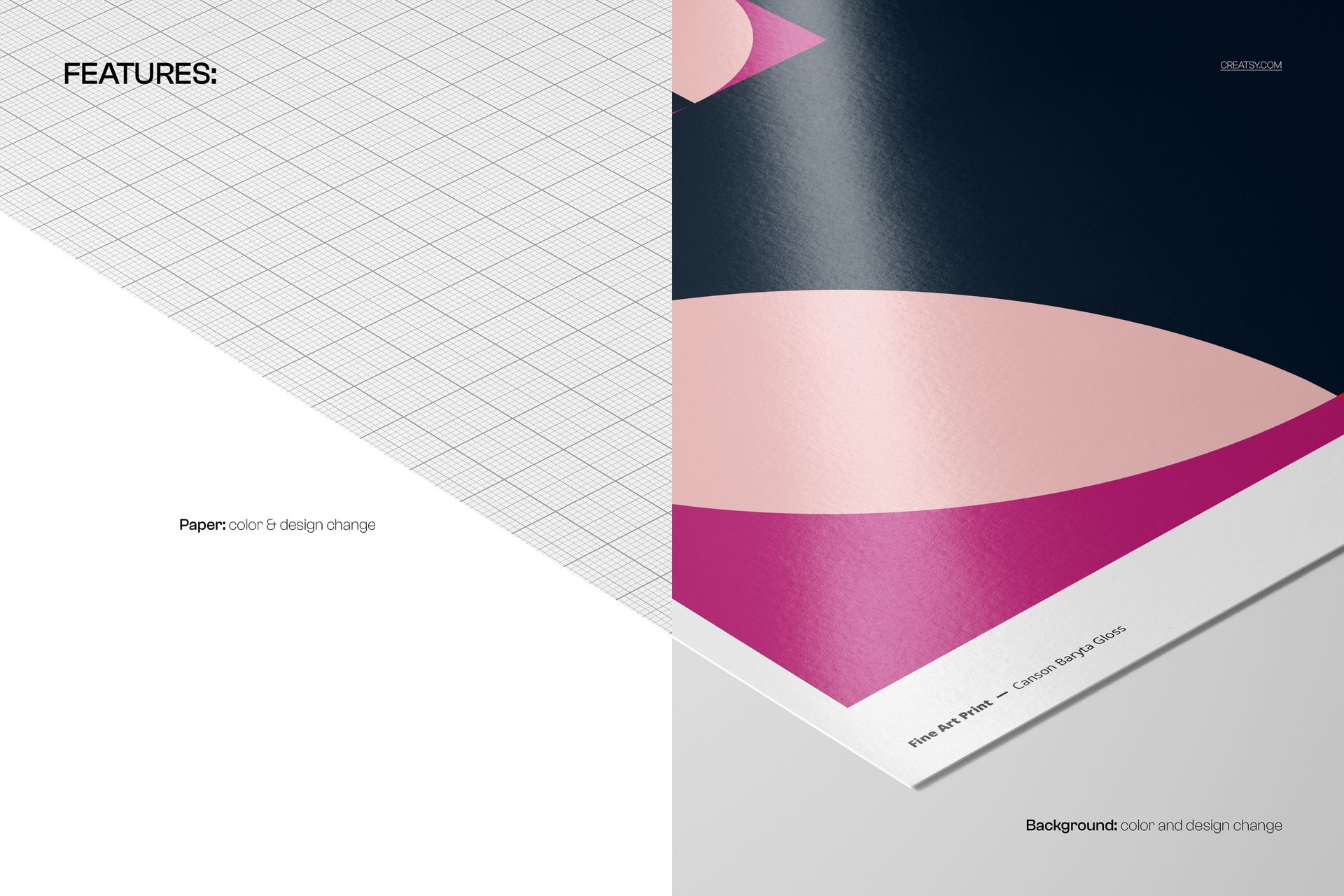
Editable paper color and design, plus editable background color and design
Show the Baryta Gloss Finish
The tight perspective draws attention to the paper's subtle sheen, clean edge, and the contrast between printed and unprinted areas. It works well as a detail image alongside a full-print view in an ecommerce gallery or portfolio.
Easy Smart Object Editing
Replace the sample artwork through the Smart Object, then adjust the paper color and design as well as the background color and design. The organized layer structure keeps the editing workflow clear in Adobe Photoshop CC2020 or newer and Photopea.
Perfect For
Fine art photographers and print sellers
Artists and illustrators presenting A3 editions
Graphic designers building client approval visuals
Print studios showing gloss and border detail
Online shops and portfolio case studies
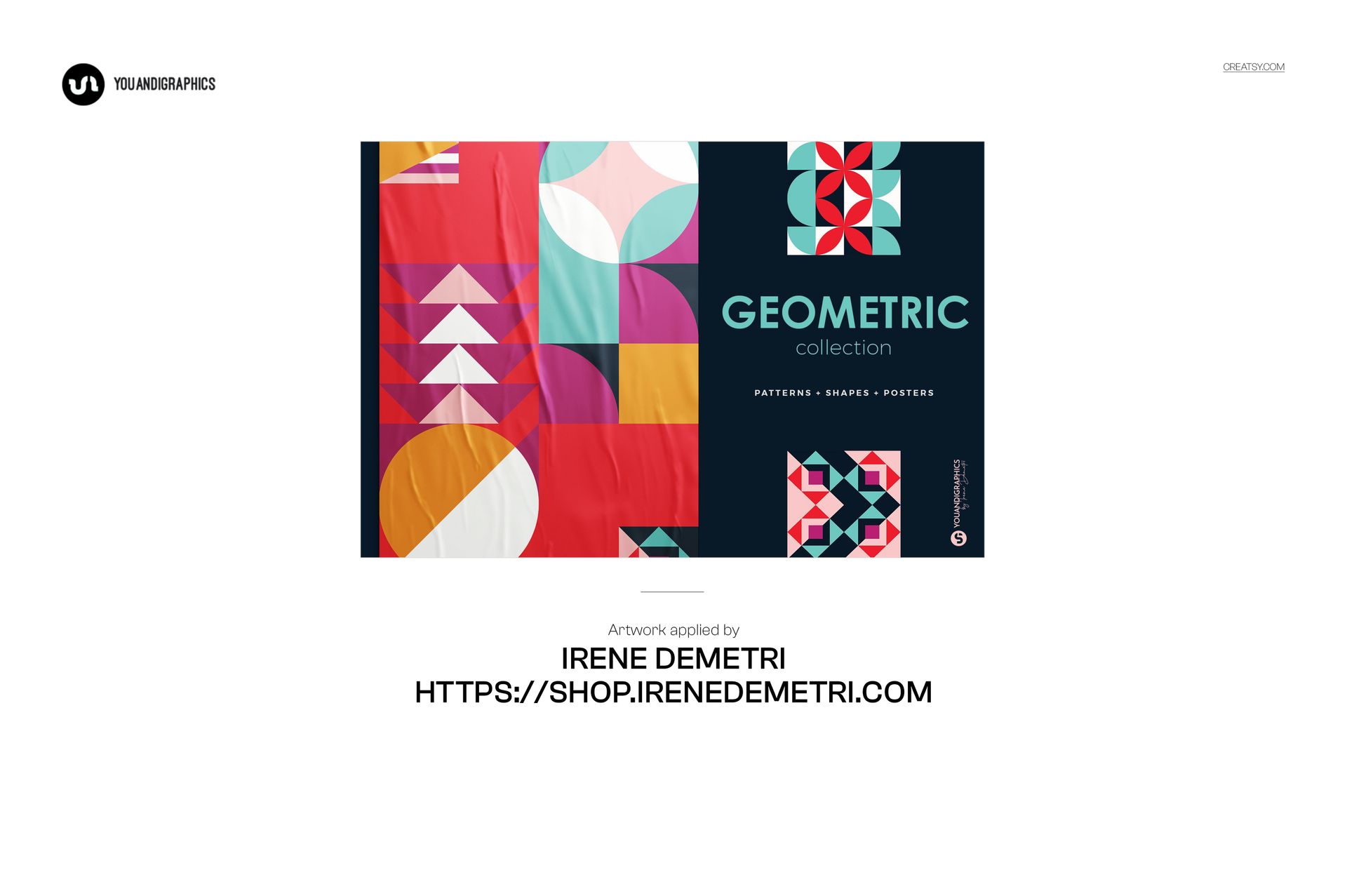
This is a digital mockup product, not a technical production template. The geometric sample artwork shown in the previews is not included.