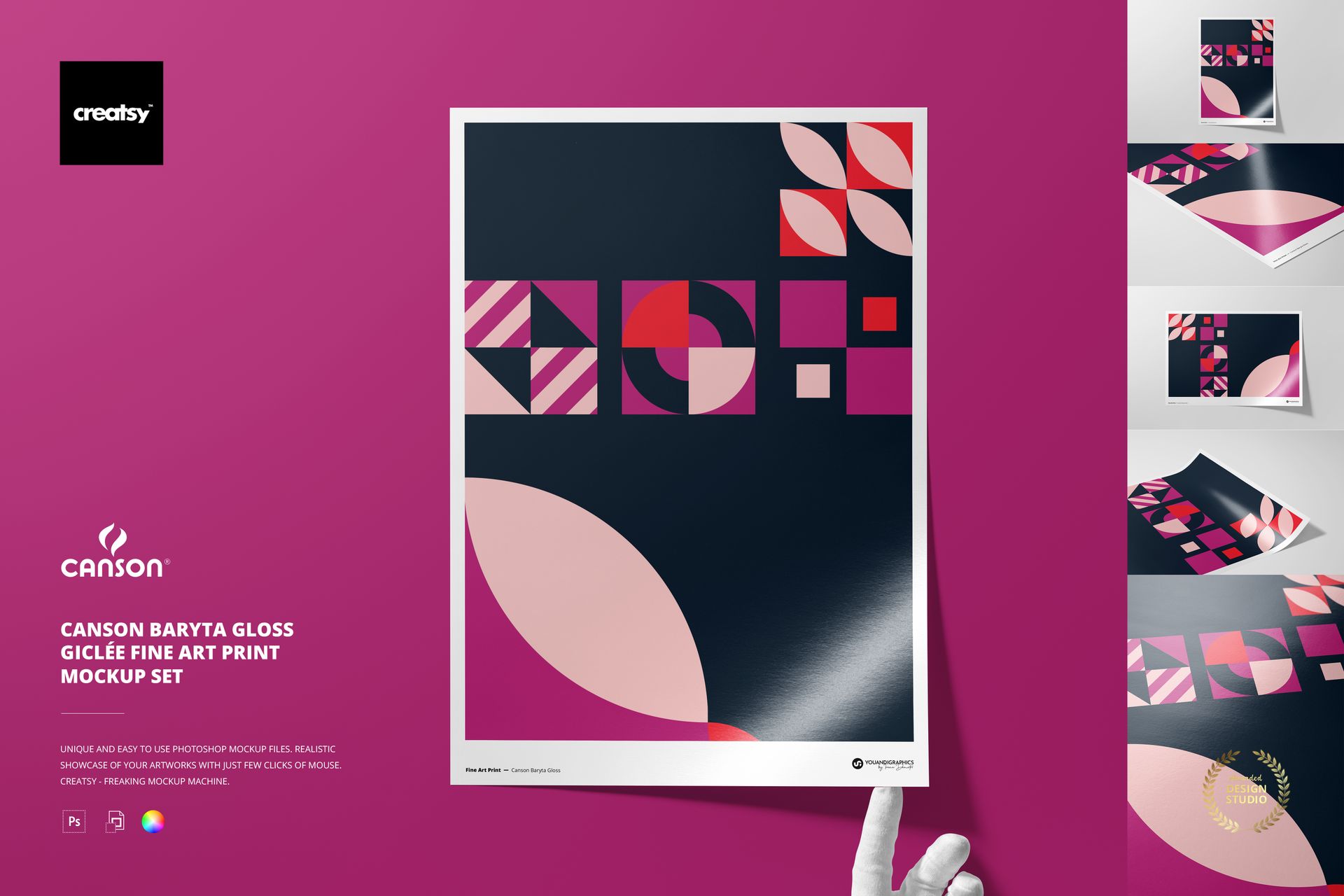
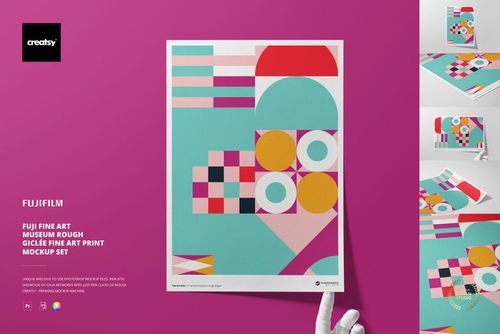
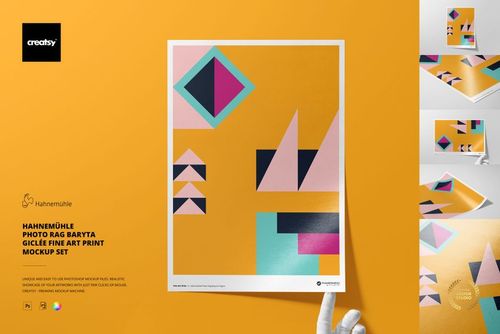
Canson Baryta Gloss Giclée Fine Art Print Mockup Set
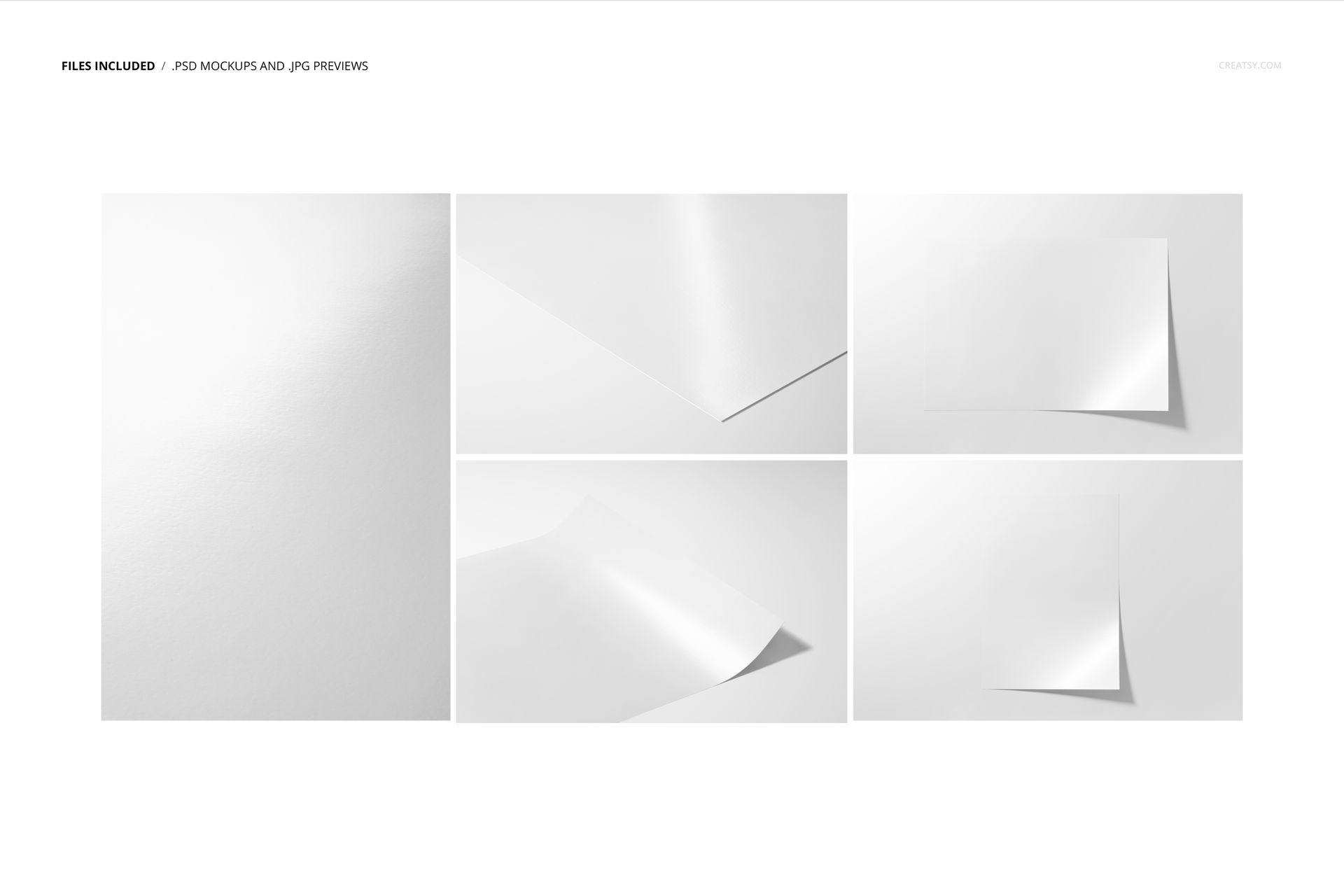
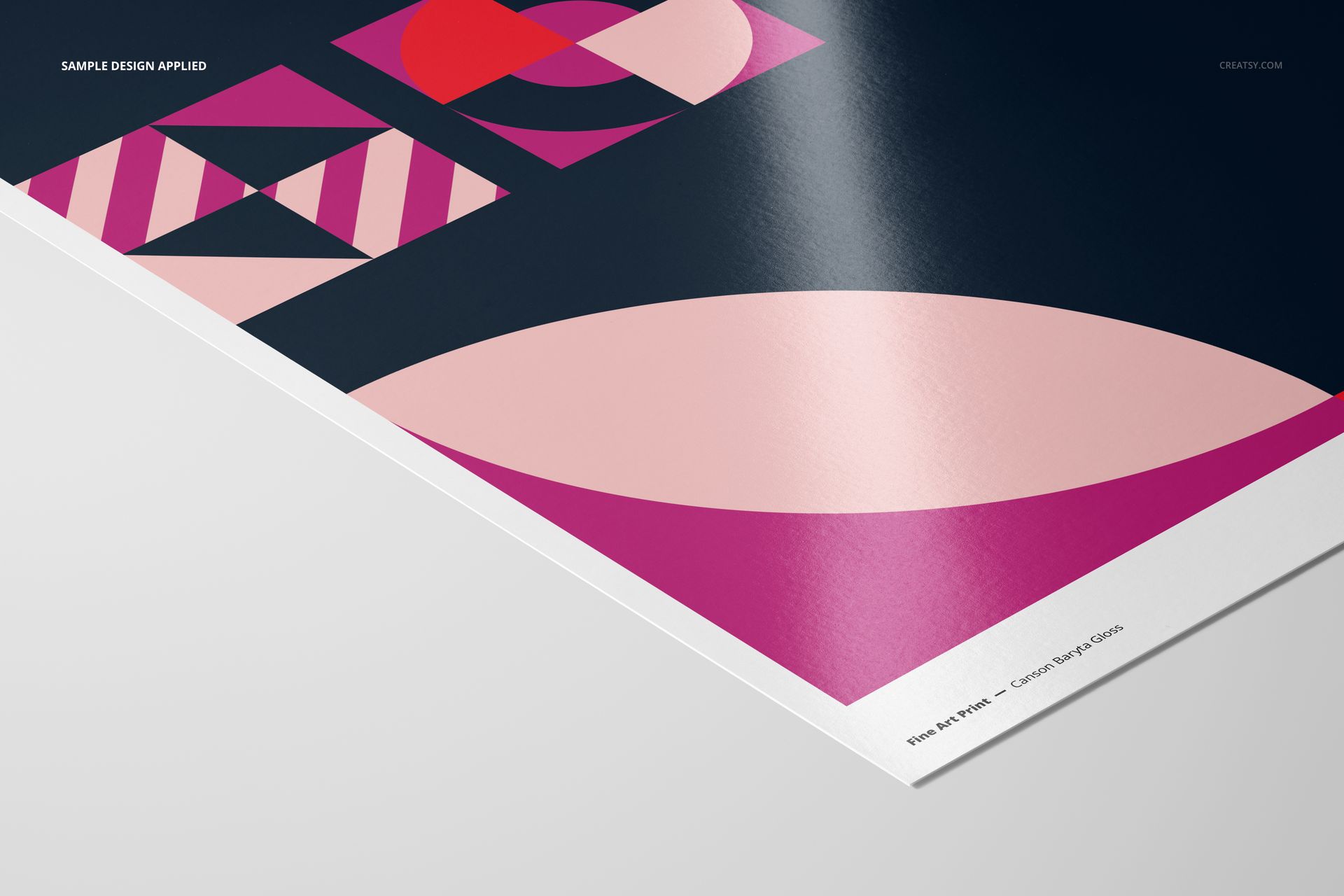
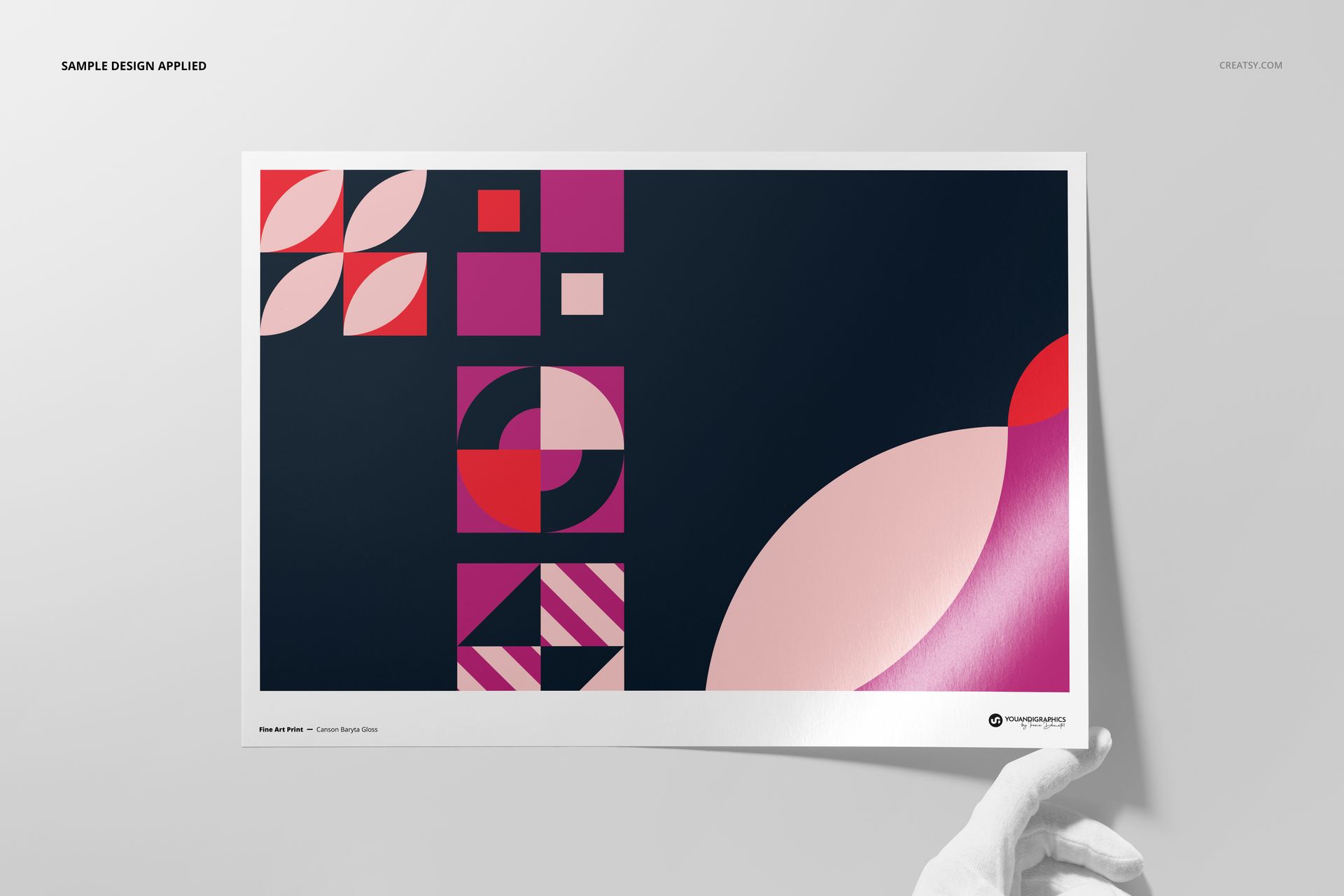
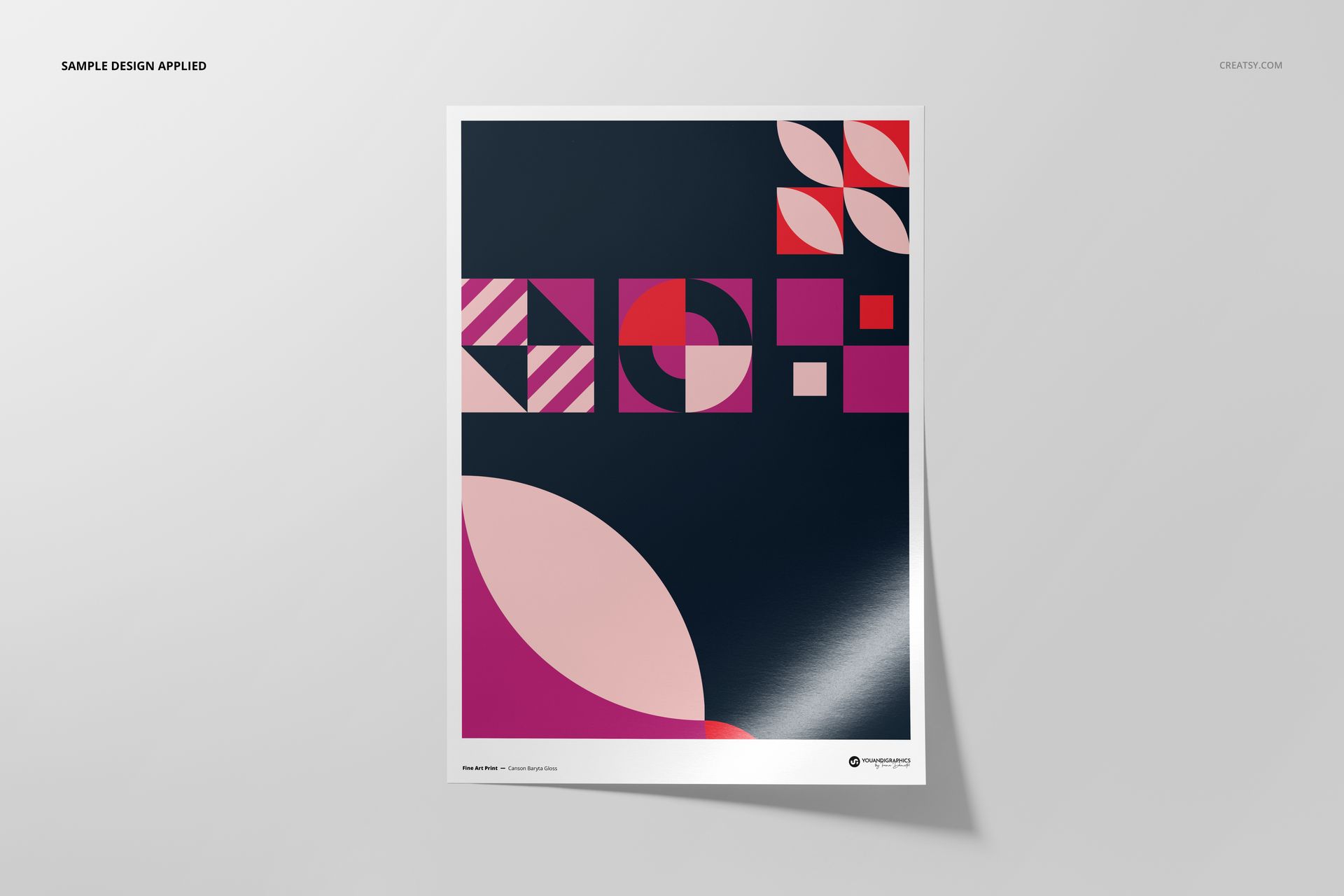
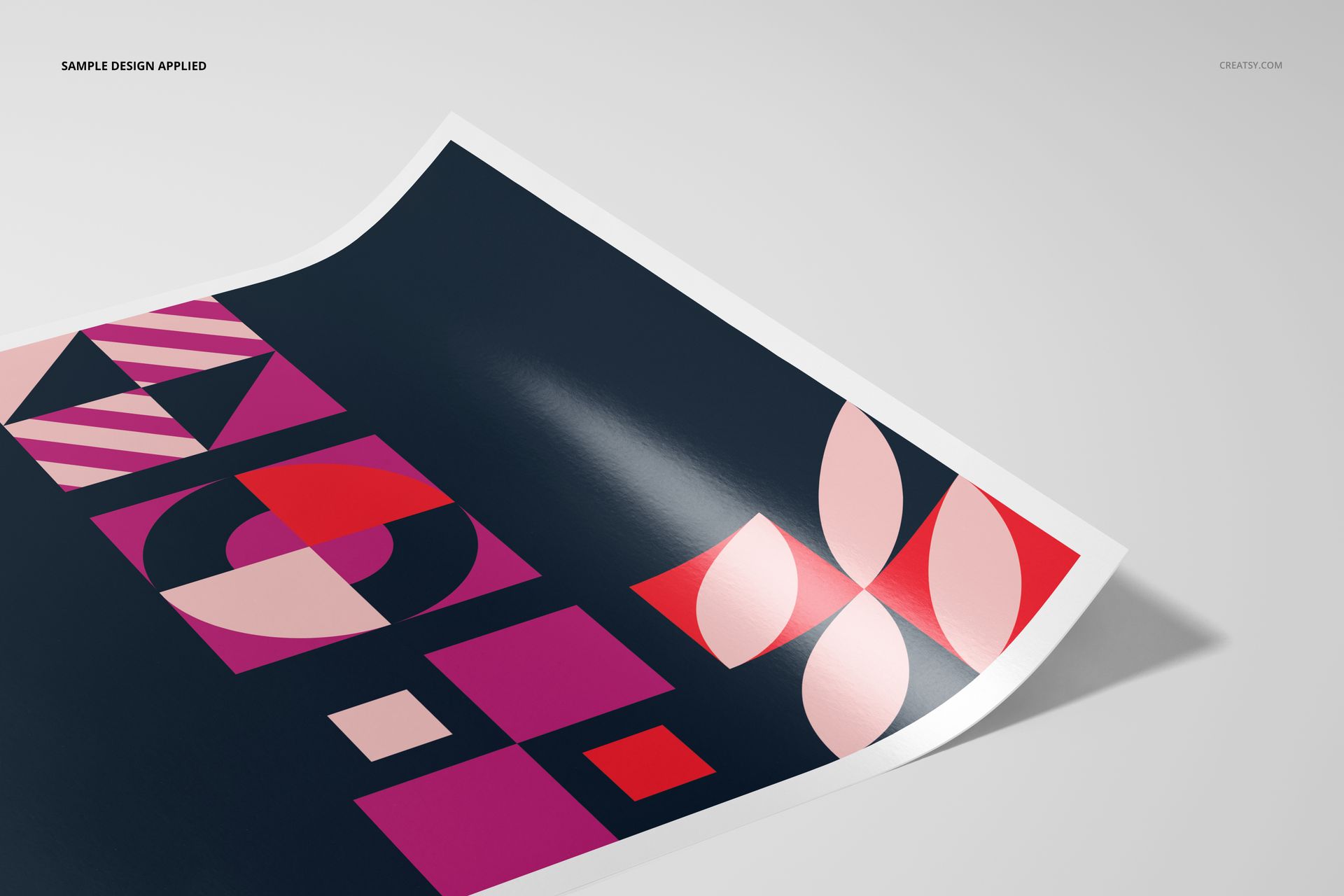
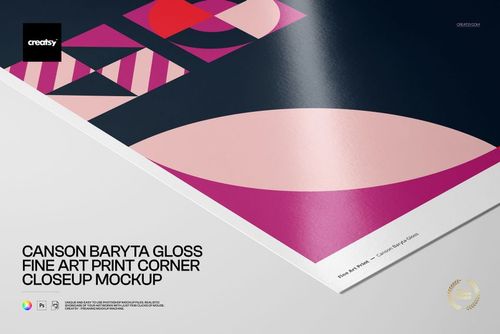
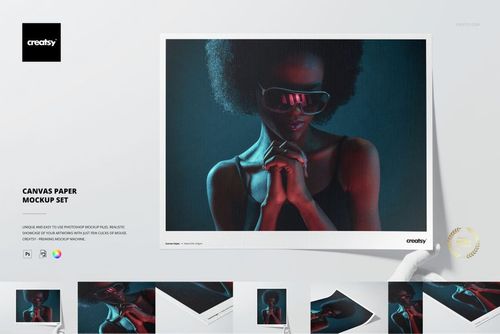
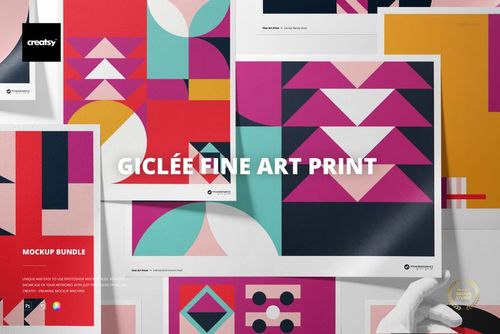
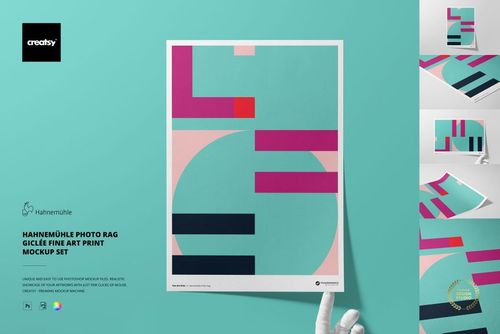
Present photography, digital art and poster designs with the smooth reflective appearance of Canson Baryta Gloss paper. Five high-resolution A3 scenes combine front, top, corner, angled and close-up compositions for a varied fine art print gallery.
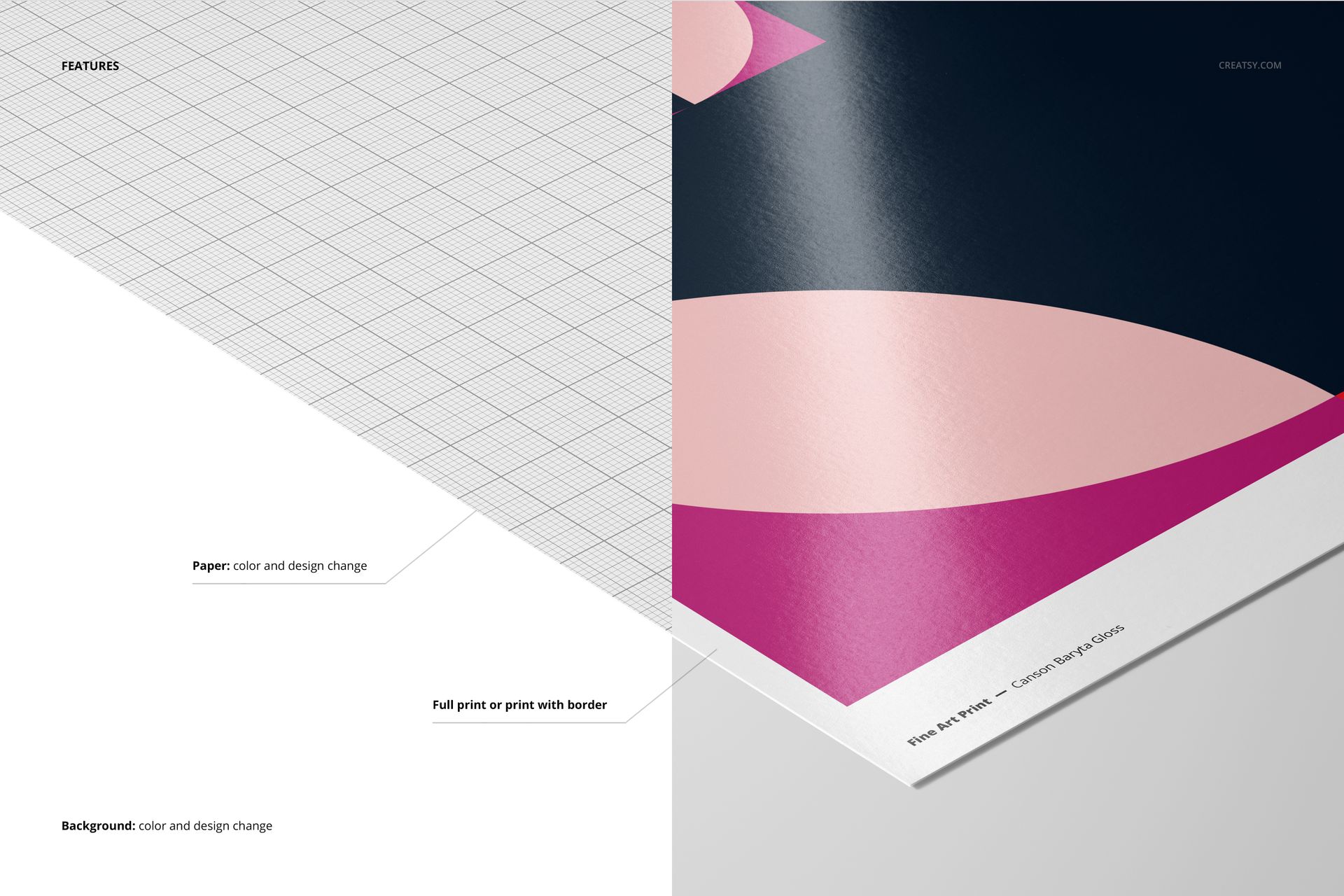
The glossy surface in the supplied scenes emphasizes reflected light, tonal contrast and image detail. Place artwork through Smart Objects, compare a full print with a bordered version, and coordinate the paper and background with the design.
What Is Included
5 layered PSD mockup files with organized editing controls
5 matching JPG preview files and 1 PDF user manual, 11 files in total
A3 paper presentation at 300 DPI
Four landscape JPG previews at 6720 × 4480 px
One portrait JPG preview at 4480 × 6720 px
Adobe Photoshop CC2020 or newer and Photopea compatibility
Show Gloss, Reflections and Fine Detail
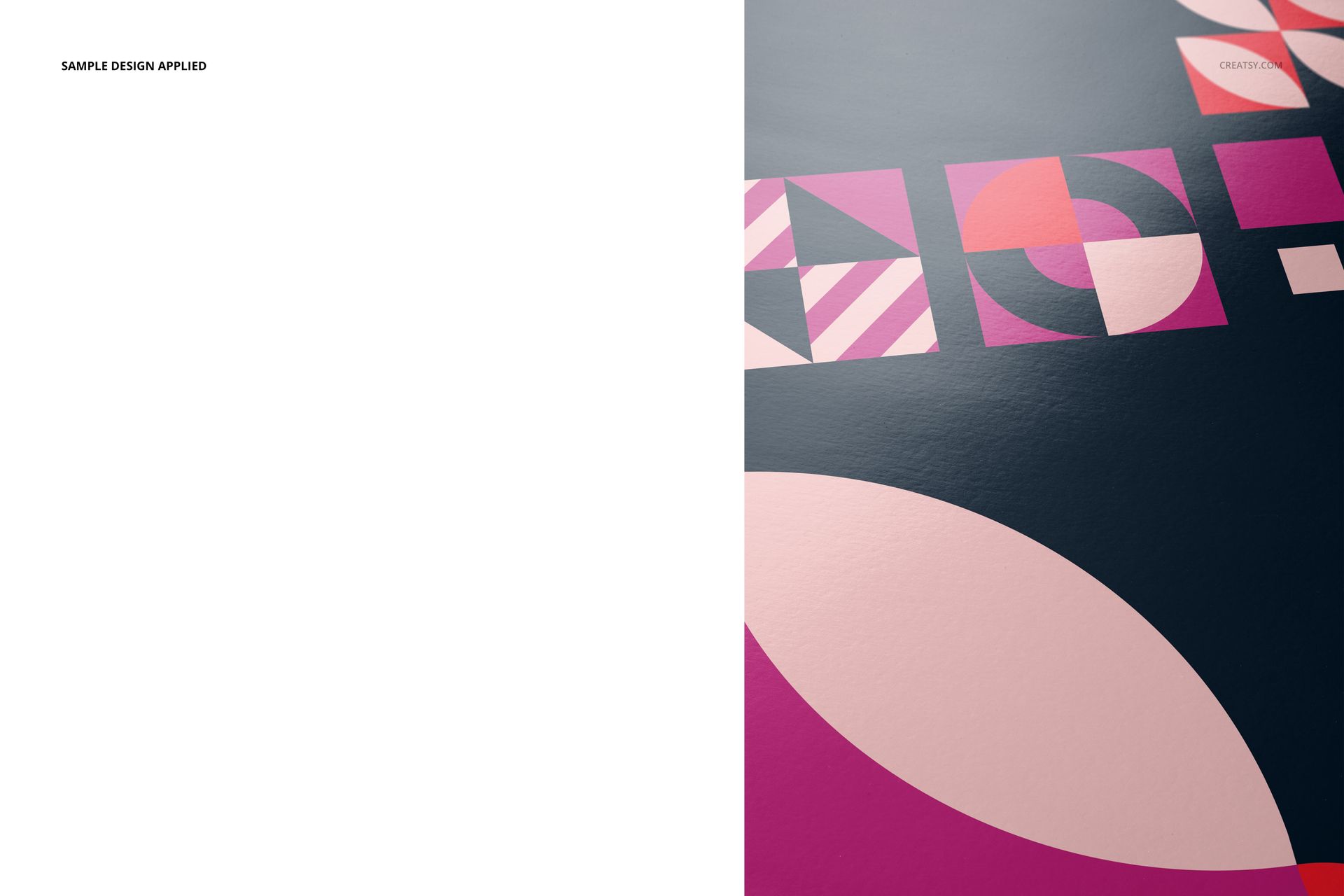
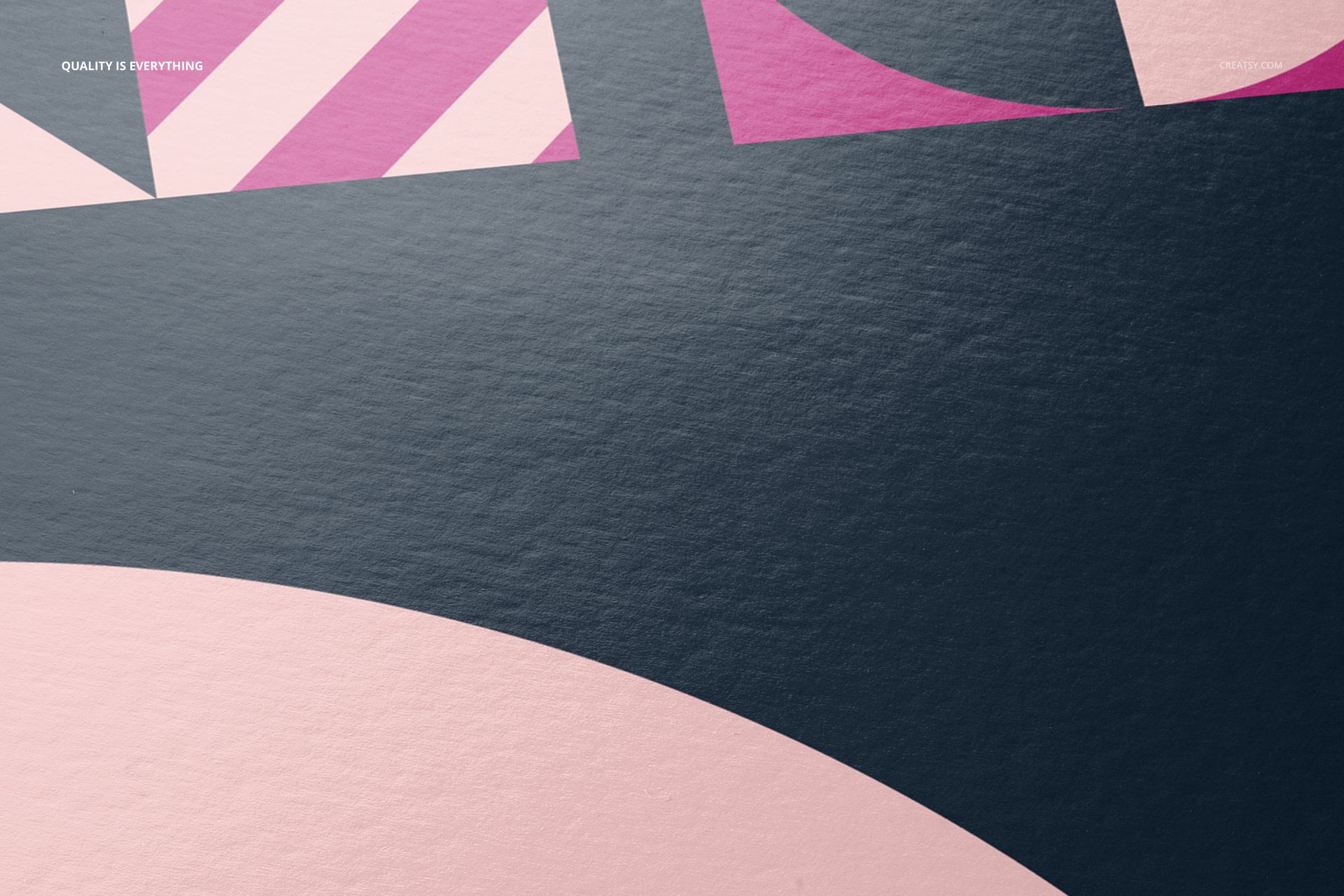
Use the front and top views for the complete composition, the corner and angled scenes for paper depth, and the close crops for the reflective finish. The range helps viewers understand the artwork and the character of the Baryta surface.
Editable Paper and Scene Options
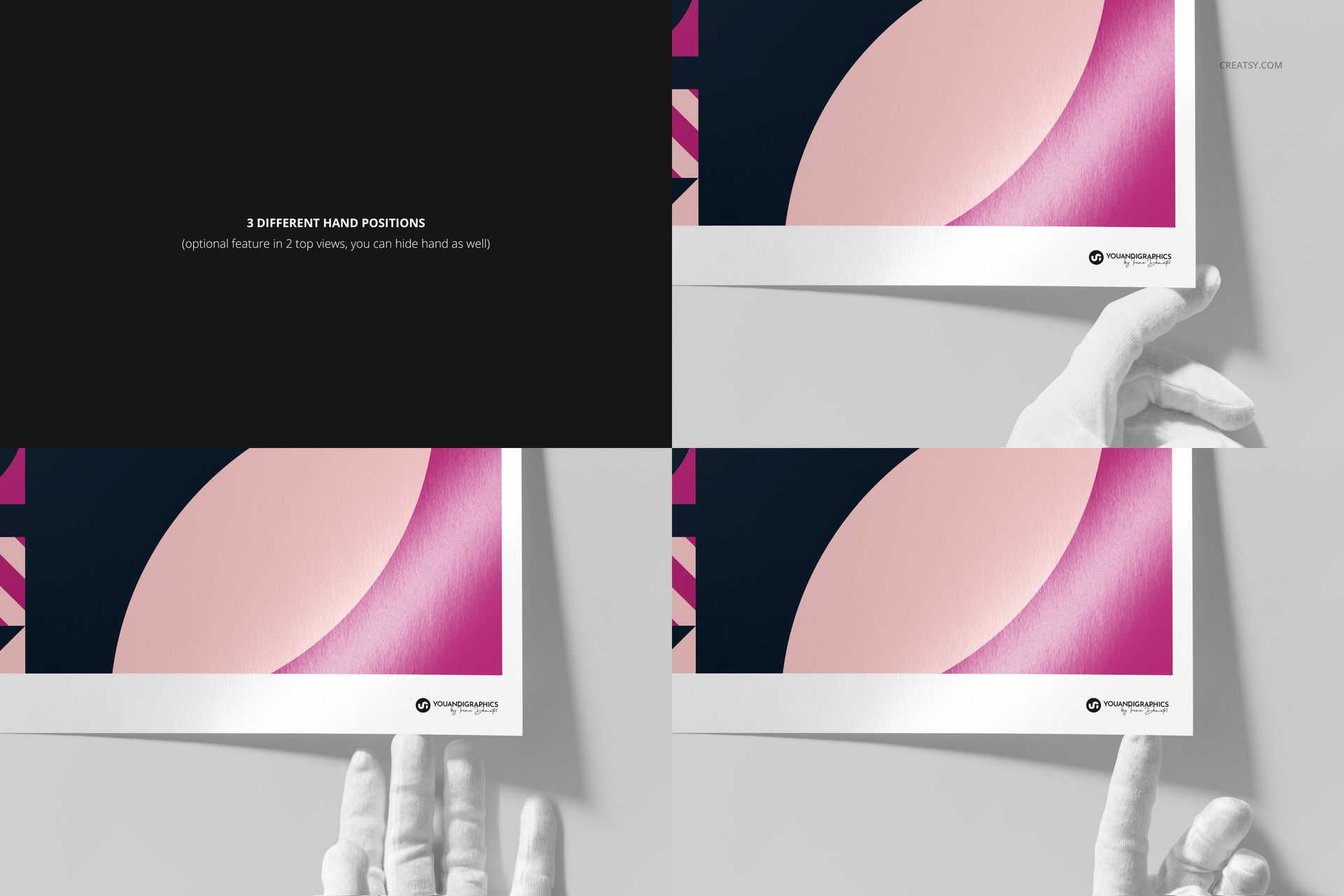
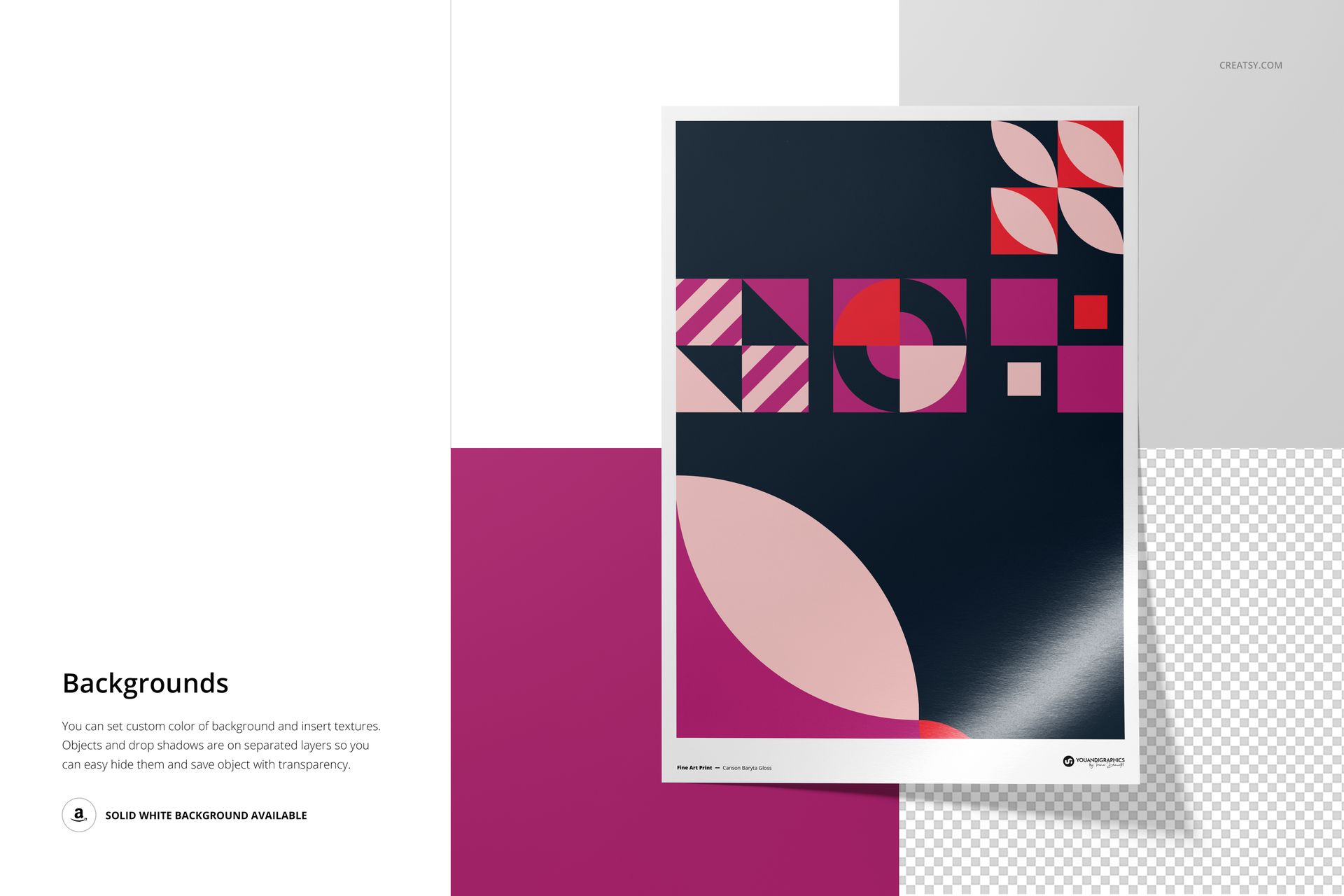
Change the paper color or design, edit the background color or design, and choose a full-print or bordered presentation. Three white-gloved hand positions add a tactile sense of scale while keeping the focus on the print.
Easy Smart Object Editing
Open a PSD in Adobe Photoshop CC2020 or newer, or in Photopea, replace the placeholder artwork inside the Smart Object and save. The package contains no PSB documents, but the large PSD files mean Photopea needs sufficient free browser memory.
Perfect For
Fine art photographers presenting glossy print editions
Artists and designers creating polished print galleries
Print studios comparing full-print and bordered presentations
Online shops preparing detailed product images
Portfolio and client presentations that need surface close-ups
This is a digital mockup product. The sample artwork and physical prints shown in the previews are not included.