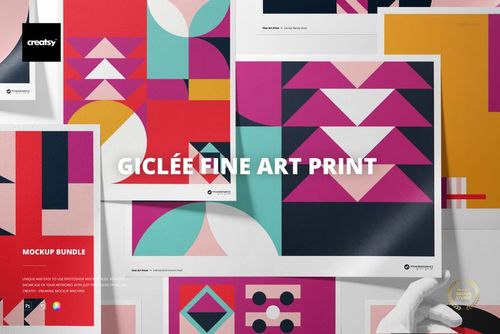
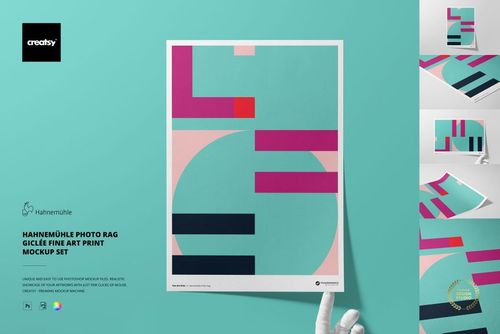
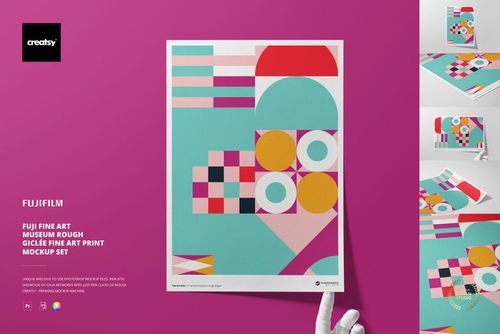
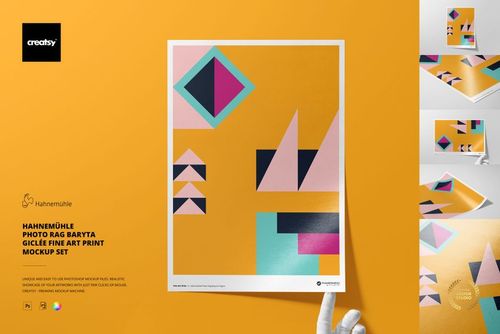
Art Print Generator Mockup Set
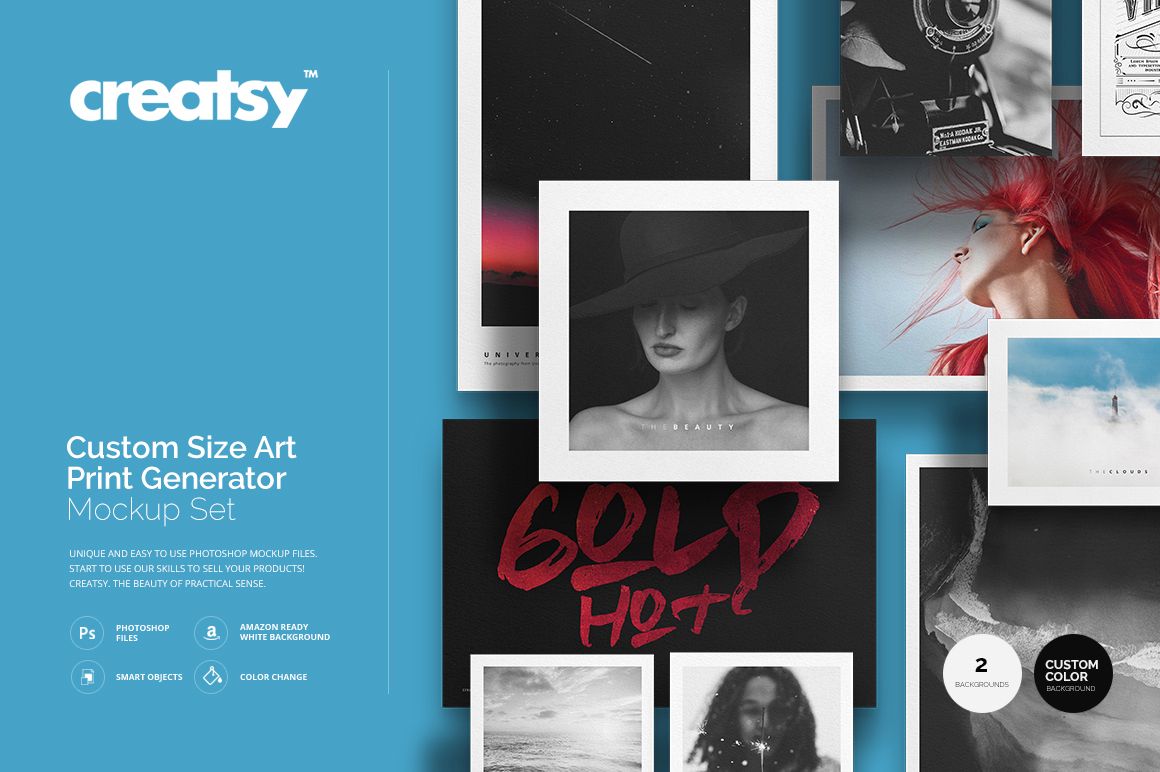
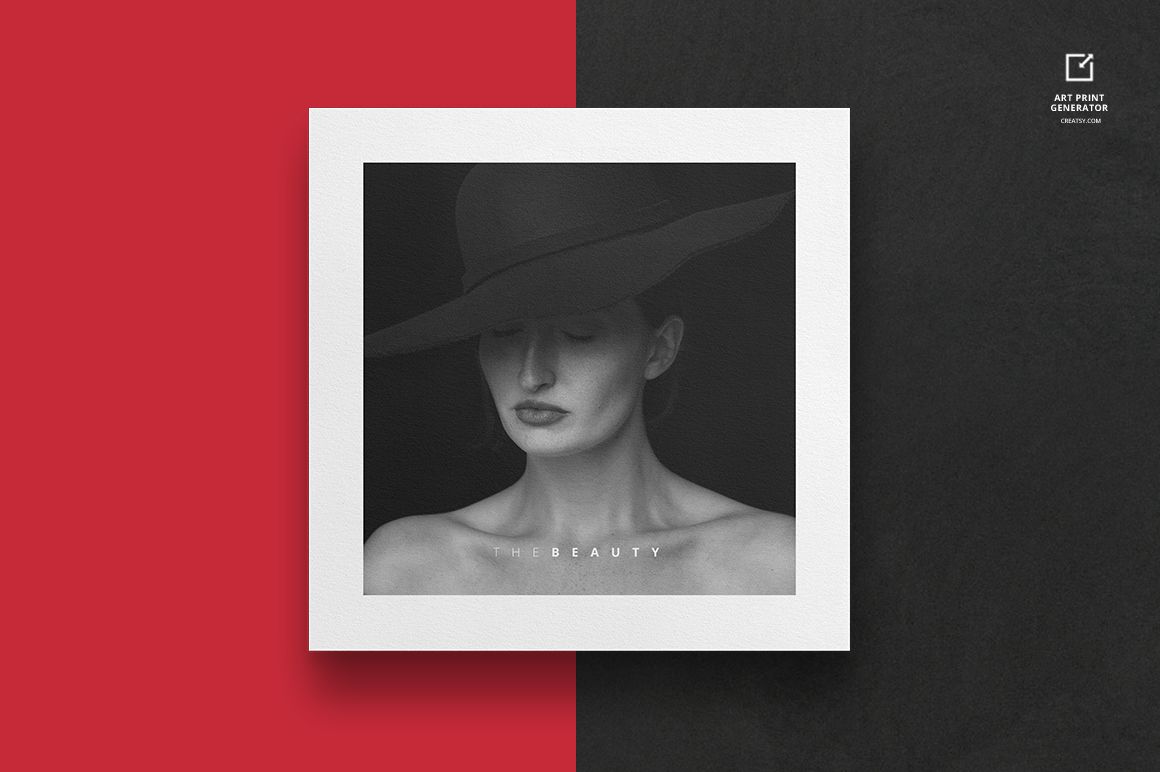
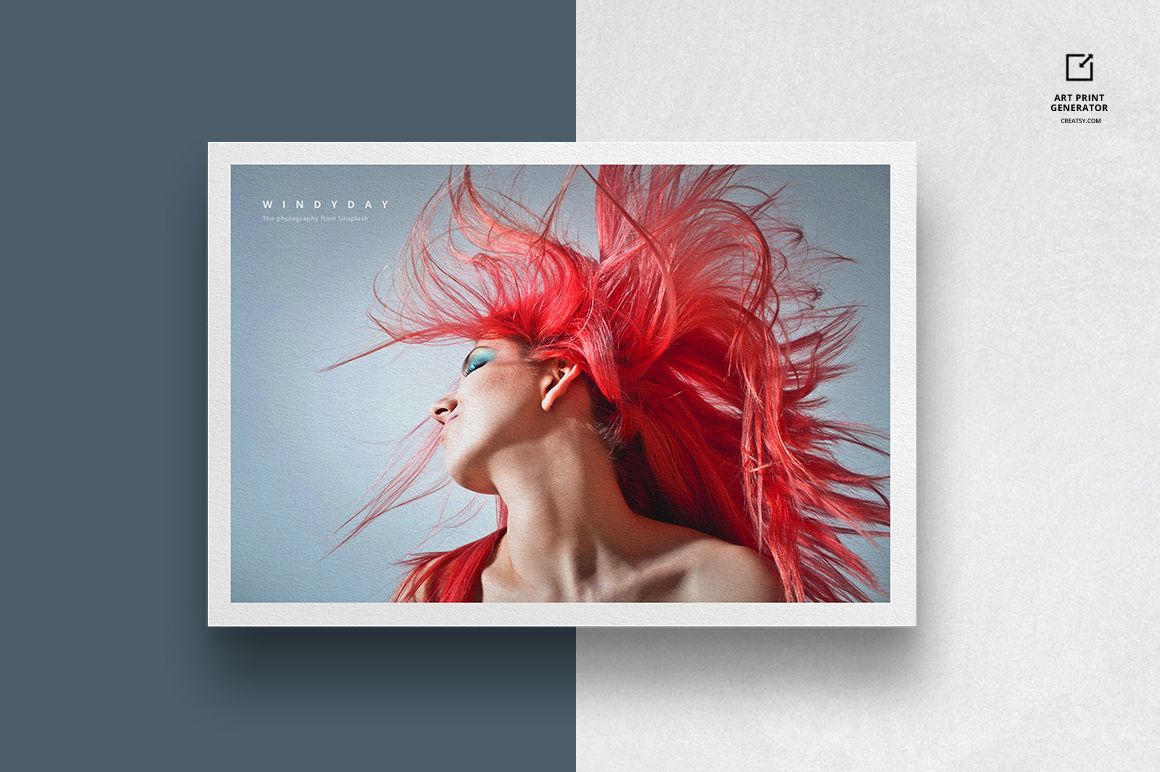
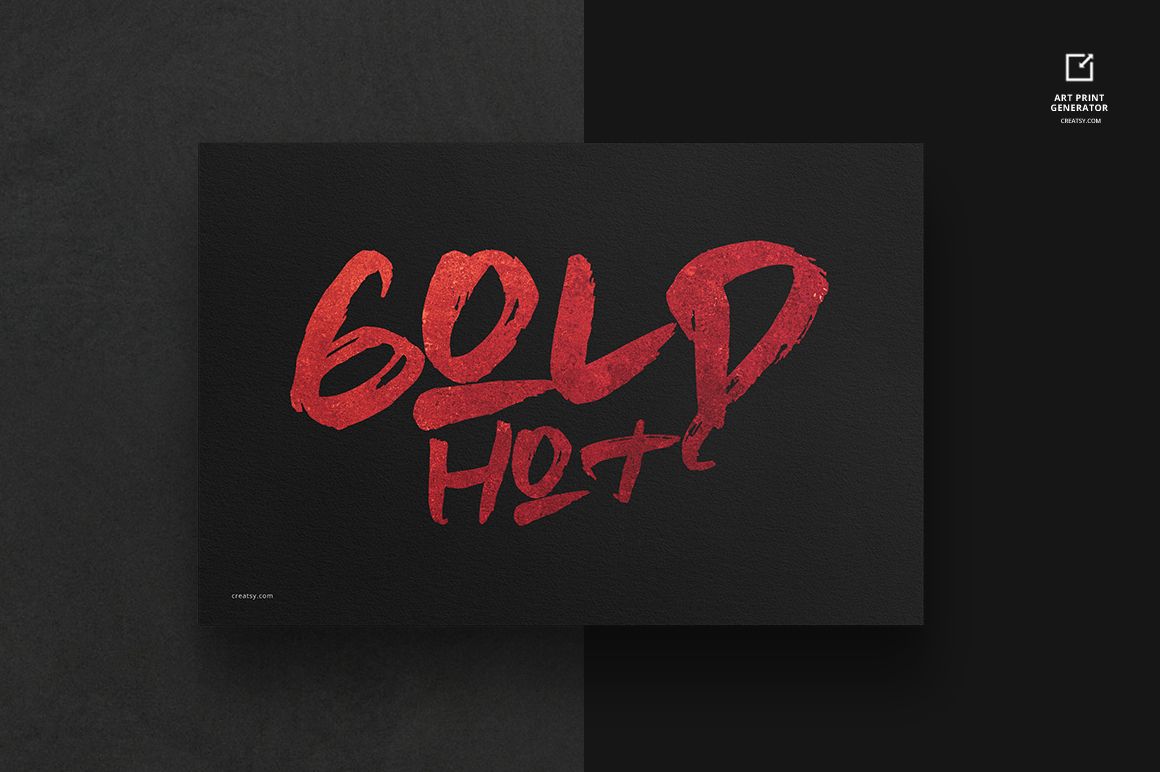
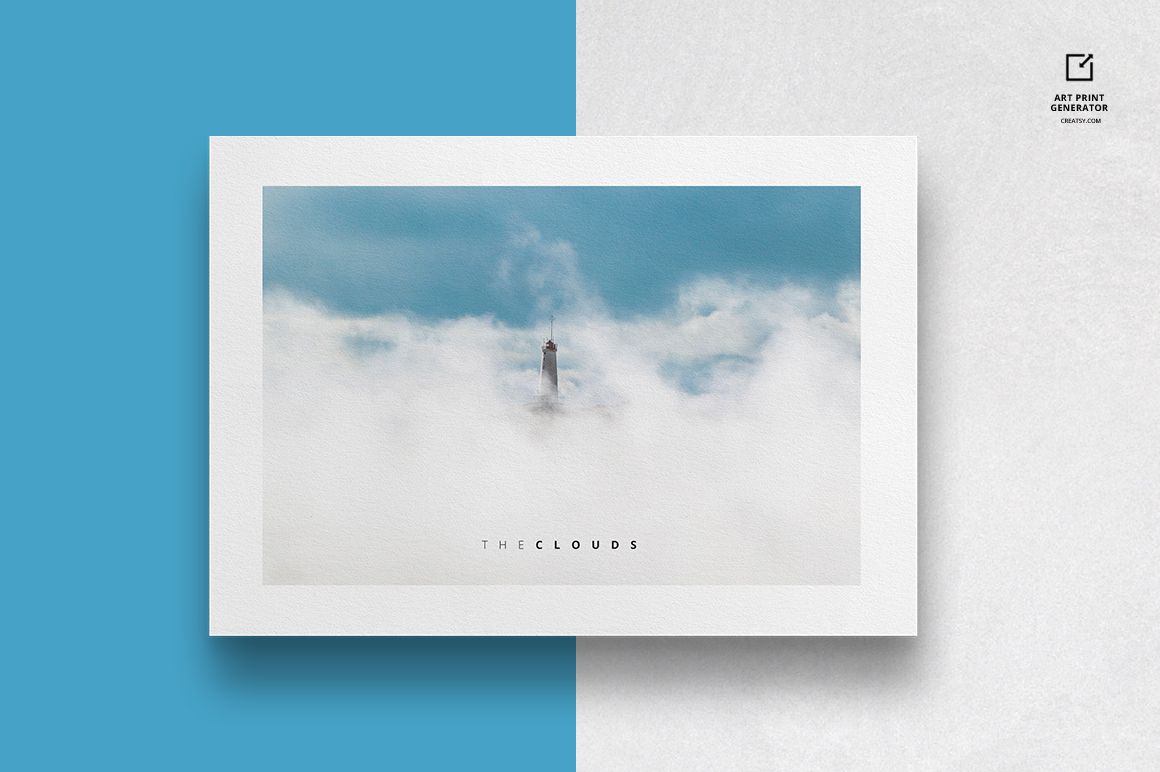
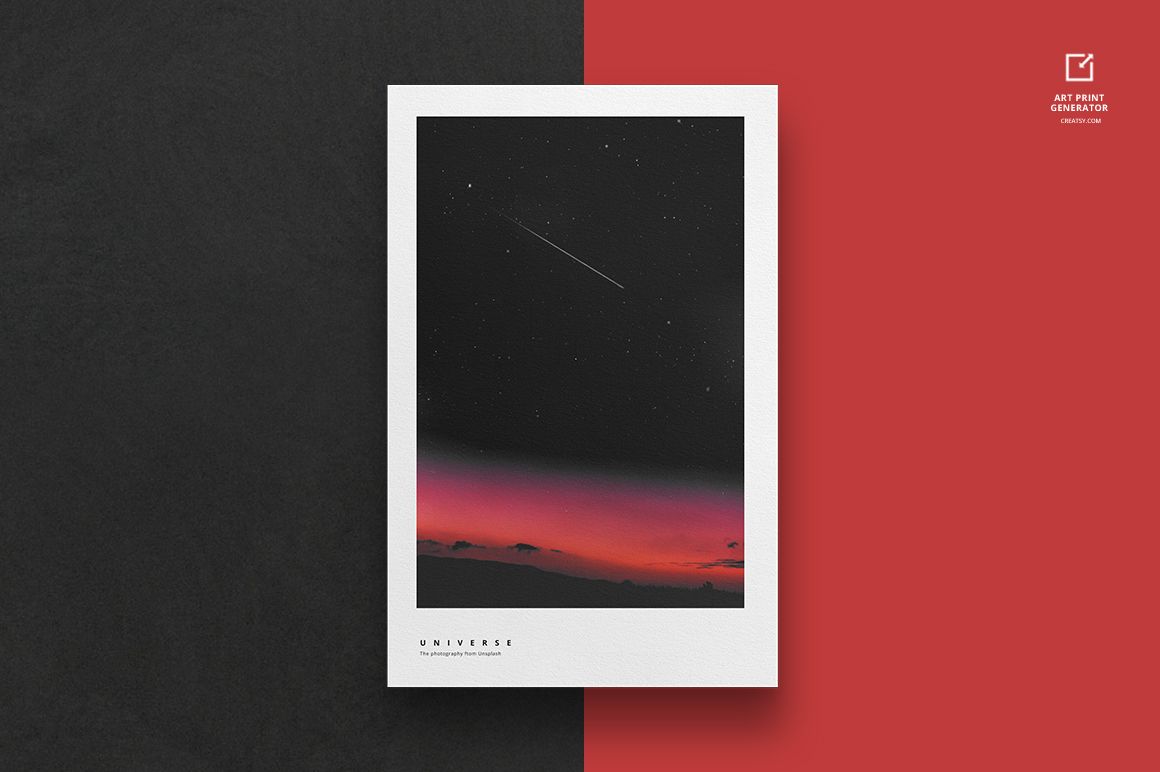
Shape the presentation around the artwork instead of adapting every design to a fixed paper format. This two-file generator creates single-print and multi-print layouts in portrait, landscape, square and custom proportions from one consistent front-facing setup.
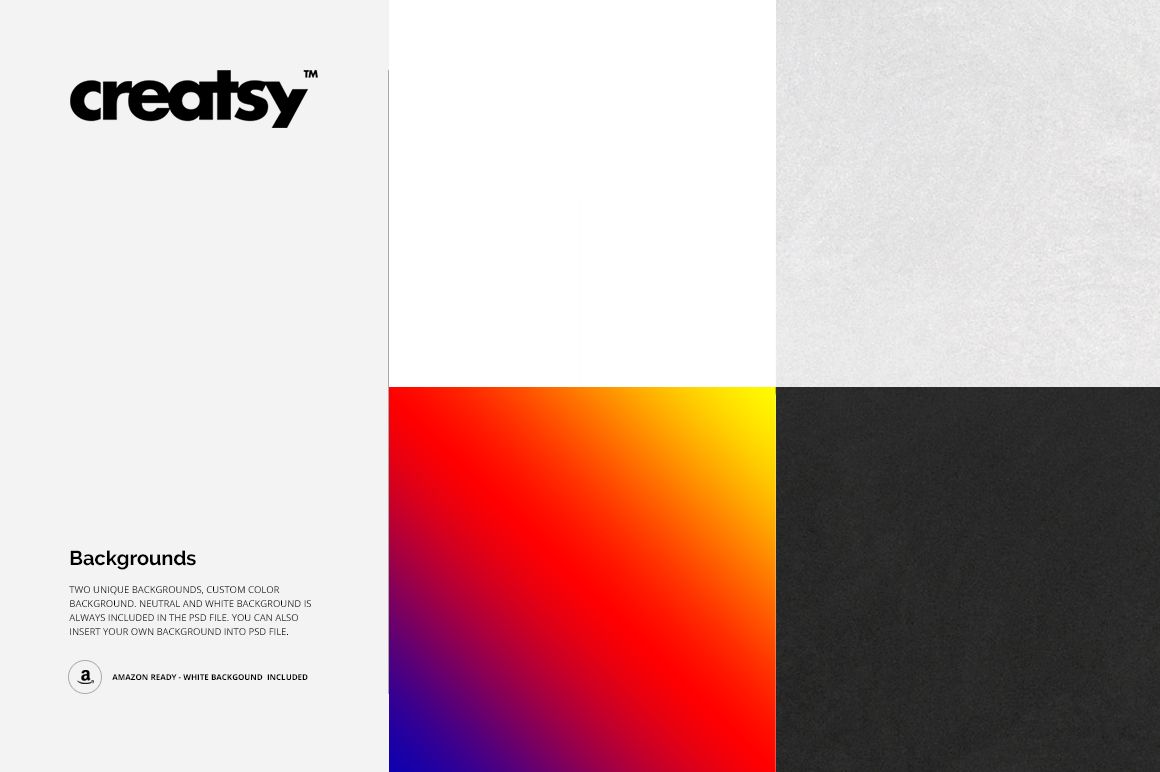
Smart Objects, adjustable canvas controls and configurable margins make it easy to test full-bleed artwork, bordered prints and coordinated grids. Choose from supplied natural, neutral and white backgrounds, set a custom color or insert your own background.
What Is Included
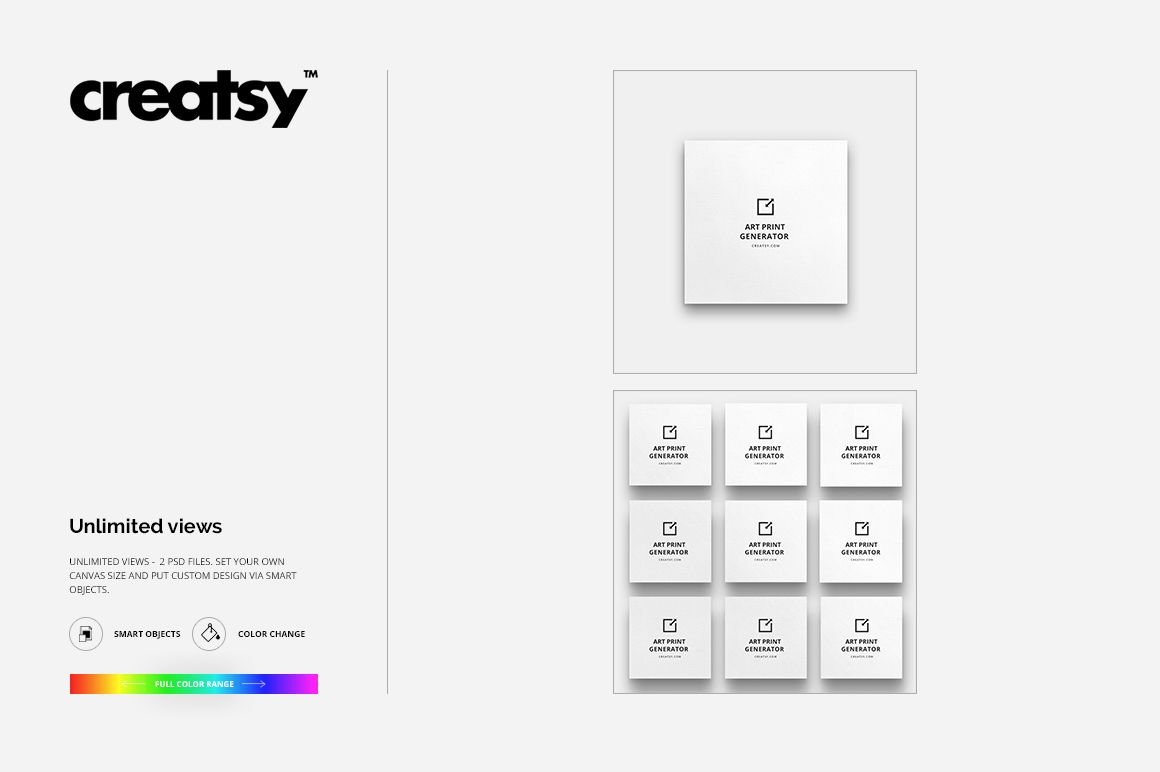
2 layered PSD generators: Single Art Print Mockup and Multiple Art Prints Mockup
2 matching JPG previews at 3000 × 3000 px
2 TIFF guide files for the single-print and multi-print workflows
6 extracted files in total
PSD mockups at 3000 × 3000 px and 300 DPI
Adobe Photoshop CC2015 or newer and Photopea compatibility
Generate Single or Multiple Print Layouts
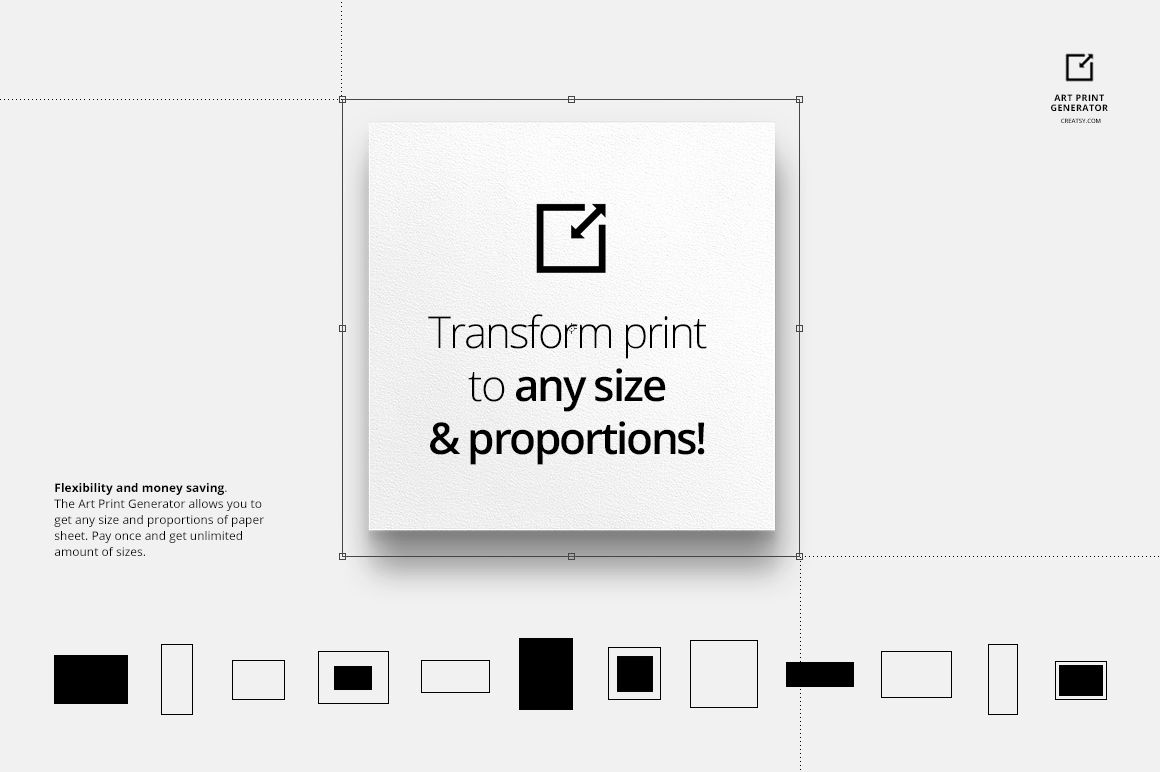
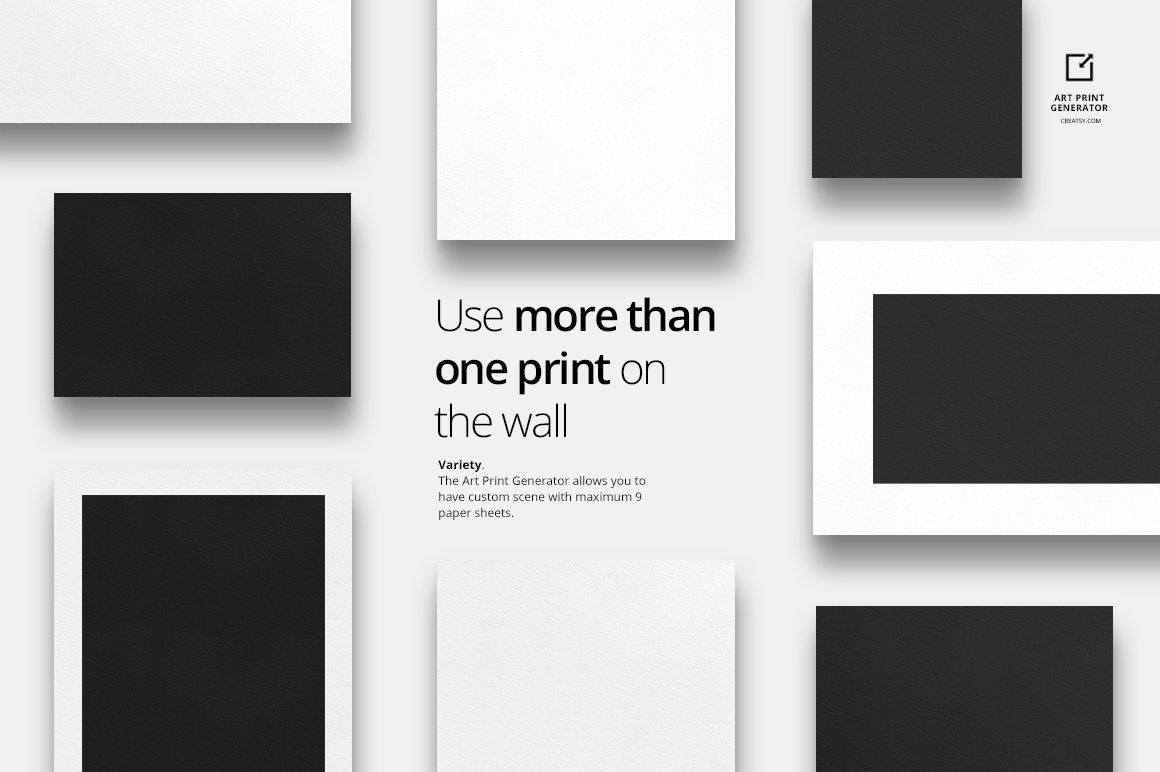
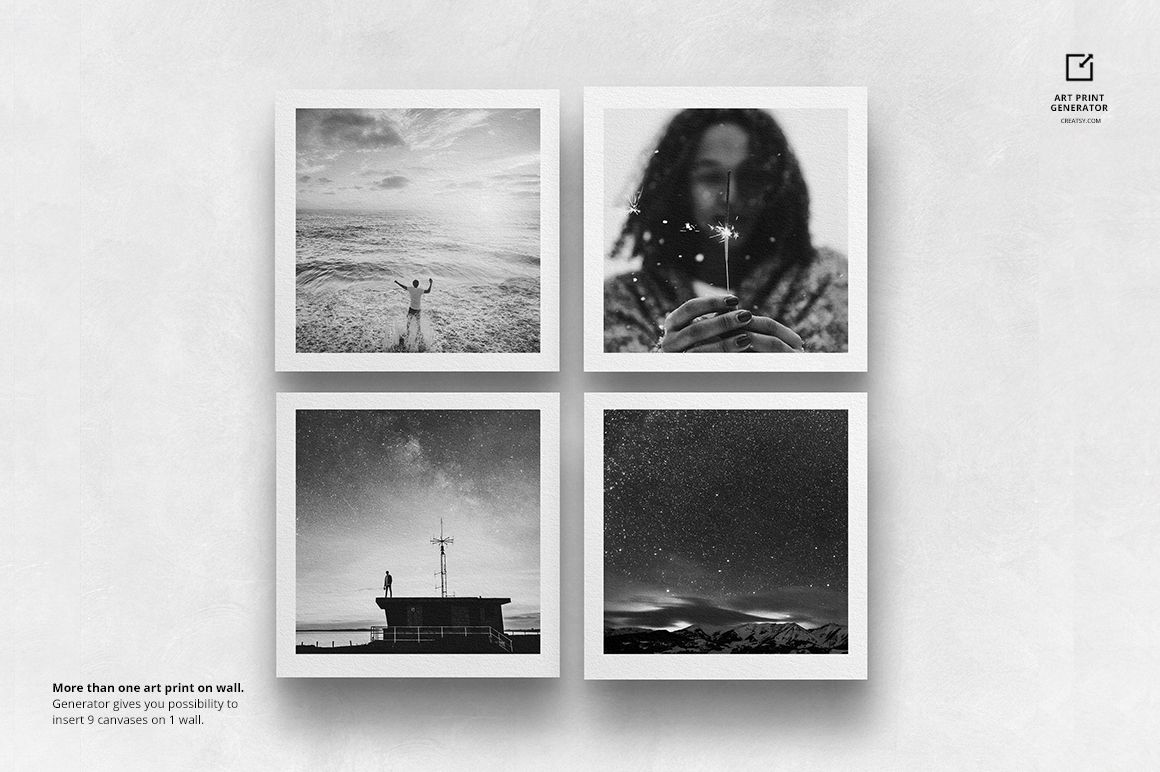
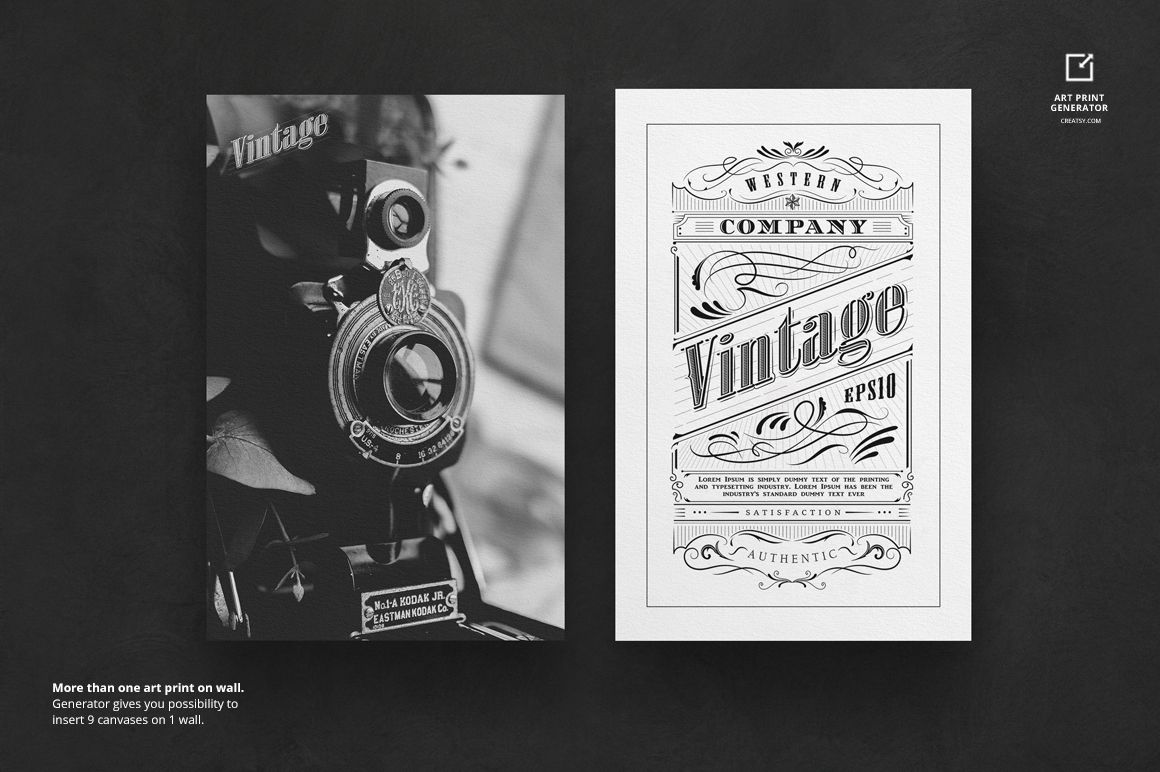
Use the single-print file for one focused hero image or move to the multiple-print generator for coordinated sets and grid arrangements. The adjustable format supports vertical, horizontal, square and custom proportions without requiring a separate PSD for every size.
Control Proportions, Margins and Backgrounds
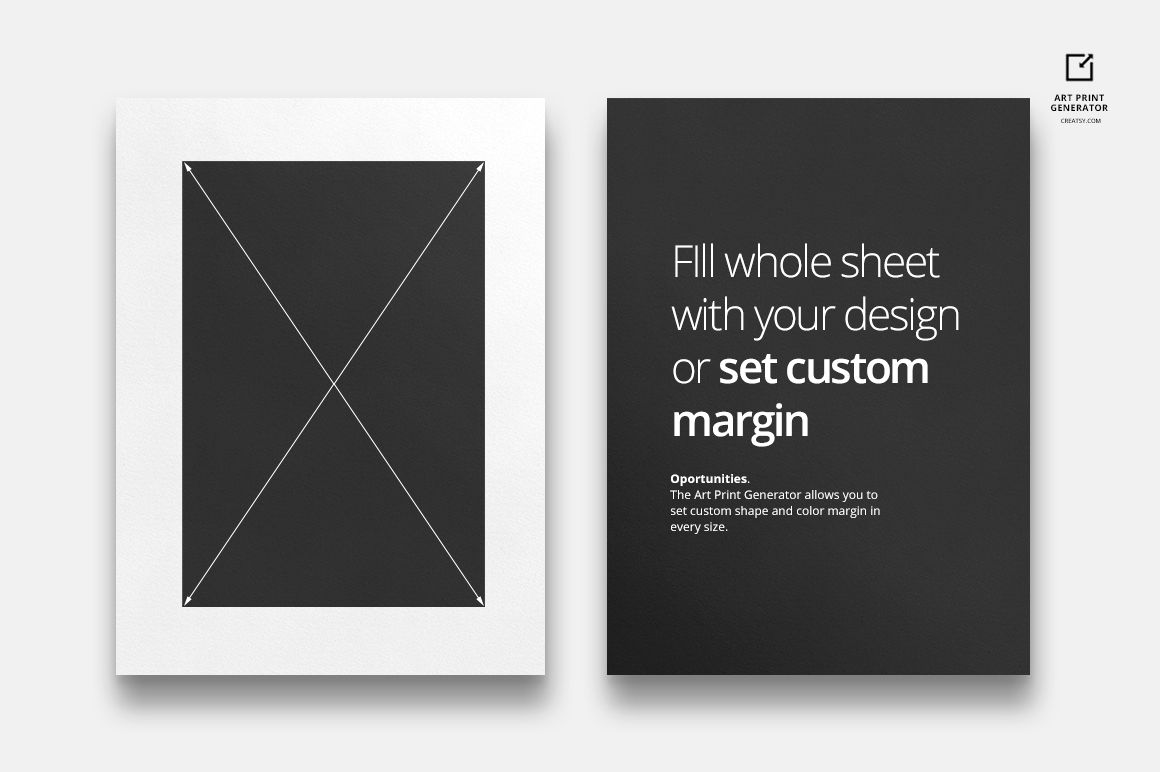
Resize the print area, choose a full-print treatment or set a custom margin, then refine the margin shape, width and color. Two natural backgrounds are included alongside neutral and white options, and the background can also use a custom color or your own image.
Easy Smart Object Editing
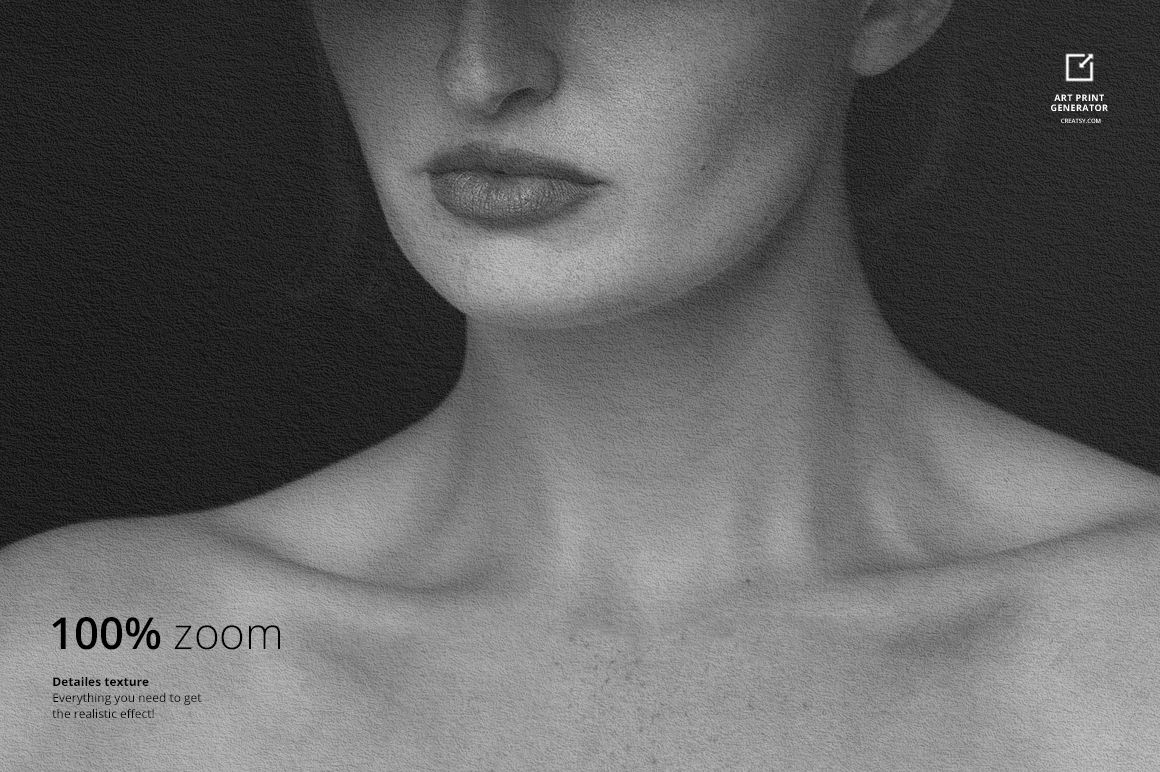
Open a PSD in Adobe Photoshop CC2015 or newer, or in Photopea, place the artwork inside the Smart Object and save to update the composition. No PSB files are included. The largest PSD reaches 171 MB on Mac, so Photopea users should keep sufficient browser memory available.
Perfect For
Artists comparing several print proportions
Illustrators presenting coordinated wall art collections
Print shops previewing custom sizes and margins
Ecommerce sellers building single-print and gallery listings
Designers preparing portfolio or client presentation layouts
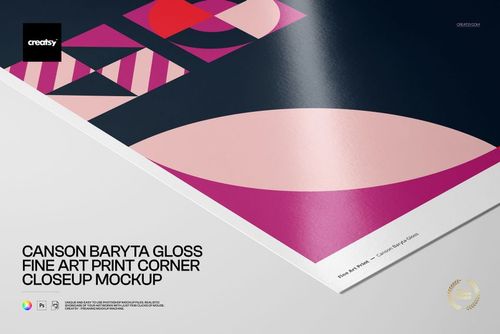
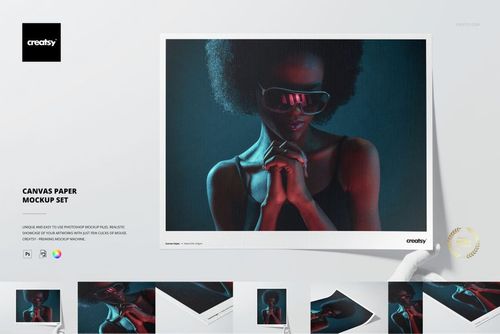
This is a digital mockup product. Physical prints and the sample artwork shown in the previews are not included.