Hahnemühle Photo Rag Baryta Giclée Fine Art Print Mockup Set
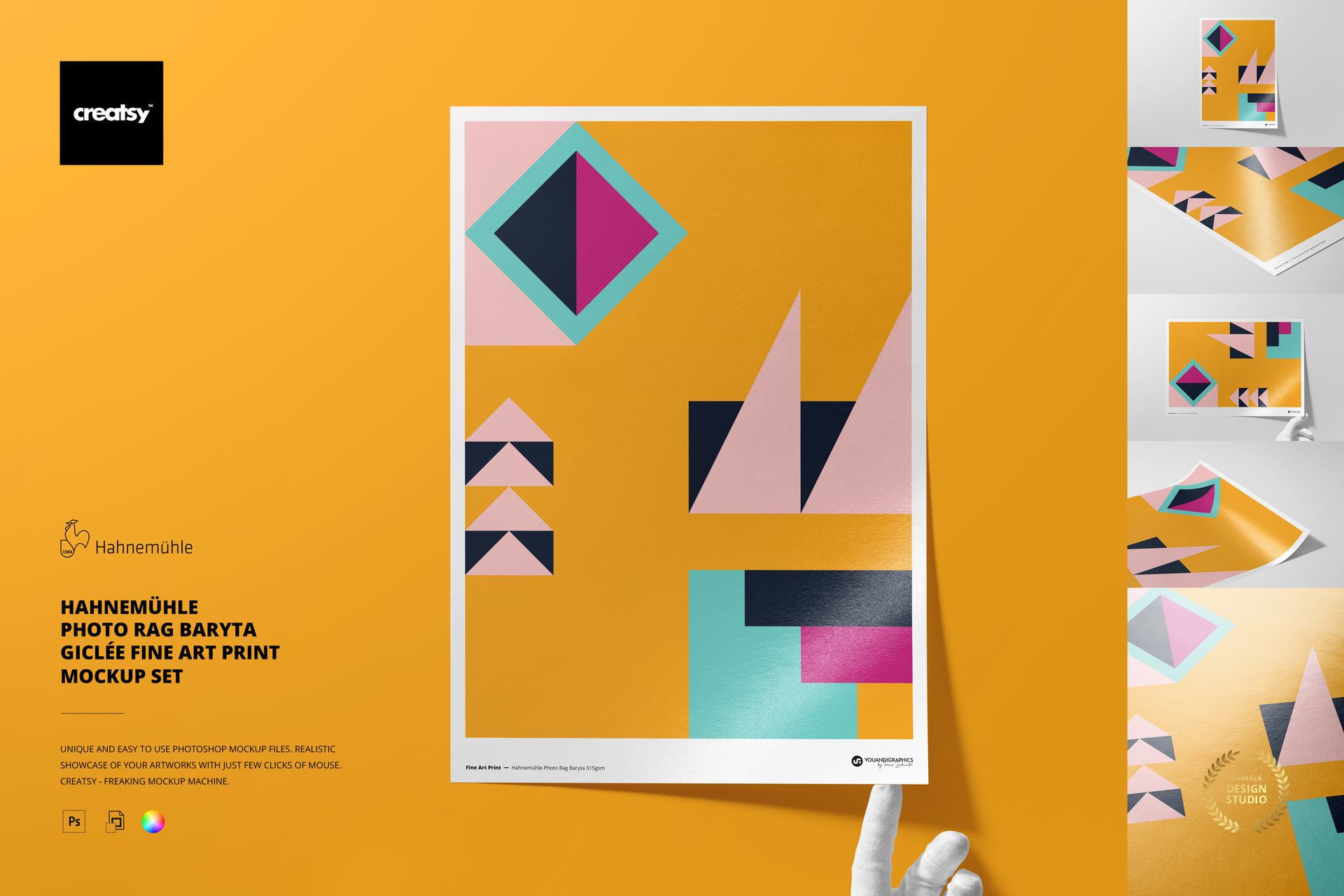
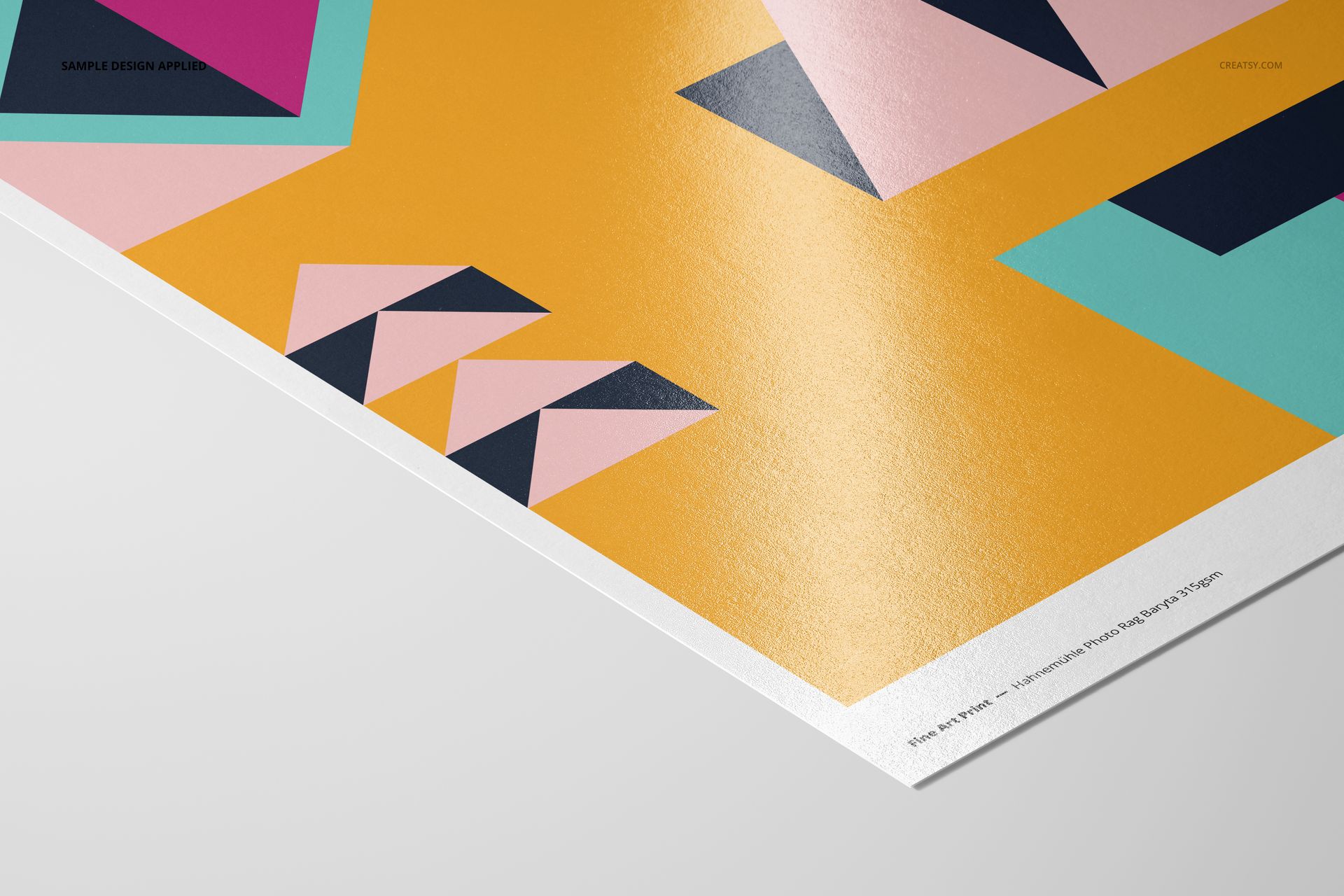
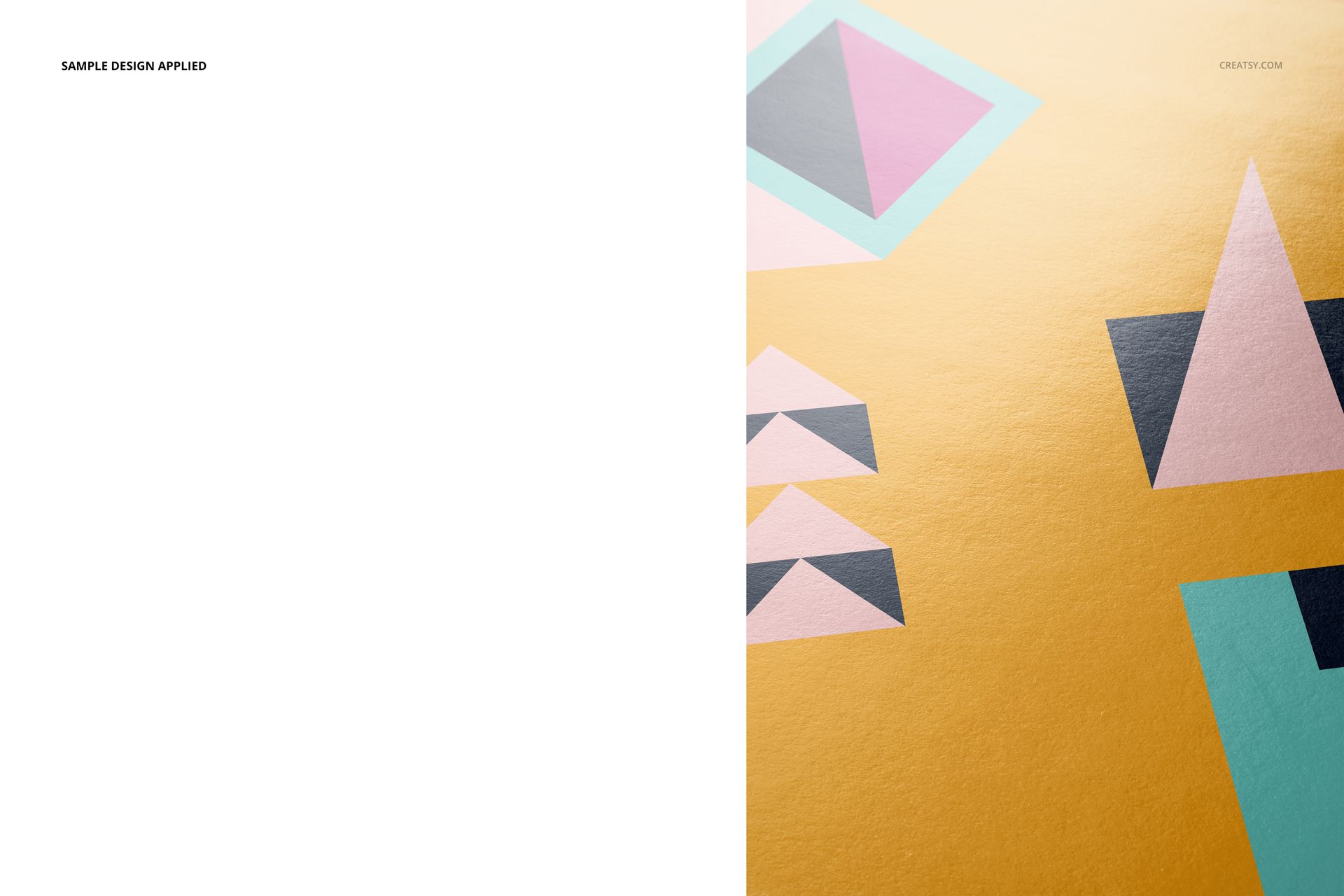
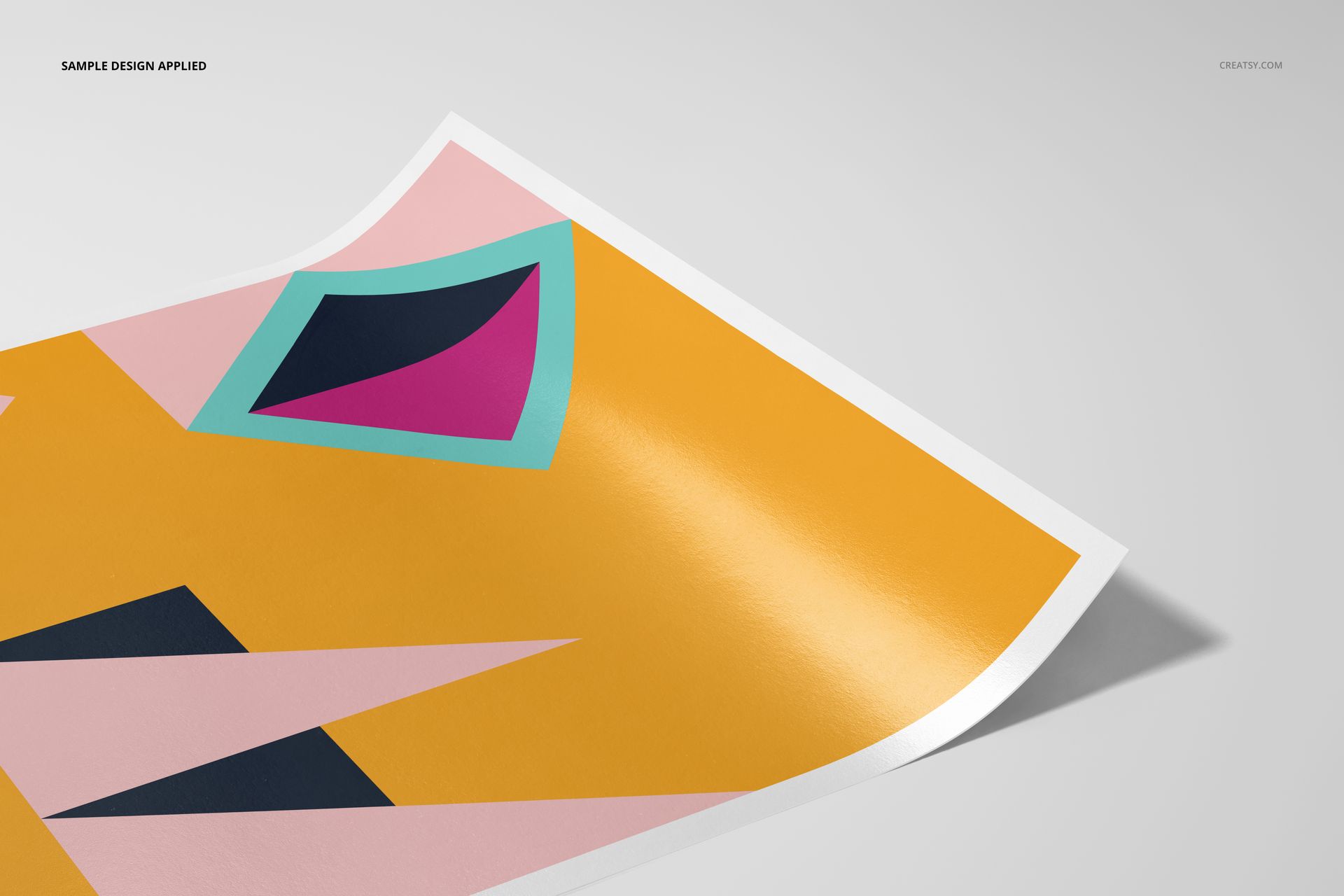
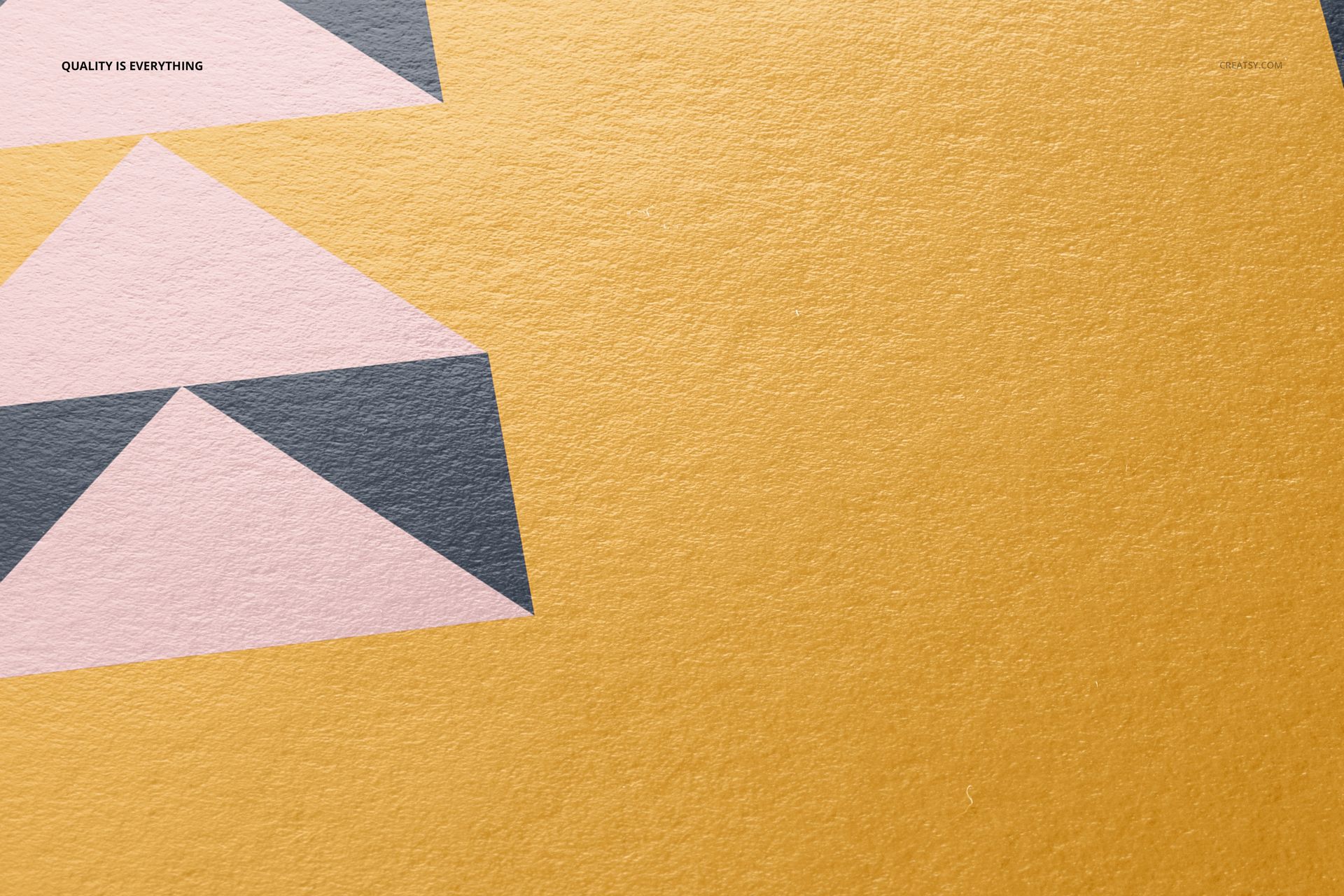
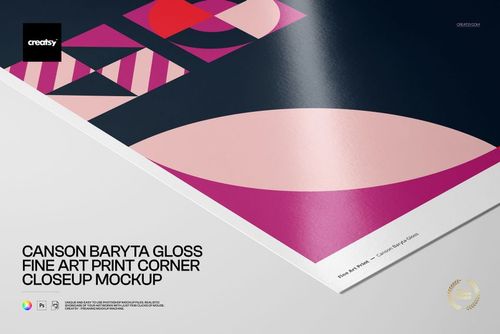
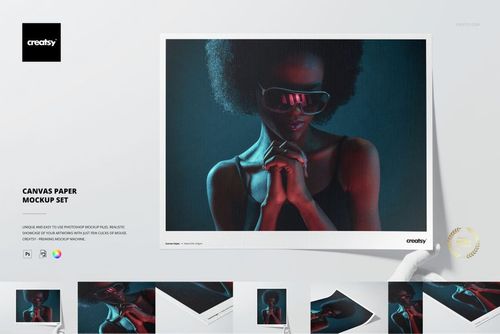
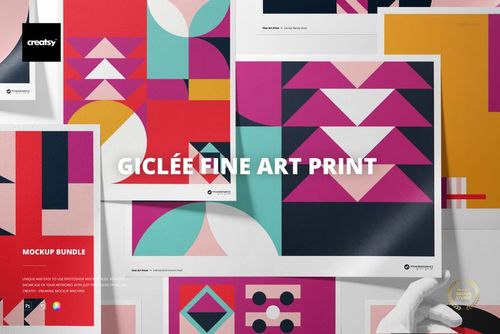
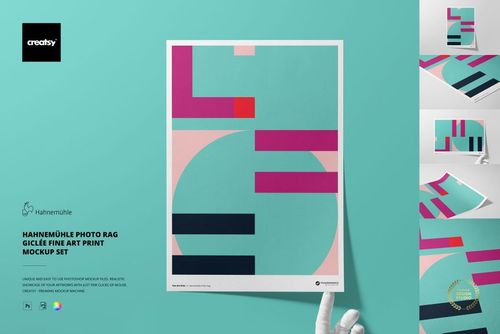
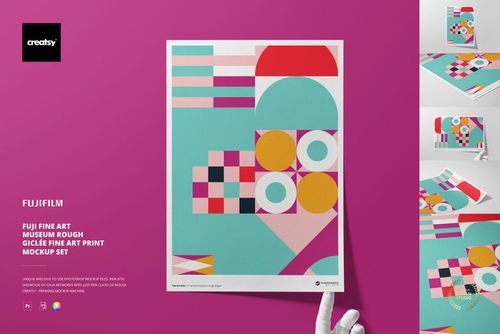
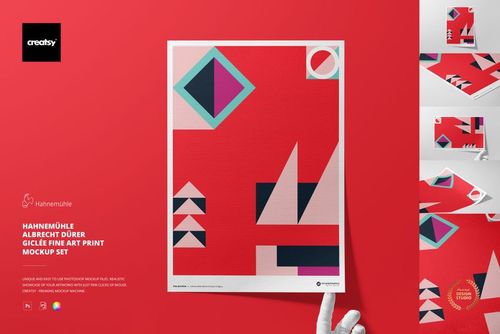
Show A3 artwork on the distinctive surface of Hahnemühle Photo Rag Baryta, a 315 gsm pure cotton fine art paper with a natural white tone, no optical brighteners, and a subtle baryta character. Five high-resolution scenes help viewers see not only the design, but also the paper texture, edge, border, flexibility, and scale.
Use the set to build a coordinated presentation without producing a physical sample for every concept. Move from a clean top view to tactile corner and surface details, then add a hand-held scene for a more human sense of size.
What Is Included
5 layered PSD mockup files, one for each scene
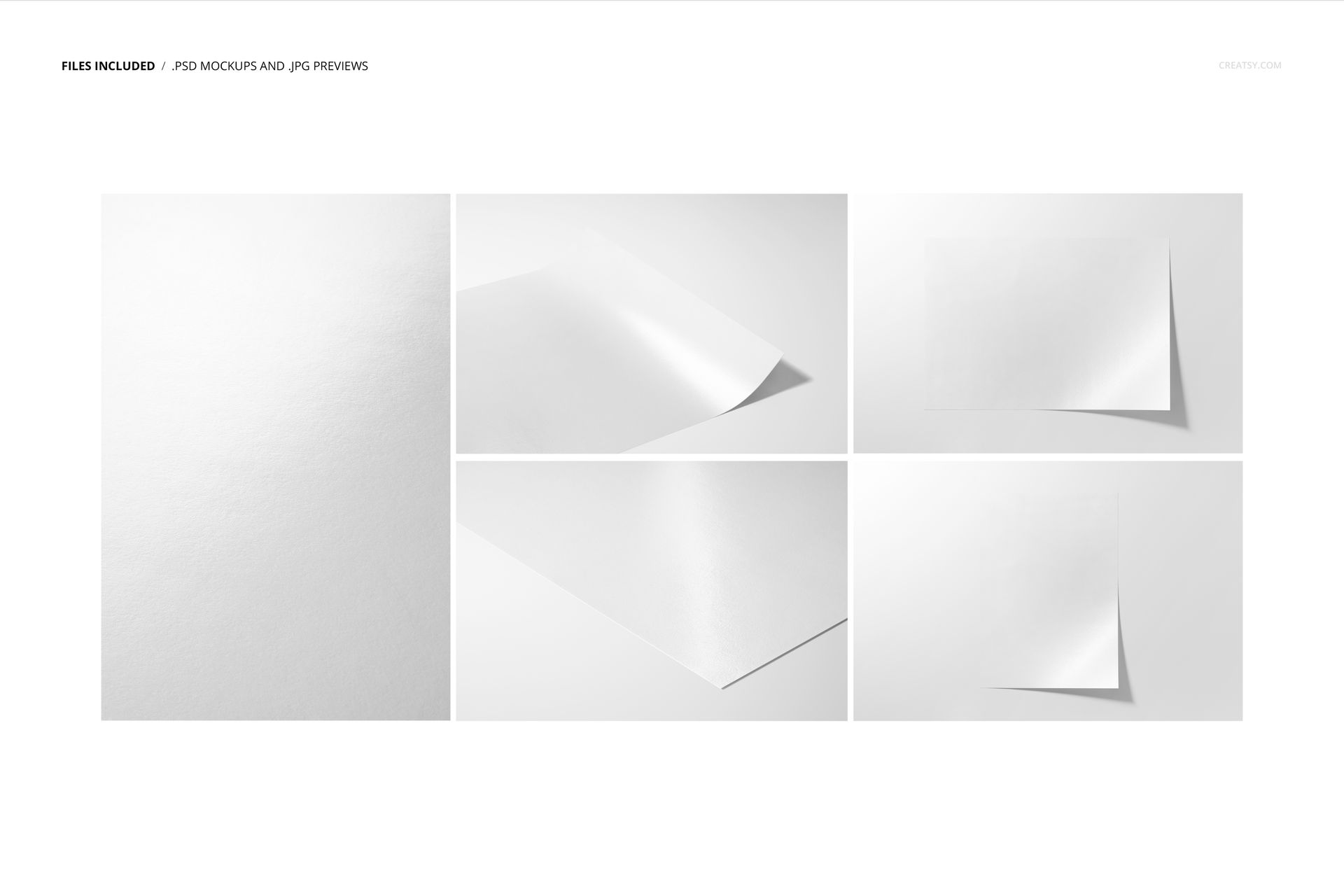
5 JPG previews with landscape and portrait framing
1 PDF user manual, 11 files in total
A3 Hahnemühle Photo Rag Baryta paper at 315 gsm
PSD files listed at 6720 × 4480 px and 300 DPI
1.31 GB Windows / 1.41 GB macOS package
Five Views of the Same Fine Art Surface
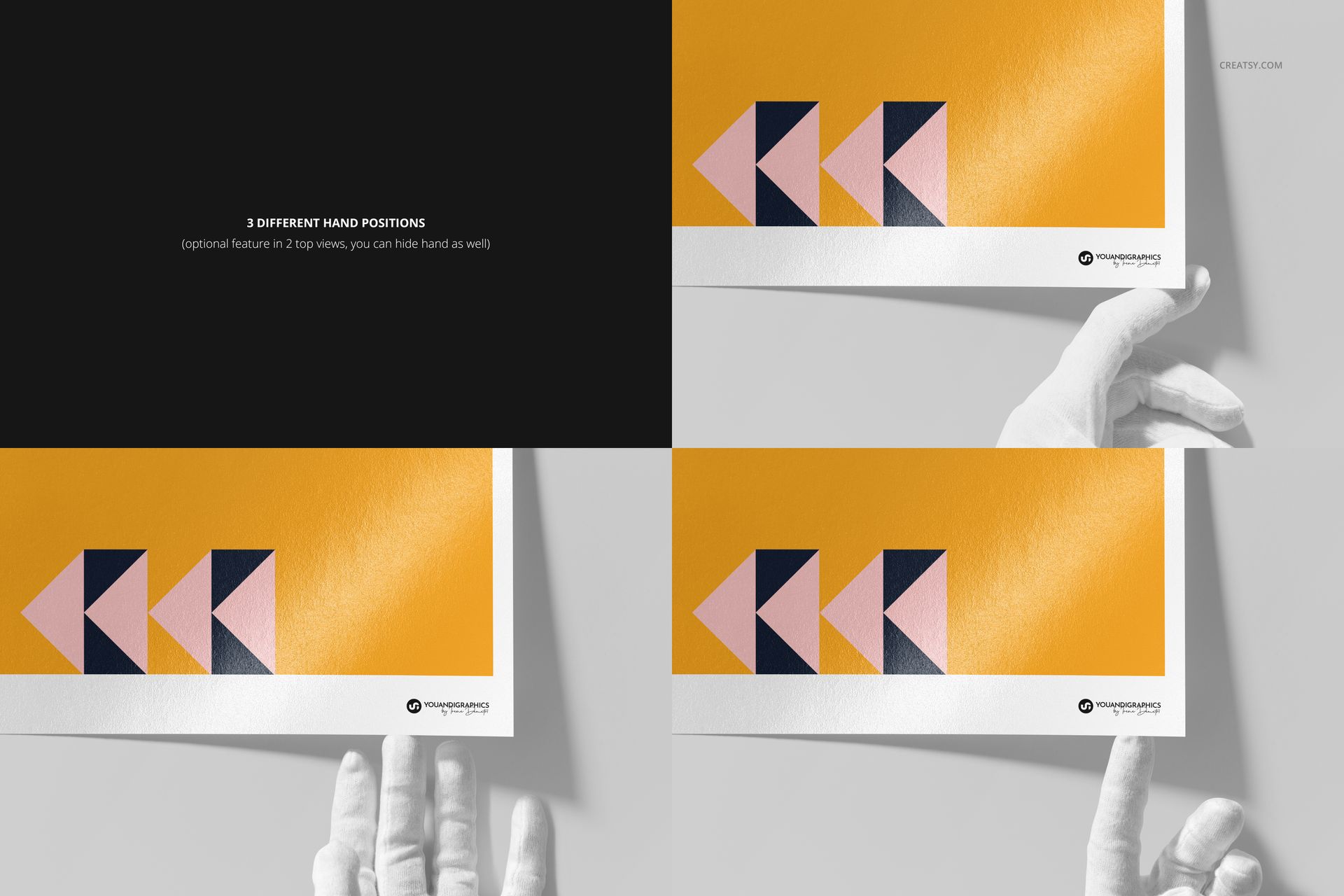
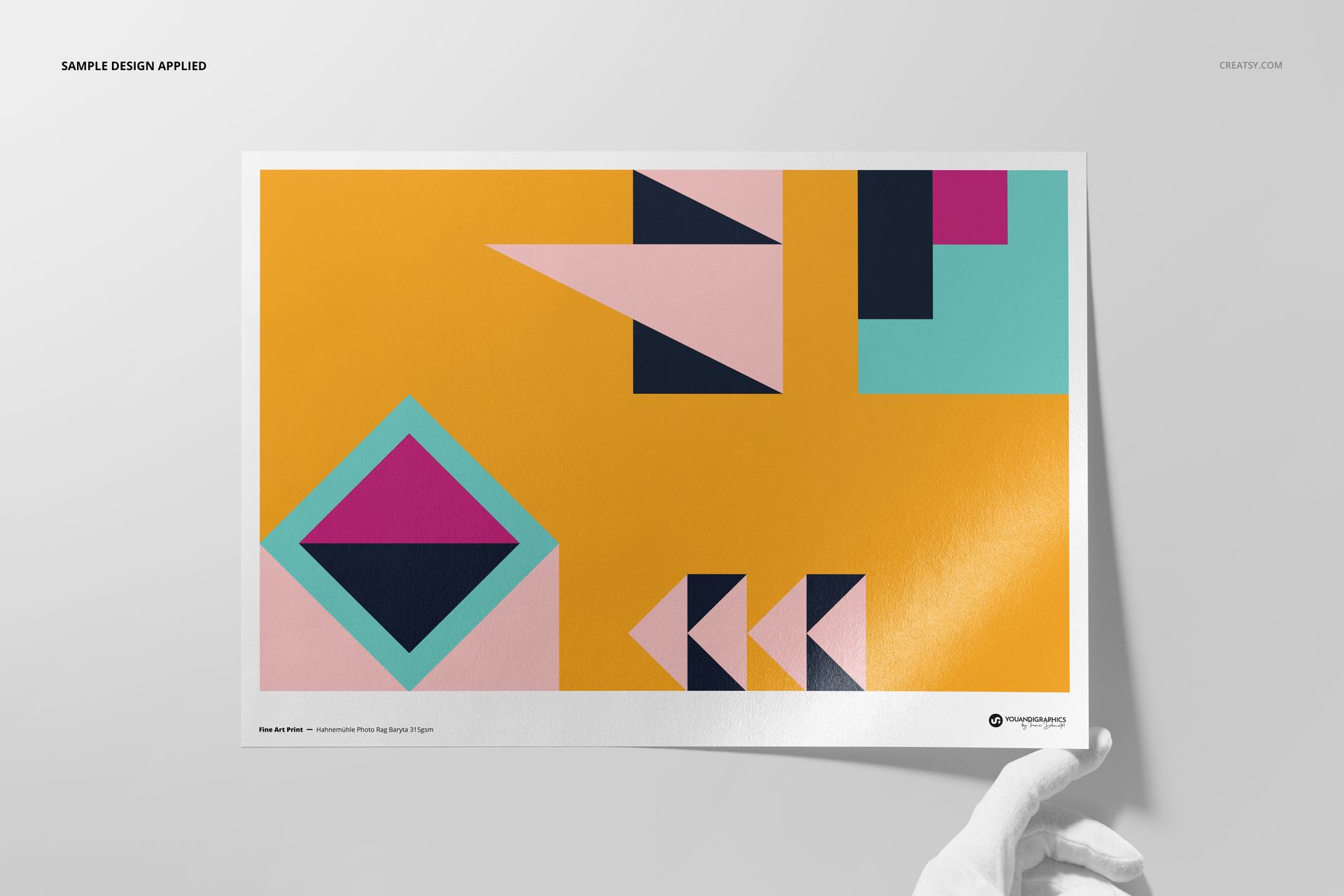
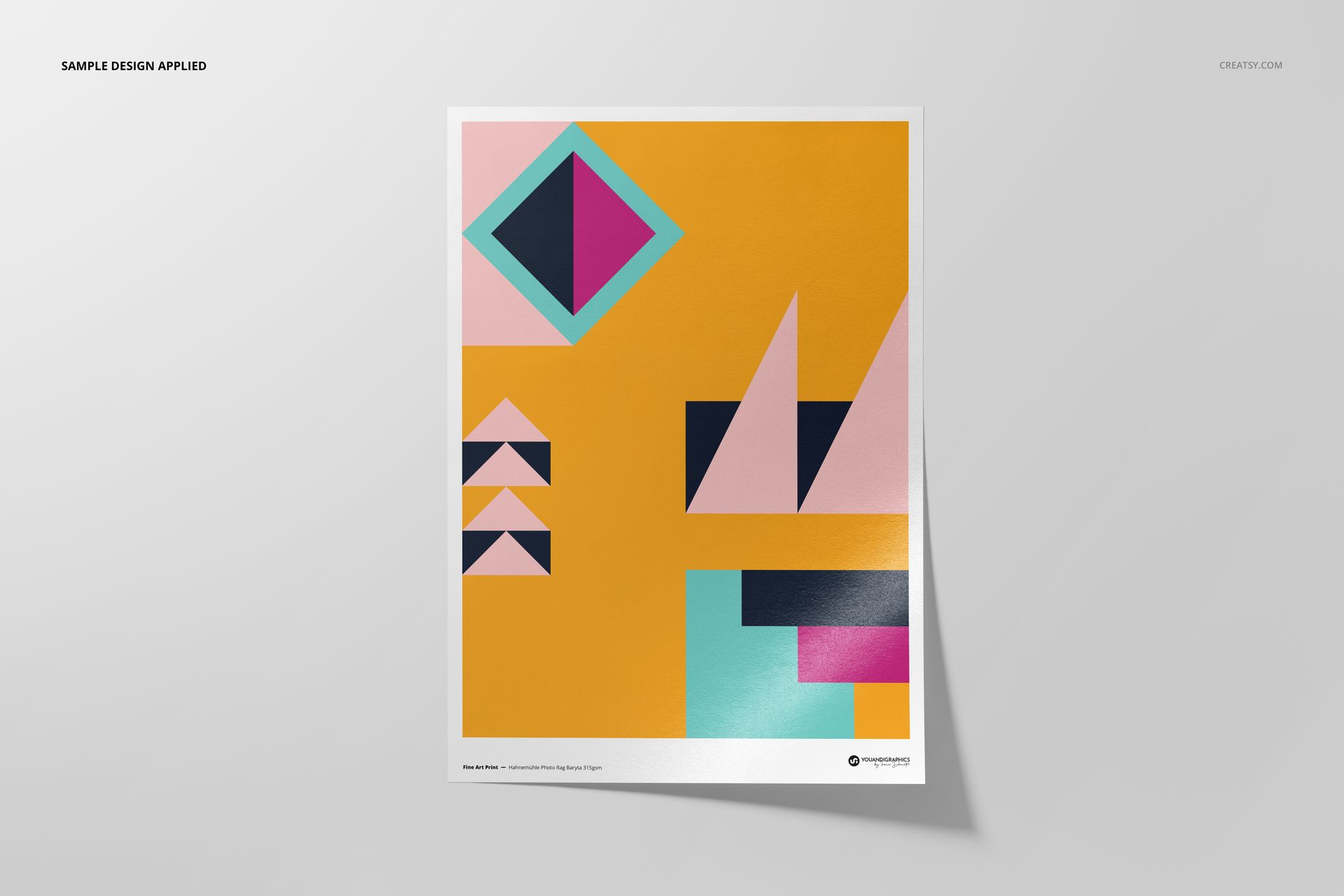
Present a flat top view, an angled corner, a close surface detail, a gently curled sheet, and hand-held compositions. Three hand positions are available, and the hands can be hidden in two top views when you need a cleaner layout.
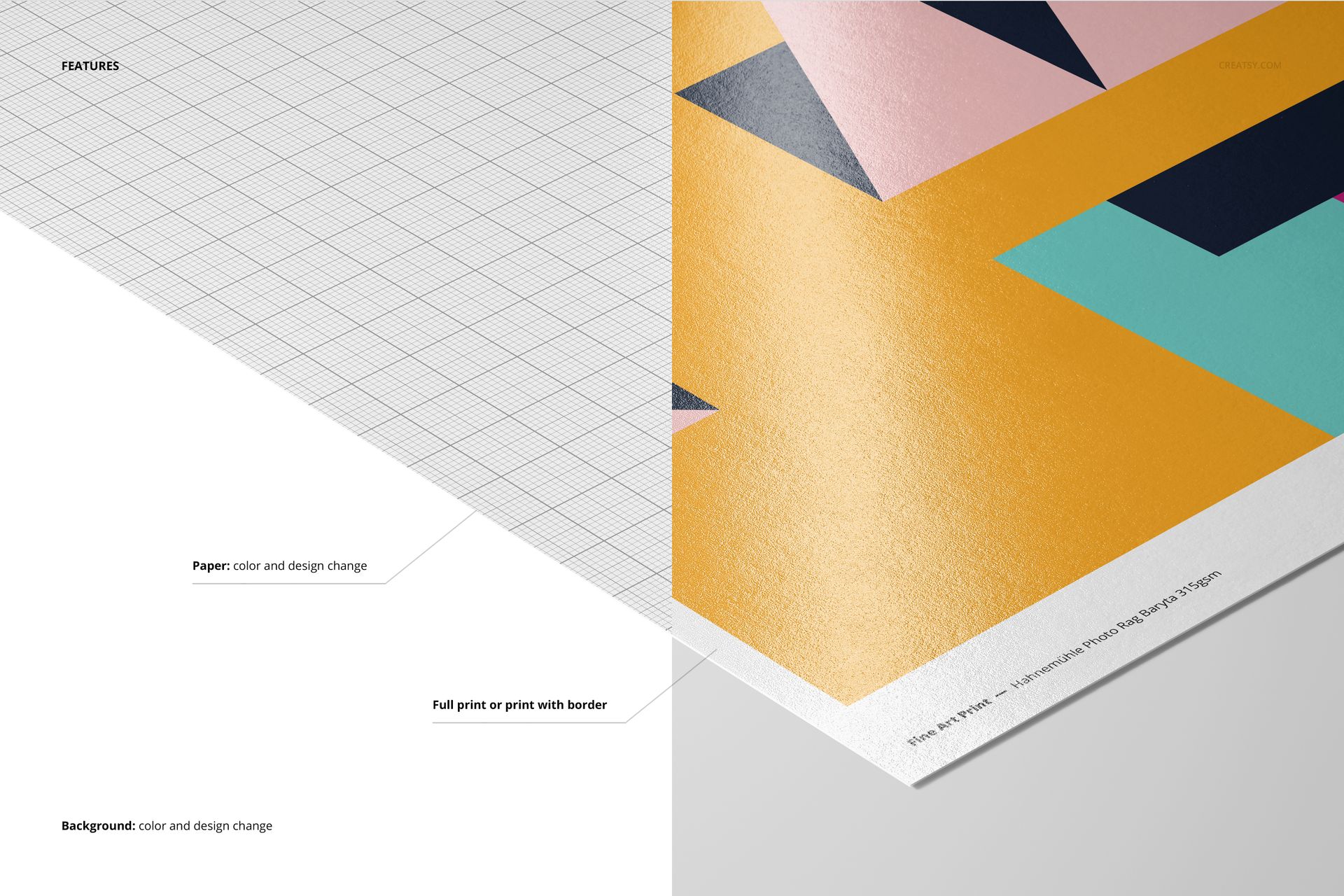
Control the Print and Its Surroundings
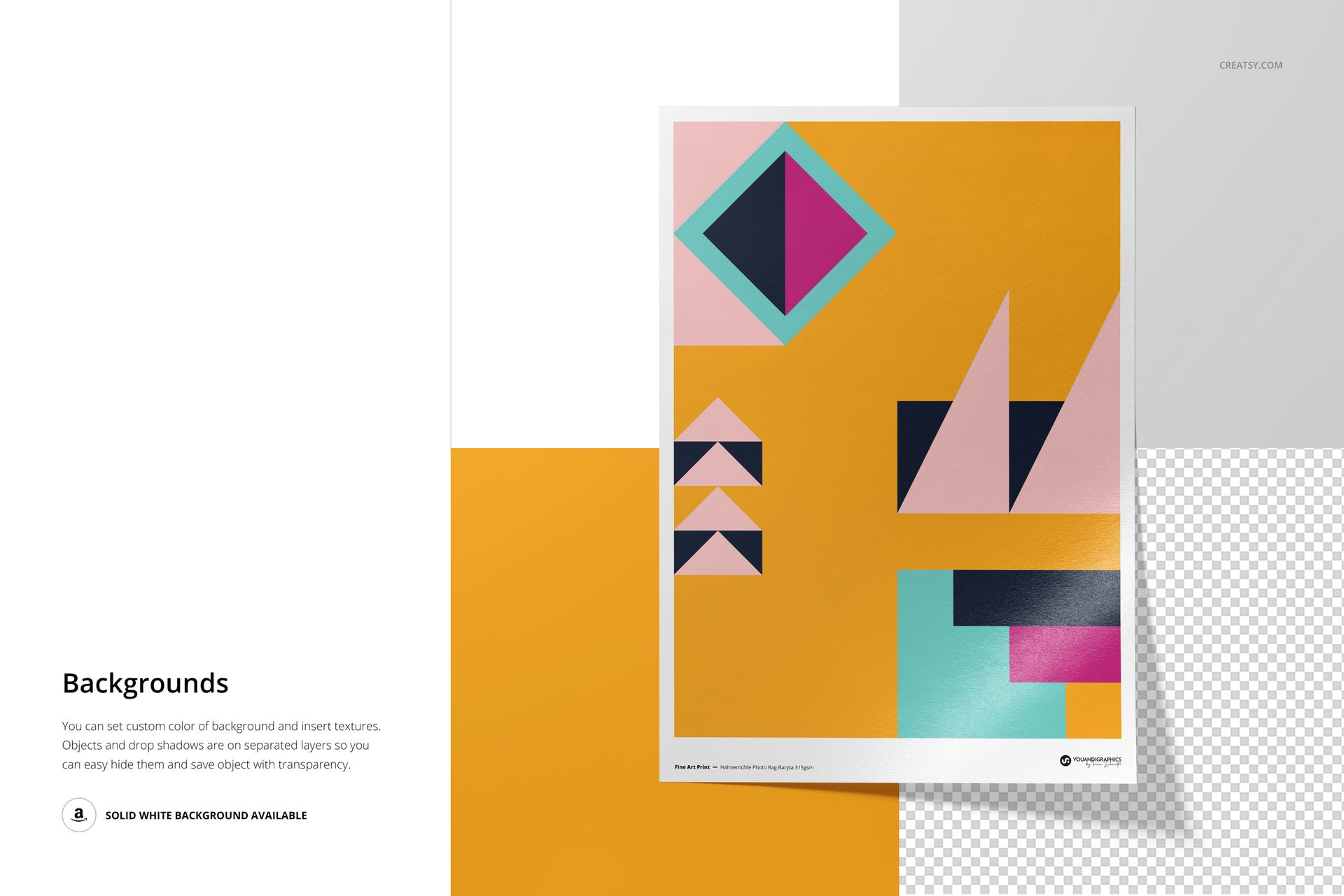
Choose a full print or retain a white border. Change the paper design and color, adjust the background color, add background textures, and hide separately layered objects or drop shadows. A solid white background and transparent export options support both editorial scenes and isolated product graphics.
Easy Smart Object Editing
Place artwork through Smart Objects in Adobe Photoshop CC2020 or newer or Photopea. Organized layers make it straightforward to update the design, compare versions, and keep a five-image presentation visually consistent.
Perfect For
Fine artists and illustrators presenting limited editions
Photographers preparing fine art print collections
Print studios, galleries, and independent art shops
Designers building portfolio, launch, or client presentation imagery
This is a digital mockup product. The sample geometric artwork is shown for presentation only and is not included, and the files are not a technical production template.