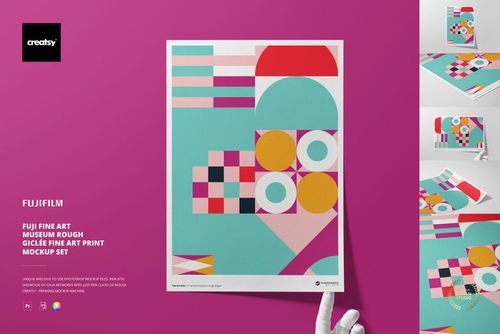
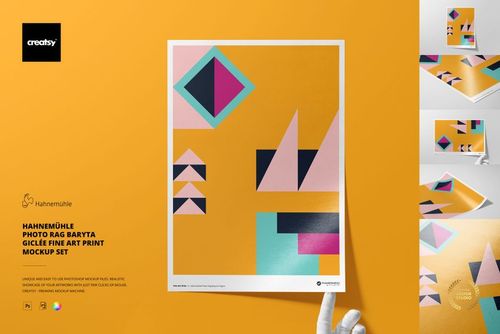
Hahnemühle Bamboo A3 Fine Art Print Mockup Set
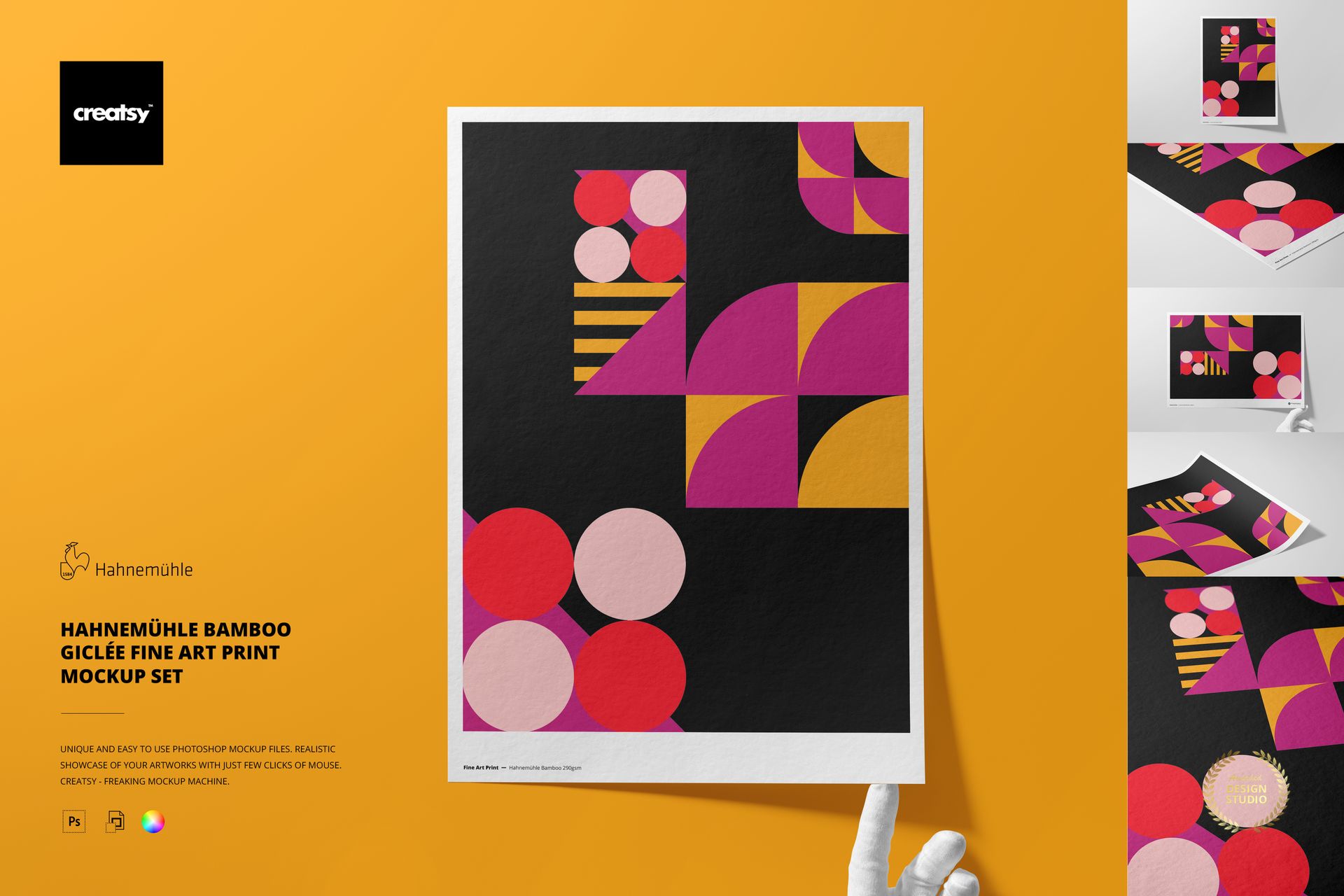
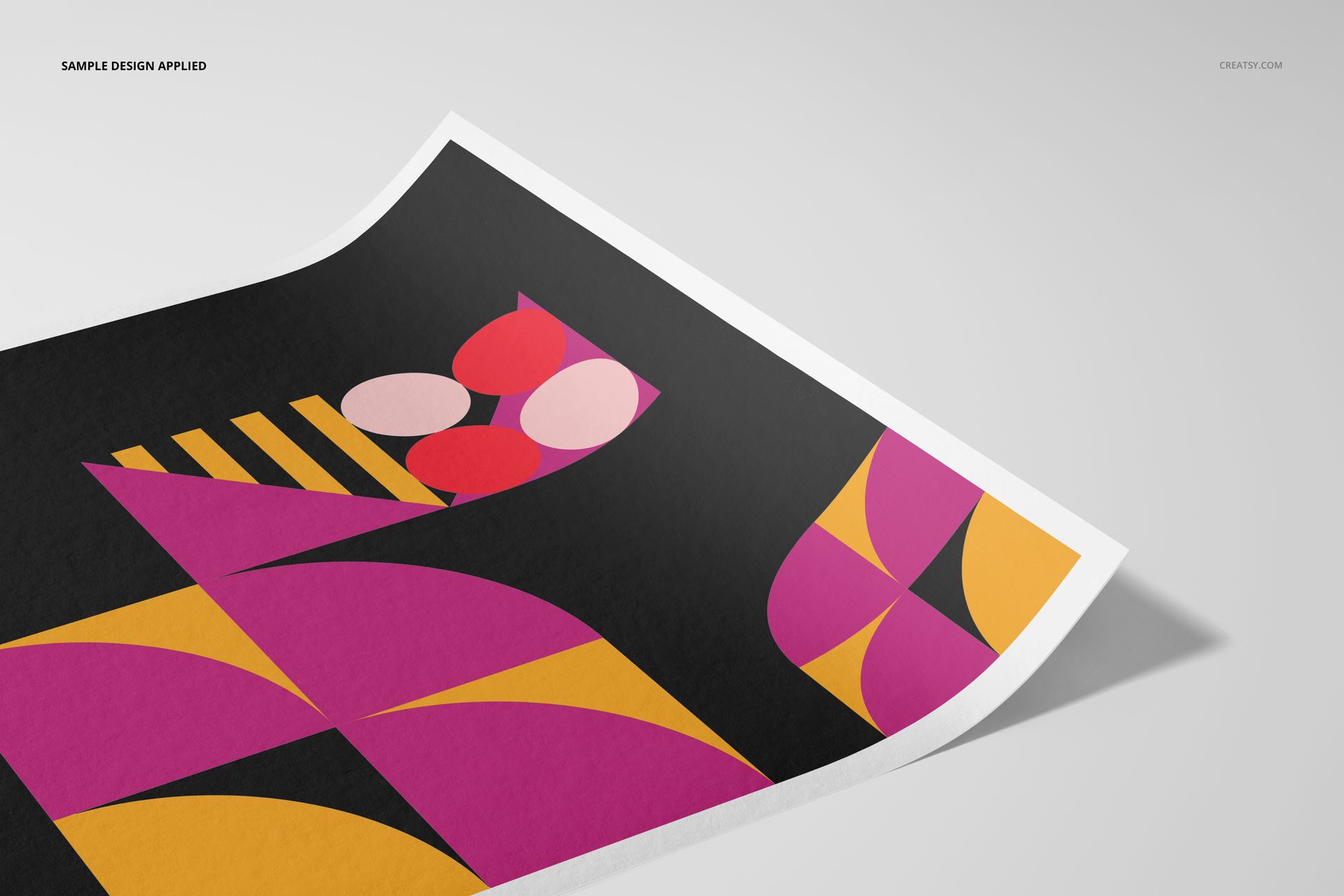
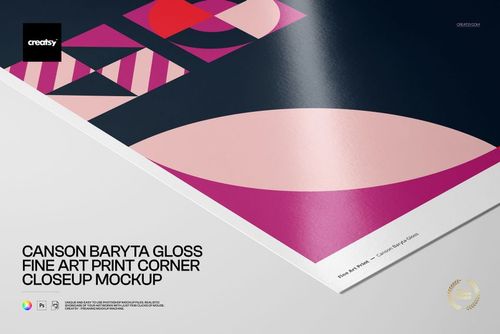
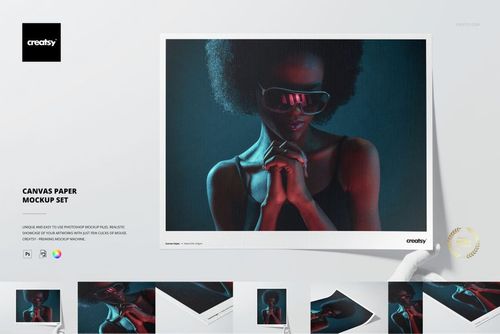
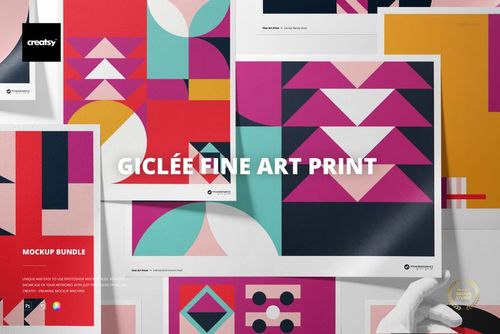
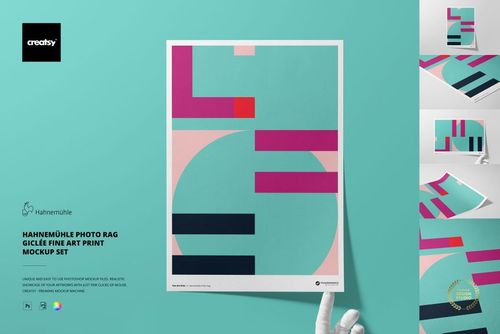
Present posters, illustrations and photography on the softly textured surface of Hahnemühle Bamboo 290 gsm paper. Five coordinated A3 scenes show artwork from front, angled, close-up, portrait, landscape and optional hand-held viewpoints.
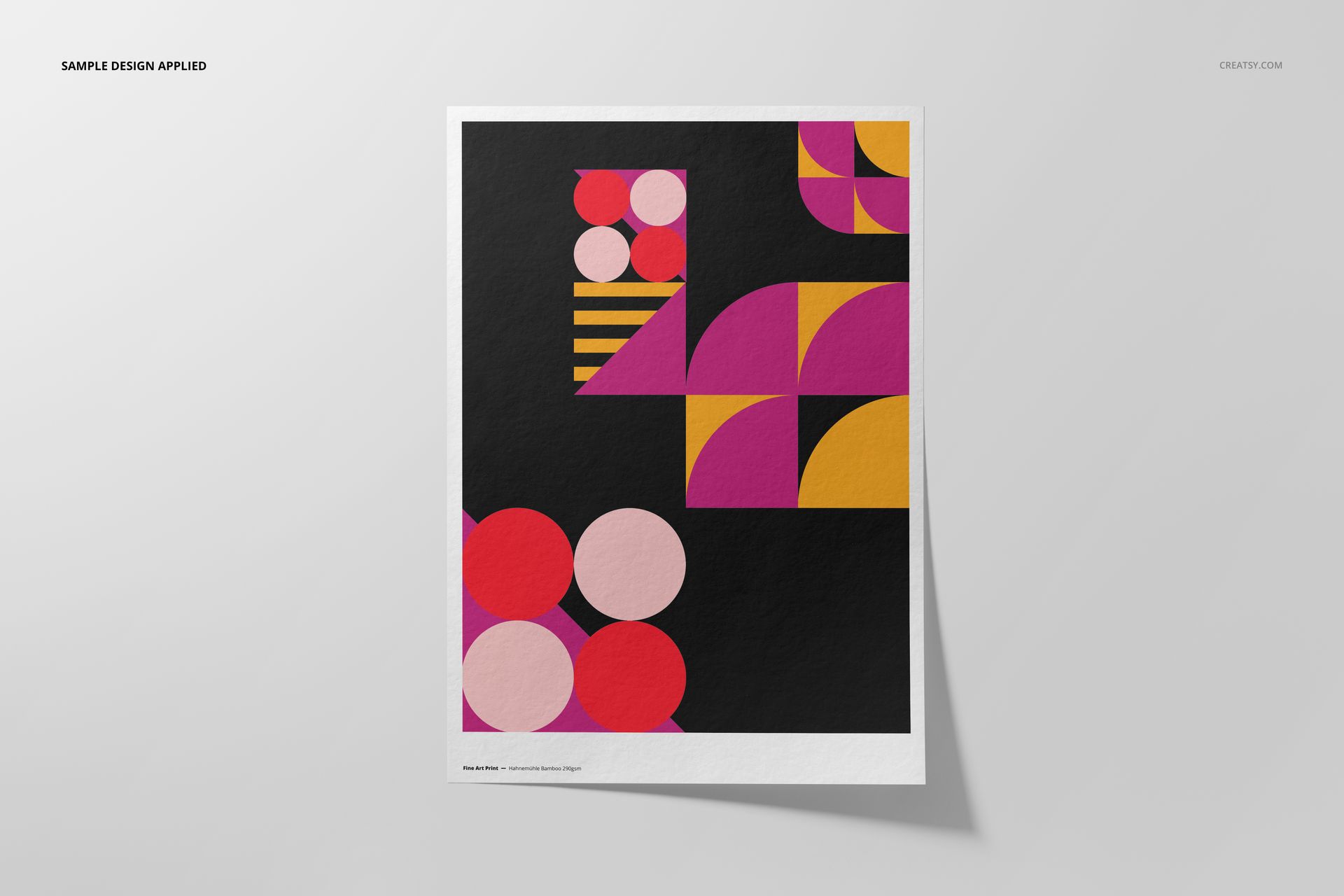
Use the set to compare full-bleed artwork with a bordered layout, review margins and cropping, or create a consistent product gallery without photographing a physical print.
Five Editable A3 Scenes
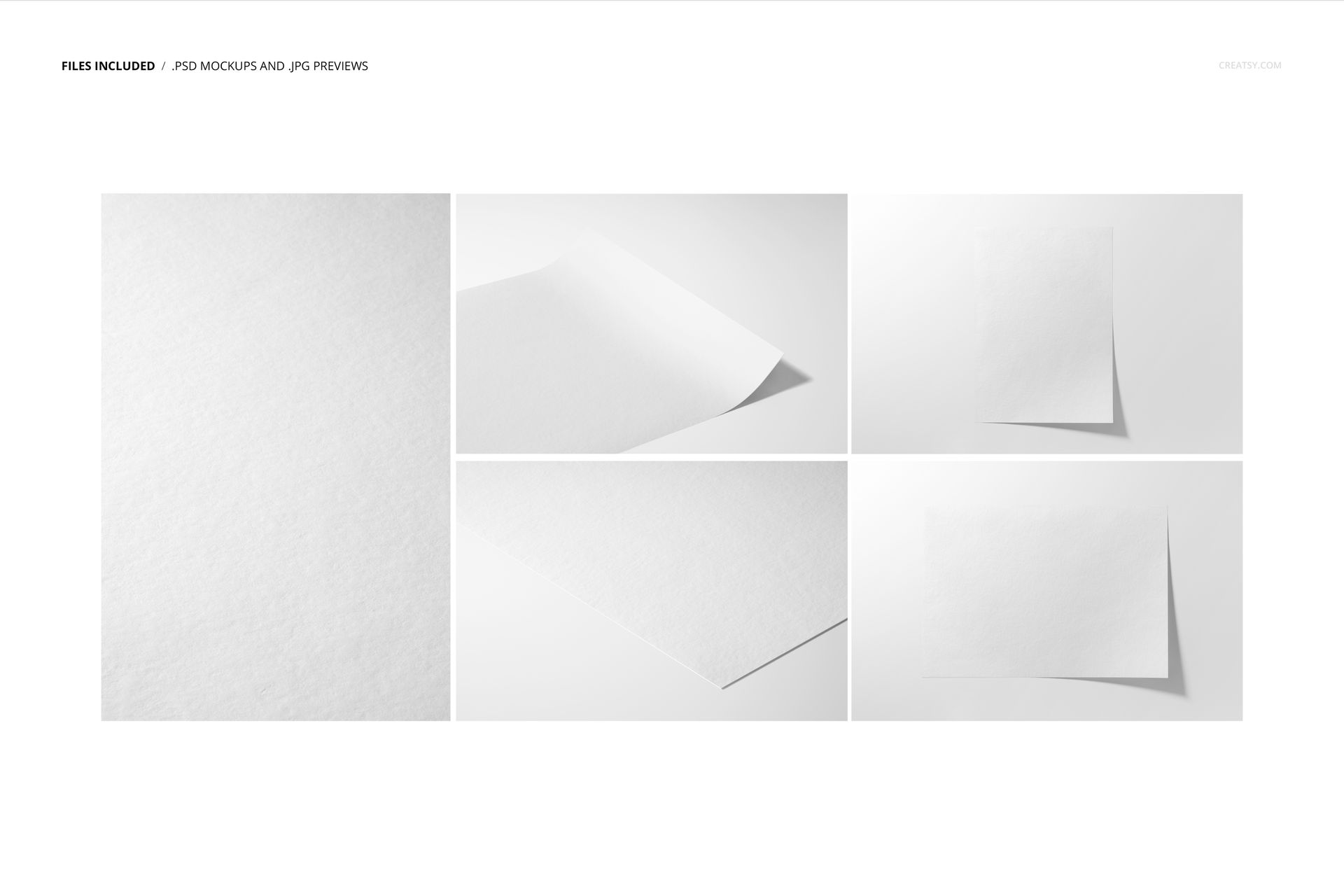
5 layered PSD mockup files with Smart Object artwork placement
5 matching JPG reference images
1 PDF user manual, 11 files in total
Four landscape JPG files at 6720 × 4480 px
One portrait JPG file at 4480 × 6720 px
High-resolution presentation prepared at 300 dpi
Paper, Framing and Background Controls
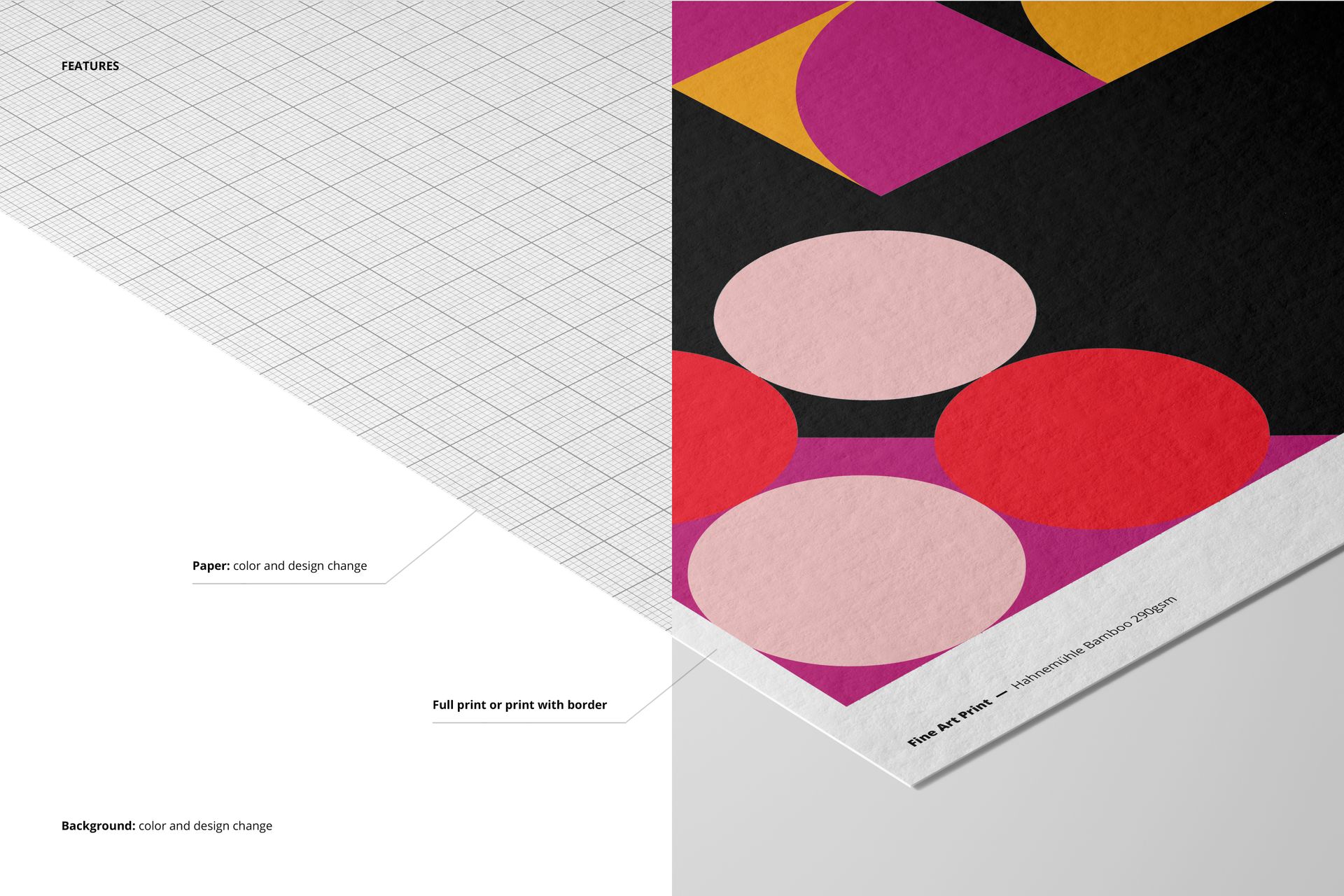
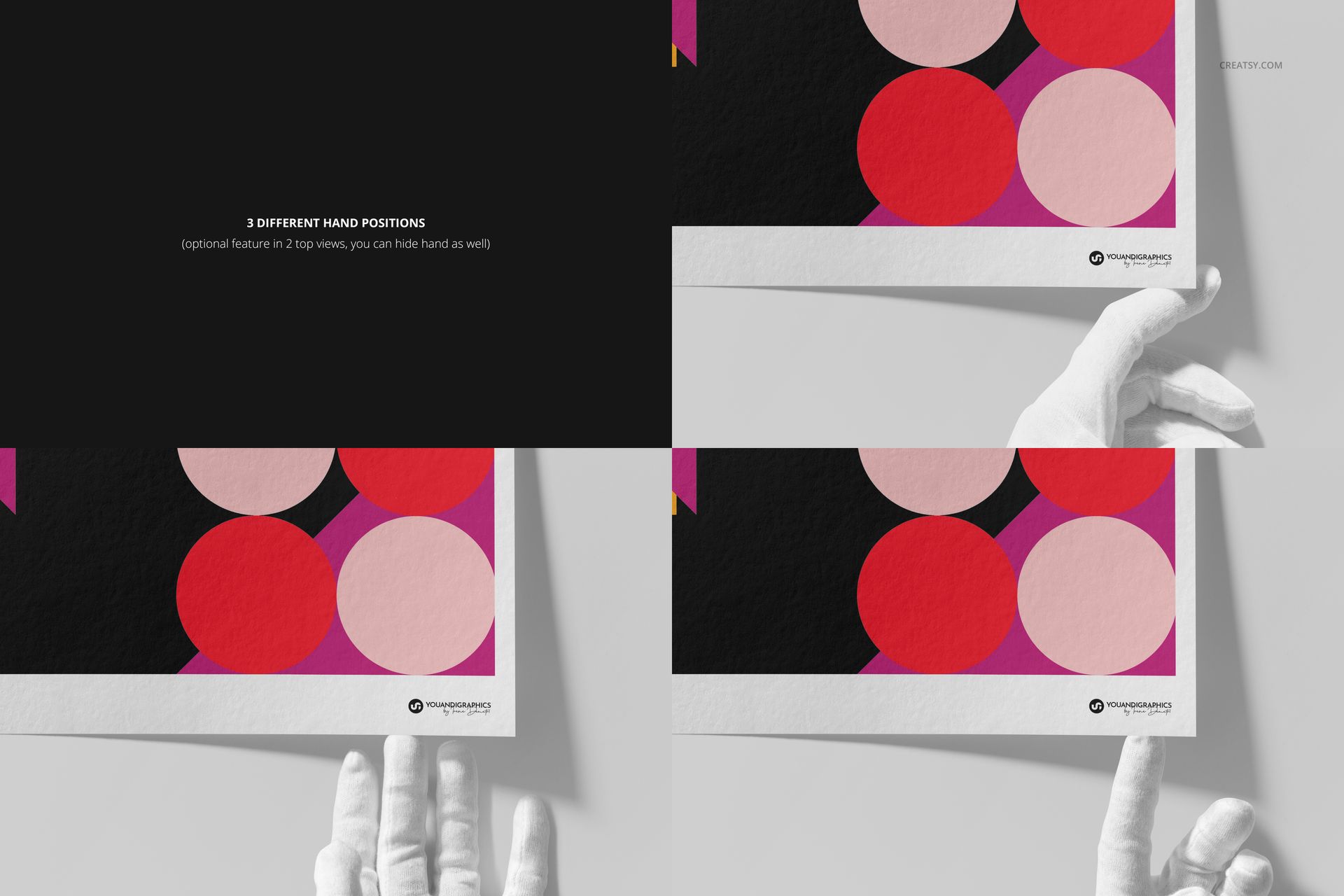
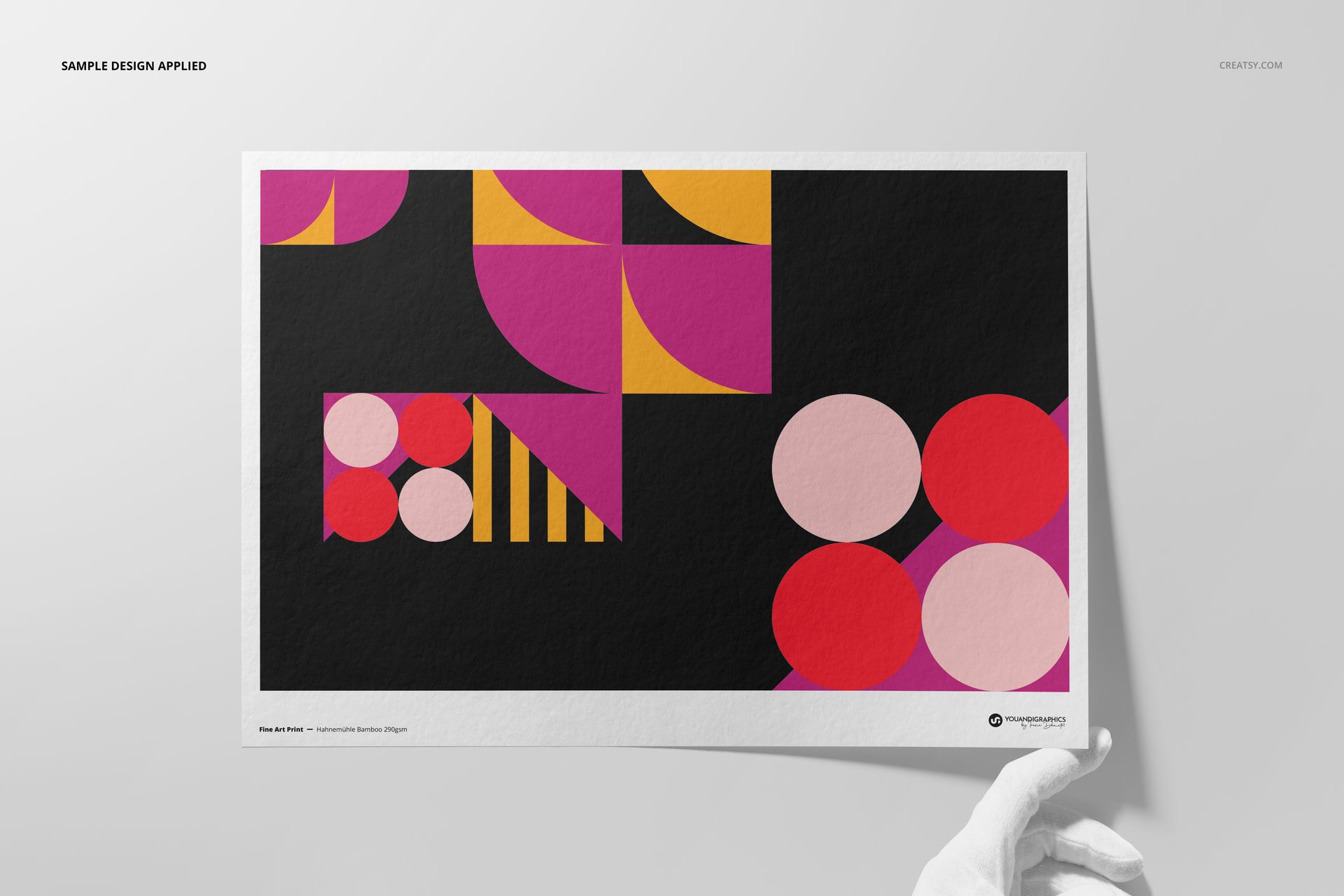
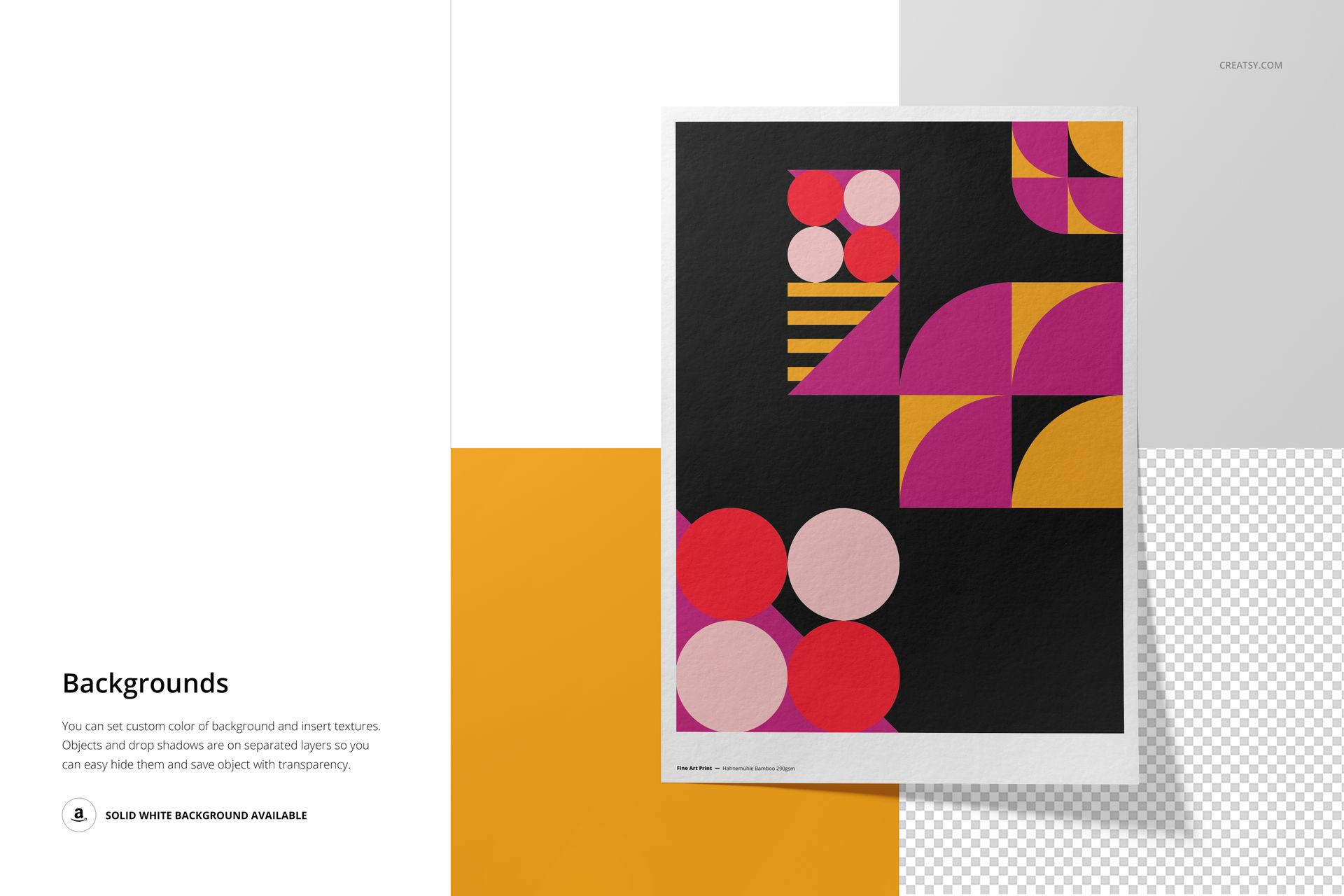
Adjust the artwork and paper color, choose a full print or clean border, and coordinate the background color, design or texture. Two top-view scenes provide three optional hand positions, and the hands can also be hidden.
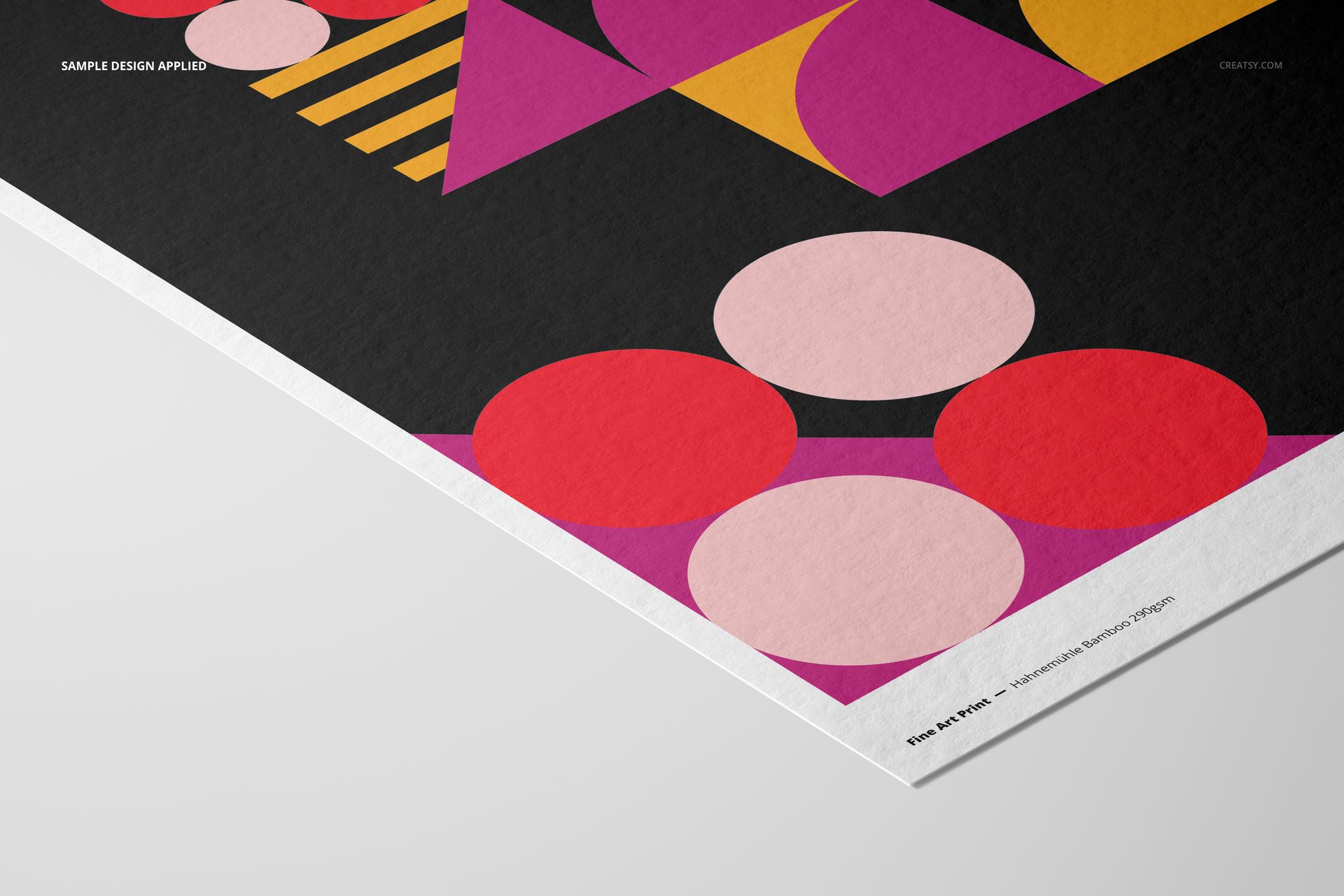
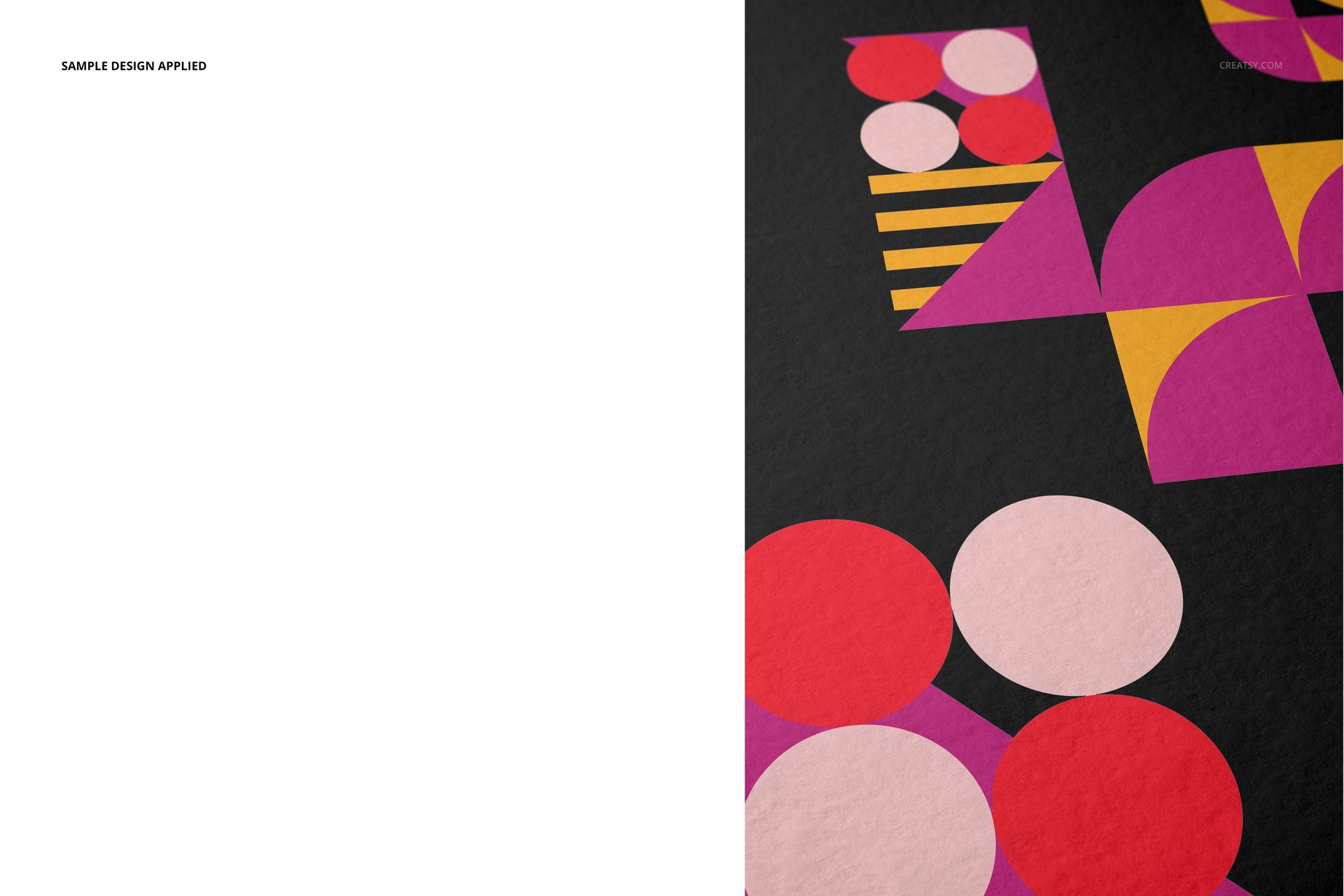
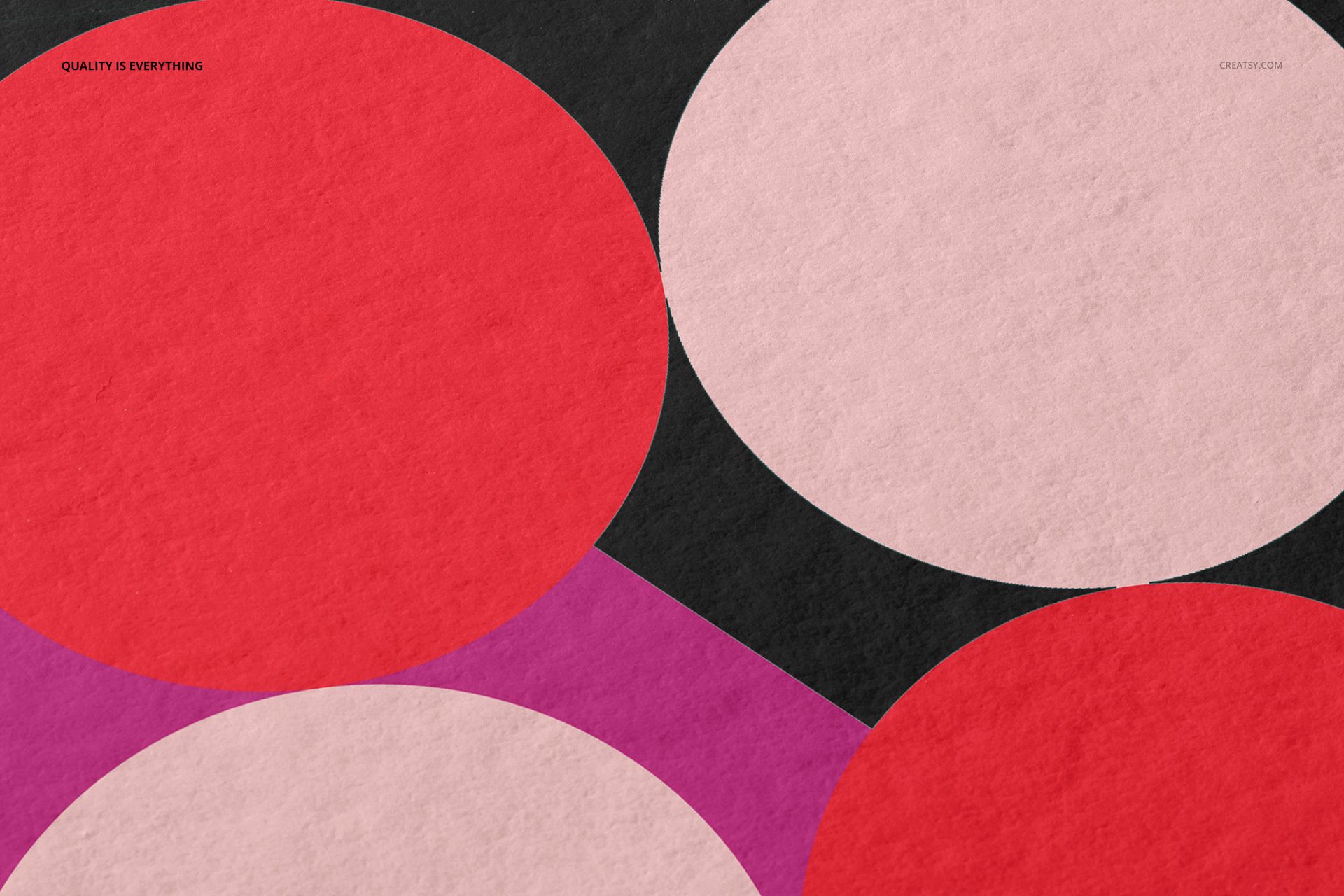
Separate object and shadow layers support a plain white background or an isolated paper presentation on transparency. The close-up and angled views make the Bamboo paper character, edges and print detail visible.
Smart Object Workflow
Open the marked Smart Object, place your design, save it and return to the composed scene. Organized layers keep artwork, paper, hands, objects, shadows and backgrounds easy to locate across the five files.
Software Compatibility
Adobe Photoshop CC2020 or newer is the primary supported application. The archive contains PSD files and no PSB files, so Photopea can also open the mockups. Individual PSD files are approximately 378 to 643 MB on Windows and 396 to 674 MB on Mac, so browser performance depends on available memory. Desktop Photoshop is recommended for the most reliable handling of the largest scenes.
Useful For
Fine art and photography shop listings
Illustration, typography and poster presentations
Gallery, portfolio and client approval images
Full-bleed and bordered print comparisons
Texture-focused detail views for A3 artwork
This is a digital presentation mockup, not a print production template. The geometric sample artwork shown in the previews is not included.