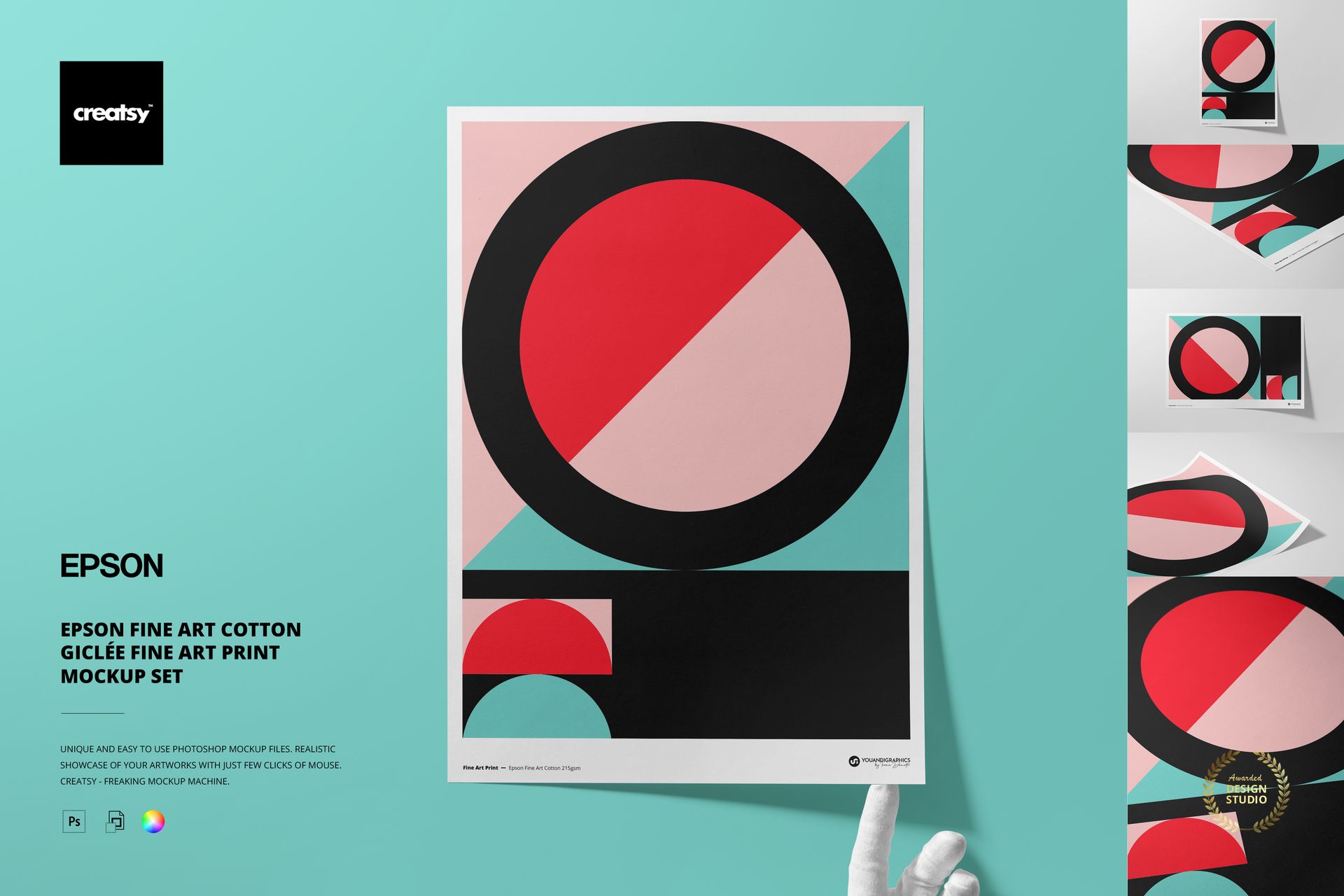
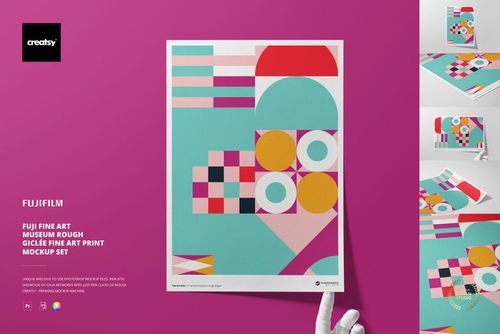
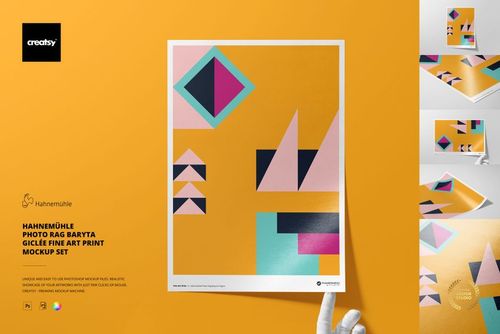
Epson Fine Art Cotton Giclée Fine Art Print Mockup Set
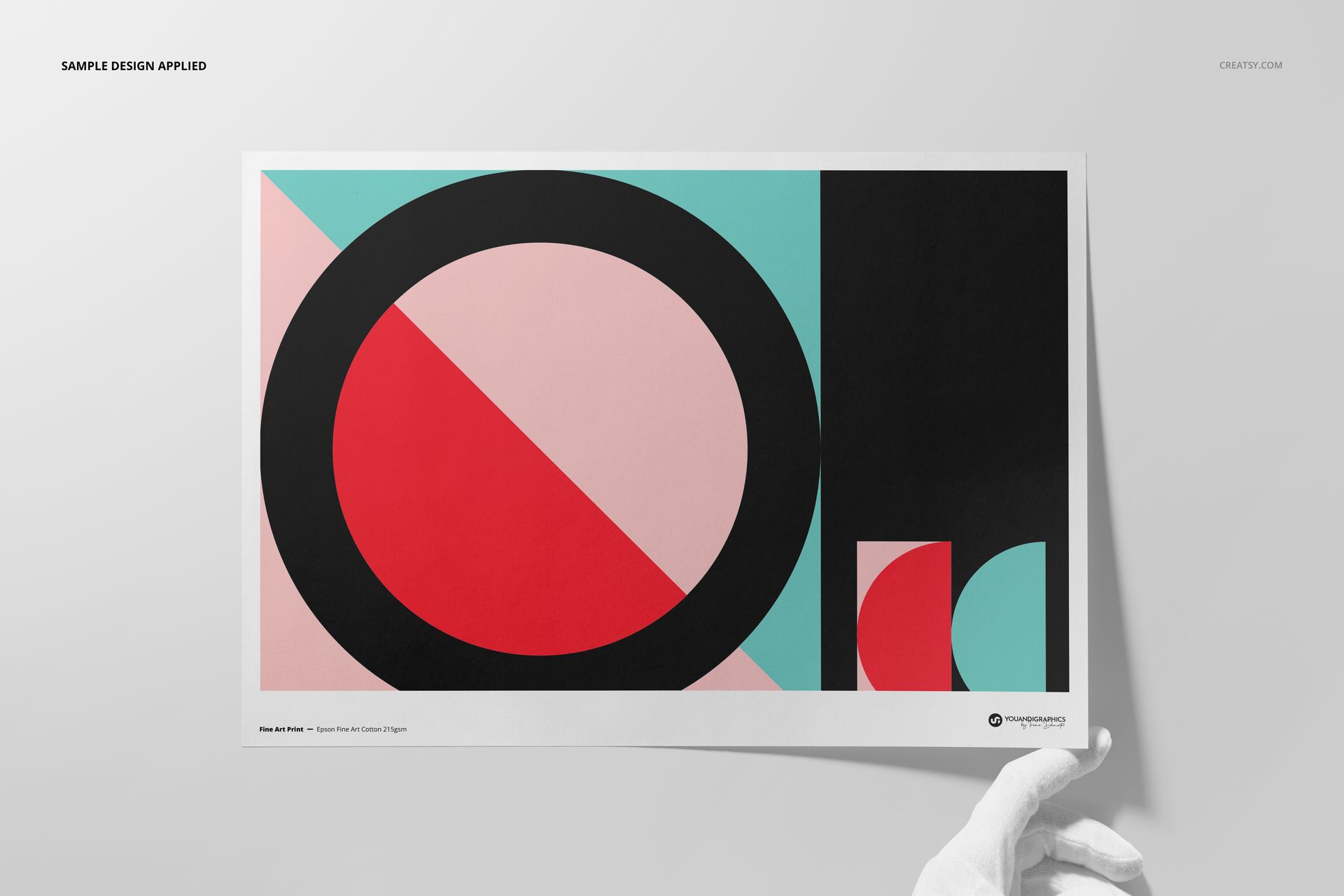
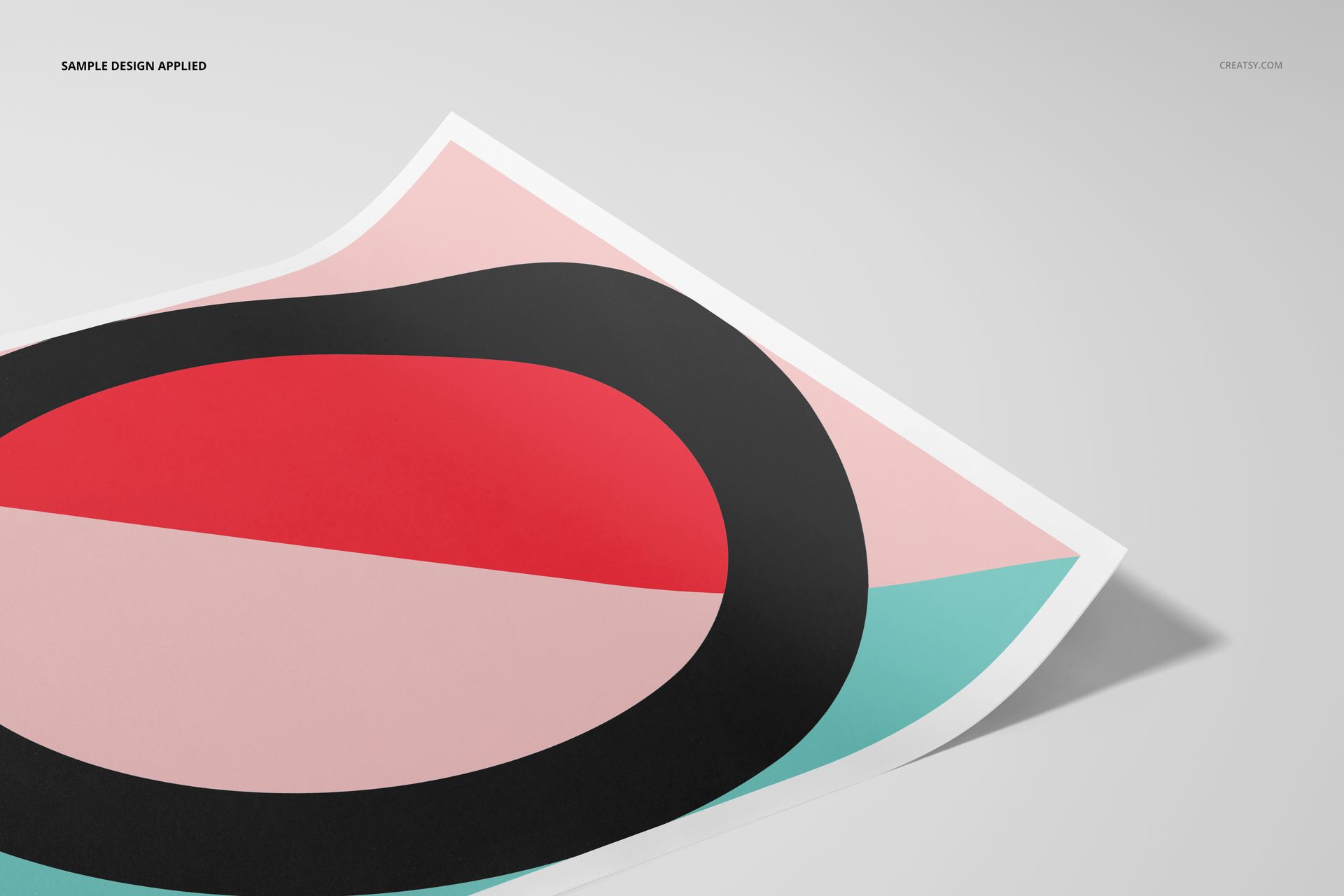
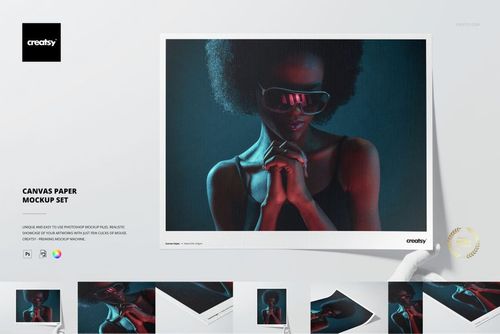
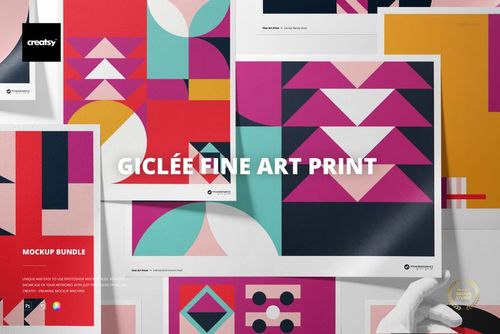
Present illustrations, photography and limited-edition artwork on the fine woven surface of Epson Fine Art Cotton 215 gsm paper. Five high-resolution A3 scenes combine front, top, angled, close-up and hand-held compositions.
Place artwork through Smart Objects, compare a full print with a bordered version, and coordinate the paper and background with the design. Optional hands, separate object and shadow layers, and transparent-background output support a flexible product gallery.
What Is Included
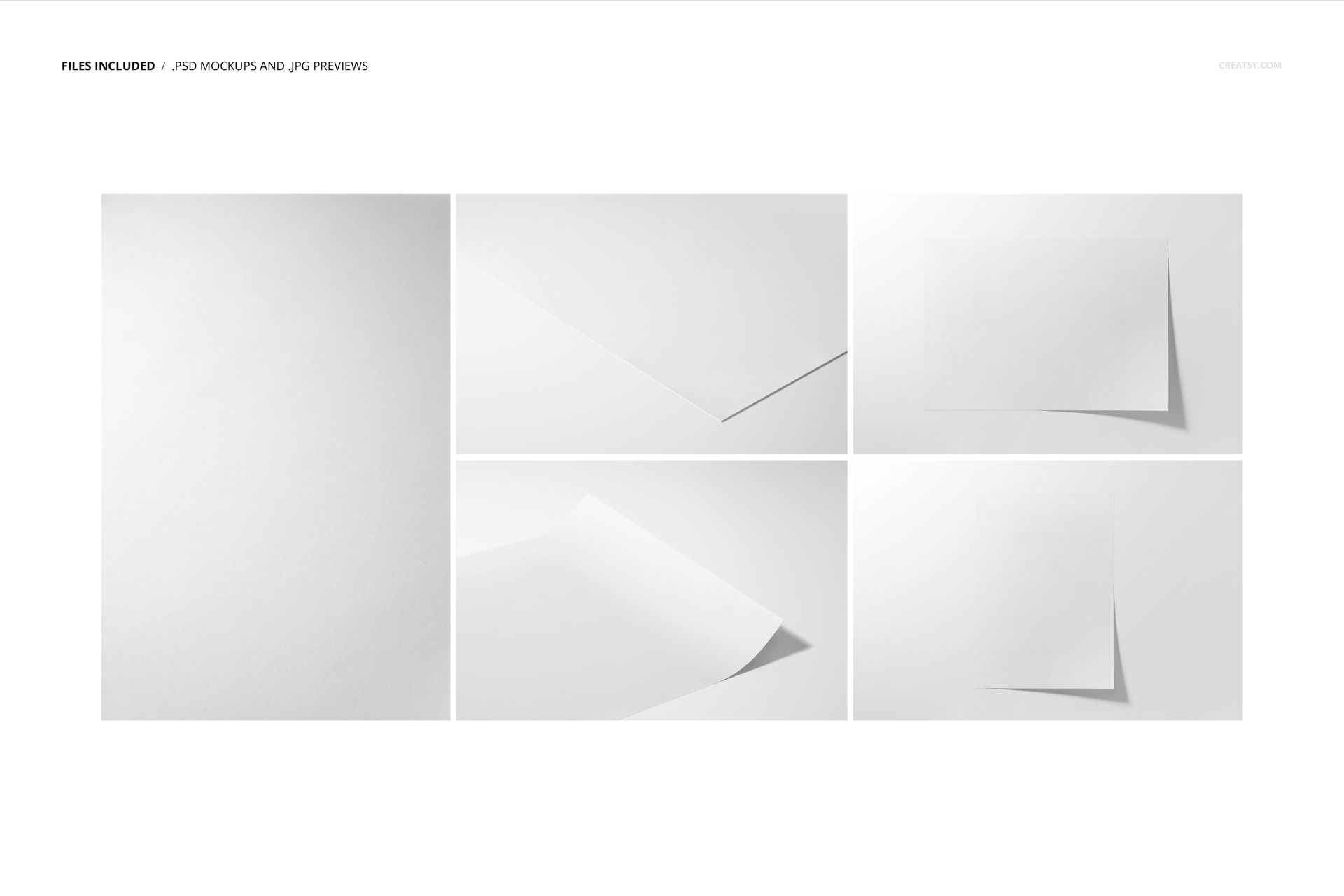
5 layered PSD mockup files with organized scene controls
5 matching JPG preview files and 1 PDF user manual, 11 files in total
A3 Epson Fine Art Cotton 215 gsm paper presentation at 300 DPI
Four landscape JPG previews at 6720 × 4480 px
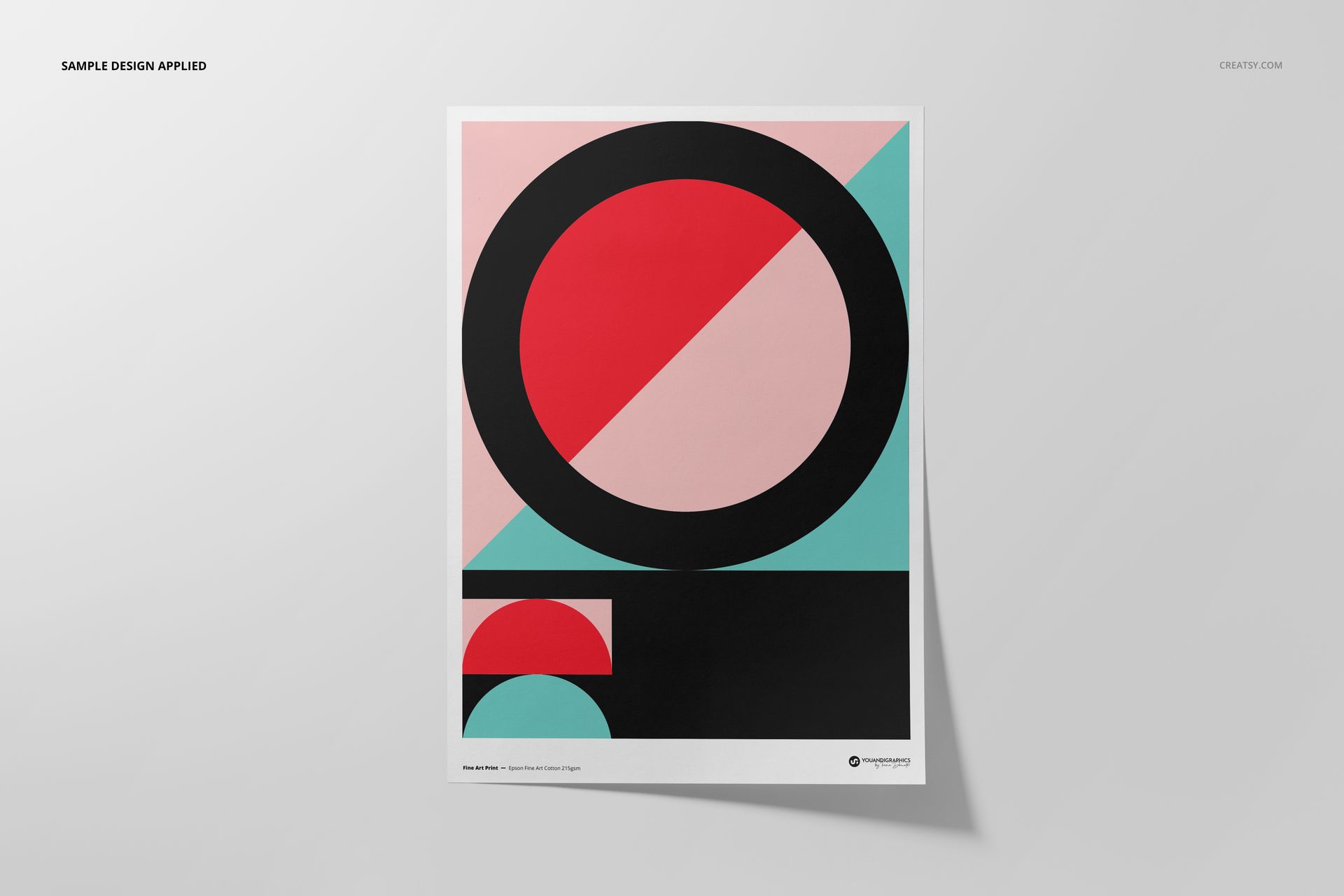
One portrait JPG preview at 4480 × 6720 px
Adobe Photoshop CC2020 or newer and Photopea compatibility
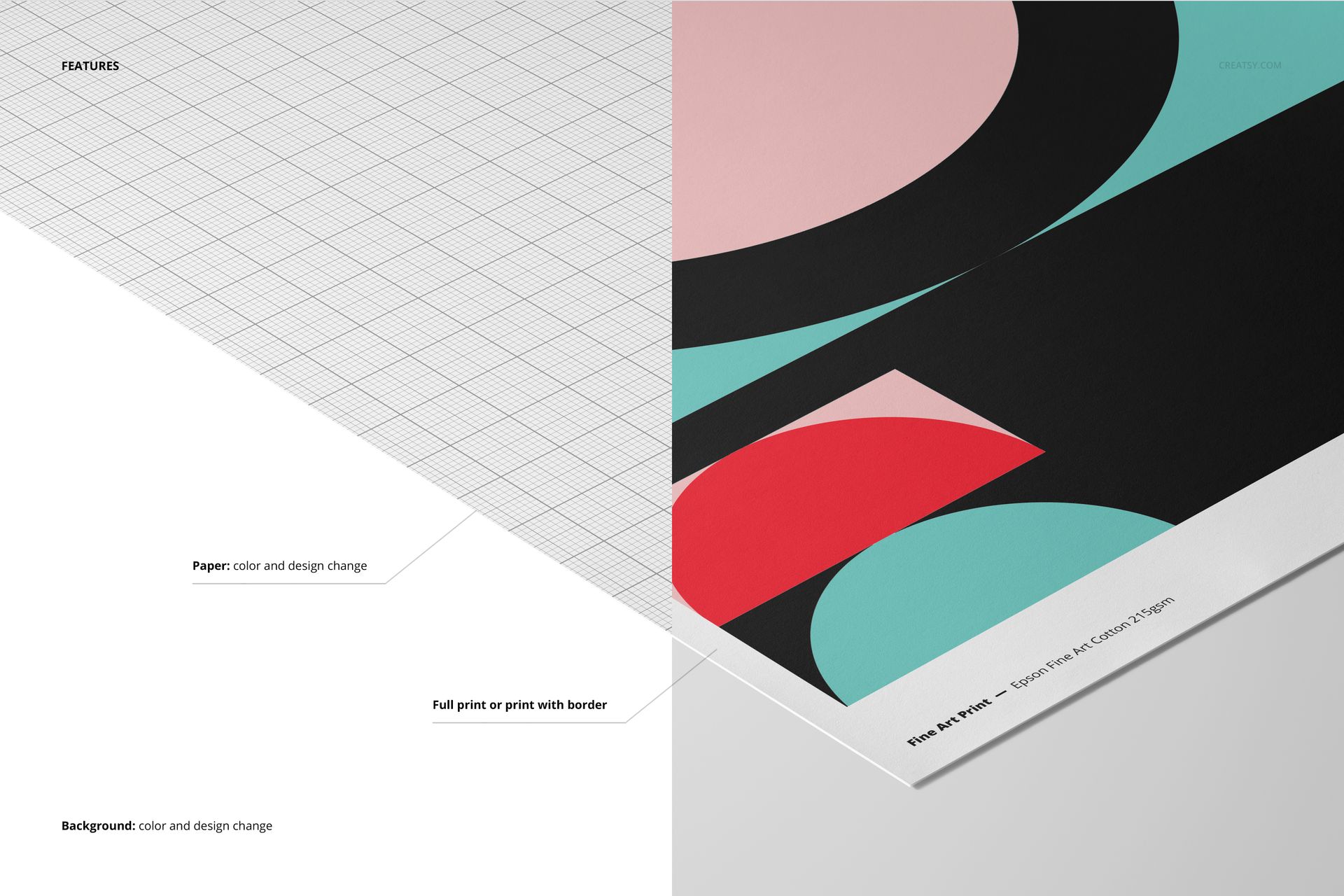
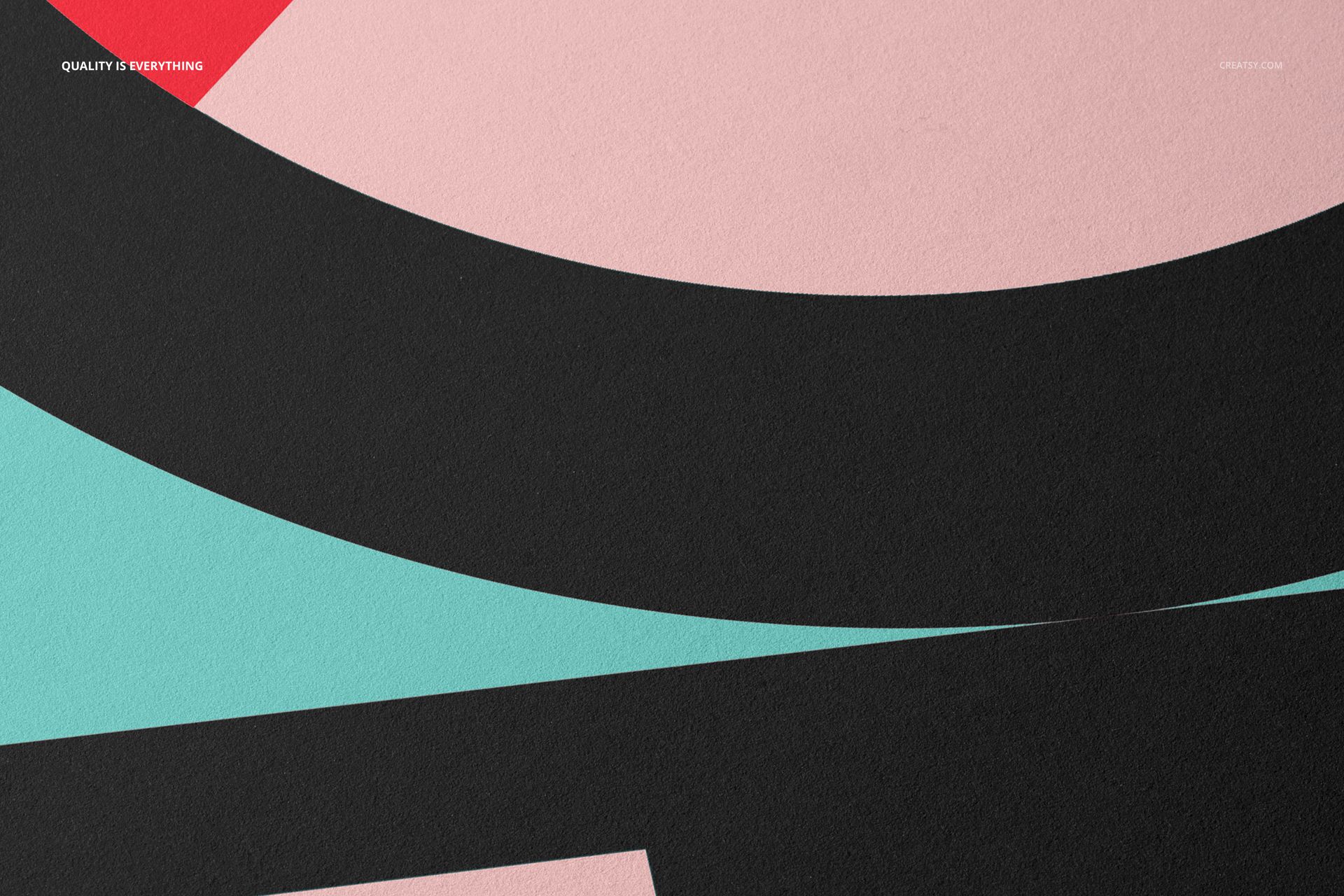
Fine Cotton Texture in Focus
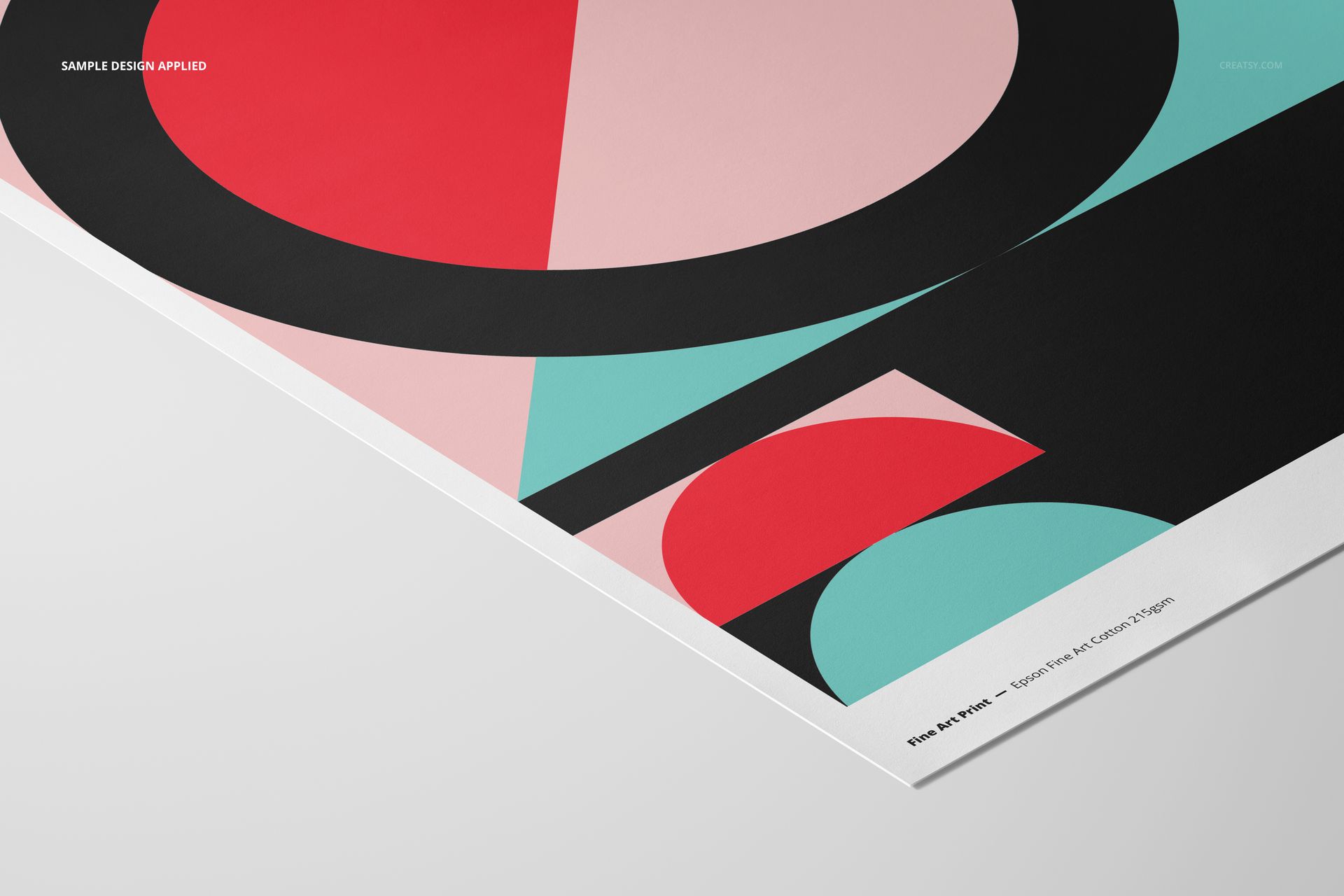
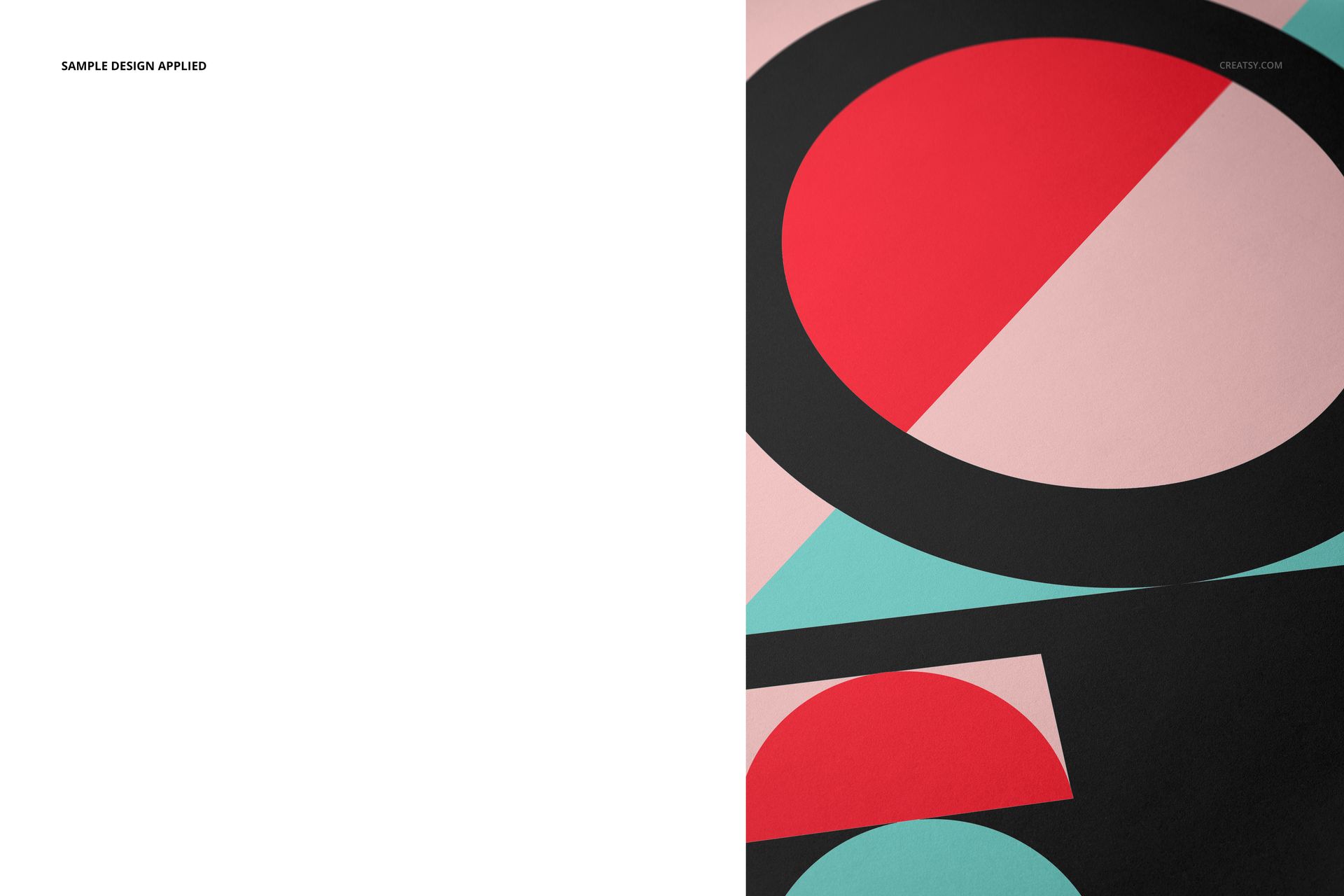
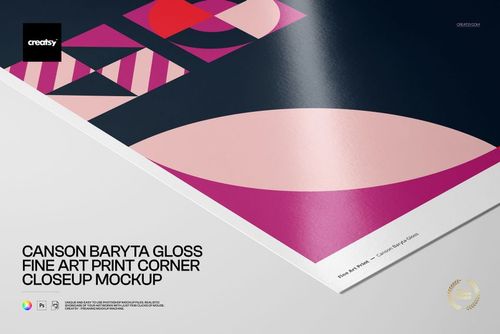
The subtle woven surface adds material context without overwhelming the artwork. Use broad views to establish the complete design and close crops to show how color, linework and photography read on the 215 gsm cotton paper.
Flexible Paper, Background and Hand Options
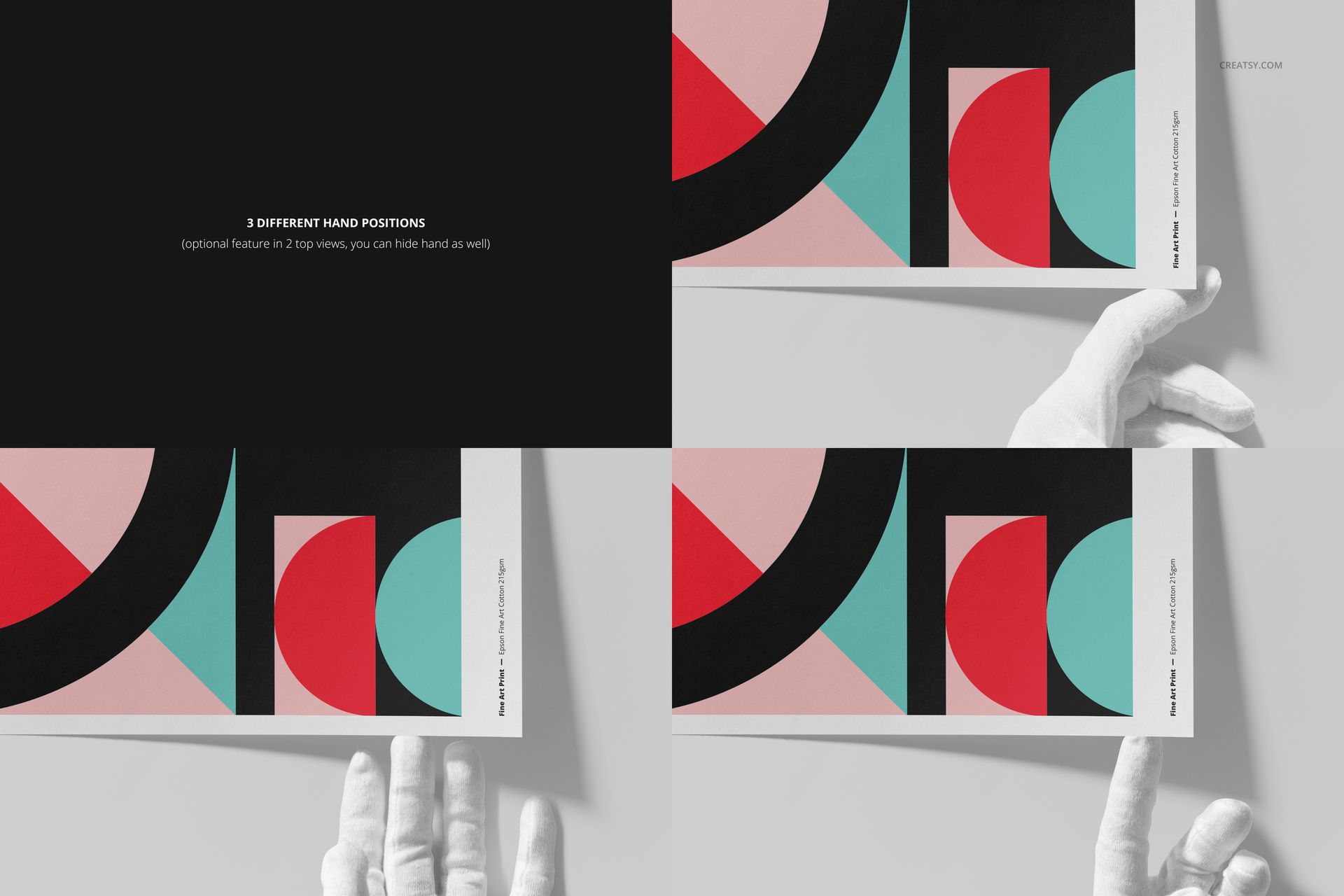
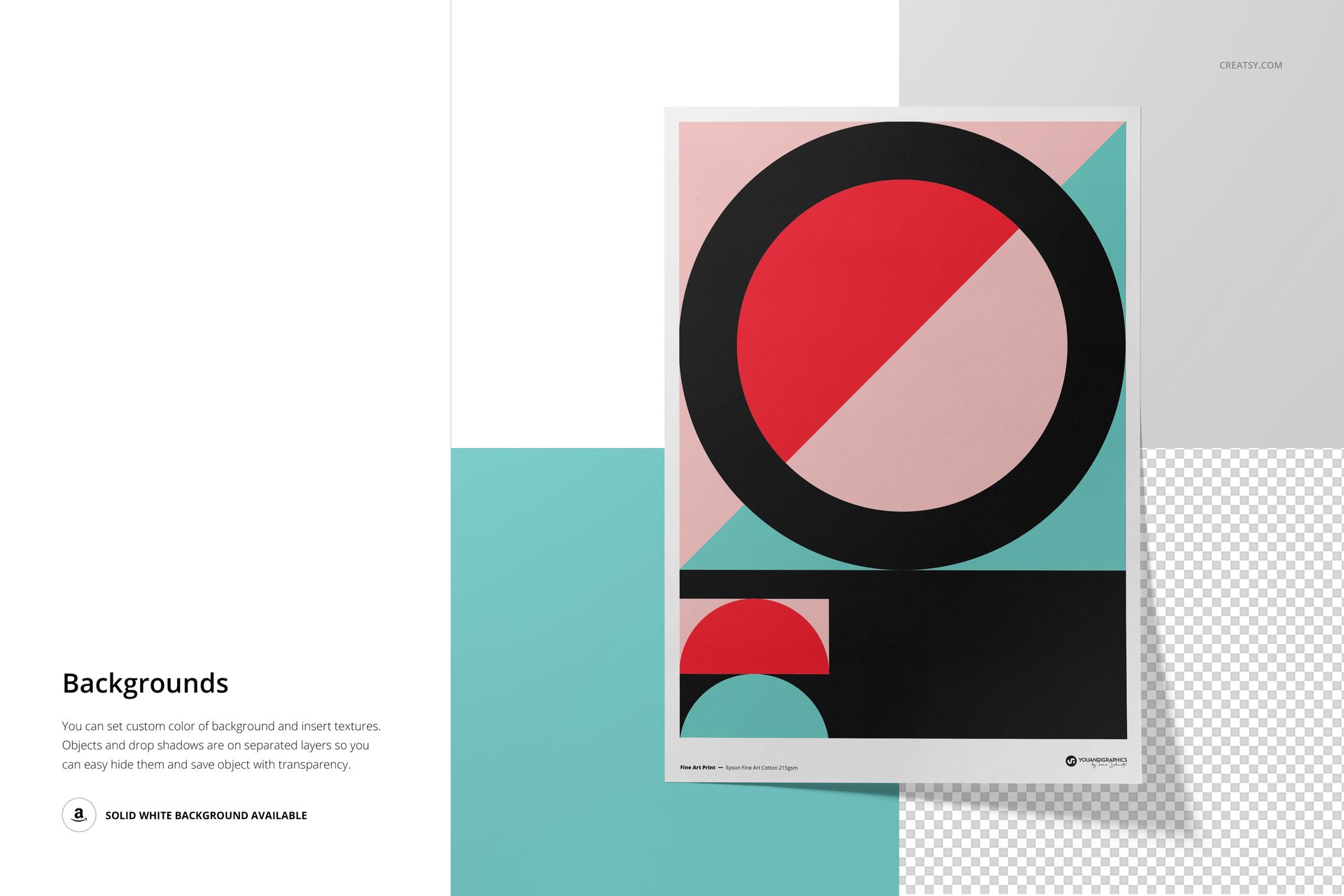
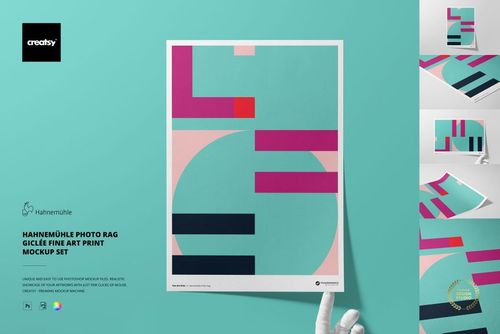
Change the paper color or design, edit the background color or insert a texture, and choose a full-print or bordered presentation. Two top views include three optional hand positions, and the hands can be hidden. Object and drop-shadow layers can also be managed separately for a solid white or transparent background.
Easy Smart Object Editing
Open a PSD in Adobe Photoshop CC2020 or newer, or in Photopea, replace the placeholder artwork inside the Smart Object and save. The package contains no PSB documents, but the large PSD files mean Photopea needs sufficient free browser memory.
Perfect For
Fine artists and illustrators presenting giclée editions
Photographers preparing cotton paper print collections
Print studios comparing full-print and bordered presentations
Online shops building detailed art print galleries
Portfolio and client presentations that need visible paper texture
This is a digital mockup product. The sample artwork and physical prints shown in the previews are not included.