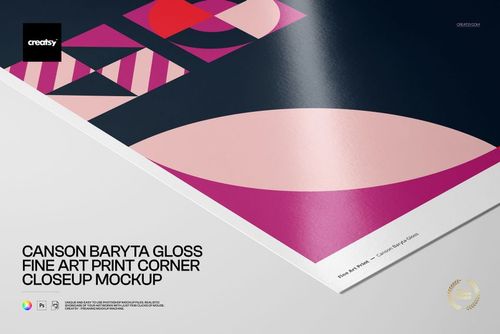
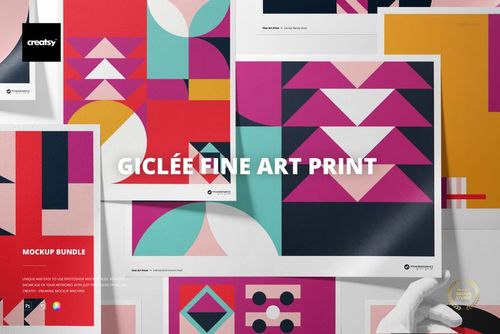
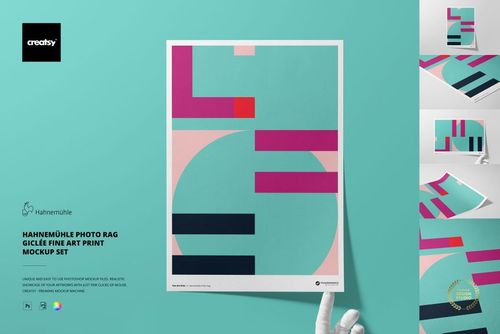
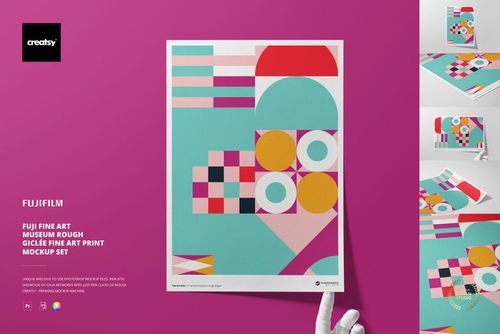
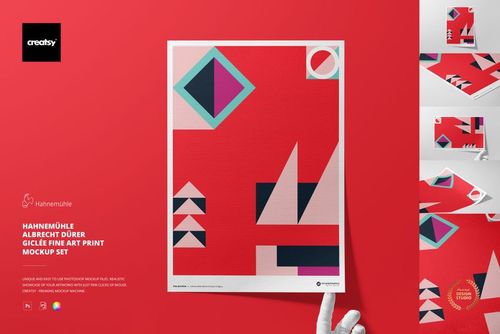
Canvas Paper Mockup Set

ID: 1133142357 | Updated: Nov 16, 2022

Product Details

What is the Canvas Paper Mockup Set?

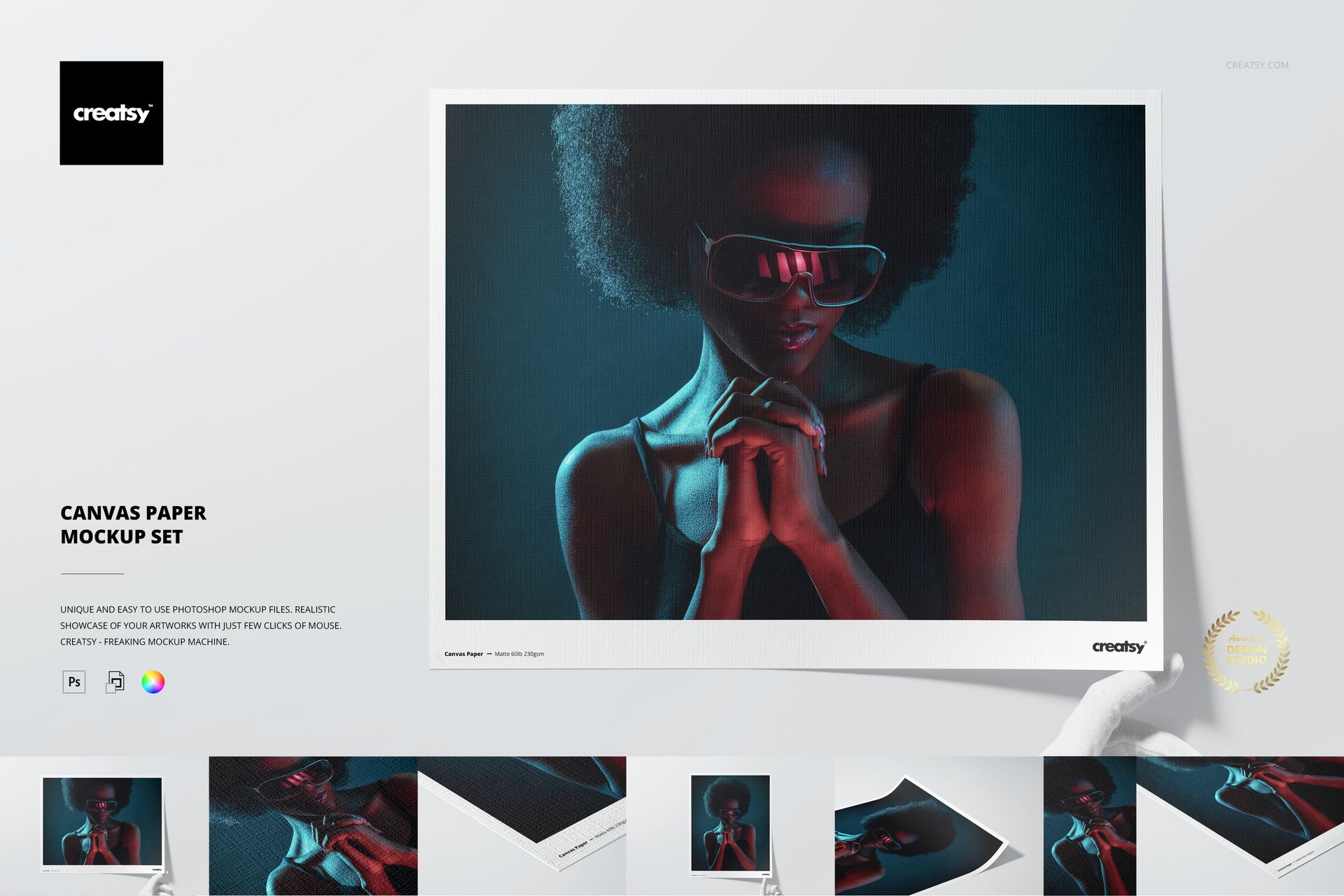
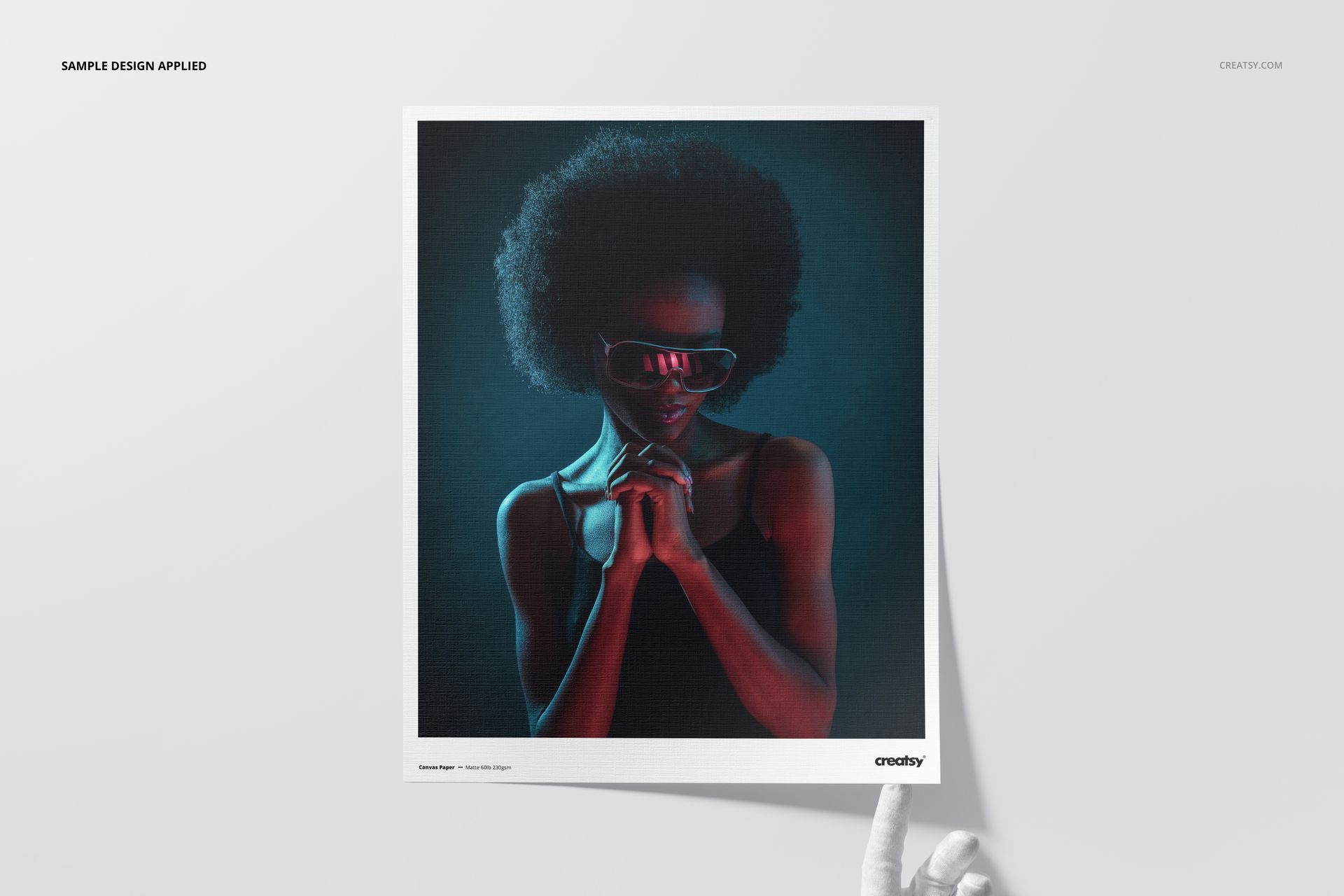
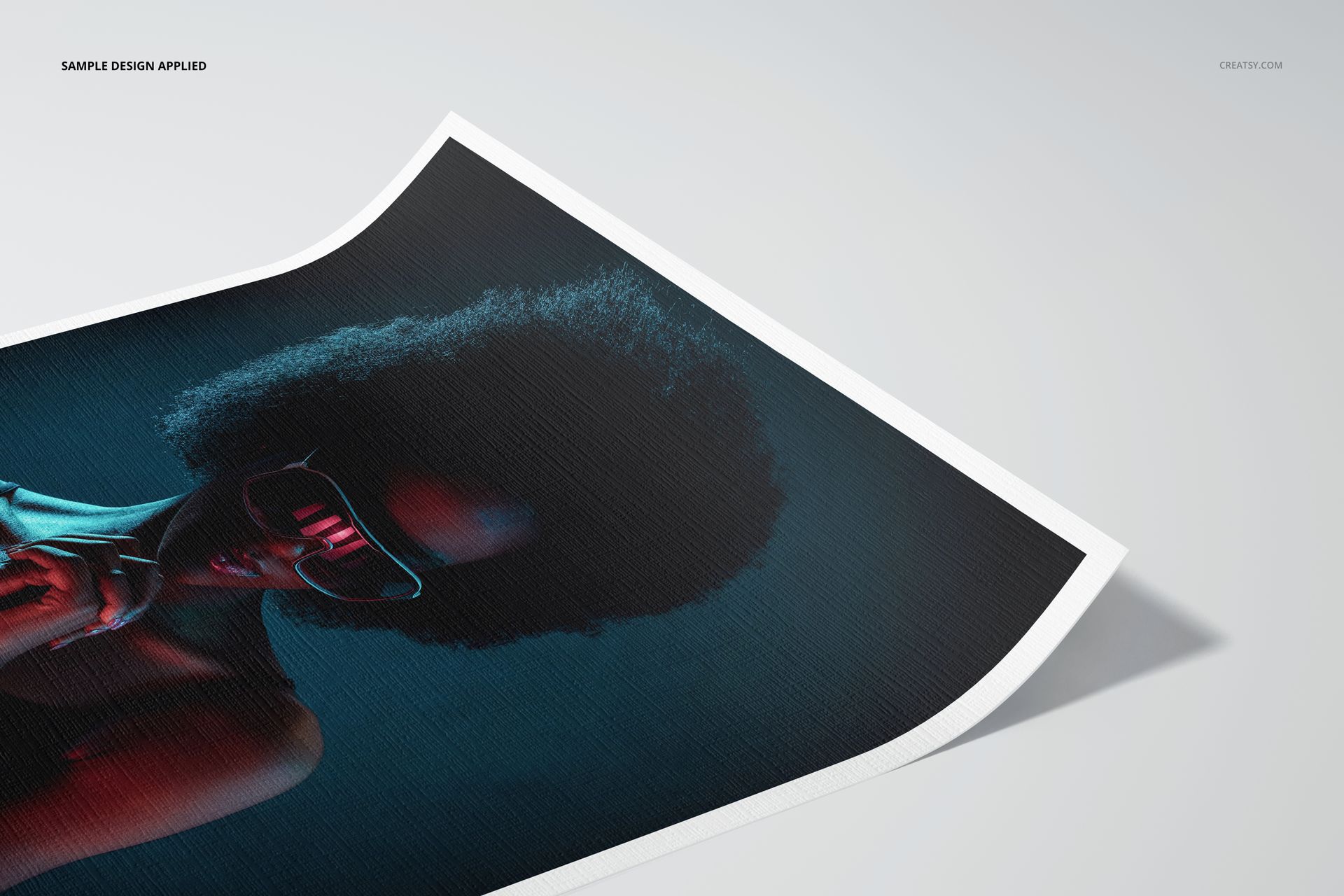
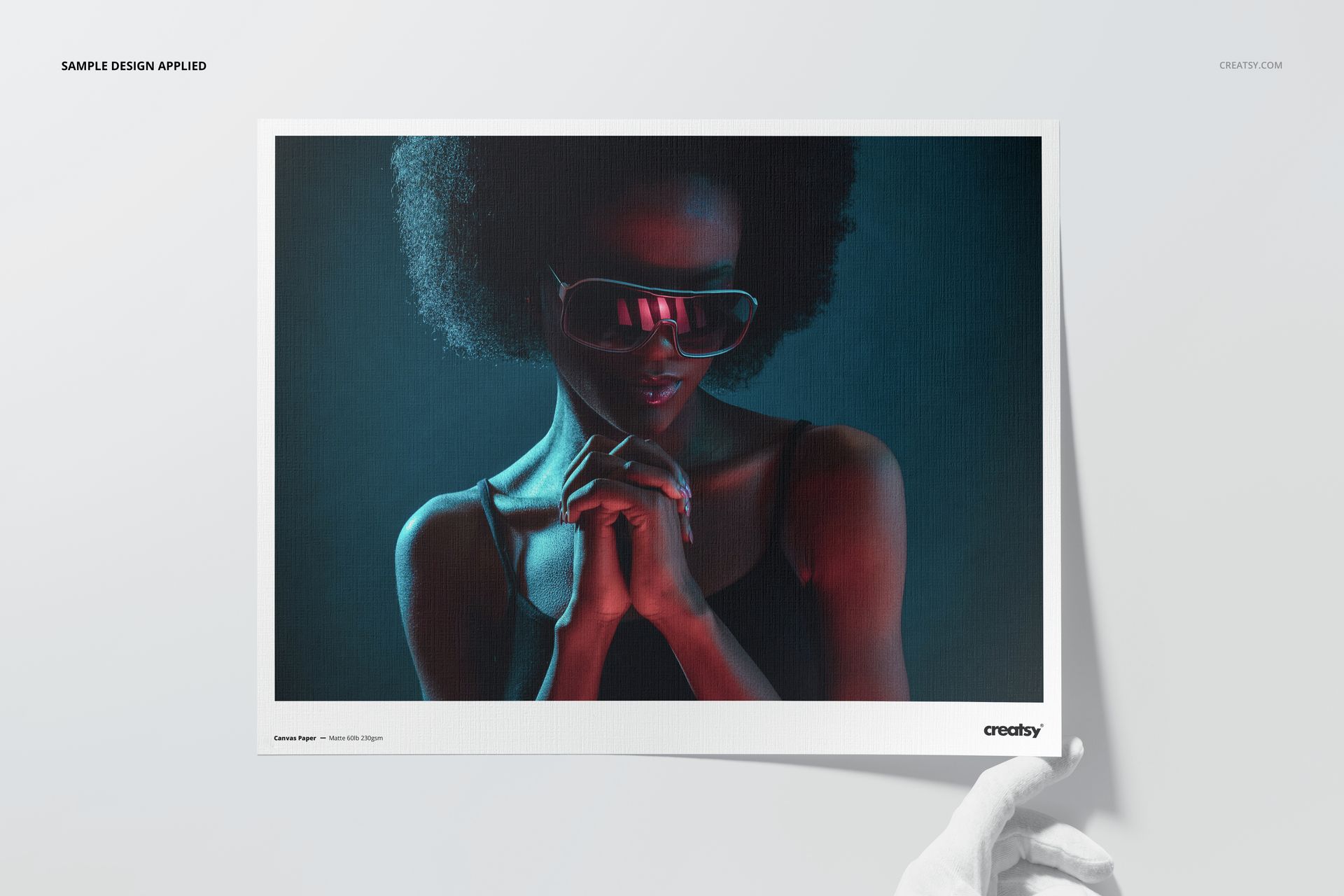
Discover this exceptional Canvas Paper Mockup Set created by Creatsy! Mockup assets are an indispensable resource for designers, artists, and illustrators who seek to present their artwork in a strikingly realistic manner. This mockup is flawlessly suited for showcasing your design-guaranteed to leave a lasting impression as it beautifully exhibits your unique illustrations and pattern designs. Creatsy offers an extensive collection of top-tier, high-definition images ingeniously integrated into amazing mockups-tailor-made for any occasion. Each file bestows upon you meticulously crisp and vivid imagery to work with, empowering you to effortlessly modify colors and designs while incorporating your custom ground elements. Furthermore, the

Canvas Paper Mockup Set grants you access to JPEG preview images for quick and convenient reference.

Elevating your pitch for the next groundbreaking product becomes an effortless endeavor with the aid of the Canvas Paper Mockup Set mockup template skillfully crafted by Creatsy. This comprehensive mockup set is an invaluable asset for designers, illustrators, and aspiring individuals involved-or aspiring to be involved-in the design industry. You can amplify your portfolio's allure by leveraging the inherent potential of mockups. The meticulously organized and highly customizable Adobe Photoshop layers comprising this mockup set empower you to showcase your designs with astonishing realism, effectively breathing life into your artistic creations. Within this product mockup, your motifs and patterns take center stage, ensuring a captivating visual experience.


What Sets Creatsy Apart from Other Mockup Providers?

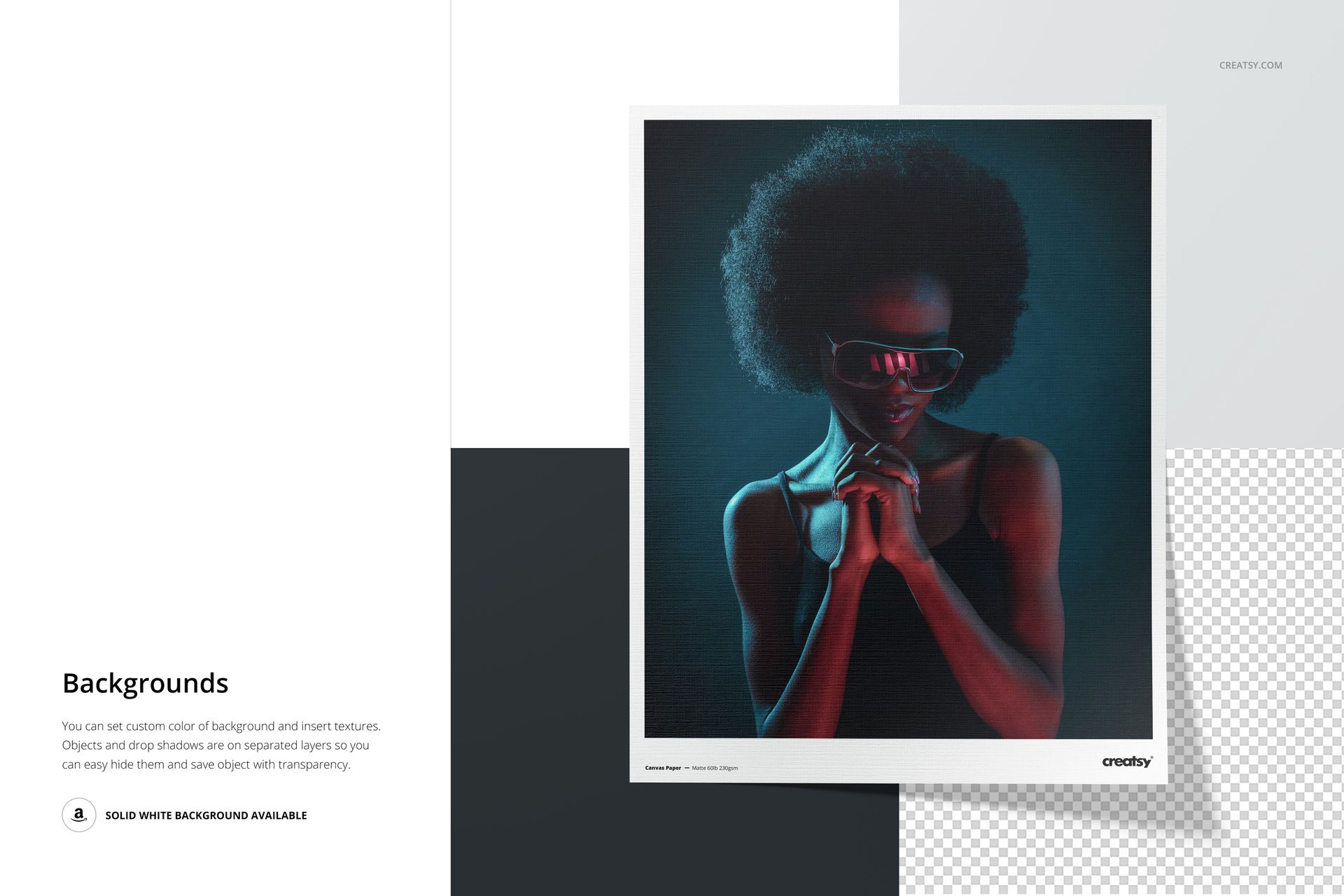
Creatsy distinguishes itself by painstakingly organizing its mockup files, with objects and shadows meticulously preserved on individual layers to facilitate effortless navigation. Each mockup file maintains intricate details while enabling maximum flexibility for editing. Moreover, all mockup files have a pristine white background for seamless product presentation. Thanks to the intuitive smart objects and color layers, every element can be seamlessly relocated, precisely customized, or discreetly removed, resulting in a fully personalized composition that impeccably aligns with your creative vision.


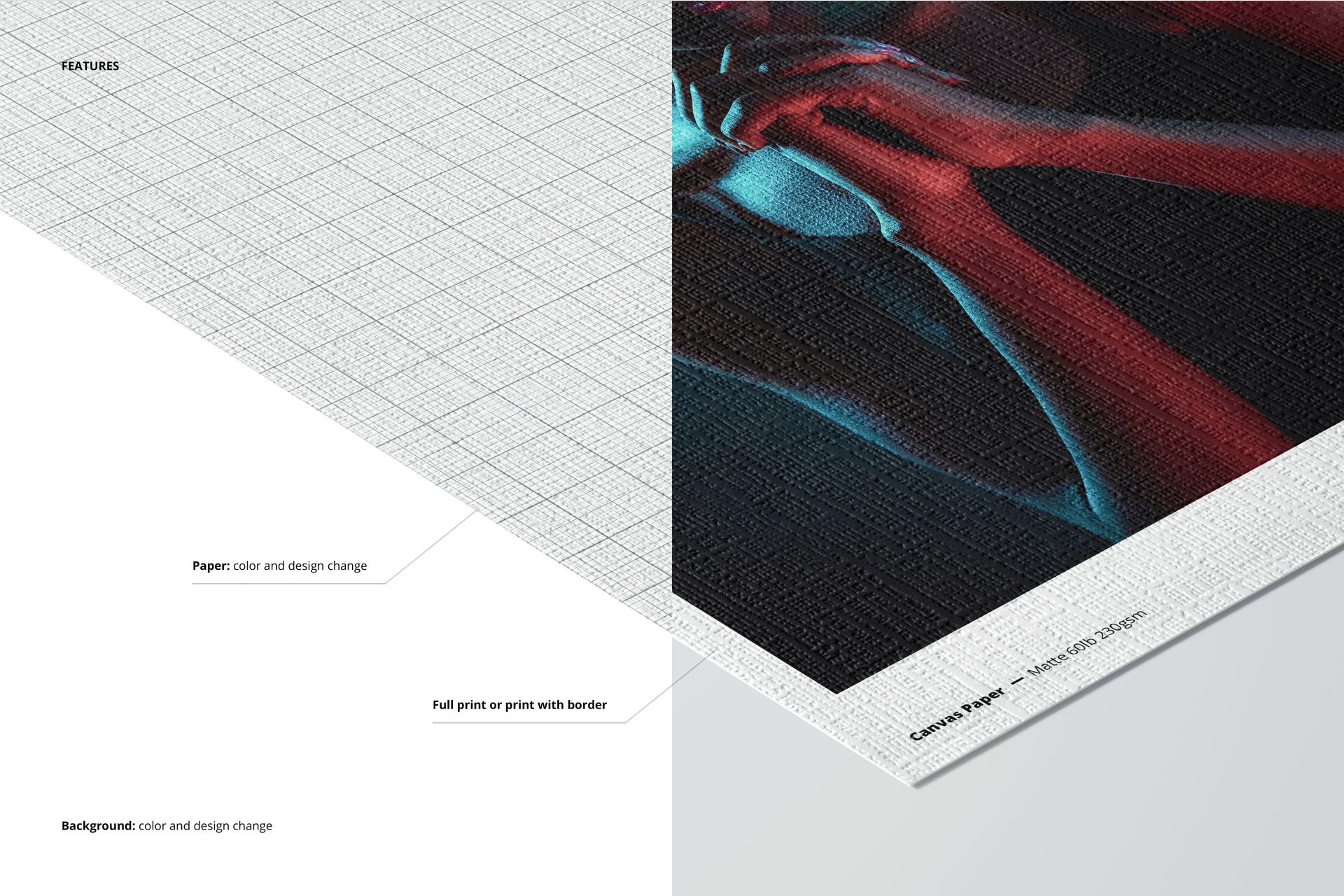
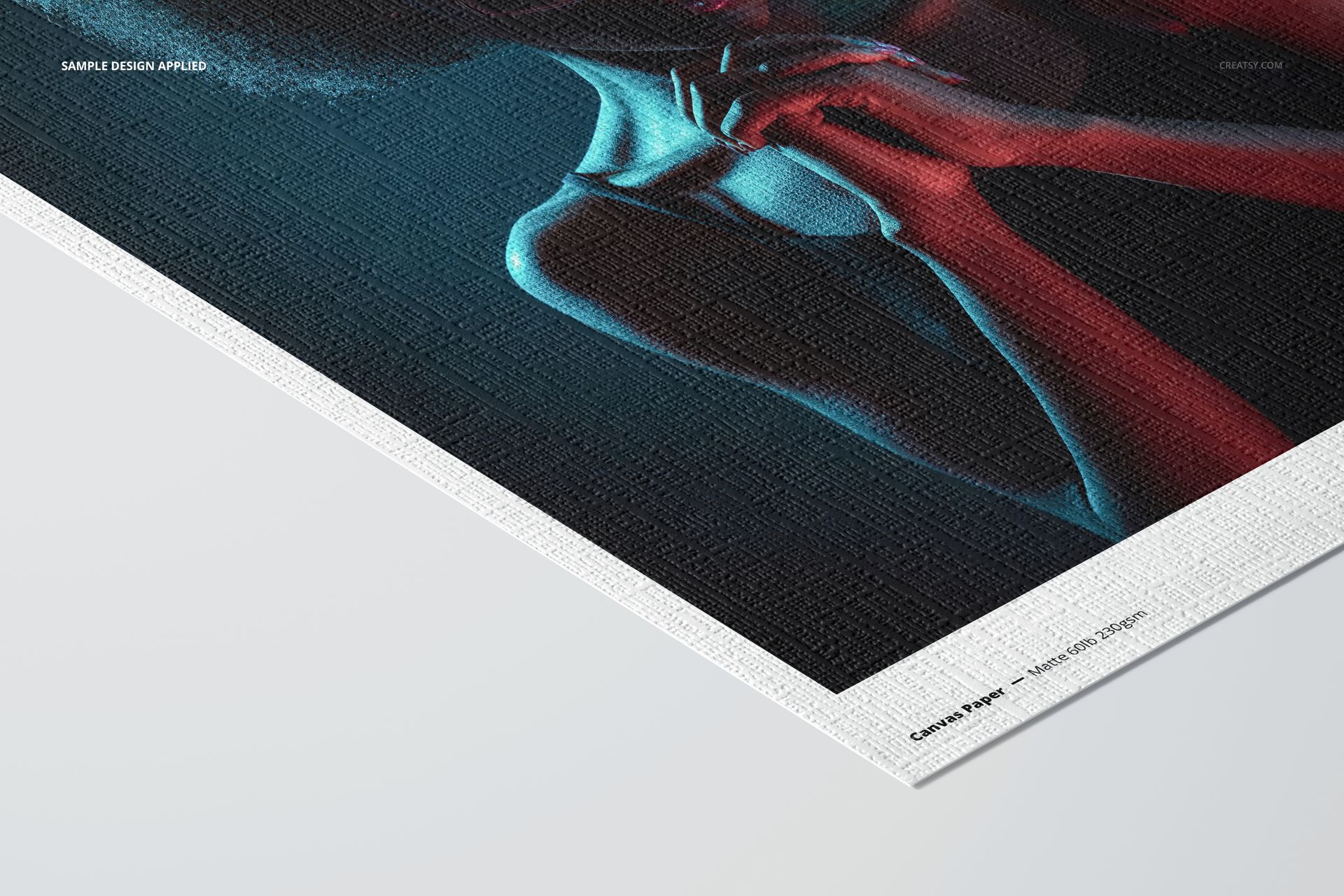
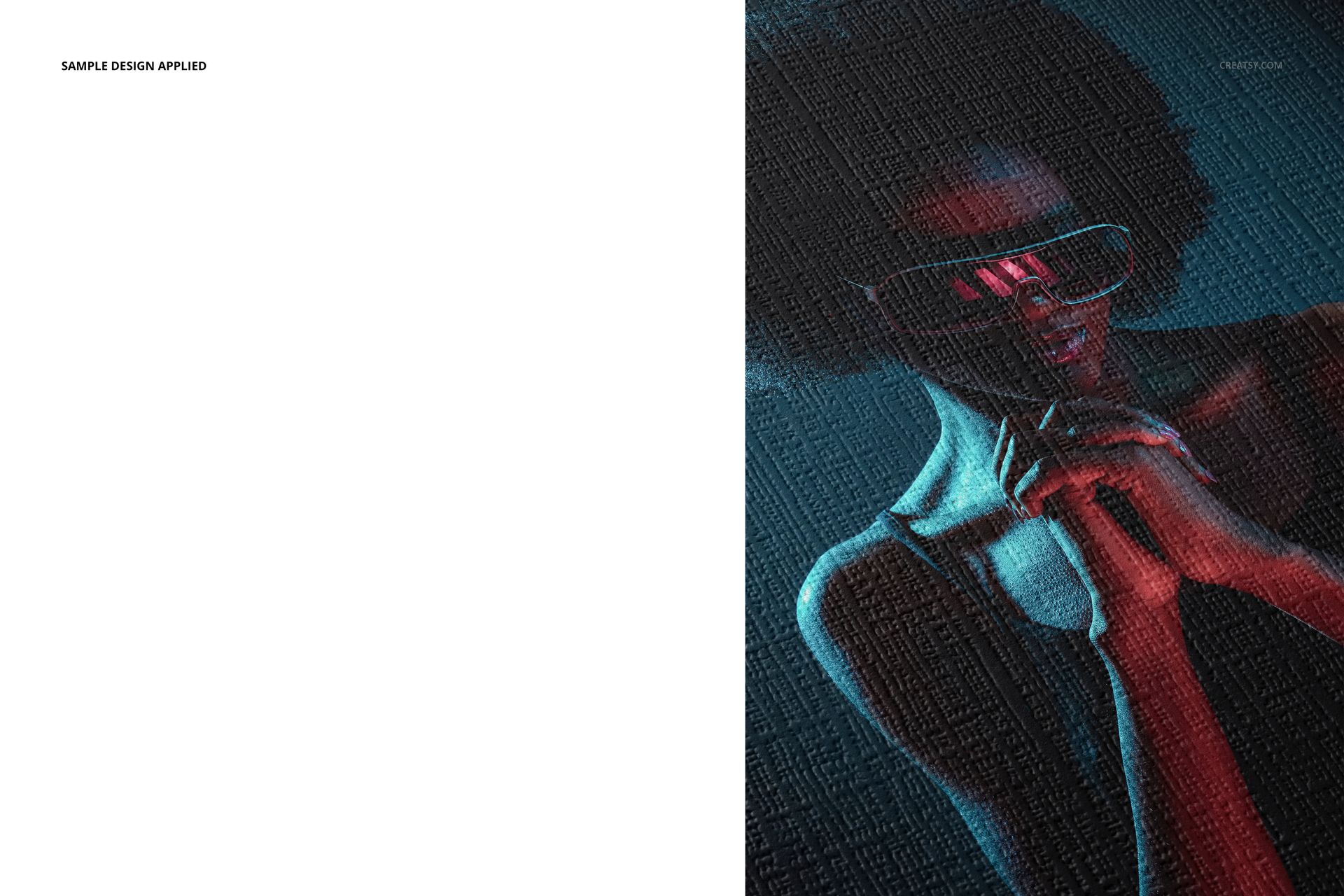
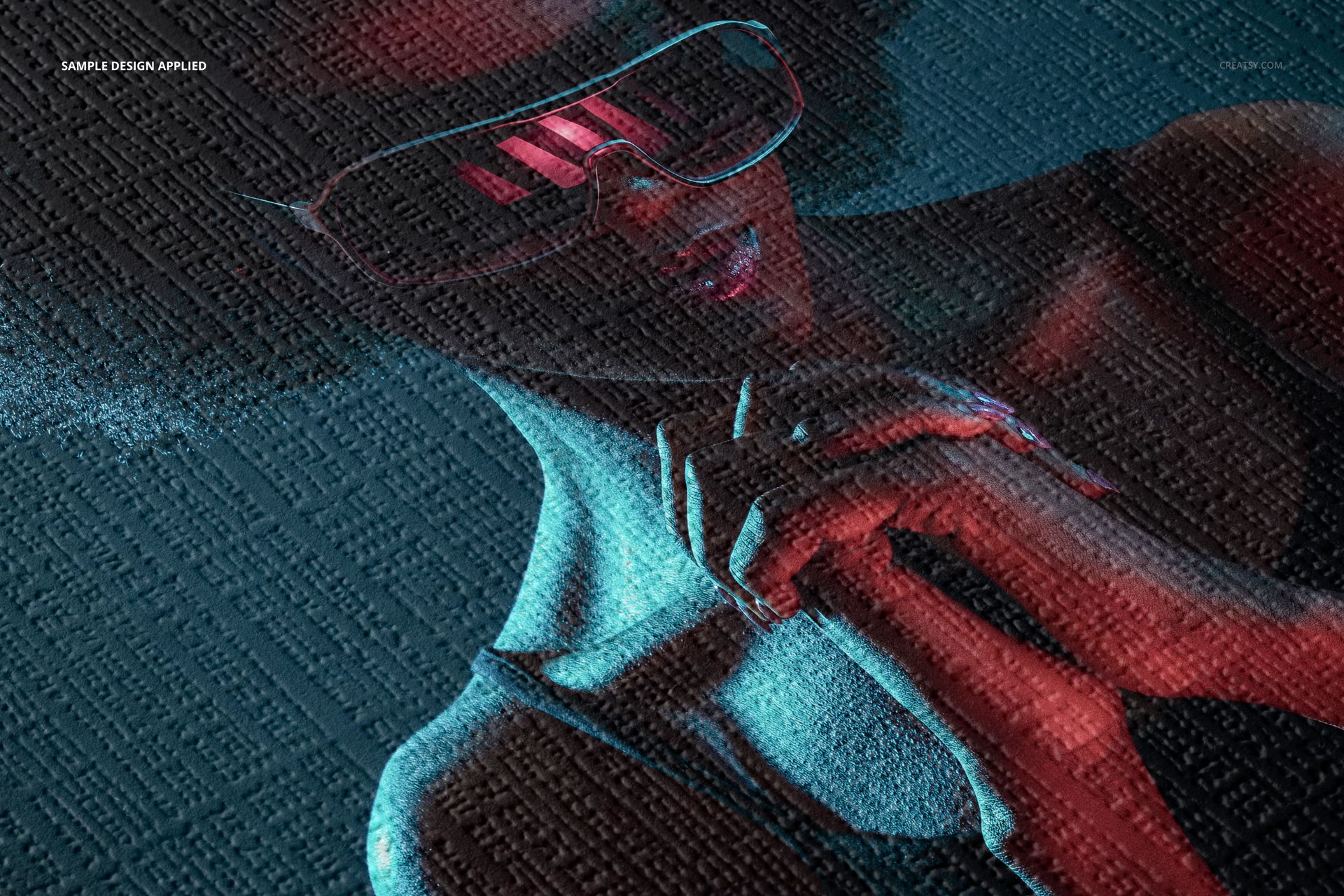
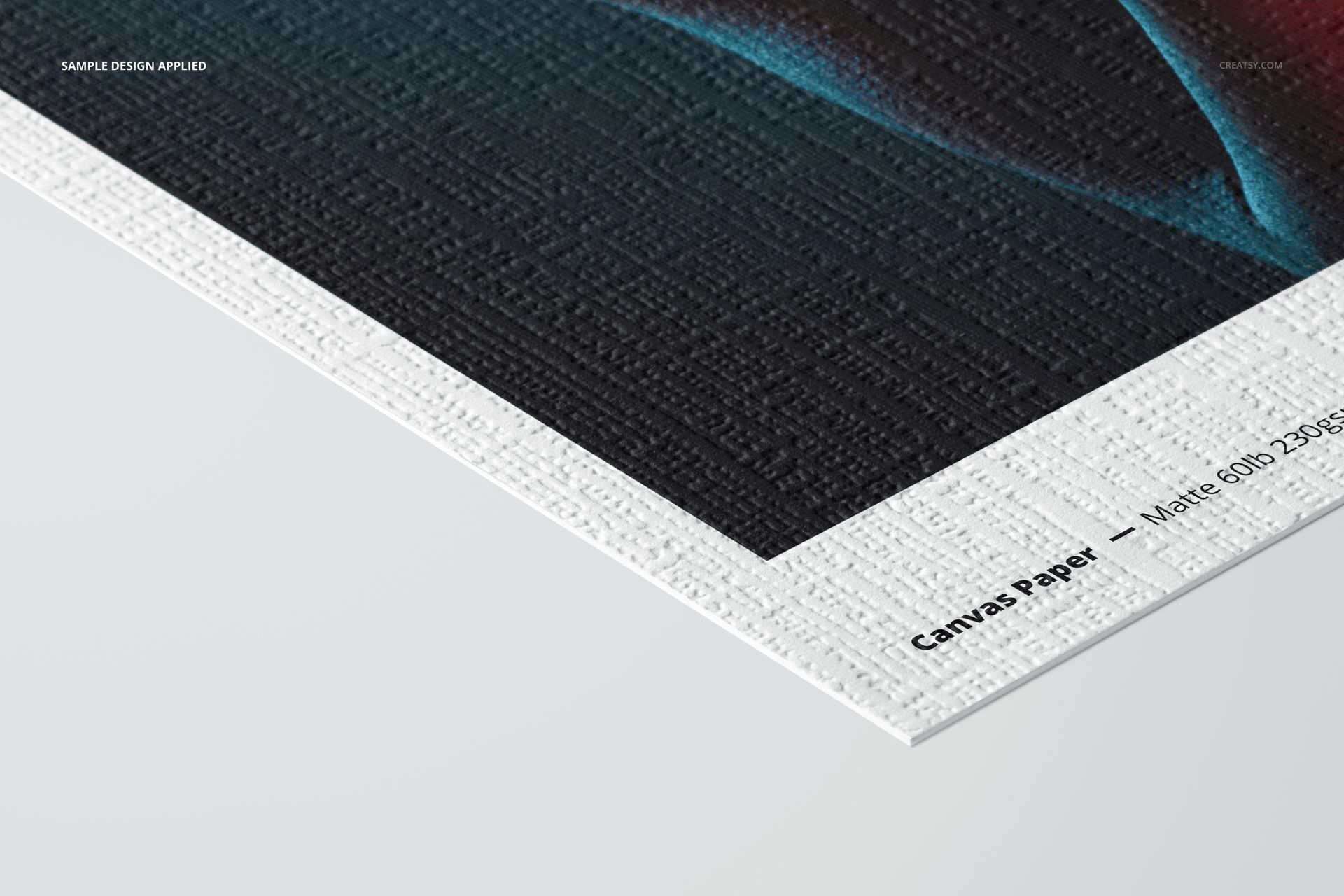
  • Paper: Alpha cellulose base stock, paper weight: 60lb 230gsm, thickness: 11mil, coating: microporous photo matte,

  • Compatibility: Adobe Photoshop min. version CC2020,

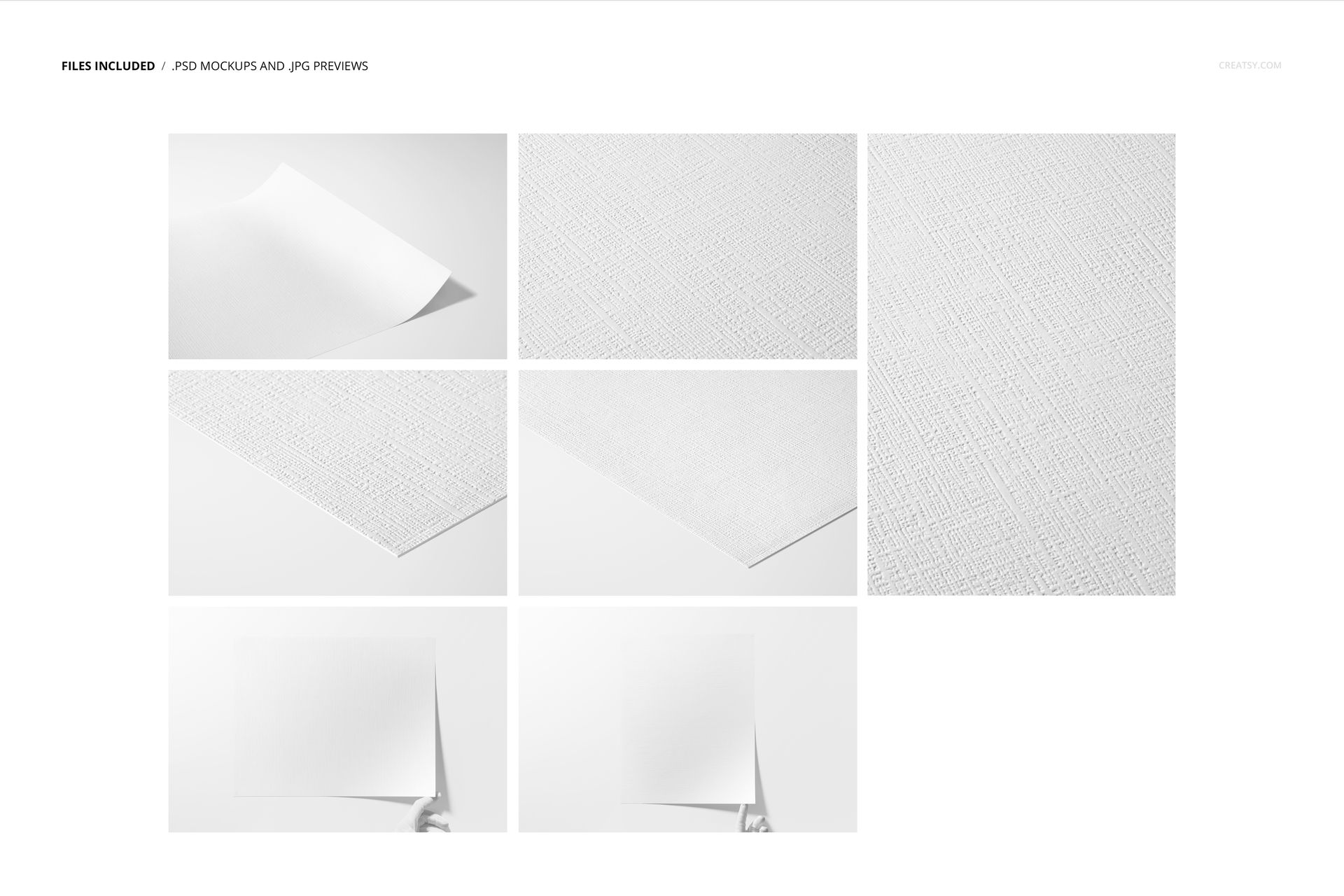
  • Pack includes: 7 PSD files with well-organized layers: 6720x4480px, 300dpi,

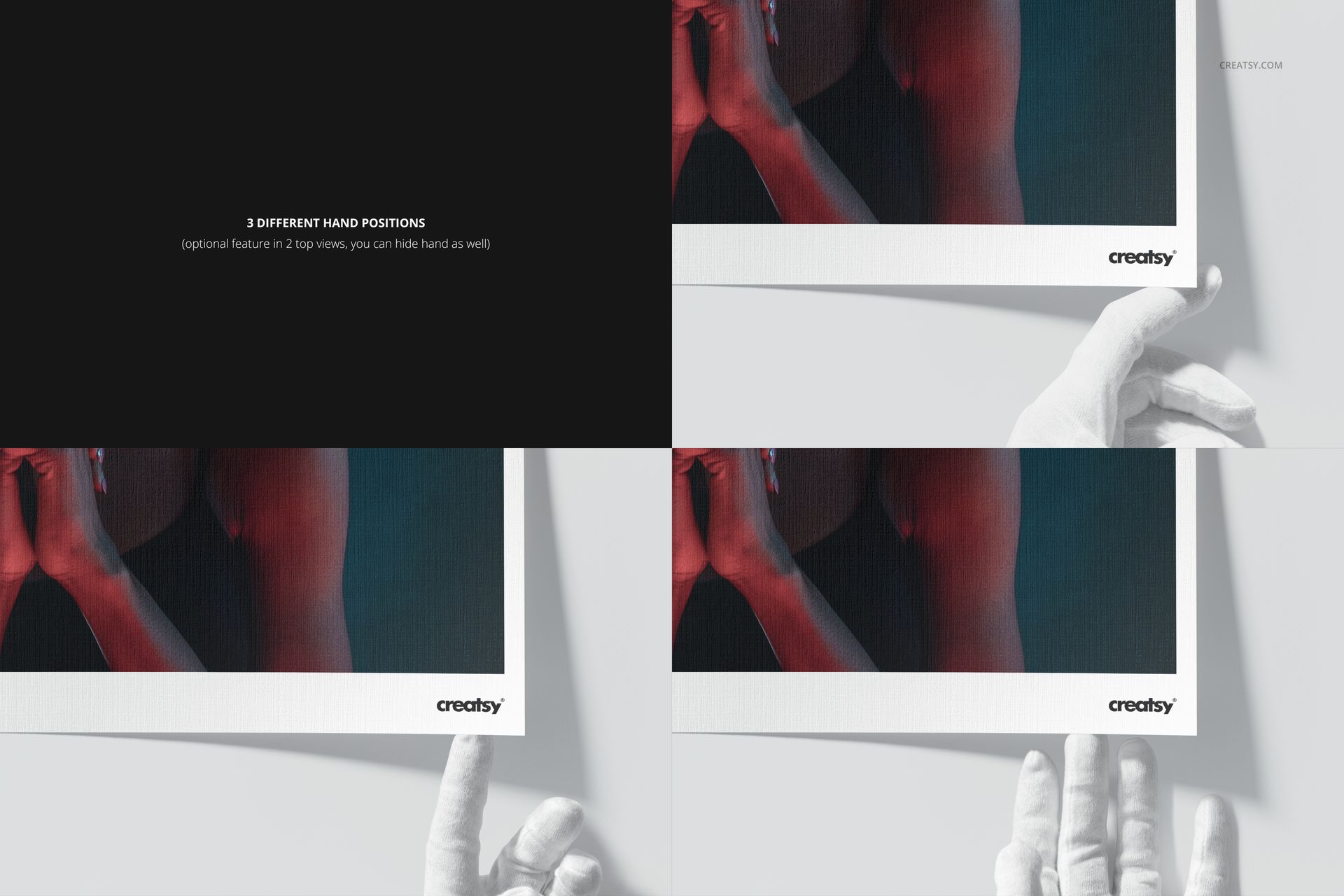
  • Check screenshots for all the features,

  • Editable components: color and design,

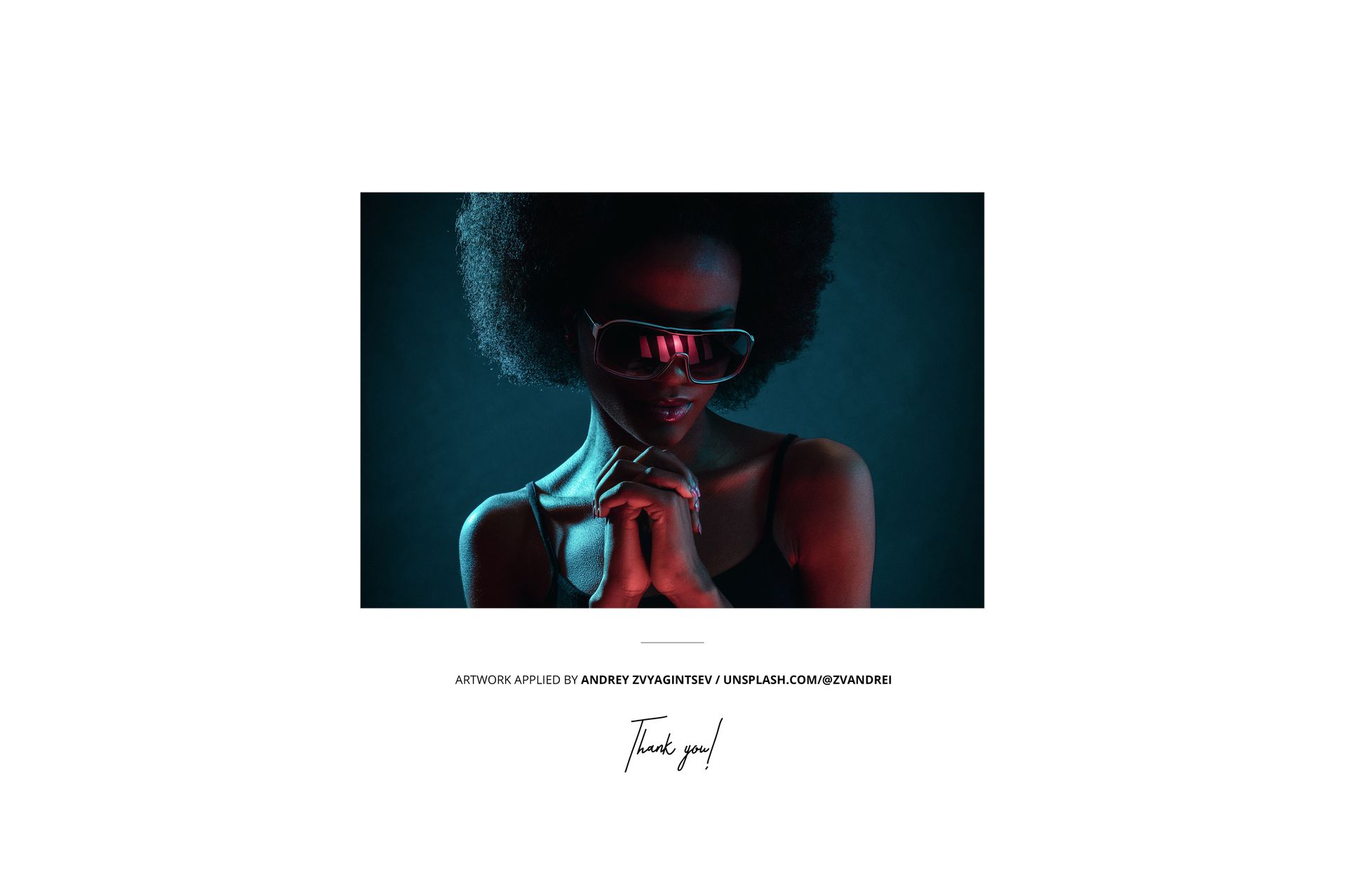
  • Design applied on mockups by Andrey Zvyagintsev/ unsplash.com/@zvandrei,

  • Patterns are NOT included, this product is a mockup intendent for you to add your own designs.

File details

Compatibility
Adobe Photoshop
Number of files included
15
Package size
1.93 GB1.93 GB|2.07 GB2.07 GB
Files type
.psd, .jpg, .pdf
Files size
6720x4480
TEST FOR FREE

Made with Creatsy

Real designs. Real customers. See how creatives use Creatsy mockups to turn their artwork, branding, and product ideas into polished visuals.

MEET THE SHOP

Creatsy logo

Creatsy

Poland
4.7 (641)

Bring your ideas to life.

We're a family-run studio in Katowice, Poland, making PSD mockups by hand since 2016. Everything in this shop starts in our own studio. We shoot the photography, build the 3D, and put together every Smart Object PSD ourselves - then we test it, organize the layers, and only ship it once it actually works...
GO TO SHOP

HOW IT WORKS

3 clicks. That's it.

No tutorial needed. If you can copy-paste, you can use this.

  1. 1OpenDouble-click the smart object inside the PSD - in Adobe Photoshop, or free in your browser with Photopea.
  2. 2PasteDrop in your pattern, print, or artwork. Any design, any style.
  3. 3SaveHit save and the mockup wraps it in for you - shadows, folds, and lighting included.
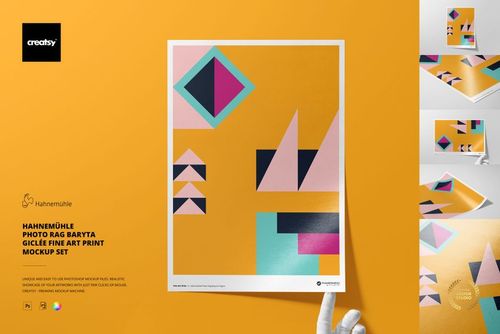
FROM IDEA TO IMAGE

Built for real workflows

Skip the photo shoot Show your artwork on the real product type for approvals or listings - no studio, no model, no sample.

See it on the product, not a swatch Drop your file into the smart object and the scene's lighting and folds wrap around it, so you judge the real thing before you commit.

Smart Objects

Edit once and you're done. Your artwork drops into a smart object and the mockup updates itself - no masking, no warping by hand.

Perfectly Organized

Named layers and folders you can actually navigate. Find what you need, change what you want, and get out fast.

Print-Ready

High-resolution files built to hold up on screen and in print. Exact size and DPI are in this product's Details above.