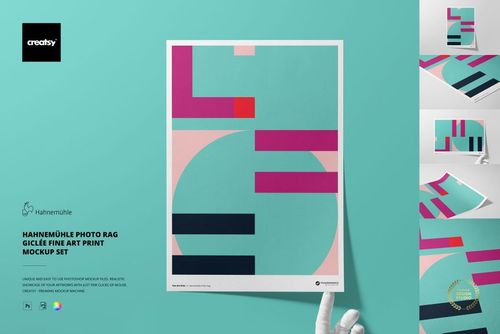
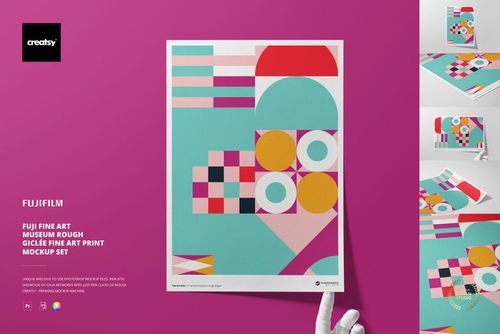
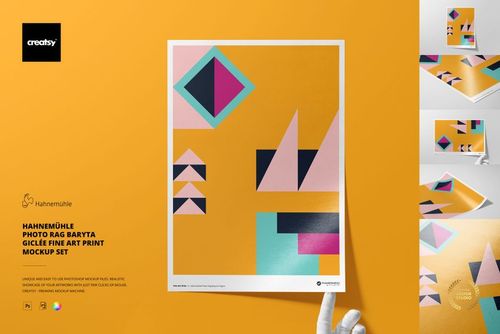
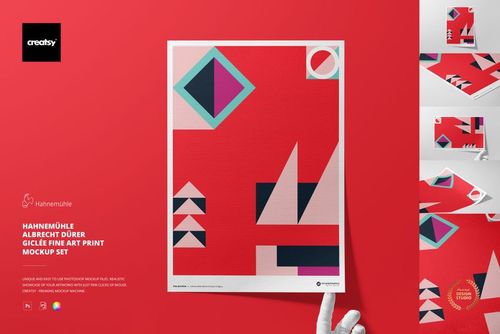
4x4 Square Custom Photo Prints Mockup Set
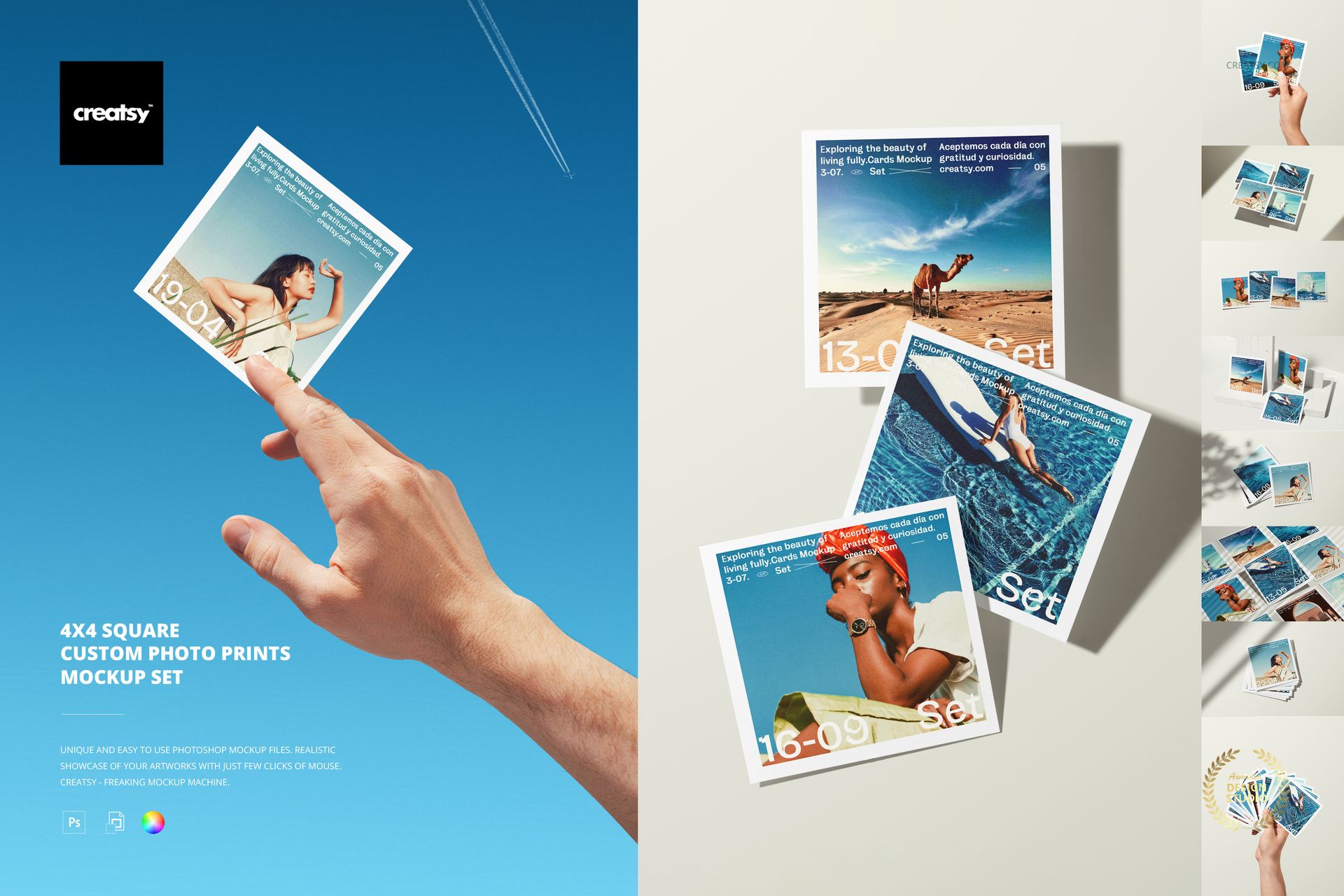
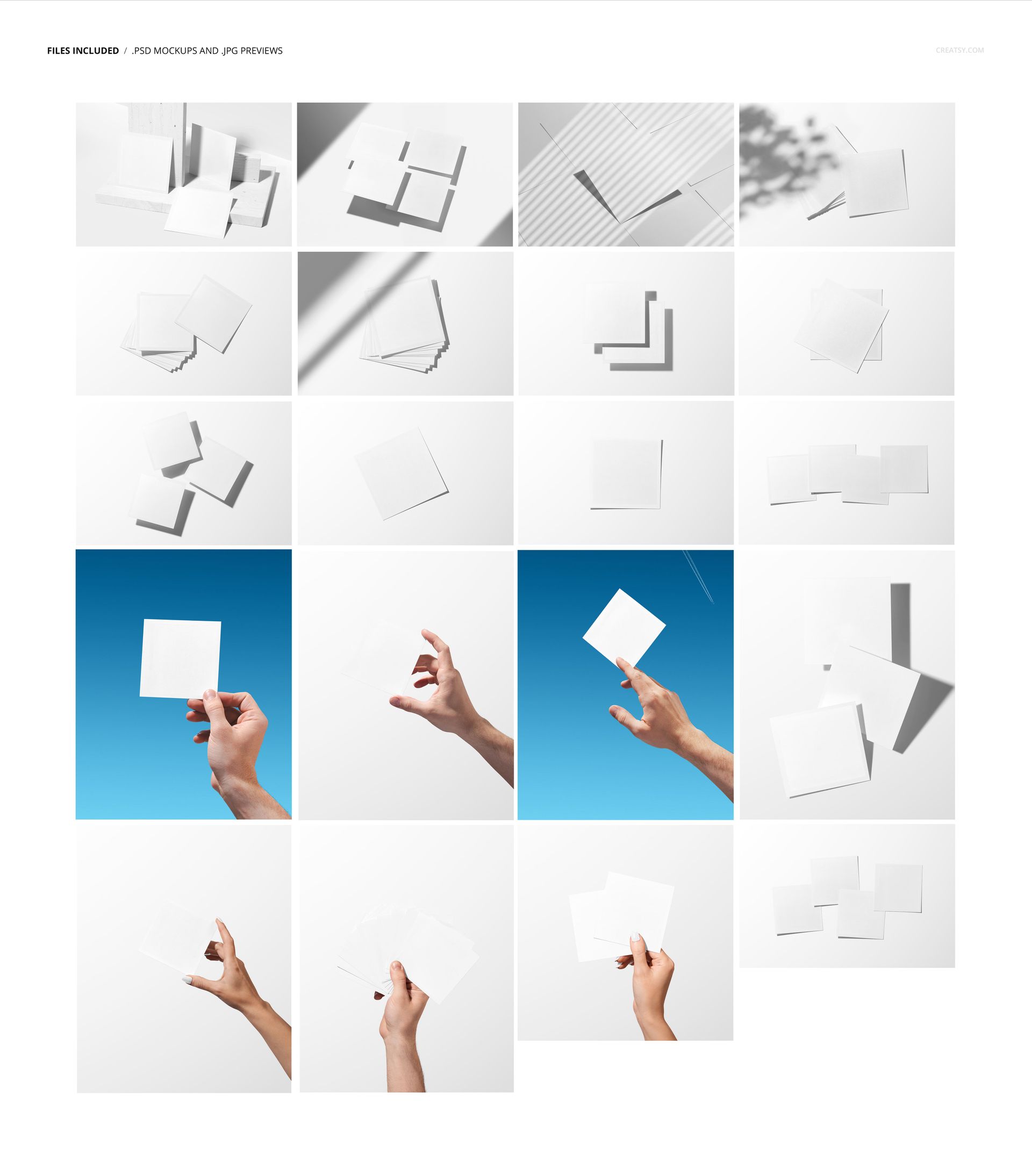
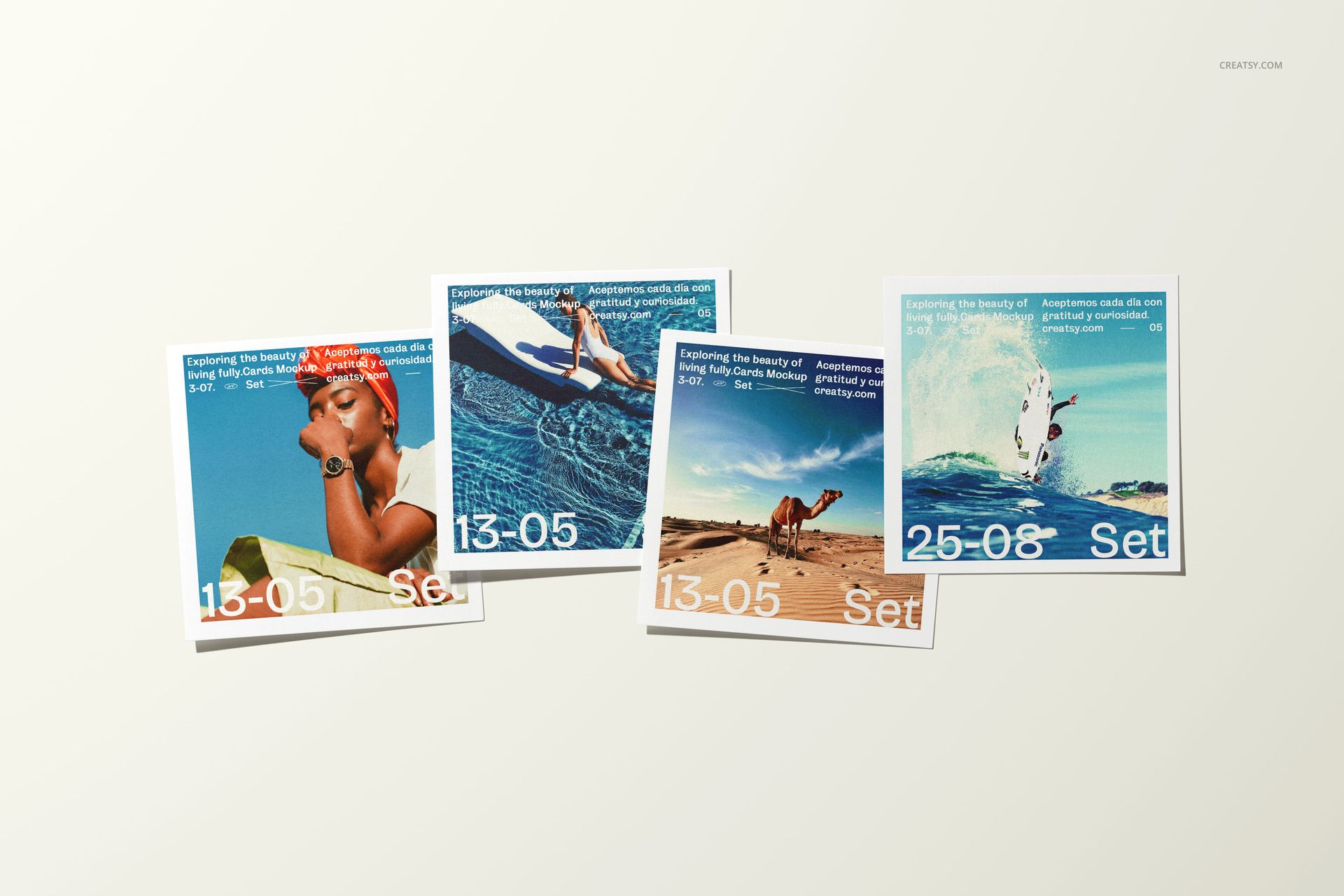
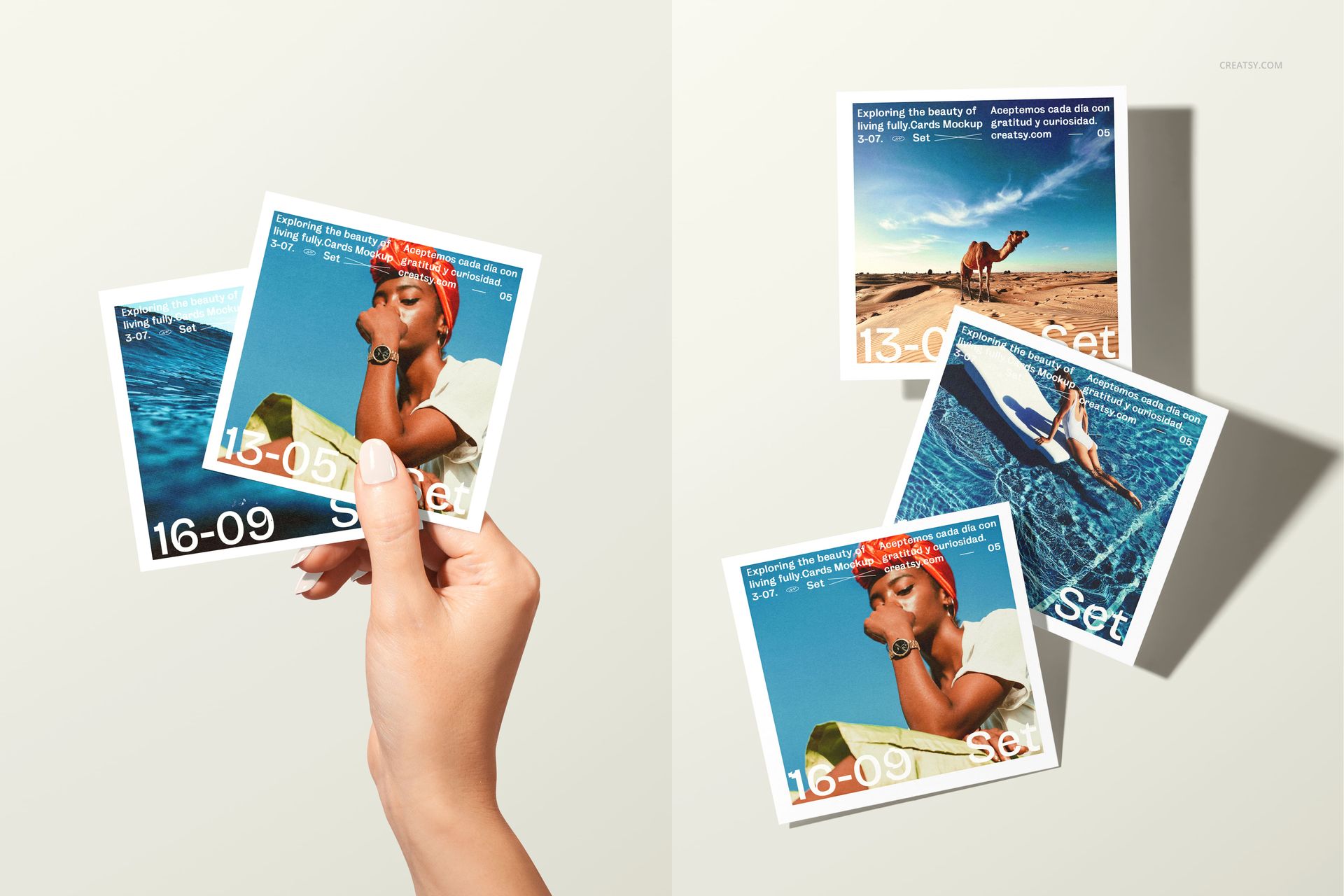
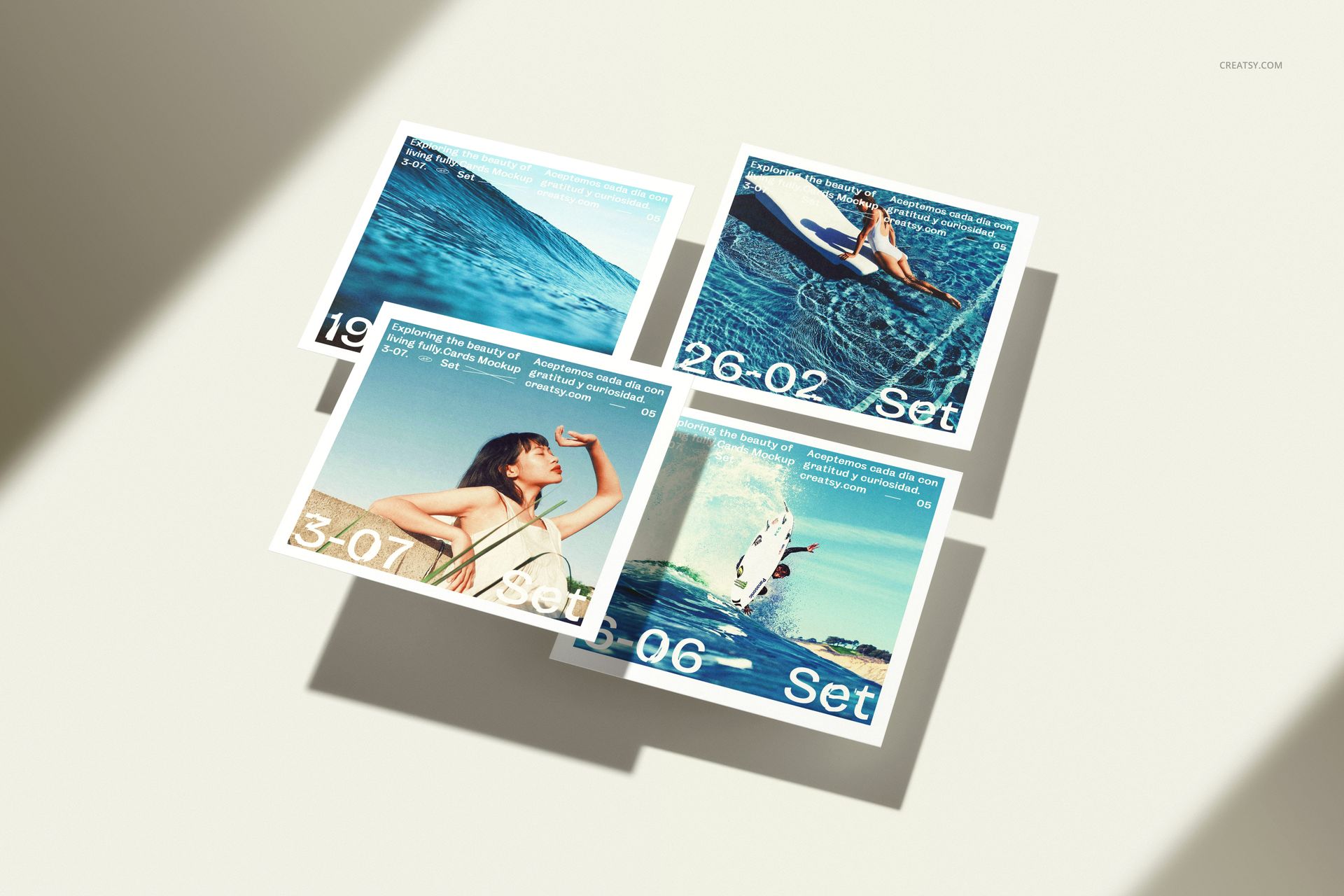
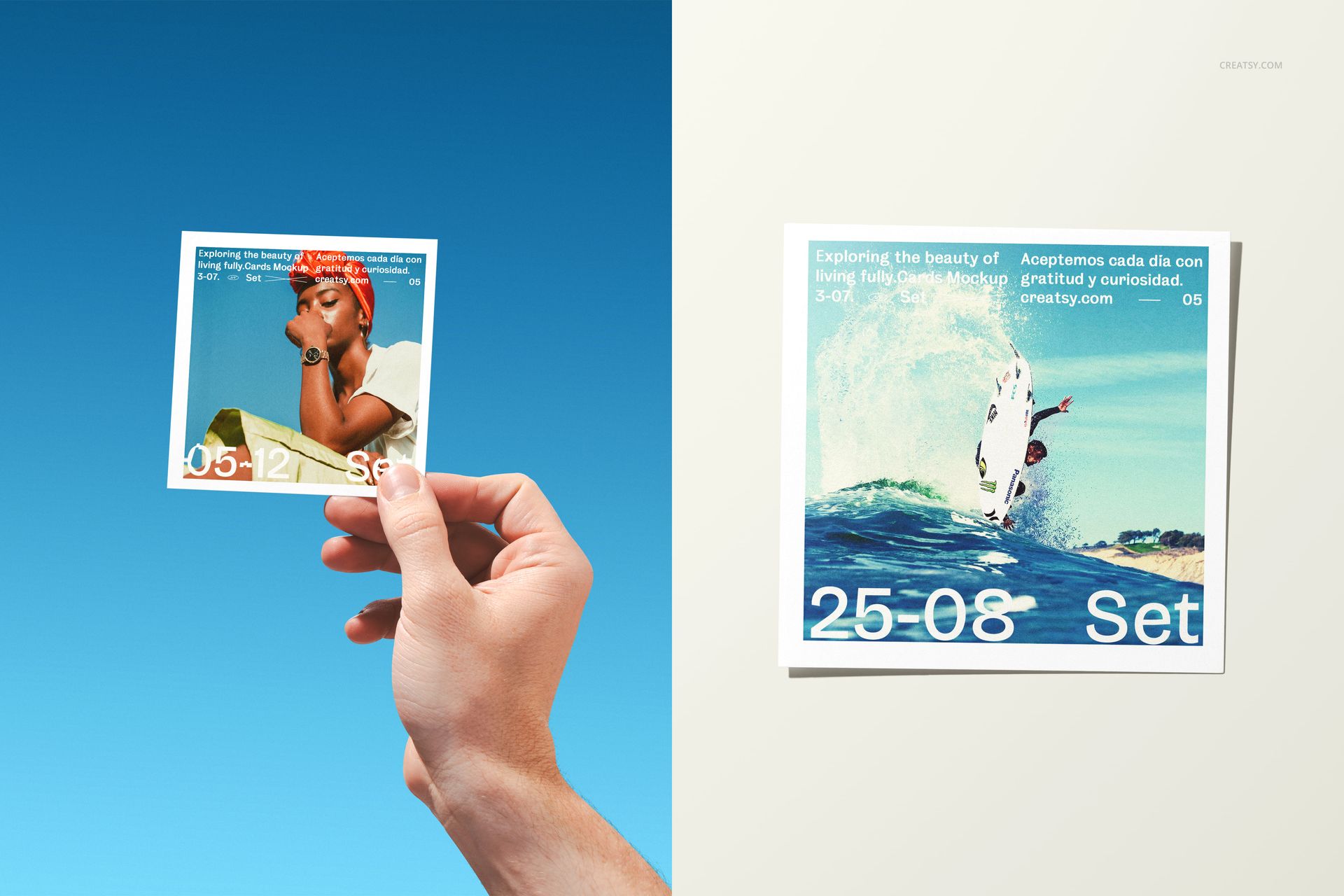
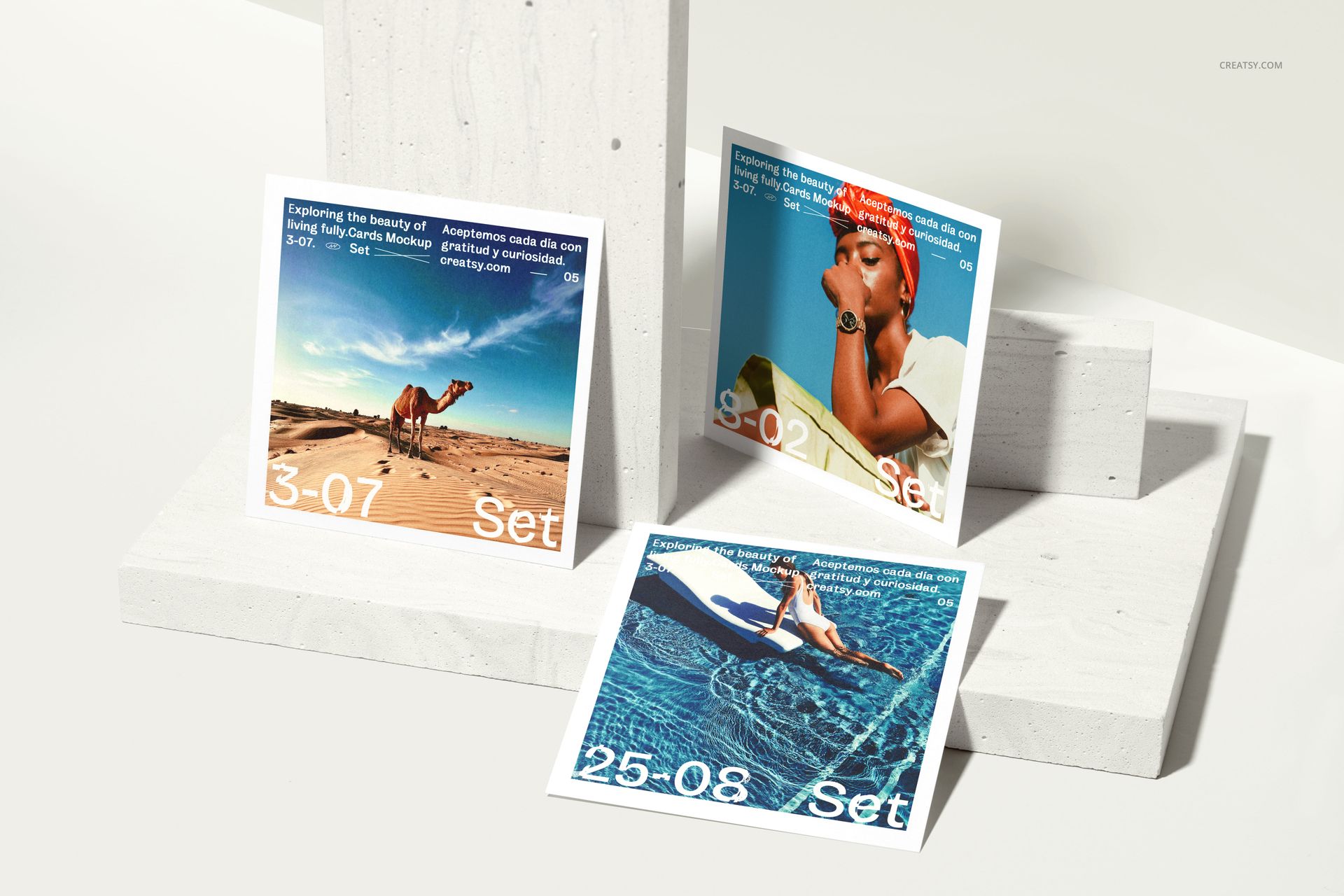
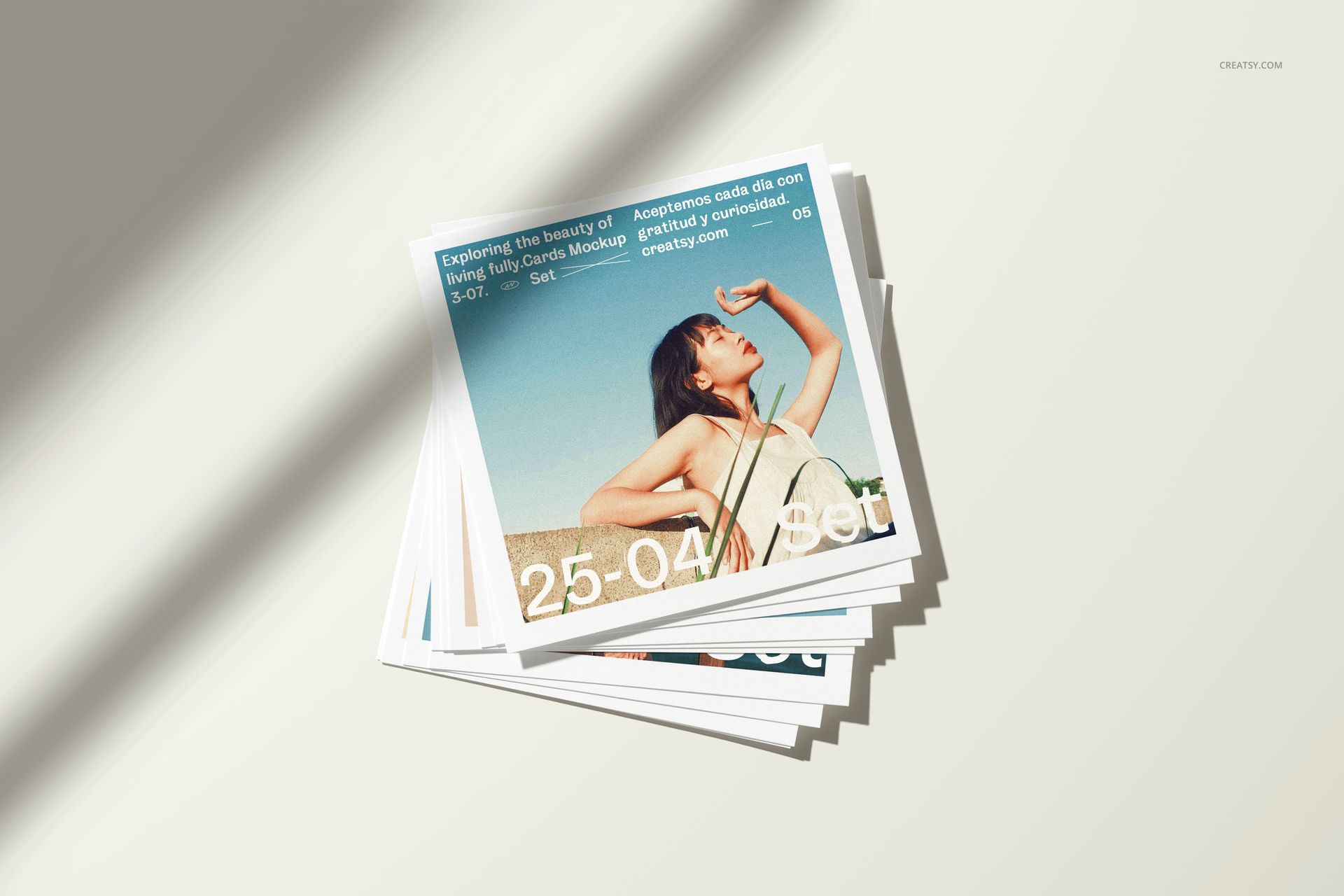
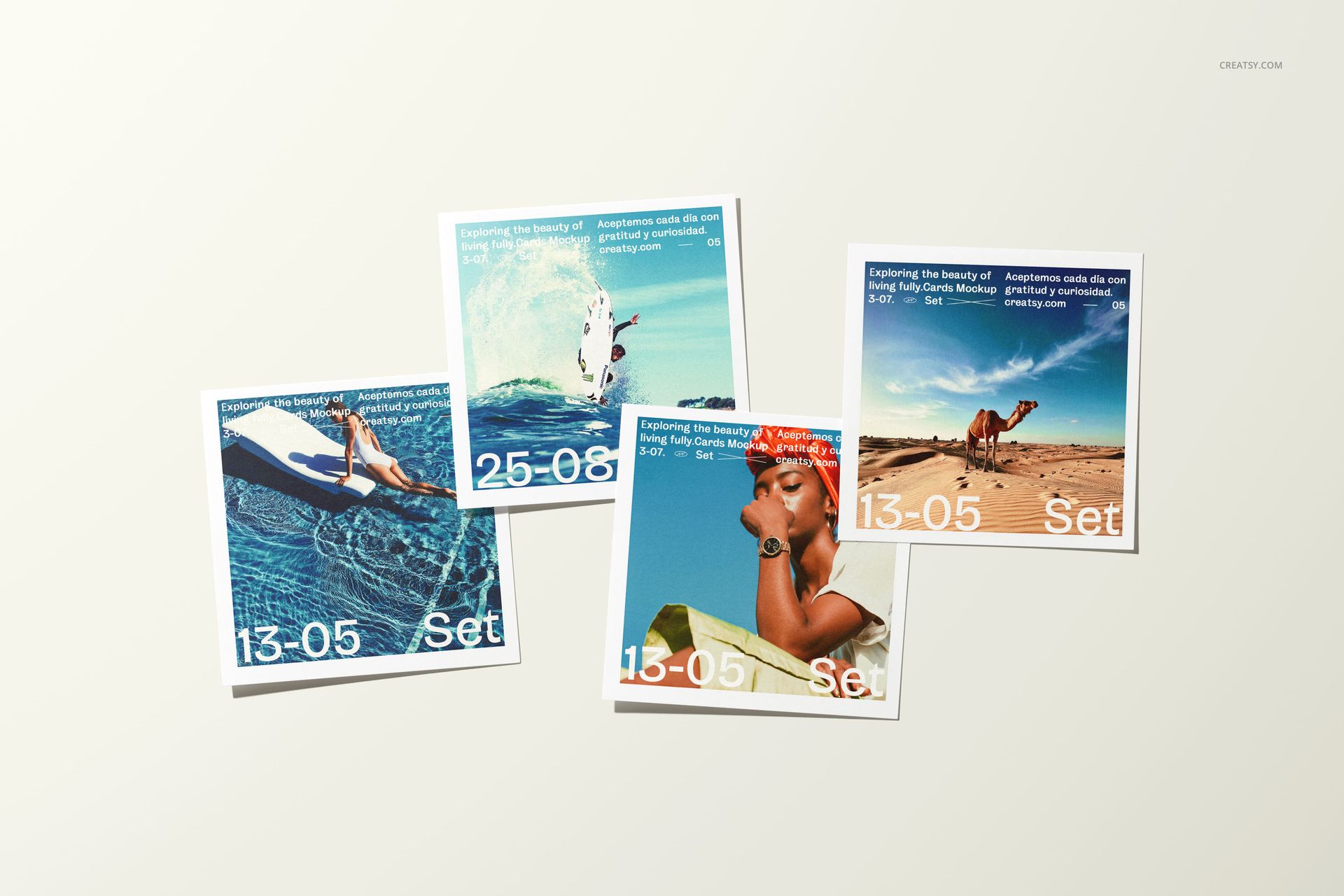
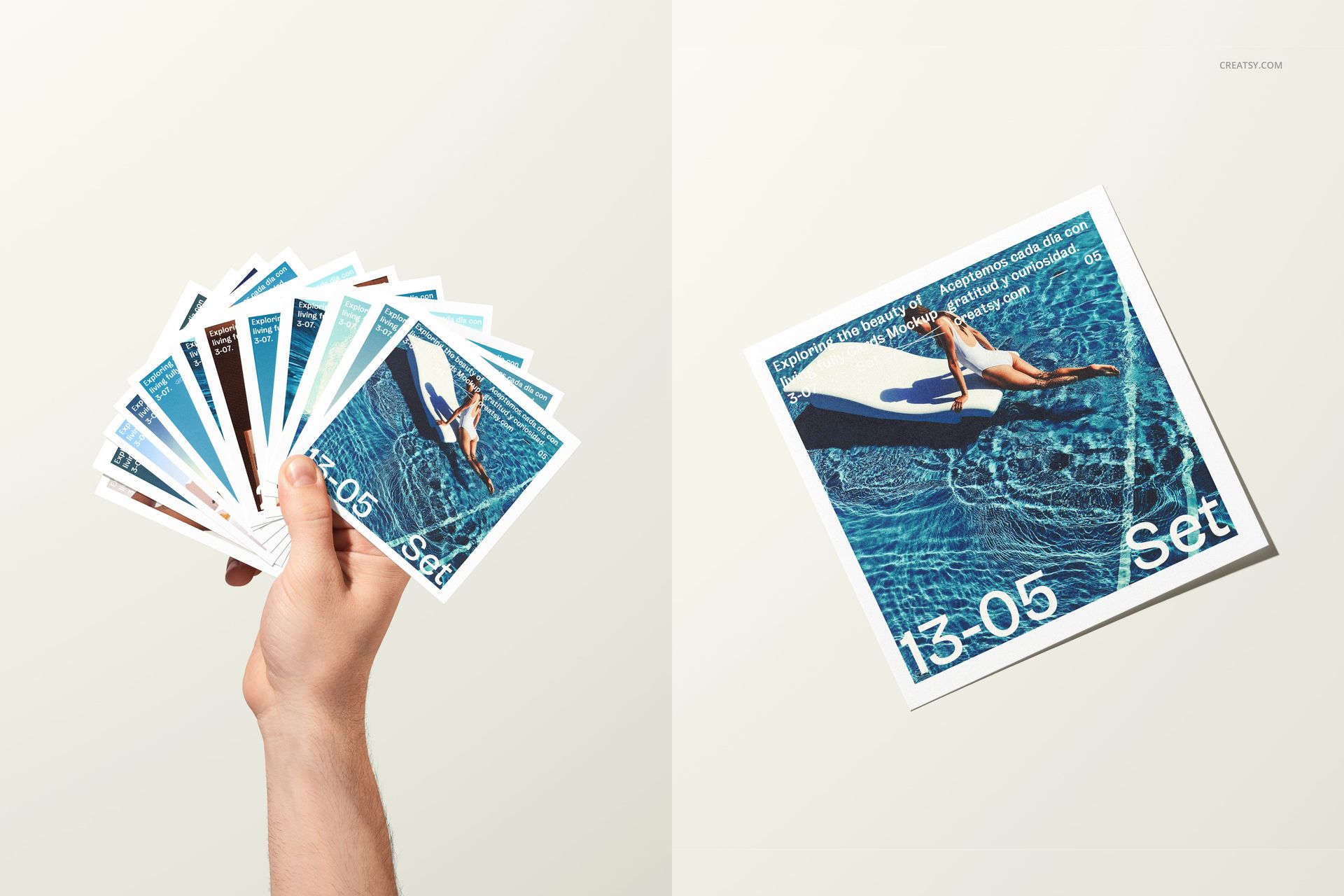
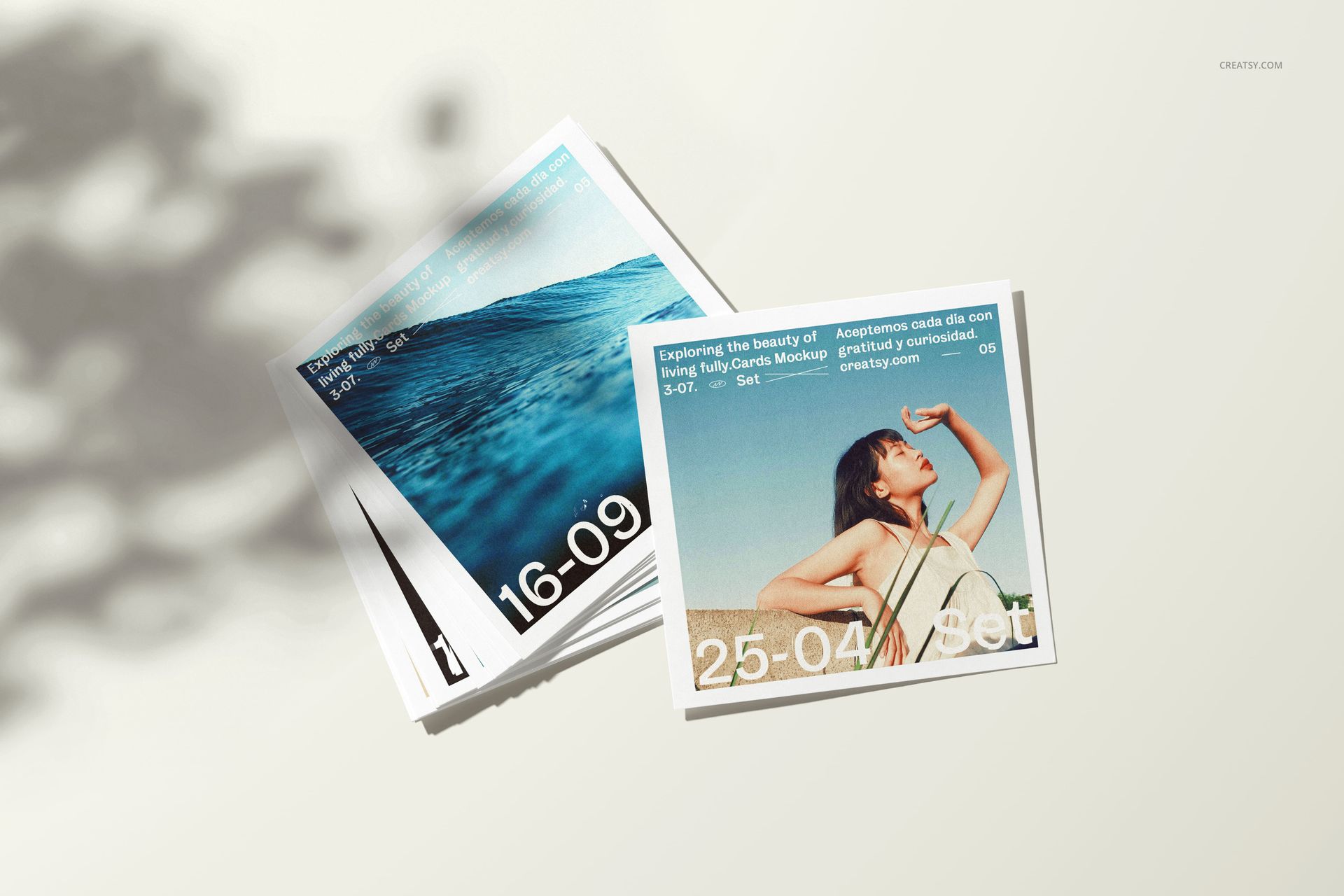
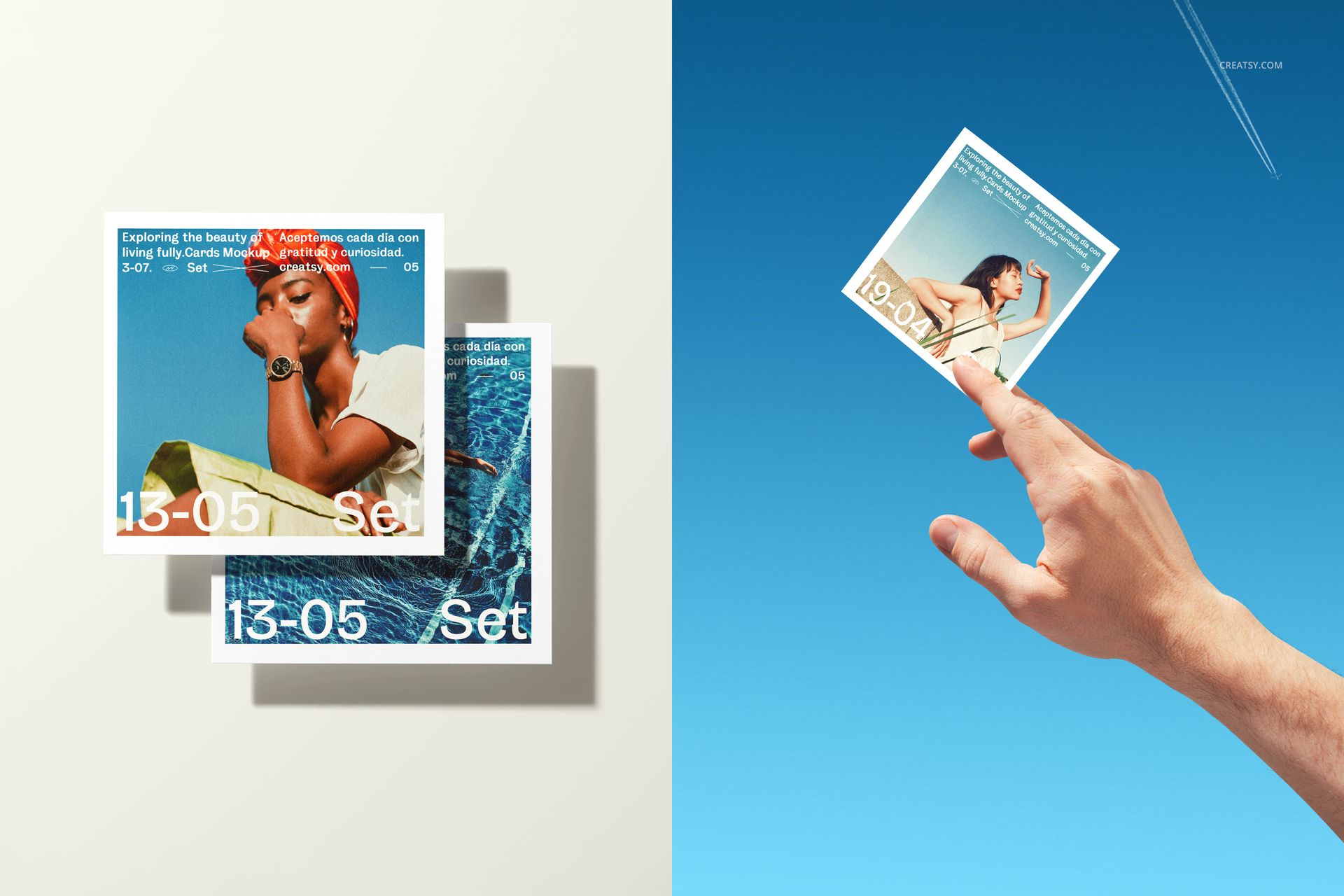
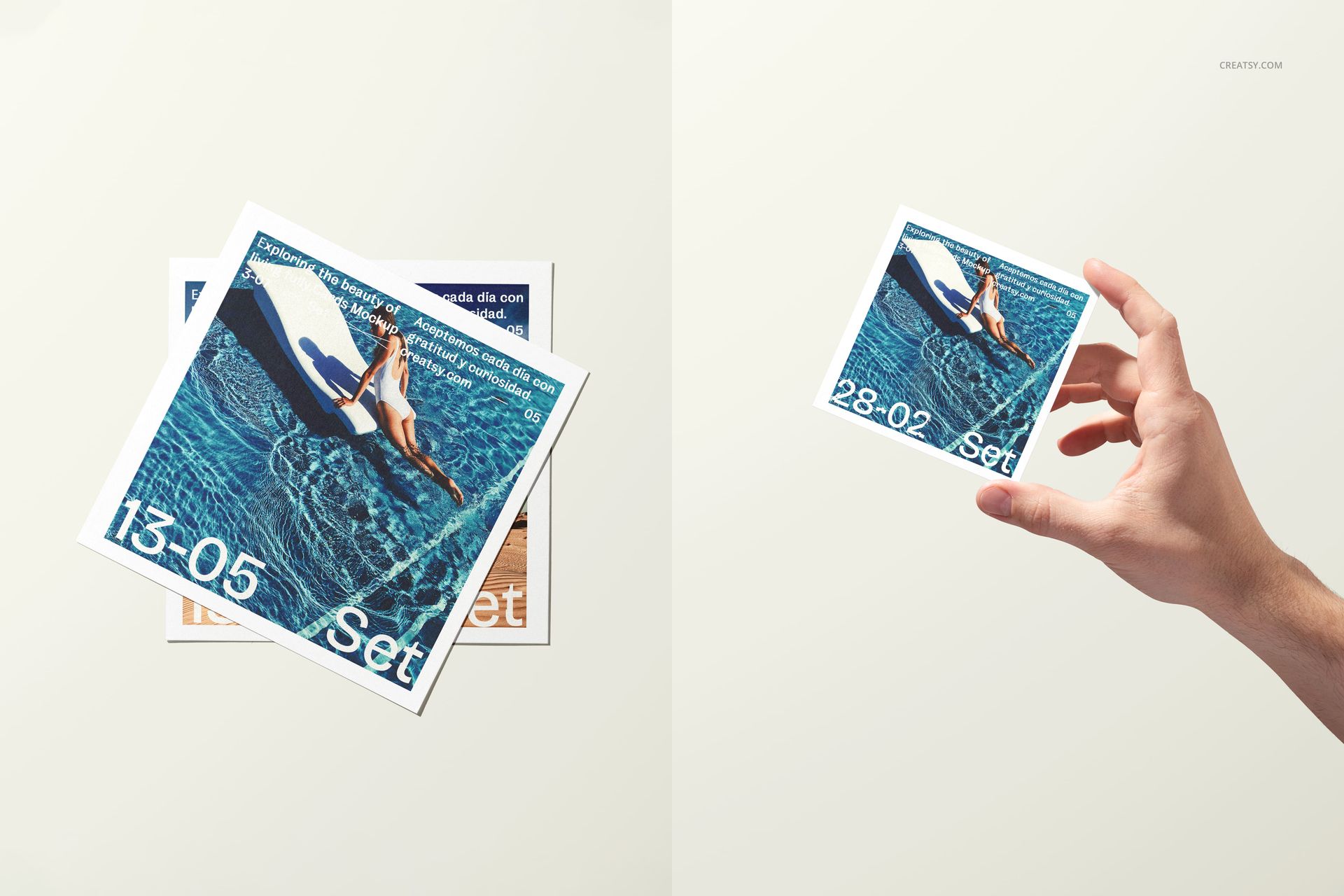
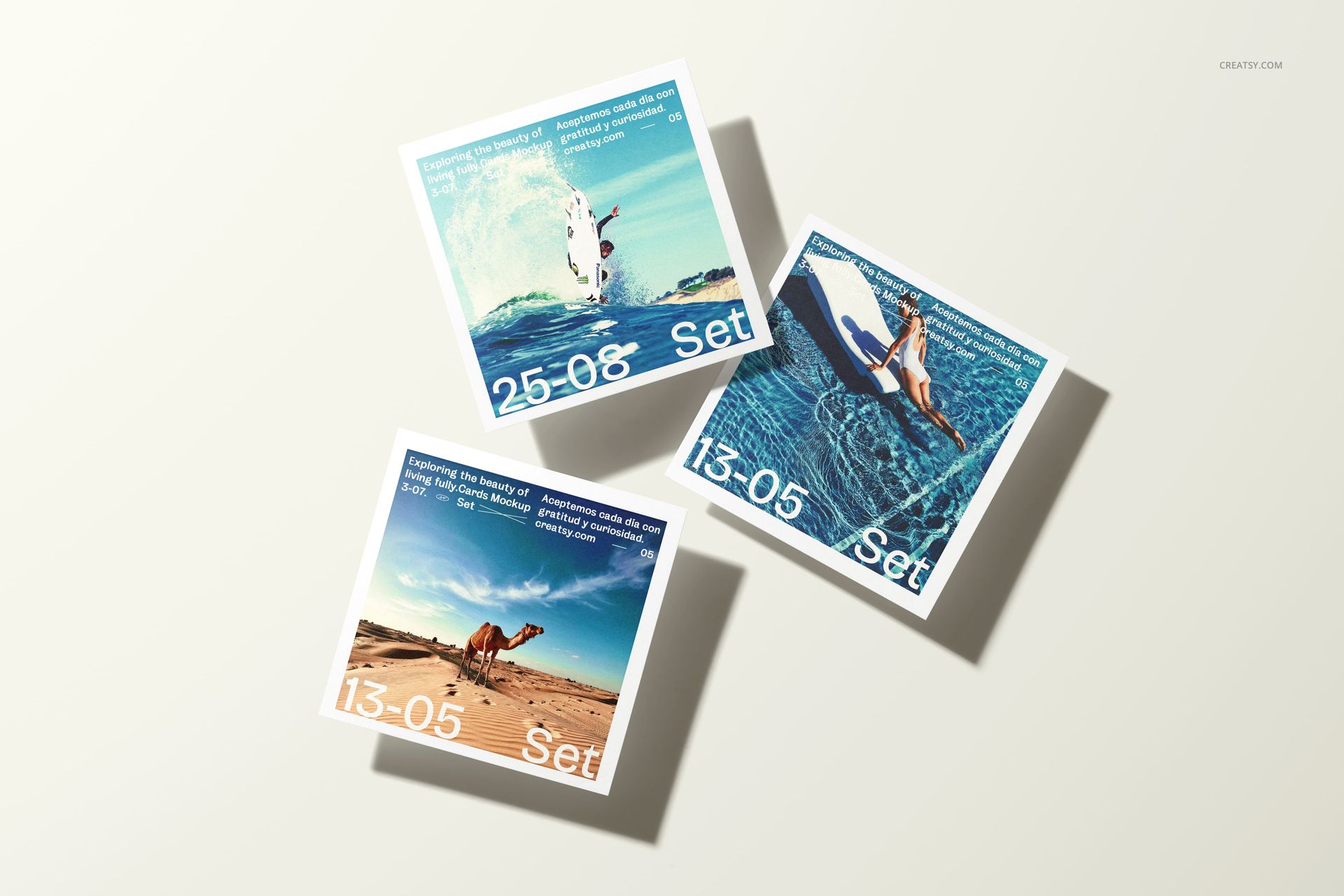
Turn a collection of square images into a complete print presentation with 20 distinct 4x4 scenes. The set moves from clean flat lays and layered stacks to hand-held compositions, upright cards, fanned prints, and close crops, giving one series several visual rhythms without arranging a physical shoot.
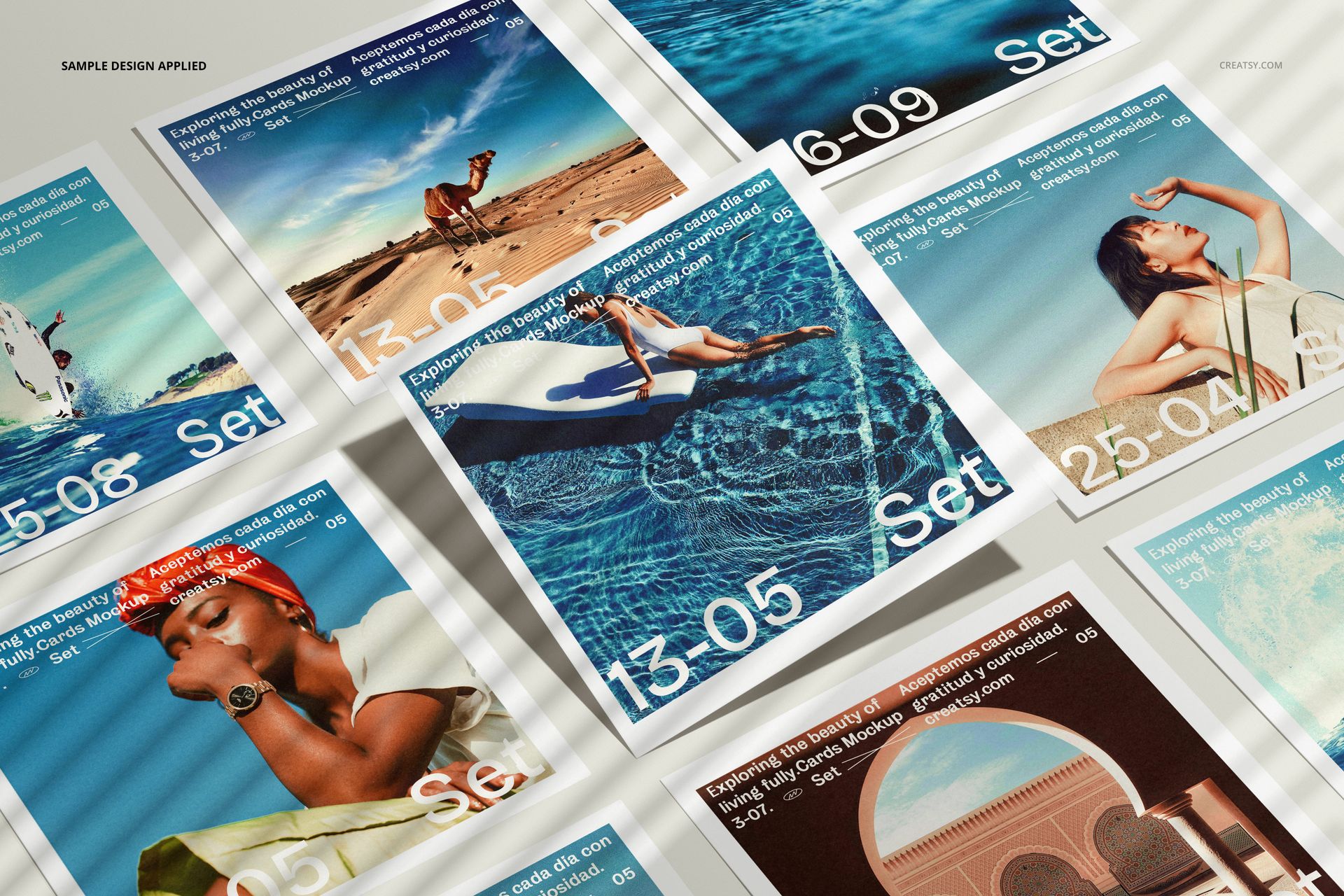
Use the mockups to compare crops, white borders, sequencing, and color relationships across photography, illustration, or campaign graphics. Mixing single-print views with multi-print layouts helps customers understand both individual artwork and the wider collection.
What Is Included
20 layered PSD mockup files, 6000 × 4000 px at 300 DPI each
20 JPG preview files
40 files in total
20 scene variations for 4x4 square photo prints
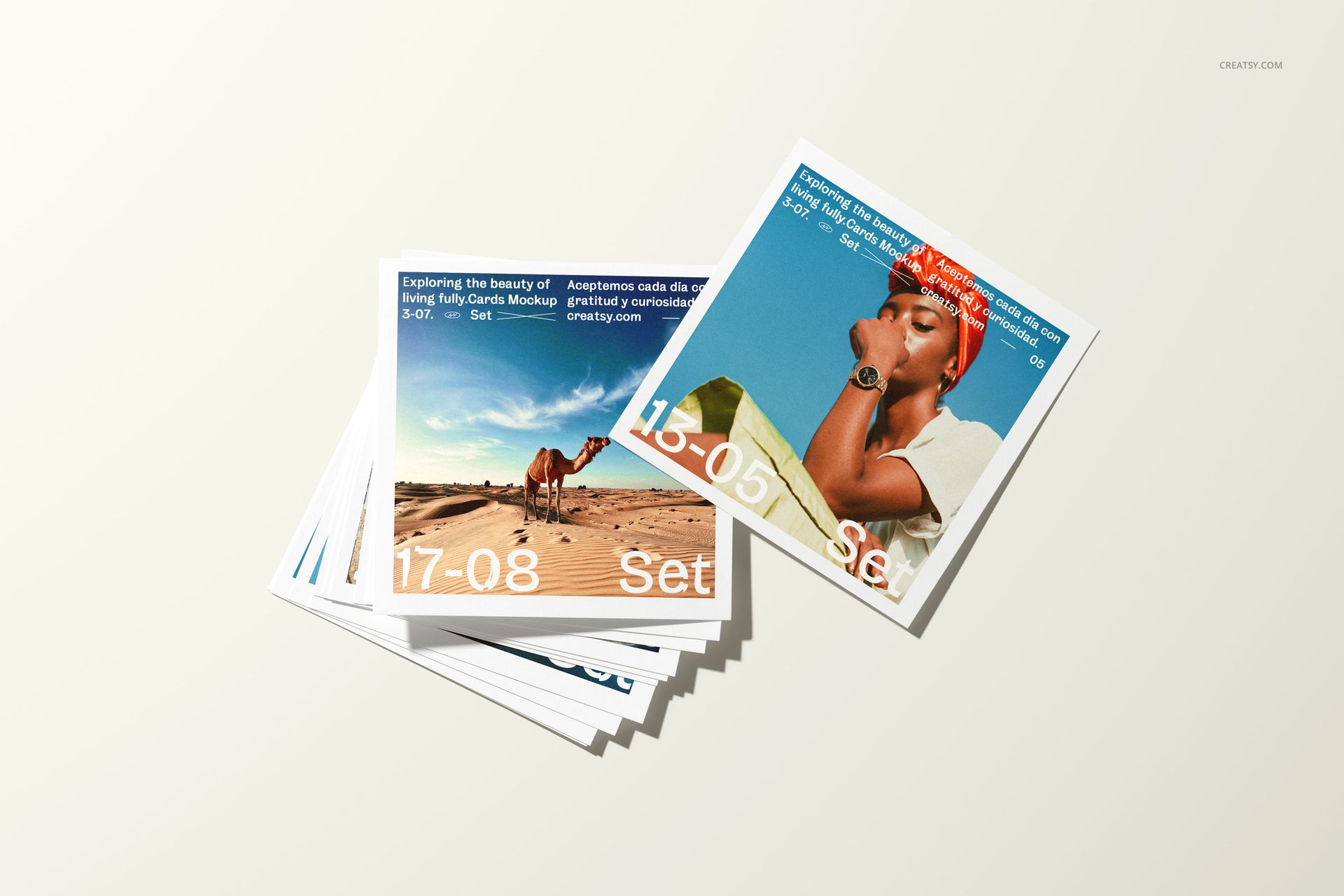
Flat lays, stacks, upright cards, fanned arrangements, and hand-held views
Twenty Ways to Present One Photo Series
Choose a minimal single-print frame for artwork detail, a layered pile for a tactile collection, or a hand-held scene to communicate scale. Strong and soft shadows, plus a mix of clean neutral and blue settings, give the set enough variation for a full storefront gallery or campaign sequence.
Easy Smart Object Editing
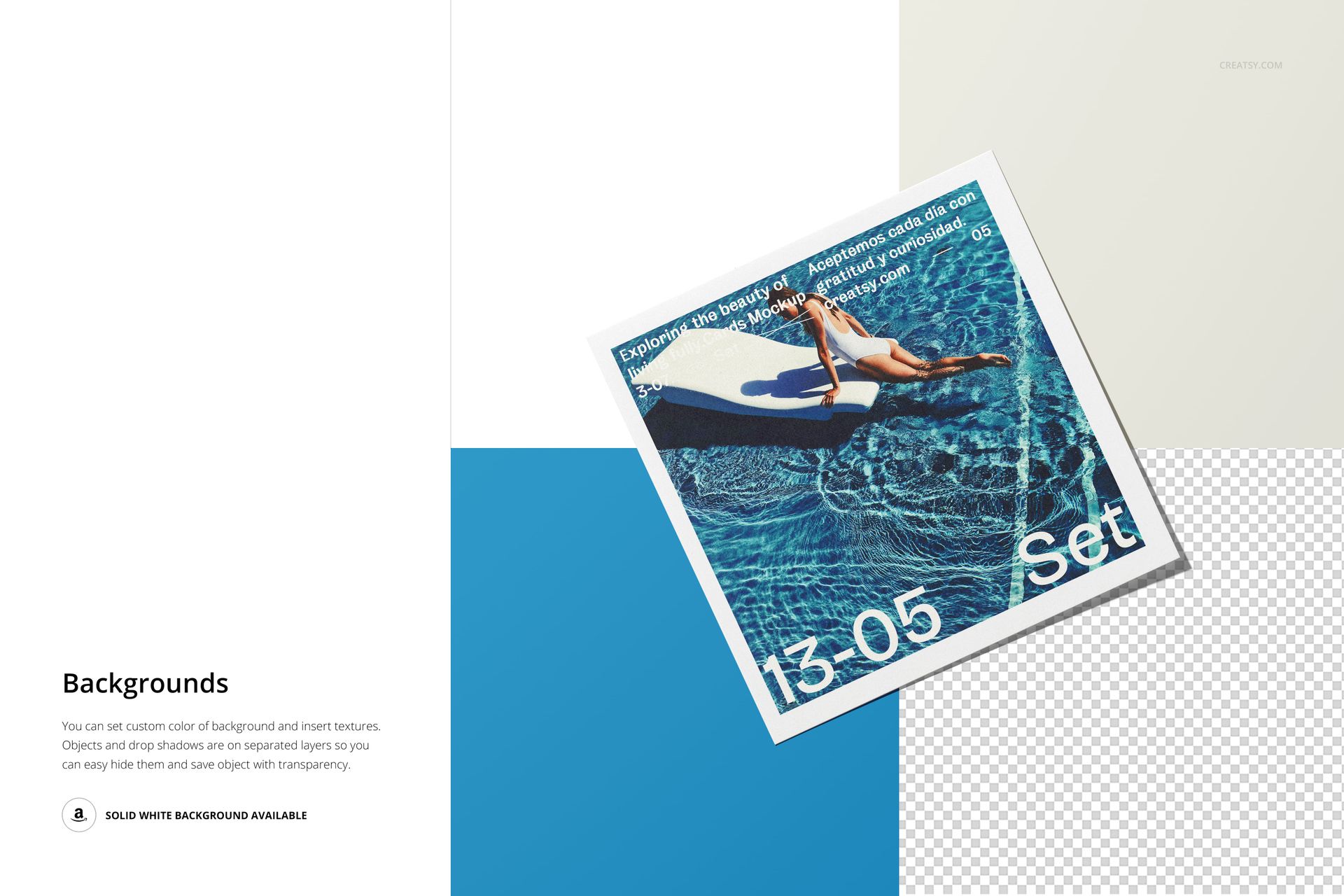
Replace the sample images through Smart Objects, set a custom background color or add a texture, and manage the print objects and drop shadows on separate layers. Hide selected elements when you need a transparent object export, or use the available solid white background. The organized PSDs support Adobe Photoshop CC2020 or newer and Photopea.
Perfect For
Photographers presenting coordinated image series
Photo labs and print shops promoting 4x4 products
Artists and illustrators selling square editions
Creative studios preparing campaign print visuals
Ecommerce sellers building complete product galleries
This is a digital mockup product, not a technical print-production template. The sample photography and graphic artwork shown in the previews are not included.