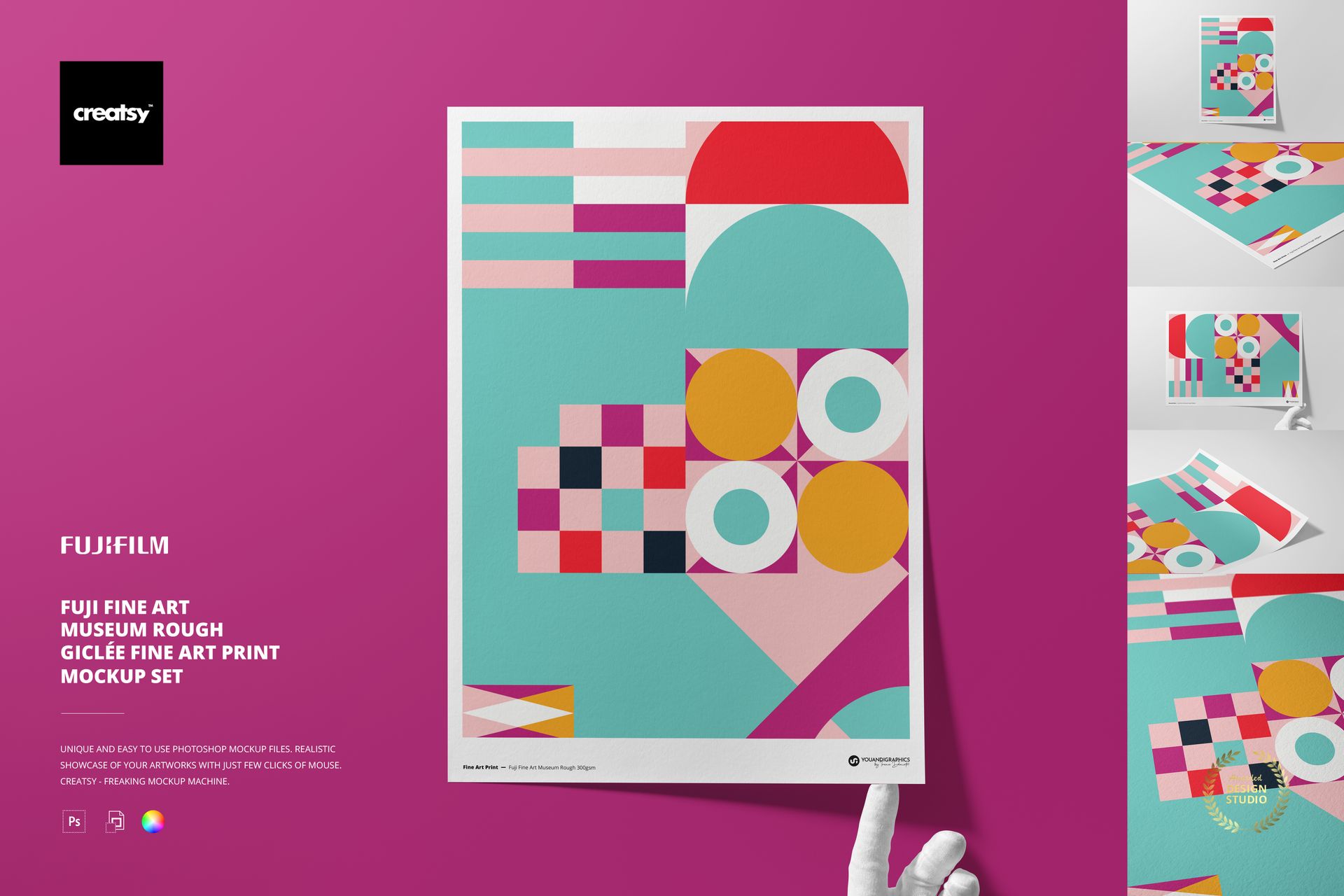
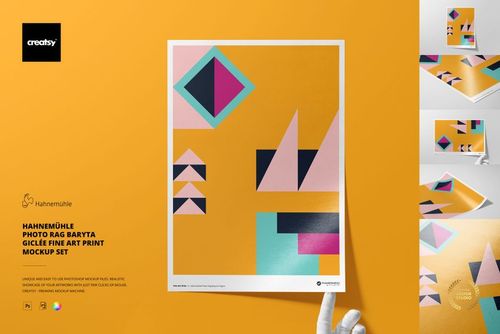
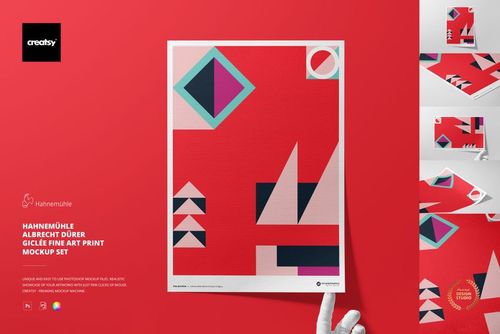
Fuji Museum Rough A3 Fine Art Print Mockup Set
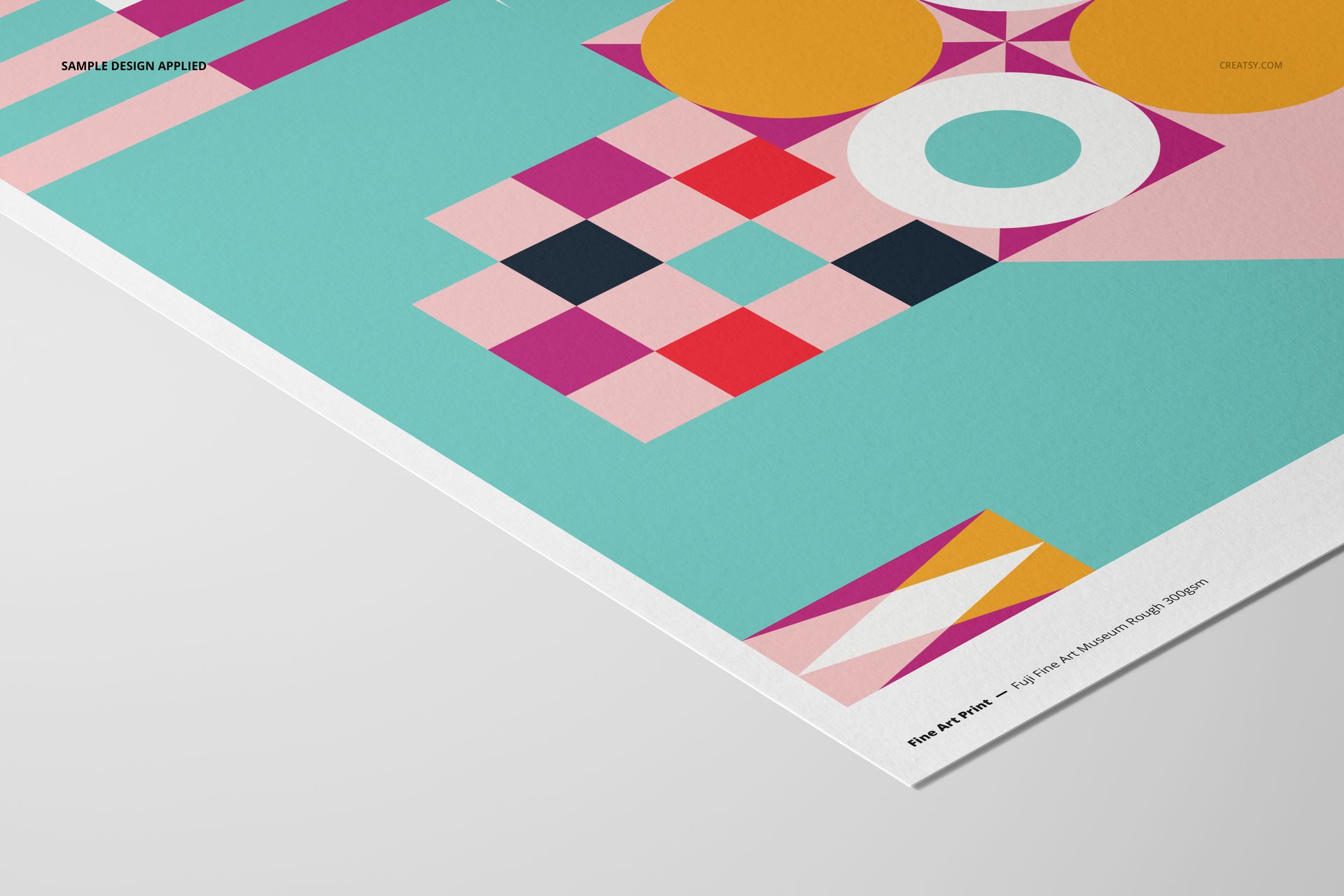
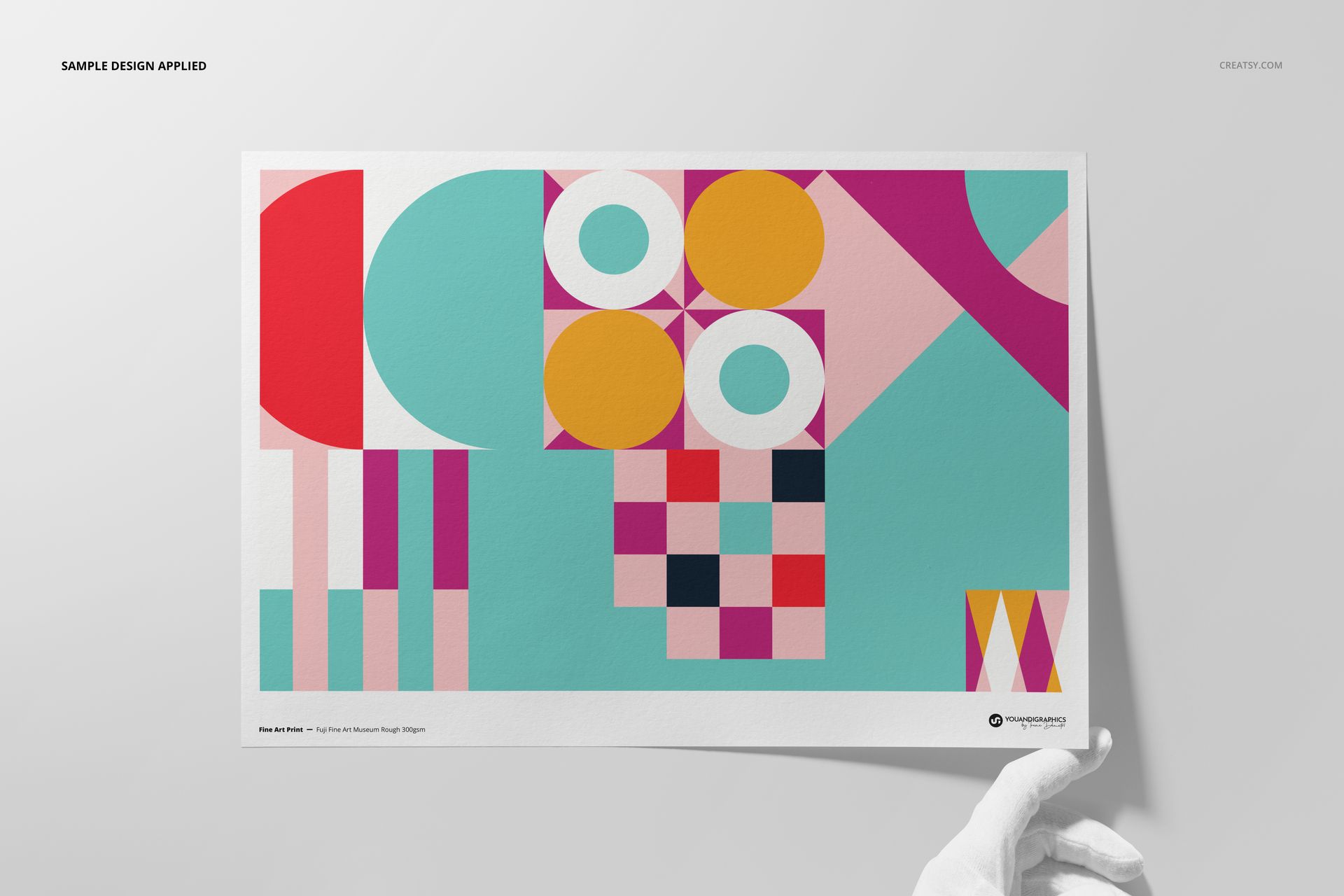
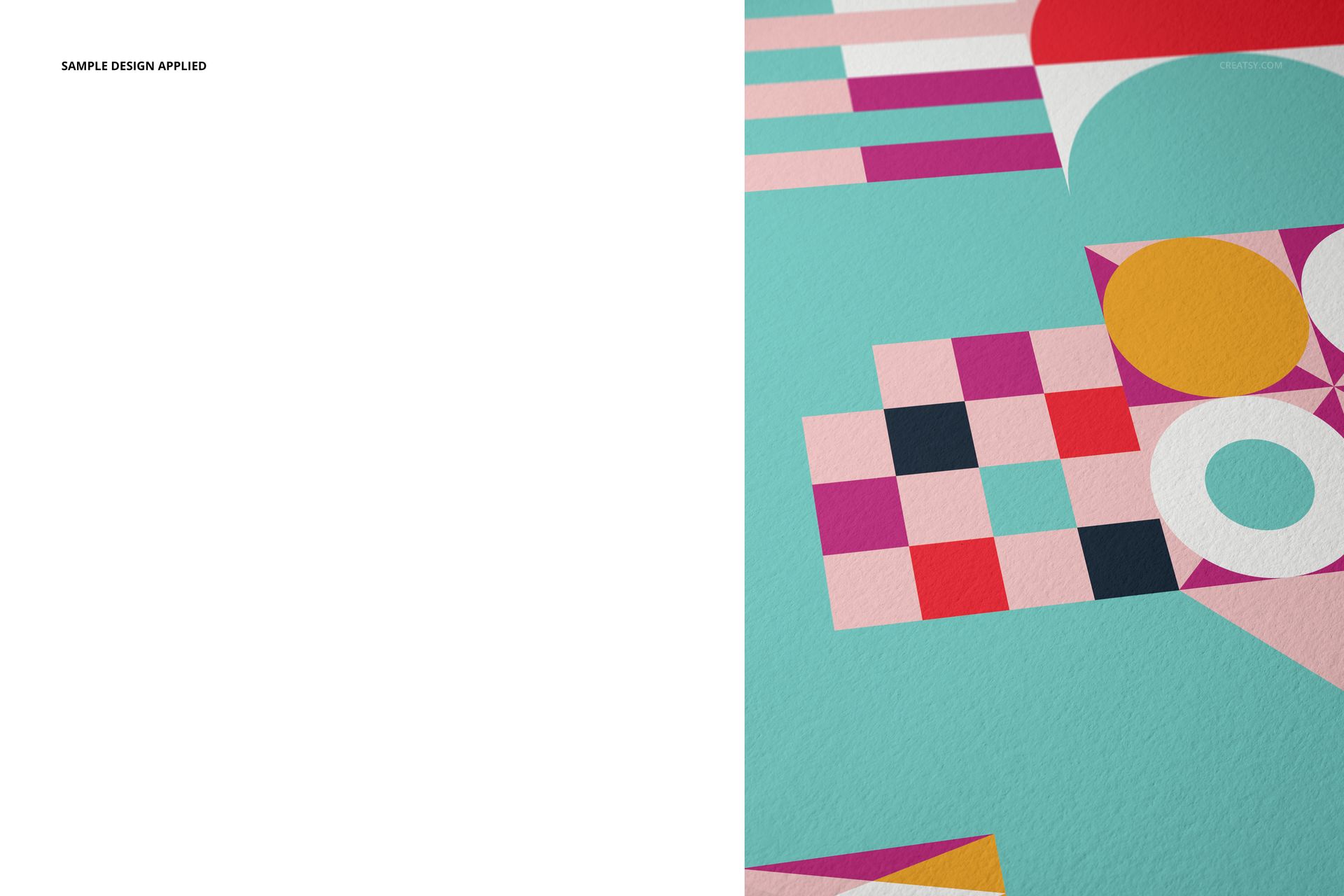
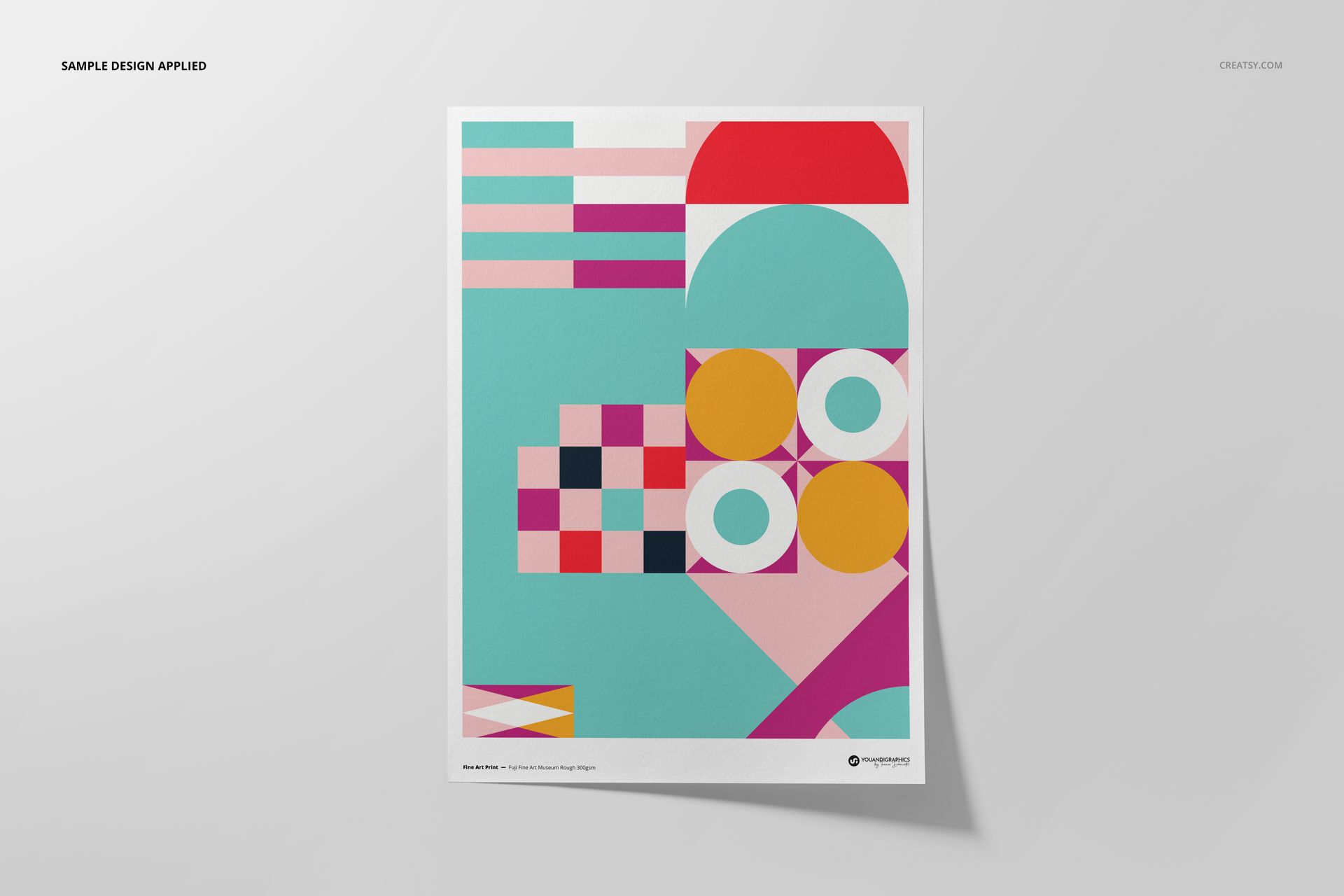
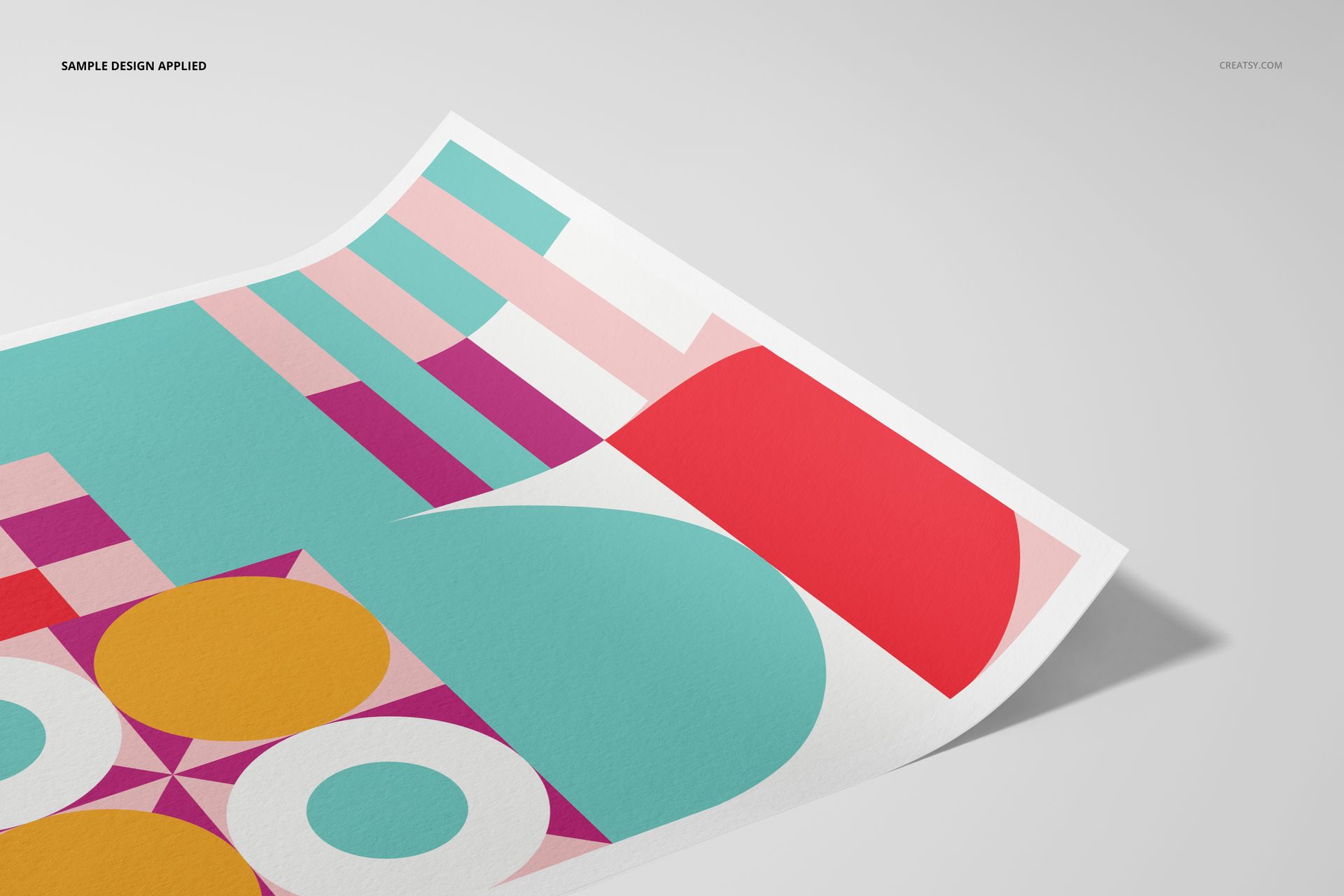
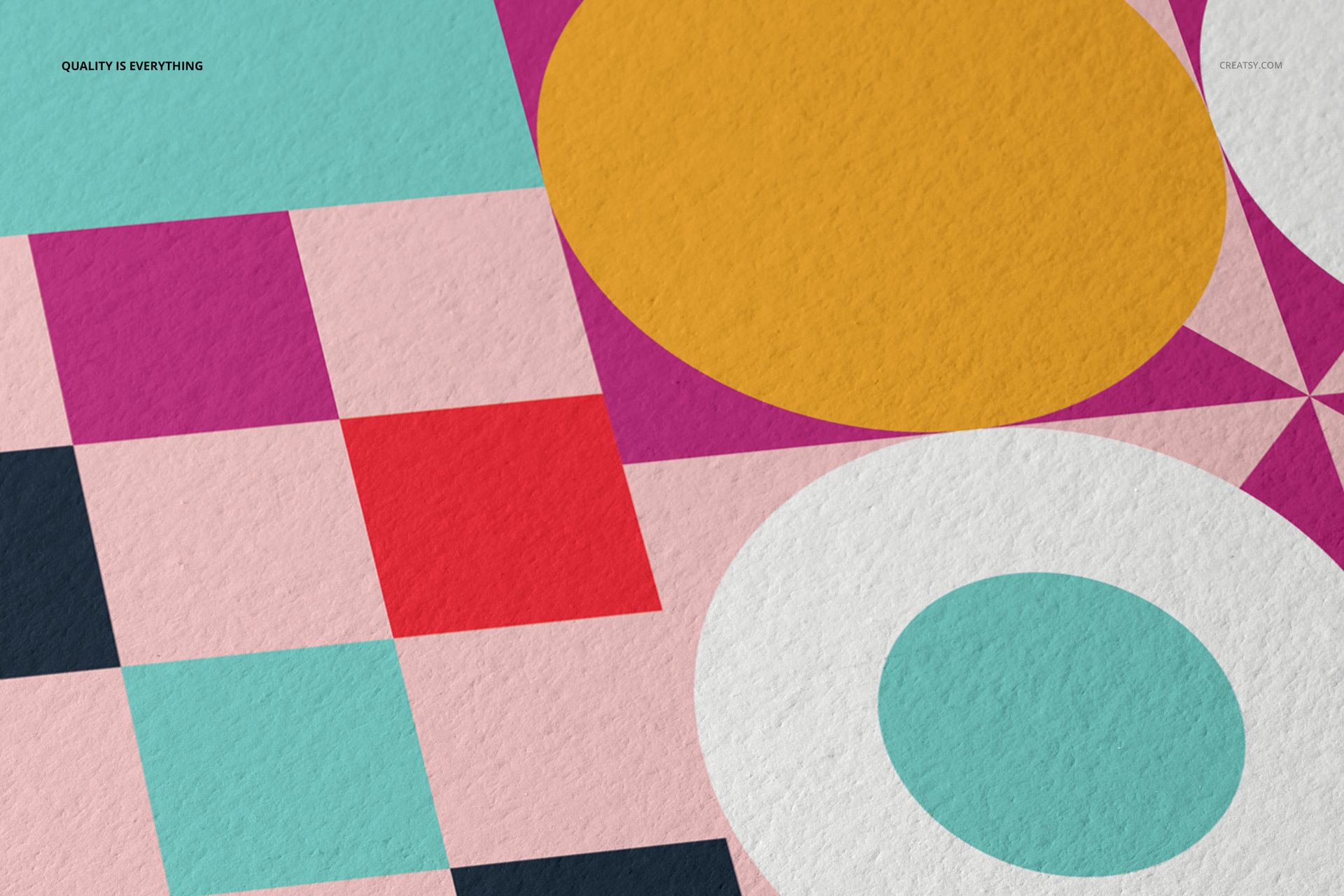
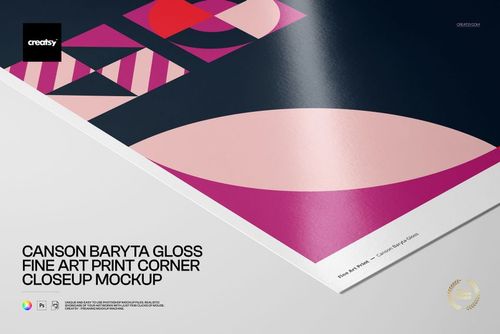
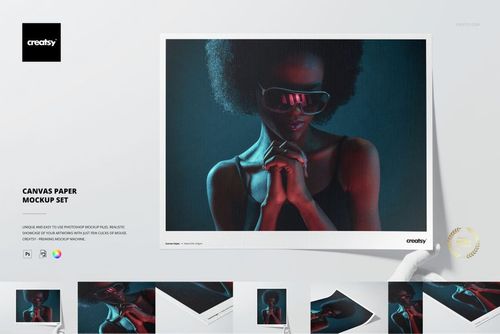
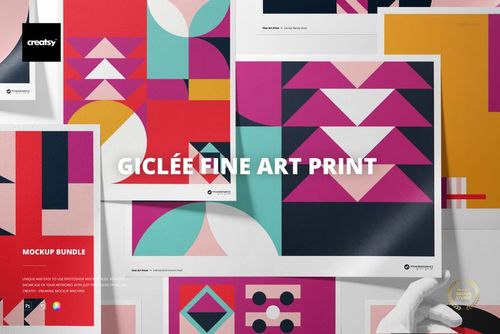
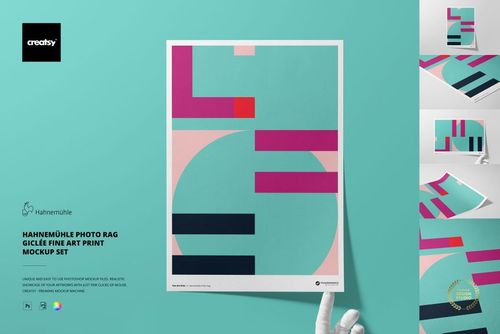
Present artwork on the visibly rough surface of Fuji Fine Art Museum Rough 300 gsm paper. Five coordinated A3 scenes show prints from front, top, angled, close-up and optional gloved-hand viewpoints for shop listings, portfolios and client approvals.
Use the set to compare a full print with a bordered layout, examine margins and cropping, or build a consistent gallery that shows both the complete composition and the pronounced paper texture.
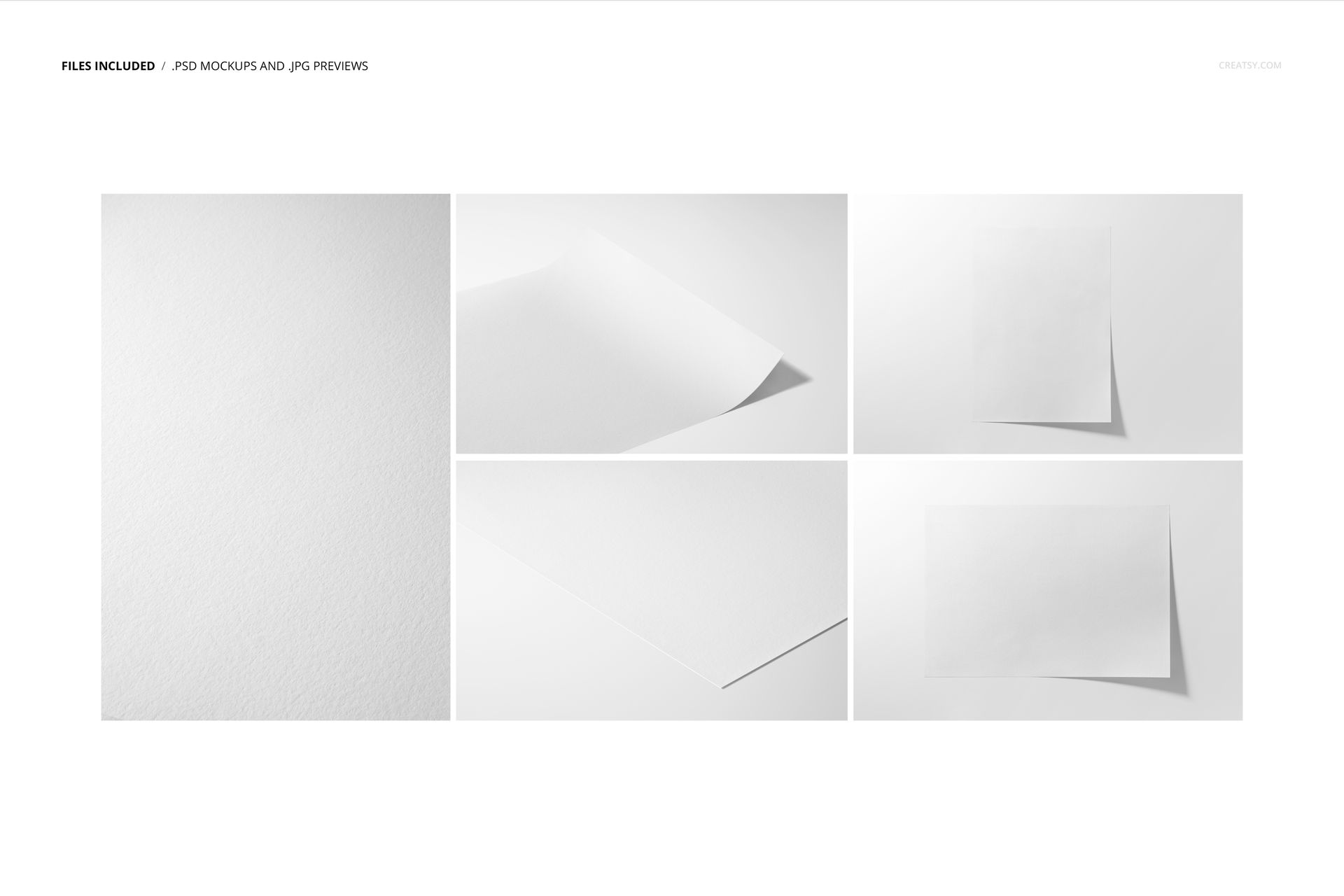
Five Editable A3 Scenes
5 layered PSD mockup files with Smart Object artwork placement
5 matching JPG reference images
1 PDF user manual, 11 files in total
Four landscape JPG files at 6720 × 4480 px
One portrait JPG file at 4480 × 6720 px
High-resolution presentation prepared at 300 dpi
Rough Paper and Framing Controls
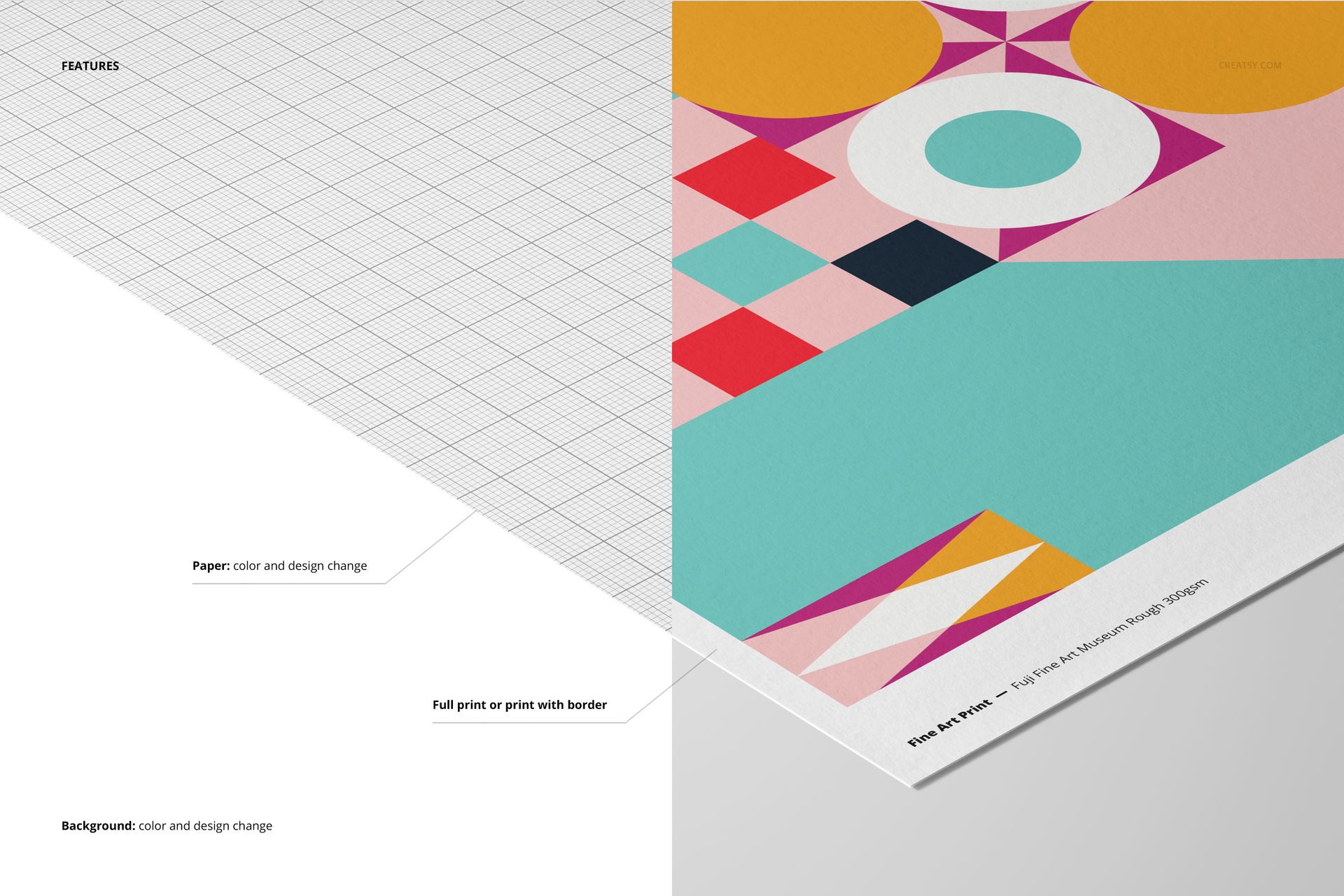
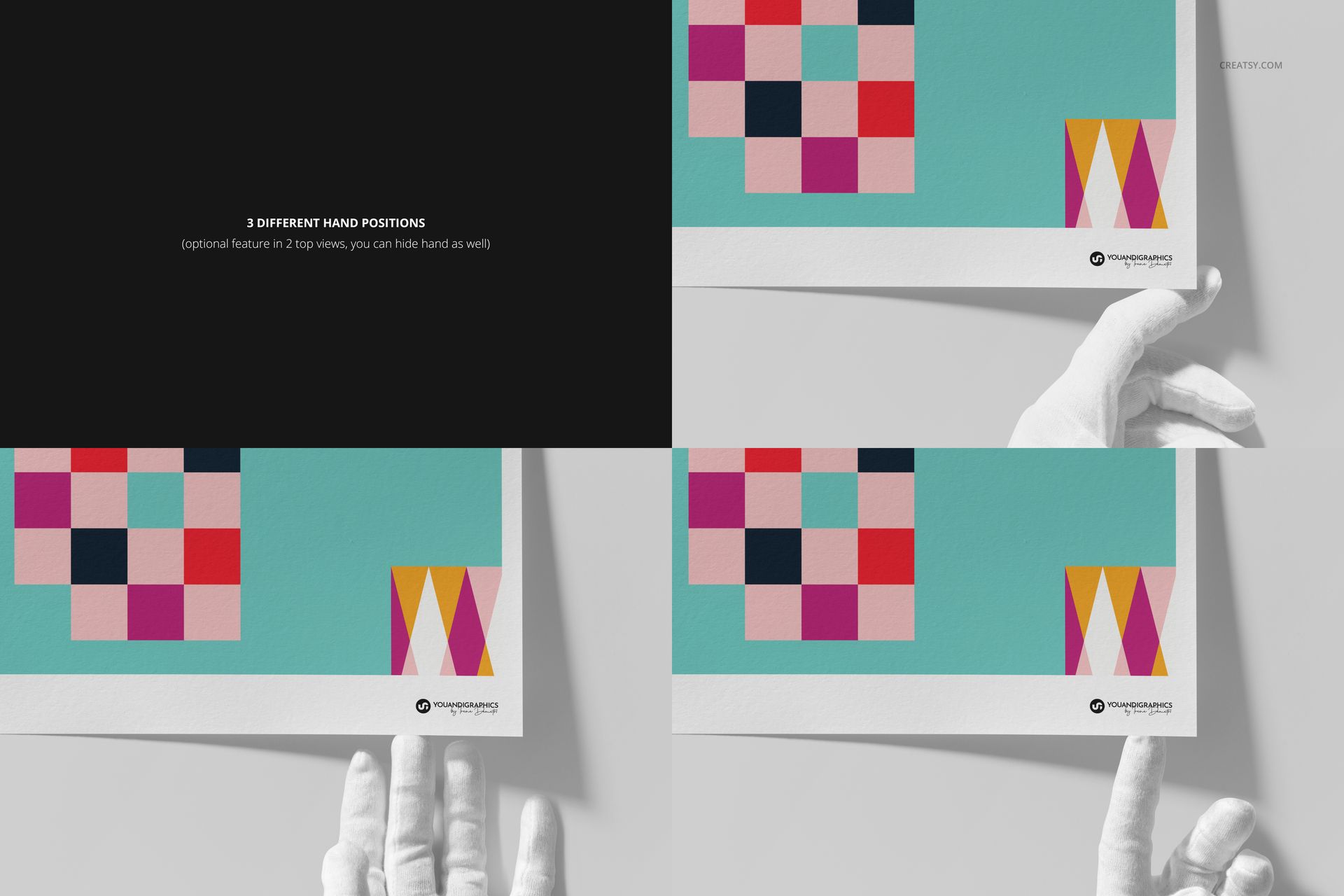
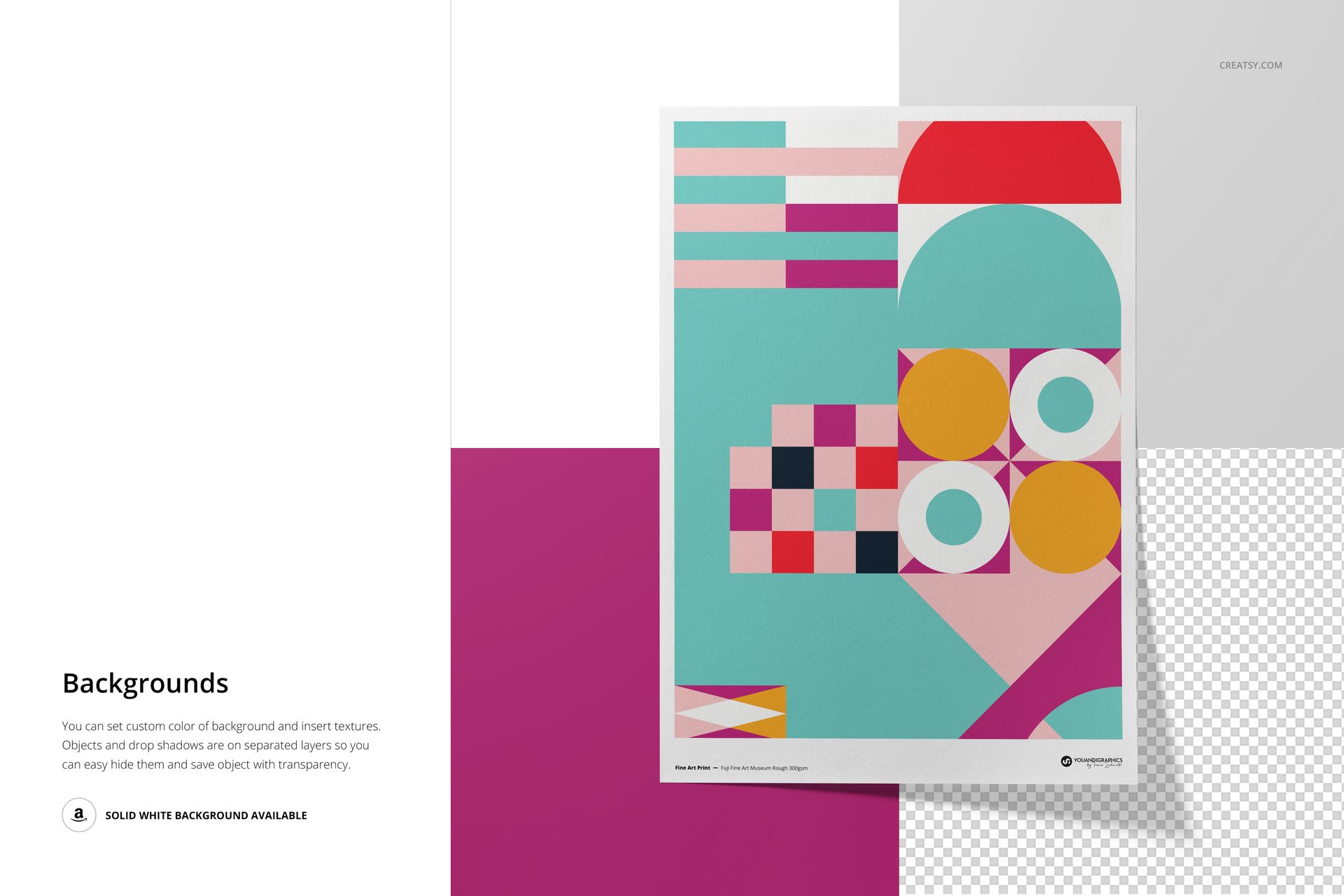
Change the paper color or design, choose a full print or clean border, and coordinate the background color, design or texture. Two top-view scenes include three optional gloved-hand positions, and the hand can also be hidden.
Separate object and shadow layers support a plain white background or an isolated paper presentation on transparency. Angled and macro views bring the Museum Rough surface, paper edge and print detail into focus.
Smart Object Workflow
Open the marked Smart Object, place your design, save it and return to the composed scene. Organized layers keep artwork, paper, hands, objects, shadows and backgrounds easy to locate across all five files.
Software Compatibility
Adobe Photoshop CC2020 or newer is the primary supported application. The archive contains PSD files and no PSB files, so Photopea can also open the mockups. Individual PSD files range from approximately 377 to 586 MB on Windows and 395 to 614 MB on Mac, so browser performance depends on available memory.
Useful For
Fine art and giclée print shop listings
Illustration, photography and poster presentations
Gallery, portfolio and client approval images
Full-bleed and bordered print comparisons
Texture-focused details for A3 artwork
This is a digital presentation mockup, not a print production template. The geometric sample artwork and patterns shown in the previews are not included.