Door Murals Mockup Set
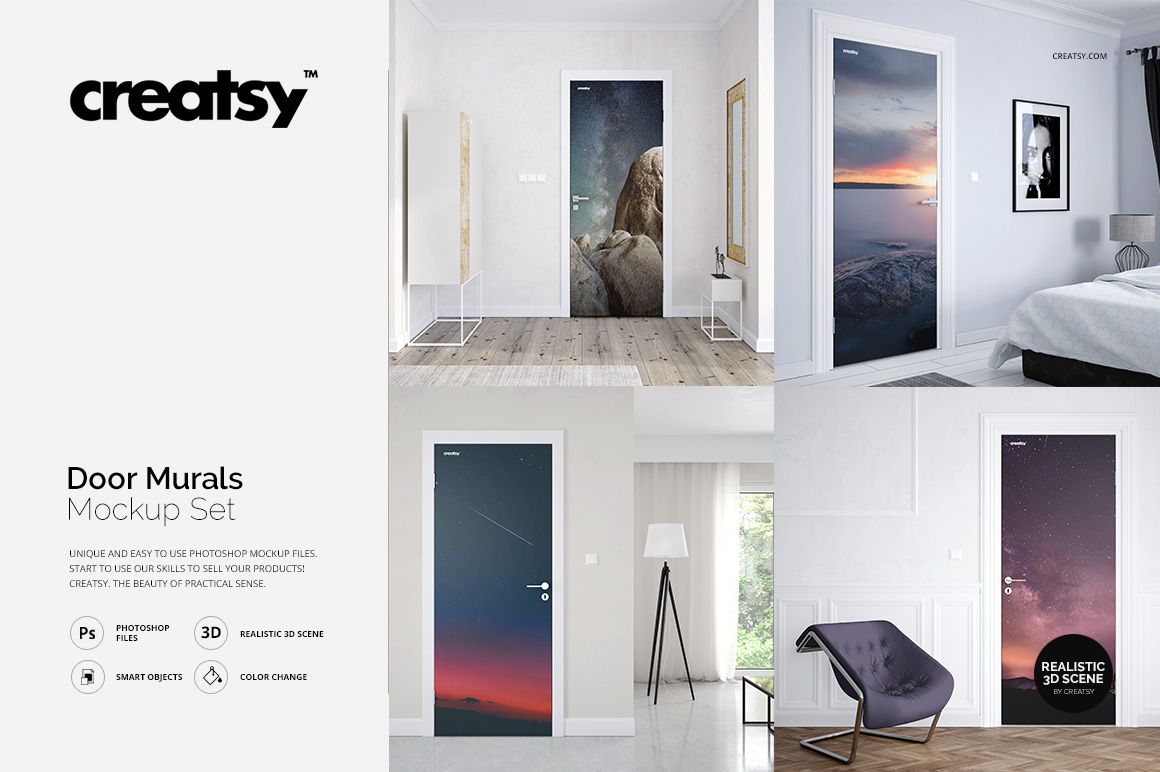
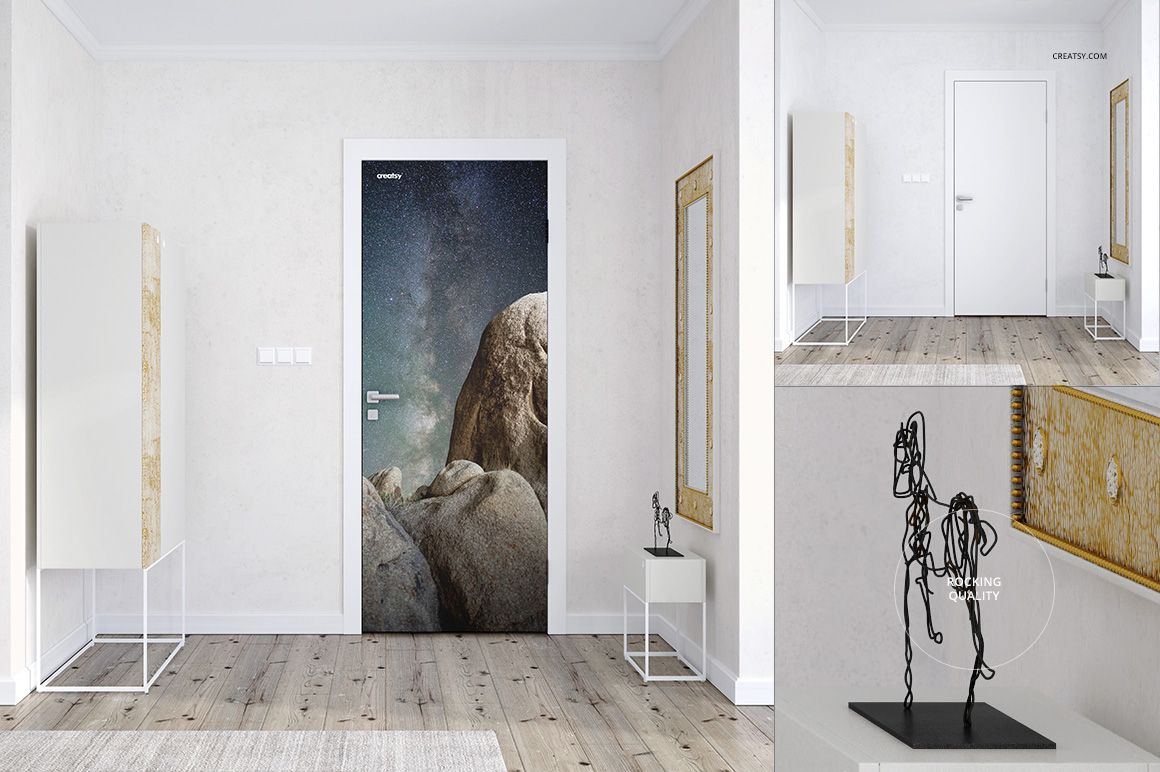
Turn a narrow doorway into the focal point of a room. This door mural mockup set places your photography, illustration or pattern in four furnished interiors, so clients can judge the artwork beside flooring, furniture and architectural details instead of seeing only a flat image.
What Is Included
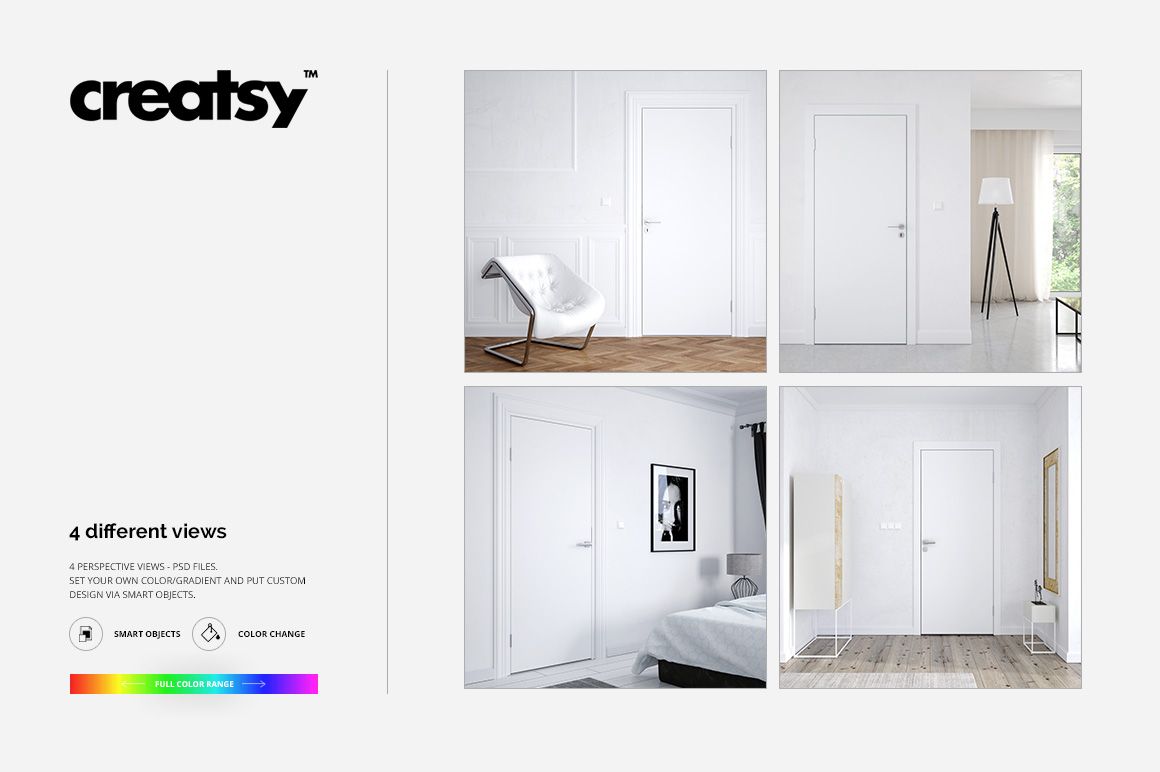
4 layered PSD scenes, each 4000 × 4000 px at 300 DPI.
4 JPG previews and 1 TIF guide, 9 files in total.
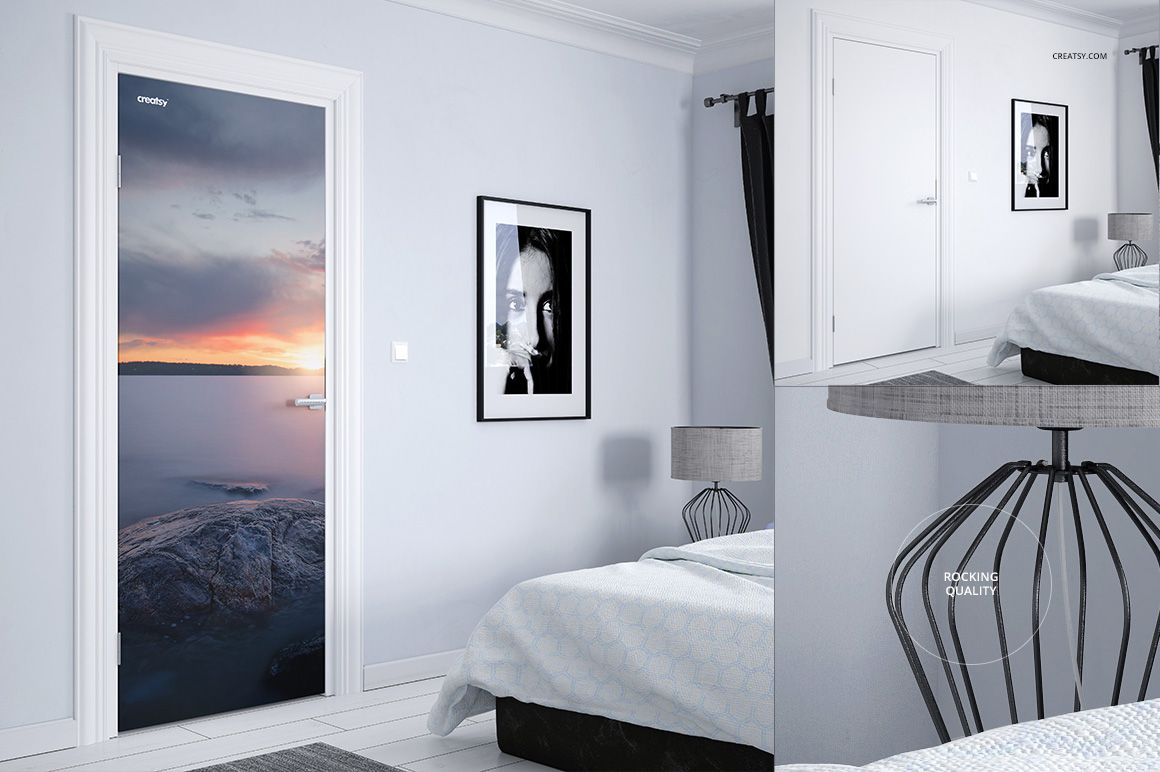
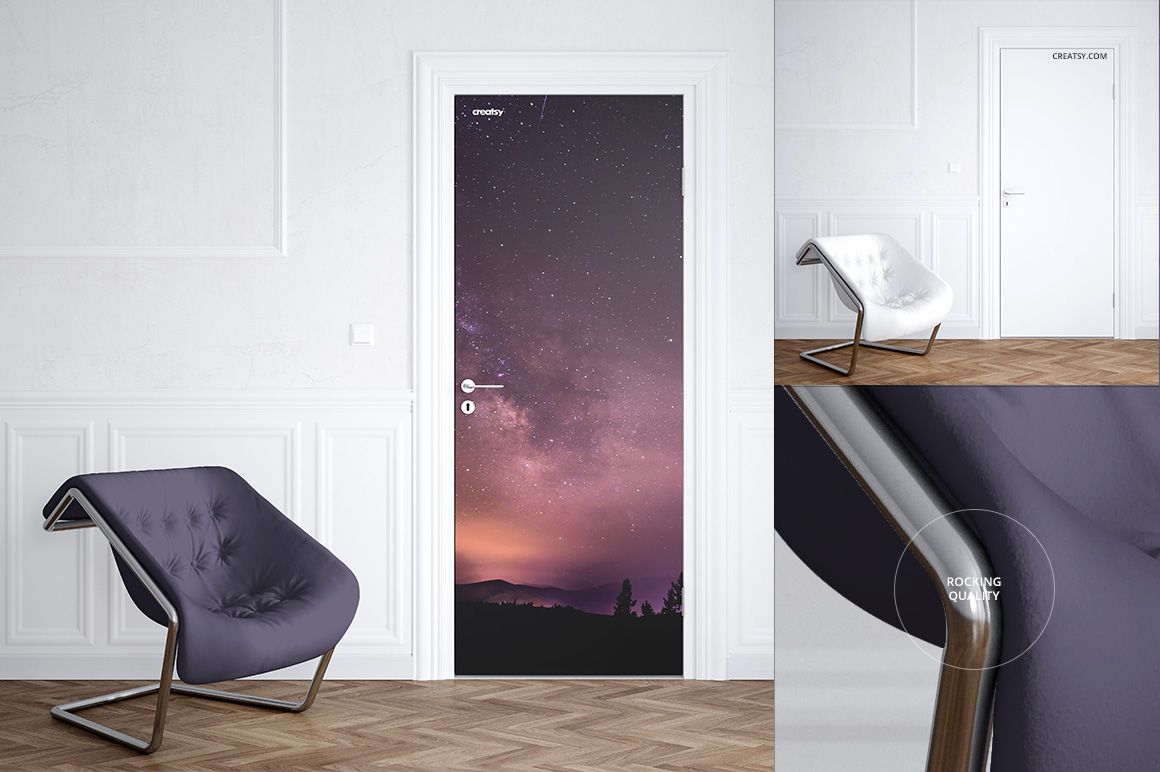
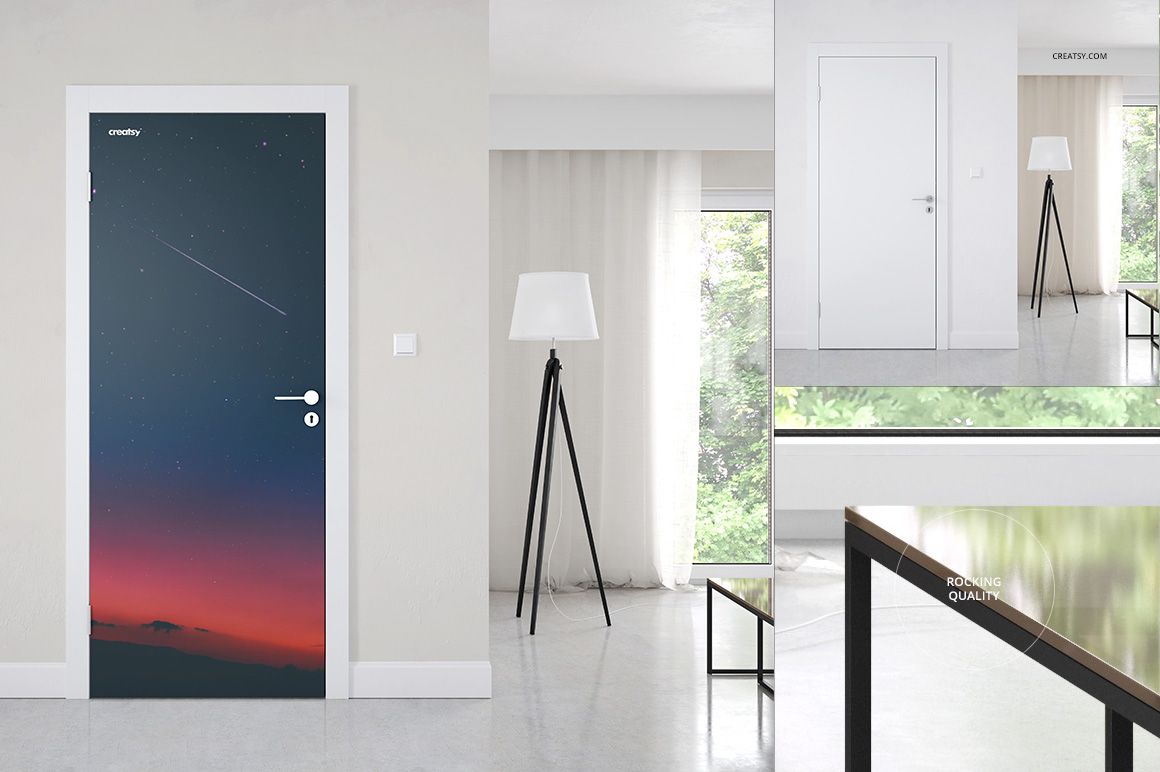
Four interior settings, including a bedroom and a paneled room with a lounge chair.
A Full-Height Artwork Surface in Context
Replace the door design to explore landscapes, botanical artwork, abstract compositions or repeating patterns. Wall colors are editable in three views, and the chair color is editable in one view. These specific controls help coordinate the surrounding palette without implying that every room element can be changed.
Easy Smart Object Editing
Open a scene in Adobe Photoshop or Photopea and place your artwork in the door Smart Object. Save the object to apply the scene perspective, then refine the available color layers. Organized layers keep the artwork and supported scene adjustments accessible.
Perfect For
Door mural and decorative door-wrap design presentations.
Photographers and illustrators showing artwork in interiors.
Surface pattern portfolios, print-shop previews and client mood boards.
Digital presentation files only. No physical door covering or printed mural is supplied. Sample artwork shown in the previews is not included.