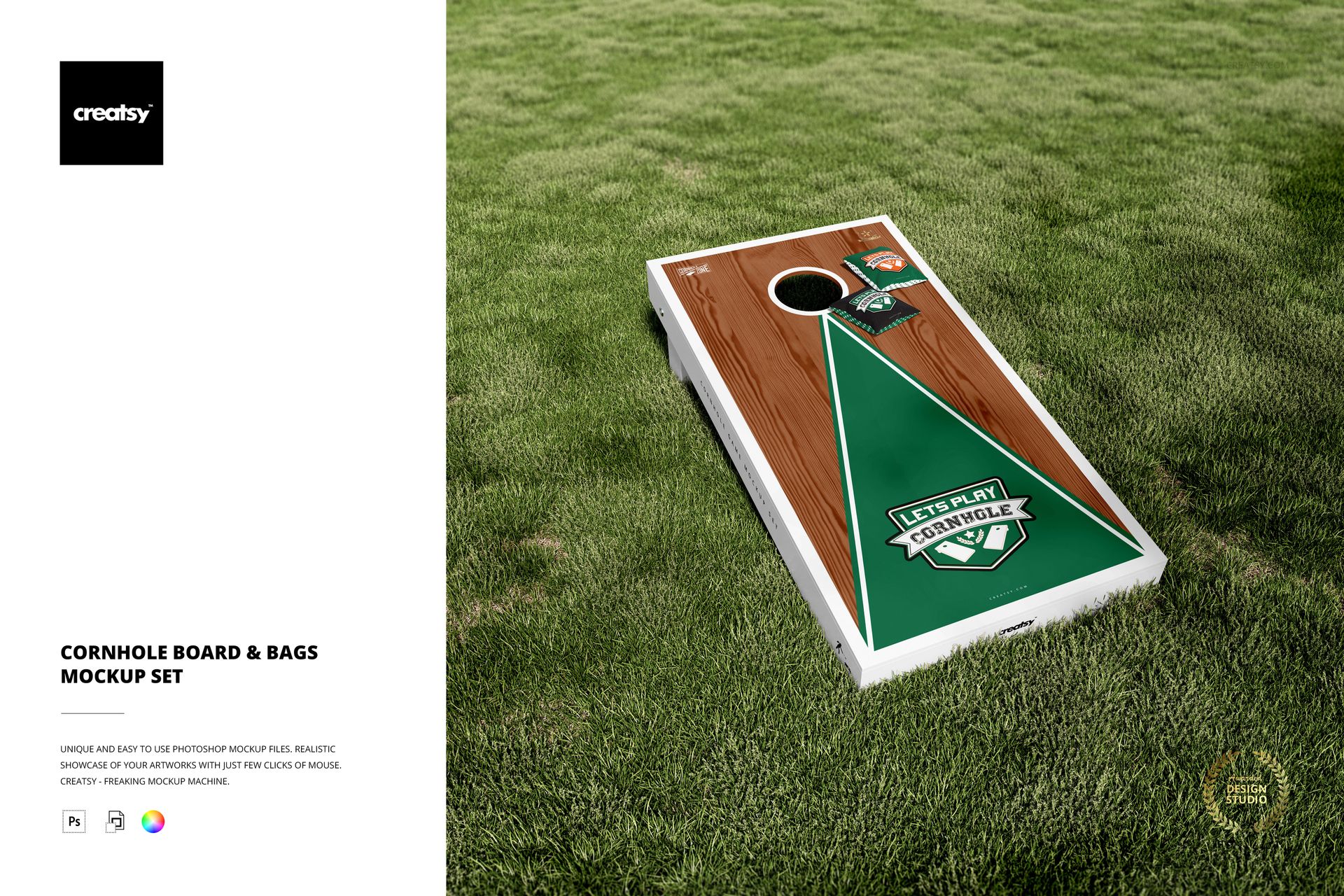
Cornhole Board & Bags Mockup Set
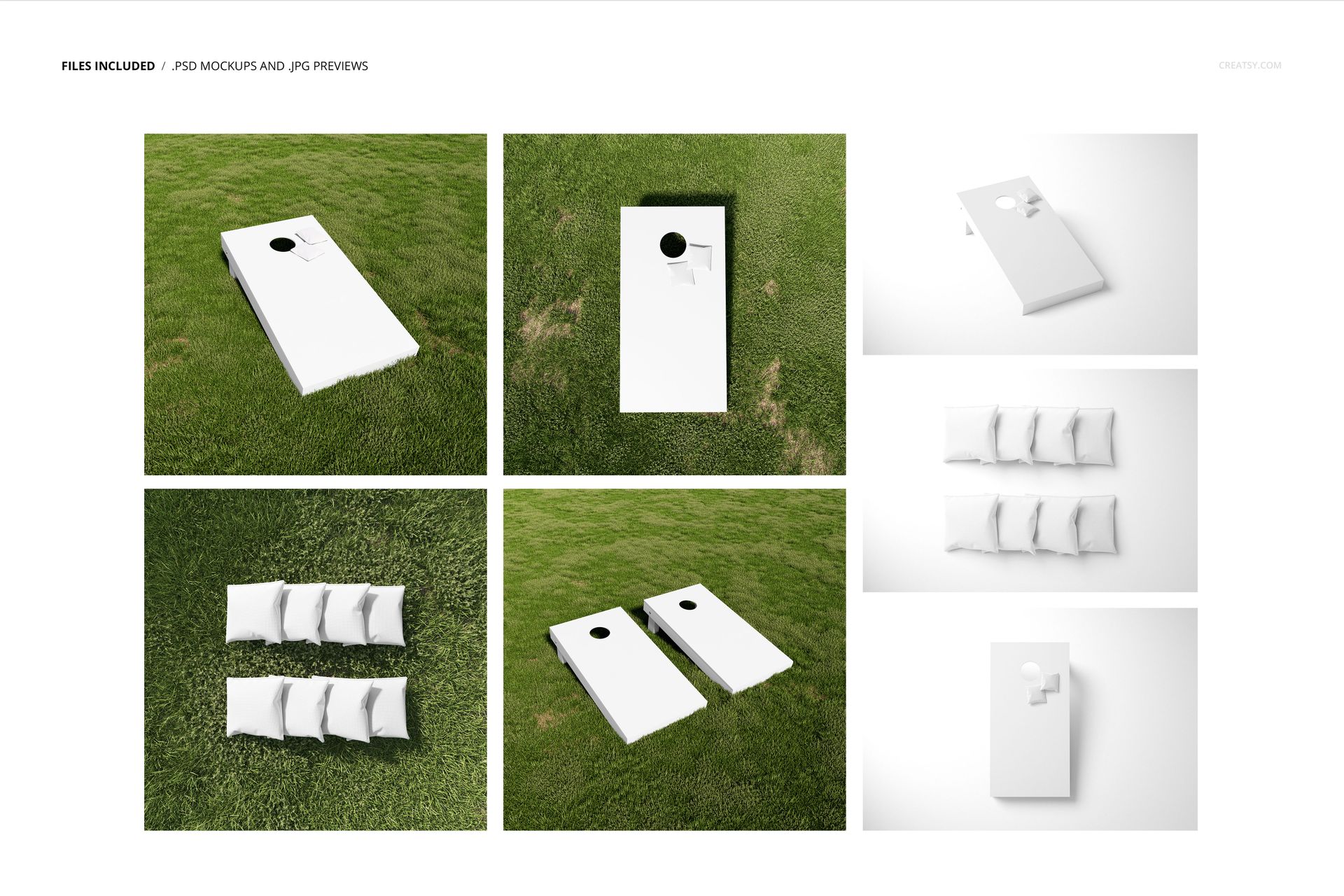
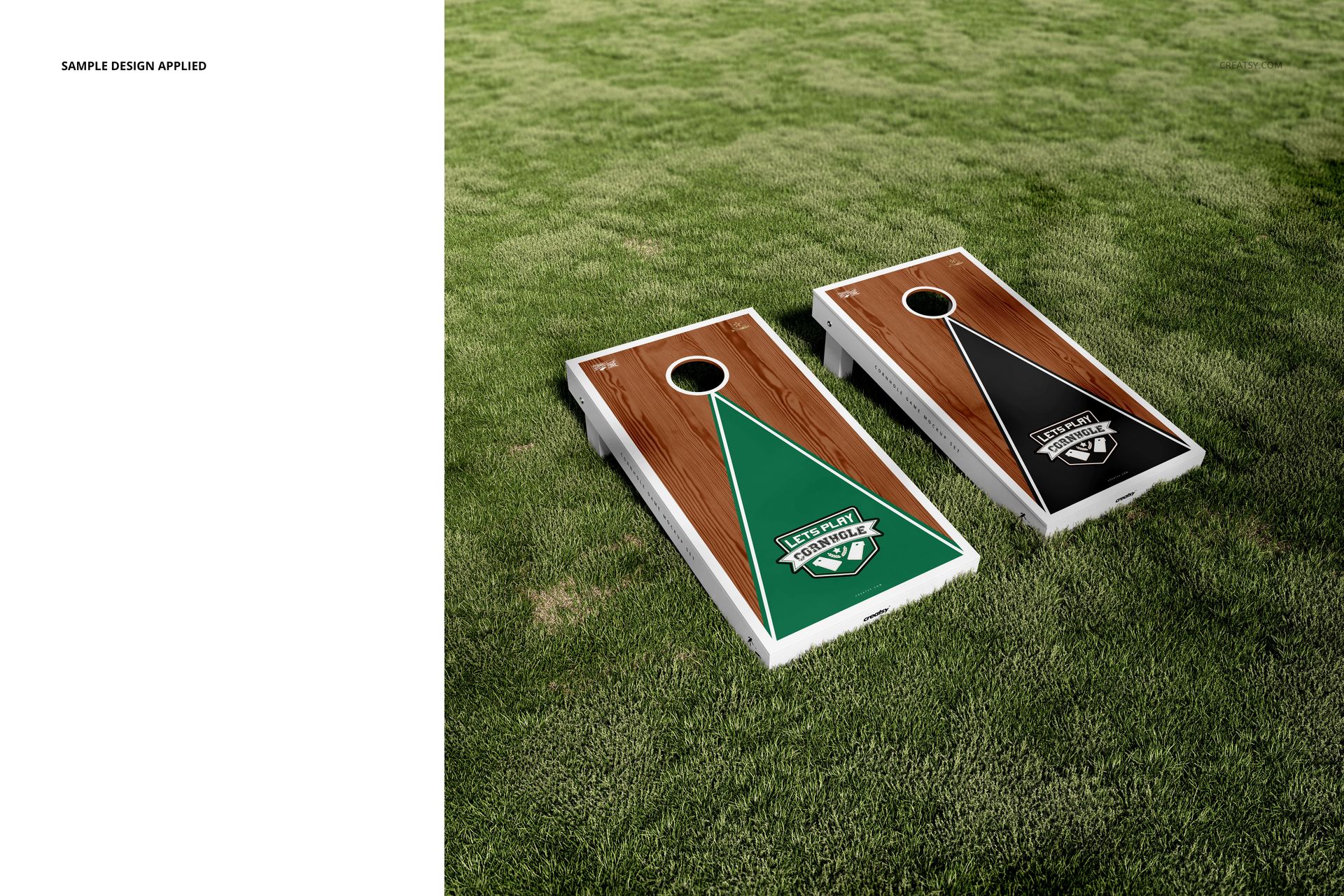
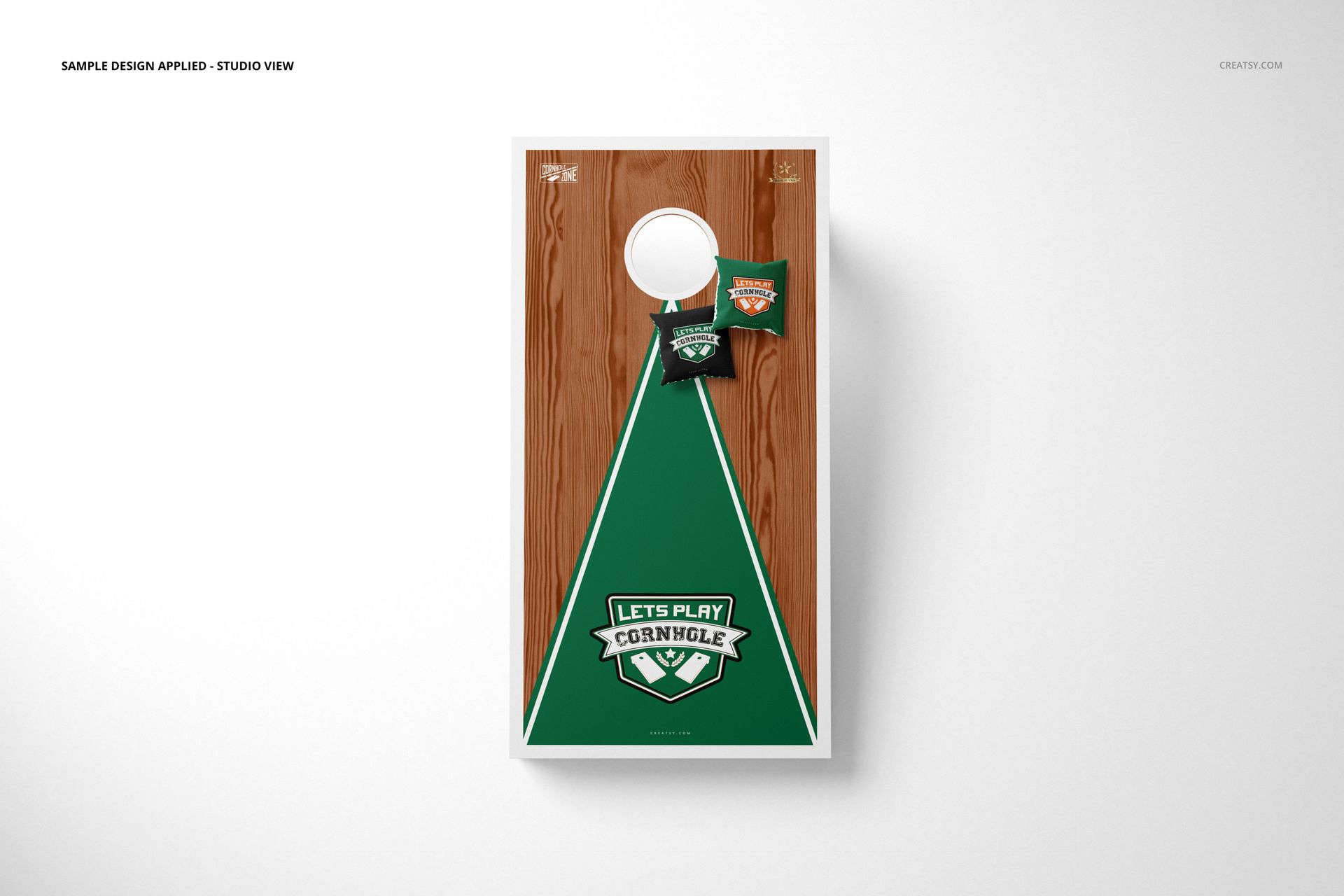
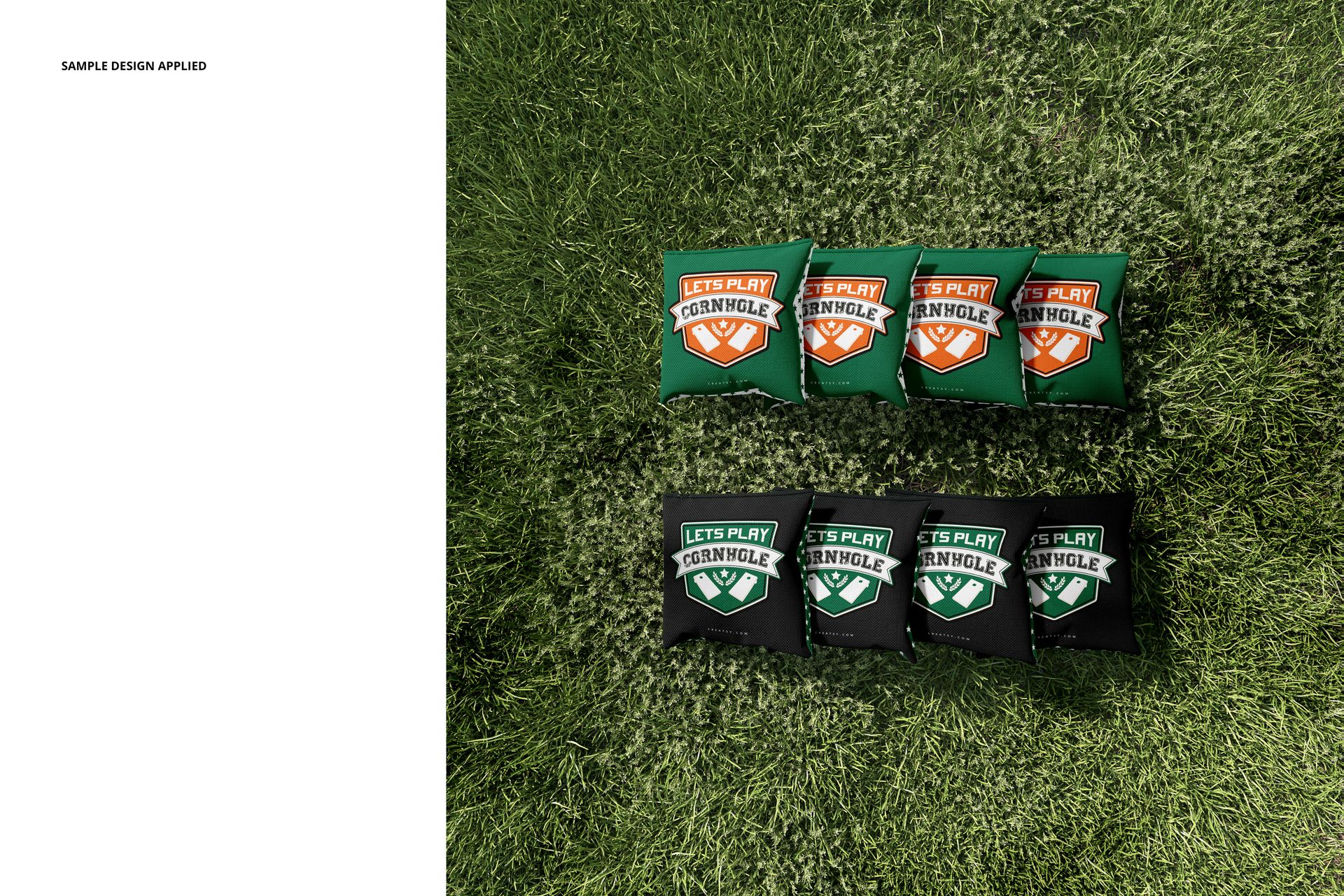
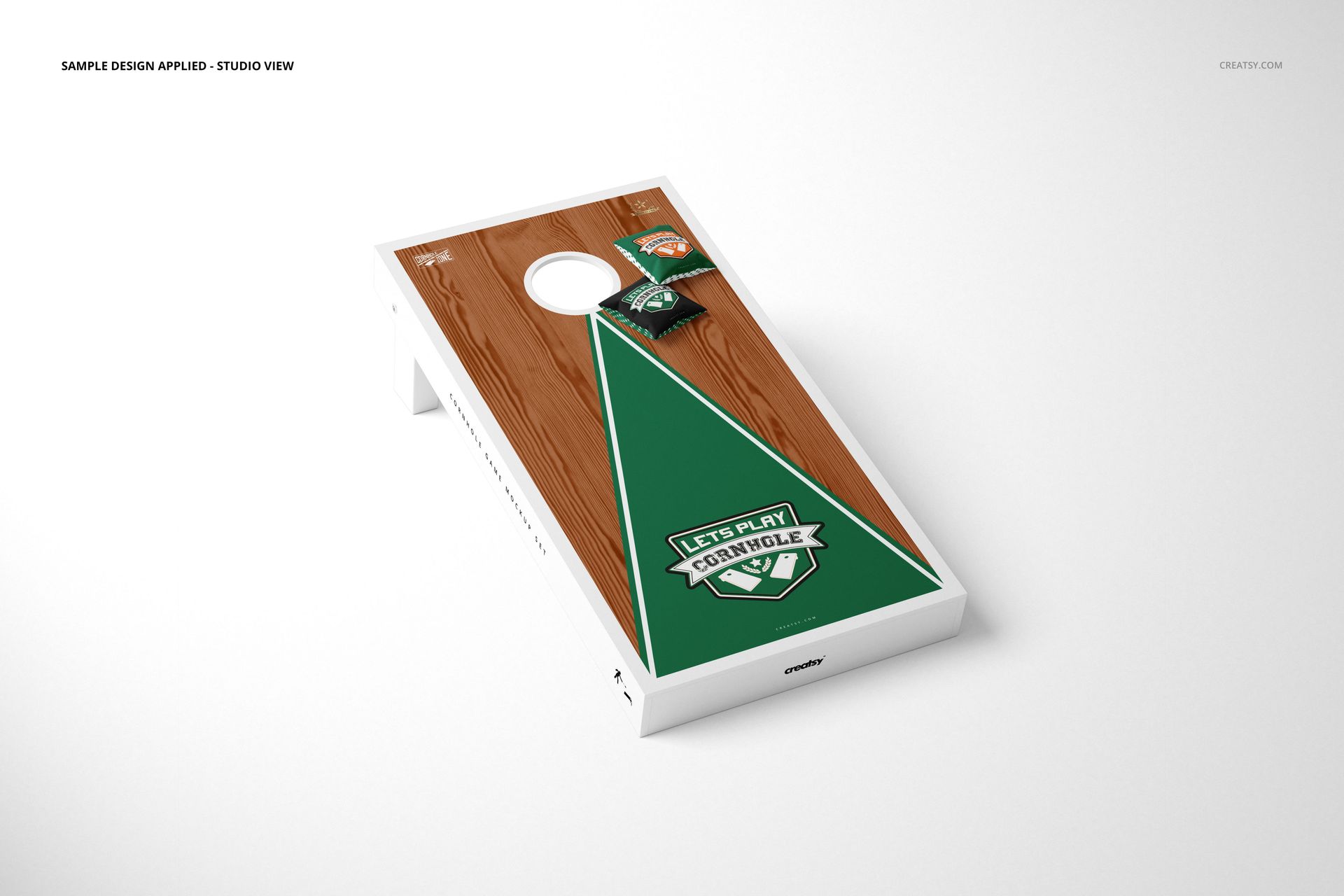
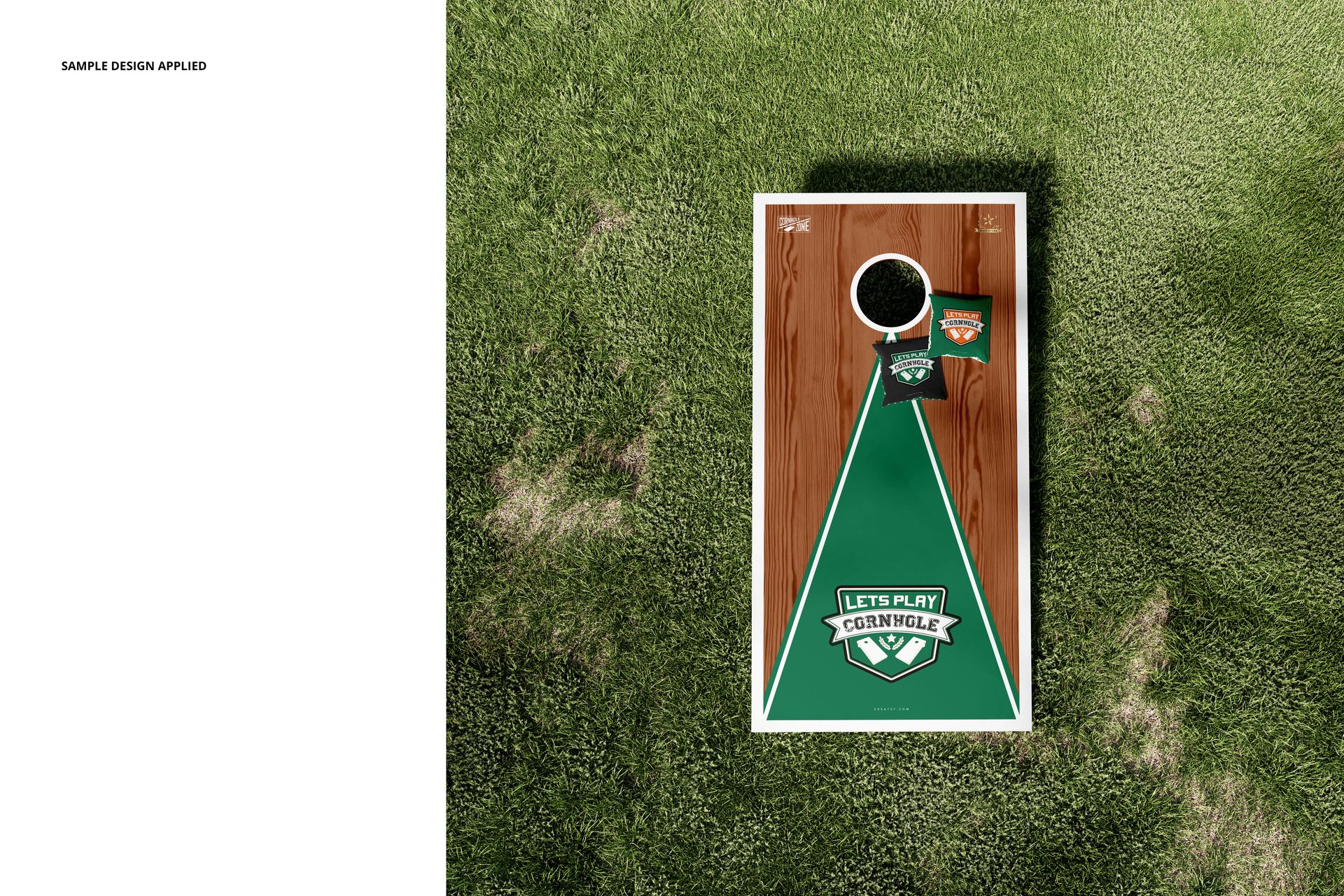
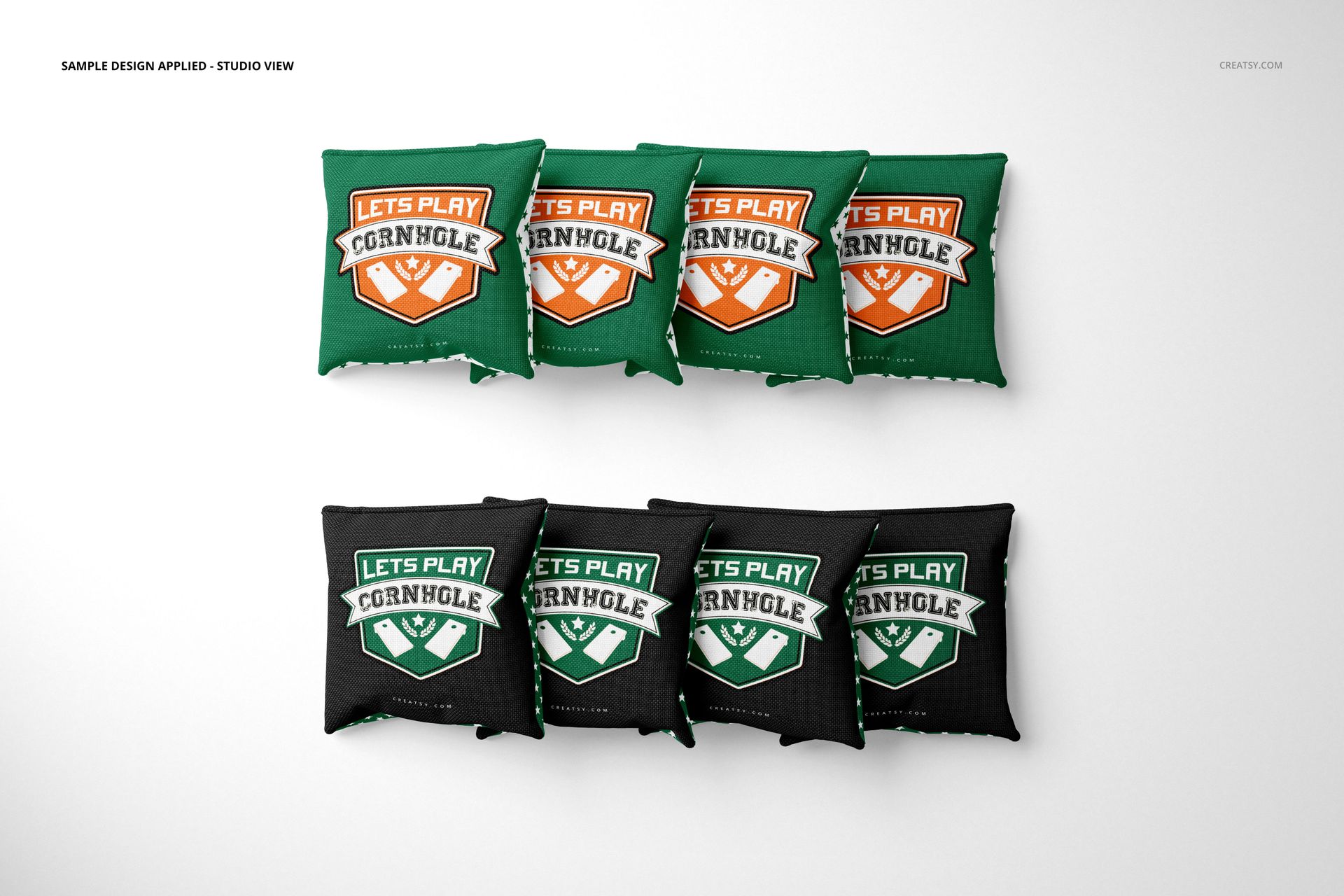
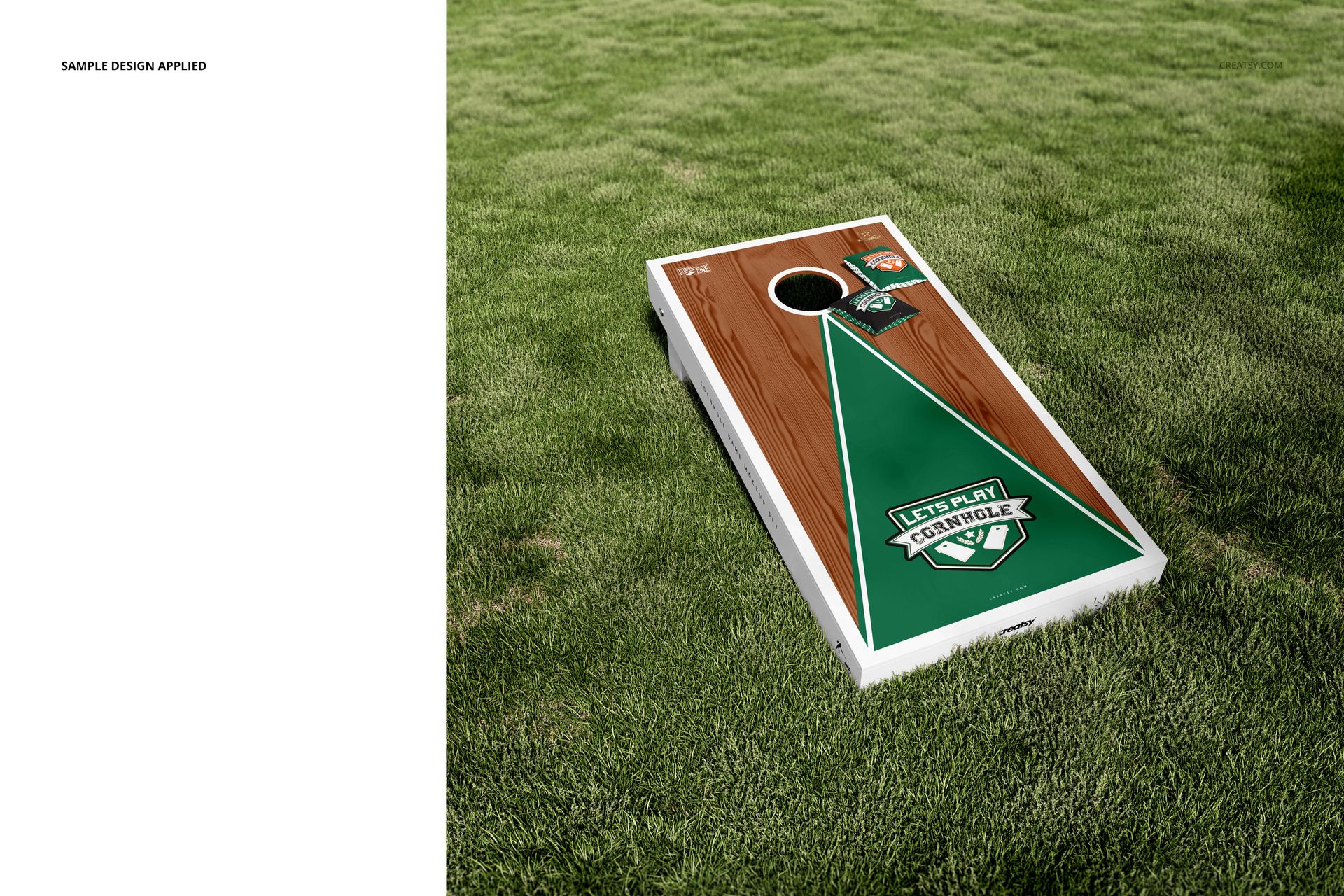
One board, a matched pair and the bags themselves each need a different presentation. This set covers those arrangements across four outdoor compositions on grass and three studio views, including angled boards, overhead artwork views and separate groups of bags.
Use the lawn scenes to introduce a finished game concept, then switch to the studio compositions for a closer discussion of graphics, wood tones and matching fabric artwork.
What Is Included
7 layered PSD files containing seven editable compositions.
Four lawn scenes and three studio presentations.
Files prepared at 300 DPI.
7 JPG previews and 1 PDF user manual, 15 files in total.
Compatibility with Adobe Photoshop CC2015 or newer and Photopea, the free online editor.
Coordinate the Boards and Both Bag Groups
Develop two recognizable color combinations using a shared emblem, pattern or lettering style. The bag-only arrangements let you give these smaller surfaces their own image instead of leaving them as minor props beside the boards.
Try a detailed board graphic with a simpler mark on each bag. This gives the equipment a clear relationship without forcing the same layout onto differently shaped surfaces.
Smart Objects, Wood Colors and Movable Bags
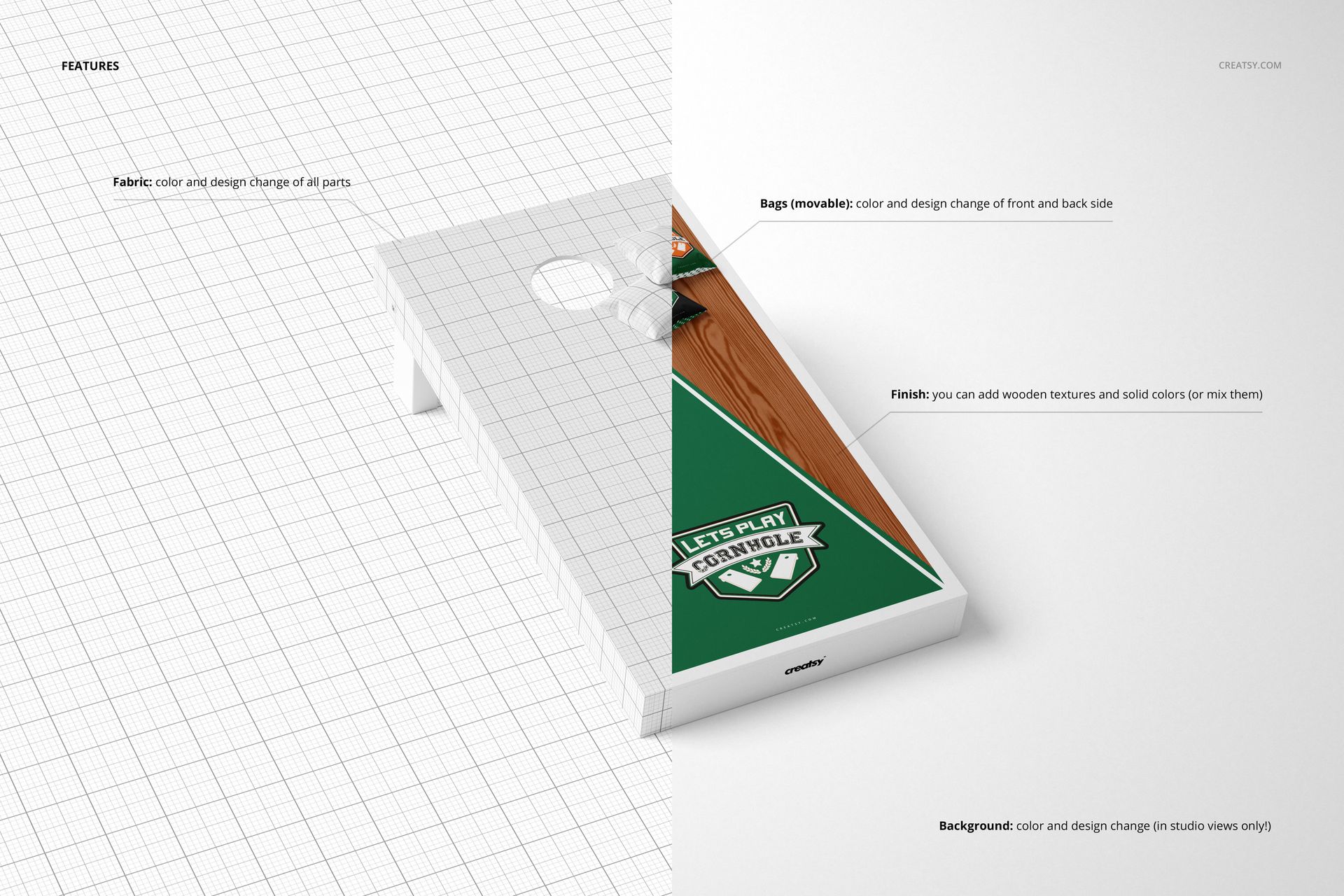
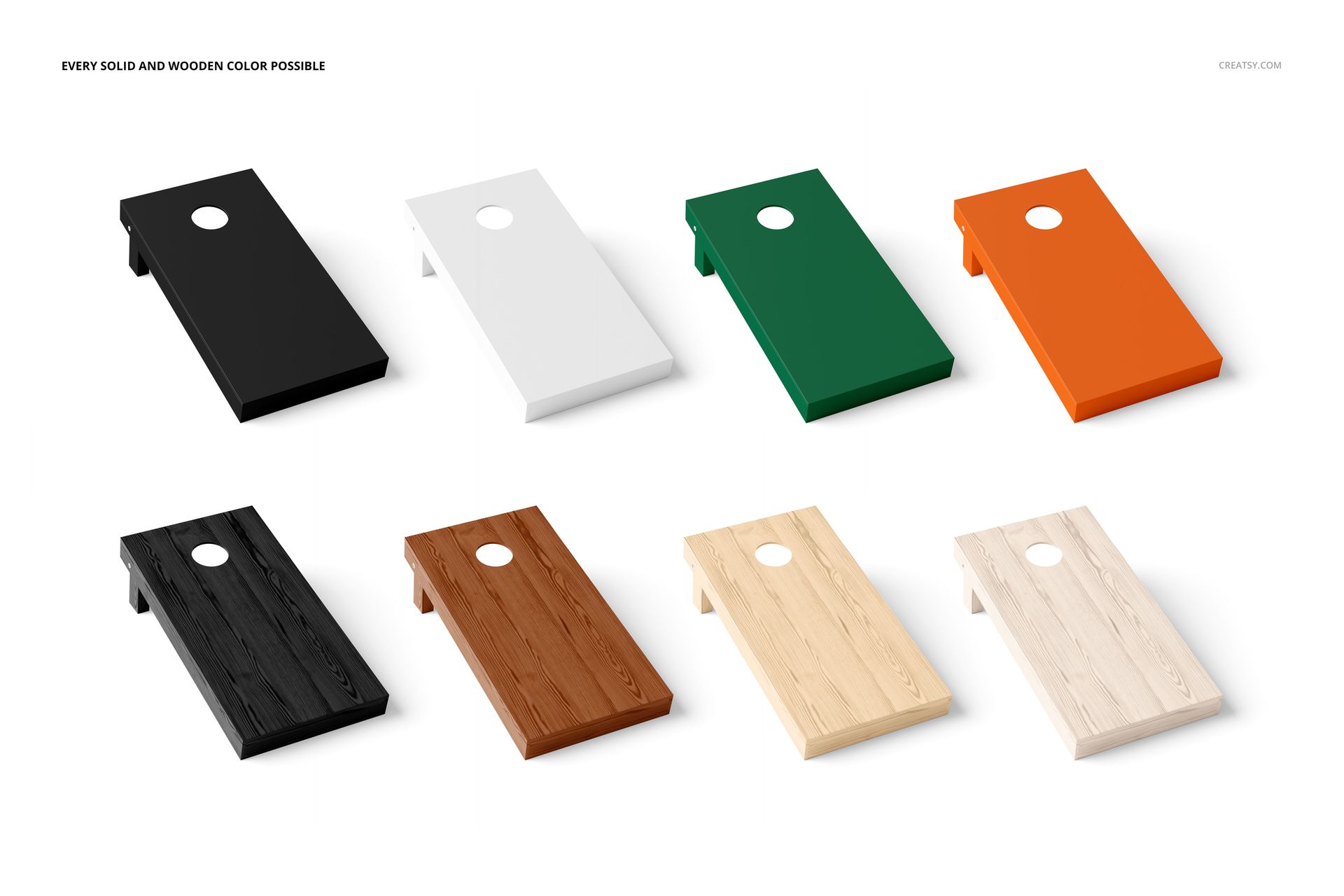
Replace the board and bag artwork through the prepared Smart Objects. Adjust the wood color and the solid colors of the board components, then move or hide bags where needed. Studio views also support background color changes and added textures; those background controls should not be assumed to apply to the lawn scenes.
Perfect For
Custom cornhole makers presenting artwork options.
Designers creating wedding or event game graphics.
Studios developing coordinated lawn-game branding.
Illustrators preparing sports and recreation portfolios.
This is a digital presentation mockup. Physical boards, bags and sample artwork are not included. It is not a construction plan, cutting template or certification of equipment dimensions.