Travel Identity Mockup
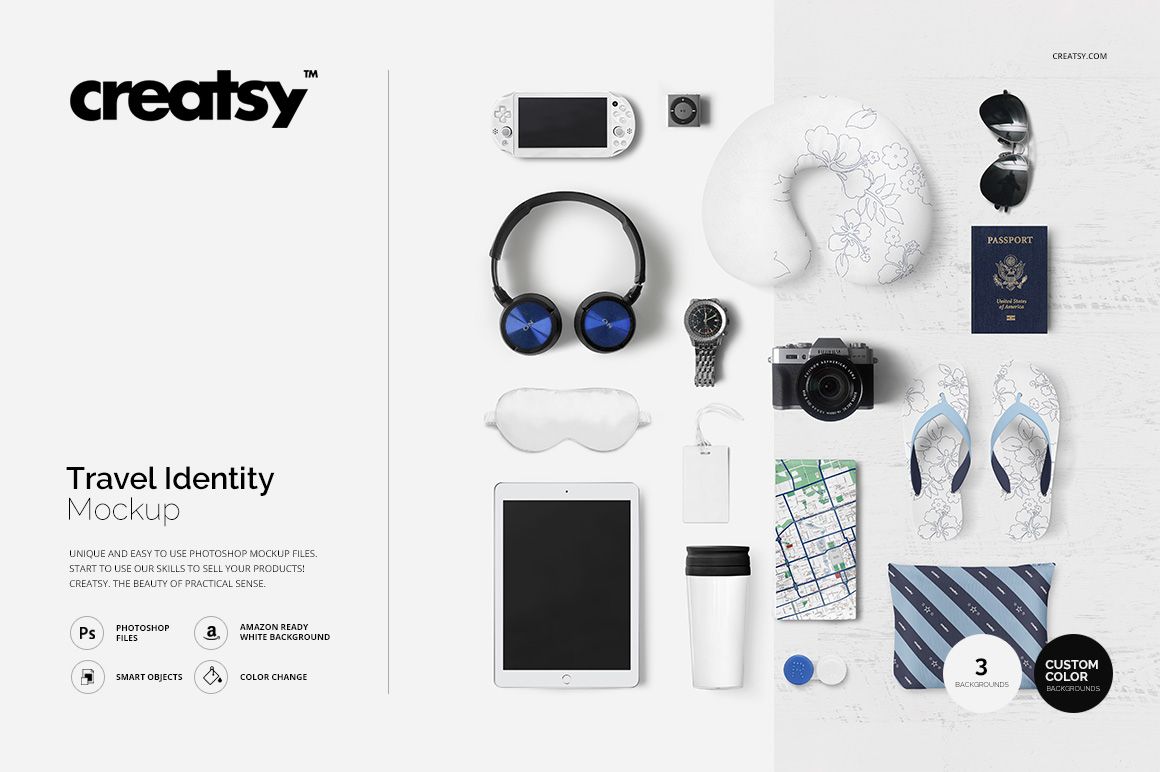
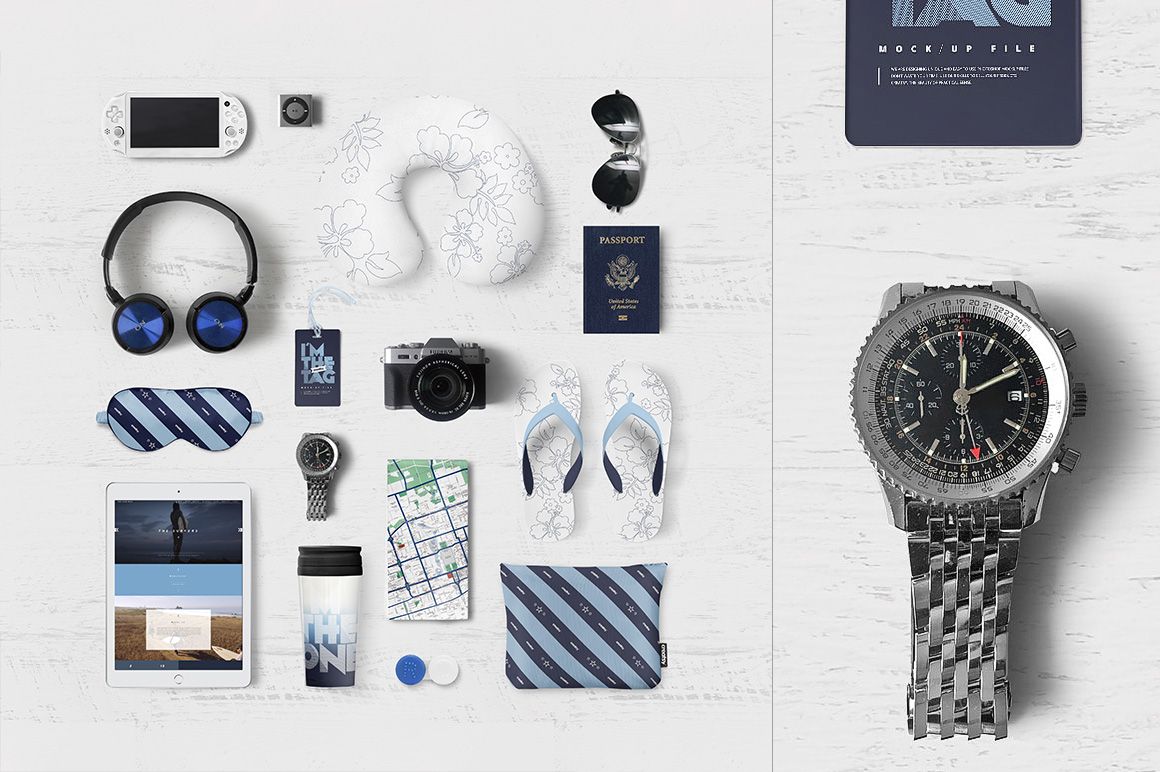
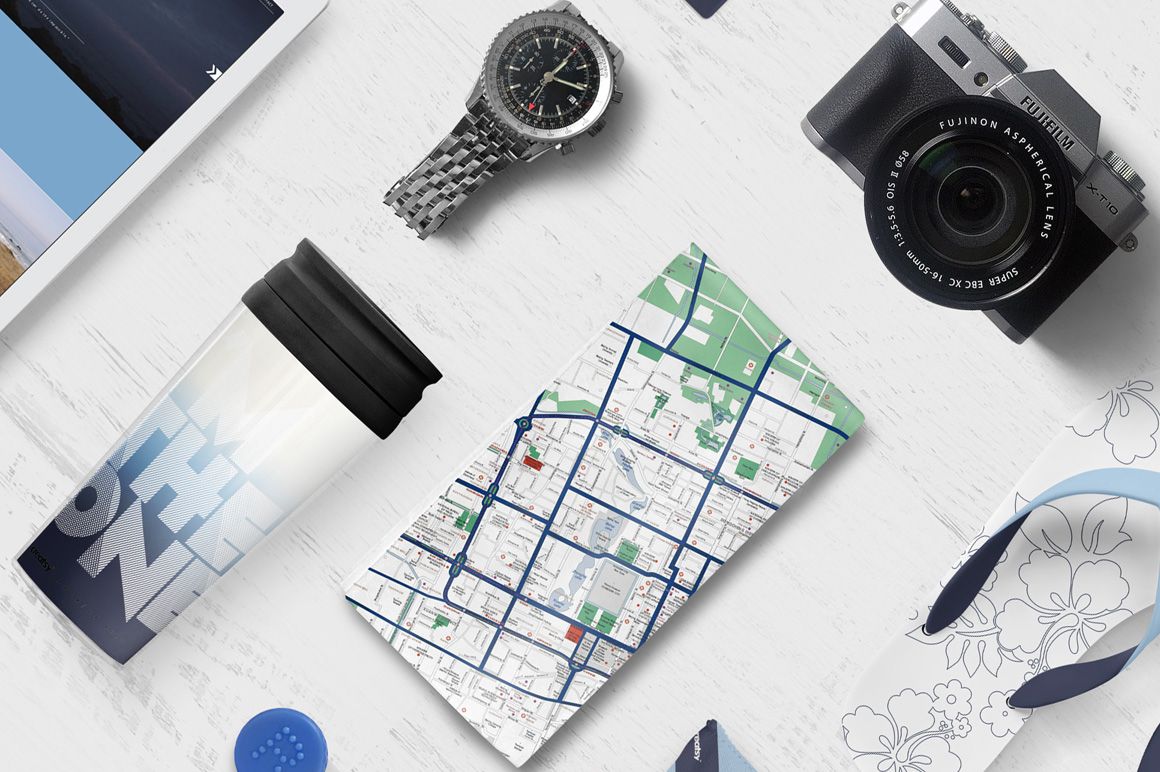
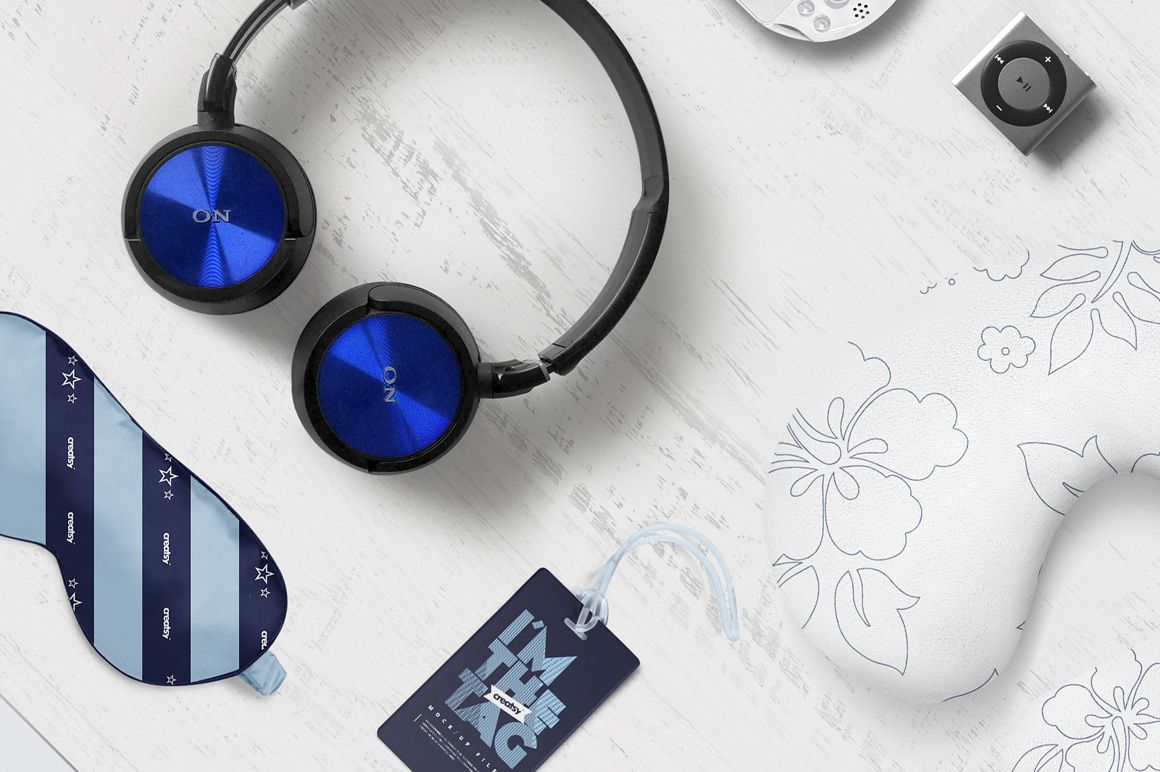
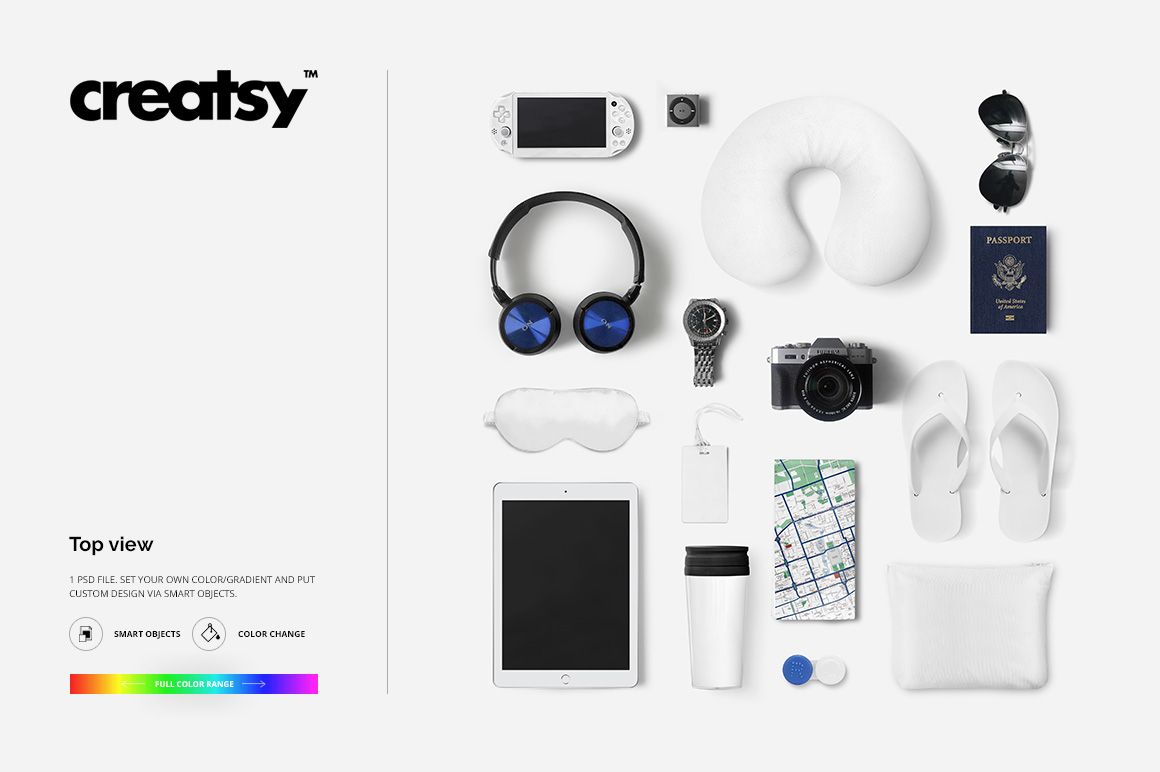
A neck pillow, sleep mask, luggage tag and flip-flops can share a visual identity without wearing exactly the same pattern. This travel accessories flat lay mockup brings them into one top-view composition alongside a tablet, travel cup, pouch, camera, passport and other journey essentials. Use the scene to present a coordinated holiday collection or a travel brand concept in context.
What Is Included
1 layered PSD mockup with a square 4000 × 4000 px canvas at 300 DPI.
1 JPG preview and 1 TIF guide, 3 files in total.
A top-view travel accessory arrangement with Smart Object artwork editing and color controls.
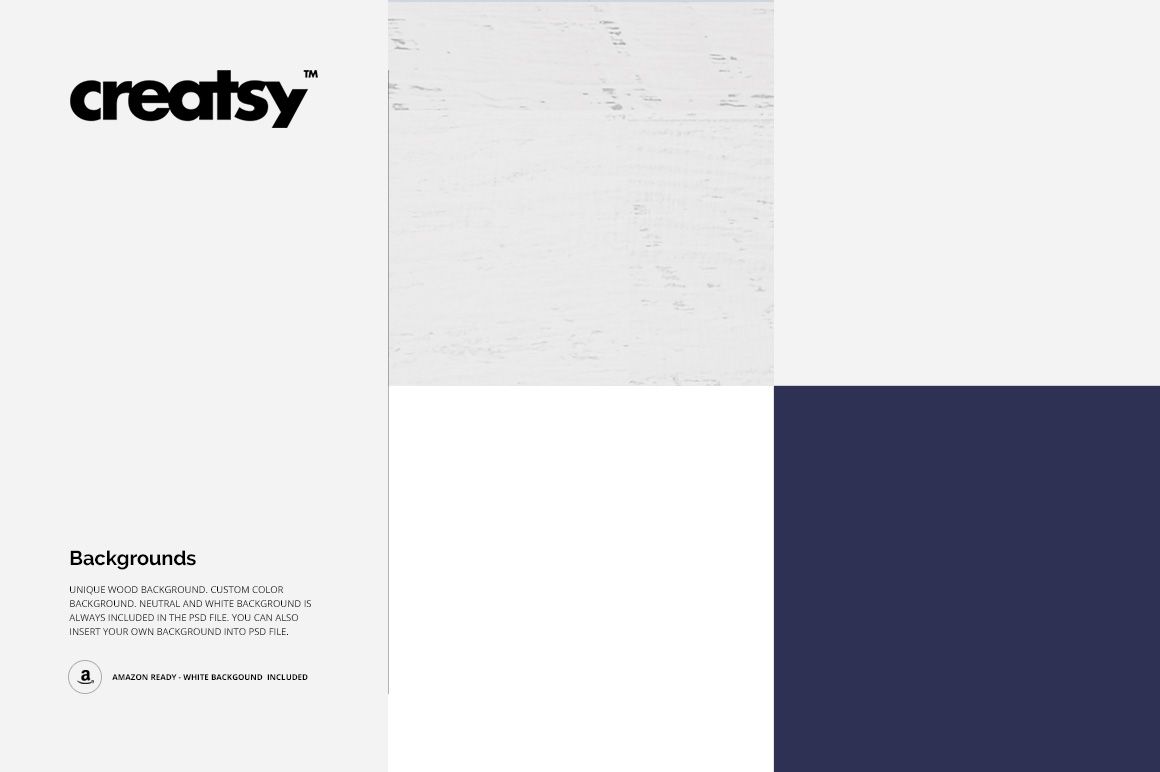
Wood-textured, neutral and white backgrounds, plus custom background color options.
Compatibility with Adobe Photoshop CS4 or newer and Photopea.
Show a Collection, Not Just a Pattern Swatch
The mix of curved fabric accessories, small tags and larger display areas gives your concept a useful sense of variety. Compare the visual weight of a bold repeat with a quieter coordinating stripe, or use one accent color to connect the different pieces. The travel props establish the setting without requiring a separate photoshoot.
Easy Smart Object Editing
Open the PSD in Photoshop or Photopea, replace the artwork in the prepared Smart Objects and save those changes to update the main composition. Refine the available colors and background to suit your presentation. Use the included guide to locate the editing controls; the scene contains contextual props as well as customizable surfaces.
Perfect For
Surface pattern designers presenting coordinated travel accessories.
Travel and lifestyle brands developing seasonal visual concepts.
Illustrators pitching vacation-themed merchandise collections.
Branding studios preparing travel campaign portfolio images.
This is a digital mockup, not a collection of physical travel products. Example artwork and patterns shown in the previews are not included.