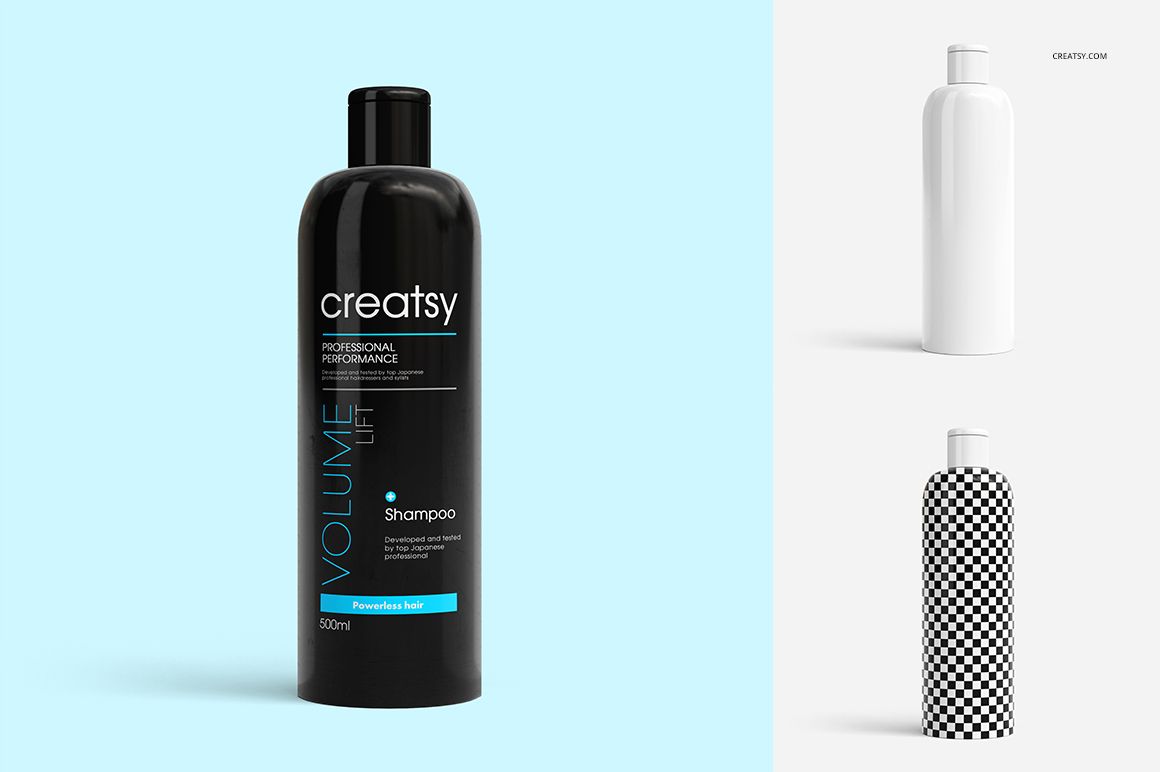
Shampoo Bottle Mockup Set
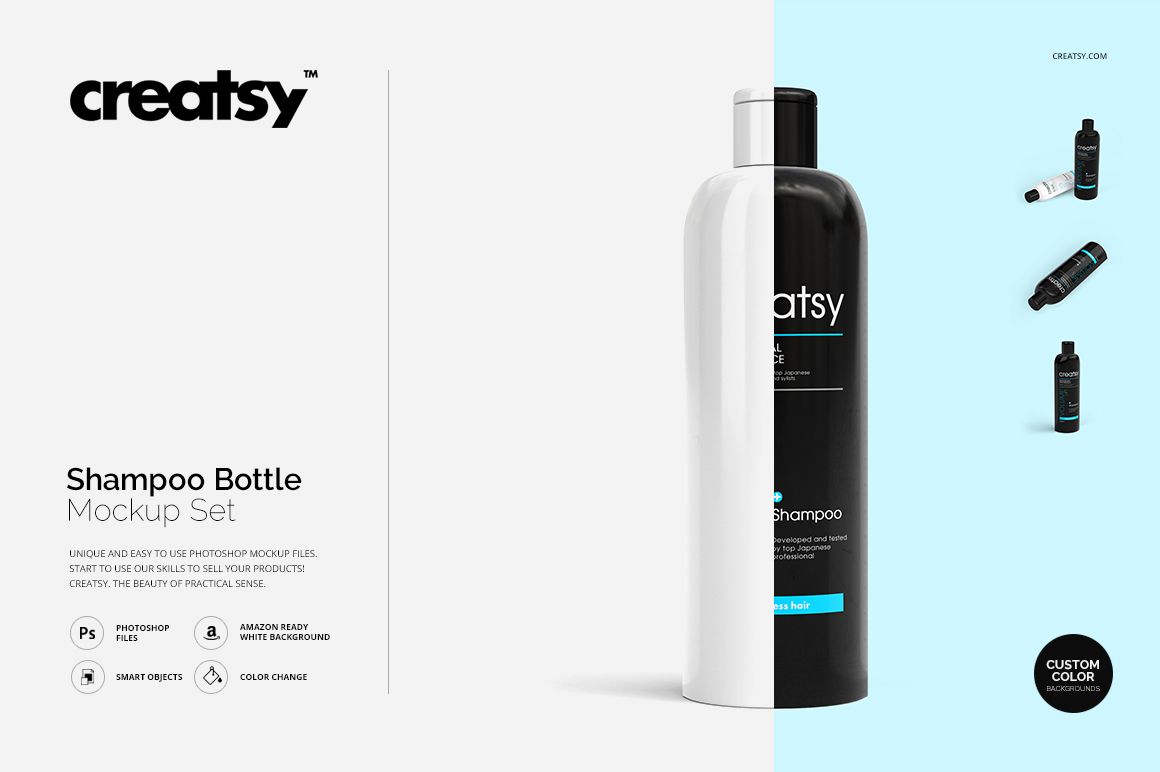
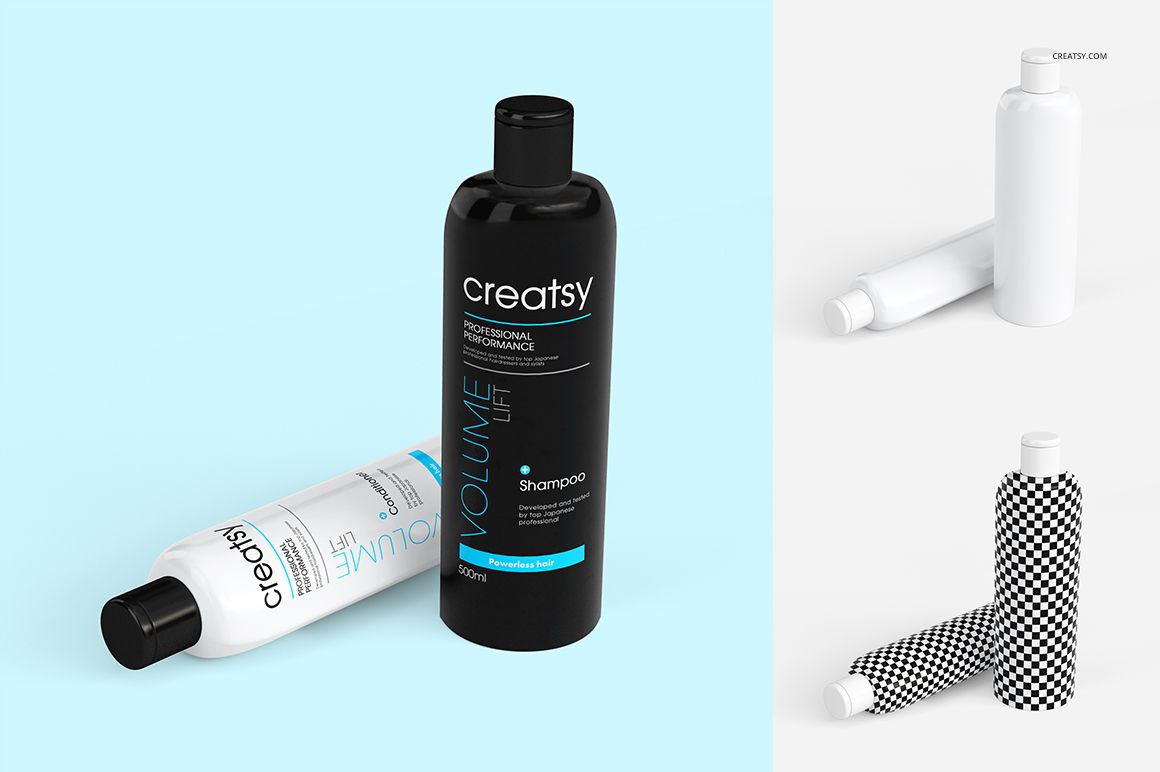
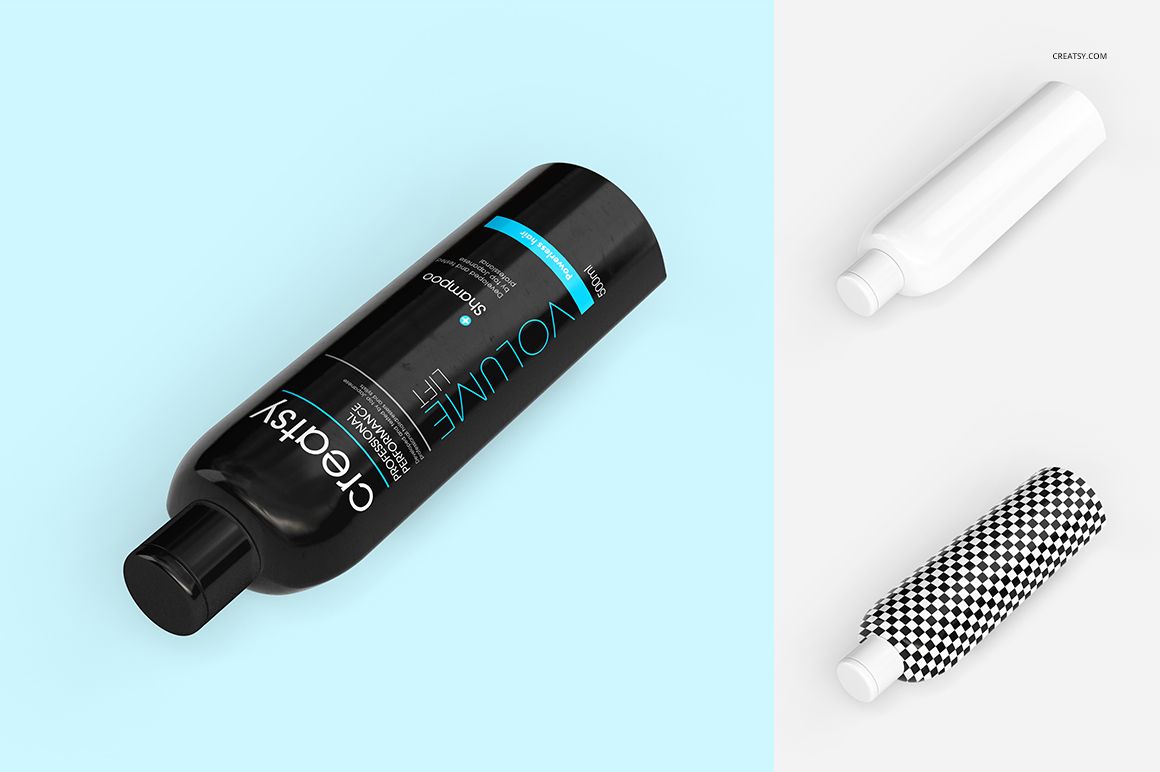
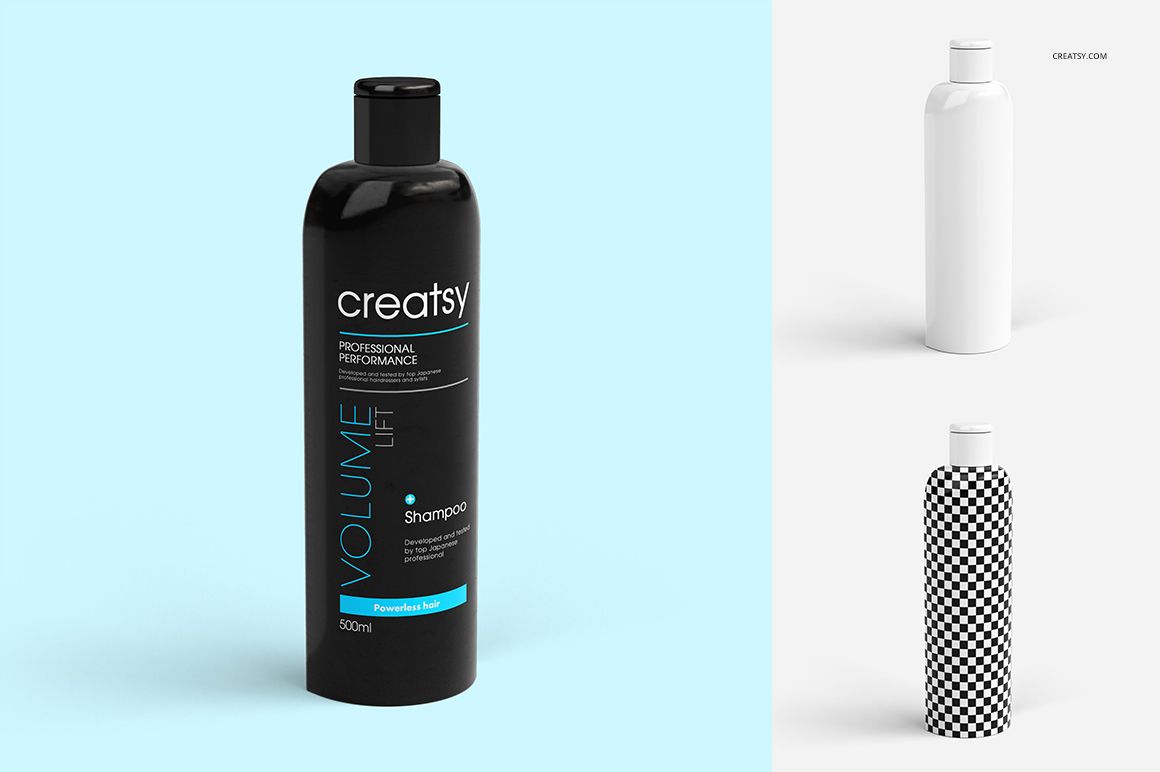
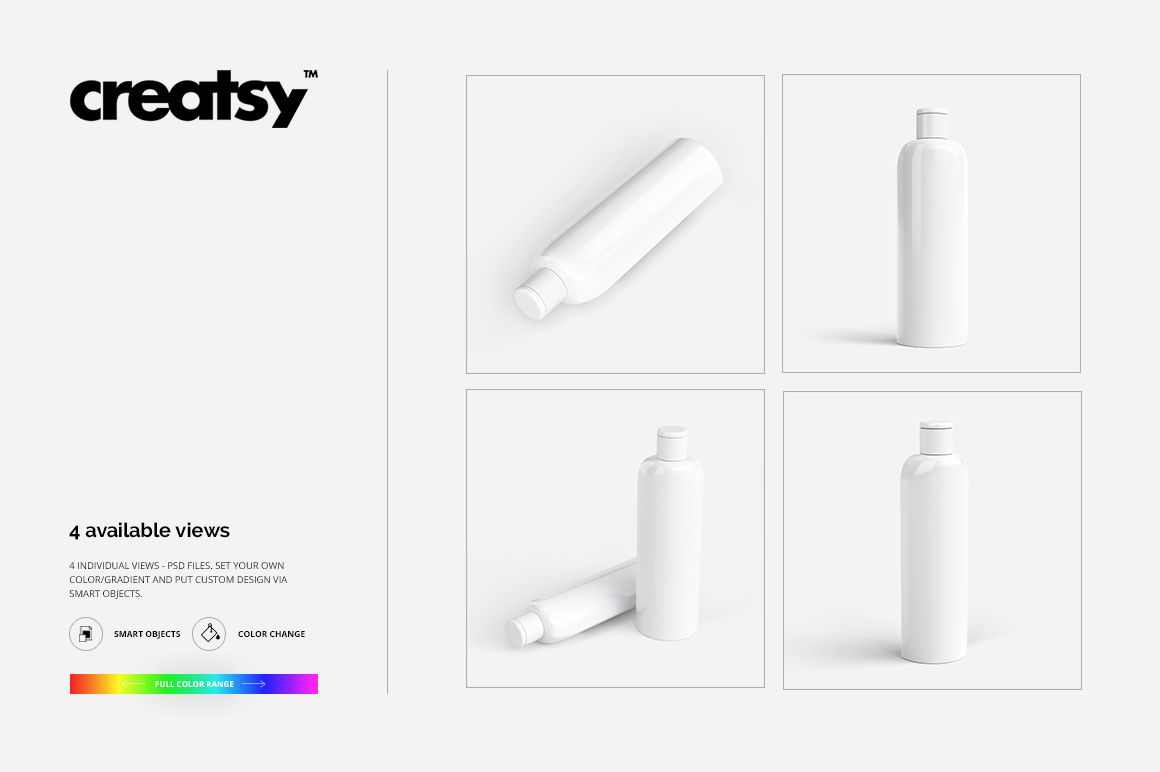
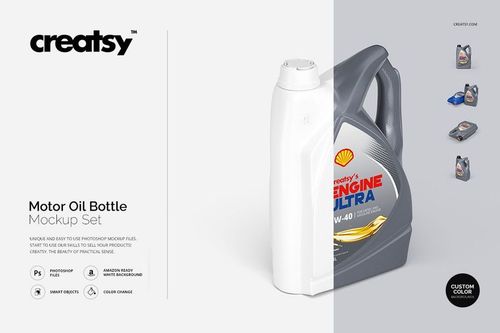
Give the brand name, shampoo variant and supporting graphics room to work together on a curved bottle. This set provides four prepared views of a cylindrical shampoo bottle, including upright and tilted presentations, with editable artwork, colors and backgrounds.
Use the different views to develop a haircare packaging concept beyond its flat artwork. Keep the main lettering consistent, then explore how a quieter illustration, a larger color block or a different bottle color changes the presentation.
What Is Included
4 layered PSD mockups with four bottle views.
Square canvases measuring 3000 × 3000 px at 300 DPI.
4 JPG previews and 1 TIF guide, 9 files in total.
Compatibility with Adobe Photoshop CS5 or newer and Photopea, the free online editor.
Keep the Main Message Together
Try placing the brand name and shampoo variant within a compact reading area rather than spreading essential words across the bottle. Let supporting patterns or color extend farther around the surface.
Compare the result in more than one view before deciding that a layout is finished. Use a flat artwork reference alongside the mockup when reviewing smaller text.
Replace the Graphics Through Smart Objects
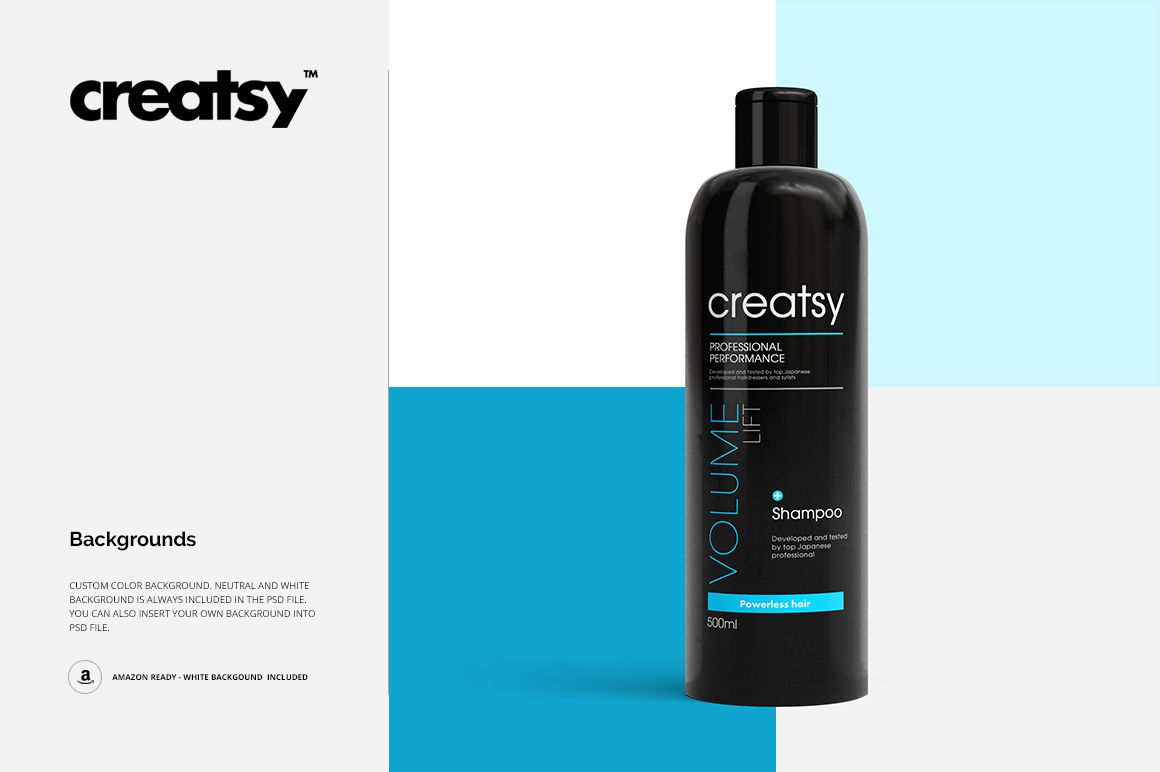
Insert your artwork into the prepared Smart Objects, save the changes and adjust the color layers. The bottle and shadow layers are separated, and the files support background changes and transparent output.
Perfect For
Haircare brands developing shampoo packaging.
Packaging designers comparing label hierarchies.
Salon brands presenting a coordinated range.
Illustrators applying artwork to personal-care packaging.
This is a digital presentation mockup. Physical bottles and example artwork are not included. Prepare manufacturing artwork using the specifications supplied by your packaging and printing partners.