Lucite Tray Many Sizes Mockup Set
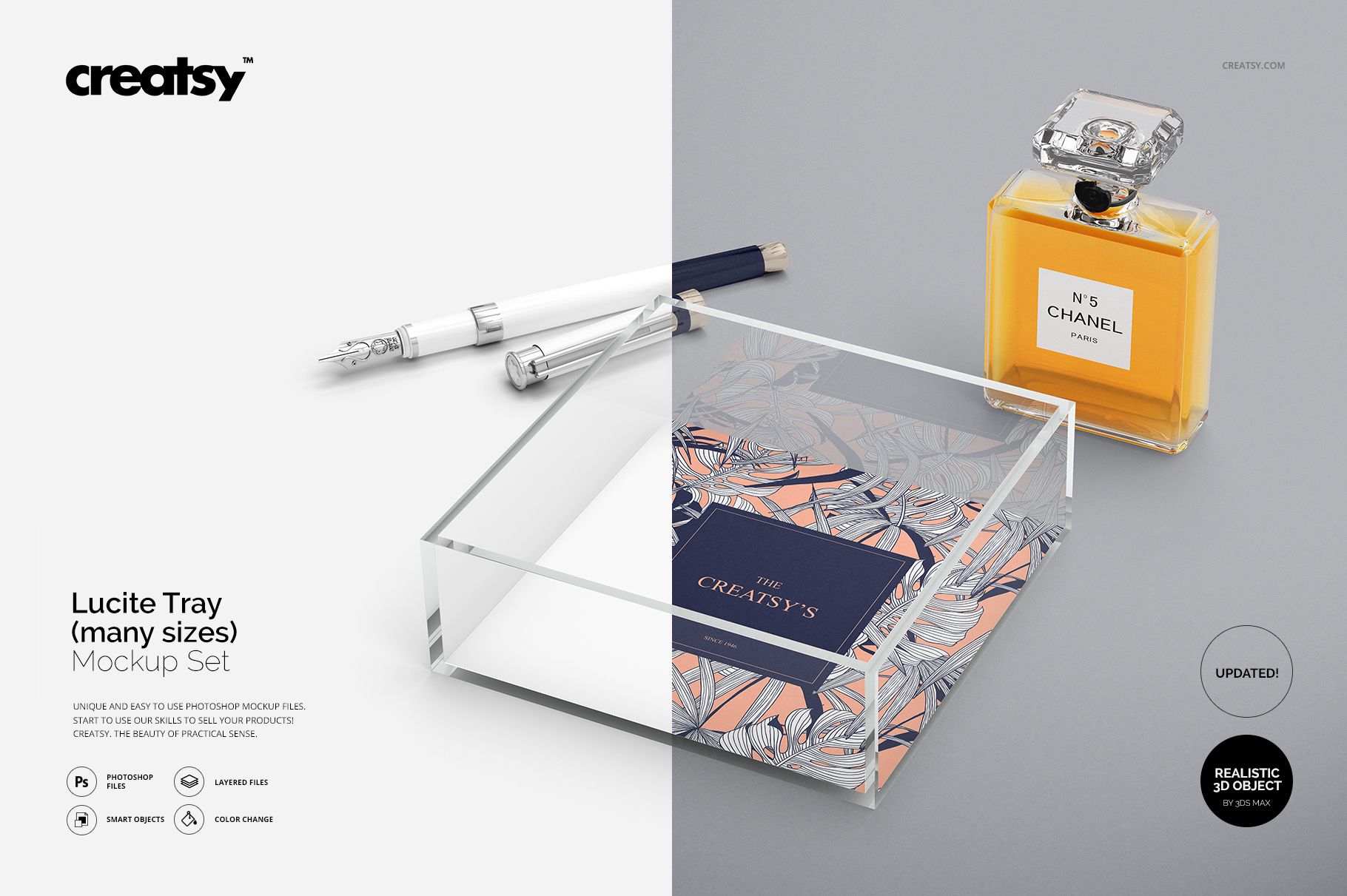
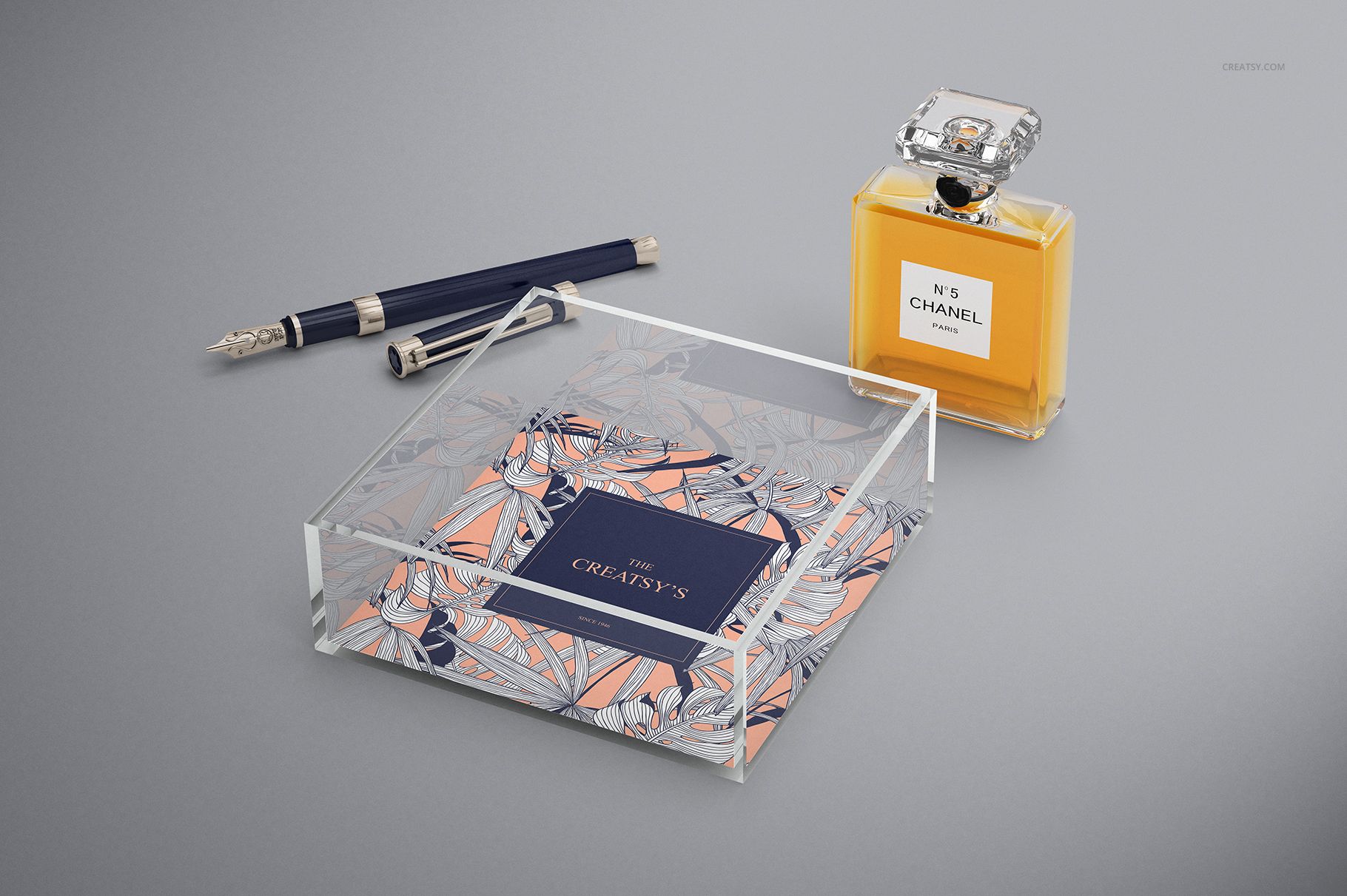
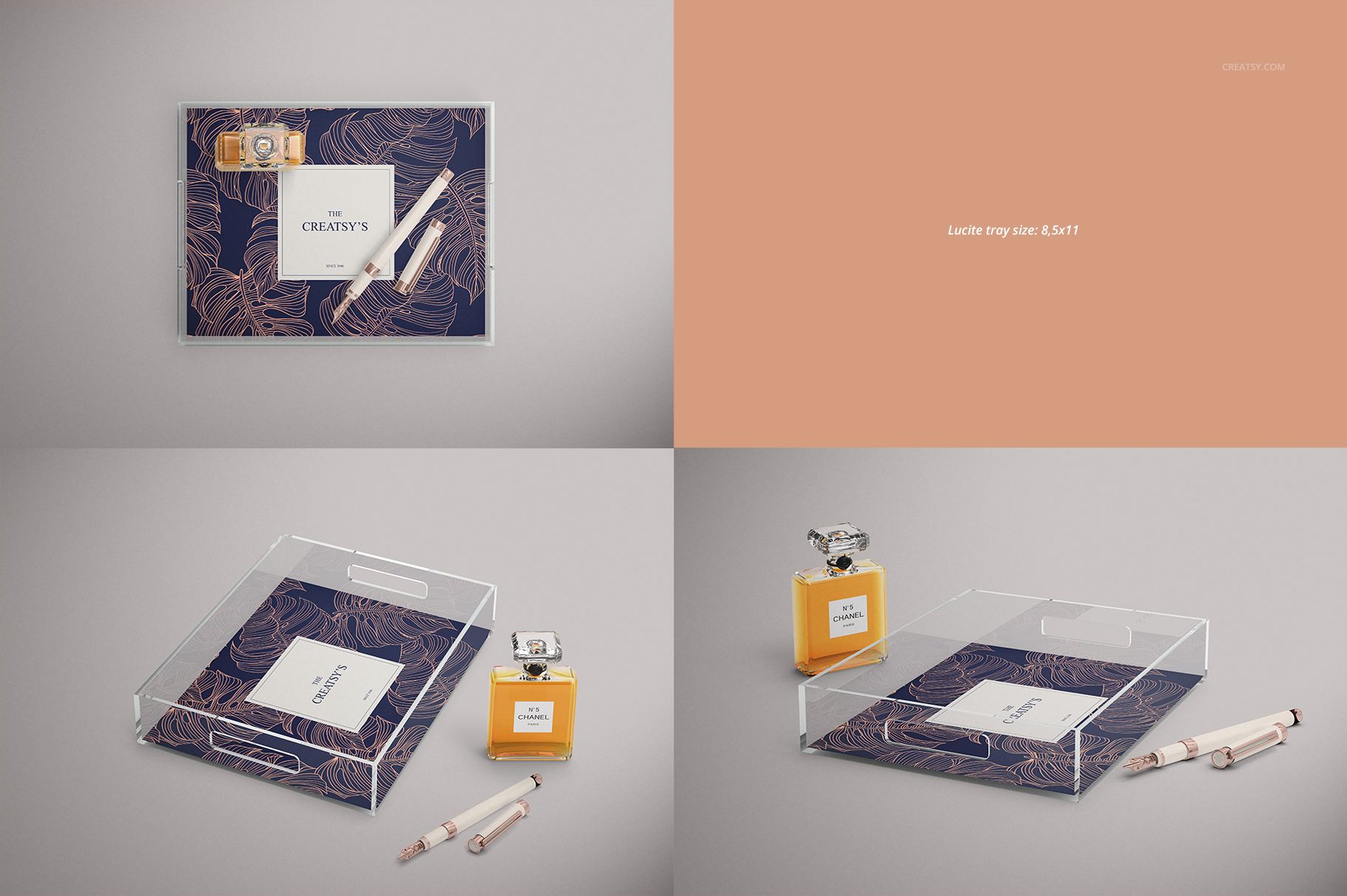
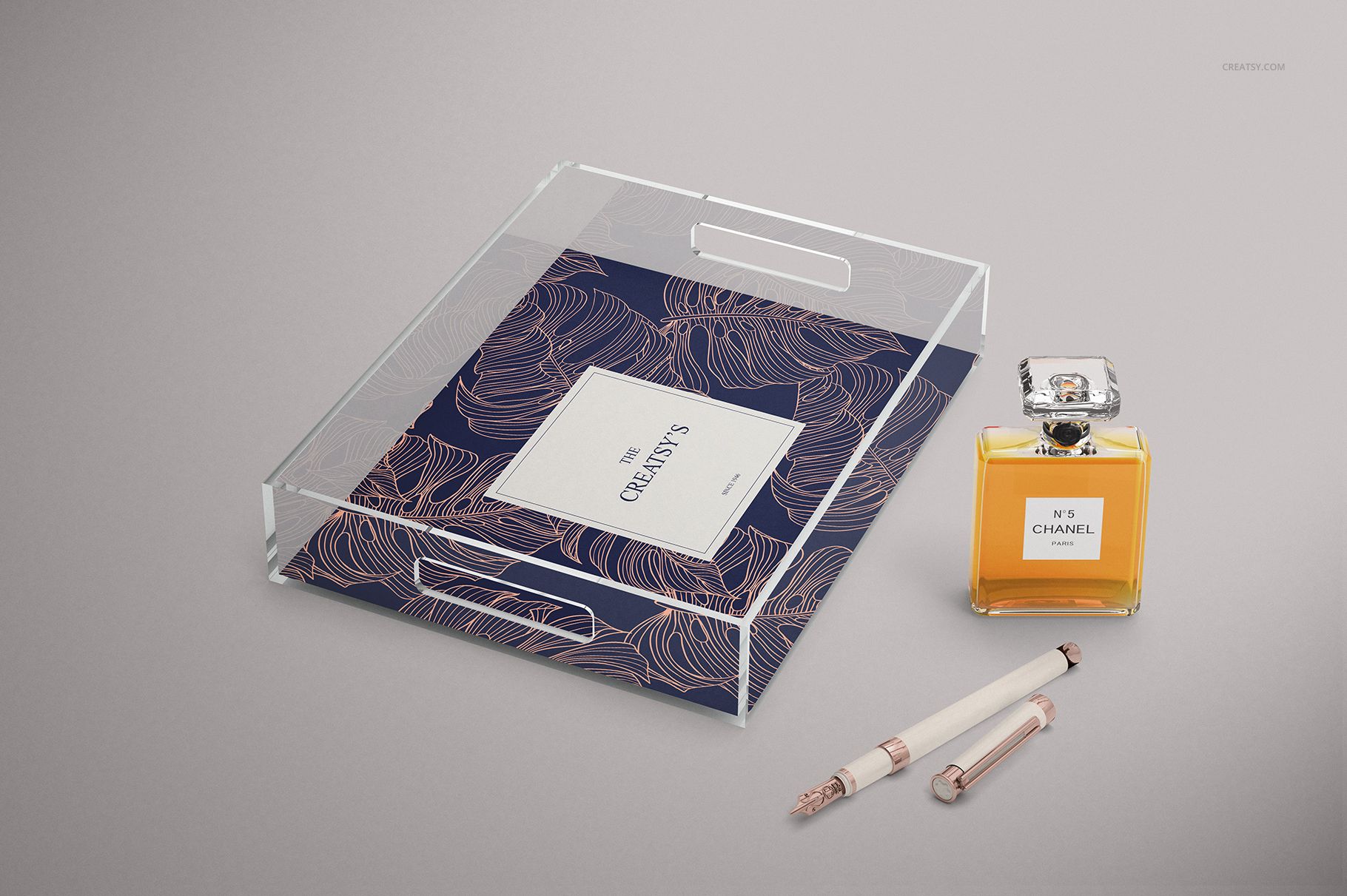
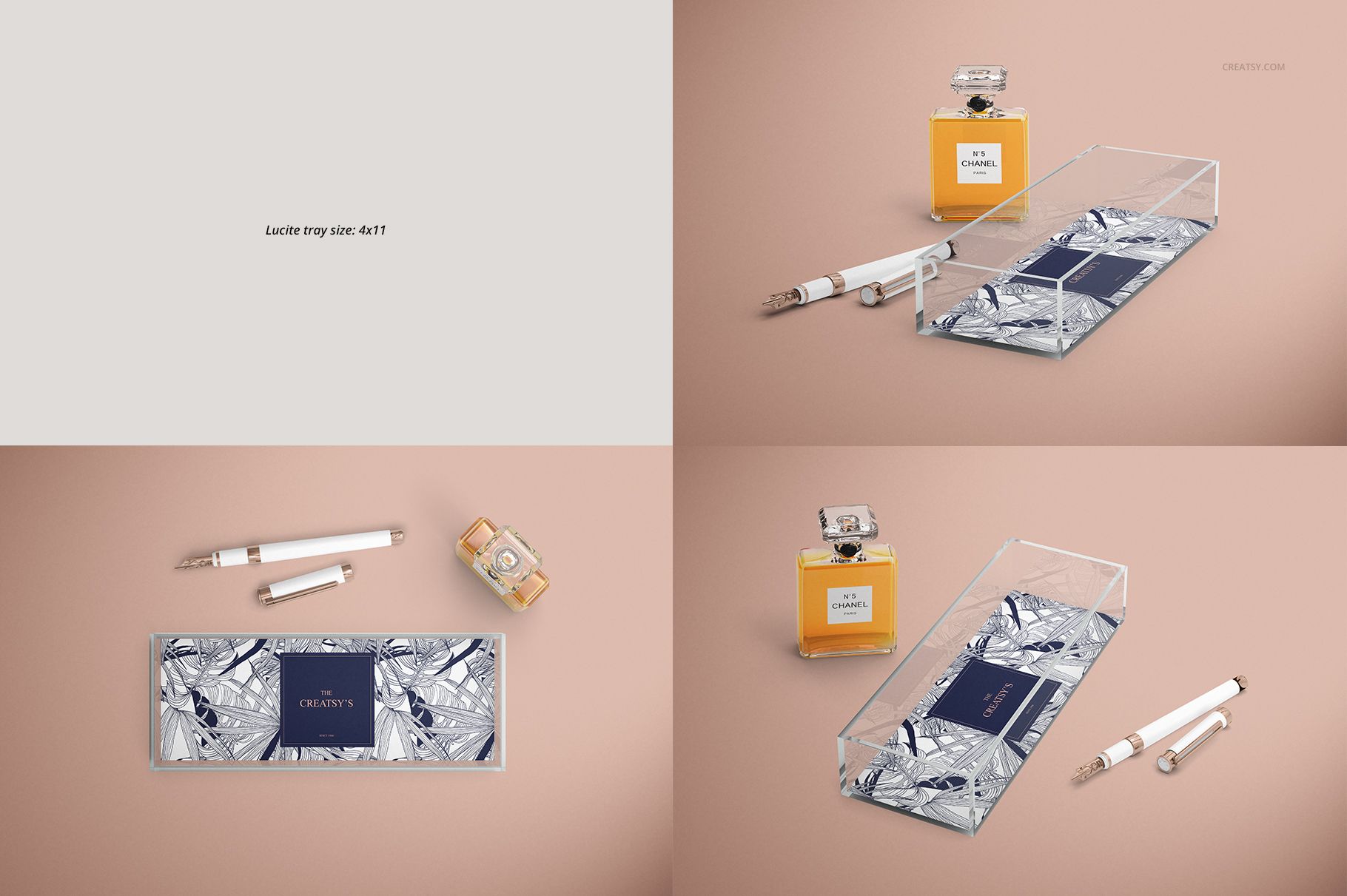
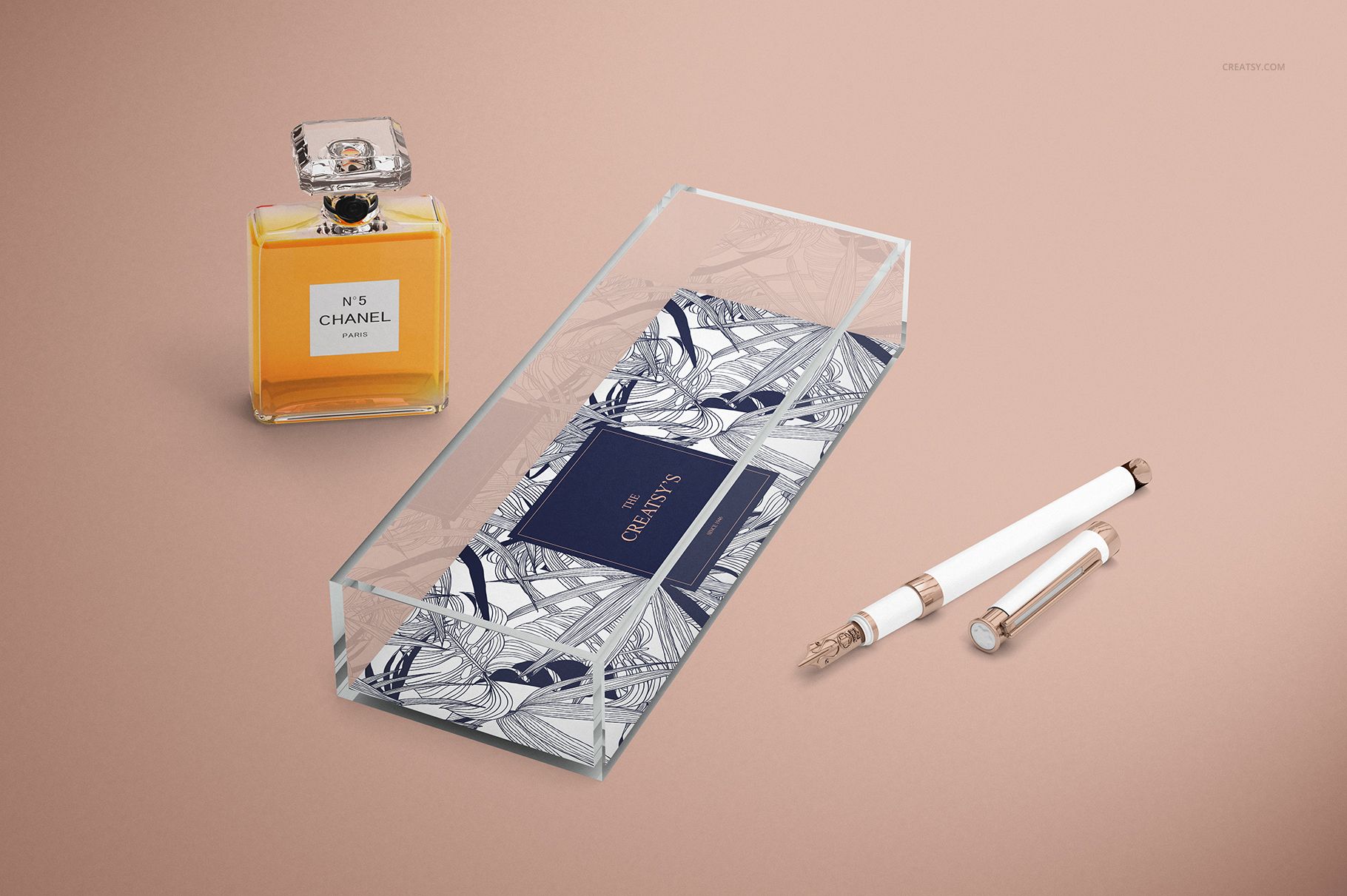
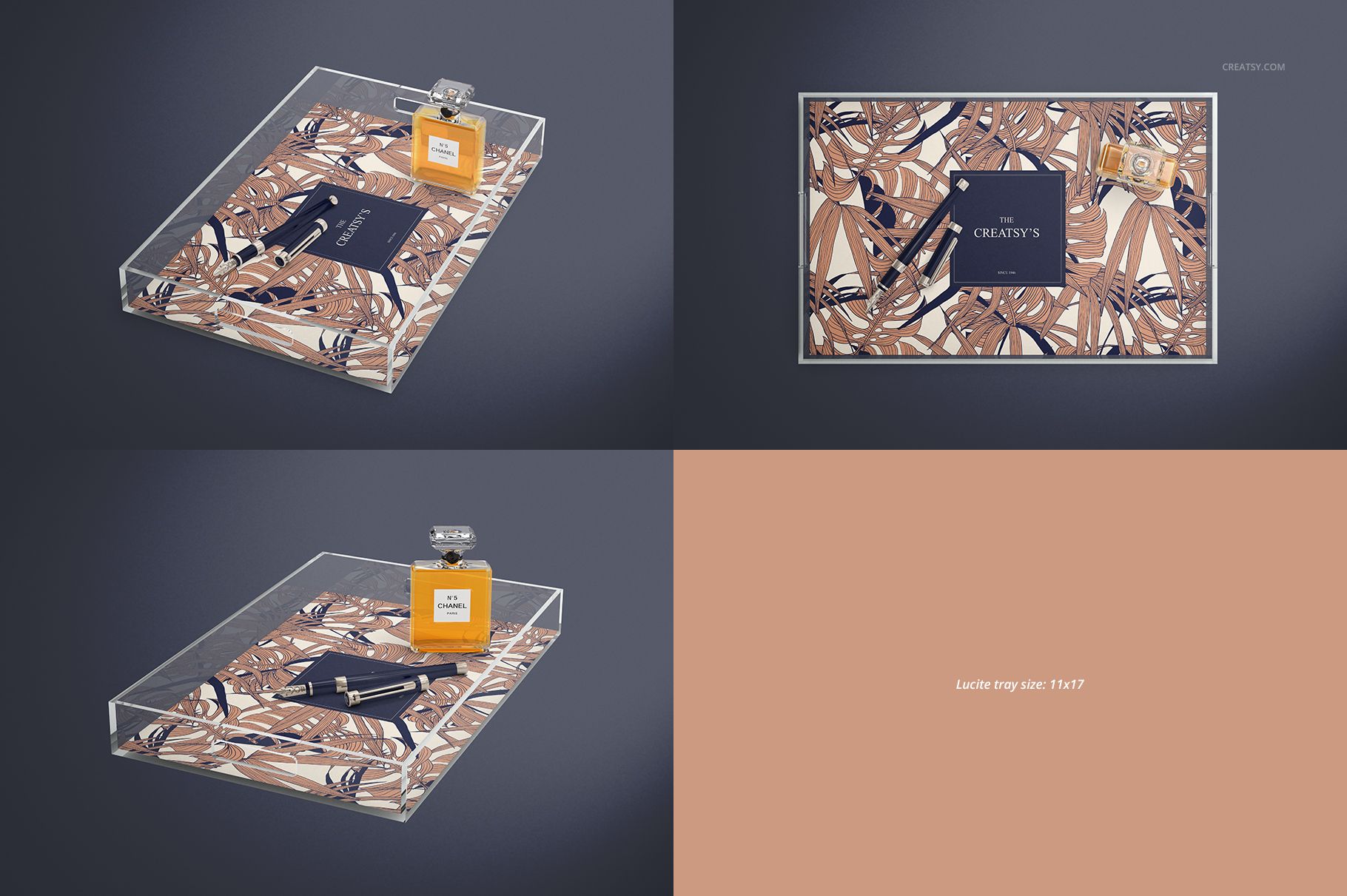
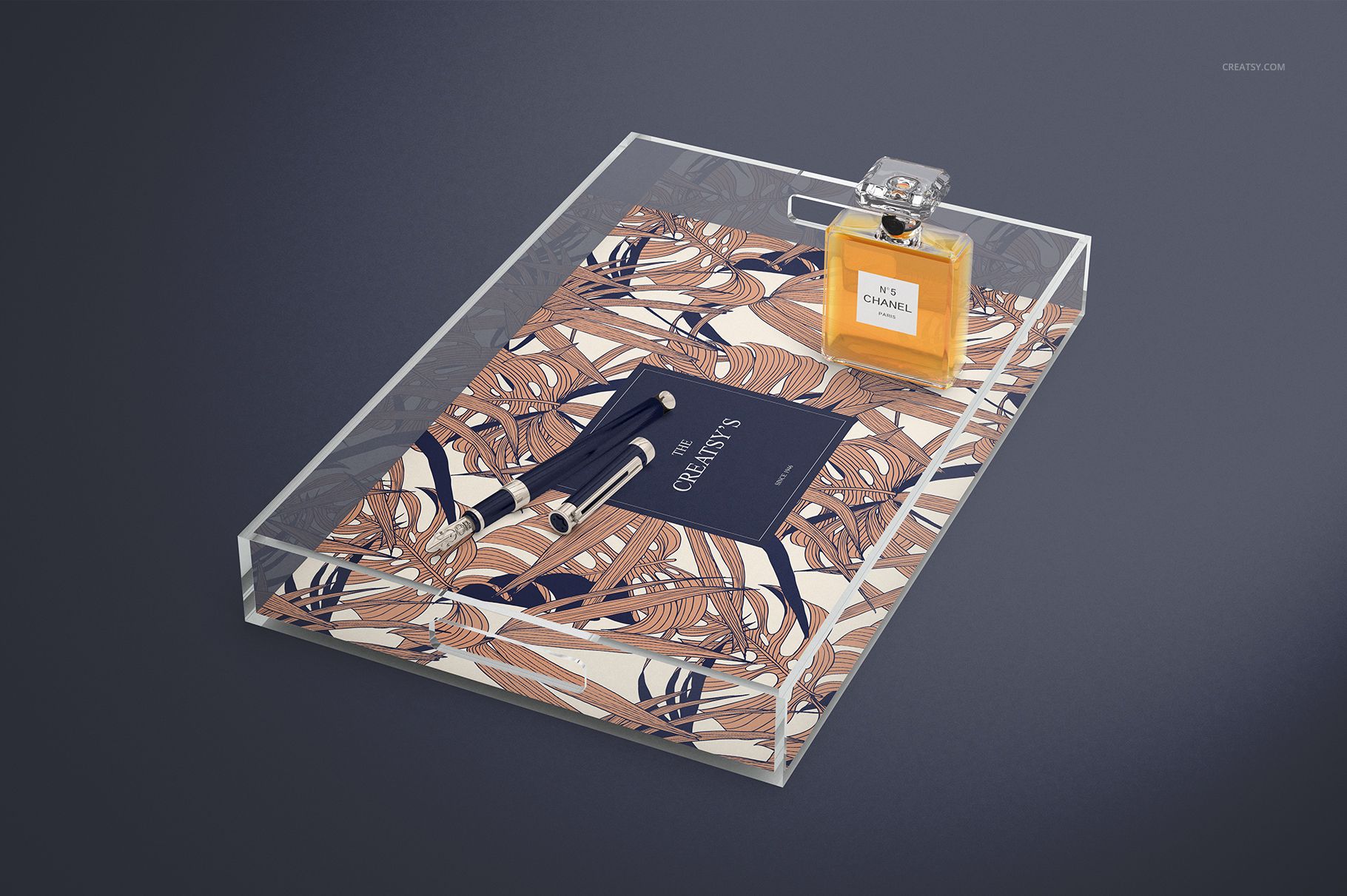
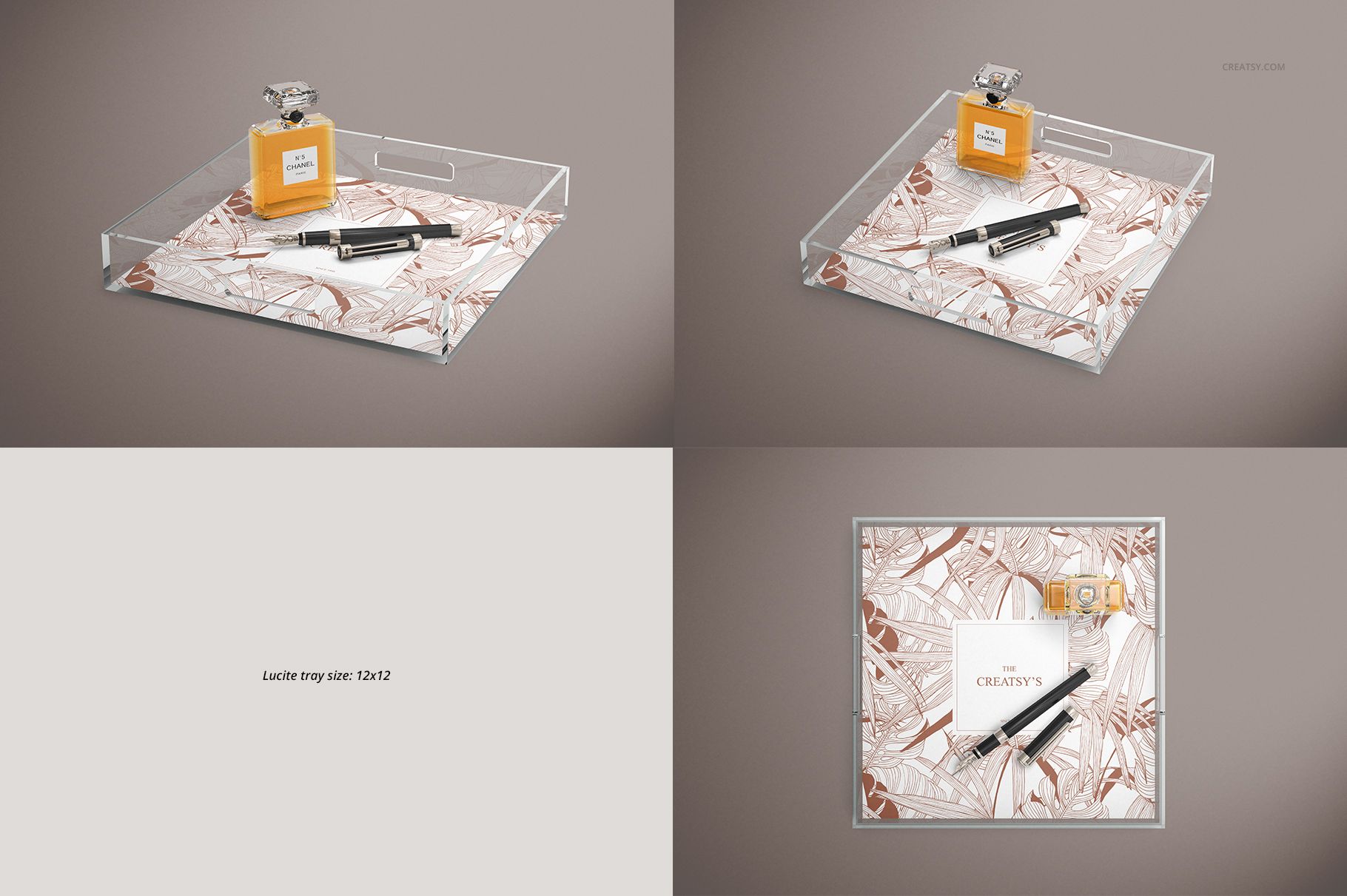
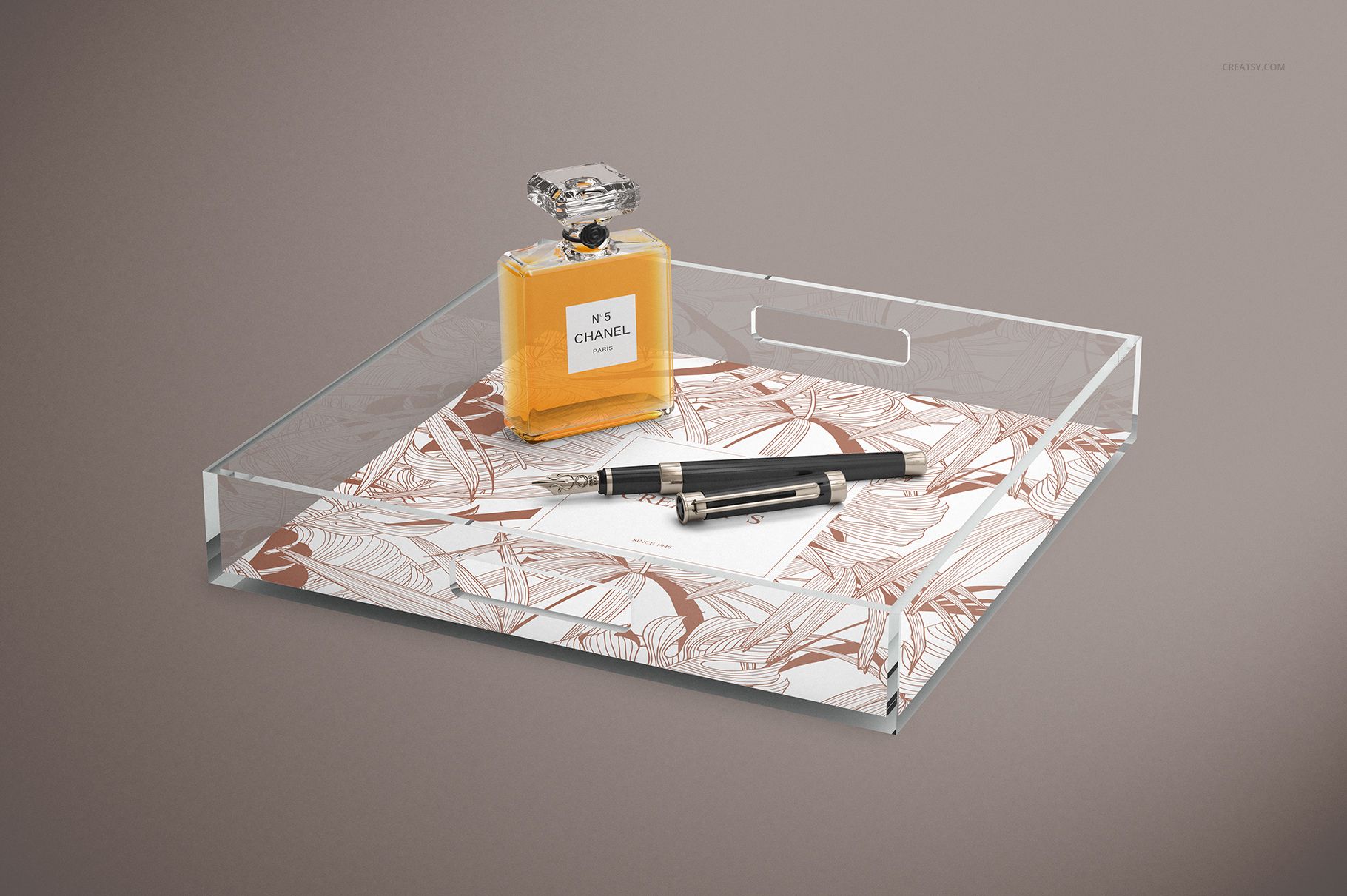
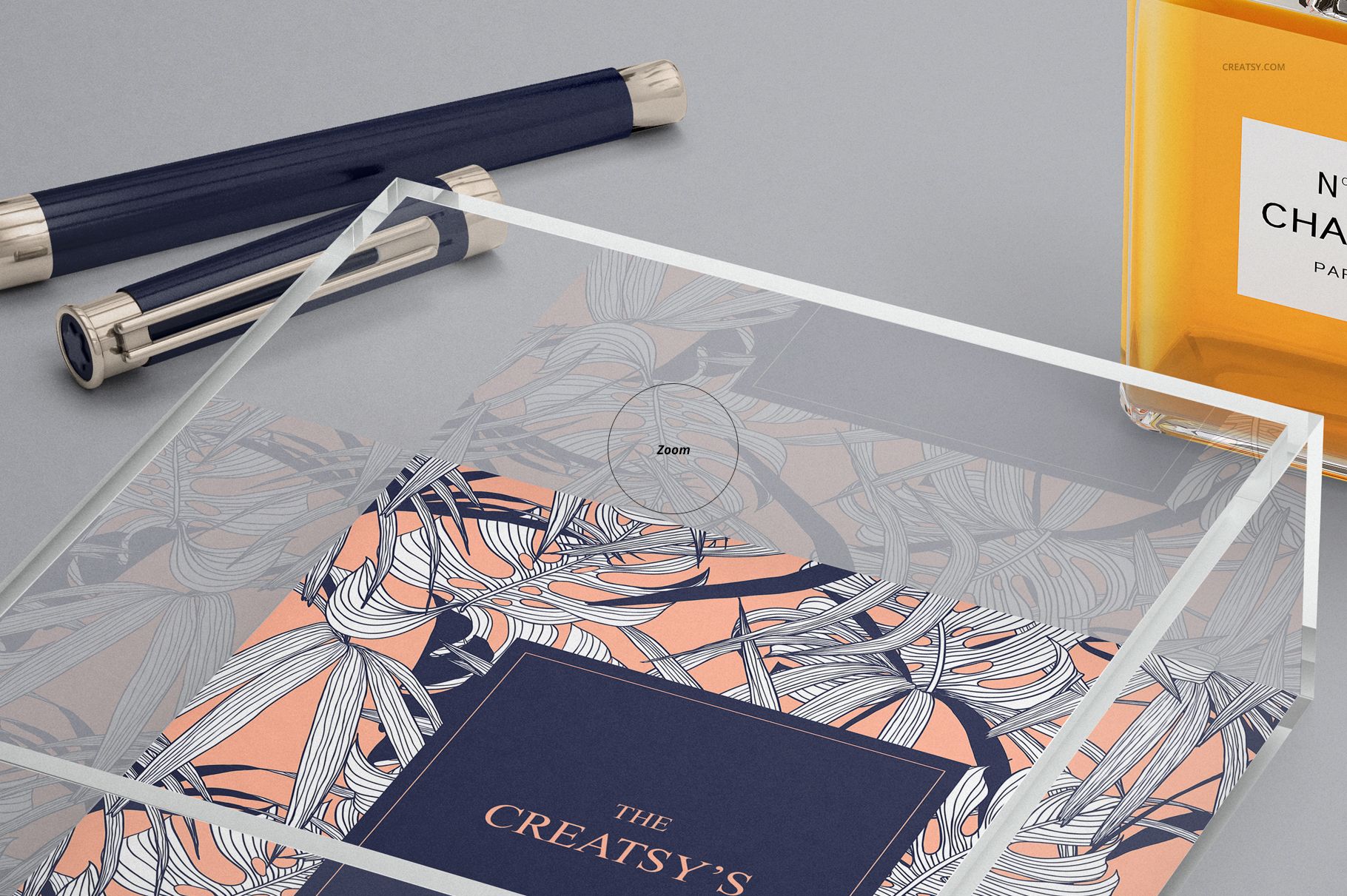
A narrow rectangle calls for a different arrangement than a square. Lucite Tray Many Sizes Mockup Set lets you explore both, with clear acrylic trays that frame your artwork through transparent sidewalls rather than an opaque border. Top and angled presentations provide different ways to assess the base artwork and the surrounding acrylic edges.
Use the selection to develop a coordinated tray collection, compare monogram placement or adapt a surface pattern to several proportions.
What Is Included
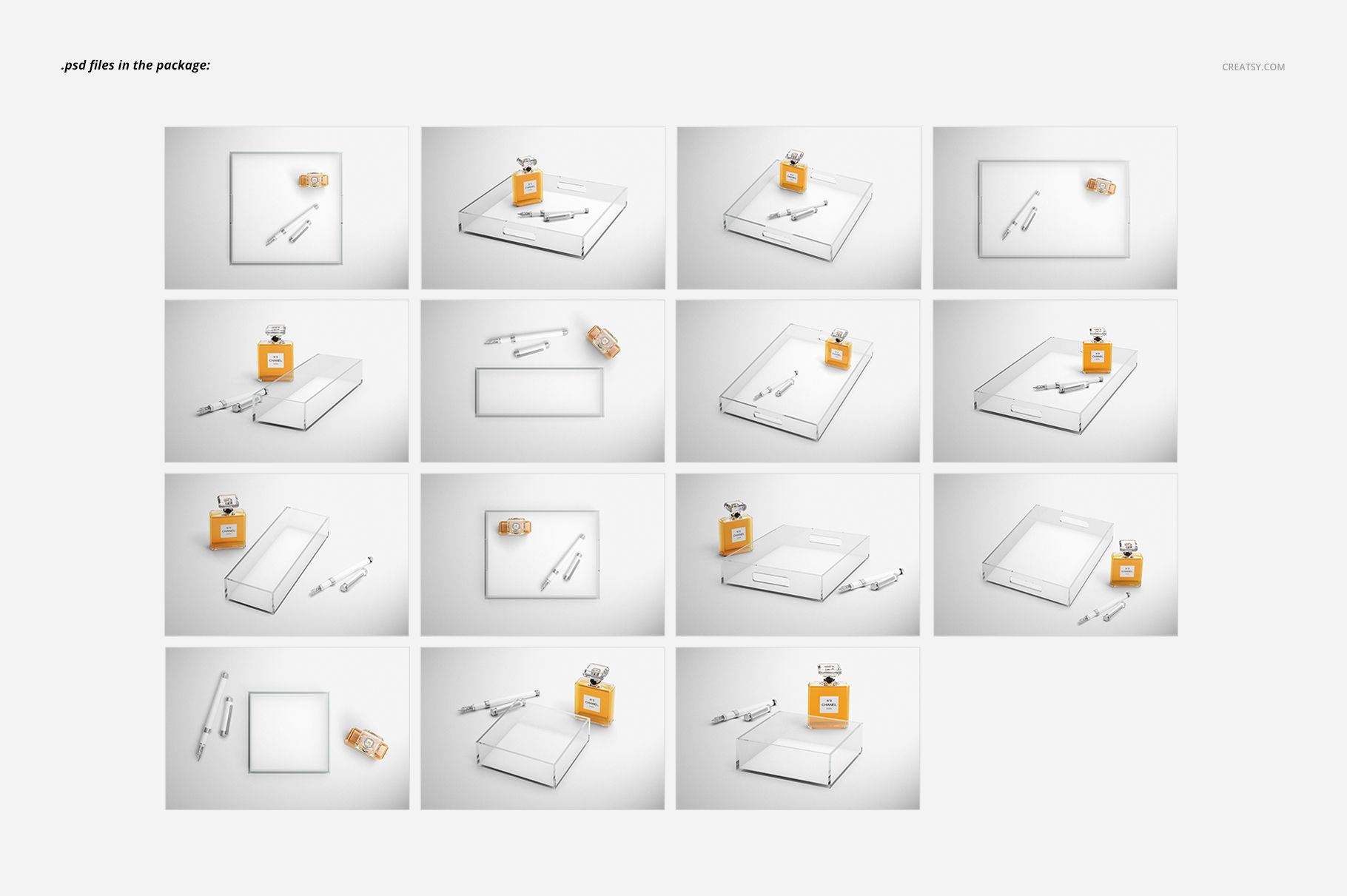
15 layered PSD mockups covering five tray sizes.
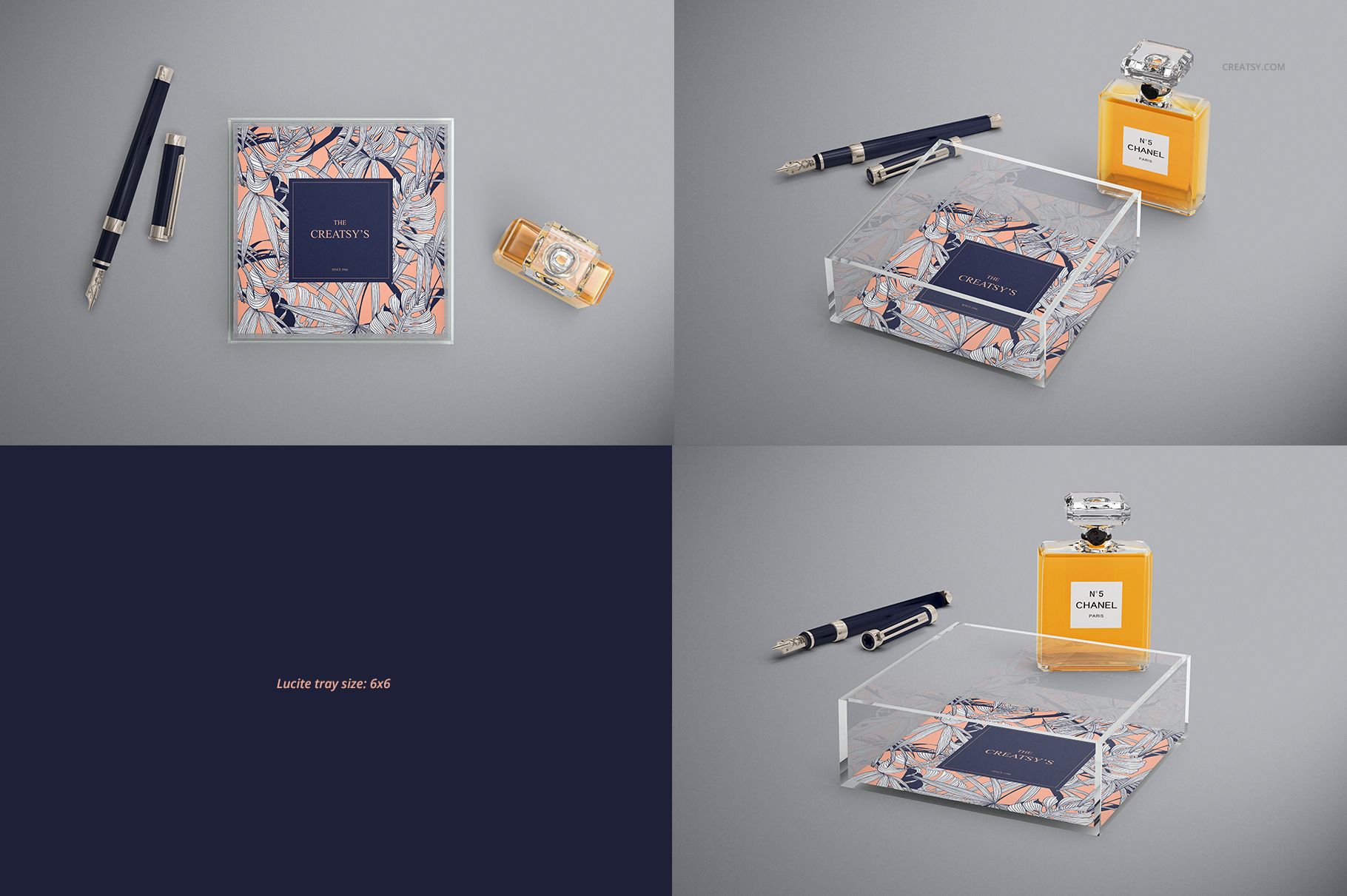
Tray sizes: 6 × 6, 11 × 4, 8.5 × 11, 12 × 12 and 11 × 17 inches.
Landscape canvases measuring 6000 × 4000 px at 300 DPI.
16 JPG previews, 31 files in total.
Compatibility with Adobe Photoshop CS4 or newer and Photopea, the free online editor.
Control How Strongly the Acrylic Reflects
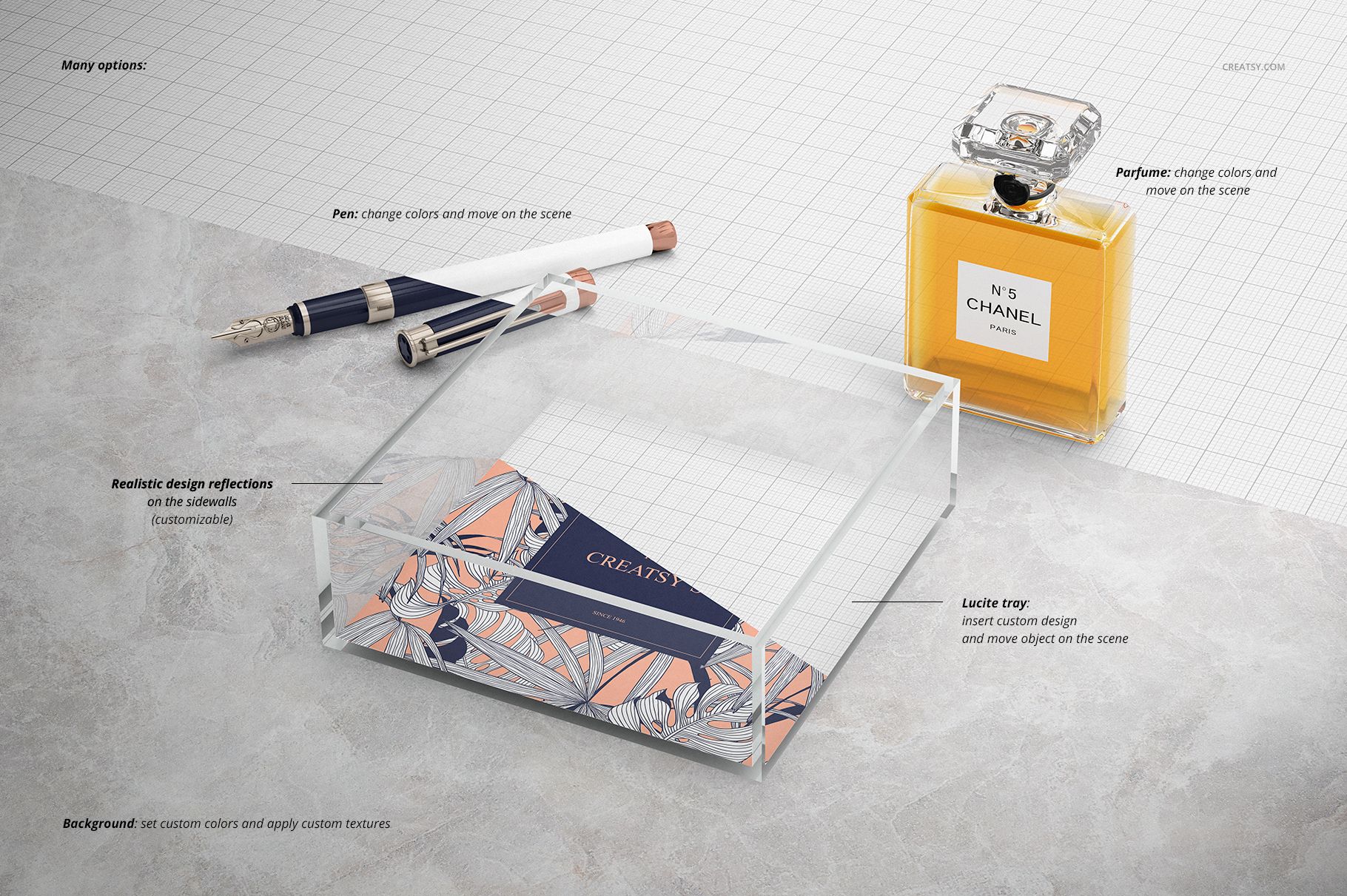
The sidewall reflections have an adjustable strength control. Use it to find a balance between visible acrylic edges and an unobstructed reading of your artwork, especially when a detailed pattern reaches close to the tray’s perimeter.
Replace the Artwork and Arrange the Scene
Insert your graphics through the prepared Smart Objects, save the changes and refine the available color controls. Supplied objects can be moved or removed, the pen colors are editable, and the background supports both color and artwork changes.
Perfect For
Surface pattern designers developing decorative tray collections.
Giftware brands comparing monograms and personalized artwork.
Illustrators preparing home accessory licensing presentations.
Studios creating coordinated desk and vanity accessories.
This is a digital presentation mockup. Physical trays and example patterns are not included. The represented tray sizes do not replace your supplier’s artwork dimensions or production specifications.