Motor Oil Bottle Mockup Set
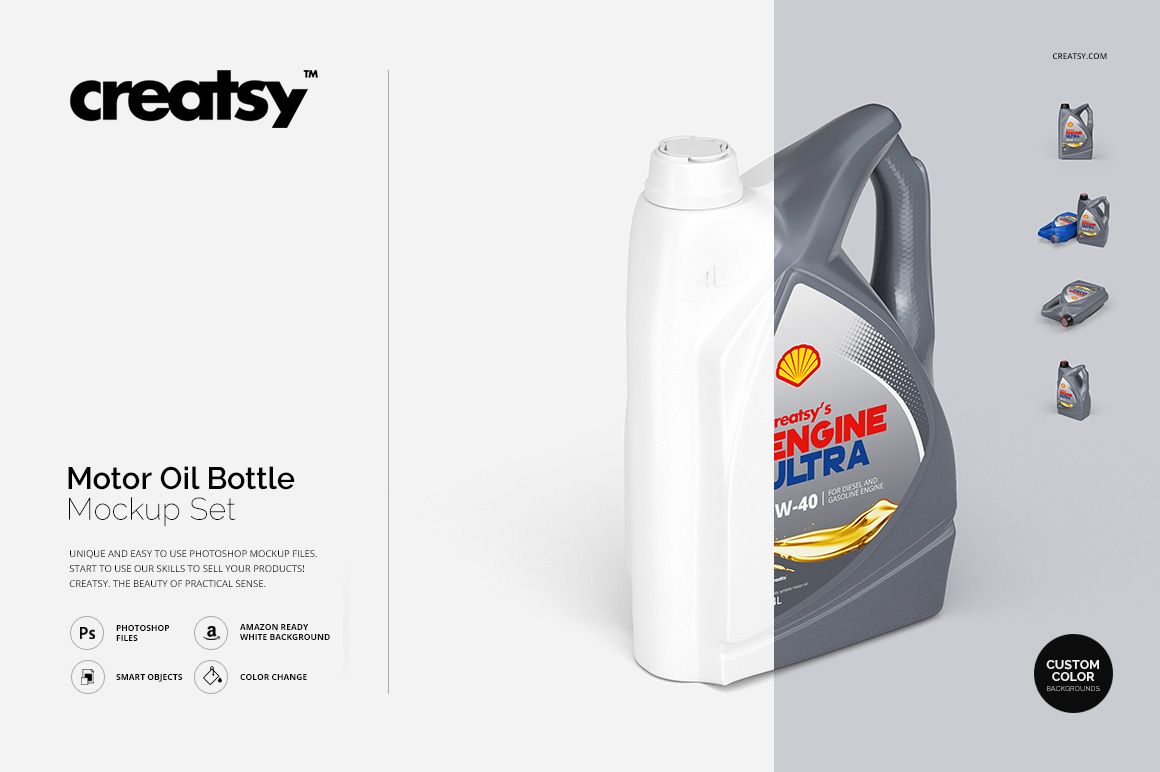
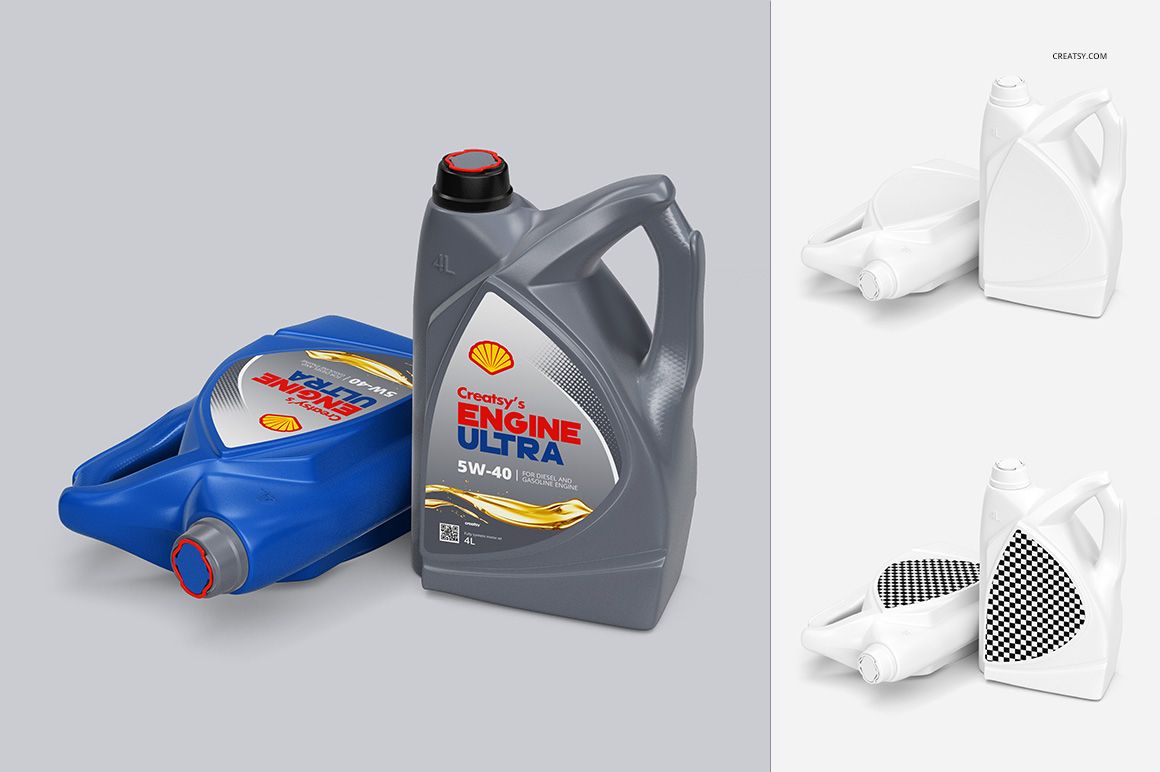
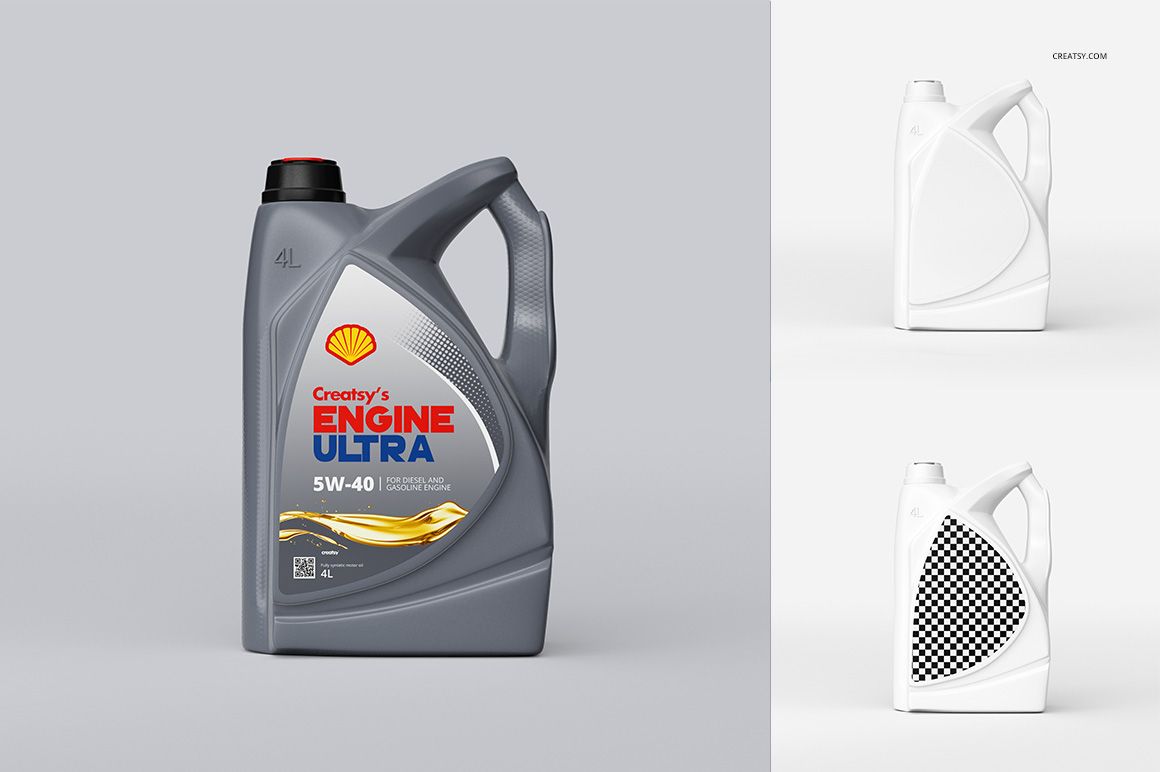
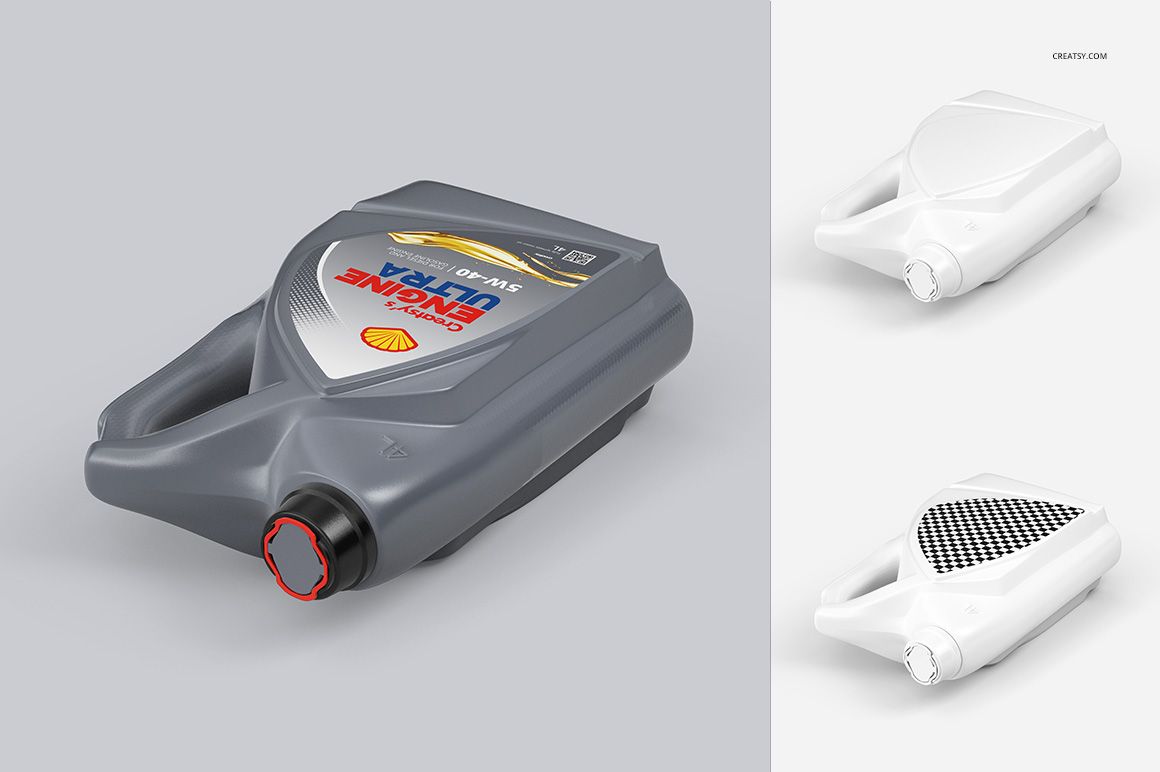
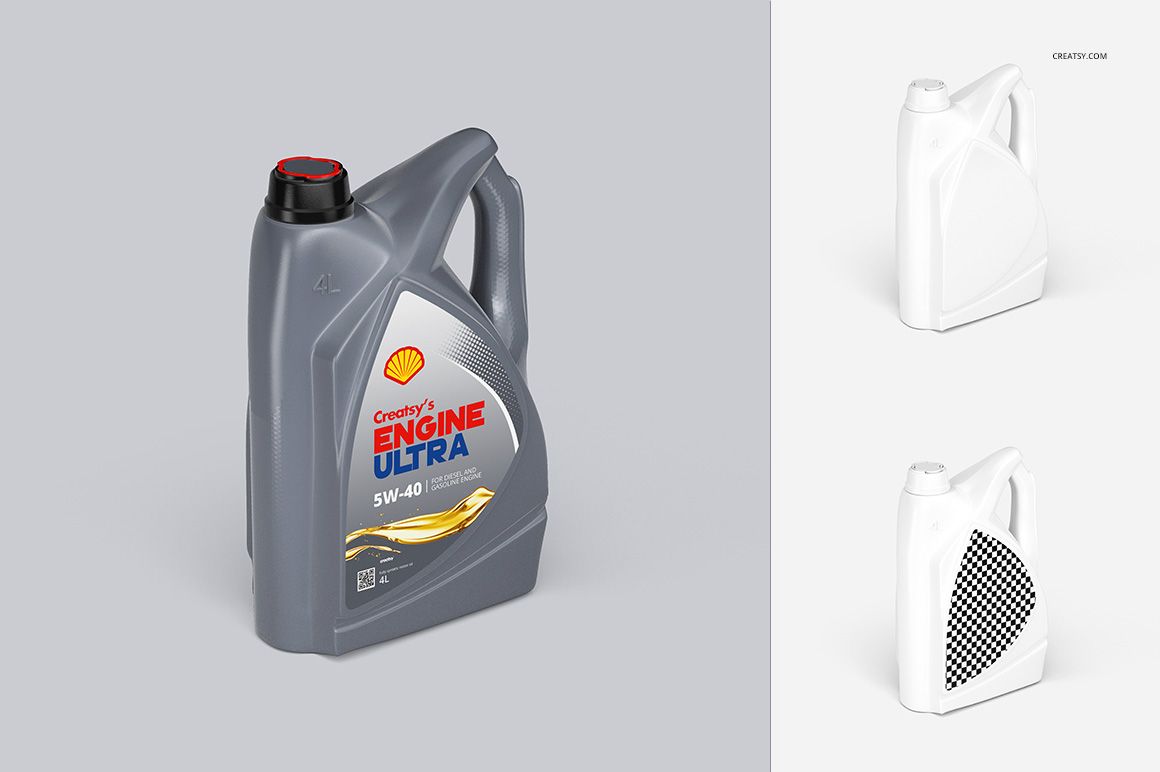
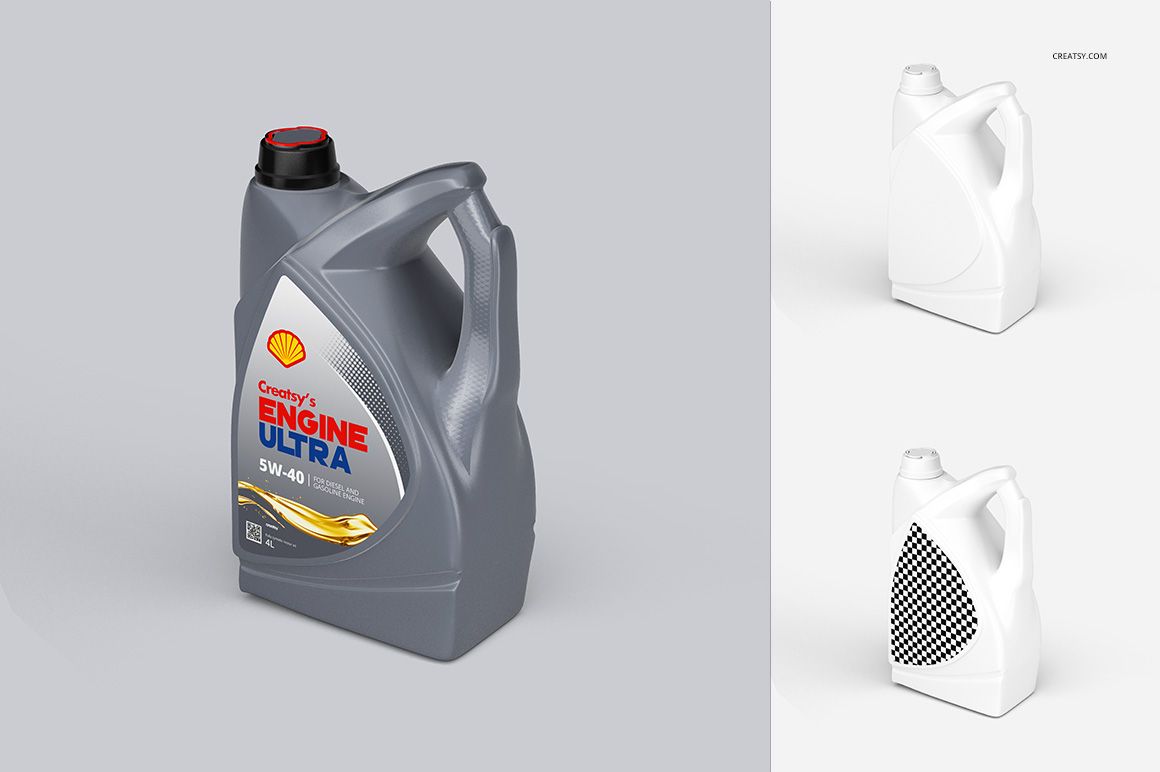
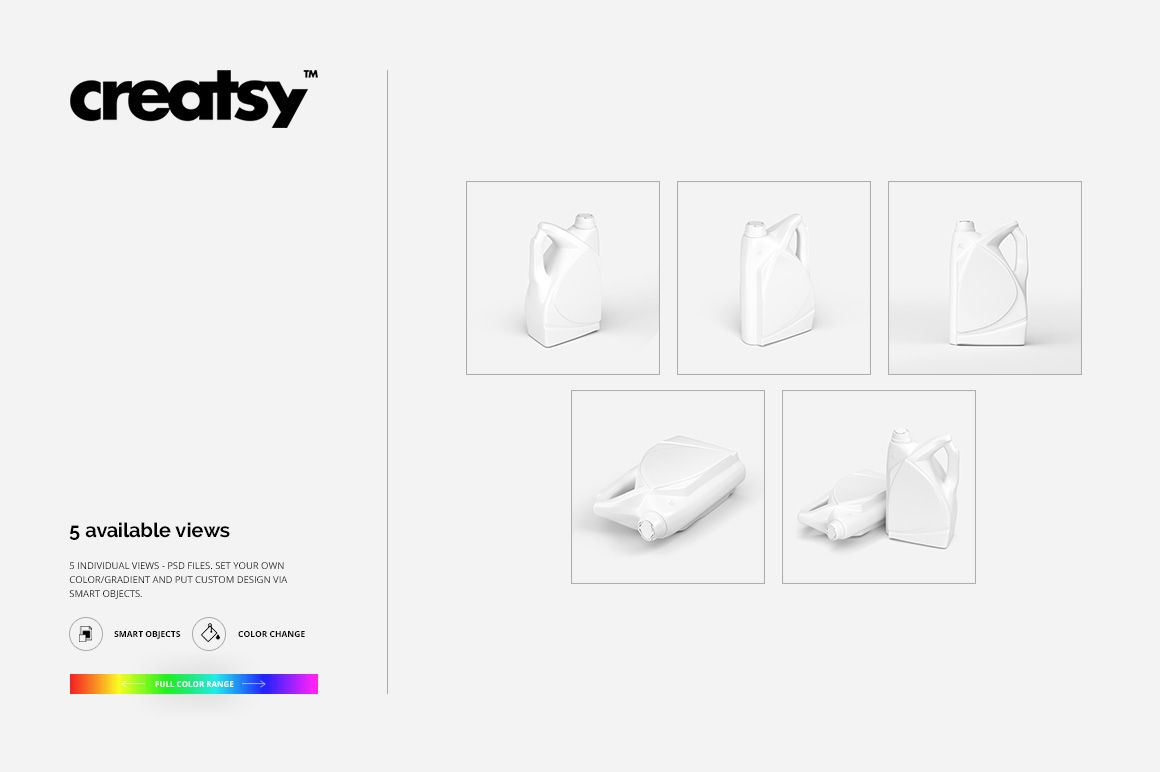
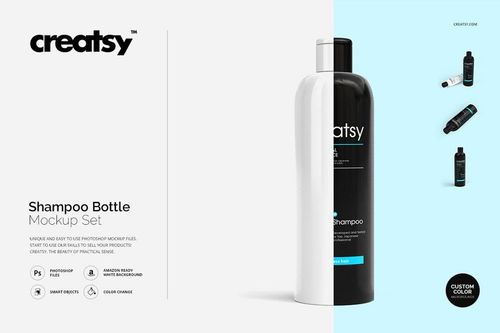
The front label does the talking in this set. Five prepared views let you present the same motor oil bottle from different angles while keeping the branding focused on its front-facing label area.
The bottle body and cap have independent color controls, giving you another way to distinguish variants without rebuilding the entire label. All included views show the front-label side; there are no rear-label views.
What Is Included
5 layered PSD files containing five bottle views.
Square canvases measuring 3000 × 3000 px at 300 DPI.
5 JPG previews and 1 TIF file, 11 files in total.
Compatibility with Adobe Photoshop CS5 or newer and Photopea, the free online editor.
Build a Color System Beyond the Label
Keep the bottle body consistent and use the cap to distinguish a proposed range, or pair a neutral cap with different body colors. Because these colors are independent, you can compare both approaches while leaving the label layout unchanged.
Use the front panel to establish a clear reading order between the brand name, oil grade and variant name.
Replace the Front Label with Smart Objects
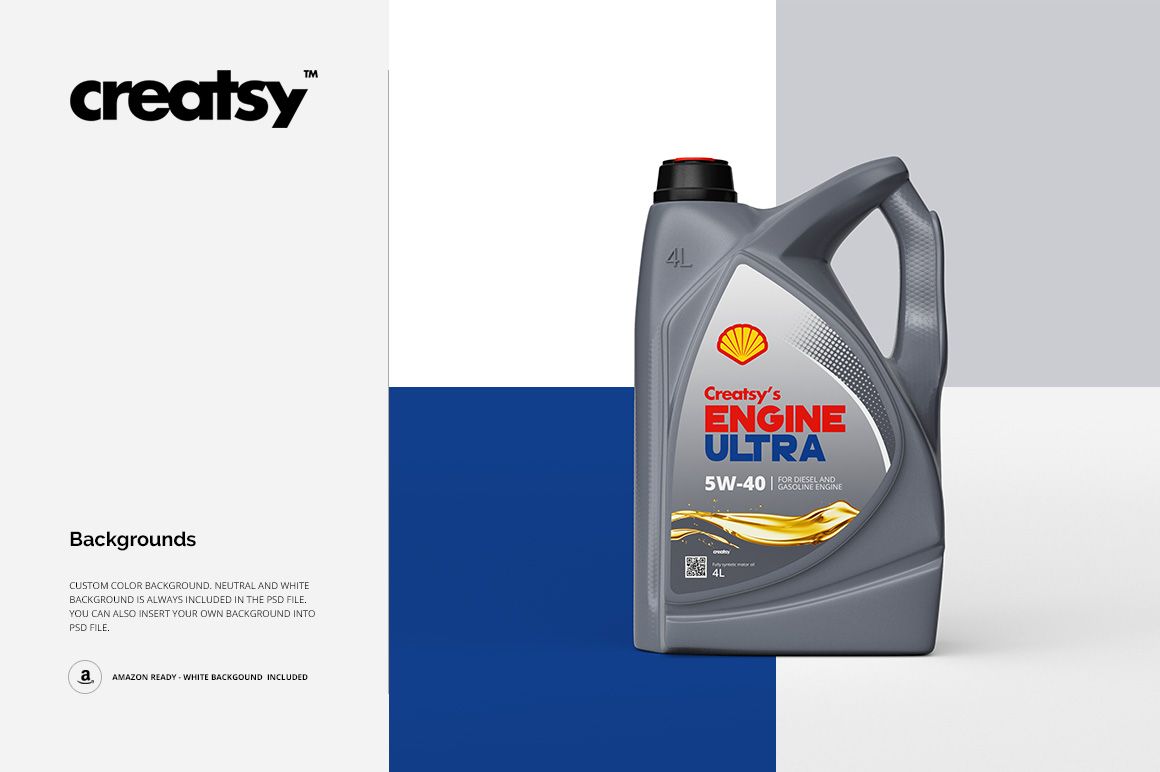
Open the label Smart Object, insert your artwork and save the changes. Adjust the body and cap colors separately, then select a background treatment for the presentation. Custom, neutral and white background options are documented for the set.
Perfect For
Packaging designers developing motor oil label concepts.
Lubricant brands comparing a coordinated range.
Studios preparing automotive branding presentations.
Designers reviewing front-label typography and color coding.
This is a digital presentation mockup. Physical bottles and sample label artwork are not included. Use your packaging supplier’s technical template for production; these files do not provide a rear-label layout.