Fan Mockup Set Many Types
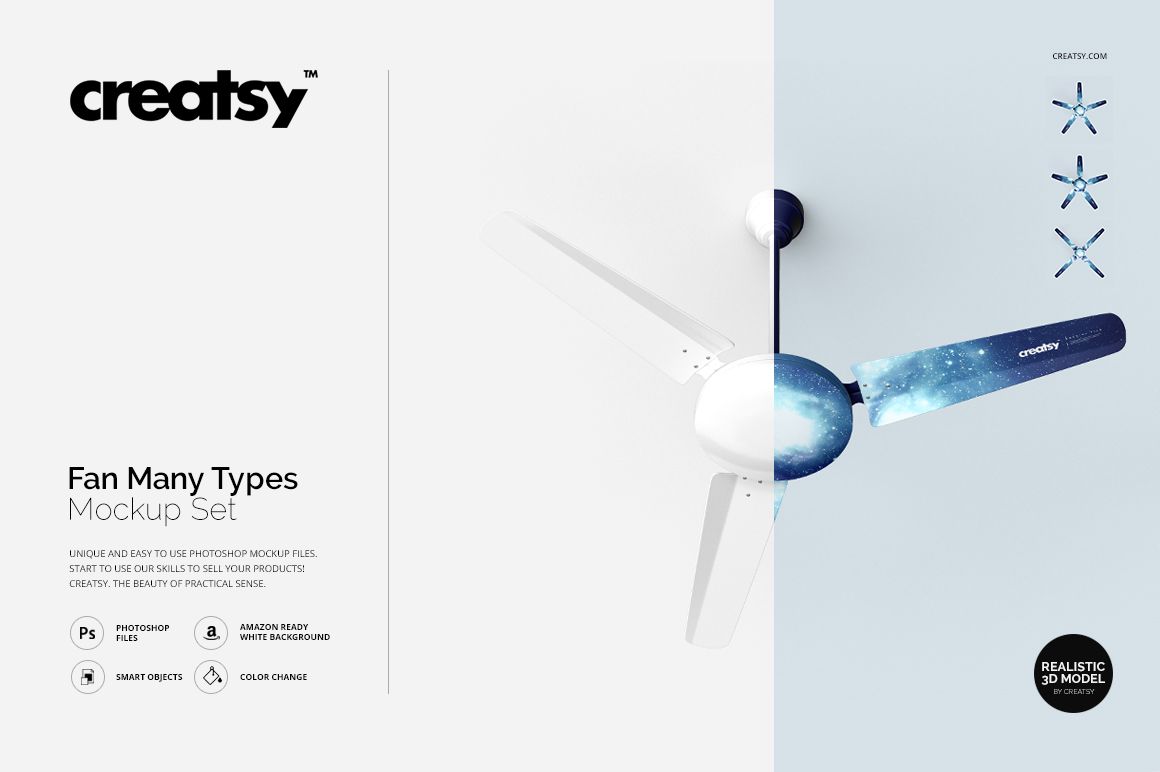
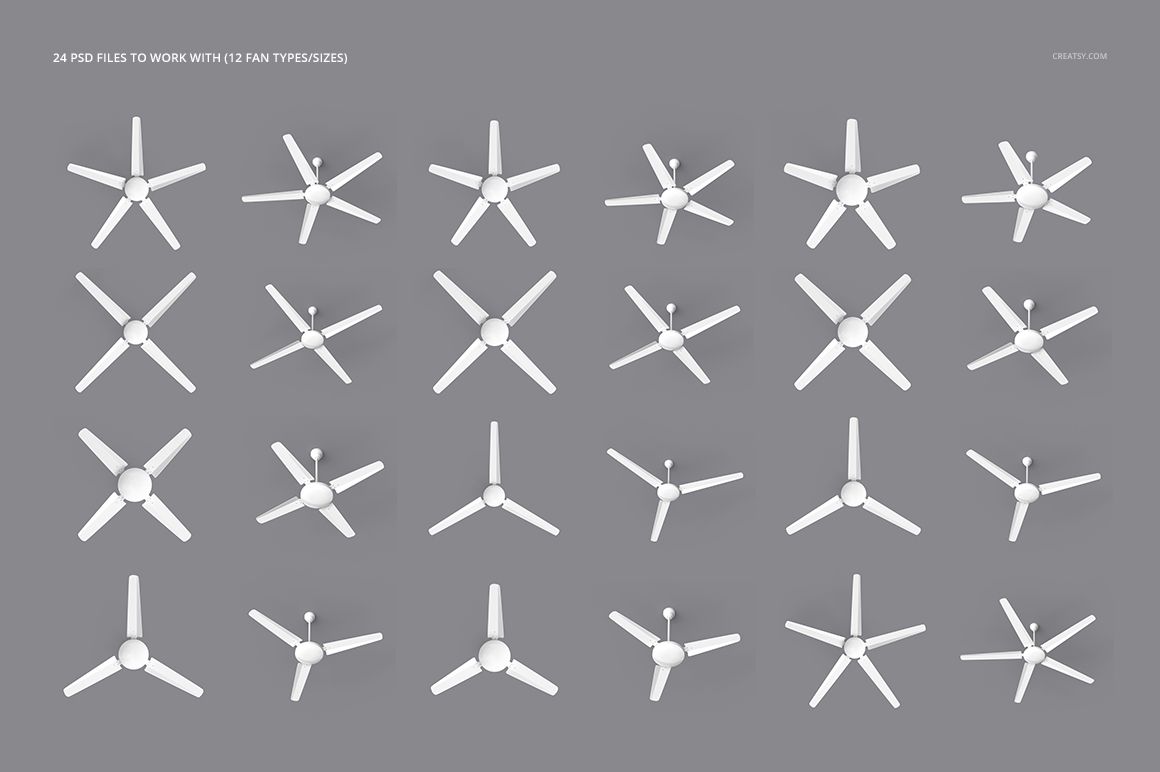
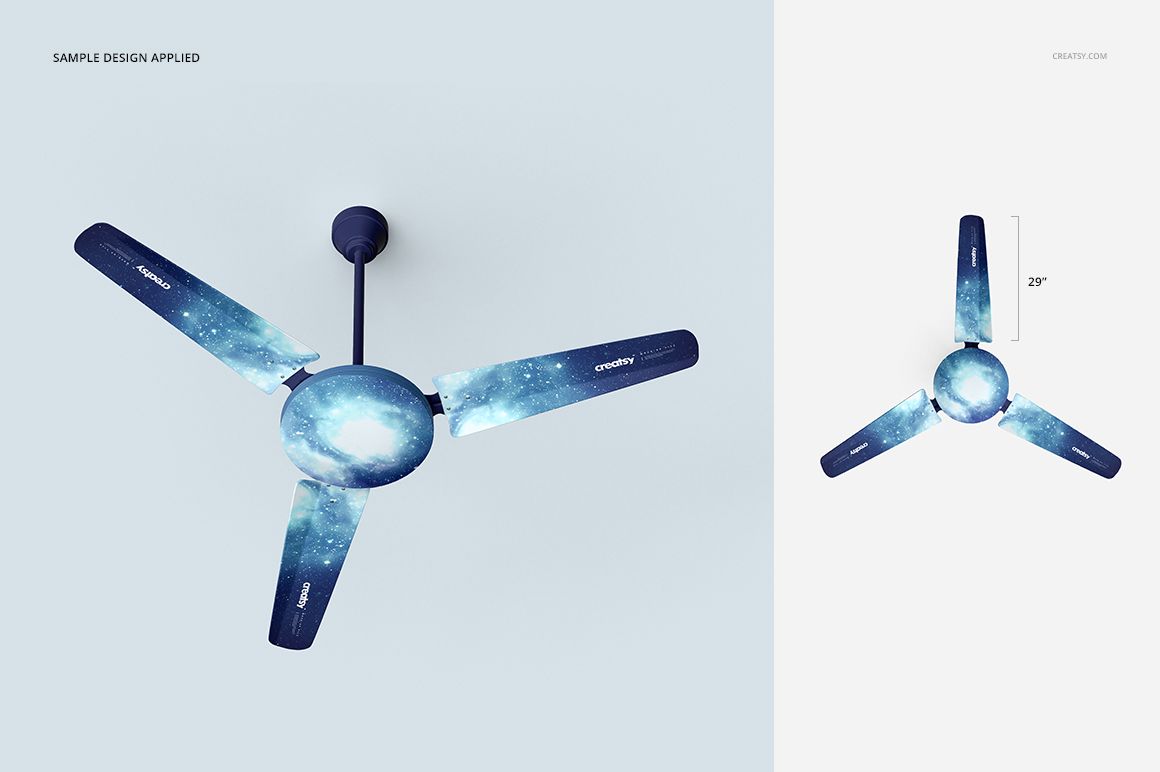
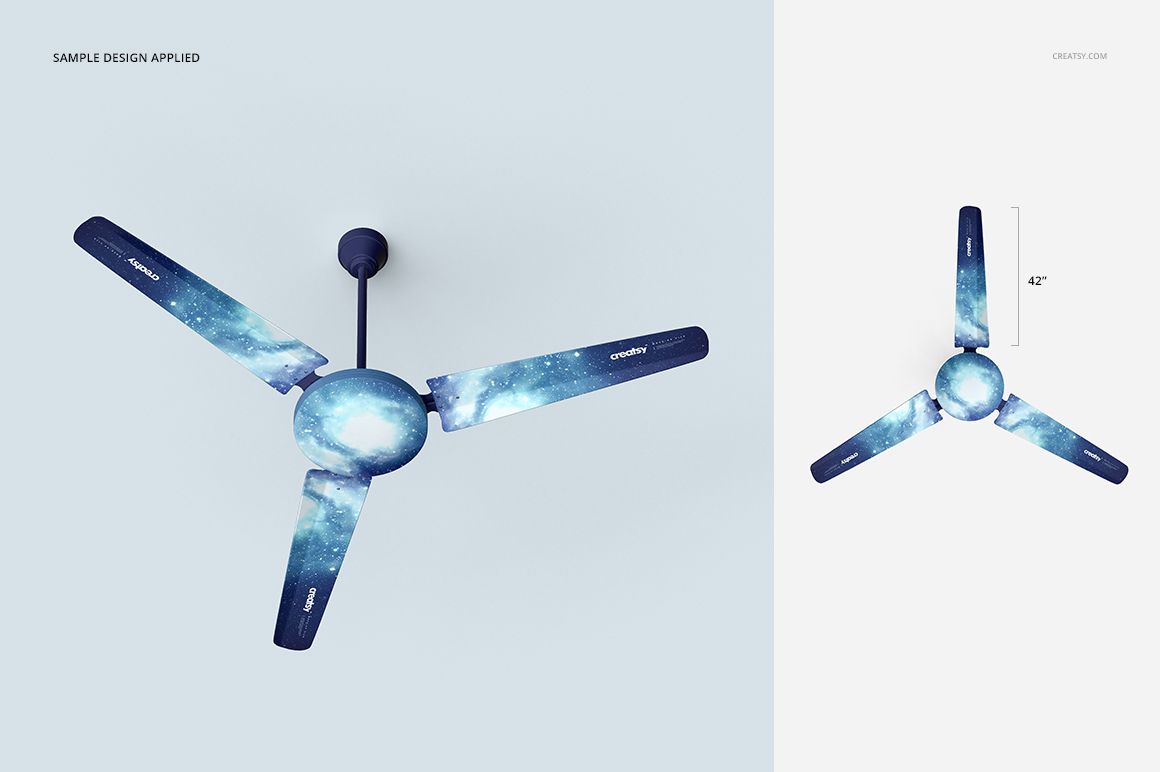
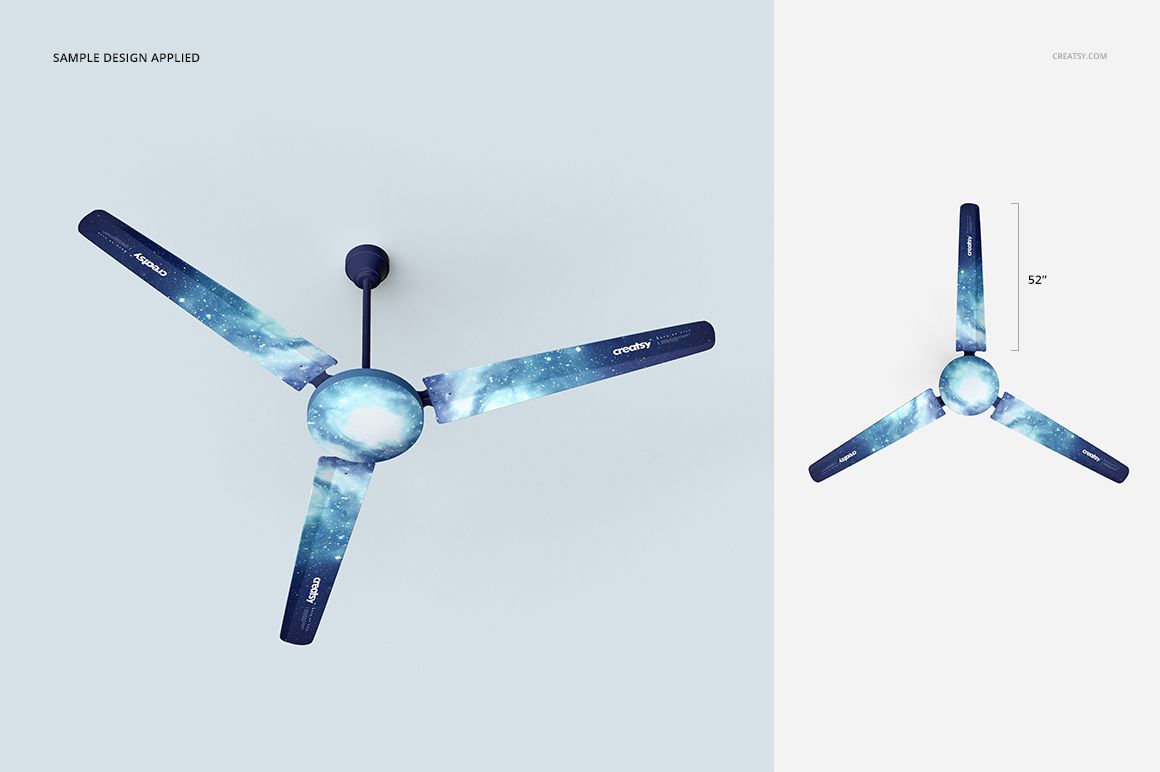
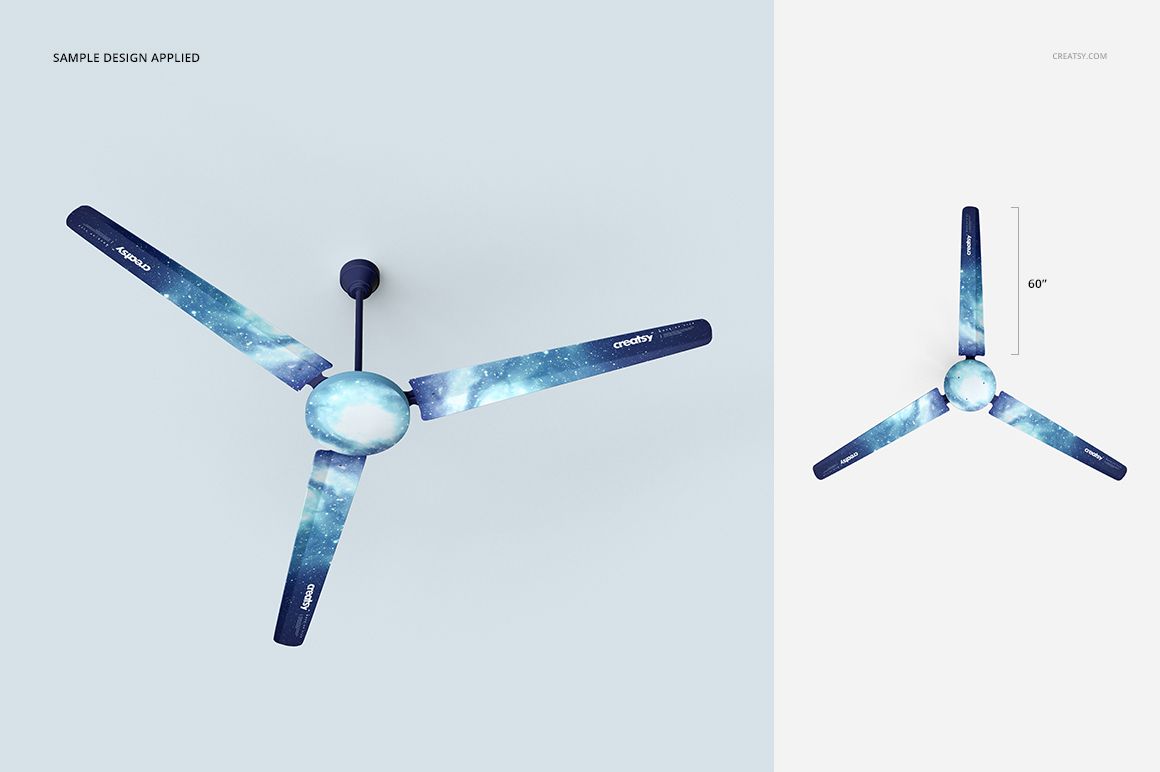
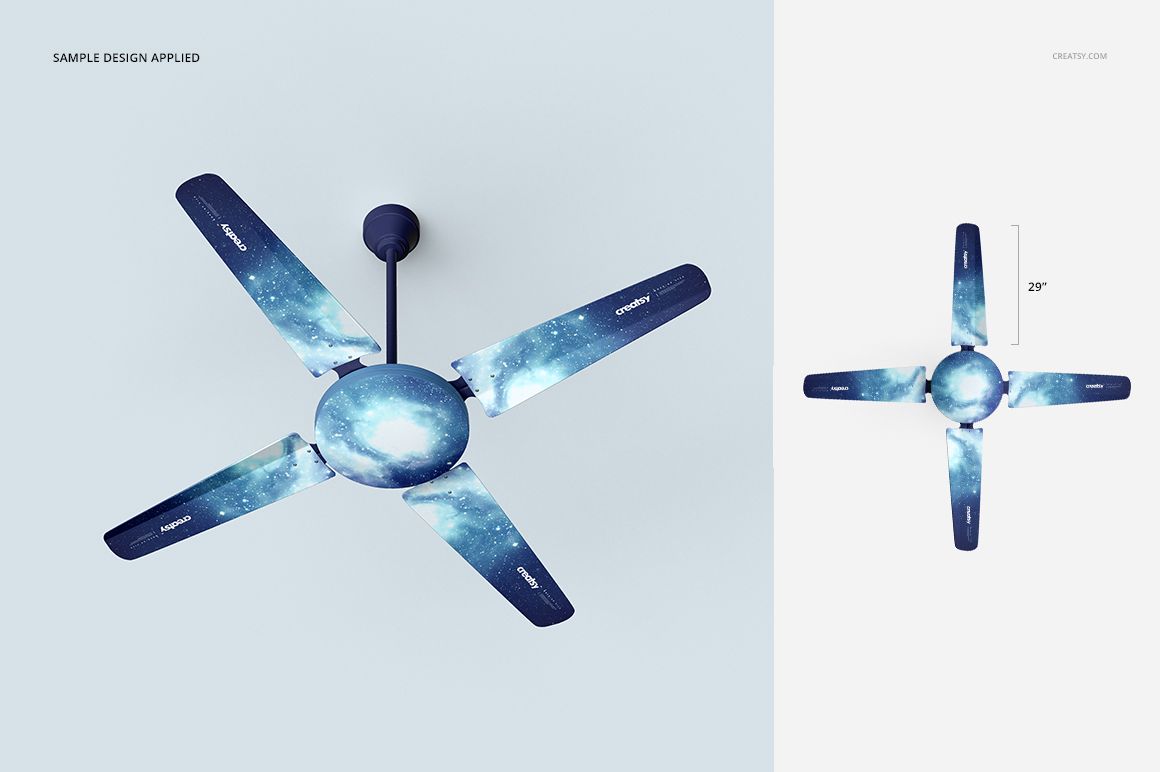
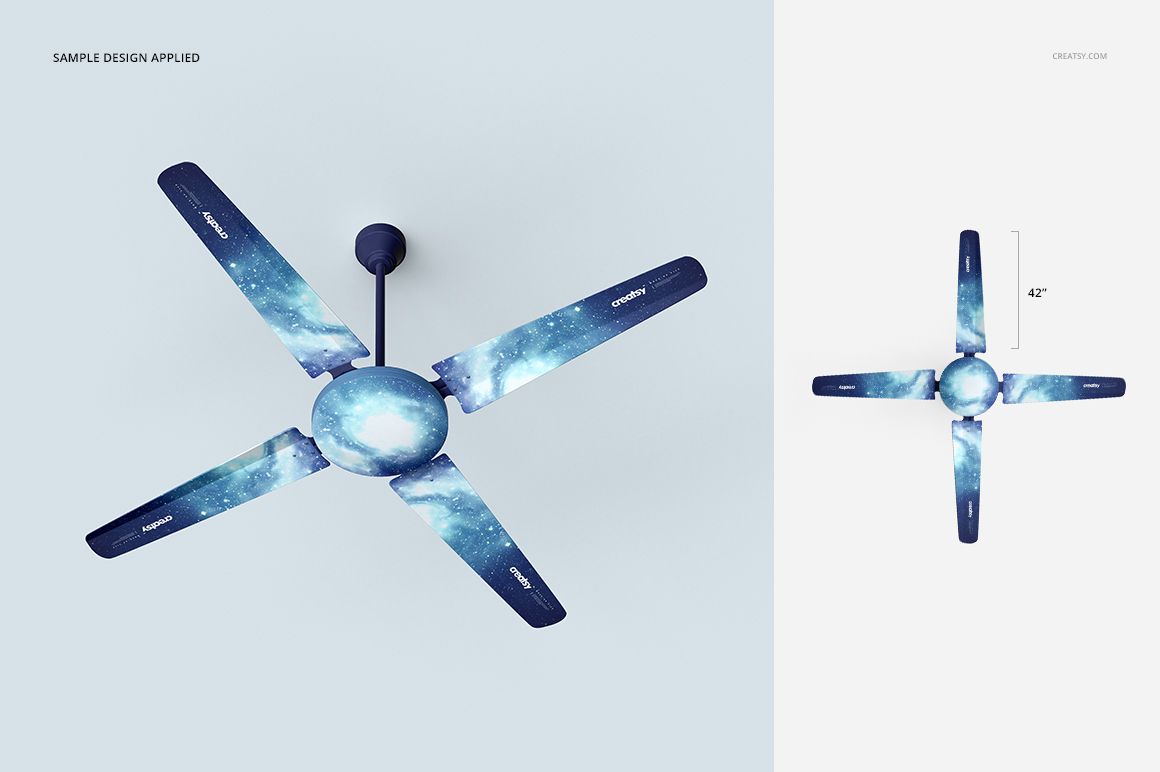
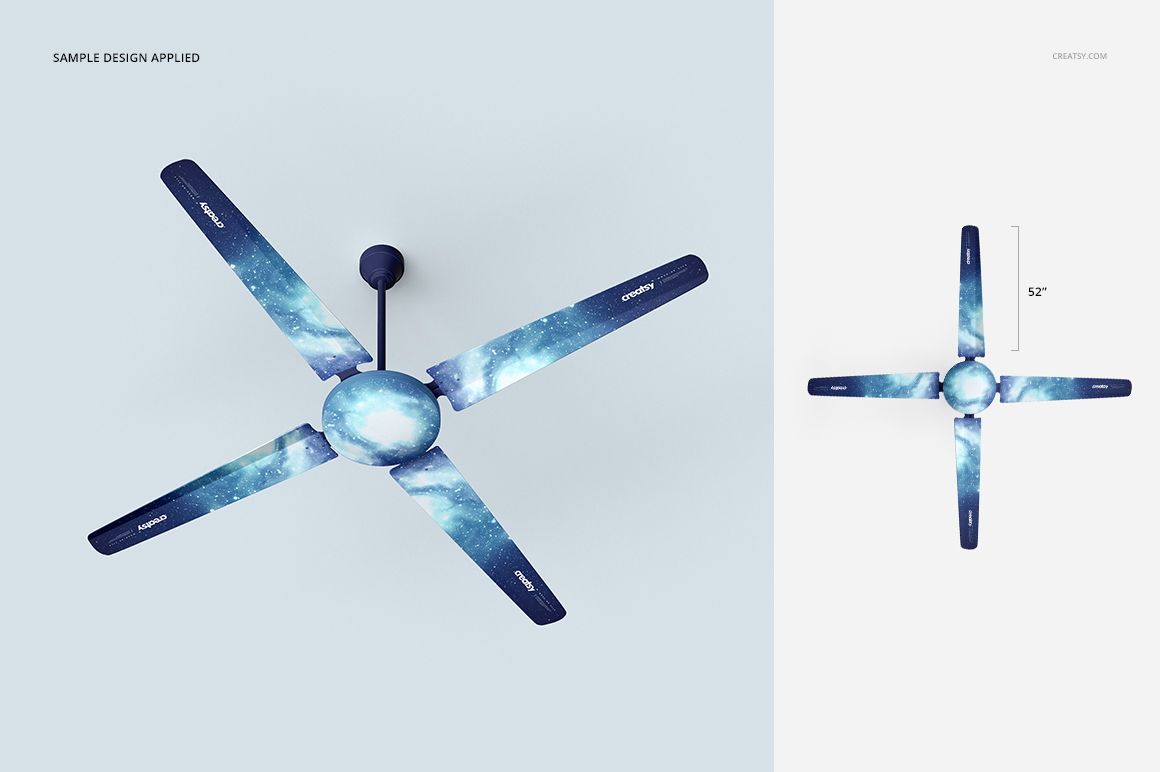
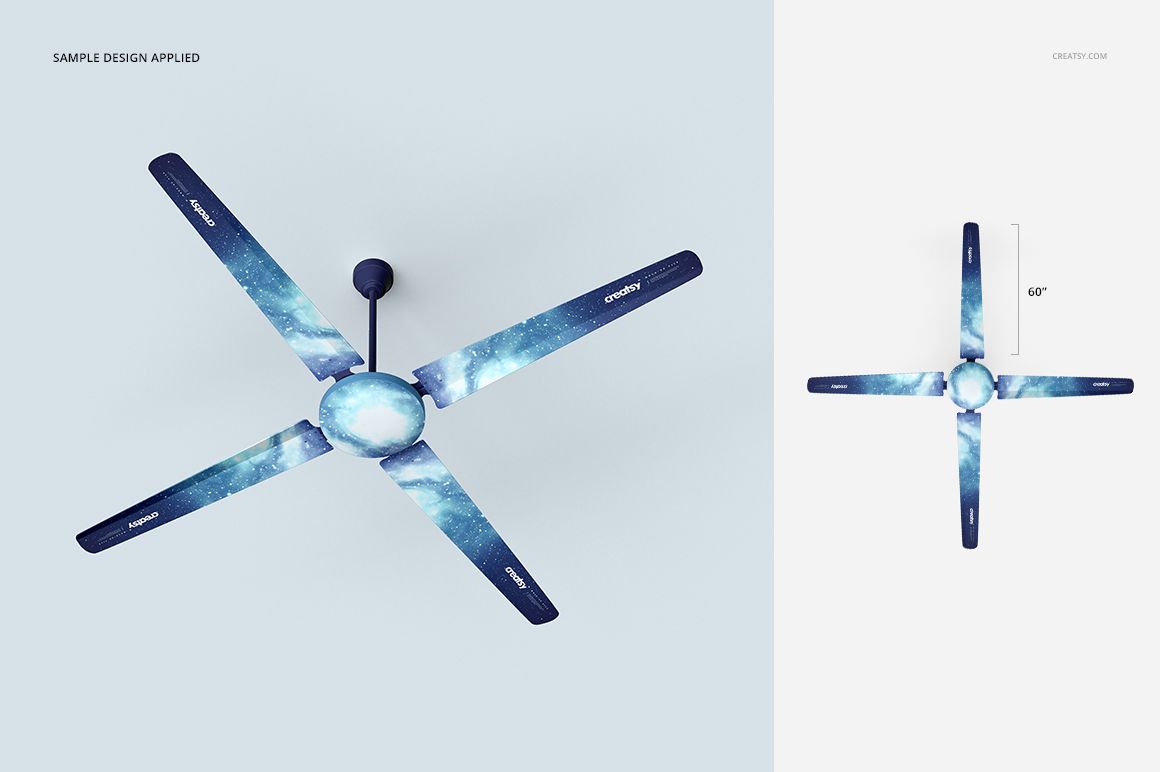
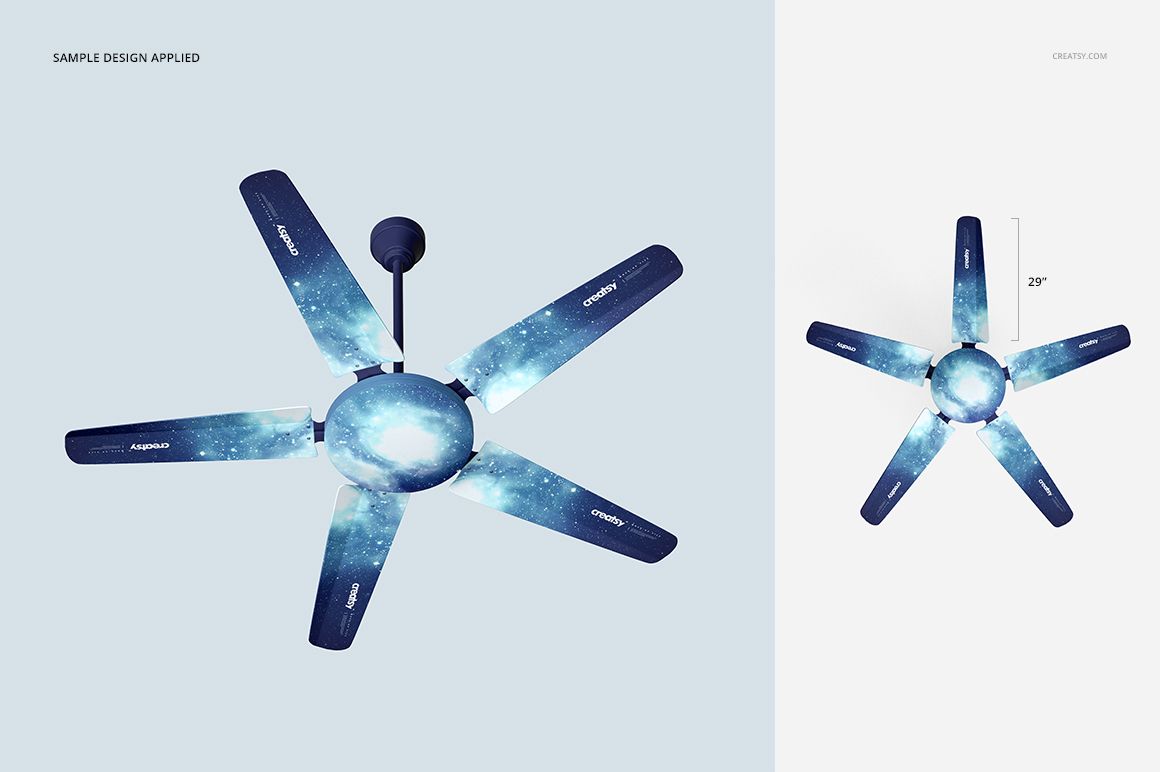
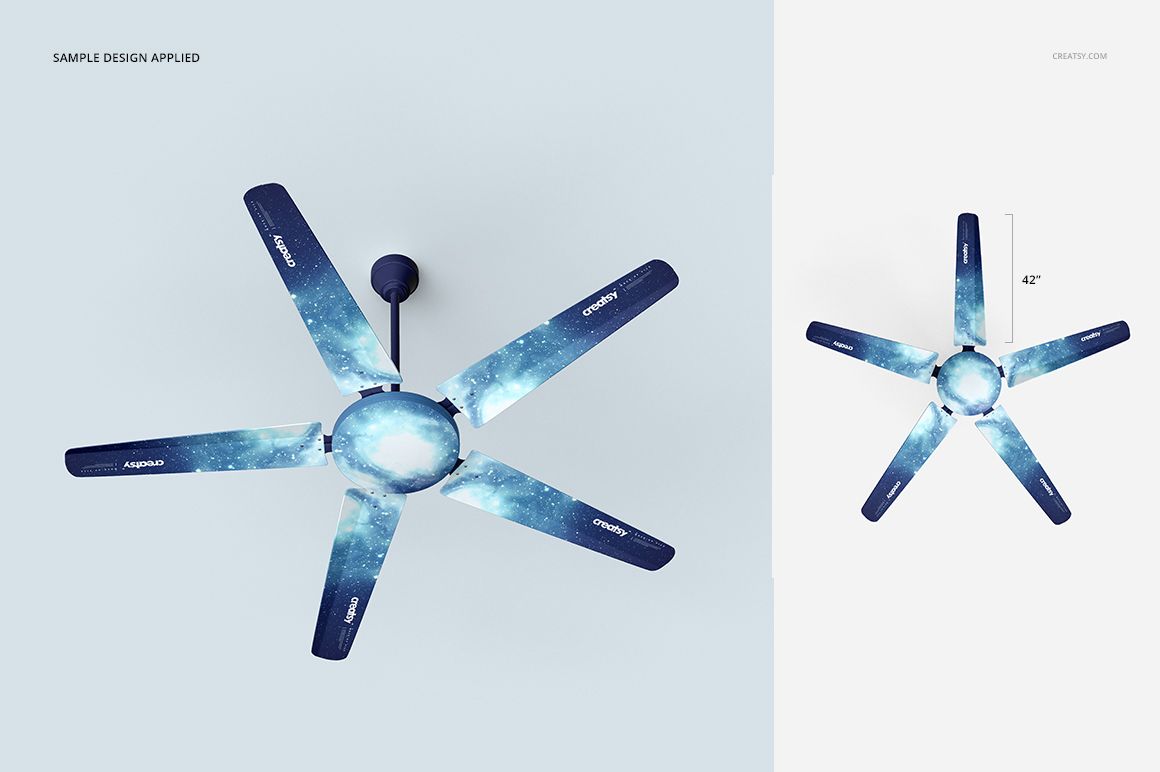
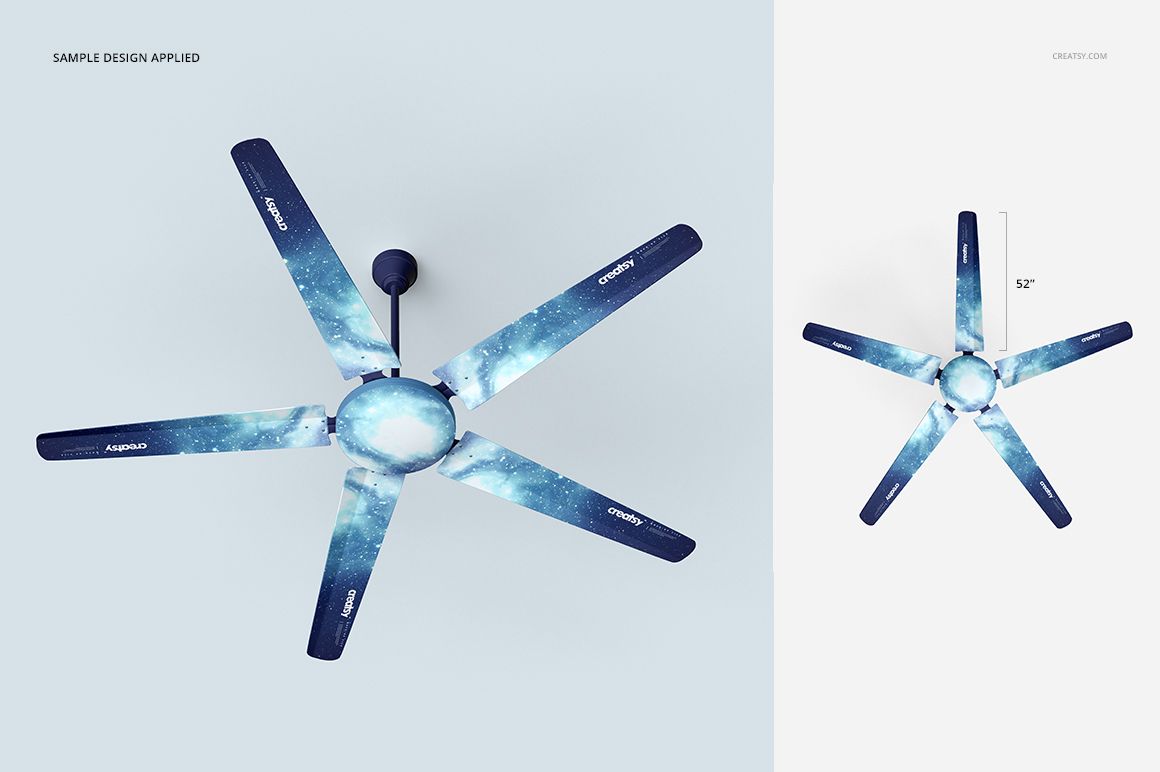
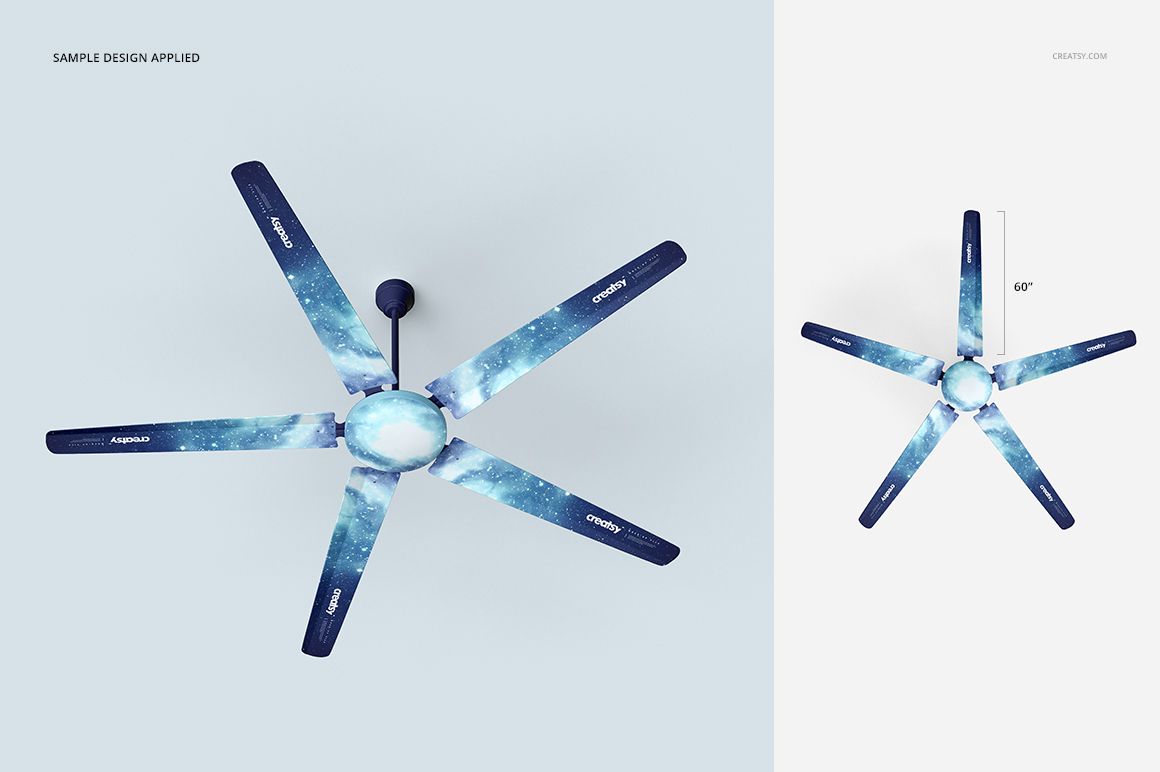
A pattern arranged across fan blades needs to work as a complete radial composition, not just as a cropped strip. Fan Mockup Set Many Types gives you 12 ceiling fan variants, each in two prepared views, for exploring how your artwork reads across different blade arrangements.
Use the set to compare decorative treatments, develop a coordinated color range or introduce an unusual application into a surface art portfolio.
What Is Included
24 layered PSD mockups covering 12 fan types in two views each.
Square canvases measuring 3000 × 3000 px at 300 DPI.
24 JPG previews and 1 TIF file, 49 files in total.
Compatibility with Adobe Photoshop CS5 or newer and Photopea, the free online editor.
Judge the Pattern Across the Whole Fan
Try a directional motif, a scattered repeat and a simpler color treatment. Look at the relationship between the blades rather than filling each visible surface with equal detail.
A useful comparison keeps the palette consistent while changing the artwork’s scale or direction. This helps you decide whether the fan should become a decorative focal point or a quieter part of an interior concept.
Apply Artwork Through Smart Objects
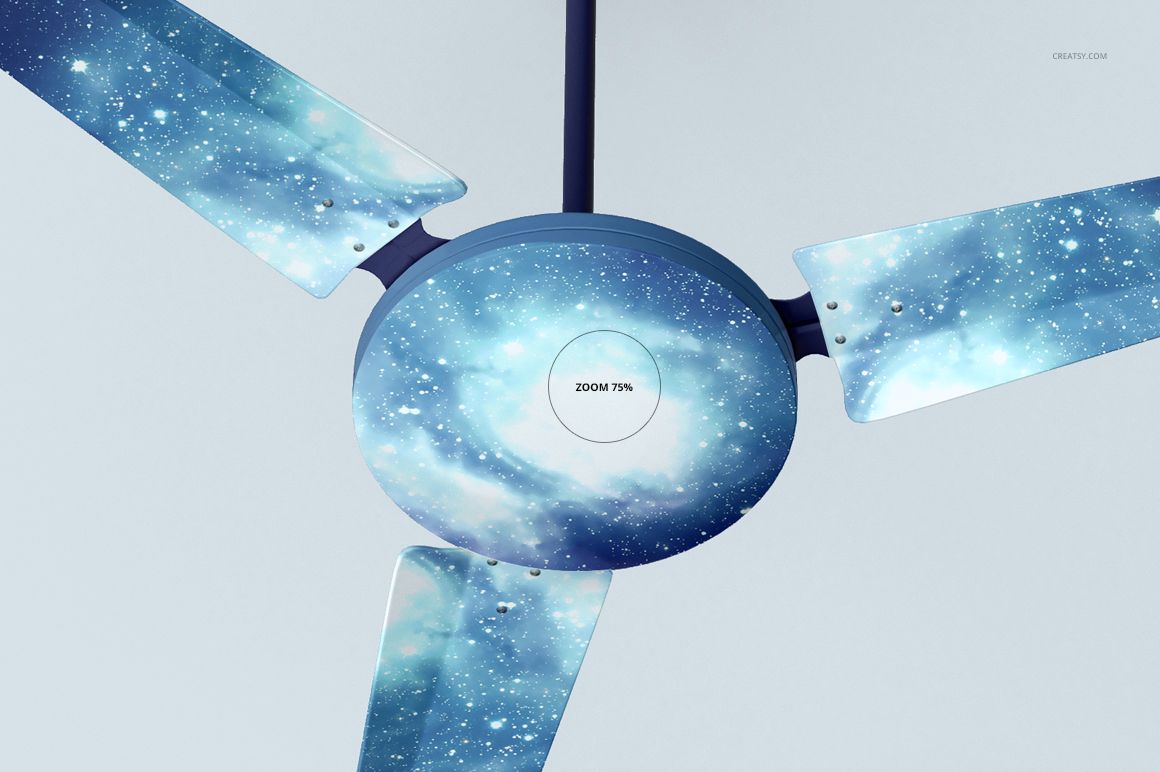
Place your graphics in the prepared Smart Objects, save the changes and use the fan color controls to refine the result. Background colors can also be changed. Work within the supplied variants and viewpoints; the set is intended for visual presentation rather than mechanical development.
Perfect For
Surface artists exploring decorative fan-blade artwork.
Home accessory brands comparing coordinated colorways.
Interior stylists developing ceiling-feature concepts.
Designers preparing appliance and hardware presentations.
These are digital mockups, not physical fans, engineering models or animated demonstrations. The example patterns are not included.