Dishwashing Liquid Mockup Set
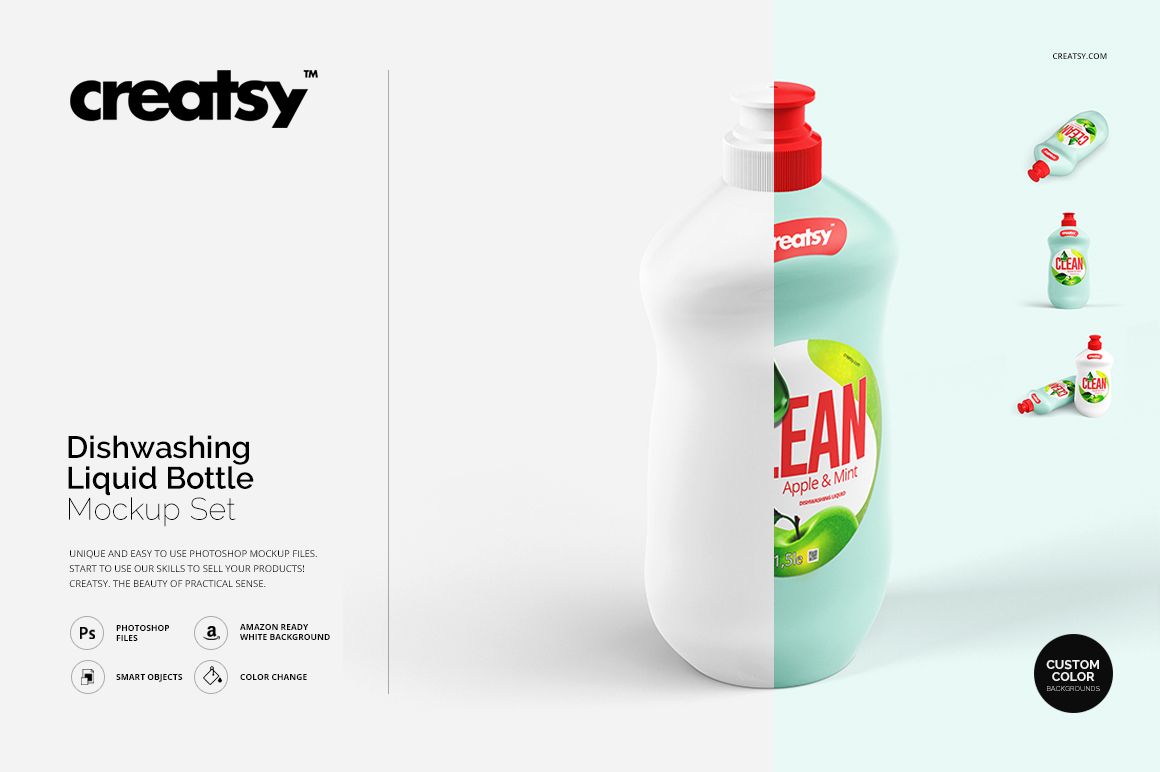
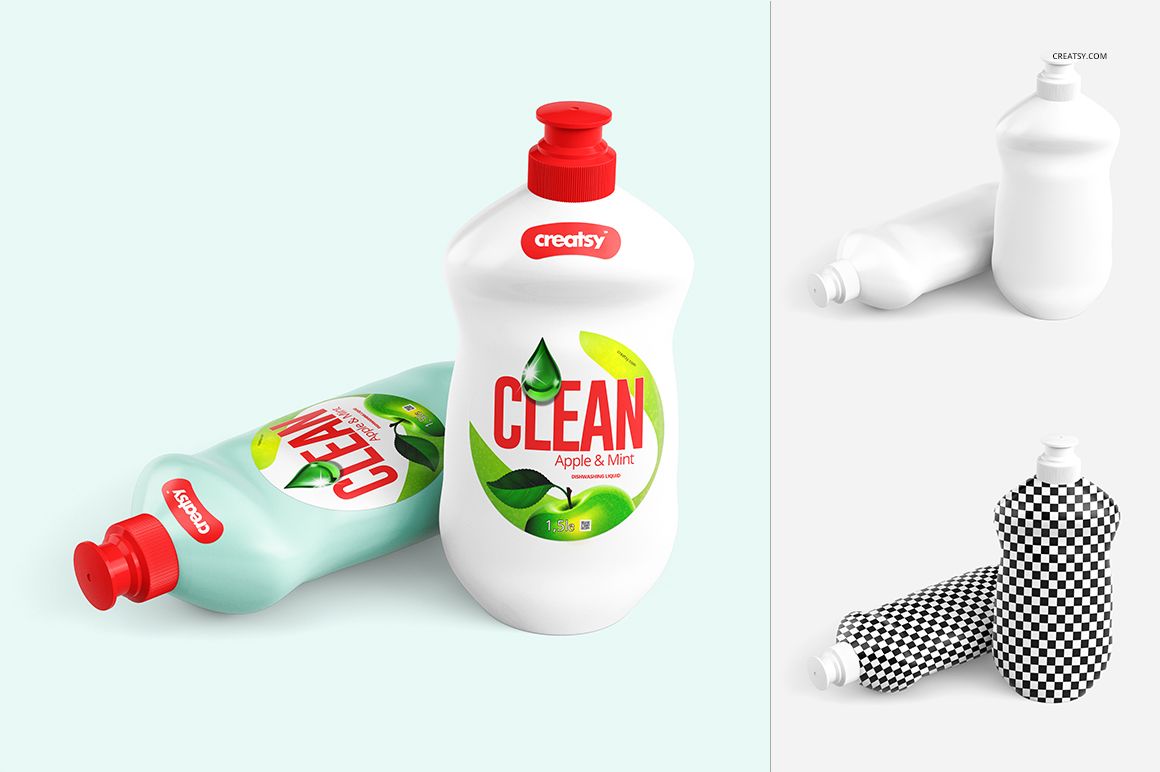
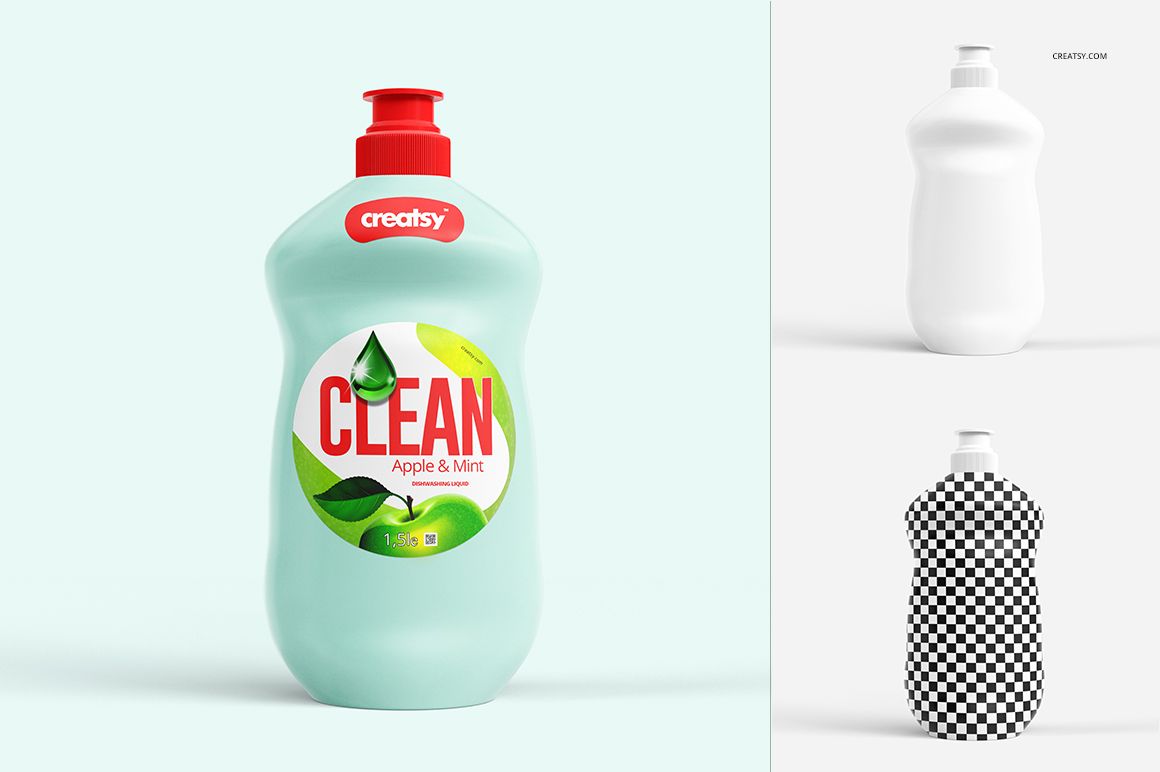
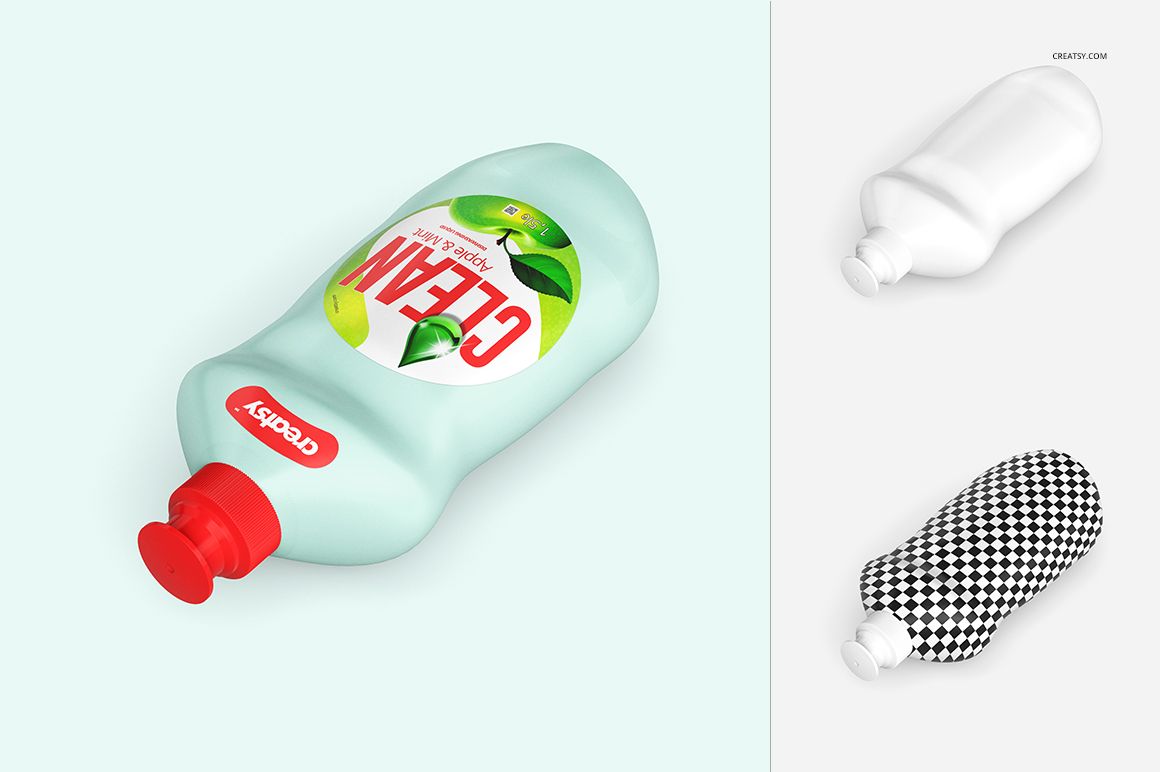
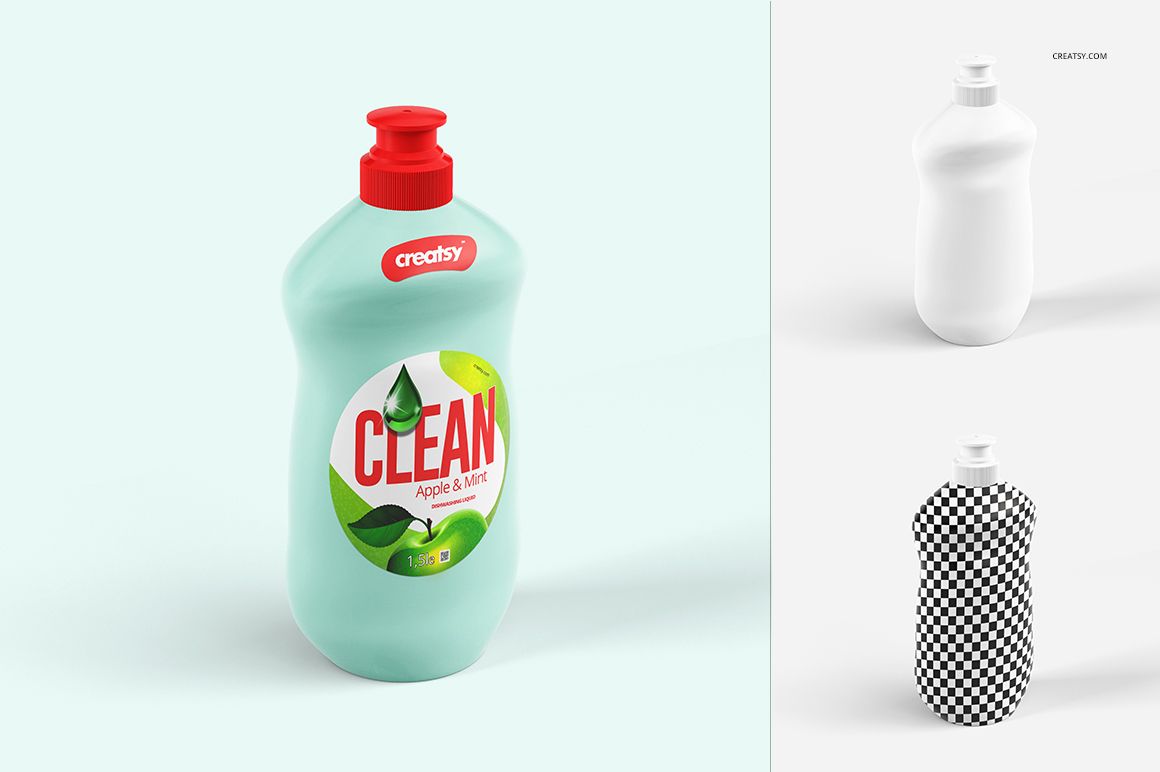
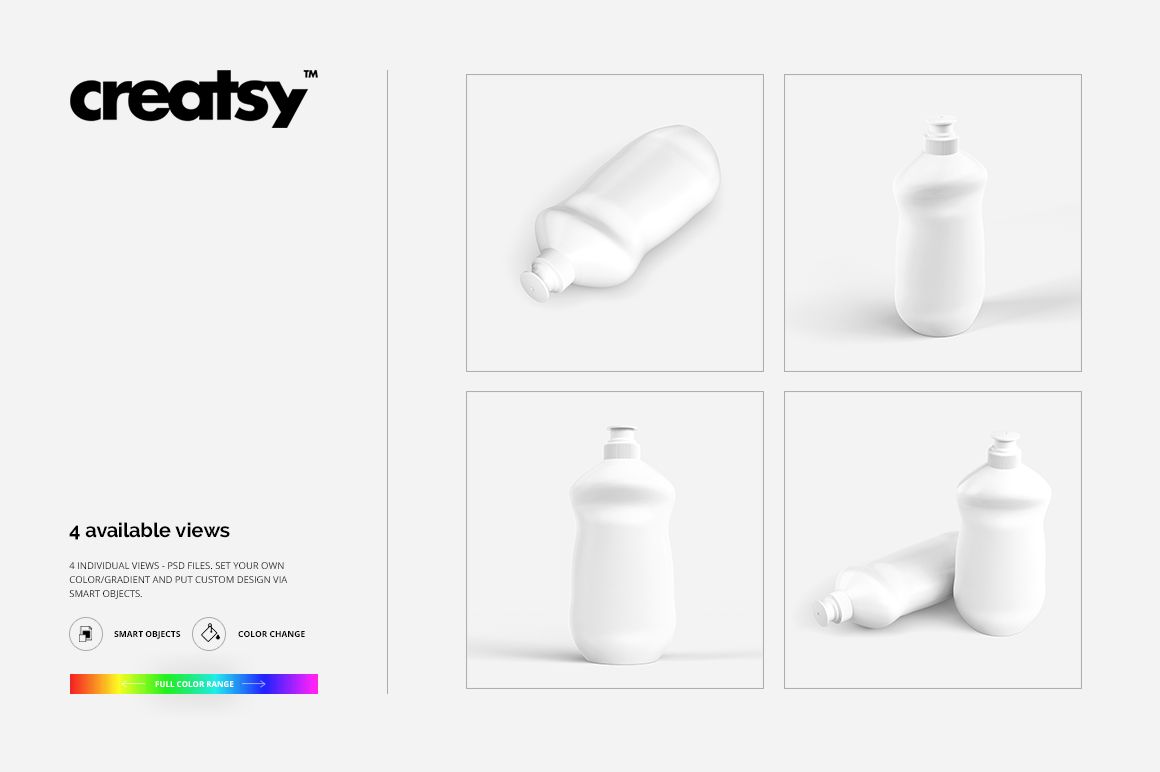
The outline of a label can be part of the branding, not just a boundary around the text. Dishwashing Liquid Mockup Set lets you apply a custom sticker shape and artwork to a dish-soap bottle, then review the result across four prepared views. Bottle and cap colors can also be changed.
Try a compact label with generous space around it, or give the graphics a more distinctive contour. Use the same bottle presentation to compare these approaches without changing the entire packaging concept.
What Is Included
4 layered PSD mockups containing four bottle views.
Square canvases measuring 3000 × 3000 px at 300 DPI.
4 JPG previews and 1 TIF guide, 9 files in total.
Compatibility with Adobe Photoshop CS5 or newer and Photopea, the free online editor.
Make the Label Outline Work with the Lettering
Keep the brand name and variant readable before refining decorative edges. When testing a narrower or more curved label shape, check the space around the text rather than simply shrinking the entire layout.
Compare the outline first, then refine the illustration and color. This helps you identify which part of the proposal is doing the useful work.
Edit the Label, Bottle and Background
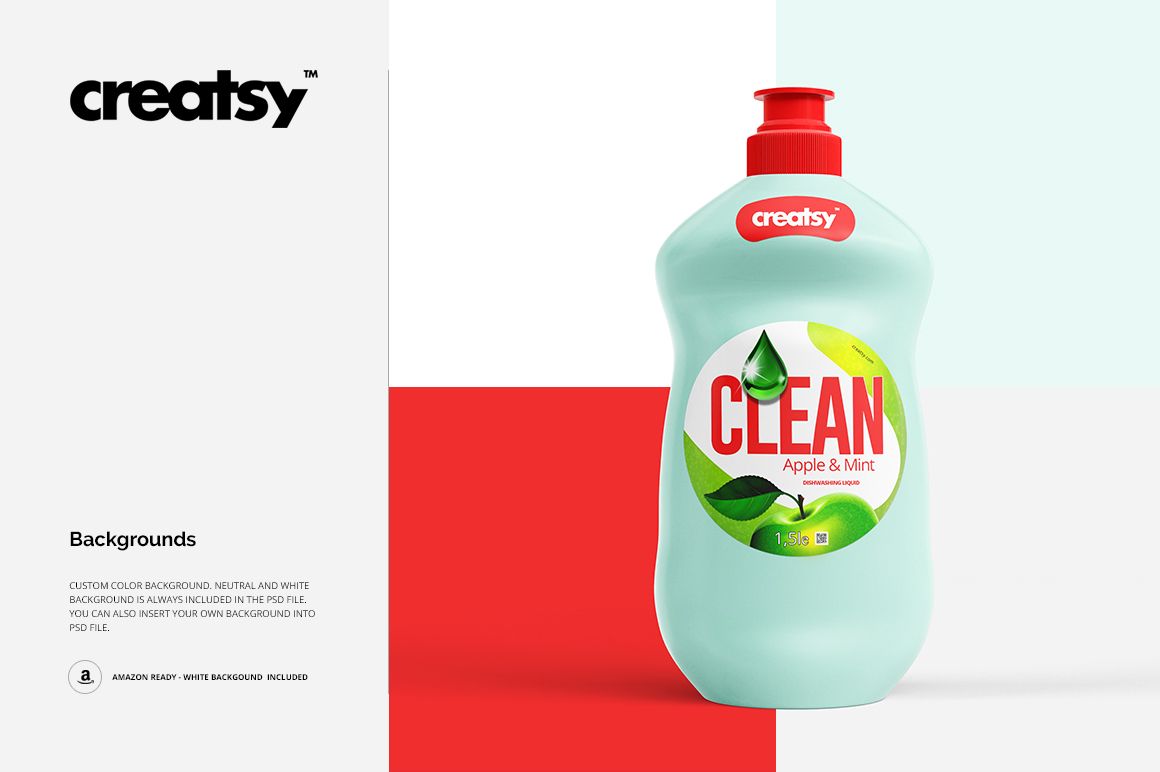
Replace the label graphics through the prepared Smart Objects and adjust the available bottle and cap color controls. Custom, neutral and white backgrounds provide different presentation options.
Perfect For
Household-care brands developing dishwashing-liquid packaging.
Designers comparing custom label contours.
Studios presenting coordinated cleaning-product ranges.
Illustrators creating graphics for kitchen-care packaging.
This is a digital presentation mockup. Physical bottles and sample artwork are not included. A label shape created for the mockup is not a supplier-approved cutting template.