Rock Slate Mockup Set
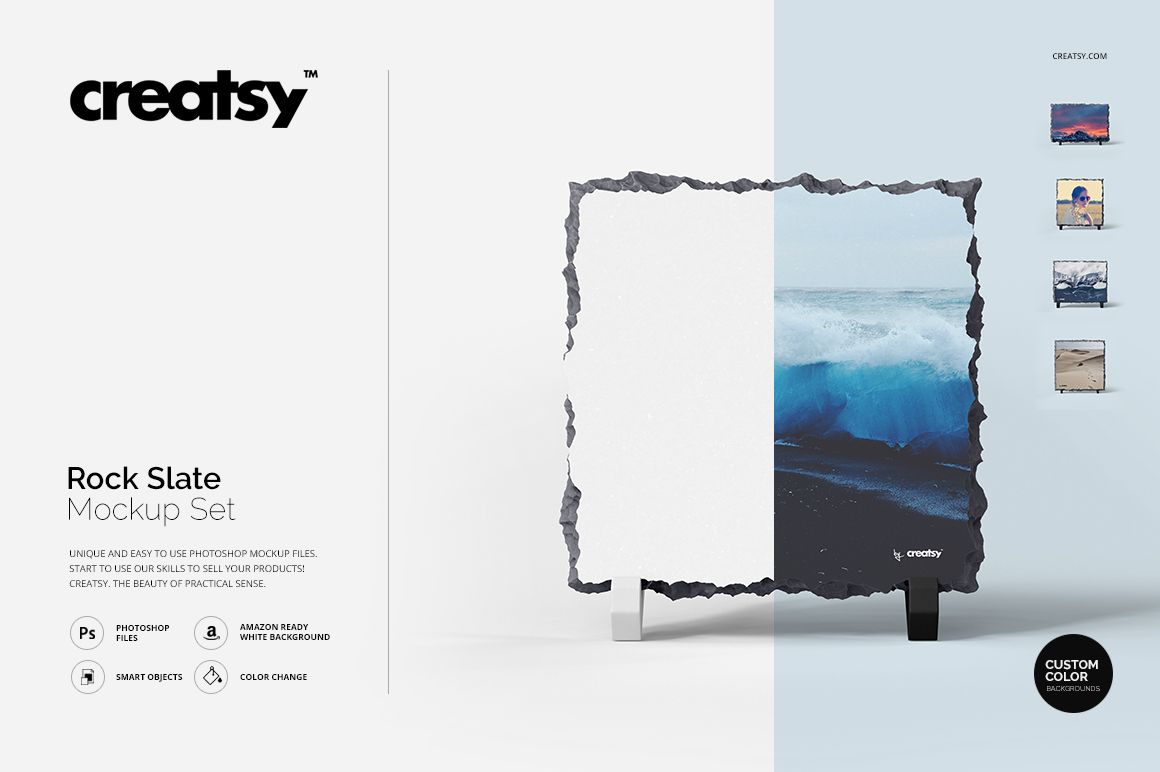
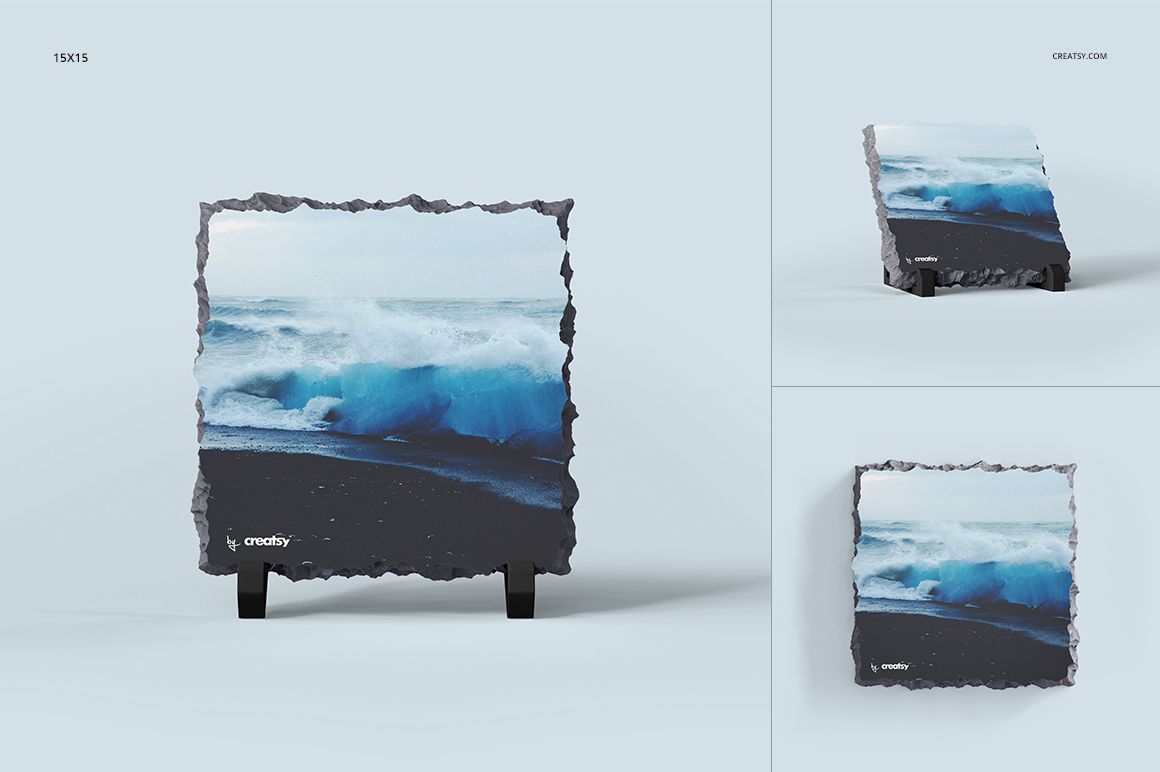
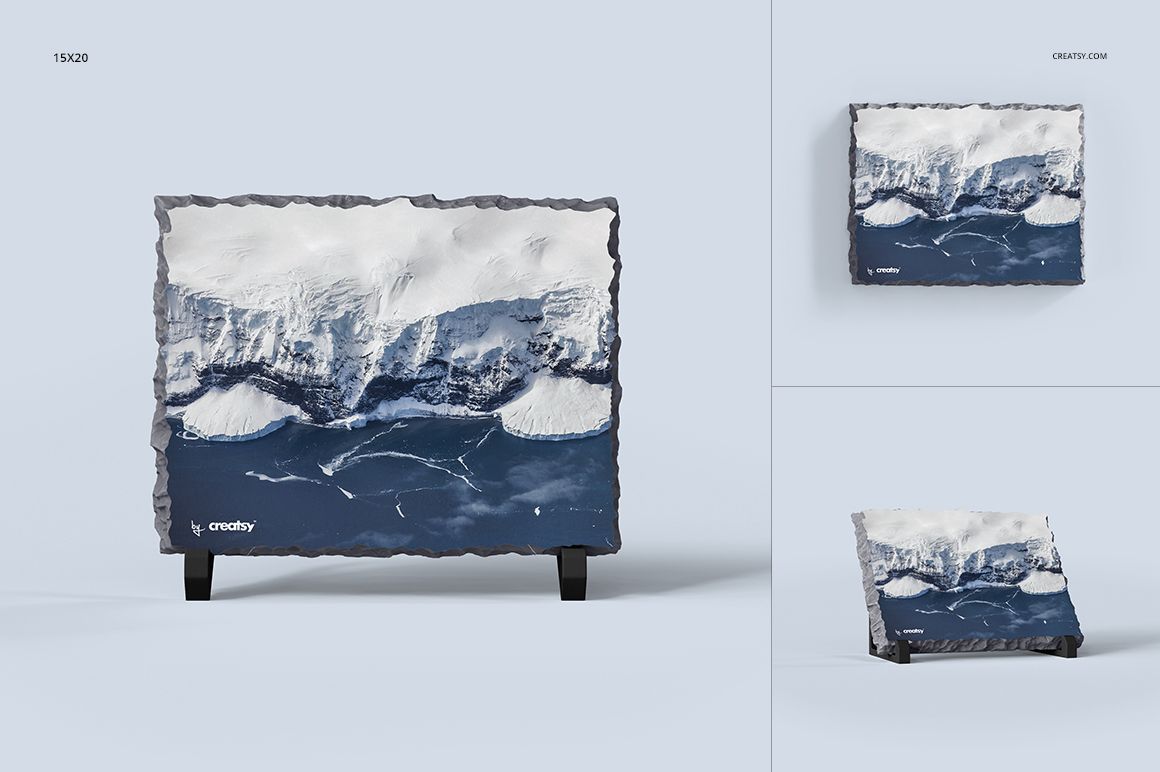
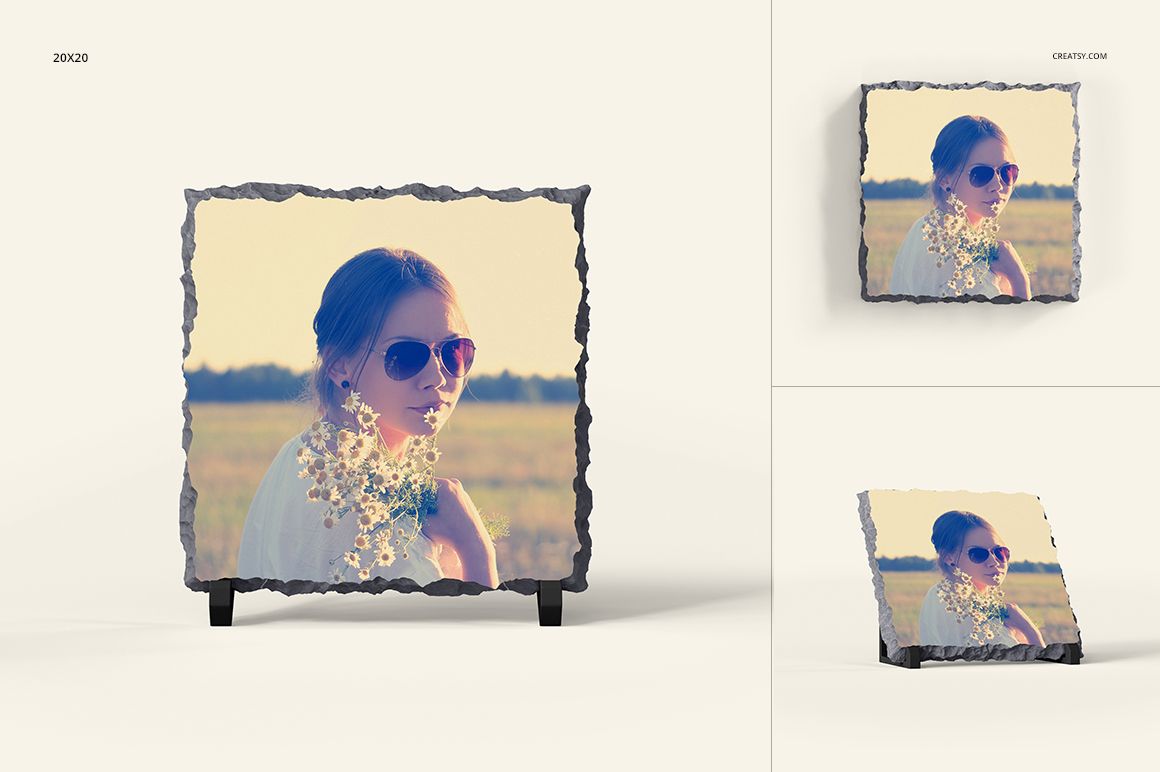
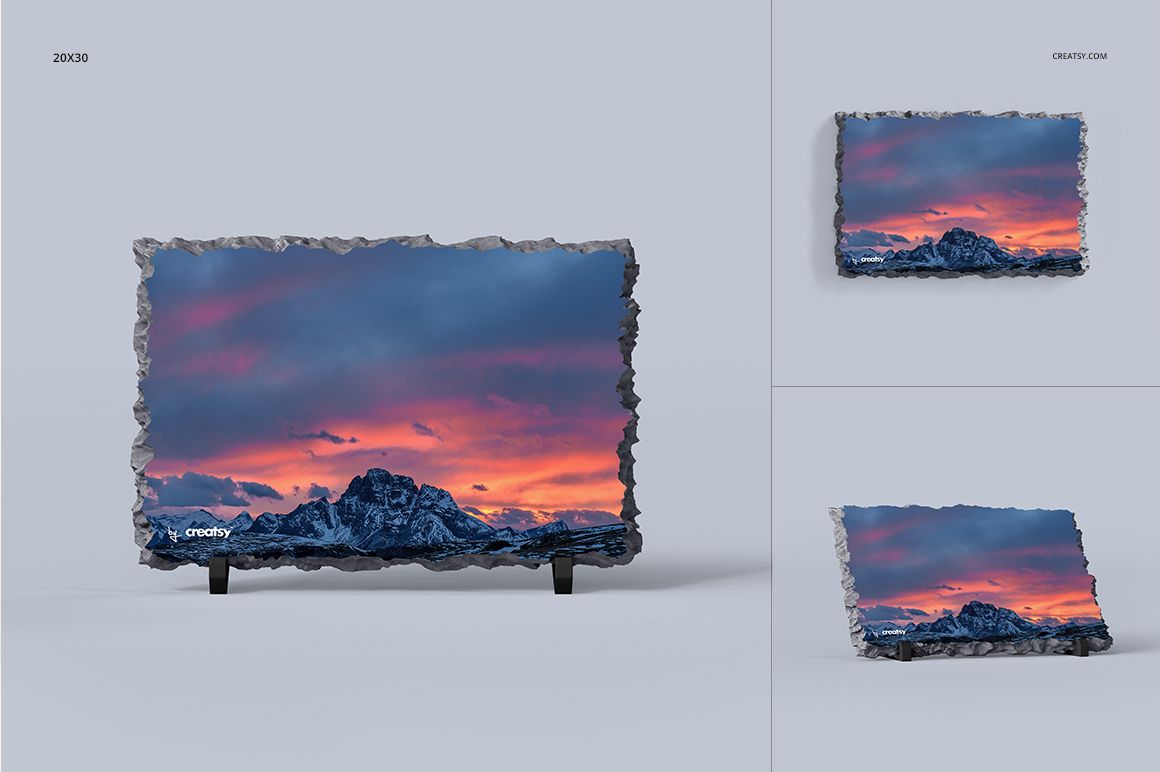
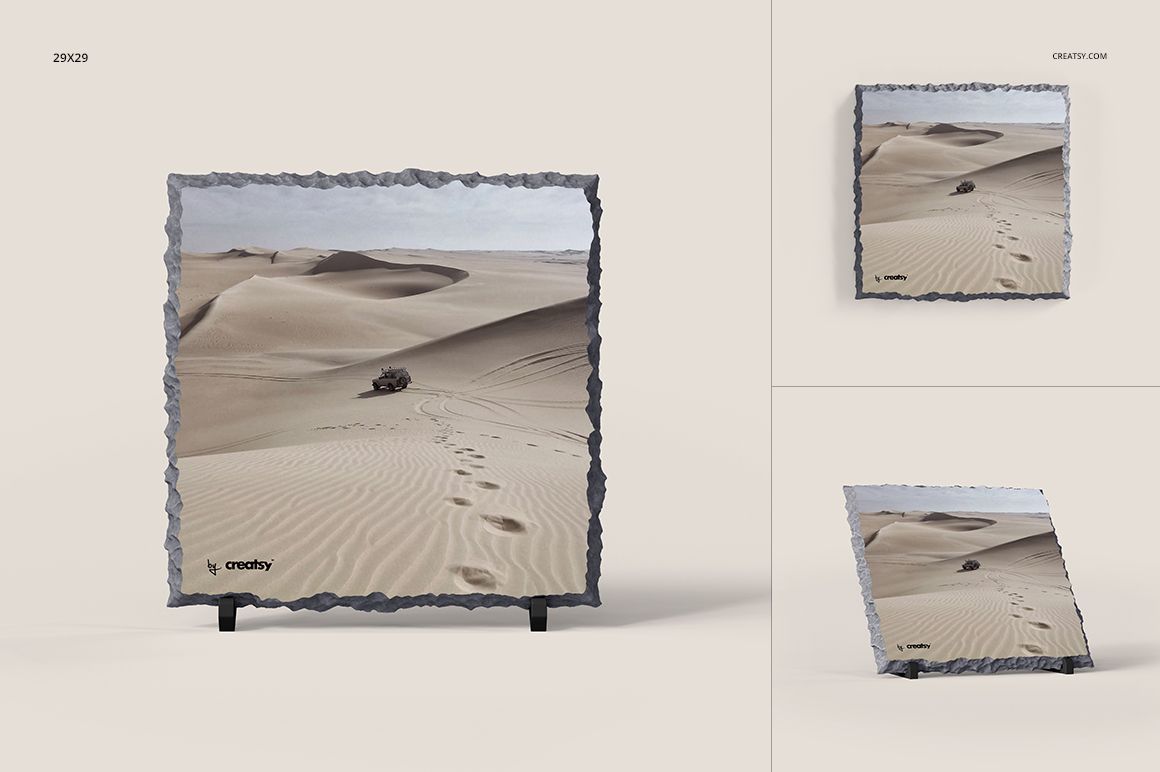
An irregular stone edge gives a photograph a different finish from a conventional frame. Rock Slate Mockup Set presents artwork on square and rectangular slate displays with supporting feet, allowing the image and the exposed border to share the composition.
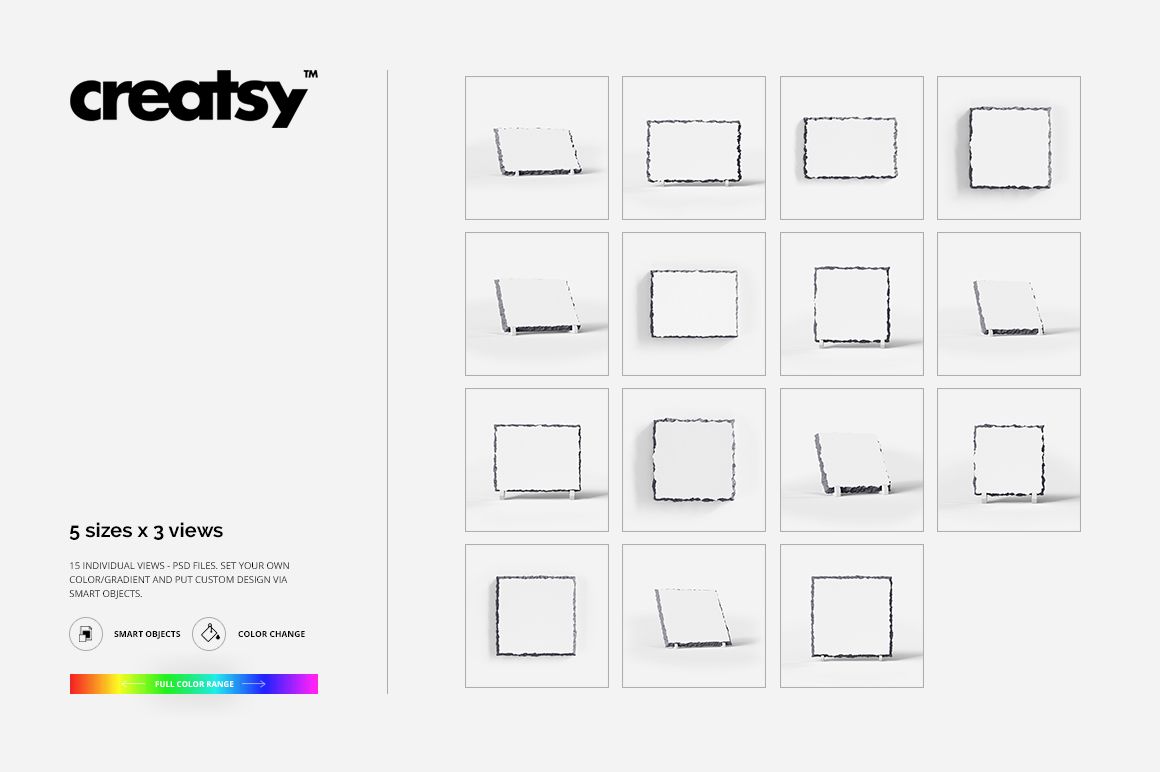
Five sizes, each shown in three views, provide a way to compare how a photograph or illustration fits different display formats. Use the set to develop a photo-gift presentation, explore alternative crops or apply a coordinated artwork collection to slate.
What Is Included
15 layered PSD mockups covering five sizes in three views each.
Square canvases measuring 3000 × 3000 px at 300 DPI.
15 JPG previews and 1 additional TIF file, 31 files in total.
Compatibility with Adobe Photoshop CS5 or newer, or Photopea.com
Give Important Details Space Around the Edge
Try positioning faces, names and other essential details comfortably inside the artwork area. Let less critical parts of the image approach the irregular border.
For a landscape photograph, compare a wider crop with a tighter composition before selecting the slate format. Reframe the image rather than stretching it to fit.
Add Artwork and Refine the Display Colors
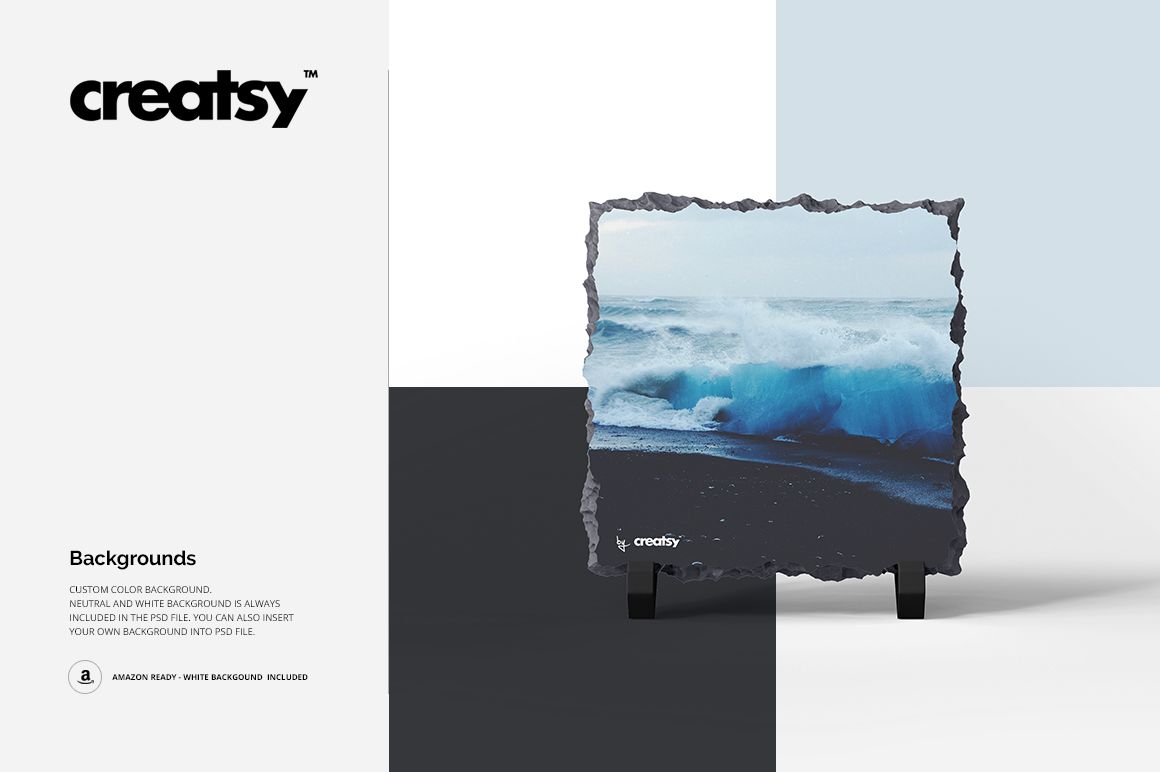
Replace the slate artwork through the prepared Smart Objects. Adjust the support-leg colors and choose a custom, neutral or white background to suit the presentation.
Perfect For
Photographers presenting tabletop photo gifts.
Personalized-gift studios developing slate artwork.
Illustrators adapting collections to stone displays.
Designers comparing photo crops across several formats.
These are digital presentation mockups. Physical slates and sample artwork are not included. Use your supplier’s specifications for the printable area, substrate dimensions and production process.