Color Match Mockup Set
Color can be difficult to explain with hex codes and small digital squares alone.
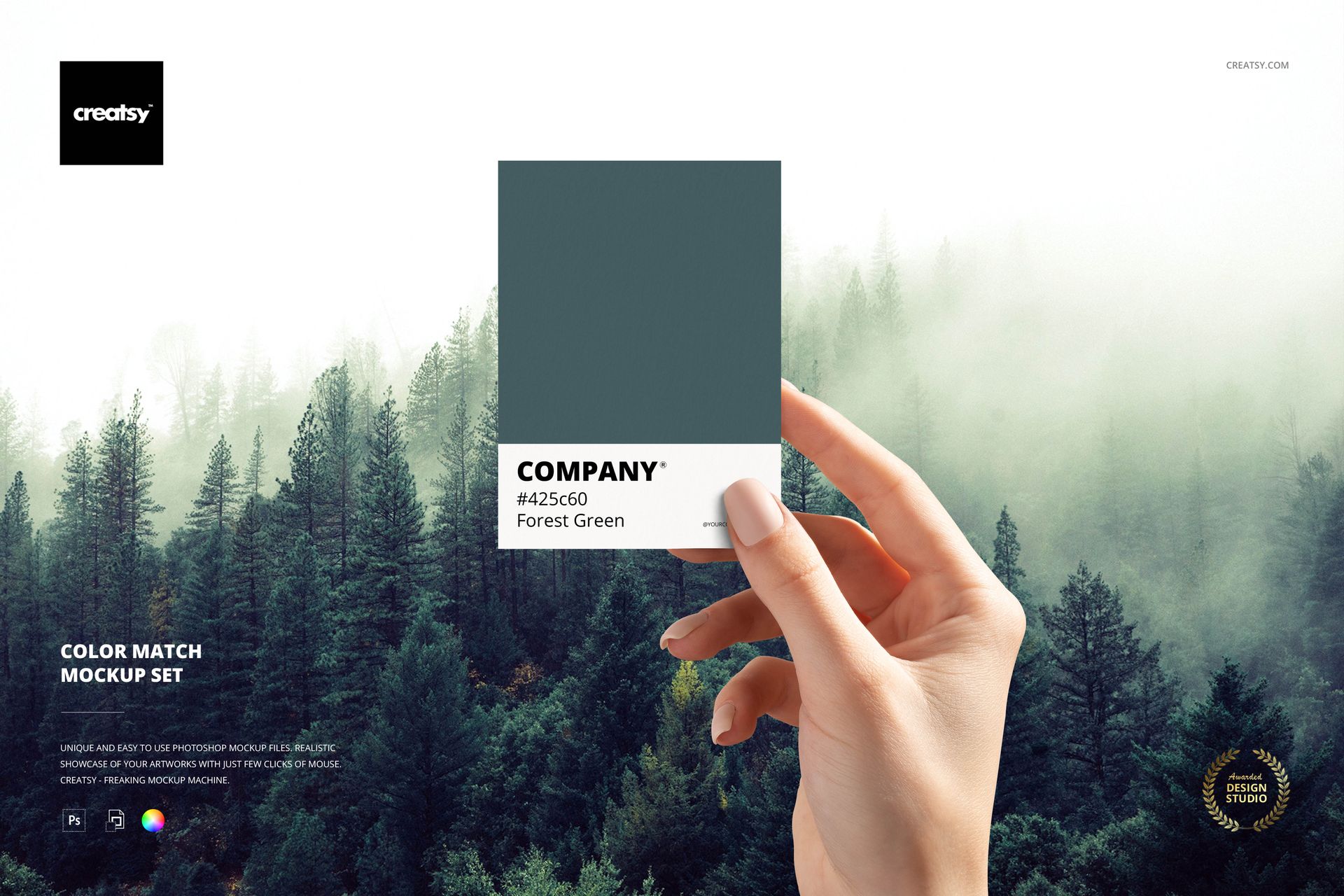
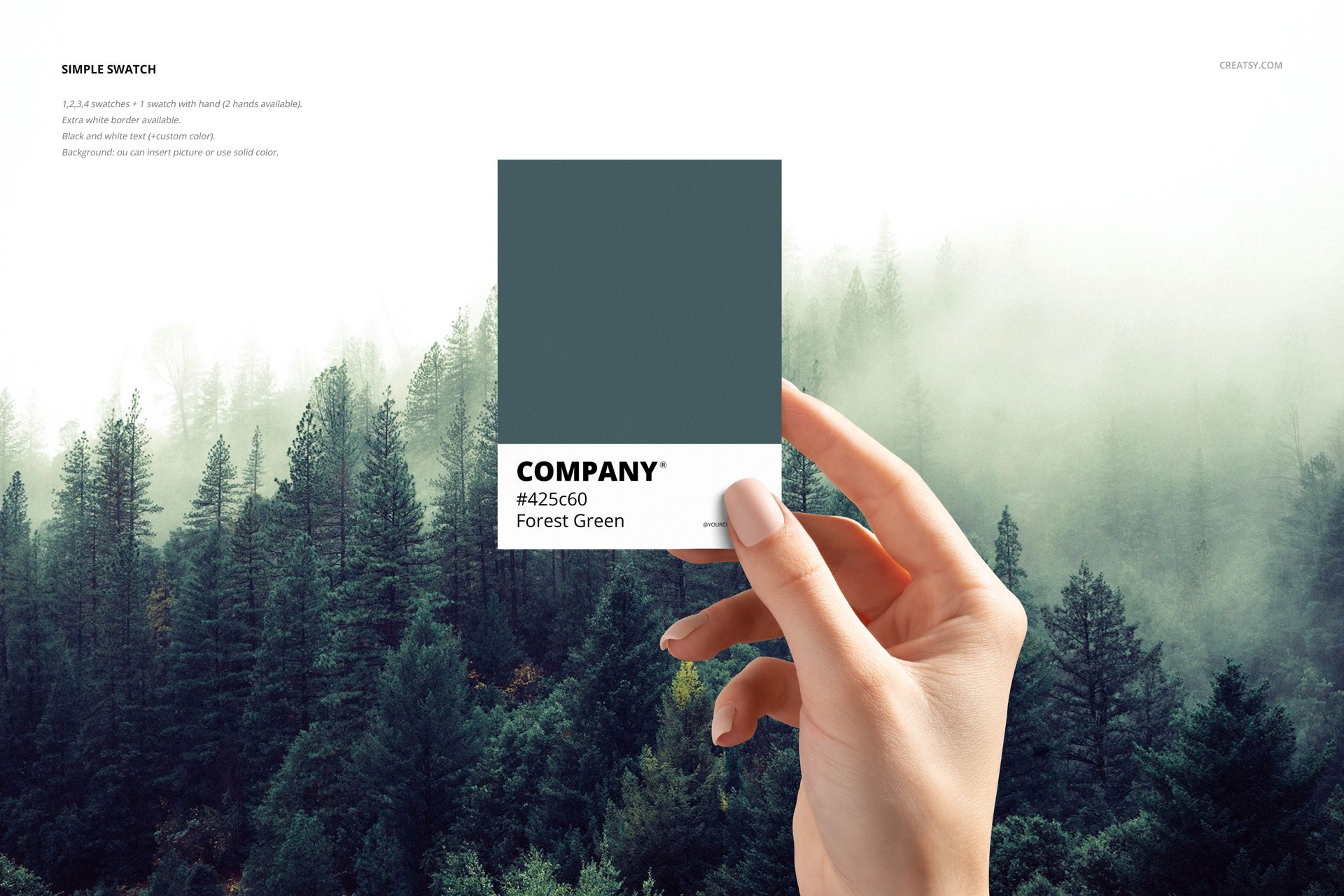
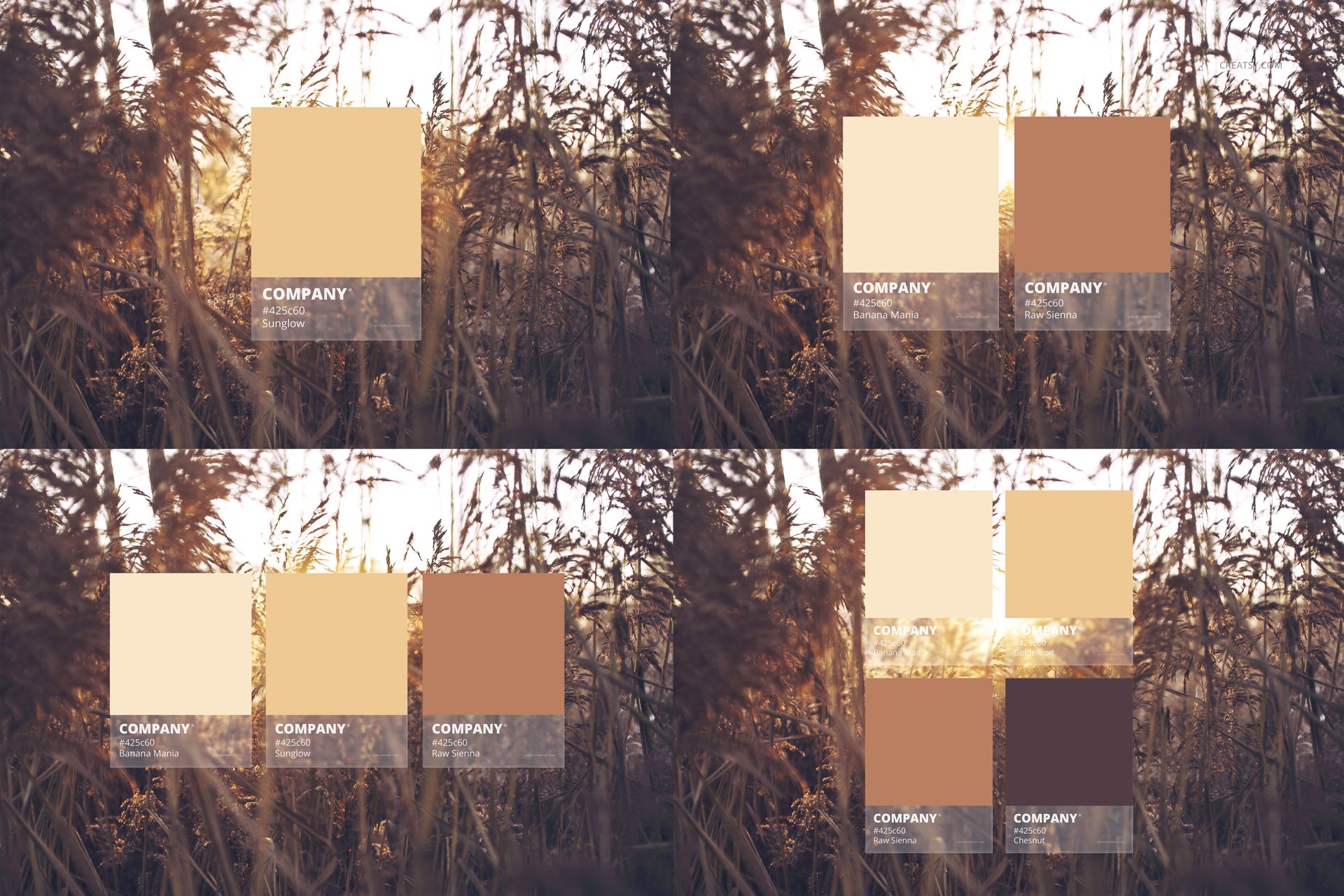
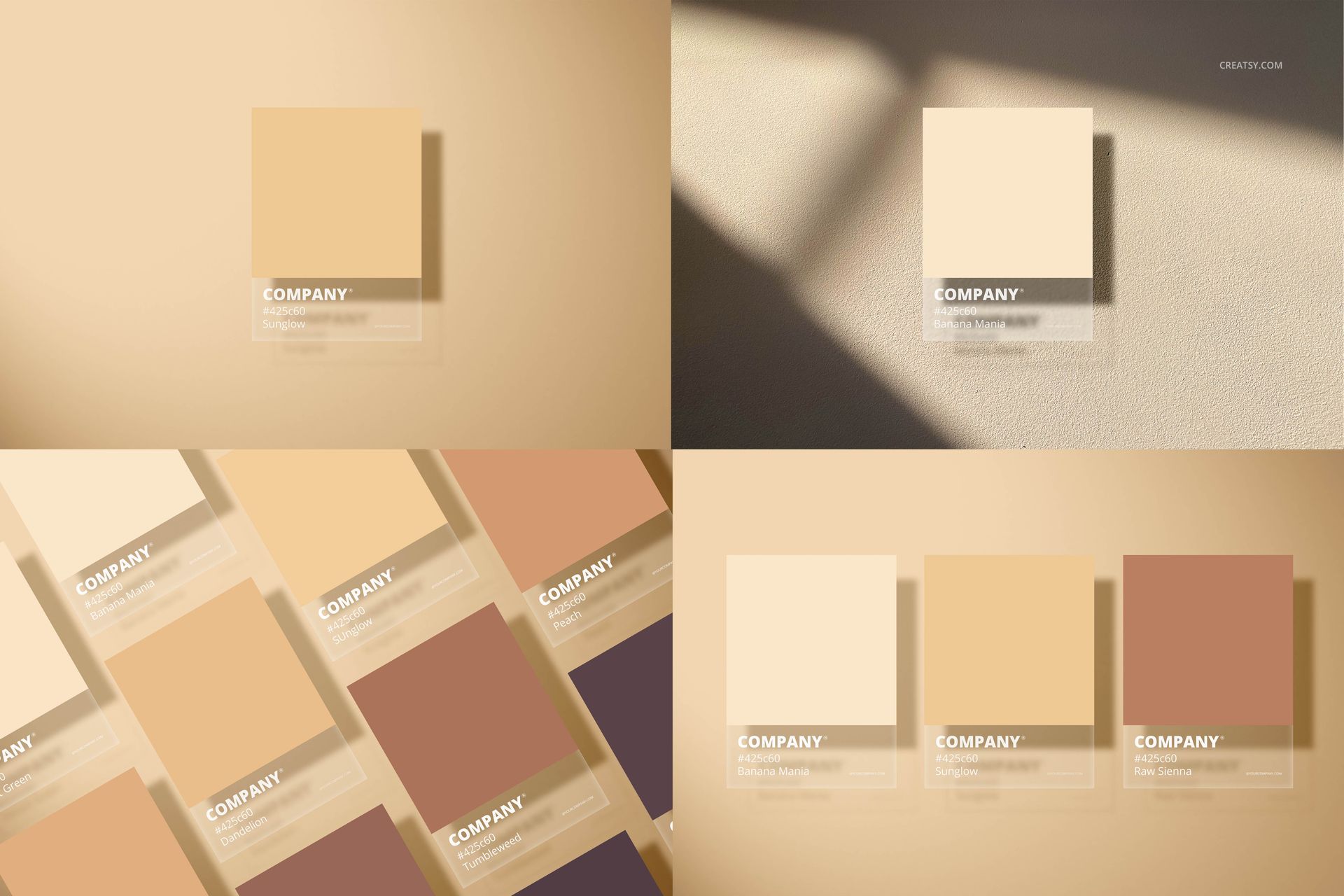
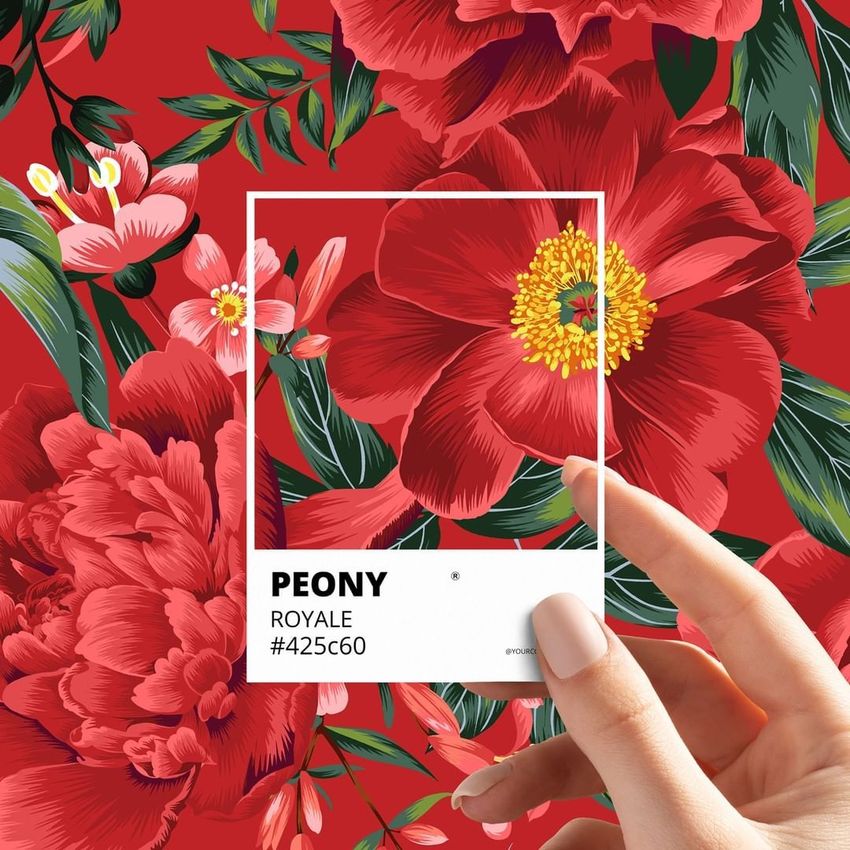
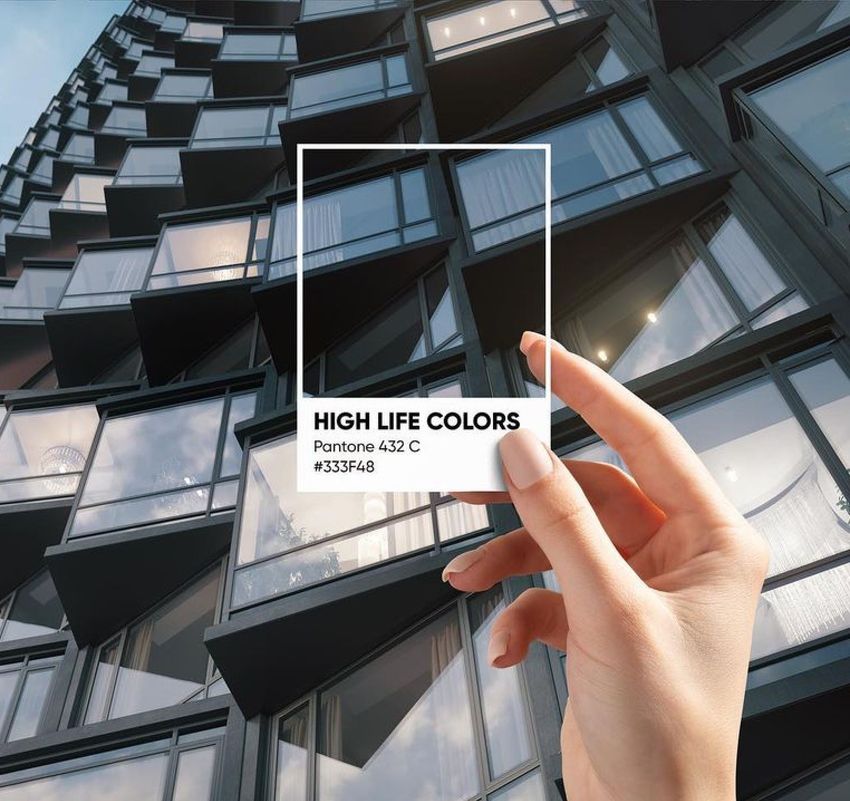
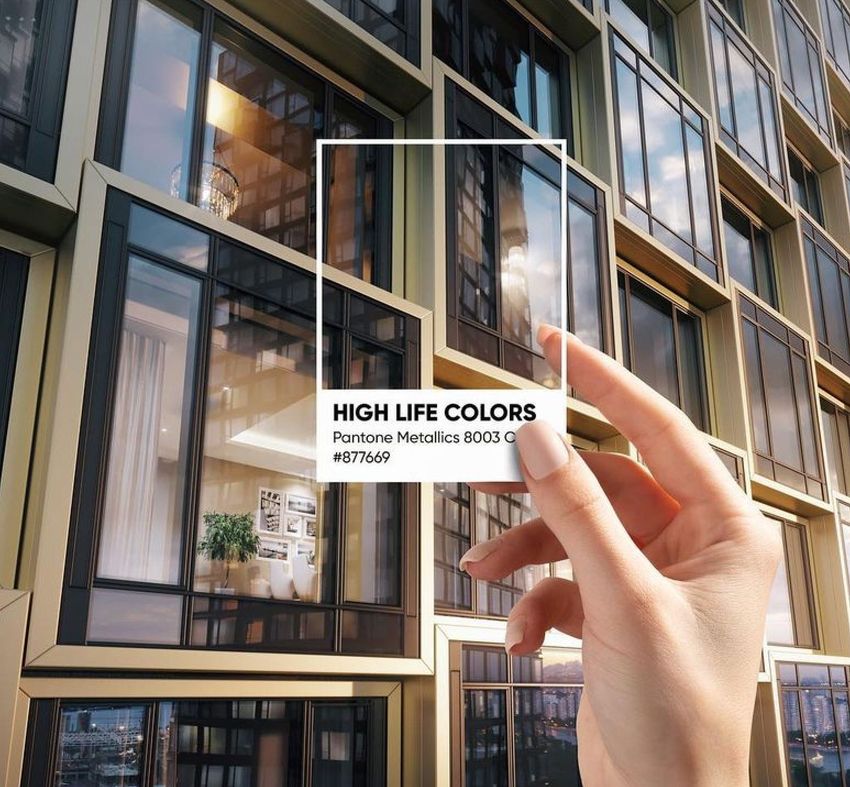
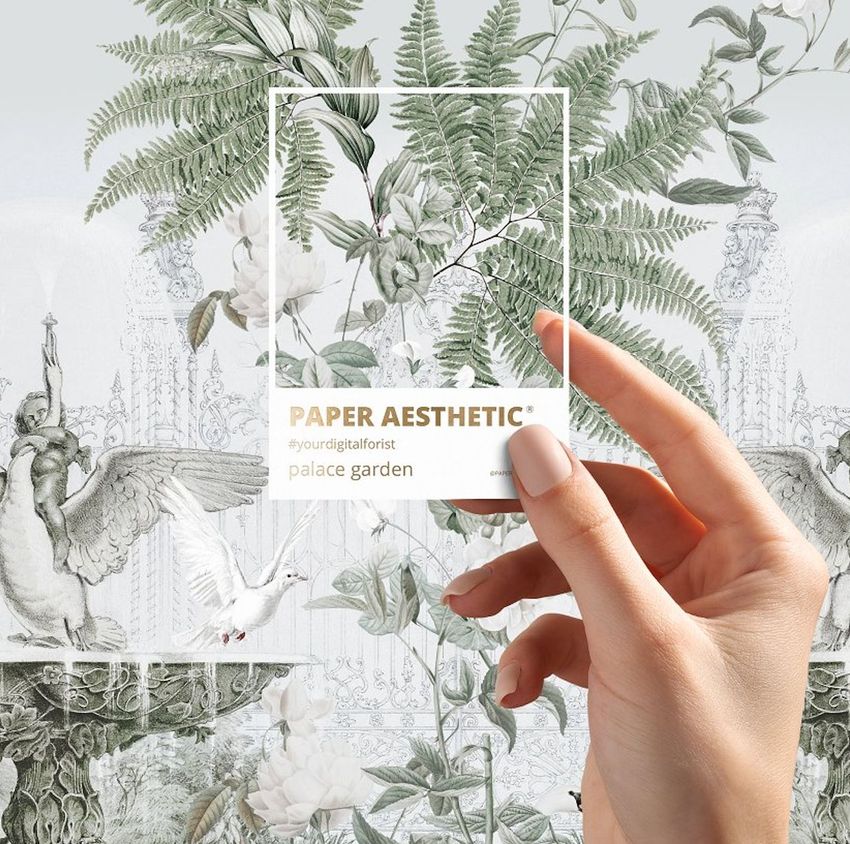
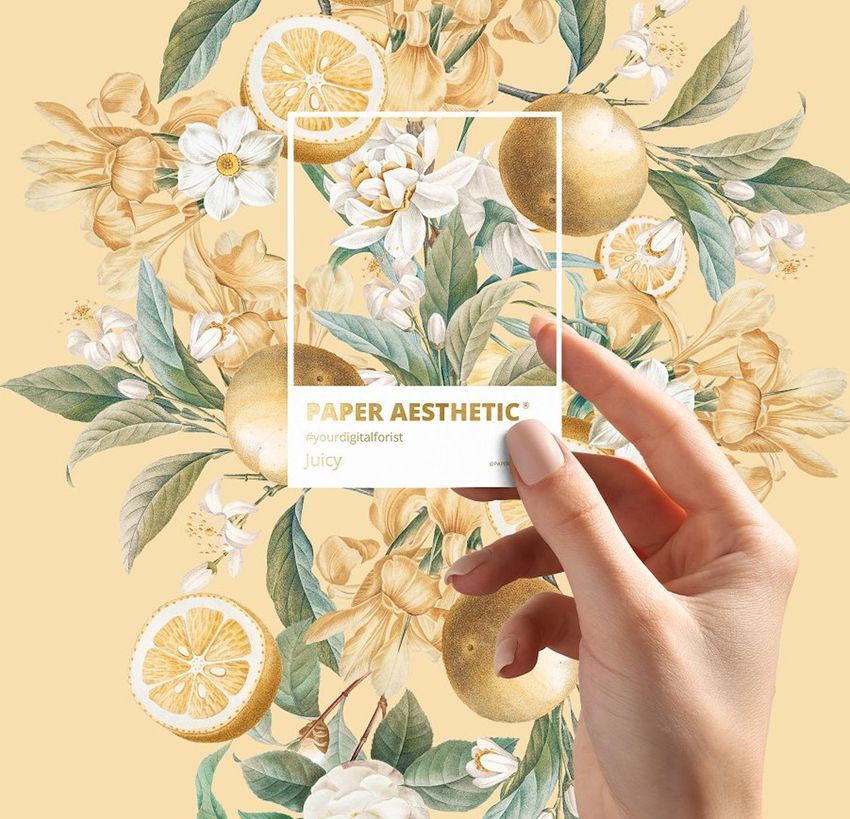
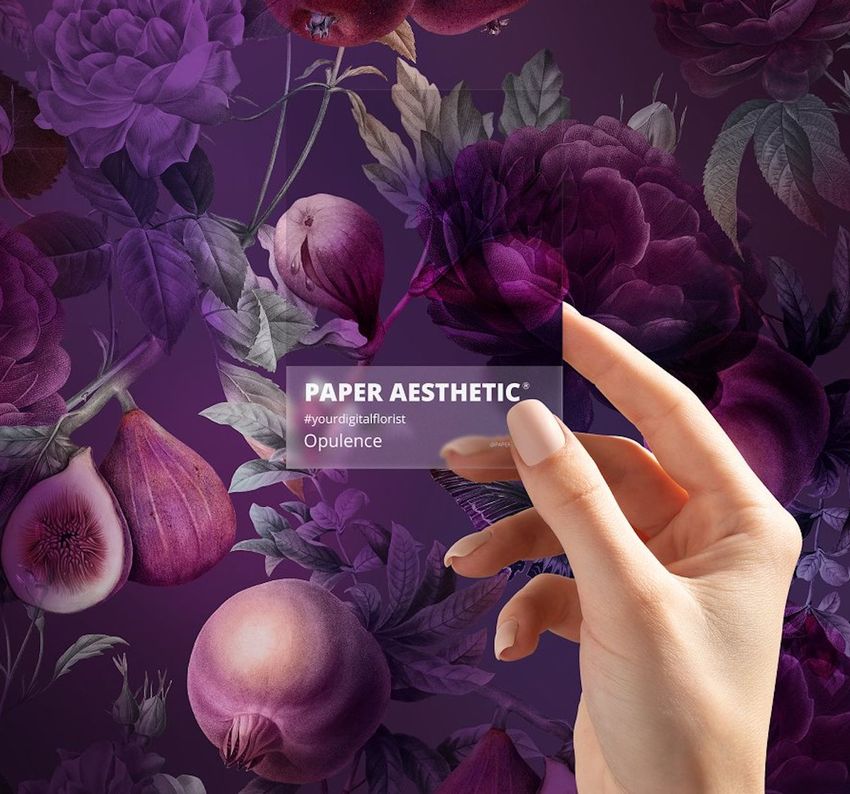
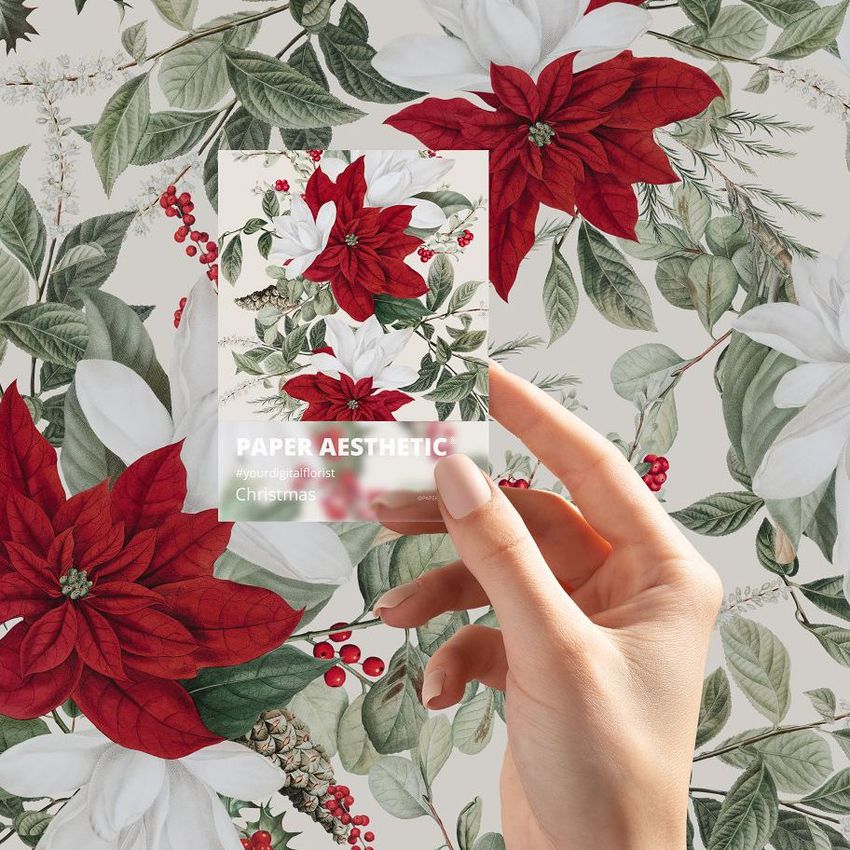
The Color Match Mockup Set gives your palette a real visual presence. Instead of placing a few colors in a flat row, you can show them on physical-looking cards, held in hand, arranged as a coordinated group or photographed against atmospheric outdoor backgrounds.
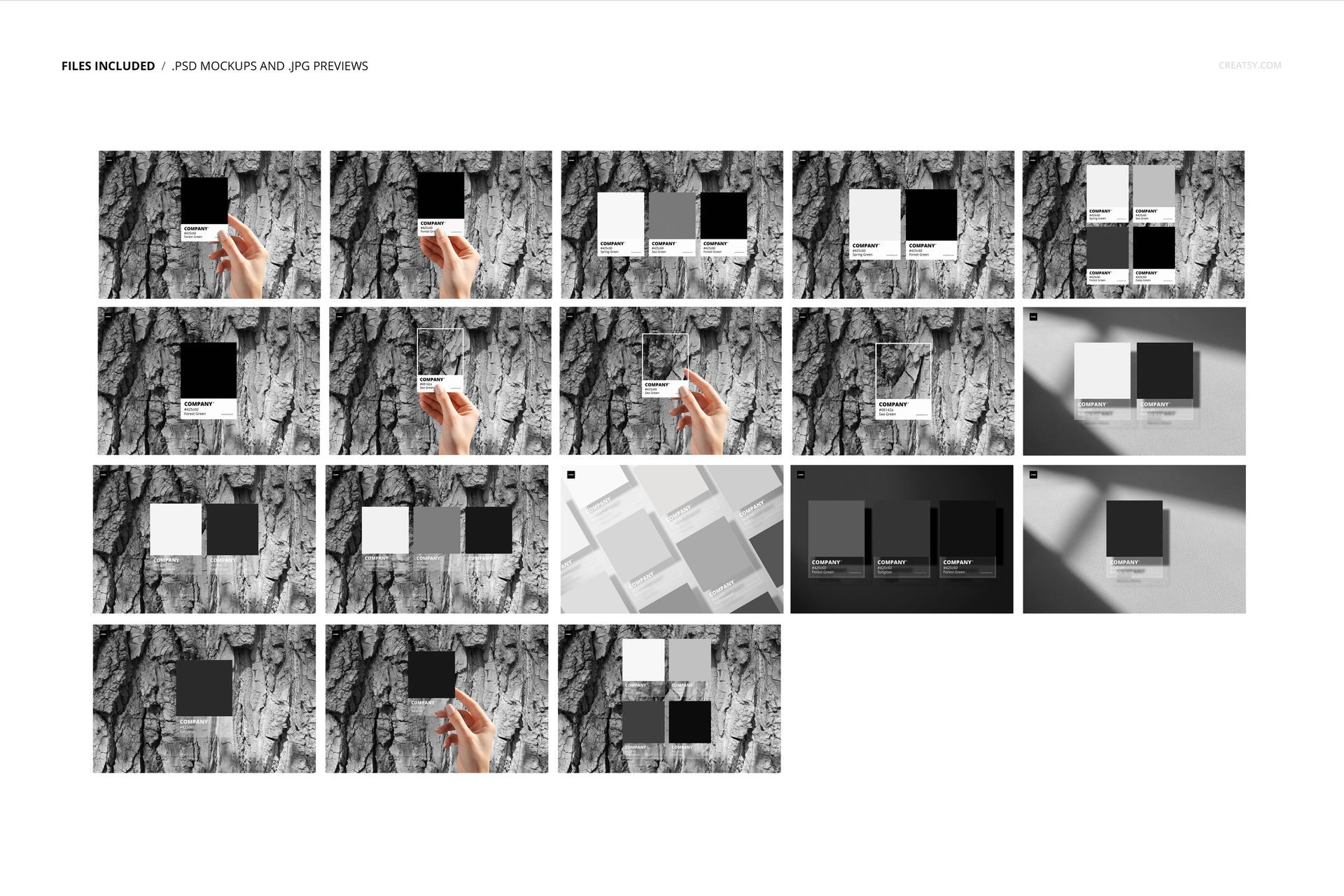
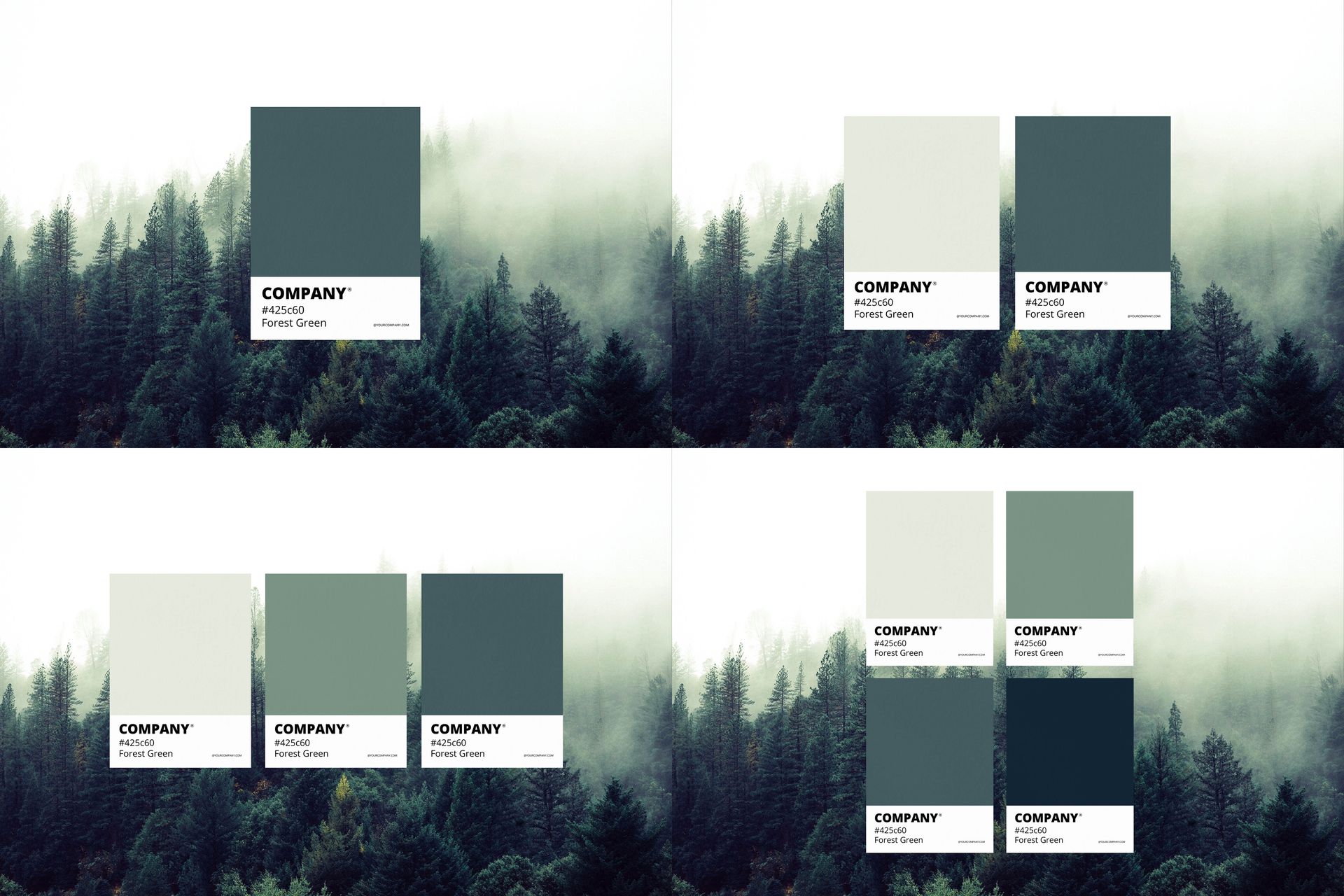
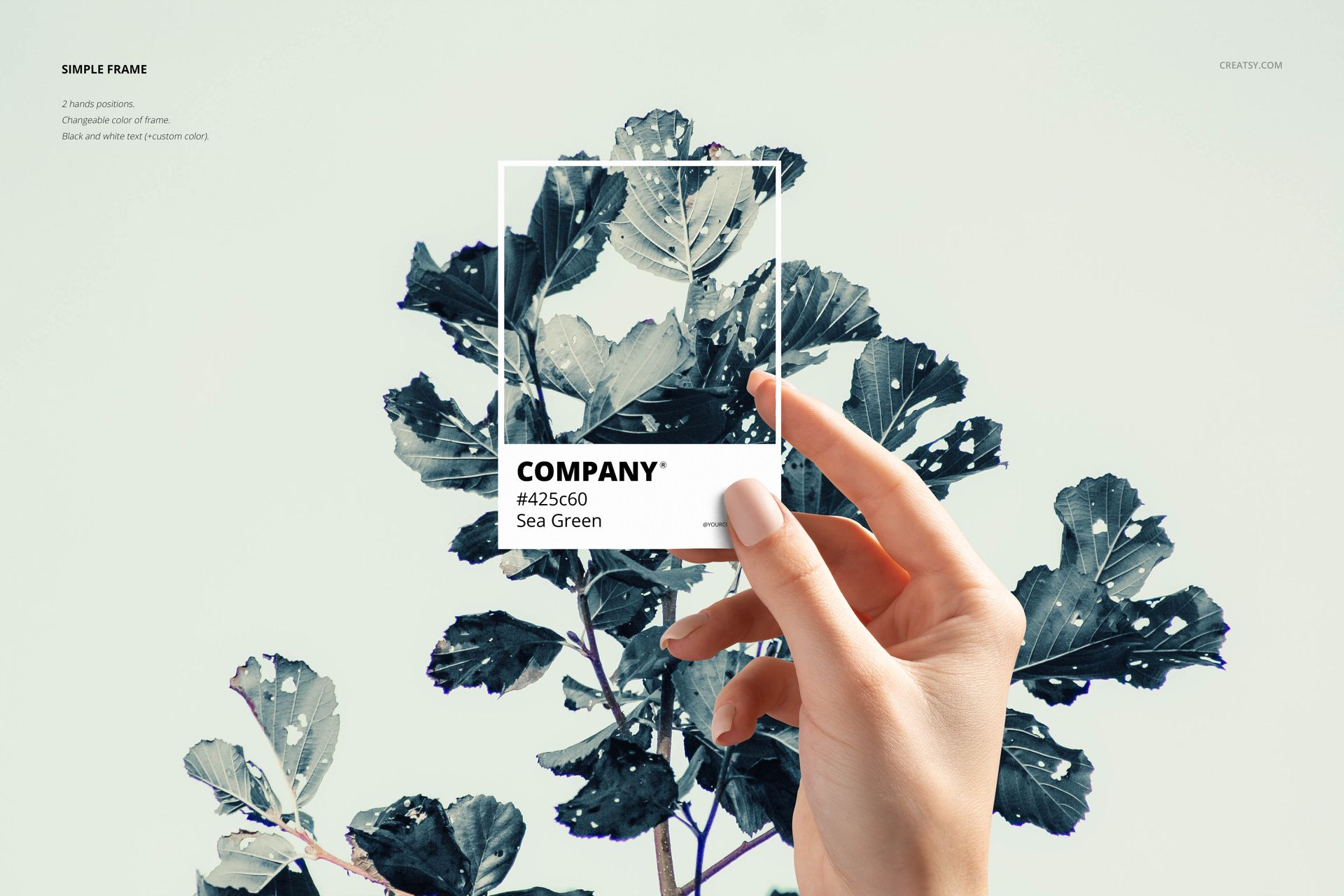
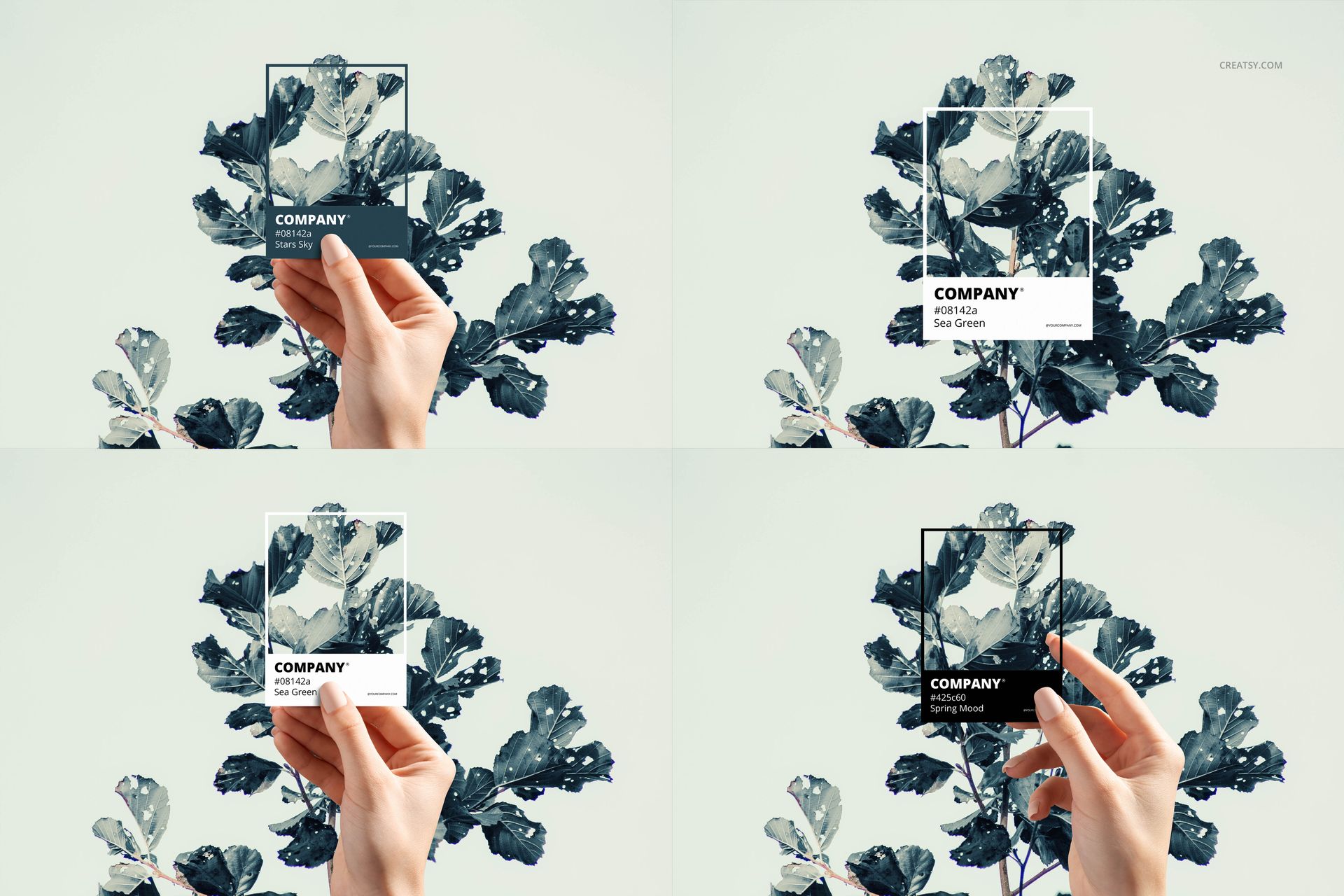
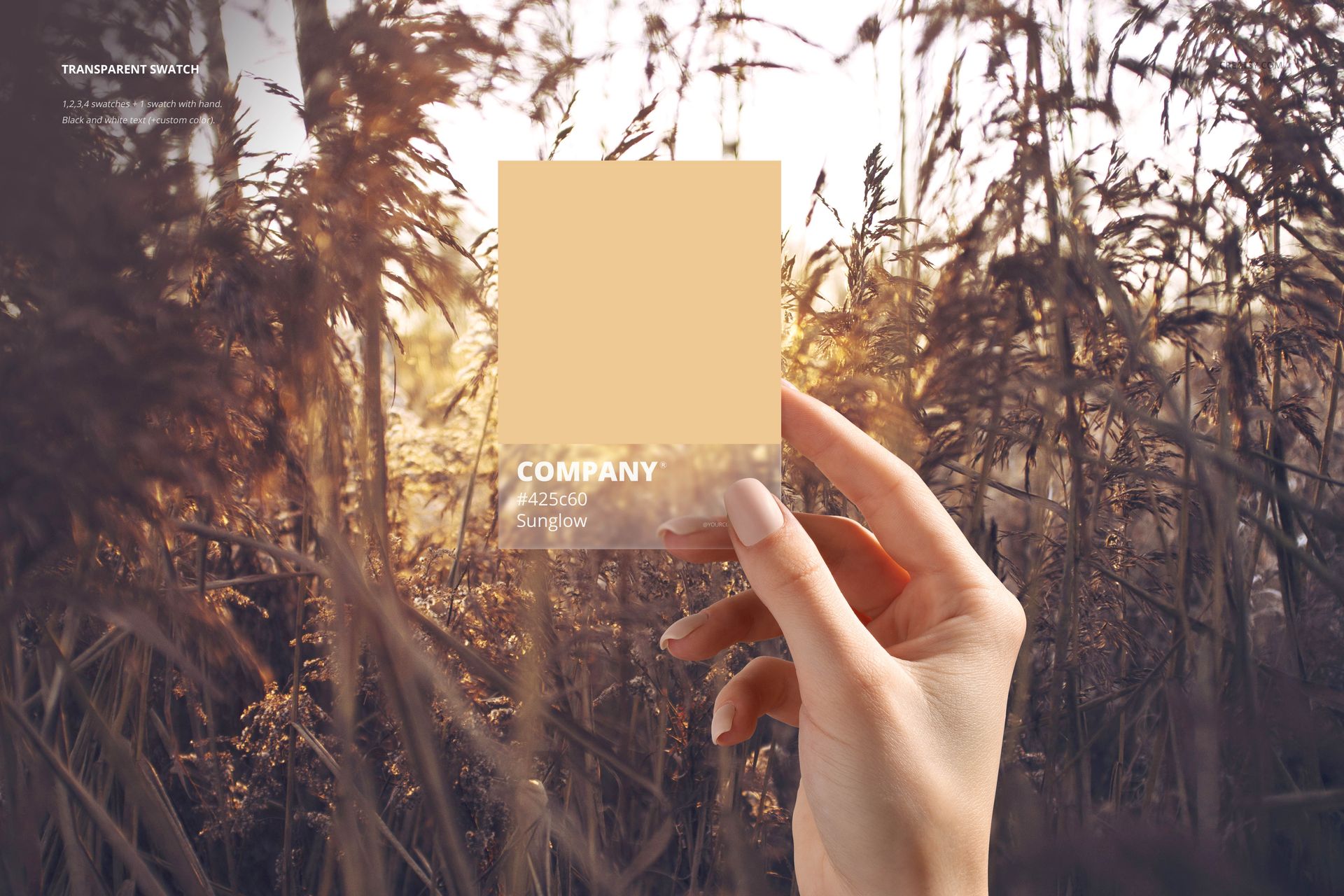
The set includes 18 high-resolution PSD scenes featuring individual swatches, grouped color cards and hand-held compositions. The available settings include misty forest views, leafy plants, golden grass and clean product-focused layouts, giving you several ways to match the presentation to the mood of your palette.
Turn a Palette into a Color Story
A good palette is not simply a list of colors. It communicates mood, personality and creative direction.
A muted green palette may suggest calm, nature or wellness. Warm neutrals can create a sense of comfort and craftsmanship. Bright contrasting shades can feel playful, energetic or fashion-led.
This mockup set helps you present those ideas visually, making it easier for clients, customers and creative teams to understand why the colors belong together.
Use it to present:
Brand color systems
Seasonal color stories
Interior design palettes
Surface pattern collections
Fashion and textile color directions
Product collection colorways
Campaign color concepts
Creative direction boards
Trend reports
Client color proposals
Paint and material selections
Brand guideline visuals
More Persuasive Than a Row of Swatches
Flat color chips are useful during the design process, but they rarely create a memorable final presentation.
The hand-held mockups make the palette feel more tangible and human. The outdoor scenes connect the colors to a specific atmosphere. The grouped card layouts allow several tones to be compared within one image.
This makes the set particularly useful when you need to explain:
How colors work together
Which shade is dominant
How secondary and accent colors support the palette
What mood the collection should communicate
How a palette relates to a photograph or environment
How several color directions differ from one another
Clients can respond to a complete color story instead of trying to imagine the result from isolated color codes.
Created for Brand Designers
Color is one of the most recognizable parts of a brand identity.
Use these mockups to give the color palette more importance within a logo presentation, brand guidelines document or portfolio case study. Rather than placing the palette at the bottom of a page as a technical detail, you can turn it into a strong standalone visual.
The set works well for:
Brand identity presentations
Logo design case studies
Rebranding proposals
Creative agency portfolios
Client approval decks
Brand strategy documents
Website and social media guidelines
Launch campaign moodboards
Packaging identity presentations
A hand-held swatch card can also help show how the brand feels outside a purely digital environment.
Useful for Interior and Product Color Concepts
The scenes can also support interior designers, color consultants, product designers and material specialists.
Use the cards to present wall color combinations, room palettes, furniture finishes, fabric selections, product colorways or coordinated material collections. The natural backgrounds are particularly effective for palettes inspired by forests, plants, earth tones, landscapes and seasonal environments.
The mockups can help turn technical color decisions into visuals that feel easier to discuss and approve.
Present Surface Pattern and Textile Collections
Surface pattern designers often build collections around a carefully planned palette.
This set gives you a way to introduce those colors before showing the final patterns. You can present a hero palette for the entire collection, compare seasonal colorways or show how several prints belong to one coordinated family.
Try using the mockups for:
Floral pattern collections
Botanical artwork
Children’s surface designs
Home textile collections
Fashion prints
Wallpaper ranges
Stationery collections
Holiday artwork
Fabric colorways
Licensing portfolios
A dedicated color story can make a pattern collection feel more intentional and professionally developed.
Choose the Right Scene for the Mood
The different backgrounds allow each palette to be presented in a context that supports its character.
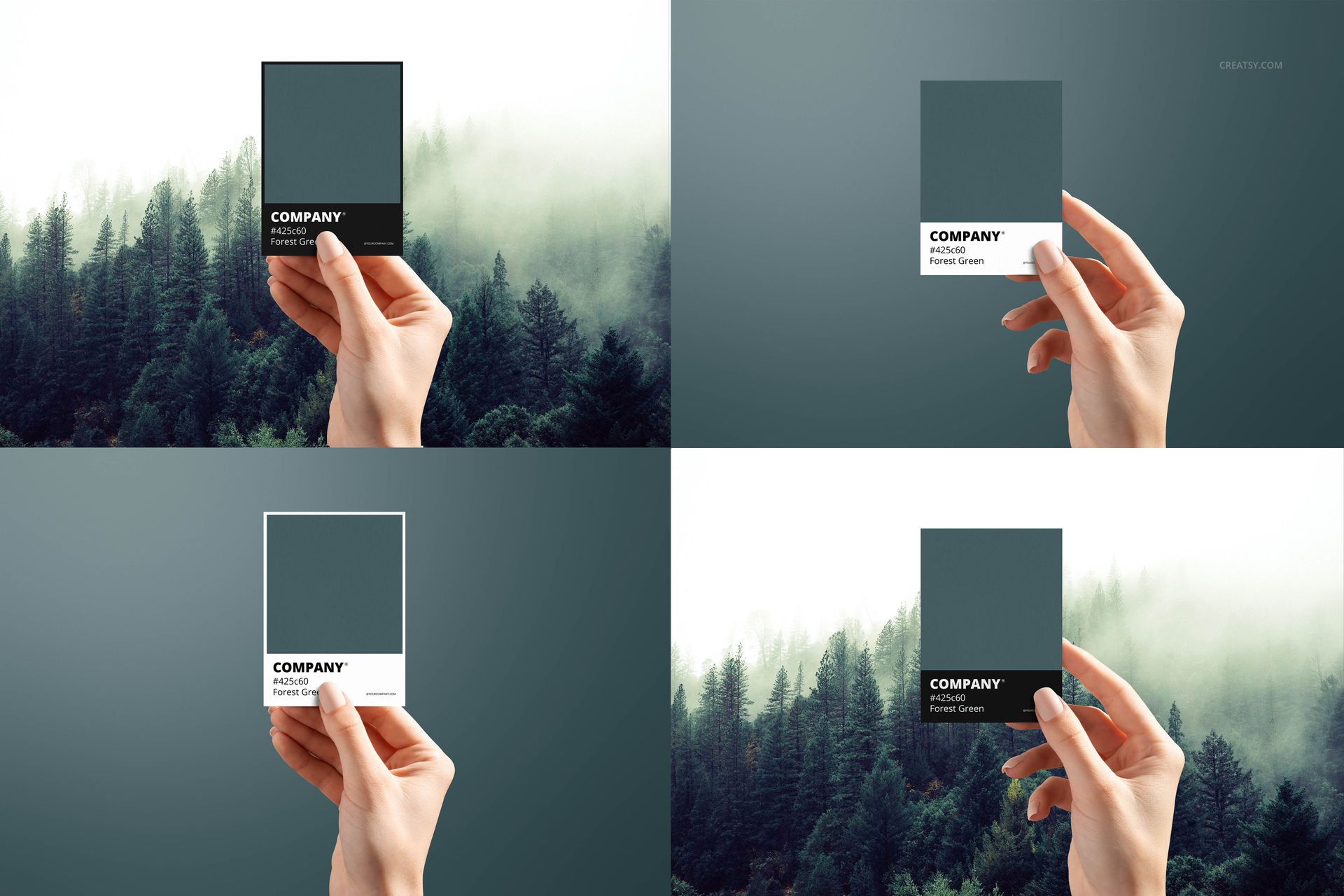
Use the misty forest scenes for deep greens, cool neutrals and atmospheric palettes.
Choose the leafy plant backgrounds for fresh botanical colors, wellness branding or nature-inspired collections.
The golden field scenes can complement warm beige, brown, cream and sunset tones.
Clean white layouts are useful for formal brand guidelines, product listings and minimal portfolio presentations.
You can also combine several scenes to create a complete gallery, beginning with an atmospheric hero image and following with clearer comparison layouts.
Show One Palette or Several Directions
Some projects need one final color system. Others require several options before a decision is made.
The set includes compositions with individual cards and multiple swatches, allowing you to present:
One selected hero color
A complete five-color palette
Several color directions
Light and dark variations
Seasonal alternatives
Primary and secondary brand colors
Multiple product colorways
A before-and-after palette comparison
This flexibility makes the mockups useful during both the approval stage and the final presentation.
Customizable PSD Workflow
The PSD files use Smart Objects and editable color layers, allowing you to add custom artwork, color names, codes, logos or short descriptions. The listing also states that the background color, card color and card design can be changed. Objects and shadows are placed on separate layers, making it possible to create simplified compositions or export selected elements with transparency.
You can adapt the cards to include:
Color names
HEX values
RGB or CMYK values
Collection titles
Brand logos
Material names
Paint references
Short palette descriptions
Season or campaign names
Product colorway labels
The Open Sans font used in the original files is available through Google Fonts, according to the listing.
Where You Can Use the Finished Visuals
Use the edited mockups in:
Brand identity presentations
Client proposals
Portfolio case studies
Behance projects
Instagram carousels
Pinterest graphics
Color trend reports
Website project pages
Interior design moodboards
Product collection launches
Textile and surface design portfolios
Digital catalogs
Creative direction decks
Brand guidelines
Color consultation materials
File Specifications
Pack includes 18 editable PSD mockup scenes
PSD dimensions: 6000x4000 px
Resolution: 300 DPI
Compatibility listed: Adobe Photoshop CC2015 or newer
Editable components: card color, card design and background color
Smart Object workflow
Objects and shadows on separate layers
Transparent scene export supported
Font used: Open Sans
Preview patterns and artwork are not included
The file scanner lists 40 files in total across PSD, JPG and PDF formats
Package size: approximately 892 MB for Windows and 936 MB for macOS