Toothpaste Tube Mockup Set
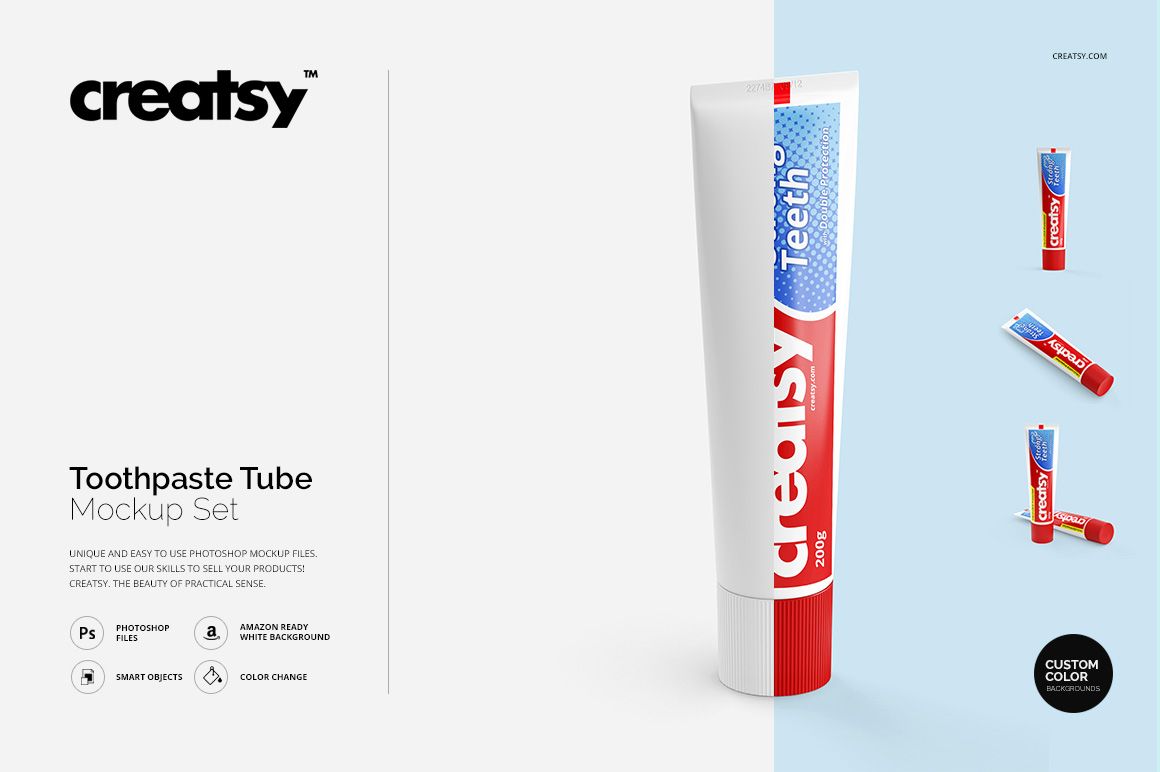
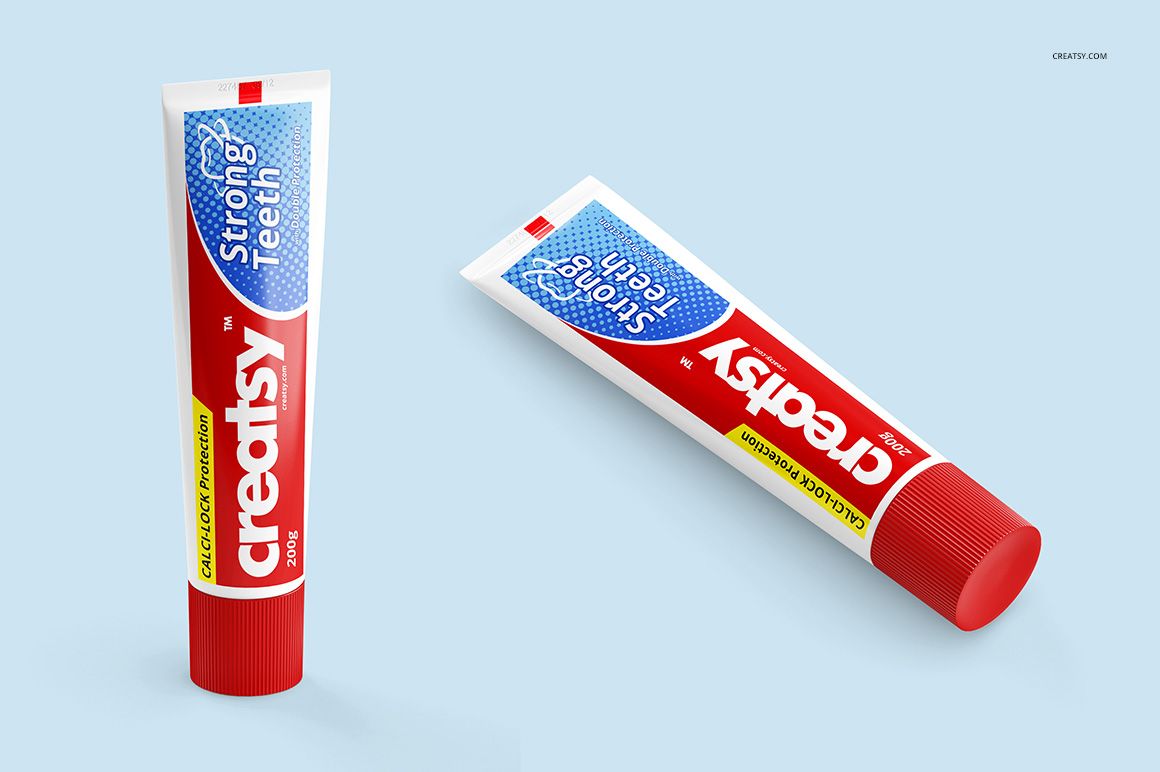
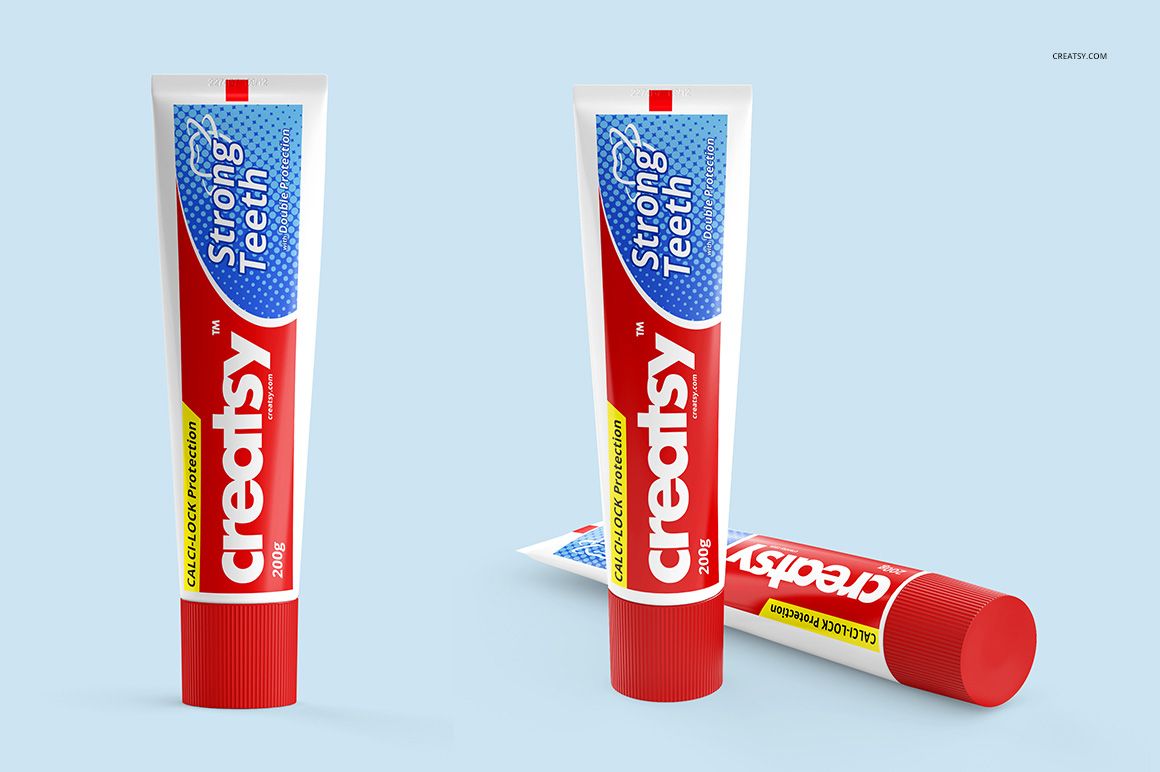
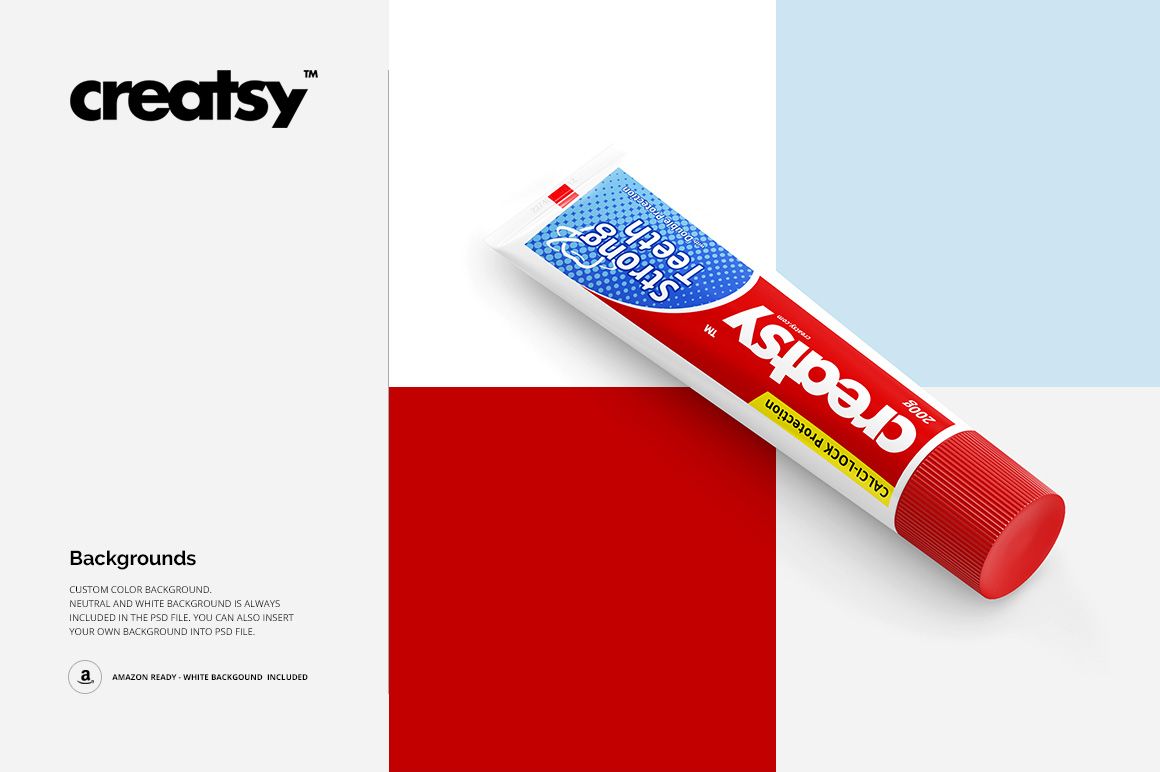
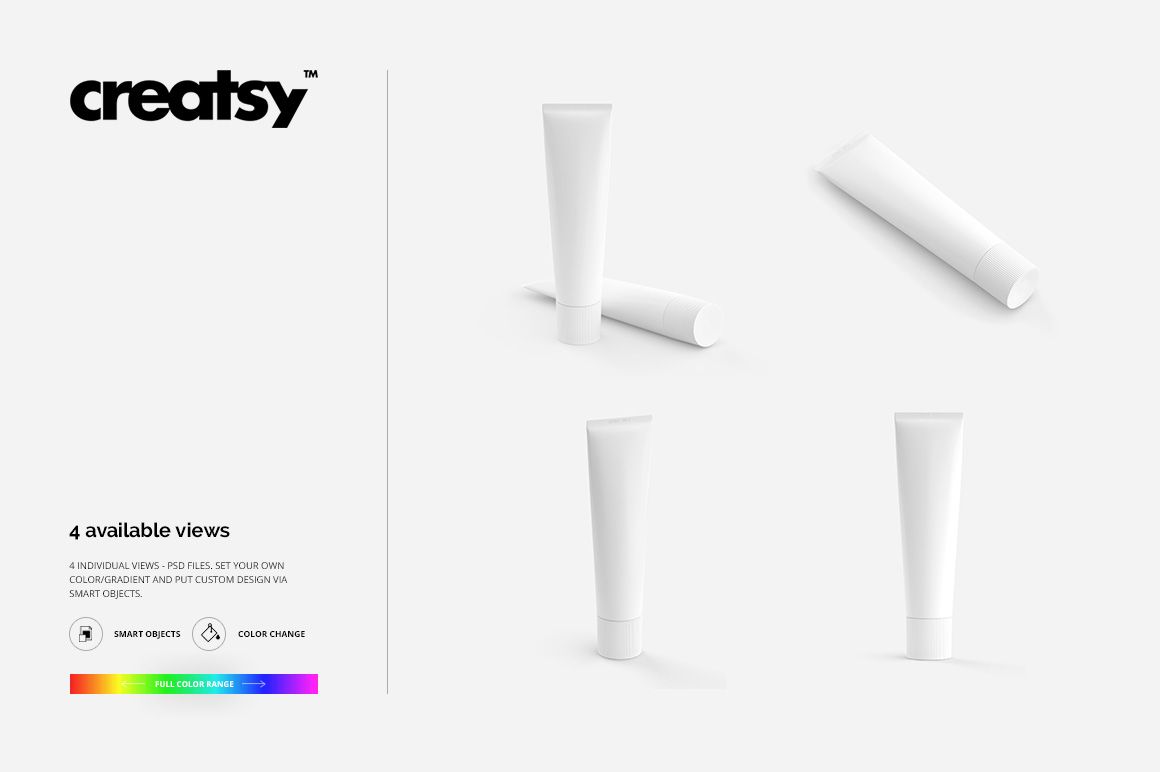
See how your oral care branding reads on a toothpaste tube, from the ribbed cap to the crimped top. Four square PSD scenes bring together upright and angled views, a lying-down tube and a paired composition, giving you a varied presentation from one packaging format.
Use the different perspectives to compare logo placement, illustration scale and color combinations. The tube’s curved surface adds context that a flat artwork file cannot show, helping clients understand the design before a physical sample is made.
What Is Included
4 layered PSD mockup scenes, each 3000 × 3000 px at 300 DPI.
4 JPG previews and 1 TIF guide, 9 files in total.
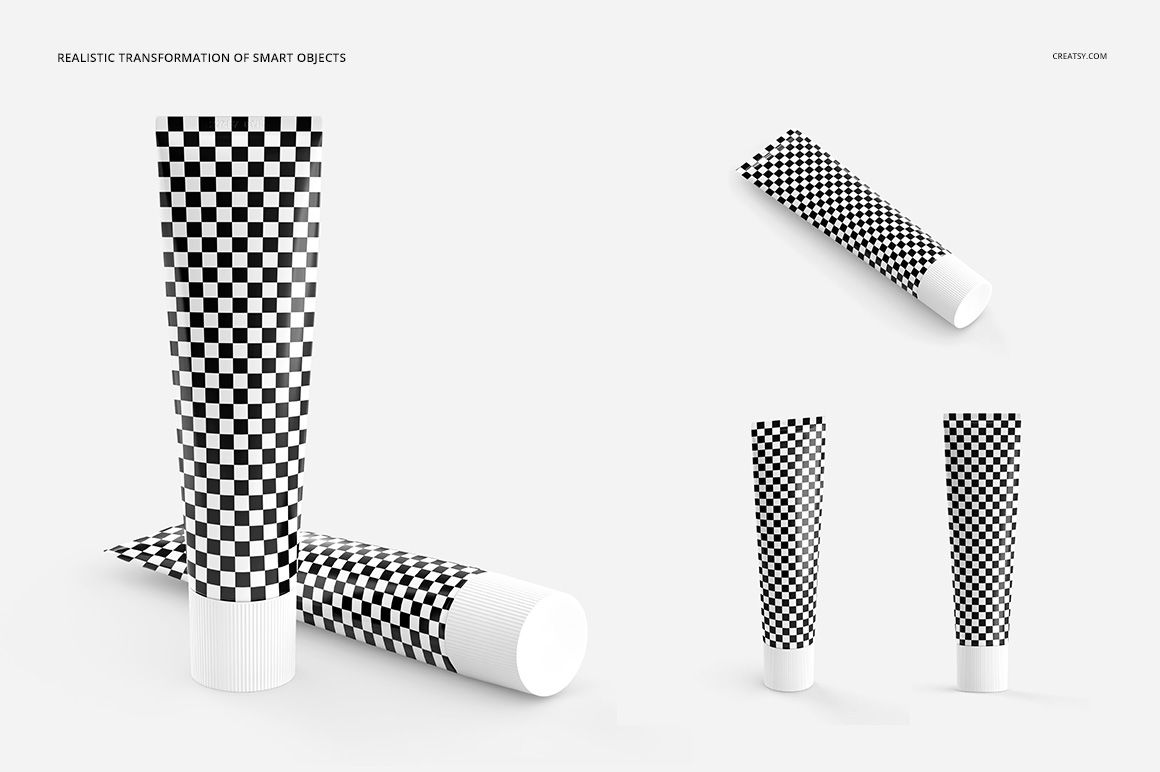
Smart Object artwork placement, color controls and separate object and shadow layers.
Coordinate the Tube, Cap and Background
Apply your own artwork and adjust the tube and cap colors to suit the brand. Choose a white background for a focused packaging presentation or a custom color for a campaign image. The four views let you balance a clear product introduction with more expressive compositions.
Easy Smart Object Editing
Open a PSD in Adobe Photoshop or Photopea. Place your design inside the artwork Smart Object, save the object and return to the mockup. Adjust the available color layers, then repeat the process in the other scenes you want to use.
Perfect For
Toothpaste packaging concepts and oral care brand presentations.
Comparing label hierarchy, cap colors and illustrated variants.
Packaging design portfolios and coordinated product galleries.
This is a digital mockup set. Physical products and the sample artwork shown in the previews are not included.