Mailer Bag Wrapping Tissue Paper Mockup Set
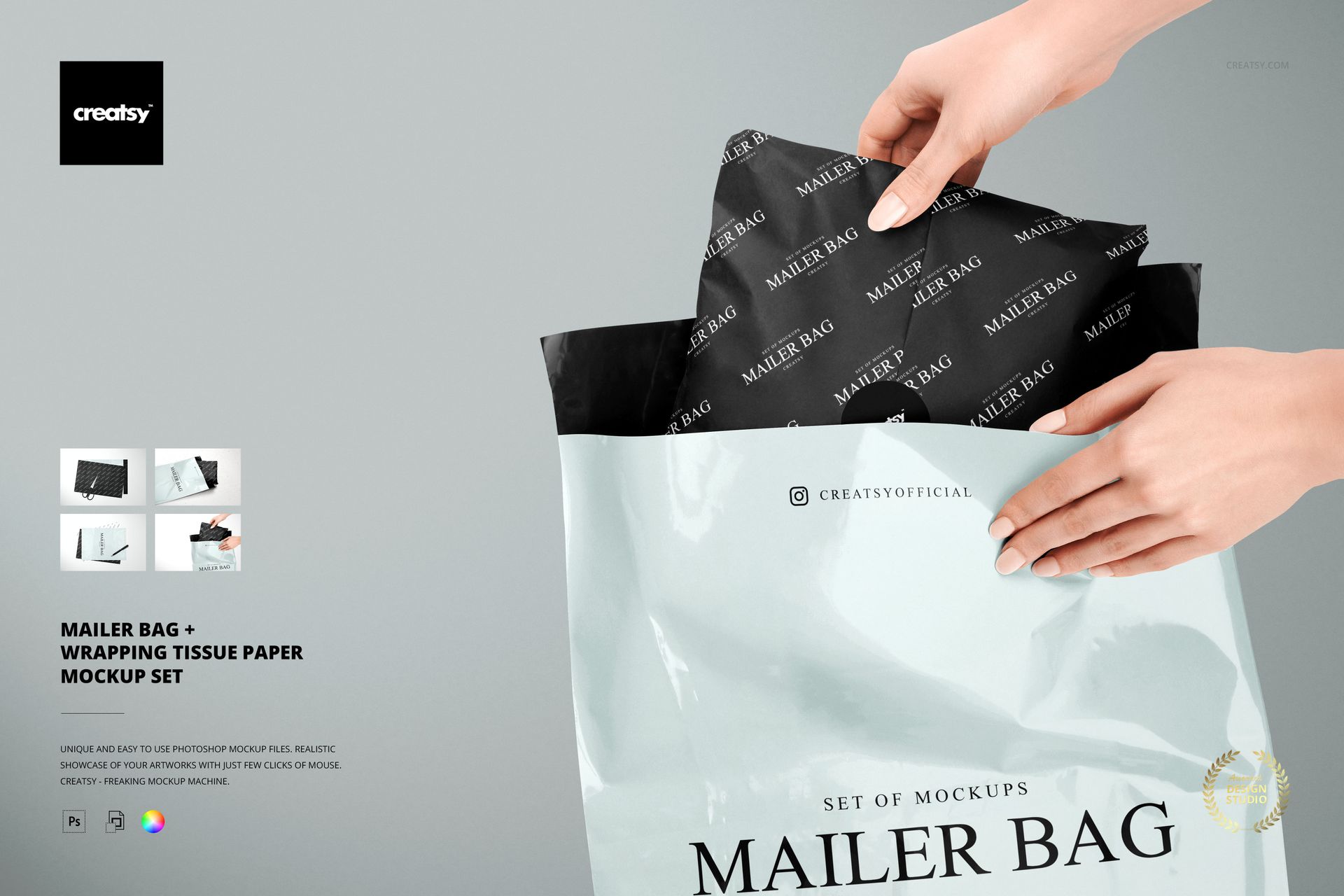
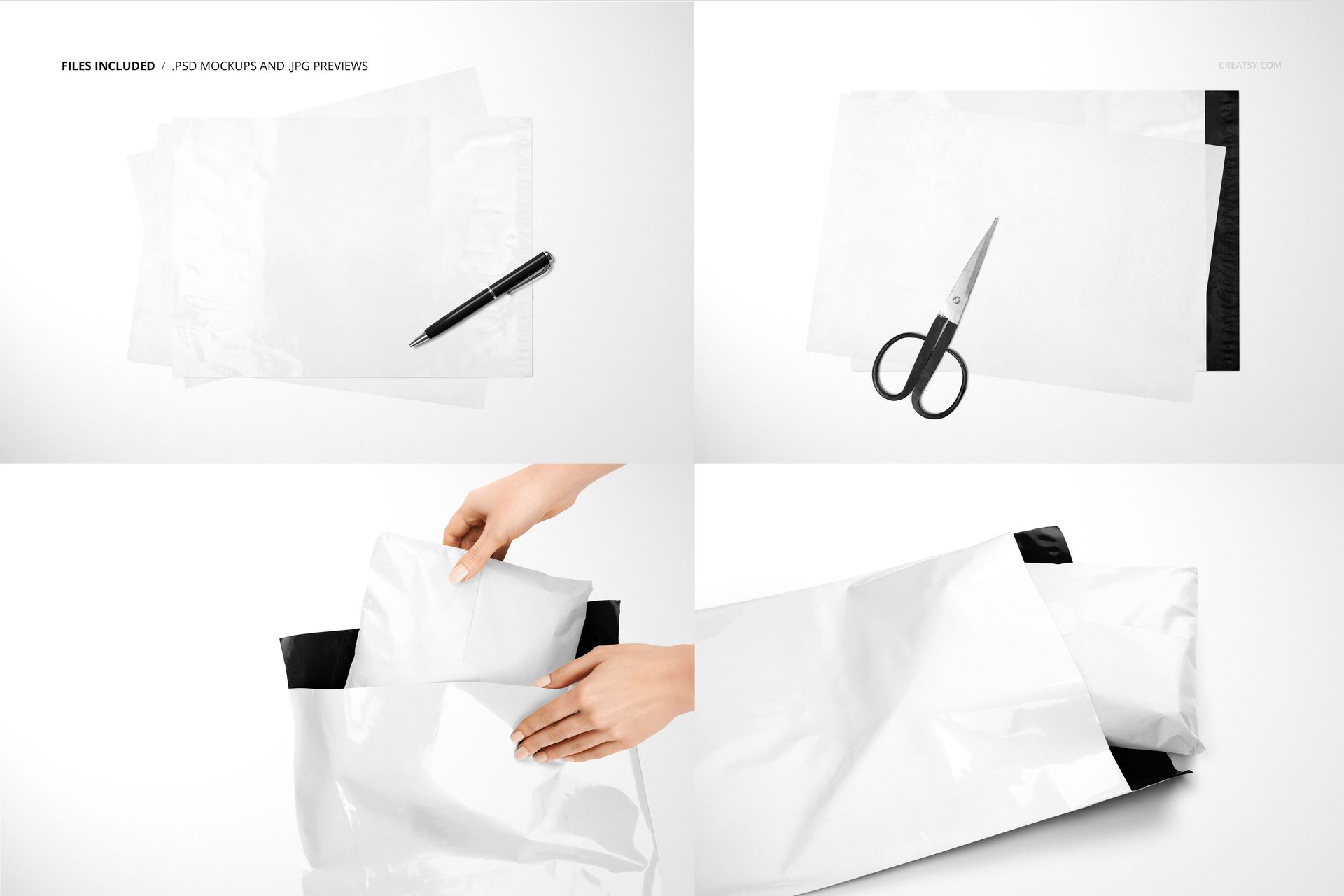
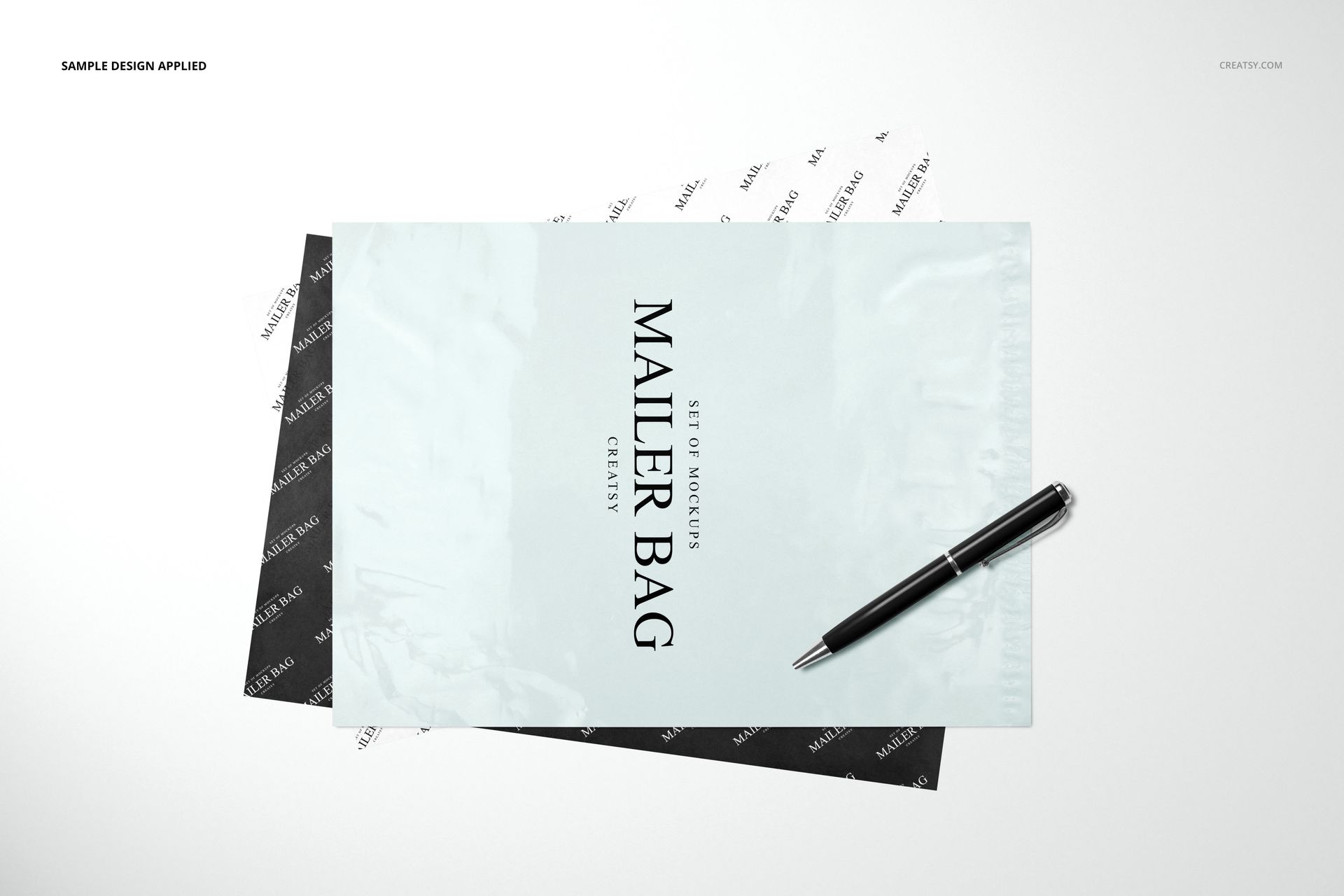
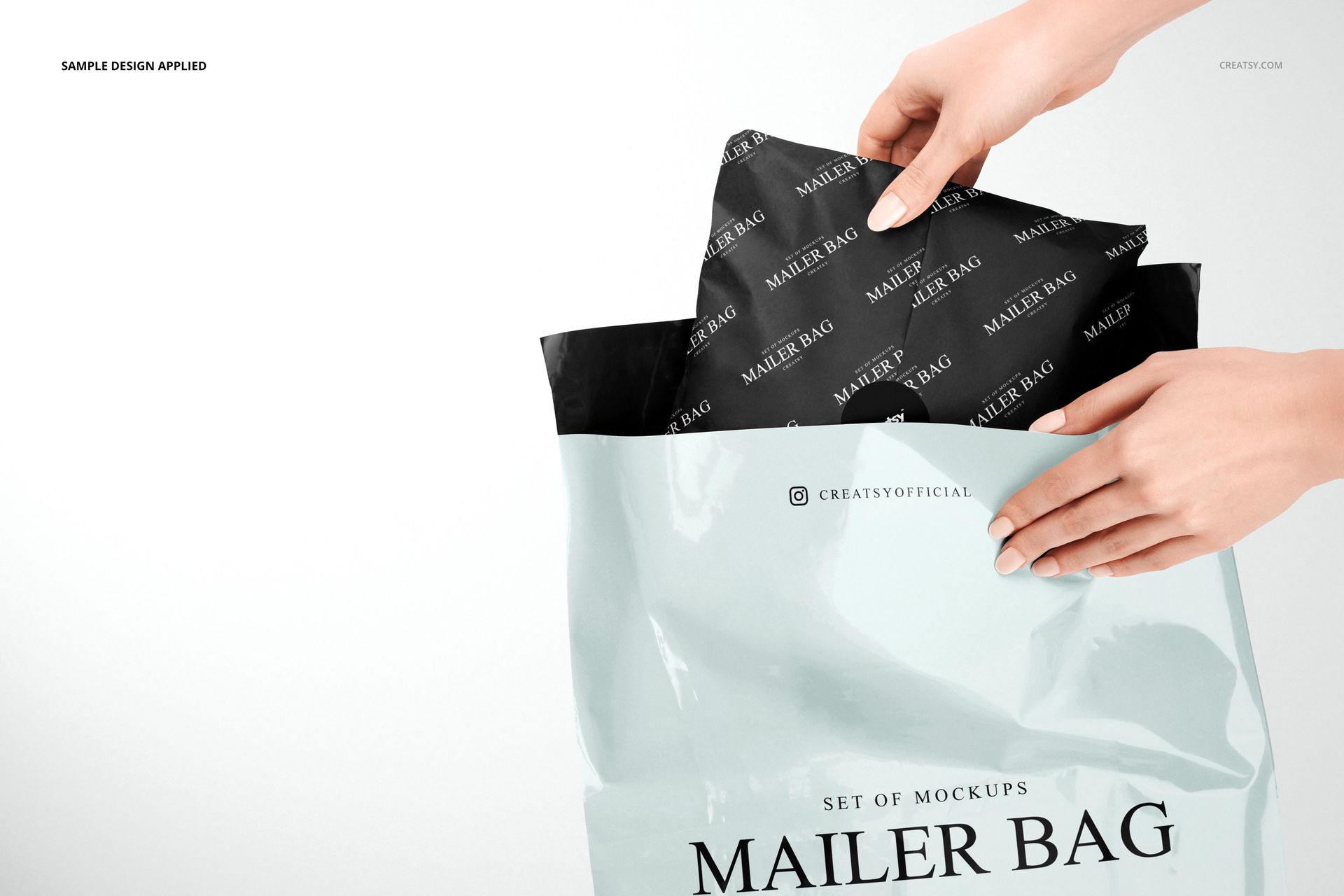
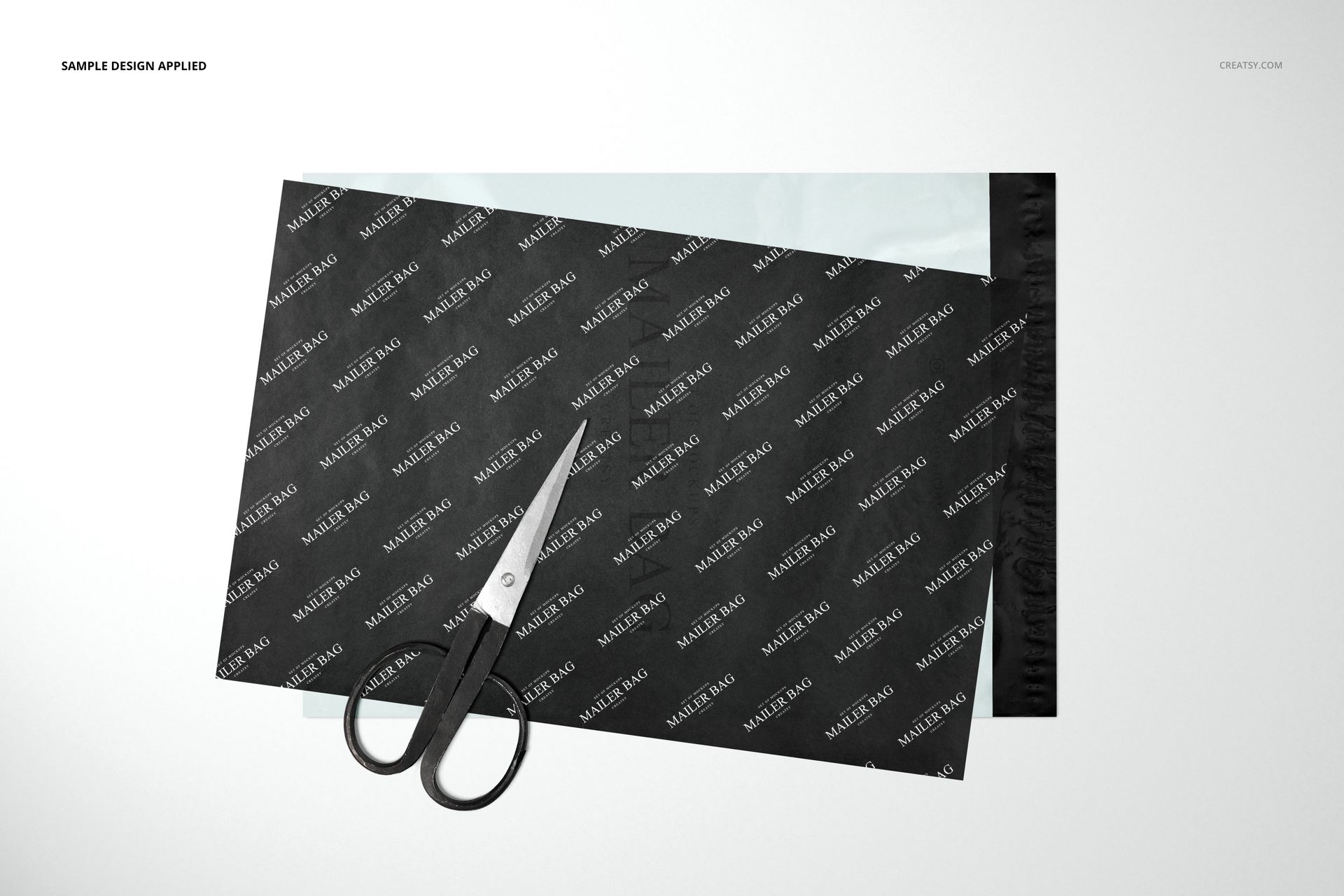
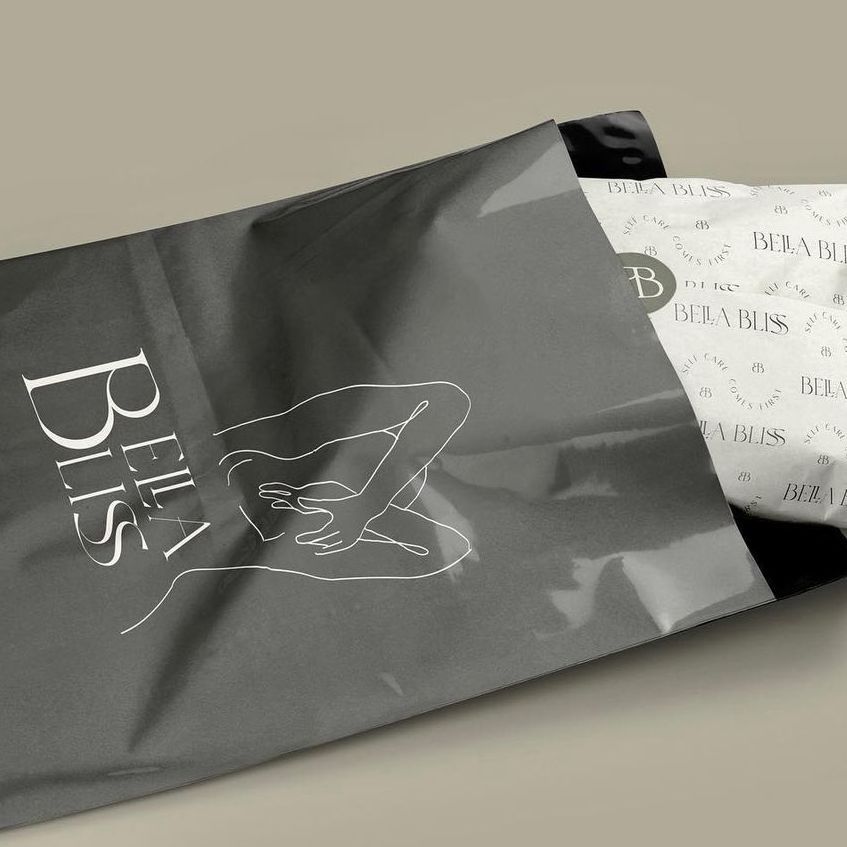
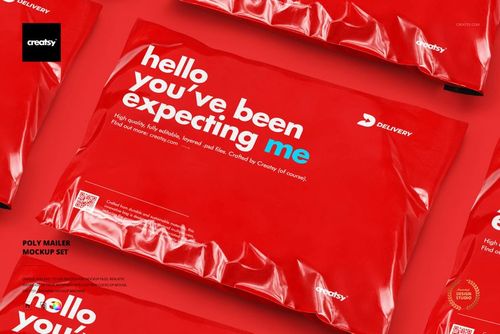
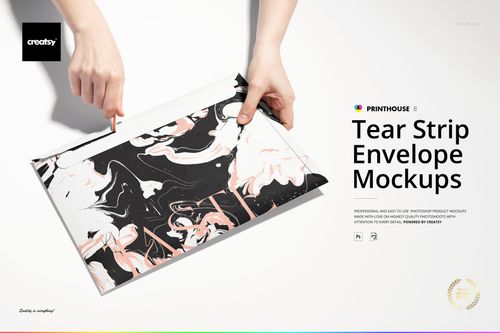
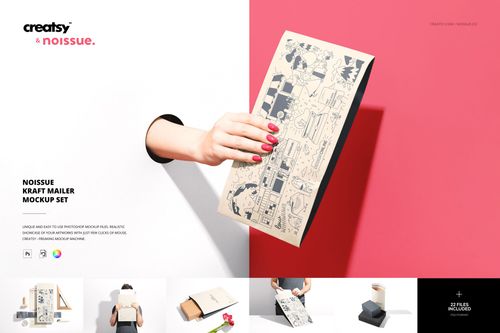
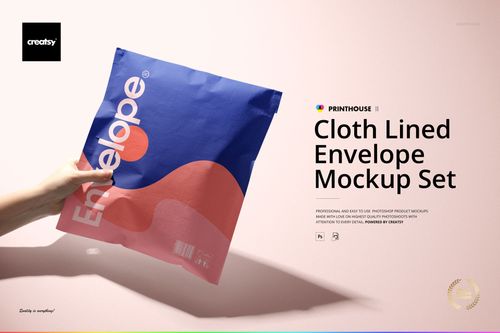
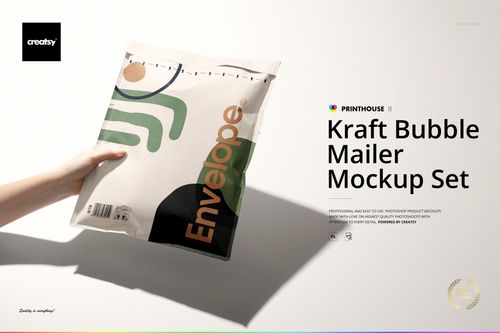
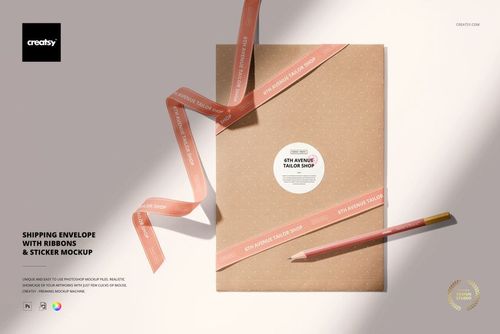
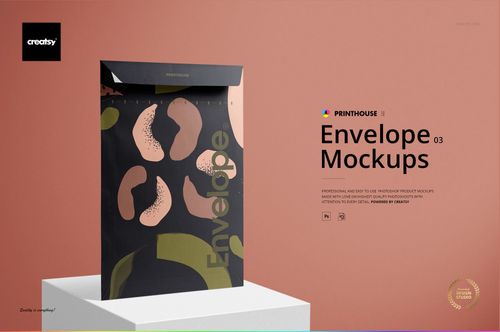
The package is only the first part of the presentation. These four scenes show the relationship between a glossy mailing bag, the tissue wrapped around its contents and the sticker that finishes the parcel. Flat lays reveal the printed surfaces, while a hands-on packing view brings the outer bag and inner wrapping together.
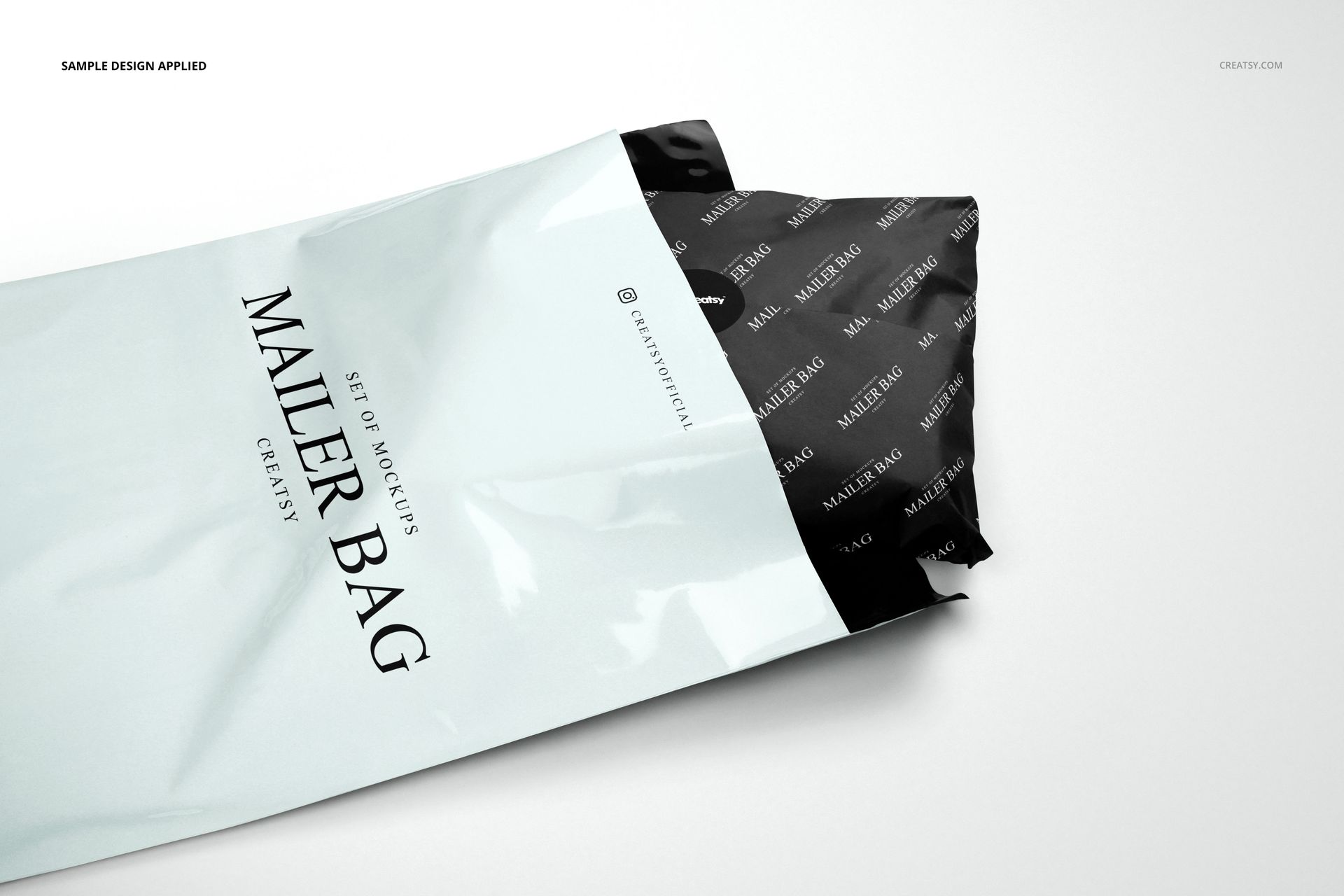
Use the set to present a coordinated packaging identity instead of showing a mailer design on its own. A repeated tissue pattern can support a larger brand mark on the bag, with the wrapped parcel visible in the open-bag scenes.
What Is Included
4 layered PSD mockups, each 6000 x 4000 px at 300 DPI.
4 JPG previews at 6000 x 4000 px and 1 PDF user manual, for 9 files in total.
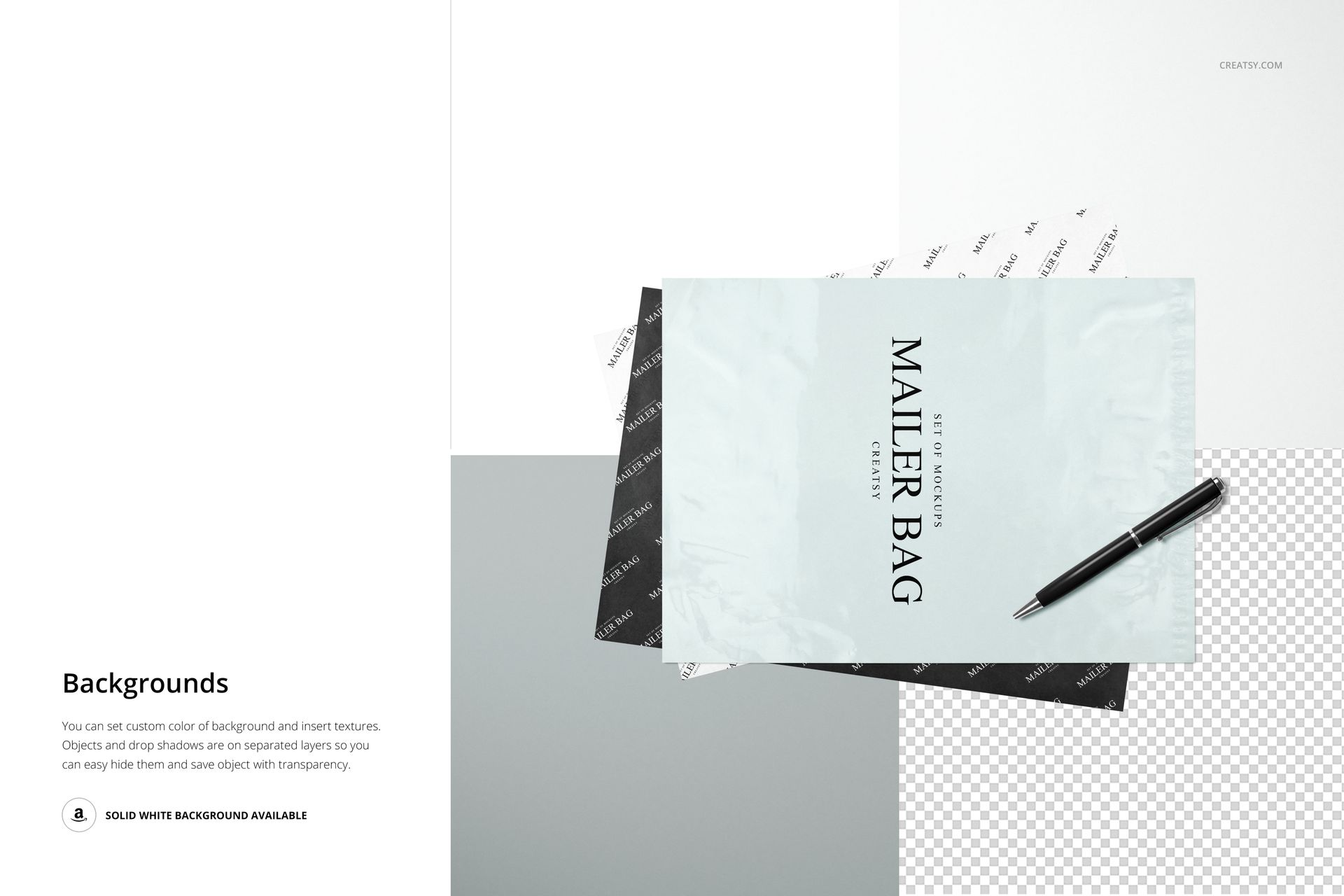
Four landscape scenes: a mailer and tissue with a pen, tissue over a mailer with scissors, hands inserting a wrapped parcel, and an open mailer with the parcel partly visible.
Organized layers with Smart Objects and editable color layers.
Connect the Outer Bag and Inner Wrapping
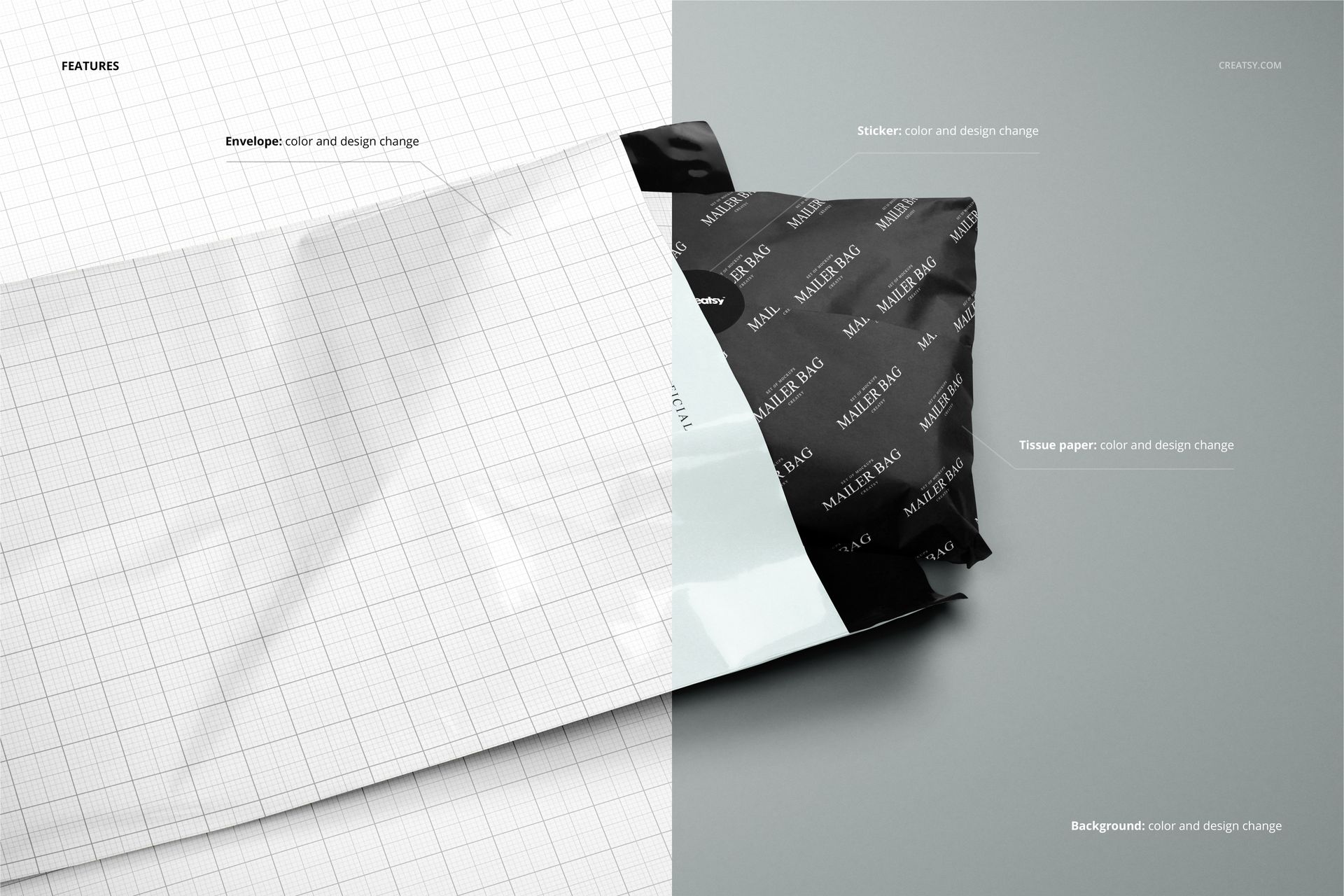
Change the color and design of the mailer, tissue paper and sticker in the prepared scenes. The contrast between the bag's reflective surface and the creased wrapping helps you assess how the same identity reads on different packaging components.
Easy Smart Object Editing
Open a PSD in Adobe Photoshop CC2015 or newer, or Photopea. Replace the artwork in the relevant Smart Objects, save those changes and adjust the color layers. Edit each scene separately to build your presentation. Background colors and textures can be changed, and objects and drop shadows are on separate layers for white-background or transparent output.
Perfect For
Packaging designers, surface pattern artists, clothing and accessories brands, and independent online shops can use these views for client proposals, packaging guides, store imagery and portfolio case studies.
This is a digital mockup set, not physical mailing bags, tissue paper or a production template. The sample artwork shown in the previews is not included.