Envelope Mockup Set 03
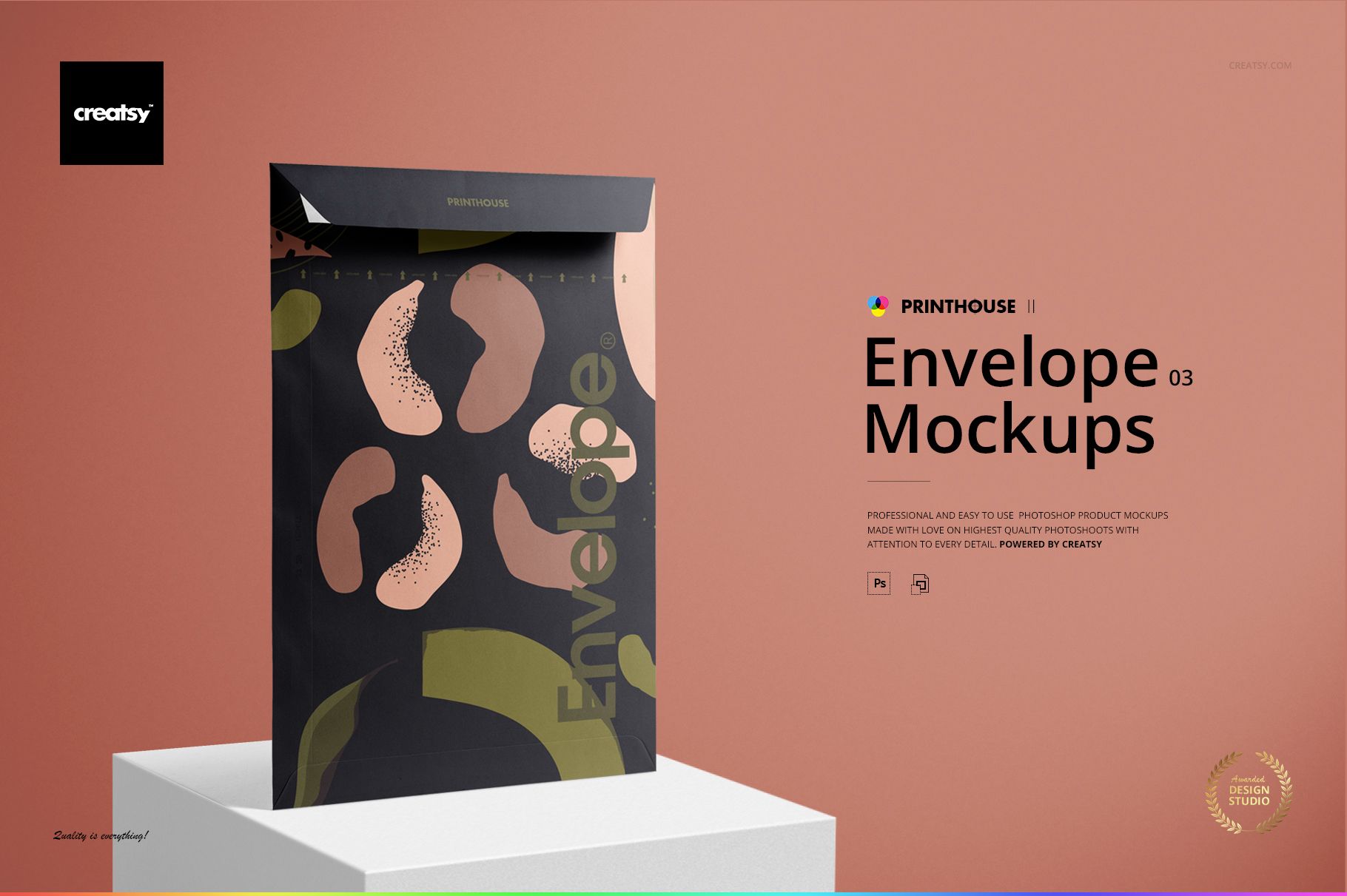
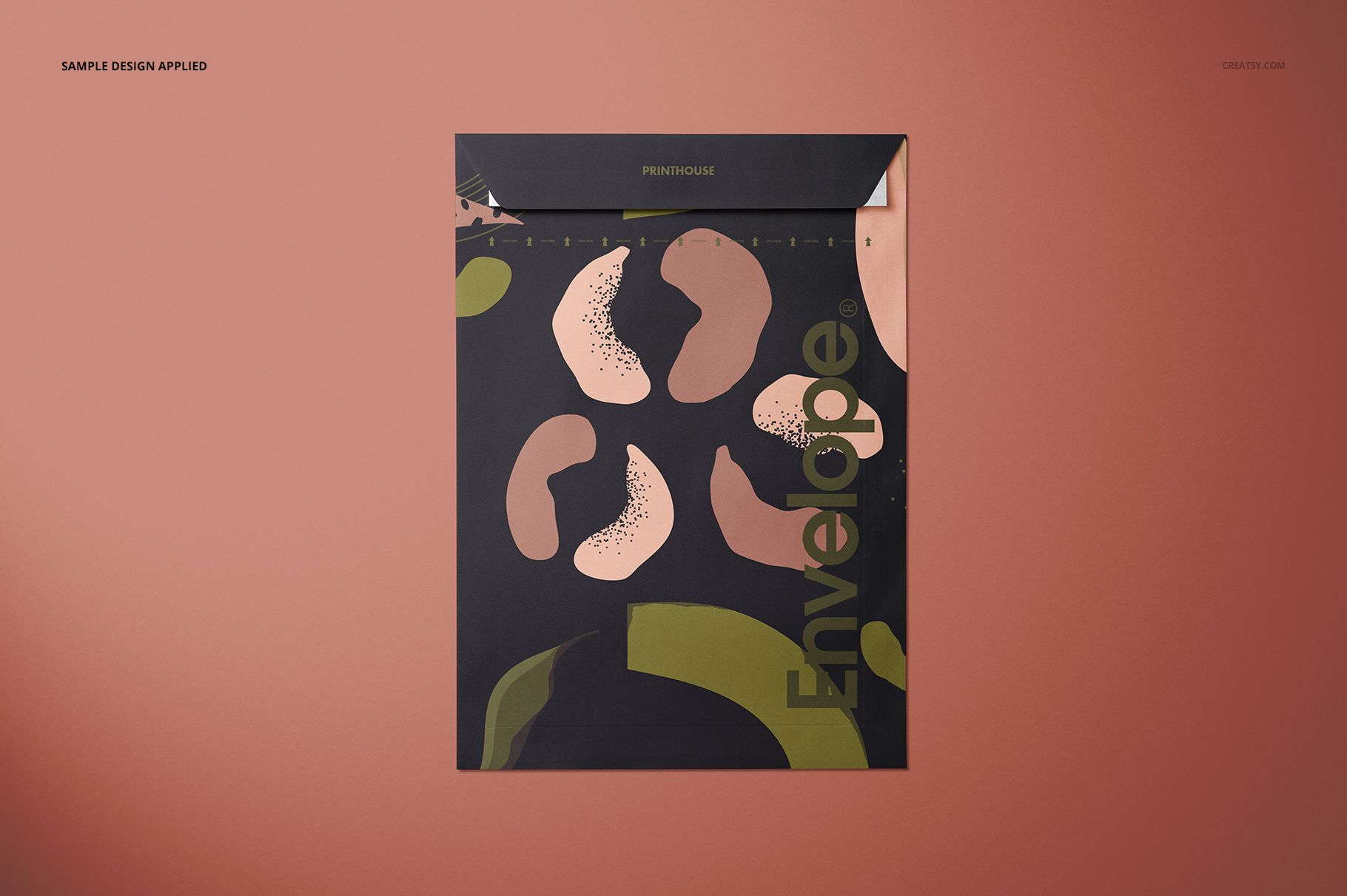
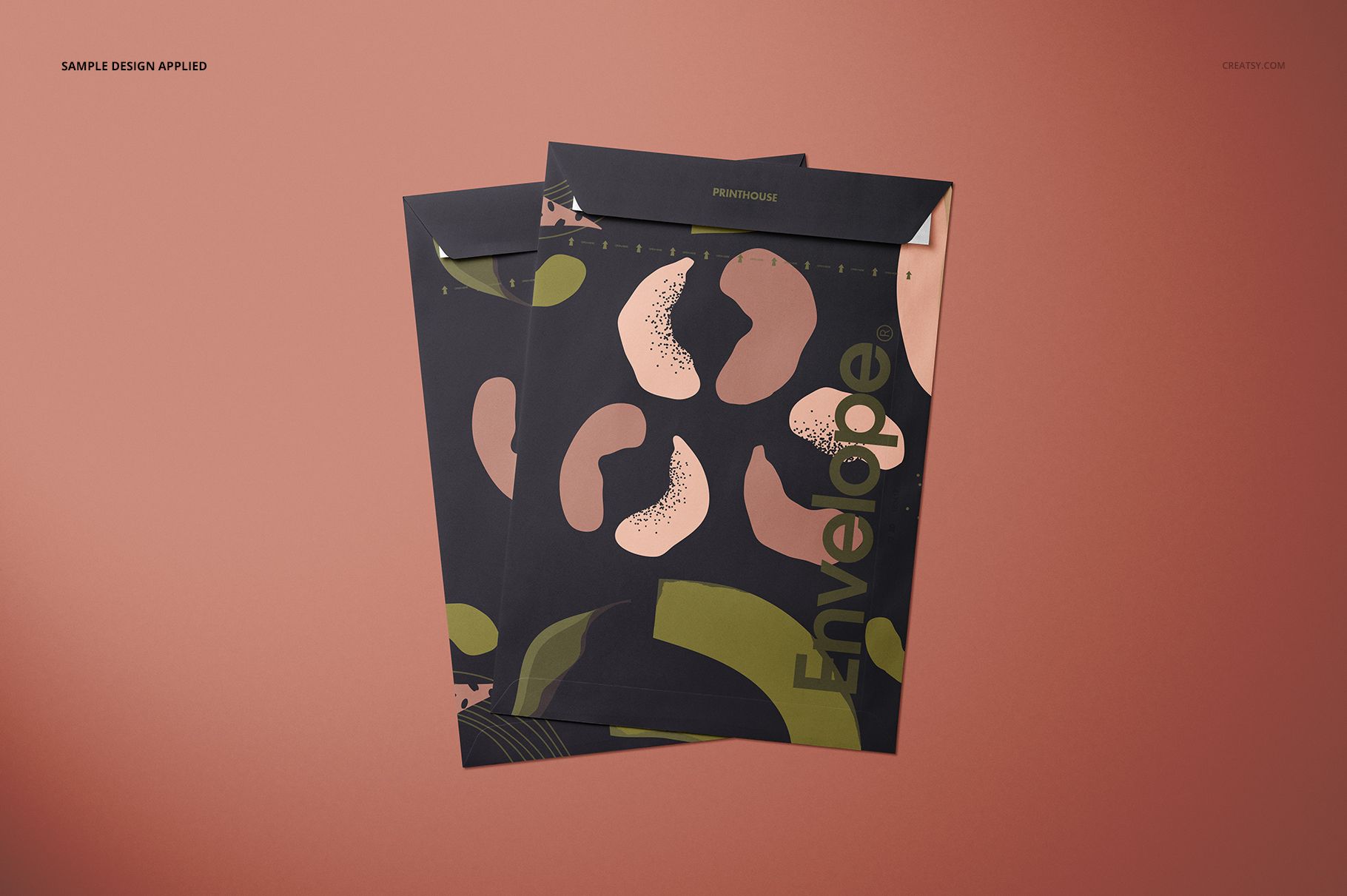
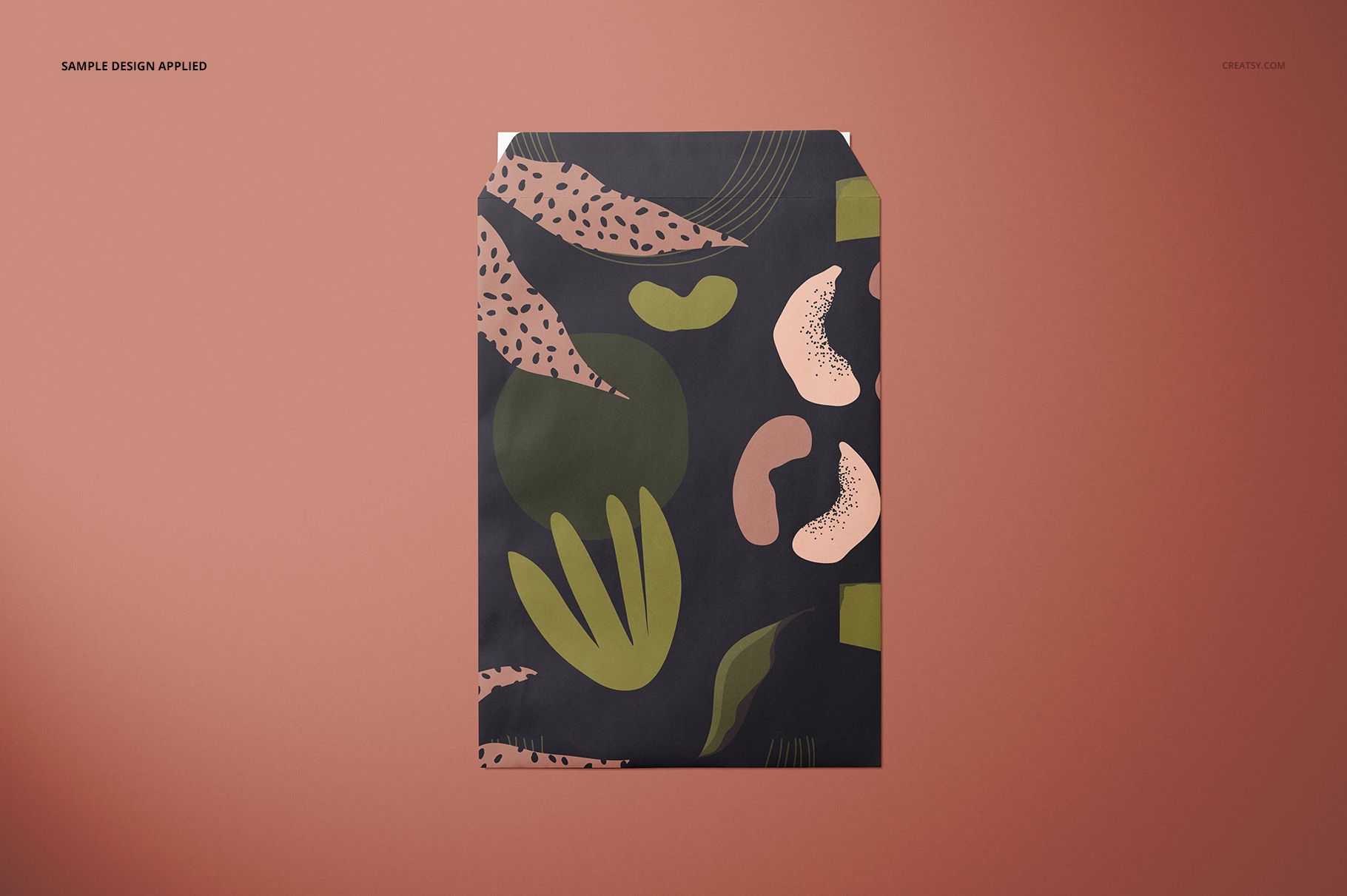
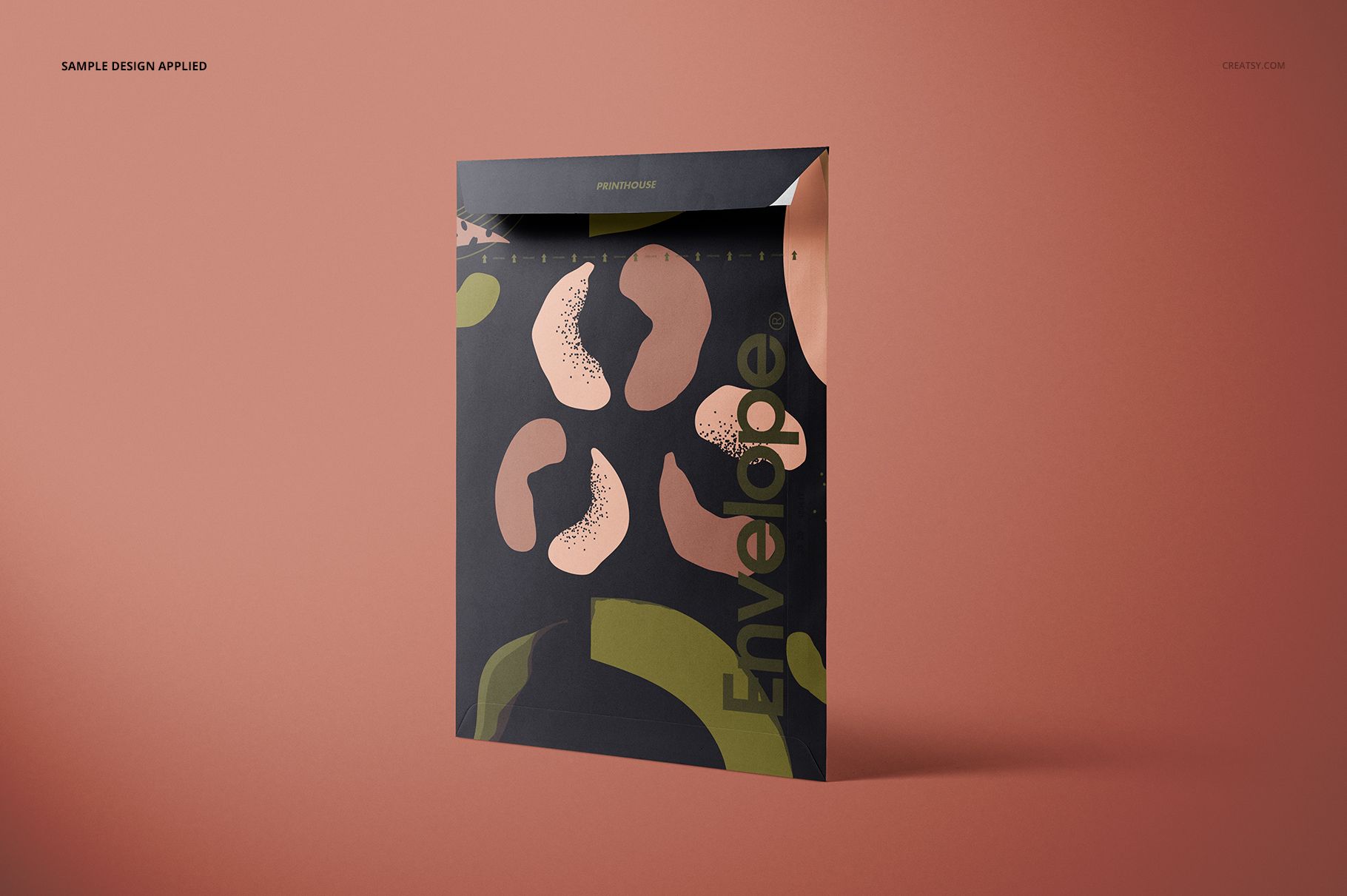
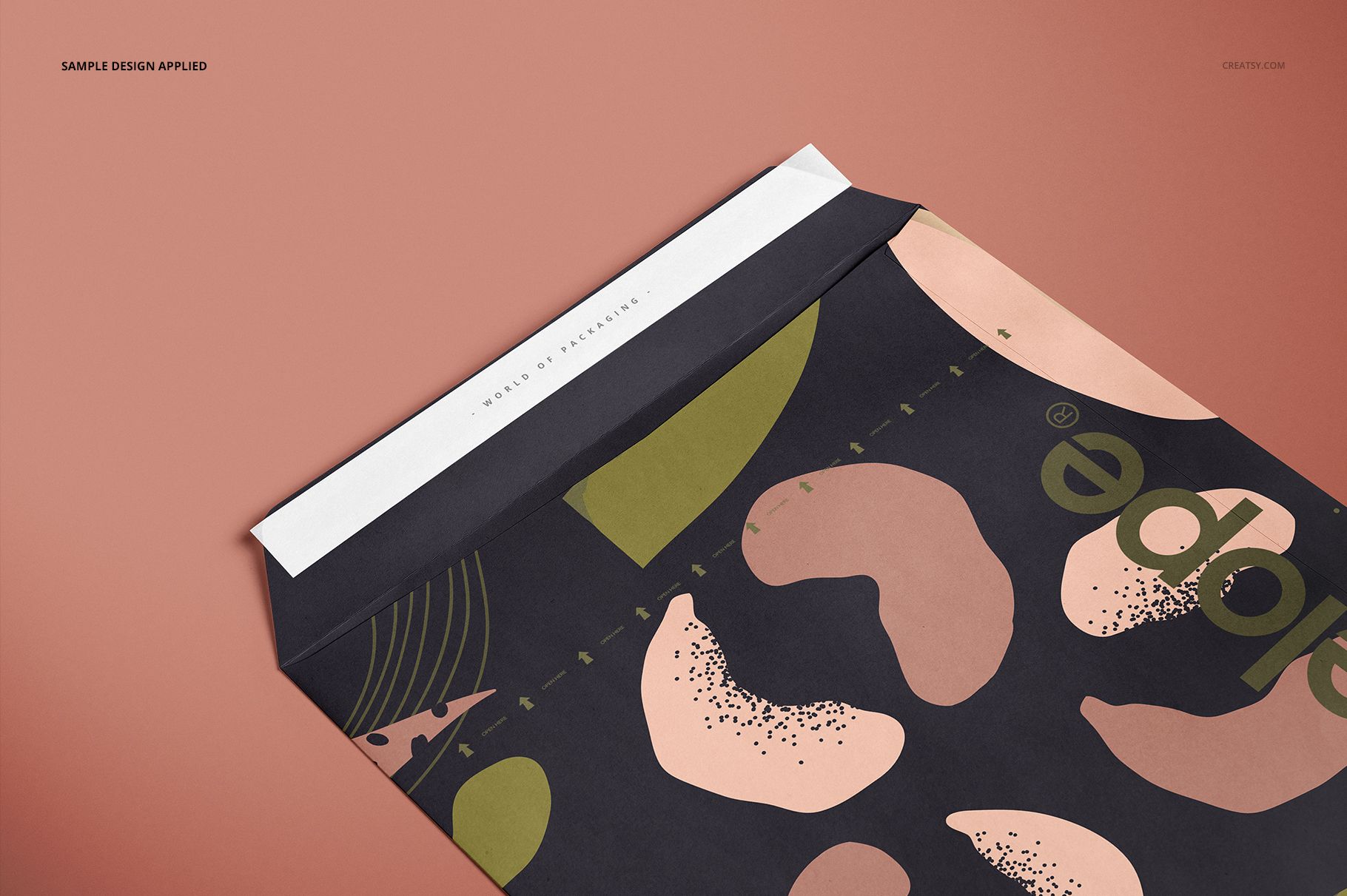
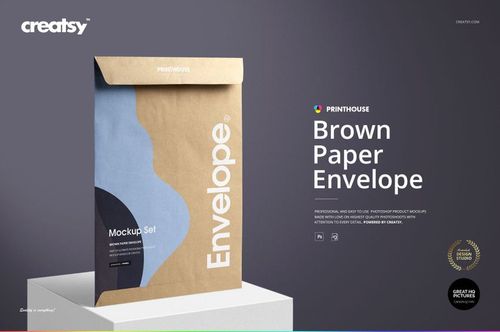
Open the flap, compare a pair, or give the envelope a standing hero view. Envelope Mockup Set 03 brings six paper shipping-envelope scenes together so you can present more than a flat artwork file. The tall format, folded edges and visible closure details provide a setting for logos, all-over patterns and typographic packaging concepts.
What's Included
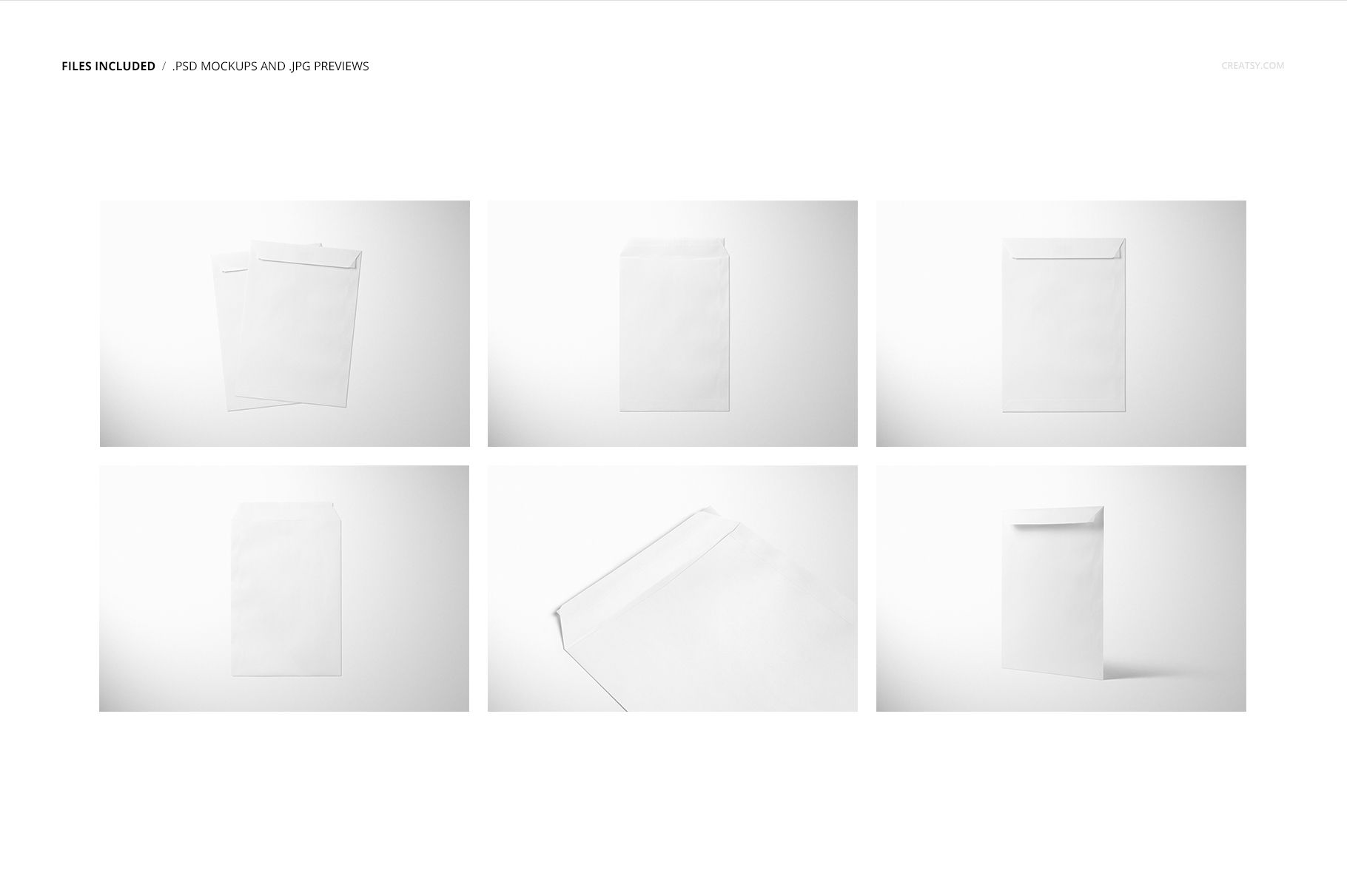
6 layered PSD scenes: Top Closed, Closeup, Top Two, Top, Standing and Top Opened.
6 corresponding JPG previews at 6000 × 4000 px.
User Manual.pdf, bringing the package to 13 files in total.
6000 × 4000 px mockup canvases at 300 DPI.
Editable Paper and Closure Tape
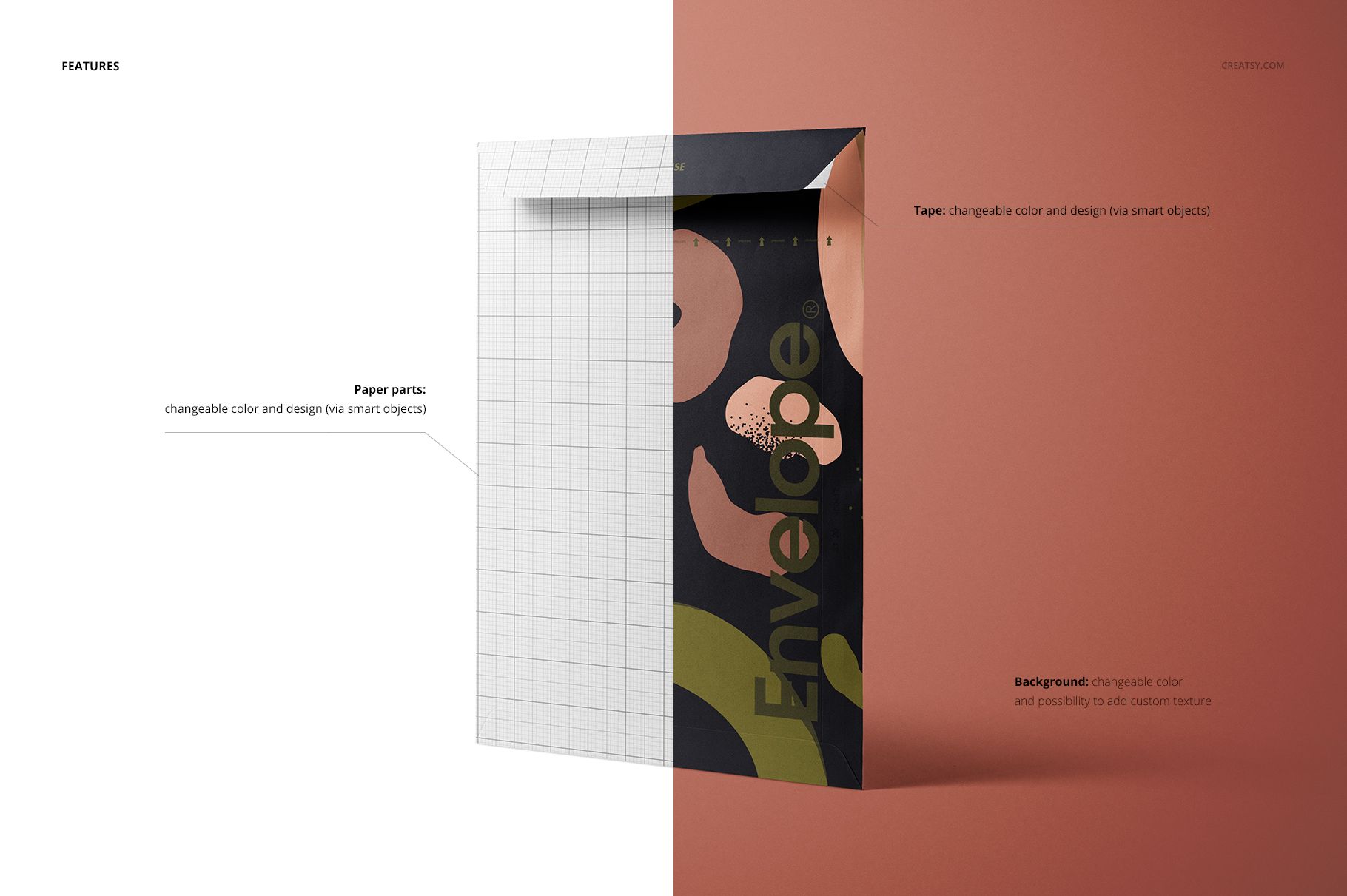
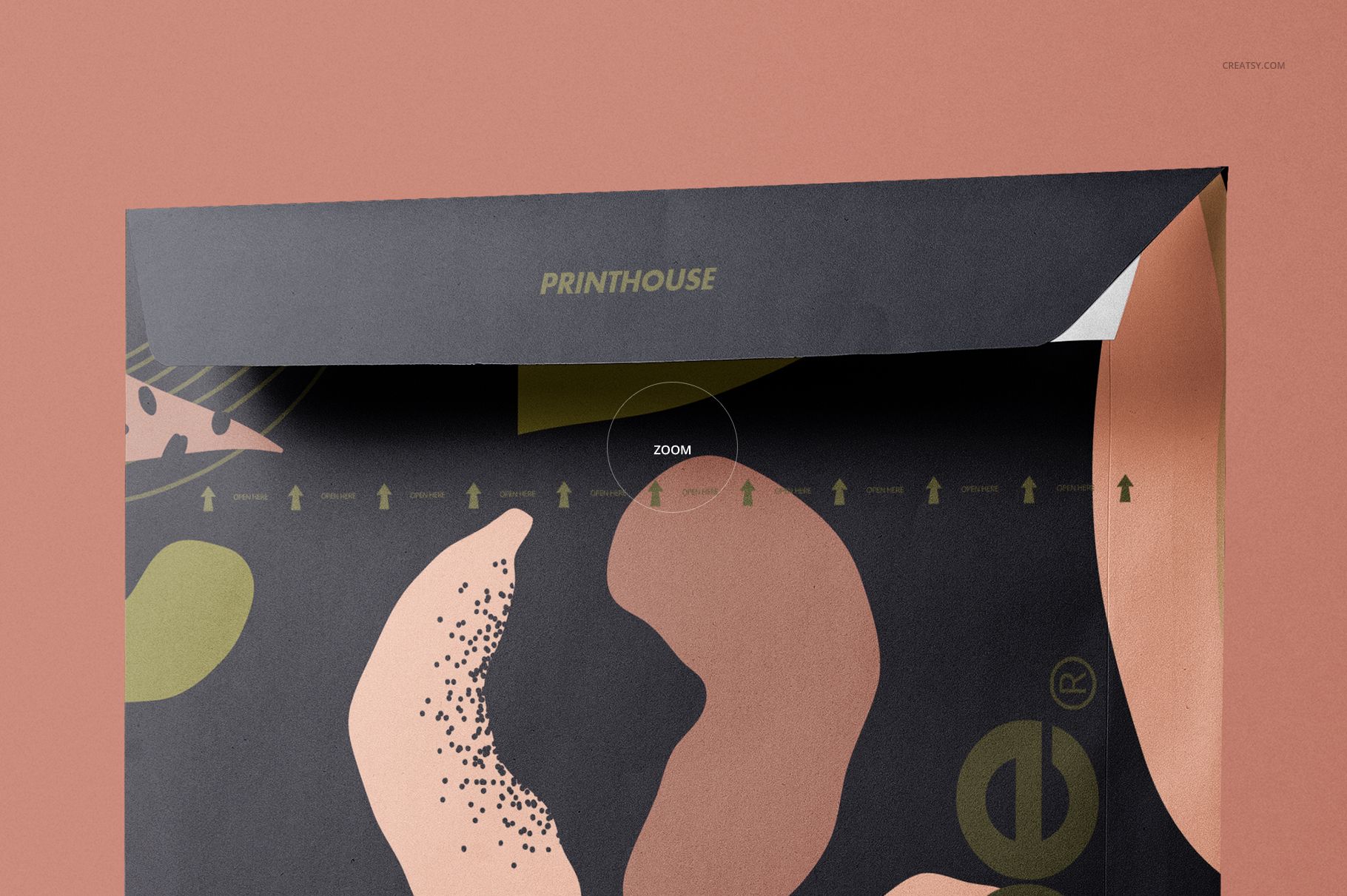
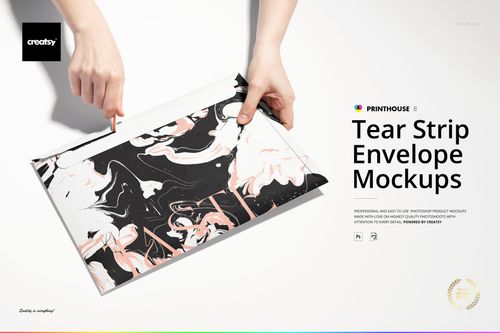
The paper parts and tape support color changes and artwork replacement through Smart Objects. This gives you a way to coordinate the broad envelope design with the smaller strip at the closure. Open and closed views reveal different portions of the artwork, while the closeup brings the fold, edge detail and tape into focus. The Top Two scene adds an overlapping pair to the single-envelope compositions.
Easy Smart Object Editing
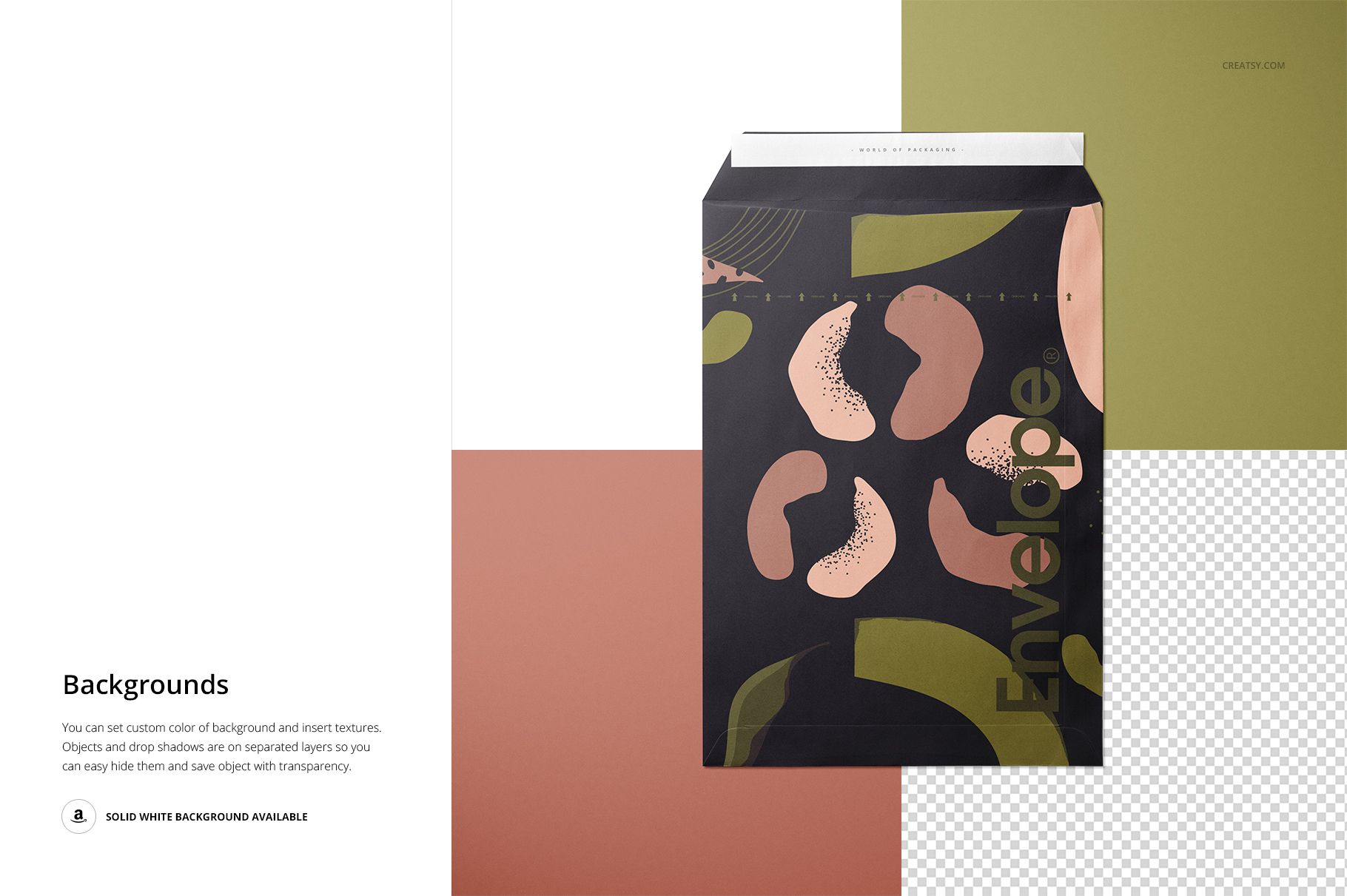
Work in Adobe Photoshop CC 2015 or later, or Photopea. Open the relevant Smart Object, place your design, save the object and return to the mockup. Adjust the paper and tape colors, then choose a background color or insert your own texture. Objects and drop shadows are on separate layers; white and transparent-background presentations are also supported. Edit each PSD individually to keep your chosen artwork consistent across the six scenes.
Perfect For
Use the set for shipping-brand concepts, stationery delivery packaging, surface-pattern presentations and client proposals that need both an overall view and closure detail. The landscape canvases accommodate a portrait-oriented envelope without limiting the presentation to a narrow image format.
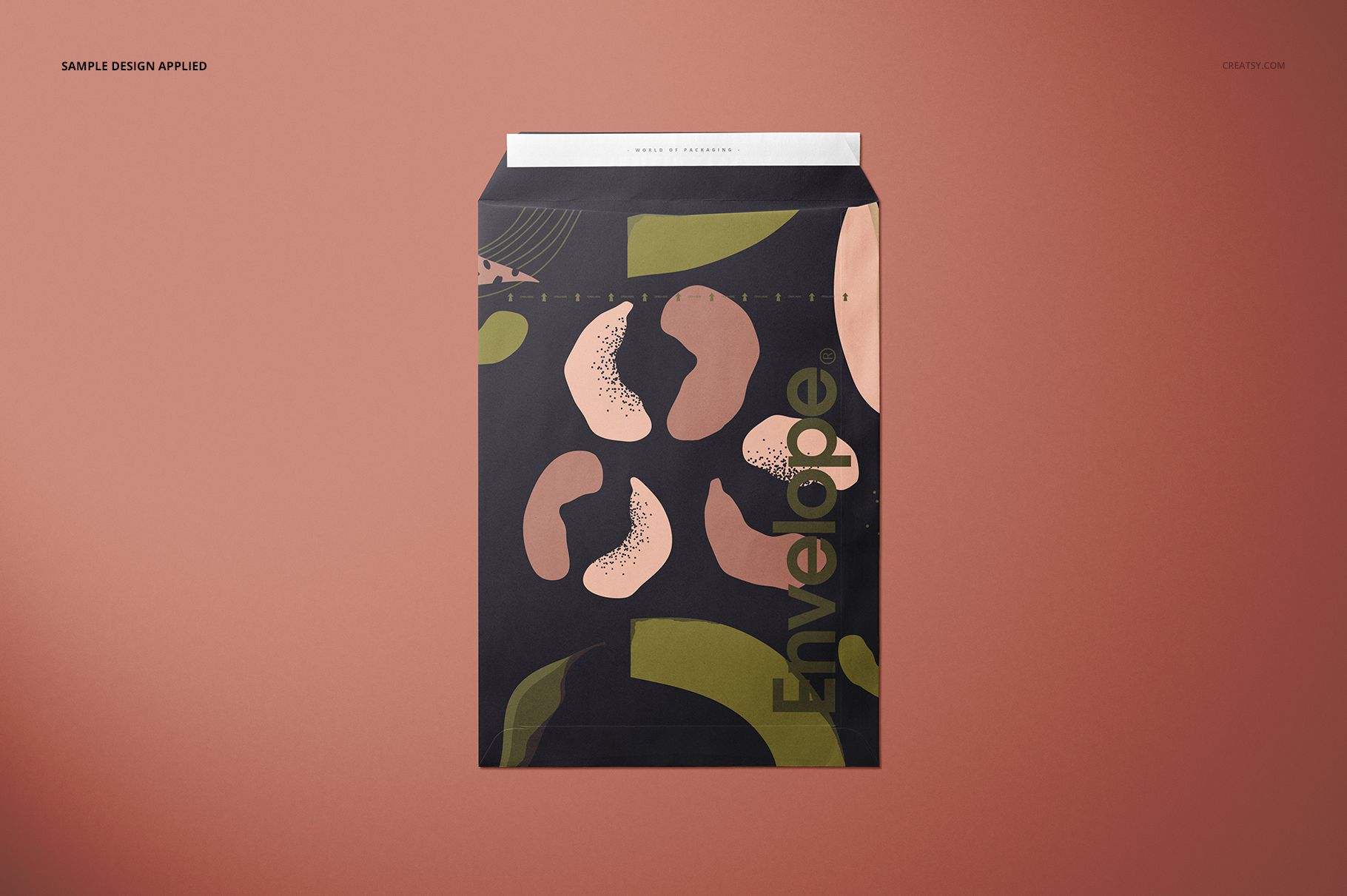
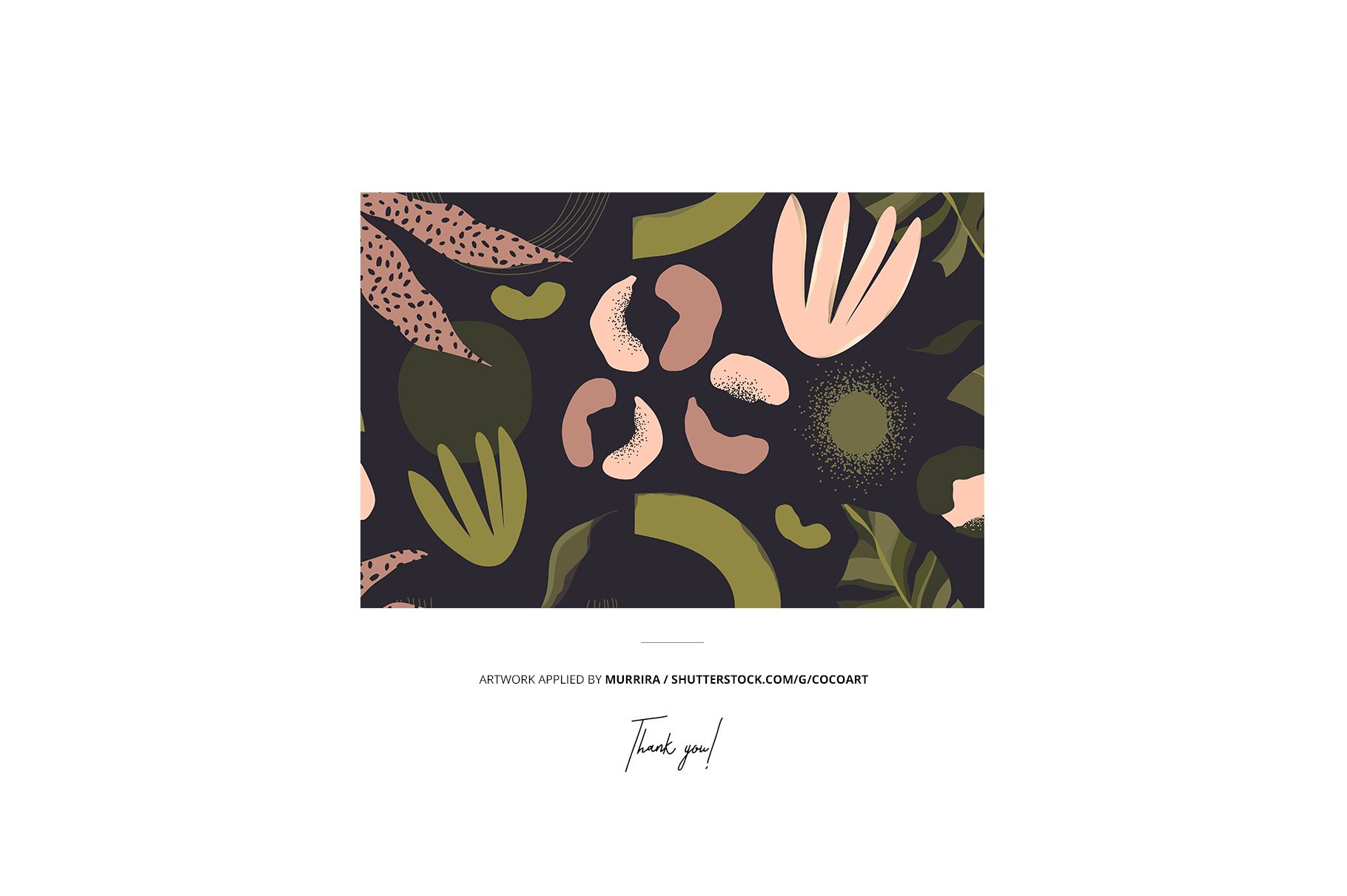
This is a digital mockup product, not a physical envelope or a manufacturing template. The sample artwork shown in the previews is not included.