Envelope Mockup Set 02
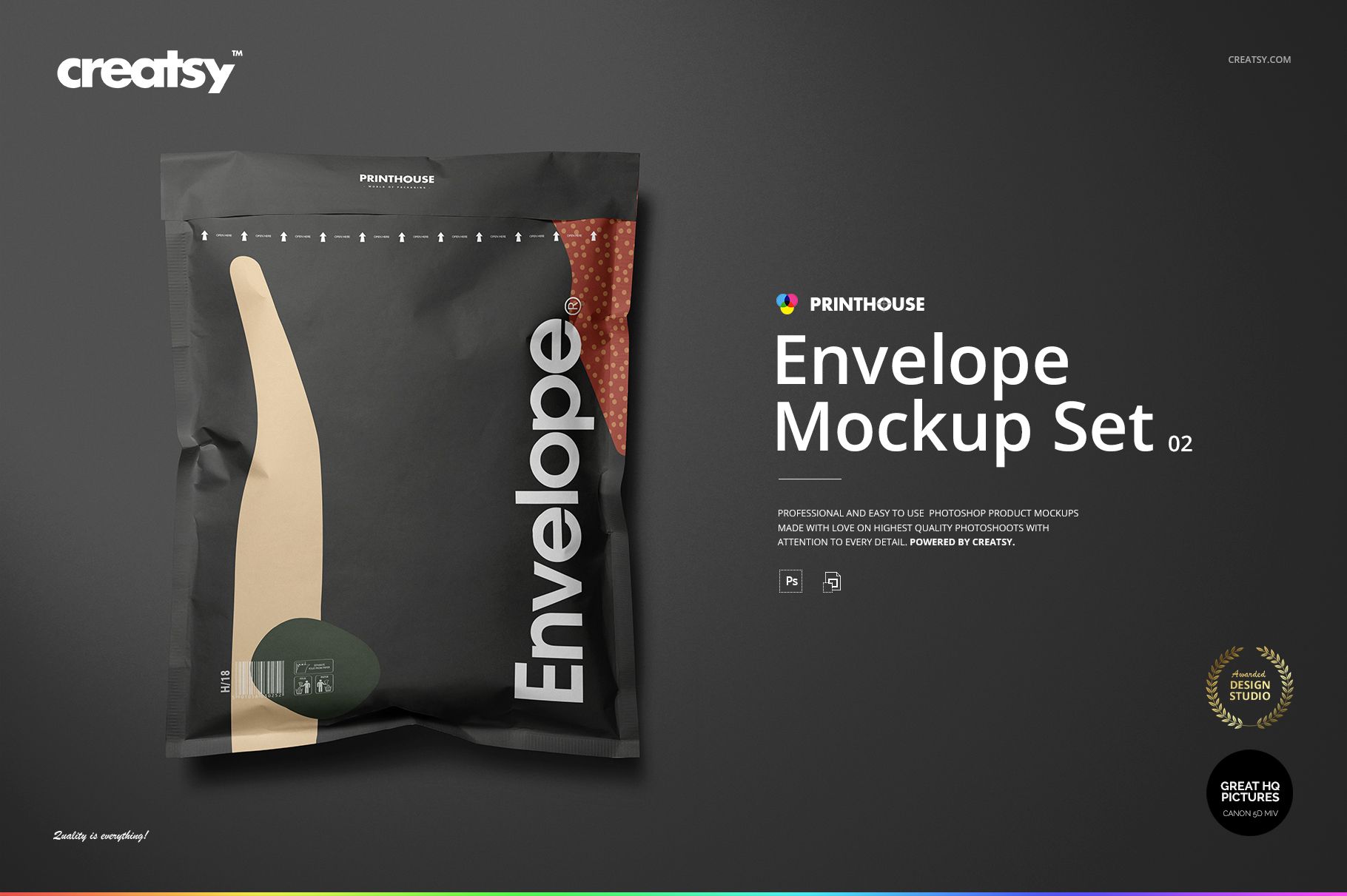
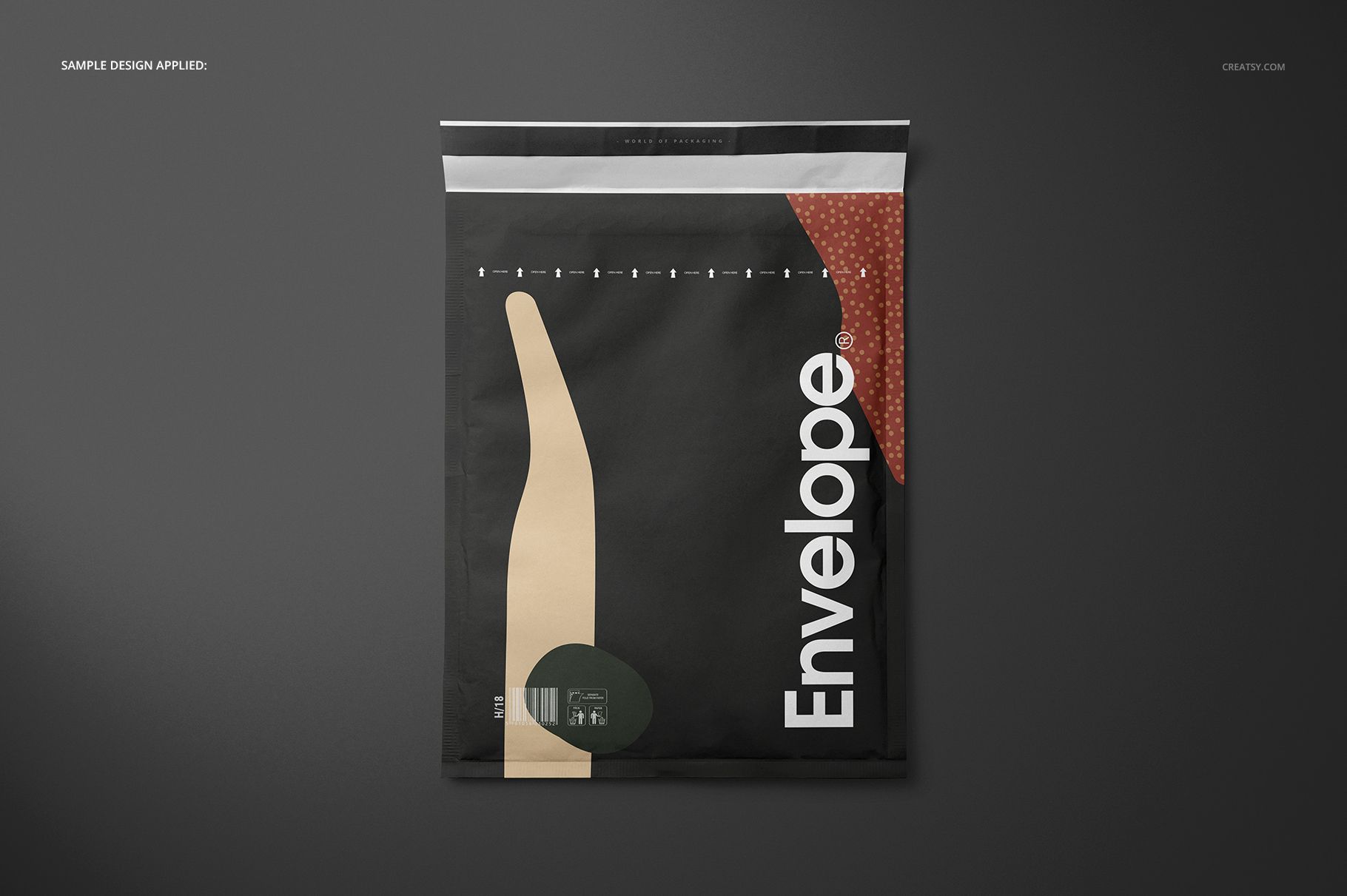
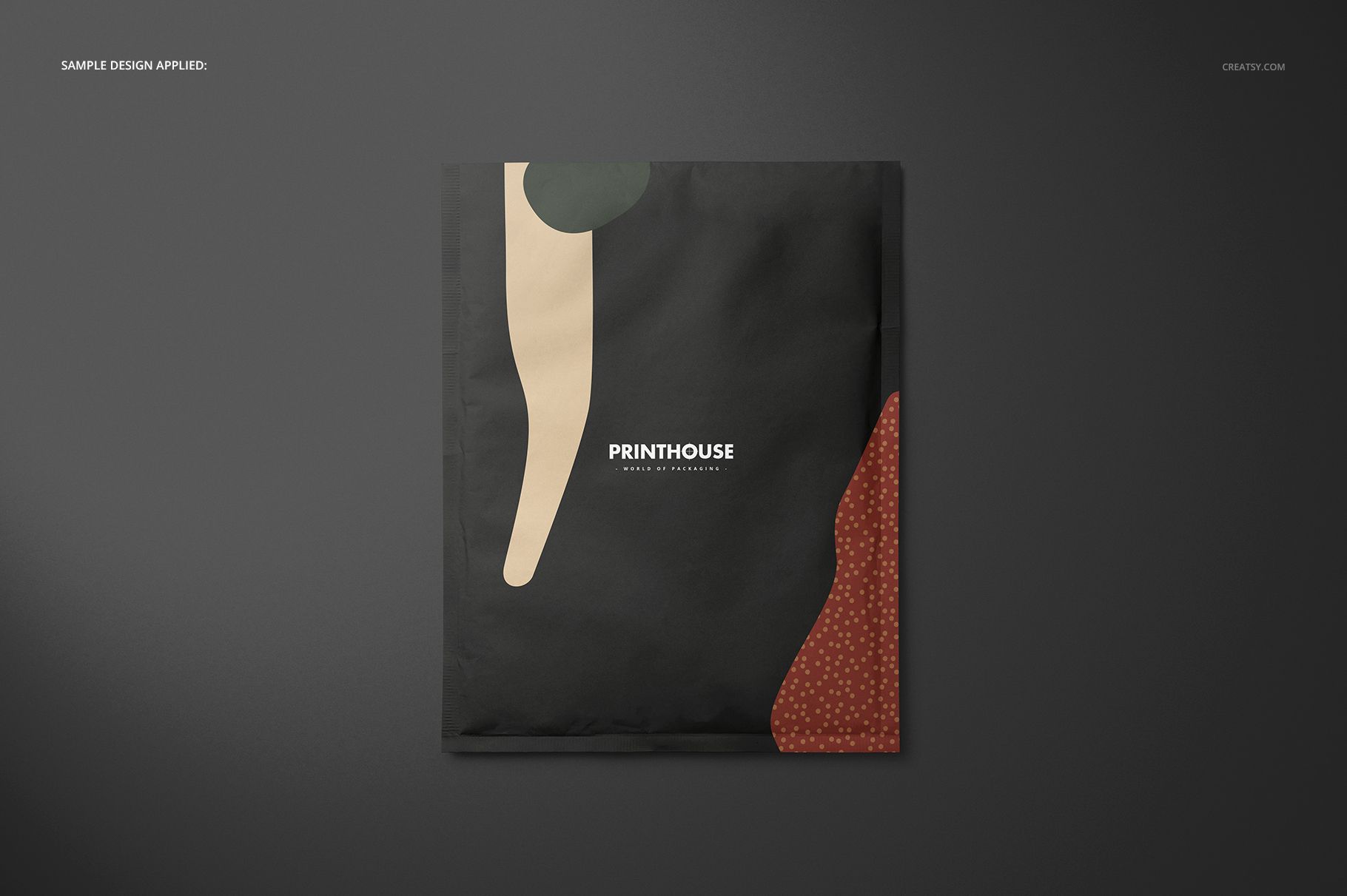
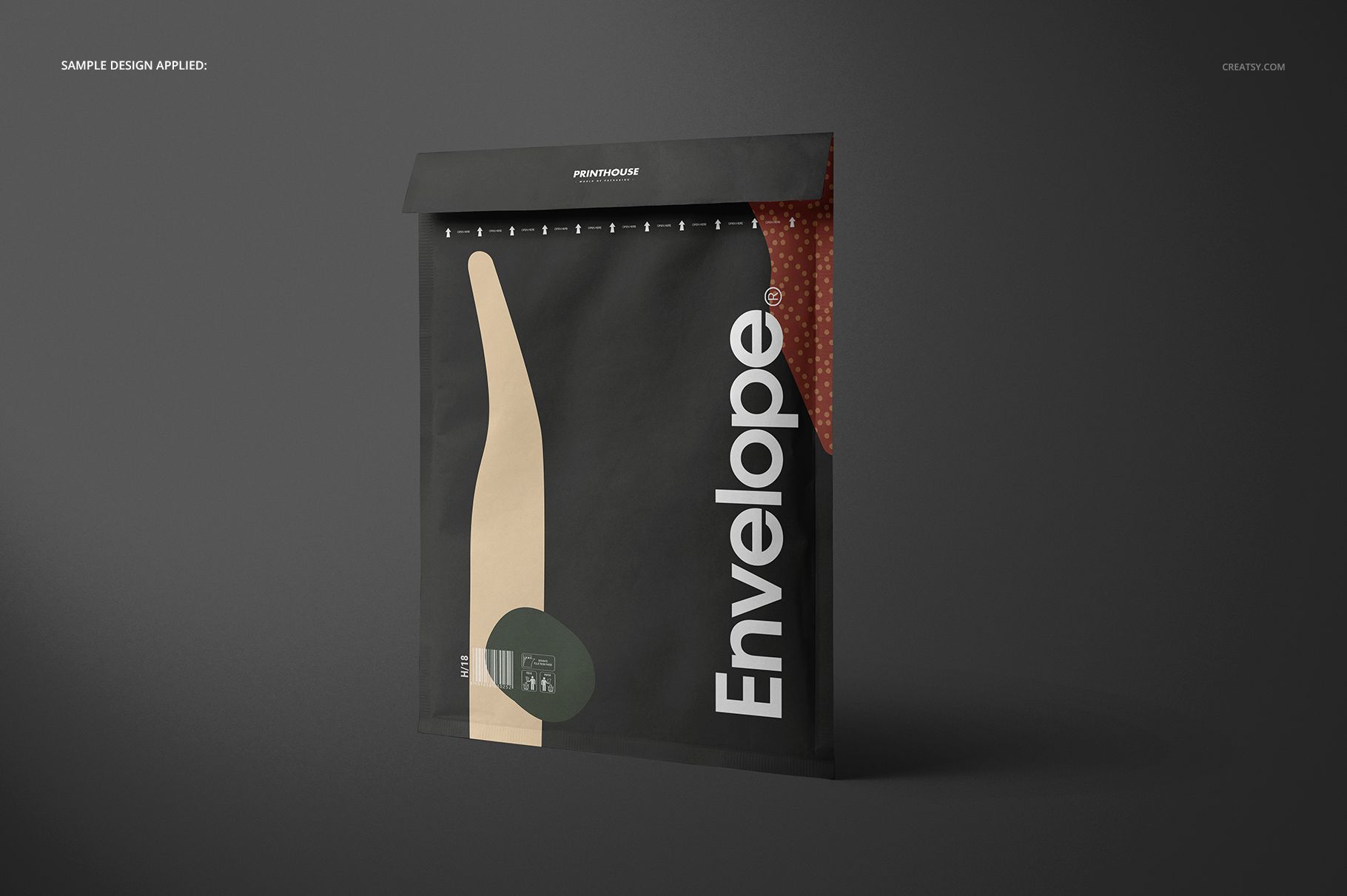
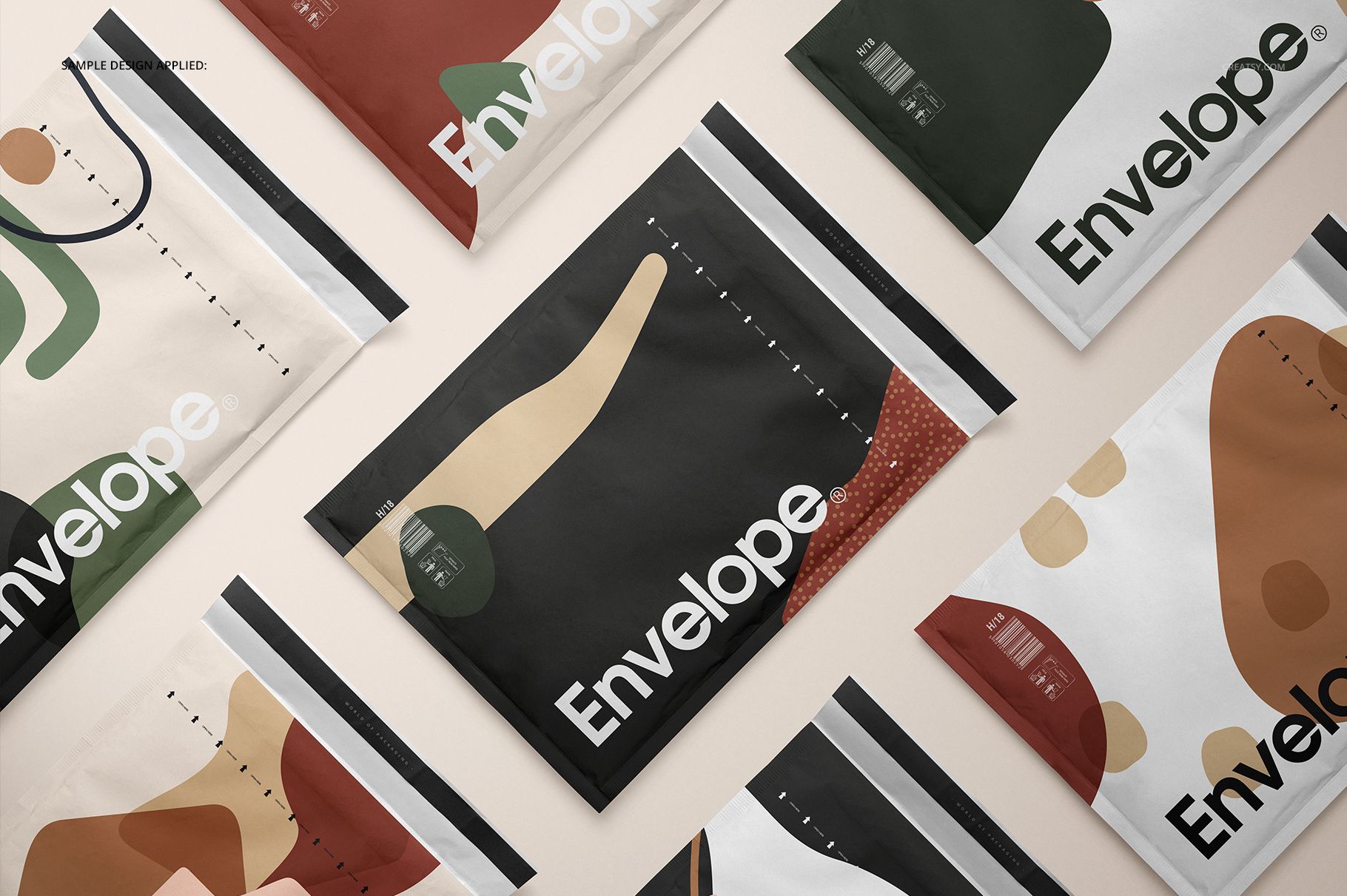
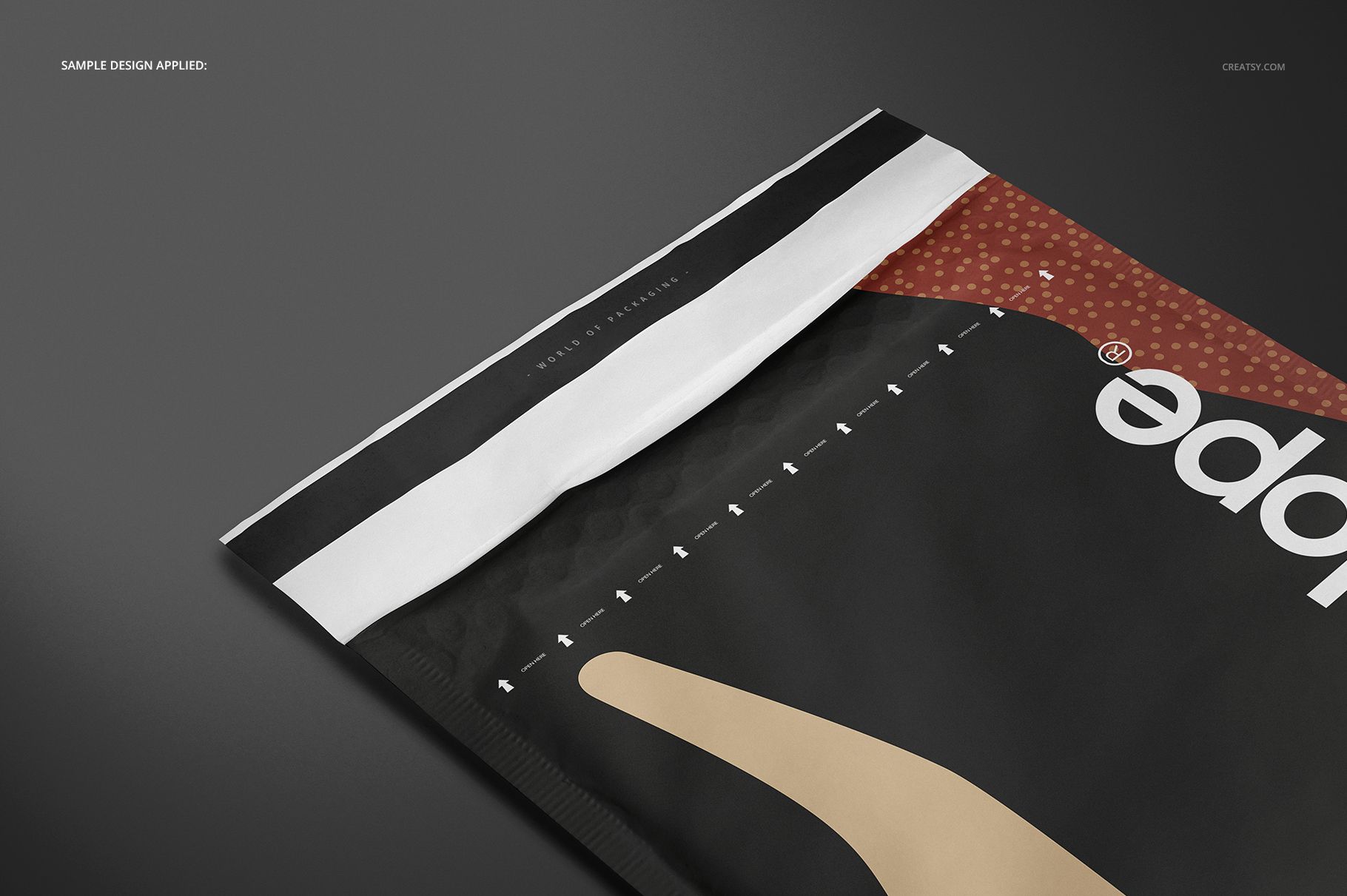
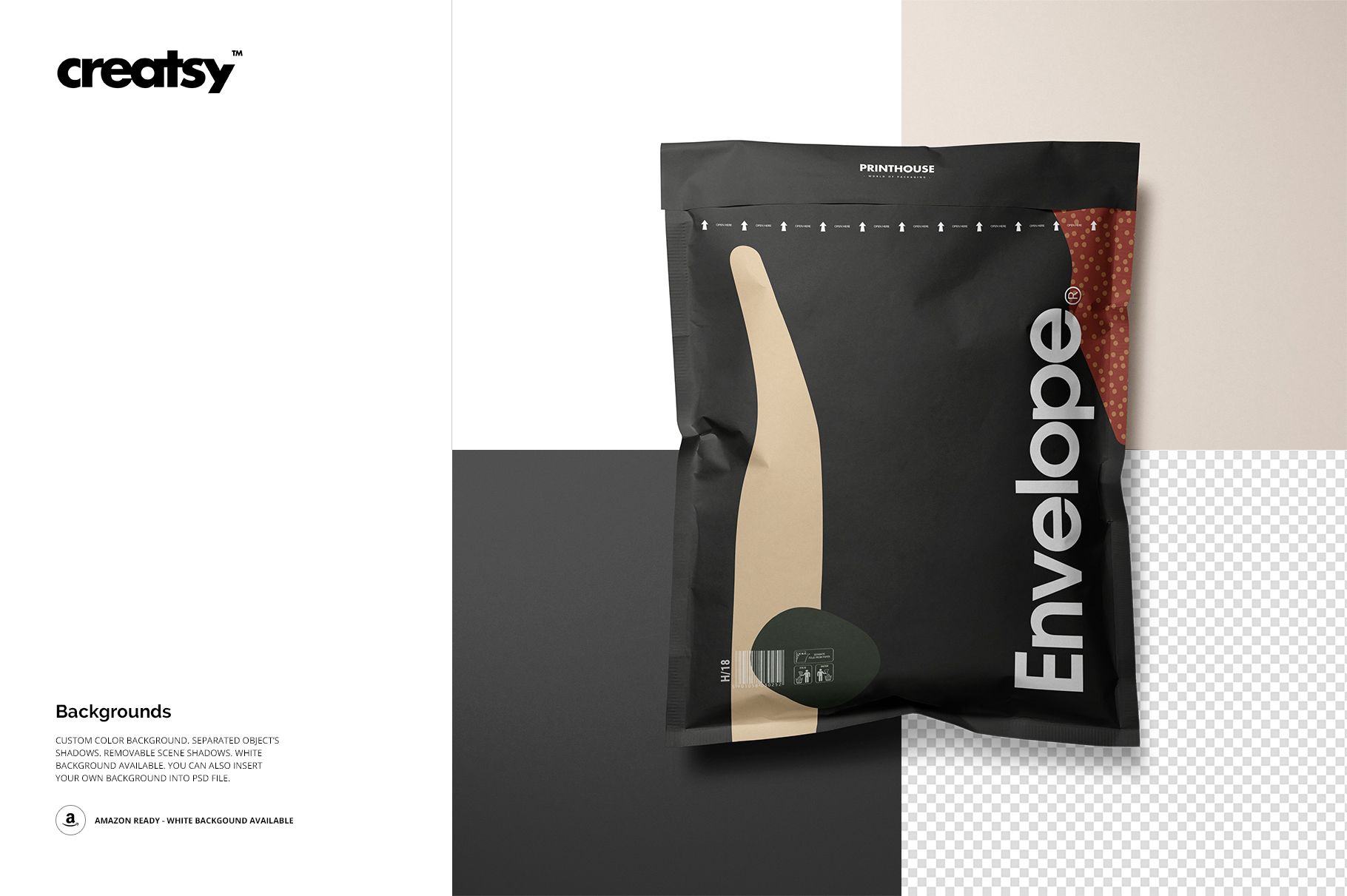
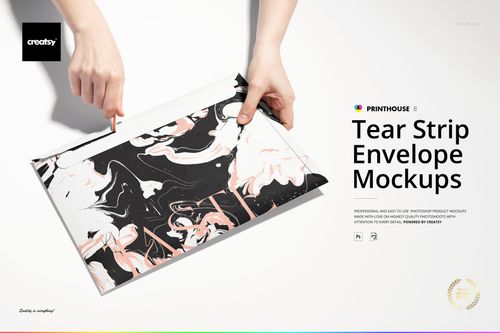
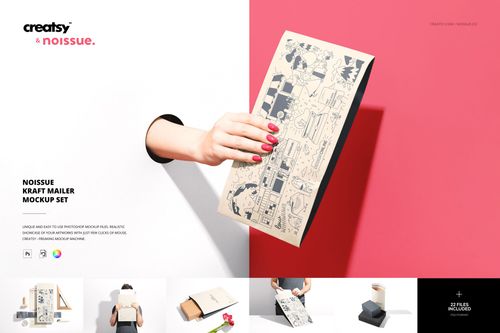
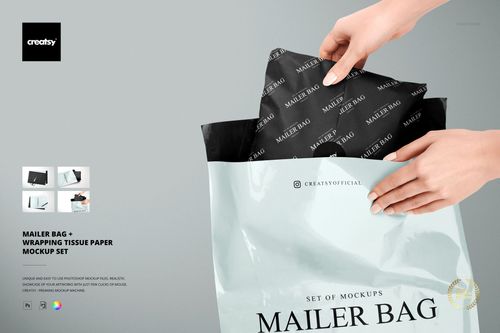
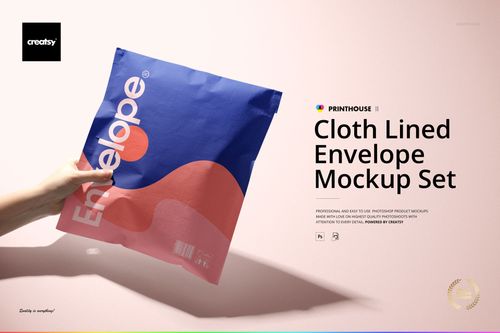
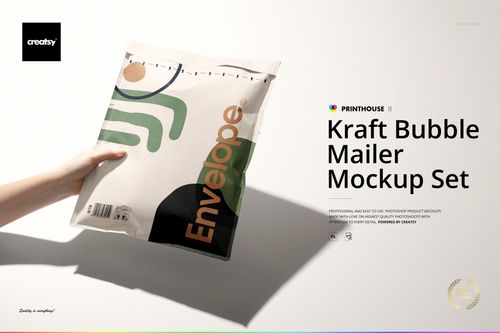
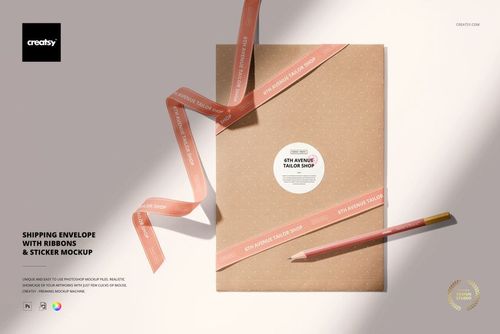
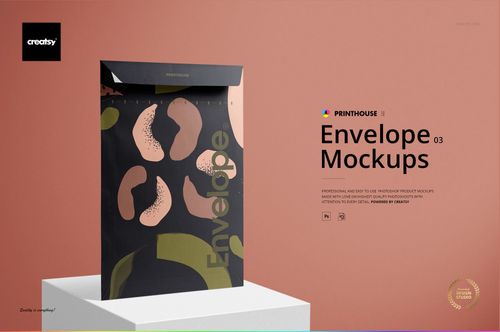
Show how a shipping-envelope design changes from a flat layout to a filled package. This seven-scene PSD set combines front and reverse presentations, standing and top views, a repeated-envelope arrangement and a close-up of the flap. The broad rectangular faces give your identity room to breathe, while the filled views reveal the folds and creases that interrupt an otherwise clean composition.
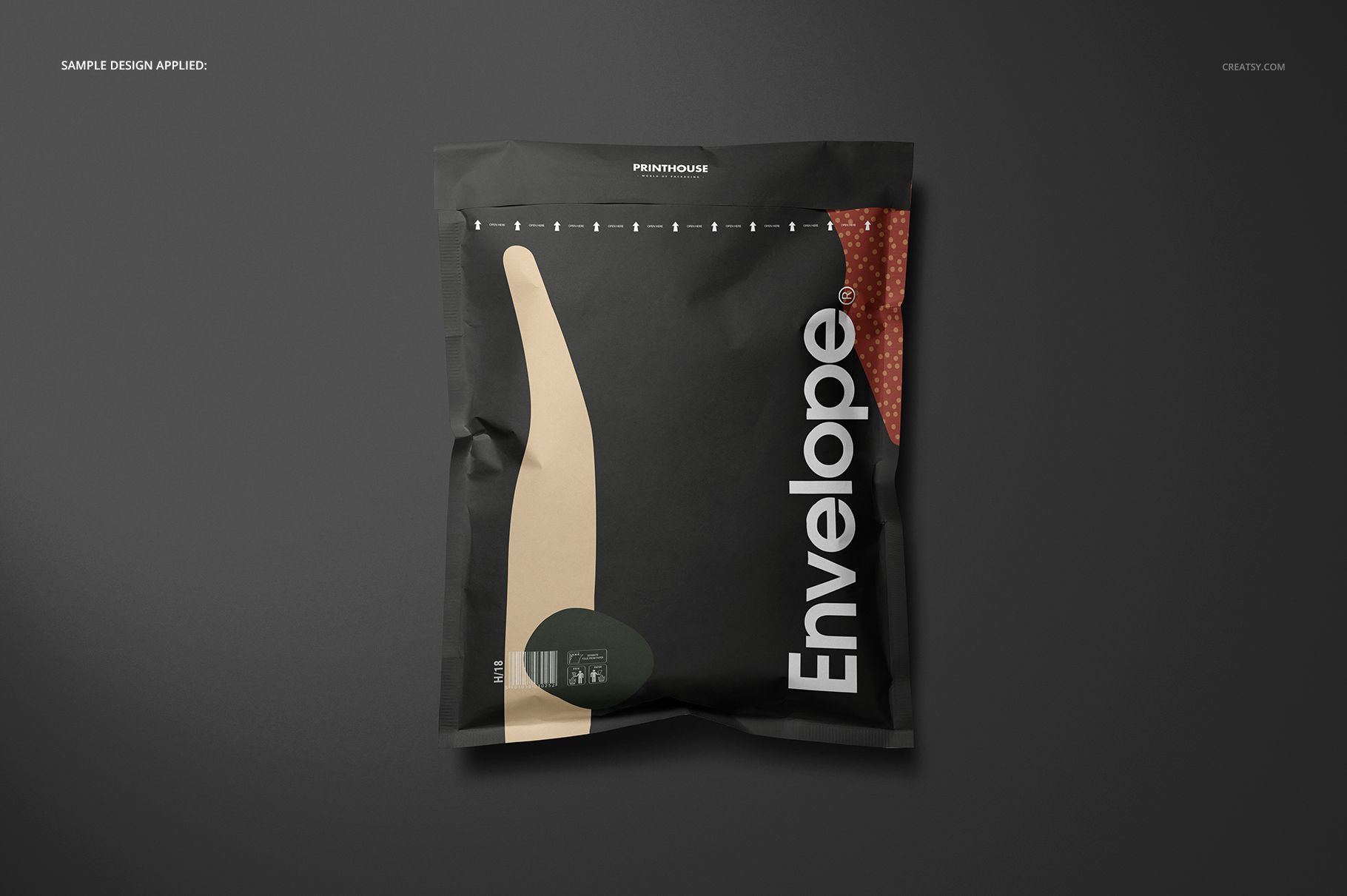
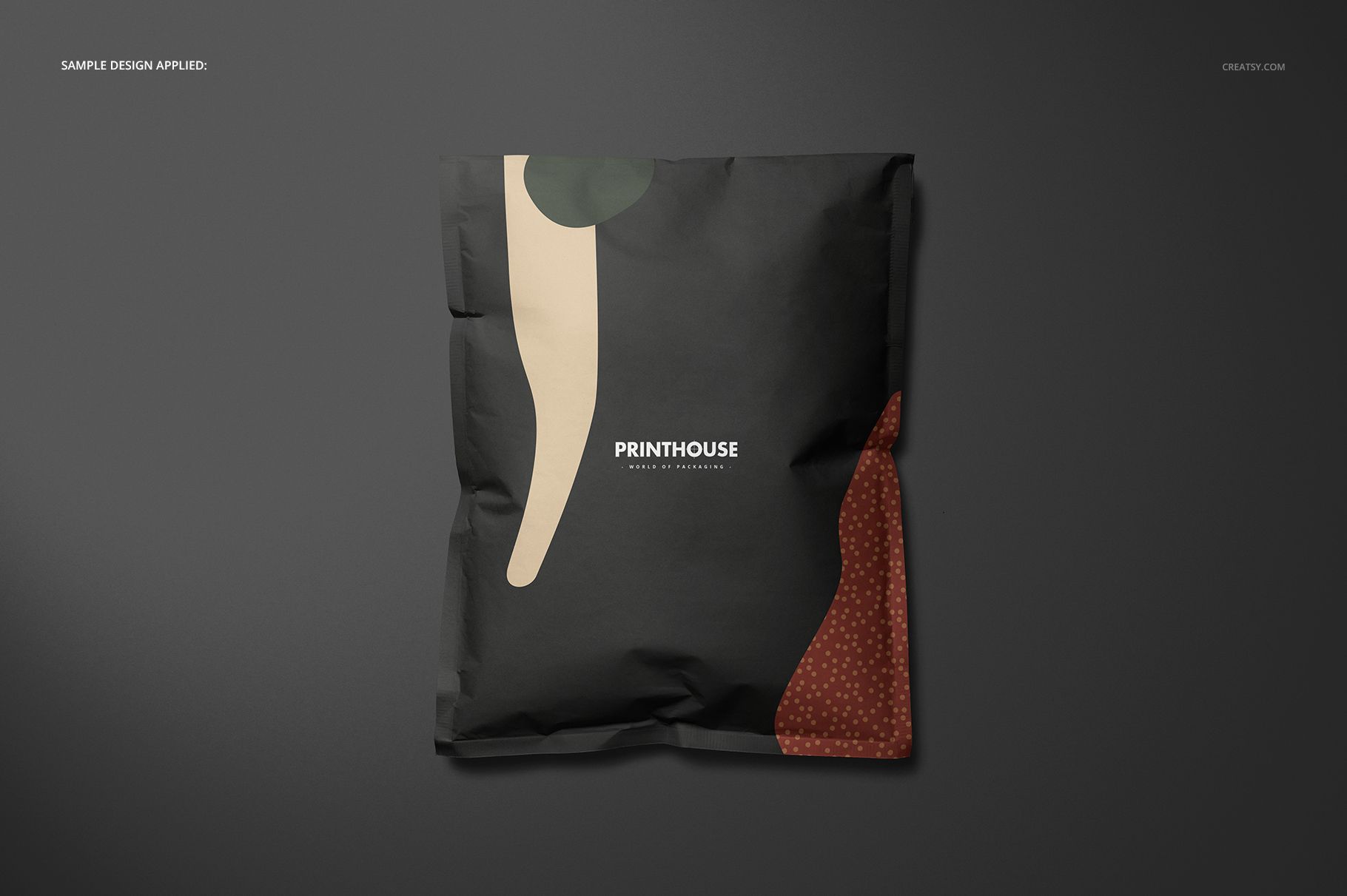
Use it to present an ecommerce mailing identity, compare colorways or turn a surface pattern into a packaging proposal. The contrast between flat and filled forms helps explain why a logo that looks balanced on a blank layout may need more space once the envelope has volume.
What Is Included
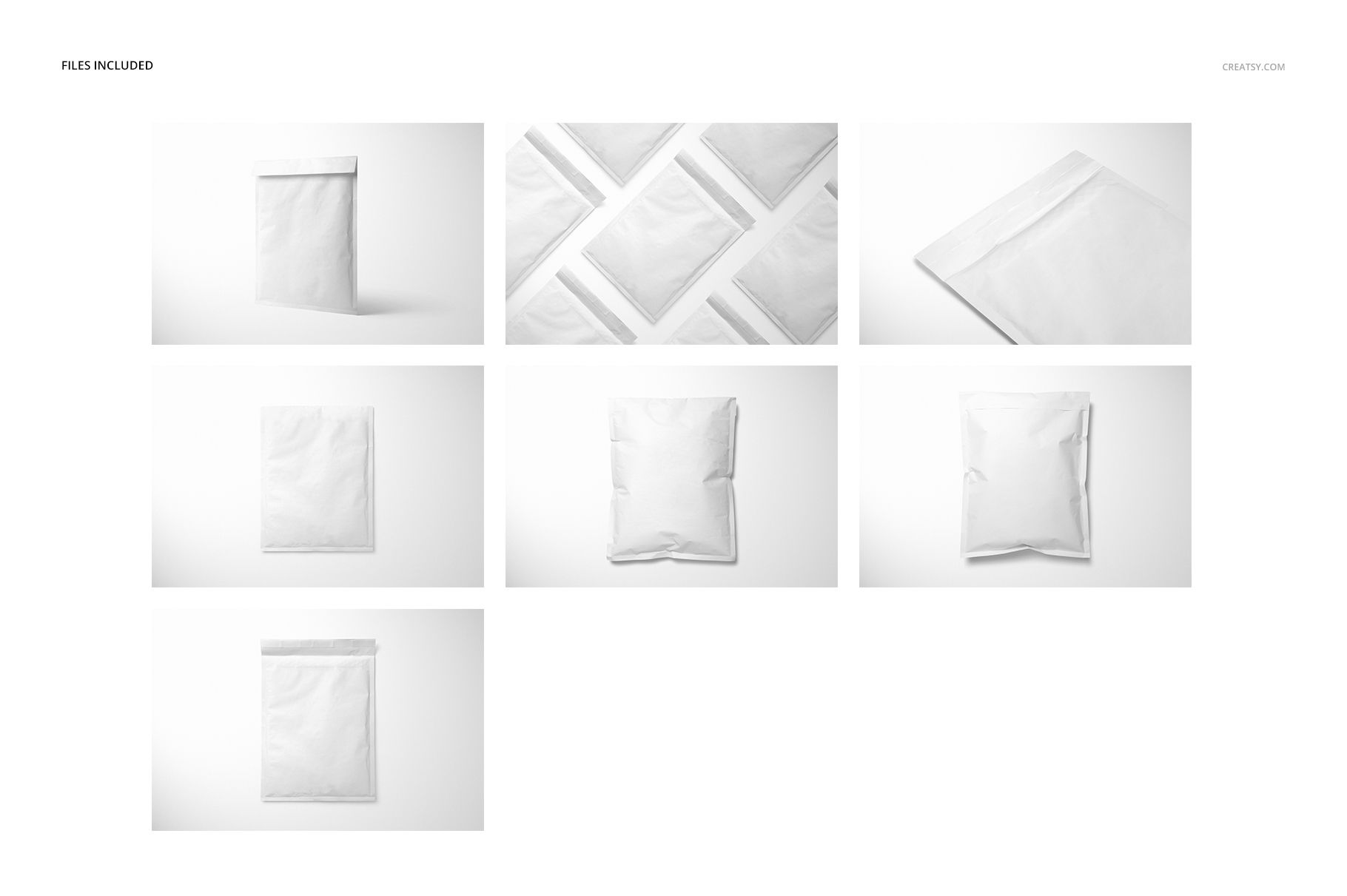
7 layered PSD mockups at 6000 x 4000 px and 300 DPI.
Four top-view files, plus standing, multiple-envelope and close-up scenes.
7 JPG scene images at 6000 x 4000 px and a separate Guide.jpg at 1918 x 1414 px.
Smart Object artwork editing, color layers and organized layer groups.
Compare Flat and Filled Forms
The flatter views show the overall graphic layout clearly. Filled presentations add a rounded body, compressed edges and visible creases, making them useful for judging the visual balance of a design on a packed envelope. The multiple-envelope scene puts several color treatments into one composition, while the close-up brings attention to the flap and small details.
Easy Smart Object Editing
Open a PSD in Adobe Photoshop CS6 or newer, or Photopea. Replace the placeholder artwork in the Smart Object, save that Smart Object to update the scene and adjust the available color layers. Choose a custom background color, use a white or transparent background, or insert your own background. Object shadows are separated and scene shadows can be removed.
Perfect For
Packaging designers, ecommerce brands, surface pattern artists and branding studios can use the finished images in client presentations, online store galleries, campaign concepts and portfolio case studies.
This is a digital mockup set, not a physical envelope or a manufacturing template. The example designs shown in the previews are not included.