Mailing Bag Mockup Set
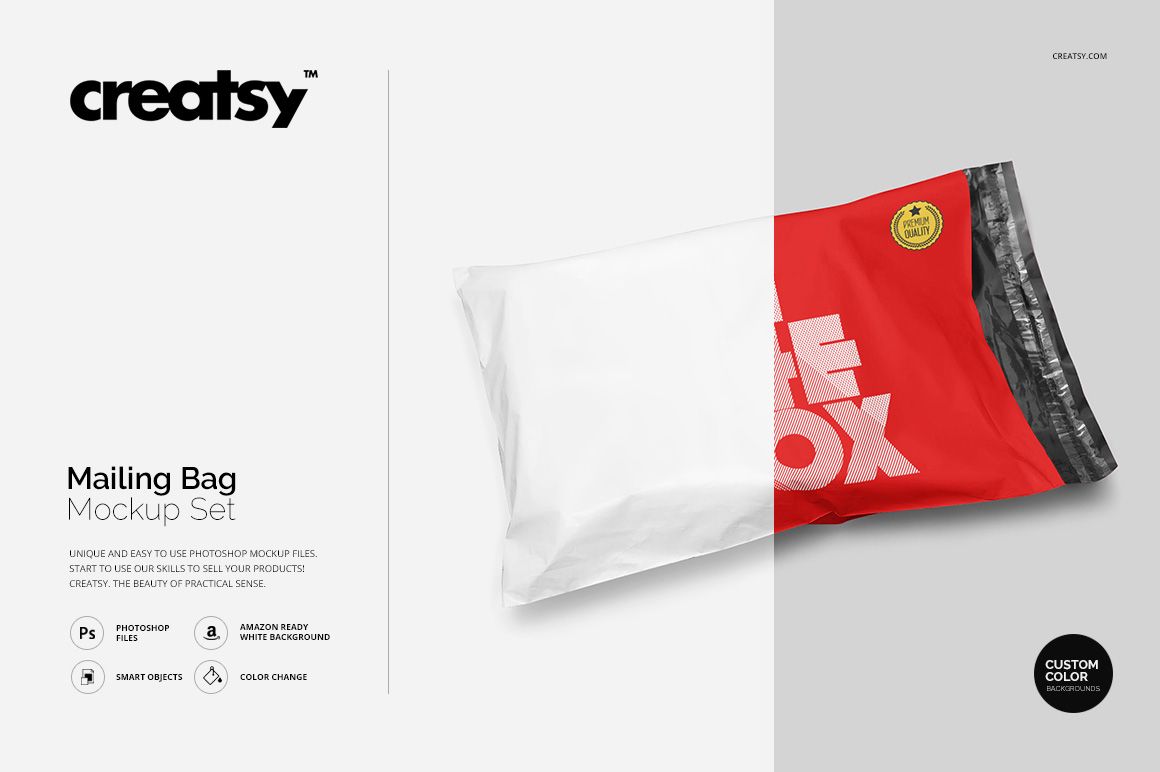
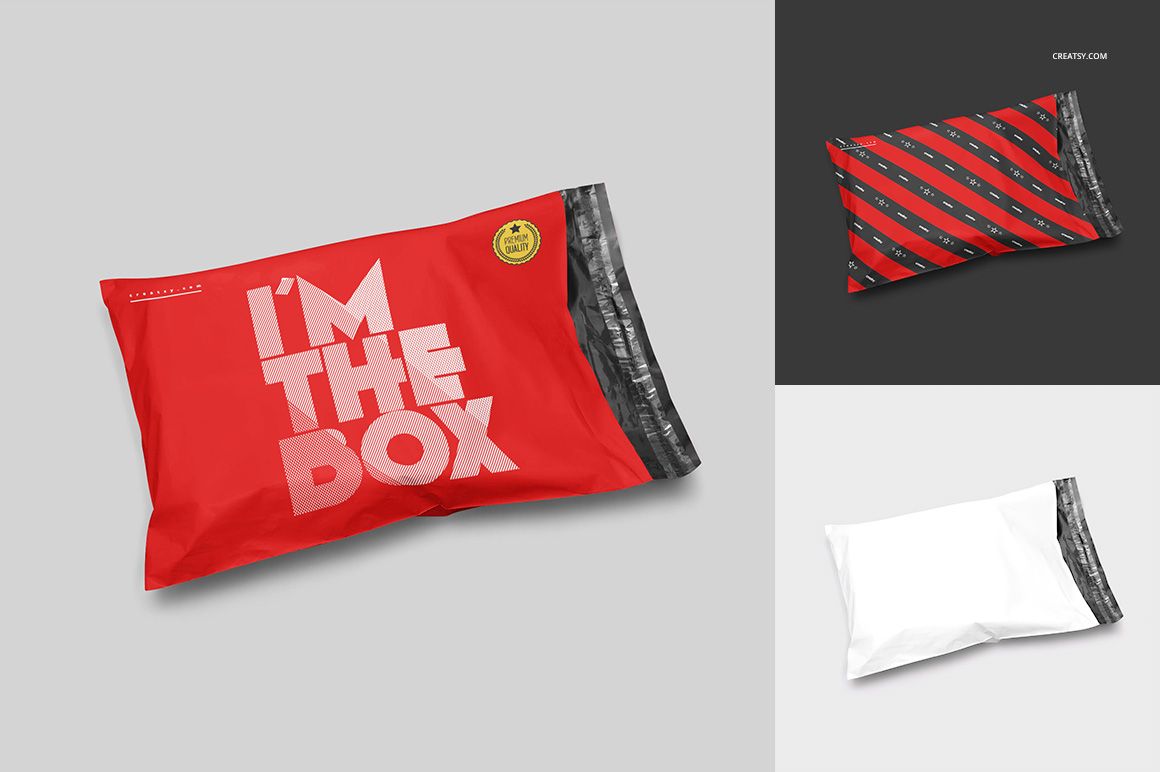
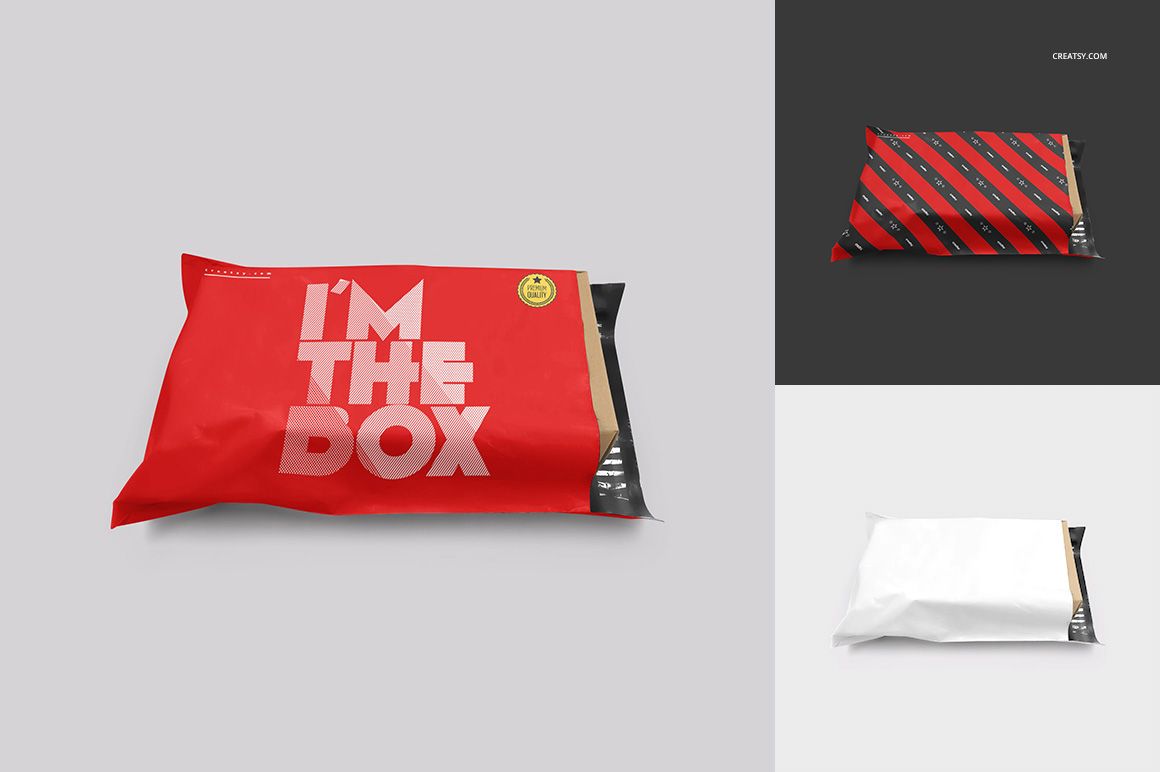
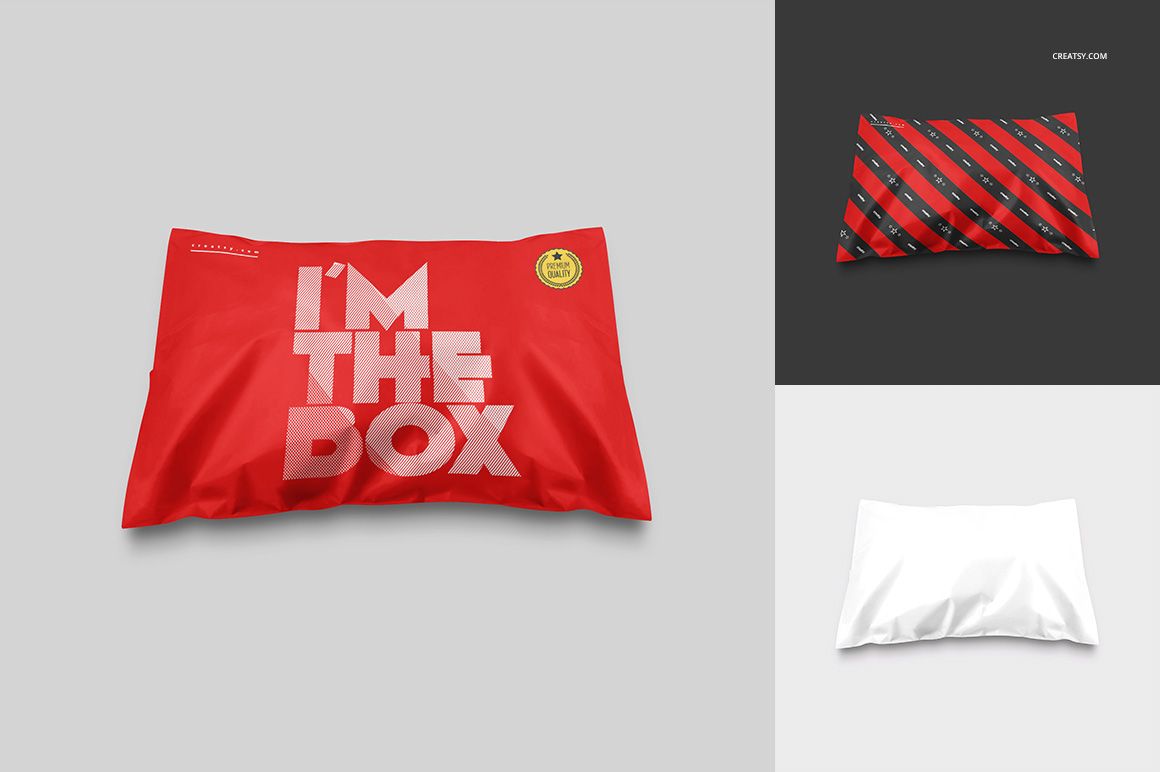
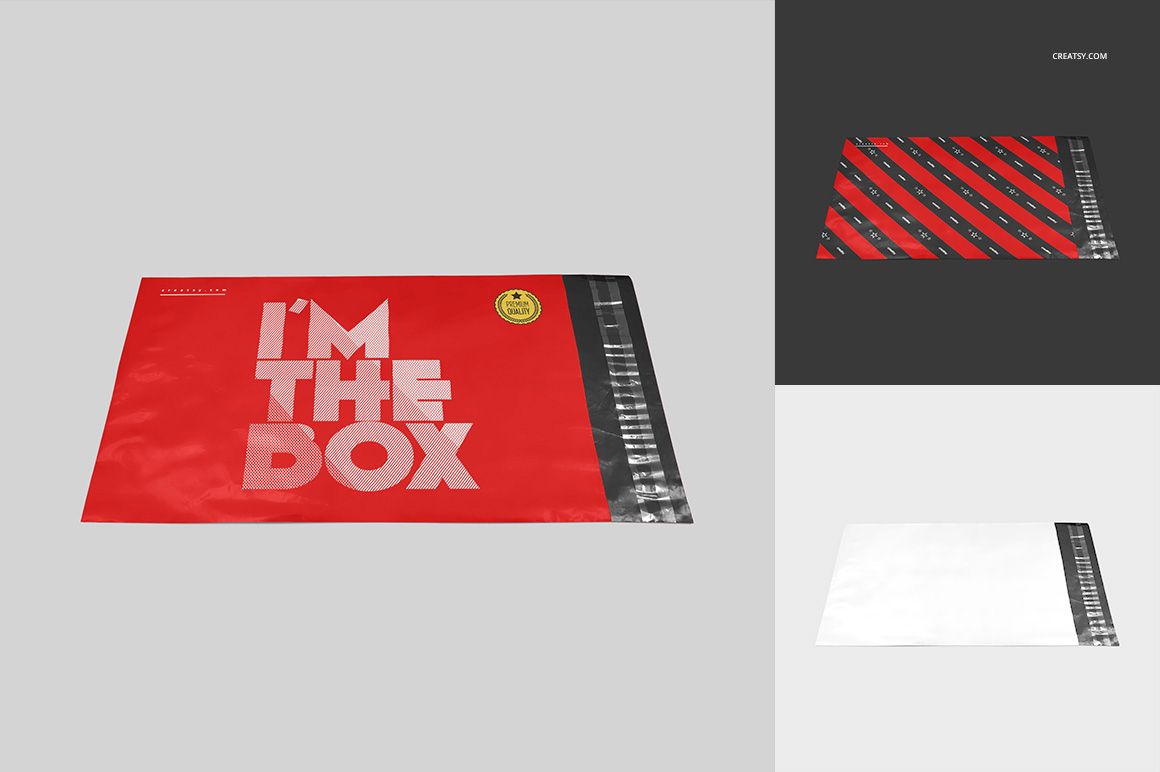
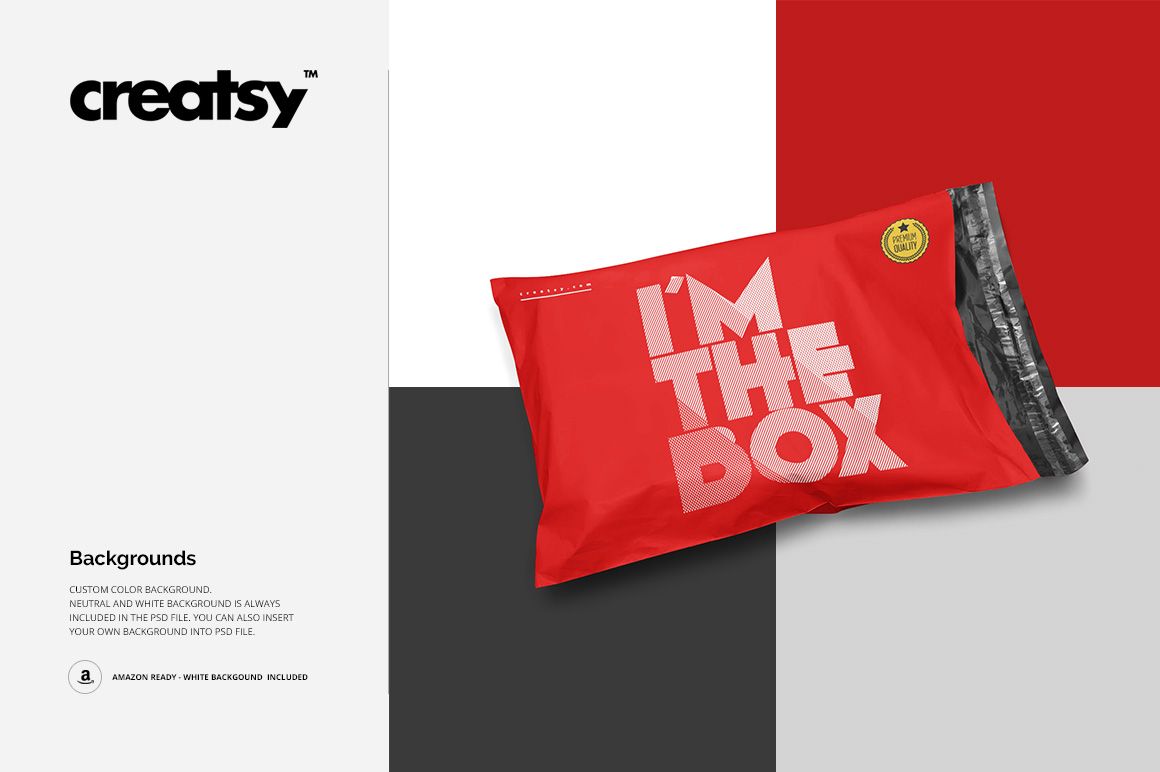
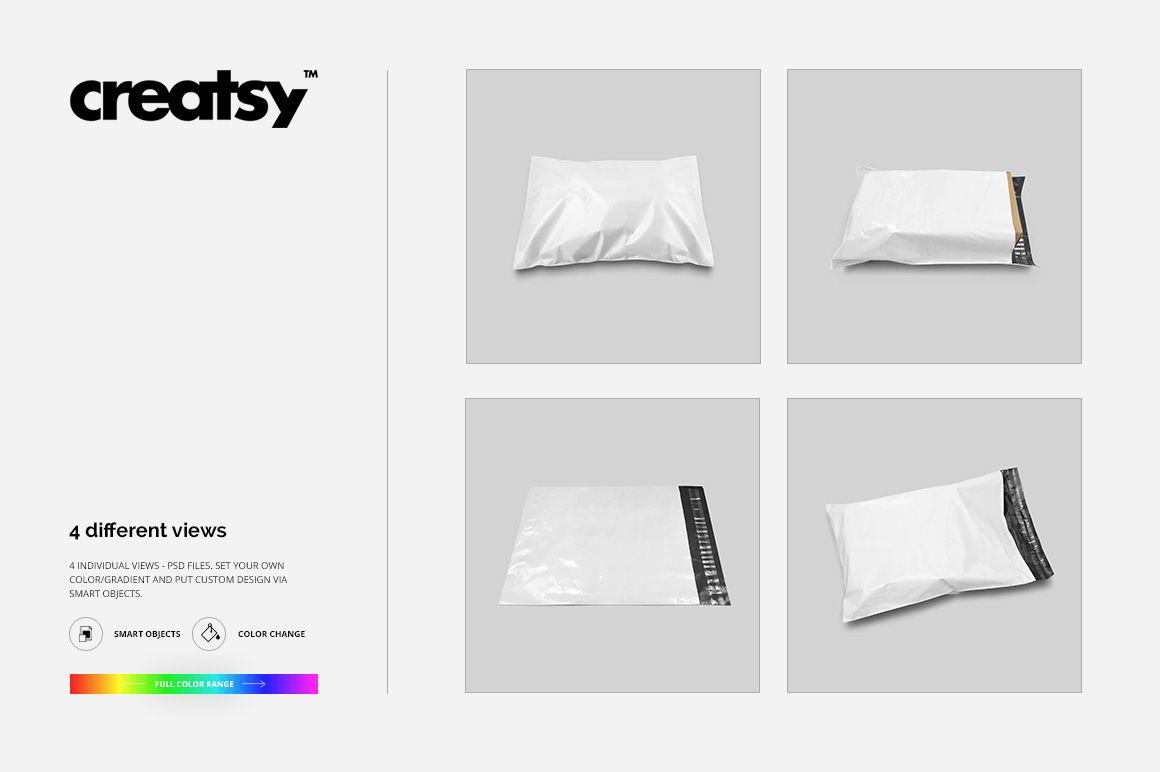
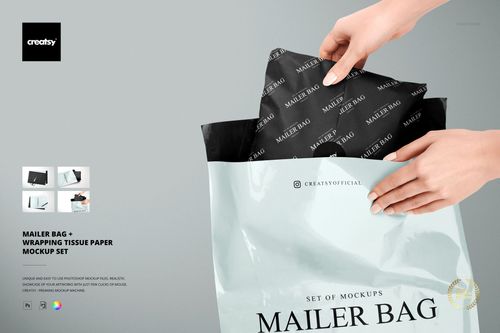
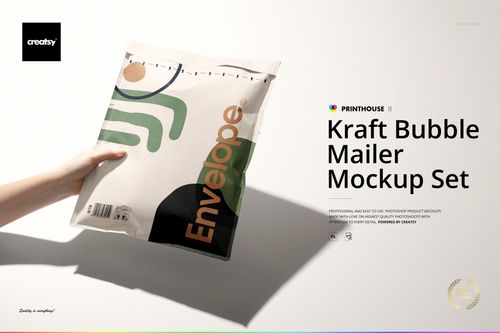
A mailing bag changes shape when it is filled, and its branding needs to work on more than a flat rectangle. Mailing Bag Mockup Set gives you four prepared views of a flexible shipping bag, including a flat presentation, fuller shapes with visible folds, and an open end with the dark closure area exposed. Use these differences to present an e-commerce packaging identity with a clear view of both the artwork and the bag silhouette.
What Is Included
4 layered PSD mockup files with individual mailing bag views.
4 JPG images and a Guide.tif instruction file, for 9 files in total.
2000 × 2000 px mockup resolution at 300 dpi.
Smart Object artwork placement, editable bag colors or gradients, and editable backgrounds.
Compare Flat and Filled Presentations
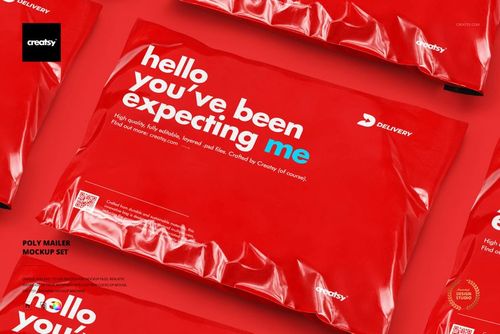
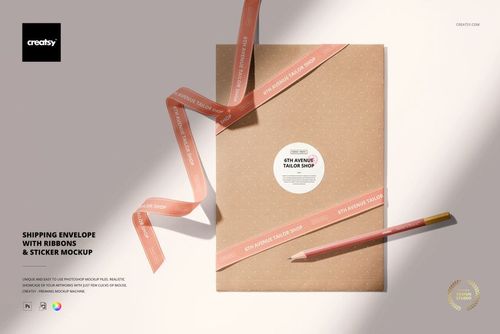
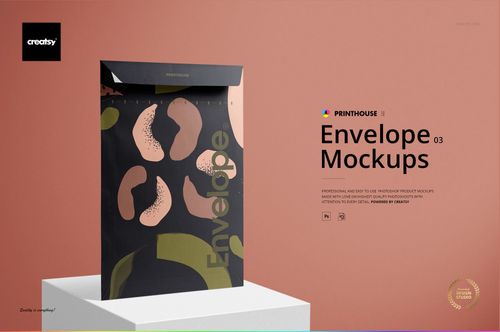
The flatter view gives a direct reading of a logo or repeated pattern. Fuller views introduce creases and a curved surface, helping you see whether that same design remains recognizable. The preview examples show bold typography, diagonal patterns, and blank color treatments on the same bag forms. They are alternative artwork presentations, not extra bags or additional editable files.
Easy Smart Object Editing
Open a PSD in Adobe Photoshop CS6 or later, or use Photopea. Place your artwork inside the Smart Object, save that object, then return to the mockup. Adjust the bag color and background to suit the design. Repeat the placement in each PSD you want to present; the four files are separate views.
Perfect For
Branded shipping bag concepts for online shops.
Logo and repeat-pattern presentations for packaging clients.
Coordinated colorway comparisons, portfolios, and social posts.
This is a digital mockup set, not a physical mailing bag. The sample patterns and designs shown in the previews are not included.