Brown Paper Envelope Mockup Set
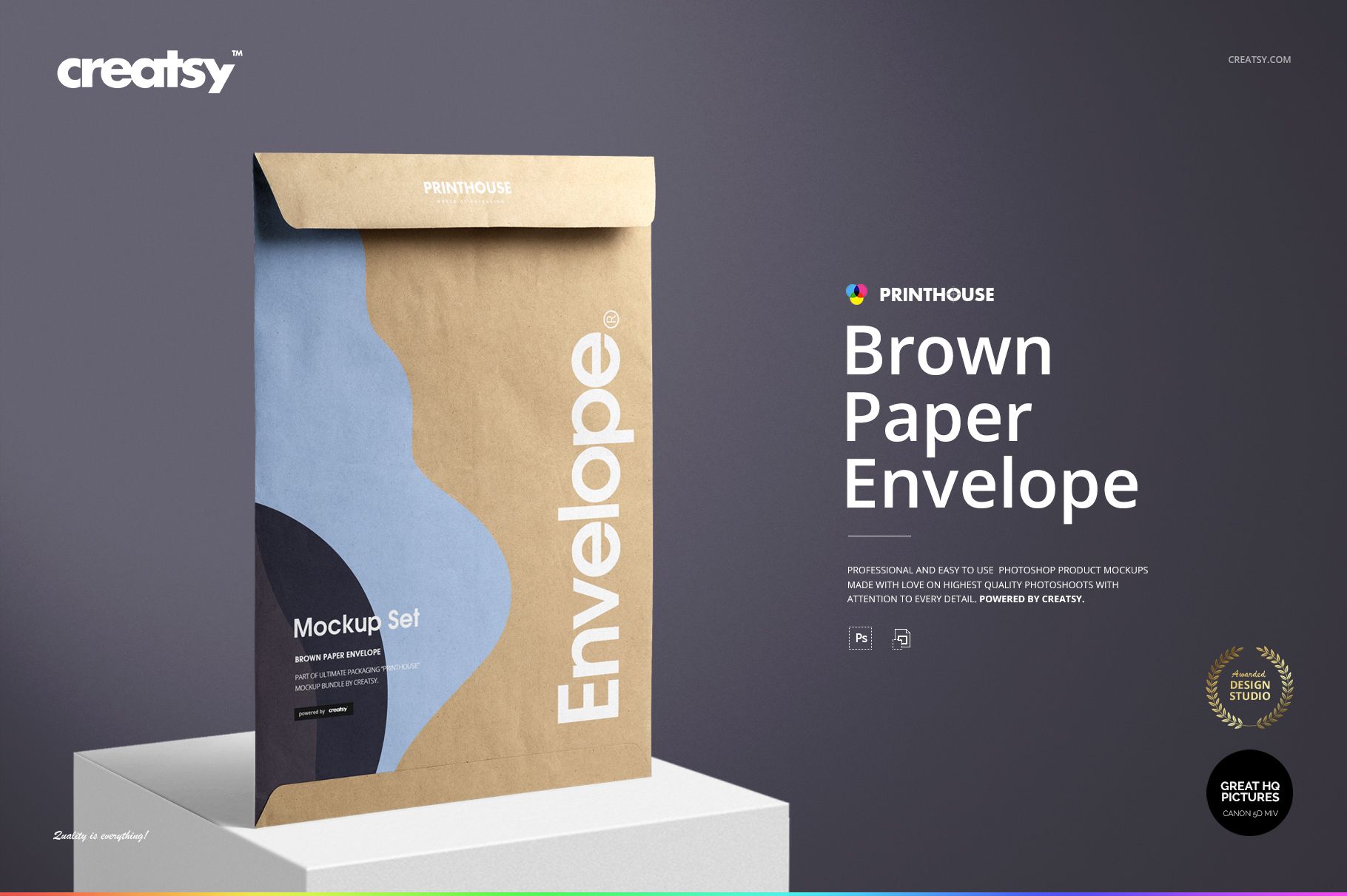
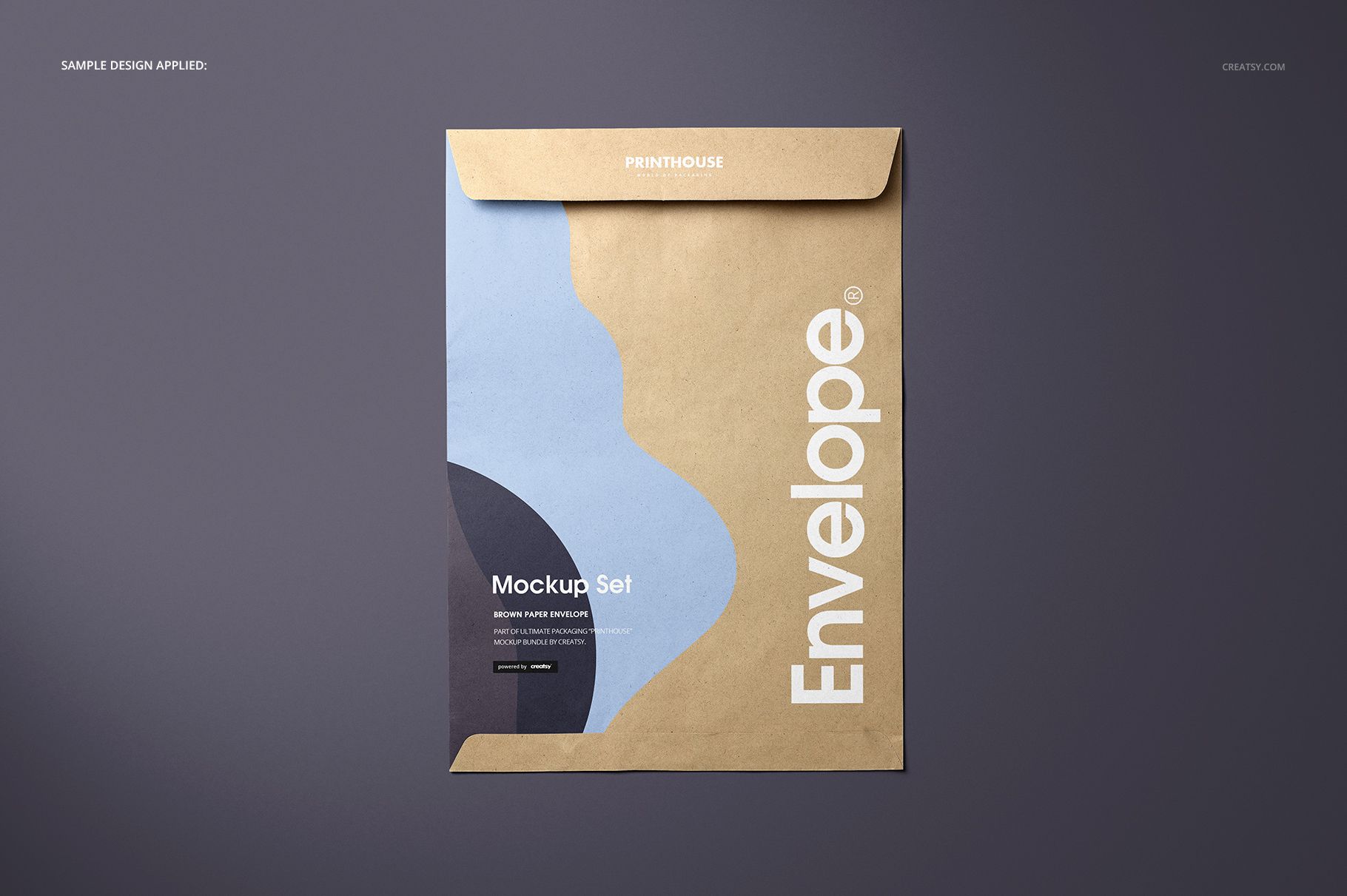
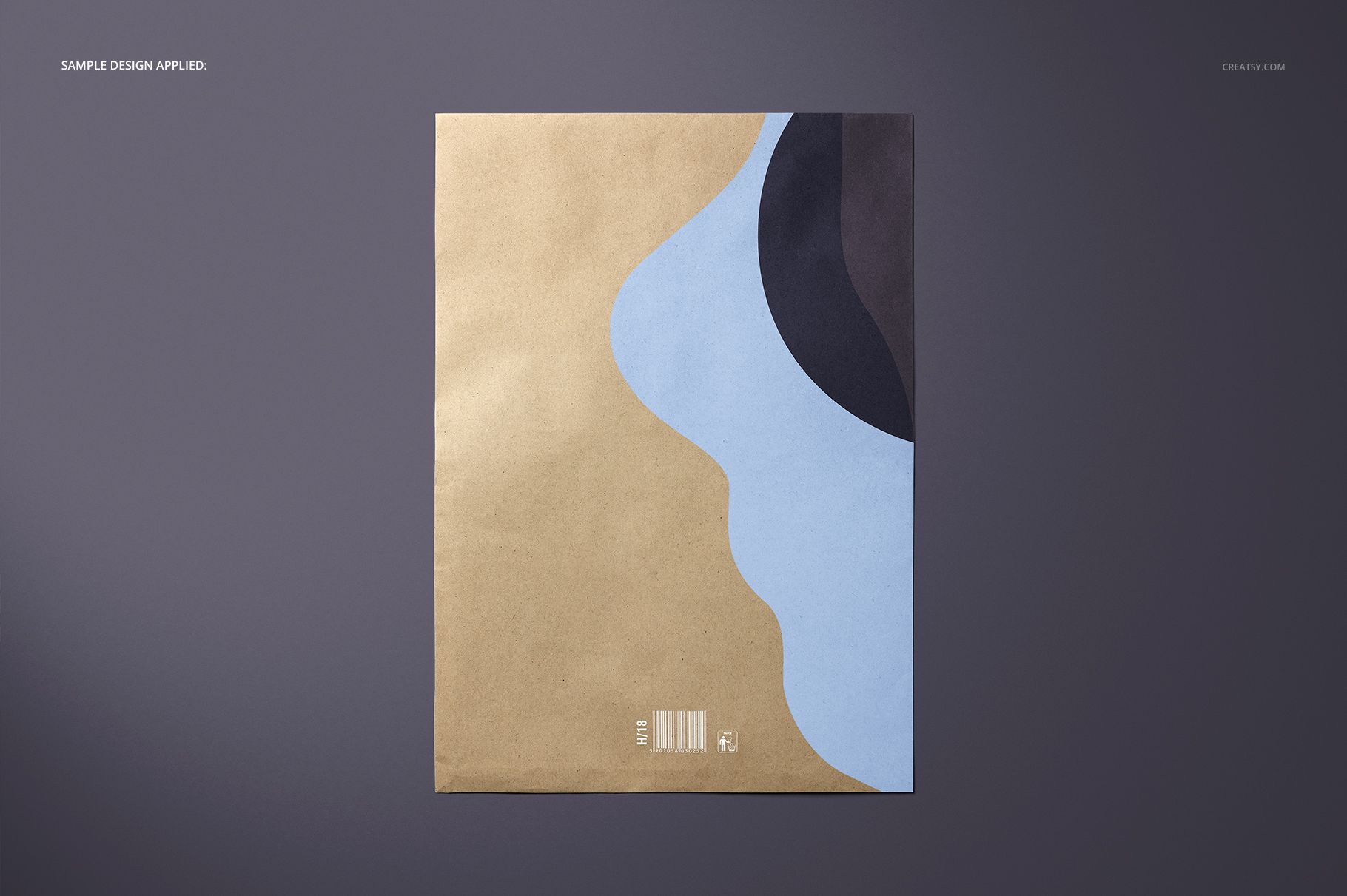
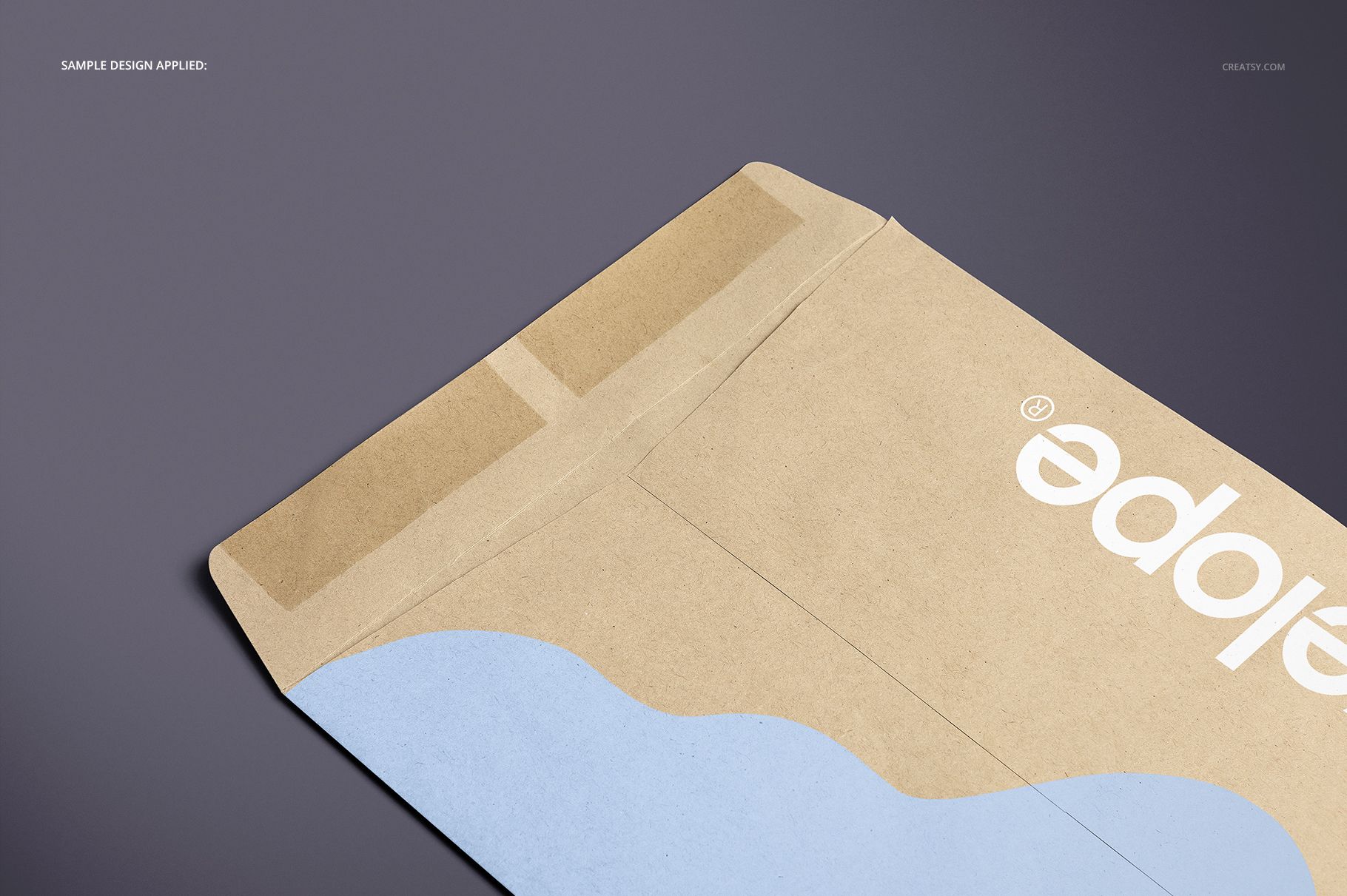
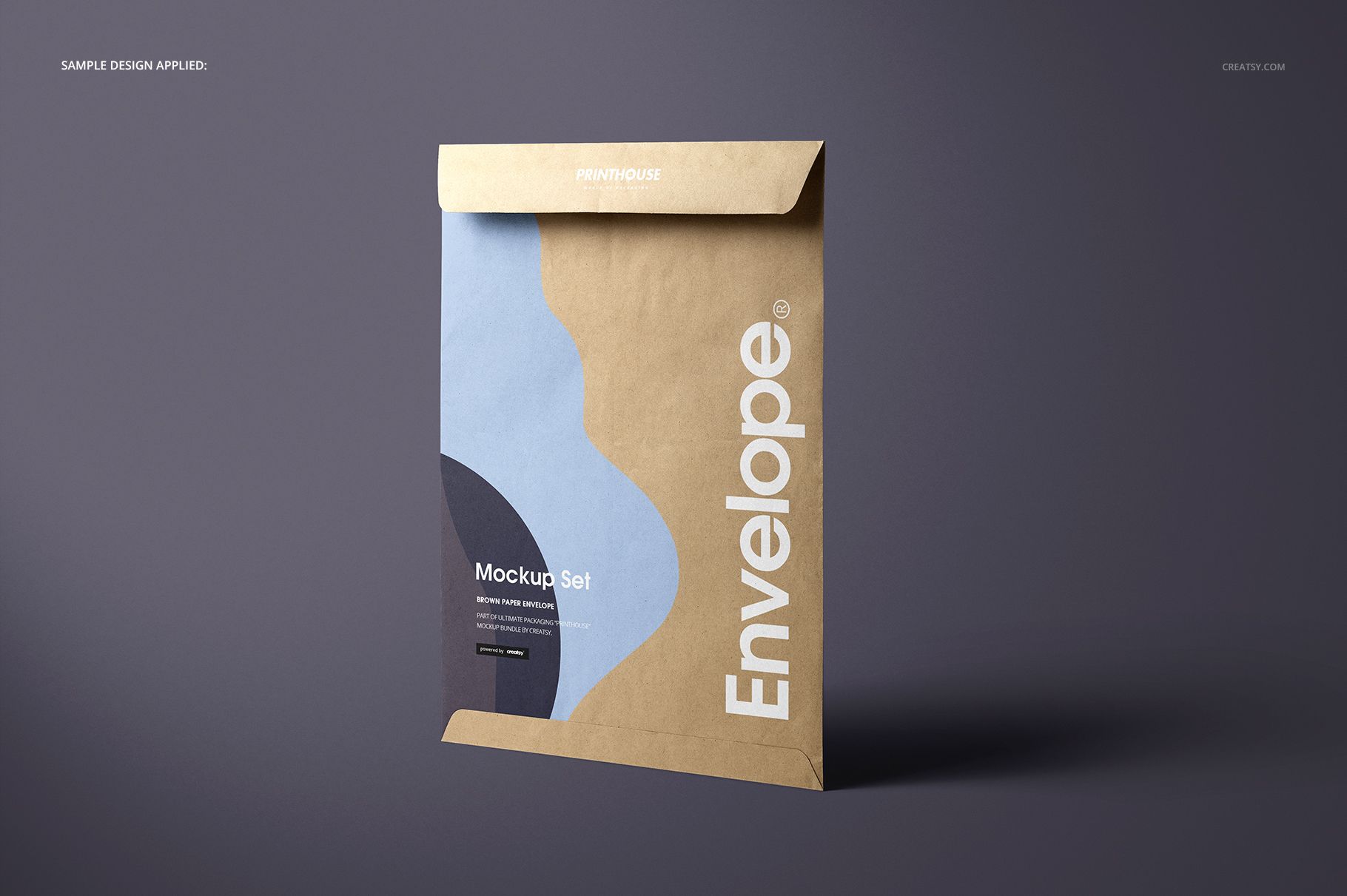
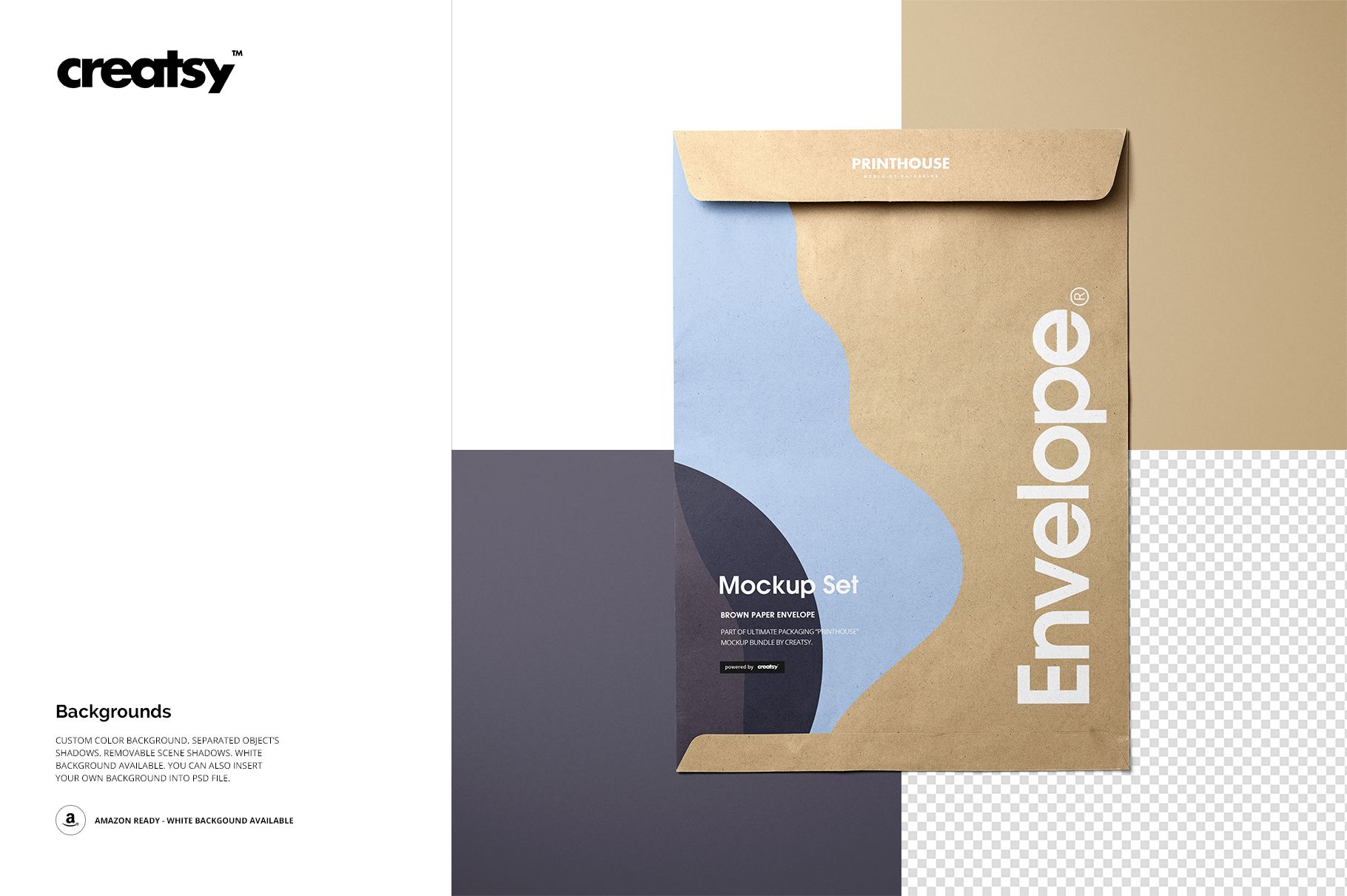
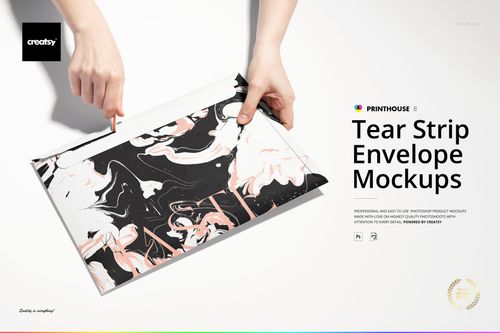
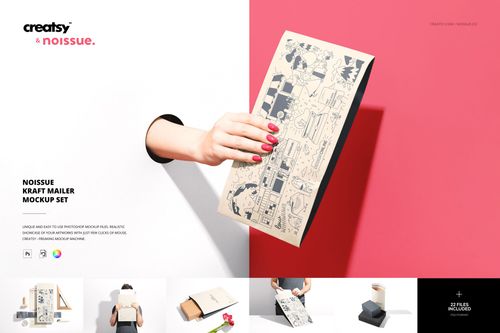
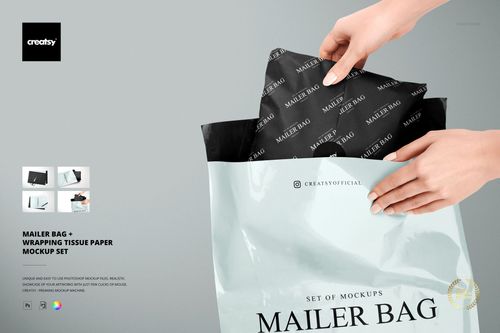
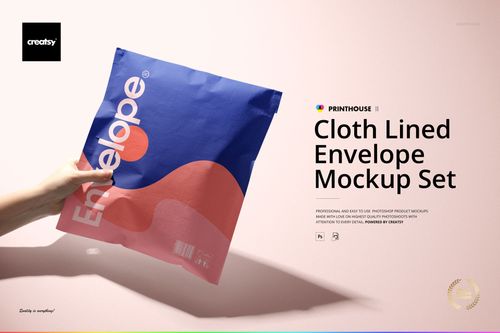
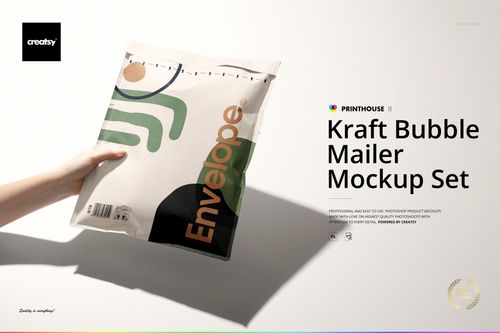
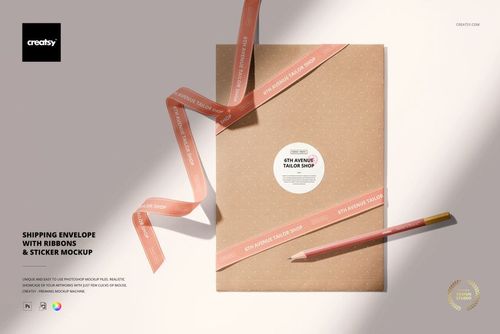
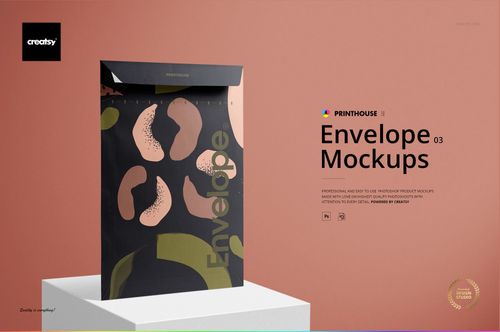
Brown paper can be part of the artwork, not just the surface underneath it. Brown Paper Envelope Mockup Set shows how a logo, a broad color shape, or a restrained pattern sits against a warm, visibly textured envelope. Four PSD views cover the front, back, standing presentation, and a close-up of the open flap, so your client can see both the overall design and the construction details.
What Is Included
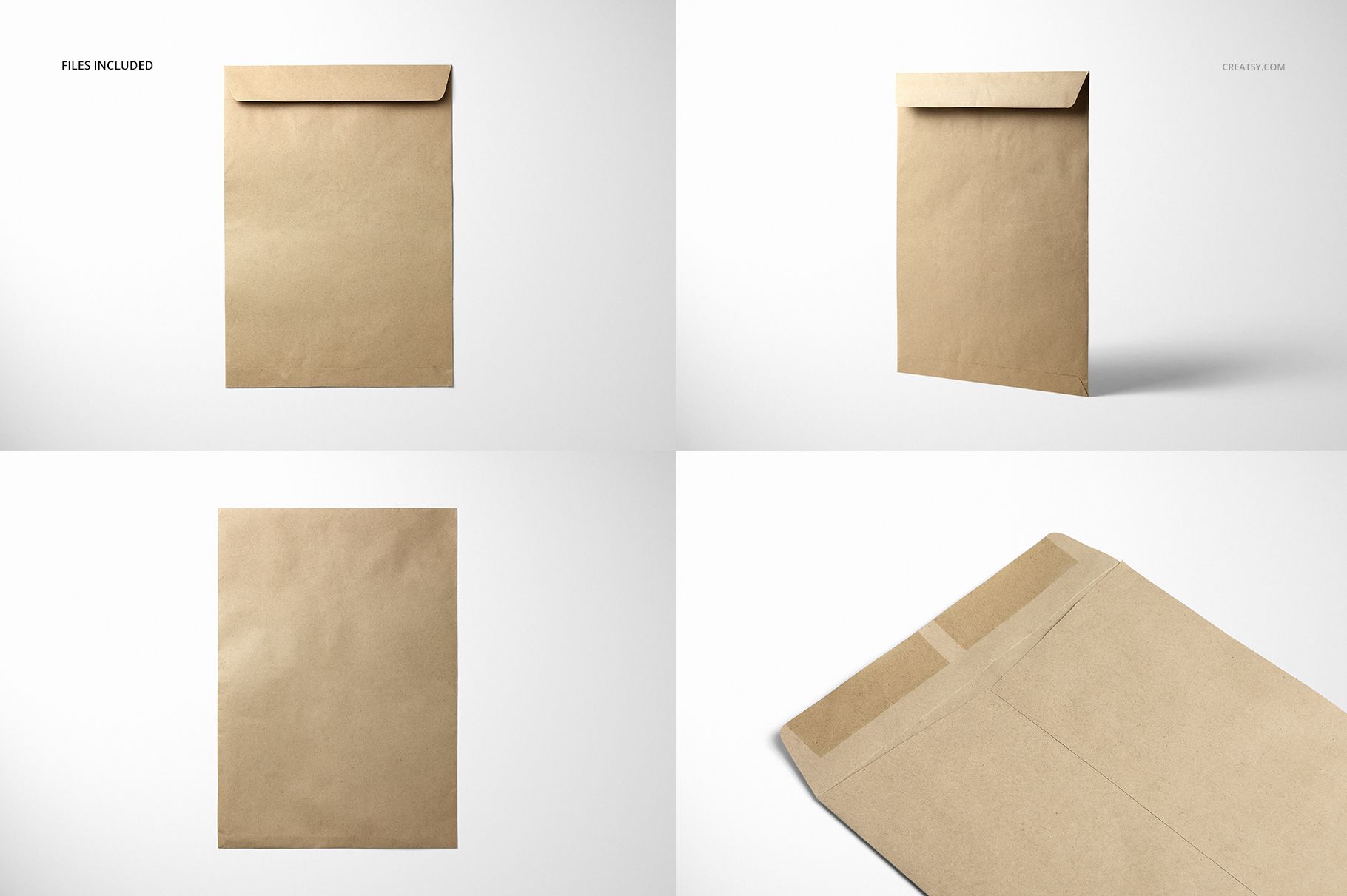
4 layered PSD mockups: Top Front, Top Back, Standing, and Closeup.
4 JPG scene images plus Guide.jpg, making 9 files in total.
6000 × 4000 px mockup resolution at 300 dpi.
Smart Objects, editable colors, and white, colored, or imported background options.
A Paper Surface with Its Own Character
The flat views make the long rectangular format easy to read. The standing view introduces depth and a cast shadow, while Closeup reveals the open flap, closure area, and folded seams. Use that detail image to explain where the graphic ends and the paper construction begins, instead of presenting the envelope as a featureless rectangle.
Easy Smart Object Editing
Open a PSD in Adobe Photoshop CS6 or later, or use Photopea. Insert your artwork through the Smart Object and save it to update the mockup. Adjust the colors and background, then edit the other PSDs separately to carry the same visual direction through the set. The files include separate object shadows and removable scene shadows. Affinity Designer is also listed in the product compatibility information.
Perfect For
Brown paper envelope branding and stationery presentations.
Packaging proposals for independent shops and print clients.
Illustration, typography, and paper-focused surface pattern portfolios.
This is a digital mockup set, not a physical envelope or a print-production template. The example artwork in the previews is not included.