Poly Mailer Mockup Set
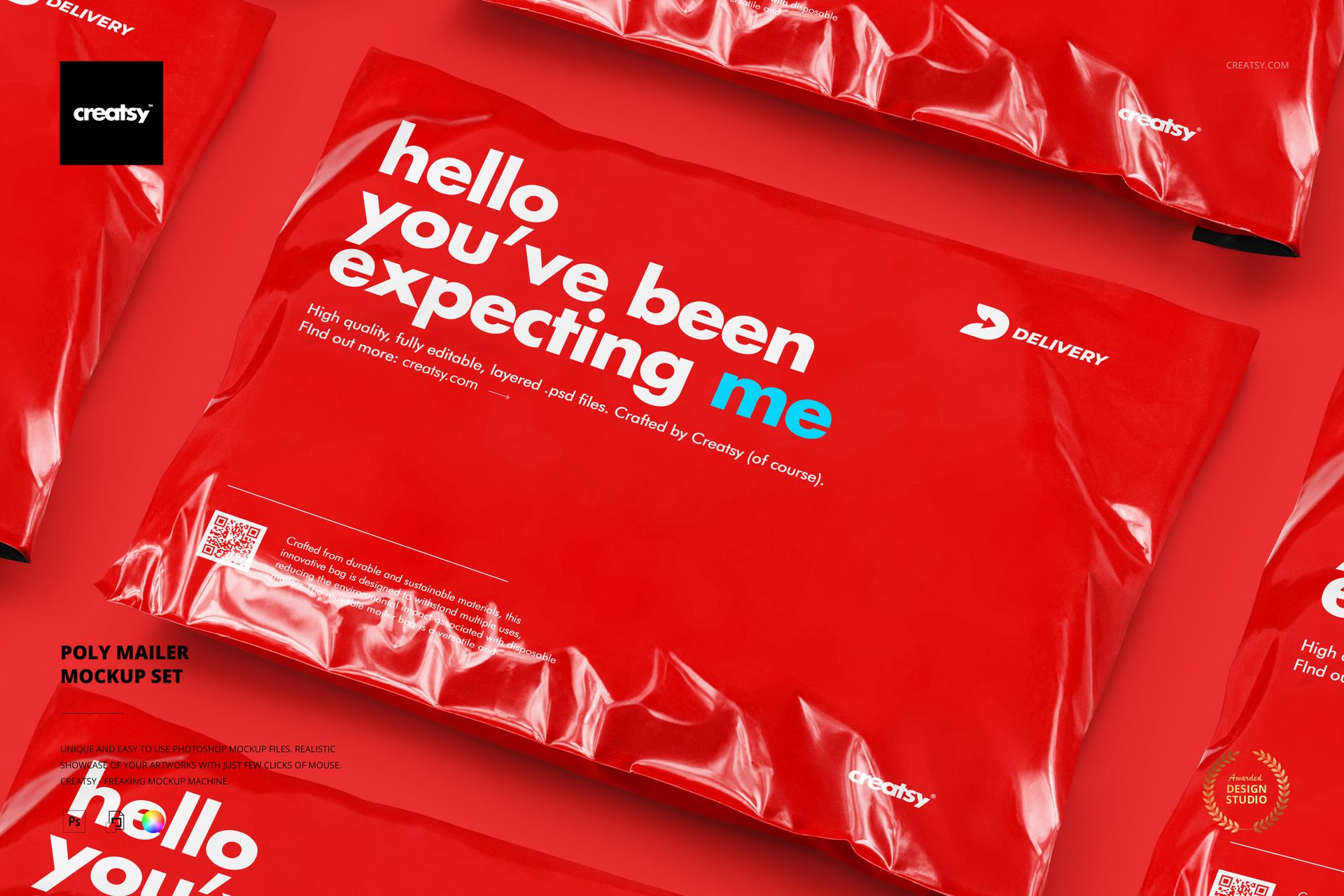
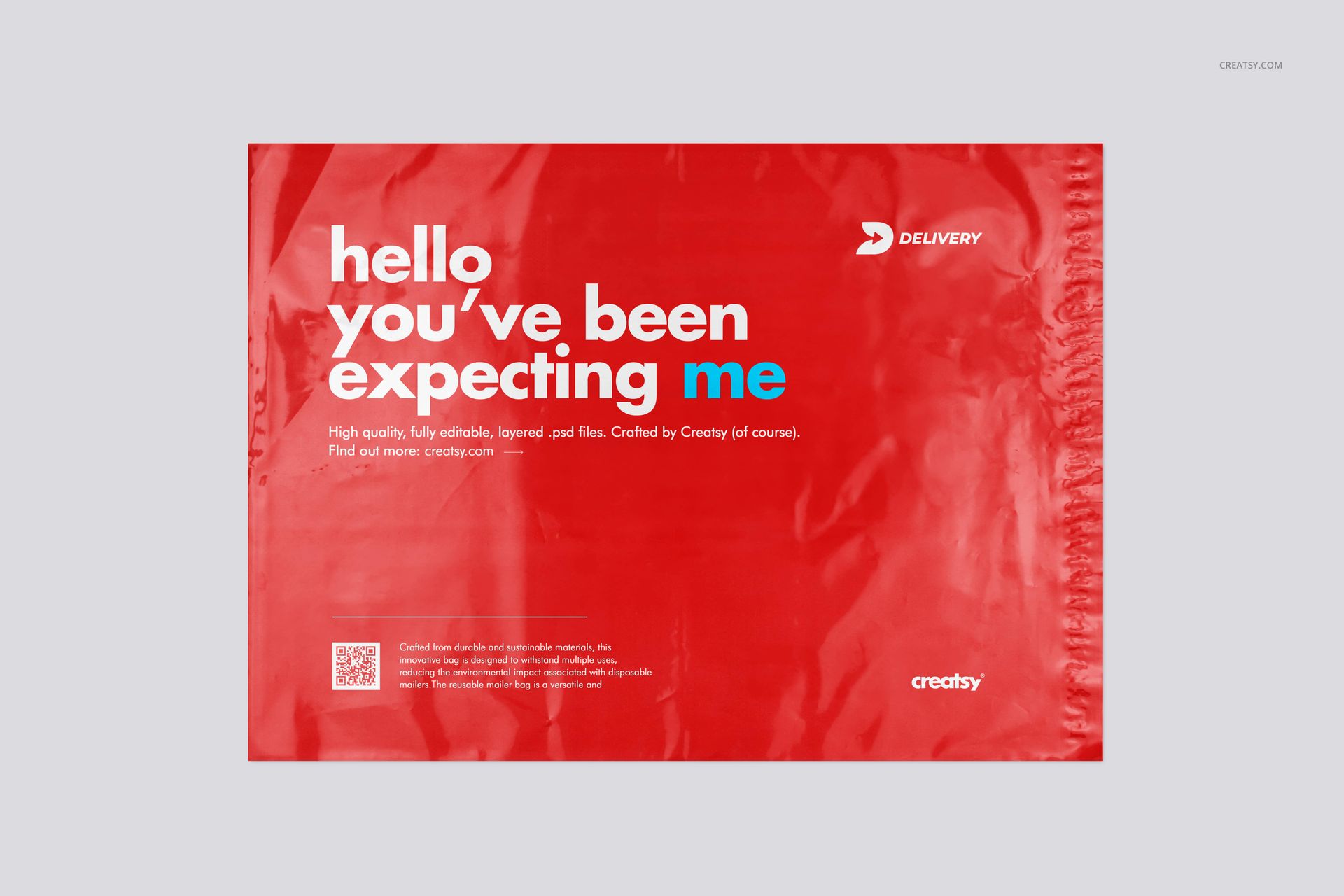
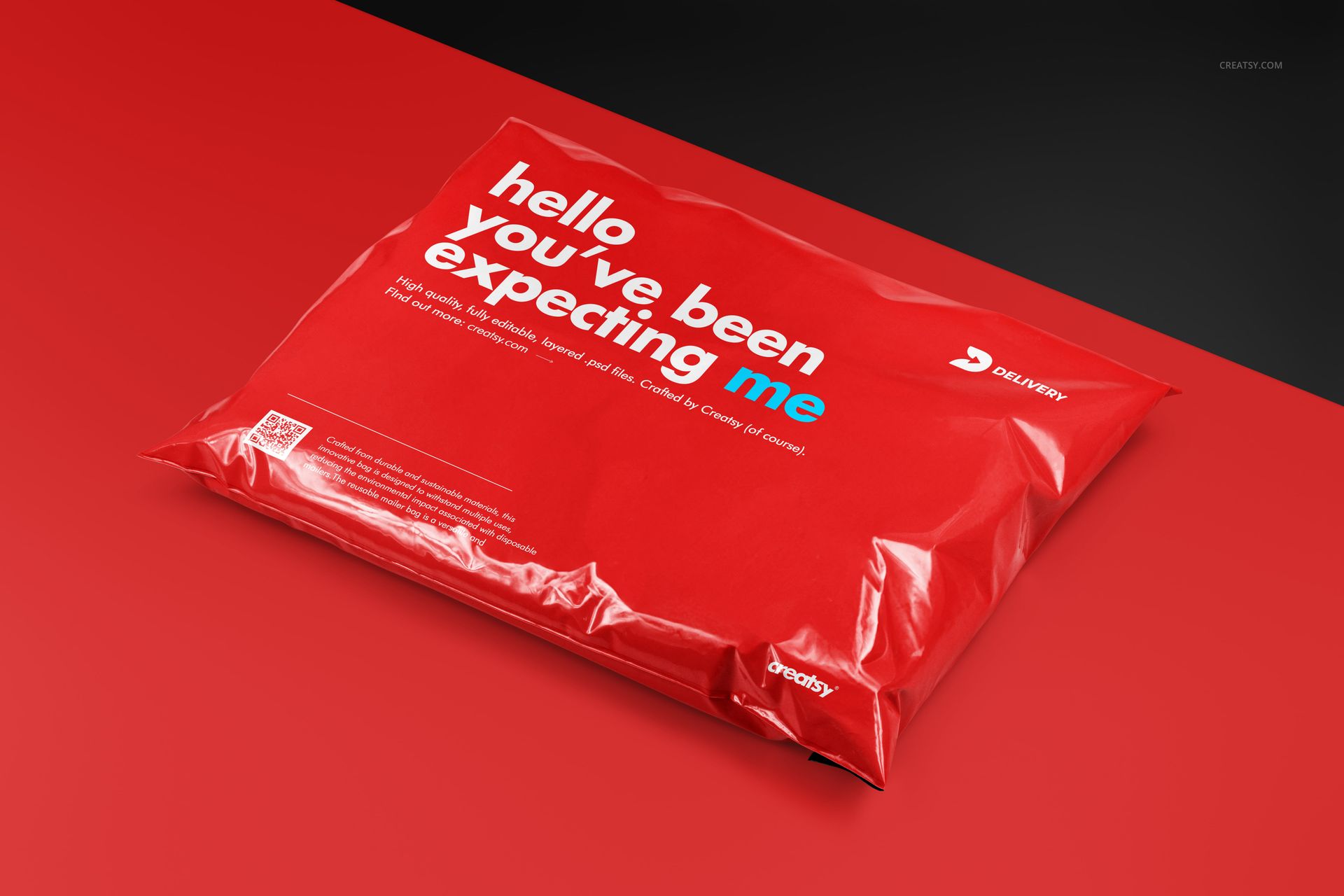
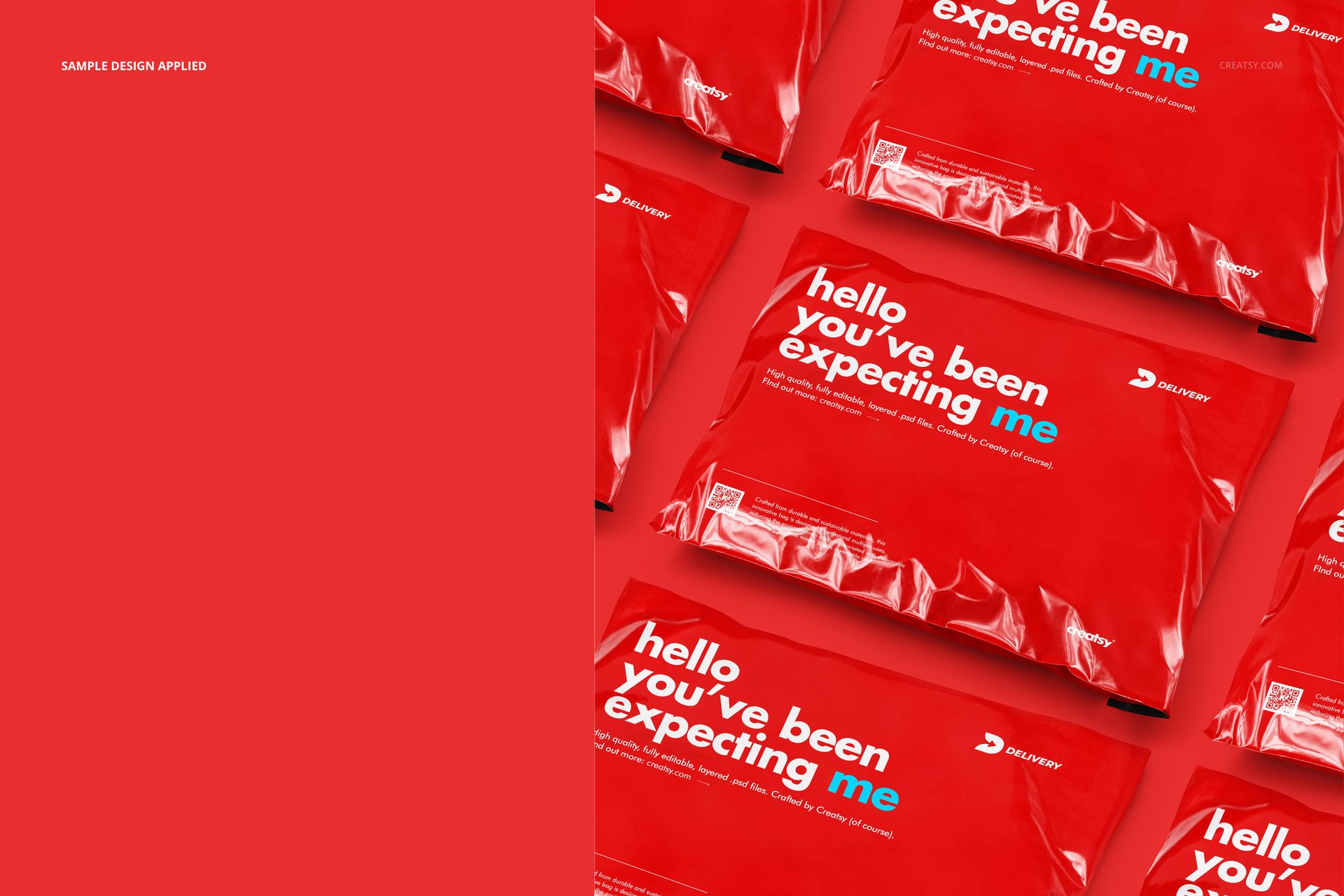
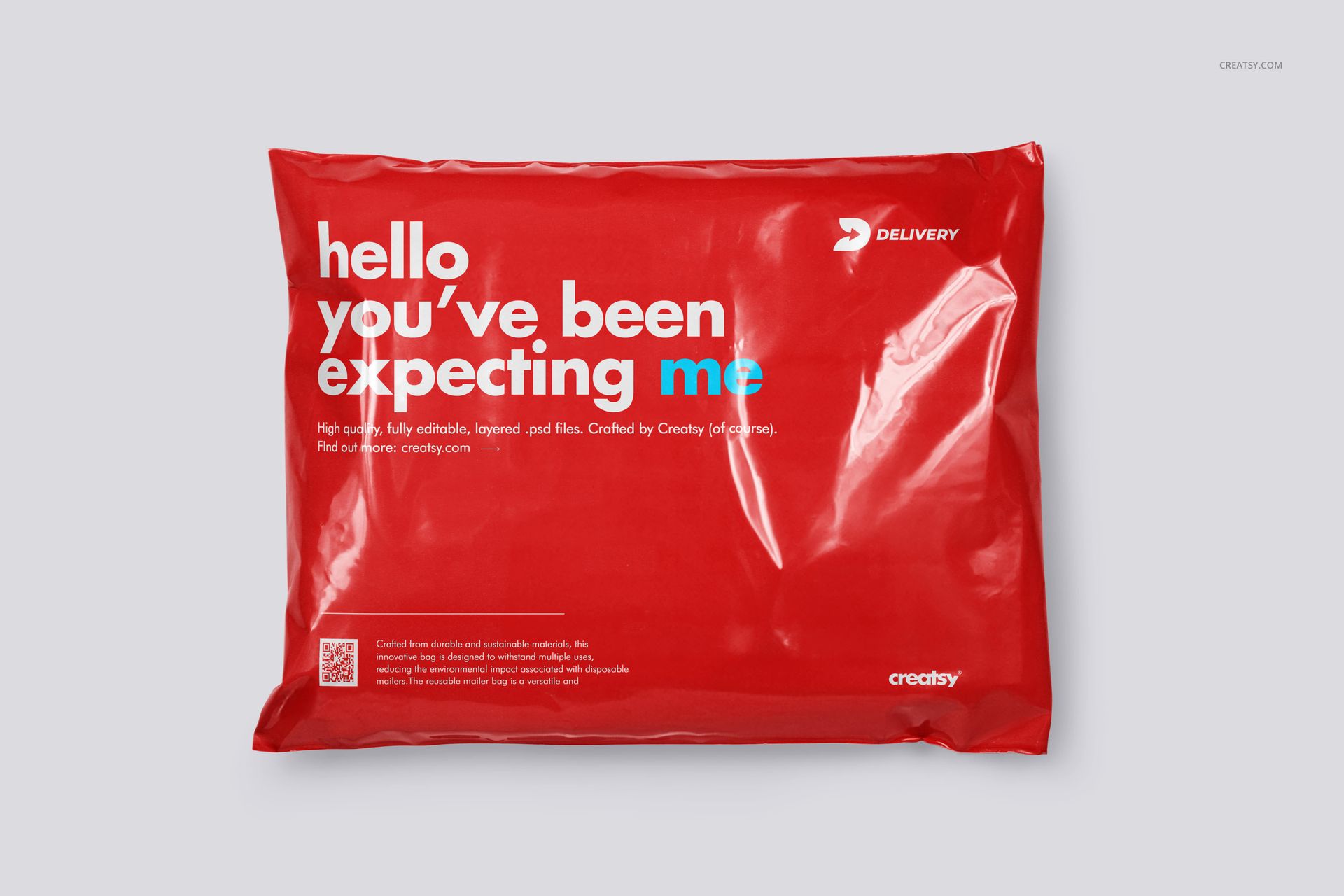
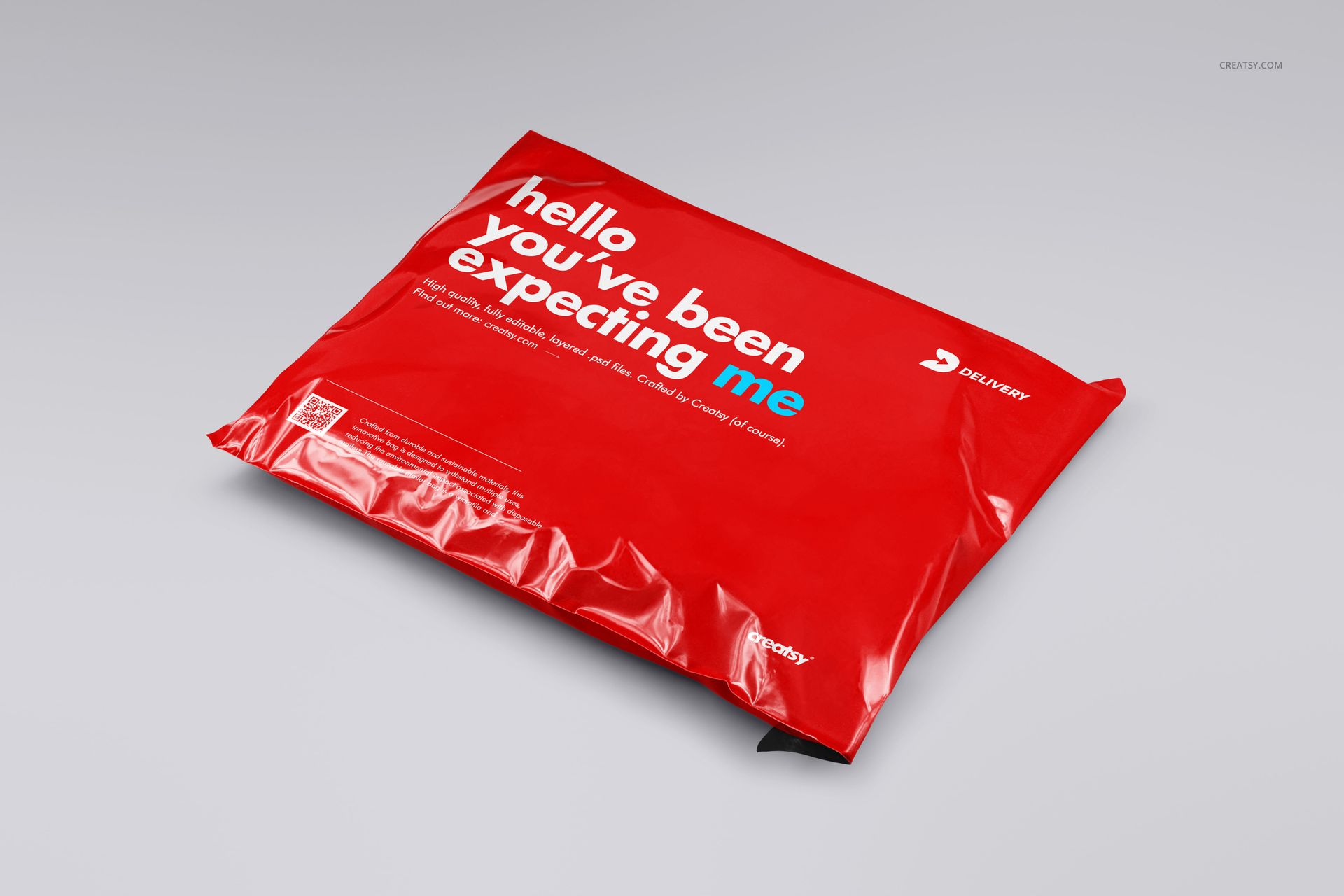
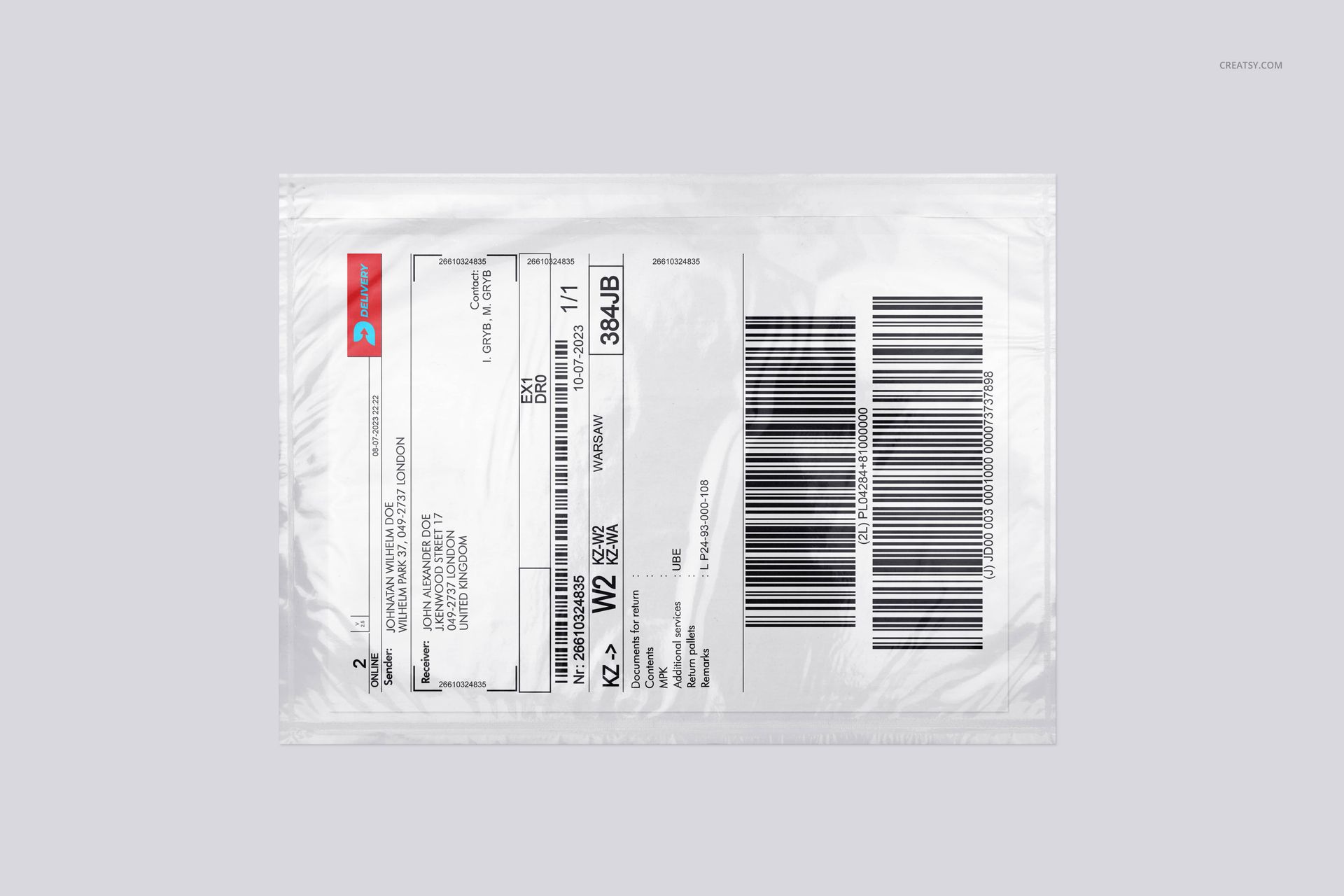
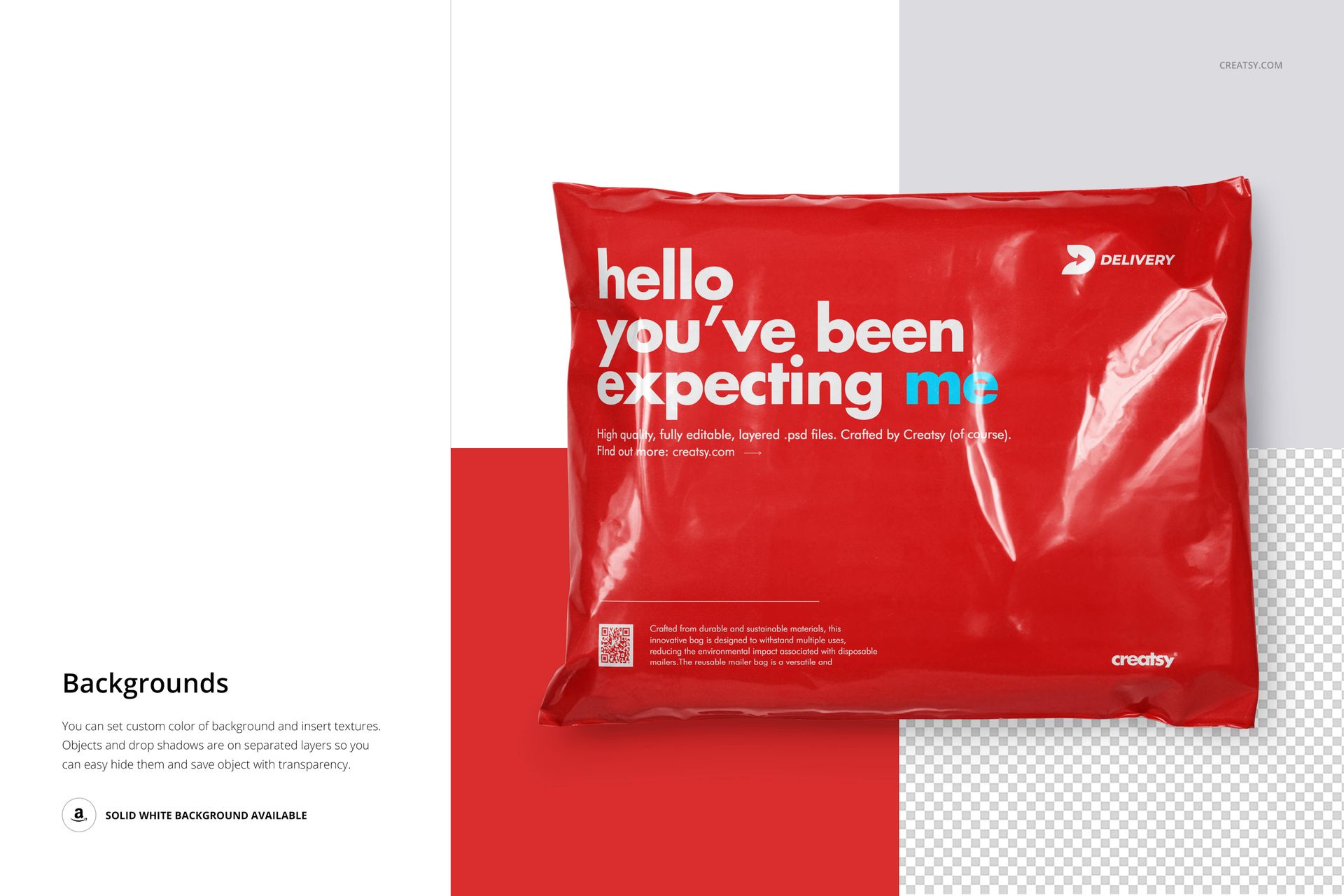
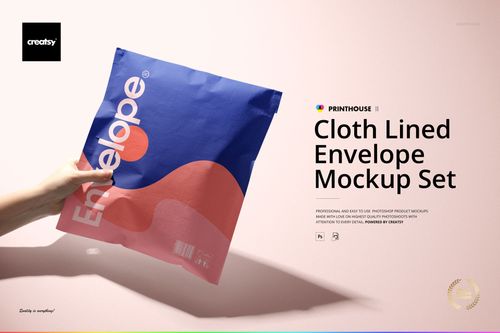
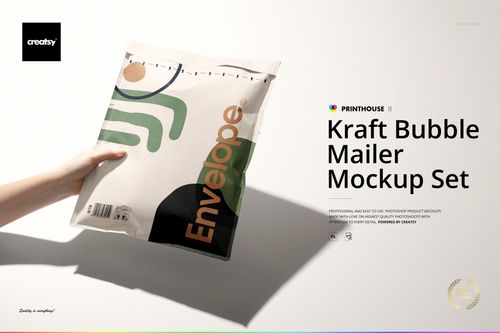
Give a shipping bag a recognizable identity before the parcel is opened. This poly mailer mockup set brings your branding onto glossy, flexible packaging with visible seams, creases and reflections. Present both sides of the mailer, explore filled and flat views, and show how a waybill pocket fits into the delivery presentation.
What's Included
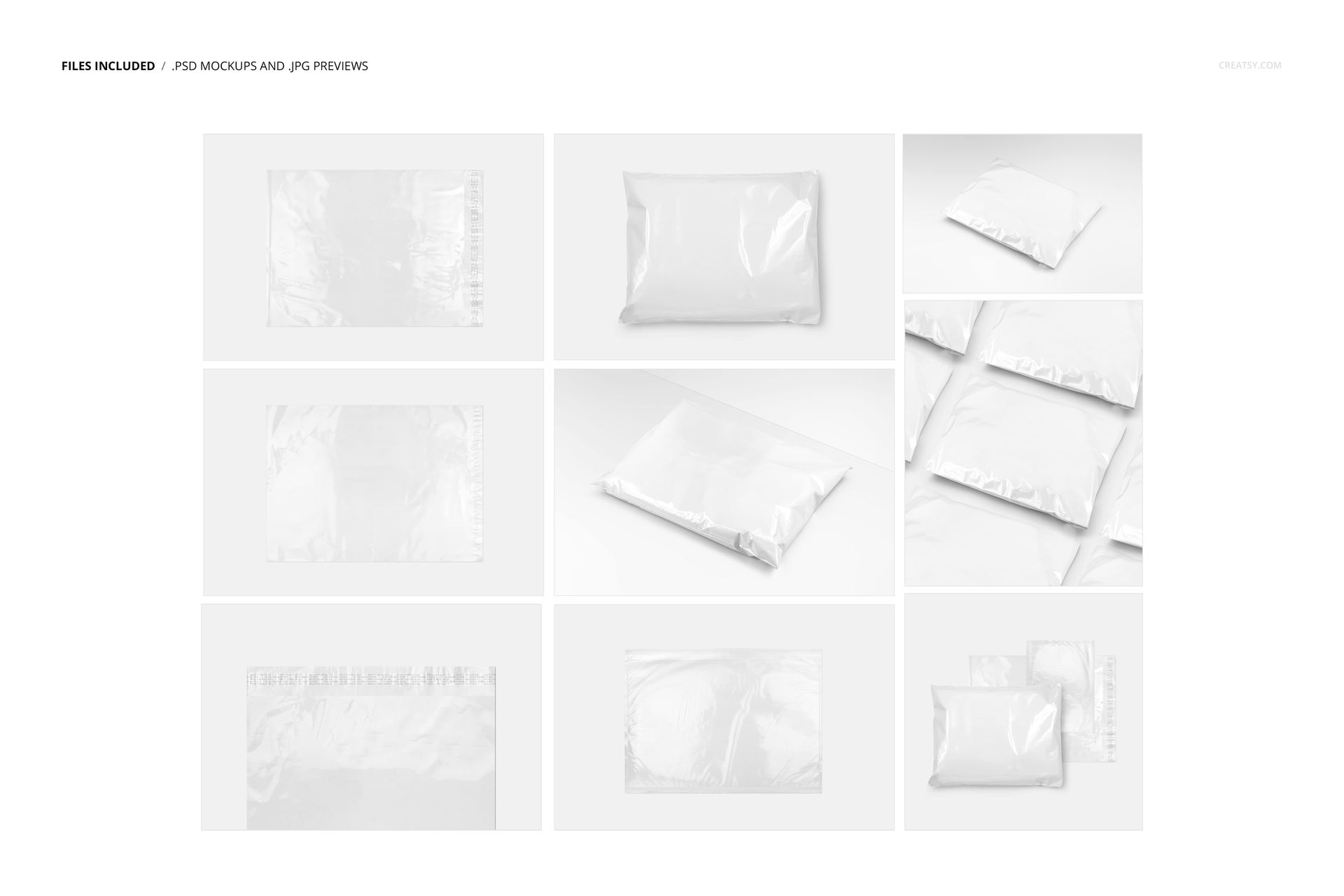
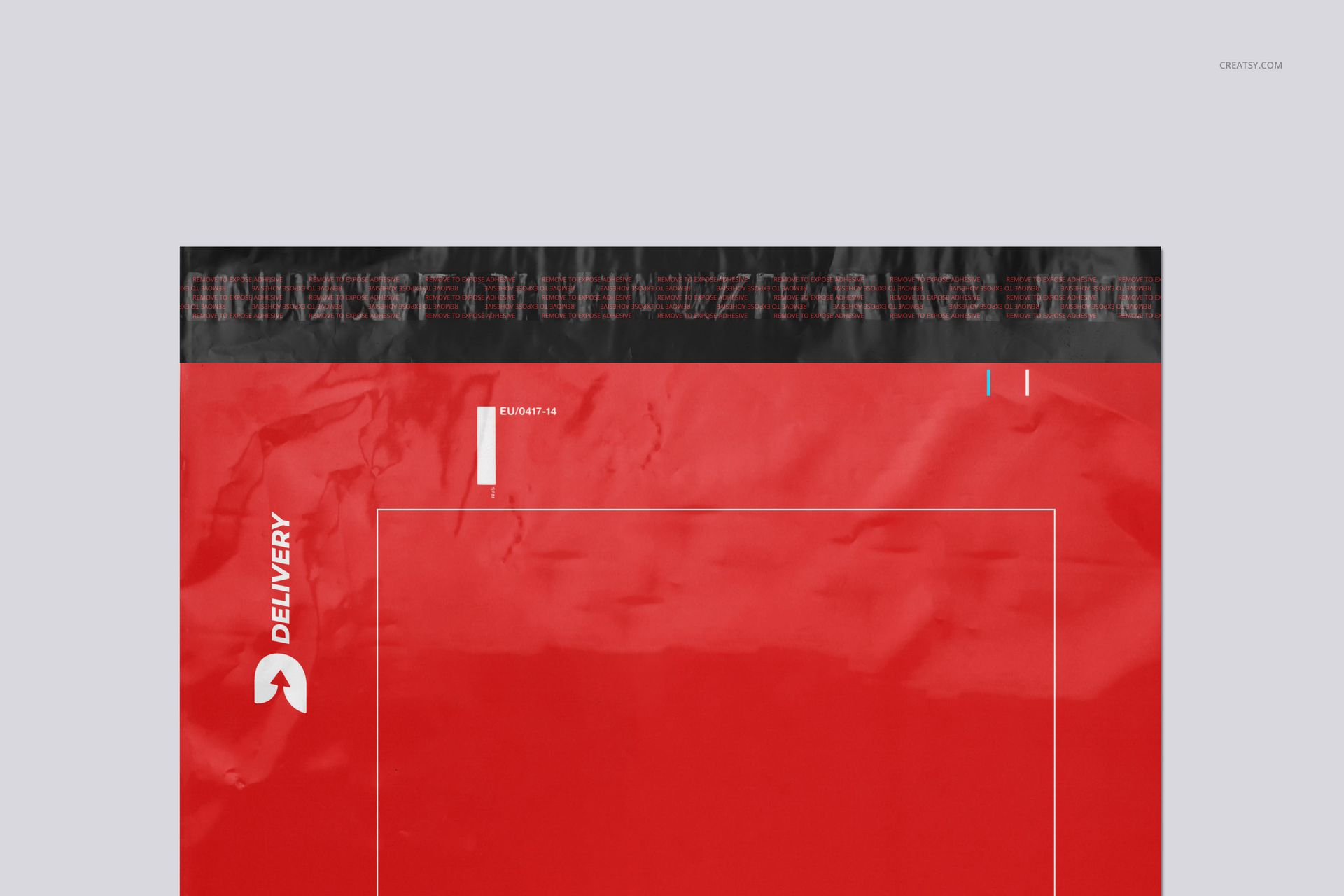
9 layered PSD files with prepared mailer compositions, a waybill pocket view and closure detail.
9 JPG thumbnails for identifying the included files. These are small reference images, not full-resolution exports.
1 PDF User Manual to support your editing workflow.
Branding Beyond the Front Panel
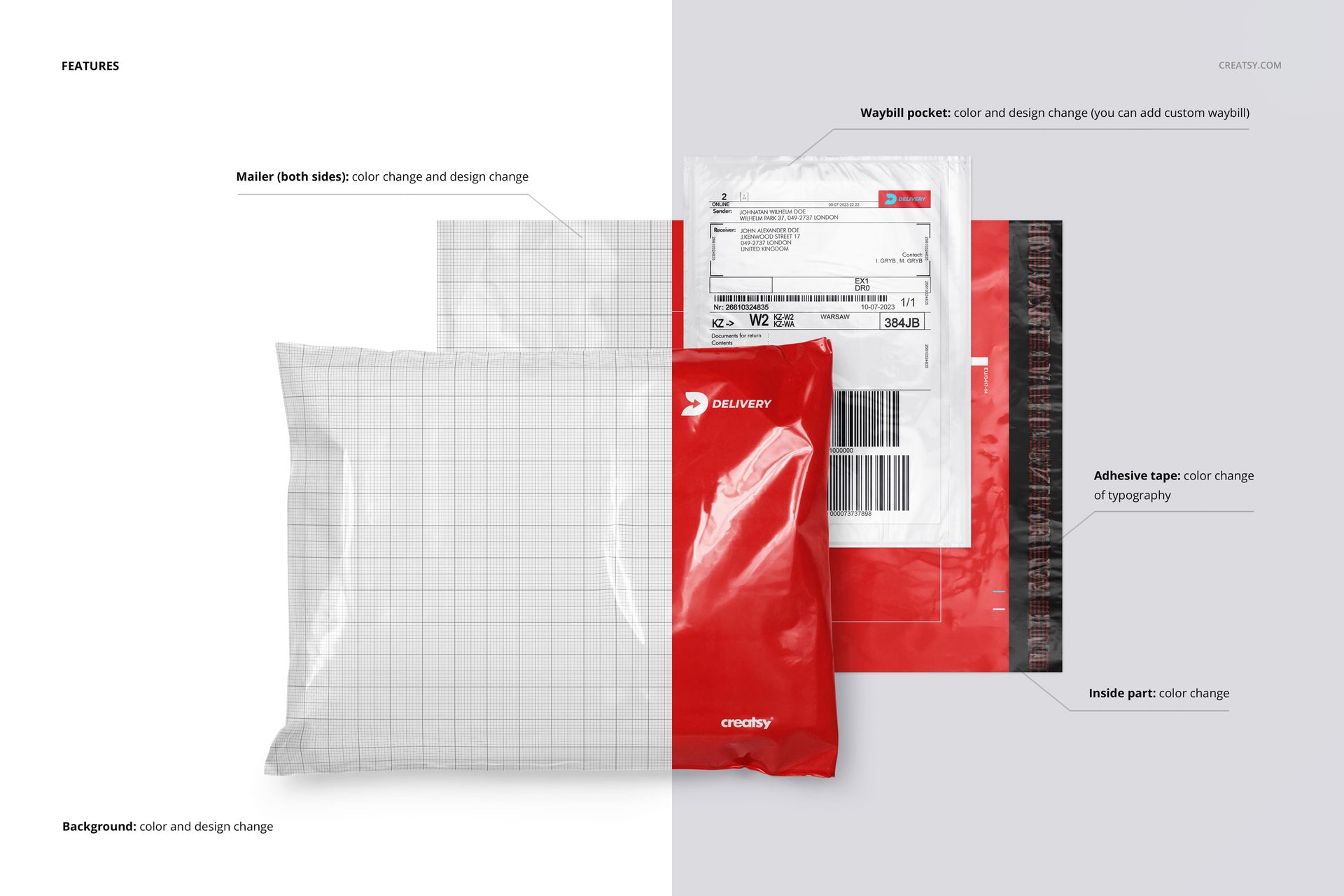
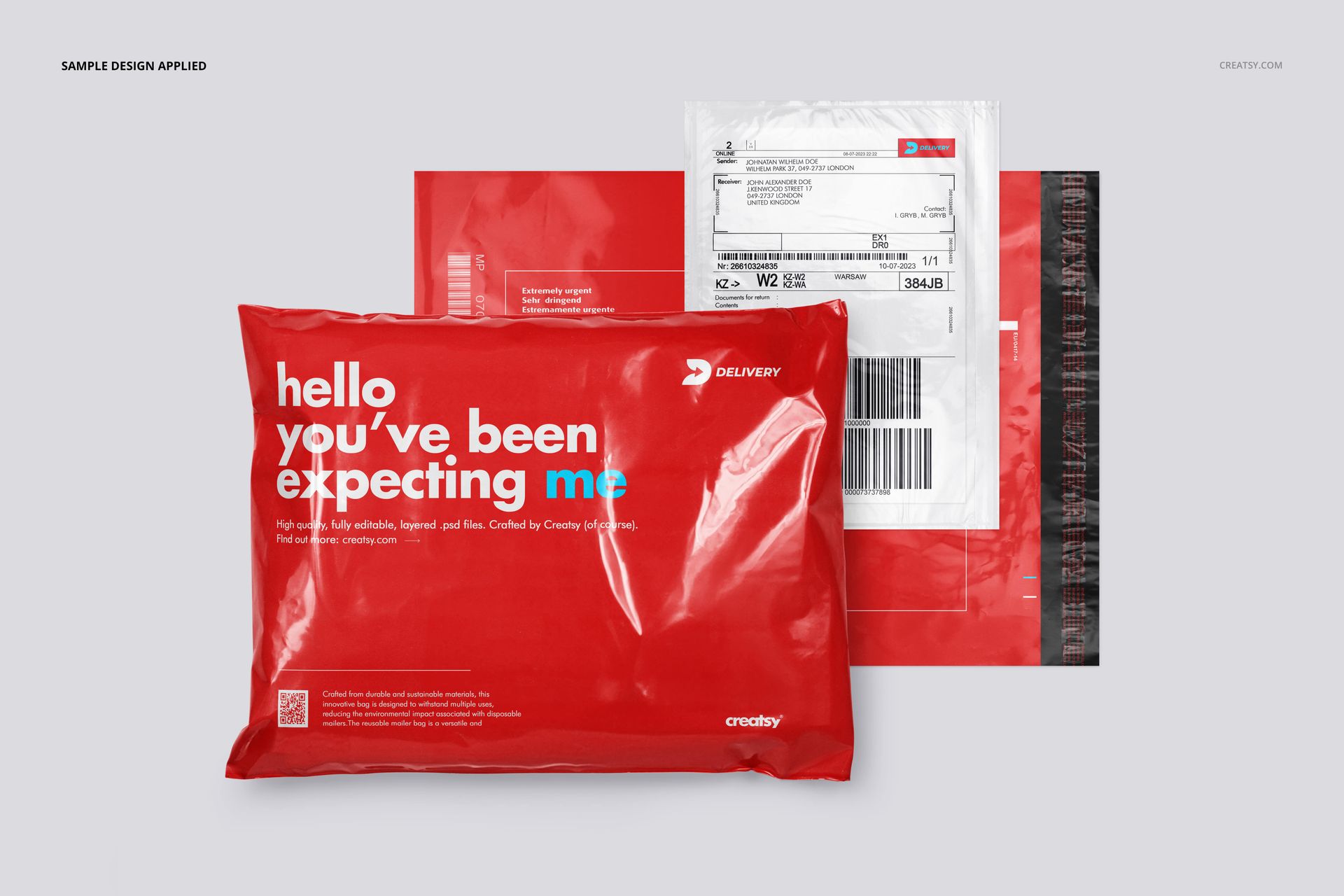
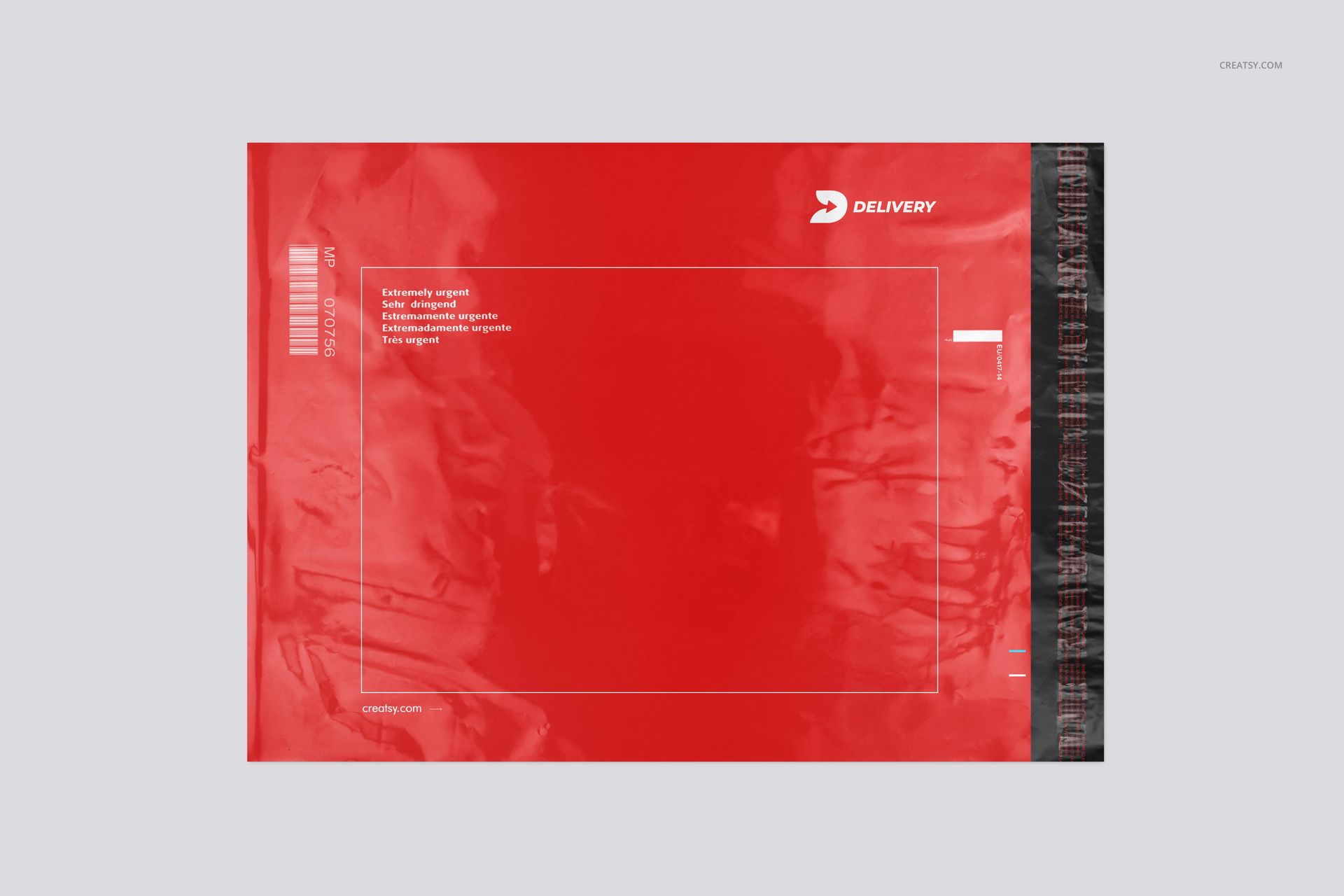
Change the color and artwork on both sides of the mailer, customize the waybill pocket and insert your own waybill design. Additional controls cover the inside color and the color of the typography on the adhesive tape. Flat views clarify the layout, while filled and angled presentations reveal how graphics read across a glossy, creased surface.
Set a background color or add a texture to suit the brand. Objects and drop shadows are on separate layers, with a transparent-background option for incorporating the finished packaging into your own layout.
Easy Smart Object Editing
Open a PSD in Adobe Photoshop CC2020 or later, or in Photopea. Replace the artwork through the Smart Object layers, save the edited object within the document and return to the mockup to review the result. Adjust the available color controls, then export the finished scene for your presentation.
Perfect For
Packaging designers, e-commerce brands and creative studios can use the set to present apparel shipping concepts, branded parcel graphics, packaging portfolios and client proposals. Pair a clean front view with a reverse-side or waybill detail so the presentation covers both brand expression and delivery information.
This is a digital mockup set, not a physical mailer or a print-production template. The example branding and artwork shown in the previews are not included.