Shipping Envelope with Ribbons Mockup Set
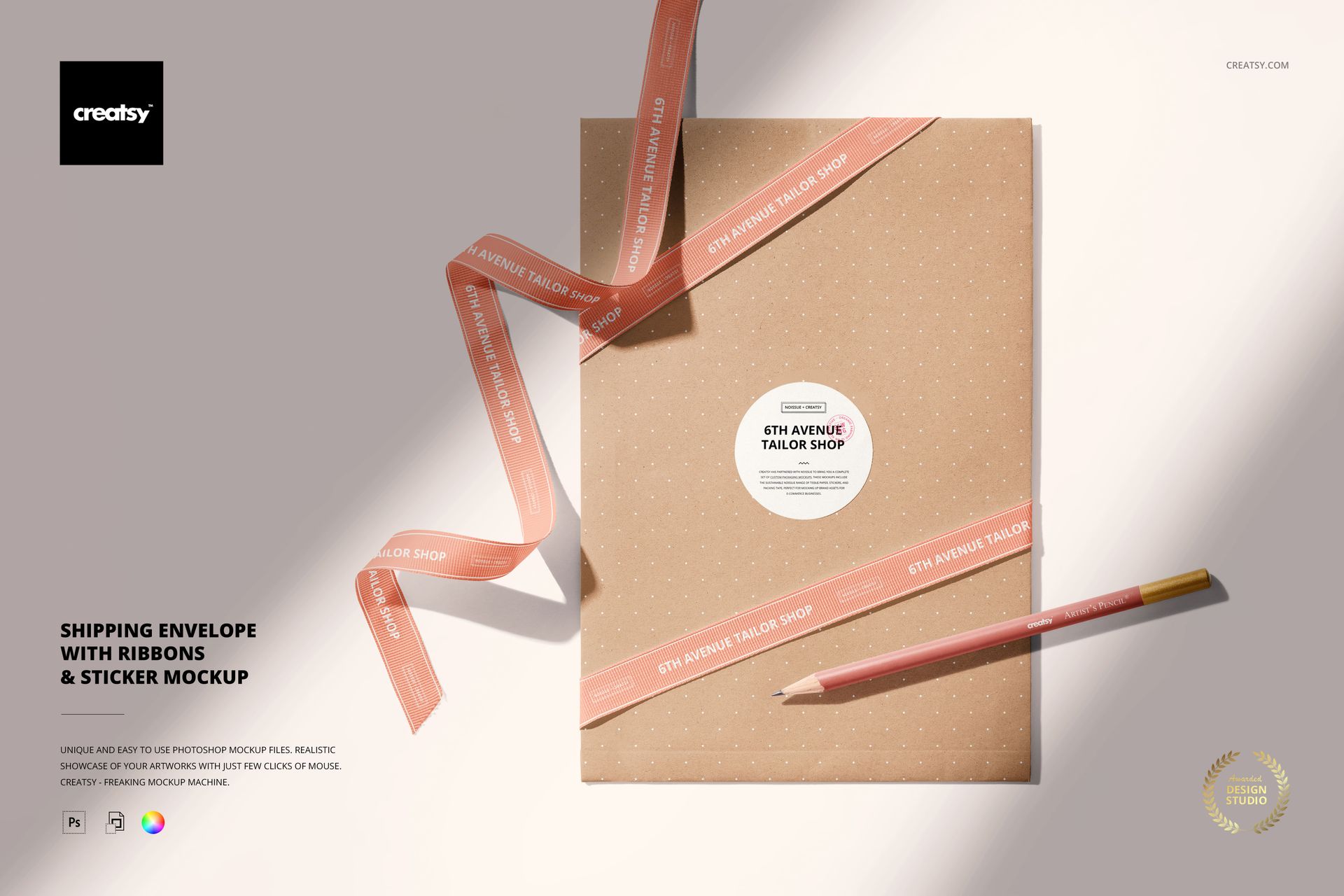
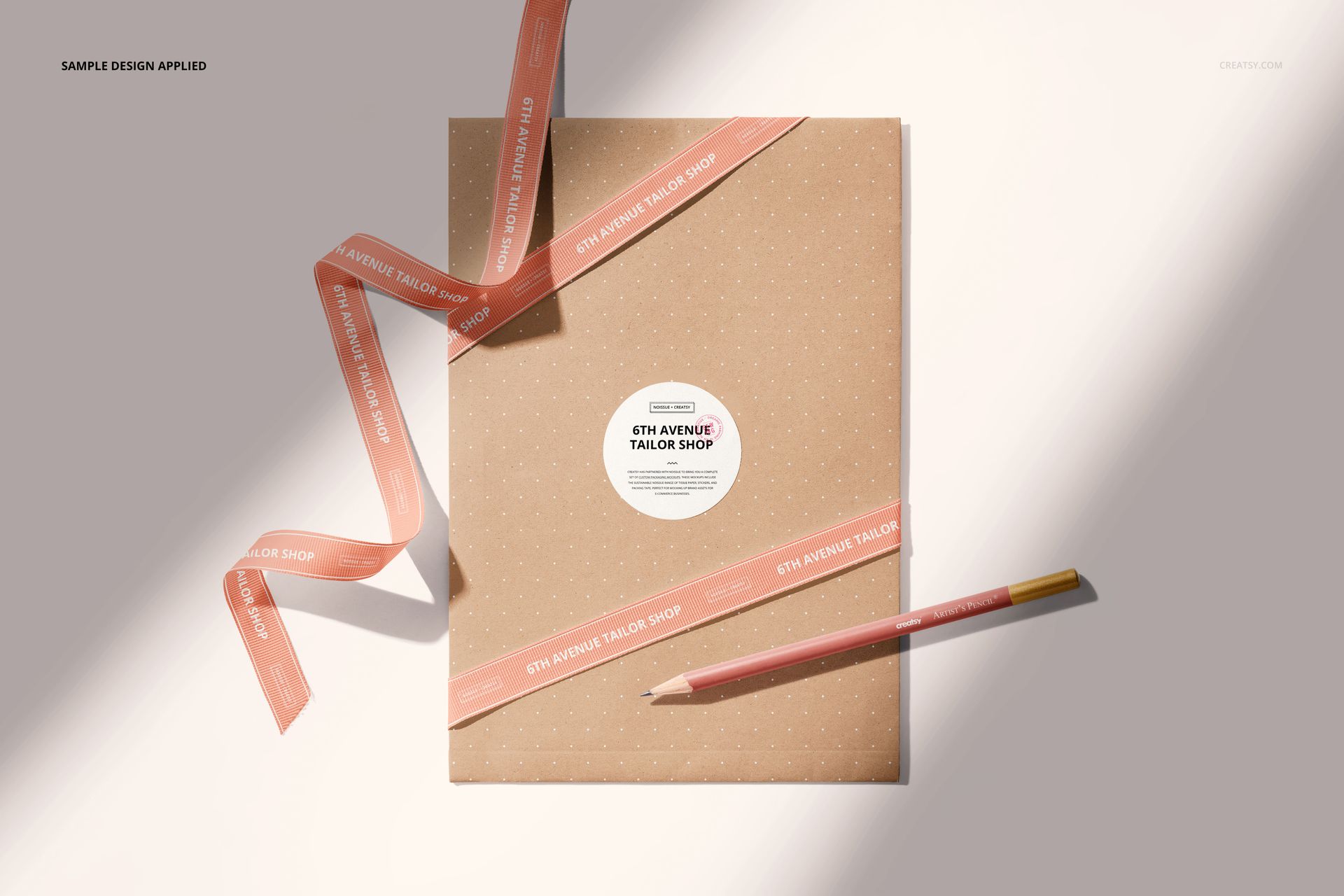
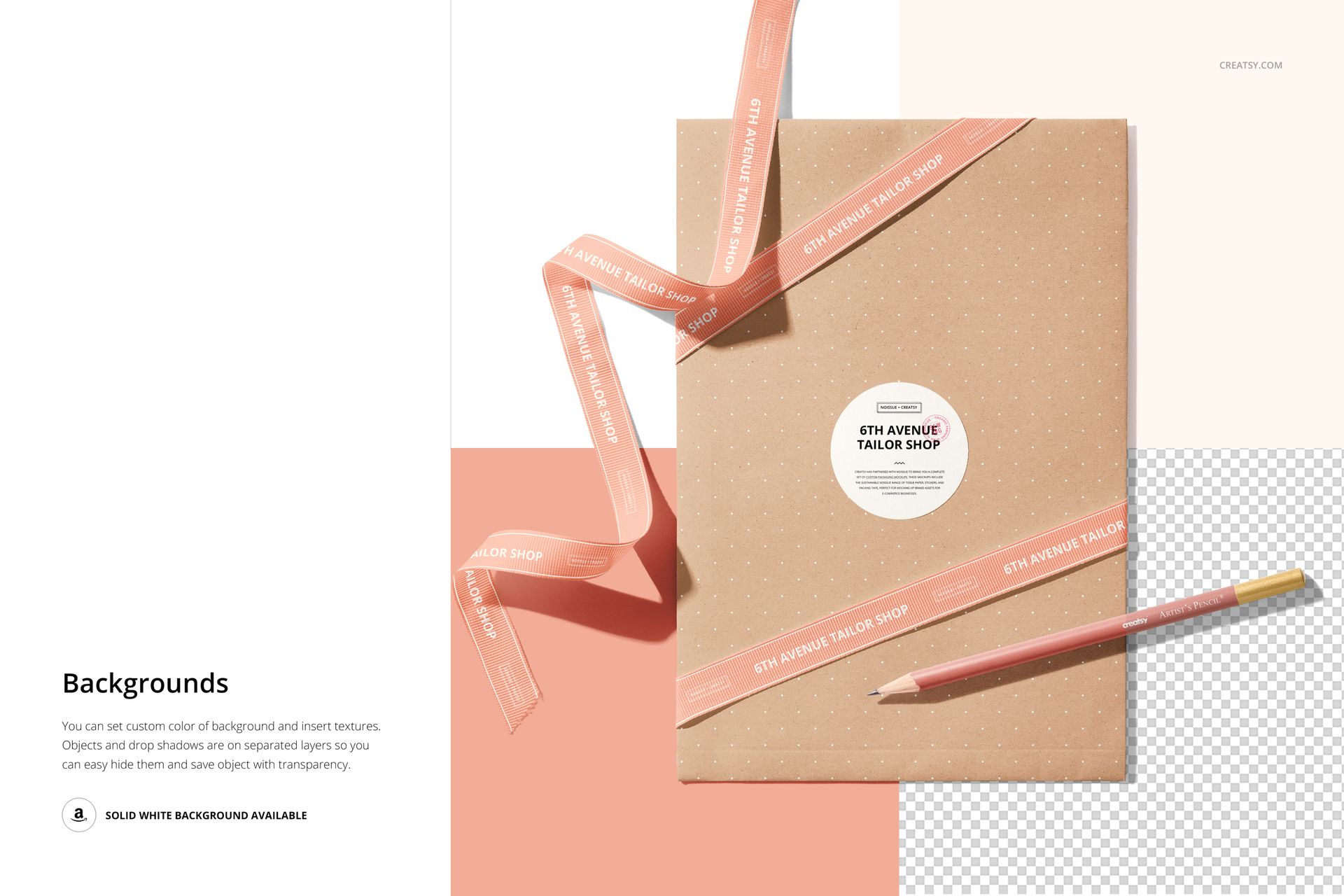
A ribbon, a round sticker and a paper envelope can carry one identity in three different ways. This top-view packaging scene brings them together with a pencil, creating a styled setting for a boutique order, gift presentation or stationery brand. The ribbons cross the envelope diagonally and curl across the background, giving repeated lettering a very different surface from the central label.
The download contains one layered PSD scene, not multiple camera angles. Use it to compare how an envelope pattern, ribbon message and sticker design work together before presenting the concept to a client.
What Is Included
1 layered PSD mockup at 6000 x 4000 px and 300 DPI.
1 JPG thumbnail at 256 x 171 px, for 2 files in total.
A shipping envelope, decorative ribbons, a round sticker and a pencil in one prepared composition.
Organized layers with editable colors and artwork.
Coordinate the Envelope, Ribbon and Sticker
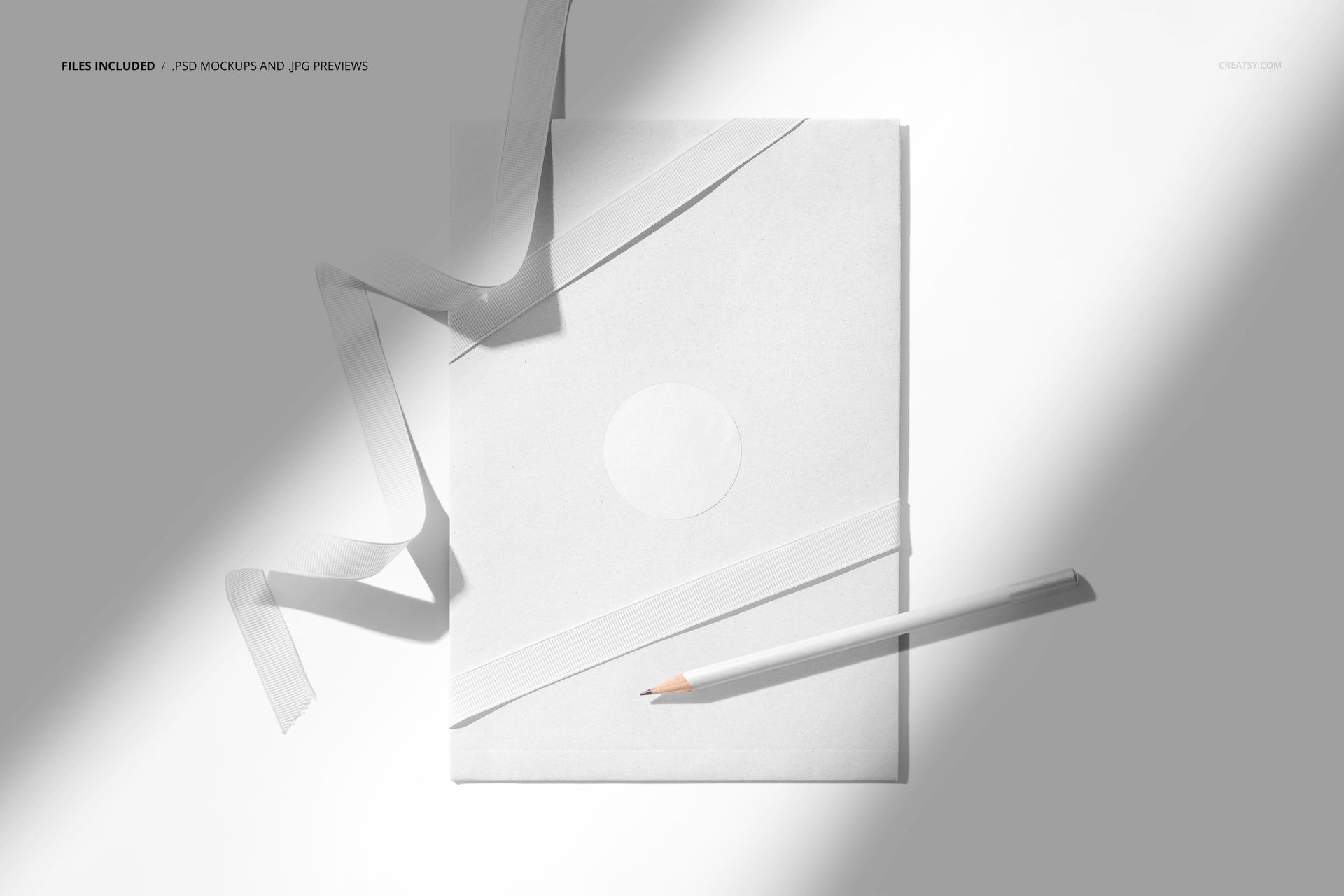
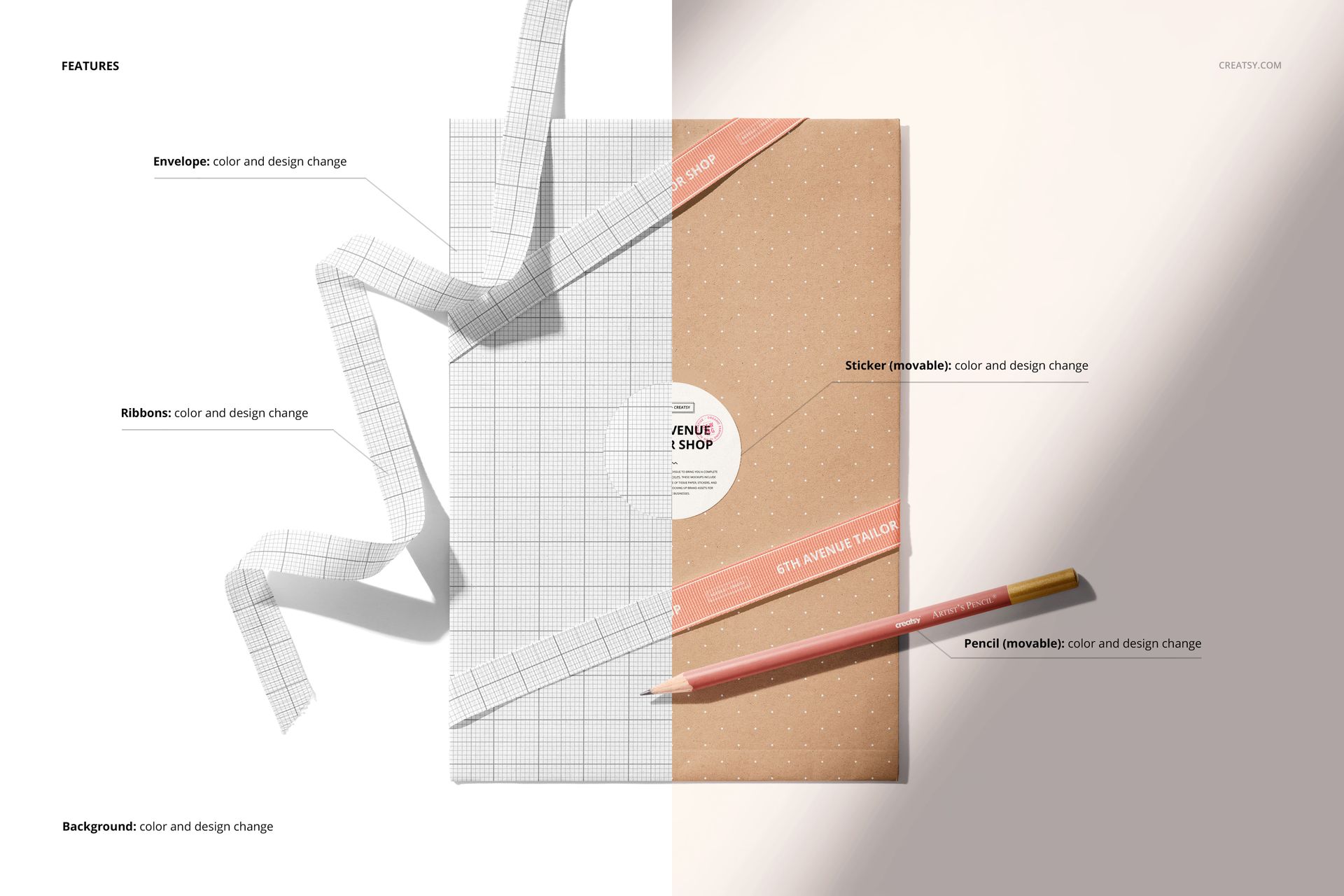
Change the color and design of the envelope, ribbons, sticker and pencil. The sticker and pencil are movable, so you can adjust their placement within the composition. The background also supports color and design changes. A white background and transparent output are available, with objects and drop shadows on separate layers.
Easy Smart Object Editing
Open the PSD in Adobe Photoshop or Photopea, add your artwork through the Smart Objects and update the available color layers. Save the edited Smart Object to refresh the mockup, then review the ribbon bends, sticker position and overall color balance. You can insert a background texture when your presentation calls for a different setting.
Perfect For
Packaging and branding designers, stationery businesses, independent boutiques and surface pattern artists can use the scene for client proposals, gift-packaging concepts, online store imagery and portfolio presentations.
This is a digital mockup, not physical packaging or a production template. Sample artwork and patterns shown in the previews are not included.