Mailing Bag 2 Mockup Set
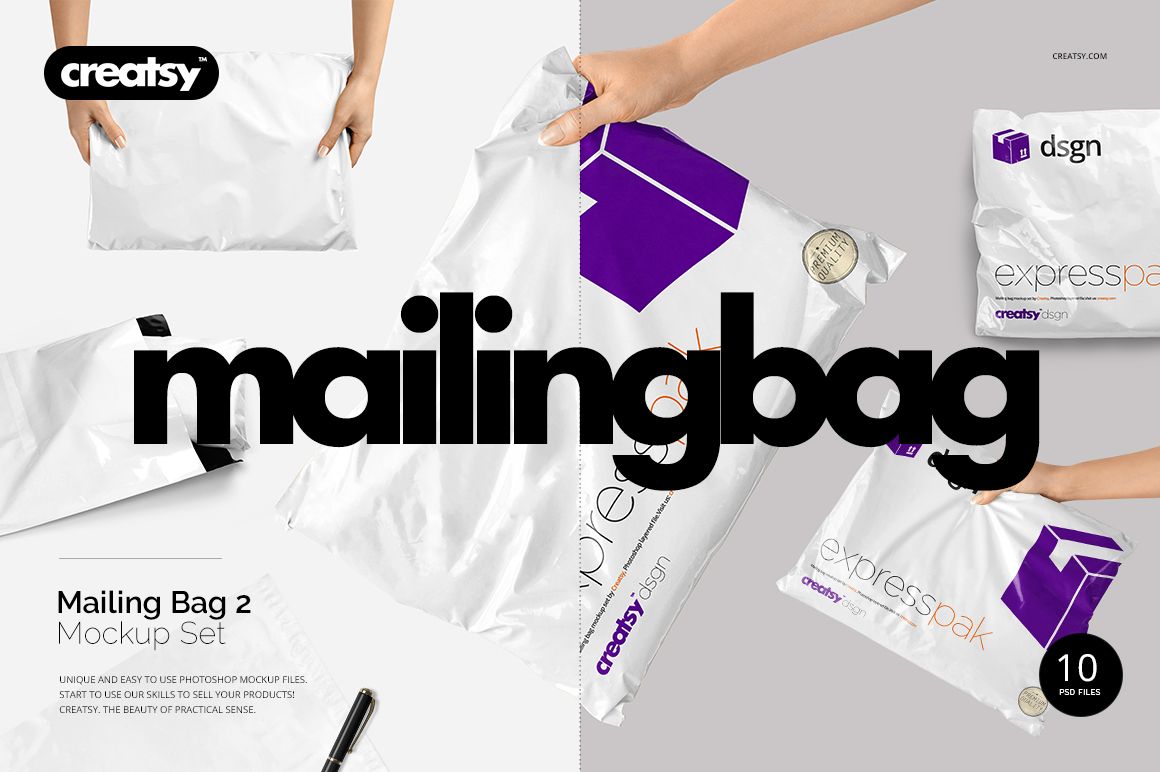
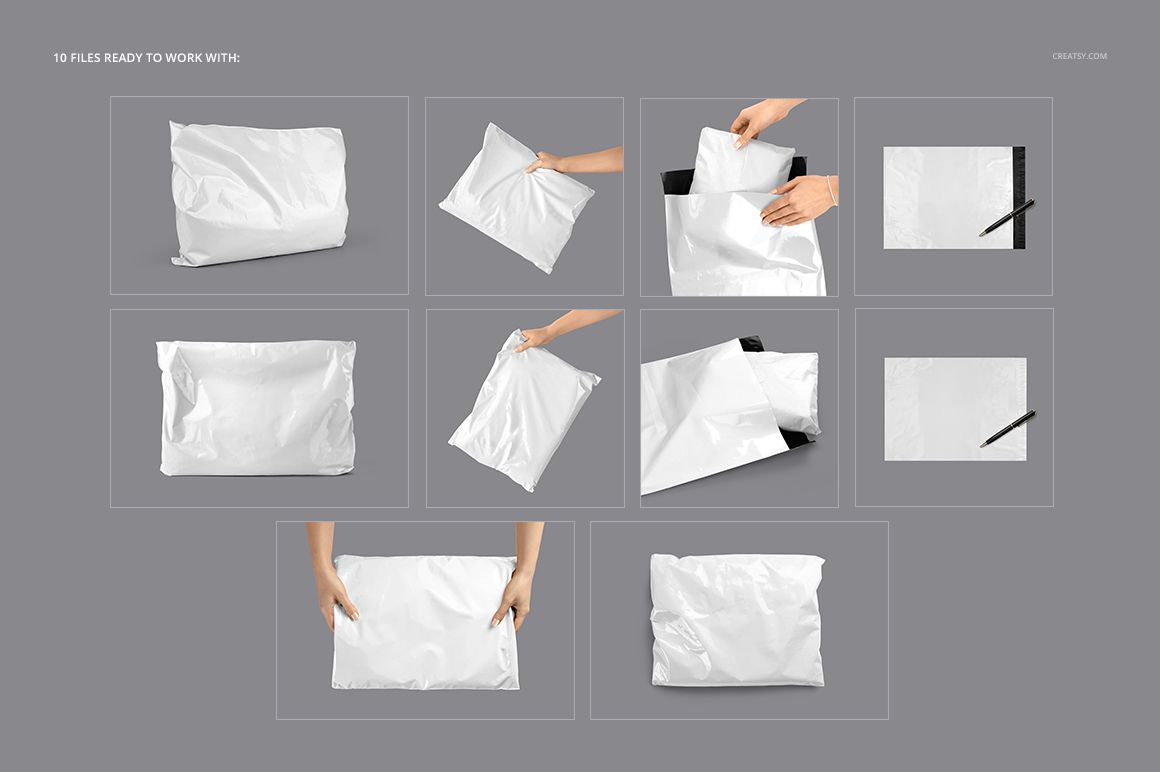
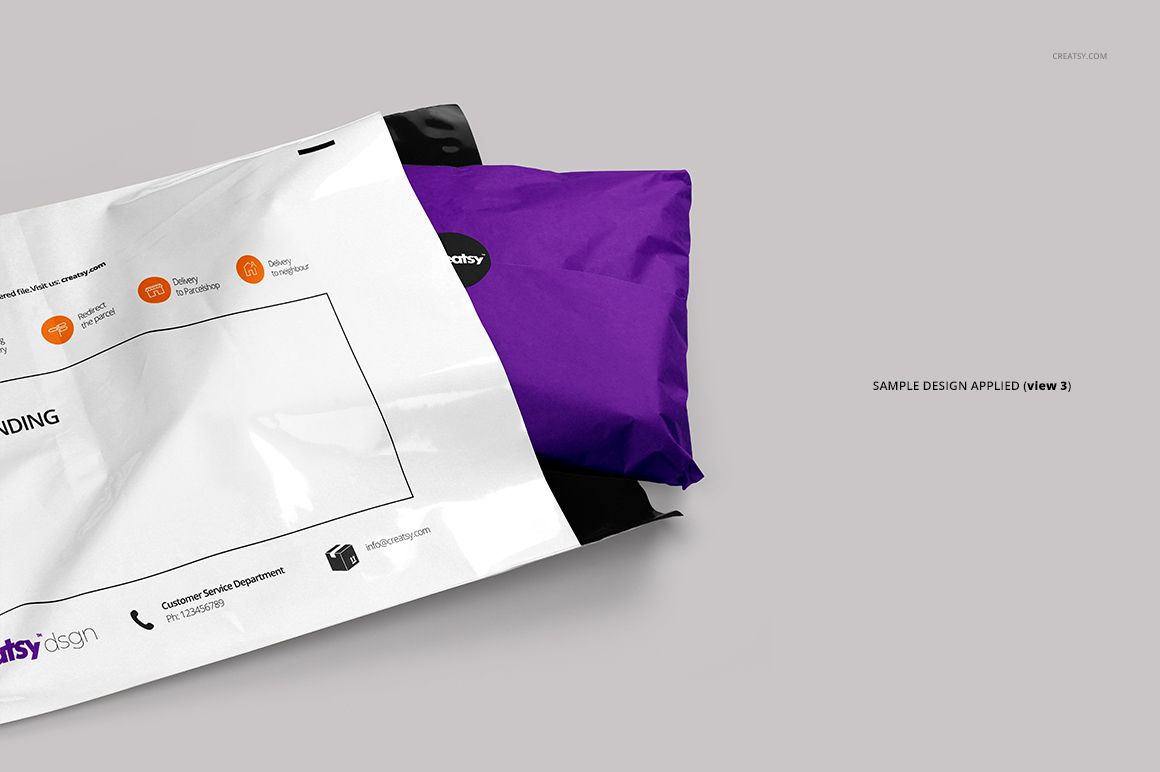
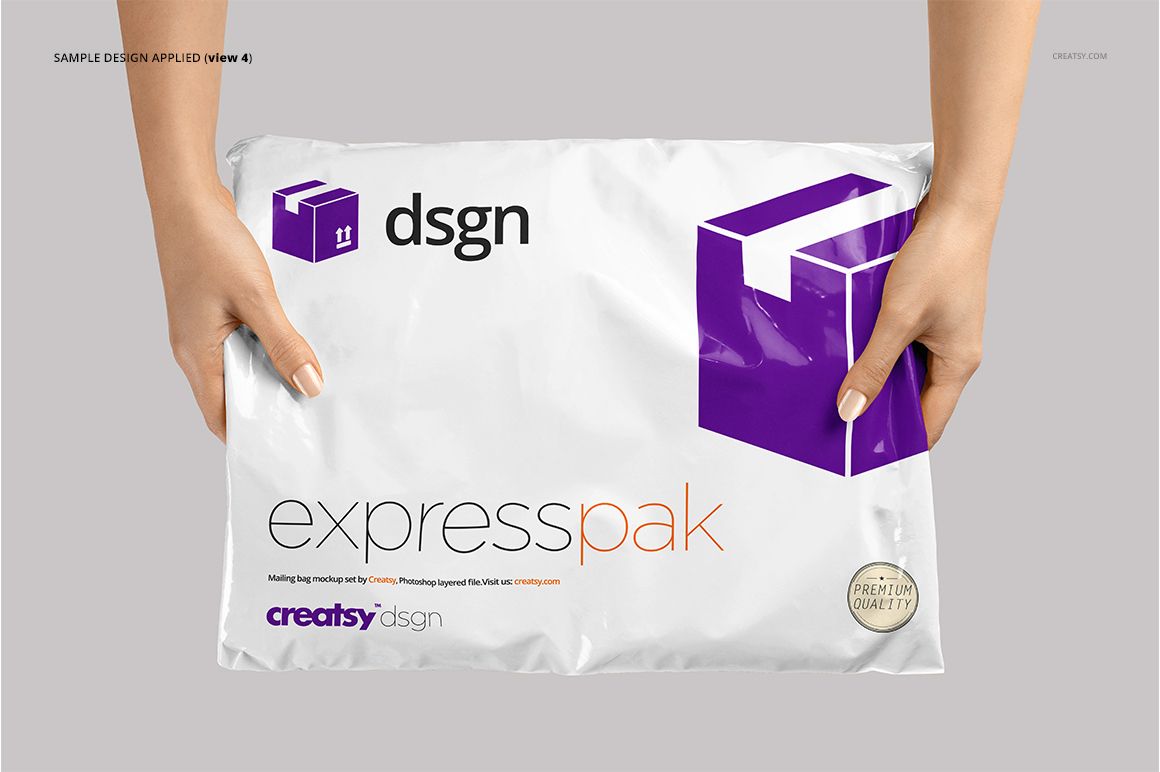
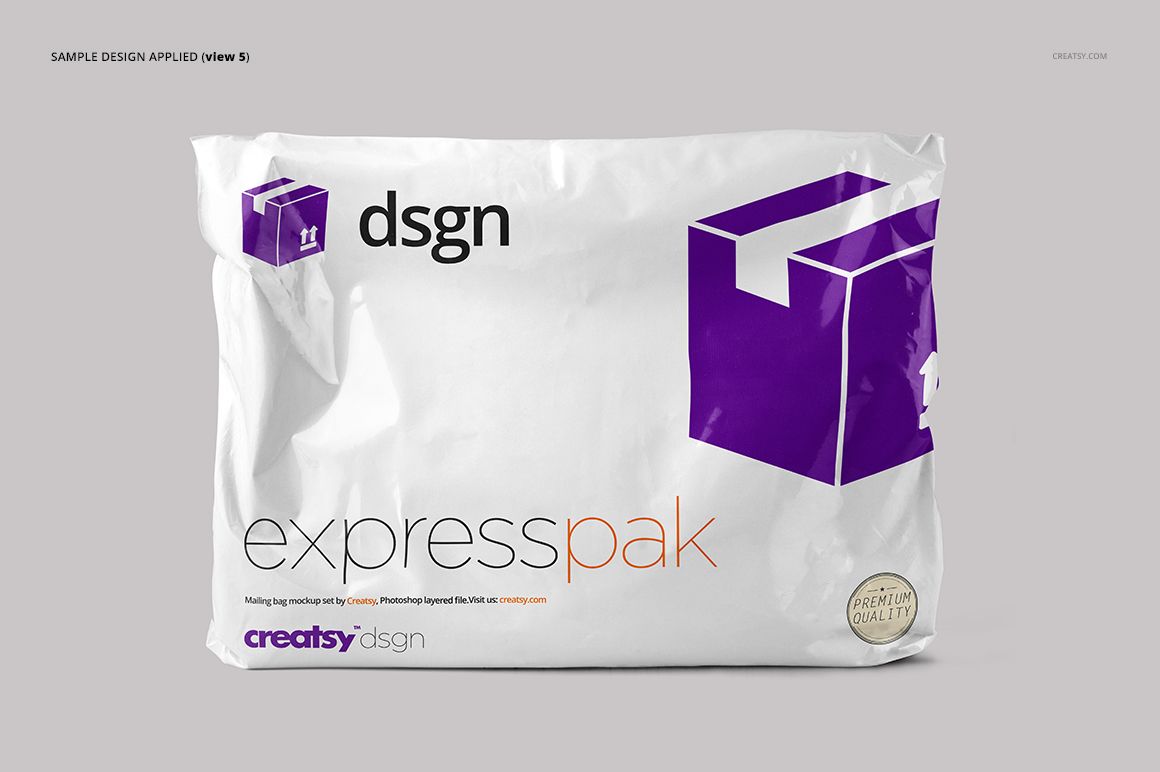
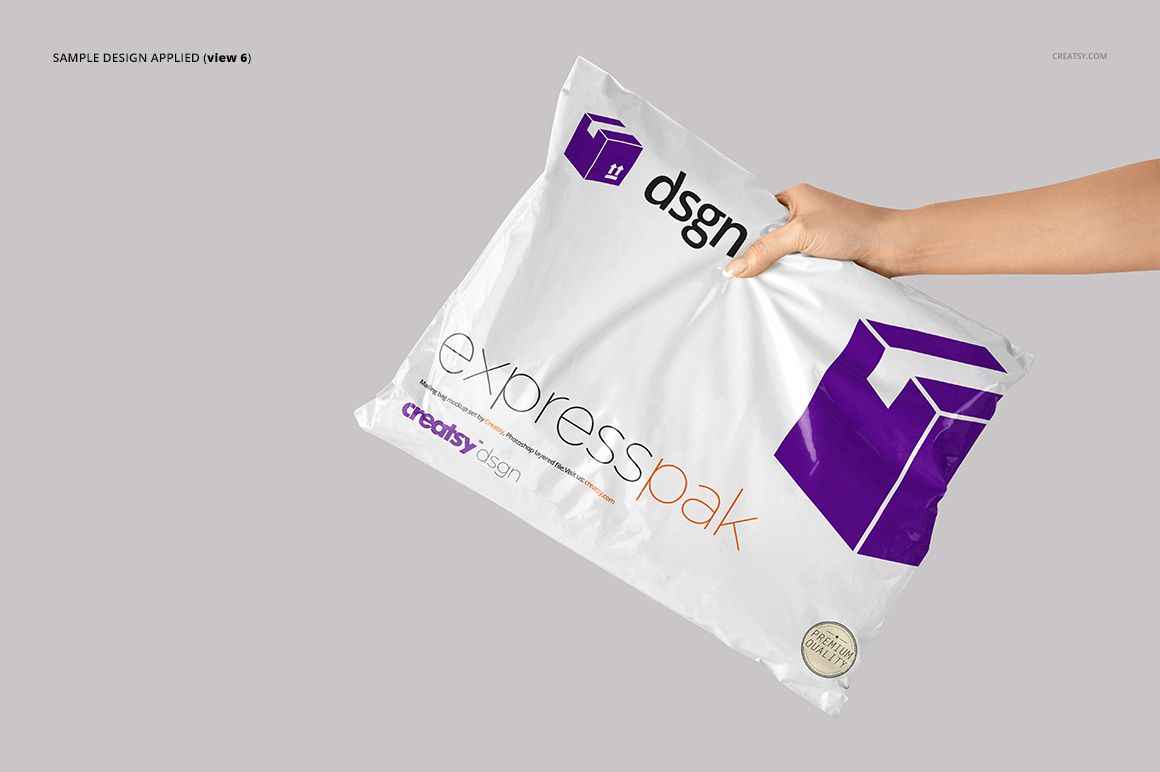
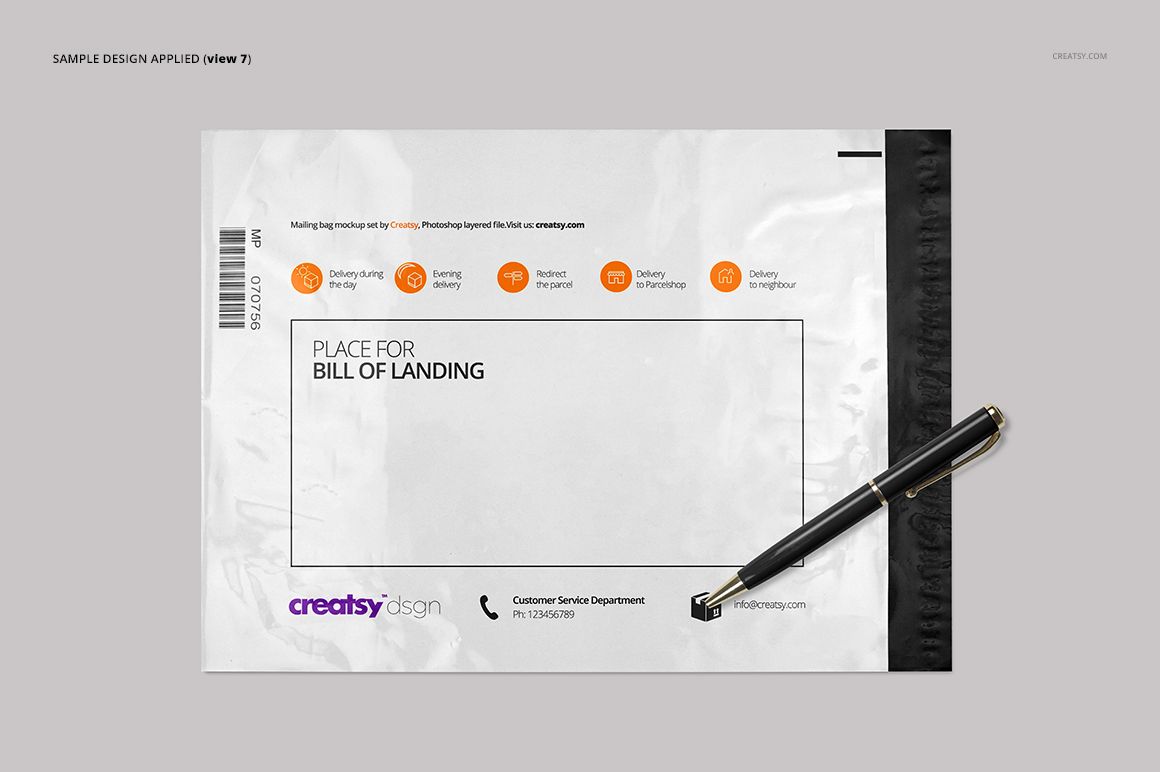
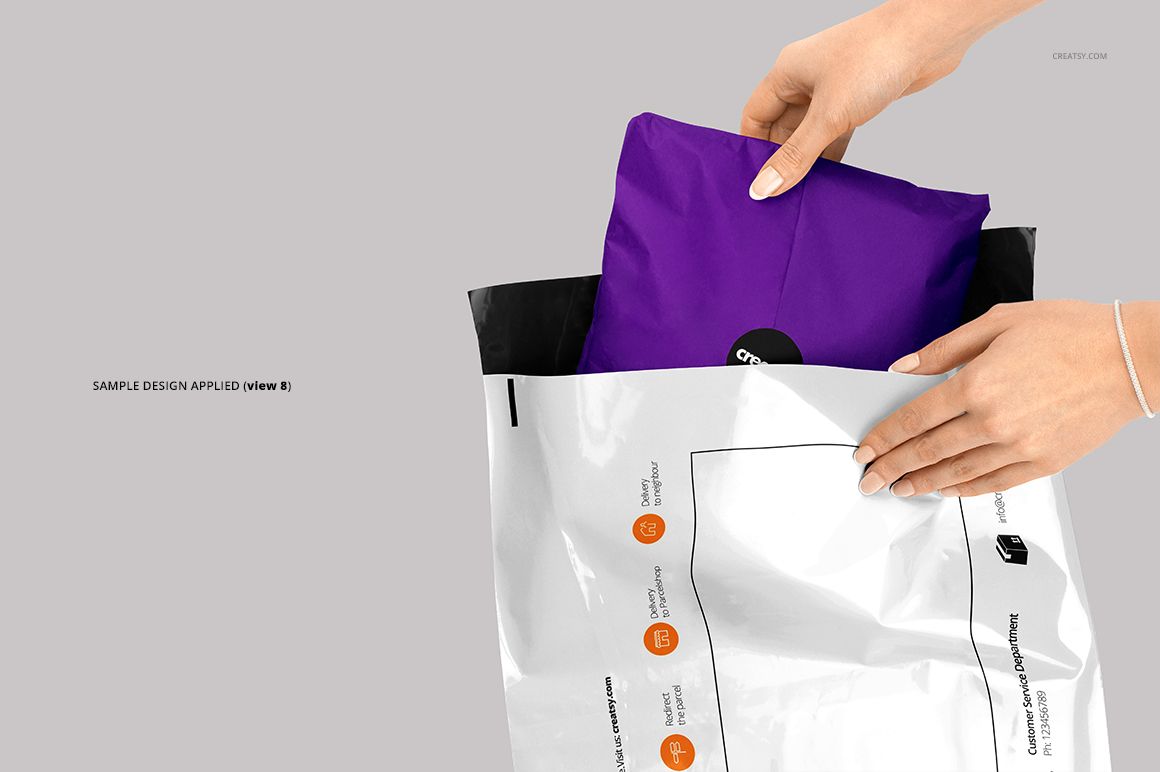
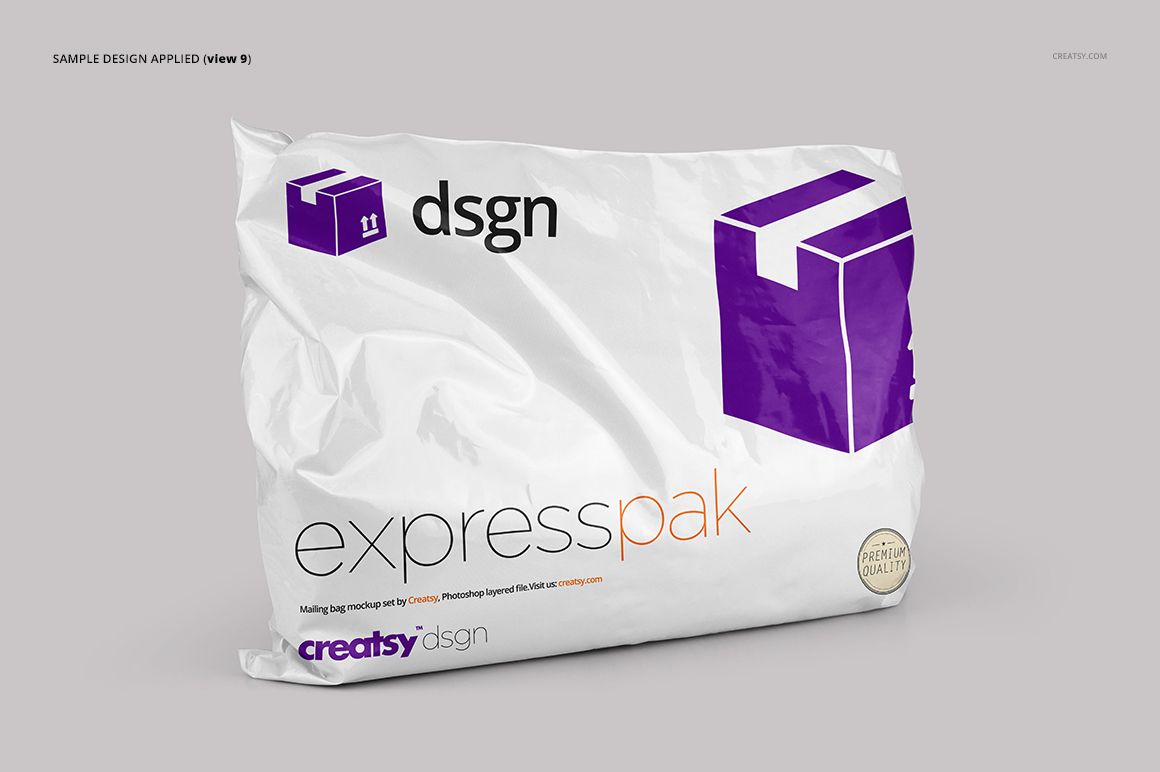
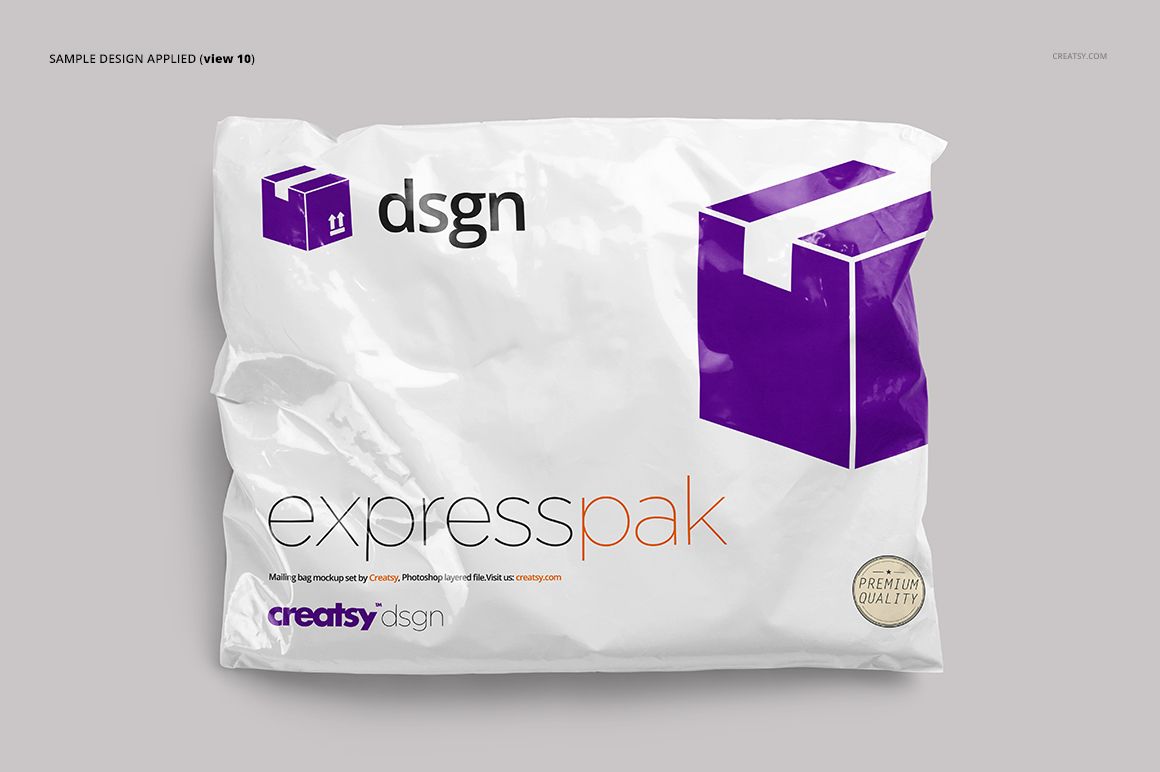
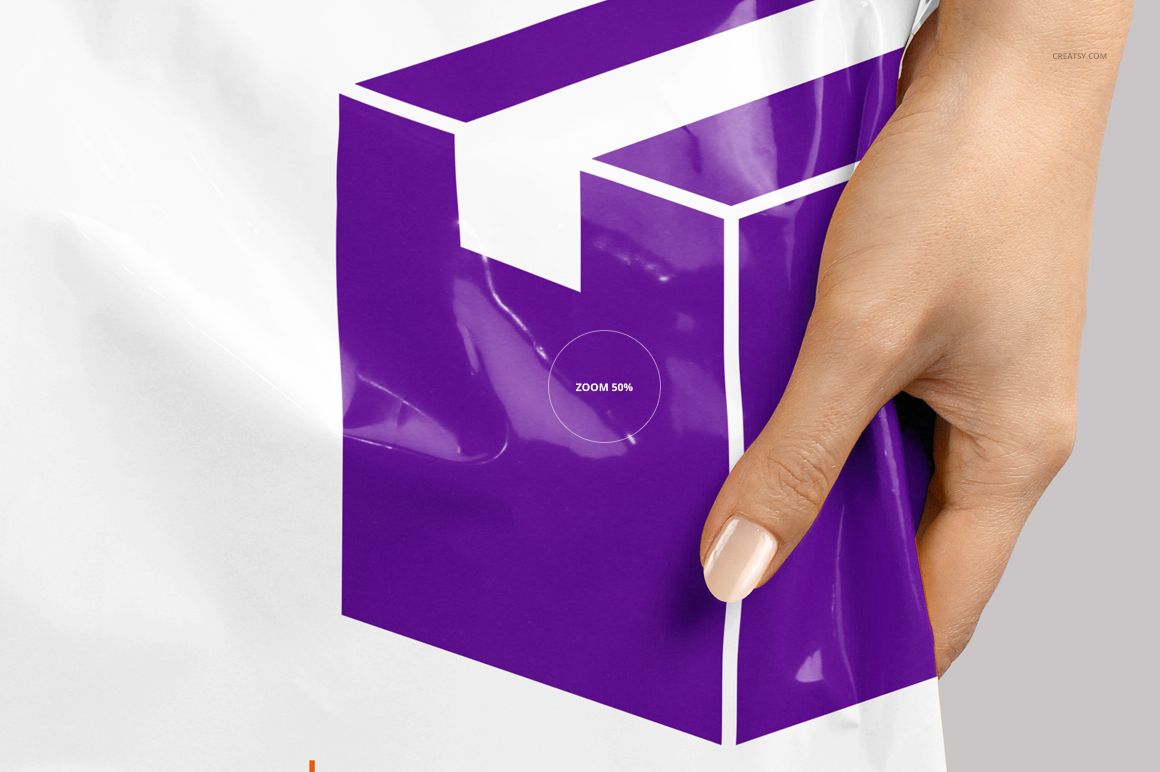
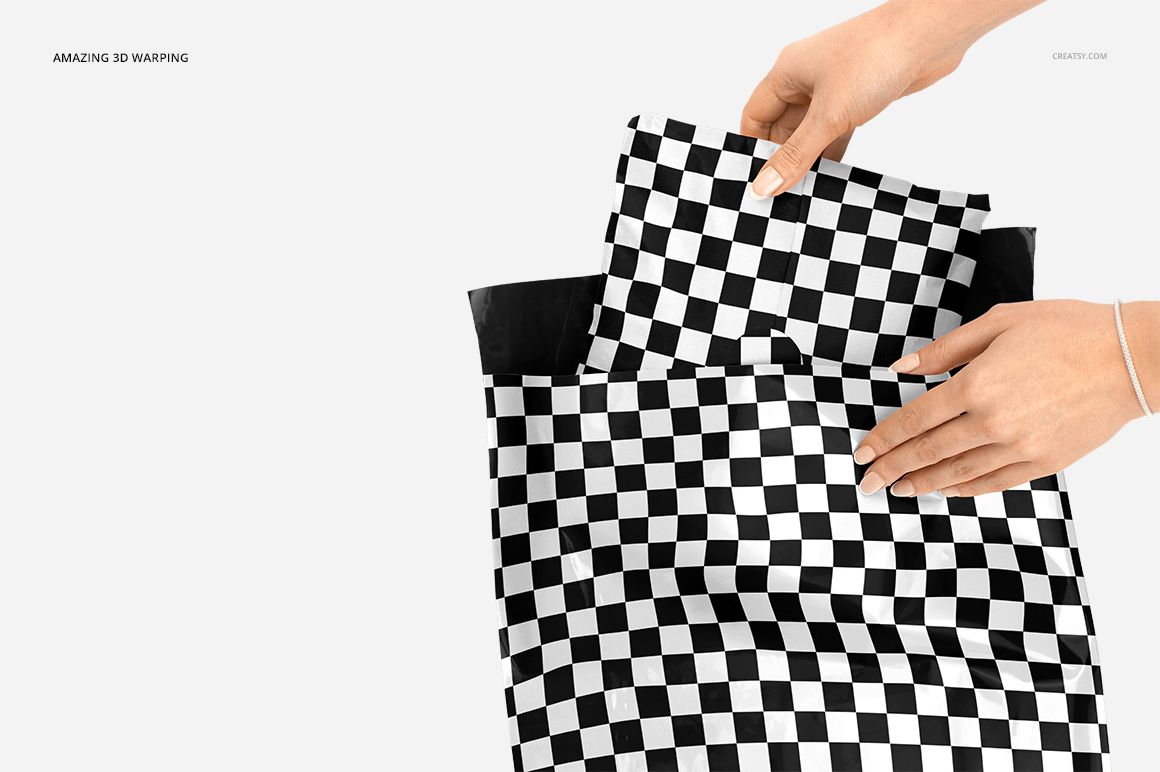
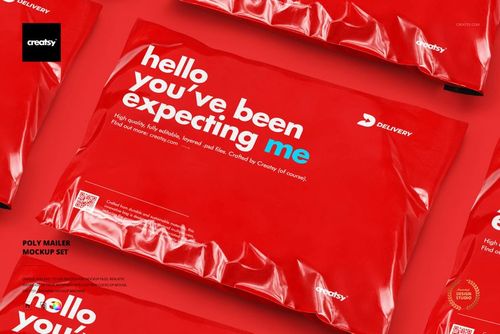
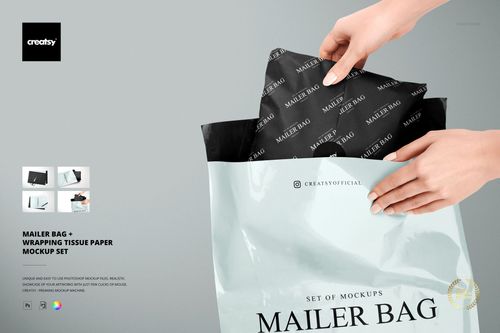
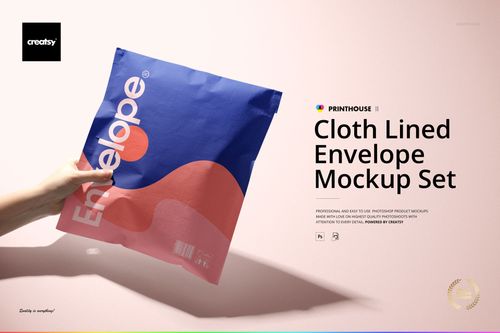
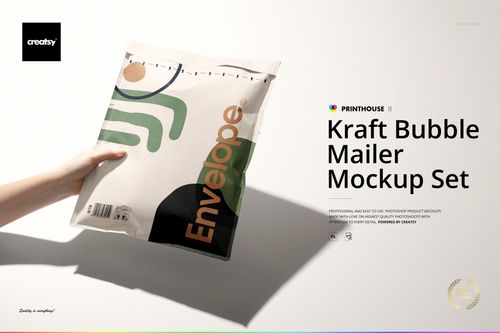
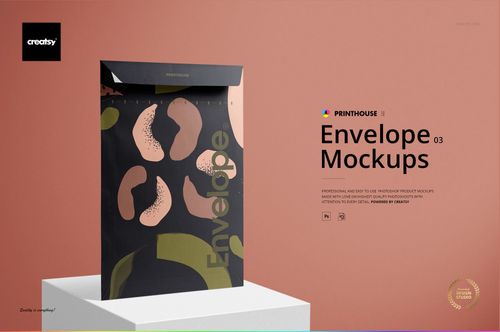
Show a shipping identity from the packing table to the handover. This mailing bag mockup set brings together ten prepared views of a flexible mailer, including flat layouts, filled bags, hand-held presentations and an open bag with a wrapped parcel partly inside. Glossy highlights, gathered corners and natural creases give logos and patterns a convincing surface to sit on.
What's Included
10 layered PSD mockups with ten different prepared views.
10 JPG images and a Guide.tif instruction file, for 21 files in total.
Square and landscape canvases: 6000 × 6000 px, 4000 × 4000 px and 6000 × 4000 px at 300 DPI.
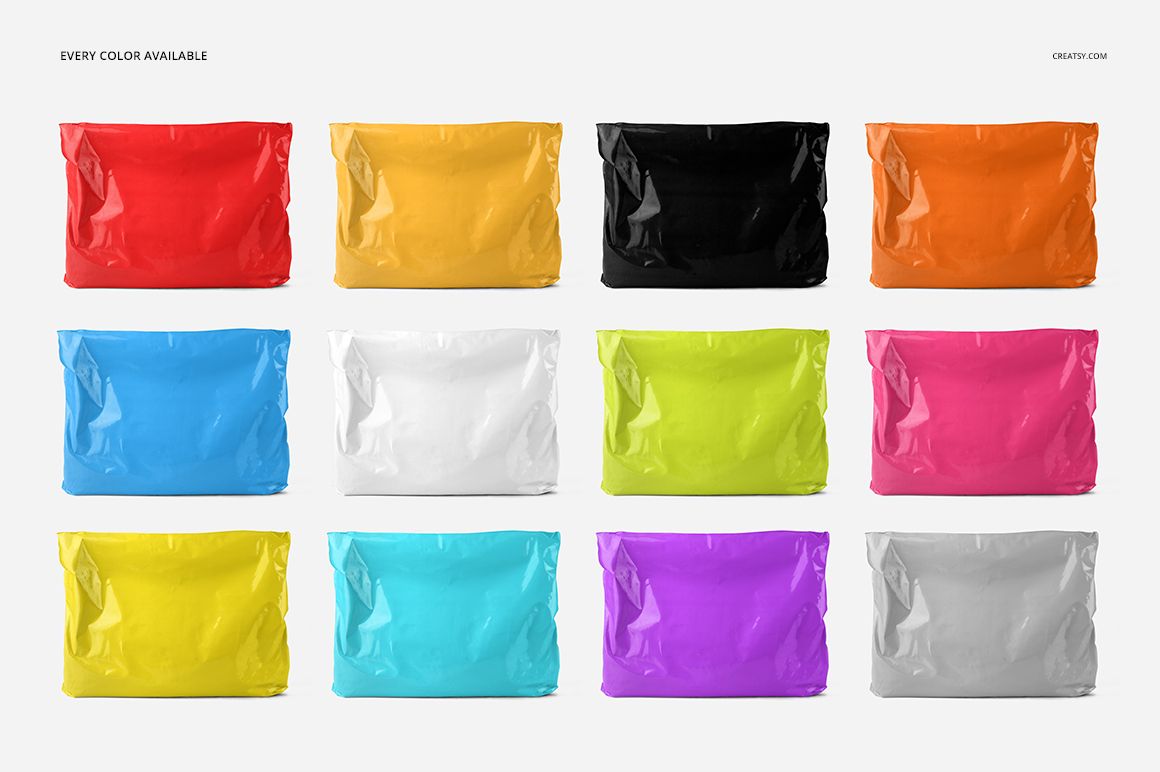
Customizable bag colors and artwork, with Smart Object editing.
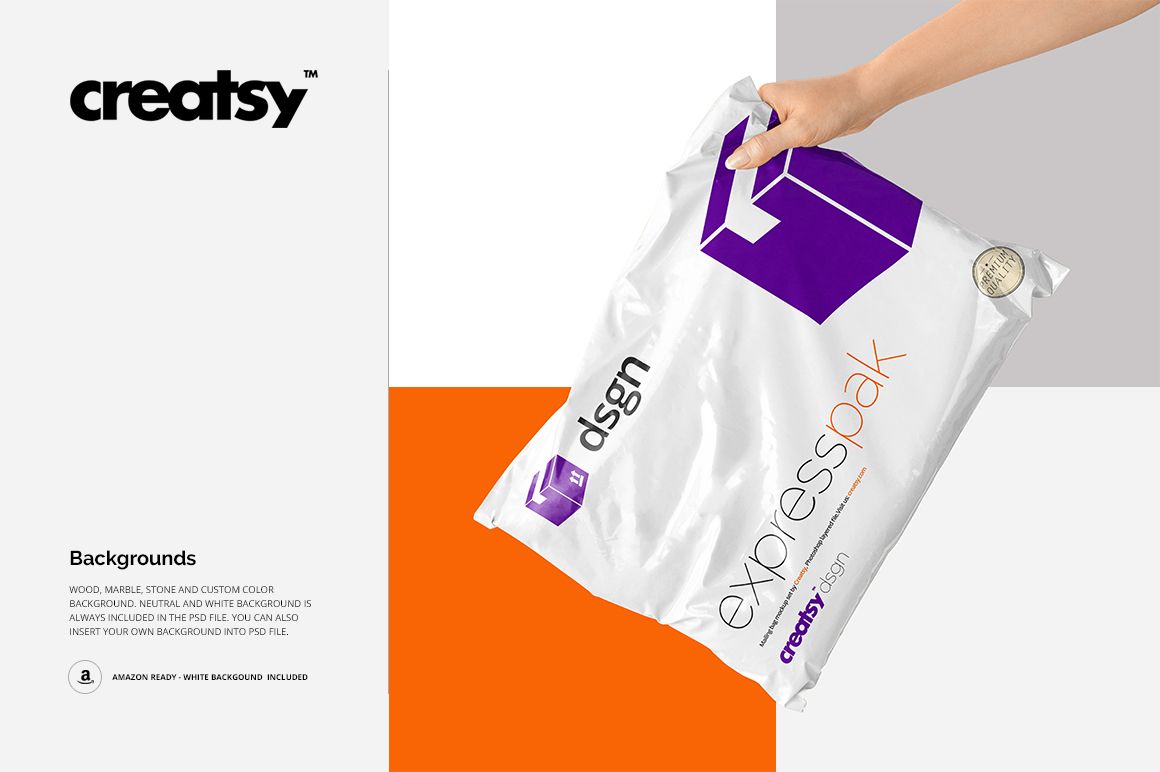
Neutral and white background options, plus the ability to use your own background.
From Flat Mailer to Packing Moment
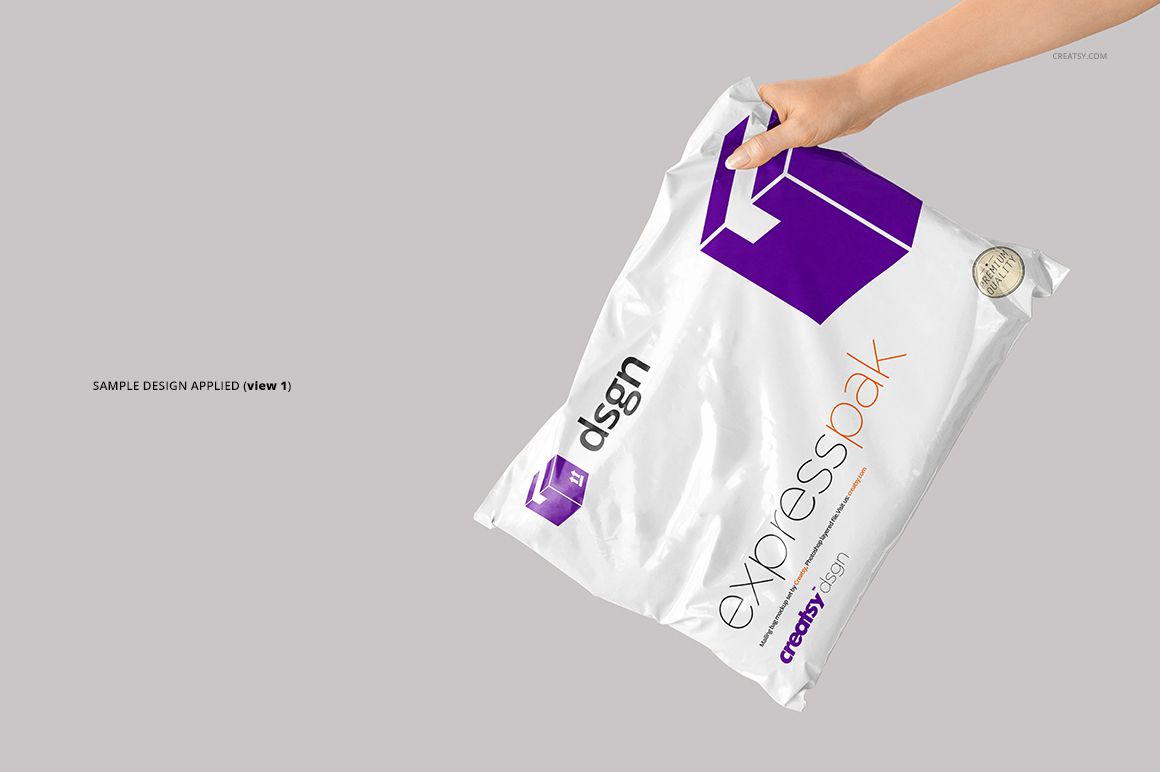
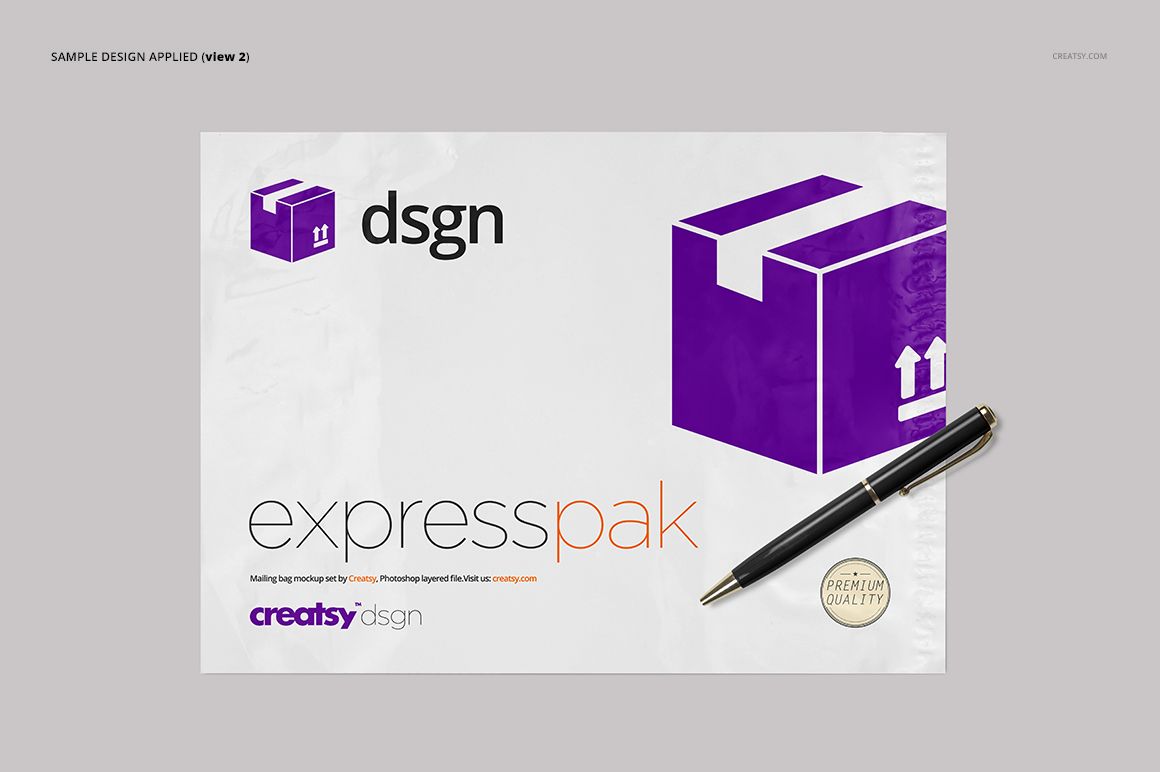
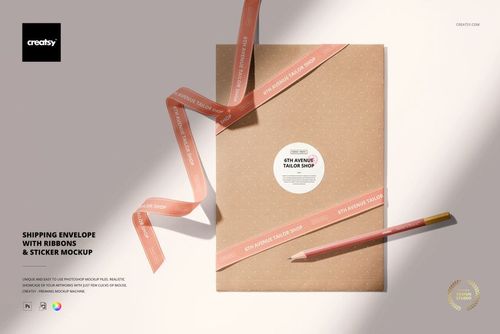
Use the flat view with a pen to present a clear overview of the design, then switch to a filled or hand-held bag to show how the same identity reads around folds. The open-bag compositions add another layer to the story: an outer mailer and the wrapping inside can carry coordinated graphics without looking identical. These are supplied compositions, not a promise that every hand or prop can be repositioned.
Easy Smart Object Editing
Open a PSD in Adobe Photoshop CC 2015 or later, or in Photopea. Find the artwork Smart Object, open its contents, place your design and save that Smart Object to update the main scene. Adjust the available color and background layers, then inspect important lettering near creases and fingers before exporting your presentation. Refer to the included TIF guide for the file workflow.
Perfect For
Shipping packaging concepts for online clothing and accessories brands.
Client presentations comparing a mailer front, reverse and in-hand appearance.
Coordinated outer packaging and inner wrapping design proposals.
Portfolio case studies, shop graphics and social posts about a packaging identity.
This is a digital mockup set, not physical mailing bags or a manufacturing template. The sample patterns and designs shown in the previews are not included.