Vintage Velvet Fringe Table Lamp Mockup Set
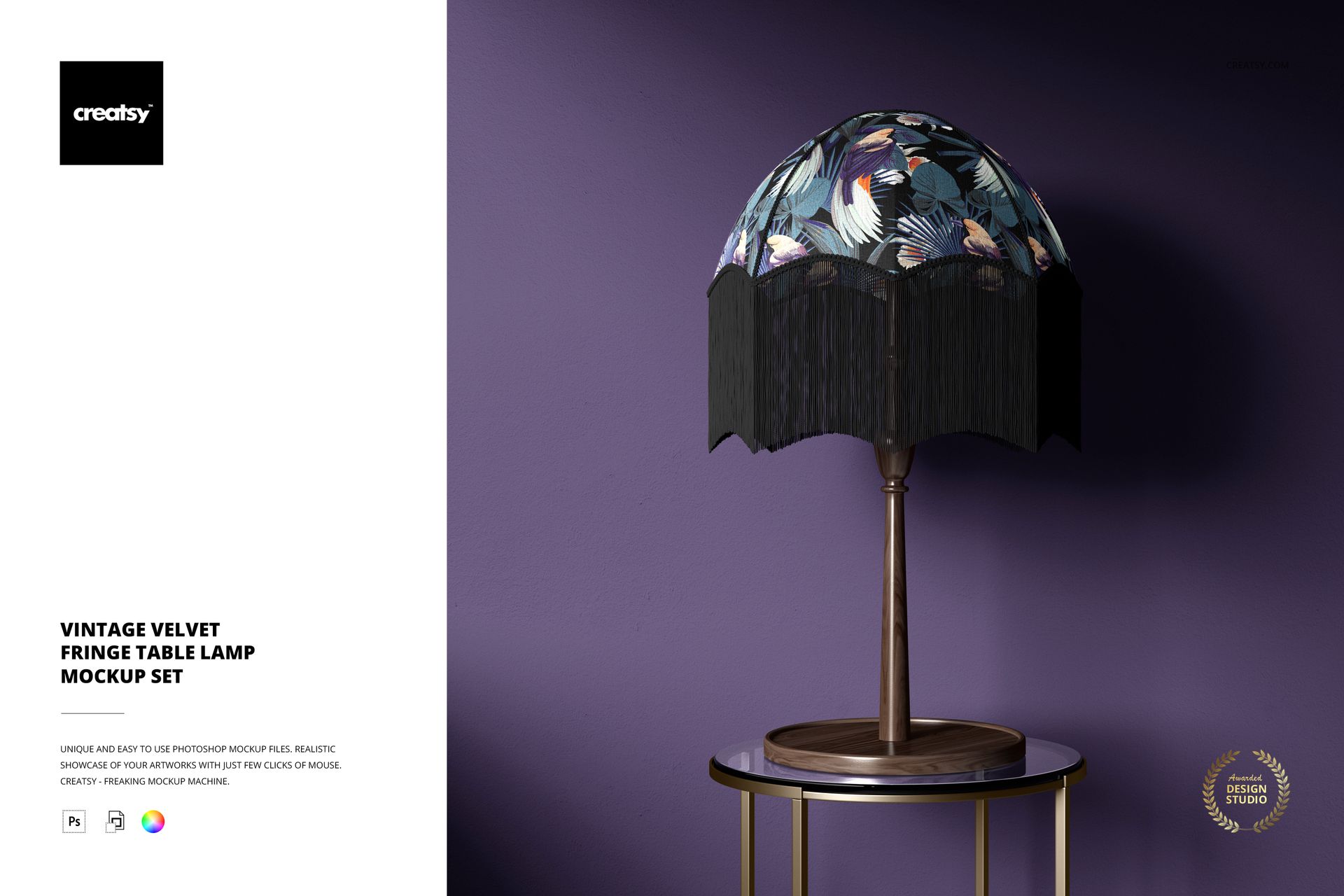
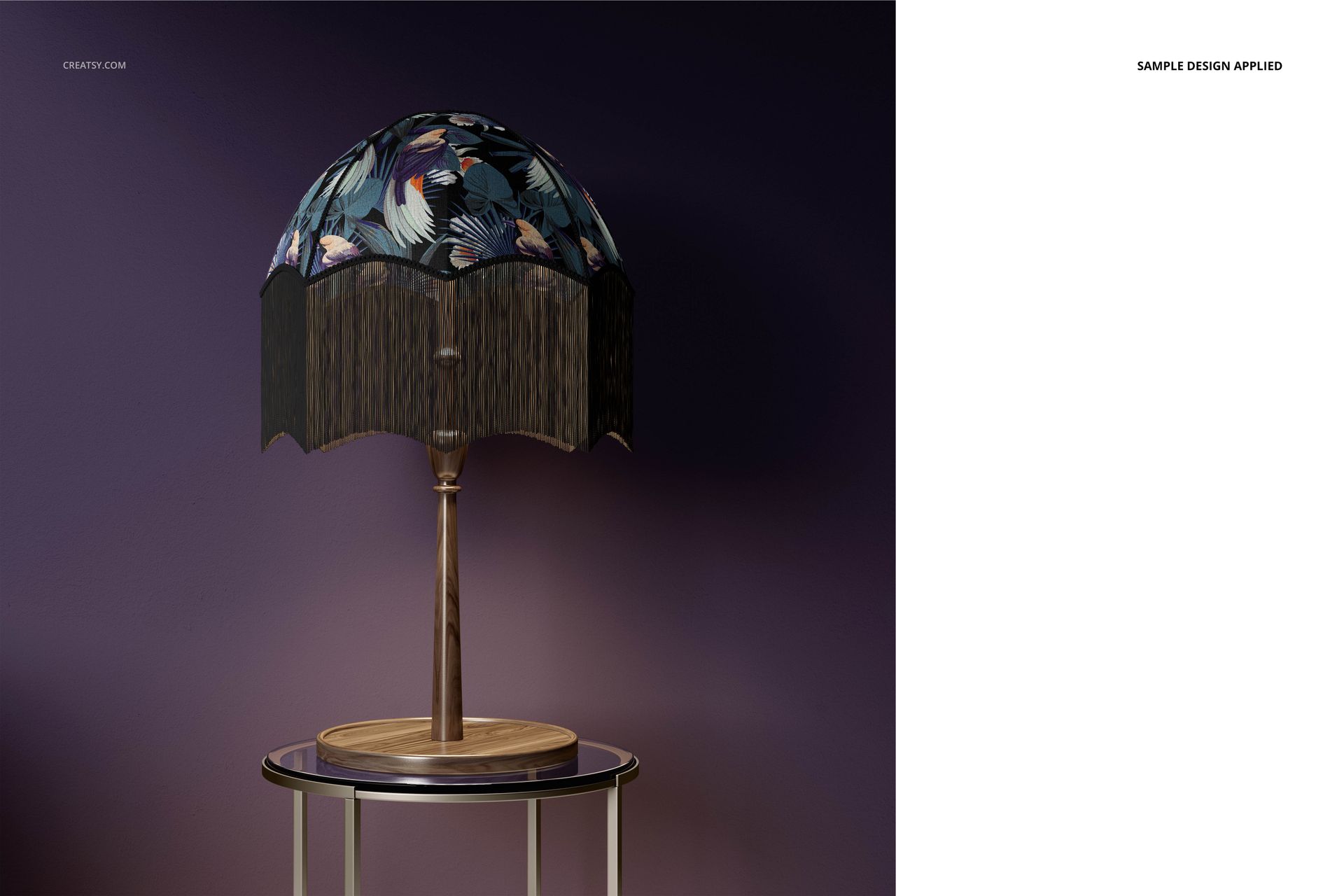
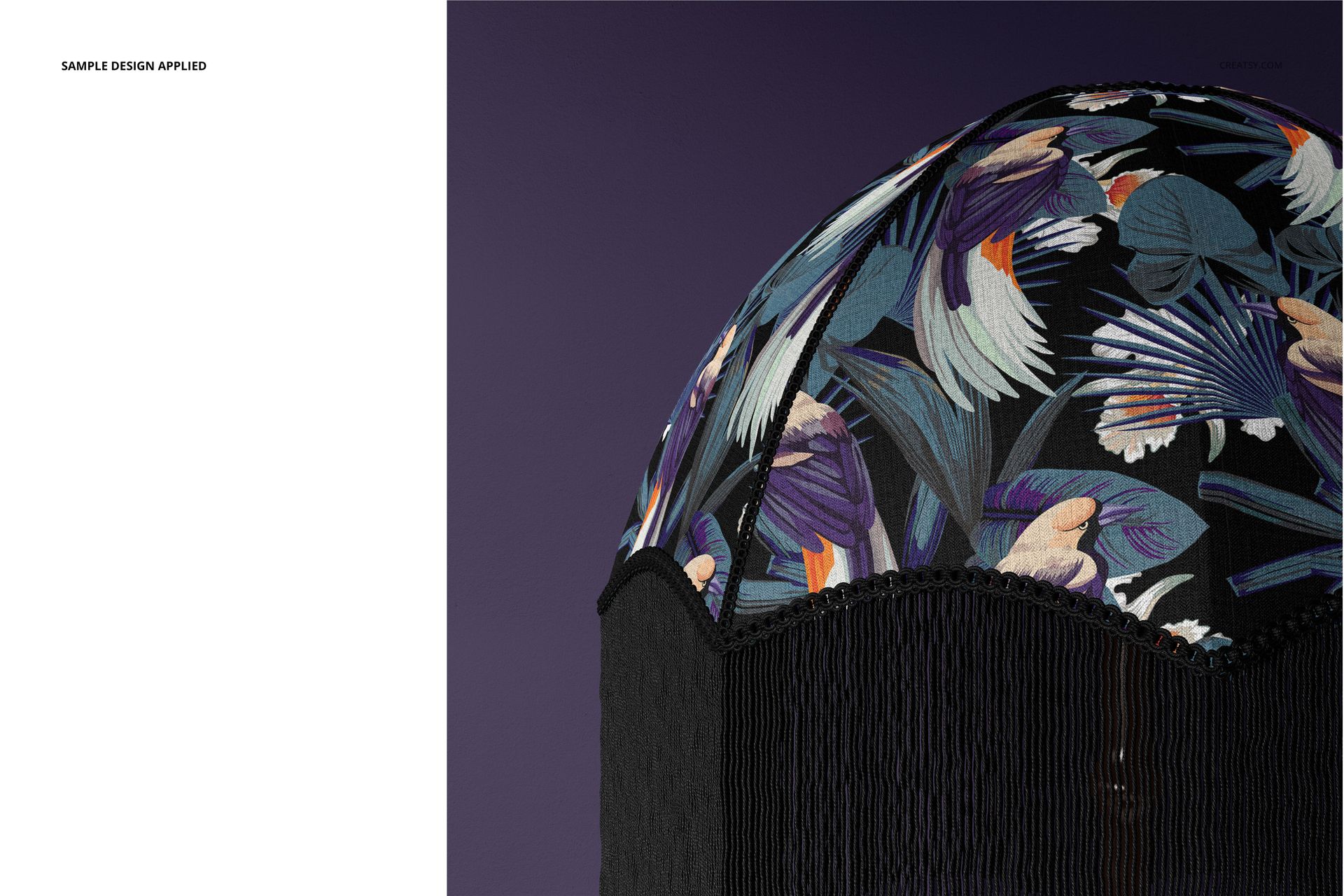
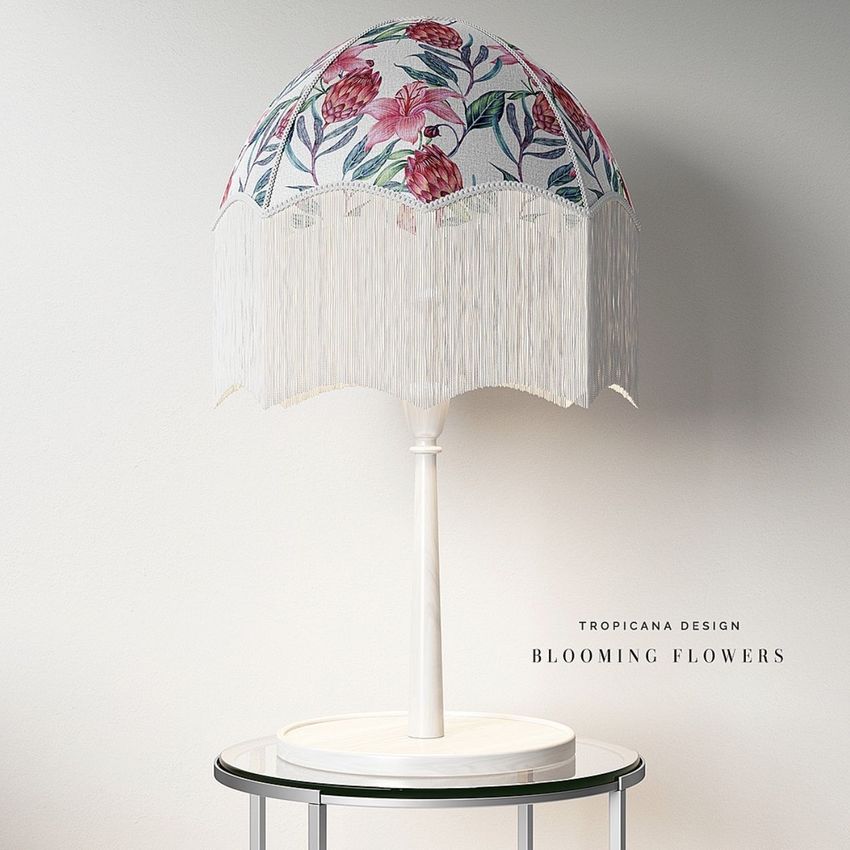
Showcase decorative fabric patterns on a vintage table lamp with a rounded velvet lampshade and long fringe trim. This set of three editable PSD mockups captures the soft appearance of velvet, the sculptural shape of the shade and the ornamental details that make vintage lighting distinctive.
Use the scenes to present rich botanical prints, illustrated fabrics and coordinated colorways in realistic home decor settings.
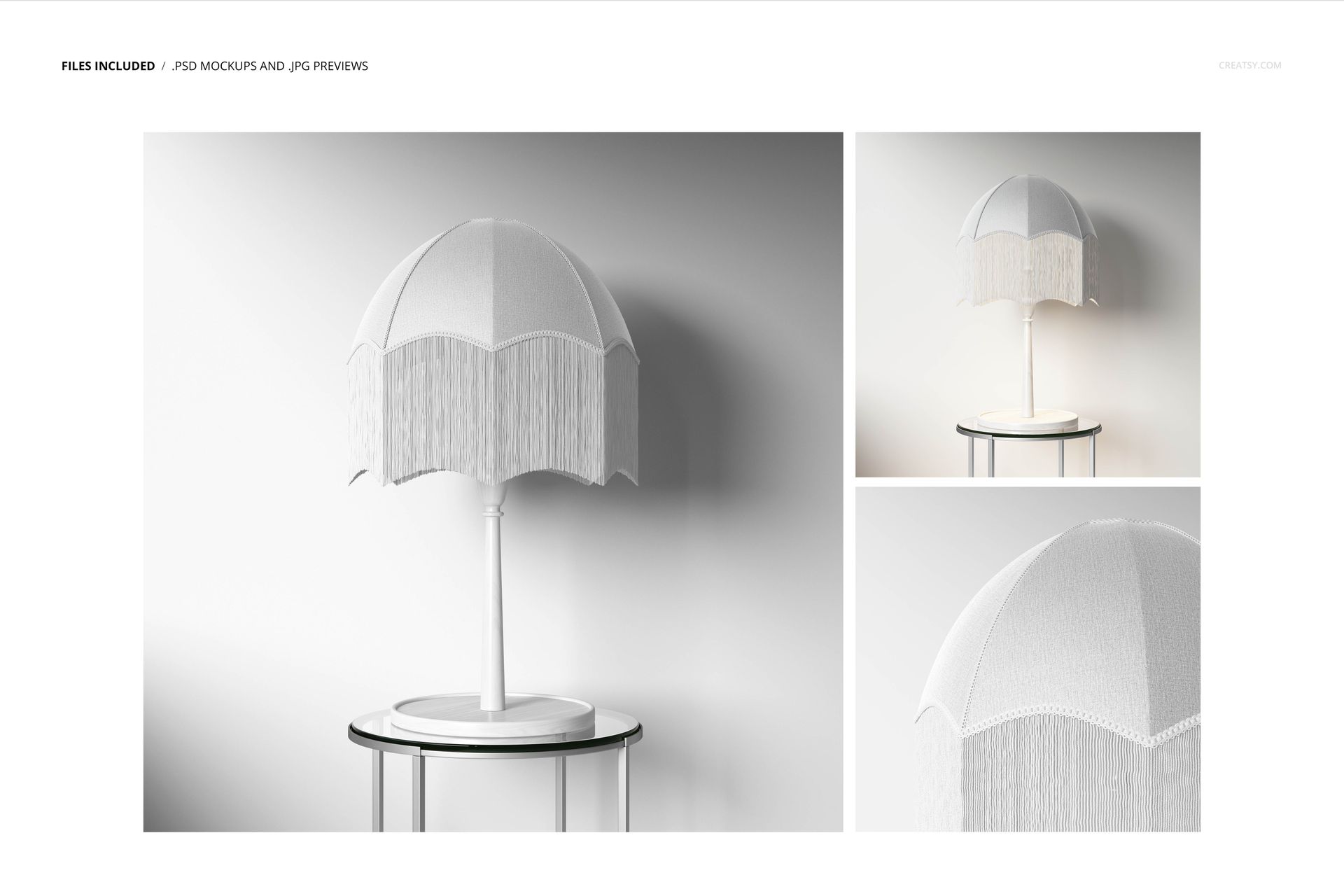
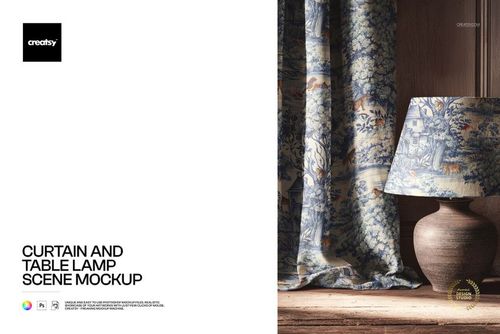
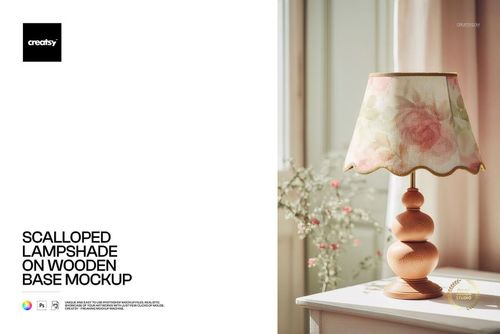
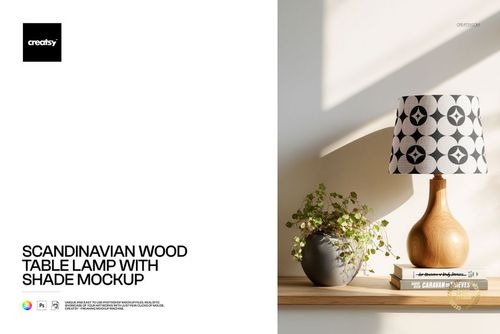
Three vintage table lamp presentations
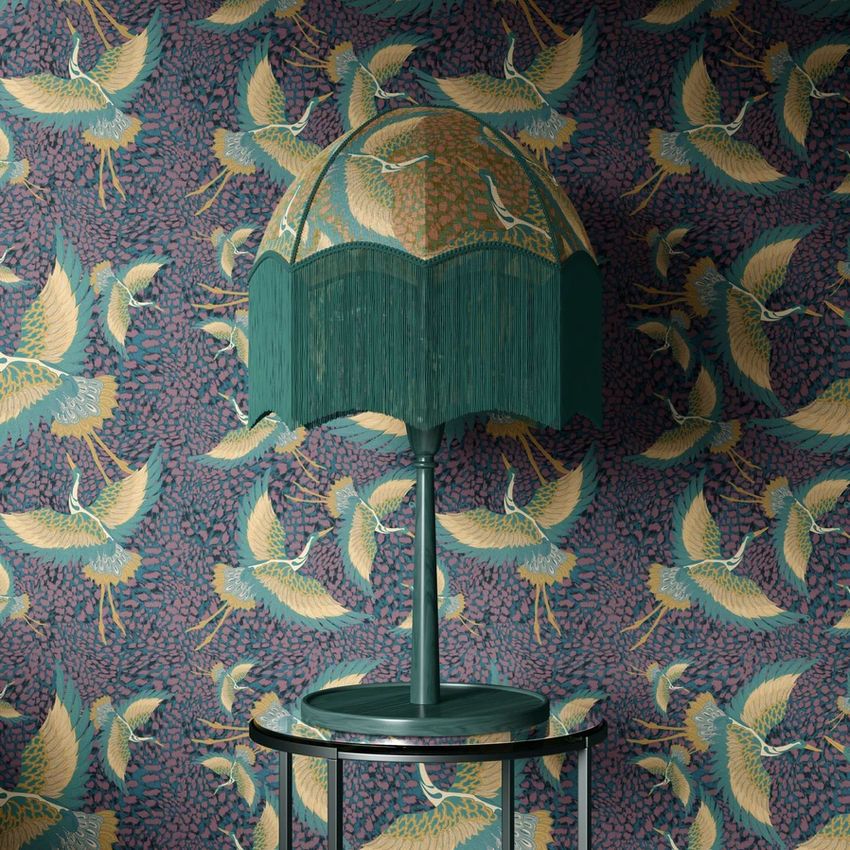
The mockup set features a rounded, dome-shaped lampshade finished with hanging fringe. The gallery includes different table lamp presentations, including an arrangement on a round glass table and a decorative interior setting.
The curved velvet surface creates a distinctive canvas for ornamental textile patterns, while the fringe provides a decorative border beneath the shade.
Use the different mockups to present a fabric collection or explore alternative colors and patterns on the same style of lighting product.
Present fabric patterns on a velvet lampshade
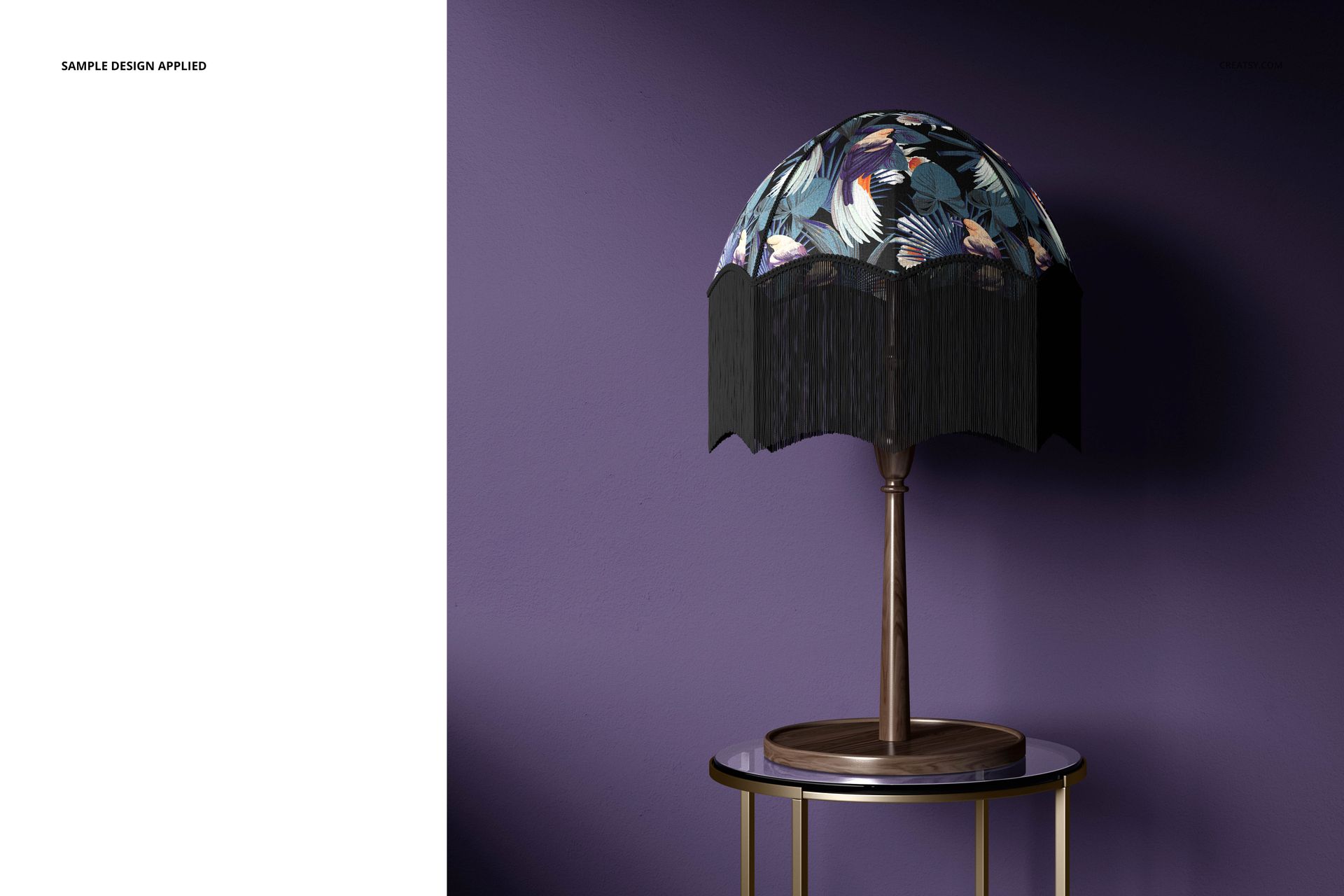
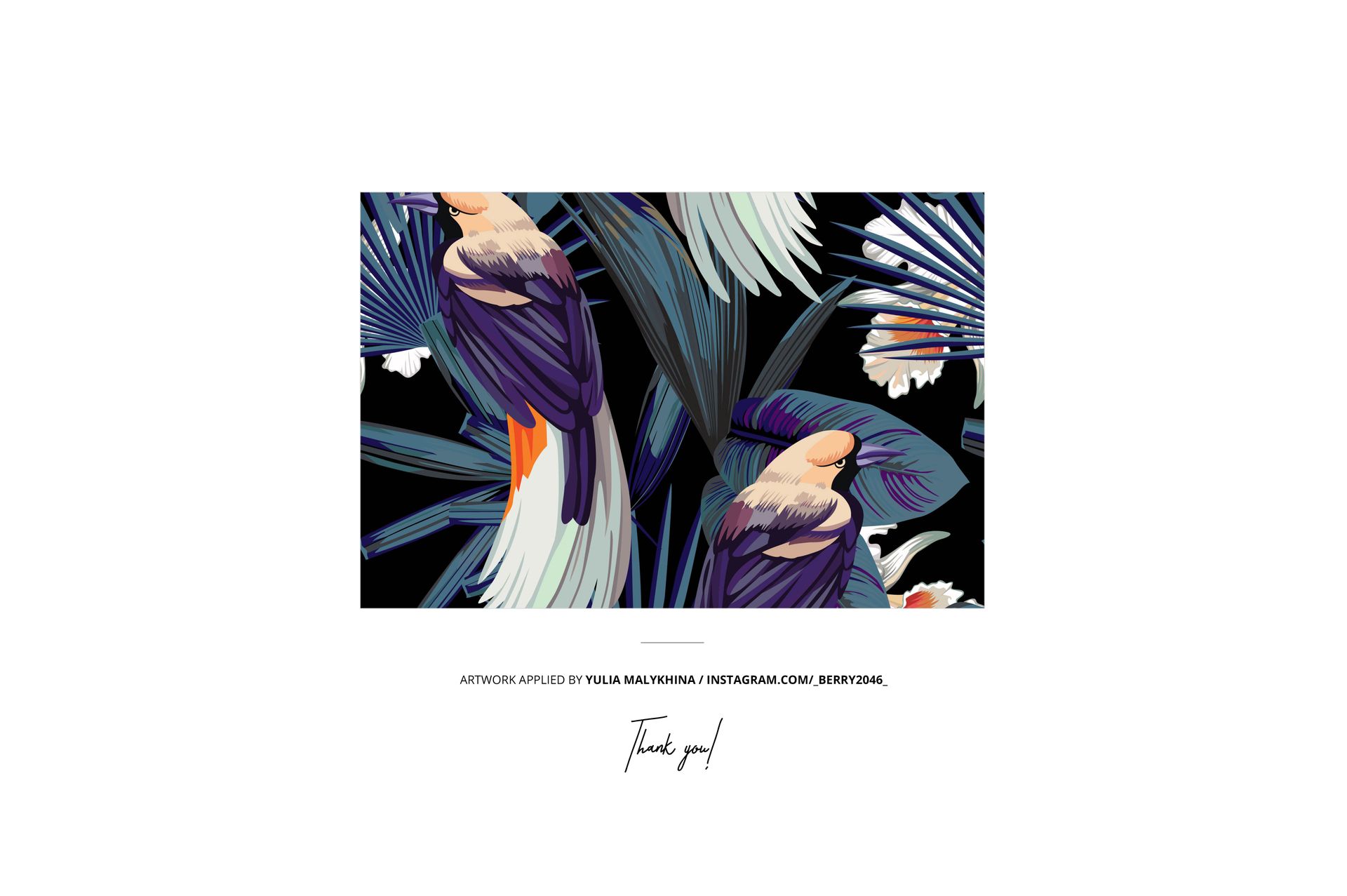
Replace the sample artwork with your own botanical illustrations, floral repeats, geometric prints or decorative motifs.
The velvet appearance and vintage shape make this set particularly suitable for richly colored designs, traditional patterns and statement home accessories.
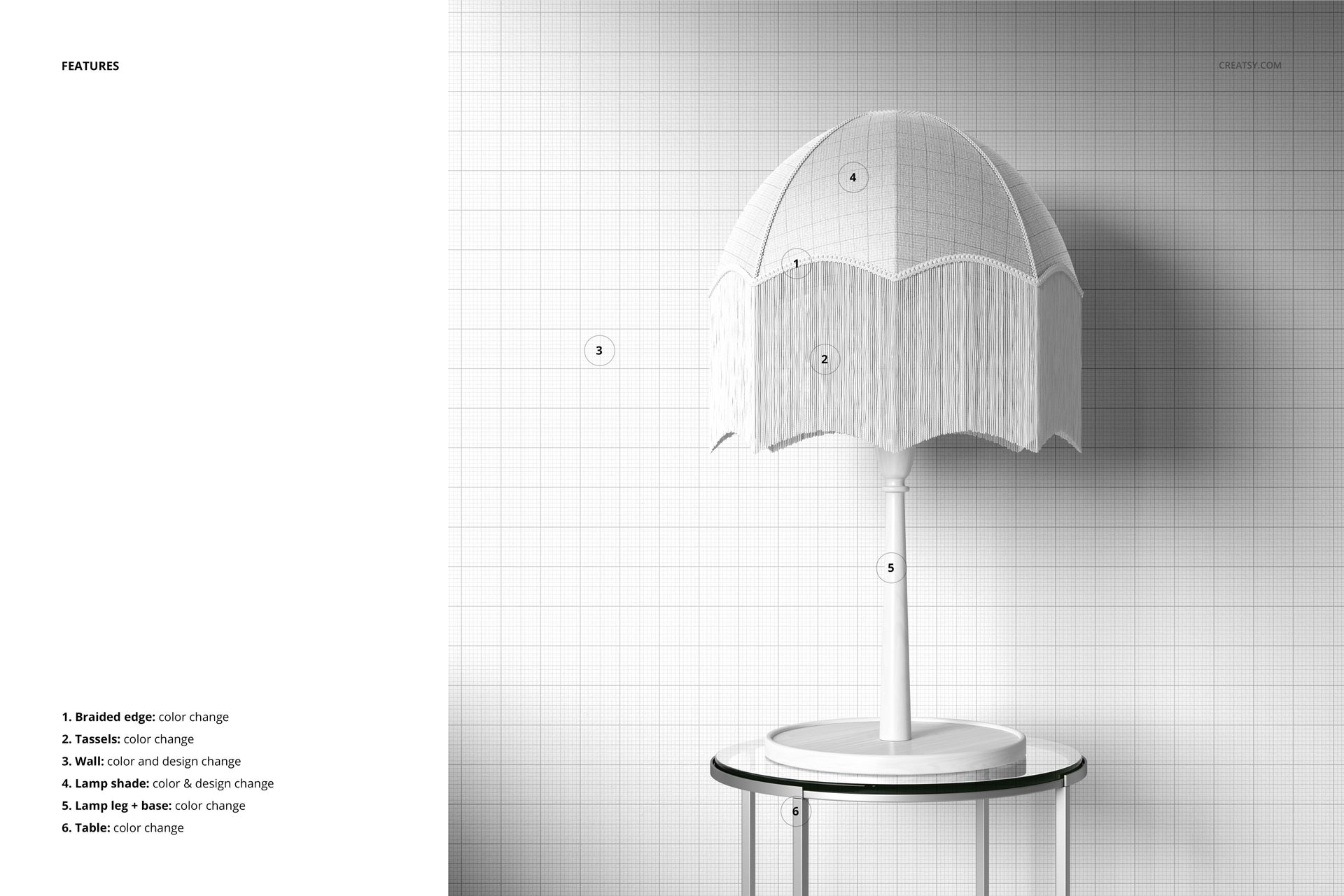
Adjust the available lampshade colors and customize the background to create different presentation styles.
For vintage lighting and home decor collections
The mockups are suitable for lighting designers, textile artists, surface pattern designers and homeware brands developing decorative lampshades.
Use the results for lampshade product listings, vintage-inspired lighting catalogs, fabric design portfolios and textile licensing presentations.
The distinctive velvet-and-fringe construction helps demonstrate how your artwork looks on a finished decorative lighting product rather than on a flat fabric sample.
High-resolution layered PSD mockups
The package includes 3 layered PSD files, each measuring 4000 × 4000 px at 300 DPI, together with JPG previews.
The files contain organized layers for artwork and color editing. The product specifies Adobe Photoshop CC 2015 or newer and also lists Photopea compatibility.
This is a digital mockup set. Physical lamps, fabrics and the sample patterns shown in the previews are not included in the download.