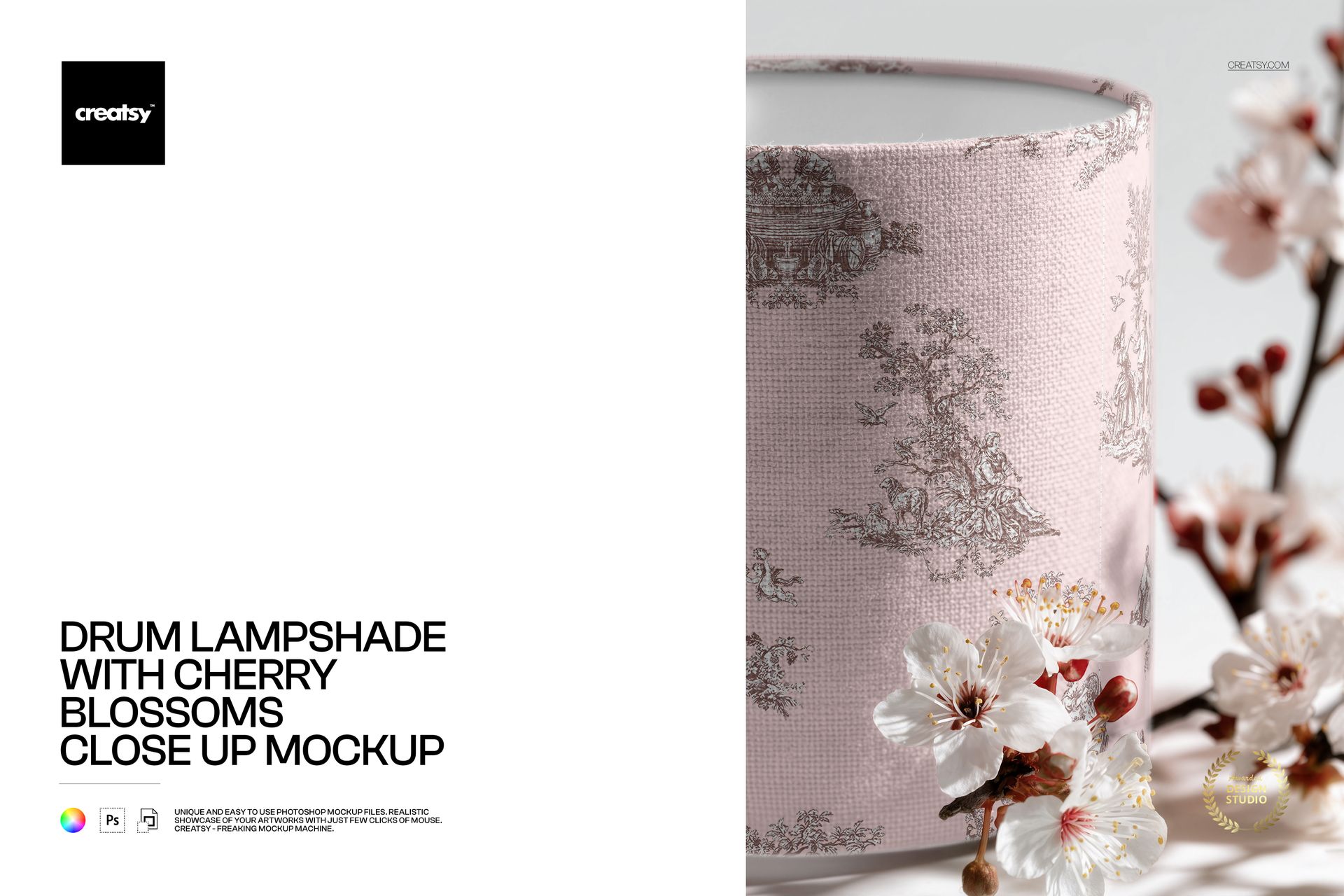
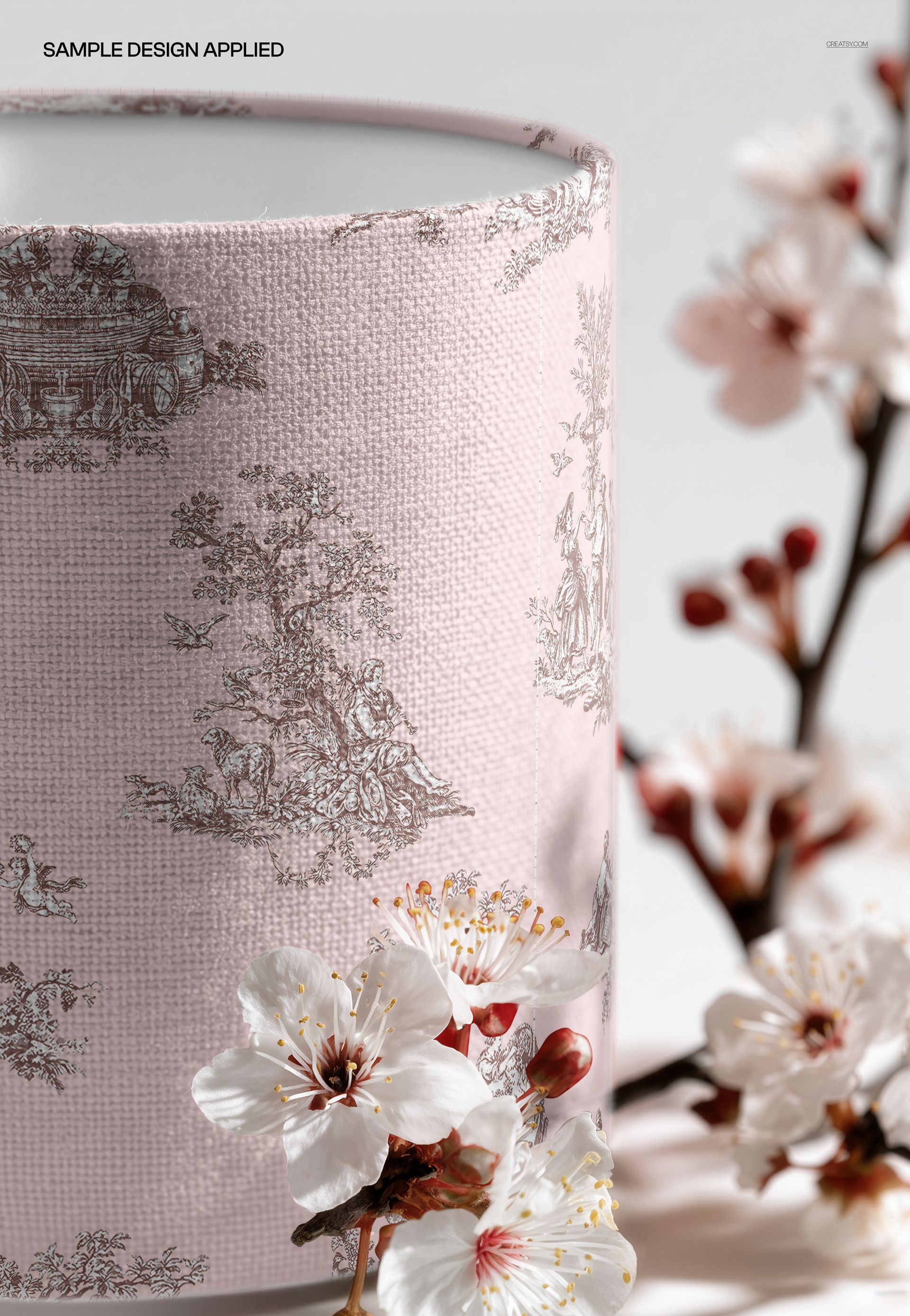
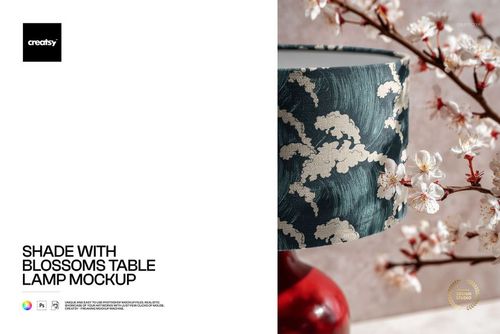
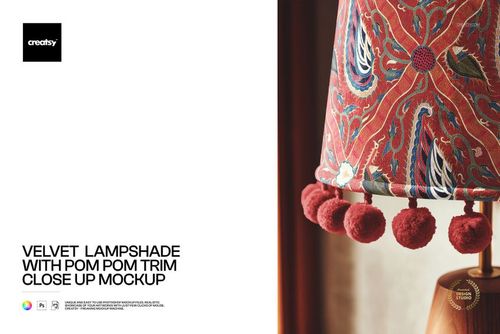
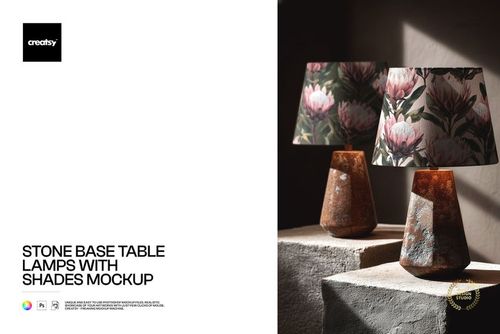
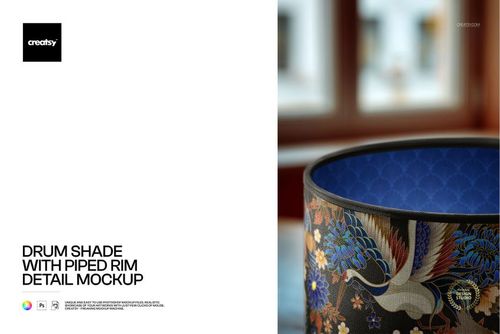
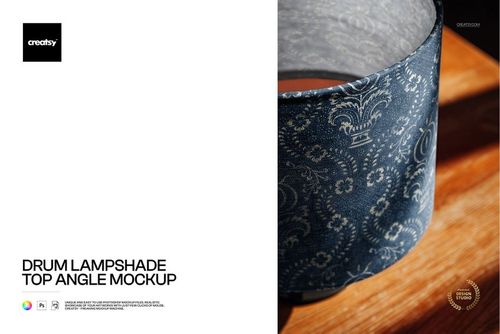
The Drum Lampshade with Cherry Blossoms Close Up Mockup captures a drum lampshade in tight detail, showing the fabric surface, pattern definition, and texture at close range. The close-up perspective is specifically designed to highlight how a surface pattern reads on the curved lampshade fabric at actual viewing distance - the scale where print detail, color subtlety, and fabric interaction matter most. The cherry blossom scene shown in the preview images demonstrates how delicate floral patterns render on the shade surface. The mockup includes 1 PSD file at 6000x4000 pixels, 300 DPI.
Unlike full-shade mockups that show the entire lampshade from a distance, this close-up view zooms into the fabric surface where your pattern meets the material. You can see individual motif details, color gradations, how the print sits on the textile weave, and how the curved drum shape subtly warps the pattern across the surface. This level of detail is critical for pattern evaluation, client approval presentations, and product listings that need zoom-quality imagery.
Why a Close-Up Lampshade Mockup
Close-up product shots are a conversion driver in e-commerce. Buyers shopping for lampshades want to inspect the pattern detail and fabric quality before purchasing. A listing with only full-shade views leaves buyers guessing about print clarity and material texture. Adding a close-up image answers those questions visually and reduces purchase hesitation. For pattern designers and home decor brands, the close-up mockup serves a dual purpose: it works as a product listing image and as a portfolio-quality presentation of your pattern on an applied product.
The drum lampshade is the most commonly sold shade shape in home lighting, and the close-up perspective specifically shows how patterns behave on the curved cylindrical surface. Patterns that look perfect on a flat swatch can reveal spacing issues, scale problems, or color shifts when wrapped around a drum shade. This mockup reveals those details before production, saving time and material costs.
What Is Included
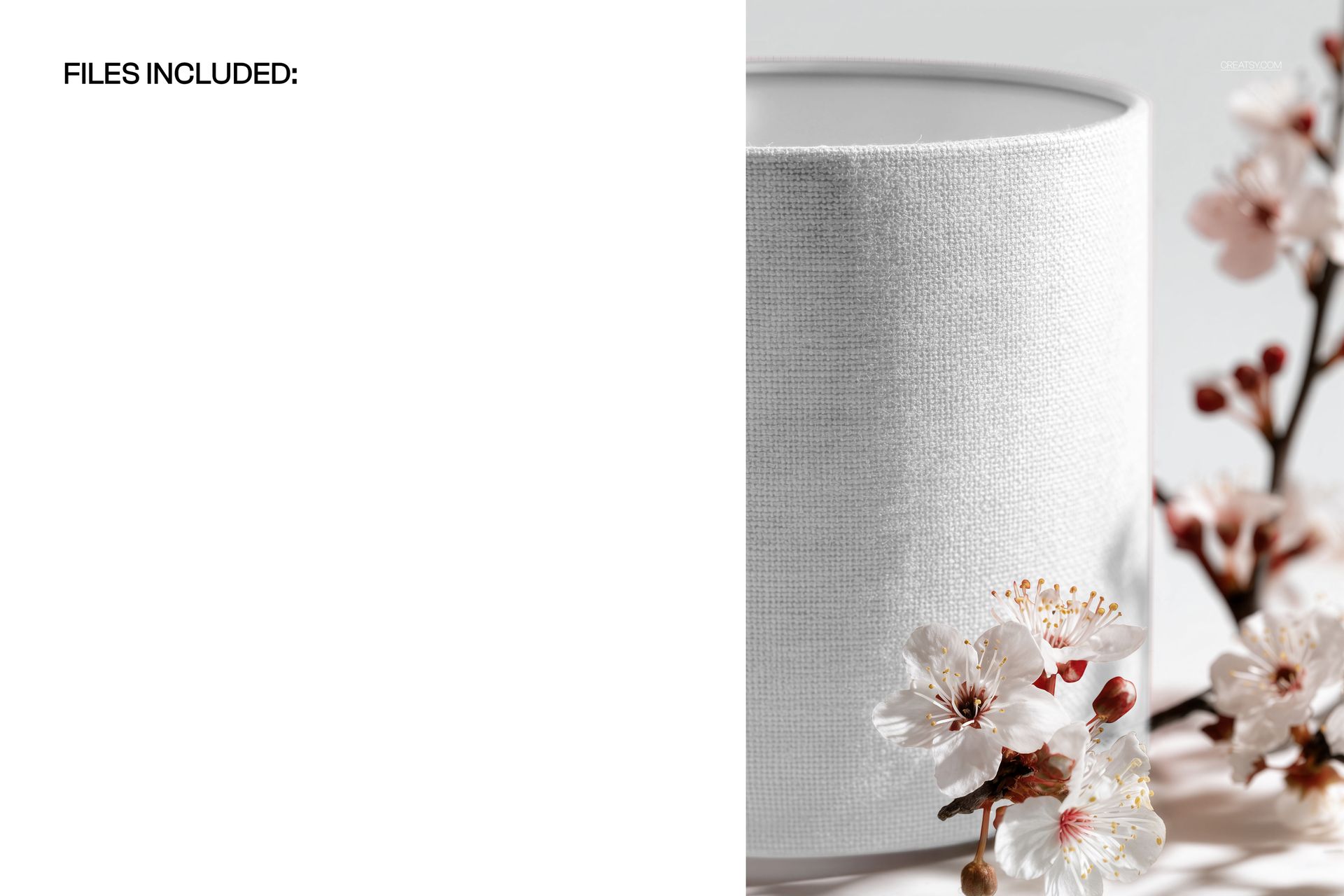
1 layered PSD file at 6000x4000 pixels, 300 DPI. Close-up view of a drum lampshade surface showing fabric texture, pattern detail, and curvature. Smart object layer for design placement. Organized and labeled layer structure. Download size: approximately 193 MB. Compatible with Adobe Photoshop CC 2020 or newer and Photopea (free browser-based editor).
What You Can Customize
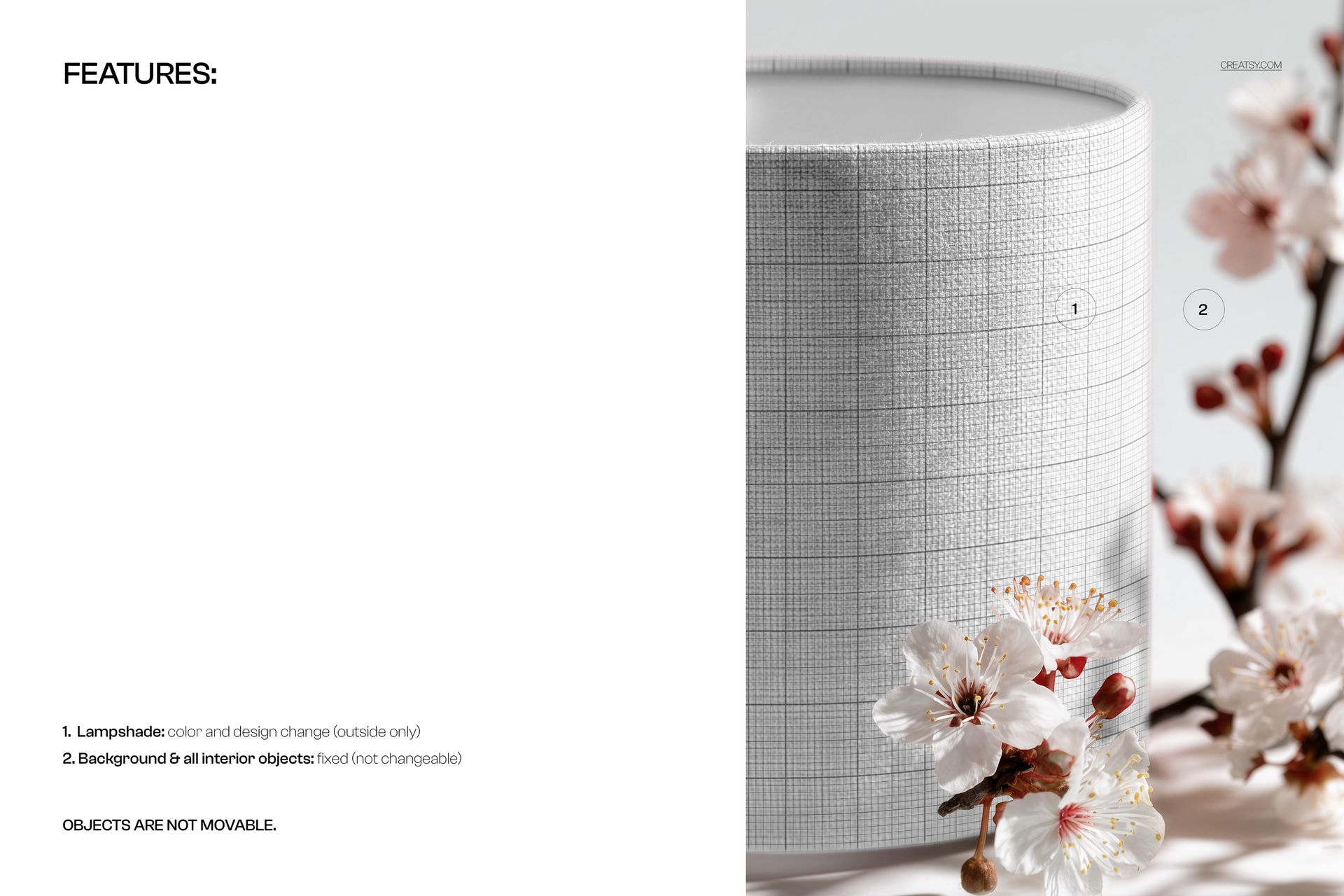
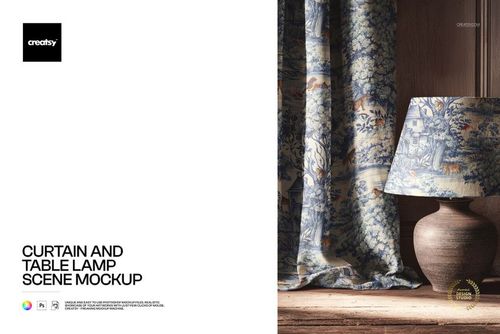
Place any surface pattern, illustration, or textile design onto the lampshade through the smart object layer. The mockup renders your artwork with realistic fabric texture and curvature distortion at close range. Test fine pattern details - thin lines, small motifs, subtle color gradients - to see if they hold up at lampshade scale on fabric. Compare how different pattern styles look at this zoomed-in perspective: delicate florals like cherry blossoms, bold geometrics, watercolor textures, detailed toile scenes, or minimalist line work.
Who This Mockup Is For
Surface pattern designers evaluating how their repeats look at production scale on a drum lampshade. Home decor brands needing close-up product shots for e-commerce listings. Print-on-demand sellers creating zoom-quality product images for Etsy, Shopify, or Spoonflower. Interior designers presenting fabric detail to clients for custom lampshade specifications. Textile artists and illustrators building licensing portfolios with applied product close-ups. Lighting manufacturers producing detailed catalog imagery.
File Specifications
Format: PSD (Adobe Photoshop). Number of files: 1 PSD scene. Resolution: 6000x4000 pixels at 300 DPI. Download size: approximately 193 MB. Layer structure: organized layers with smart object. Compatibility: Adobe Photoshop CC 2020+, Photopea.