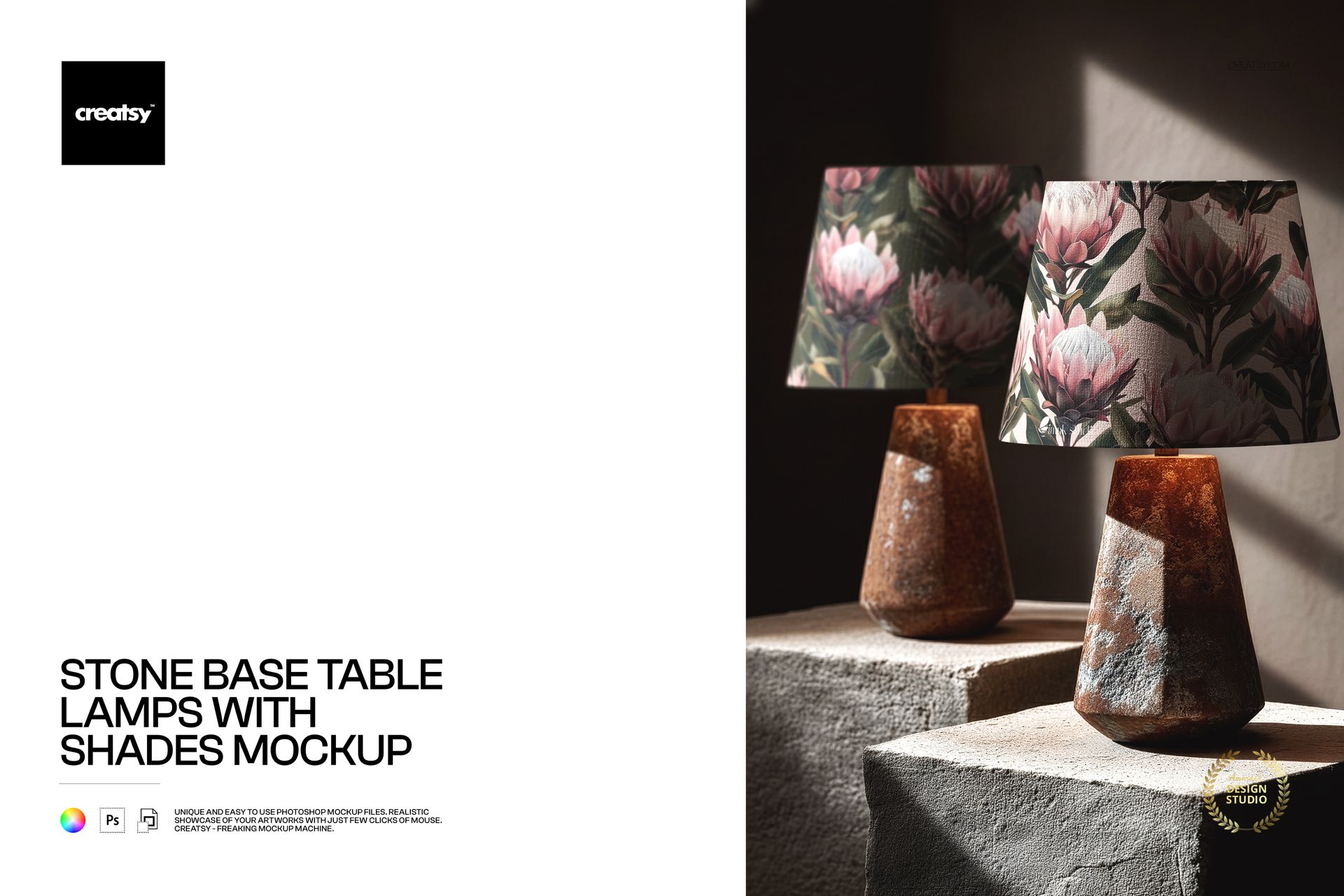
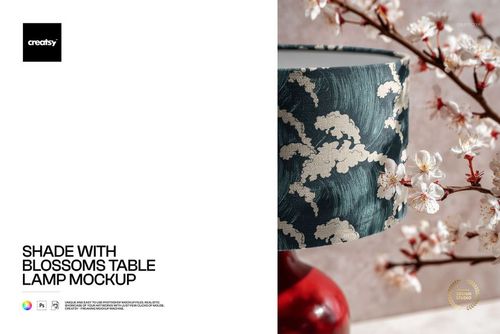
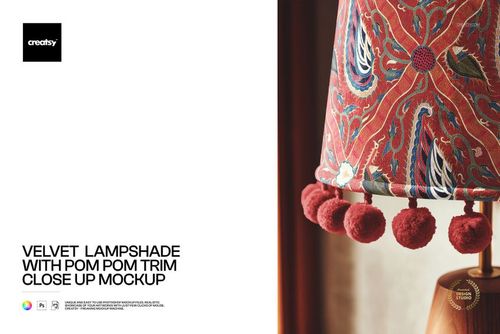
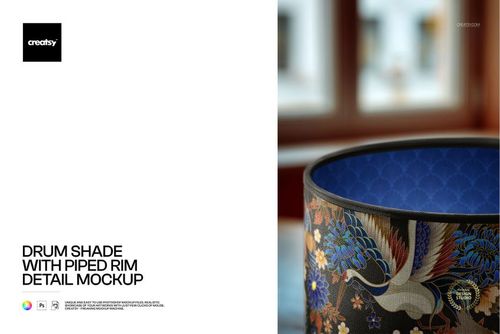
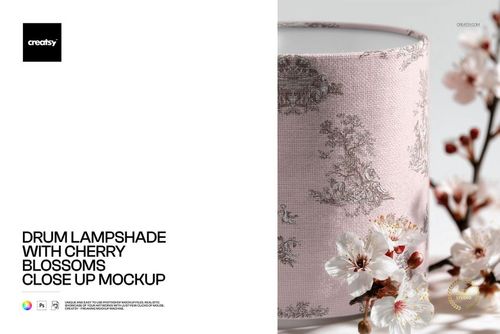
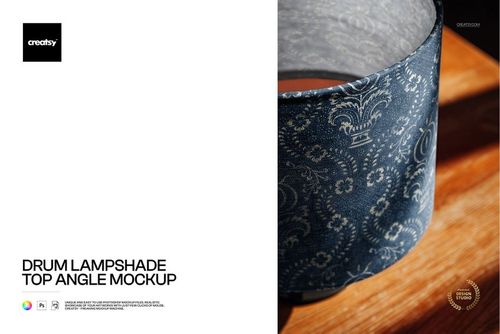
Photorealistic mockup showing a pair of table lamps with stone bases and fabric shades in a styled interior setting. The PSD file includes smart object layers for both lampshade surfaces, so you can apply your textile pattern, fabric print, or artwork to both shades simultaneously and see how your design looks on a matched pair of lamps. Built from real product photography at 4000x6000 pixels, 300 DPI - the portrait orientation captures the full height of both lamps in a composition that works naturally in vertical presentation formats.
Why a Paired Stone Base Lamp Mockup
Table lamps are almost always sold and placed in pairs - on matching nightstands, flanking a console table, or on either side of a sofa. Showing your fabric pattern on a pair of lamps rather than a single lamp reflects how the product is actually used in real interiors. Buyers and interior designers immediately see the symmetrical effect and can evaluate how the pattern reads when repeated across two matching shades in the same visual field.
The stone base is a premium material detail that positions this mockup in the luxury and contemporary home decor segment. Natural stone, marble, and mineral-finish lamp bases are a strong trend in modern interior design, and the combination of a textured stone base with a fabric shade creates a high-end material pairing. Your pattern appears in a context that signals quality and sophistication to buyers browsing product listings or reviewing design presentations.
What Is Included
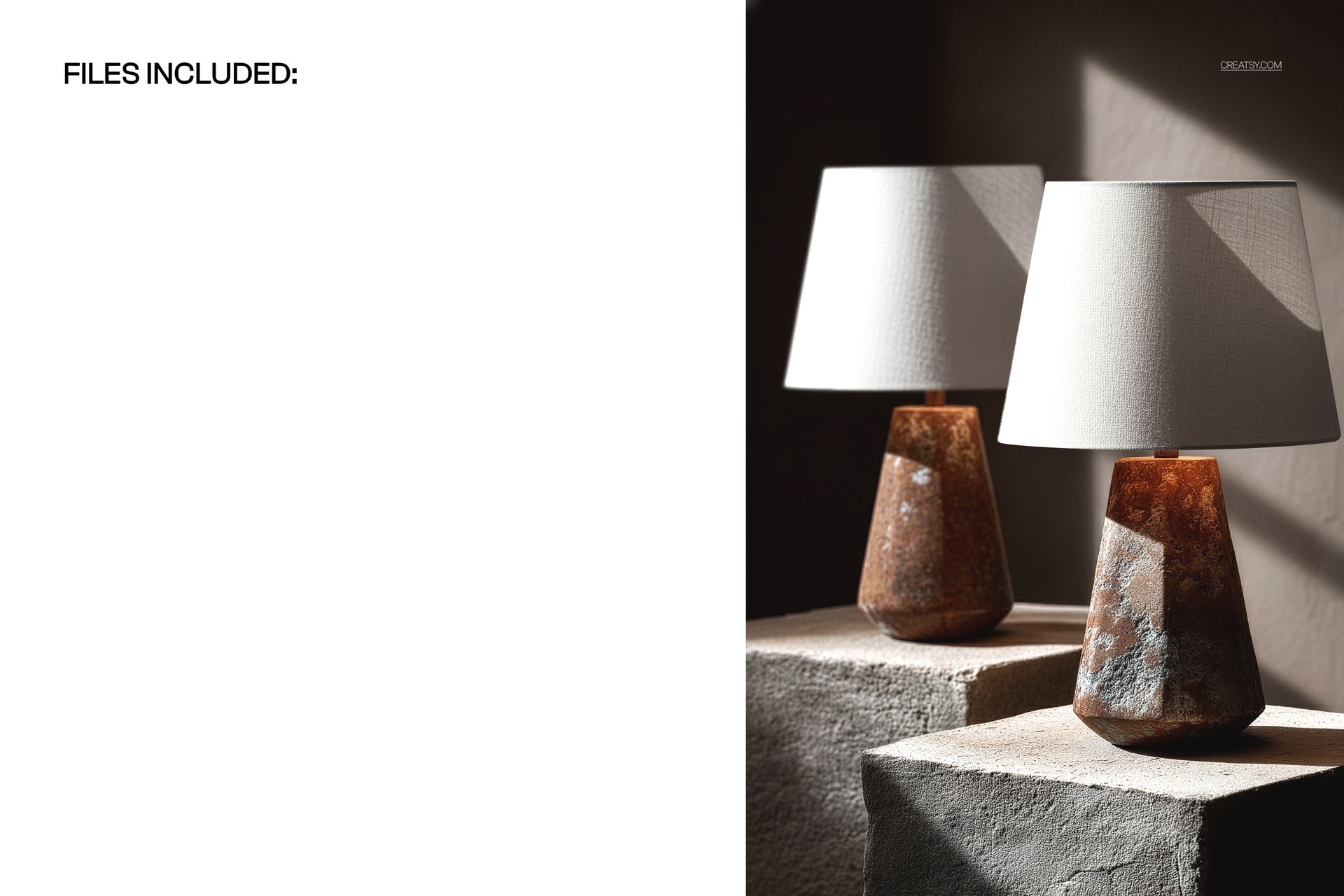
One PSD file at 4000x6000 pixels, 300 DPI resolution, portrait orientation. The file contains organized, labeled layers with smart objects for both lampshade surfaces. The stone bases, background setting, and warm ambient lighting are part of the photographic base layer. The portrait format emphasizes the vertical proportions of the lamps and captures the full scene from base to shade top.
What You Can Customize
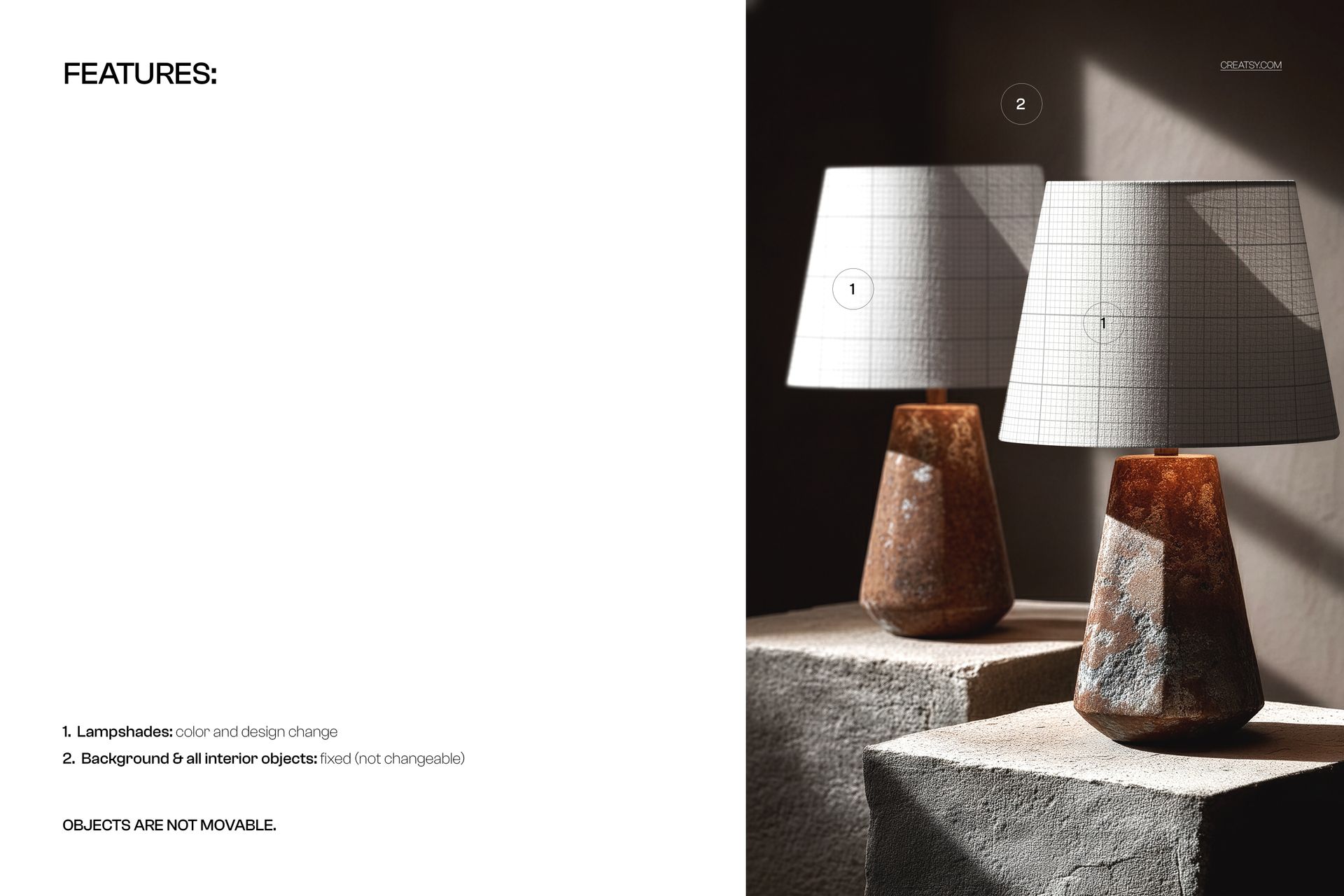
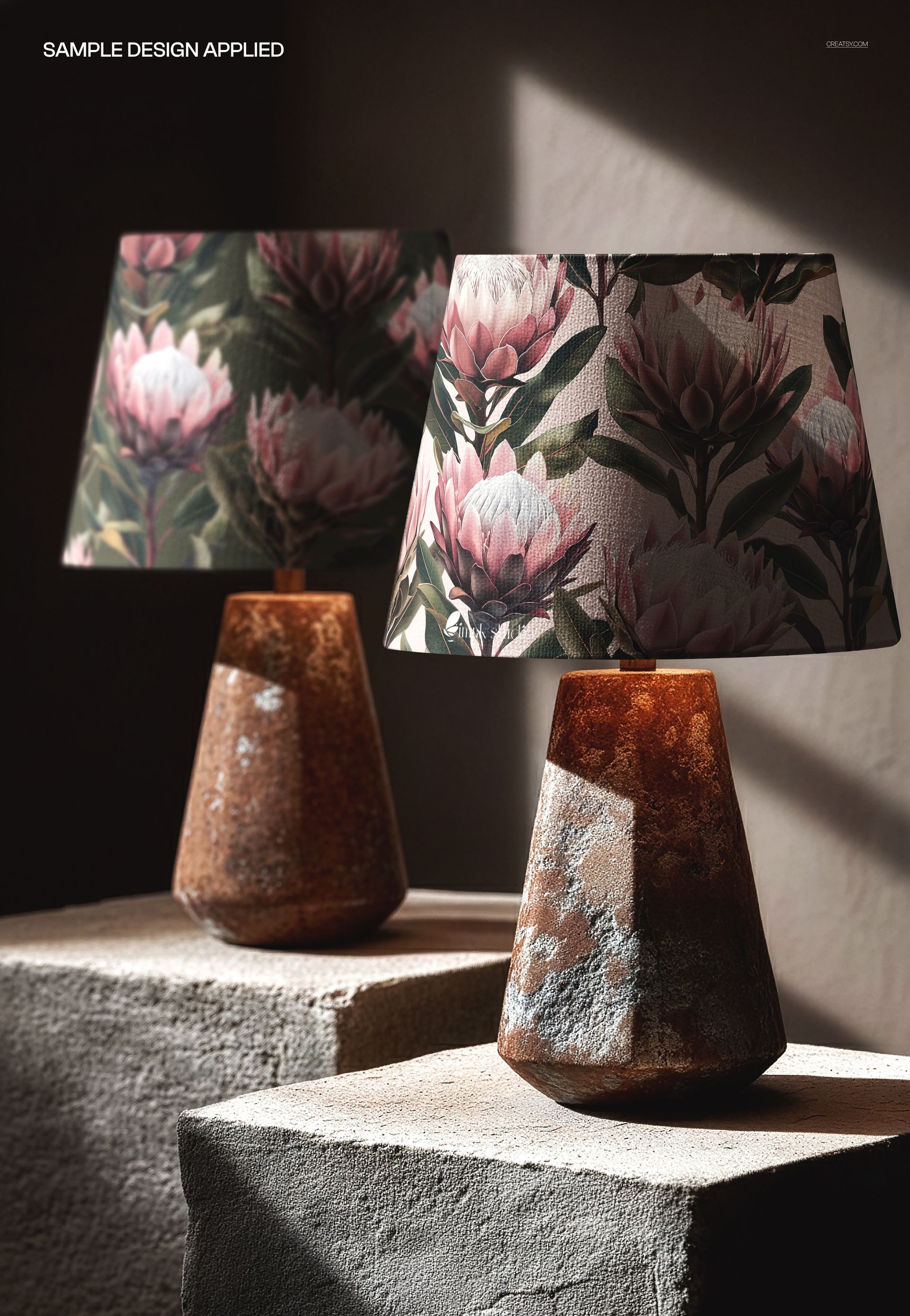
Place your surface pattern, fabric design, or artwork onto both lampshades via the smart object layers. The mockup renders your design with realistic shade curvature, fabric texture, and warm lighting on both shades. Having two shades in the same image lets you evaluate pattern consistency - how the design reads when viewed as a matched pair, including how the pattern repeat aligns and how colors appear under the same lighting conditions on two separate shade surfaces.
Who This Mockup Is For
Surface pattern designers presenting home textile collections to licensors and manufacturers. Interior designers specifying matched lamp pairs for residential and hospitality projects. Textile brands building product line presentations showing coordinated lamp sets. Print-on-demand sellers listing matched lamp pairs on Etsy, Shopify, or Amazon. Home decor studios producing catalog and lookbook imagery. Lighting brands creating paired product images for retail and wholesale distribution.
File Specifications
Format: PSD with smart object layers. Resolution: 4000x6000 pixels at 300 DPI. Orientation: portrait. File size: approximately 127 MB. Compatibility: Adobe Photoshop CC 2020 or newer, Photopea (free browser-based editor). The portrait format works naturally in Pinterest pins, Instagram stories, vertical slide decks, and portrait-oriented catalog pages.