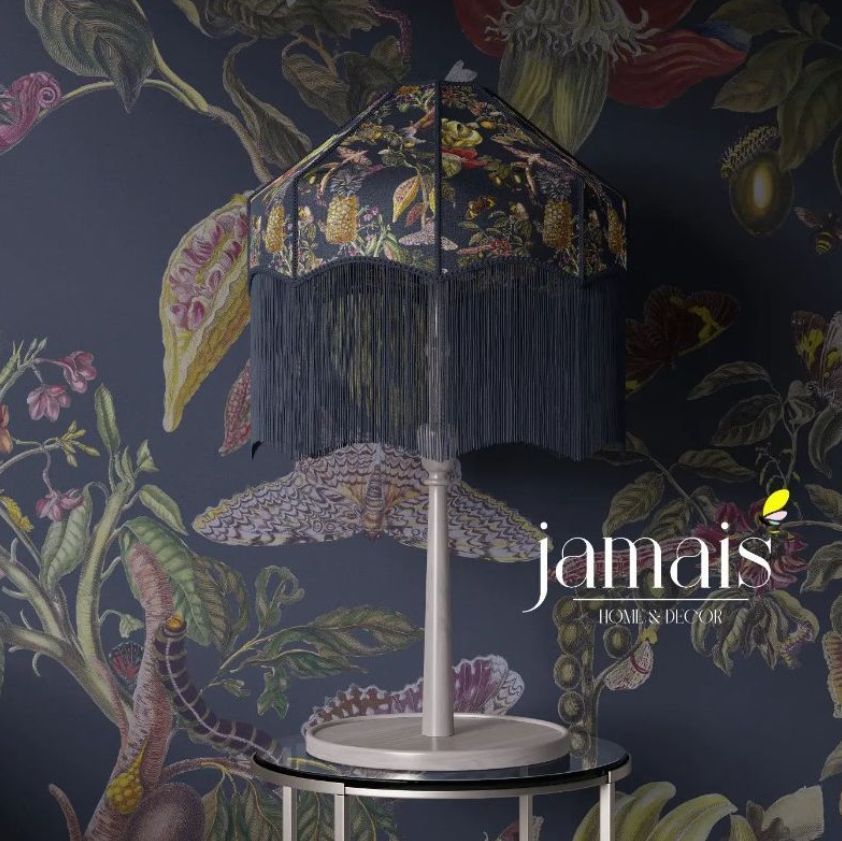
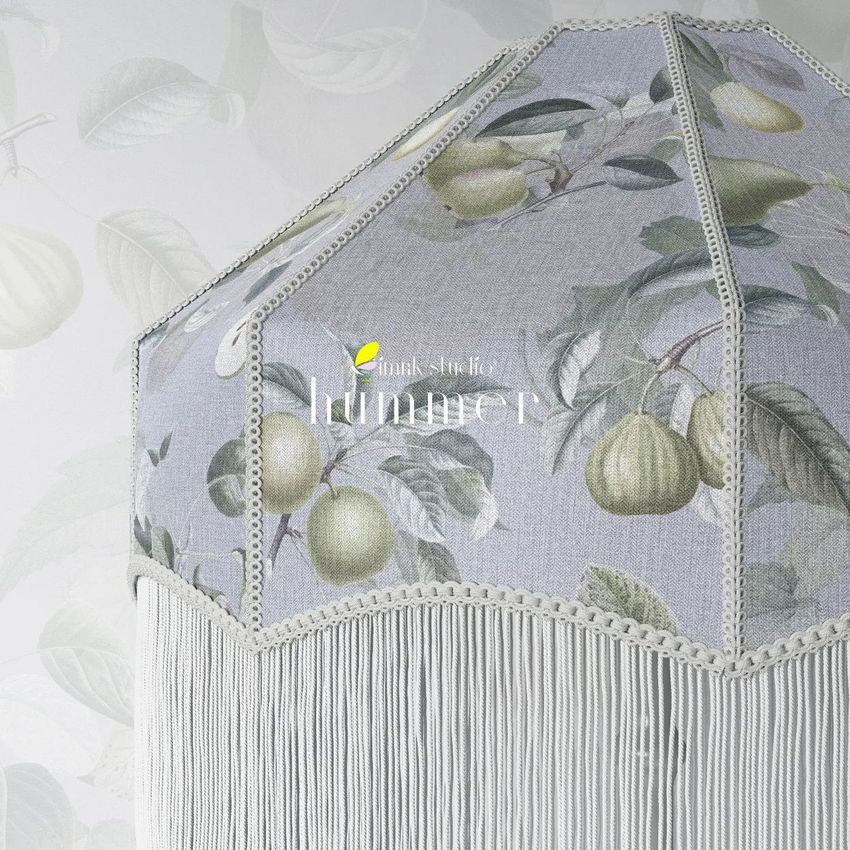
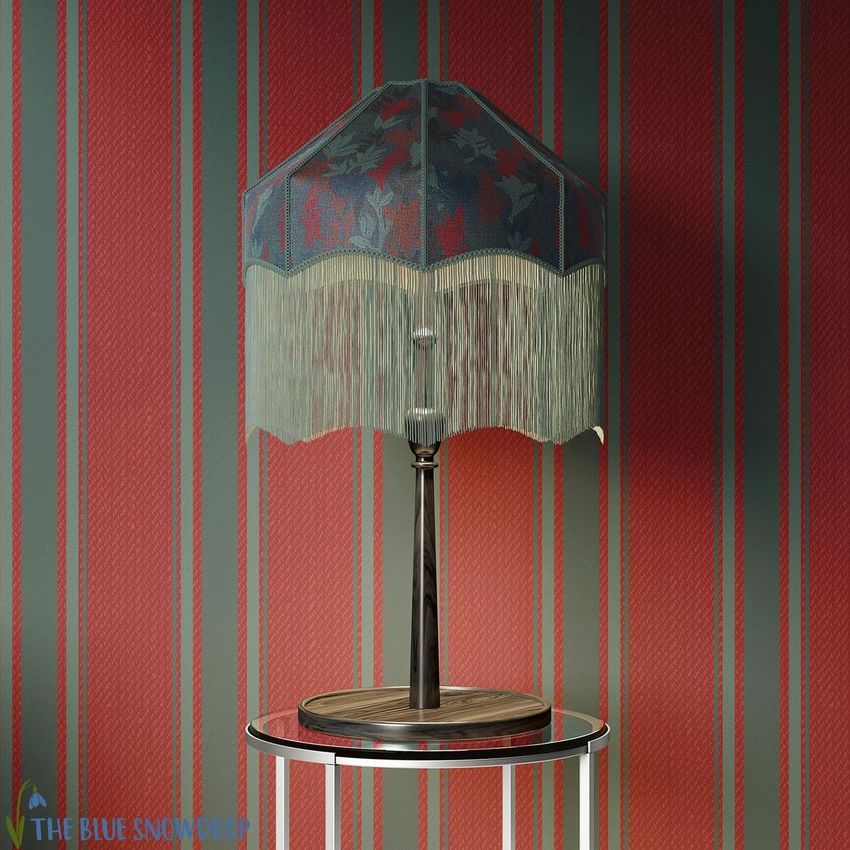
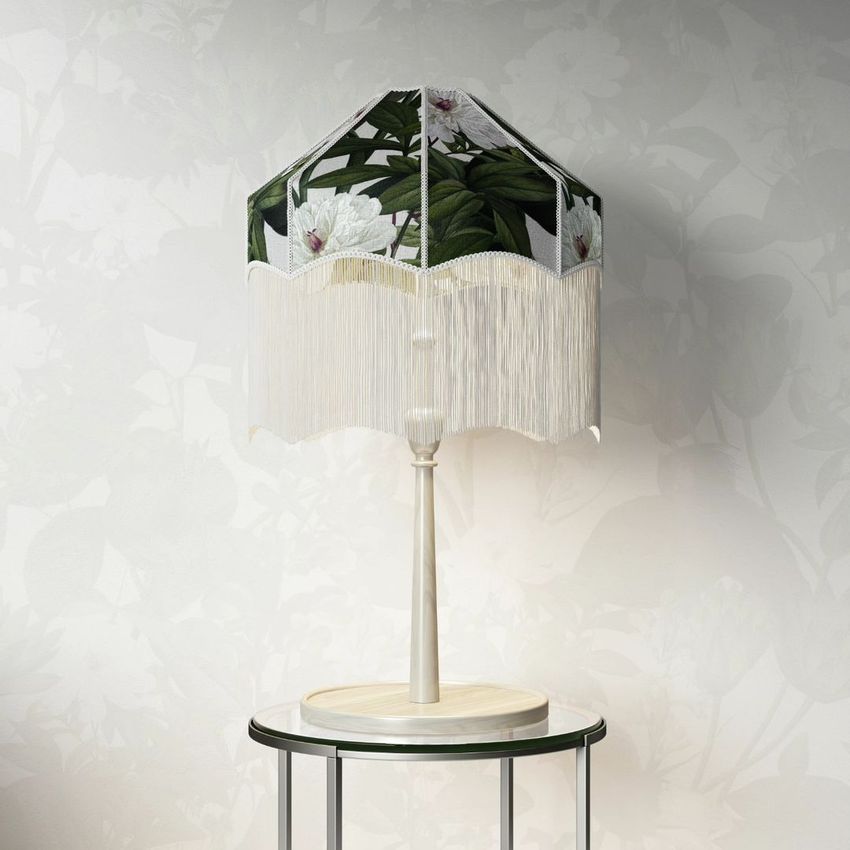
Tassel Shade Table Lamp Mockup Set
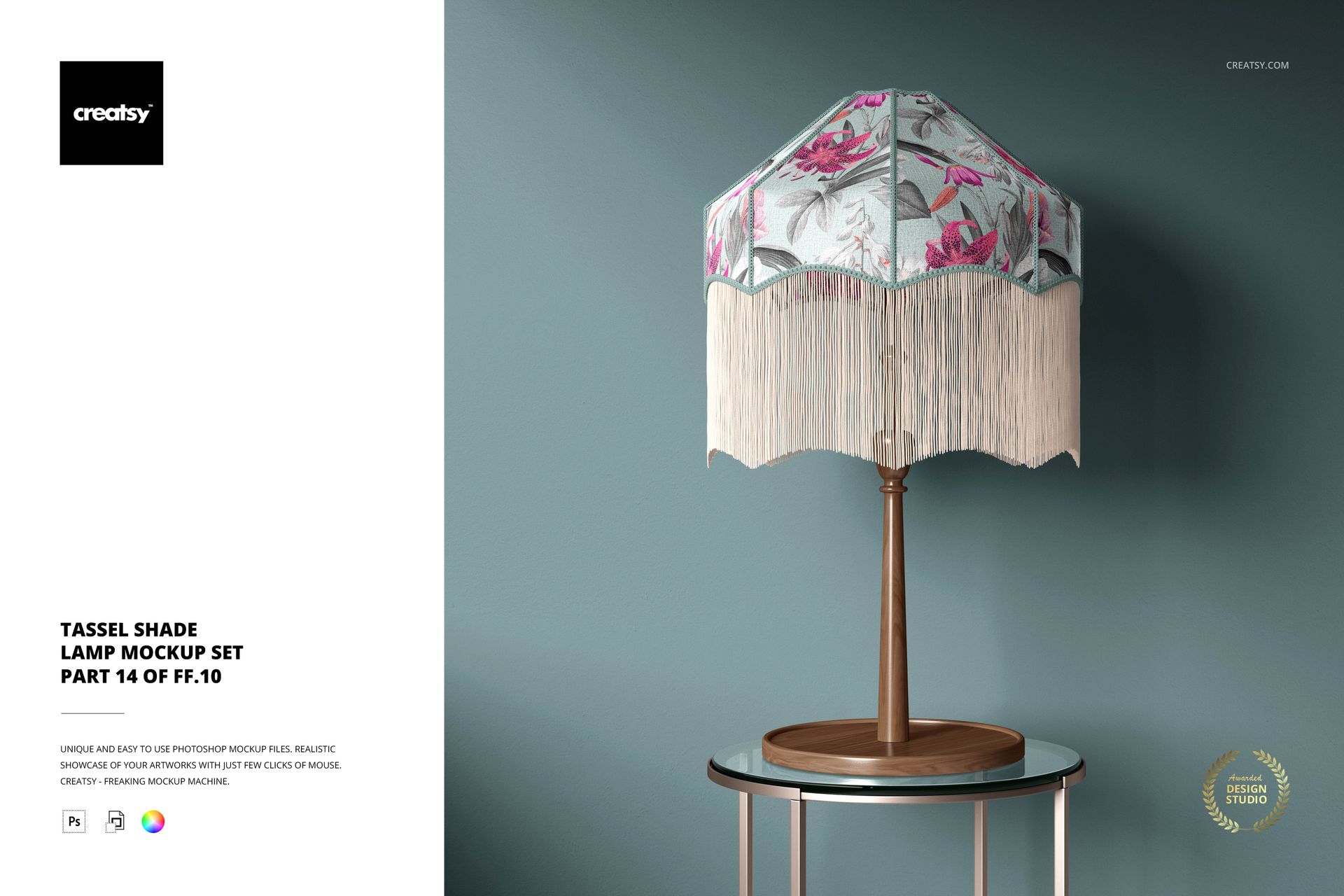
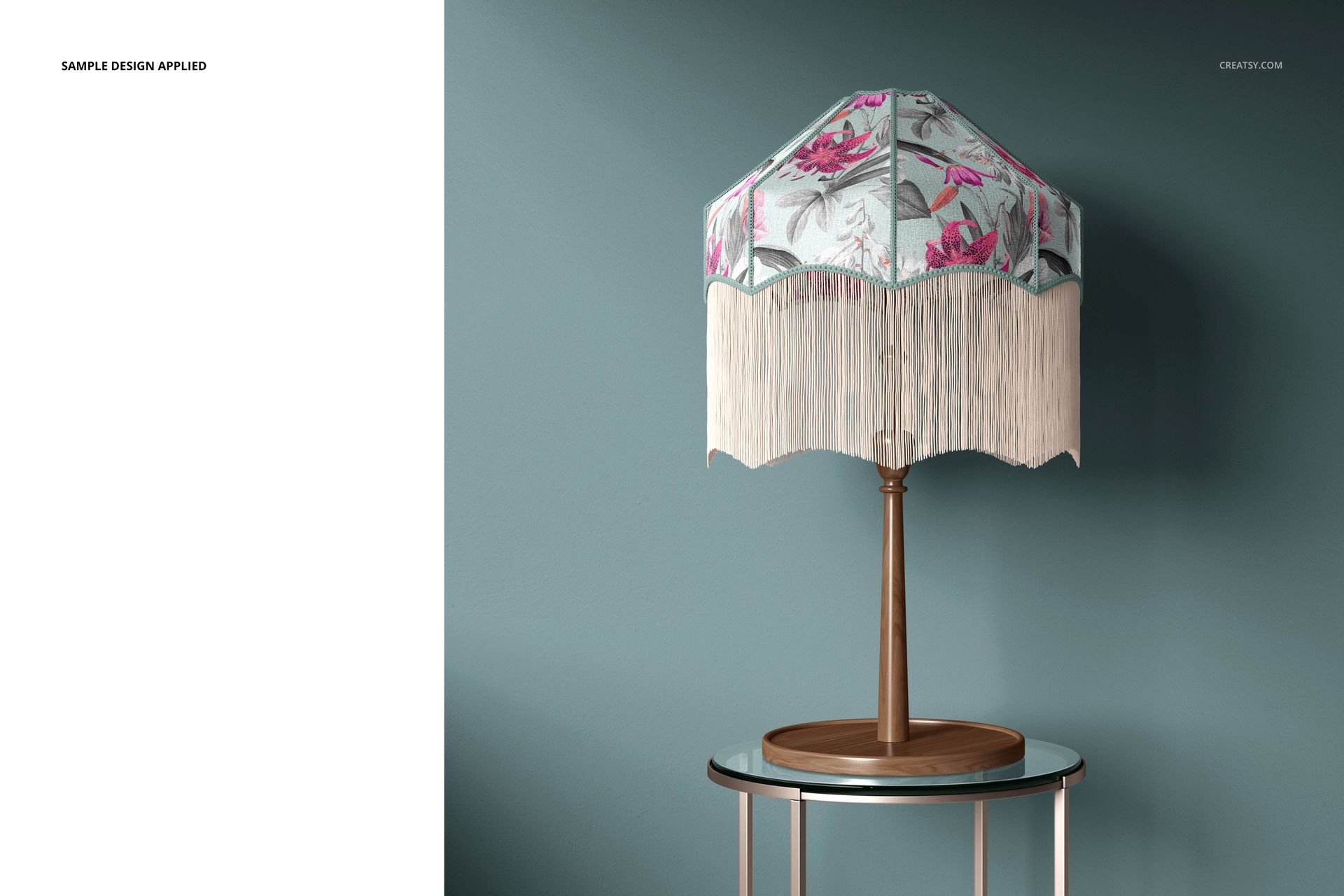
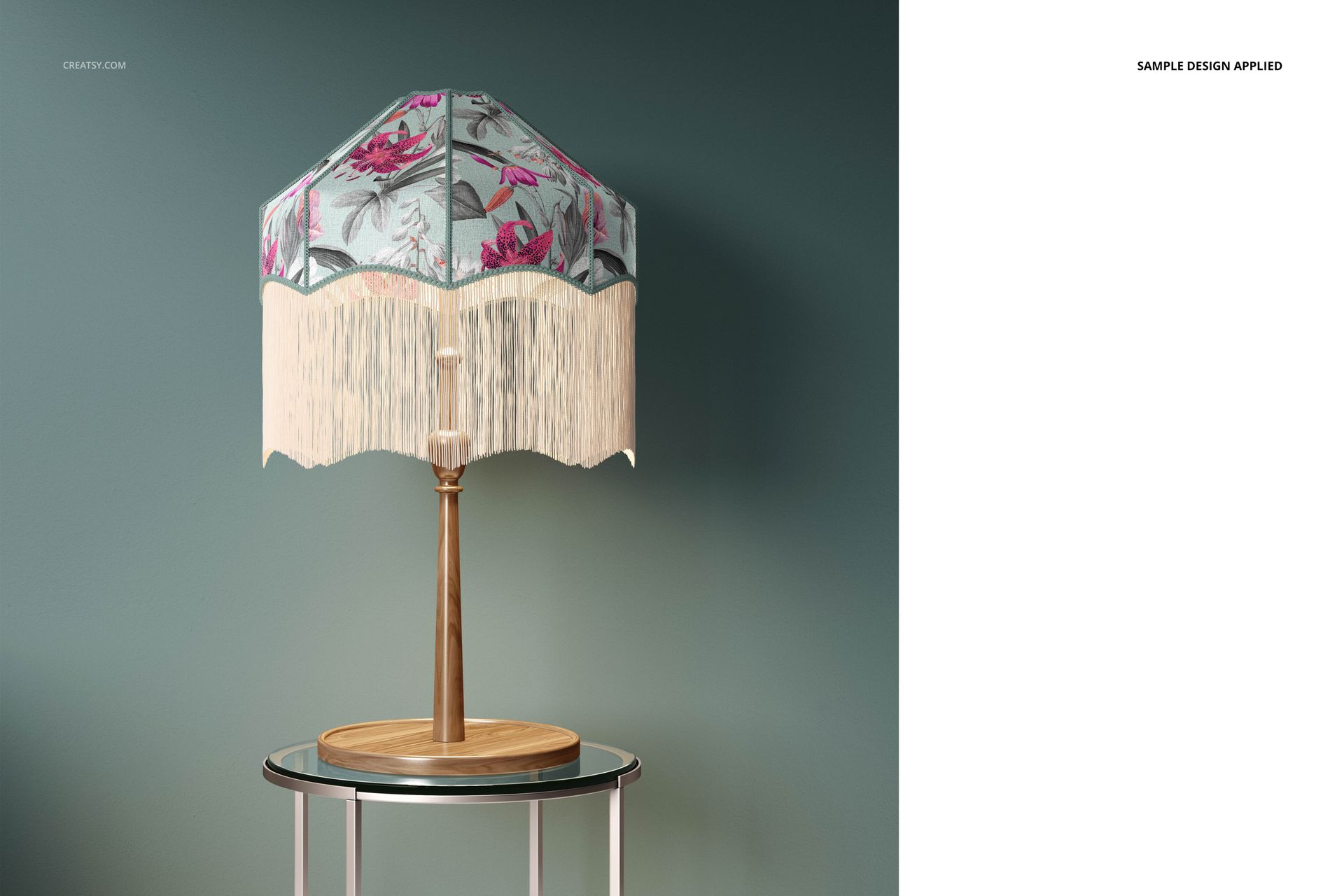
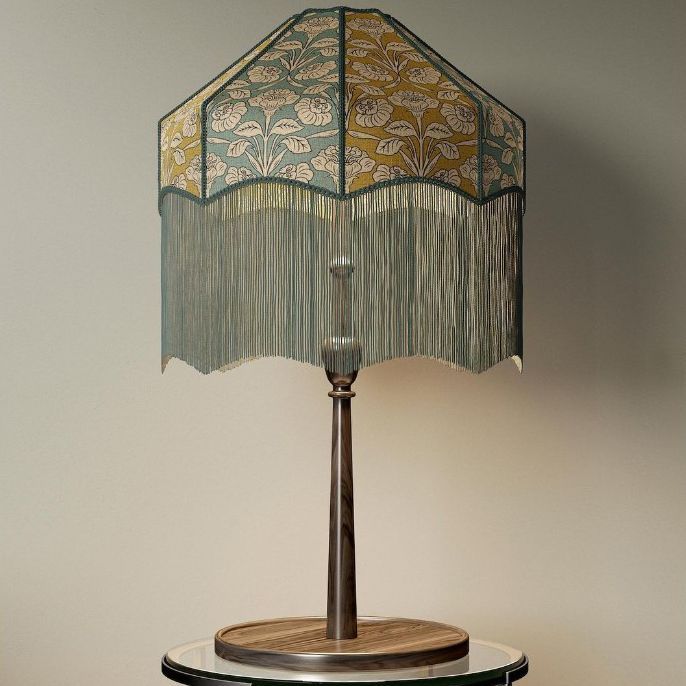
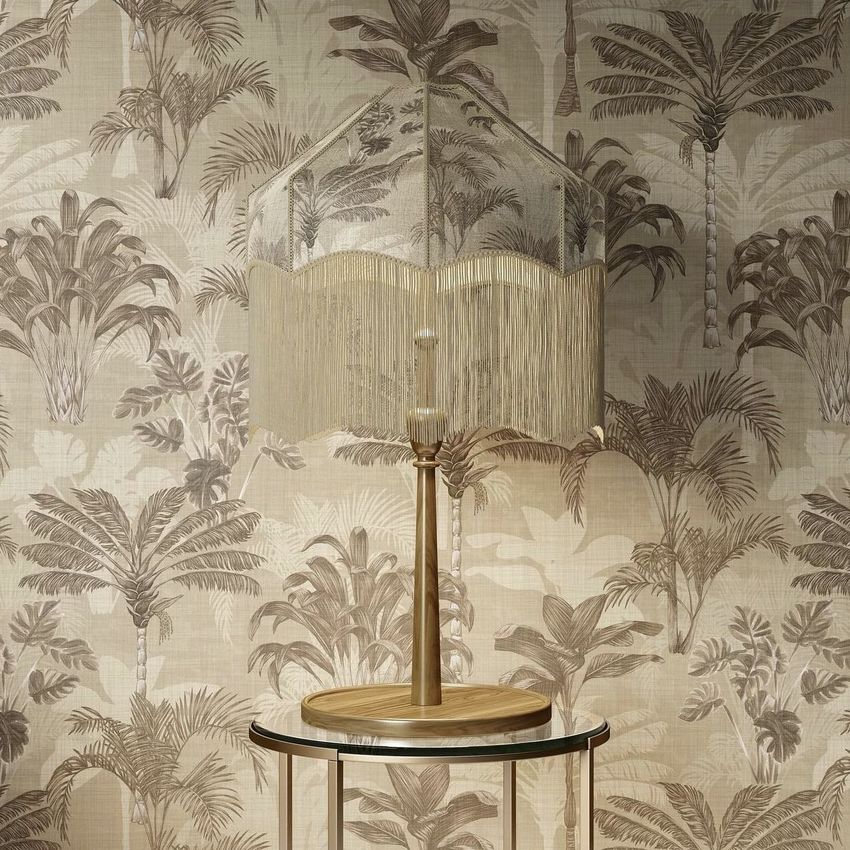
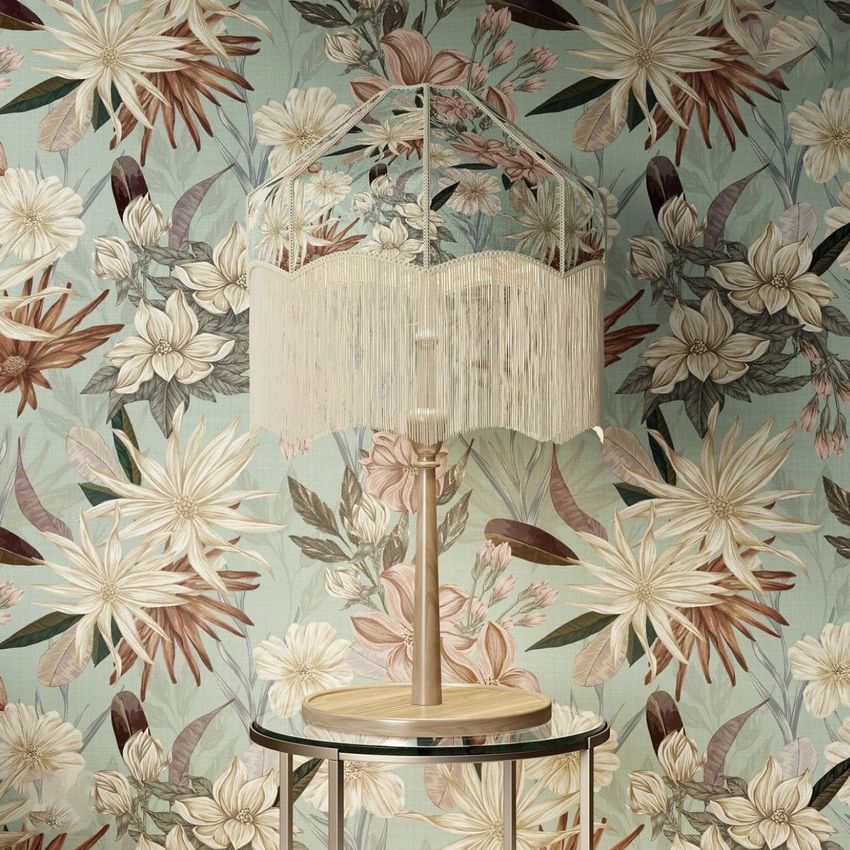
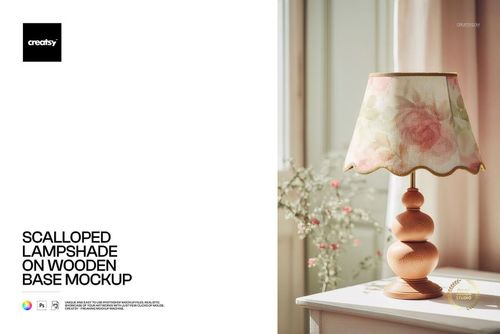
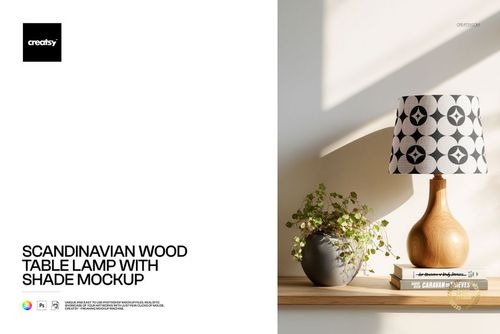
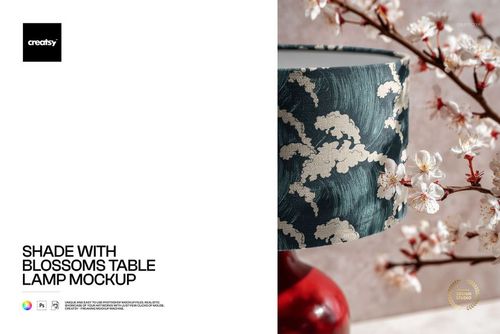
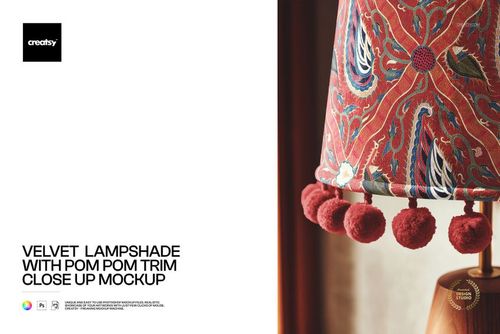
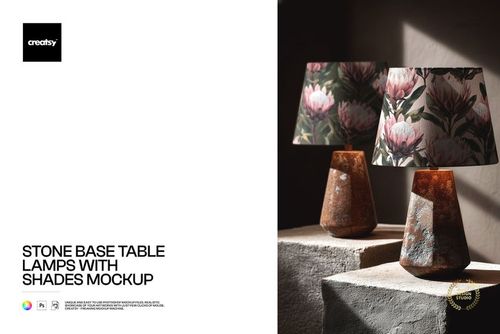
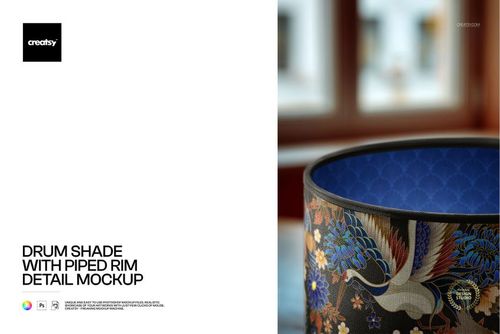
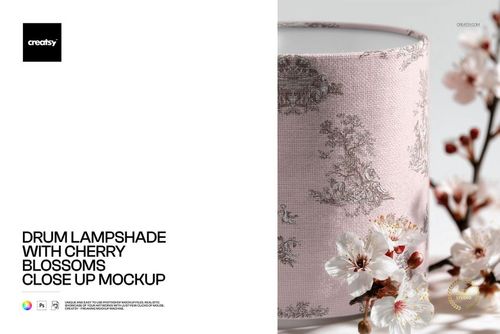
Showcase fabric patterns and decorative lampshade designs on a table lamp with tassel trim. This set of three editable PSD mockups lets you present custom textile prints on a decorative lighting product, combining patterned fabric with the distinctive texture and movement of tassels.
Use the mockups to create lampshade product images, compare fabric colorways and show how your artwork looks on a finished home decor accessory.
Three table lamp mockups with tassel details
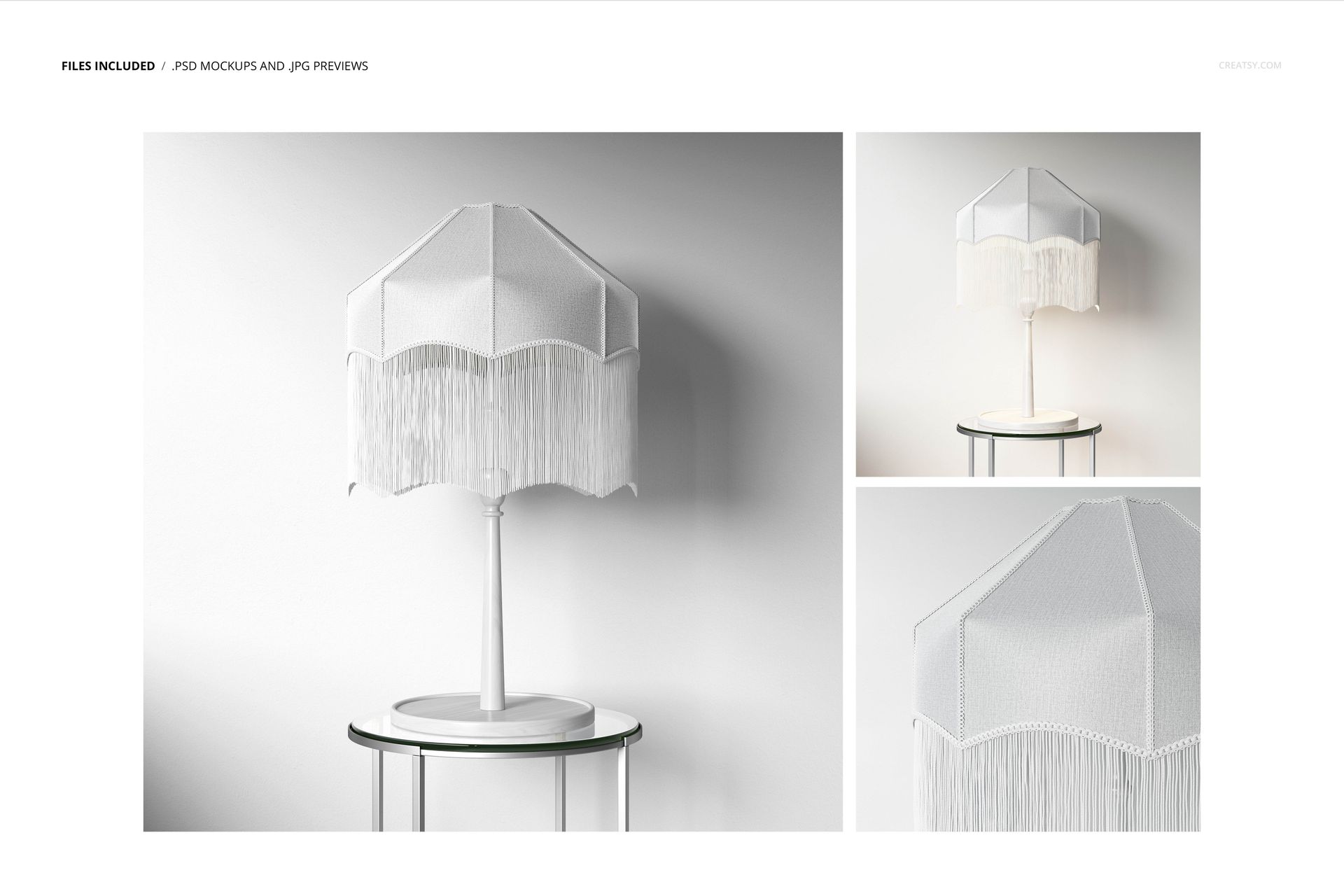
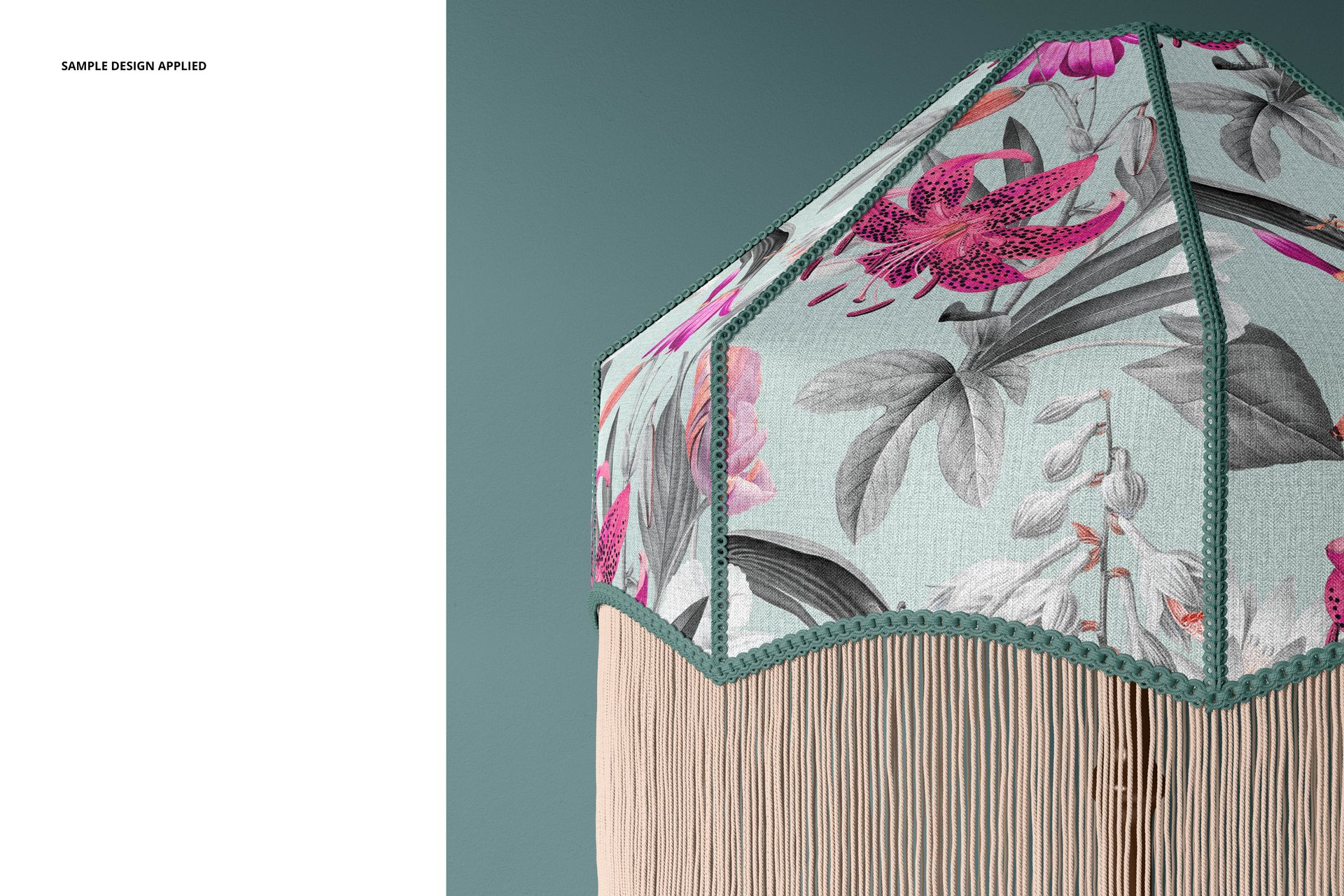
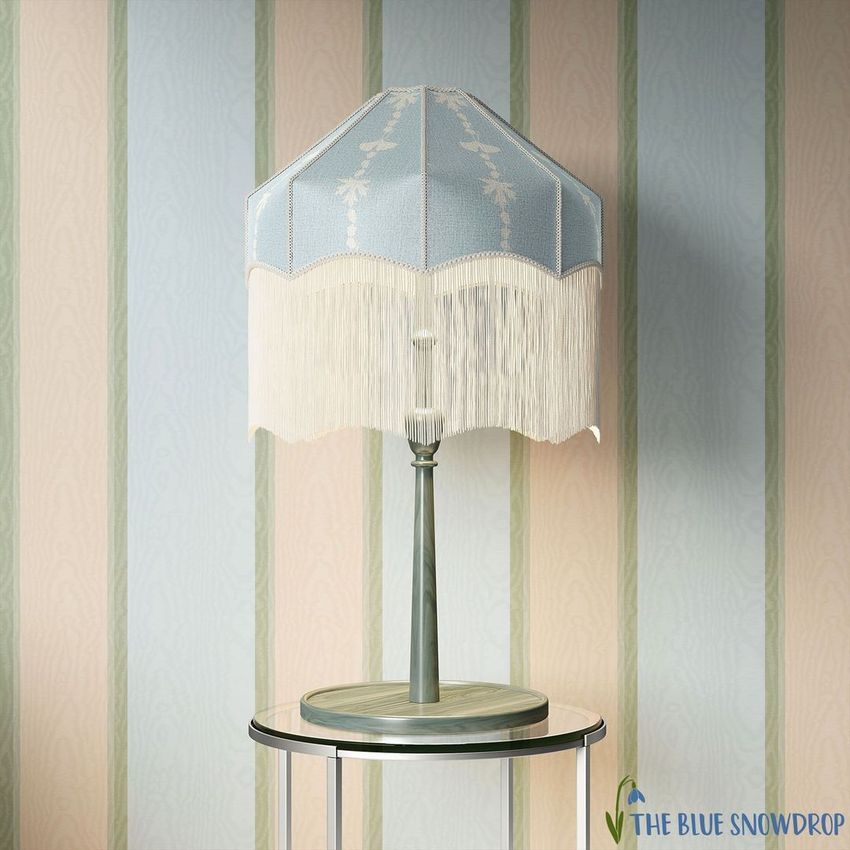
The set includes three lampshade presentations designed to highlight the relationship between the printed fabric and decorative trim.
Tassels introduce an additional design element, making the lamp particularly suitable for patterned textile collections, ornamental motifs and decorative home lighting concepts.
Use the different PSD scenes to create a consistent product presentation or compare several artwork variations.
Customize the lampshade design and colors
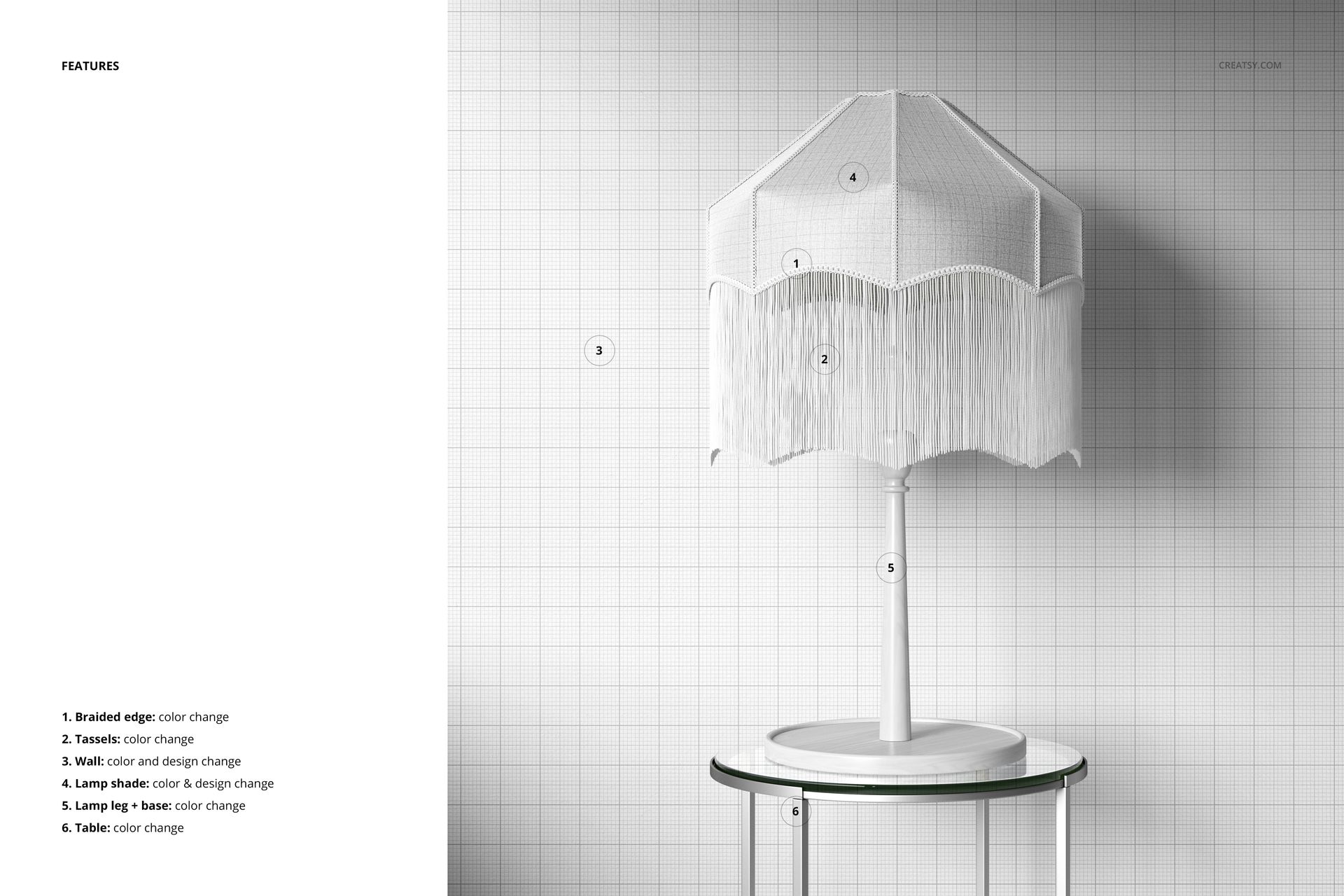
Apply your own artwork to the editable lampshade surface, then use the available color adjustments to coordinate the presentation with your design.
The mockups also support background customization, allowing you to choose a setting that complements your fabric pattern.
Explore botanical illustrations, floral repeats, decorative stripes or geometric prints and see how they appear on a three-dimensional lampshade.
For surface pattern and lighting designers
This set is useful for lampshade brands, textile artists, surface pattern designers and home decor studios preparing product catalogs or licensing presentations.
The tassel-trimmed shade offers a distinctive alternative to plain lampshade mockups, especially when presenting decorative fabrics intended for statement lighting pieces.
High-resolution editable Photoshop files
The package includes 3 layered PSD files measuring 4000 × 4000 px at 300 DPI, with organized layers for artwork and color editing.
The mockups are compatible with Adobe Photoshop CC 2020 or newer and Photopea. JPG previews are included.
This is a digital mockup set. No physical lamps, fabric products or sample patterns are supplied. Add your own designs to create the final presentations.